
Oriental Zen Minimalist Wallpaper
An elegant minimalist illustration prompt featuring a woman with a round fan against bamboo shadows, perfect for modern East Asian aesthetic wallpapers.

- Prompt included
- Model and format preset
- Free template
The prompt behind this image
Copy the exact prompt behind Oriental Zen Minimalist Wallpaper, or open it in the studio and make it yours.
主题方向:东方禅意极简插画 风格分支:女性审美明快型 主体内容:{argument name="主体内容" default="一位手持圆形团扇的古风女子站在白墙竹影前"} 情绪母题:轻盈、明媚、夏日风感 场景与意象:圆形团扇、{argument name="花影颜色" default="西柚粉"}花影、青竹绿竹影、白墙、女子 构图与空间:9:16 竖版构图,人物位于下方偏一侧,圆扇靠近视觉中心,顶部与另一侧保留整洁留白 色彩控制:奶油白作为背景基底,青竹绿用于竹影和少量植物,西柚粉用于花影和扇面点睛,人物服装用浅白或浅粉;避免红绿过满和全图粉绿滤镜化 光线与质感:明亮柔光,边缘清晰,画面干净清爽,现代东方插画感 画幅比例:9:16 补充要求:整体要轻快、鲜活、女性审美强,适合小红书高颜值封面
How to use Oriental Zen Minimalist Wallpaper in 3 steps
- 1
Open
The prompt is already in the box next to the preview, with the template's model and format selected.
- 2…a portrait of your subject in softgolden-hour light, 85mm…
Personalize
Edit the subject and creative details for your destination.
- 3Generate
Generate
Press Generate — your image is created in PicX Studio, so you can compare it with the original and refine one variable at a time.
More like this
Templates with the same subject, style or setup. Open one to see its prompt.
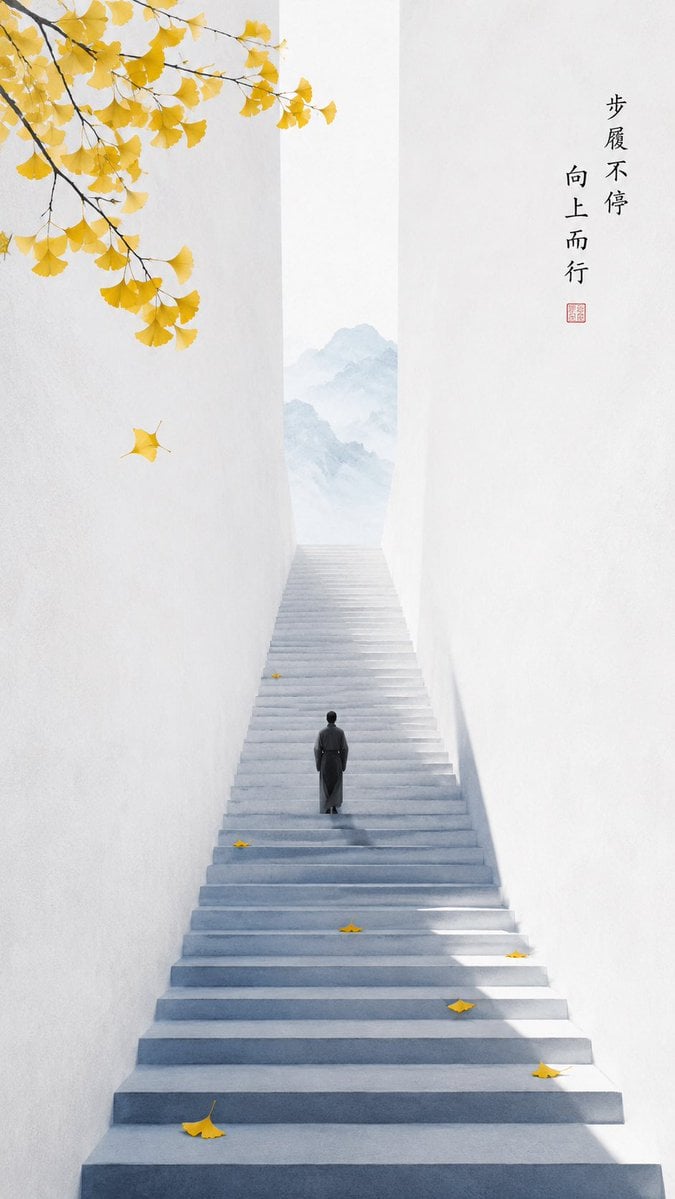
Oriental Zen Minimalist Autumn Wallpaper
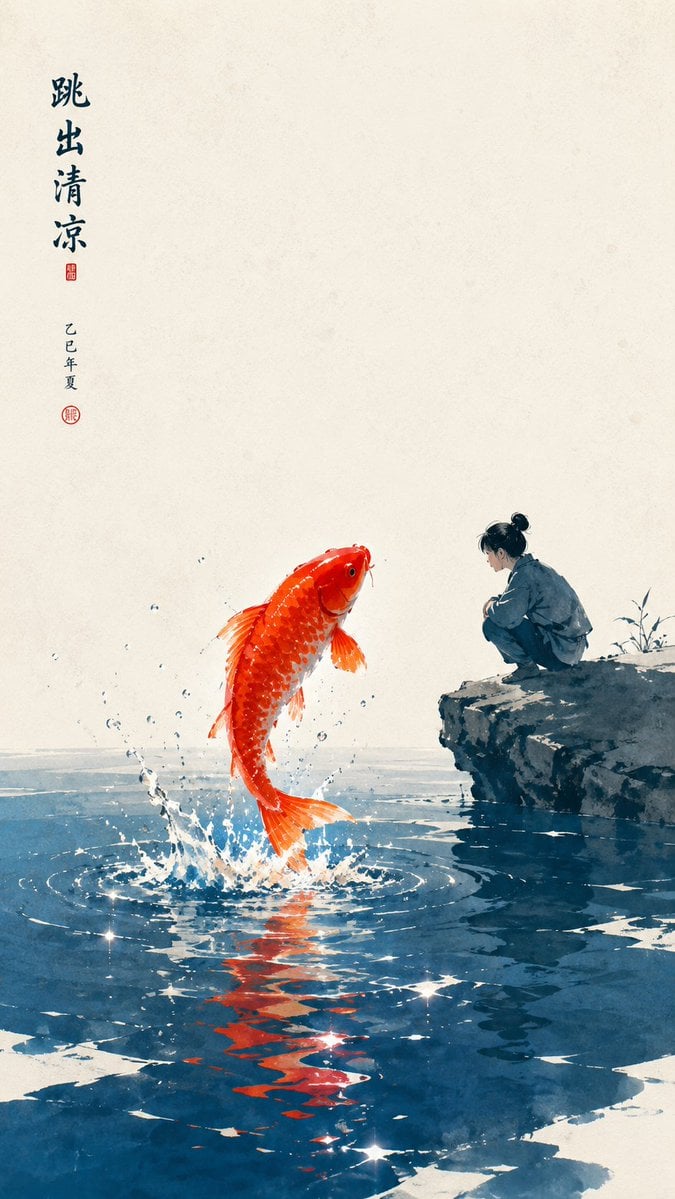
Oriental Zen Minimalist Wallpaper
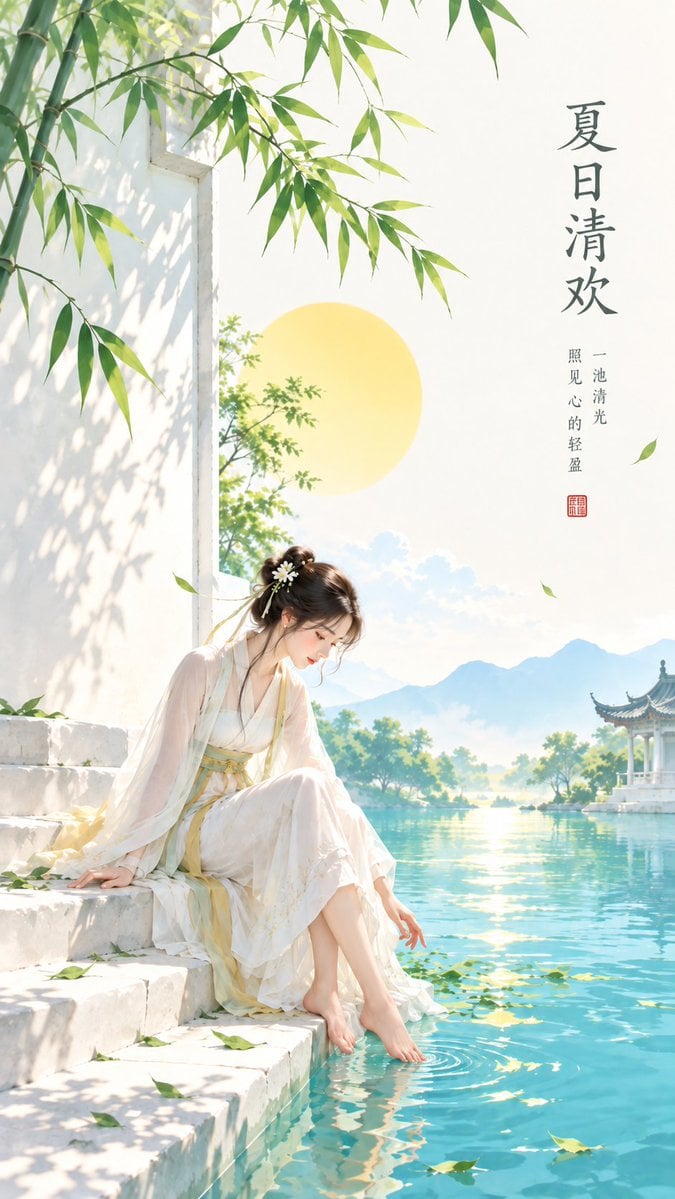
Minimalist Oriental Zen Summer Illustration
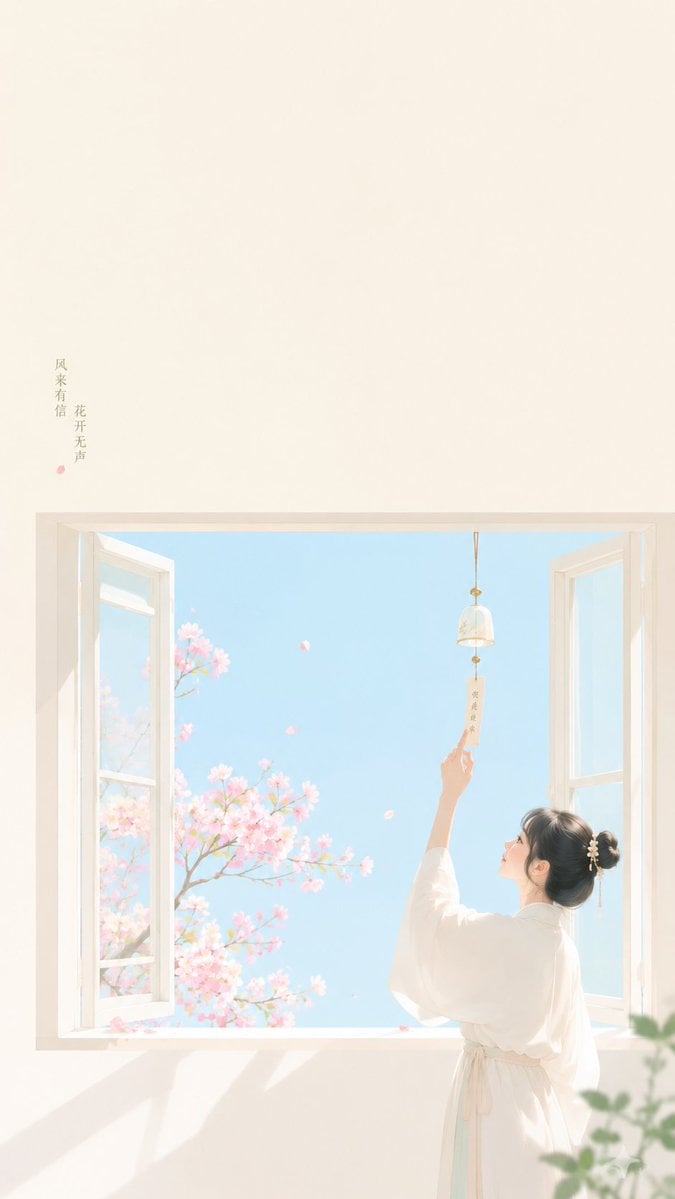
Zen Minimalist Aesthetic Wallpaper
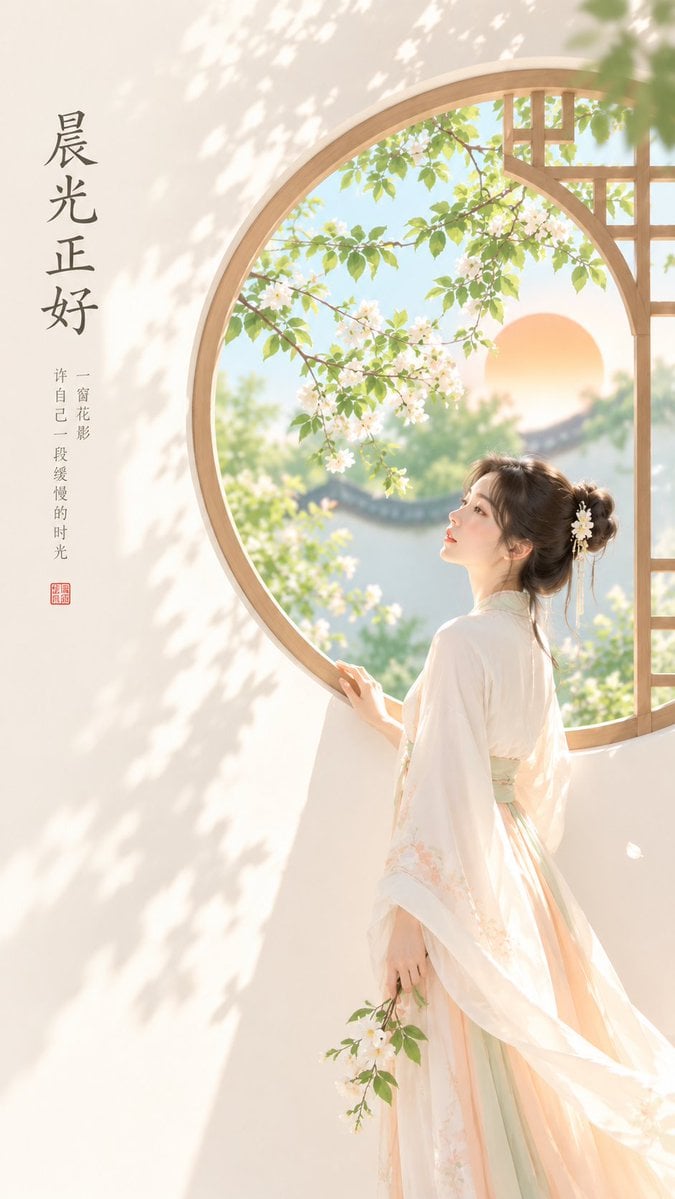
Oriental Zen Minimalist Cover Art

Zen Oriental Minimalist Poster

Oriental Zen Minimalist Illustration
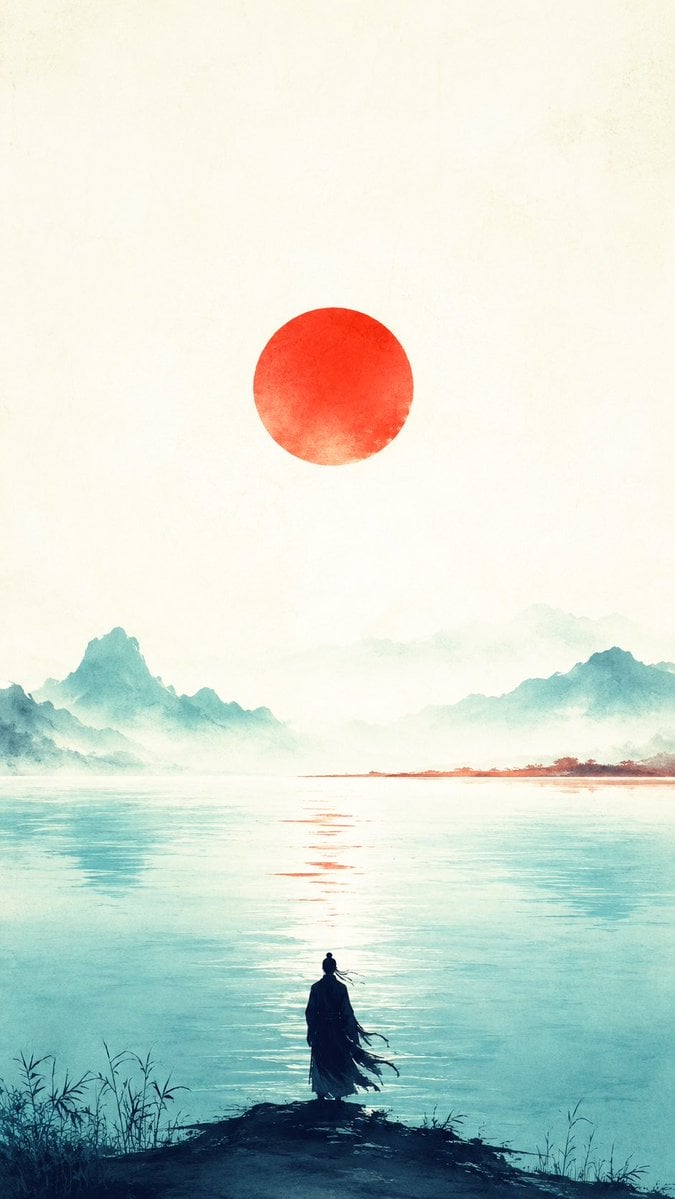
Oriental Zen Minimalist Sunset Poster
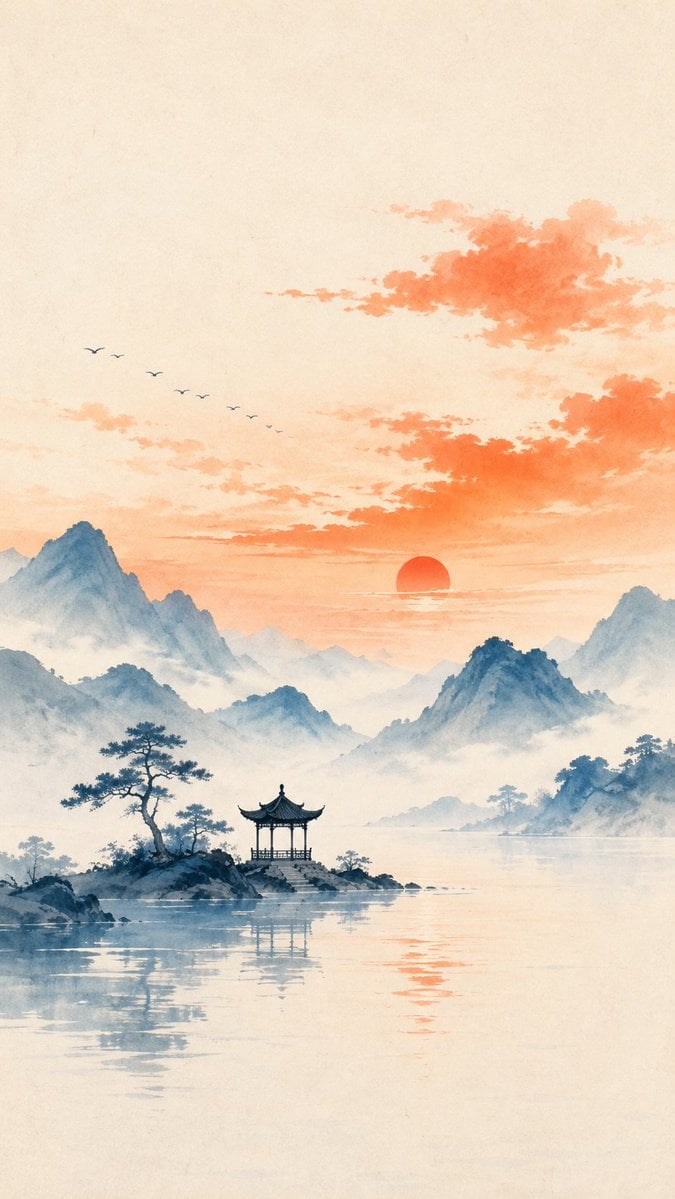
Oriental Zen Minimalist Landscape Illustration
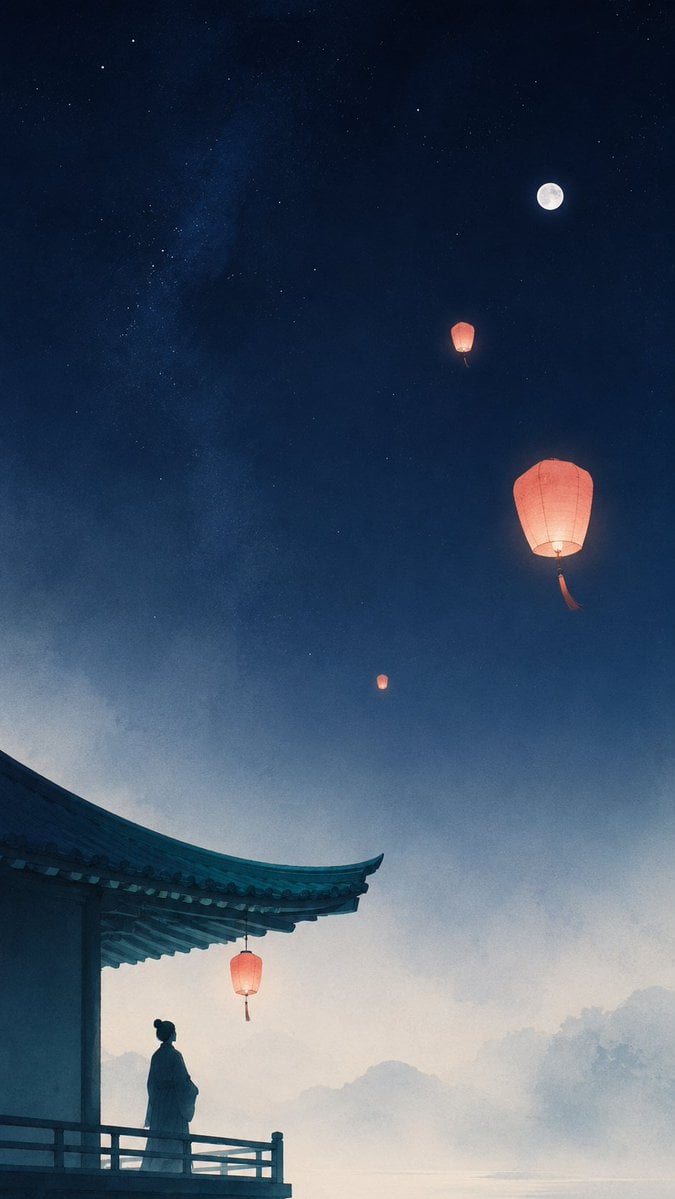
Oriental Zen Sky Lantern Aesthetic Wallpaper
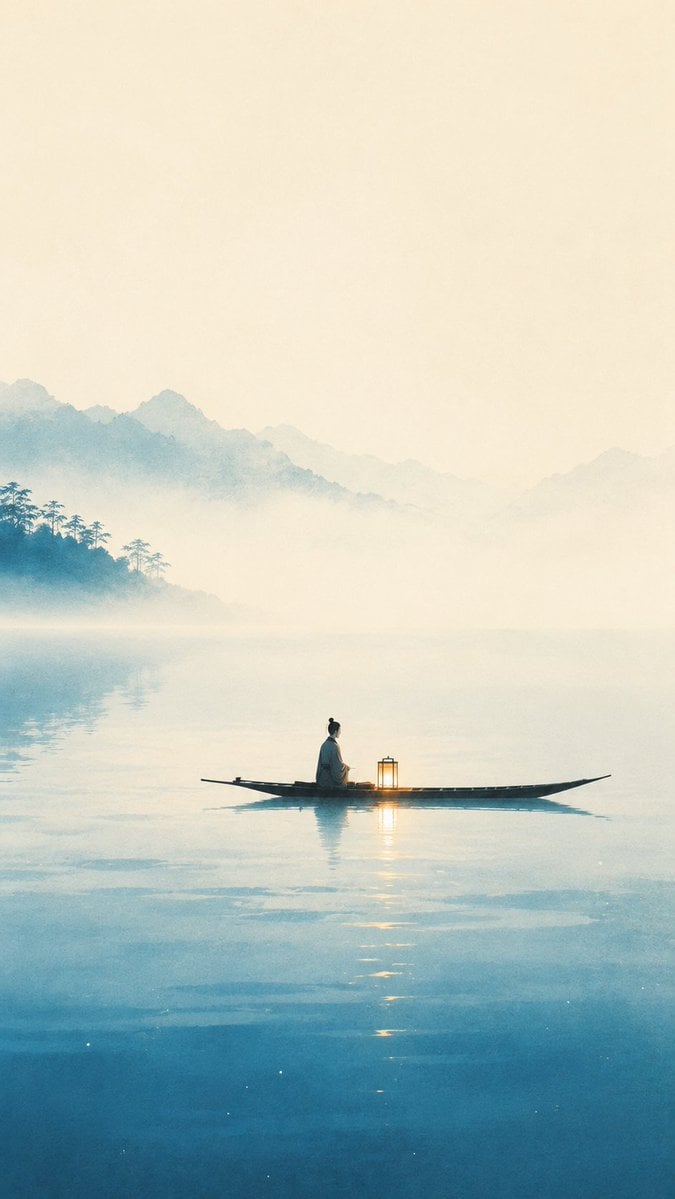
Oriental Zen Minimalist Aesthetic Poster
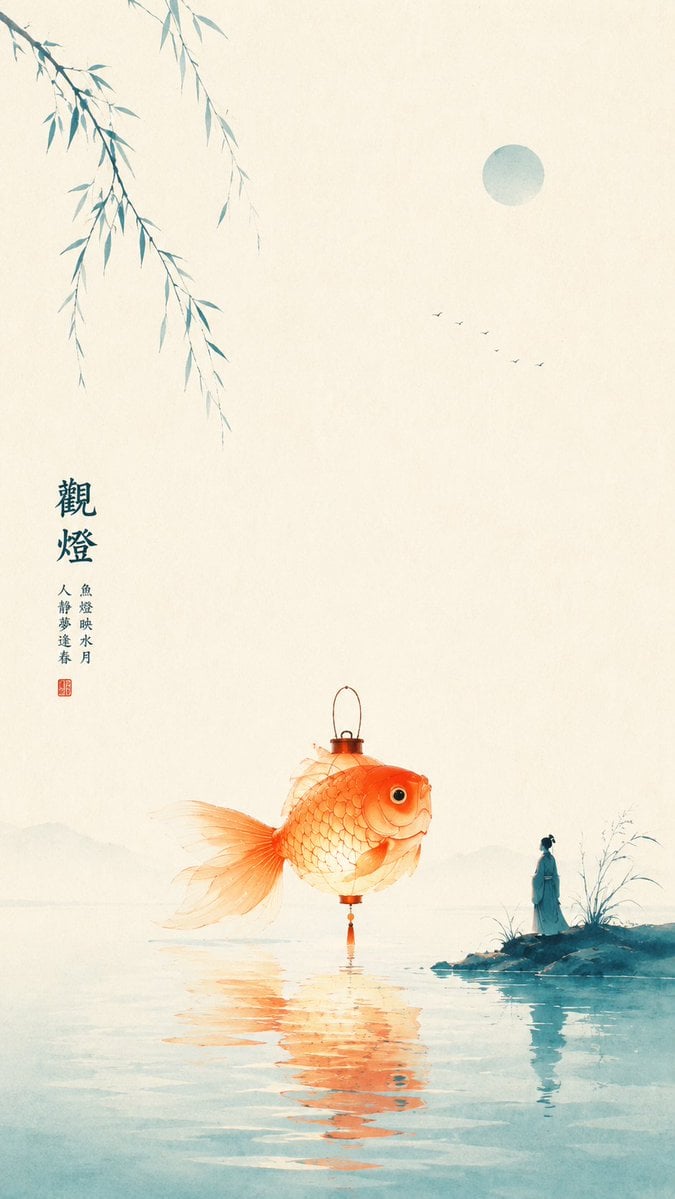
Oriental Zen Minimalist Goldfish Lantern Poster
Make it yours
Oriental Zen Minimalist Wallpaper works as-is. These are the safest ways to change it without losing the look.
Change one field
Copy a single group, rewrite it, and generate again so you can see what that field is doing.
Keep the frame, change the subject
Hold the composition and light of Oriental Zen Minimalist Wallpaper, then swap wardrobe, props or the person for a new take.
| If the result… | Why | Fix |
|---|---|---|
| The result drifts from the preview | Too many fields changed at once. | Reuse Oriental Zen Minimalist Wallpaper as-is first, then change one group — subject, light, or setting. |
| The model over-stylizes the scene | The prose prompt leaves finish and camera underspecified. | Add one camera or lighting sentence and stay on GPT Image 2. |
More GPT Image 2 templates
Other prompts made for GPT Image 2.

Six VTuber Japanese Logo Sheet

Realistic Portrait of Woman and Deer

The Vista Modular Condo Poster

AI Model Routing Comparison Infographic

2.5D Anime Art Board

Isometric Productivity Desk Scene

New York Double Exposure Poster

Four-Panel AI Landscape Comparison

Japanese Tatami Lifestyle Magazine Cover

NESCAFÉ Coffee Map Poster
More image prompts
Fresh picks from across the catalog.
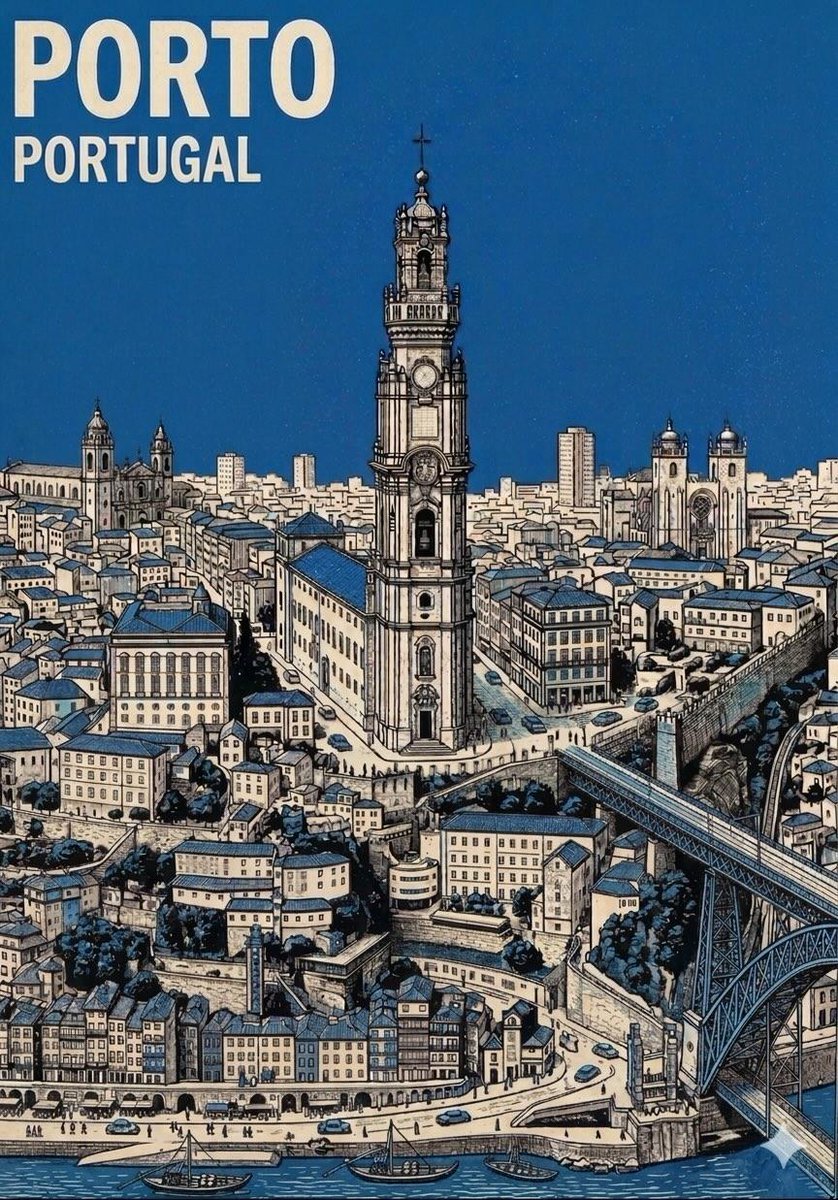
Mid-Century Travel Poster

Cyberpunk Robot Encounter
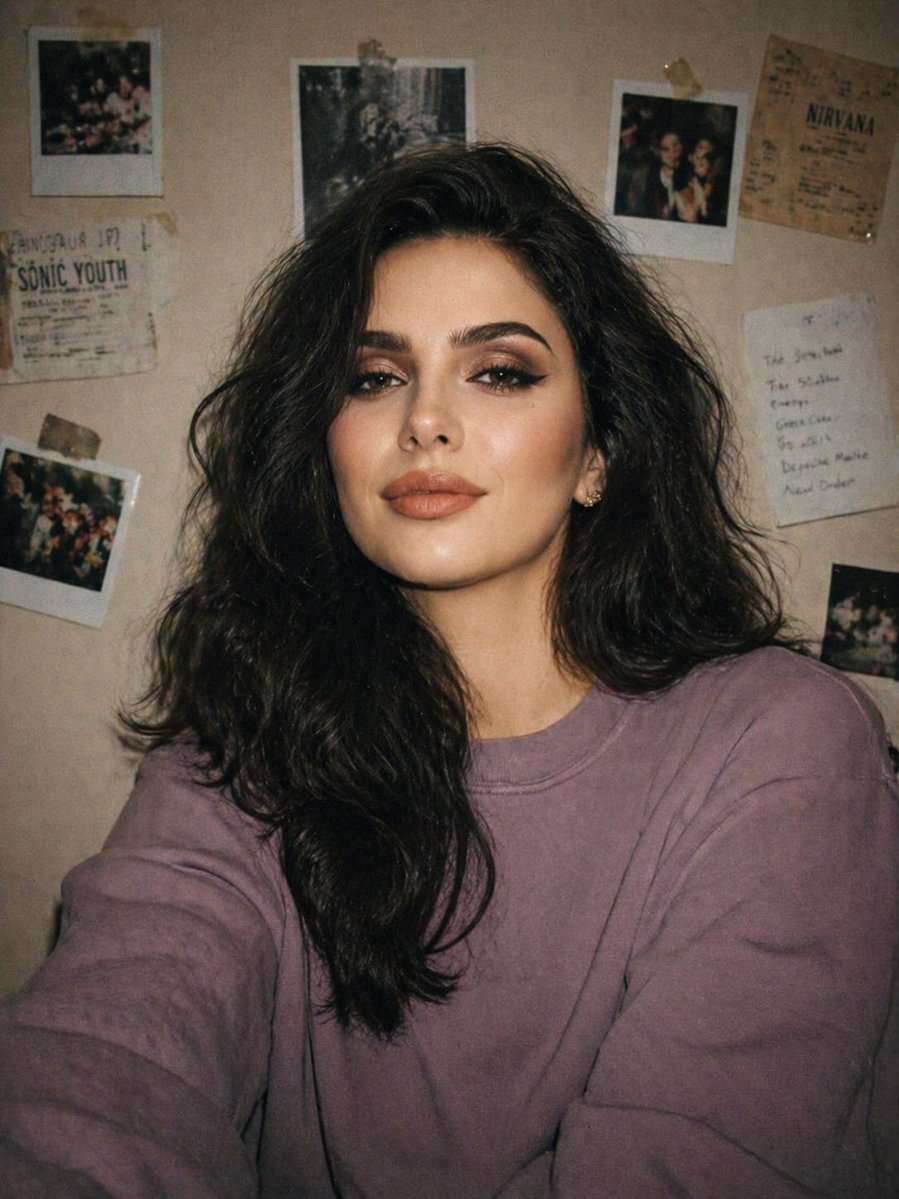
Disposable Camera Bedroom Portrait

Image Generation Prompt: Nishimura Mizuki Fishing Leviathan
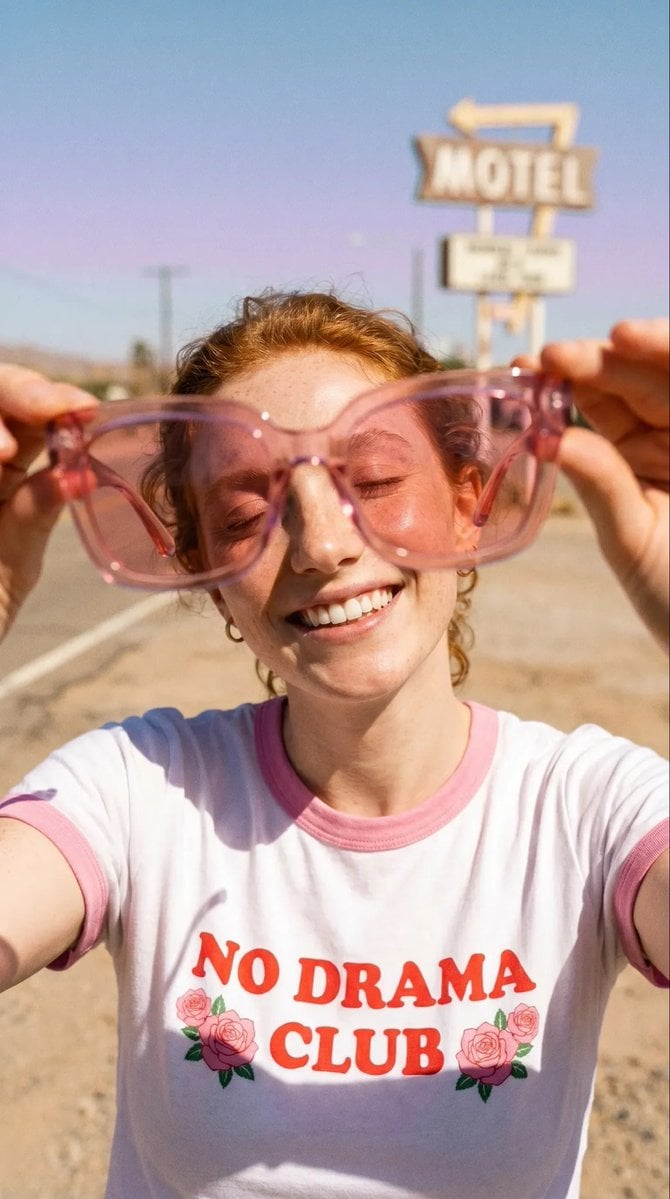
Realistic Desert Lifestyle Portrait
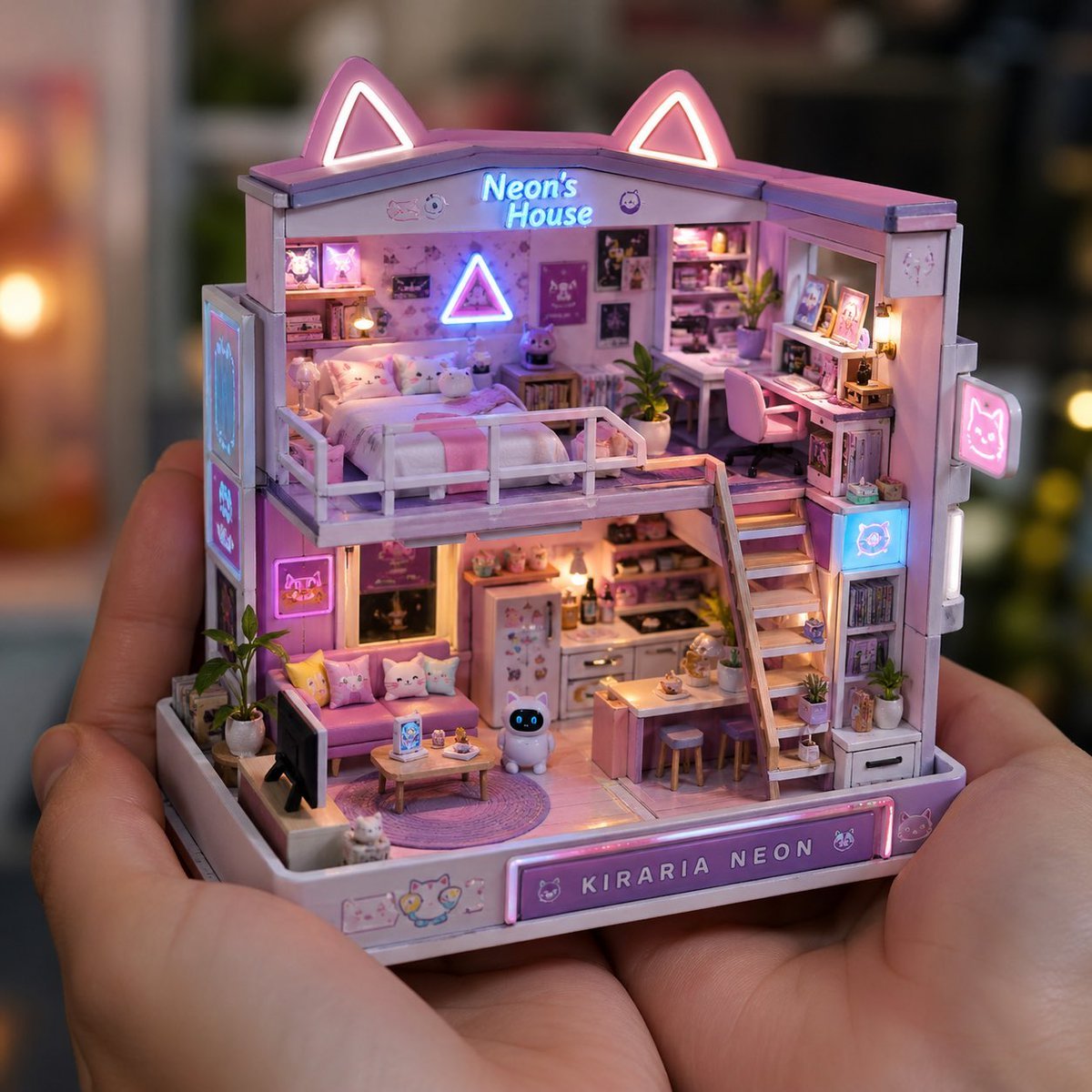
Miniature Handcrafted Object Photography
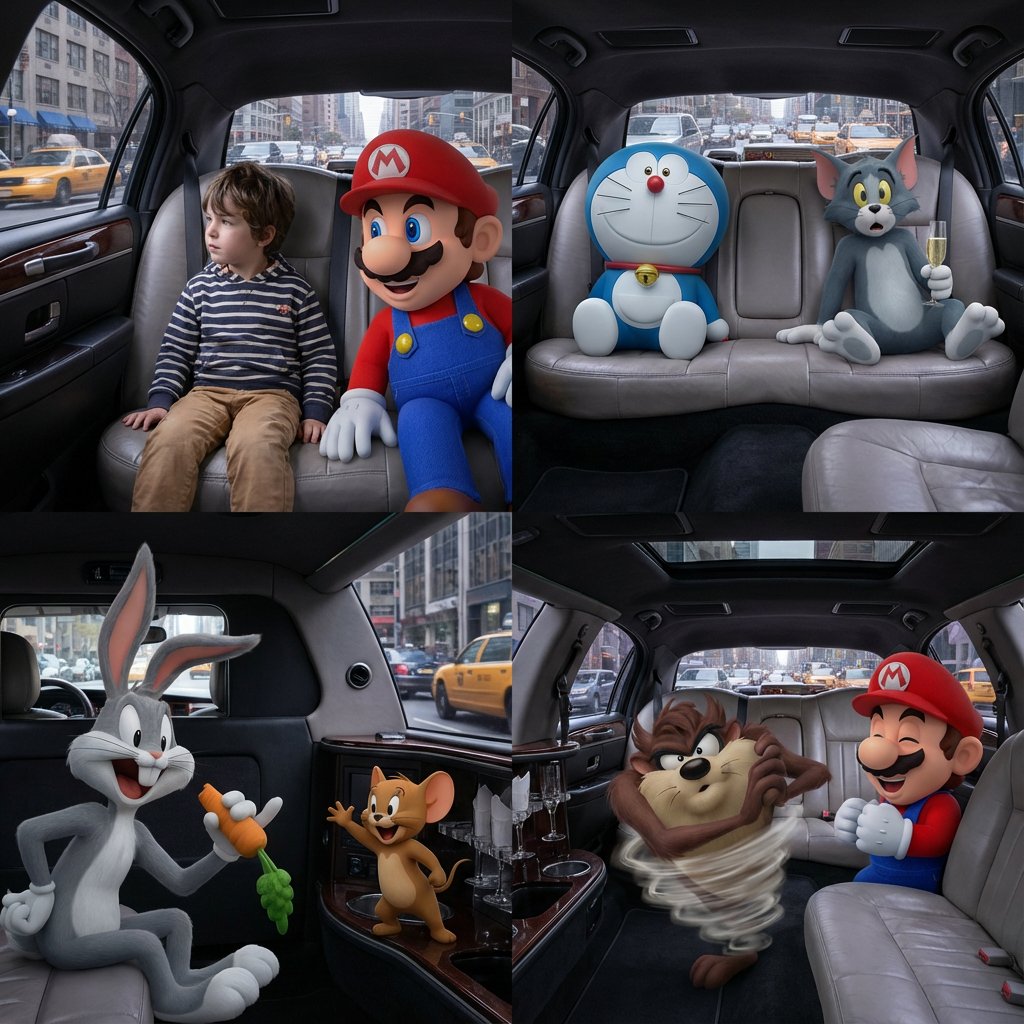
Four-Panel Composition Prompt with Location Context
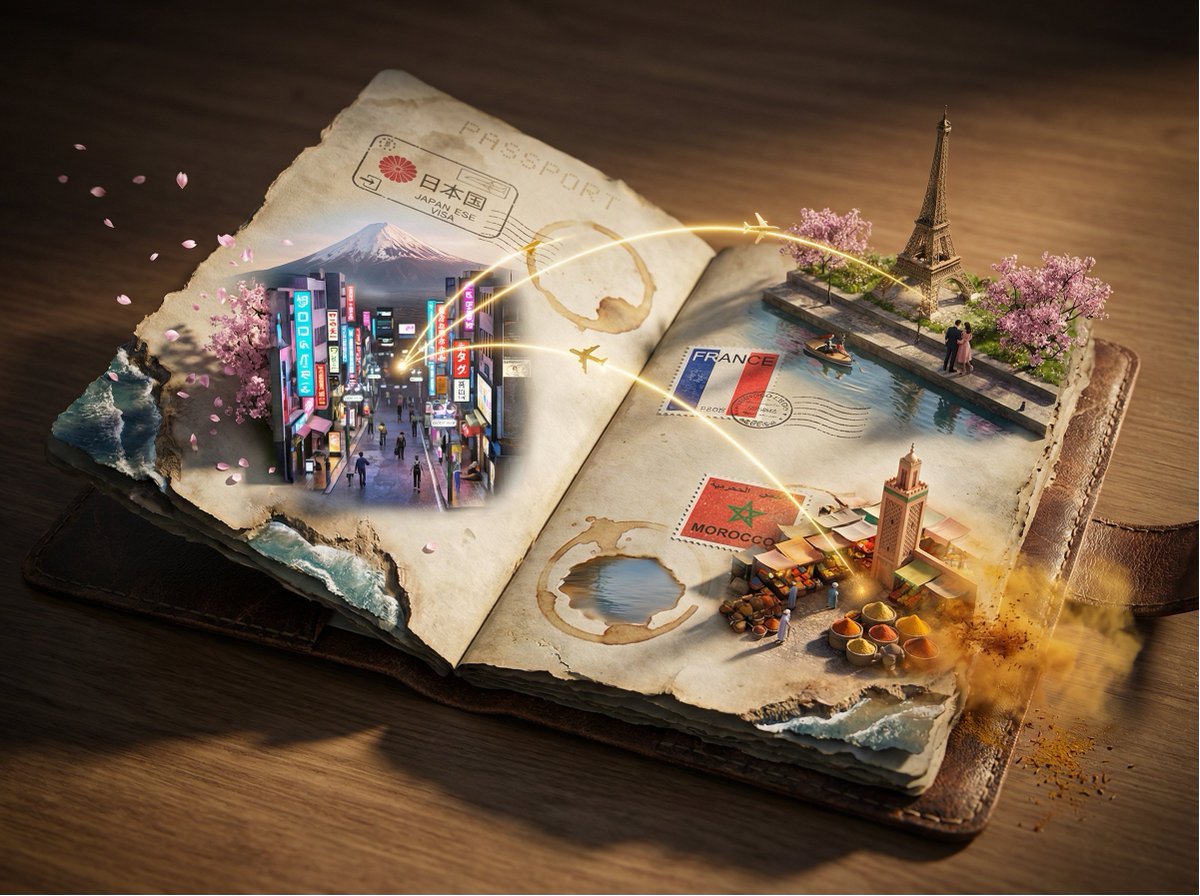
Epic 3D Passport Odyssey Scene
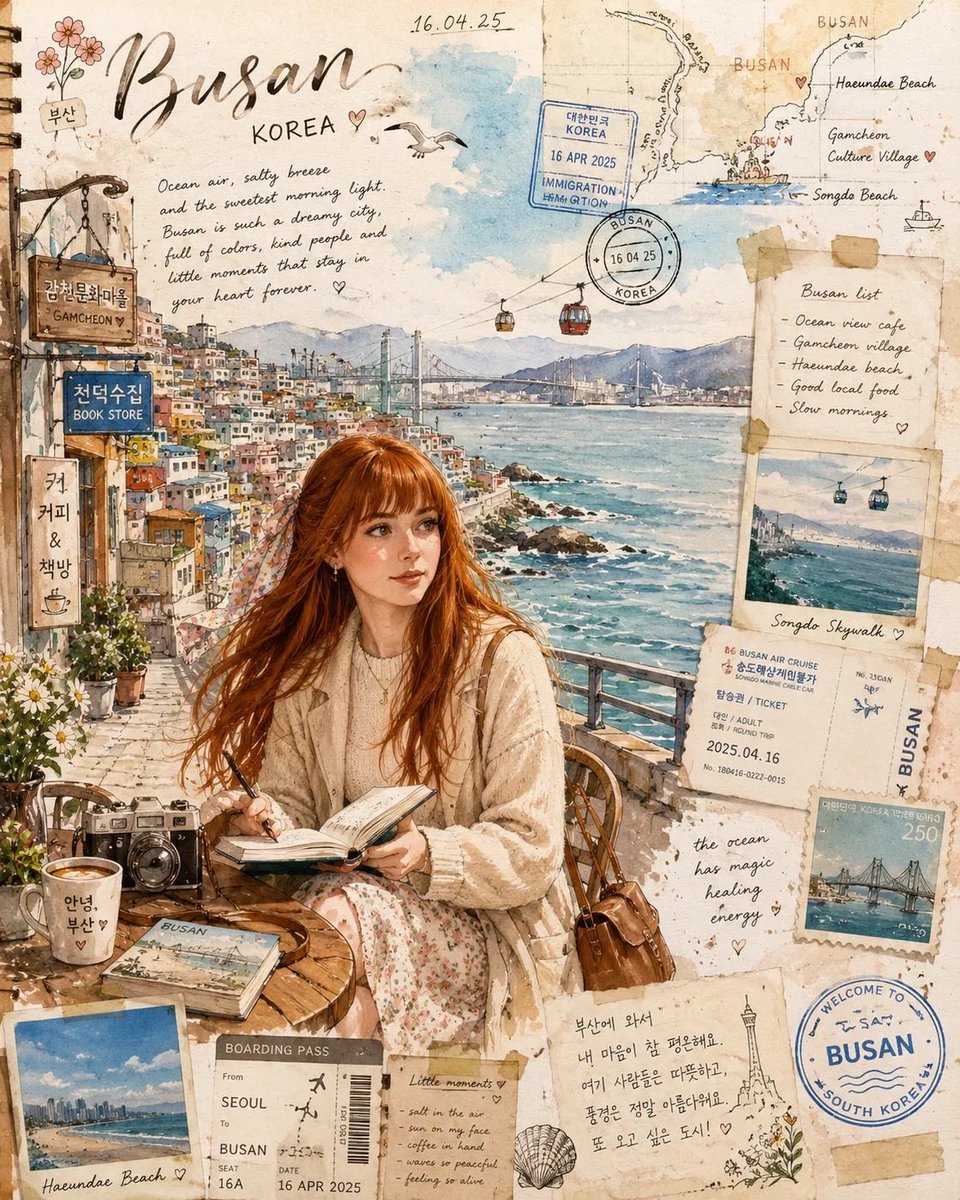
Busan Travel Journal Illustration
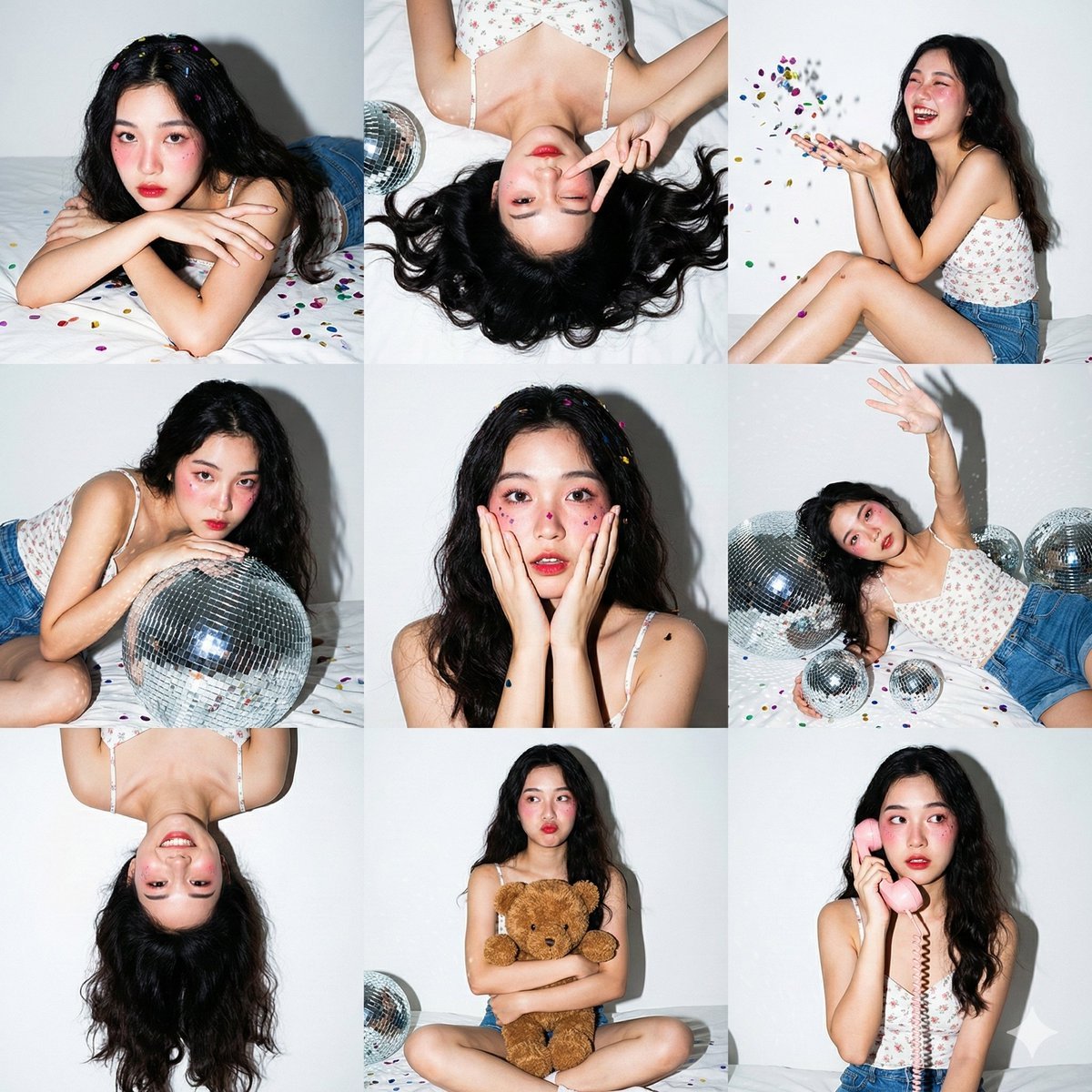
Nano Banana Pro 3x3 Photo Collage Prompt
Browse template categories
Oriental Zen Minimalist Wallpaper questions
How do I use the Oriental Zen Minimalist Wallpaper template?
Add your photo if the template asks for one, edit the prompt if you like — the template's model and format are already selected — and press Generate. Your version opens in PicX Studio.
Can I customize the Oriental Zen Minimalist Wallpaper template?
Yes. You can change the subject, setting, lighting, mood, format, and available model controls before creating your image.
Is the Oriental Zen Minimalist Wallpaper template free?
Opening and editing this template is free. Generating uses credits, shown on the Generate button when you are signed in.
Which AI model should I use?
Start with GPT Image 2, which is the model associated with this template. You can compare another compatible model for a different finish.
Looking for something else? Browse all templates.

Your photo, any look
Thousands of ready templates for every top image and video model, from one credit balance.