How do I use the Nano Banana Pro 3x3 Photo Collage Prompt template?
Choose the primary action to open PicX Studio with the available template settings. Review the model and format, personalize the creative direction, and generate when ready.
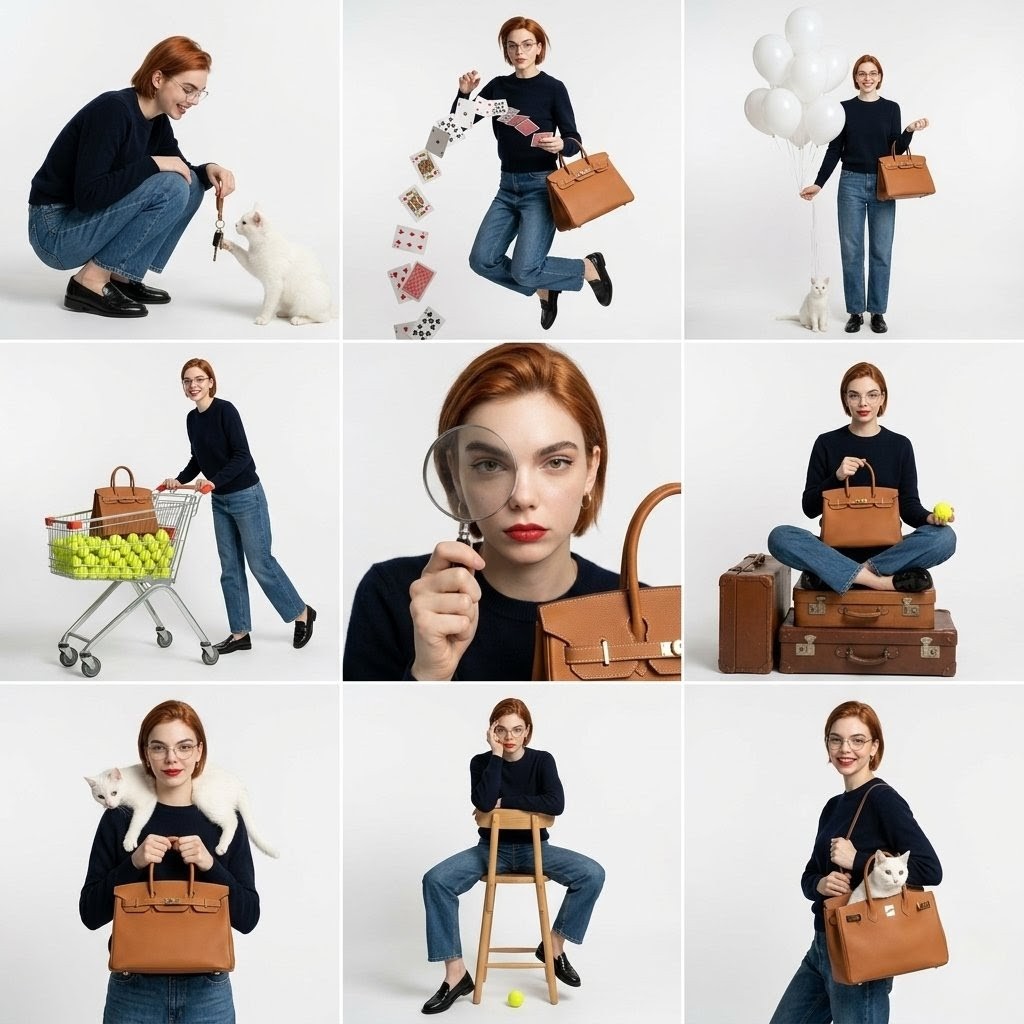
A detailed, structured prompt for Nano Banana Pro to generate a 3x3 photo collage (nine-grid) featuring a young Asian woman in a Z-generation home party/girly bedroom aesthetic, using harsh direct flash lighting for high contrast and sharp shadows, with specific poses detailed for each of the nine panels. Change the subject, setting, or lighting one variable at a time.

{ "model": "Nano Banana Pro (Gemini)", "prompt": { "layout": { "type": "3x3 照片拼贴 / 九宫格", "description": "9 张竖版人像照片以正方形网格排列", "consistency": "9 个画面中为同一人物、同一服装、同一光线条件" }, "aesthetic_style": { "theme": "{argument name="主题" default="Z 世代居家派对 / 少女闺房写真"}", "lighting_technique": "机顶直闪(硬光)", "visuals": "高对比度、清晰锐利阴影、混乱有趣的氛围、鲜艳色彩、白色背景" }, "subject_details": { "appearance": "年轻亚洲女性,肤色白皙,深色长卷发,发量蓬松", "outfit": "白色碎花吊带上衣,蓝色牛仔短裤", "makeup": "浓重粉色腮红(Igari 醉酒妆风格),红色唇妆,脸颊带亮片" }, "environment_and_props": { "background": "贴有照片的白色墙面,白色床单", "decor": [ "银色迪斯科球(多种尺寸)", "五彩金属亮片纸散落", "棕色泰迪熊", "粉色复古有线电话" ] }, "panel_pose_breakdown": { "1_top_left": "俯卧趴着,下巴放在交叉的手臂上,看向镜头,头发上有亮片", "2_top_center": "俯拍视角仰躺,眨一只眼,比 V 手势,头发向四周散开", "3_top_right": "侧坐,双膝弯曲,大笑抓拍,向空中抛洒亮片", "4_middle_left": "上半身倚靠在大型银色迪斯科球上,目光强烈直视镜头", "5_middle_center": "近景特写,双手贴在脸颊,惊讶或害羞表情,亮片粘在脸上", "6_middle_right": "躺在迪斯科球之间,一只手向上伸向天花板或镜头", "7_bottom_left": "倒置视角(头部在画面下方),俏皮表情,头发自然垂落", "8_bottom_center": "盘腿坐姿,紧紧抱着棕色泰迪熊,微微嘟嘴", "9_bottom_right": "坐直,手持粉色复古电话听筒贴在耳边,侧头像在听八卦" }, "camera_technical_values": { "focal_length": "35mm", "aperture": "f/5.6" } } }
Choose the primary action to open PicX Studio with the available template settings. Review the model and format, personalize the creative direction, and generate when ready.
Yes. You can change the subject, setting, lighting, mood, format, and available model controls before creating your image.
This template is free to open and customize. Generation usage is shown in PicX Studio before you create.
Start with Nano Banana 2, which is the model associated with this template. You can compare another compatible model for a different finish.
© 2026 PicX Studio. All rights reserved.

Follow a topic to a crawlable collection of related PicX Studio templates.
43,474 public templates available. Verified via the PicX Studio public templates API; refreshed hourly.











![Naive doodle-style subject illustration — A doodle-style {argument name="subject" default="[subject]"}, naive lines, humorous shape exaggeration](https://pbs.twimg.com/media/G6Wl2YxbsAARB2b.jpg)











![Cyber-Techno Product Shot in Void with Prismatic Effects — {argument name="product placeholder" default="[INSERT YOUR PRODUCT HERE]"} · Centered, perfectly symm](https://pbs.twimg.com/media/HC1qTT3aYAEySyc.jpg)






![Cinematic Urban Realism in an Elevator — {
"genre": "cinematic urban realism",
"mood": ["tense", "cold", "isolated", "quiet intensity"],
"theme": "a](https://pbs.twimg.com/media/G-wsyjQa8AAcbJz.jpg)









![Zhao Lusi Red Carpet Gothic Chic Portrait — {
"subject": {
"name": "{argument name="celebrity name" default="Zhao Lusi"}",
"aliases": ["Rosy Zhao"],](https://pbs.twimg.com/media/HA2i_45aMAA84bG.jpg)
