
Botanical Archive Victorian Portrait
A structured, hyper-realistic portrait prompt set in a dense botanical Victorian glasshouse archive, featuring intricate lace and organic spiderweb details.
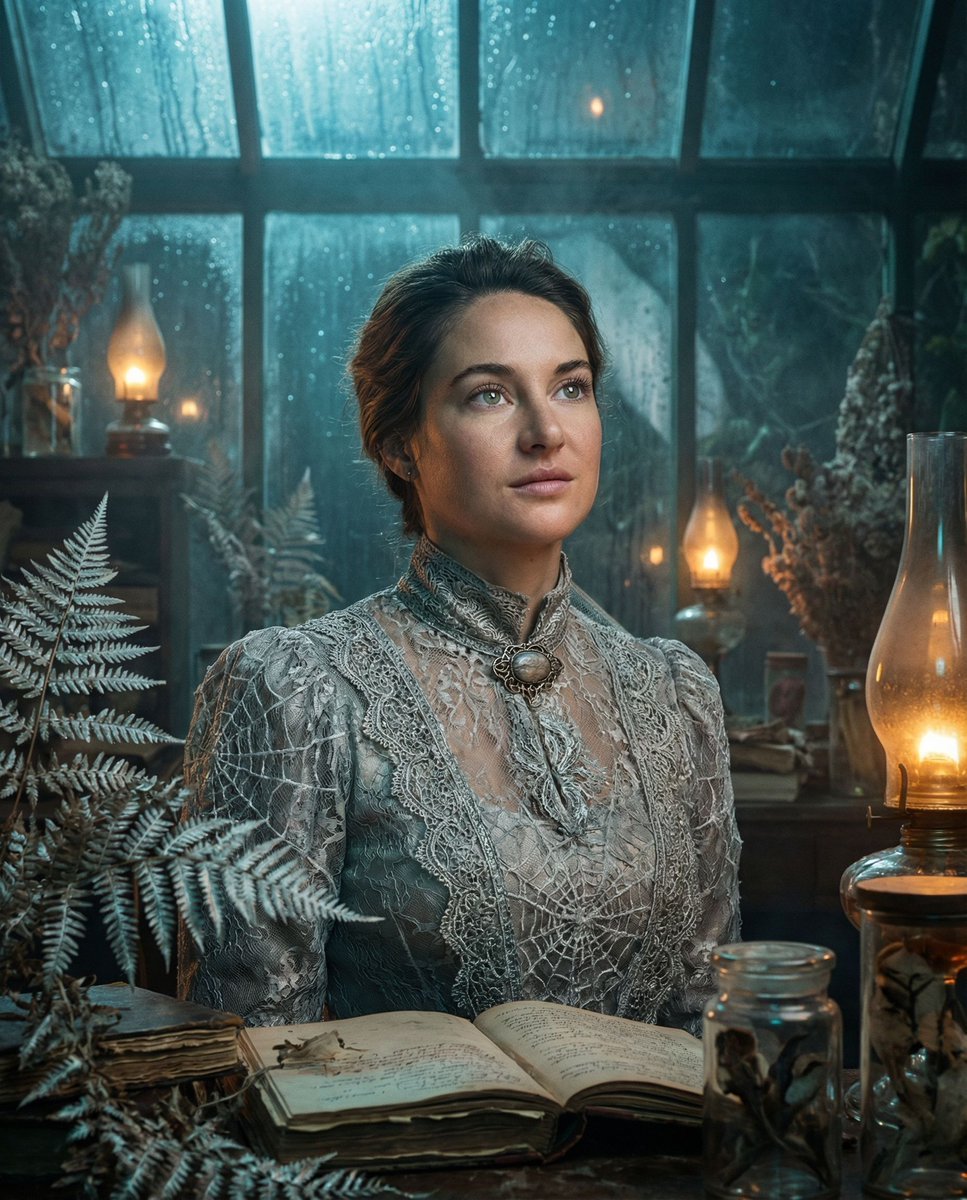
- Prompt included
- Model and format preset
- Free template
The prompt behind this image
Copy the exact prompt behind Botanical Archive Victorian Portrait, or open it in the studio and make it yours.
{ "vibe_title": "Gümüş Botanik Arşivi", "master_prompt": "A hyper-realistic medium-format portrait of {argument name="subject" default="The Protagonist"} standing amidst a {argument name="setting" default="dense, cluttered botanical archive inside a weathered Victorian glasshouse"} at twilight. The environment is saturated with narrative detail: stacks of crumbling botany journals, hanging dried silver ferns, jars of preserved specimens, and overflowing shelves of rusting tools. The Protagonist wears a surreal, high-fashion garment that appears to be a hybrid of {argument name="clothing" default="antique Victorian lace and living, frosted spiderwebs"} (High-Budget Practical Effect), creating a seamless transition between the textile and the organic surroundings. They are looking slightly upward toward a soft, moon-like light source breaking through the rain-streaked glass roof, their expression hopeful and determined (The Visionary). The lighting creates a cinematic mood: cool cyan twilight serves as the key light, while scattered amber oil lamps provide a warm, volumetric fill in the background. Shot at exact eye level on a Hasselblad X2D with an 80mm f/1.9 lens to capture hyper-realistic skin pores and the specific weave of the lace. The aesthetic mimics Cinestill 800T film stock with subtle halation, atmospheric fog, and visible dust motes dancing in the air. No neon.", "meta": { "intent": "Cinematic Editorial", "priorities": "Texture, Narrative Density, Photorealism", "device_profile": "Hasselblad X2D 100C" }, "frame": { "aspect": "4:5", "composition": "Central Portrait with Dense Framing", "layout": "Cluttered Foreground and Background", "camera_angle": "Exact Eye-Level", "tilt_roll_degrees": "0°" }, "subject": { "gender": "Female", "identity": "The Botanical Archivist", "demographics": "Young Adult", "face": "Neutral, natural skin texture with visible pores", "hair": "Textured, slightly wavy, silver or muted cool tones", "body": "Elegant posture, standing tall", "expression": "Hopeful, determined, eyes fixed on a light source above", "pose": "Chin lifted slightly, shoulders squared, The Visionary stance" }, "wardrobe_accessories": { "garments": [ { "item": "Victorian High-Collar Blouse", "material": "Antique Lace / Frosted Spiderweb Hybrid", "color": "Pale Silver / Ice Blue", "fit": "Structured and Intricate" } ], "accessories": [ { "item": "Brooch", "color": "Tarnished Silver", "material": "Metal and Crystal", "brand_style": "Vintage Heirloom" } ] }, "environment": { "setting": "Overgrown Victorian Glasshouse Archive", "surfaces": "Wet glass, rusted iron, paper, dried leaves", "depth": "Shallow depth of field with busy, textured bokeh", "atmosphere": "Cold, humid, misty, smelling of ozone and old paper", "lens_interaction": "Rain droplets on outer glass, subtle condensation" } }
How to use Botanical Archive Victorian Portrait in 3 steps
- 1
Open
The prompt is already in the box next to the preview, with the template's model and format selected.
- 2…a portrait of your subject in softgolden-hour light, 85mm…
Personalize
Edit the subject and creative details for your destination.
- 3Generate
Generate
Press Generate — your image is created in PicX Studio, so you can compare it with the original and refine one variable at a time.
More like this
Templates with the same subject, style or setup. Open one to see its prompt.

Floraverse Botanical Fusion

FLORAVERSE BOTANICAL FUSION

Underwater Macro Face Portrait

Noir Punk Street Portrait

High Contrast Cinematic Face Portrait

Monochrome Studio Portrait with Colored Lens

Ultra-Realistic Yacht Sunset Portrait
Botanical Leaf Art Style

Nano Banana Pro Photoreal Playful Couple

Found Photograph: Us, 1970

80s Couple Studio Portrait

80s Bollywood Star
Make it yours
Botanical Archive Victorian Portrait works as-is. These are the safest ways to change it without losing the look.
Change one field
Copy a single group, rewrite it, and generate again so you can see what that field is doing.
Keep the frame, change the subject
Hold the composition and light of Botanical Archive Victorian Portrait, then swap wardrobe, props or the person for a new take.
| If the result… | Why | Fix |
|---|---|---|
| The result drifts from the preview | Too many fields changed at once. | Reuse Botanical Archive Victorian Portrait as-is first, then change one group — subject, light, or setting. |
| The model over-stylizes the scene | The prose prompt leaves finish and camera underspecified. | Add one camera or lighting sentence and stay on Gemini 3 Pro Image Preview. |
More Gemini 3 Pro Image Preview templates
Other prompts made for Gemini 3 Pro Image Preview.

Mushroom Still Life Composition

Whimsical Anthropomorphic Friendly Insect

Cinematic Urban Night Billboard Portrait

Pop Art Summer Fruit Fashion Illustration

Ultra-Realistic iPhone Selfie with Motion Blur

Cinematic Mirror Reflection Portrait

Elegant Men's Twilight Editorial

Coastal Freedom Sunset Portrait

Ergonomic Office Chair E-commerce Mobile Detail Page

Macro Guitar Fret Dressing
More image prompts
Fresh picks from across the catalog.

Cyber-modern portrait with neon lighting
Vibrant Pop Art Party Scene
Social Media App Interface Mockup

Anime Schoolgirl Full-Body Portrait
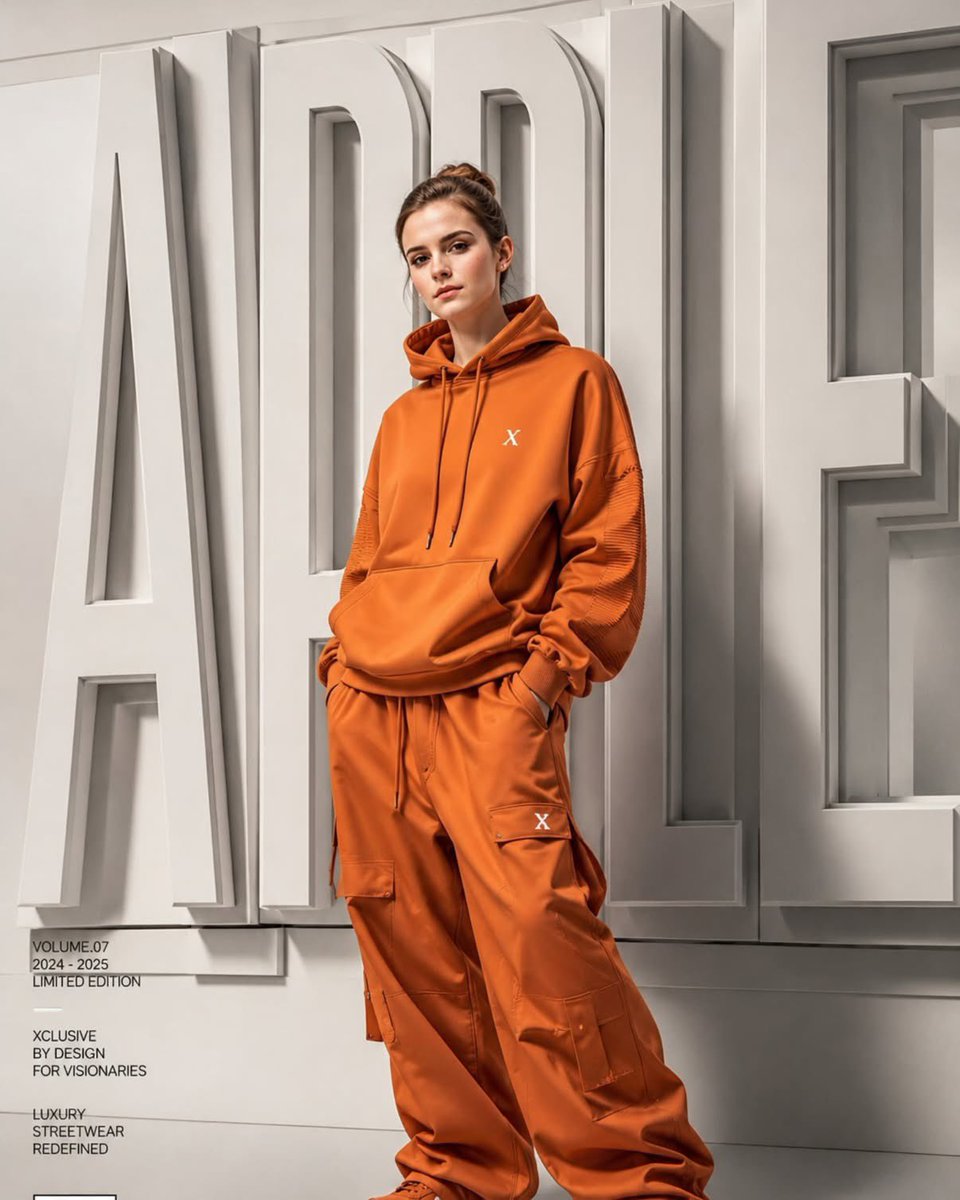
Luxury Fashion Campaign Poster
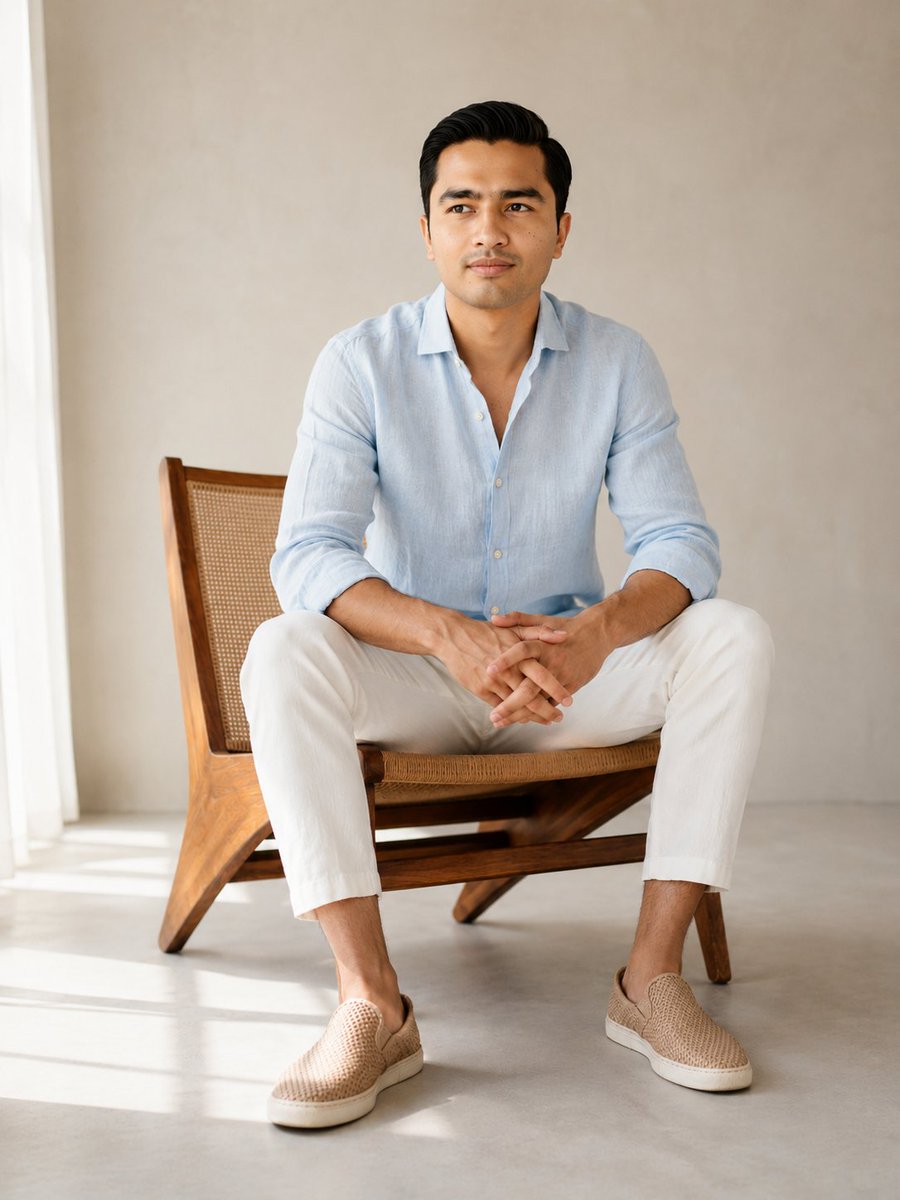
Editorial Male Portrait in Minimalist Studio
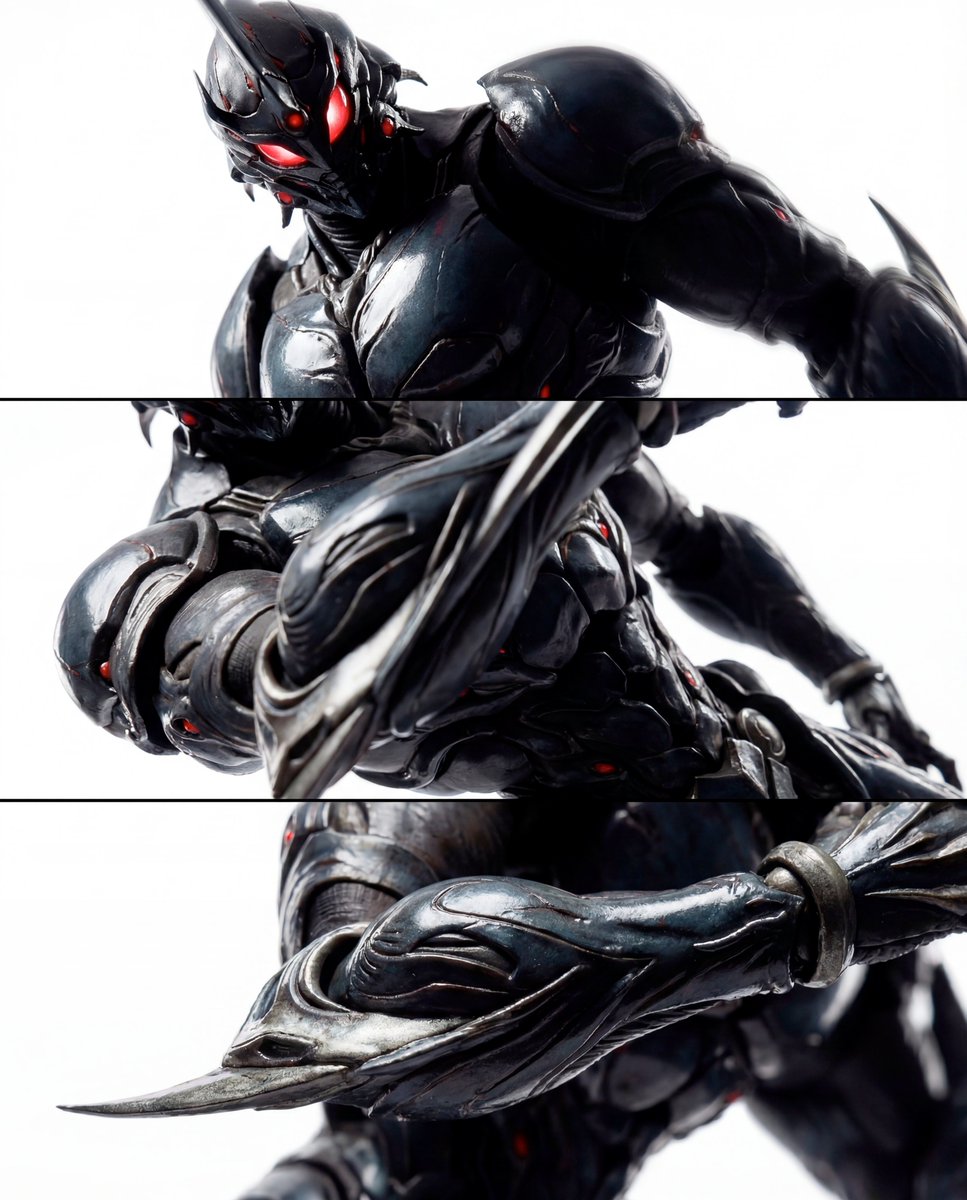
Triptych Composition Prompt for Abstract Fashion Editorial
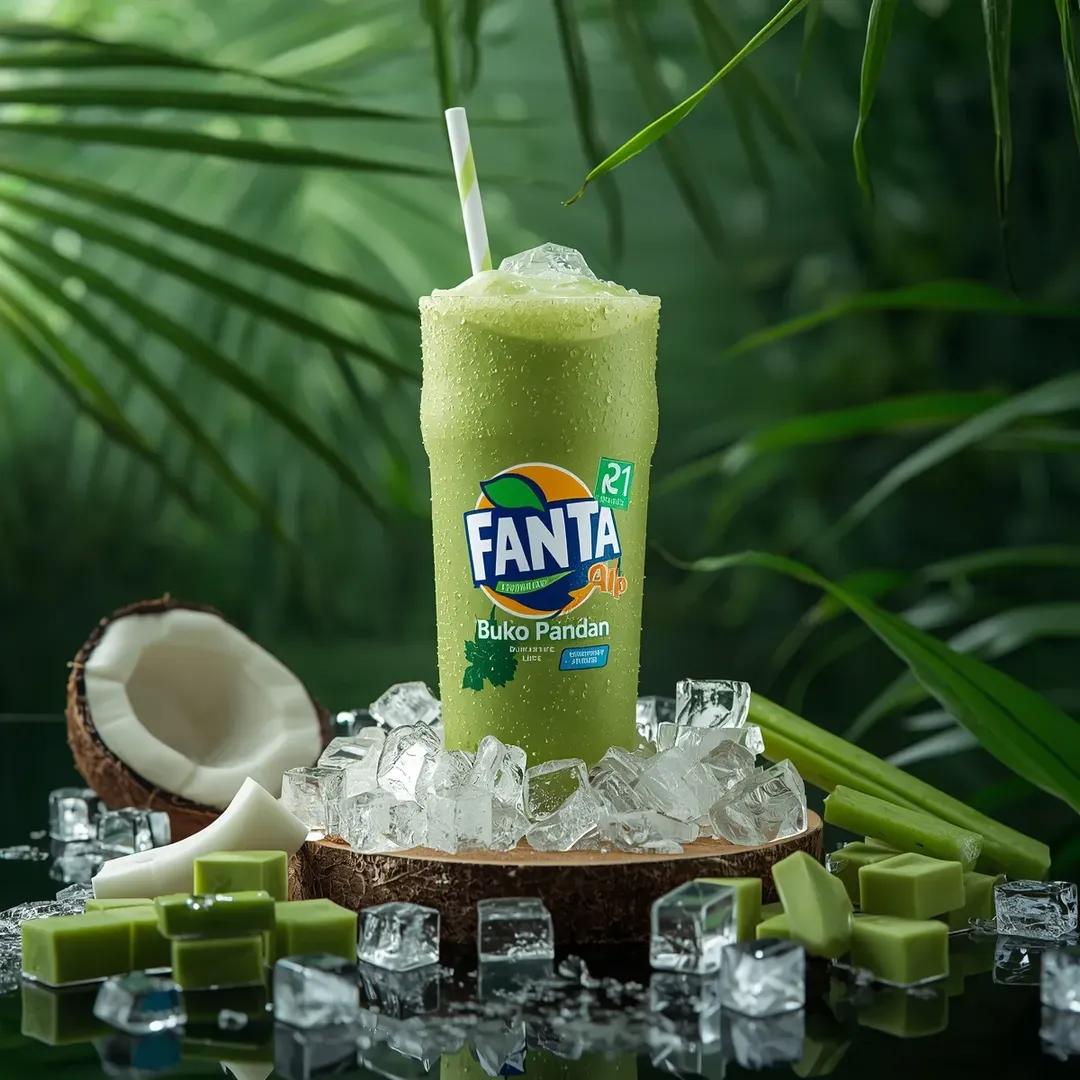
Hyper-realistic Fanta Product Shot Prompt
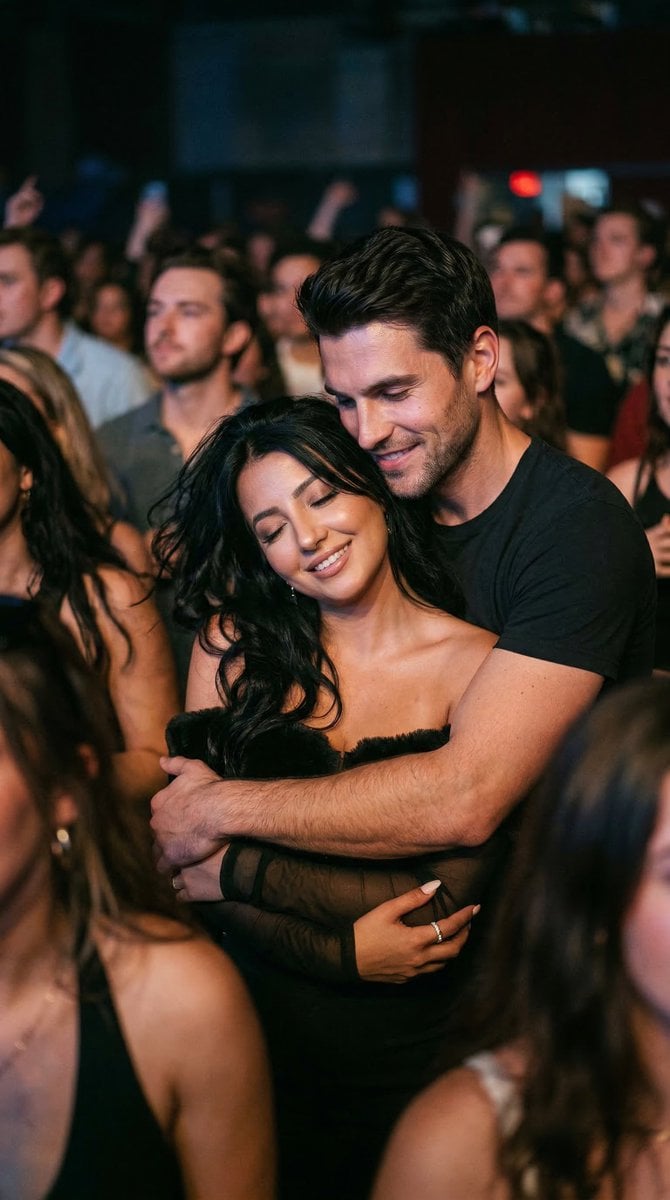
Photorealistic Concert Embrace Scene
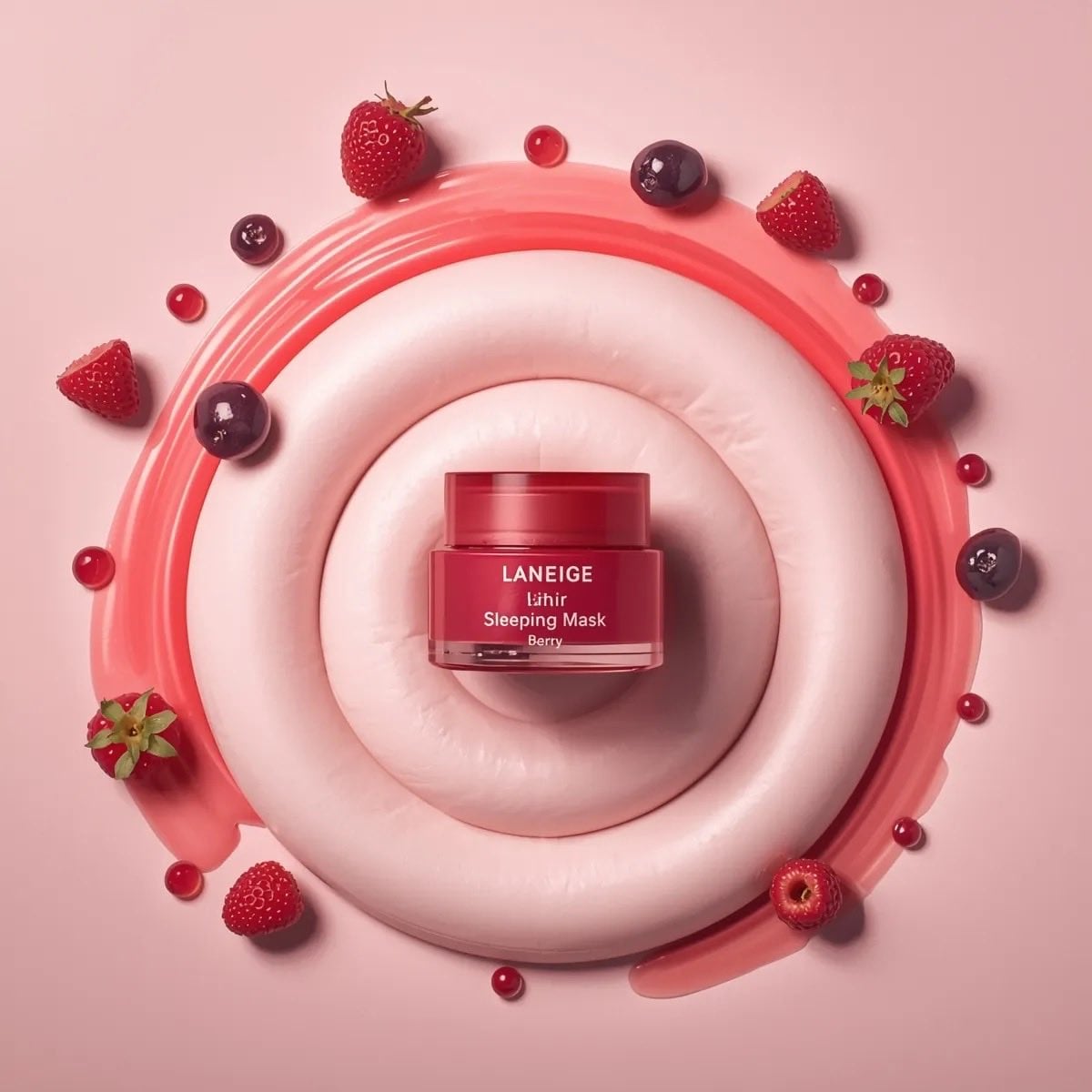
Minimalist Cosmetic Product Photography Prompts for Nano Banana Pro
Browse template categories
Botanical Archive Victorian Portrait questions
How do I use the Botanical Archive Victorian Portrait template?
Add your photo if the template asks for one, edit the prompt if you like — the template's model and format are already selected — and press Generate. Your version opens in PicX Studio.
Can I customize the Botanical Archive Victorian Portrait template?
Yes. You can change the subject, setting, lighting, mood, format, and available model controls before creating your image.
Is the Botanical Archive Victorian Portrait template free?
Opening and editing this template is free. Generating uses credits, shown on the Generate button when you are signed in.
Which AI model should I use?
Start with Gemini 3 Pro Image Preview, which is the model associated with this template. You can compare another compatible model for a different finish.
Looking for something else? Browse all templates.

Your photo, any look
Thousands of ready templates for every top image and video model, from one credit balance.