
Open Notebook with French Handwritten Plans
This prompt generates a realistic top-down desk photo of an open notebook filled with handwritten French planning notes, ideal for productivity, lifestyle, or blog-themed visuals.
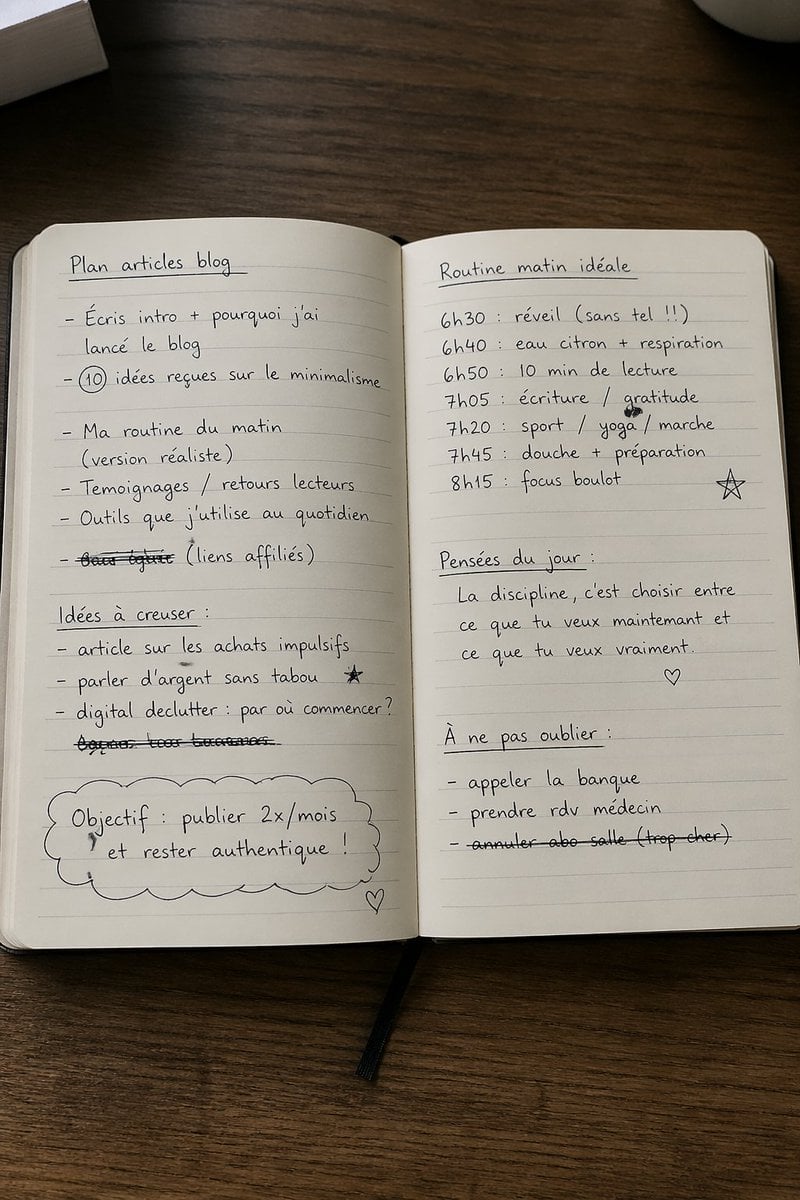
- Prompt included
- Model and format preset
- Free template
The prompt behind this image
Copy the exact prompt behind Open Notebook with French Handwritten Plans, or open it in the studio and make it yours.
A realistic overhead lifestyle photo of an open lined notebook lying on a dark wooden desk, shot in soft natural indoor light with warm neutral tones. The notebook fills most of the frame and is centered vertically, opened to two pages with neat black handwritten French notes, casual rounded handwriting, slight imperfections, a few doodles, and some crossed-out lines. Show a black ribbon bookmark hanging from the bottom center of the notebook. Include a partial stack of pale books or paper at the top left edge and a partial white mug entering from the top right corner. The pages should look cream-colored with faint horizontal ruling and a subtle center crease. On the left page, write the underlined heading "Plan articles blog" near the top, followed by exactly 6 bullet items: "Écris intro + pourquoi j’ai lancé le blog", "10 idées reçues sur le minimalisme" with the number 10 circled, "Ma routine du matin (version réaliste)", "Témoignages / retours lecteurs", "Outils que j’utilise au quotidien", and one crossed-out line reading "bons plans (liens affiliés)". Lower on the left page, add the underlined subheading "Idées à creuser :" followed by exactly 3 bullet items: "article sur les achats impulsifs", "parler d’argent sans tabou" with a small star doodle nearby, and "digital declutter : par où commencer ?", plus one additional fully crossed-out handwritten line beneath them. At the bottom left, draw a large cloud-shaped outline containing the text "Objectif : publier 2x/mois et rester authentique !" and add a small heart doodle near the lower right corner of the left page. On the right page, write the underlined heading "Routine matin idéale" at the top, then exactly 6 schedule lines: "6h30 : réveil (sans tel !!)", "6h40 : eau citron + respiration", "6h50 : 10 min de lecture", "7h05 : écriture / gratitude", "7h20 : sport / yoga / marche", "7h45 : douche + préparation", and then "8h15 : focus boulot" lower down with a hand-drawn star doodle to its right. Beneath that, add the underlined subheading "Pensées du jour :" and the quote across 3 lines: "La discipline, c’est choisir entre", "ce que tu veux maintenant et", "ce que tu veux vraiment.", with a small heart doodle below. At the bottom right, add the underlined subheading "À ne pas oublier :" followed by exactly 3 bullet items: "appeler la banque", "prendre rdv médecin", and a crossed-out "annuler abo salle (trop cher)". Keep the composition clean, minimal, and believable, like an authentic productivity journal or blog planning notebook photographed casually from above.
How to use Open Notebook with French Handwritten Plans in 3 steps
- 1Upload ImagePNG, JPG or paste
Add your photo
Upload the photo the template builds on. The prompt, model and format are already set.
- 2…a portrait of your subject in softgolden-hour light, 85mm…
Personalize
Edit the subject and creative details for your destination.
- 3Generate
Generate
Press Generate — your image is created in PicX Studio, so you can compare it with the original and refine one variable at a time.
More like this
Templates with the same subject, style or setup. Open one to see its prompt.
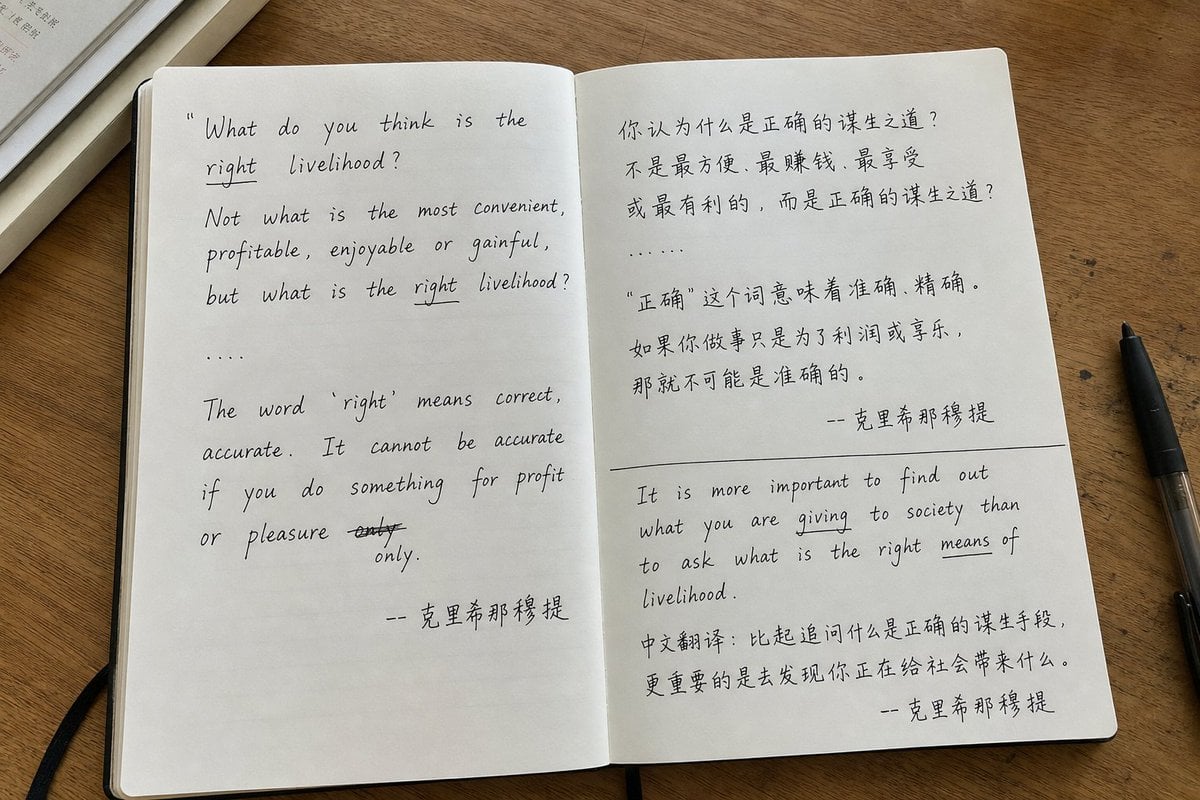
Candid iPhone Handwritten Notebook Photo
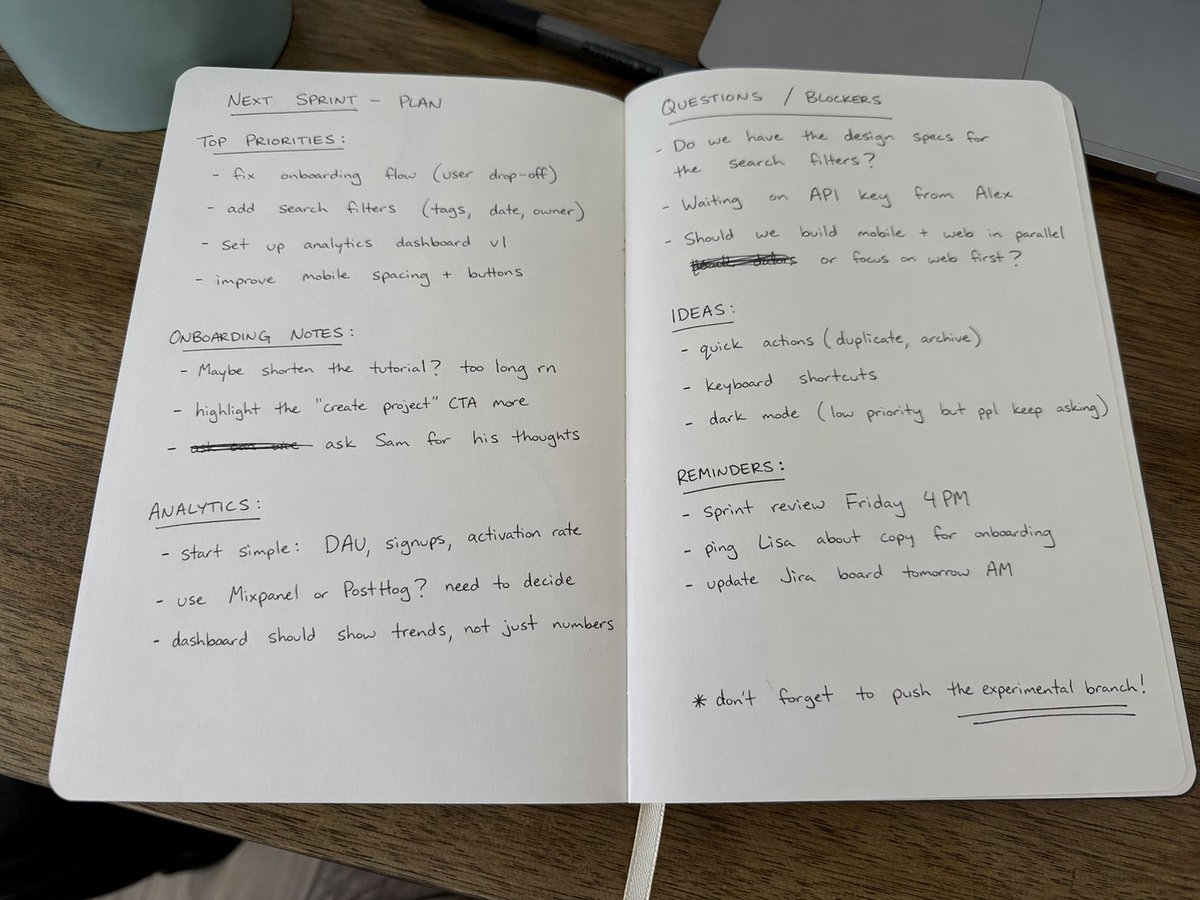
Amateur Handwritten Notebook Photo Prompt
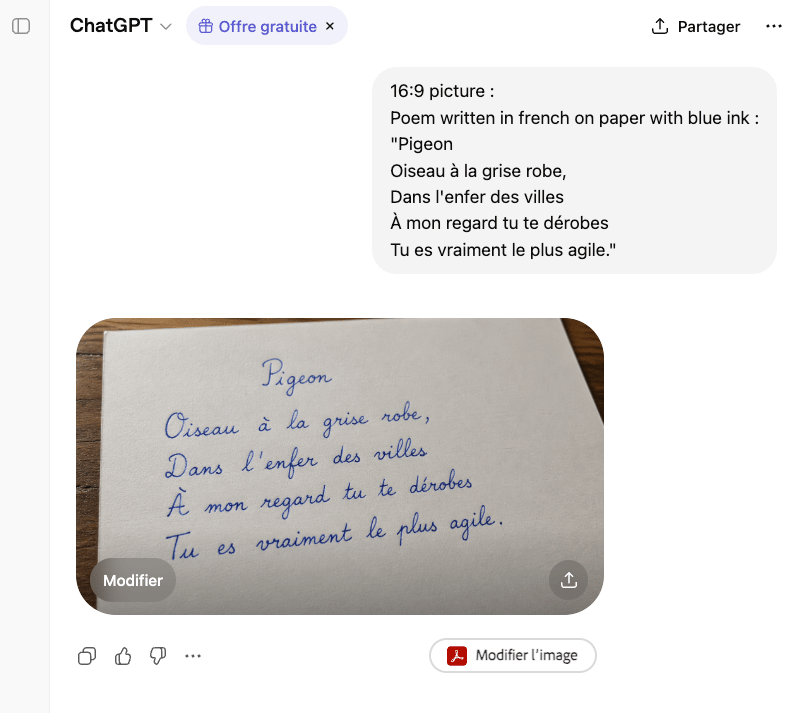
Handwritten French Poem on Paper
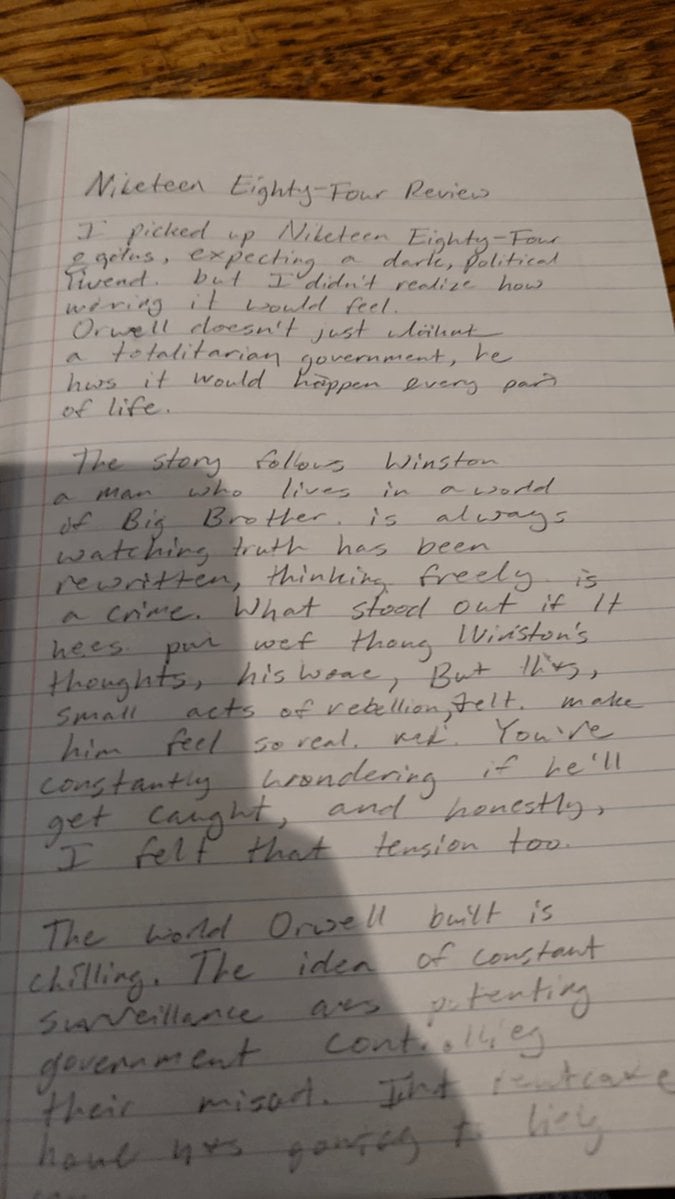
Messy Handwritten Notebook Photo

Sketch to Reality Travel Notebook

Teal Japanese Handwritten Lyric Card
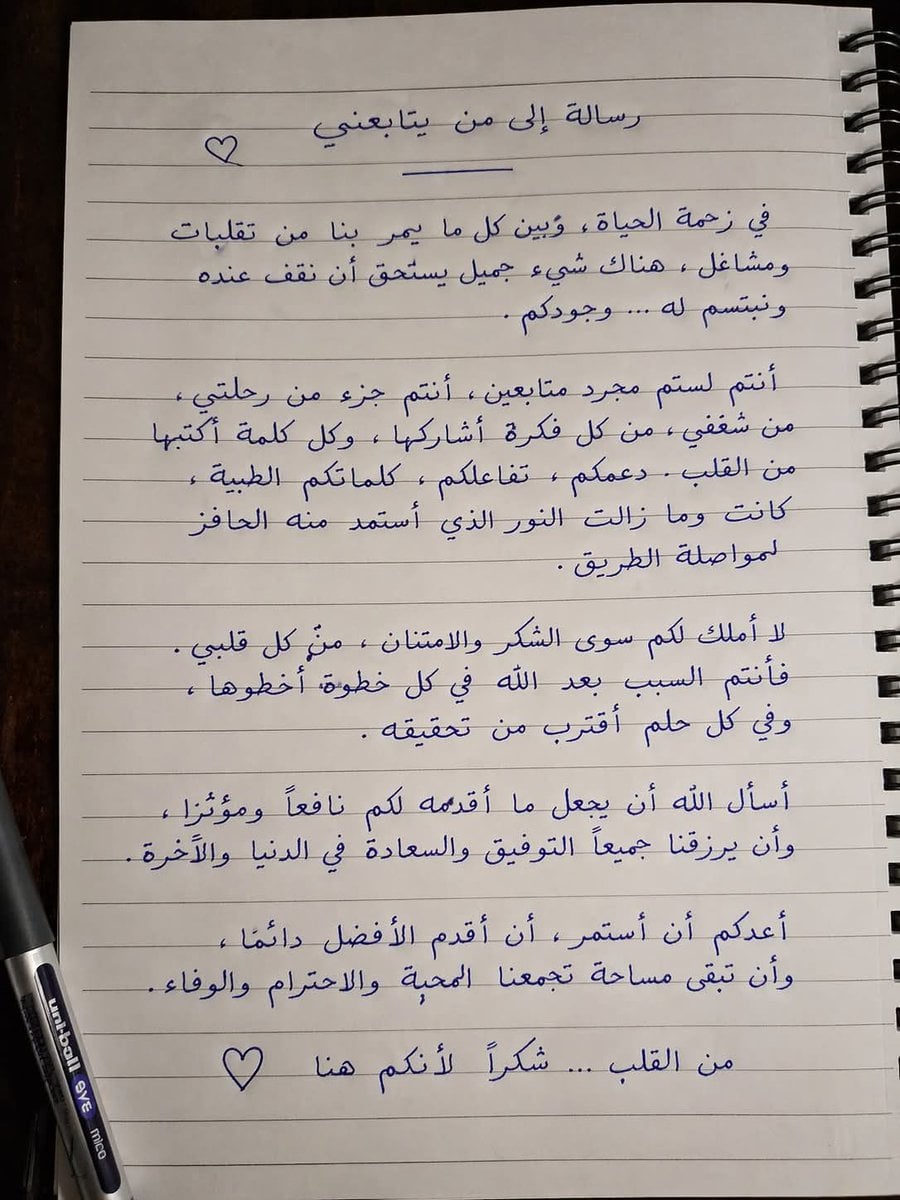
Handwritten Realistic Letter
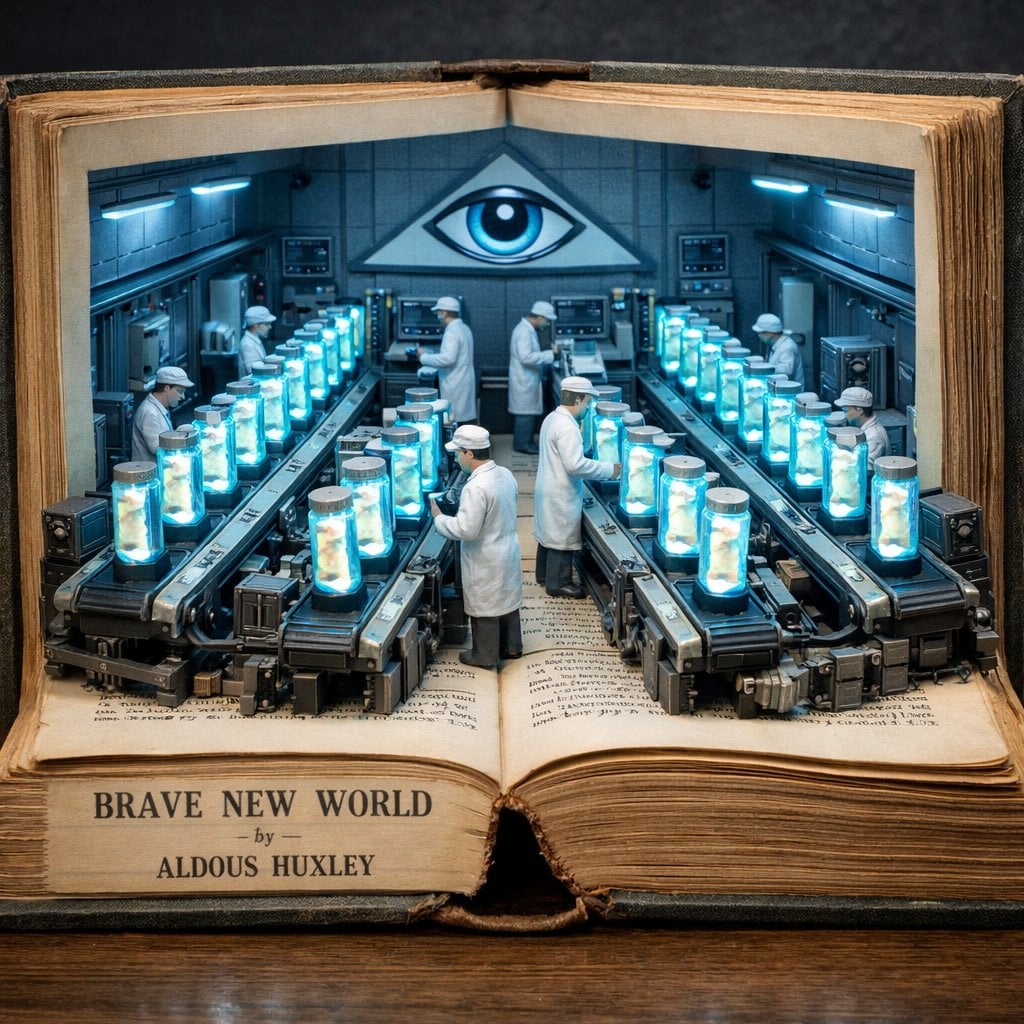
Surreal diorama emerging from an open vintage book of Brave New World
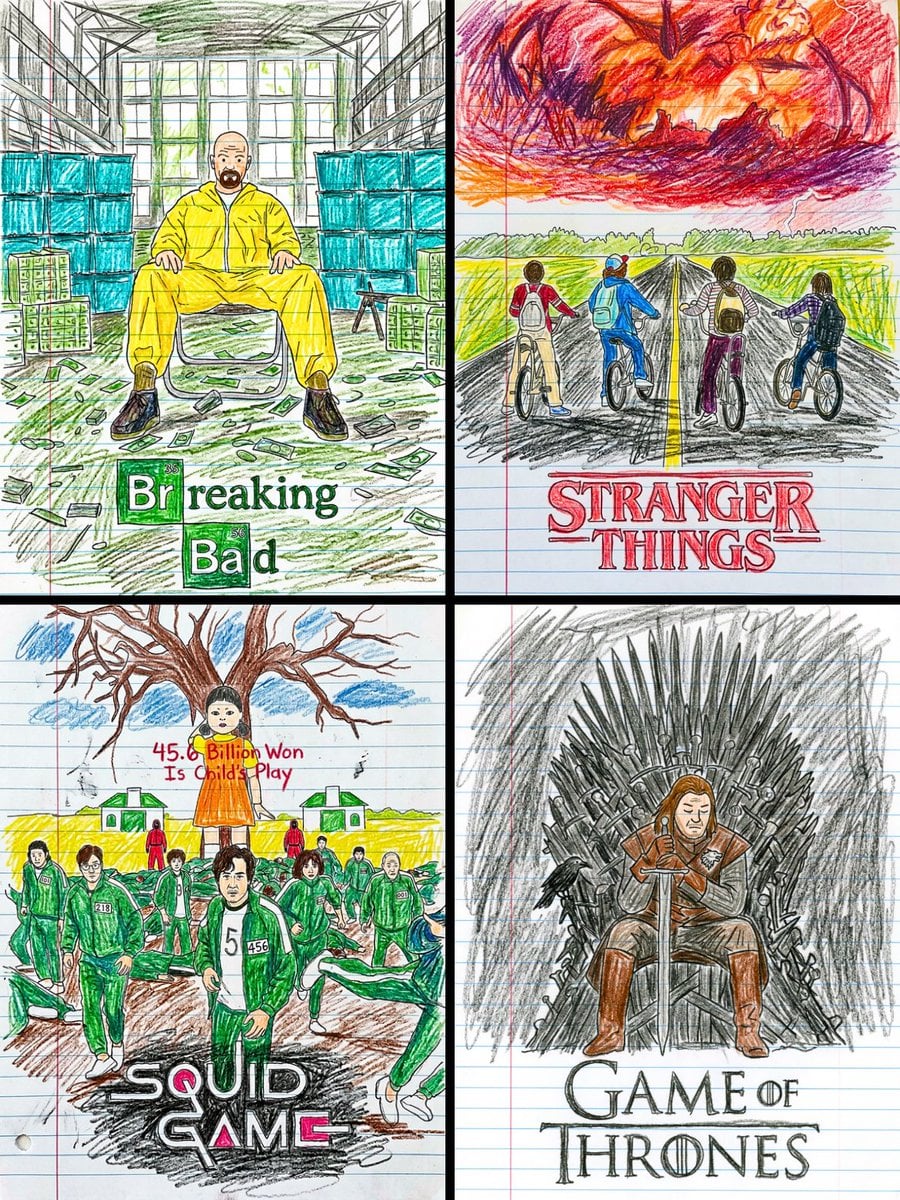
This movie poster into a child s crayon drawing on lined notebook paper
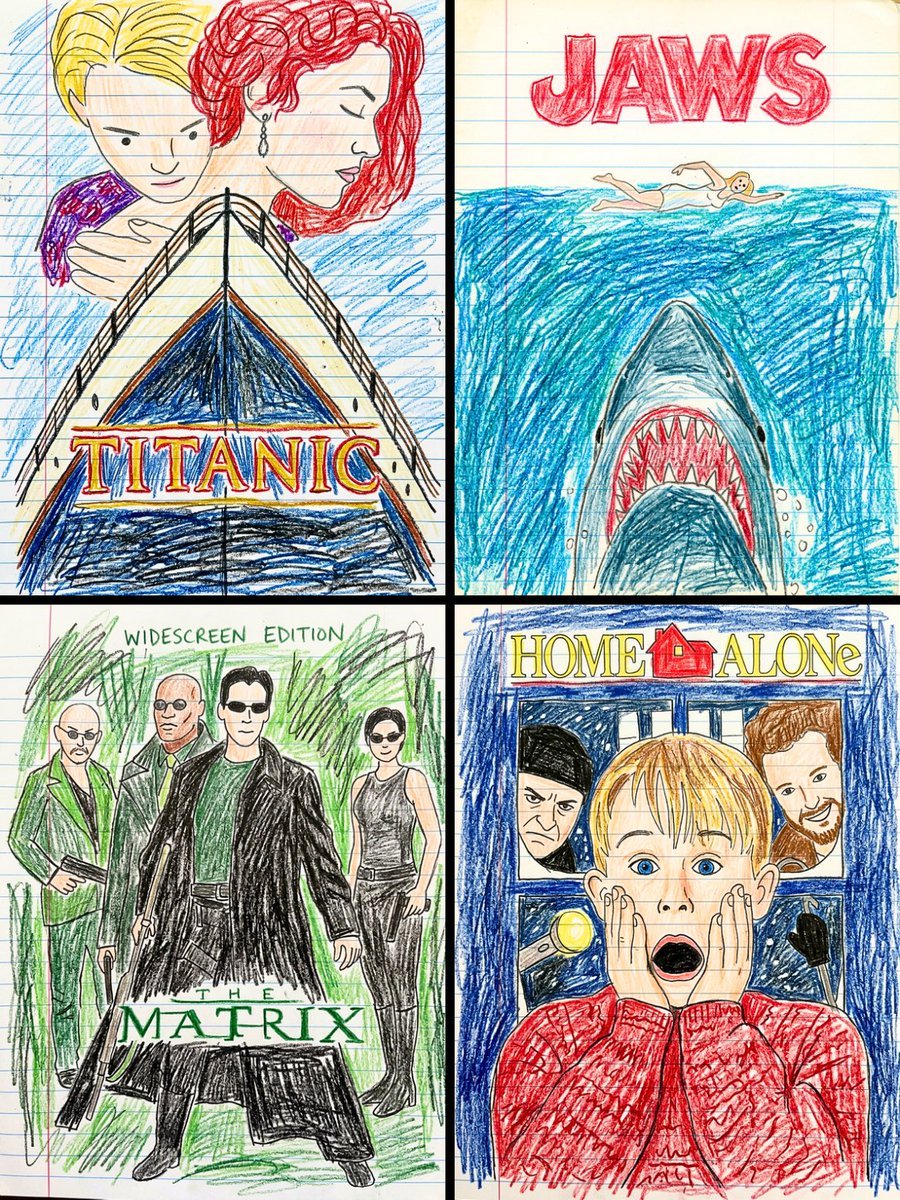
This movie poster into a child s crayon drawing on lined notebook paper
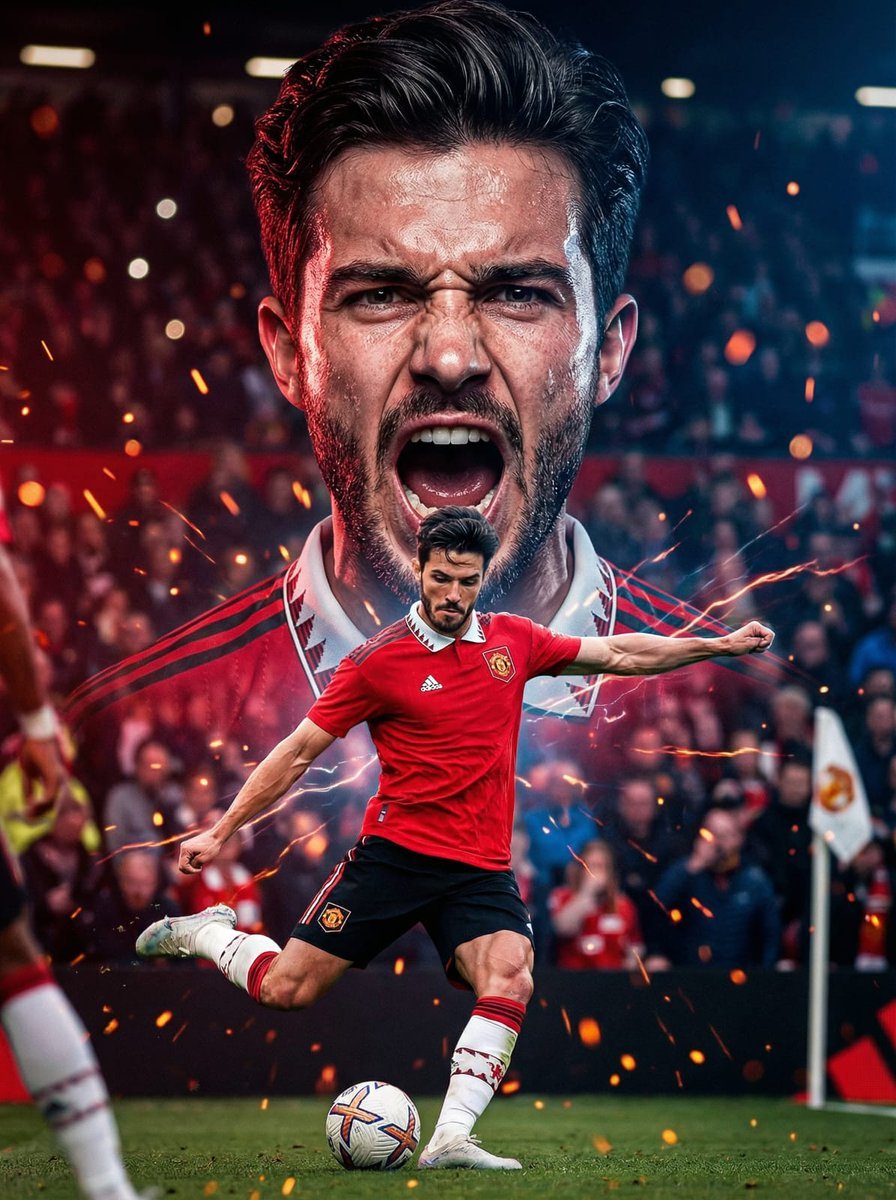
The background with mouth open in a powerful shout, veins slightly
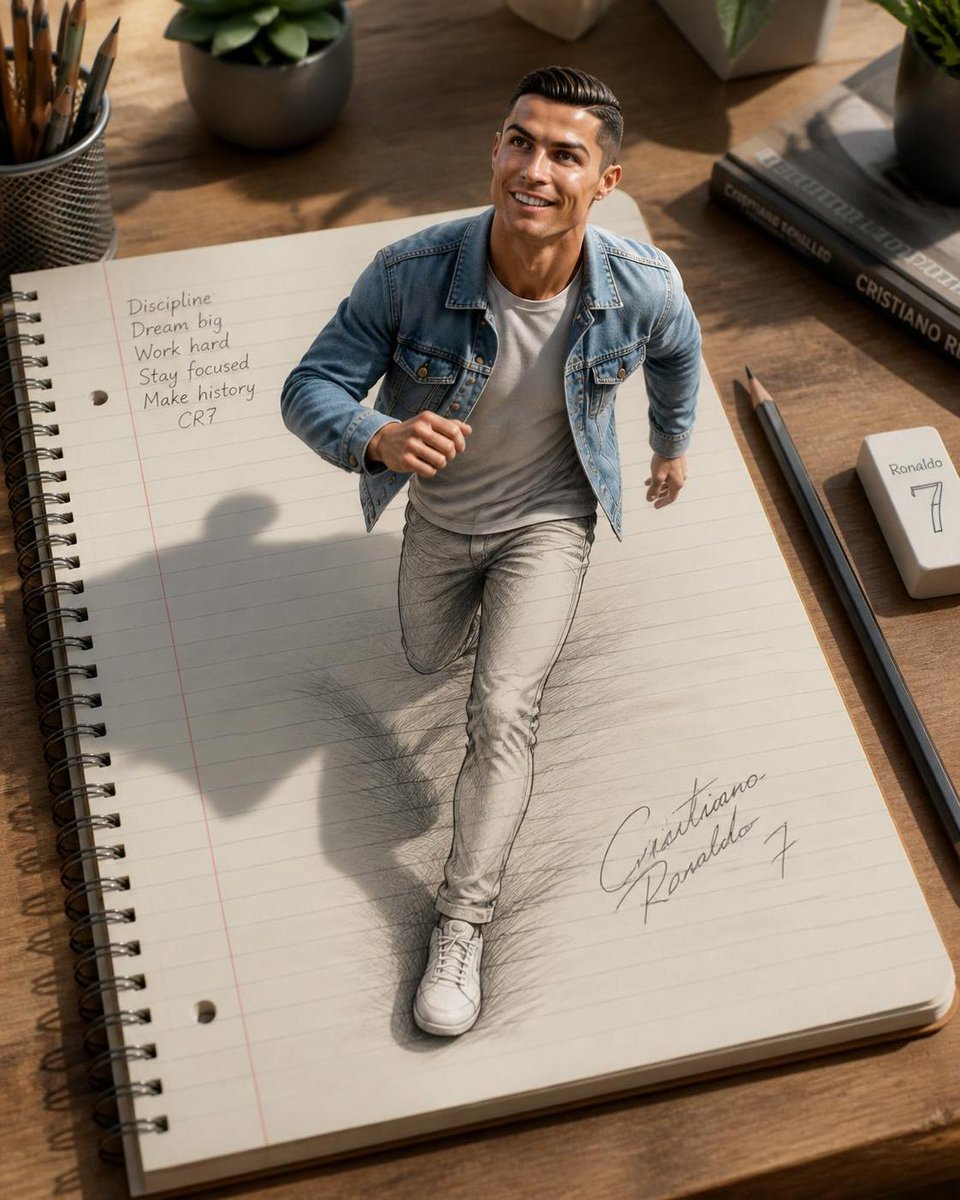
3D Notebook Illusion Sketch
Make it yours
Open Notebook with French Handwritten Plans works as-is. These are the safest ways to change it without losing the look.
Change one field
Copy a single group, rewrite it, and generate again so you can see what that field is doing.
Keep the frame, change the subject
Hold the composition and light of Open Notebook with French Handwritten Plans, then swap wardrobe, props or the person for a new take.
| If the result… | Why | Fix |
|---|---|---|
| The result drifts from the preview | Too many fields changed at once. | Reuse Open Notebook with French Handwritten Plans as-is first, then change one group — subject, light, or setting. |
| The model over-stylizes the scene | The prose prompt leaves finish and camera underspecified. | Add one camera or lighting sentence and stay on GPT Image 2. |
More GPT Image 2 templates
Other prompts made for GPT Image 2.

Six VTuber Japanese Logo Sheet

Realistic Portrait of Woman and Deer

The Vista Modular Condo Poster

AI Model Routing Comparison Infographic

2.5D Anime Art Board

Isometric Productivity Desk Scene

New York Double Exposure Poster

Four-Panel AI Landscape Comparison

Japanese Tatami Lifestyle Magazine Cover

NESCAFÉ Coffee Map Poster
More image prompts
Fresh picks from across the catalog.
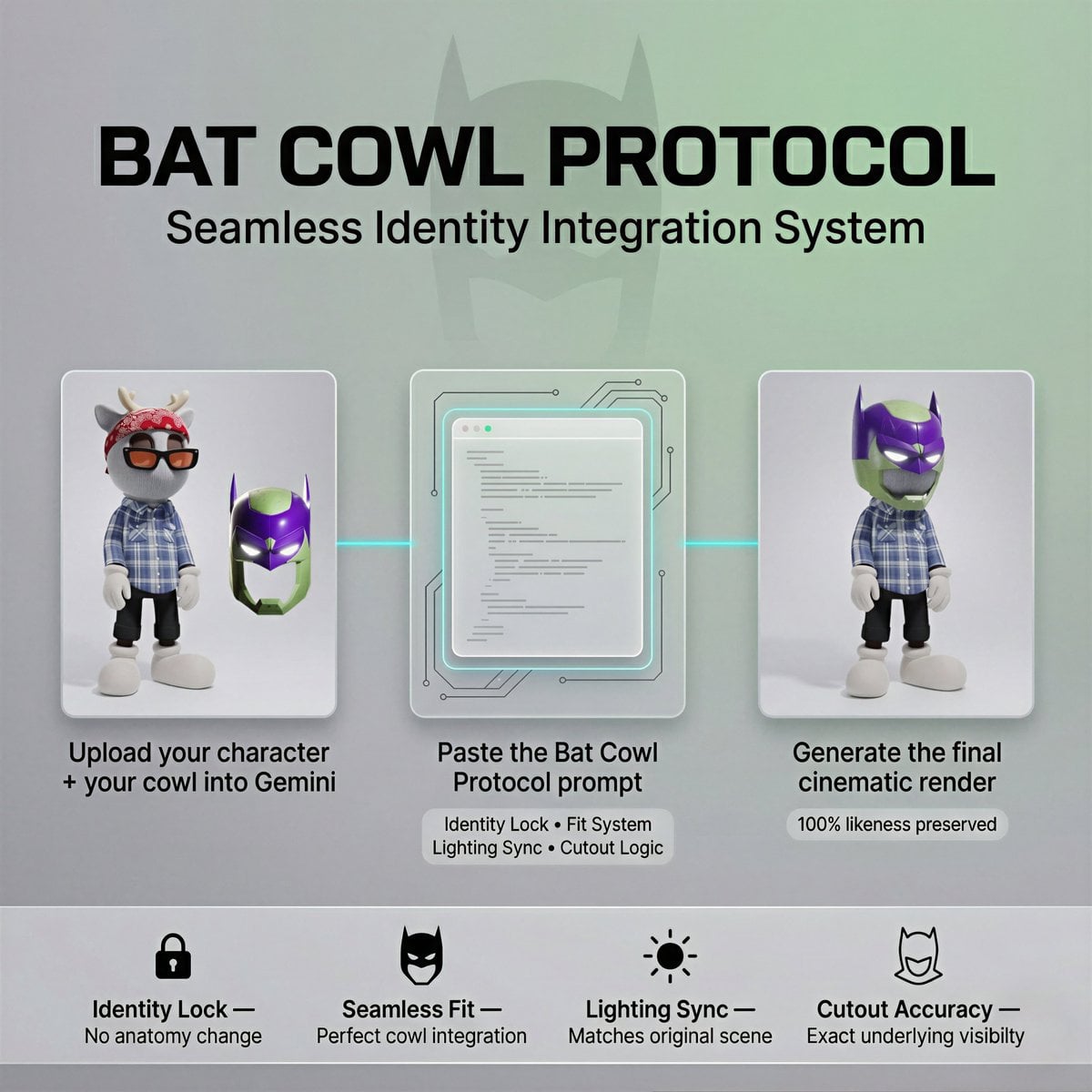
Bat Cowl Protocol Character Prompt
Suspended Vespa Explosion Scene Prompt
Monochrome Low-Angle Portrait with Red Glow
Yoichi Takahashi in Final Fantasy Style
Cinematic Fried Chicken Burger Ad
Political Map Visualization
Dead: It's time to sleep
Meta-Shot Photo Booth Selfie with Realism Constraints
Mech Armor Power Reveal Prompt (Likeness Preservation)
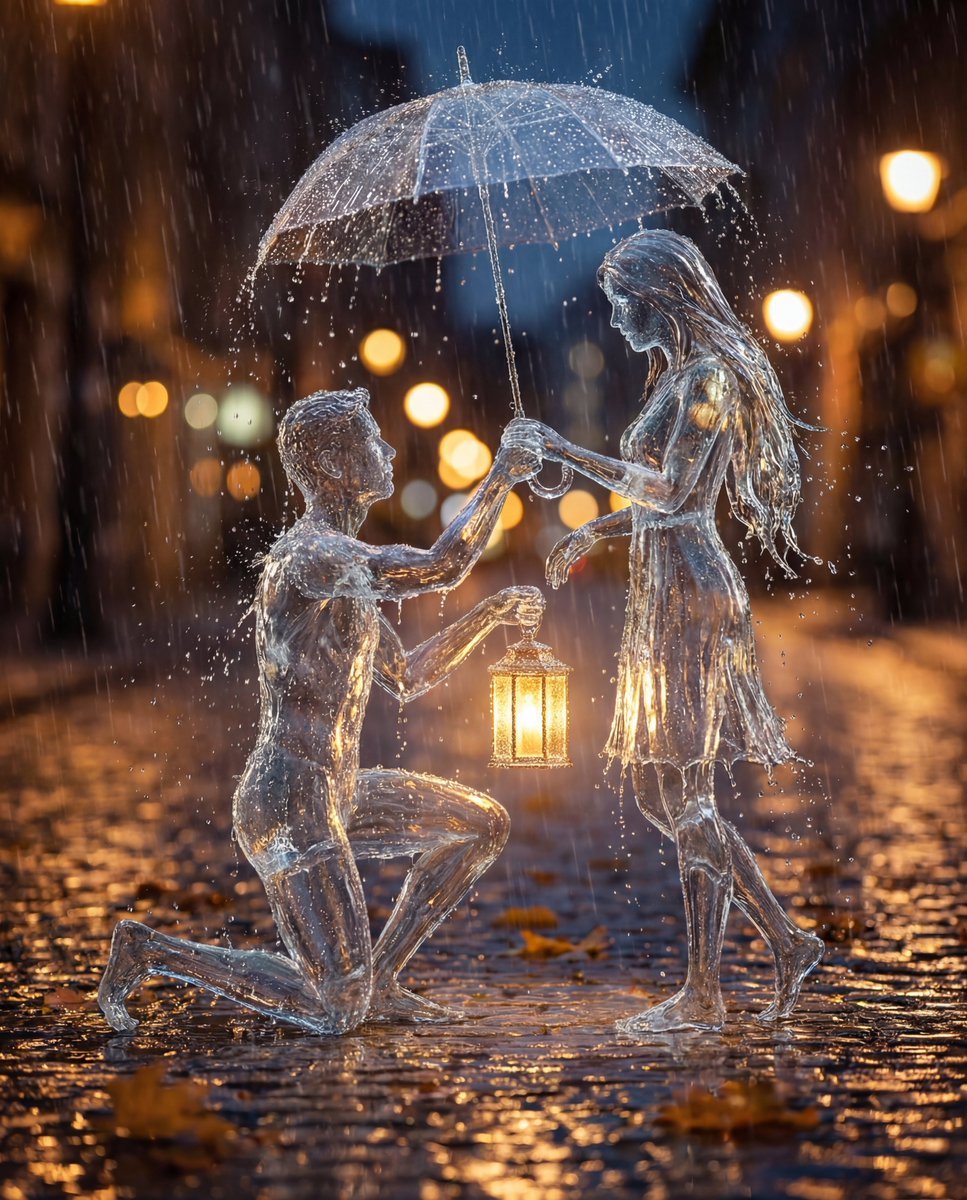
Conceptual Cinematic Art Made Entirely of Water Droplets
Browse template categories
Open Notebook with French Handwritten Plans questions
How do I use the Open Notebook with French Handwritten Plans template?
Add your photo if the template asks for one, edit the prompt if you like — the template's model and format are already selected — and press Generate. Your version opens in PicX Studio.
Can I customize the Open Notebook with French Handwritten Plans template?
Yes. You can change the subject, setting, lighting, mood, format, and available model controls before creating your image.
Is the Open Notebook with French Handwritten Plans template free?
Opening and editing this template is free. Generating uses credits, shown on the Generate button when you are signed in.
Which AI model should I use?
Start with GPT Image 2, which is the model associated with this template. You can compare another compatible model for a different finish.
Looking for something else? Browse all templates.

Your photo, any look
Thousands of ready templates for every top image and video model, from one credit balance.