
Vintage Studio Portrait with Identity Preservation Prompt
A detailed prompt for Nano Banana Pro focused on generating a vertical medium-shot studio portrait with a warm, nostalgic aesthetic inspired by 70s/90s film photography (Kodak Portra).
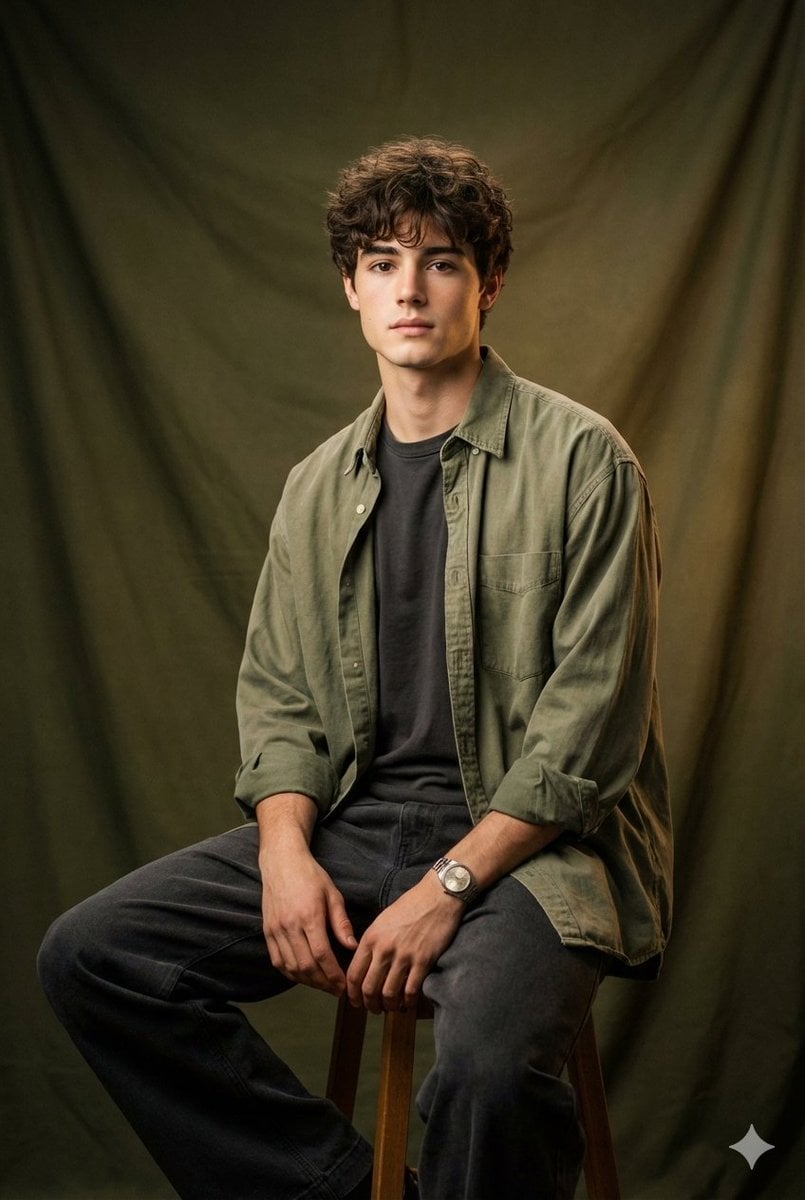
- Prompt included
- Model and format preset
- Premium template
The prompt behind this image
Copy the exact prompt behind Vintage Studio Portrait with Identity Preservation Prompt, or open it in the studio and make it yours.
MAIN SUBJECT (IDENTITY) Use the person from the reference photo as the main subject. Keep their exact facial features, hairstyle, skin tone, and expression perfectly unchanged preserve all realism, emotional depth, and subtle facial lighting. Allow changes only in camera position, background motion, and atmosphere. SCENE & COMPOSITION Vertical medium-shot studio portrait. The man sits on a simple wooden or metal stool, gentle half-profile torso turn. One leg crossed over the other for a relaxed, composed posture; hands resting naturally. Overall mood: quiet, calm, restrained. CLOTHING Shirt (top layer): Oversized shirt in faded olive, dusty khaki, or washed military green. Soft textured cotton, sleeves rolled to mid-forearm, natural subtle wrinkles. T-shirt (underlayer): Washed charcoal matte tee, no logos, slightly fitted under the shirt. Trousers: Wide-leg trousers in deep charcoal or washed black; matte heavy-duty cotton or wool blend, straight lines, minimal folds. Accessories: None or very minimal-eg. simple old-style metal watch. BACKGROUND Heavy matte fabric backdrop (velvet or thick cotton) in deep forest green, warm olive, or muted army green. Soft draping with subtle folds; warm gradient fall-off toward the edges. LIGHTING Warm nostalgic studio lighting (4500-5000K). Large softbox for wraparound illumination. Soft golden skin highlights, lifted shadows for a matte non-contrasty look. Mild rim light along cheek and hair; faint vignette around edges. Mood inspired by 70s early 90s studio portraits. CAMERA/OPTICAL LOOK 85mm vintage portrait lens, f/2.8 depth of field. Soft micro-contrast, slight halation, very fine film grain, matte warm-muted profile. COLOR/STYLE Warm nostalgic palette with muted military tones: golden skin, faded olive, dusty khaki, charcoal. Matte texture, lifted blacks, compressed highlights, subtle organic film grain. Overall: soft warm film portrait with restrained post-war aesthetic, Kodak Portra-inspired
How to use Vintage Studio Portrait with Identity Preservation Prompt in 3 steps
- 1Upload ImagePNG, JPG or paste
Add your photo
Upload the photo the template builds on. The prompt, model and format are already set.
- 2…a portrait of your subject in softgolden-hour light, 85mm…
Personalize
Edit the subject and creative details for your destination.
- 3Generate
Generate
Press Generate — your image is created in PicX Studio, so you can compare it with the original and refine one variable at a time.
More like this
Templates with the same subject, style or setup. Open one to see its prompt.

80s Couple Studio Portrait

1985 Studio Portrait

Found Photograph: Us, 1970

80s Bollywood Star

80s Golden Hour Cinema
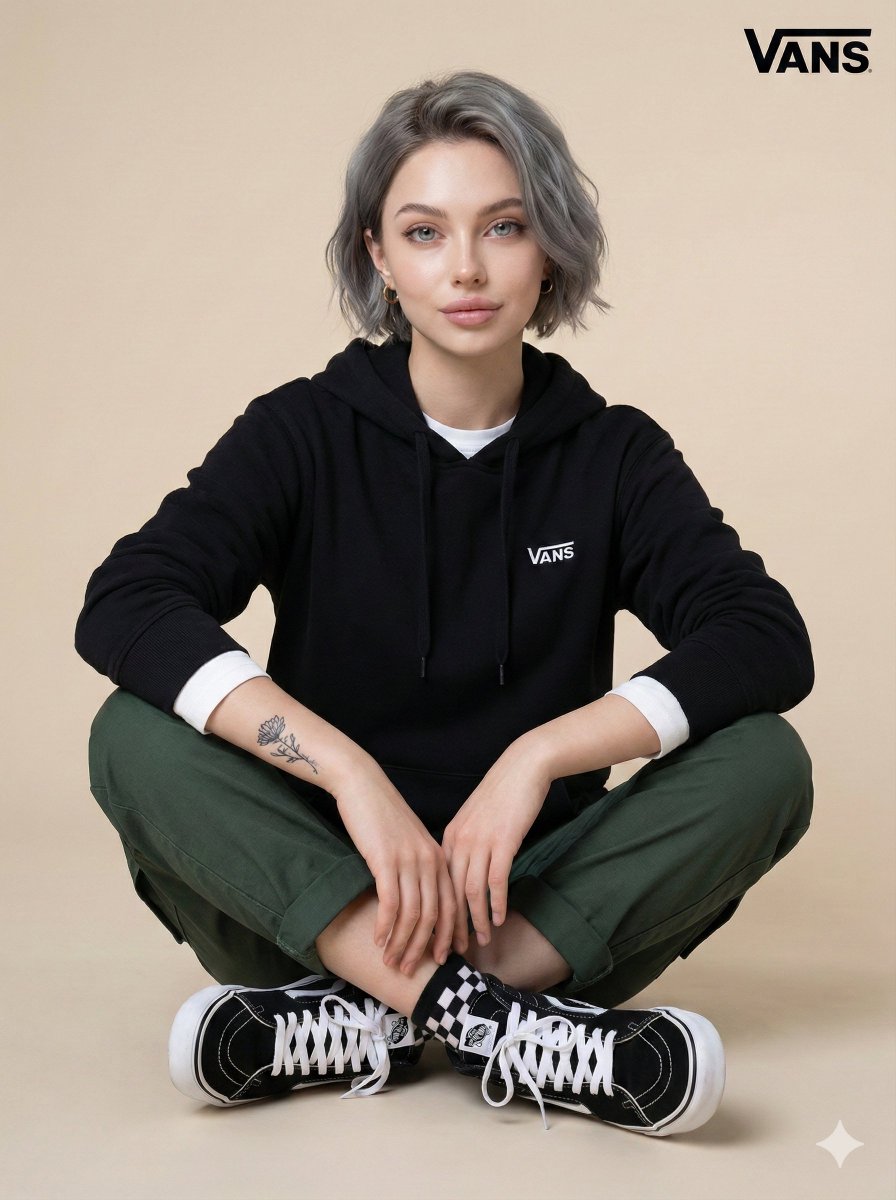
Casual Studio Portrait with Identity Preservation Prompt
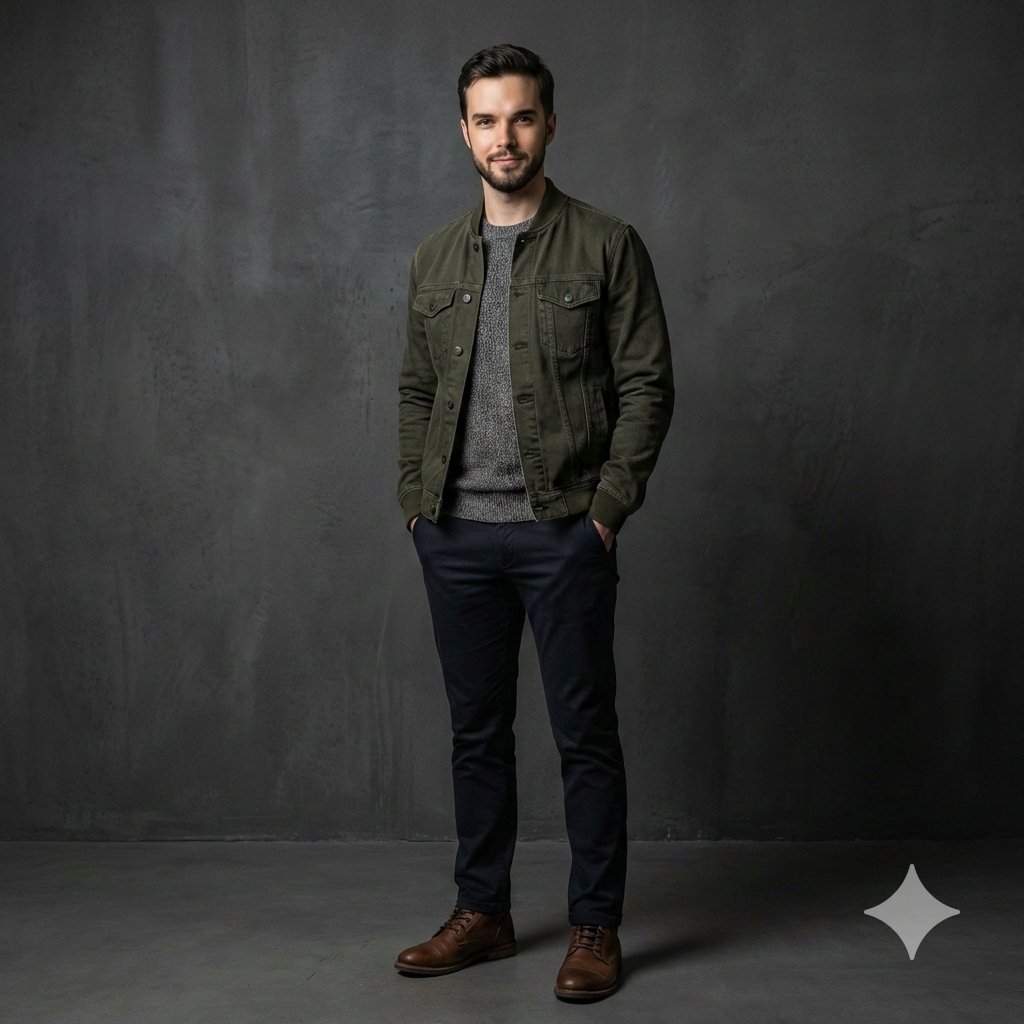
Photorealistic Studio Portrait with Identity Preservation
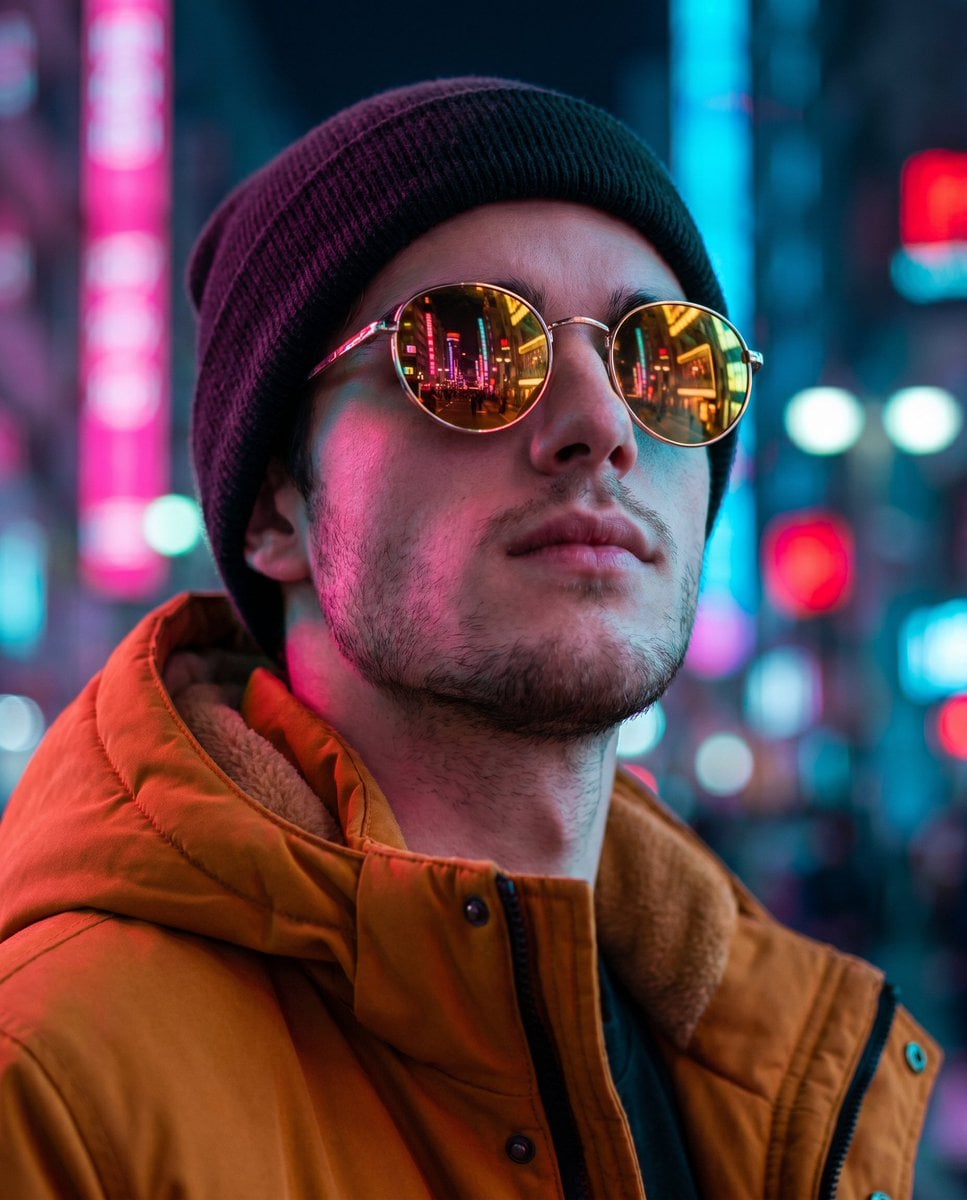
Cyberpunk Identity Preservation Portrait
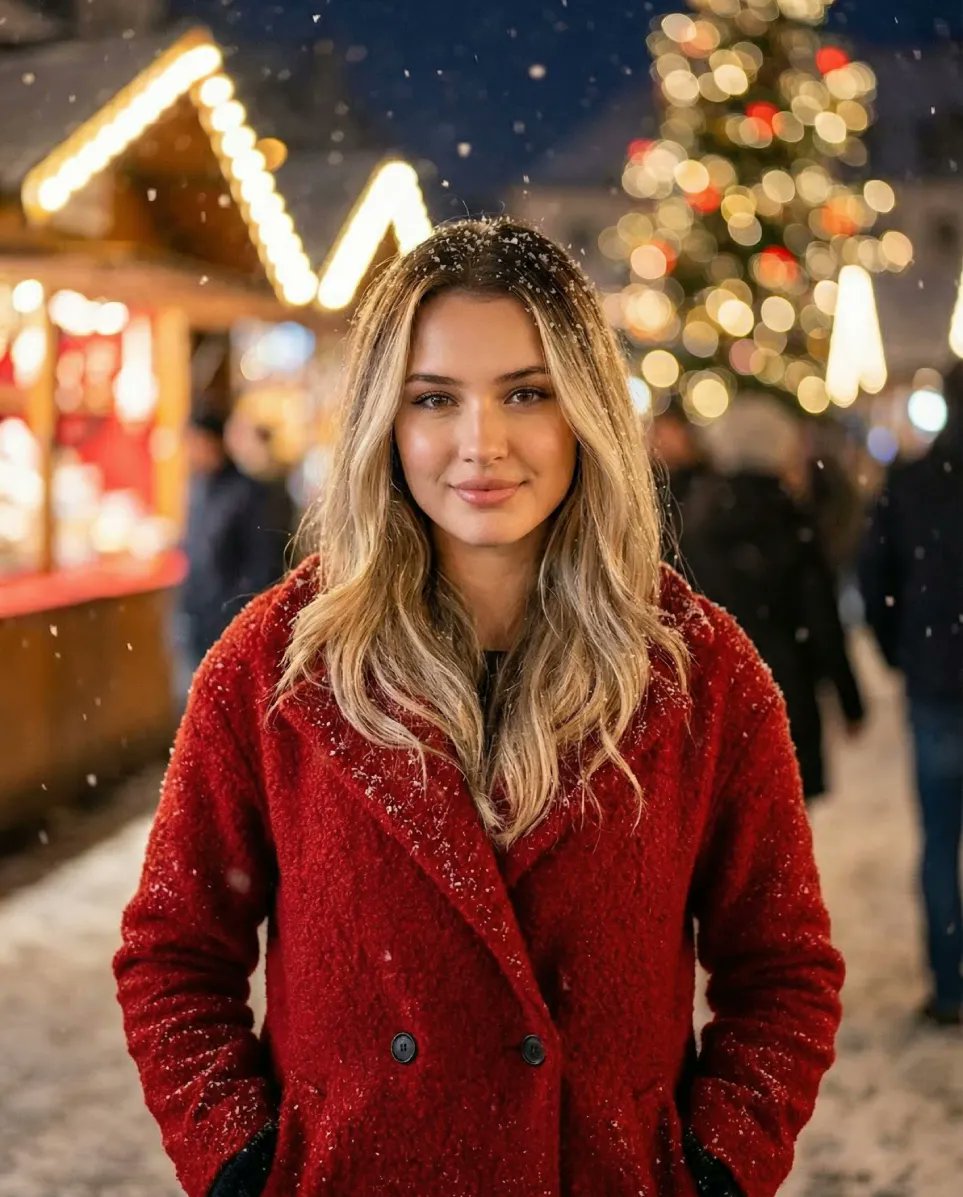
Cozy Christmas Market Portrait with Identity Preservation
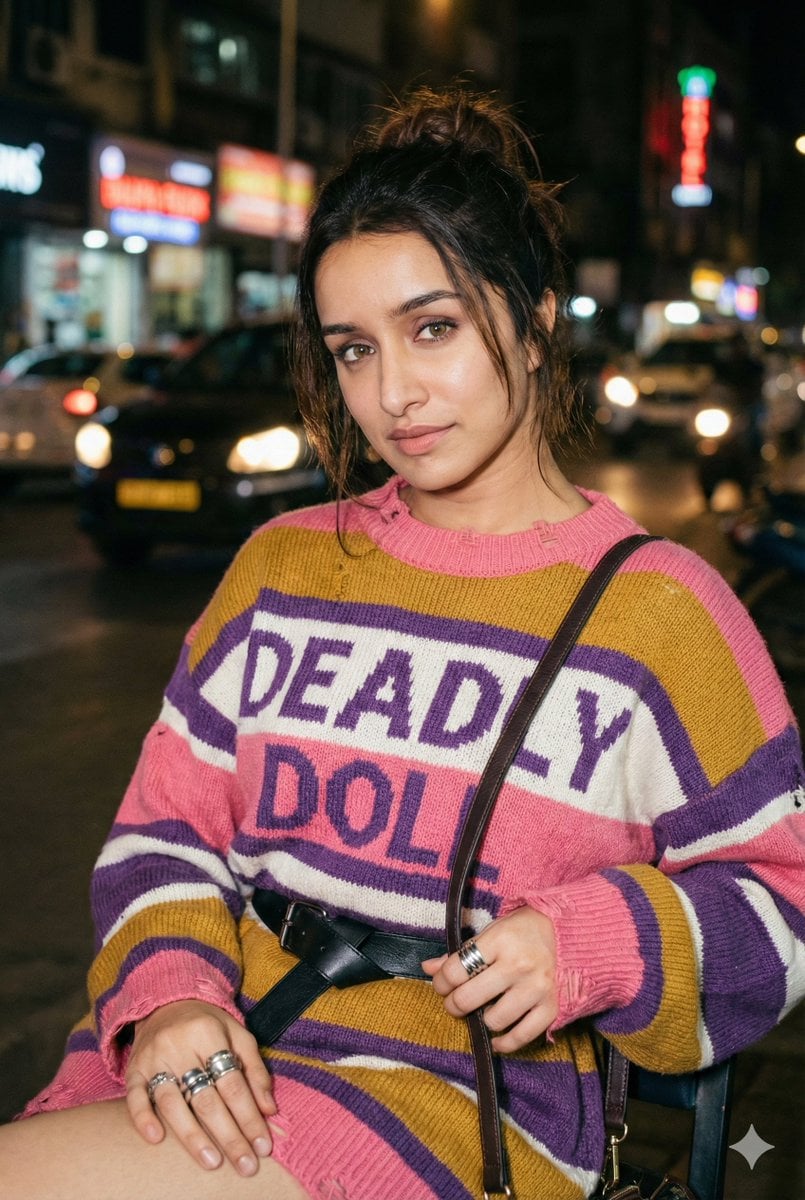
Editorial Nighttime Urban Portrait with Identity Preservation
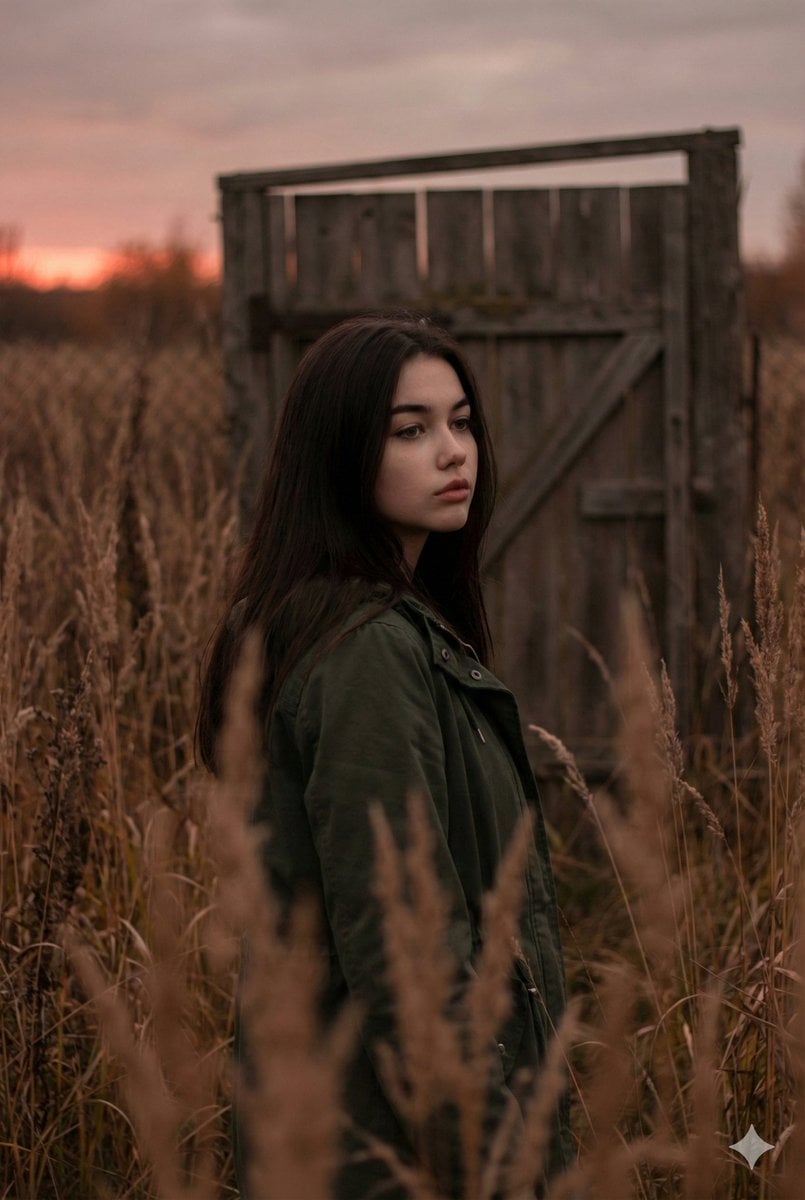
Atmospheric Sunset Portrait Edit Prompt with Identity Preservation
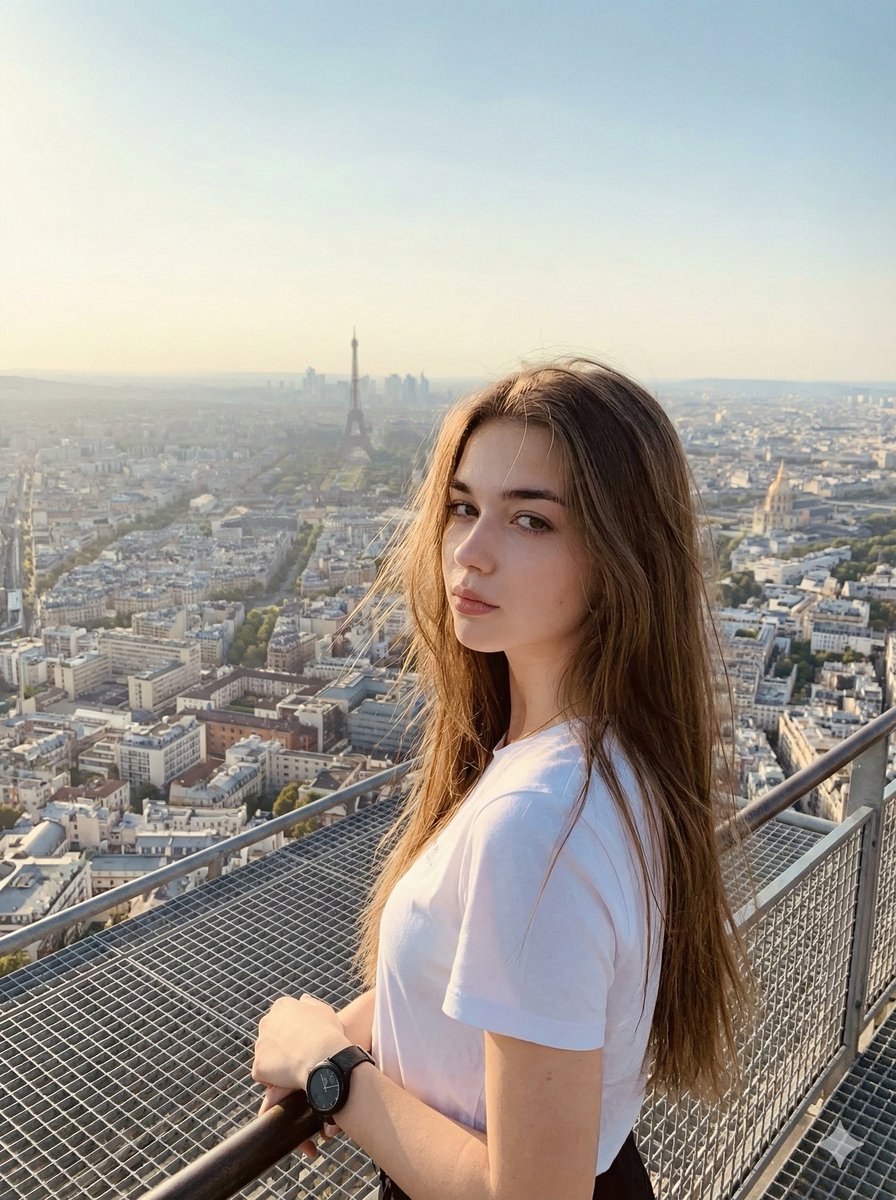
Cinematic Parisian Tower Portrait with Identity Preservation
Make it yours
Vintage Studio Portrait with Identity Preservation Prompt works as-is. These are the safest ways to change it without losing the look.
Change one field
Copy a single group, rewrite it, and generate again so you can see what that field is doing.
Keep the frame, change the subject
Hold the composition and light of Vintage Studio Portrait with Identity Preservation Prompt, then swap wardrobe, props or the person for a new take.
| If the result… | Why | Fix |
|---|---|---|
| The result drifts from the preview | Too many fields changed at once. | Reuse Vintage Studio Portrait with Identity Preservation Prompt as-is first, then change one group — subject, light, or setting. |
| The model over-stylizes the scene | The prose prompt leaves finish and camera underspecified. | Add one camera or lighting sentence and stay on Nano Banana 2. |
More Nano Banana 2 templates
Other prompts made for Nano Banana 2.

Photorealistic Leaf Shaped Like a Dragon

K-Pop Idol Portrait Grid for Rapid Selection

Poetic Rain Forest Portrait During Golden Hour

Urban Street Portrait with Cartoon Inner Self Duo

Candid Nighttime Photo with Cat Prompt

High-Concept 3D Diorama Generation Prompt

Cinematic Futuristic Studio Portrait Template

Skincare Editorial Photography Collage Prompt

Hyper-Realistic Commercial Product Photography (Splash Effect)

Hyper-Realistic Nightclub Portrait Prompt
More image prompts
Fresh picks from across the catalog.
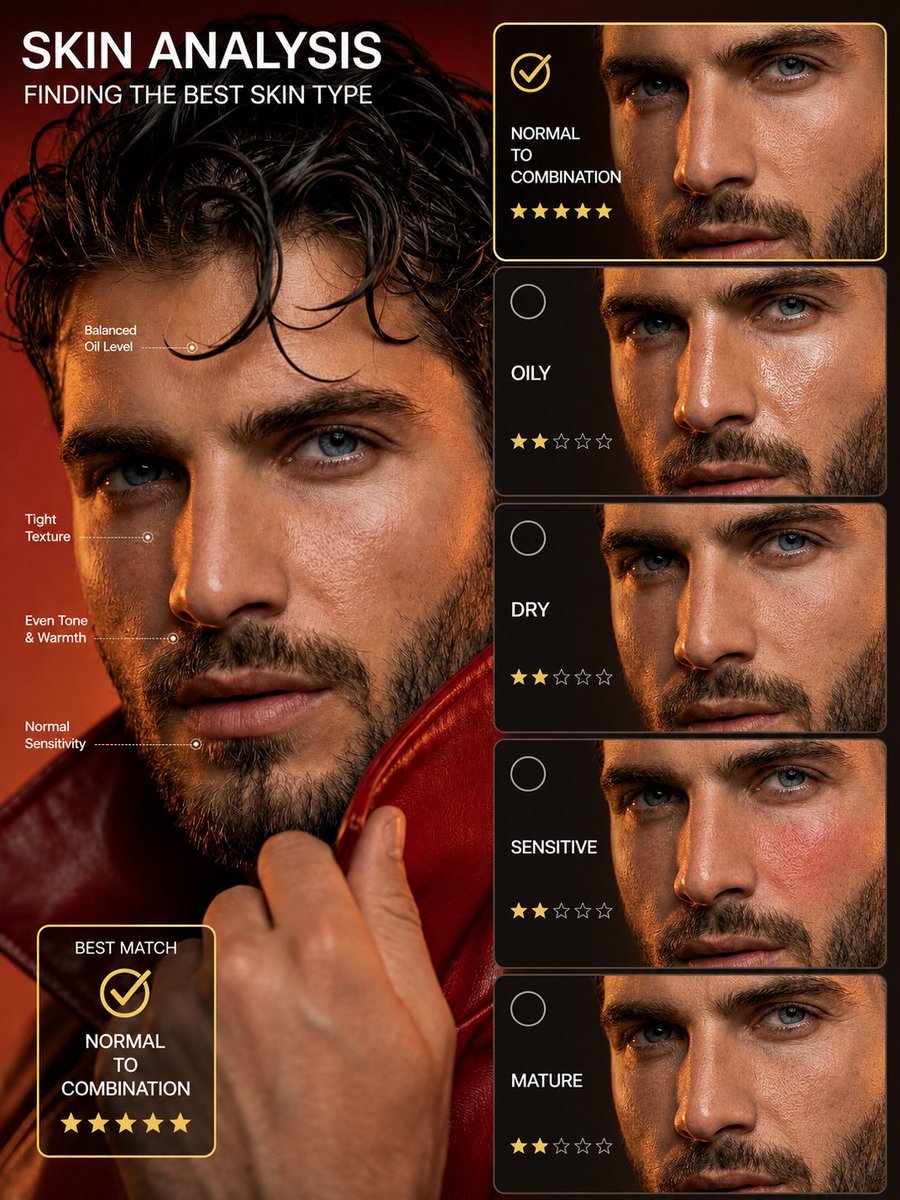
Skin Type Analysis Graphic
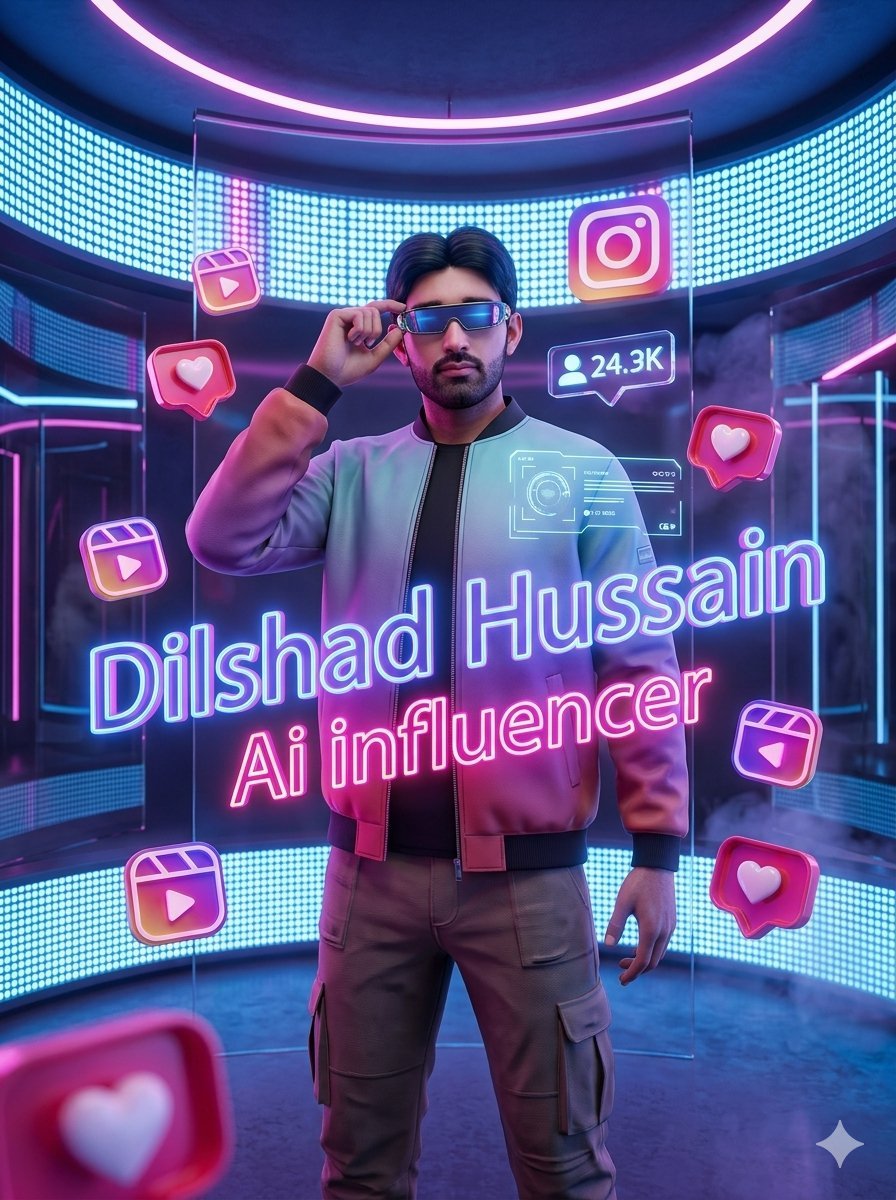
Neon AI Influencer Studio Ad
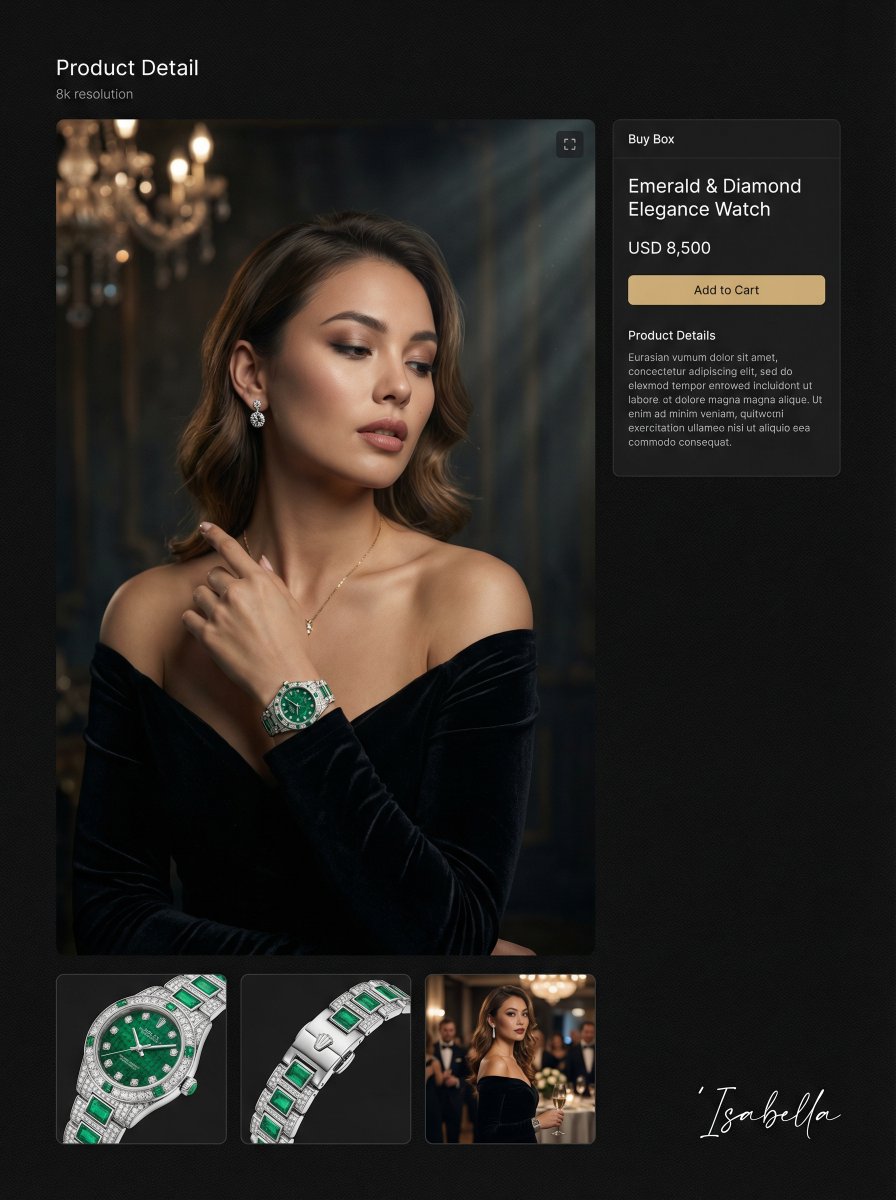
Hyper-realistic cinematic portrait for product detail page
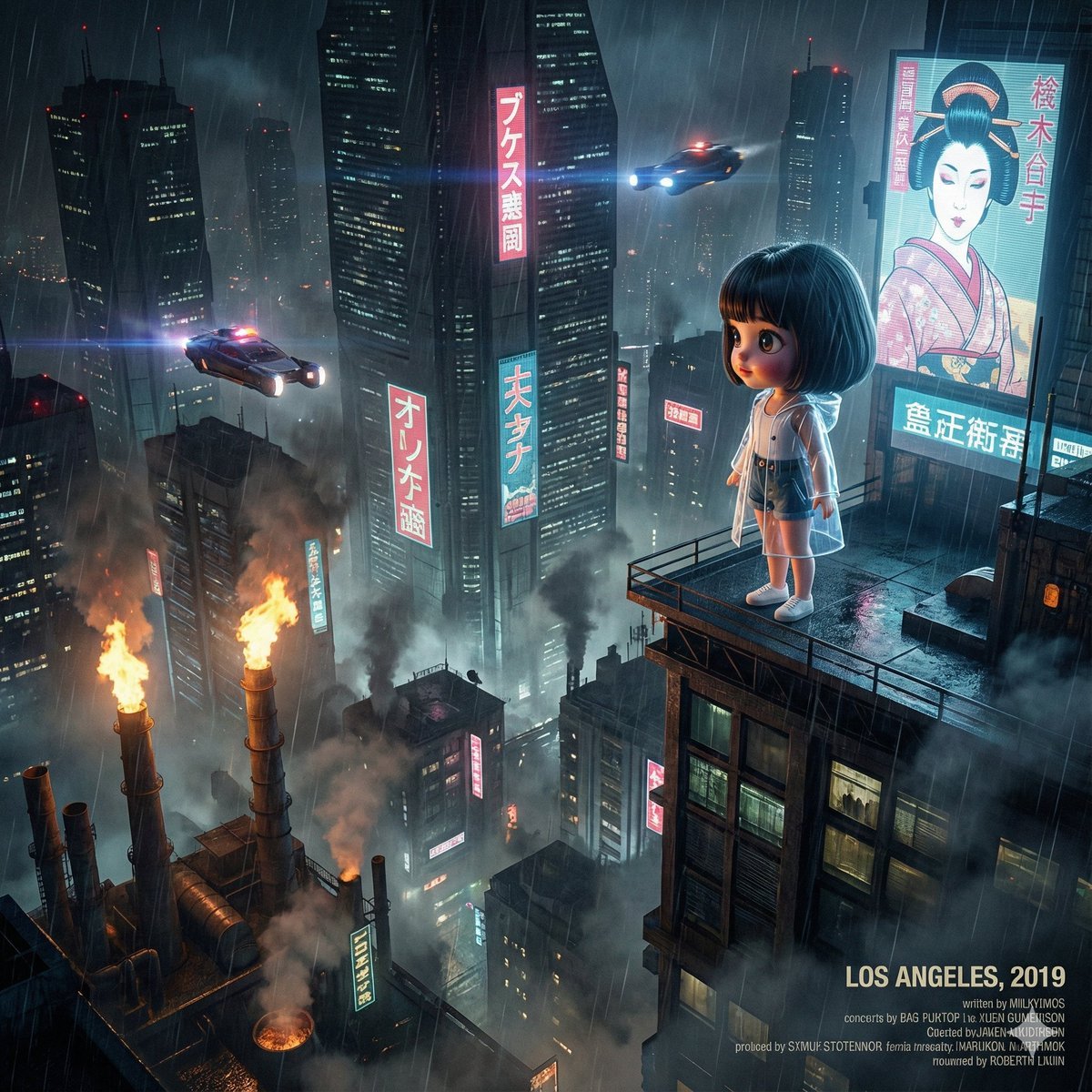
Blade Runner Opening Style Image
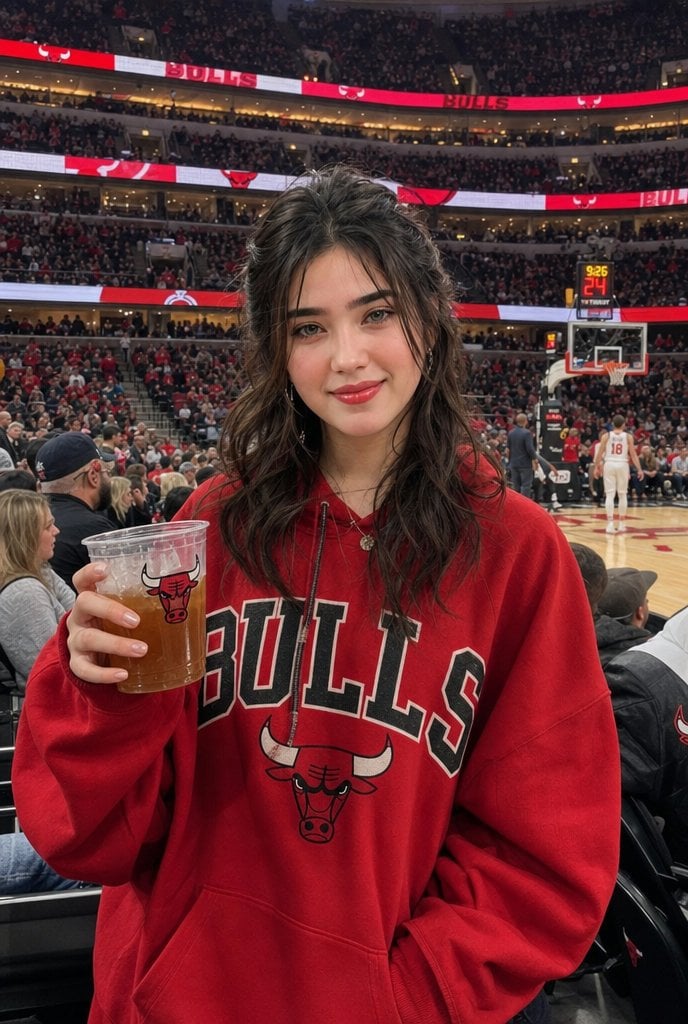
Chicago Bulls Arena Portrait
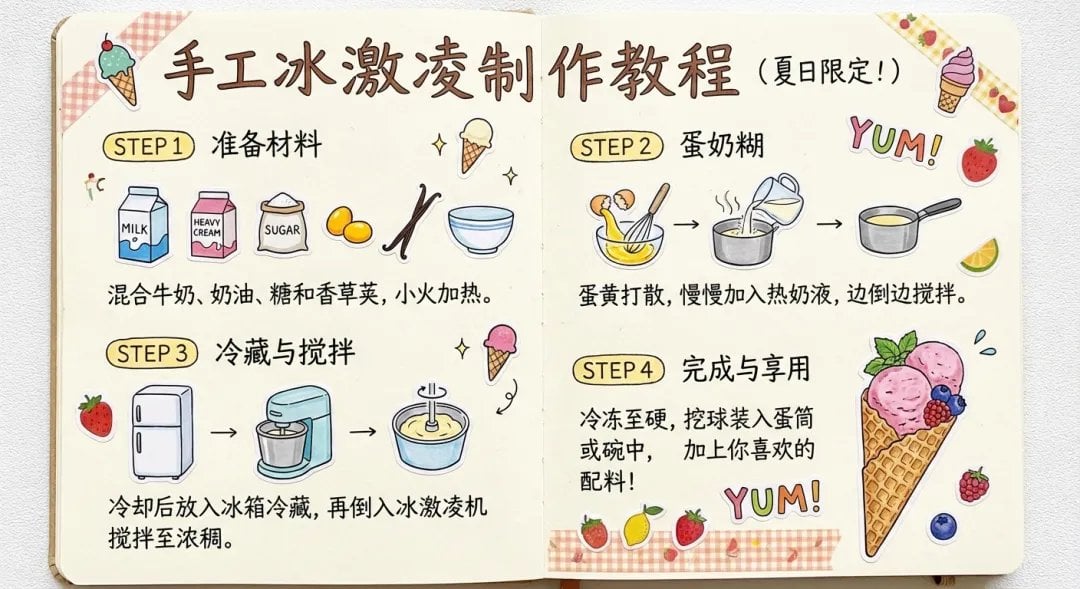
Sparkling water product main image
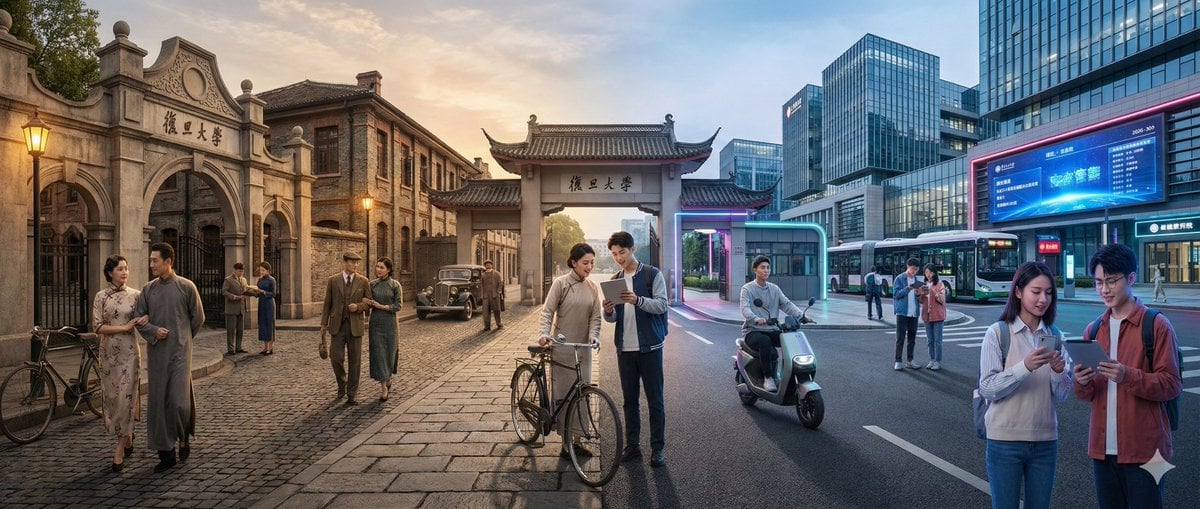
Time-Warp Cinematic Split Scene Prompt
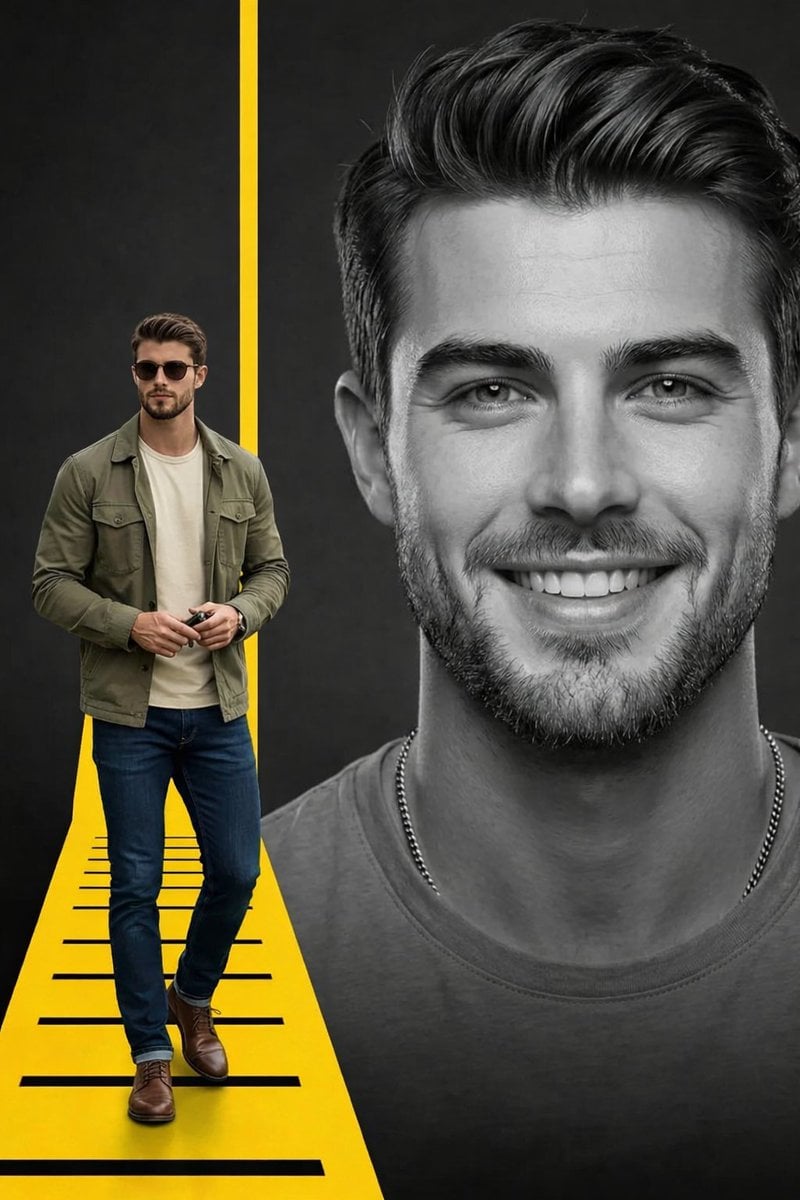
Split Composition Portrait of a Man
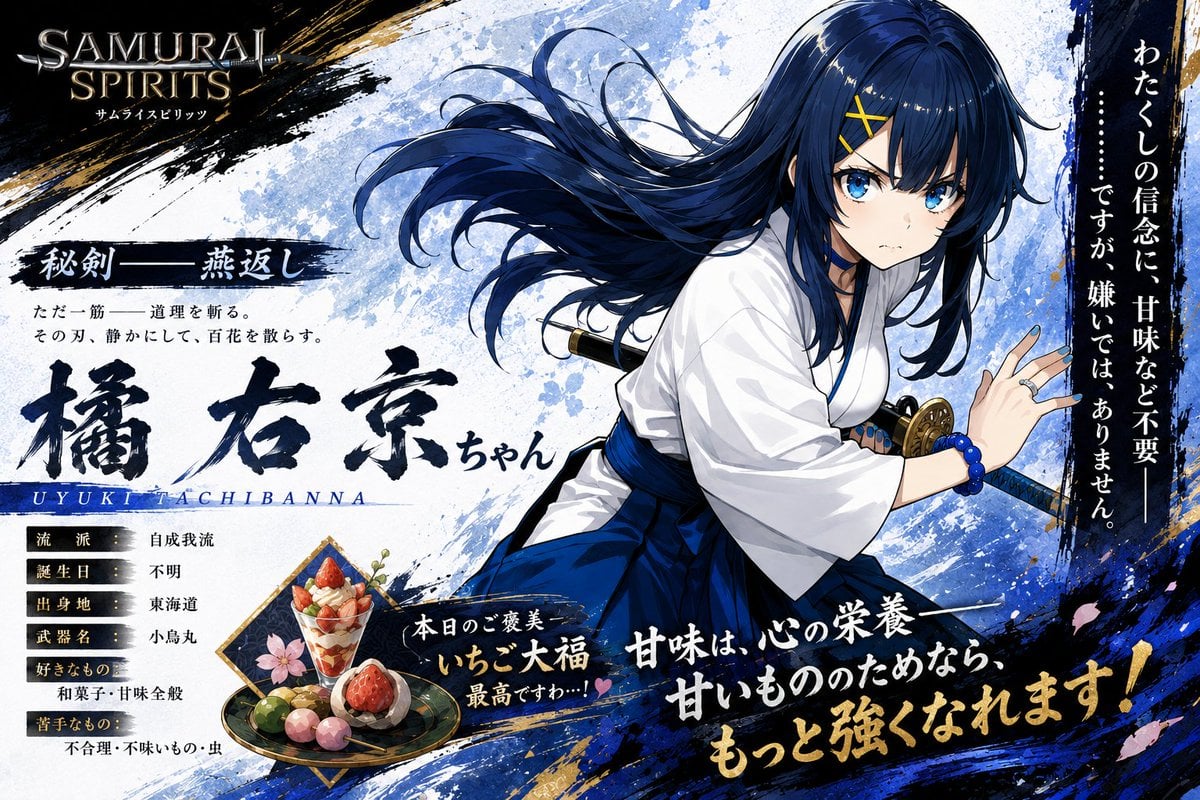
Anime Samurai Character Poster
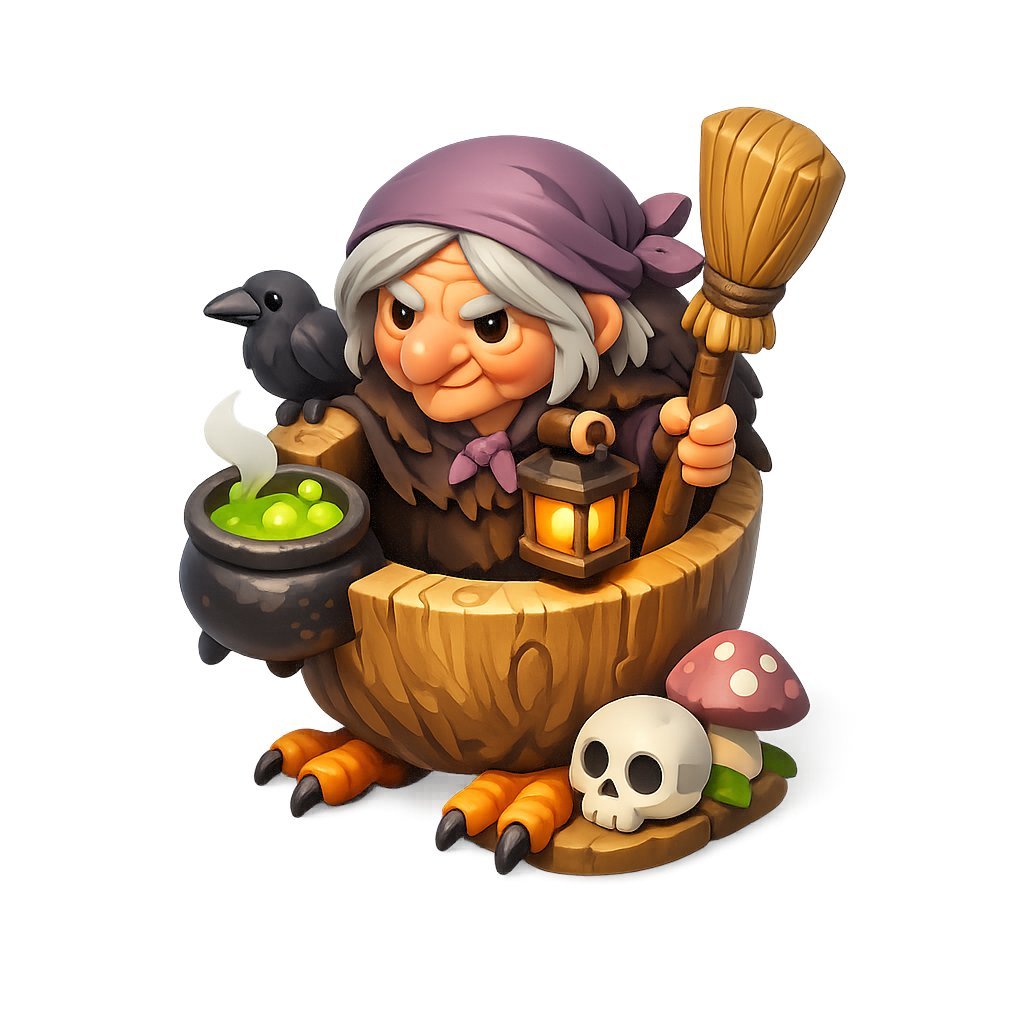
Chibi Witch Owl Figurine
Browse template categories
Vintage Studio Portrait with Identity Preservation Prompt questions
How do I use the Vintage Studio Portrait with Identity Preservation Prompt template?
Add your photo if the template asks for one, edit the prompt if you like — the template's model and format are already selected — and press Generate. Your version opens in PicX Studio.
Can I customize the Vintage Studio Portrait with Identity Preservation Prompt template?
Yes. You can change the subject, setting, lighting, mood, format, and available model controls before creating your image.
Is the Vintage Studio Portrait with Identity Preservation Prompt template free?
Opening and editing this template is free. Generating uses credits, shown on the Generate button when you are signed in.
Which AI model should I use?
Start with Nano Banana 2, which is the model associated with this template. You can compare another compatible model for a different finish.
Looking for something else? Browse all templates.

Your photo, any look
Thousands of ready templates for every top image and video model, from one credit balance.