
Watercolor Owl in Yellow Sweater
A whimsical anthropomorphic illustration prompt for a fluffy owl wearing glasses and a cable-knit sweater, mimicking traditional watercolor and pencil art.
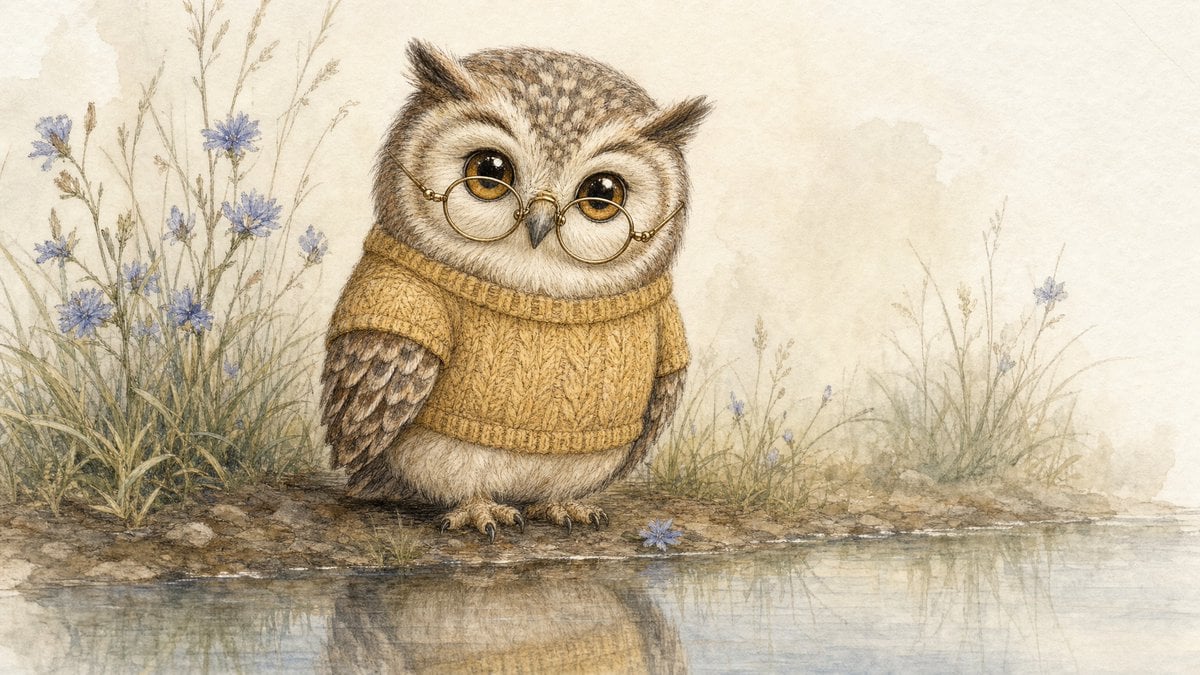
- Prompt included
- Model and format preset
- Free template
The prompt behind this image
Copy the exact prompt behind Watercolor Owl in Yellow Sweater, or open it in the studio and make it yours.
A whimsical anthropomorphic illustration of a {argument name="subject" default="small fluffy owl"} standing at the edge of a calm body of water. The owl wears {argument name="accessories" default="a pair of round reading glasses with thin gold-metal frames perched on its beak"}, and a {argument name="clothing" default="tiny knitted sweater in soft mustard-yellow with a subtle cable pattern"}. The owl has large expressive amber eyes, cream and brown feathers with soft texture, rendered with fine colored-pencil detail on the plumage and the knit stitch texture of the sweater. Artistic technique: digital painting mimicking traditional watercolor and colored pencil. Characteristic watercolor pigment bleeding in the background washes, combined with sharp fine-line colored-pencil detail defining feather texture, glasses frames, and sweater stitches. Color palette: muted, earthy, and cool-toned. Dominant colors — soft beige and cream (background and owl underbelly), warm brown and slate gray (owl wings and markings), mustard-yellow (sweater), thin gold (glasses frames). Accent — pale periwinkle blue wildflowers tying the scene together. Background: minimalist, soft-focus wash of cream and light beige, suggesting a hazy overcast day. Delicate sketchy renderings of tall grasses and small blue flowers framing the owl. A single fallen blue flower near the owl's feet. Subtle water reflection mirroring the owl's lower body and the grassy bank. Lighting: soft, diffuse, and even, typical of an overcast day. No harsh shadows or high-contrast highlights. Gentle storybook quality. Cozy, nostalgic, and endearing atmosphere, like a classic children's book illustration.
How to use Watercolor Owl in Yellow Sweater in 3 steps
- 1
Open
The prompt is already in the box next to the preview, with the template's model and format selected.
- 2…a portrait of your subject in softgolden-hour light, 85mm…
Personalize
Edit the subject and creative details for your destination.
- 3Generate
Generate
Press Generate — your image is created in PicX Studio, so you can compare it with the original and refine one variable at a time.
More like this
Templates with the same subject, style or setup. Open one to see its prompt.

Watercolor Anim Finale Fireworks

Watercolor Anim Garden Maze

Watercolor Anim Rooftop Concert

Watercolor Anim Bicycle Coast

Watercolor Anim Castle Gate

Watercolor Anim Kitchen Chaos

Watercolor Anim Carnival Ride

Watercolor Anim Rainy Bus Stop

Watercolor Anim Space Dock

Watercolor Anim Cafe Morning

Watercolor Anim Mountain Summit

Watercolor Anim Underwater Reef
Make it yours
Watercolor Owl in Yellow Sweater works as-is. These are the safest ways to change it without losing the look.
Change one field
Copy a single group, rewrite it, and generate again so you can see what that field is doing.
Keep the frame, change the subject
Hold the composition and light of Watercolor Owl in Yellow Sweater, then swap wardrobe, props or the person for a new take.
| If the result… | Why | Fix |
|---|---|---|
| The result drifts from the preview | Too many fields changed at once. | Reuse Watercolor Owl in Yellow Sweater as-is first, then change one group — subject, light, or setting. |
| The model over-stylizes the scene | The prose prompt leaves finish and camera underspecified. | Add one camera or lighting sentence and stay on GPT Image 2. |
More GPT Image 2 templates
Other prompts made for GPT Image 2.

Six VTuber Japanese Logo Sheet

Realistic Portrait of Woman and Deer

The Vista Modular Condo Poster

AI Model Routing Comparison Infographic

2.5D Anime Art Board

Isometric Productivity Desk Scene

New York Double Exposure Poster

Four-Panel AI Landscape Comparison

Japanese Tatami Lifestyle Magazine Cover

NESCAFÉ Coffee Map Poster
More image prompts
Fresh picks from across the catalog.
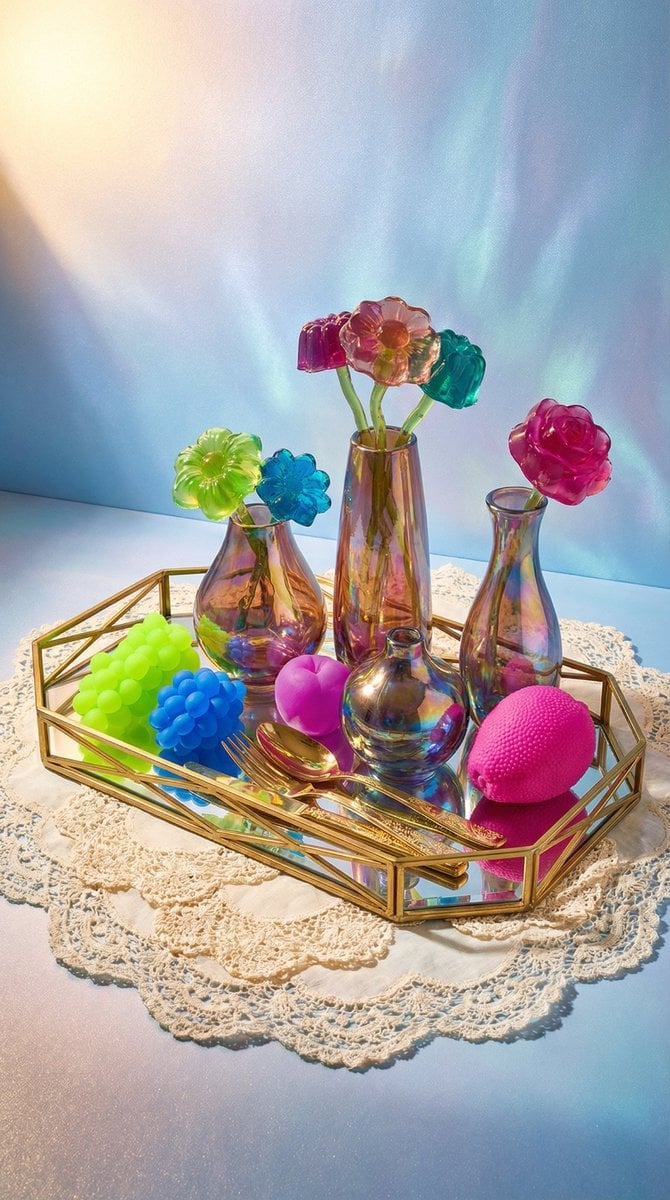
Maximalist Tabletop Arrangement Product Photography
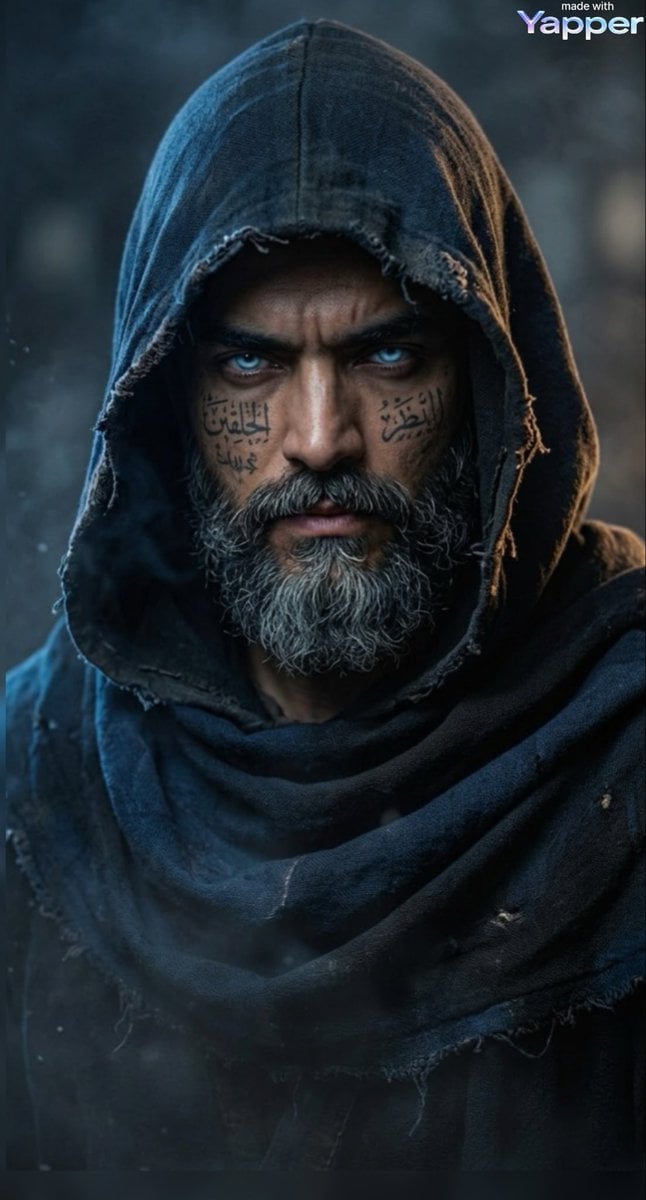
Cinematic Portrait of a Mysterious Hooded Warrior
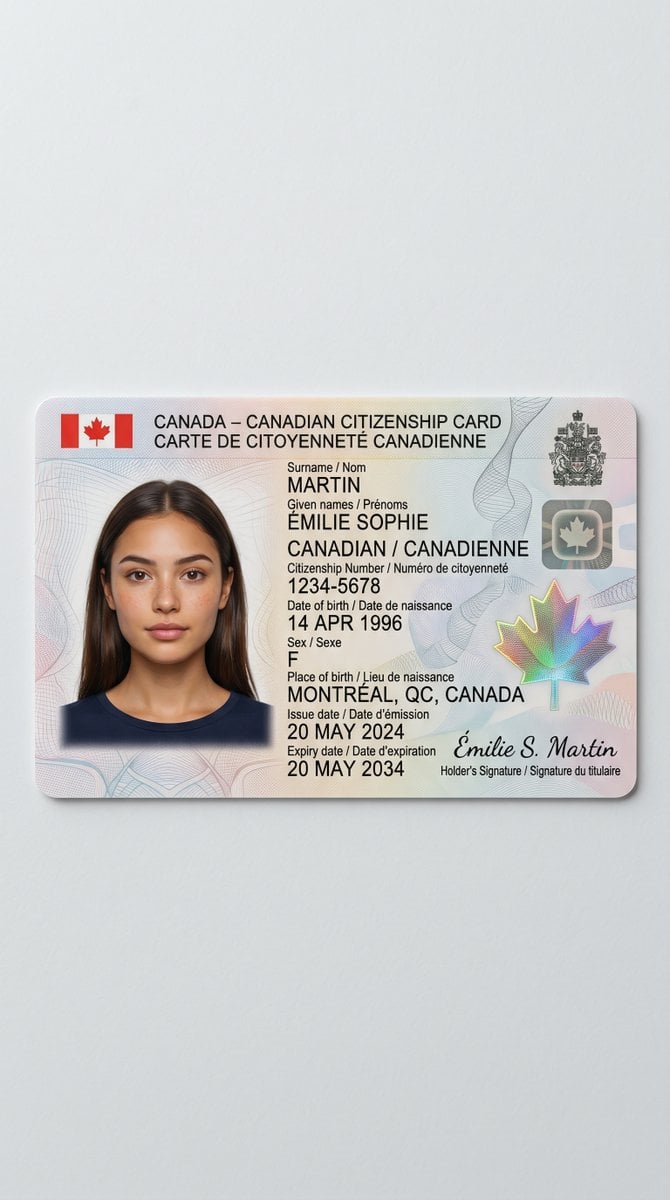
Canadian Citizenship Card Mockup Prompt
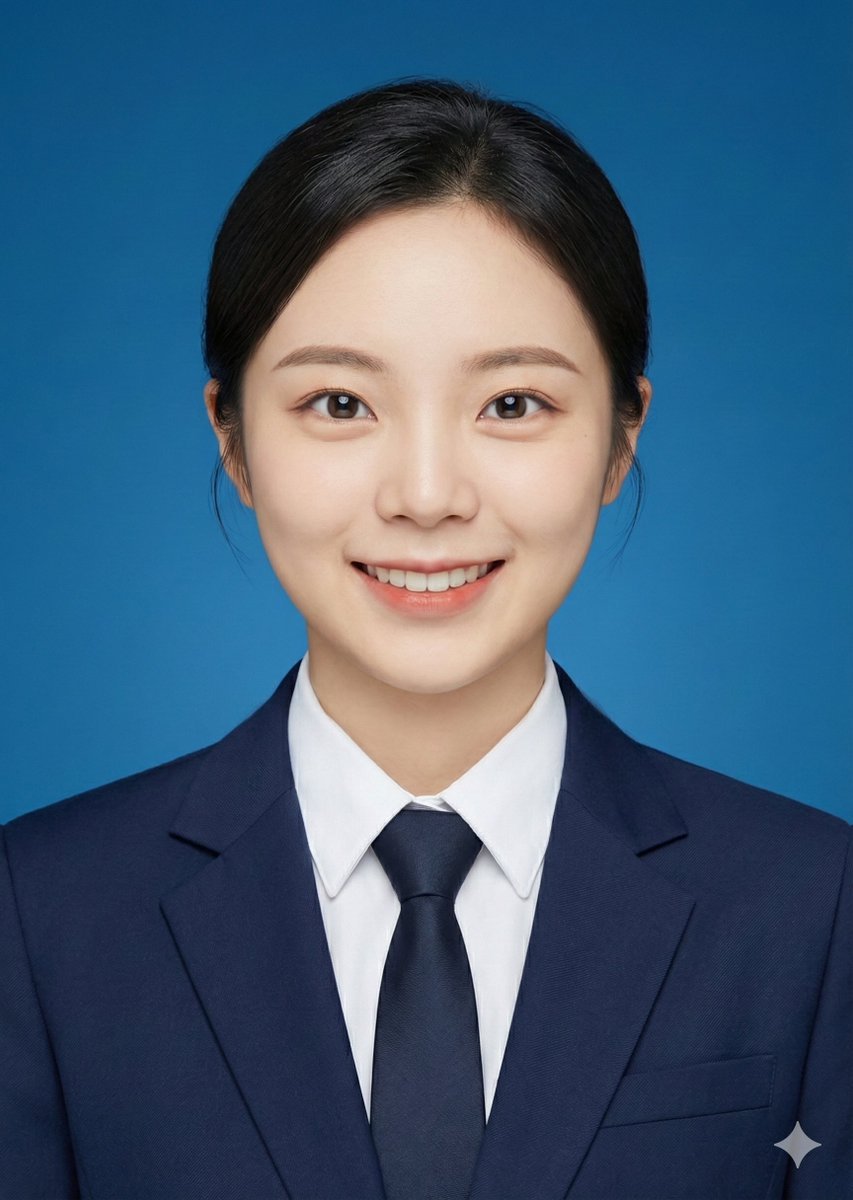
ID photo generation prompt for Nano Banana Pro
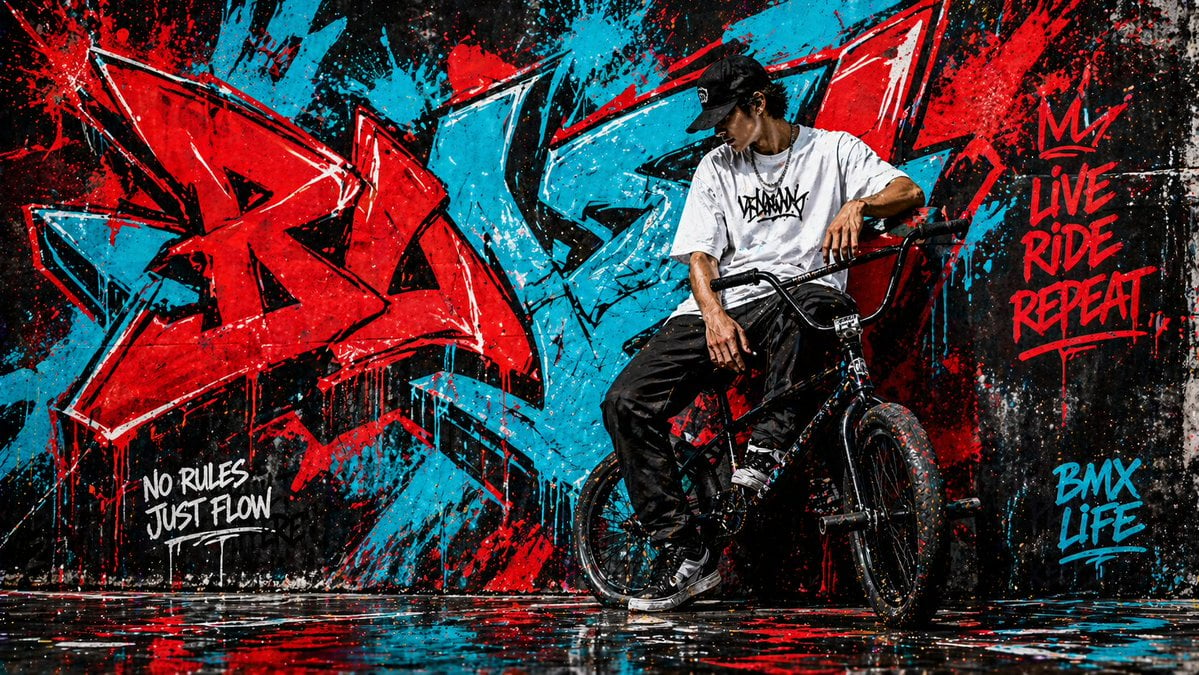
Graffiti Wall Urban Artwork
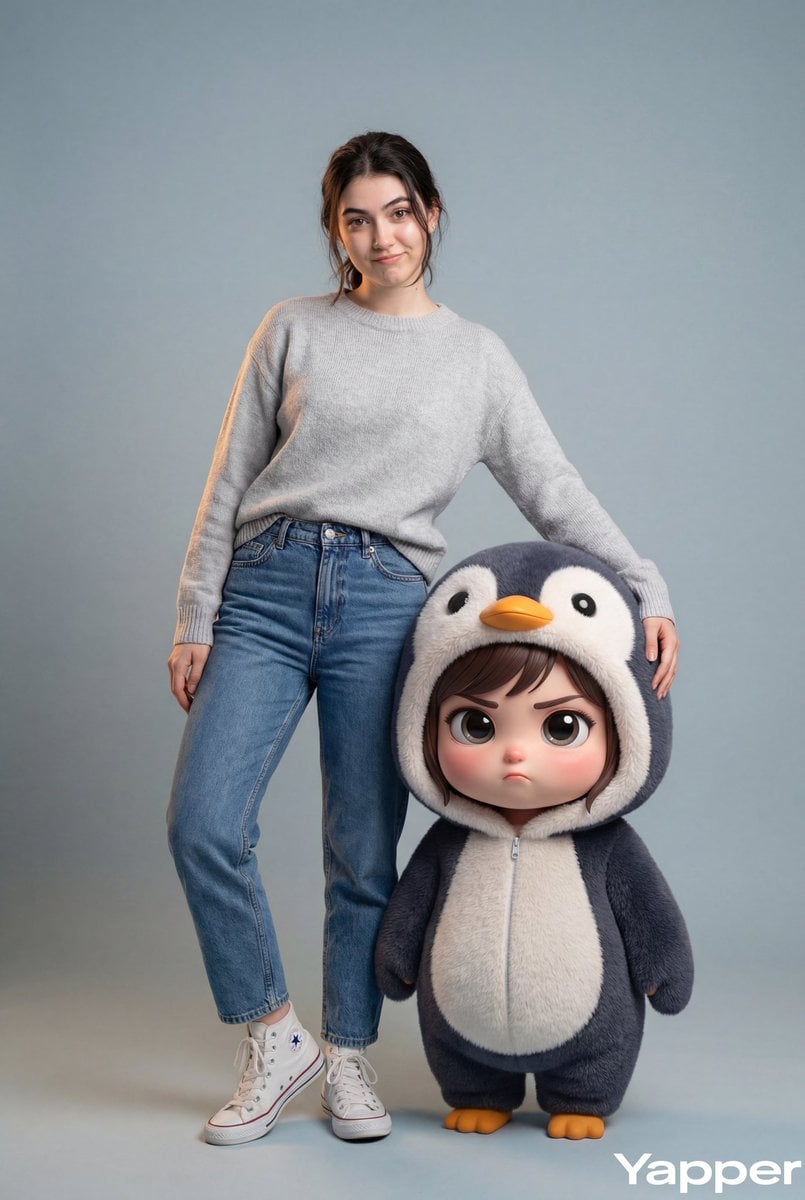
Hyper-Realistic Portrait with Chibi Penguin Character
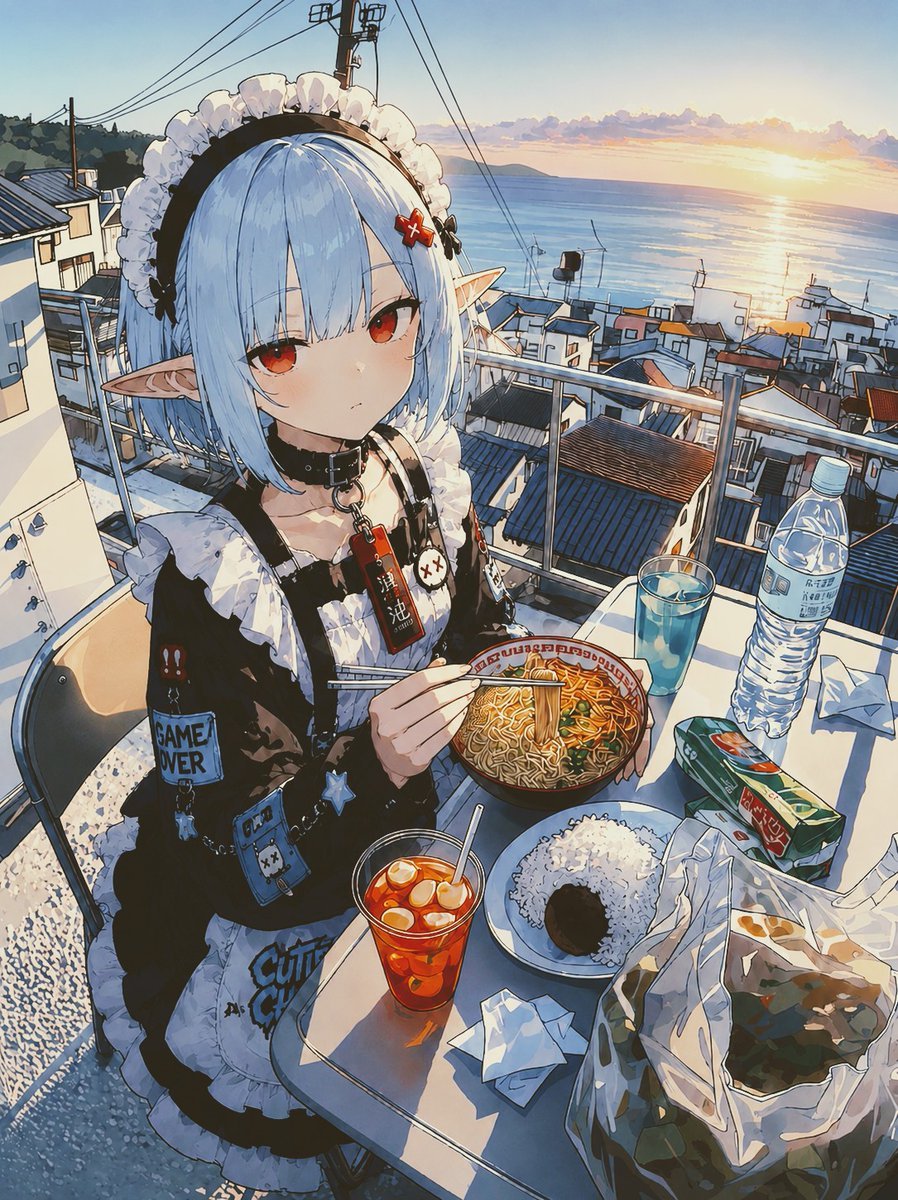
POV Seaside Elf Maid Dinner
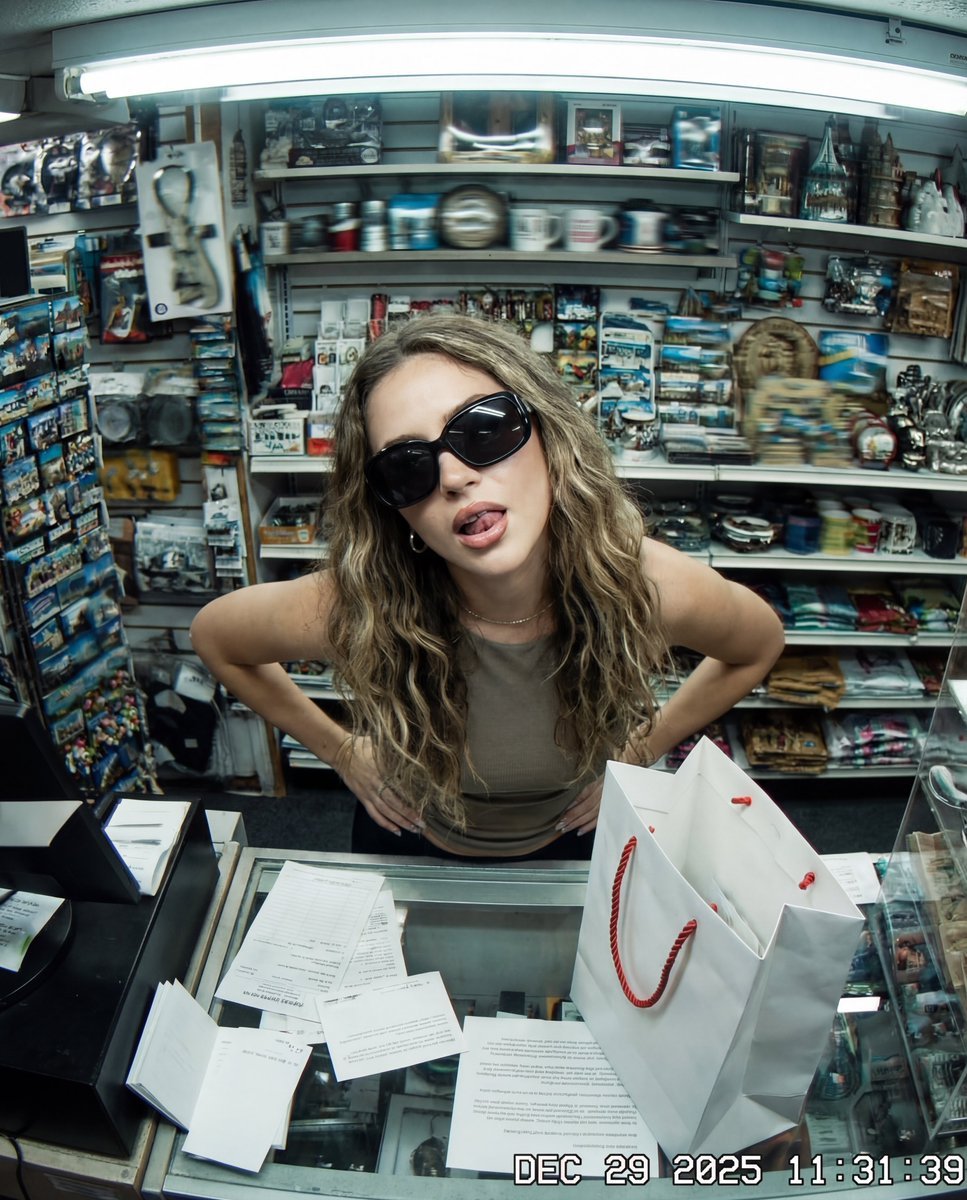
Y2K Surveillance Footage Style Prompt
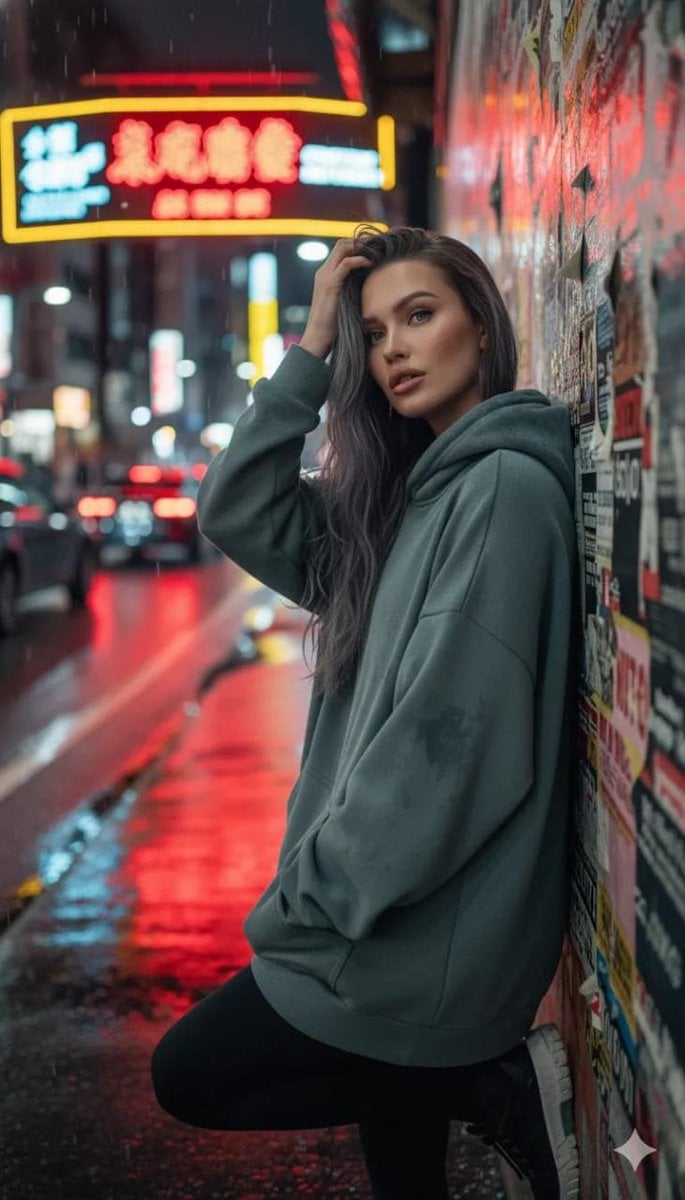
Cinematic Night Urban Portrait Prompt
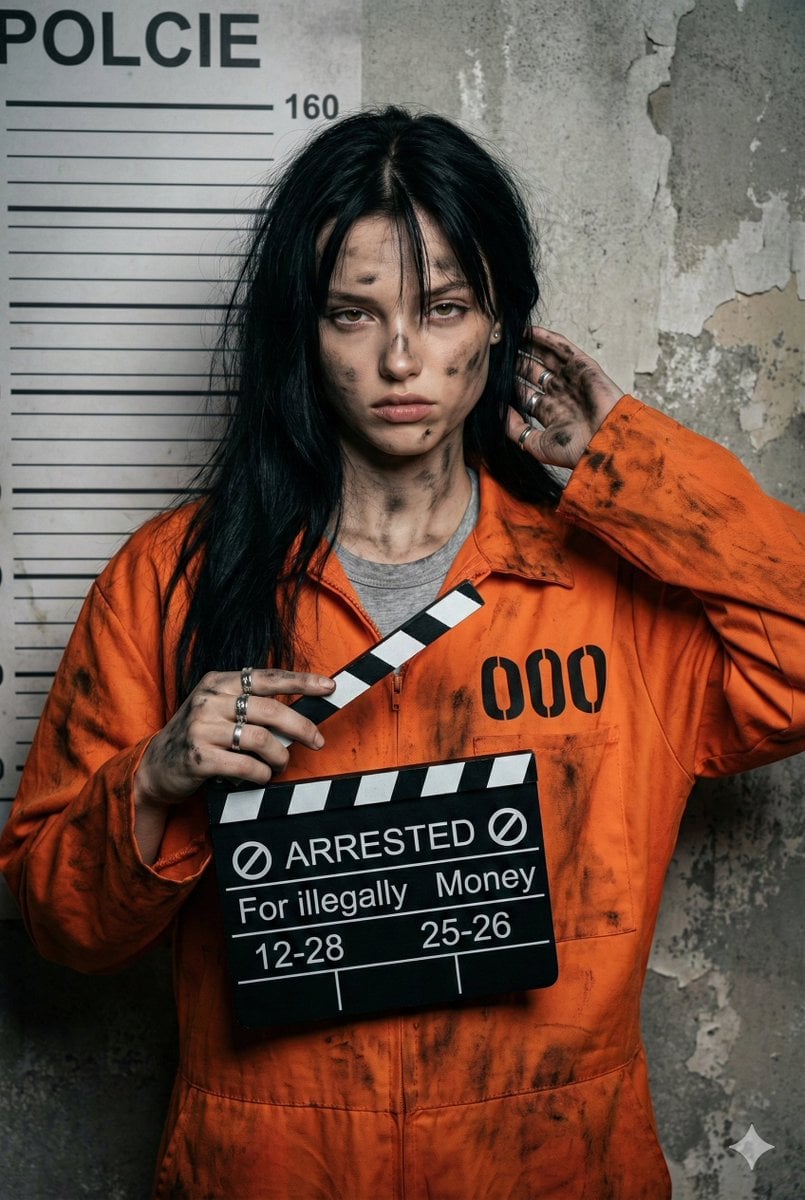
Gritty Prisoner Mugshot Portrait Prompt
Browse template categories
Watercolor Owl in Yellow Sweater questions
How do I use the Watercolor Owl in Yellow Sweater template?
Add your photo if the template asks for one, edit the prompt if you like — the template's model and format are already selected — and press Generate. Your version opens in PicX Studio.
Can I customize the Watercolor Owl in Yellow Sweater template?
Yes. You can change the subject, setting, lighting, mood, format, and available model controls before creating your image.
Is the Watercolor Owl in Yellow Sweater template free?
Opening and editing this template is free. Generating uses credits, shown on the Generate button when you are signed in.
Which AI model should I use?
Start with GPT Image 2, which is the model associated with this template. You can compare another compatible model for a different finish.
Looking for something else? Browse all templates.

Your photo, any look
Thousands of ready templates for every top image and video model, from one credit balance.