
Guangzhou Ink Brush Travel Poster
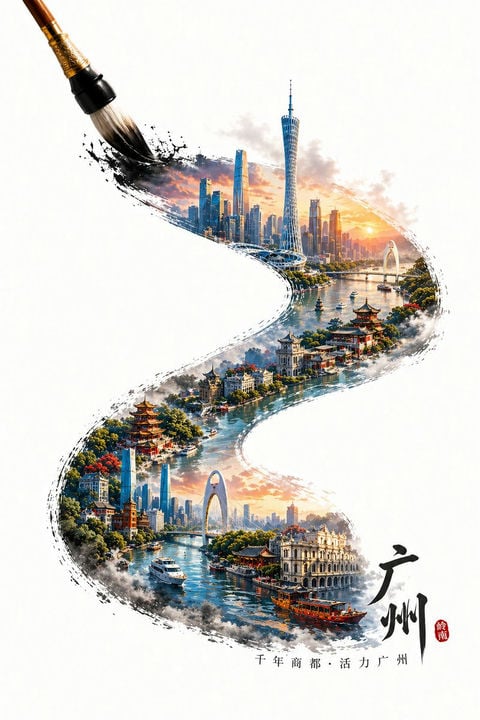
This prompt generates a vertical white-background poster illustration of Guangzhou emerging inside a sweeping ink-brush stroke, ideal for tourism art, cultural branding, or city-poster design.
- Prompt included
- Model and format preset
- Free template
The prompt behind this image
Copy the exact prompt behind Guangzhou Ink Brush Travel Poster, or open it in the studio and make it yours.
A refined poster-style digital painting on a clean white background, featuring a large traditional calligraphy brush entering from the upper left corner and painting a bold, flowing S-shaped black ink stroke across the page. Inside the ink stroke, reveal a highly detailed panoramic cityscape of {argument name="city" default="Guangzhou"}, blending modern skyline and historic waterside architecture into one continuous composition. In the upper section, show the contemporary skyline at sunrise or sunset with warm golden light, including the slender Canton Tower, dense glass skyscrapers, a river, bridges, and soft glowing clouds. Let the painted stroke curve downward into a scenic river corridor lined with lush green trees, colorful flowering accents, traditional Chinese pavilions, pagoda-style buildings, and elegant waterfront structures. In the lower section, continue the river scene with excursion boats and a red wooden sightseeing boat, then transition into more city landmarks including a large modern arch bridge and clustered high-rises in the distance. Use a fusion of ink wash, watercolor, and ultra-detailed travel-poster illustration, with expressive black splatter edges and dry-brush texture around the painted shape, creating the effect that the city has been painted by the brush in one sweeping gesture. Keep the composition vertically centered with generous negative space around it. At the lower right, place large black Chinese calligraphy reading "广州" with a small red seal stamp beside it; along the bottom center add smaller Chinese text reading "千年商都·活力广州". The overall mood is elegant, cultural, cinematic, and aspirational, combining heritage and futuristic urban beauty.
How to use Guangzhou Ink Brush Travel Poster in 3 steps
- 1Upload ImagePNG, JPG or paste
Add your photo
Upload the photo the template builds on. The prompt, model and format are already set.
- 2…a portrait of your subject in softgolden-hour light, 85mm…
Personalize
Edit the subject and creative details for your destination.
- 3Generate
Generate
Press Generate — your image is created in PicX Studio, so you can compare it with the original and refine one variable at a time.
More like this
Templates with the same subject, style or setup. Open one to see its prompt.

Japan Travel Brochure Poster

Clay Miniature Landmark Travel Diorama

Vintage Lithograph Retro World Cup Poster

Trendy Cafe Drink Promo Poster

Gpt2 Infographic Edu Visual Ink Wash Tribute Poster for Chen Uen
Ink Calligraphy Guangzhou Poster
Chinese Ink-Wash Jinyun Travel Poster
Guangzhou Ink-Wash City Poster

City Posters by Nano Banana Pro

Cartoon TV Show Poster Pack

Urban Fashion Editorial Collage Streetwear Poster

Premium Fashion Editorial Cover Layout System
Make it yours
Guangzhou Ink Brush Travel Poster works as-is. These are the safest ways to change it without losing the look.
Change one field
Copy a single group, rewrite it, and generate again so you can see what that field is doing.
Keep the frame, change the subject
Hold the composition and light of Guangzhou Ink Brush Travel Poster, then swap wardrobe, props or the person for a new take.
| If the result… | Why | Fix |
|---|---|---|
| The result drifts from the preview | Too many fields changed at once. | Reuse Guangzhou Ink Brush Travel Poster as-is first, then change one group — subject, light, or setting. |
| The model over-stylizes the scene | The prose prompt leaves finish and camera underspecified. | Add one camera or lighting sentence and stay on GPT Image 2. |
More GPT Image 2 templates
Other prompts made for GPT Image 2.

Six VTuber Japanese Logo Sheet

Realistic Portrait of Woman and Deer

The Vista Modular Condo Poster

AI Model Routing Comparison Infographic

2.5D Anime Art Board

Isometric Productivity Desk Scene

New York Double Exposure Poster

Four-Panel AI Landscape Comparison

Japanese Tatami Lifestyle Magazine Cover

NESCAFÉ Coffee Map Poster
More image prompts
Fresh picks from across the catalog.
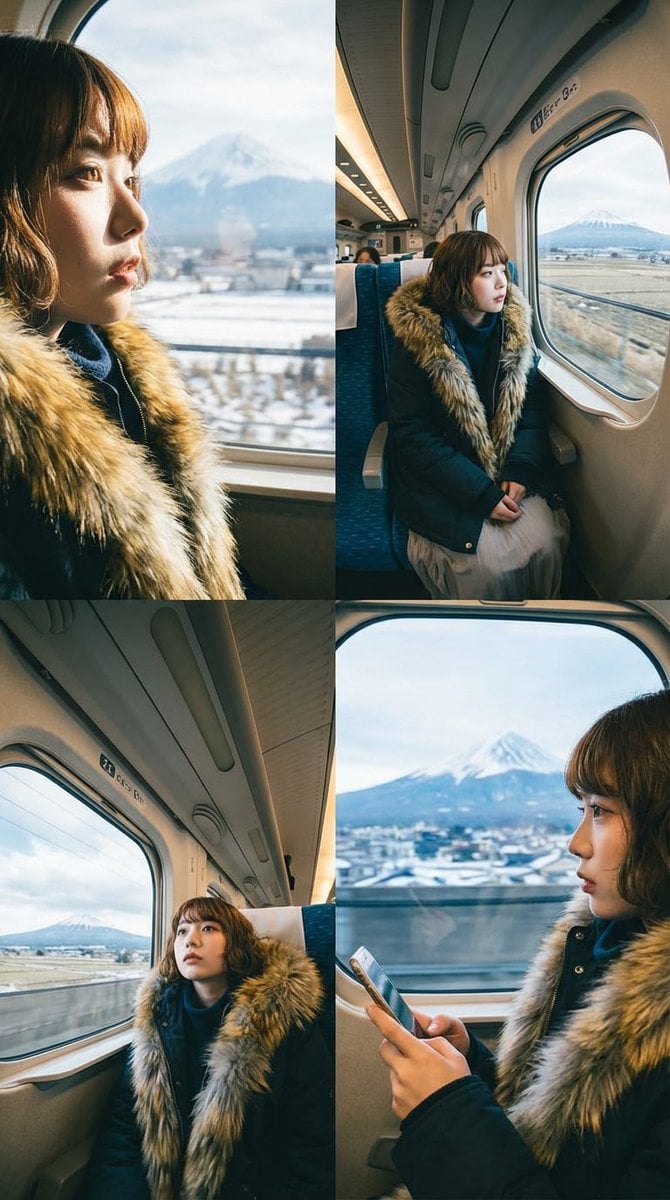
Four-Panel Image Generation with Specific Location and Perspective Prompt

Ultra-Close Photorealistic Couple Selfie with Heart Cheek Paint

Romantic Night Park Couple Portrait
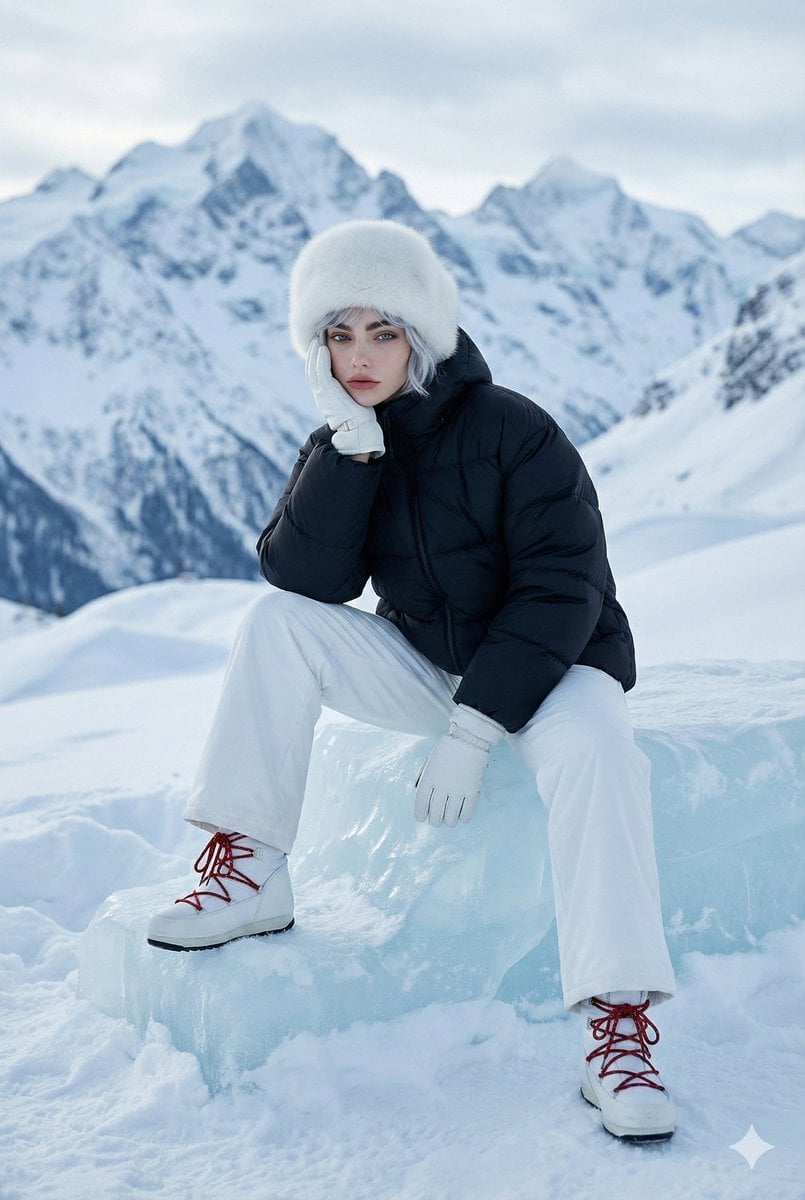
High-Fashion Winter Editorial Portrait in Alpine Setting
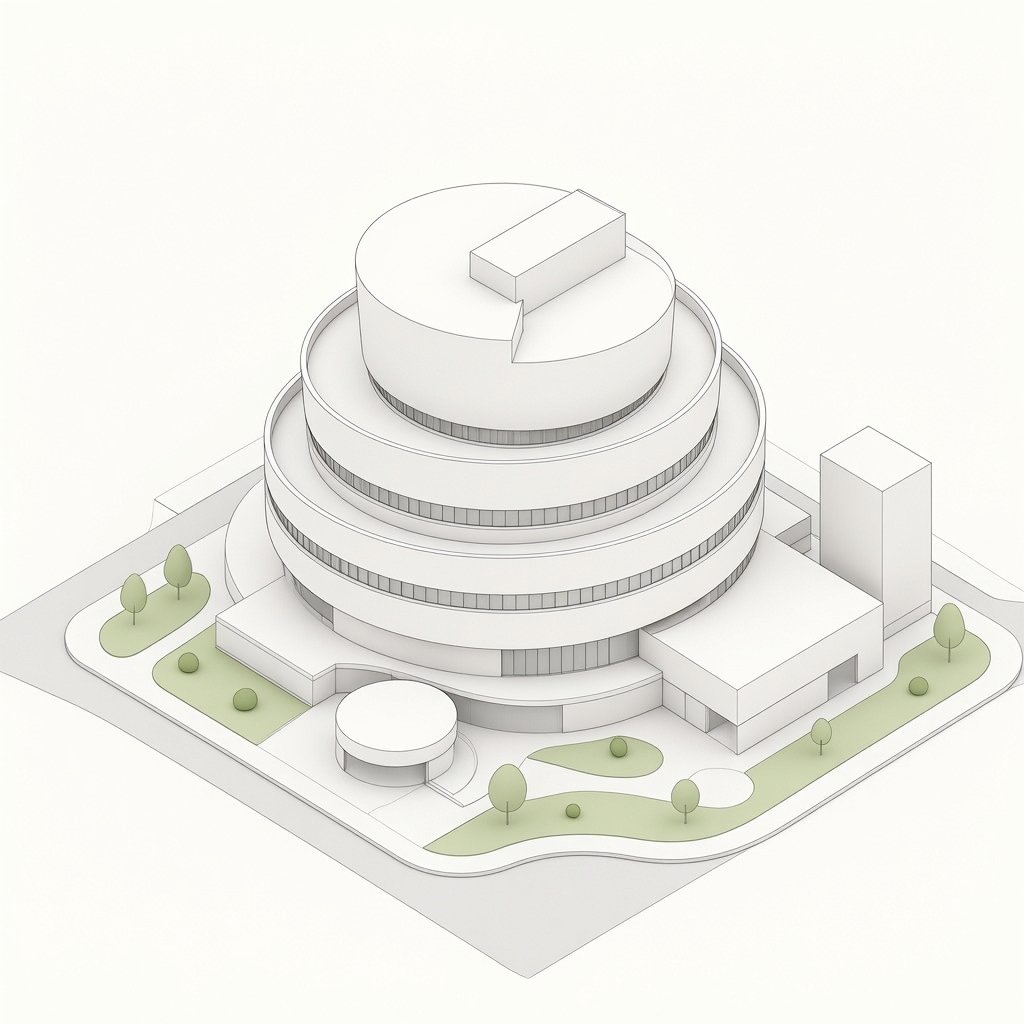
Isometric Circular Museum Architecture

Photorealistic Couple Portrait with Harsh Midday Sun and Red Roses

Overlay Image with Conspiracy Scribbles
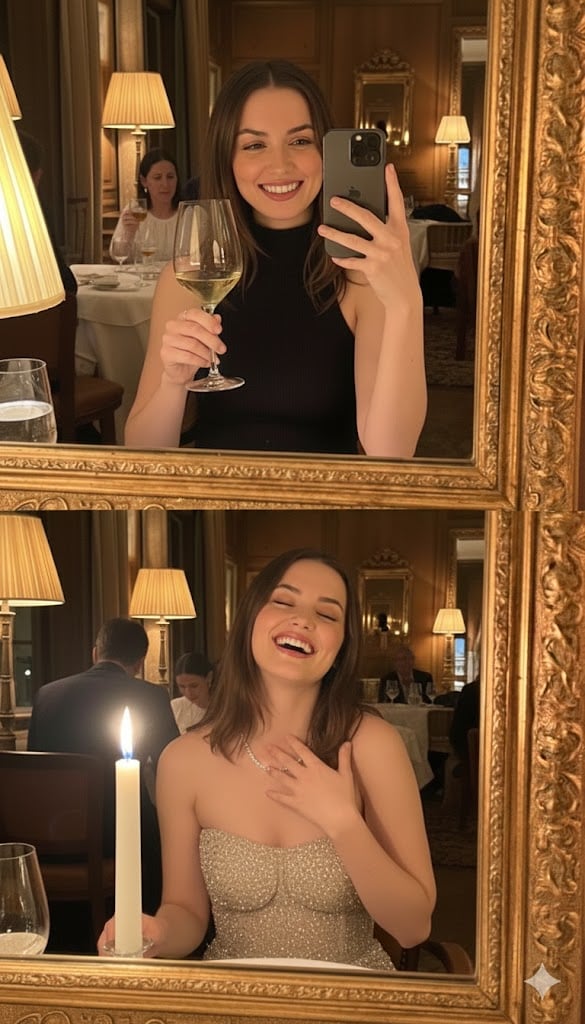
Ultra-Photorealistic Mirror Selfie POV in a Vintage Bistro

Cosmetic Tube Product — Nano Banana 2
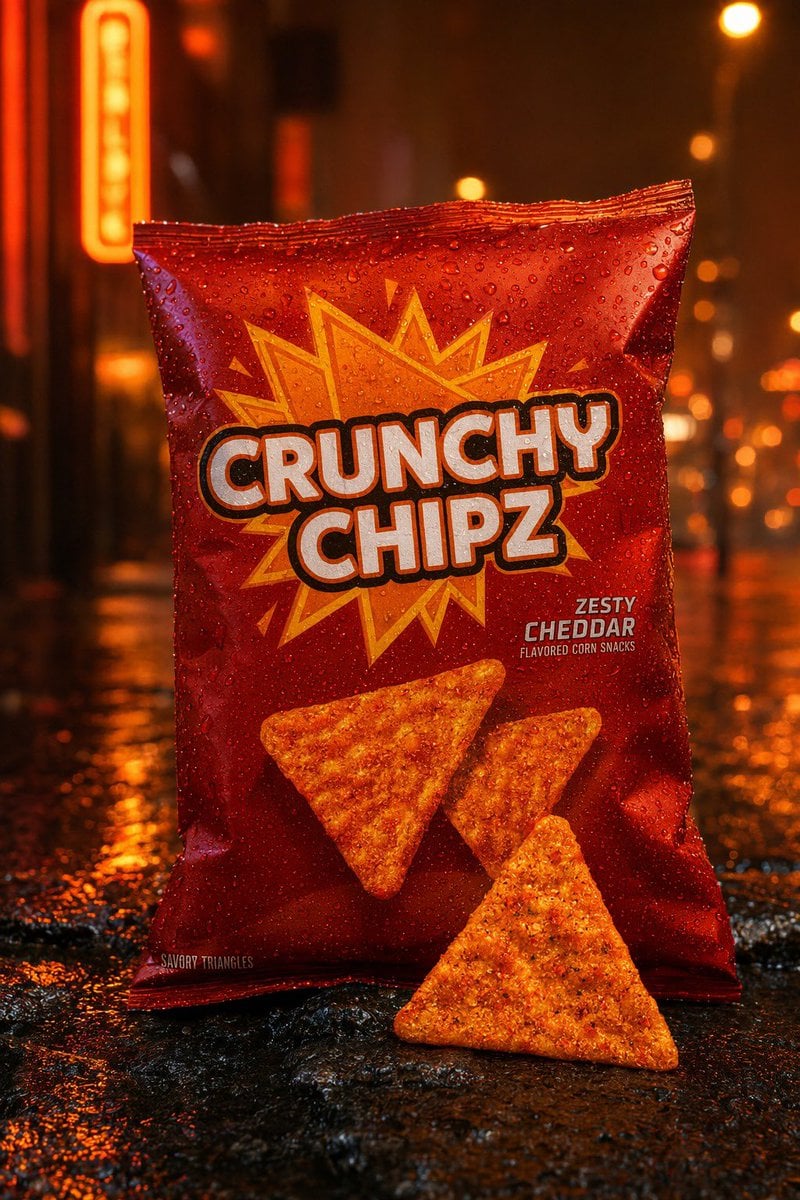
Neon Rain Snack Bag Ad
Browse template categories
Guangzhou Ink Brush Travel Poster questions
How do I use the Guangzhou Ink Brush Travel Poster template?
Add your photo if the template asks for one, edit the prompt if you like — the template's model and format are already selected — and press Generate. Your version opens in PicX Studio.
Can I customize the Guangzhou Ink Brush Travel Poster template?
Yes. You can change the subject, setting, lighting, mood, format, and available model controls before creating your image.
Is the Guangzhou Ink Brush Travel Poster template free?
Opening and editing this template is free. Generating uses credits, shown on the Generate button when you are signed in.
Which AI model should I use?
Start with GPT Image 2, which is the model associated with this template. You can compare another compatible model for a different finish.
Looking for something else? Browse all templates.

Your photo, any look
Thousands of ready templates for every top image and video model, from one credit balance.