
Napoleon Historical Timeline Poster
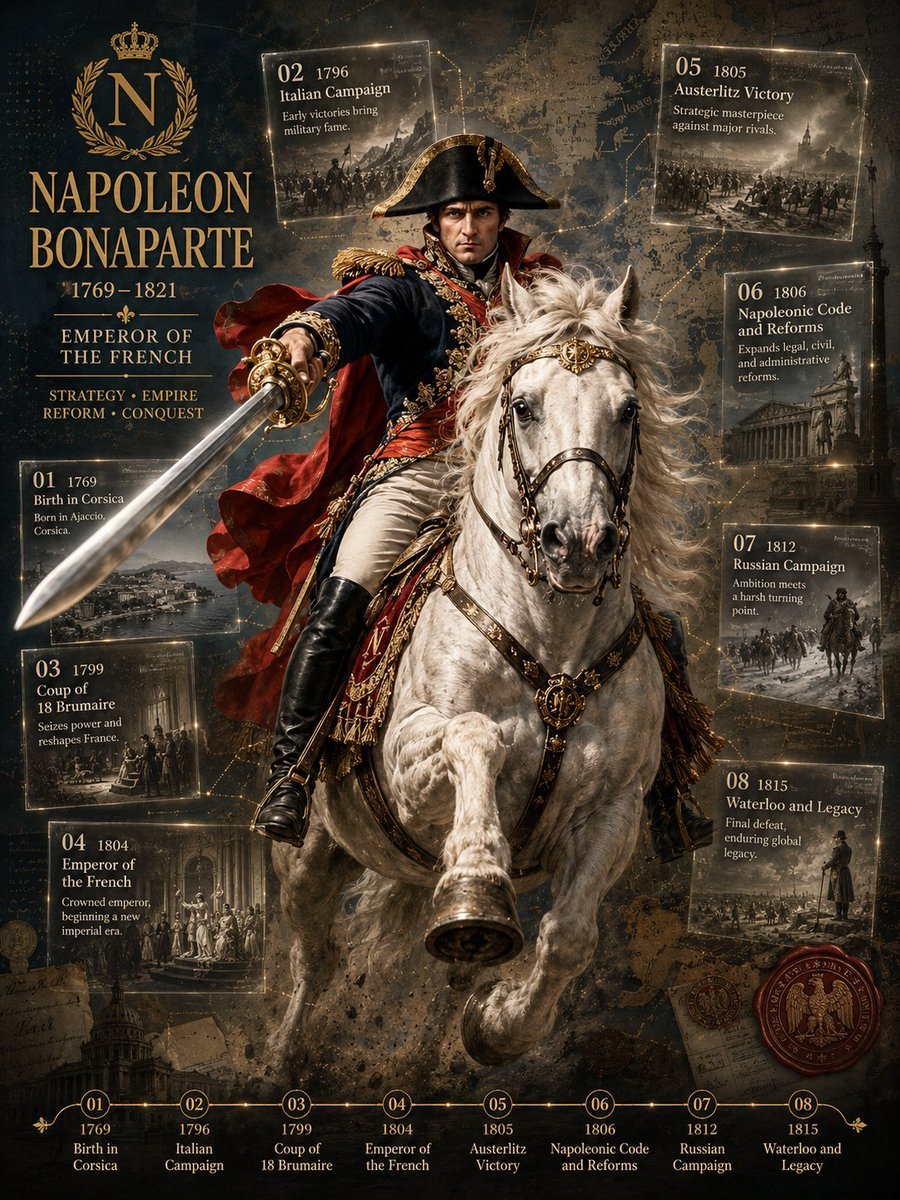
Generates a cinematic imperial biography poster with an equestrian ruler portrait, archival event cards, and a gold historical timeline.
- Prompt included
- Model and format preset
- Free template
The prompt behind this image
Copy the exact prompt behind Napoleon Historical Timeline Poster, or open it in the studio and make it yours.
Goal: Create a dramatic historical biography poster for {argument name="subject figure" default="Napoleon Bonaparte"}, presented as an imperial military ruler infographic with a cinematic equestrian portrait and annotated life timeline. Canvas: Vertical 3:4 poster, dark antique parchment and battlefield-map background, high-detail painterly realism mixed with luxury editorial infographic design. Use a black, charcoal, sepia, and weathered gold palette with glowing gold lines, dust, smoke, scratches, old-map texture, and archival manuscript fragments. Main subject: Center the ruler on a rearing white horse, facing forward in a heroic battlefield pose. The figure wears a black bicorne hat, ornate dark navy and red imperial military uniform, gold epaulettes, medals, sash, white trousers, tall black riding boots, and a flowing crimson cape. One arm thrusts a long silver sword diagonally toward the lower left foreground, creating strong perspective. The horse has windswept mane, detailed leather-and-gold bridle, decorative chest medallion, raised front leg, and dramatic motion dust beneath it. Left identity panel: Place a large imperial monogram near the upper left: a gold crowned letter “N” inside a laurel wreath. Below it, set the main name in large elegant serif gold capitals: {argument name="headline name" default="NAPOLEON BONAPARTE"}. Under the name add “1769–1821”, then a divider ornament, then “EMPEROR OF THE FRENCH”. Add a smaller motto line: “STRATEGY • EMPIRE” and “REFORM • CONQUEST”. Timeline cards: Add exactly 8 translucent archival event cards around the central portrait, each with thin glowing gold borders, small monochrome historical scene artwork, a large two-digit event number, year, title, and short description. Use these exact 8 cards: 1. “01 1769 — Birth in Corsica — Born in Ajaccio, Corsica.” Place lower left. 2. “02 1796 — Italian Campaign — Early victories bring military fame.” Place upper left. 3. “03 1799 — Coup of 18 Brumaire — Seizes power and reshapes France.” Place left middle-lower. 4. “04 1804 — Emperor of the French — Crowned emperor, beginning a new imperial era.” Place lower left-center. 5. “05 1805 — Austerlitz Victory — Strategic masterpiece against major rivals.” Place upper right. 6. “06 1806 — Napoleonic Code and Reforms — Expands legal, civil, and administrative reforms.” Place right middle-upper. 7. “07 1812 — Russian Campaign — Ambition meets a harsh turning point.” Place right middle-lower. 8. “08 1815 — Waterloo and Legacy — Final defeat, enduring global legacy.” Place lower right. Bottom timeline: Across the bottom edge, create a horizontal gold timeline with exactly 8 circular numbered markers labeled 01 through 08. Under each marker repeat the year and short title in small serif text: 1769 Birth in Corsica; 1796 Italian Campaign; 1799 Coup of 18 Brumaire; 1804 Emperor of the French; 1805 Austerlitz Victory; 1806 Napoleonic Code and Reforms; 1812 Russian Campaign; 1815 Waterloo and Legacy. Additional details: Add faint dotted route lines and glowing map connections behind the cards, battlefield silhouettes, old documents, handwritten notes, and a red wax seal with an imperial eagle near the lower right. Keep all typography readable, ornate, and historically themed. Make the composition grand, symmetrical but dynamic, with the horse and sword breaking the layout for depth. No modern UI, no watermark, no extra event cards, no misspelled labels.
How to use Napoleon Historical Timeline Poster in 3 steps
- 1Upload ImagePNG, JPG or paste
Add your photo
Upload the photo the template builds on. The prompt, model and format are already set.
- 2…a portrait of your subject in softgolden-hour light, 85mm…
Personalize
Edit the subject and creative details for your destination.
- 3Generate
Generate
Press Generate — your image is created in PicX Studio, so you can compare it with the original and refine one variable at a time.
More like this
Templates with the same subject, style or setup. Open one to see its prompt.
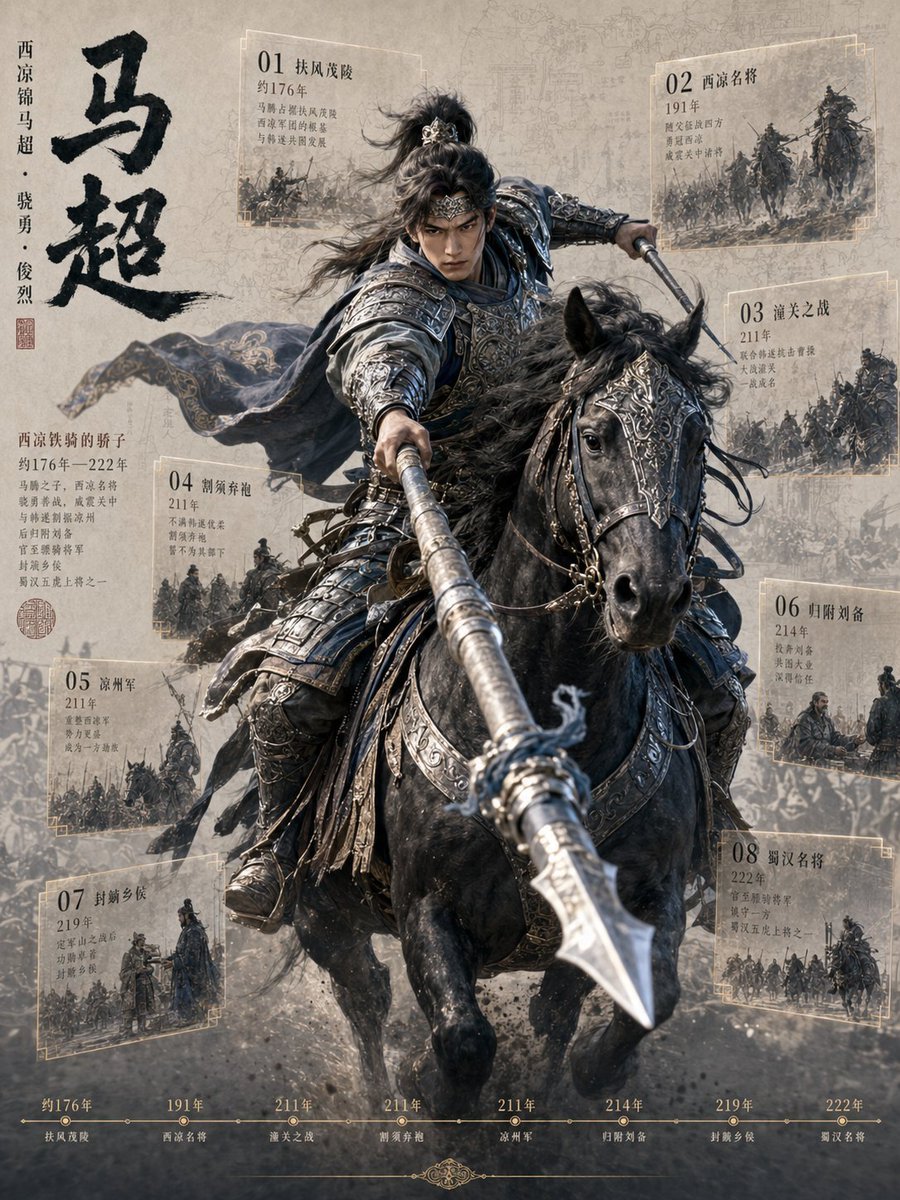
Ma Chao Historical Cavalry Timeline Poster

Japan Travel Brochure Poster
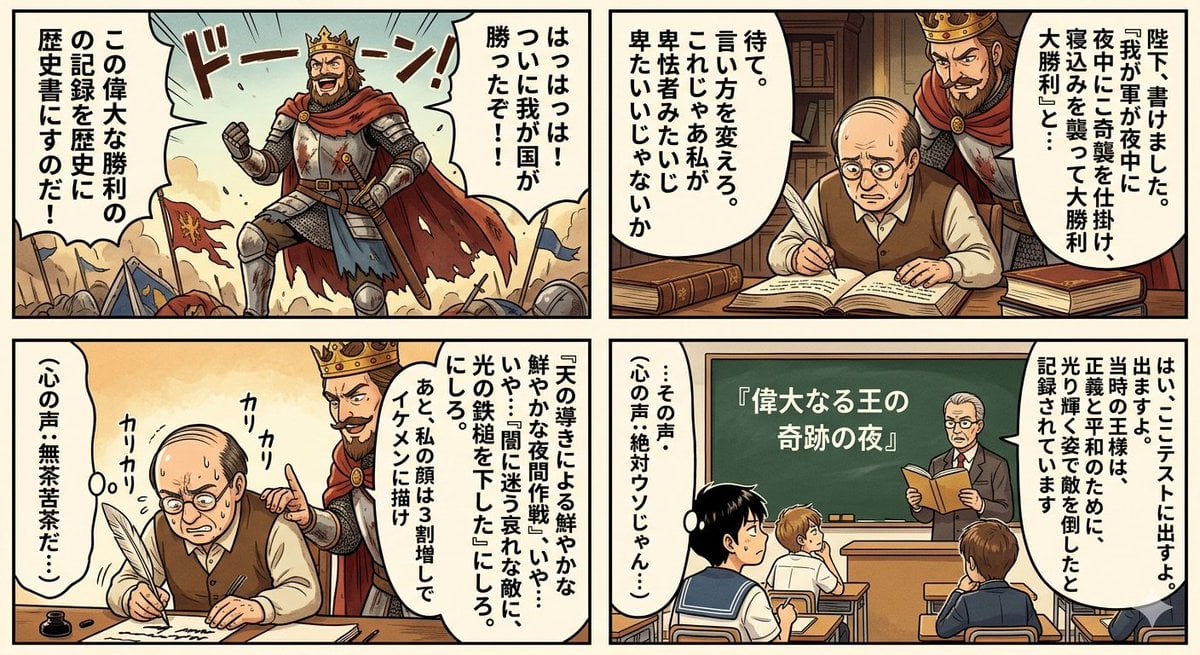
Historical Makeup Napoleon Manga

Cartoon TV Show Poster Pack

Trendy Cafe Drink Promo Poster

Urban Fashion Editorial Collage Streetwear Poster

Premium Fashion Editorial Cover Layout System

Polo Ralph Lauren Luxury American Heritage Fashion Campaign

Monochrome Halftone Editorial Fashion Poster

Retro Mirror Luxury Fashion Campaign Poster

Luxury Fashion Campaign Typography Poster System

Premium Fashion Editorial Campaign Poster System
Make it yours
Napoleon Historical Timeline Poster works as-is. These are the safest ways to change it without losing the look.
Change one field
Copy a single group, rewrite it, and generate again so you can see what that field is doing.
Keep the frame, change the subject
Hold the composition and light of Napoleon Historical Timeline Poster, then swap wardrobe, props or the person for a new take.
| If the result… | Why | Fix |
|---|---|---|
| The result drifts from the preview | Too many fields changed at once. | Reuse Napoleon Historical Timeline Poster as-is first, then change one group — subject, light, or setting. |
| The model over-stylizes the scene | The prose prompt leaves finish and camera underspecified. | Add one camera or lighting sentence and stay on GPT Image 2. |
More GPT Image 2 templates
Other prompts made for GPT Image 2.

Six VTuber Japanese Logo Sheet

Realistic Portrait of Woman and Deer

The Vista Modular Condo Poster

AI Model Routing Comparison Infographic

2.5D Anime Art Board

Isometric Productivity Desk Scene

New York Double Exposure Poster

Four-Panel AI Landscape Comparison

Japanese Tatami Lifestyle Magazine Cover

NESCAFÉ Coffee Map Poster
More image prompts
Fresh picks from across the catalog.
Neon Geometric Confetti Abstract

Detailed Lifestyle Photography Prompt for Cozy Evening Scene
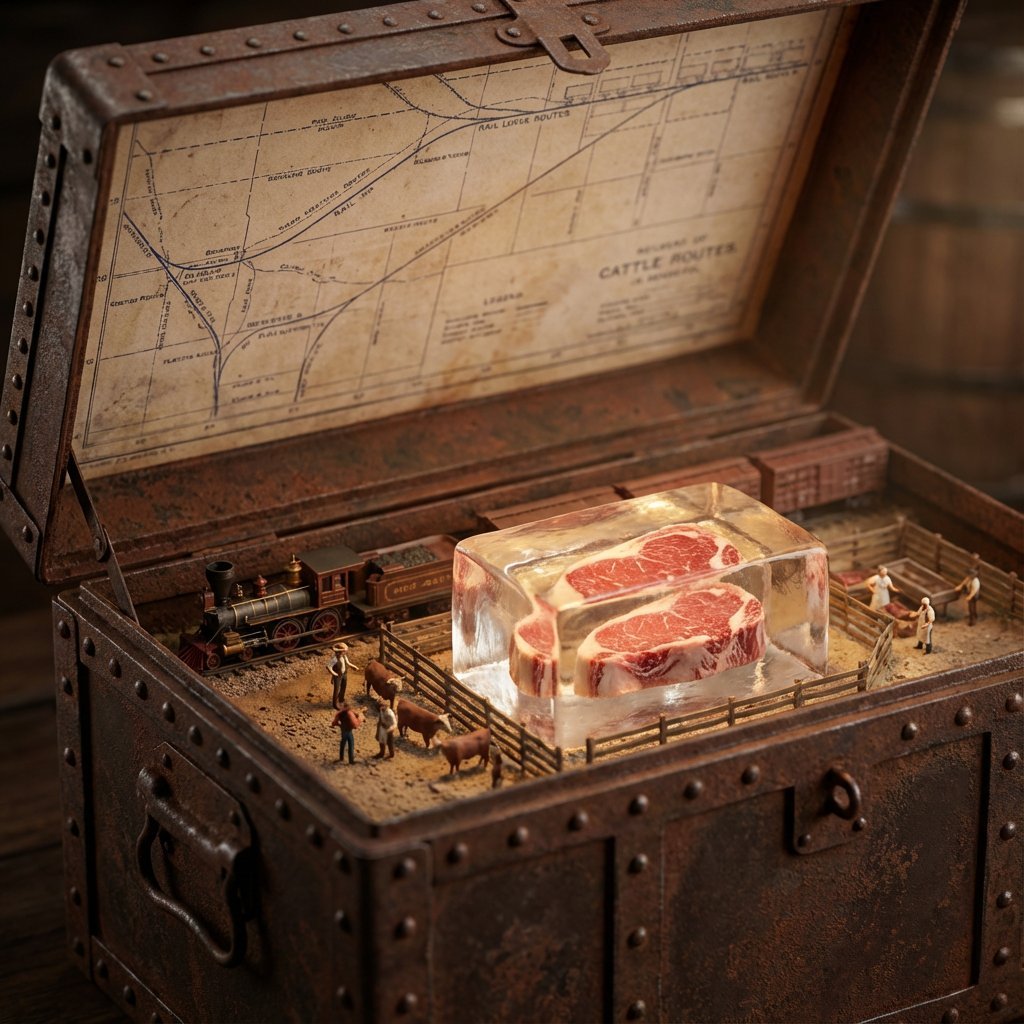
Historical Ingredient Journey Diorama
Obscured Mystic Holding Artifact
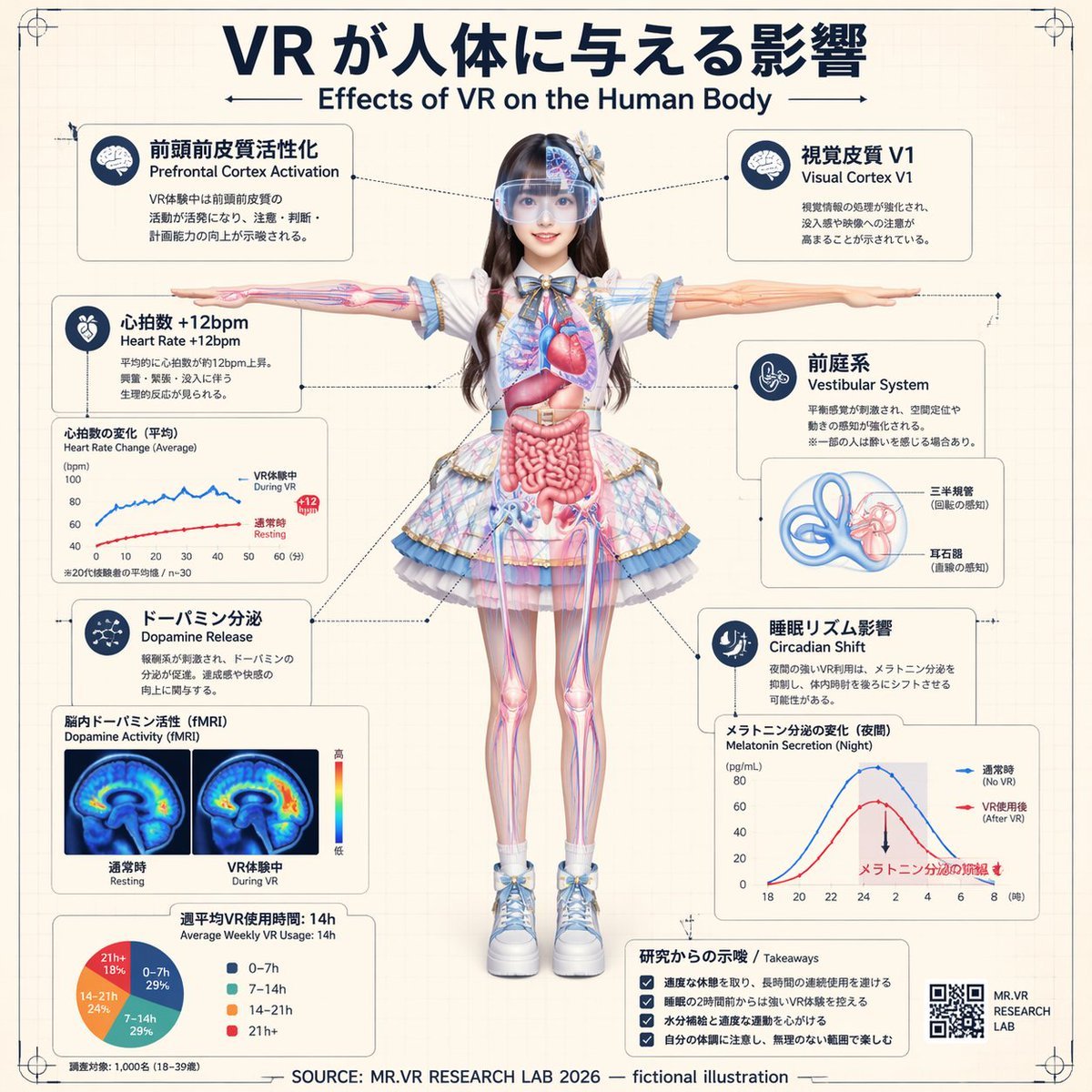
VR Effects on the Human Body Infographic

High-Fidelity Flash Selfie Portrait Prompt
Vintage Photo Restoration Prompt
Luxury Diamond X Logo

Selfie with Sydney Sweeney and Ana De Ar
Post-Apocalyptic Taxi Survivor
Browse template categories
Napoleon Historical Timeline Poster questions
How do I use the Napoleon Historical Timeline Poster template?
Add your photo if the template asks for one, edit the prompt if you like — the template's model and format are already selected — and press Generate. Your version opens in PicX Studio.
Can I customize the Napoleon Historical Timeline Poster template?
Yes. You can change the subject, setting, lighting, mood, format, and available model controls before creating your image.
Is the Napoleon Historical Timeline Poster template free?
Opening and editing this template is free. Generating uses credits, shown on the Generate button when you are signed in.
Which AI model should I use?
Start with GPT Image 2, which is the model associated with this template. You can compare another compatible model for a different finish.
Looking for something else? Browse all templates.

Your photo, any look
Thousands of ready templates for every top image and video model, from one credit balance.