
High-Fidelity Flash Selfie Portrait Prompt
An extremely detailed, technical prompt designed to generate a raw, high-fidelity portrait simulating an iPhone 17 Pro flash photograph.
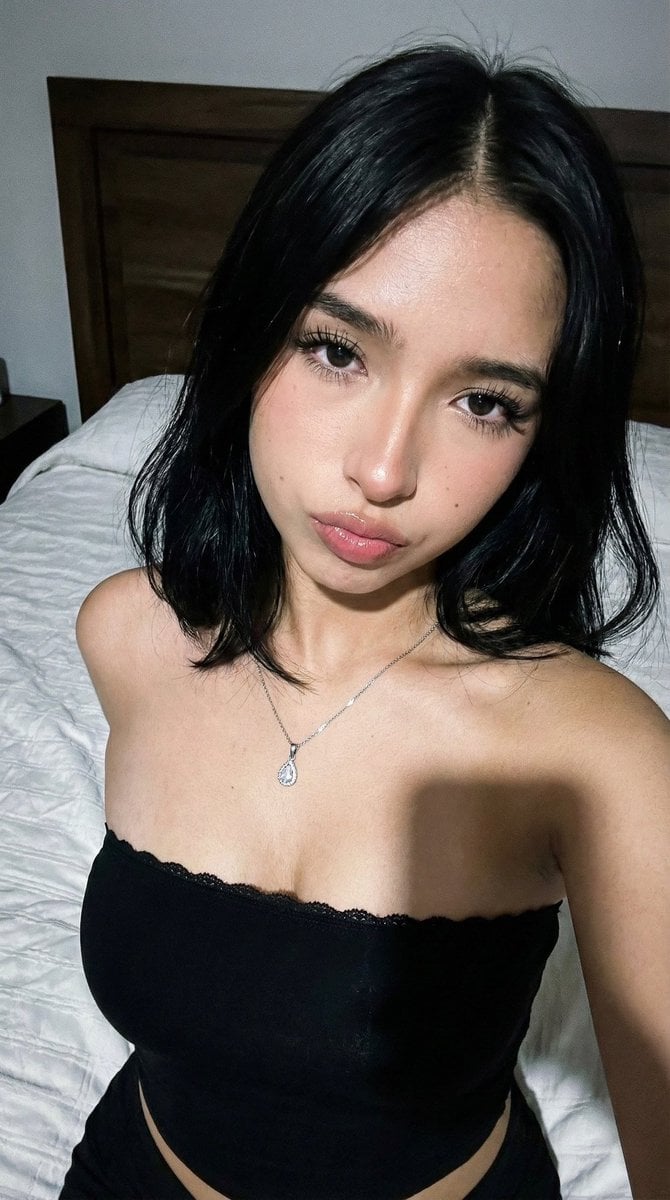
- Prompt included
- Model and format preset
- Free template
The prompt behind this image
Copy the exact prompt behind High-Fidelity Flash Selfie Portrait Prompt, or open it in the studio and make it yours.
(9:16). Raw high-fidelity photograph, iPhone 17 Pro simulation, 35mm portrait focal length, f/1.8 aperture for shallow depth of field, authentic digital grain and high-contrast front-facing flash photography aesthetics. Identity Lock: Absolute inheritance of facial geometry coordinates from Image A. Almond-shaped eyes with extreme volumetric lash density, specific lip symmetry with high-gloss hydration, and the distinct pigmented mole located at the right nasolabial coordinate. Hair is raven-black, straight, shoulder-length with a sharp center part and natural movement. Bio-Fidelity: Epidermal physics featuring visible micro-pores, fine vellus hair along the jawline, and high-intensity specular highlights on the forehead and cheeks from the flash source. Expression Sync: Expression Lock—replicate the direct-to-lens gaze, 15-degree head tilt, and relaxed neutral pout with emphasized philtrum geometry from Image B. Outfit & Physicality: Technical Description: Strapless technical compression-fit tube top in matte obsidian black, featuring a scalloped floral lace-trim overlay at the upper hem. Textile Architecture: High-tensile fabric-to-skin tension; visible lace weave patterns and elasticized structural seaming. Anatomical Volume: Hyper-defined silhouette with maximum anatomical emphasis on the décolletage and bust geometry; apply the 20% over-description for natural anatomical ratio definition. Accessories: 1mm silver micro-link chain with a centered teardrop-shaped crystal pendant. Pose & Interaction: Geometry: Medium-close portrait perspective; torso angled slightly away while the head turns toward the lens; prominent collarbone (clavicle) and shoulder-joint definition. Articulation: Natural shoulder elevation to frame the face; realistic skin-texture transitions at the underarm and neck. Environment & Lighting: Atmosphere: Dimly lit domestic bedroom environment; dominated by a powerful, hard-light front-facing flash creating sharp contrast. Background Integrity: Pixel-perfect inventory of a white-on-white textured duvet with organic fabric folds, a dark-stained wood-grain headboard, and neutral-toned wall surfaces. Shadow Ray-Tracing: Hard-edged drop shadow cast directly behind the subject onto the background; deep ambient occlusion in the folds of the black garment.
How to use High-Fidelity Flash Selfie Portrait Prompt in 3 steps
- 1
Open
The prompt is already in the box next to the preview, with the template's model and format selected.
- 2…a portrait of your subject in softgolden-hour light, 85mm…
Personalize
Edit the subject and creative details for your destination.
- 3Generate
Generate
Press Generate — your image is created in PicX Studio, so you can compare it with the original and refine one variable at a time.
More like this
Templates with the same subject, style or setup. Open one to see its prompt.

Rooftop Fisheye — Cat-Ear Balaclava at Golden Hour
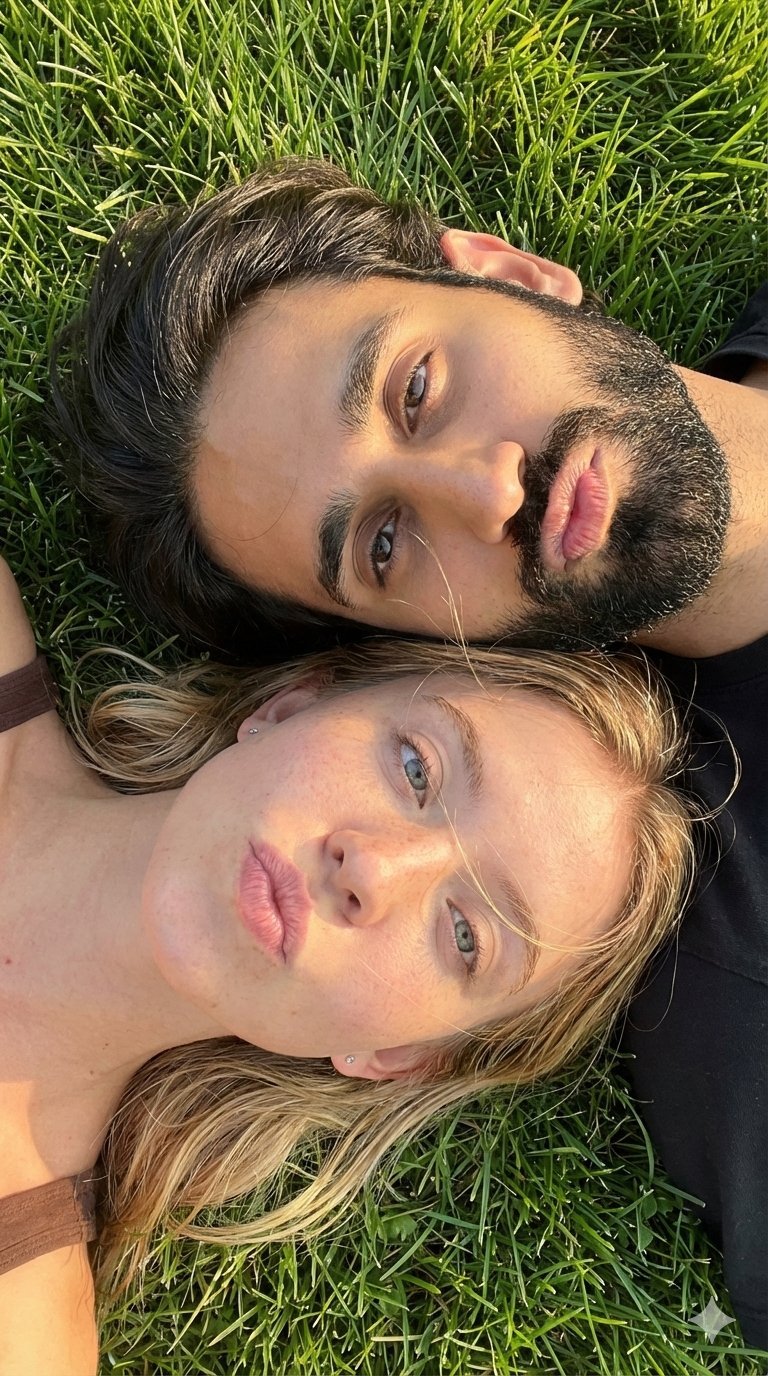
Selfie with Sydney Sweeney and Ana De Ar
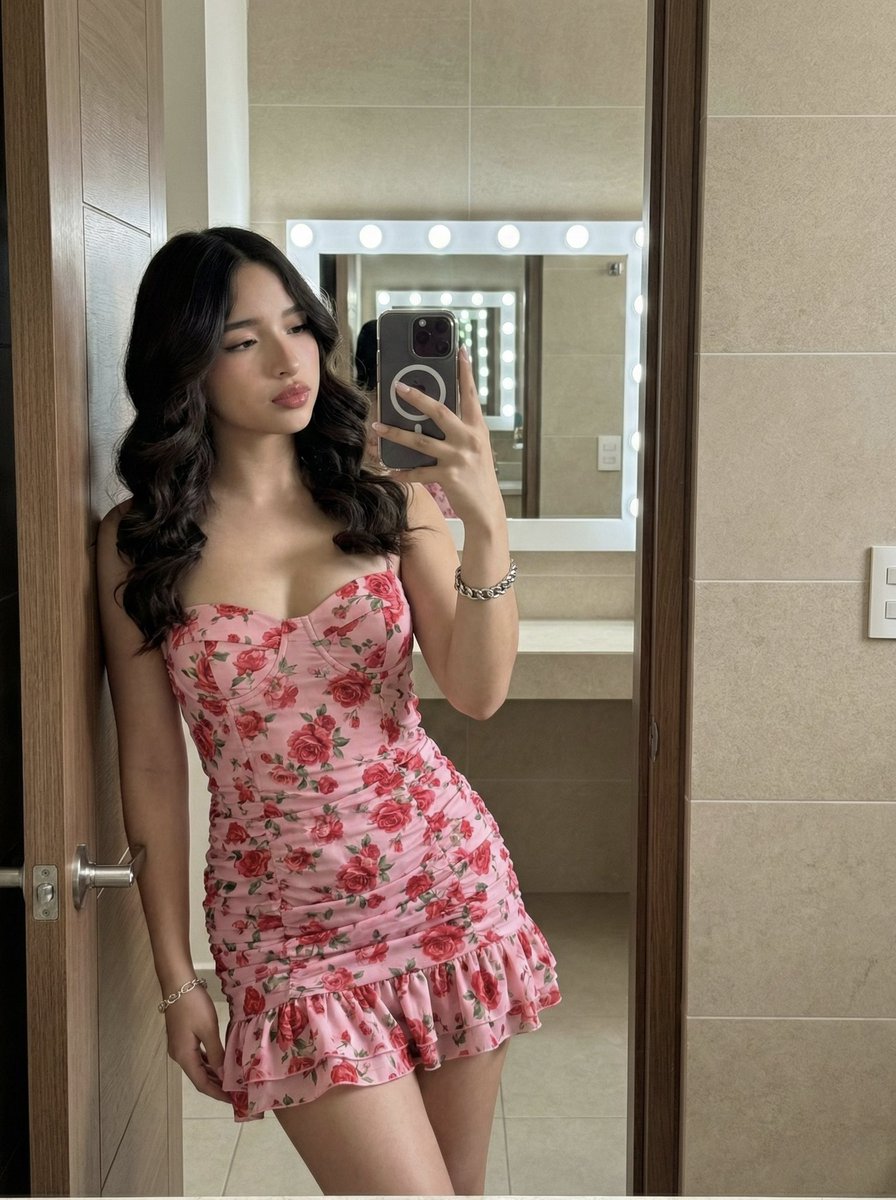
High-Fidelity Mirror Selfie Portrait with Identity Lock

Found Photograph: Us, 1970

80s Couple Studio Portrait

80s Bollywood Star

80s Golden Hour Cinema

Me in 1985

1985 Studio Portrait

Hyper-Realistic Minecraft POV Portrait
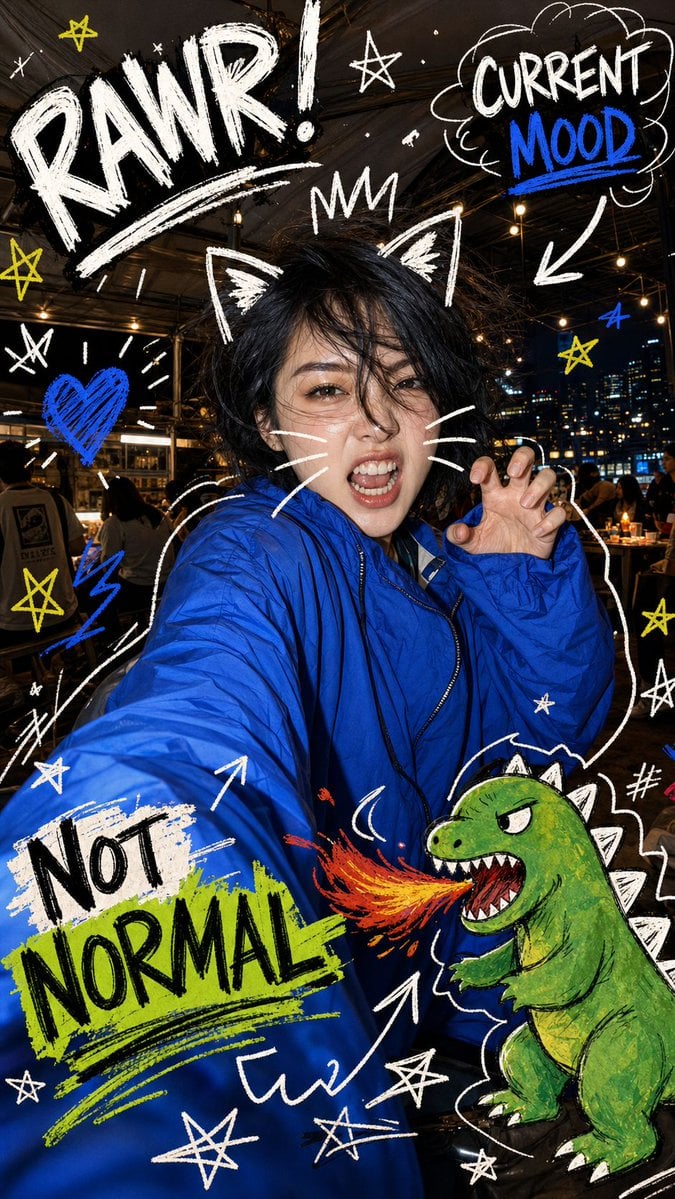
Nighttime Doodle Flash Selfie
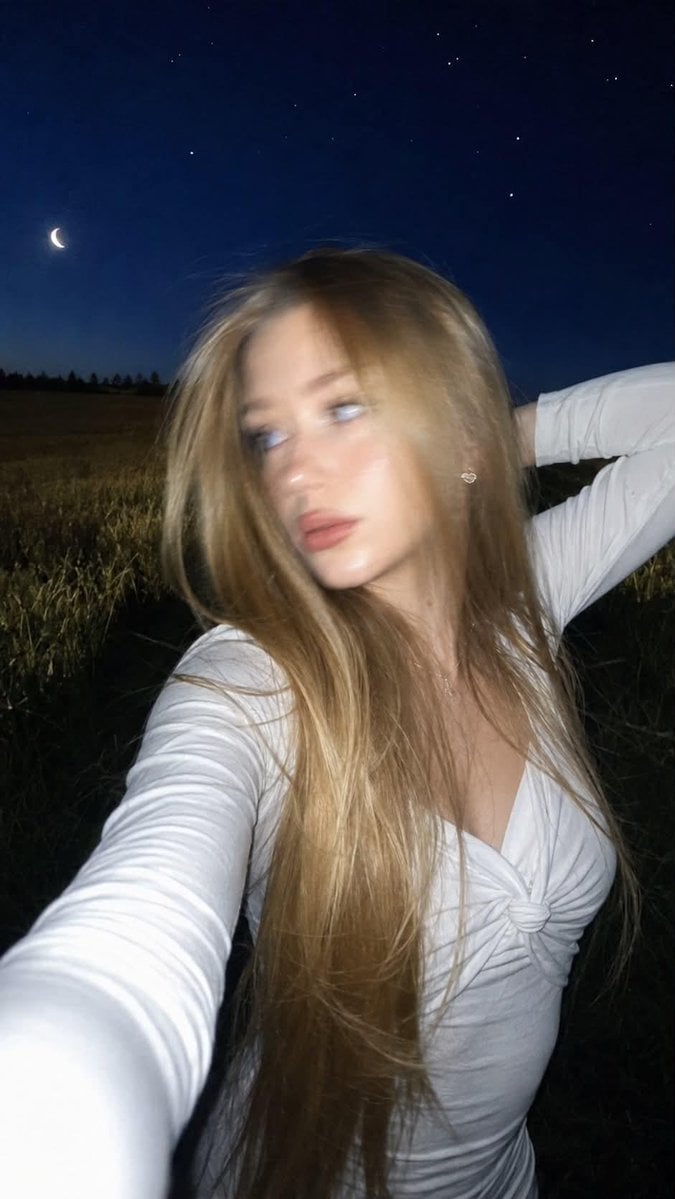
Night Flash iPhone Selfie with Motion Blur
Make it yours
High-Fidelity Flash Selfie Portrait Prompt works as-is. These are the safest ways to change it without losing the look.
Change one field
Copy a single group, rewrite it, and generate again so you can see what that field is doing.
Keep the frame, change the subject
Hold the composition and light of High-Fidelity Flash Selfie Portrait Prompt, then swap wardrobe, props or the person for a new take.
| If the result… | Why | Fix |
|---|---|---|
| The result drifts from the preview | Too many fields changed at once. | Reuse High-Fidelity Flash Selfie Portrait Prompt as-is first, then change one group — subject, light, or setting. |
| The model over-stylizes the scene | The prose prompt leaves finish and camera underspecified. | Add one camera or lighting sentence and stay on Nano Banana 2. |
More Nano Banana 2 templates
Other prompts made for Nano Banana 2.

Photorealistic Leaf Shaped Like a Dragon

K-Pop Idol Portrait Grid for Rapid Selection

Poetic Rain Forest Portrait During Golden Hour

Urban Street Portrait with Cartoon Inner Self Duo

Candid Nighttime Photo with Cat Prompt

High-Concept 3D Diorama Generation Prompt

Cinematic Futuristic Studio Portrait Template

Skincare Editorial Photography Collage Prompt

Hyper-Realistic Commercial Product Photography (Splash Effect)

Hyper-Realistic Nightclub Portrait Prompt
More image prompts
Fresh picks from across the catalog.
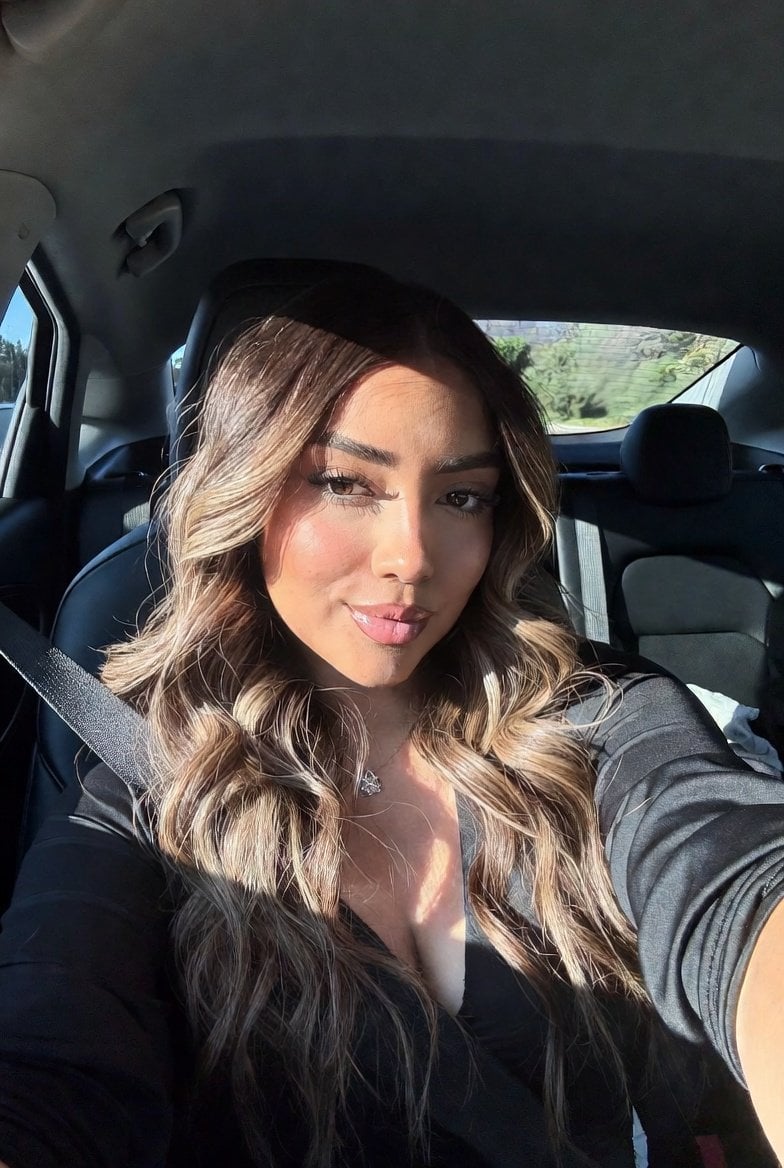
Hyper Realistic Ai Selfie Prompt Generat
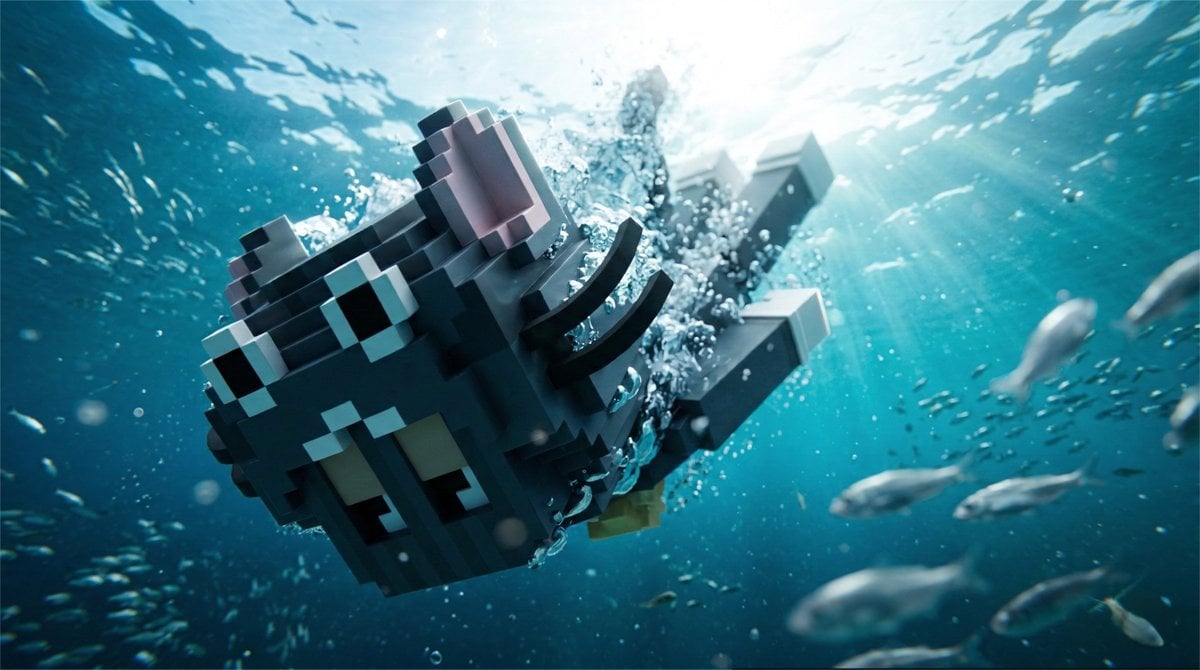
Cinematic Underwater Dive Scene
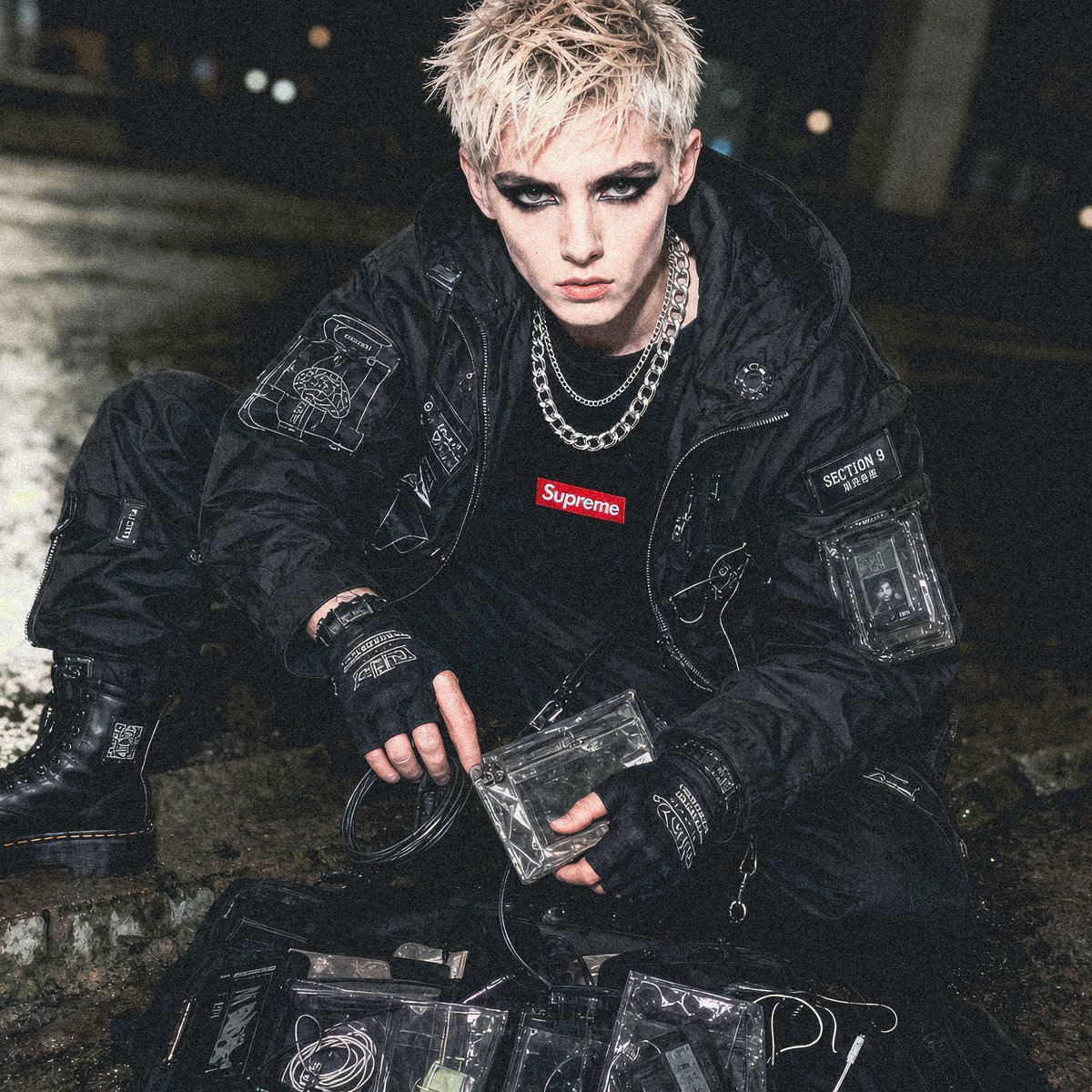
Cyberpunk Section 9 Streetwear Editorial
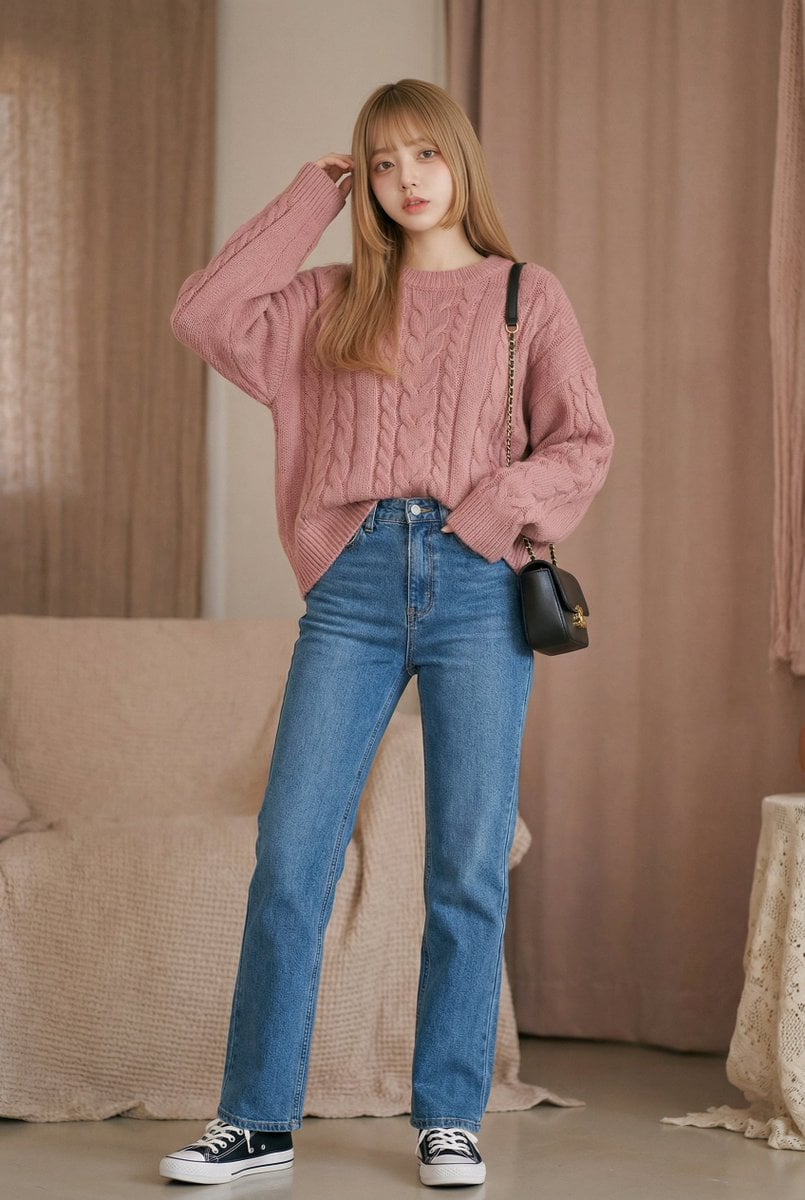
Vlog Style Video Generation from Nano Banana Pro Image using Google Veo 3.1
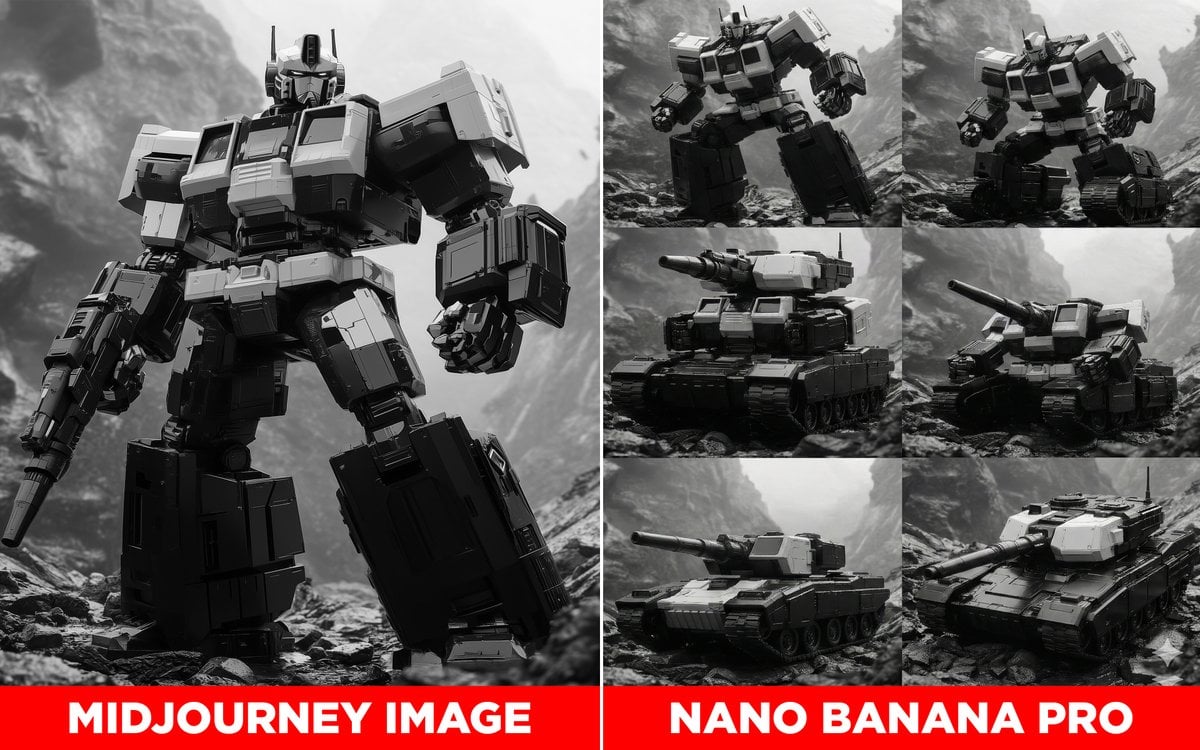
Transformer Robot to Tank Transition Prompt
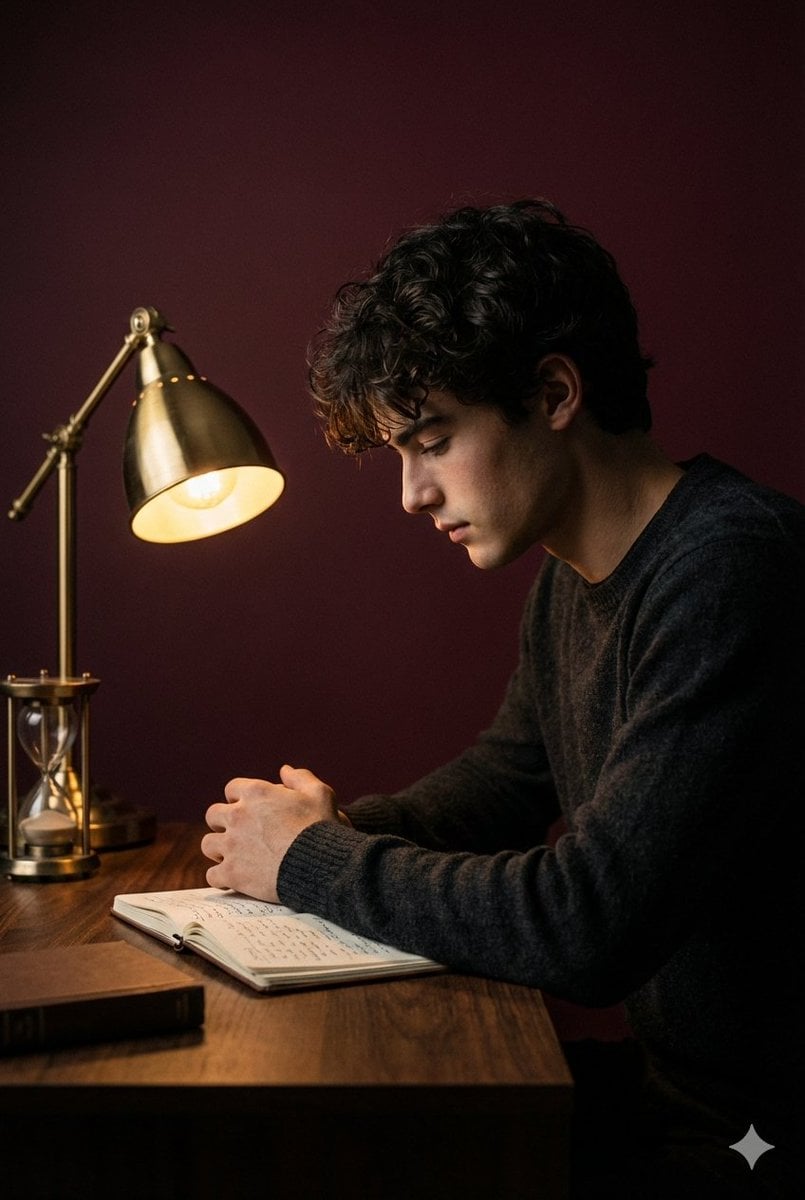
Cinematic Low-Key Indoor Portrait
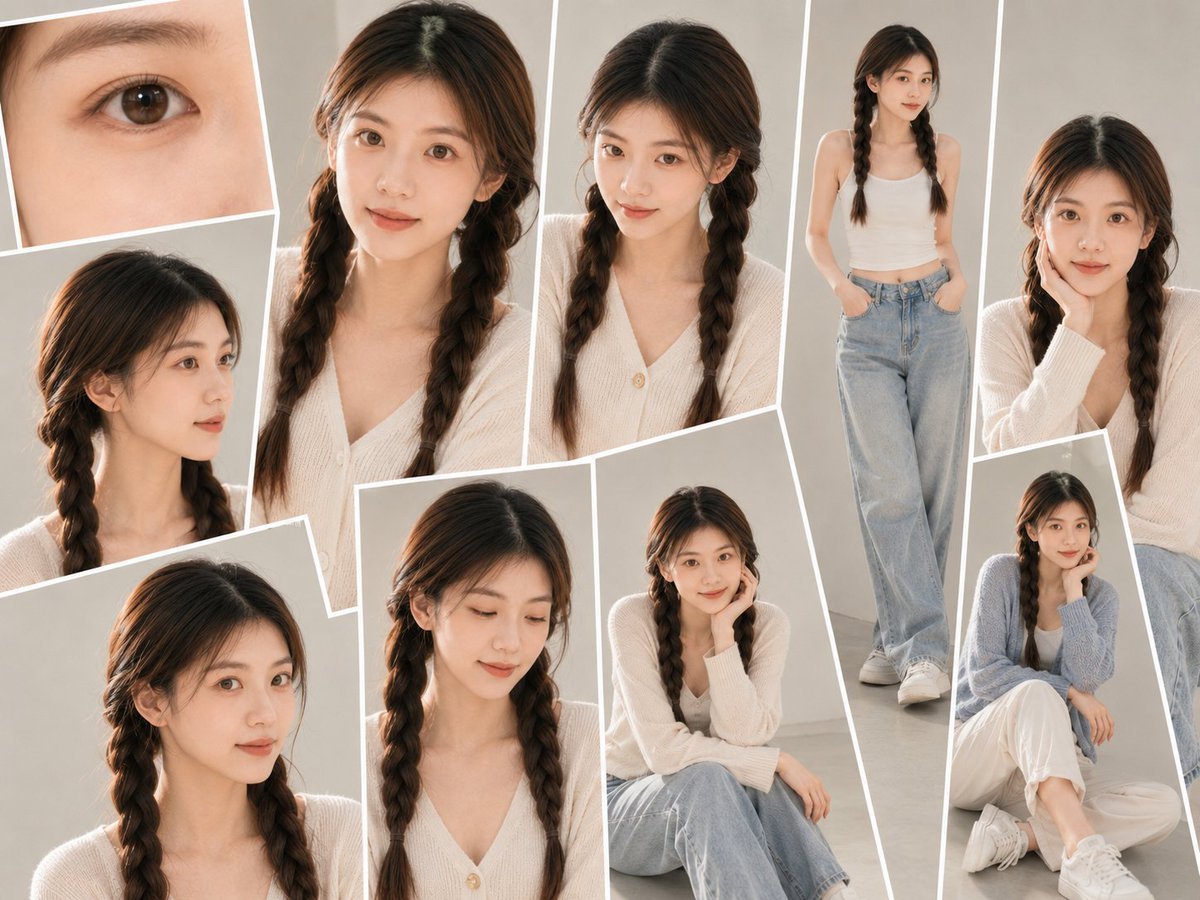
Soft-Lit Studio Portrait Collage

Candlelit Anime Birthday Twins
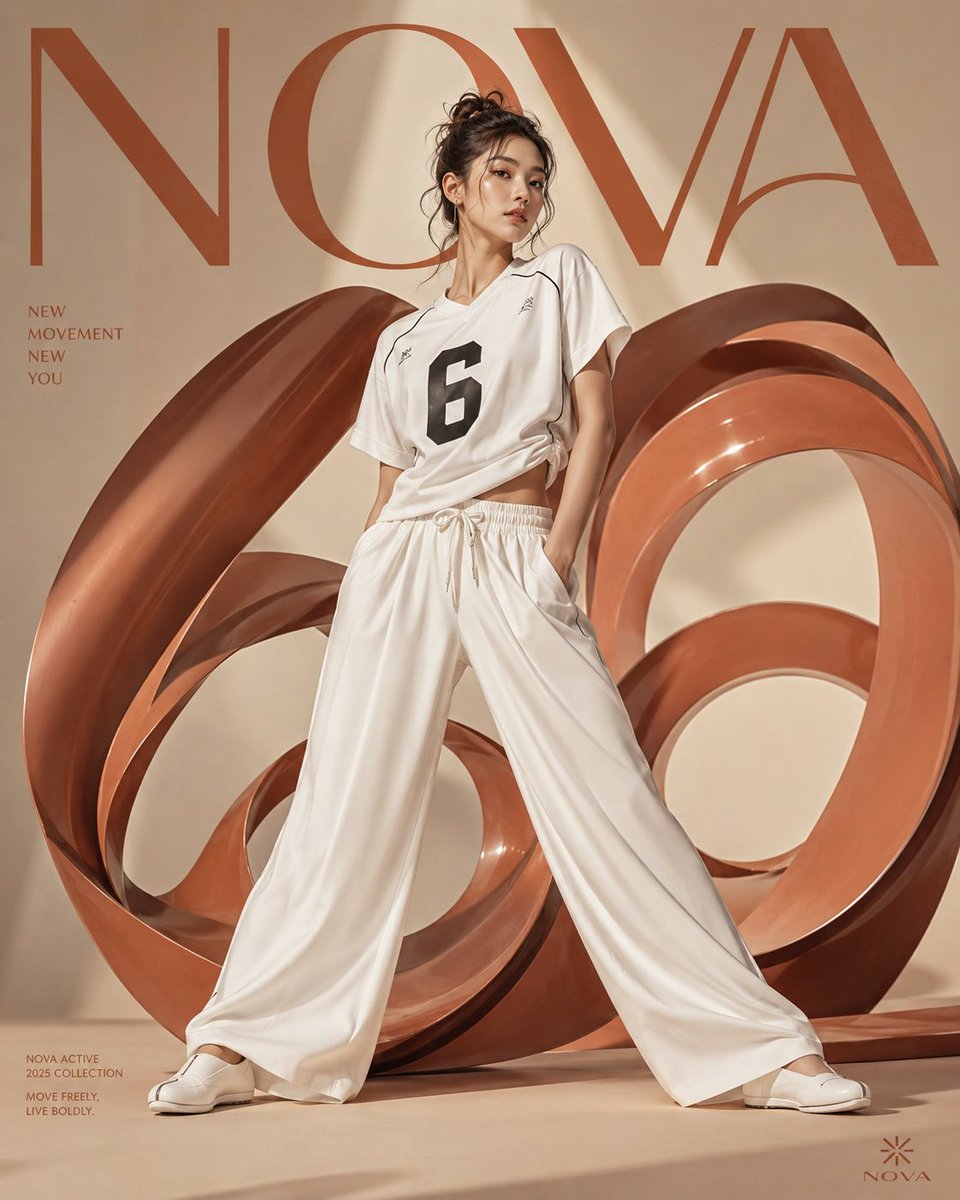
Korean Fashion Anime Editorial
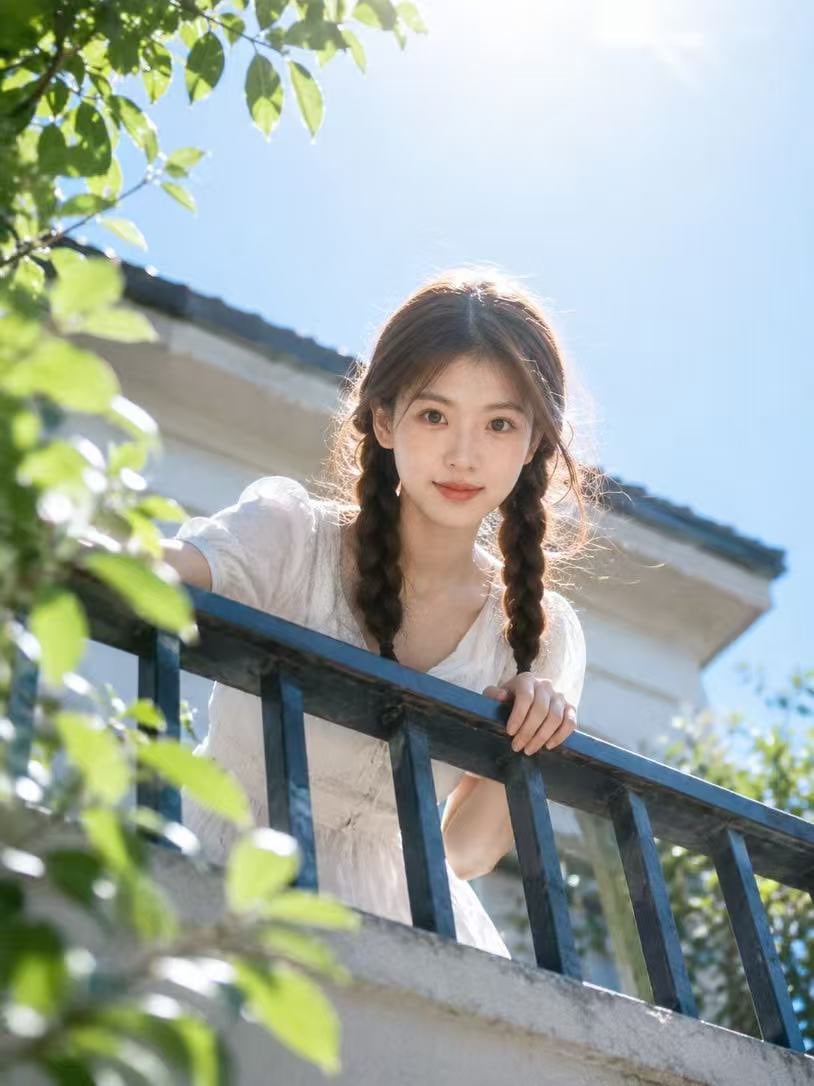
Summer Balcony Film Portrait
Browse template categories
High-Fidelity Flash Selfie Portrait Prompt questions
How do I use the High-Fidelity Flash Selfie Portrait Prompt template?
Add your photo if the template asks for one, edit the prompt if you like — the template's model and format are already selected — and press Generate. Your version opens in PicX Studio.
Can I customize the High-Fidelity Flash Selfie Portrait Prompt template?
Yes. You can change the subject, setting, lighting, mood, format, and available model controls before creating your image.
Is the High-Fidelity Flash Selfie Portrait Prompt template free?
Opening and editing this template is free. Generating uses credits, shown on the Generate button when you are signed in.
Which AI model should I use?
Start with Nano Banana 2, which is the model associated with this template. You can compare another compatible model for a different finish.
Looking for something else? Browse all templates.

Your photo, any look
Thousands of ready templates for every top image and video model, from one credit balance.