
Cinematic Underwater Dive Scene
A highly detailed prompt for Gemini Nano Banana to generate a cinematic underwater scene.
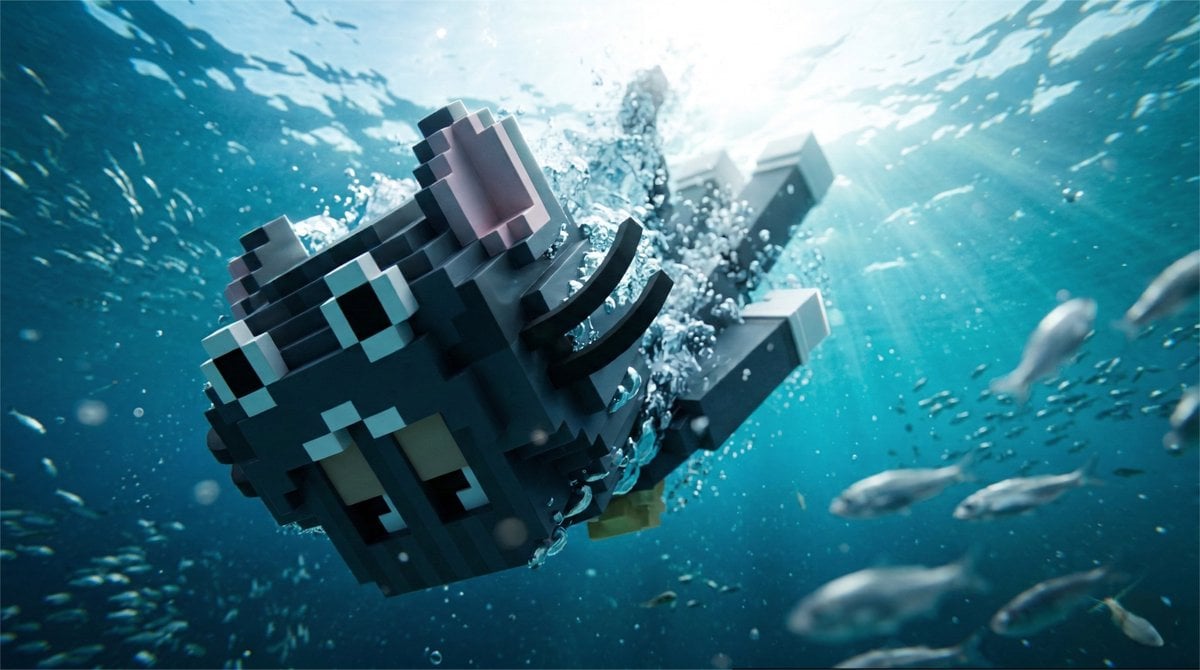
- Prompt included
- Model and format preset
- Free template
The prompt behind this image
Copy the exact prompt behind Cinematic Underwater Dive Scene, or open it in the studio and make it yours.
A cinematic underwater scene captured from a submerged camera deep in a crystal-clear ocean. The reference character has just jumped into the water and is rapidly diving downward toward the camera. Perspective & Camera The camera is positioned underwater, looking sharply upward toward the ocean surface from below. Extreme perspective pressure: the character’s face is very close to the lens and dominates the foreground, appearing large and powerful, while the body rapidly recedes into depth due to perspective distortion. Shot with an ultra-wide 18–20mm underwater lens. The character’s head sits slightly off-center, breaking symmetry. The torso and legs stretch upward into the distance toward the bright water surface above. Action The character is mid-dive, cutting through the water with speed and momentum. Hair, clothing, or accessories flow upward due to the downward motion. Streams of bubbles explode around the character’s face and shoulders as they plunge deeper. Environment The water is extremely clear tropical ocean water with deep blue gradients. Sunlight rays penetrate the surface above, creating volumetric beams through the water. Schools of small fish swim around the scene, some crossing in front of the lens. Particles, tiny bubbles, and floating plankton create depth layers in the water. Depth of Field The character’s face is razor sharp in the focal plane. The body progressively softens into blur as it stretches toward the surface. Fish close to the camera appear slightly blurred due to motion and shallow depth of field. Lighting Natural sunlight from the surface above creates strong top lighting and shimmering caustic patterns. Subtle rim highlights trace the edges of the character’s face and shoulders through the water. Emotion & Energy Dynamic, cinematic, high-energy moment of descent. The viewer feels like they are waiting in the depths as the character rapidly approaches. Color grade Rich ocean blues and turquoise tones with bright white highlights from the surface light. ar 16:9
How to use Cinematic Underwater Dive Scene in 3 steps
- 1
Open
The prompt is already in the box next to the preview, with the template's model and format selected.
- 2…a portrait of your subject in softgolden-hour light, 85mm…
Personalize
Edit the subject and creative details for your destination.
- 3Generate
Generate
Press Generate — your image is created in PicX Studio, so you can compare it with the original and refine one variable at a time.
More like this
Templates with the same subject, style or setup. Open one to see its prompt.
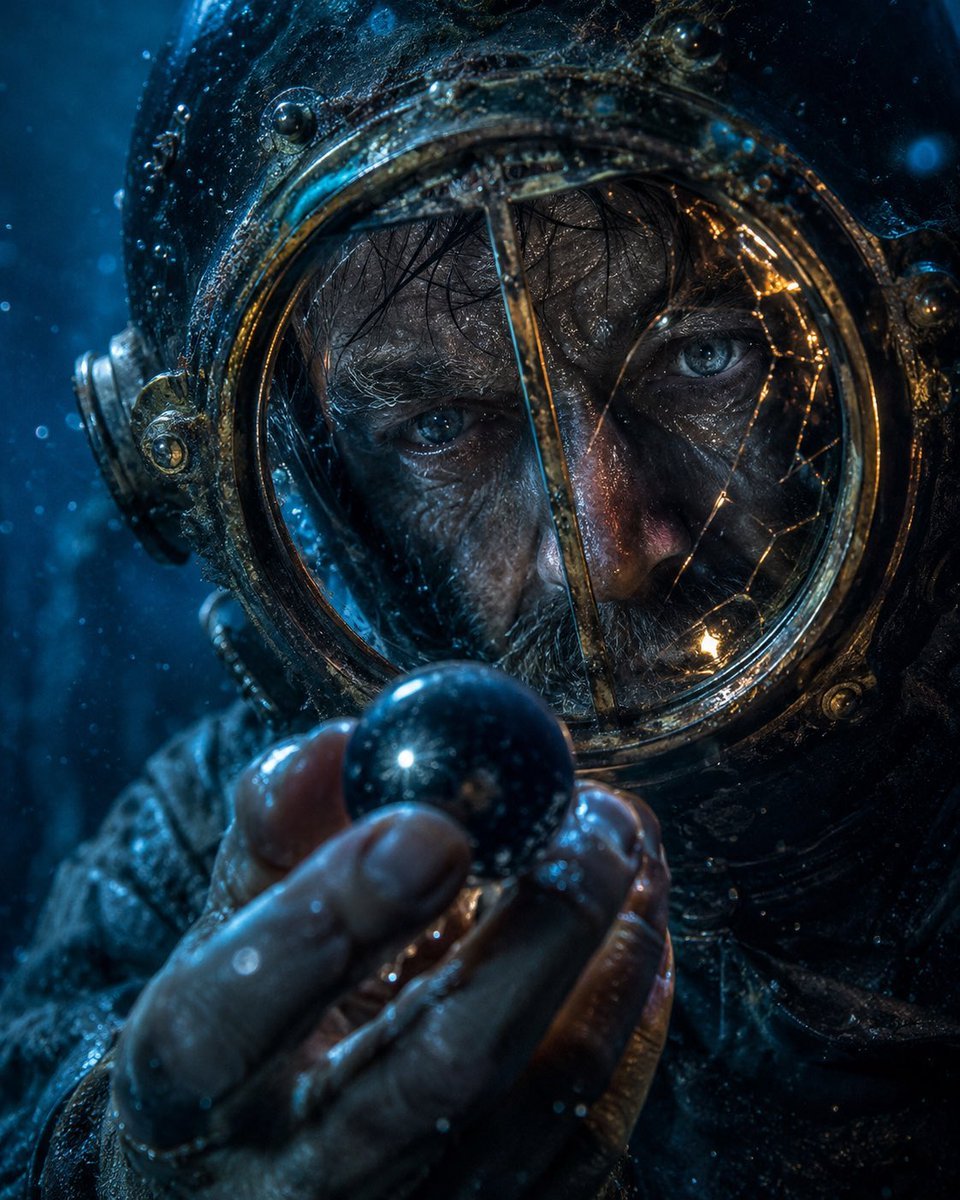
Deep-Sea Diver Artifact Close-Up
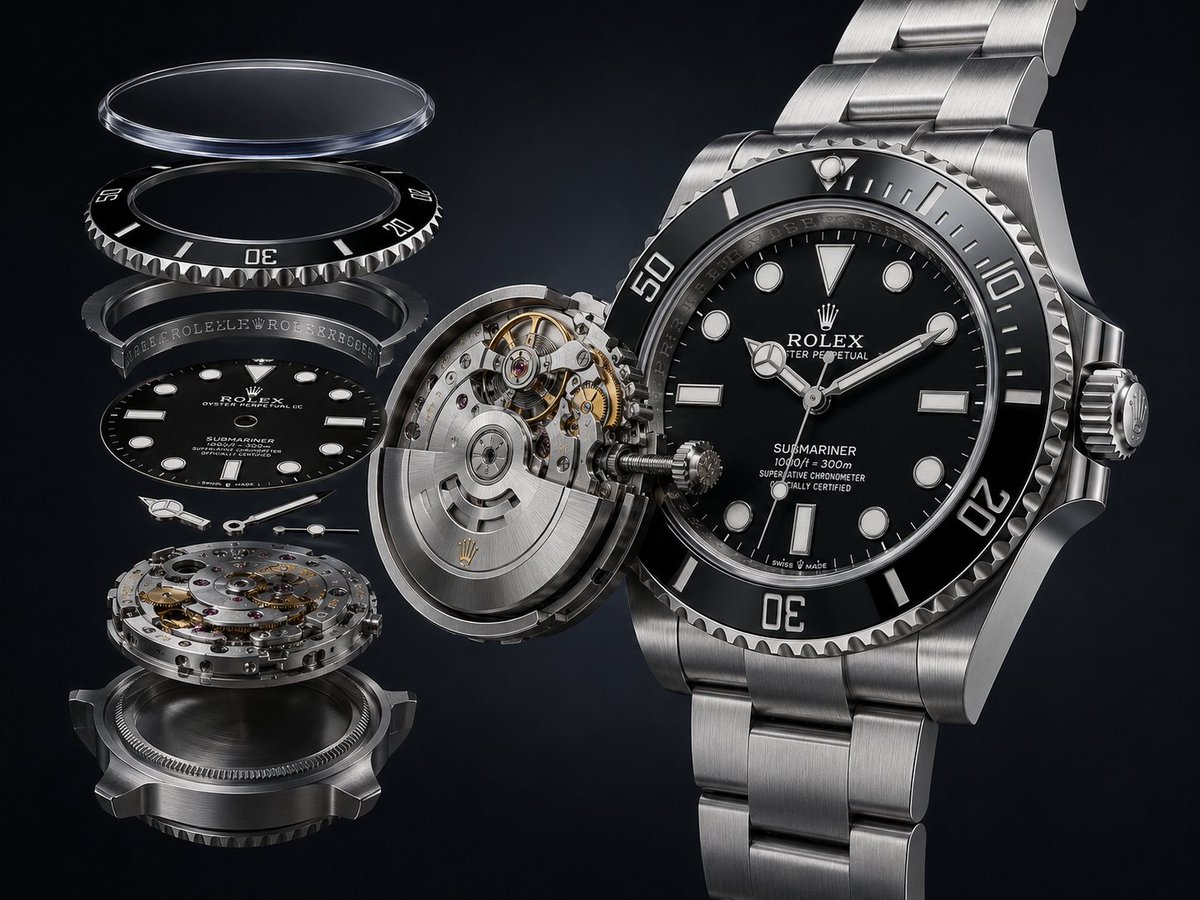
Exploded Luxury Dive Watch Render
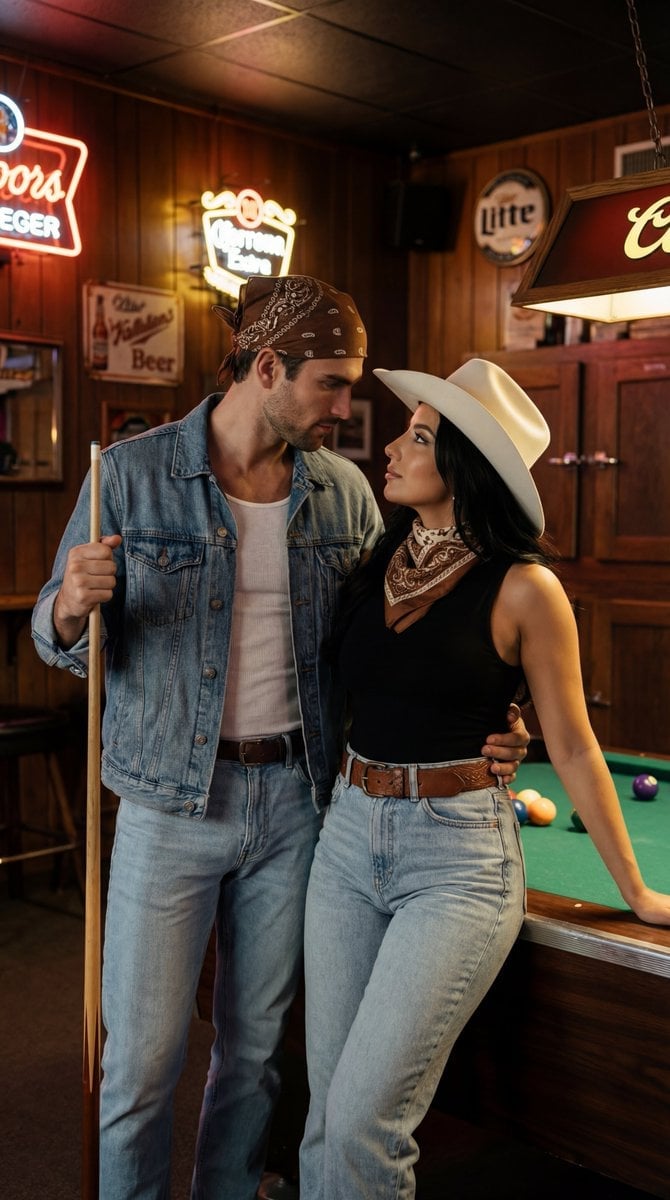
Americana Dive Bar Editorial Scene
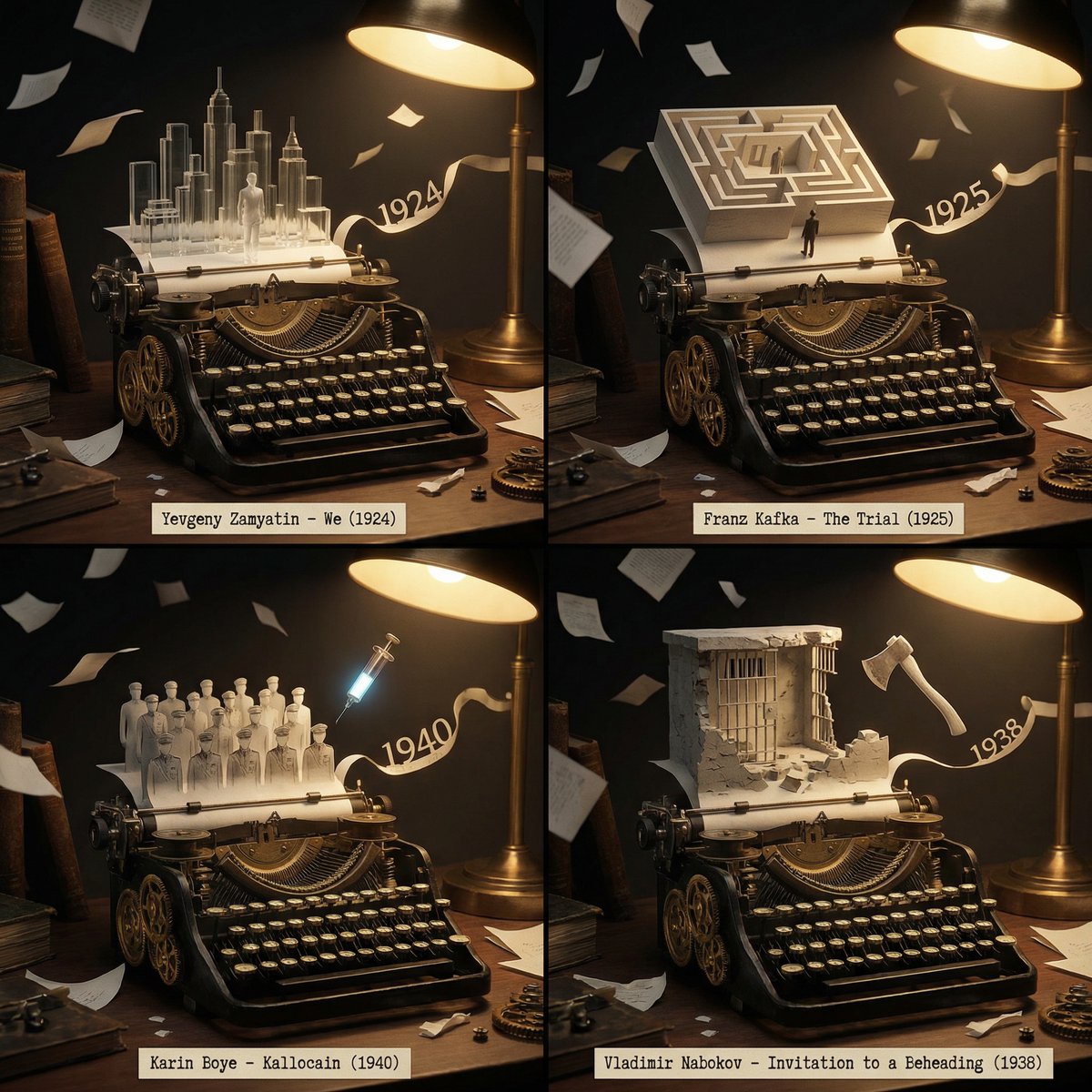
Literary Deep-Dive Recommendation Engine Prompt
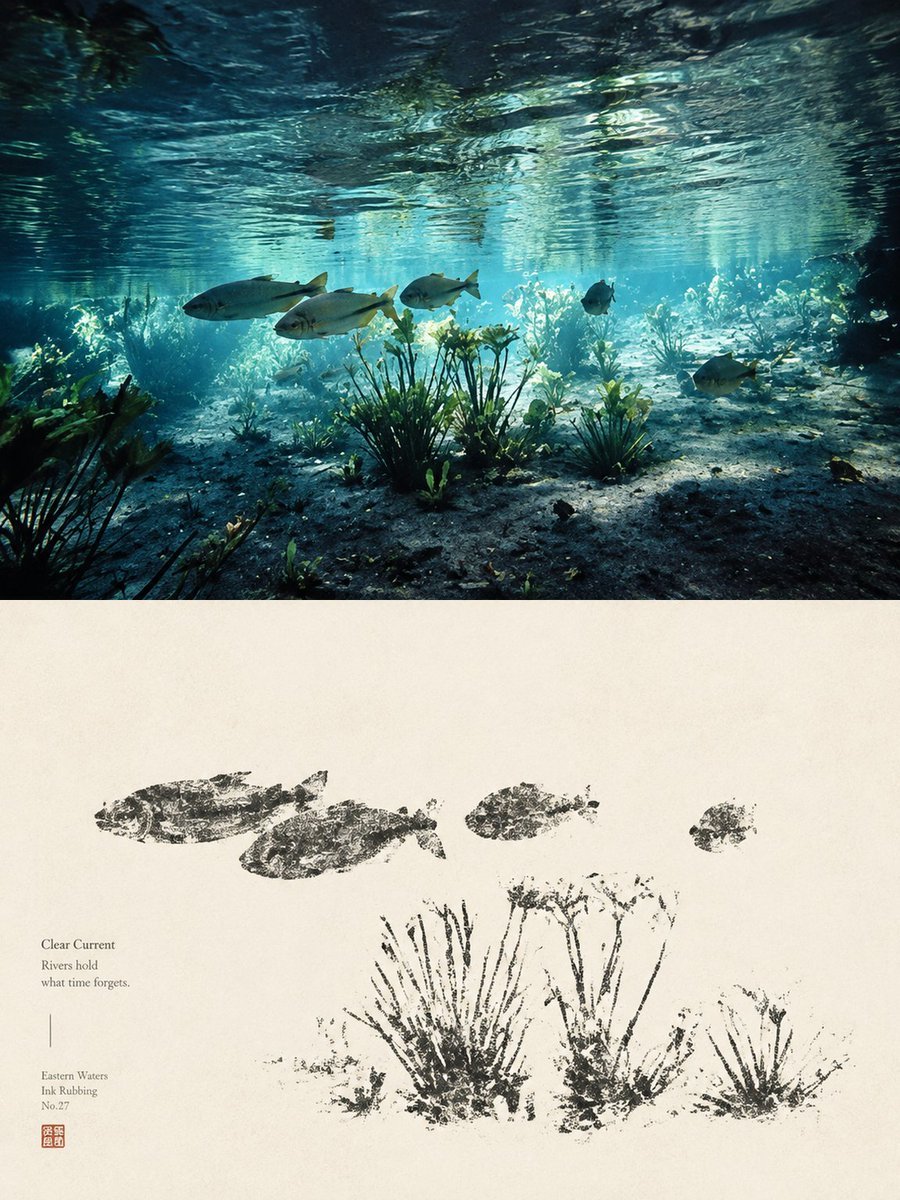
Underwater River Ink Rubbing Diptych

Underwater Macro Face Portrait
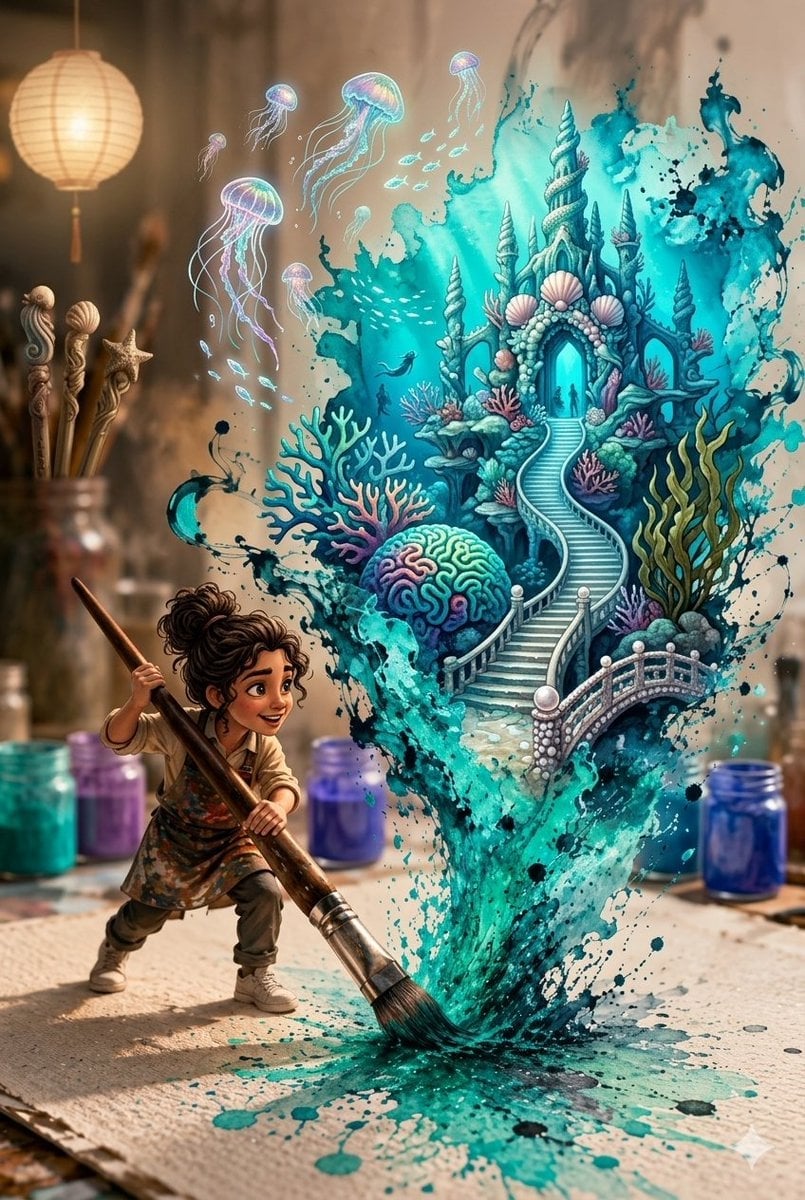
Magical Underwater Artist Studio
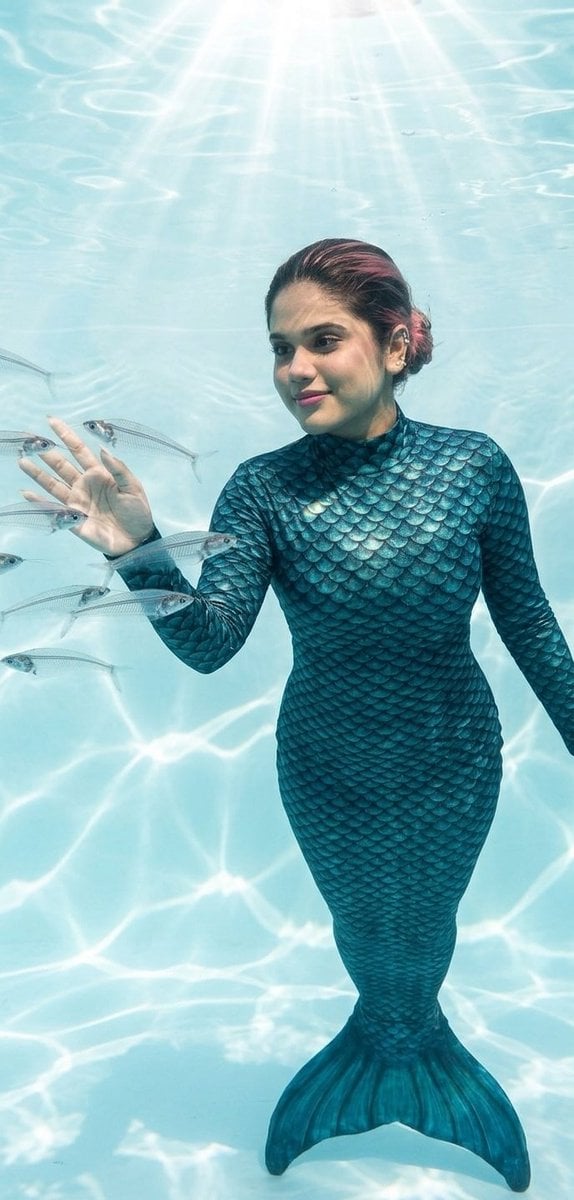
Mermaid in Crystal Clear Underwater Kingdom
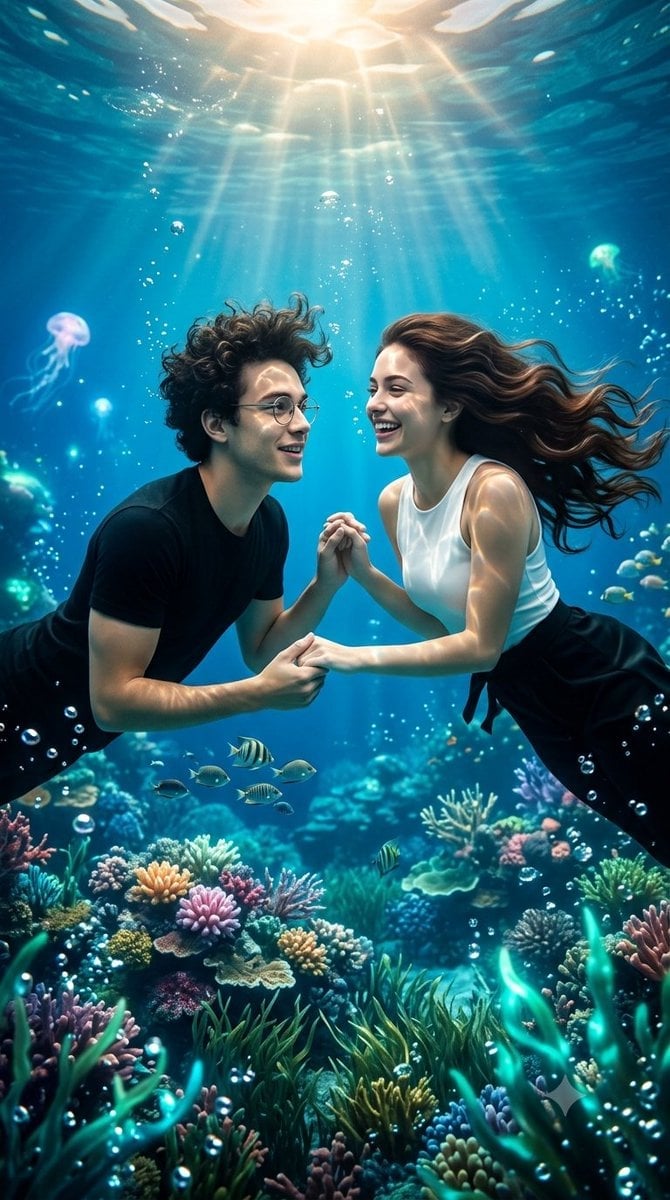
Underwater Fantasy Romance Portrait
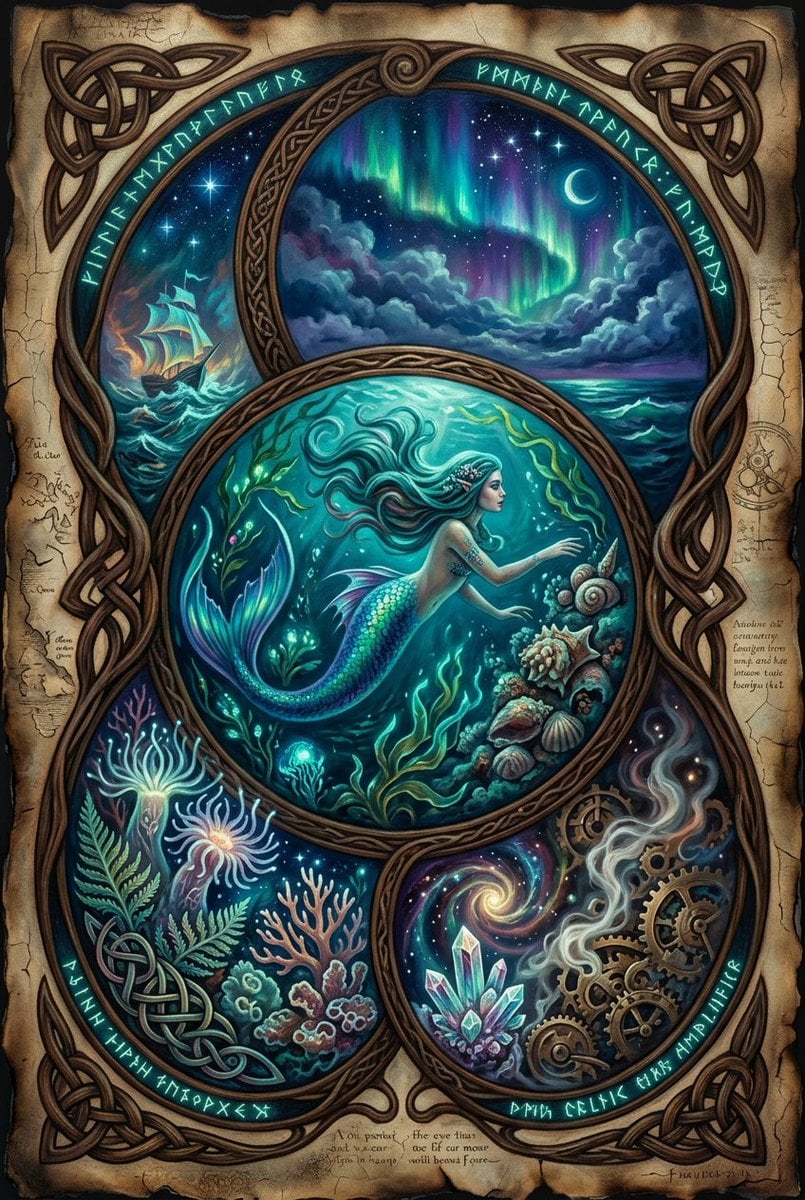
Secrets of the Sea Underwater Scene

Paper Cut Underwater Reef

Pixel Limited Underwater Reef
Make it yours
Cinematic Underwater Dive Scene works as-is. These are the safest ways to change it without losing the look.
Change one field
Copy a single group, rewrite it, and generate again so you can see what that field is doing.
Keep the frame, change the subject
Hold the composition and light of Cinematic Underwater Dive Scene, then swap wardrobe, props or the person for a new take.
| If the result… | Why | Fix |
|---|---|---|
| The result drifts from the preview | Too many fields changed at once. | Reuse Cinematic Underwater Dive Scene as-is first, then change one group — subject, light, or setting. |
| The model over-stylizes the scene | The prose prompt leaves finish and camera underspecified. | Add one camera or lighting sentence and stay on Nano Banana 2. |
More Nano Banana 2 templates
Other prompts made for Nano Banana 2.

Photorealistic Leaf Shaped Like a Dragon

K-Pop Idol Portrait Grid for Rapid Selection

Poetic Rain Forest Portrait During Golden Hour

Urban Street Portrait with Cartoon Inner Self Duo

Candid Nighttime Photo with Cat Prompt

High-Concept 3D Diorama Generation Prompt

Cinematic Futuristic Studio Portrait Template

Skincare Editorial Photography Collage Prompt

Hyper-Realistic Commercial Product Photography (Splash Effect)

Hyper-Realistic Nightclub Portrait Prompt
More image prompts
Fresh picks from across the catalog.

Douyin Live Stream UI Prompt

Realistic Korean Schoolgirl Portrait
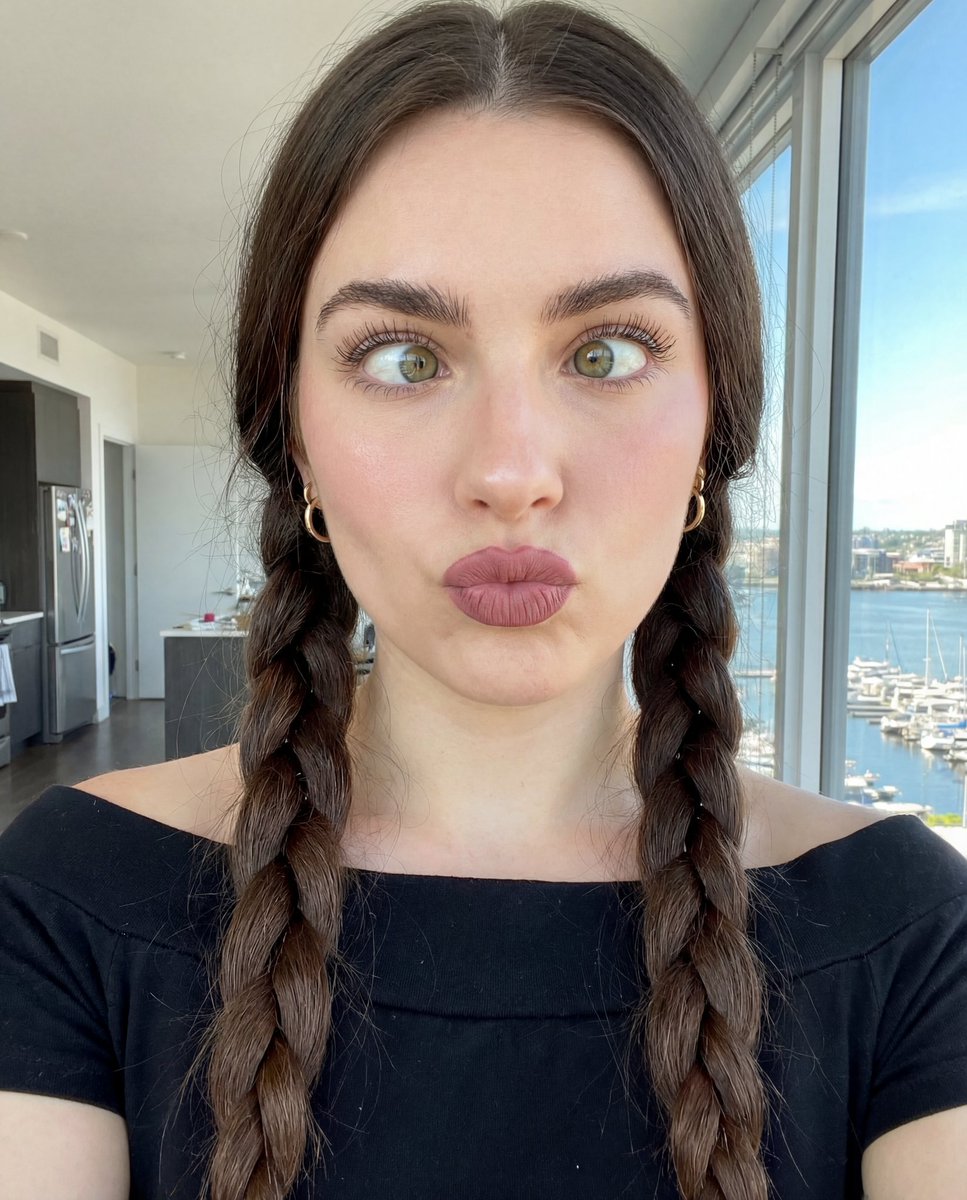
Hyper-Detailed Selfie Portrait Prompt with Anatomical Specs

Candid Subway Smartphone Photography
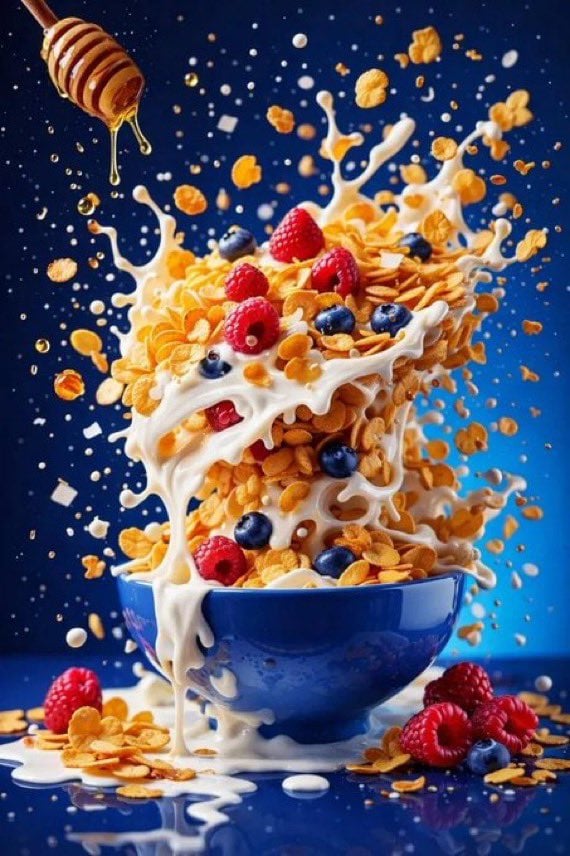
Hyper-Realistic High-Speed Food Photography Prompt
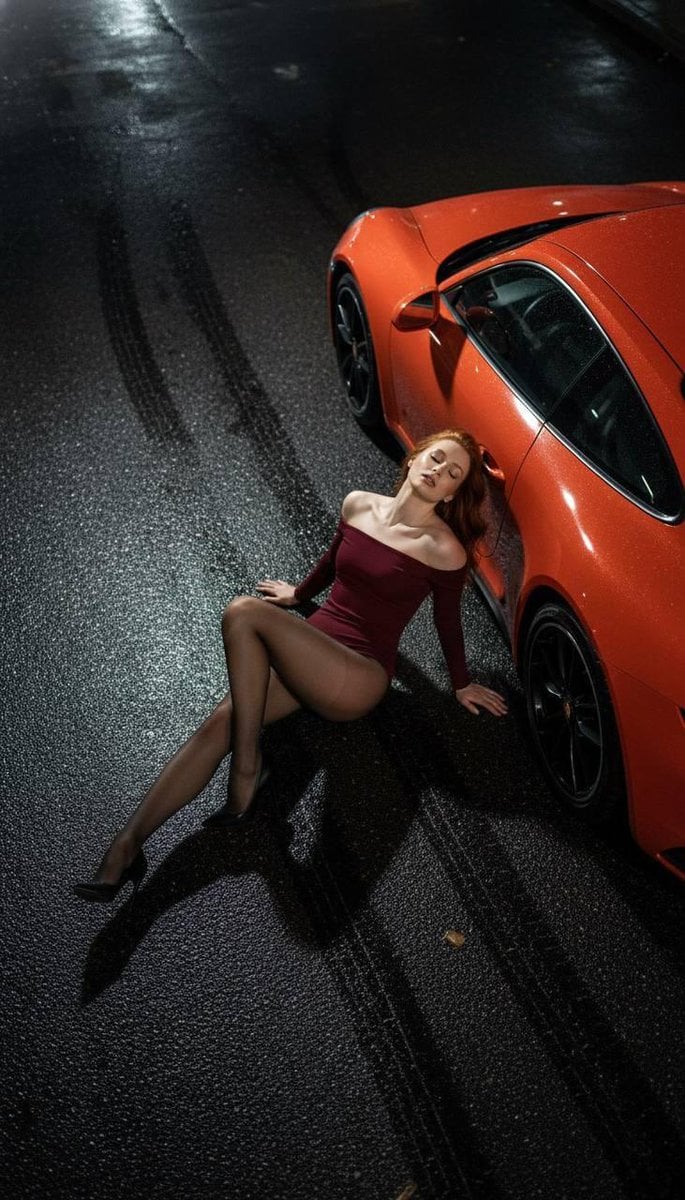
High Fashion Editorial: Woman Lying on Asphalt by Porsche
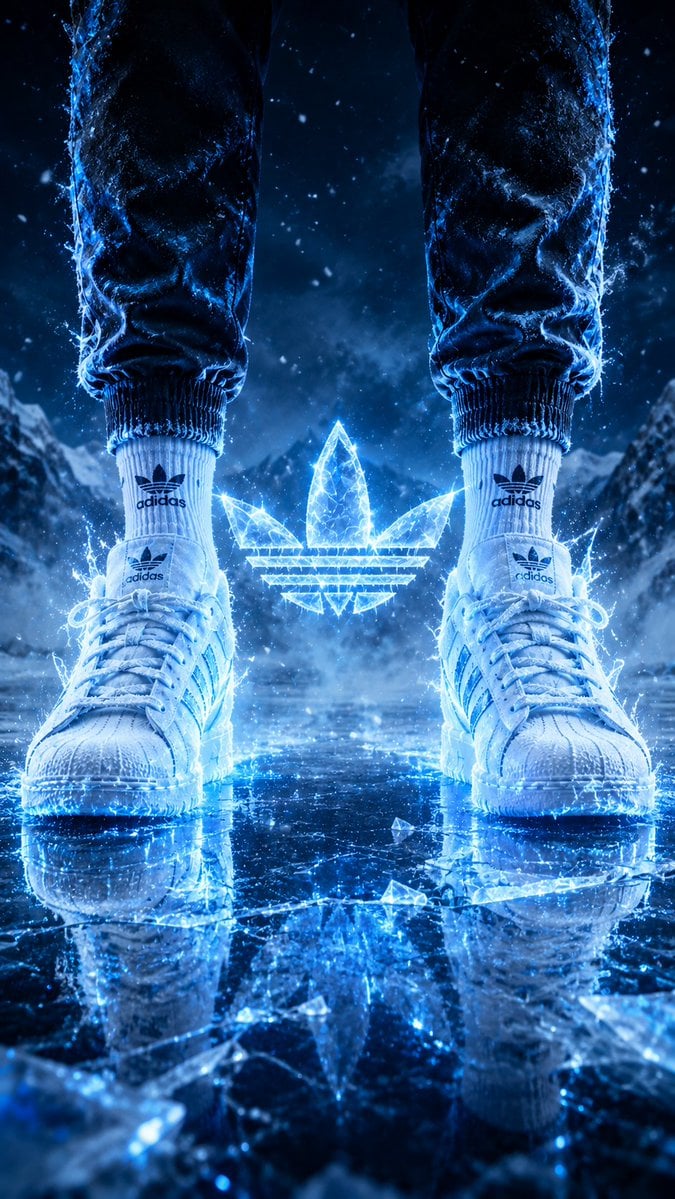
Hyper-Realistic Fire Sneaker Advertisement

Soccer Ball Impact Action Shot
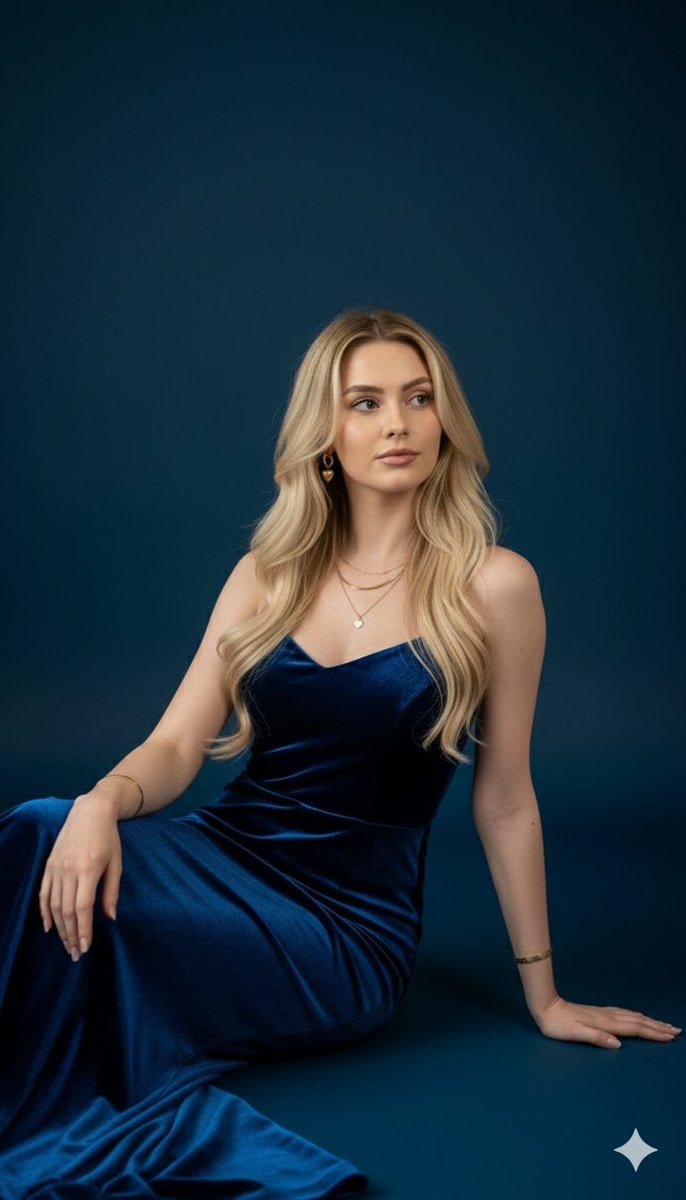
Royal Blue Velvet Evening Gown Portrait Prompt
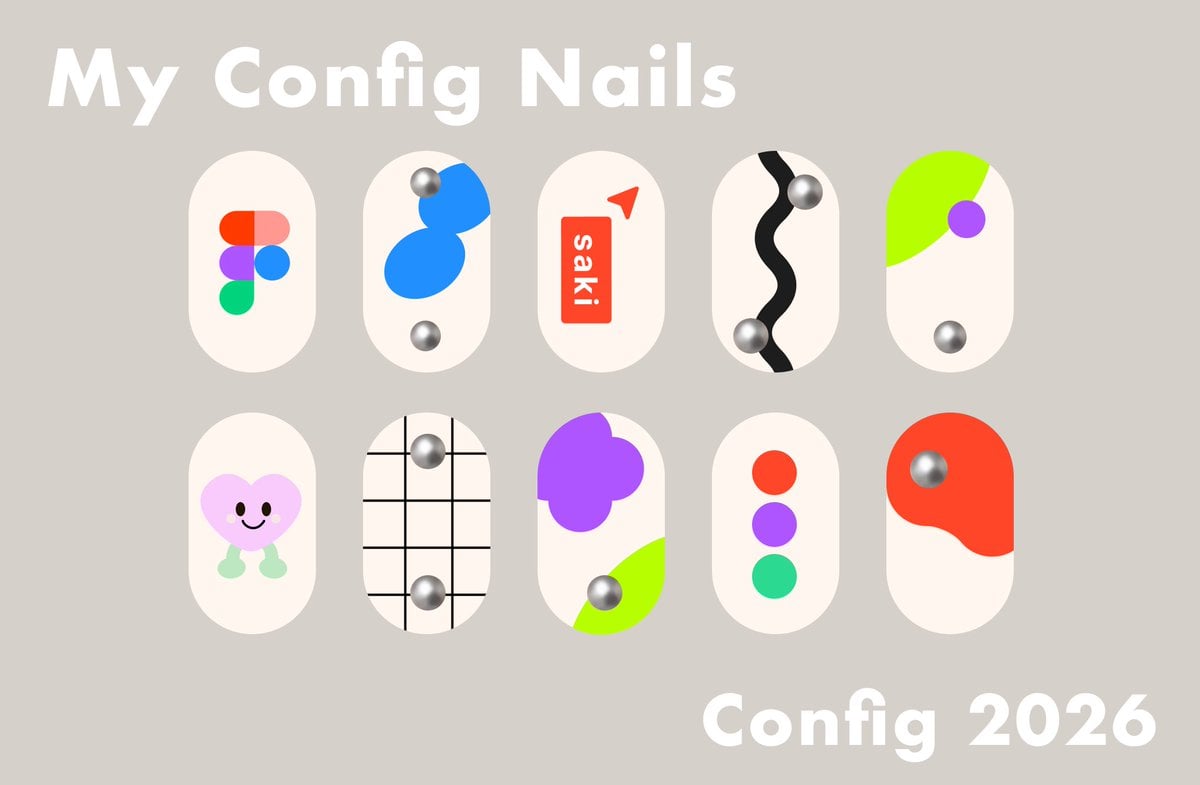
Config 2026 Nail Art Board
Browse template categories
Cinematic Underwater Dive Scene questions
How do I use the Cinematic Underwater Dive Scene template?
Add your photo if the template asks for one, edit the prompt if you like — the template's model and format are already selected — and press Generate. Your version opens in PicX Studio.
Can I customize the Cinematic Underwater Dive Scene template?
Yes. You can change the subject, setting, lighting, mood, format, and available model controls before creating your image.
Is the Cinematic Underwater Dive Scene template free?
Opening and editing this template is free. Generating uses credits, shown on the Generate button when you are signed in.
Which AI model should I use?
Start with Nano Banana 2, which is the model associated with this template. You can compare another compatible model for a different finish.
Looking for something else? Browse all templates.

Your photo, any look
Thousands of ready templates for every top image and video model, from one credit balance.