
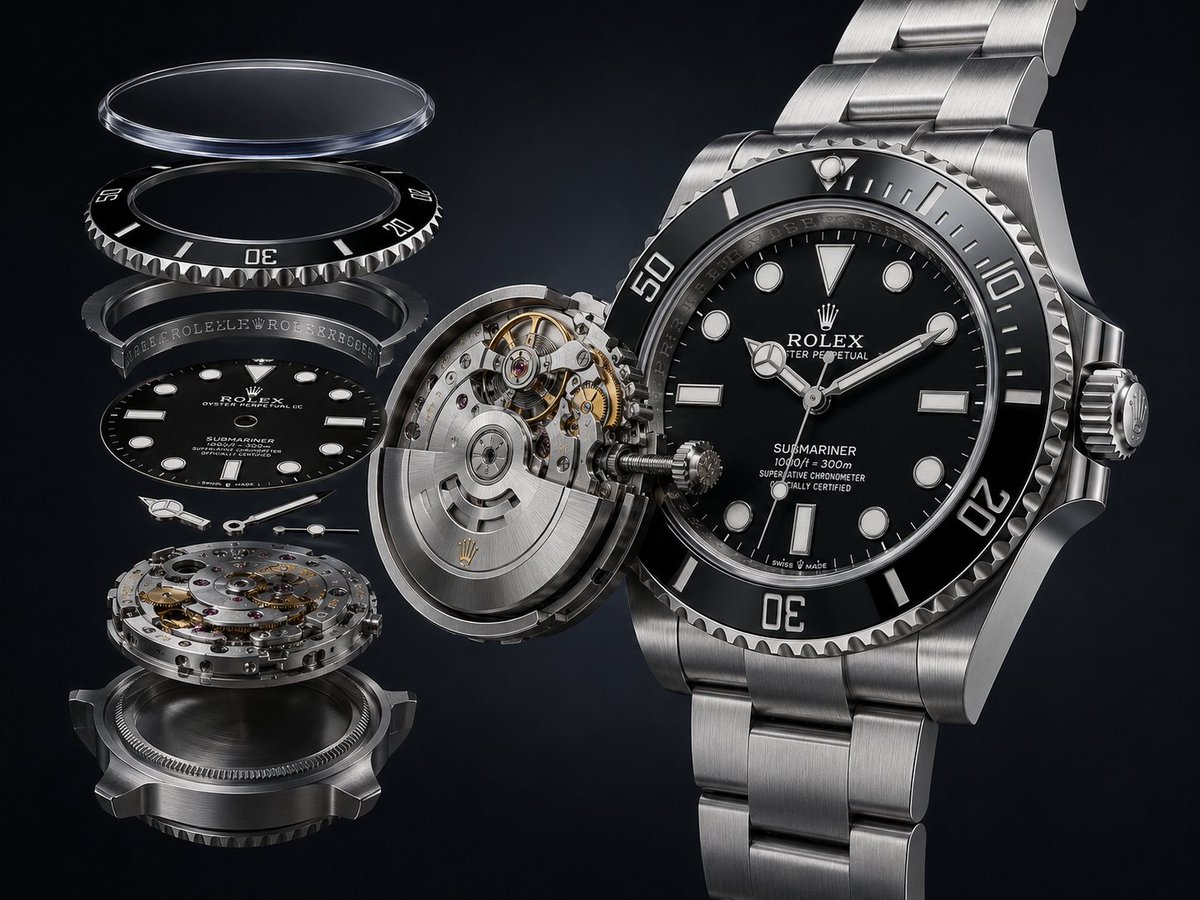
Exploded Luxury Dive Watch Render
A photorealistic prompt for creating a premium exploded-view mechanical dive watch product visualization.
- Prompt included
- Model and format preset
- Free template
The prompt behind this image
Copy the exact prompt behind Exploded Luxury Dive Watch Render, or open it in the studio and make it yours.
Create a photorealistic luxury product rendering of an exploded mechanical dive watch, centered on a {argument name="watch brand" default="Rolex"} {argument name="watch model" default="Submariner"} in stainless steel with a black dial and black ceramic bezel. Canvas is landscape 4:3, dark charcoal-to-black studio background, dramatic softbox reflections, ultra sharp macro detail, premium advertising look, no people. Composition: the fully assembled watch occupies the right half of the image at a slight three-quarter angle, with a brushed oyster-style metal bracelet continuing upward and downward out of frame; the crown is visible on the right side, the serrated bezel has white minute markings and large numerals 10, 20, 30, and 50, and the dial shows luminous round, rectangular, and triangle indices, Mercedes-style hour hand, minute hand, seconds hand, and small white printed dial text including the brand crown logo, brand name, model name, depth rating, and certification lines. On the left half, show an exploded vertical stack of exactly 7 separated watch components aligned in perspective: 1) a transparent domed sapphire crystal floating at the top, 2) a black rotating bezel insert with white markings beneath it, 3) a dark chapter/rehaut ring with tiny engraved brand text, 4) the black watch dial with luminous markers and printed brand/model text, 5) three separate silver hands floating below the dial, 6) a detailed mechanical movement with jewels, screws, gears, and bridges, and 7) the lower steel caseback/case ring at the bottom. Between the exploded stack and the complete watch, show a partially separated circular movement and case module tilted open, exposing gears, gold-toned wheels, ruby jewels, screws, and a rotor with a small gold crown emblem, as if the mechanism is being pulled into the watch. Materials: polished and brushed stainless steel, black glossy ceramic, transparent glass edge highlights, engraved ridges, high-contrast reflections, precise machining, realistic shadows, shallow depth of field but all main parts crisp. Text should be legible where possible and resemble authentic luxury watch dial typography, using {argument name="dial color" default="black"}, {argument name="metal finish" default="brushed stainless steel"}, and {argument name="background color" default="deep black"}. Constraints: make the image look like a high-end technical product visualization, not a diagram; no captions, no labels outside the watch, no watermark, no extra watches, no hands or tools.
How to use Exploded Luxury Dive Watch Render in 3 steps
- 1Upload ImagePNG, JPG or paste
Add your photo
Upload the photo the template builds on. The prompt, model and format are already set.
- 2…a portrait of your subject in softgolden-hour light, 85mm…
Personalize
Edit the subject and creative details for your destination.
- 3Generate
Generate
Press Generate — your image is created in PicX Studio, so you can compare it with the original and refine one variable at a time.
More like this
Templates with the same subject, style or setup. Open one to see its prompt.
Luxury Watch Cash Reflect
Luxury Split Watch Campaign
Luxury VANTORÉ Watch Advertisement
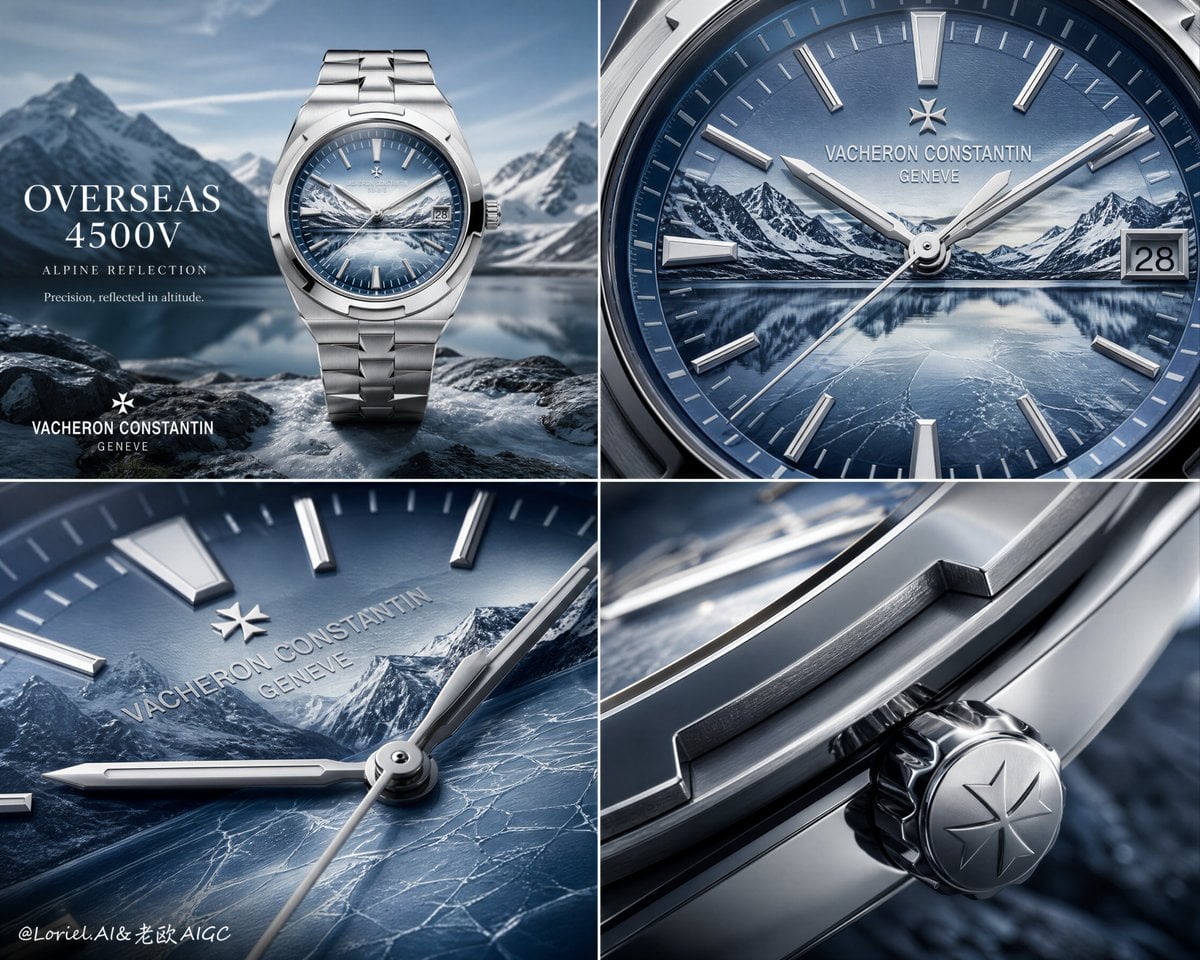
Luxury Watch Alpine Advertising Board
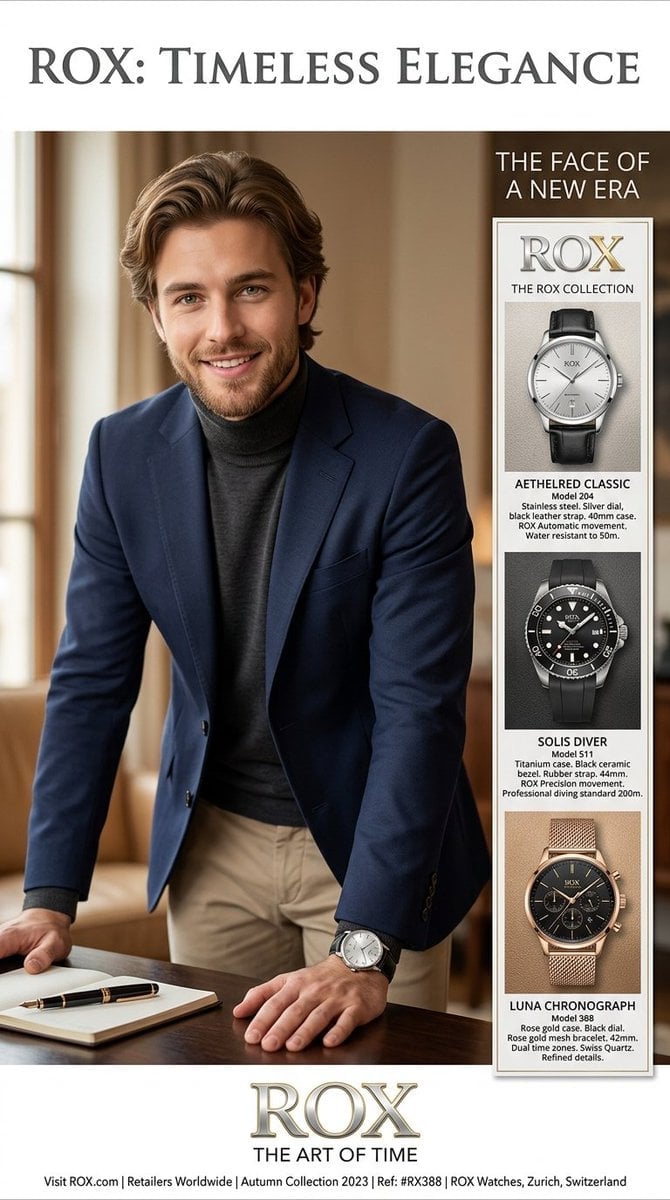
Luxury Watch Magazine Advertisement
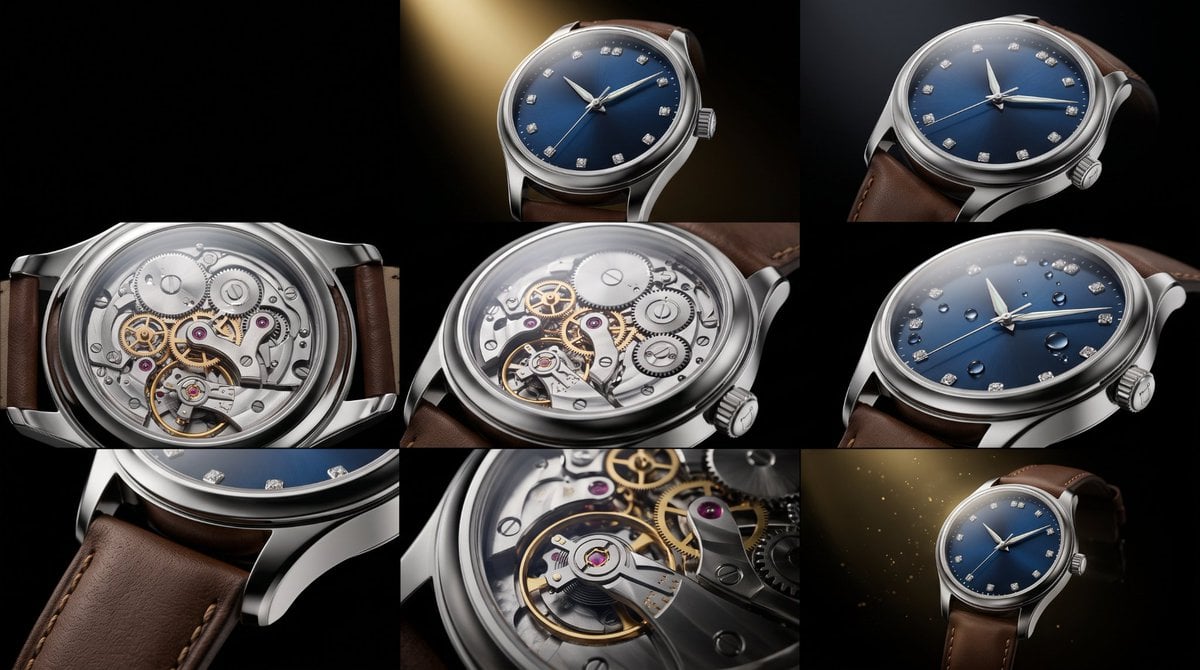
Luxury Watch Commercial Sequence

Sealing Wax Letter Desk

Ballroom Floor Reflections

Vintage Camera Leather Case

Hedge Maze Aerial Dawn

Tuxedo Cuff Adjust

Cathedral Choir Loft
Make it yours
Exploded Luxury Dive Watch Render works as-is. These are the safest ways to change it without losing the look.
Change one field
Copy a single group, rewrite it, and generate again so you can see what that field is doing.
Keep the frame, change the subject
Hold the composition and light of Exploded Luxury Dive Watch Render, then swap wardrobe, props or the person for a new take.
| If the result… | Why | Fix |
|---|---|---|
| The result drifts from the preview | Too many fields changed at once. | Reuse Exploded Luxury Dive Watch Render as-is first, then change one group — subject, light, or setting. |
| The model over-stylizes the scene | The prose prompt leaves finish and camera underspecified. | Add one camera or lighting sentence and stay on GPT Image 2. |
More GPT Image 2 templates
Other prompts made for GPT Image 2.

Six VTuber Japanese Logo Sheet

Realistic Portrait of Woman and Deer

The Vista Modular Condo Poster

AI Model Routing Comparison Infographic

2.5D Anime Art Board

Isometric Productivity Desk Scene

New York Double Exposure Poster

Four-Panel AI Landscape Comparison

Japanese Tatami Lifestyle Magazine Cover

NESCAFÉ Coffee Map Poster
More image prompts
Fresh picks from across the catalog.

Anime Duo School Poster
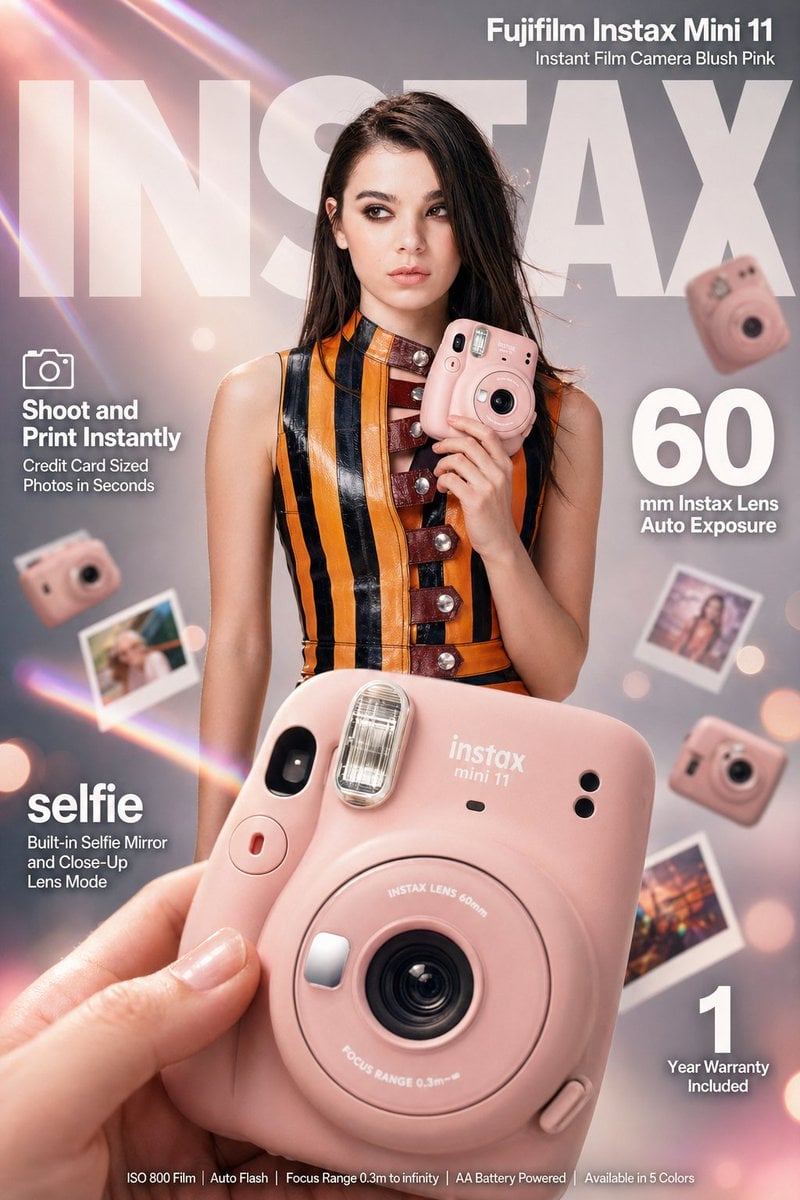
X Meng Dagg695 Gpt Image 2 on Socialsight
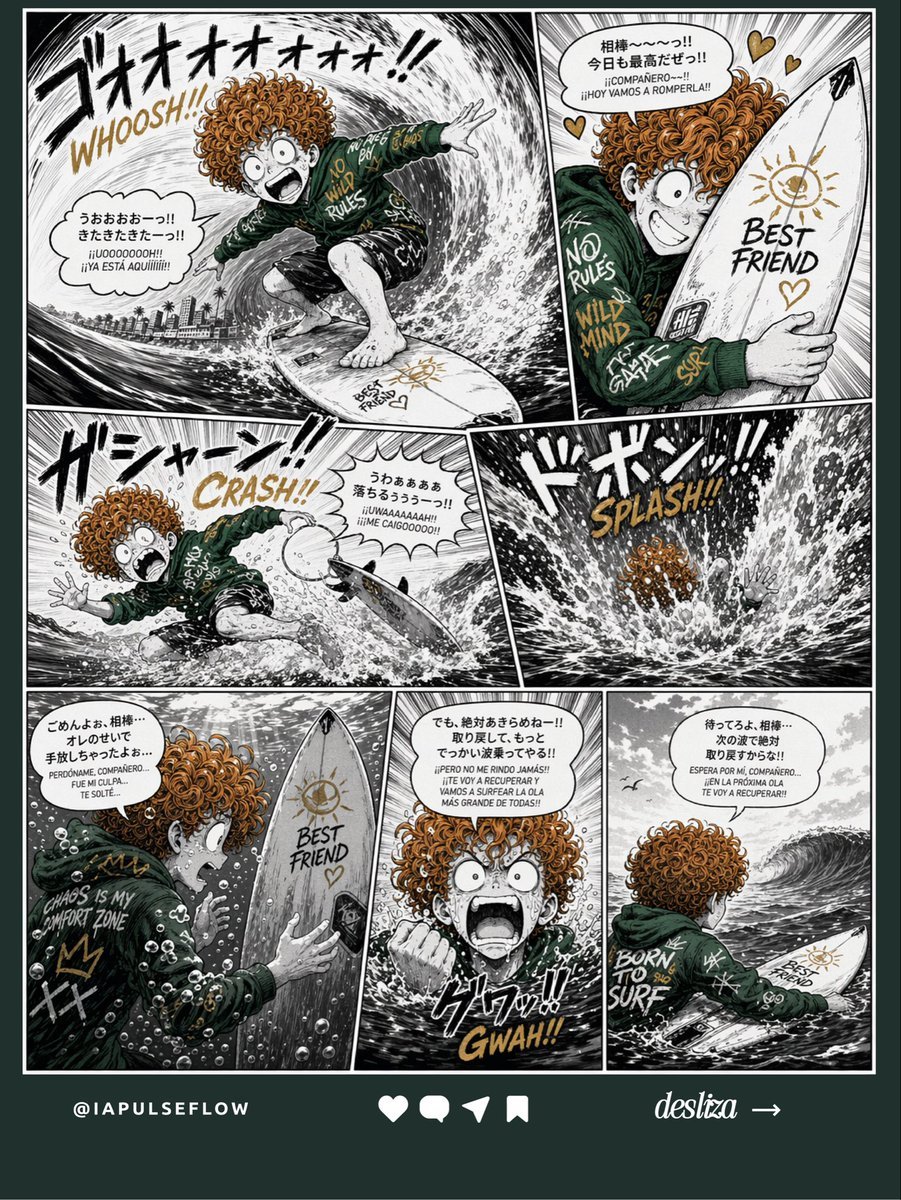
Manga Surf Wipeout Comic Poster
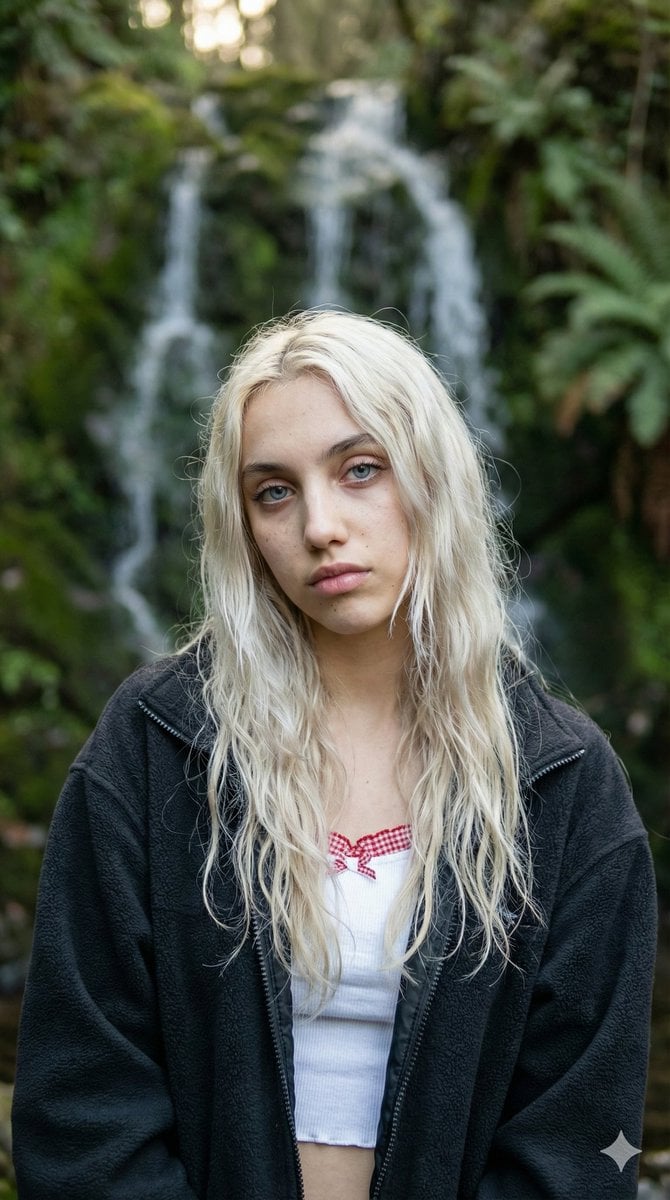
Ethereal Waterfall Selfie Portrait with Natural Imperfections
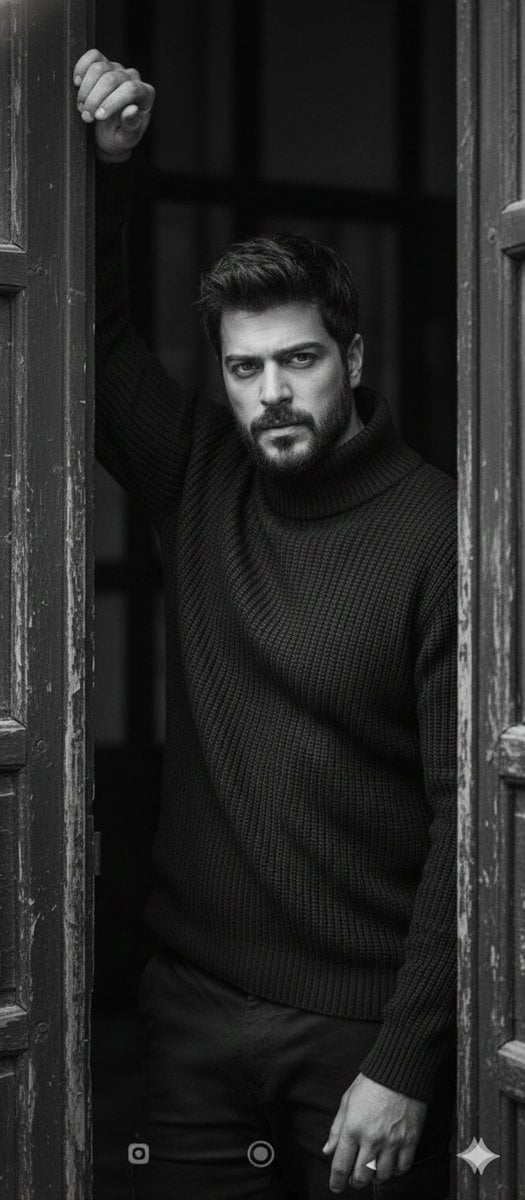
Black and White Fine-Art Doorway Portrait
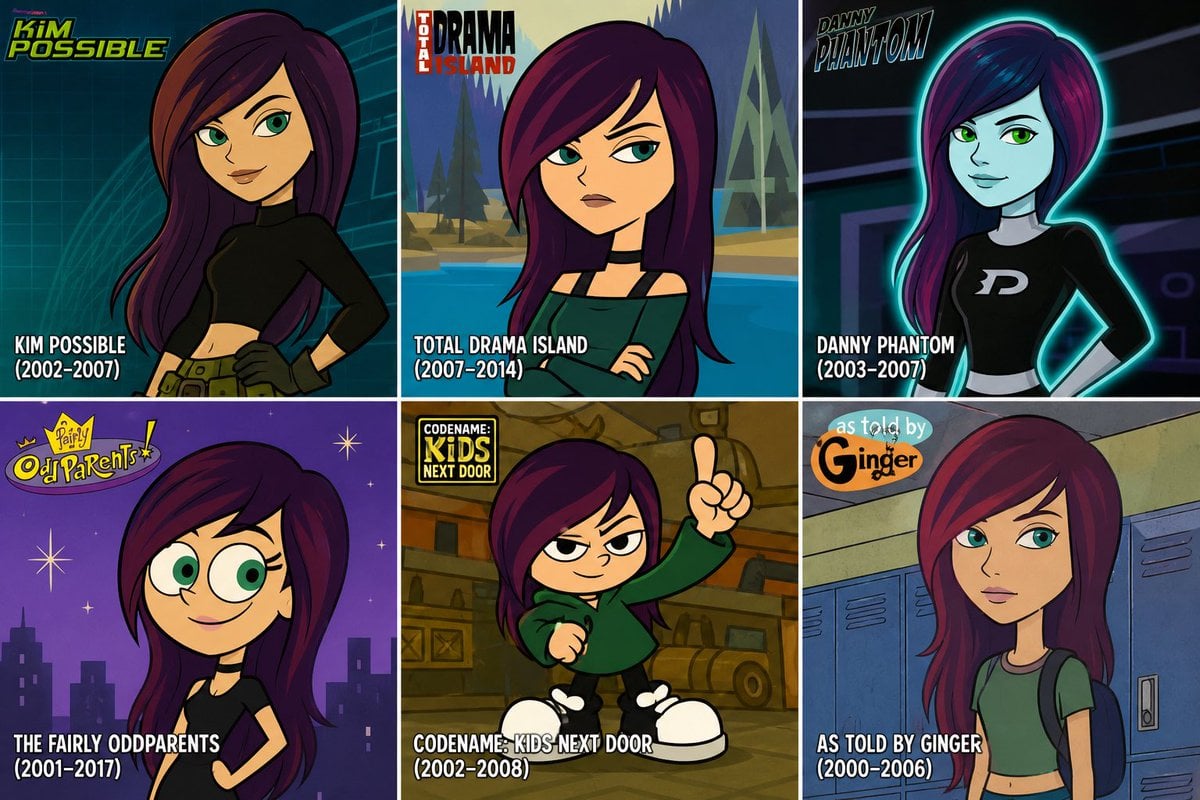
2000s Cartoon Character Transformation
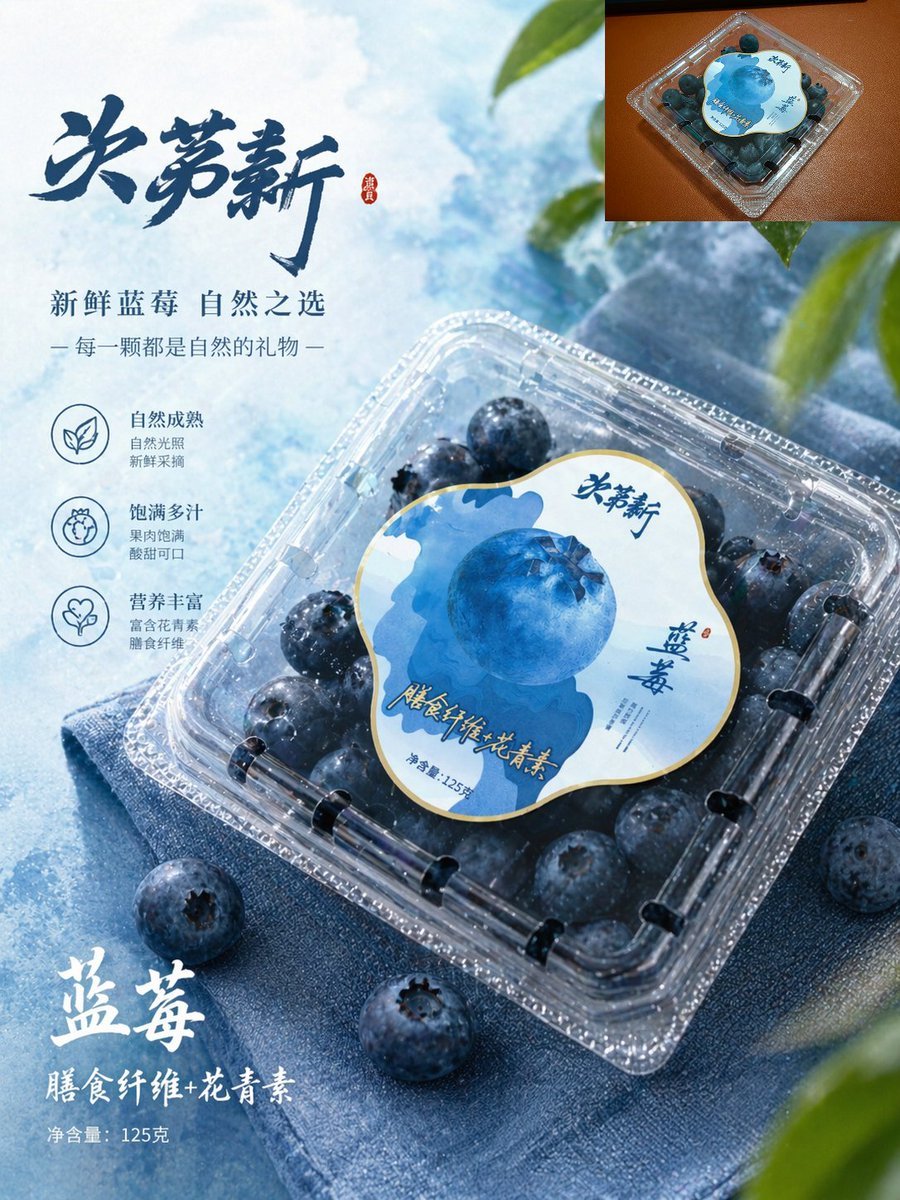
Premium Blueberry Product Poster

Emoji-Based Creative Image Generation
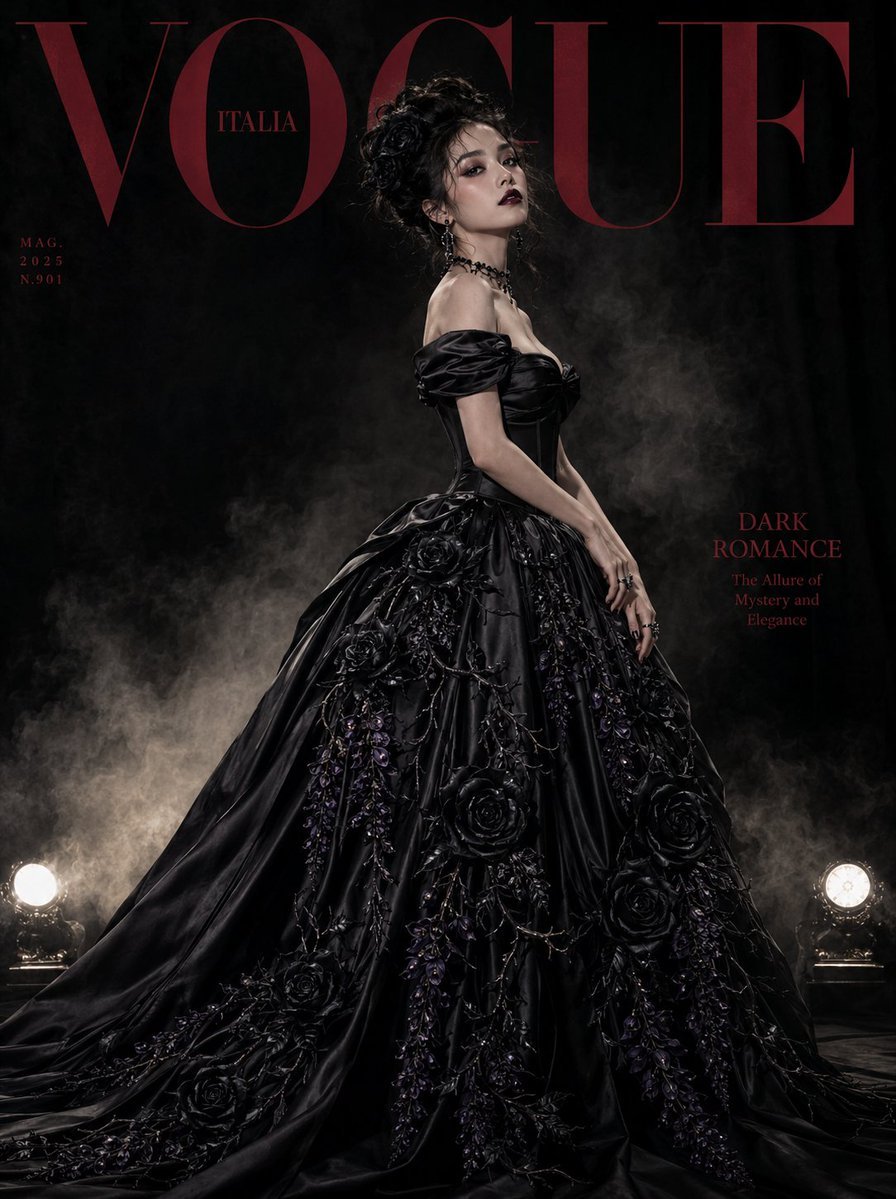
Gothic Luxury Magazine Cover

Japanese Beverage Ad Poster
Browse template categories
Exploded Luxury Dive Watch Render questions
How do I use the Exploded Luxury Dive Watch Render template?
Add your photo if the template asks for one, edit the prompt if you like — the template's model and format are already selected — and press Generate. Your version opens in PicX Studio.
Can I customize the Exploded Luxury Dive Watch Render template?
Yes. You can change the subject, setting, lighting, mood, format, and available model controls before creating your image.
Is the Exploded Luxury Dive Watch Render template free?
Opening and editing this template is free. Generating uses credits, shown on the Generate button when you are signed in.
Which AI model should I use?
Start with GPT Image 2, which is the model associated with this template. You can compare another compatible model for a different finish.
Looking for something else? Browse all templates.

Your photo, any look
Thousands of ready templates for every top image and video model, from one credit balance.