
Luxury Watch Commercial Sequence
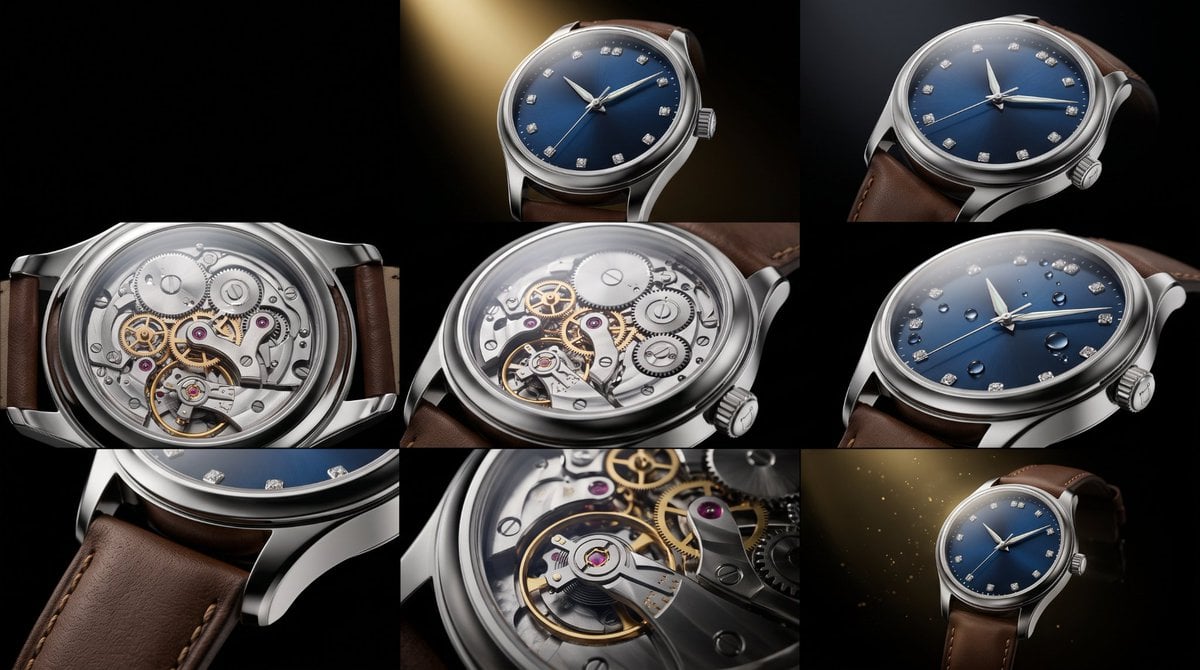
A cinematic prompt for a luxury watch advertisement sequence, focusing on macro details, lighting, and movement transitions.
- Prompt included
- Model and format preset
- Free template
The prompt behind this image
Copy the exact prompt behind Luxury Watch Commercial Sequence, or open it in the studio and make it yours.
Ultra-realistic cinematic luxury fashion commercial featuring a confident, well-dressed gentleman wearing an elegant premium luxury wristwatch. He is dressed in a perfectly tailored black suit, crisp white shirt, and silk tie, standing inside a modern luxury penthouse overlooking a breathtaking city skyline at golden hour. The camera begins with an extreme macro close-up of the luxury watch on his wrist, revealing the flawless sapphire crystal, polished stainless-steel case, deep sunburst dial, luminous hands, diamond-cut hour markers, and smooth sweeping second hand. As he adjusts his cuff, the watch catches the warm sunlight, creating beautiful cinematic reflections. The camera slowly circles around his wrist while the intricate mechanical movement is visible through the transparent exhibition case back. Premium leather strap with handcrafted stitching, scratch-resistant finish, exceptional craftsmanship, precision engineering, timeless elegance, luxury lifestyle, confidence, success, sophistication. Soft golden sunlight, volumetric lighting, shallow depth of field, realistic skin textures, premium fashion photography, smooth cinematic camera movement, ARRI Alexa 65 look, 8K HDR, hyper-realistic, luxury advertisement, masterpiece quality, no logos, no text, no watermark.Ultra-realistic cinematic luxury watch commercial, 8-second sequence. The film opens with an extreme macro shot of a premium luxury wristwatch emerging from darkness as a single golden spotlight slowly illuminates every detail. The camera performs a smooth 360° orbit around the watch while the polished stainless-steel case reflects elegant studio lights. The sapphire crystal sparkles with flawless clarity, revealing a deep sunburst dial with diamond-cut hour markers and precision-crafted luminous hands. The sweeping second hand moves perfectly smoothly, emphasizing the high-precision automatic movement. The camera transitions into the transparent exhibition case back, where hundreds of intricate mechanical gears, polished bridges, ruby jewels, and the oscillating balance wheel move in perfect harmony. Slow-motion water droplets glide across the scratch-resistant sapphire crystal and premium metal case, demonstrating exceptional water resistance. Fine leather strap stitching and luxury finishing are revealed through cinematic macro close-ups. Floating golden dust particles, soft volumetric lighting, elegant reflections, dramatic black background, shallow depth of field, premium product cinematography, ARRI Alexa 65 look, 8K HDR, hyper-realistic textures, smooth camera motion, luxury advertisement, timeless elegance, precision engineering, exclusivity, masterpiece quality, no text, no logos, no watermark.
How to use Luxury Watch Commercial Sequence in 3 steps
- 1
Open
The prompt is already in the box next to the preview, with the template's model and format selected.
- 2…a portrait of your subject in softgolden-hour light, 85mm…
Personalize
Edit the subject and creative details for your destination.
- 3Generate
Generate
Press Generate — your image is created in PicX Studio, so you can compare it with the original and refine one variable at a time.
More like this
Templates with the same subject, style or setup. Open one to see its prompt.
Luxury Watch Cash Reflect
Luxury Mechanical Watch Commercial Photography Prompt
Luxury Nail Clipper Commercial Ad
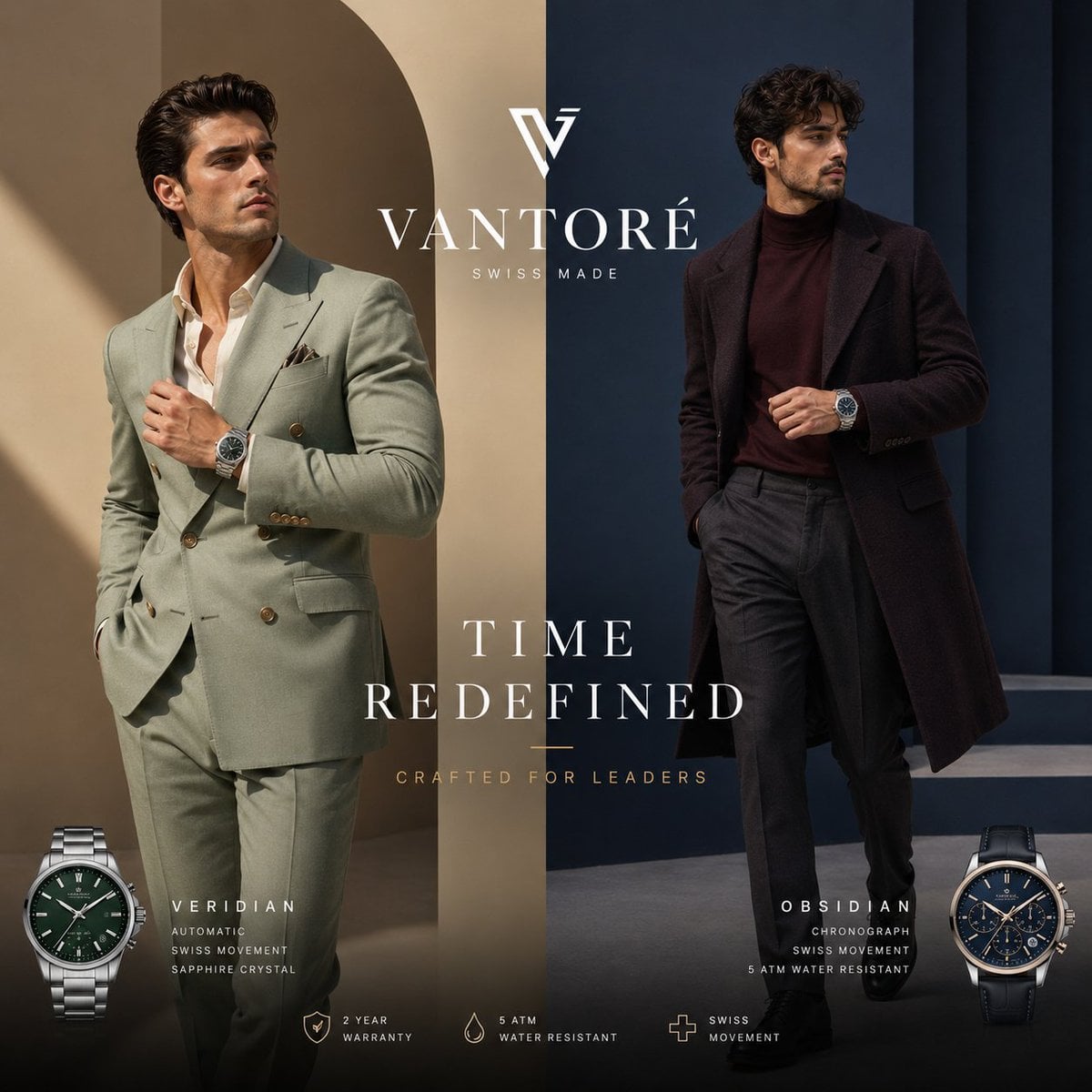
Luxury Split Watch Campaign
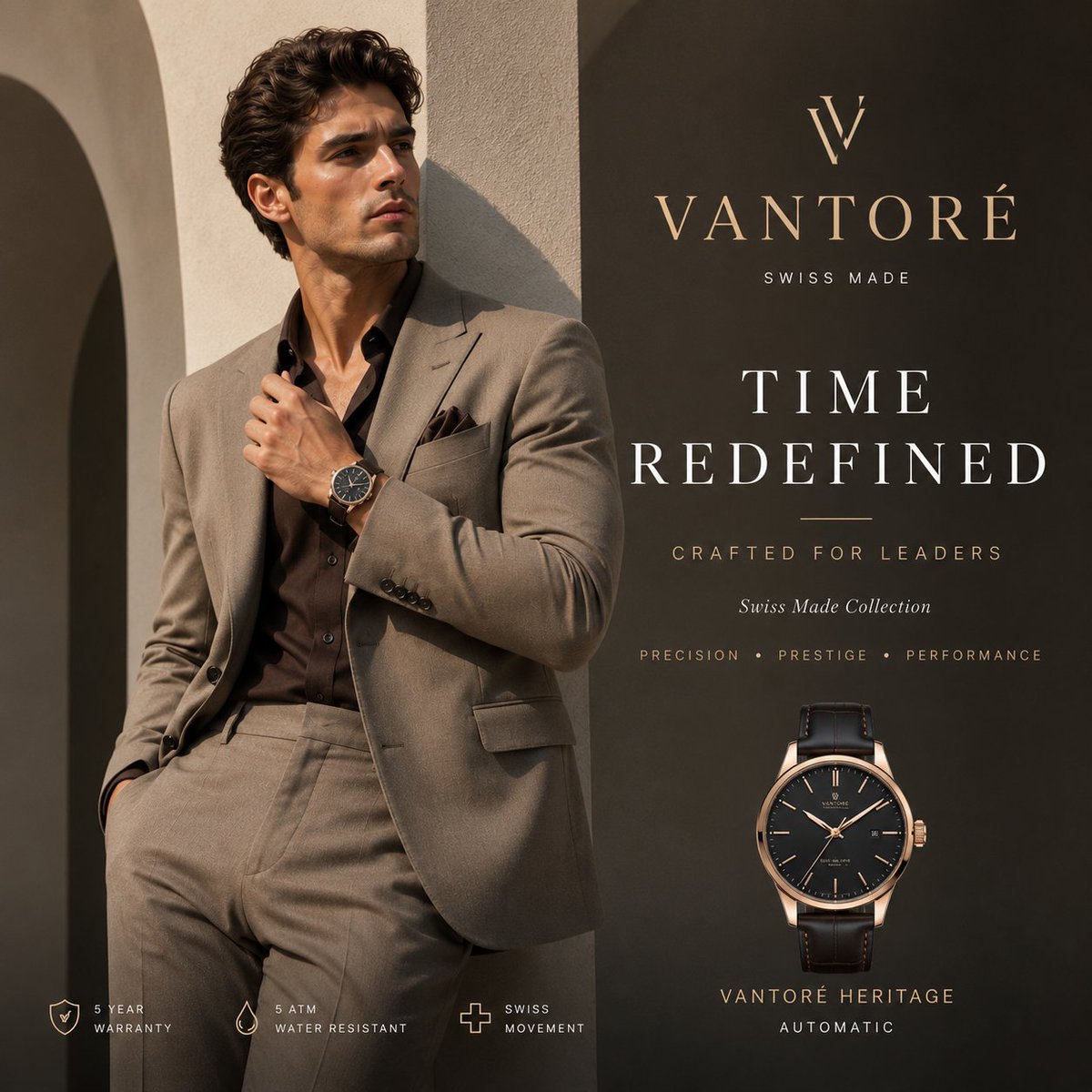
Luxury VANTORÉ Watch Advertisement
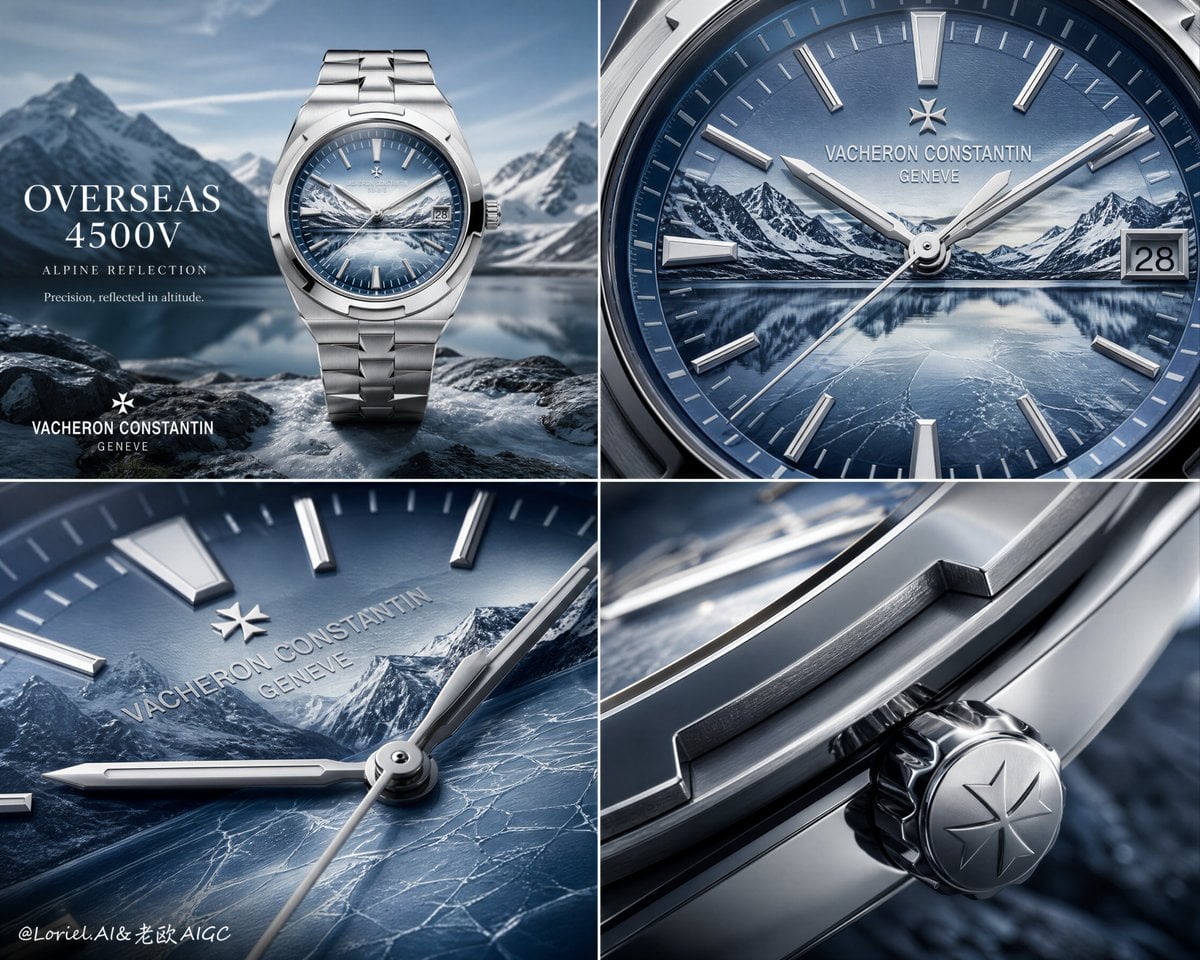
Luxury Watch Alpine Advertising Board
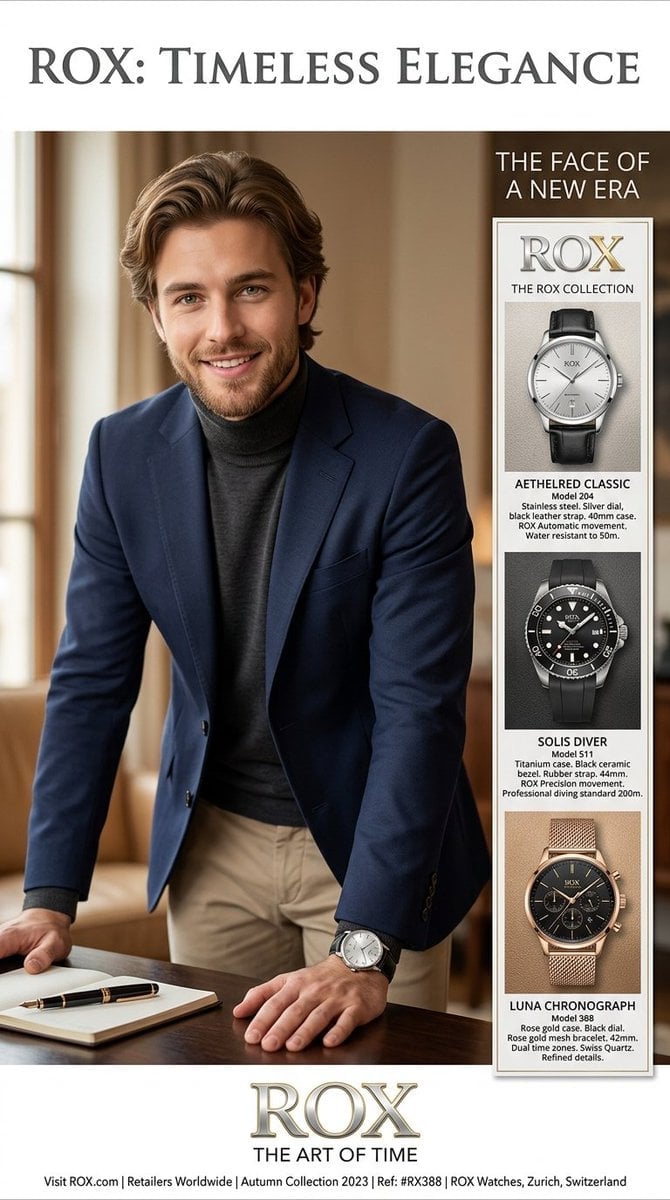
Luxury Watch Magazine Advertisement

Sealing Wax Letter Desk

Ballroom Floor Reflections

Vintage Camera Leather Case

Hedge Maze Aerial Dawn

Tuxedo Cuff Adjust
Make it yours
Luxury Watch Commercial Sequence works as-is. These are the safest ways to change it without losing the look.
Change one field
Copy a single group, rewrite it, and generate again so you can see what that field is doing.
Keep the frame, change the subject
Hold the composition and light of Luxury Watch Commercial Sequence, then swap wardrobe, props or the person for a new take.
| If the result… | Why | Fix |
|---|---|---|
| The result drifts from the preview | Too many fields changed at once. | Reuse Luxury Watch Commercial Sequence as-is first, then change one group — subject, light, or setting. |
| The model over-stylizes the scene | The prose prompt leaves finish and camera underspecified. | Add one camera or lighting sentence and stay on Nano Banana 2. |
More Nano Banana 2 templates
Other prompts made for Nano Banana 2.

Photorealistic Leaf Shaped Like a Dragon

K-Pop Idol Portrait Grid for Rapid Selection

Poetic Rain Forest Portrait During Golden Hour

Urban Street Portrait with Cartoon Inner Self Duo

Candid Nighttime Photo with Cat Prompt

High-Concept 3D Diorama Generation Prompt

Cinematic Futuristic Studio Portrait Template

Skincare Editorial Photography Collage Prompt

Hyper-Realistic Commercial Product Photography (Splash Effect)

Hyper-Realistic Nightclub Portrait Prompt
More image prompts
Fresh picks from across the catalog.
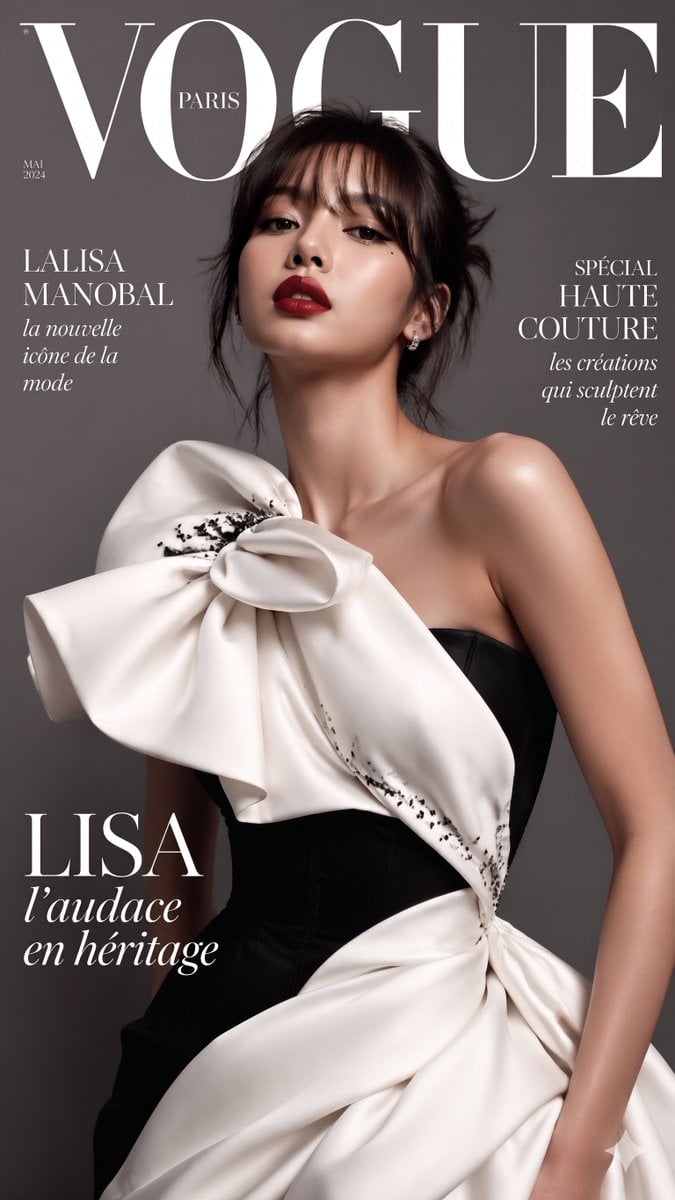
VOGUE Paris Haute Couture Cover
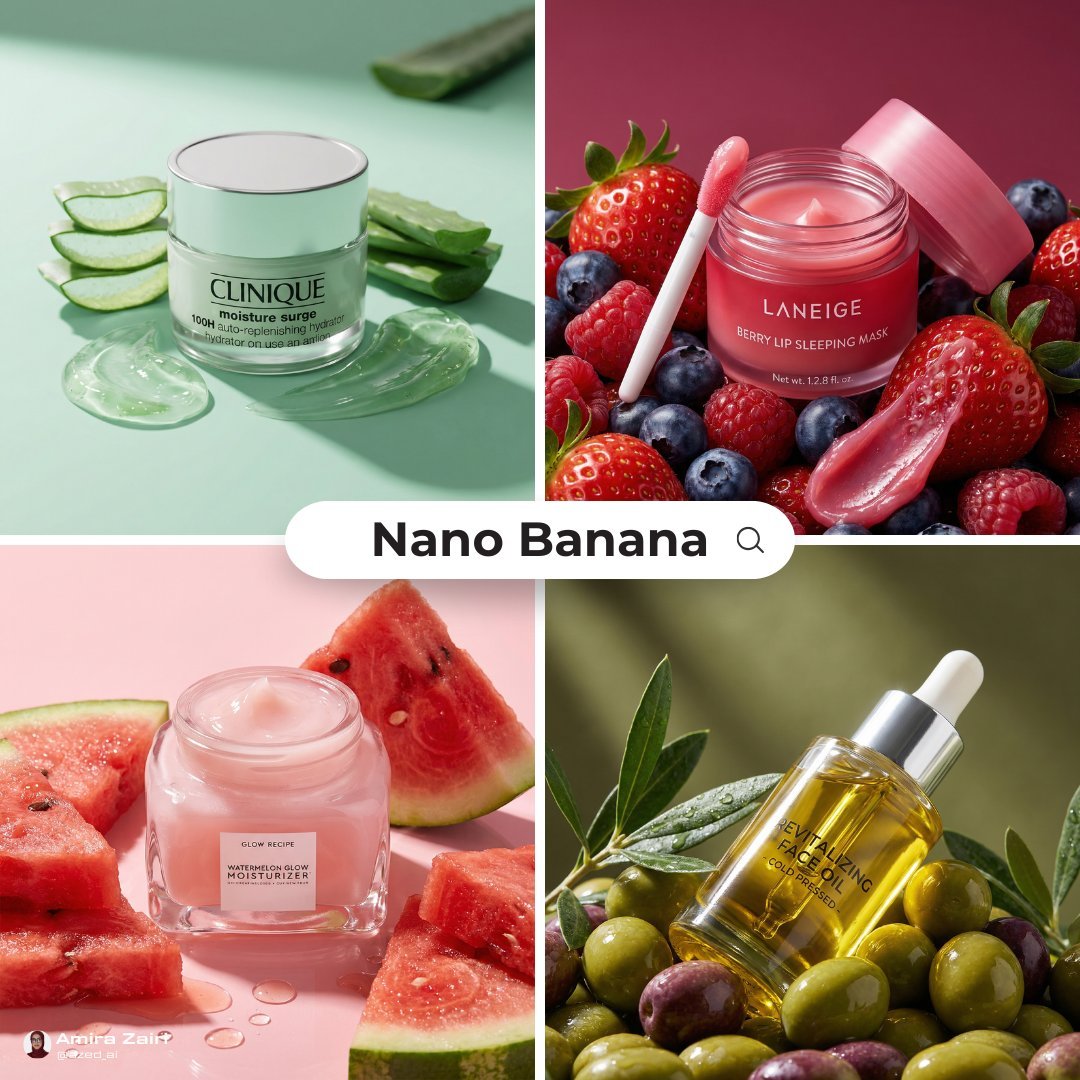
Luxury Ad Style Prompt
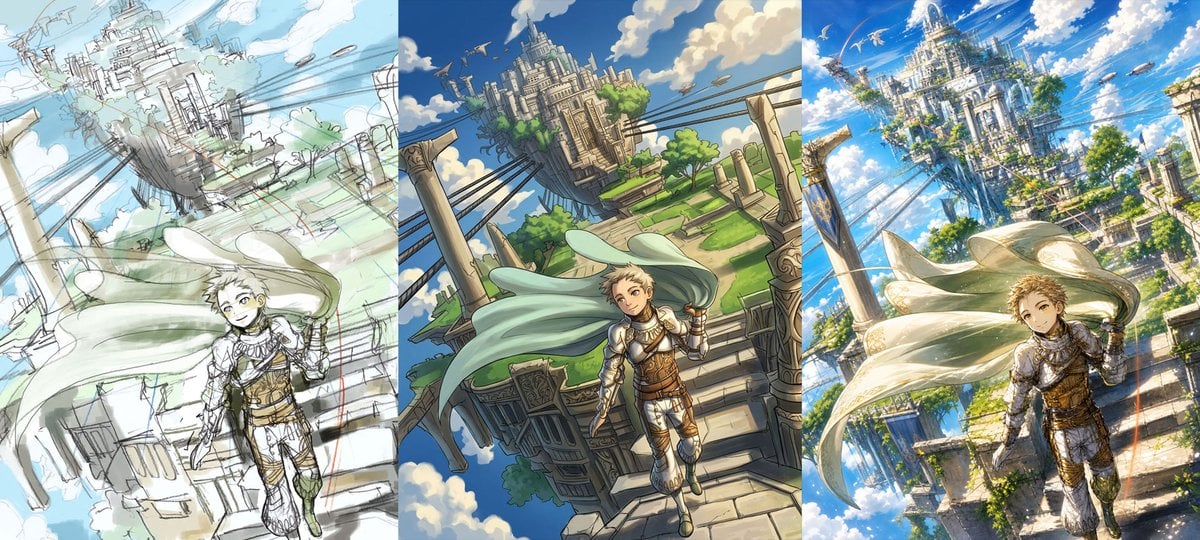
Fantasy Sky Castle Art Evolution Triptych

Ice Kingdom Princess Fantasy Poster
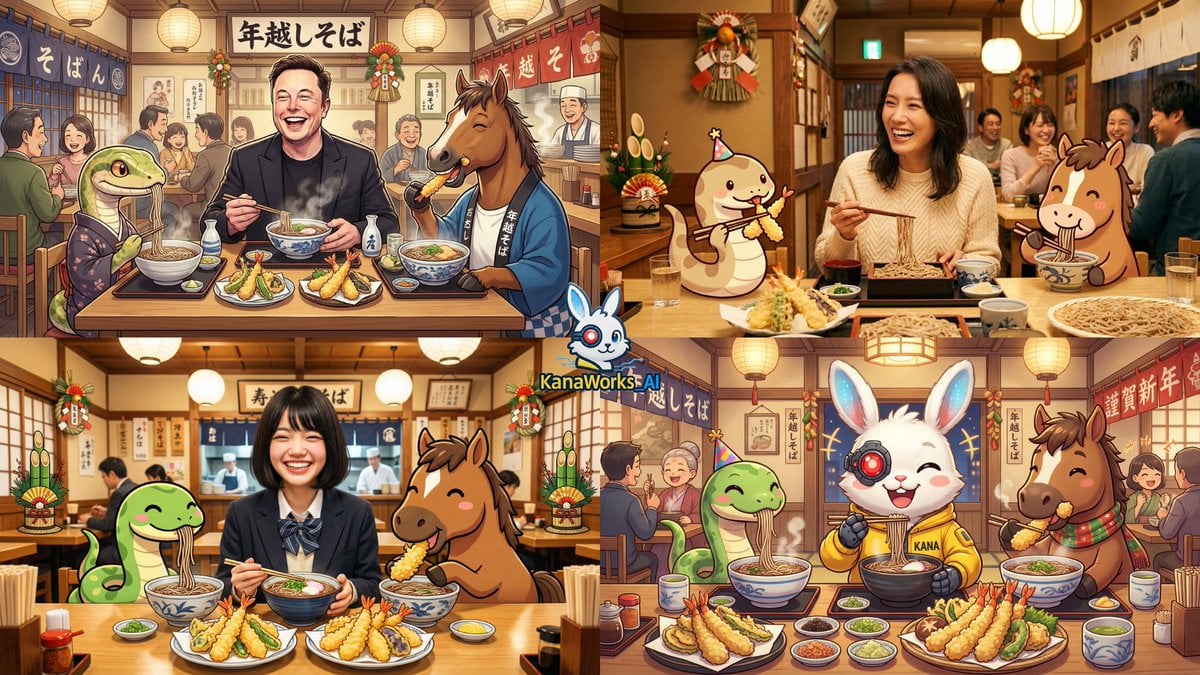
New Year's Eve Soba and Tempura Image Prompt

Complex Illustration Prompt: Cycling on the Moon
Underwater macro portrait (left half of face)
Celestial Blue Anime Girl Floating
Golden Hour Desert Photo of Woman and Cheetah
Industrial Character Design Sheet
Browse template categories
Luxury Watch Commercial Sequence questions
How do I use the Luxury Watch Commercial Sequence template?
Add your photo if the template asks for one, edit the prompt if you like — the template's model and format are already selected — and press Generate. Your version opens in PicX Studio.
Can I customize the Luxury Watch Commercial Sequence template?
Yes. You can change the subject, setting, lighting, mood, format, and available model controls before creating your image.
Is the Luxury Watch Commercial Sequence template free?
Opening and editing this template is free. Generating uses credits, shown on the Generate button when you are signed in.
Which AI model should I use?
Start with Nano Banana 2, which is the model associated with this template. You can compare another compatible model for a different finish.
Looking for something else? Browse all templates.

Your photo, any look
Thousands of ready templates for every top image and video model, from one credit balance.