
Detailed Lifestyle Photography Prompt for Cozy Evening Scene
A highly structured image generation prompt designed for lifestyle photography, focusing on a cozy, intimate, and relaxed evening mood.
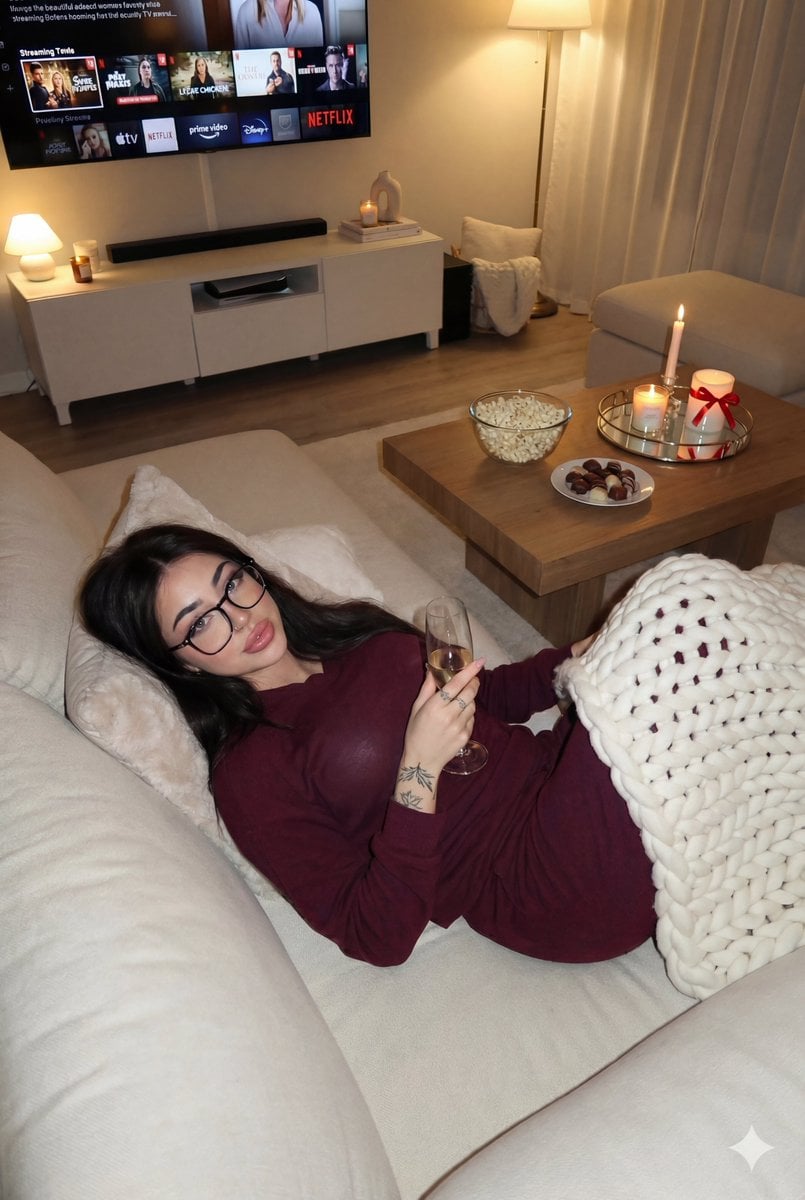
- Prompt included
- Model and format preset
- Free template
The prompt behind this image
Copy the exact prompt behind Detailed Lifestyle Photography Prompt for Cozy Evening Scene, or open it in the studio and make it yours.
{ "image_prompt_structure": { "meta": { "type": "Lifestyle Photography", "aspect_ratio": "16:9", "mood": "{argument name="mood" default="Cozy, Intimate, Relaxed"}" }, "scene_setup": { "location": "Modern living room", "time_of_day": "Evening", "lighting": { "type": "Soft warm indoor", "sources": ["Ambient room lighting", "Candlelight accents"], "quality": "Evenly distributed, glowing" }, "camera": { "angle": "High-angle / Slightly elevated", "focus": "Subject in foreground", "perspective": "Looking down toward the sofa" } }, "subject": { "demographics": { "gender": "Female-presenting", "age_appearance": "Young adult to adult" }, "appearance": { "hair": { "color": "Light brown with blonde highlights", "style": "Loose, voluminous waves", "parting": "Side-parted" }, "makeup": { "skin": "Smooth, contoured finish", "eyes": "Defined brows and lashes", "lips": "Full lips, neutral-toned lipstick" }, "expression": "Neutral to soft, relaxed eyes, slight smile", "gaze": "Direct eye contact with camera" }, "attire": { "item": "Matching lounge set", "color": "{argument name="attire color" default="Deep burgundy / Wine red"}", "fabric": "Soft, slightly shimmery", "fit": "Form-fitting", "details": { "top": "Long-sleeve", "bottom": "Full-length fitted pants", "feet": "Barefoot" } }, "pose": { "main_position": "Lying on side on sectional sofa", "body_orientation": "Three-quarter view, torso angled to camera", "limbs": { "legs": "Bent and stacked, feet resting naturally", "arms": "Relaxed, hands resting gently in front", "head": "Tilted slightly upward" }, "support": "Upper body propped slightly on cushions" } }, "environment_objects": { "furniture": { "sofa": { "type": "Sectional", "color": "Light beige / Cream", "material": "Plush fabric", "accessories": "White blanket draped over back/side" }, "media_console": { "color": "White", "style": "Minimalist, clean lines", "equipment": "Wall-mounted TV" }, "coffee_table": { "type": "Low table or Ottoman style", "color": "Light neutral" } }, "props_and_decor": { "on_coffee_table": [ { "item": "Glass bowl of popcorn", "position": "Center" }, { "item": "Small plate of chocolates", "position": "Beside popcorn" }, { "item": "Round mirrored tray", "contents": [ "Candle in glass container", "{argument name="drink" default="Champagne"}"}]
How to use Detailed Lifestyle Photography Prompt for Cozy Evening Scene in 3 steps
- 1
Open
The prompt is already in the box next to the preview, with the template's model and format selected.
- 2…a portrait of your subject in softgolden-hour light, 85mm…
Personalize
Edit the subject and creative details for your destination.
- 3Generate
Generate
Press Generate — your image is created in PicX Studio, so you can compare it with the original and refine one variable at a time.
More like this
Templates with the same subject, style or setup. Open one to see its prompt.

Cozy Food Flat Lay Doodle Labels
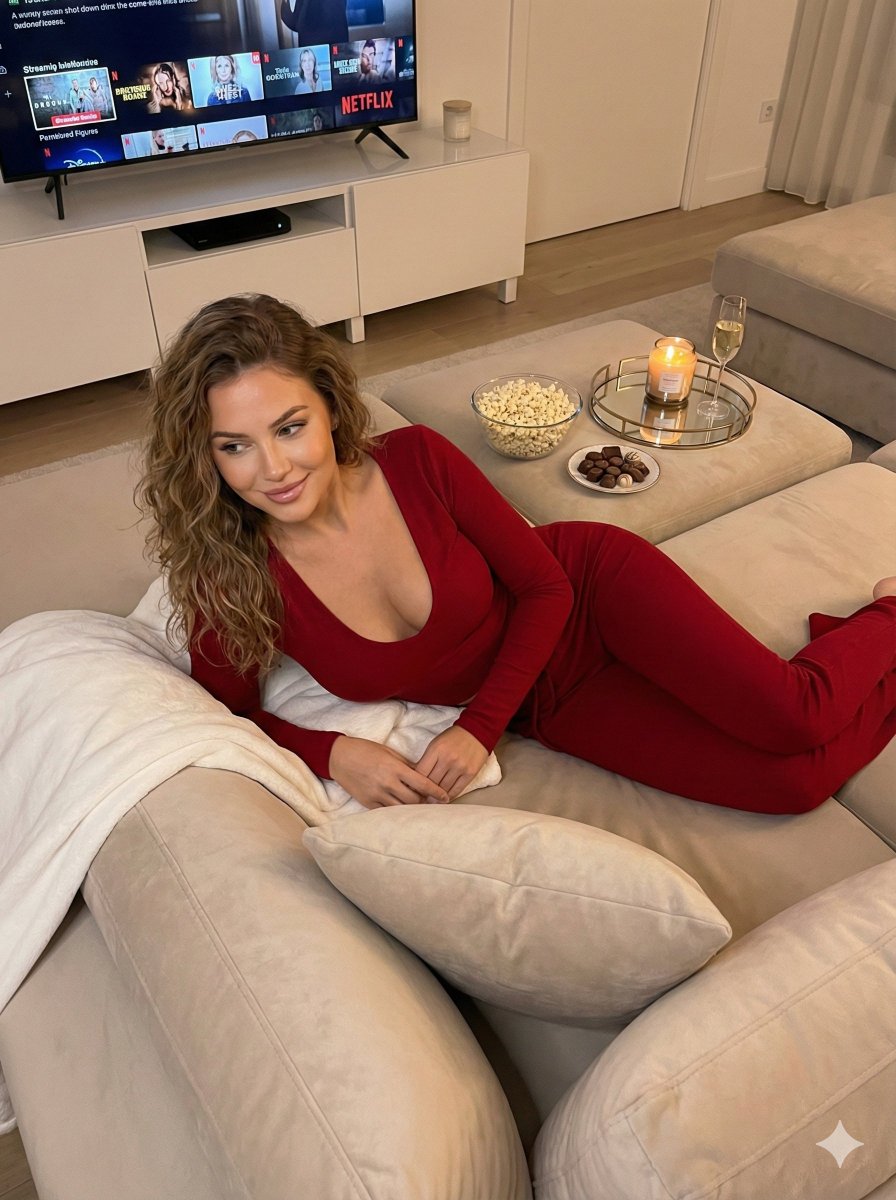
Cozy Evening Lifestyle Photography on Sofa

Mountain Valley Lifestyle Portrait
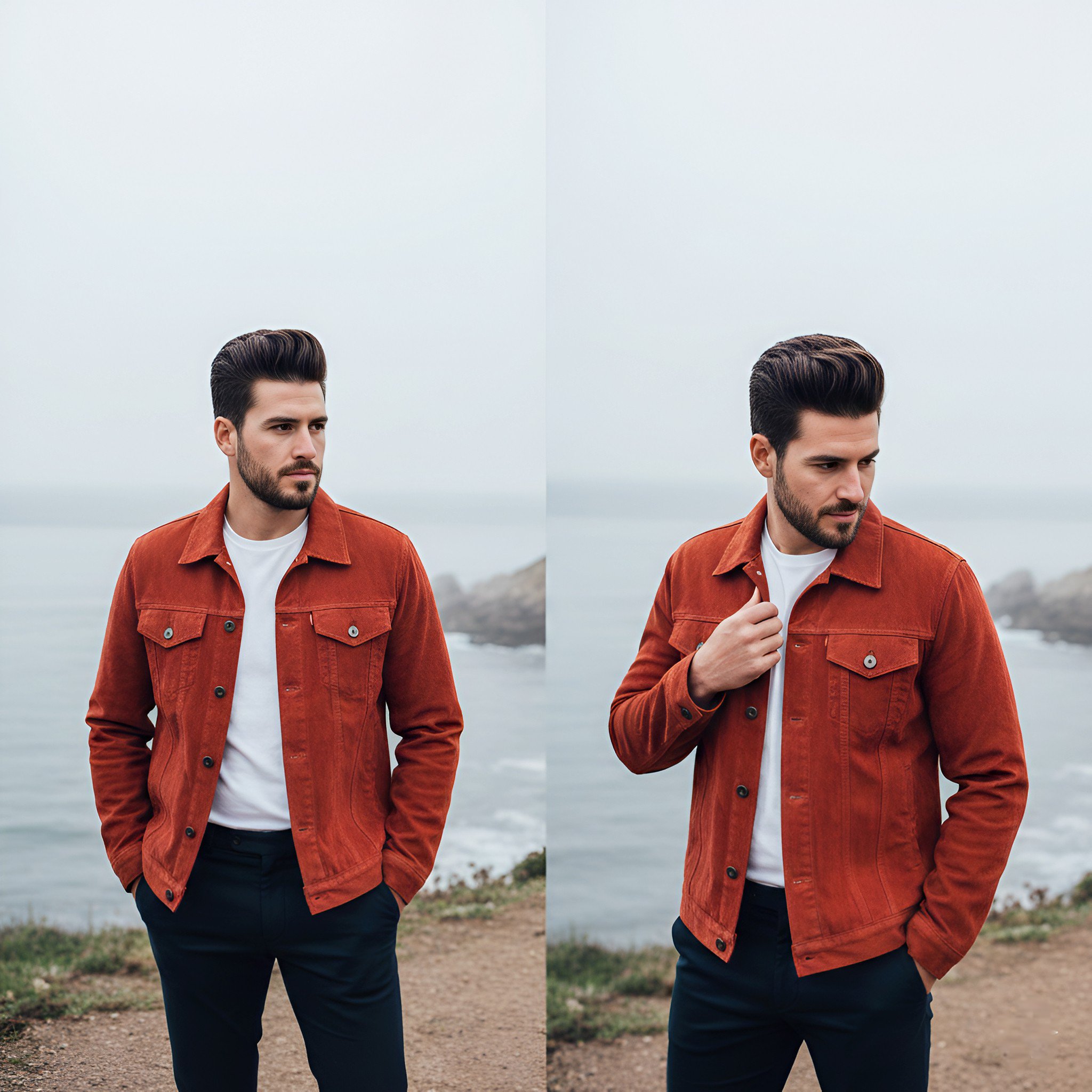
Lifestyle photography, cinematic color grading, shallow depth of field
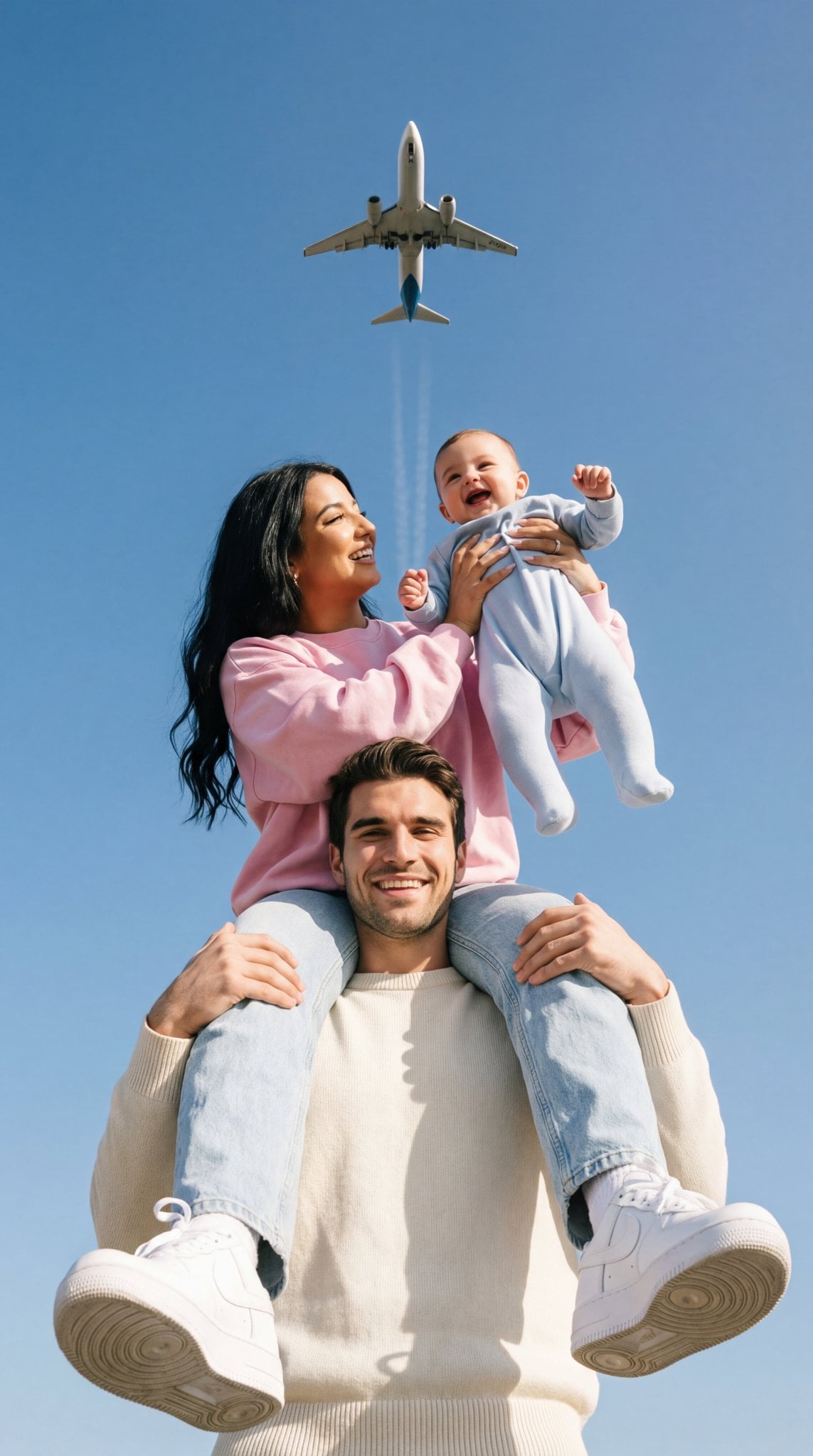
Ultra-photoreal cinematic travel lifestyle photo

Delicate Japanese Café Lifestyle Illustration

Cozy Café Ice Cream Hands Close-Up

Flower Petal Sunglasses Couture Portrait

青蛇小青写真大片,绿色紧身蛇鳞裙,湿发红唇,妖娆妩媚

A double exposure, long exposure editorial photograph of a man Use image

Portrait of a young woman in her early 20s walking calmly on a beautiful

Artistic portrait of an elegant Asian woman wearing a black silk
Make it yours
Detailed Lifestyle Photography Prompt for Cozy Evening Scene works as-is. These are the safest ways to change it without losing the look.
Change one field
Copy a single group, rewrite it, and generate again so you can see what that field is doing.
Keep the frame, change the subject
Hold the composition and light of Detailed Lifestyle Photography Prompt for Cozy Evening Scene, then swap wardrobe, props or the person for a new take.
| If the result… | Why | Fix |
|---|---|---|
| The result drifts from the preview | Too many fields changed at once. | Reuse Detailed Lifestyle Photography Prompt for Cozy Evening Scene as-is first, then change one group — subject, light, or setting. |
| The model over-stylizes the scene | The prose prompt leaves finish and camera underspecified. | Add one camera or lighting sentence and stay on Nano Banana 2. |
More Nano Banana 2 templates
Other prompts made for Nano Banana 2.

Photorealistic Leaf Shaped Like a Dragon

K-Pop Idol Portrait Grid for Rapid Selection

Poetic Rain Forest Portrait During Golden Hour

Urban Street Portrait with Cartoon Inner Self Duo

Candid Nighttime Photo with Cat Prompt

High-Concept 3D Diorama Generation Prompt

Cinematic Futuristic Studio Portrait Template

Skincare Editorial Photography Collage Prompt

Hyper-Realistic Commercial Product Photography (Splash Effect)

Hyper-Realistic Nightclub Portrait Prompt
More image prompts
Fresh picks from across the catalog.
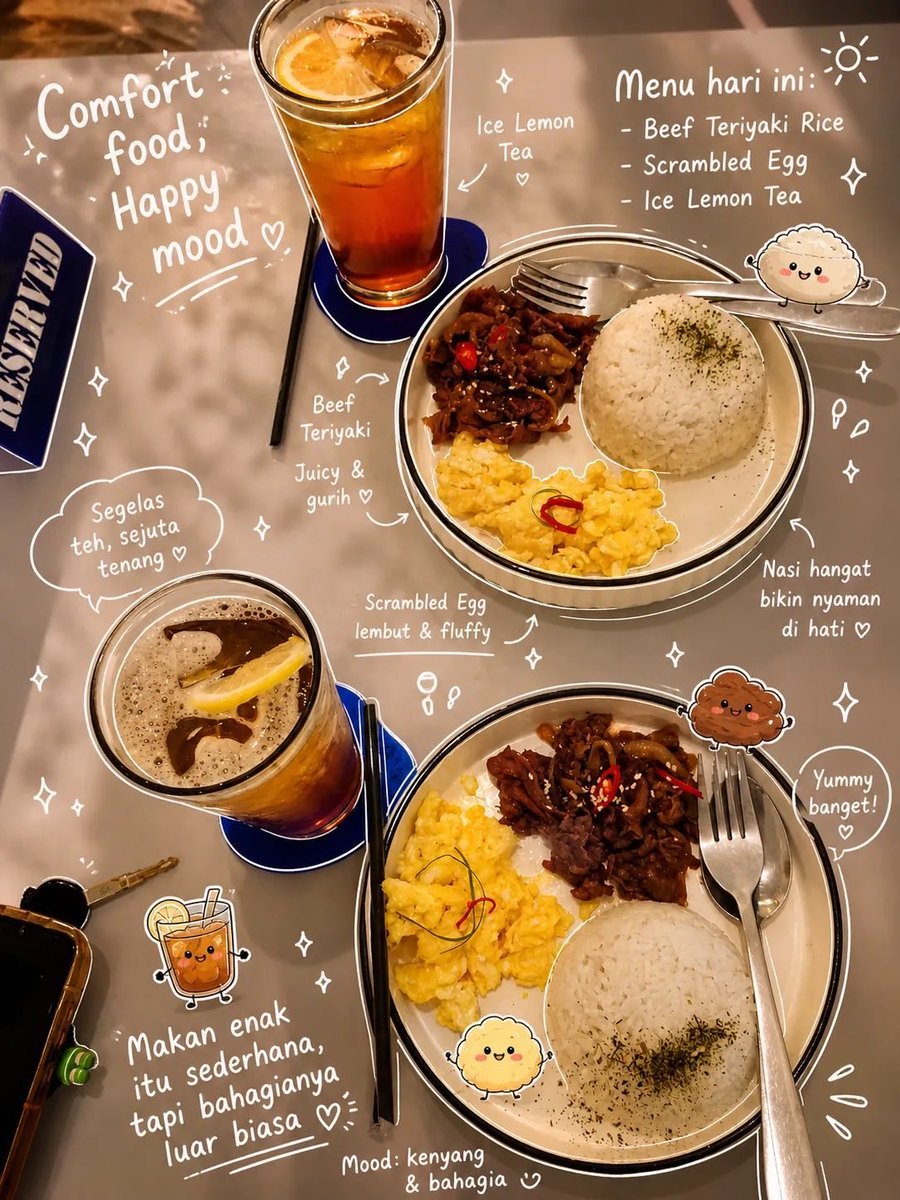
Aesthetic Food Photography with Doodles
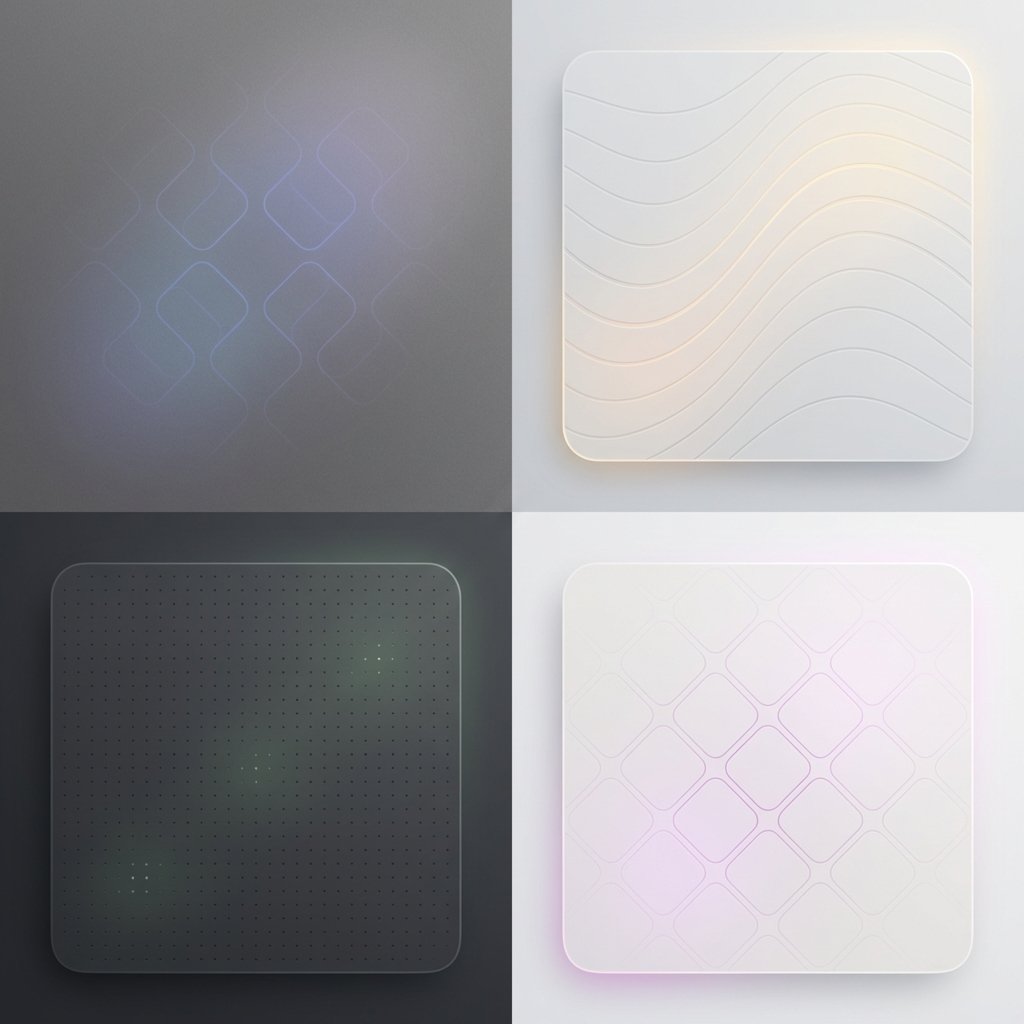
Subtle Brand Texture Visual Prompt
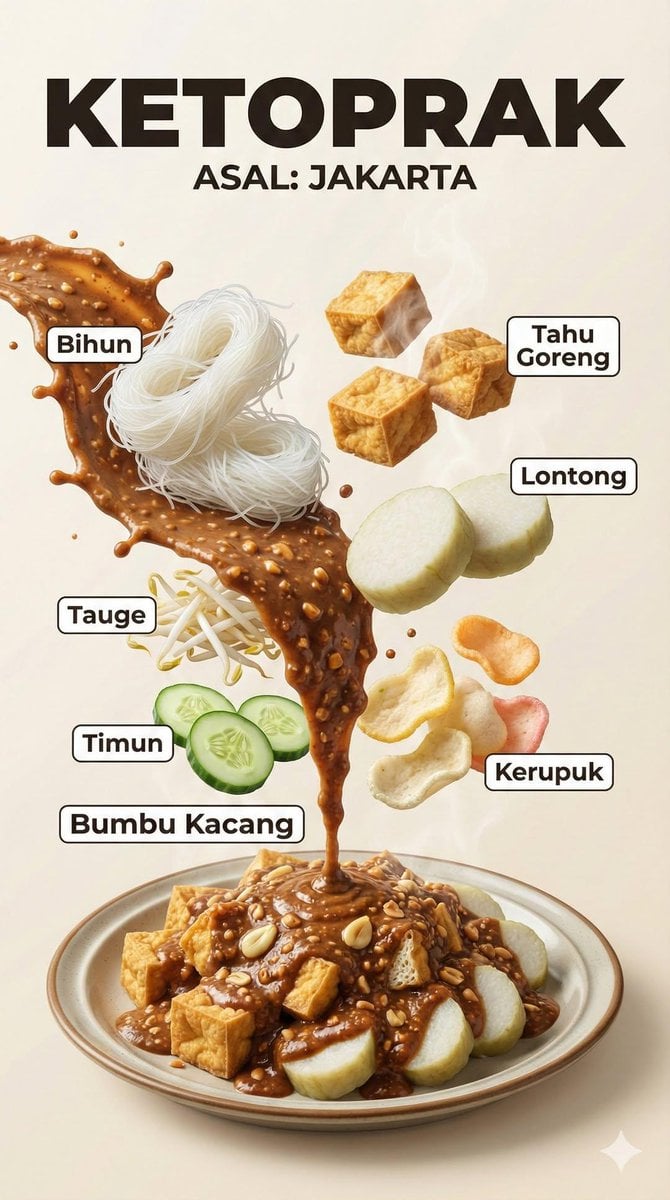
Hyper-Realistic Indonesian Food Infographic Poster
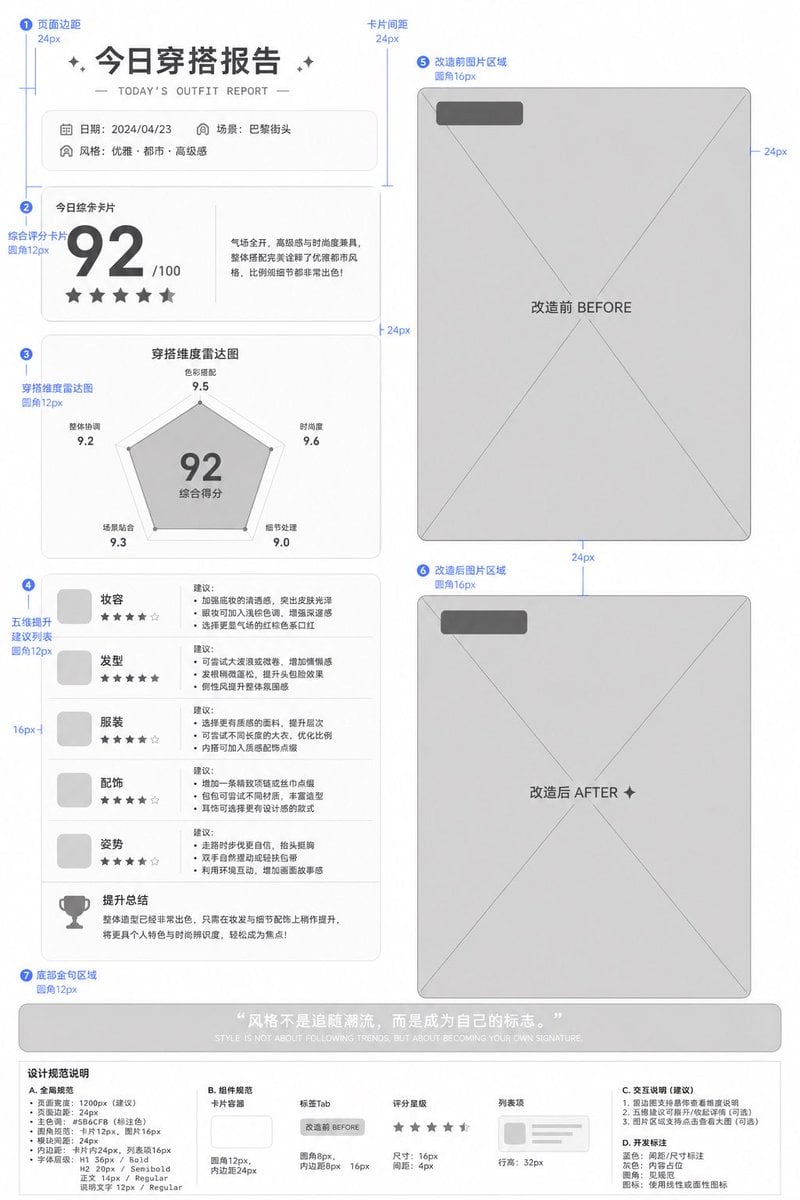
Low-Fidelity UI Design Prototype
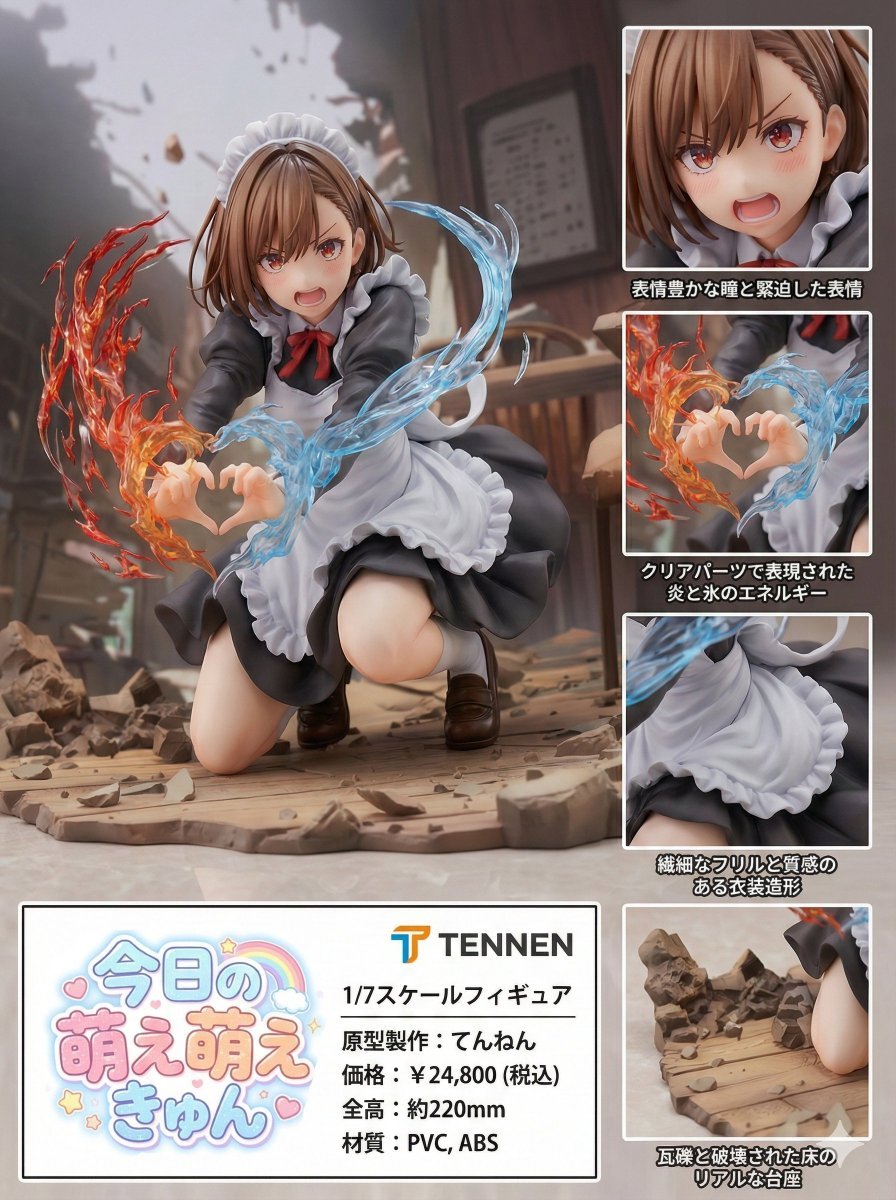
Photorealistic PVC Figure Product Introduction Layout
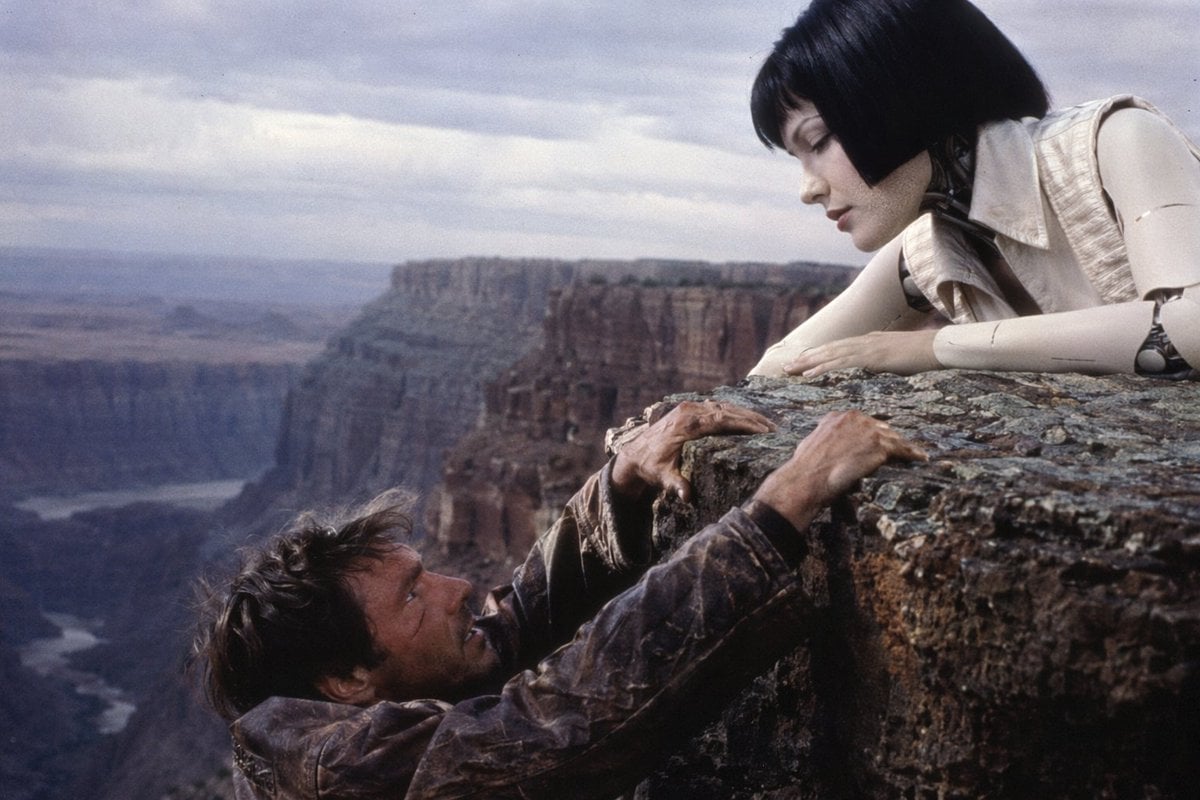
90s Sci-Fi Cliffhanger Movie Still
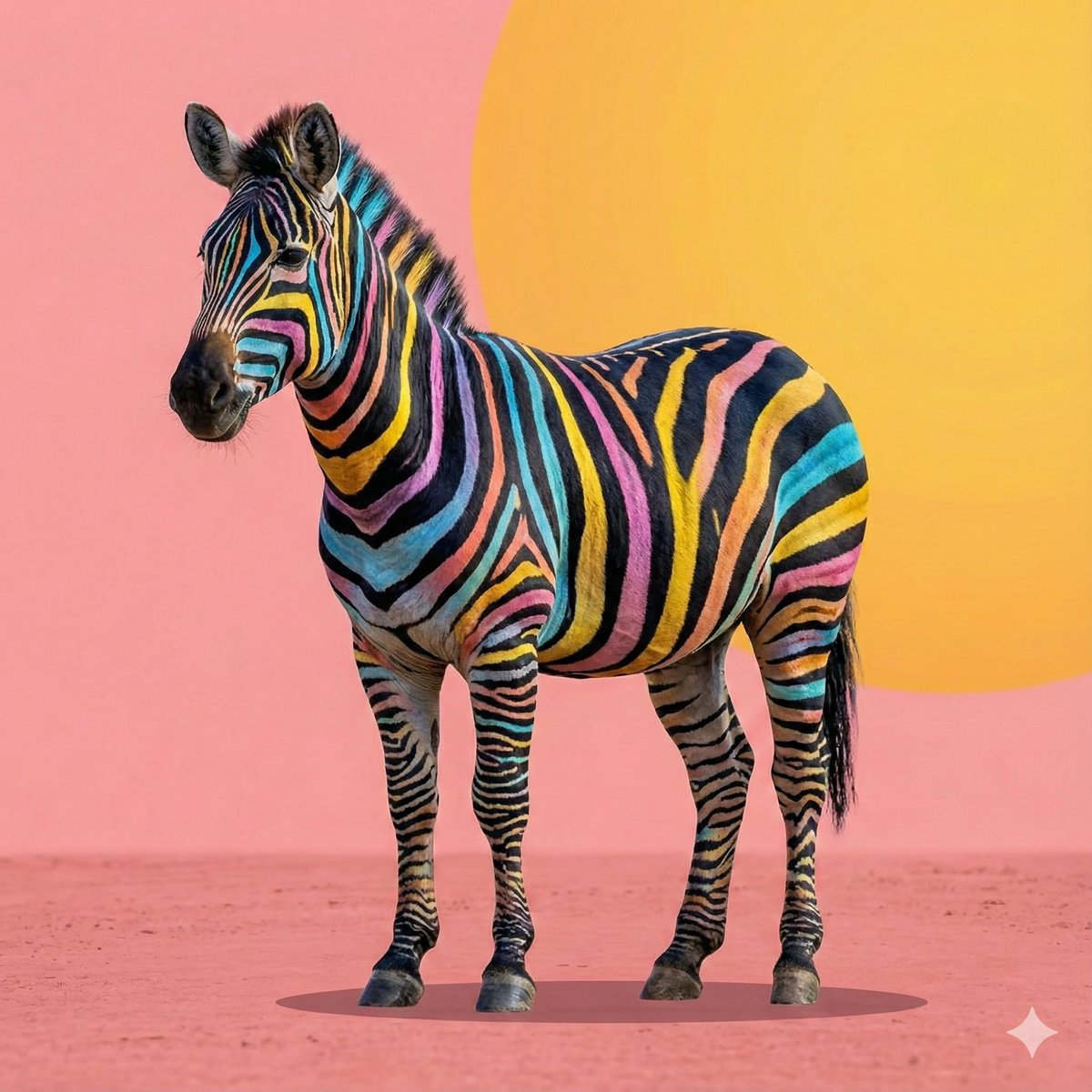
Cartoon to 4K Photo Transformation Prompt
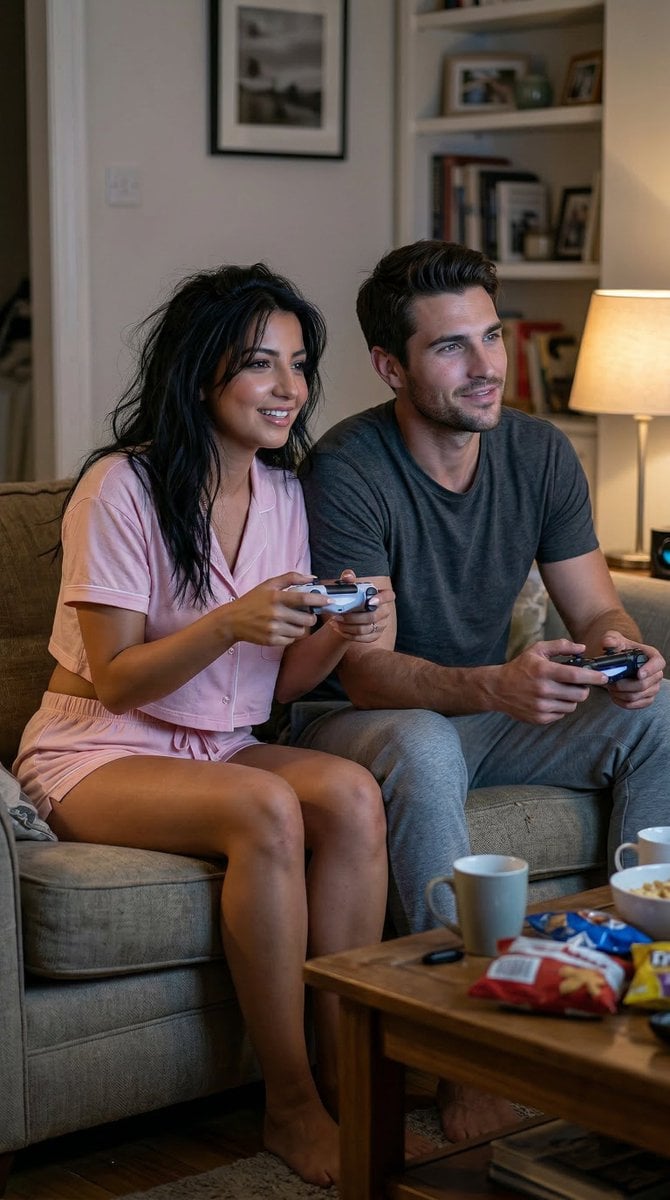
Realistic Gaming Couple Portrait Prompt for Nano Banana 2

High-end editorial portrait of a mature man
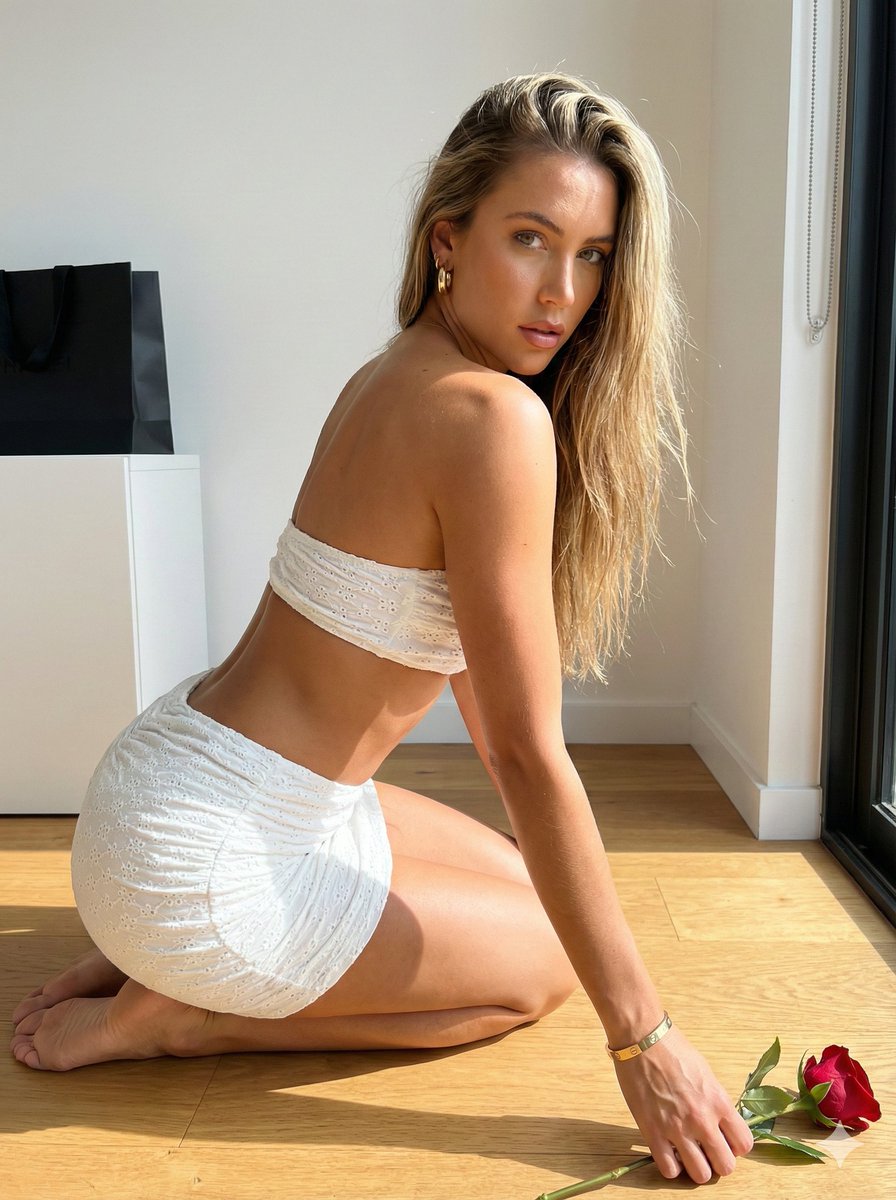
Sunlit Minimalist Portrait with Broderie Anglaise
Browse template categories
Detailed Lifestyle Photography Prompt for Cozy Evening Scene questions
How do I use the Detailed Lifestyle Photography Prompt for Cozy Evening Scene template?
Add your photo if the template asks for one, edit the prompt if you like — the template's model and format are already selected — and press Generate. Your version opens in PicX Studio.
Can I customize the Detailed Lifestyle Photography Prompt for Cozy Evening Scene template?
Yes. You can change the subject, setting, lighting, mood, format, and available model controls before creating your image.
Is the Detailed Lifestyle Photography Prompt for Cozy Evening Scene template free?
Opening and editing this template is free. Generating uses credits, shown on the Generate button when you are signed in.
Which AI model should I use?
Start with Nano Banana 2, which is the model associated with this template. You can compare another compatible model for a different finish.
Looking for something else? Browse all templates.

Your photo, any look
Thousands of ready templates for every top image and video model, from one credit balance.