
Photorealistic PVC Figure Product Introduction Layout
This is a comprehensive prompt designed for Nano Banana Pro to generate a photorealistic product introduction layout for a PVC figure based on a reference image.
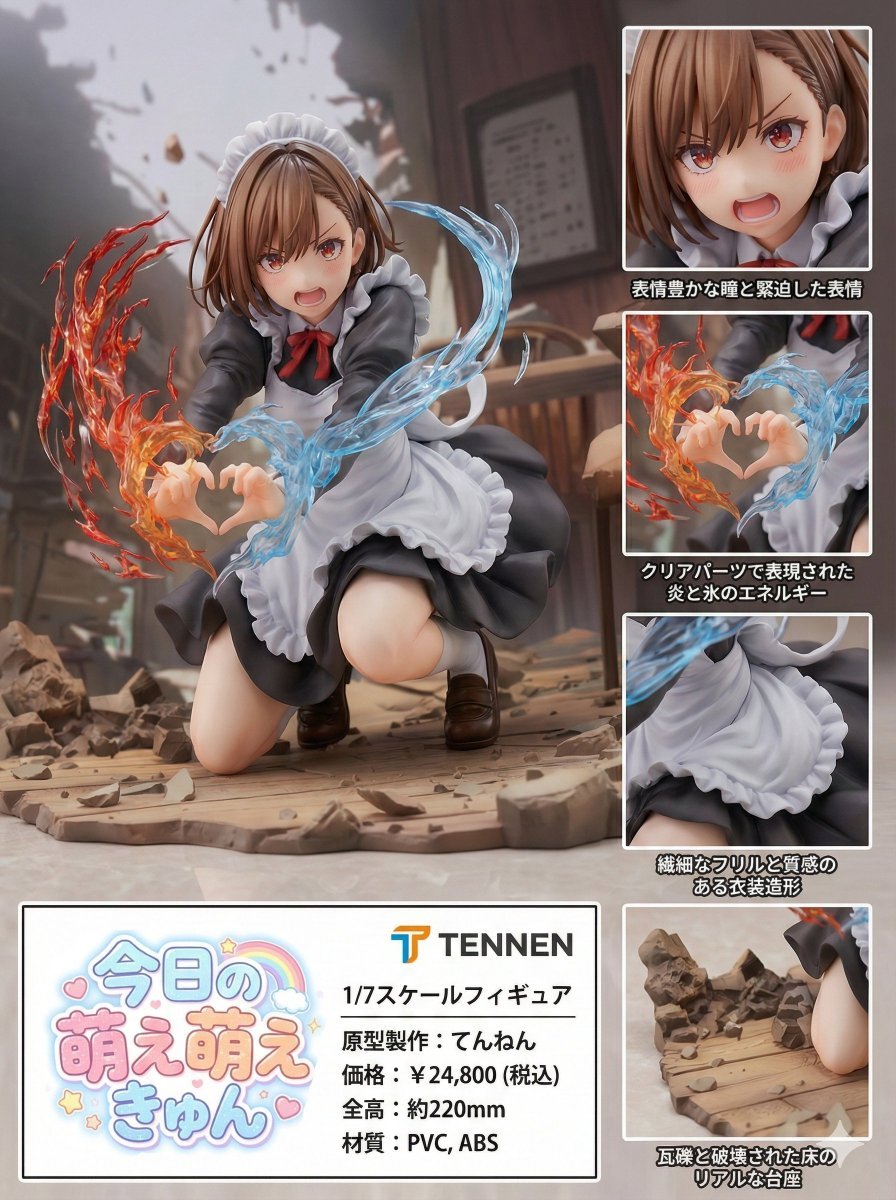
- Prompt included
- Model and format preset
- Free template
The prompt behind this image
Copy the exact prompt behind Photorealistic PVC Figure Product Introduction Layout, or open it in the studio and make it yours.
product_name: "{ARBITRARY_PRODUCT_NAME}" manufacturer_name: "{ARBITRARY_MANUFACTURER_NAME}" subject: > The character from reference image A, faithfully preserved in design, proportions, facial features, hairstyle, outfit details, and color palette. The character is transformed into a highly detailed, photorealistic PVC figure. Sculpting style and overall aesthetic are inferred directly from the reference image. The figure is presented as a 1/7 scale collectible. composition: > Japanese-language product introduction layout inferred by the model. Vertical composition with a 3:4 aspect ratio. A large main visual of the full figure. A single, clearly defined product information area containing all textual elements. Product name logo and manufacturer name logo are each displayed exactly once. Multiple inset close-up panels are included. Each inset must focus on a different physical area or feature of the figure. No two inset panels may depict the same part or the same visual characteristic. Inset panels must be visually and conceptually distinct from one another. action: > Static collectible figure pose with no movement. Emphasis on sculpt accuracy, proportions, and surface detail. location: > Neutral studio-like environment inferred for product photography. Minimal, non-distracting background. style: > Photorealistic product rendering and photography style. Artistic tone and mood inferred entirely from the reference image. camera_lighting: > Camera angle and lighting inferred for clear presentation of a collectible figure. Realistic studio lighting interacting with PVC surfaces. Glossy highlights on hair and clothing. Matte finish on skin. Sharp focus with natural depth of field. Soft shadow beneath the figure as if placed on a flat surface. colors: > Exact color reproduction based on the reference image. Background and graphic elements inferred to support readability of Japanese text. text: > 商品名: 「{{product_name}}」 ※ 商品名は必ず表示し、ロゴとして1箇所のみ表示する。 メーカー名: 「{{manufacturer_name}}」 ※ メーカー名も必ず表示し、ロゴとして1箇所のみ表示する。 スケール: 1/7スケールフィギュア 原型製作: {{manufacturer_name}} 価格: フィギュアのスケール、造形密度、塗装表現から推論した 販売価格を日本円で表示。 サイズ: キャラクターの体型と1/7スケール設定から推論した 全高をセンチメートル表記で表示。 材質: フィギュアとして妥当な材
How to use Photorealistic PVC Figure Product Introduction Layout in 3 steps
- 1Upload ImagePNG, JPG or paste
Add your photo
Upload the photo the template builds on. The prompt, model and format are already set.
- 2…a portrait of your subject in softgolden-hour light, 85mm…
Personalize
Edit the subject and creative details for your destination.
- 3Generate
Generate
Press Generate — your image is created in PicX Studio, so you can compare it with the original and refine one variable at a time.
More like this
Templates with the same subject, style or setup. Open one to see its prompt.

Luxury Toothpaste Commercial Storyboard
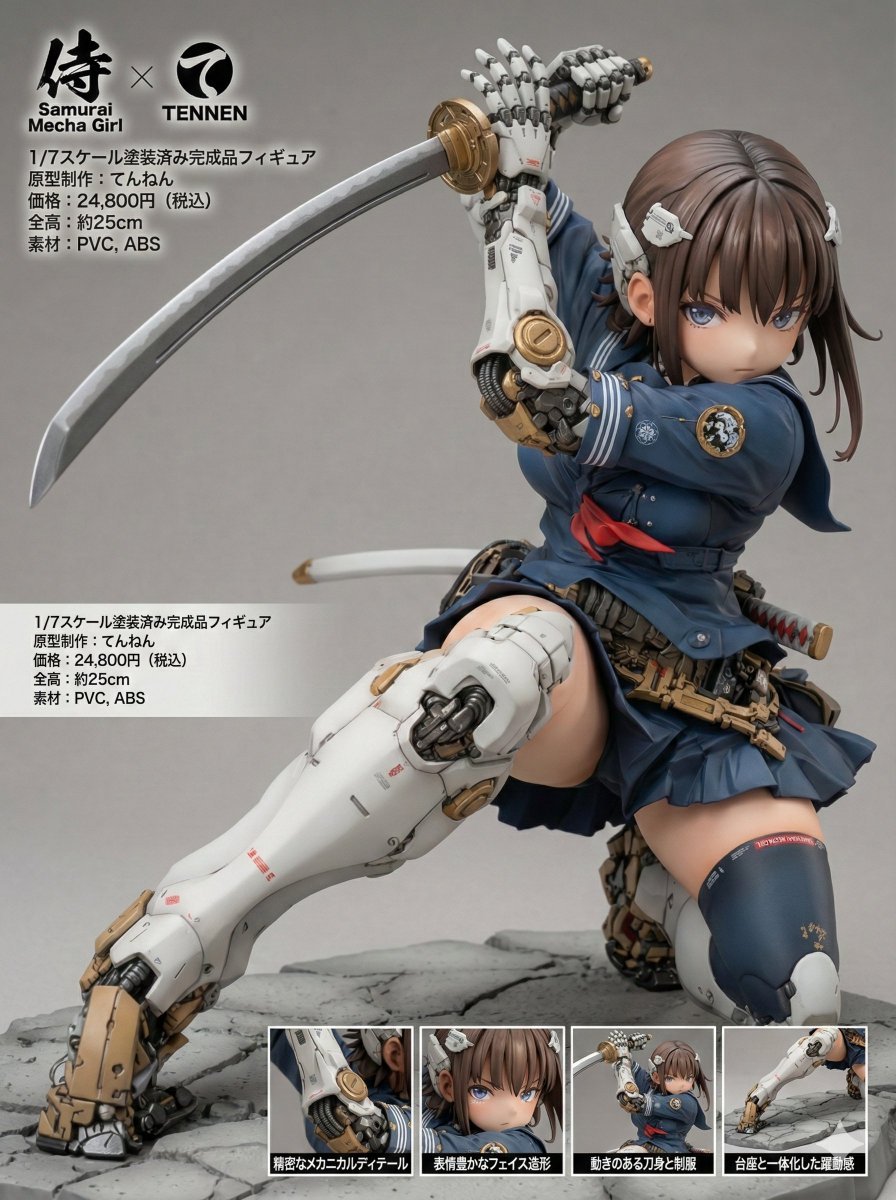
Multi-Language Figure Product Introduction Layout Prompt for Nano Banana Pro
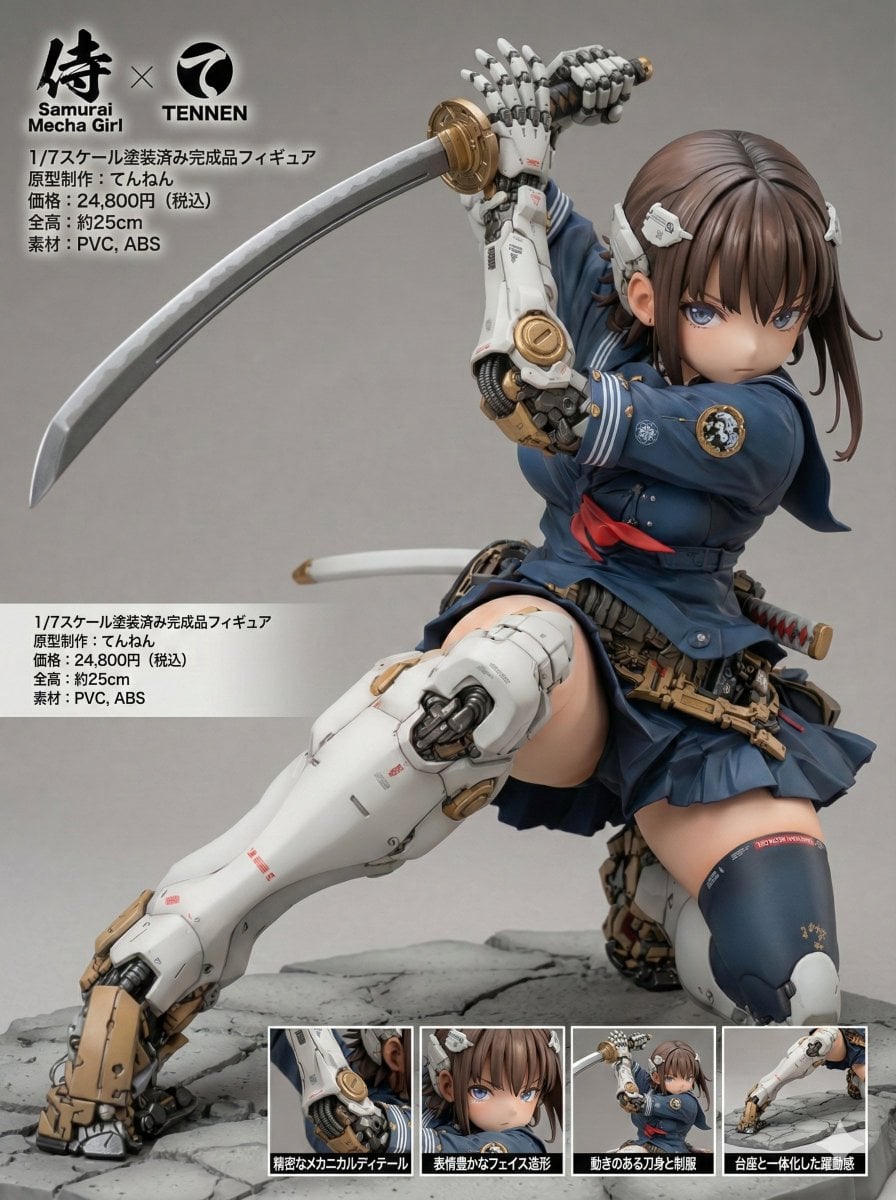
Multilingual Figure Product Introduction Layout Prompt for Nano Banana Pro
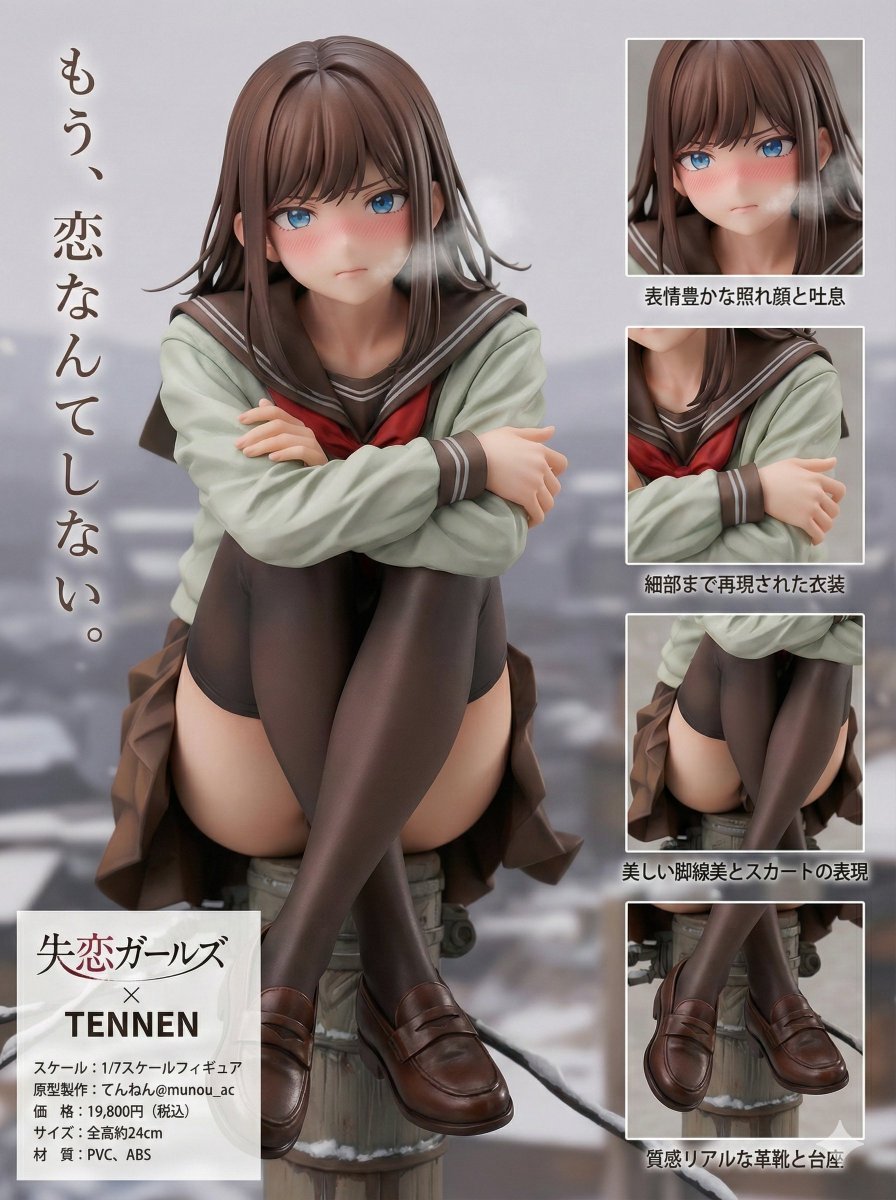
Figure Product Introduction Layout Prompt (Multilingual)
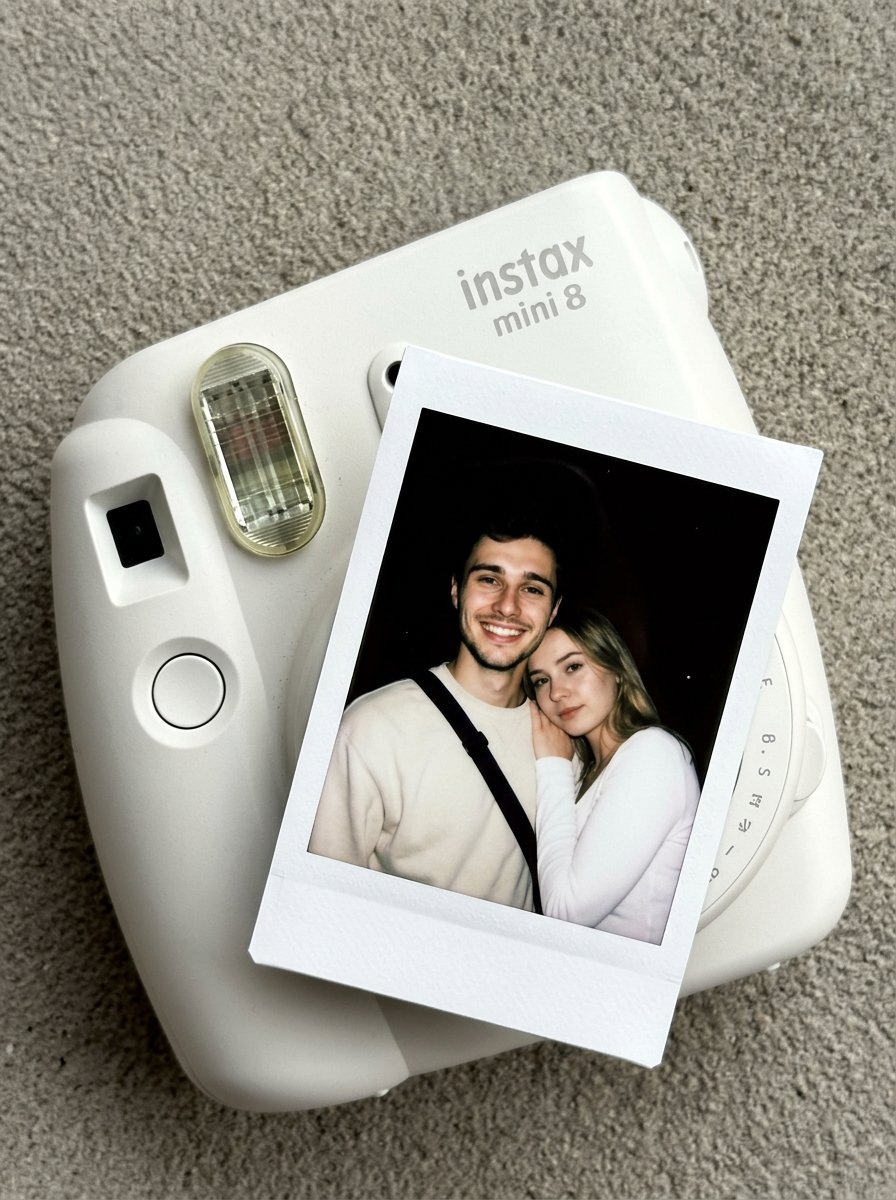
Nano Banana Pro Instax Mini 8
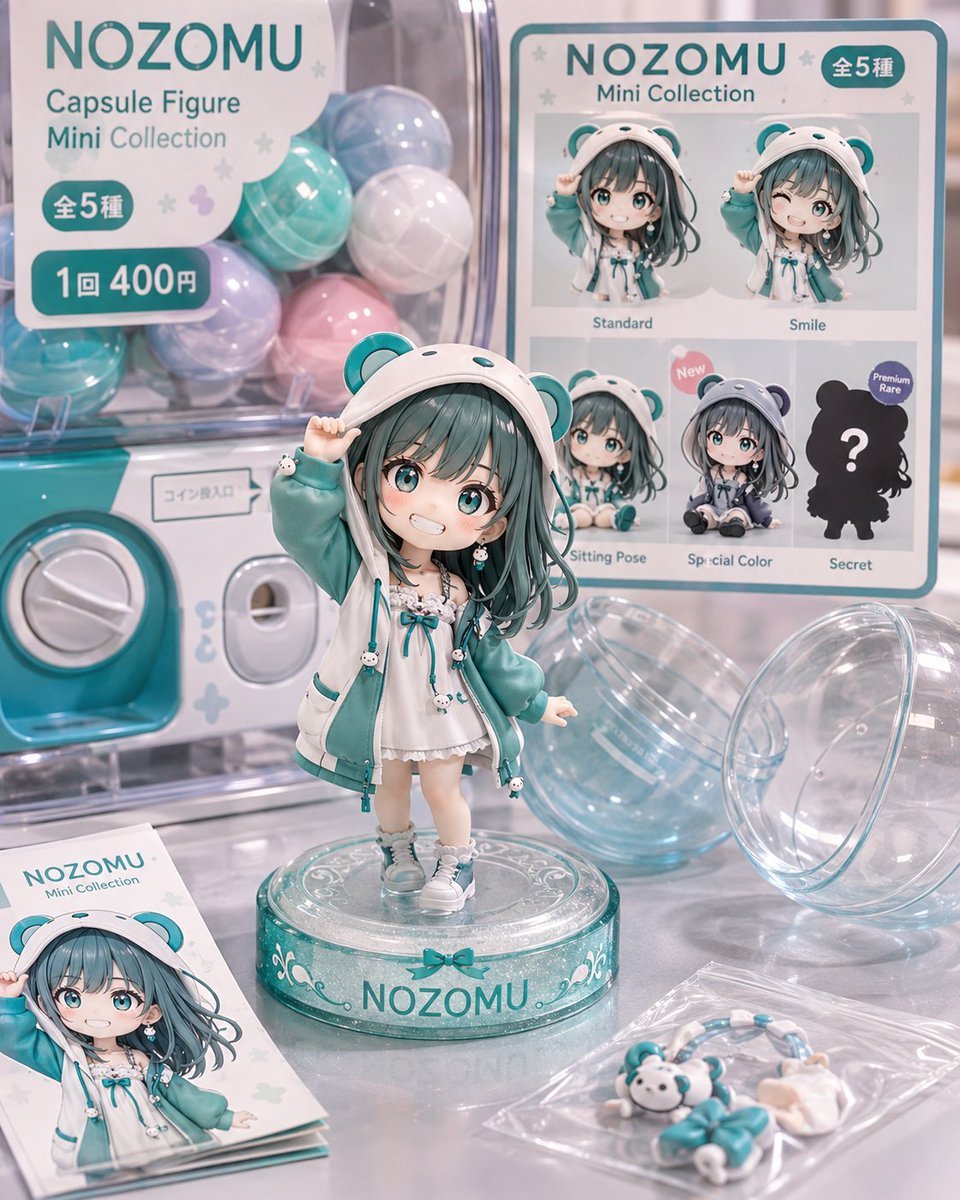
NOZOMU Capsule Figure Product Display

A k.pop idol on the stage with mic
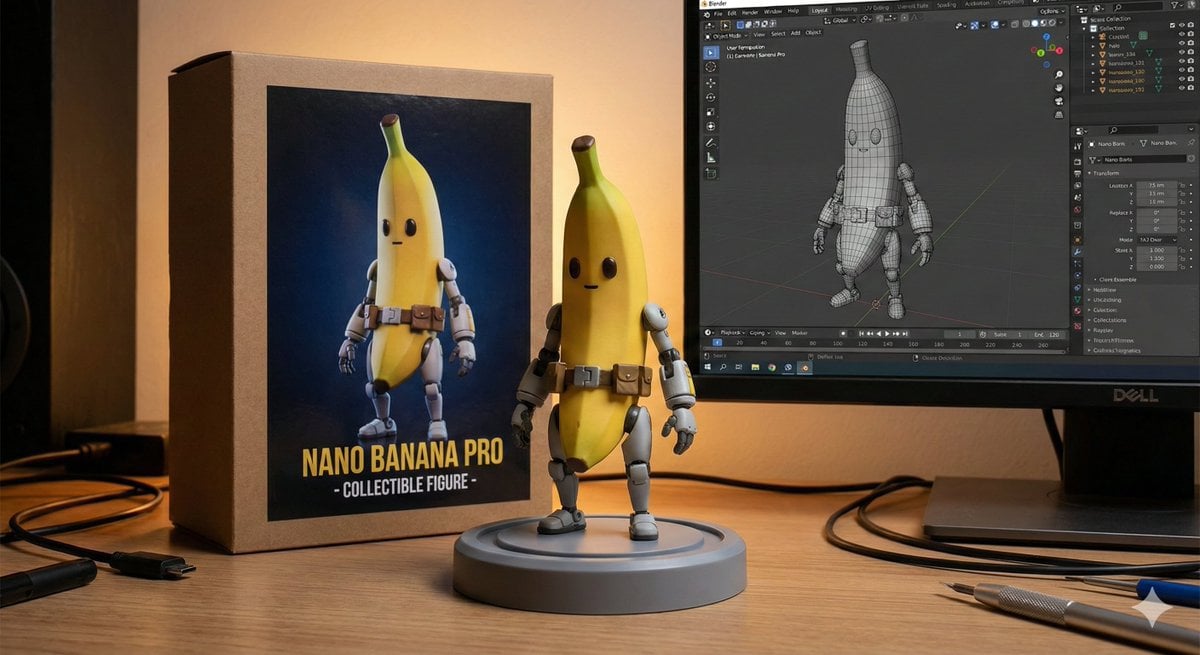
Character Figure Product Photography Setup

Trendy Cafe Drink Promo Poster

Premium Fashion Editorial Cover Layout System

Cinematic Destination Letter Panel Poster

Minimalist Skincare Product Water Stone Still
Make it yours
Photorealistic PVC Figure Product Introduction Layout works as-is. These are the safest ways to change it without losing the look.
Change one field
Copy a single group, rewrite it, and generate again so you can see what that field is doing.
Keep the frame, change the subject
Hold the composition and light of Photorealistic PVC Figure Product Introduction Layout, then swap wardrobe, props or the person for a new take.
| If the result… | Why | Fix |
|---|---|---|
| The result drifts from the preview | Too many fields changed at once. | Reuse Photorealistic PVC Figure Product Introduction Layout as-is first, then change one group — subject, light, or setting. |
| The model over-stylizes the scene | The prose prompt leaves finish and camera underspecified. | Add one camera or lighting sentence and stay on Nano Banana 2. |
More Nano Banana 2 templates
Other prompts made for Nano Banana 2.

Photorealistic Leaf Shaped Like a Dragon

K-Pop Idol Portrait Grid for Rapid Selection

Poetic Rain Forest Portrait During Golden Hour

Urban Street Portrait with Cartoon Inner Self Duo

Candid Nighttime Photo with Cat Prompt

High-Concept 3D Diorama Generation Prompt

Cinematic Futuristic Studio Portrait Template

Skincare Editorial Photography Collage Prompt

Hyper-Realistic Commercial Product Photography (Splash Effect)

Hyper-Realistic Nightclub Portrait Prompt
More image prompts
Fresh picks from across the catalog.
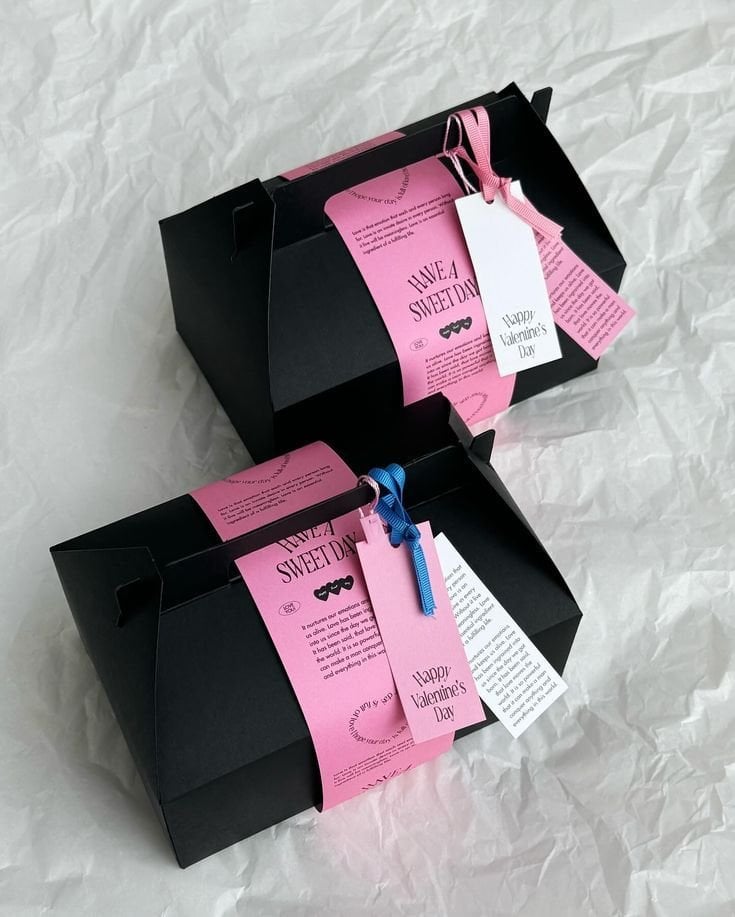
3D Packaging to 2D Net Unfolding
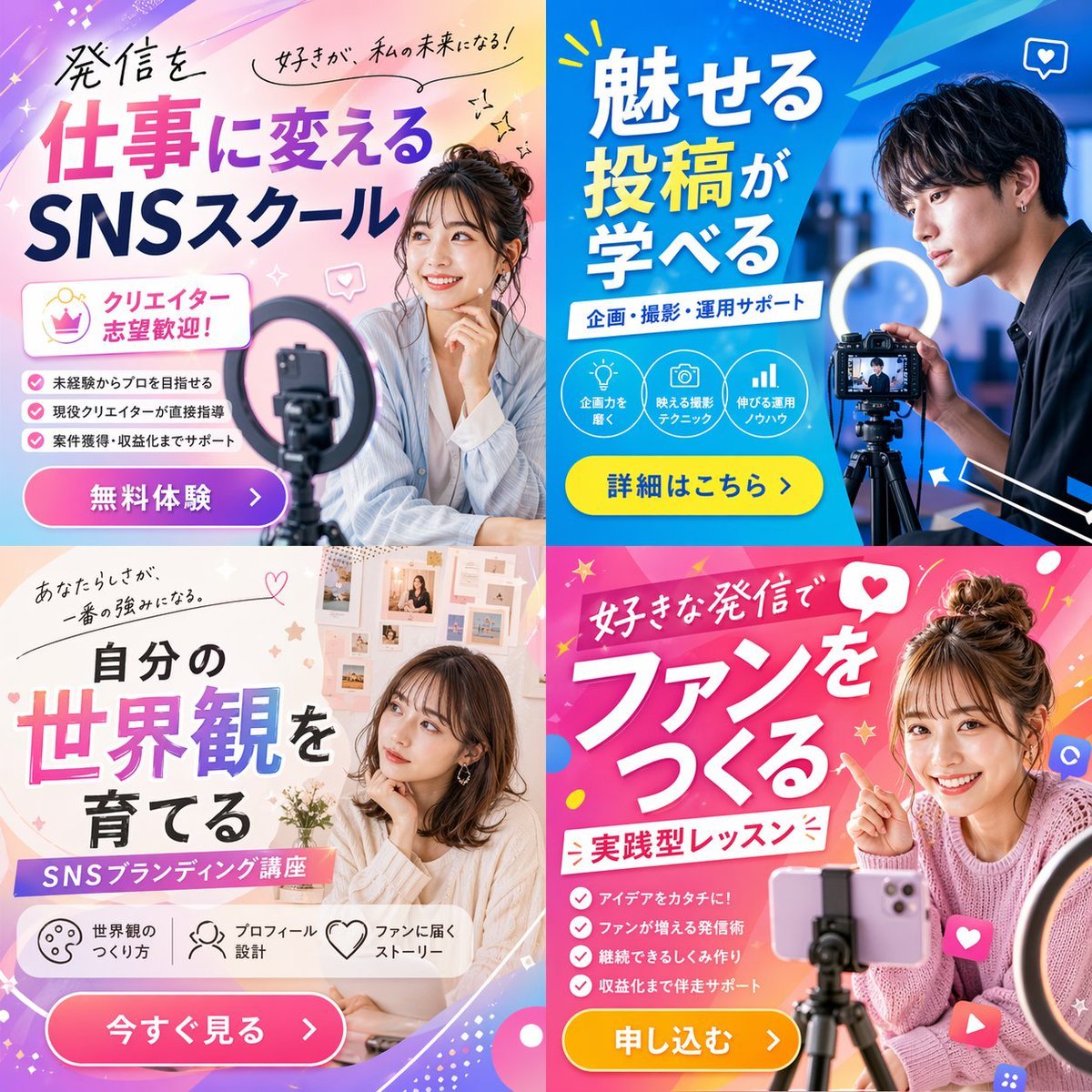
2x2 Social Media Course Banner Ads
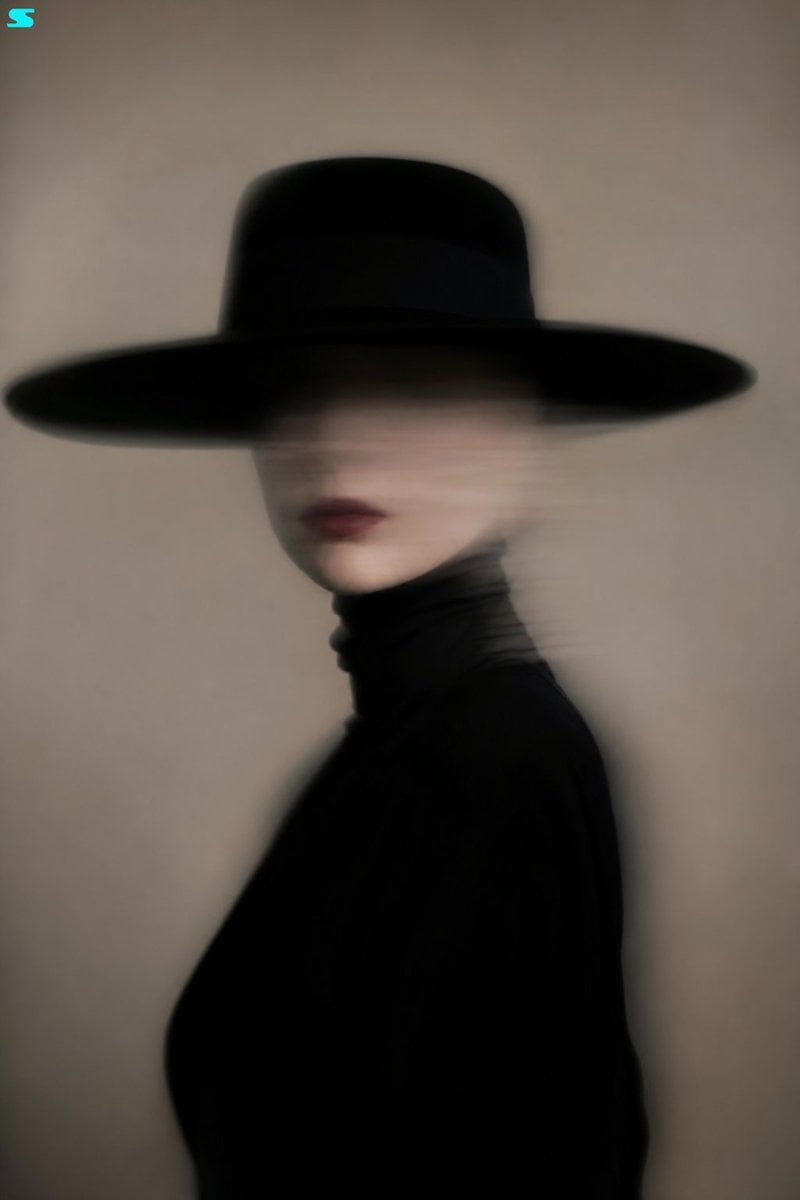
Surreal Minimalist Fashion Portrait
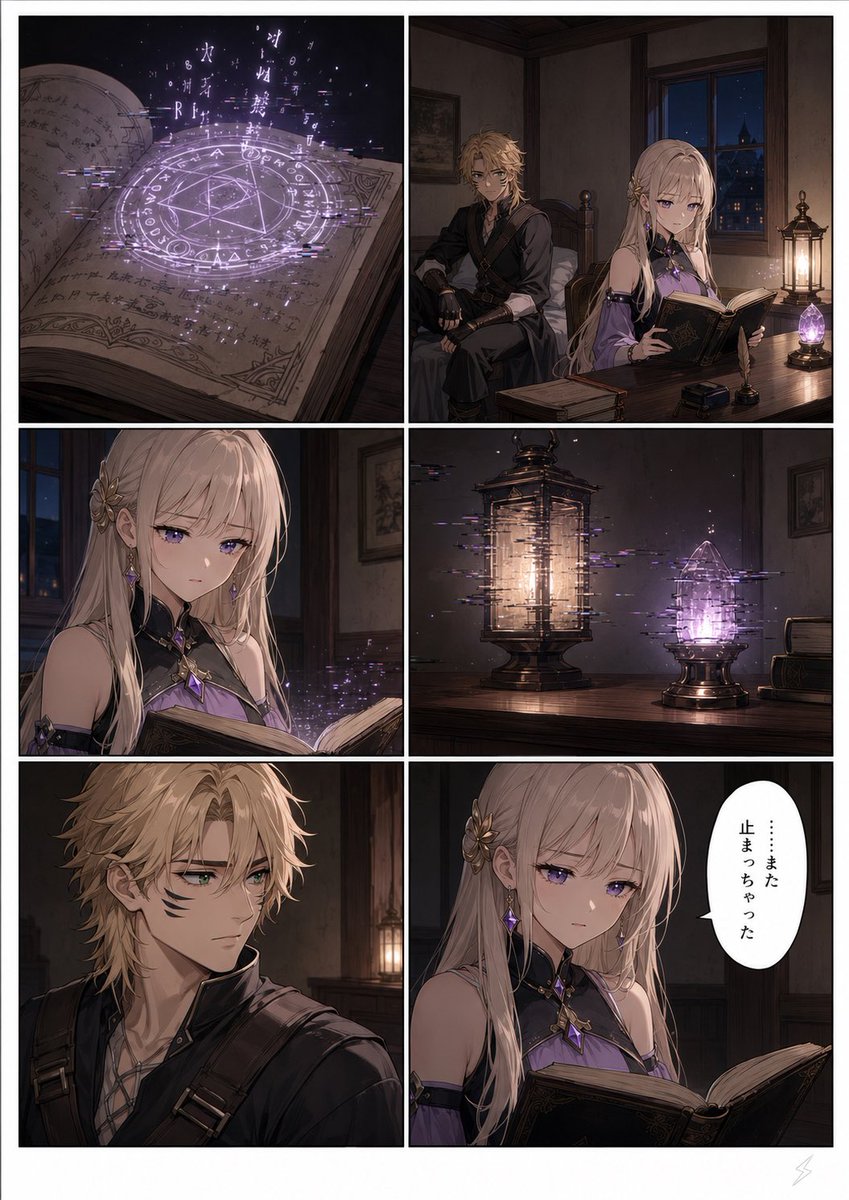
Six-Panel Fantasy Magic Comic Page

Modern Heterogeneous Chinese Font Design
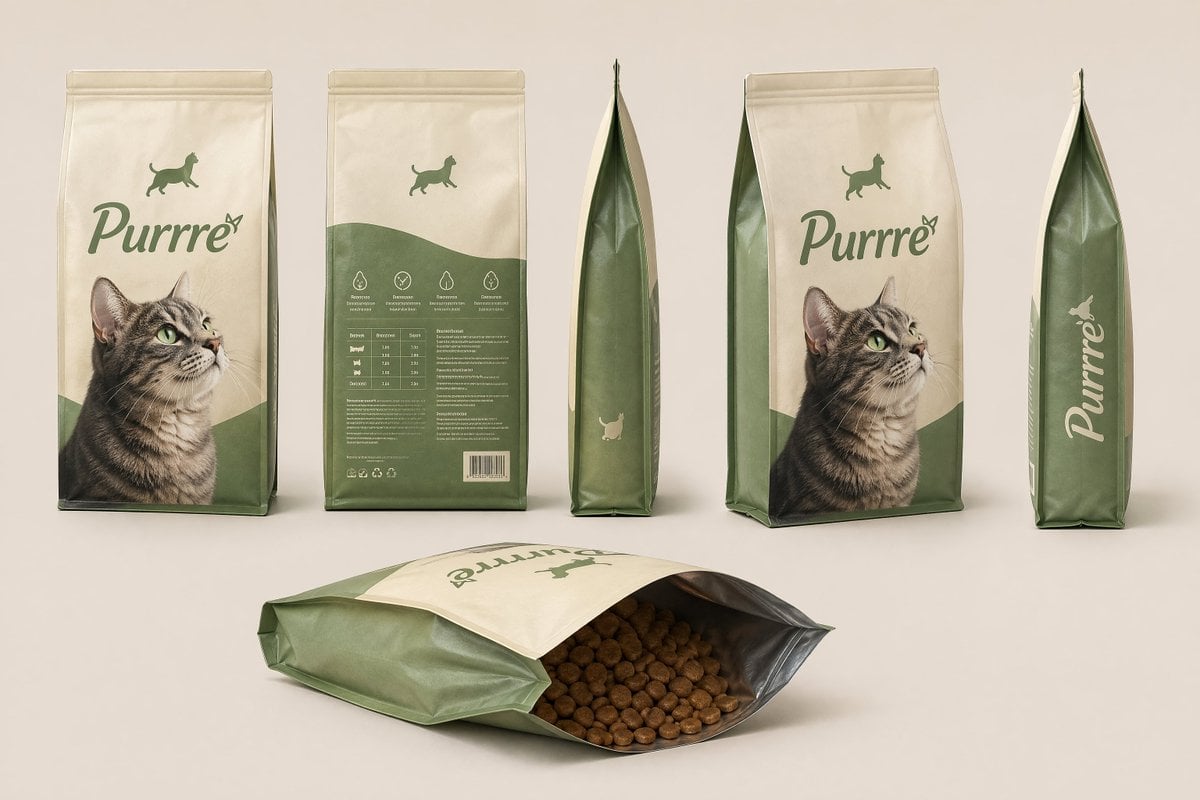
Consistent Product Kit Photography
Deep Black Skin Selfie Portrait Prompt
Cyberpunk Assassin With Neon Glass Dagger
Minimalist Luxury Fashion Editorial
Lifestyle Portrait at Outdoor Café
Browse template categories
Photorealistic PVC Figure Product Introduction Layout questions
How do I use the Photorealistic PVC Figure Product Introduction Layout template?
Add your photo if the template asks for one, edit the prompt if you like — the template's model and format are already selected — and press Generate. Your version opens in PicX Studio.
Can I customize the Photorealistic PVC Figure Product Introduction Layout template?
Yes. You can change the subject, setting, lighting, mood, format, and available model controls before creating your image.
Is the Photorealistic PVC Figure Product Introduction Layout template free?
Opening and editing this template is free. Generating uses credits, shown on the Generate button when you are signed in.
Which AI model should I use?
Start with Nano Banana 2, which is the model associated with this template. You can compare another compatible model for a different finish.
Looking for something else? Browse all templates.

Your photo, any look
Thousands of ready templates for every top image and video model, from one credit balance.