
Y2K Futurist Scream Desktop
Generates a neon Windows XP-style desktop remix of The Scream with vaporwave UI windows, icons, and cyberpunk expressionist scenery.
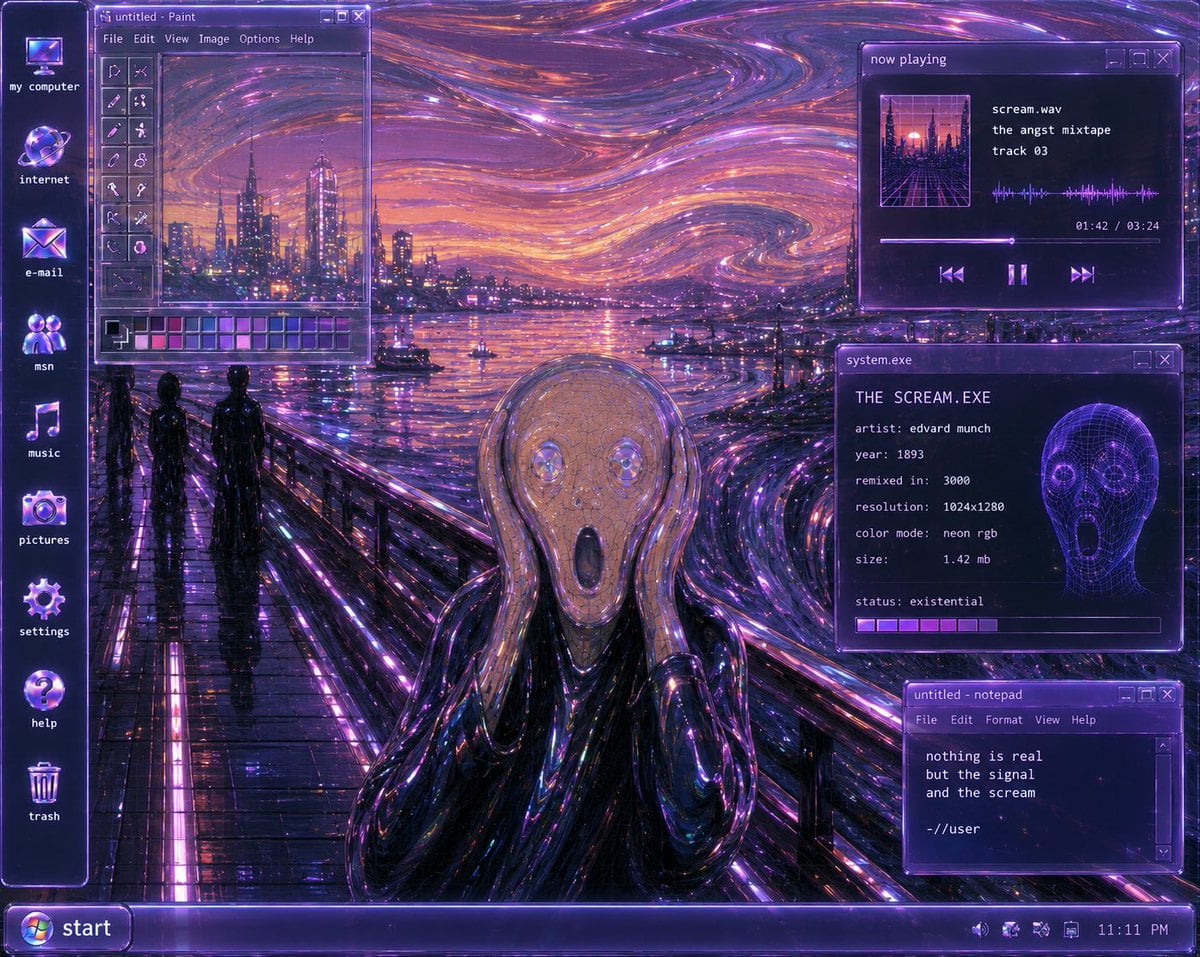
- Prompt included
- Model and format preset
- Free template
The prompt behind this image
Copy the exact prompt behind Y2K Futurist Scream Desktop, or open it in the studio and make it yours.
Goal: Create a surreal Y2K-futurist Windows XP desktop remix of Edvard Munch’s The Scream, as if the painting is the actual computer wallpaper and the OS interface is floating on top. Canvas: 4:3 desktop screenshot, 1024×768 feel, glossy late-1990s/early-2000s computer UI. Dominant palette is neon violet, ultraviolet, magenta, electric blue, black chrome, and orange sunset highlights. Everything should glow with CRT bloom, glassy transparency, scanline-like softness, and cyberpunk reflections. Background wallpaper: Reimagine {argument name="painting subject" default="Edvard Munch’s The Scream"} as a futuristic neon harbor scene. The iconic bridge walkway runs from the lower left toward the center, wet and mirror-reflective with bright purple light strips. The sky is a swirling expressionist vortex of luminous purple, pink, orange, and blue strokes, like liquid fiber-optic trails. A futuristic city skyline rises across the water with glowing towers and reflections. Two dark human silhouettes stand on the bridge at left. In the lower center foreground, include the screaming figure in a glossy black chrome robe, hands raised to its face; the face area is covered by a flat muted mauve-gray rectangular block, like an intentional censor or missing image placeholder. Desktop shell: Add a vertical icon column on the far left with exactly 8 desktop icons, each glowing purple-blue with small white lowercase labels: 1) my computer, 2) internet, 3) e-mail, 4) msn, 5) music, 6) pictures, 7) settings, 8) help, plus a trash can icon near the bottom labeled trash. Use chunky Y2K icon styling with glass orb effects. Taskbar: Along the bottom, create a translucent purple Windows XP-style taskbar. On the far left is a rounded Start button with the Windows logo and the label {argument name="start button text" default="start"}. On the far right system tray, include tiny status icons and the clock reading {argument name="clock time" default="11:11 PM"}. Open windows: Include exactly 4 floating translucent purple application windows with pixel fonts, beveled borders, and small minimize/maximize/close buttons. Window 1, upper left: A Microsoft Paint-style window titled “untitled - Paint”. It has a menu bar reading “File Edit View Image Options Help”, a vertical tool palette on the left, a small canvas showing a mini version of the neon harbor skyline and swirling sky, and a color palette strip along the bottom with many purple, pink, blue, and gray swatches. Window 2, upper right: A music player window titled “now playing”. It shows square album art of a neon city grid, the track information: “scream.wav”, “the angst mixtape”, “track 03”. Add a waveform visualization, progress time “01:42 / 03:24”, a progress bar, and three playback controls: previous, pause, next. Window 3, middle right: A system info window titled “system.exe”. Text inside should read: “THE SCREAM.EXE”, “artist: edvard munch”, “year: 1893”, “remixed in: 3000”, “resolution: 1024x1280”, “color mode: neon rgb”, “size: 1.42 mb”, “status: existential”. Include a glowing purple wireframe skull/head graphic on the right and a segmented loading bar along the bottom. Window 4, lower right: A notepad window titled “untitled - notepad”. Menu bar reads “File Edit Format View Help”. Body text reads exactly: “nothing is real”, “but the signal”, “and the scream”, blank line, “-//user”. Visual style: {argument name="style phrase" default="Y2K futurism, cyberpunk vaporwave, translucent Windows XP interface, neon expressionist oil-paint texture"}. Make the interface crisp enough to read, but integrate it with the painterly, swirling neon environment. Use intense glossy reflections, purple rim lighting, glass panels, pixelated UI typography, and nostalgic early-internet aesthetics. Constraints: No modern flat design, no photorealistic people, no extra windows beyond the 4 specified, no extra desktop icons beyond the listed icons and trash, no watermark, preserve the legibility of all visible UI text.
How to use Y2K Futurist Scream Desktop in 3 steps
- 1Upload ImagePNG, JPG or paste
Add your photo
Upload the photo the template builds on. The prompt, model and format are already set.
- 2…a portrait of your subject in softgolden-hour light, 85mm…
Personalize
Edit the subject and creative details for your destination.
- 3Generate
Generate
Press Generate — your image is created in PicX Studio, so you can compare it with the original and refine one variable at a time.
More like this
Templates with the same subject, style or setup. Open one to see its prompt.
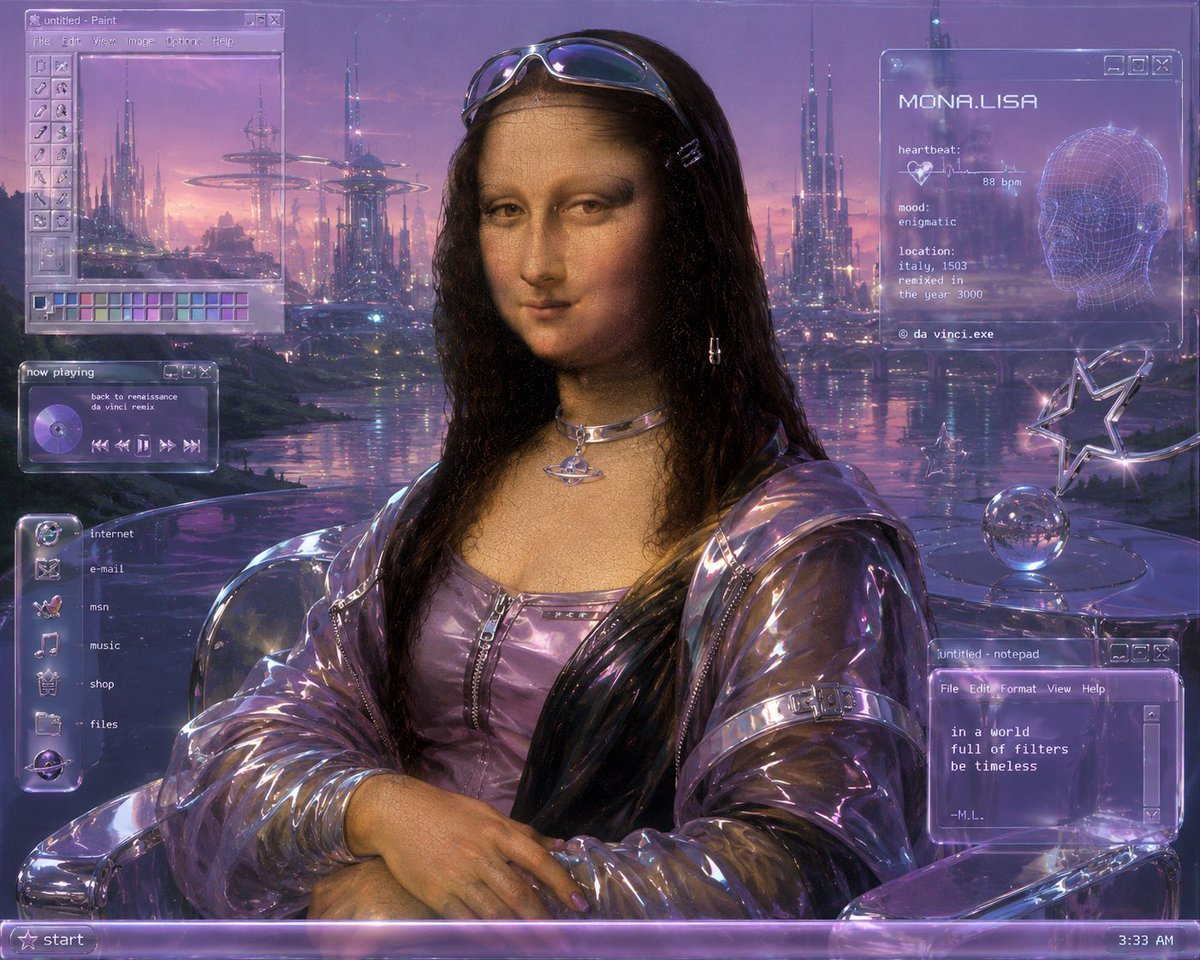
Y2K Futurist Mona Lisa Desktop
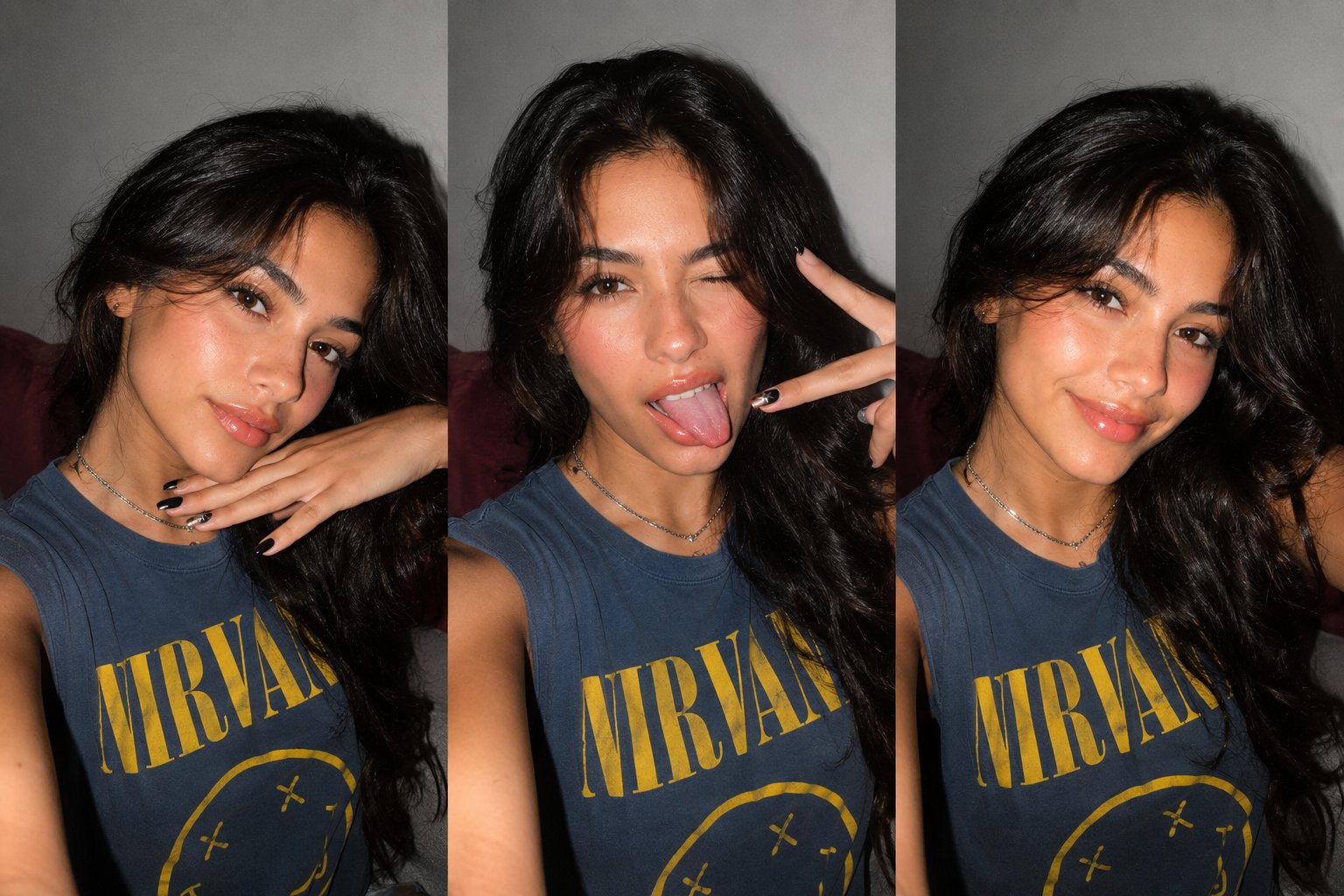
Gen Z Triple Selfie Collage — Y2K Flash Photography
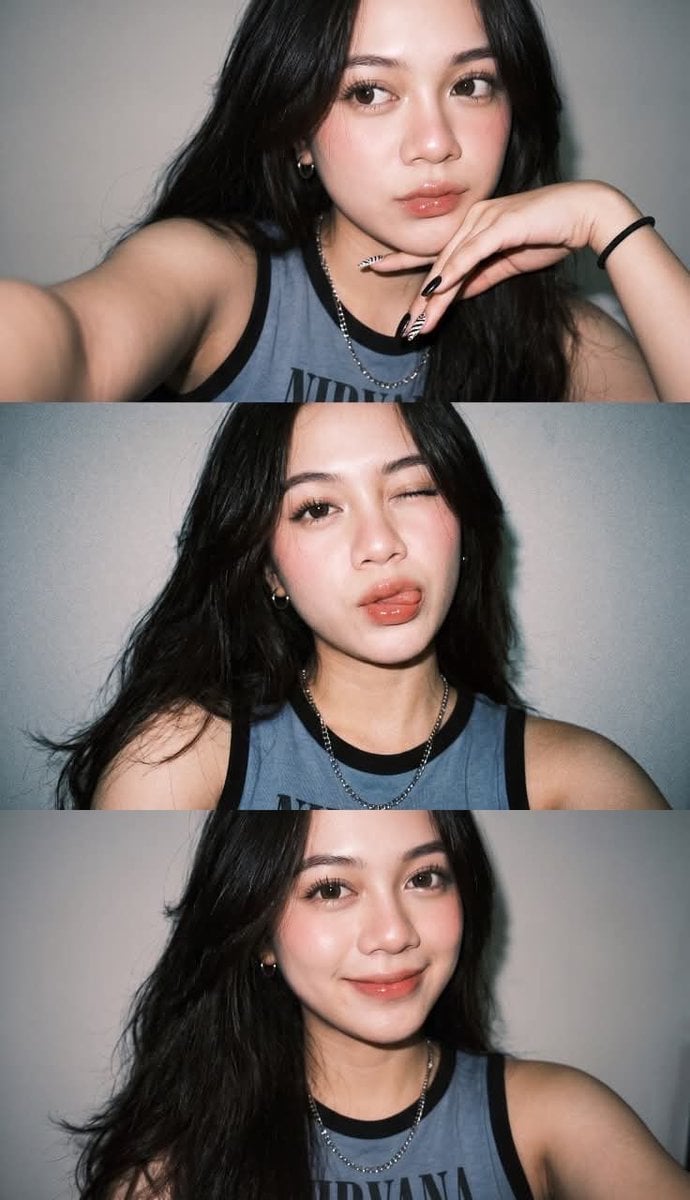
Gen Z Flash Selfie Triple Collage
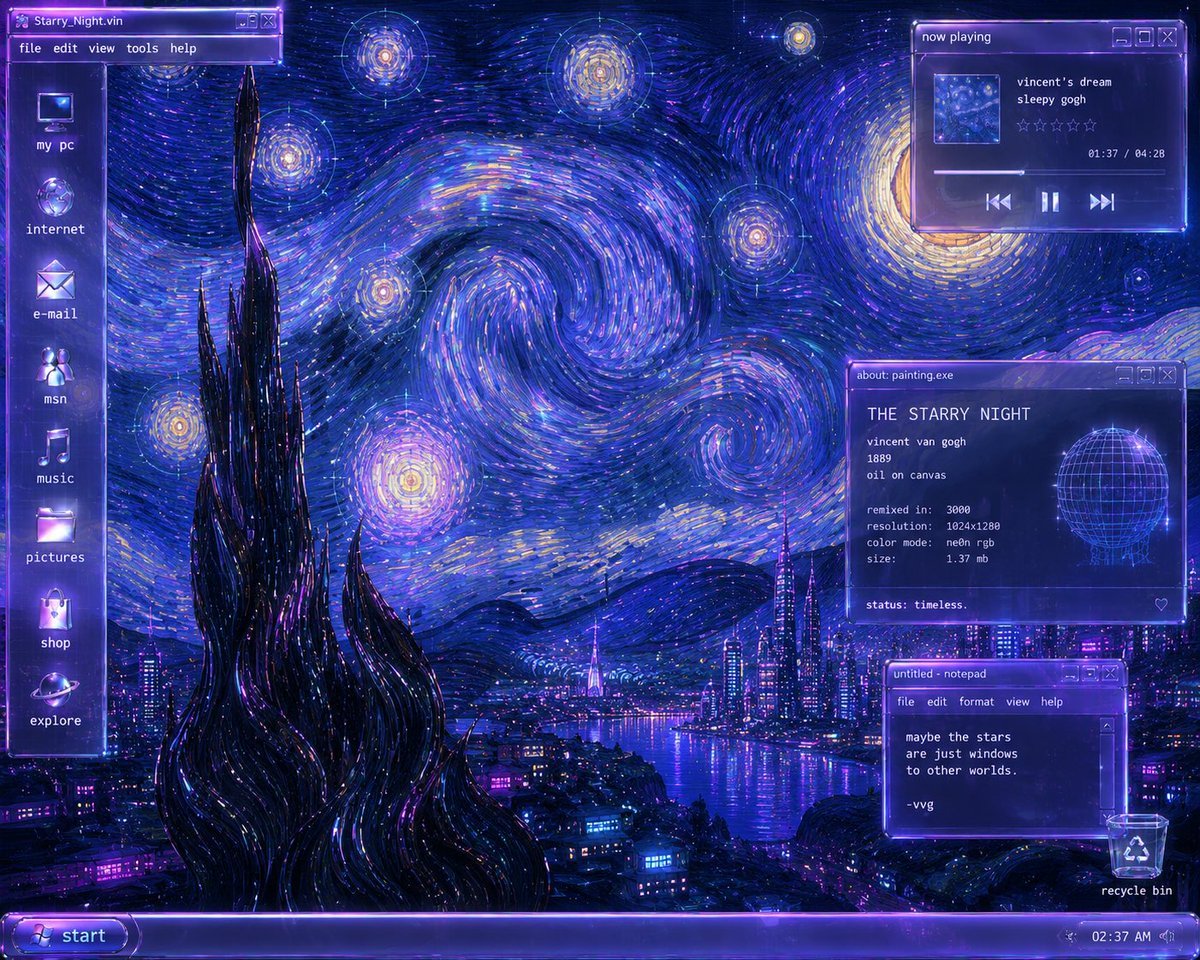
Y2K Starry Night Desktop
Y2k Nano Banana Chryzleen

Y2K Windowsill Maple Leaf — Early 2000s Digital Photo
Retro-Futurist Chrome Humanoid Poster
Dreamy Y2K Digital Camera Mirror Selfie
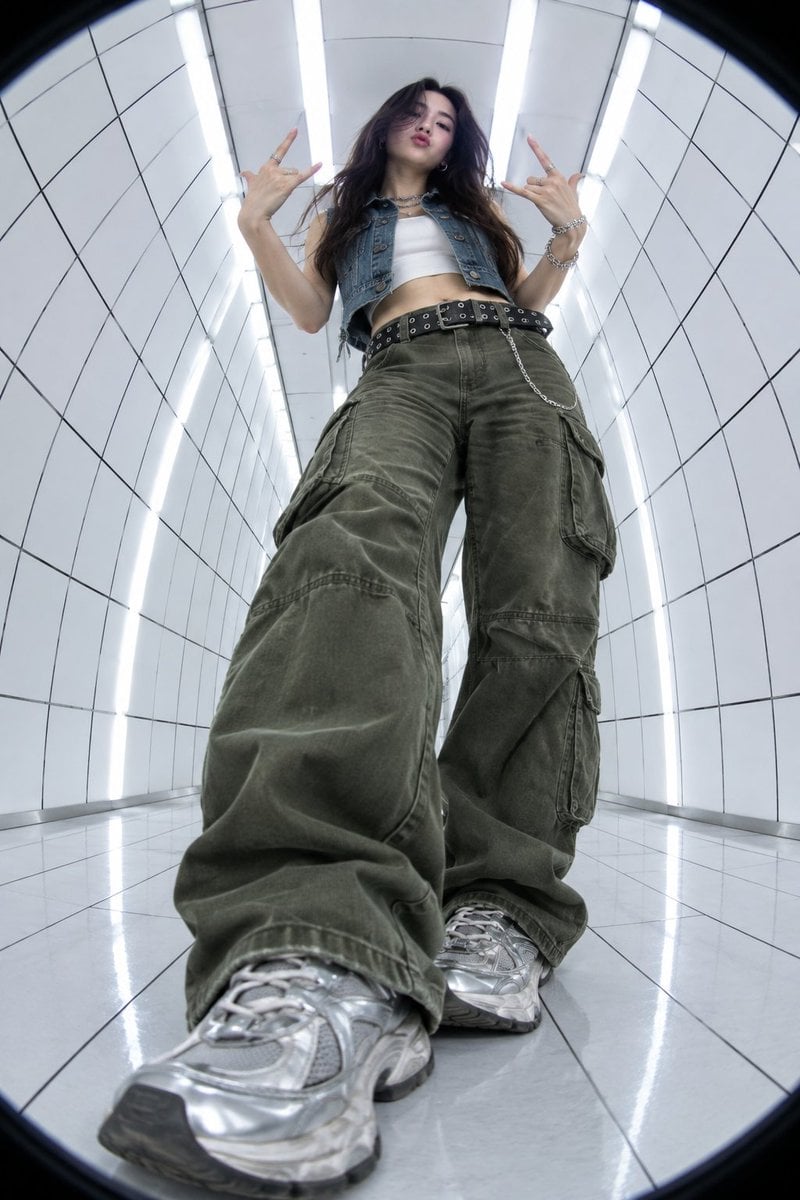
Y2K Fisheye Streetwear Portrait
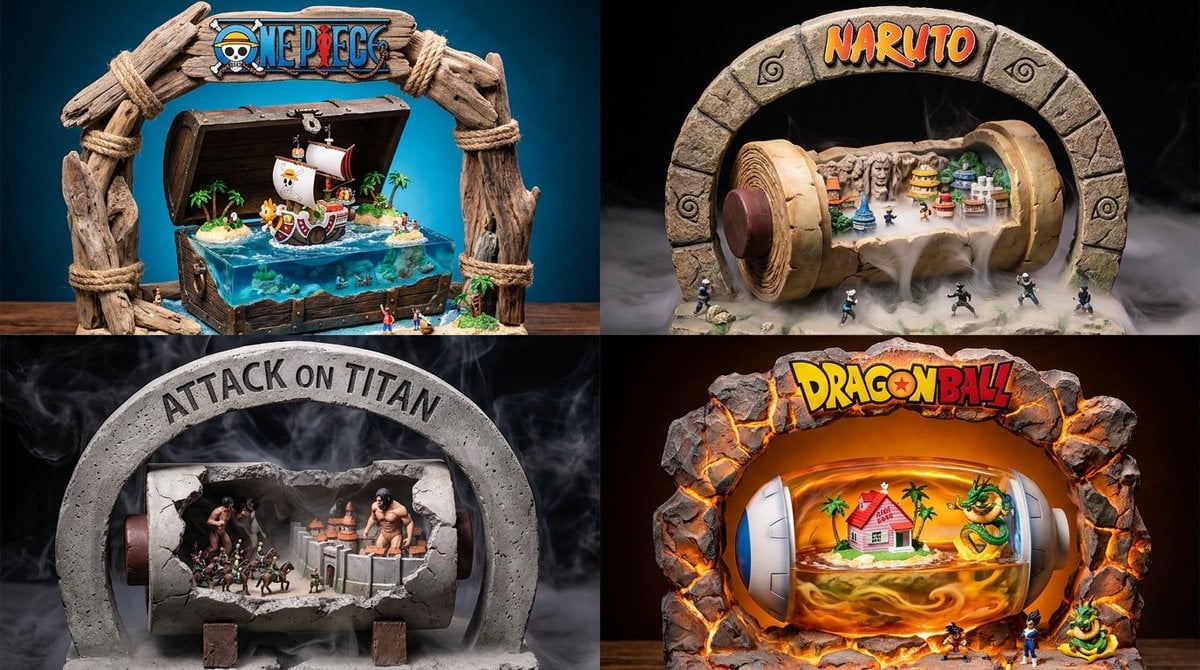
Manga Desktop Diorama Model Kit
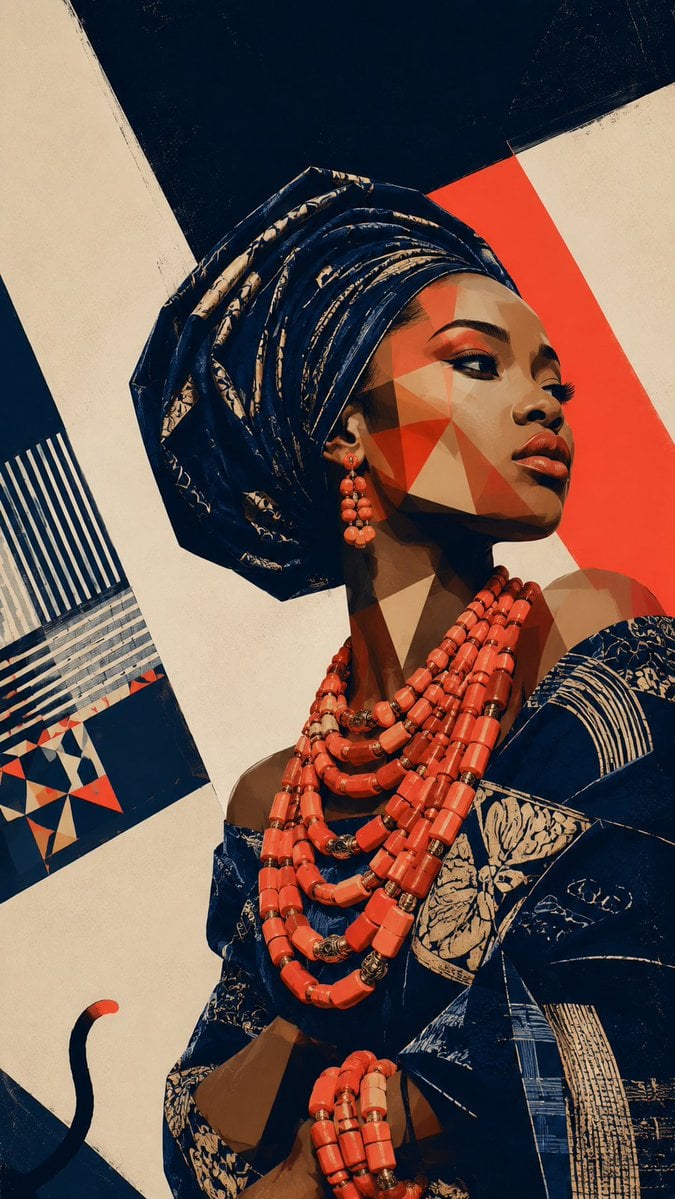
Afrofuturist Yoruba Regal Portrait
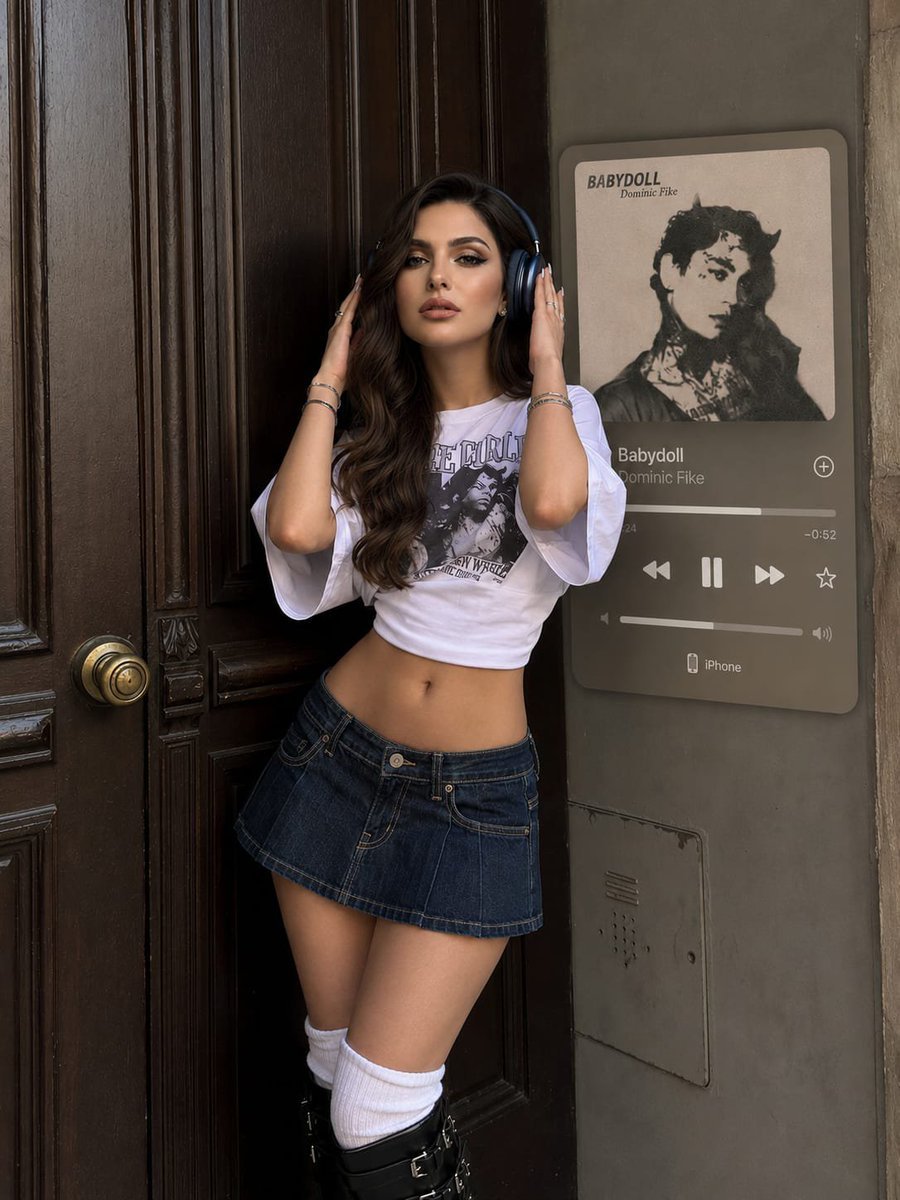
Y2K Music Editorial Portrait
Make it yours
Y2K Futurist Scream Desktop works as-is. These are the safest ways to change it without losing the look.
Change one field
Copy a single group, rewrite it, and generate again so you can see what that field is doing.
Keep the frame, change the subject
Hold the composition and light of Y2K Futurist Scream Desktop, then swap wardrobe, props or the person for a new take.
| If the result… | Why | Fix |
|---|---|---|
| The result drifts from the preview | Too many fields changed at once. | Reuse Y2K Futurist Scream Desktop as-is first, then change one group — subject, light, or setting. |
| The model over-stylizes the scene | The prose prompt leaves finish and camera underspecified. | Add one camera or lighting sentence and stay on GPT Image 2. |
More GPT Image 2 templates
Other prompts made for GPT Image 2.

Six VTuber Japanese Logo Sheet

Realistic Portrait of Woman and Deer

The Vista Modular Condo Poster

AI Model Routing Comparison Infographic

2.5D Anime Art Board

Isometric Productivity Desk Scene

New York Double Exposure Poster

Four-Panel AI Landscape Comparison

Japanese Tatami Lifestyle Magazine Cover

NESCAFÉ Coffee Map Poster
More image prompts
Fresh picks from across the catalog.
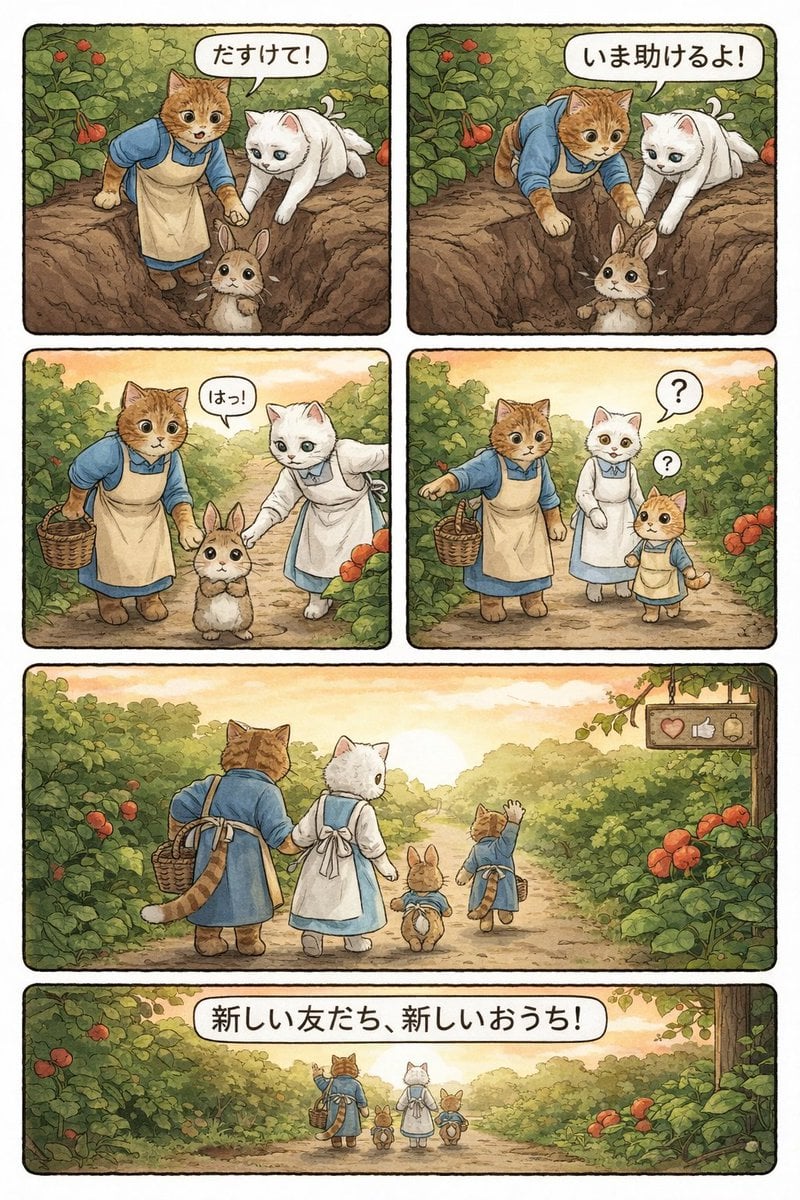
Converting Video to 4-Panel Manga
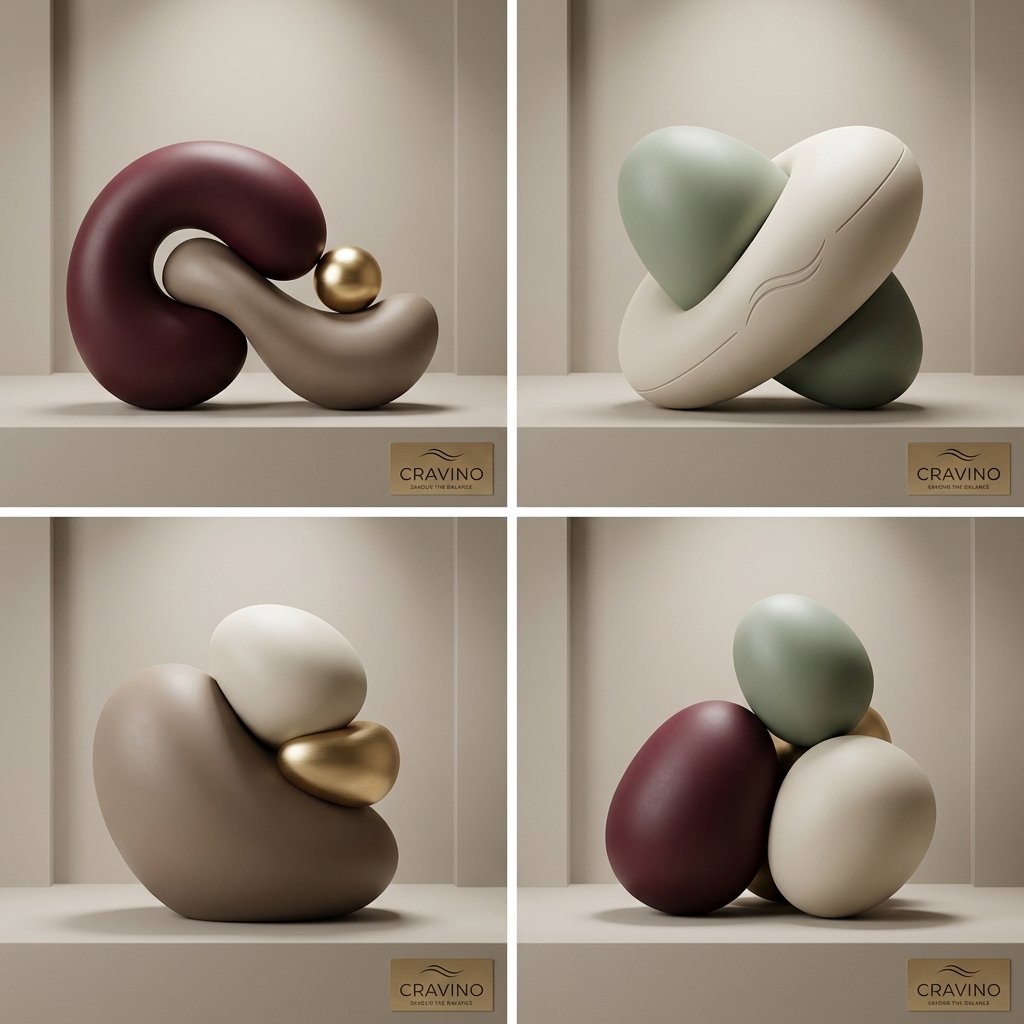
Ultra-High-End Abstract Composition
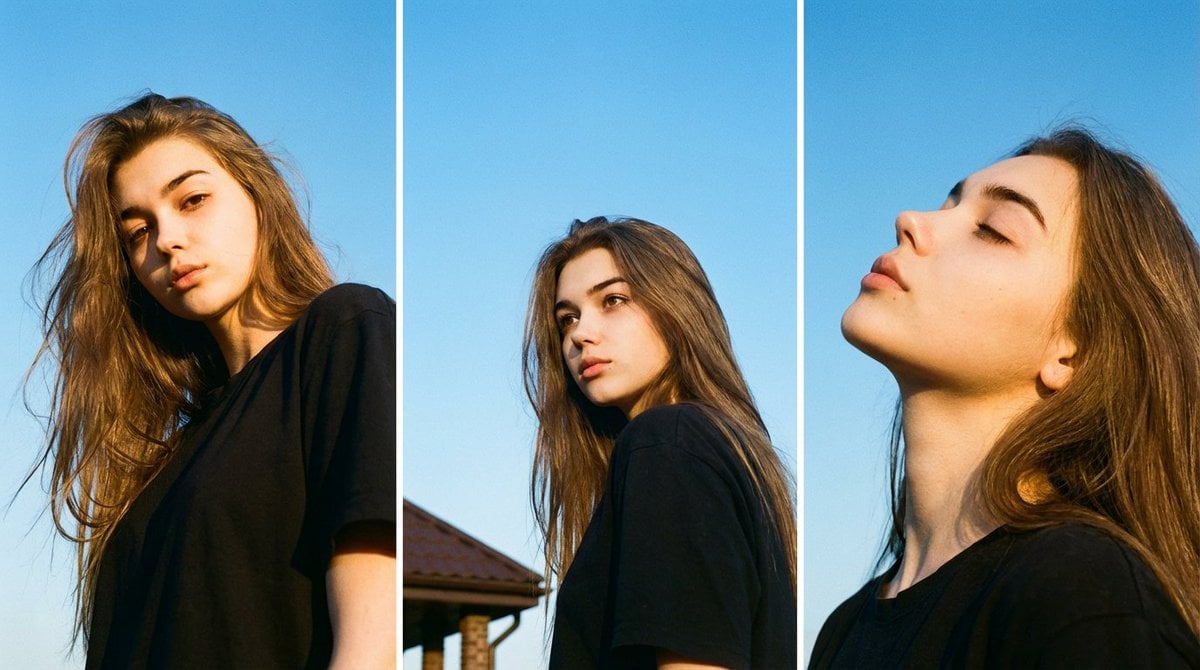
Film Aesthetic Triptych Portrait with Identity Lock
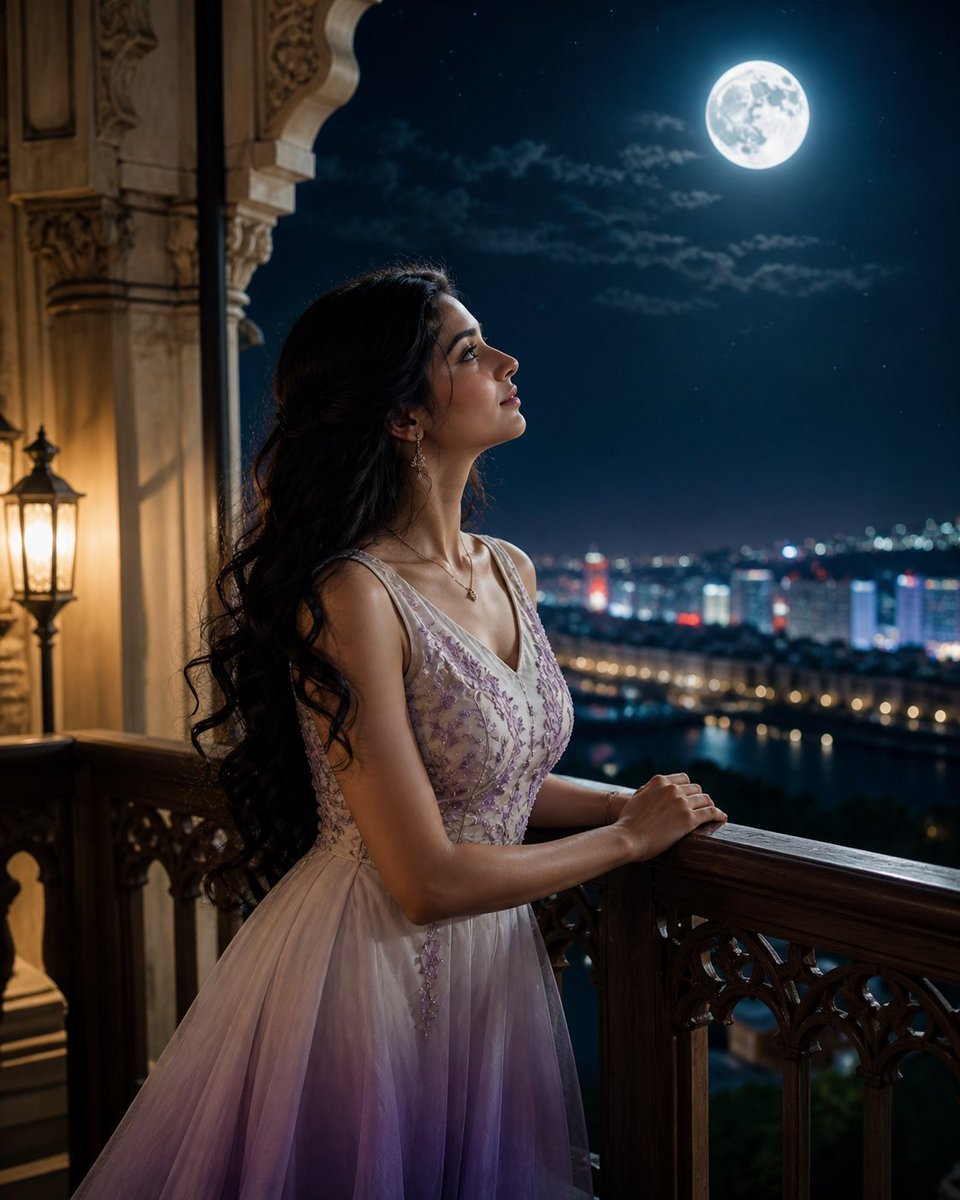
Moonlit Indian Woman Balcony Portrait
Black and White Photobooth Expression Grid
Lifestyle Fitness Portrait on Gym Machine
Ultra-Hardlock Prone Lounge Pose Replication
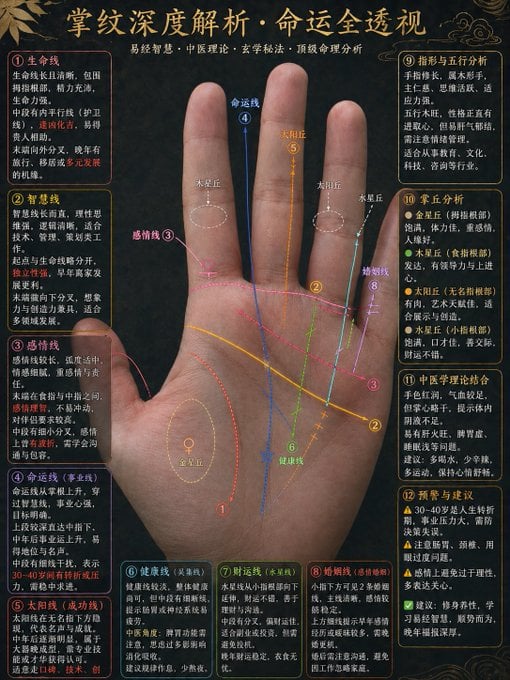
Traditional Palmistry Analysis Infographic
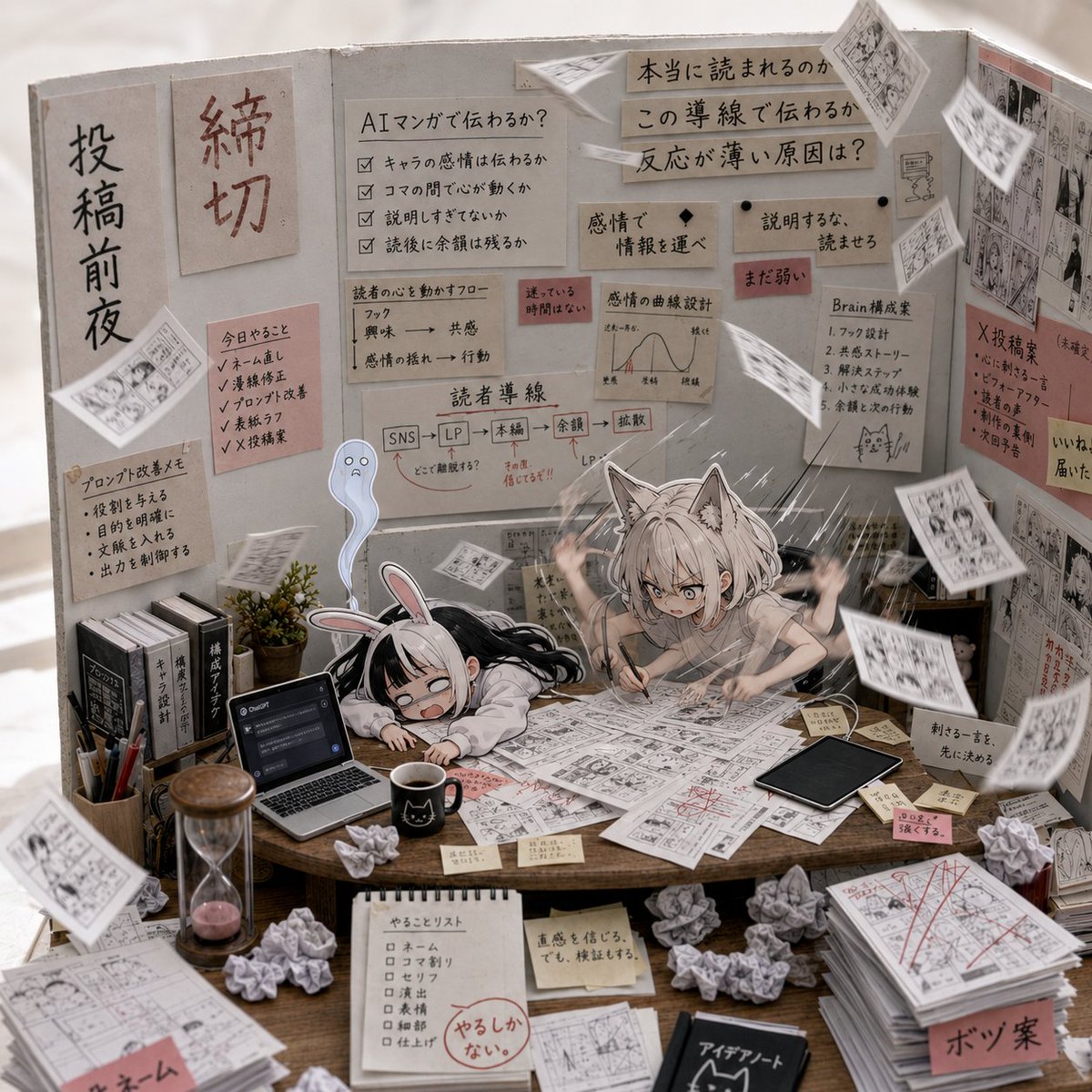
AI Manga Deadline War Room
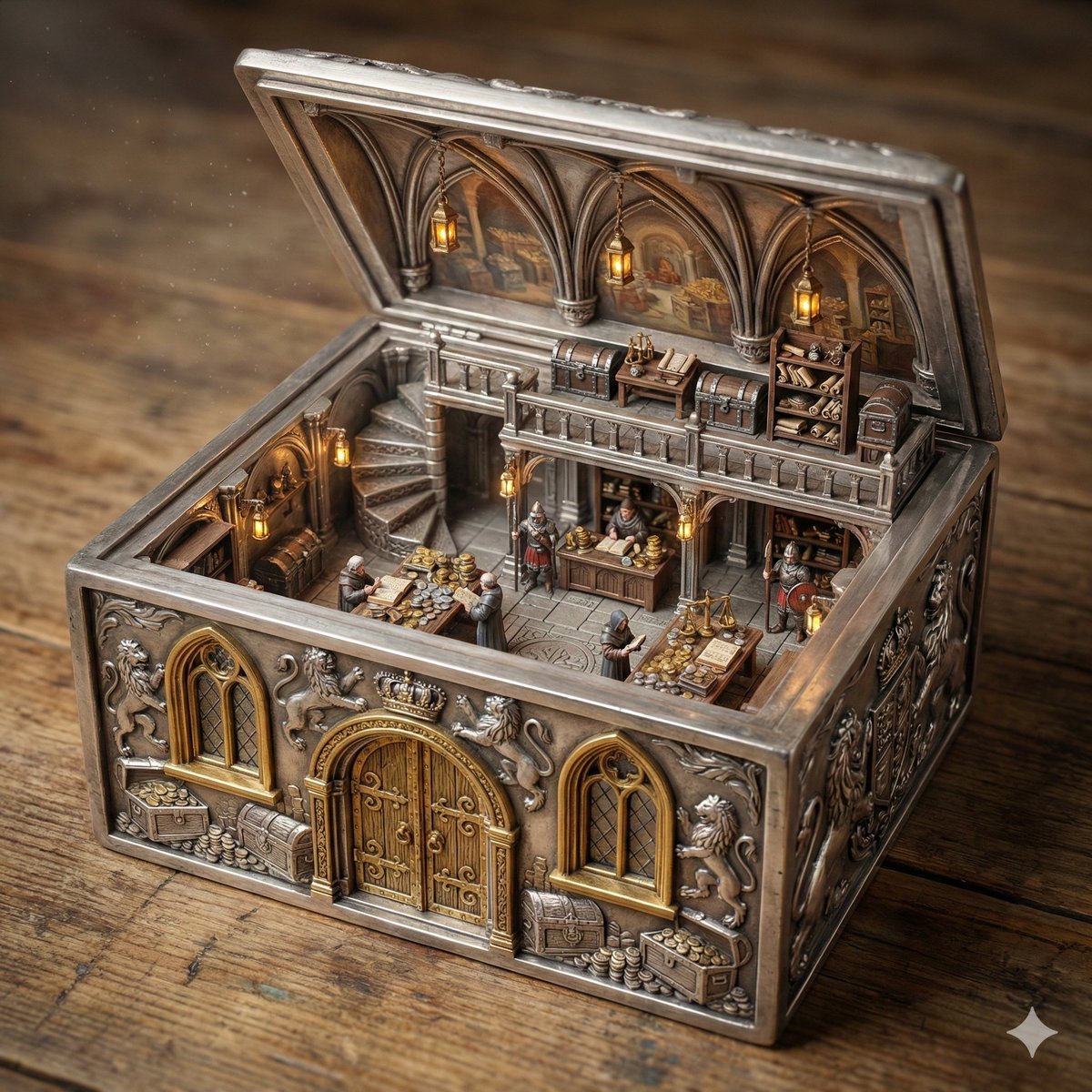
Ornate Box Diorama of a Royal Treasury Counting Room
Browse template categories
Y2K Futurist Scream Desktop questions
How do I use the Y2K Futurist Scream Desktop template?
Add your photo if the template asks for one, edit the prompt if you like — the template's model and format are already selected — and press Generate. Your version opens in PicX Studio.
Can I customize the Y2K Futurist Scream Desktop template?
Yes. You can change the subject, setting, lighting, mood, format, and available model controls before creating your image.
Is the Y2K Futurist Scream Desktop template free?
Opening and editing this template is free. Generating uses credits, shown on the Generate button when you are signed in.
Which AI model should I use?
Start with GPT Image 2, which is the model associated with this template. You can compare another compatible model for a different finish.
Looking for something else? Browse all templates.

Your photo, any look
Thousands of ready templates for every top image and video model, from one credit balance.