
Retro-Futurist Chrome Humanoid Poster
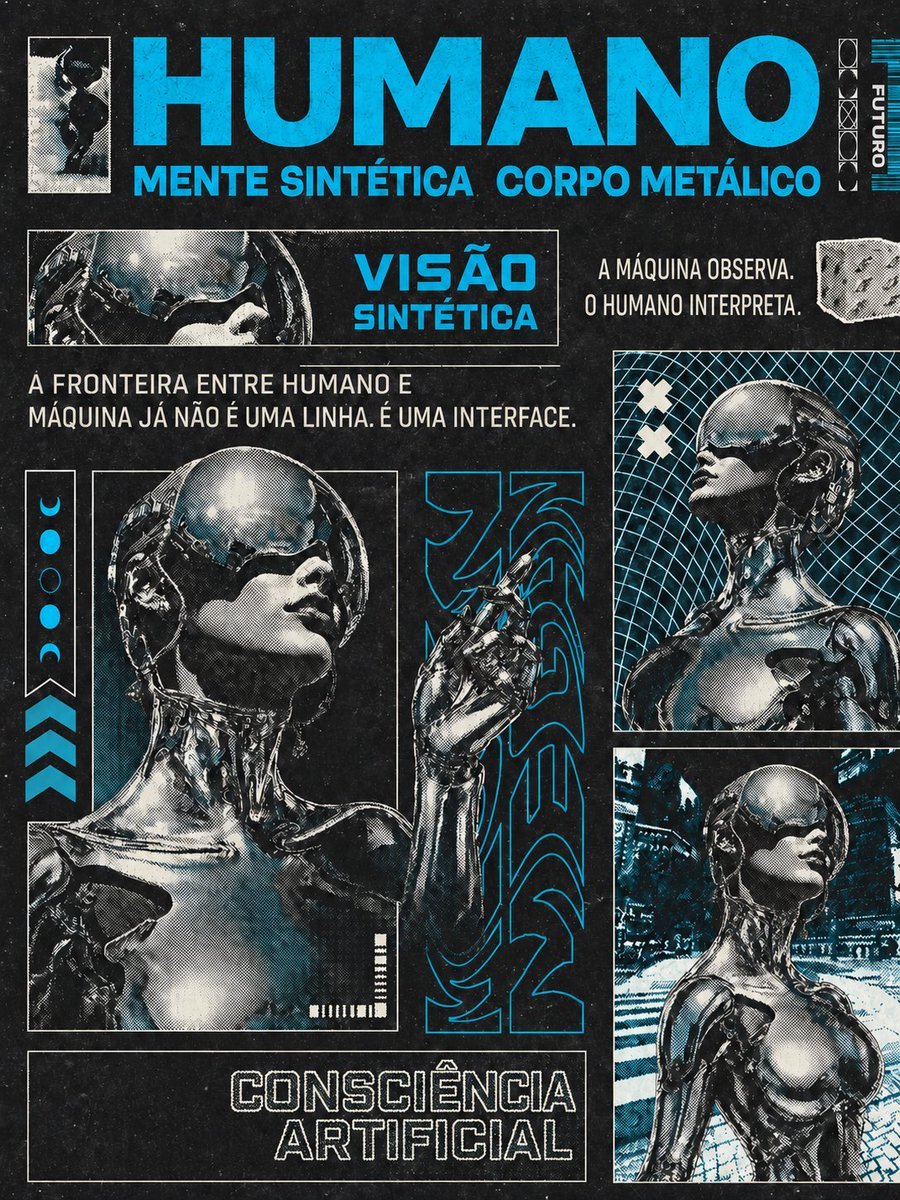
Creates a vertical cyberpunk editorial collage poster featuring five views of a chrome female humanoid with Portuguese techno typography.
- Prompt included
- Model and format preset
- Free template
The prompt behind this image
Copy the exact prompt behind Retro-Futurist Chrome Humanoid Poster, or open it in the studio and make it yours.
Goal: Create a premium vertical 3:4 modular retro-futurist editorial collage poster about {argument name="concept" default="artificial consciousness"}, using a deep charcoal-black textured paper background with worn ink, dust speckles, halftone printing, cyan spot color, and high-contrast chrome reflections. Canvas: Vertical 3:4 poster, dense magazine-layout composition, black-and-white plus vivid electric cyan. Use thin white panel borders, cyan typography, distressed screenprint texture, visible grain, photocopy halftone dots, and subtle misregistration. Main subject: The same chrome female humanoid appears consistently in exactly 5 views: 1 small high-contrast full-body silhouette thumbnail at the top left, 1 narrow horizontal close-up of her visor/helmet near the upper middle-left, 1 large dominant bust portrait in the lower-left with her head tilted upward and one robotic hand raised beside her face, 1 right-column upper bust portrait in profile against a cyan wireframe grid, and 1 right-column lower three-quarter bust portrait in a futuristic city/interior environment. She has a smooth reflective metallic body, a rounded chrome helmet/visor covering the eyes, elegant feminine face, exposed mechanical neck components, polished robotic shoulders and torso, and dramatic white highlights. Layout: At the very top, place a huge bold condensed cyan headline reading {argument name="headline text" default="HUMANO"}. Directly beneath it, add a cyan subheadline reading {argument name="subheadline text" default="MENTE SINTÉTICA CORPO METÁLICO"}. Top-left contains the small bordered silhouette image. Top-right contains a vertical technical strip with small geometric symbols and the word {argument name="vertical label" default="FUTURO"}, plus thin cyan barcode-like lines. Middle section: Below the title, create a bordered horizontal panel with a close-up cybernetic face/visor on the left and a cyan block title on the right reading {argument name="vision label" default="VISÃO SINTÉTICA"}. To its right, place two stacked white editorial lines: "A MÁQUINA OBSERVA." and "O HUMANO INTERPRETA." Add a small irregular white technical texture patch near the far right. Under the horizontal panel, add a white sentence across the poster: "A FRONTEIRA ENTRE HUMANO E MÁQUINA JÁ NÃO É UMA LINHA. É UMA INTERFACE." Lower composition: The large left portrait occupies most of the lower-left half inside a white rectangular border. Along its far left edge include one vertical marker strip containing exactly 5 cyan/white phase icons, from top to bottom: crescent, filled circle, outlined circle, filled circle, crescent. Below that strip add exactly 3 stacked cyan chevrons pointing upward. To the right of the large portrait, insert a tall narrow black panel with oversized abstract cyan techno glyphs/maze lettering. On the right side, stack exactly 2 bordered image panels: the upper profile portrait with a cyan grid and two white X marks, and the lower portrait in a futuristic environment. Bottom text: Across the bottom-left inside a bordered black box, set a large outlined white techno type title reading {argument name="bottom title" default="CONSCIÊNCIA ARTIFICIAL"}. Add small decorative white barcode ticks near the bottom of the main portrait. Visual style: Premium editorial sci-fi collage, cyberpunk retro-futurism, brutalist Swiss grid influence, 1980s technology magazine aesthetic, chrome android fashion photography, halftone comic-print texture, distressed black paper, cyan ink accents, sharp rectangular modules, high contrast, no extra characters, no watermark, no additional text beyond the specified typography.
How to use Retro-Futurist Chrome Humanoid Poster in 3 steps
- 1Upload ImagePNG, JPG or paste
Add your photo
Upload the photo the template builds on. The prompt, model and format are already set.
- 2…a portrait of your subject in softgolden-hour light, 85mm…
Personalize
Edit the subject and creative details for your destination.
- 3Generate
Generate
Press Generate — your image is created in PicX Studio, so you can compare it with the original and refine one variable at a time.
More like this
Templates with the same subject, style or setup. Open one to see its prompt.









Make it yours
Retro-Futurist Chrome Humanoid Poster works as-is. These are the safest ways to change it without losing the look.
Change one field
Copy a single group, rewrite it, and generate again so you can see what that field is doing.
Keep the frame, change the subject
Hold the composition and light of Retro-Futurist Chrome Humanoid Poster, then swap wardrobe, props or the person for a new take.
| If the result… | Why | Fix |
|---|---|---|
| The result drifts from the preview | Too many fields changed at once. | Reuse Retro-Futurist Chrome Humanoid Poster as-is first, then change one group — subject, light, or setting. |
| The model over-stylizes the scene | The prose prompt leaves finish and camera underspecified. | Add one camera or lighting sentence and stay on GPT Image 2. |
More GPT Image 2 templates
Other prompts made for GPT Image 2.

Six VTuber Japanese Logo Sheet

Realistic Portrait of Woman and Deer

The Vista Modular Condo Poster

AI Model Routing Comparison Infographic

2.5D Anime Art Board

Isometric Productivity Desk Scene

New York Double Exposure Poster

Four-Panel AI Landscape Comparison

Japanese Tatami Lifestyle Magazine Cover

NESCAFÉ Coffee Map Poster
More image prompts
Fresh picks from across the catalog.
Photorealistic Fireworks Display Prompt for Dreamina AI

Luxury Fashion Throne Portrait

Artistic Identity Portrait
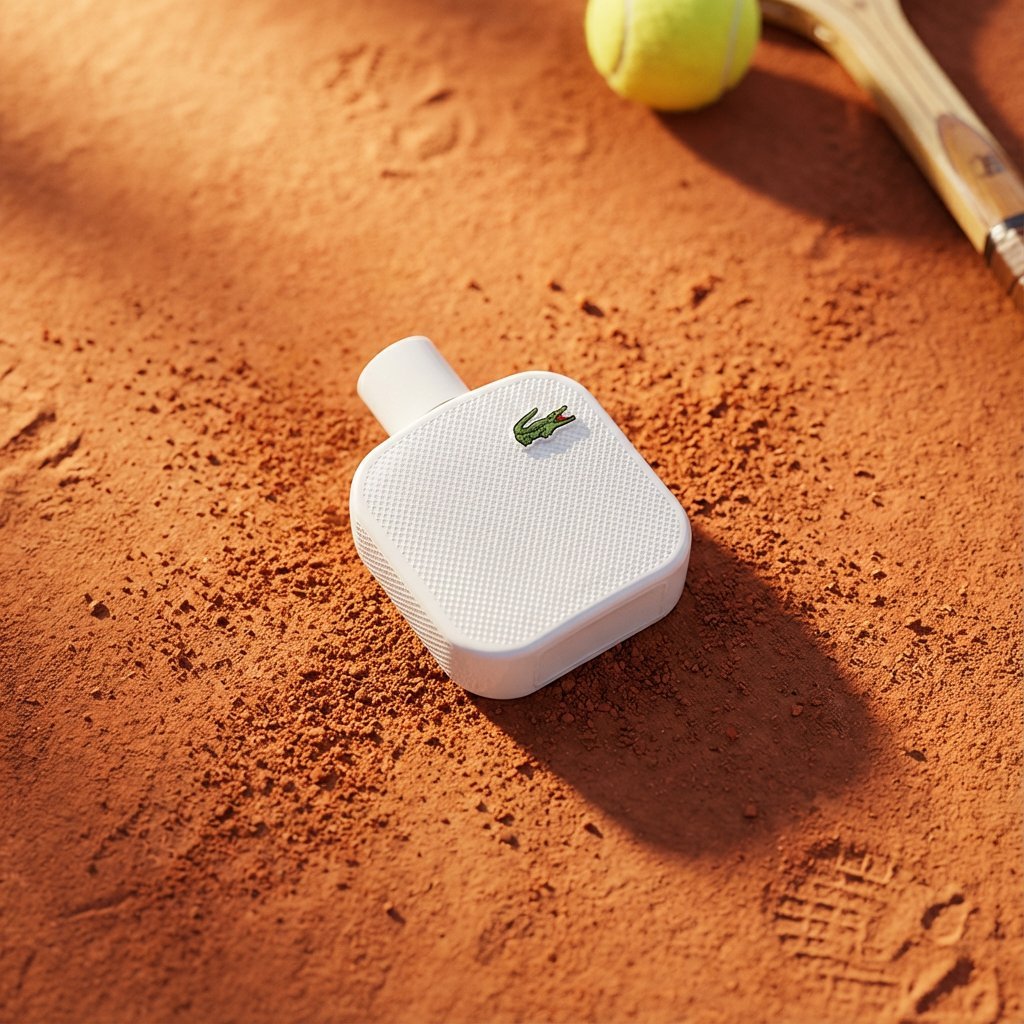
Premium Top-Down Product Marketing Shot Prompt
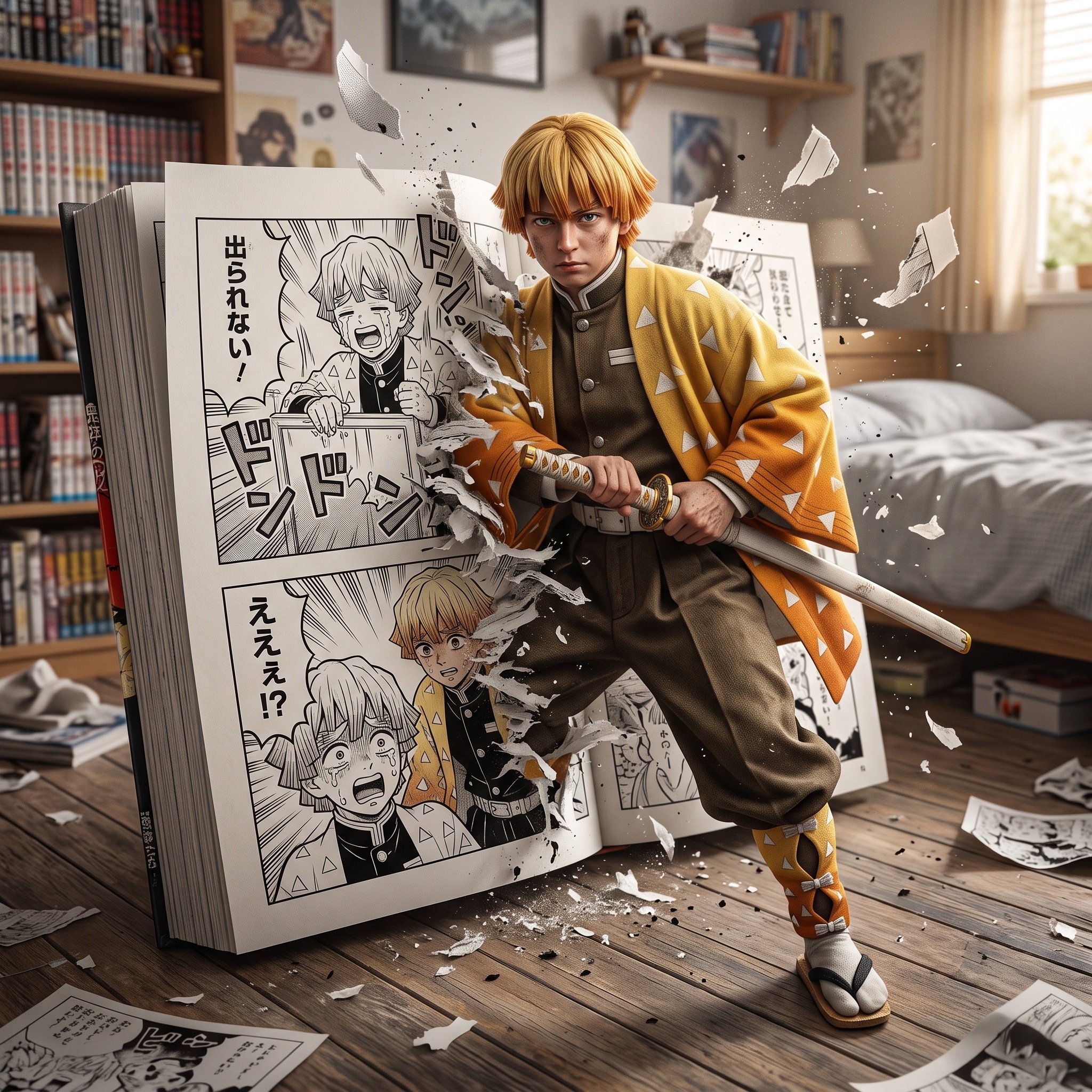
Hyper-realistic crossover image of Zenitsu Agatsuma from Demon Slayer

Extreme Ski Jump Action Shot (Cinestill Film Style)
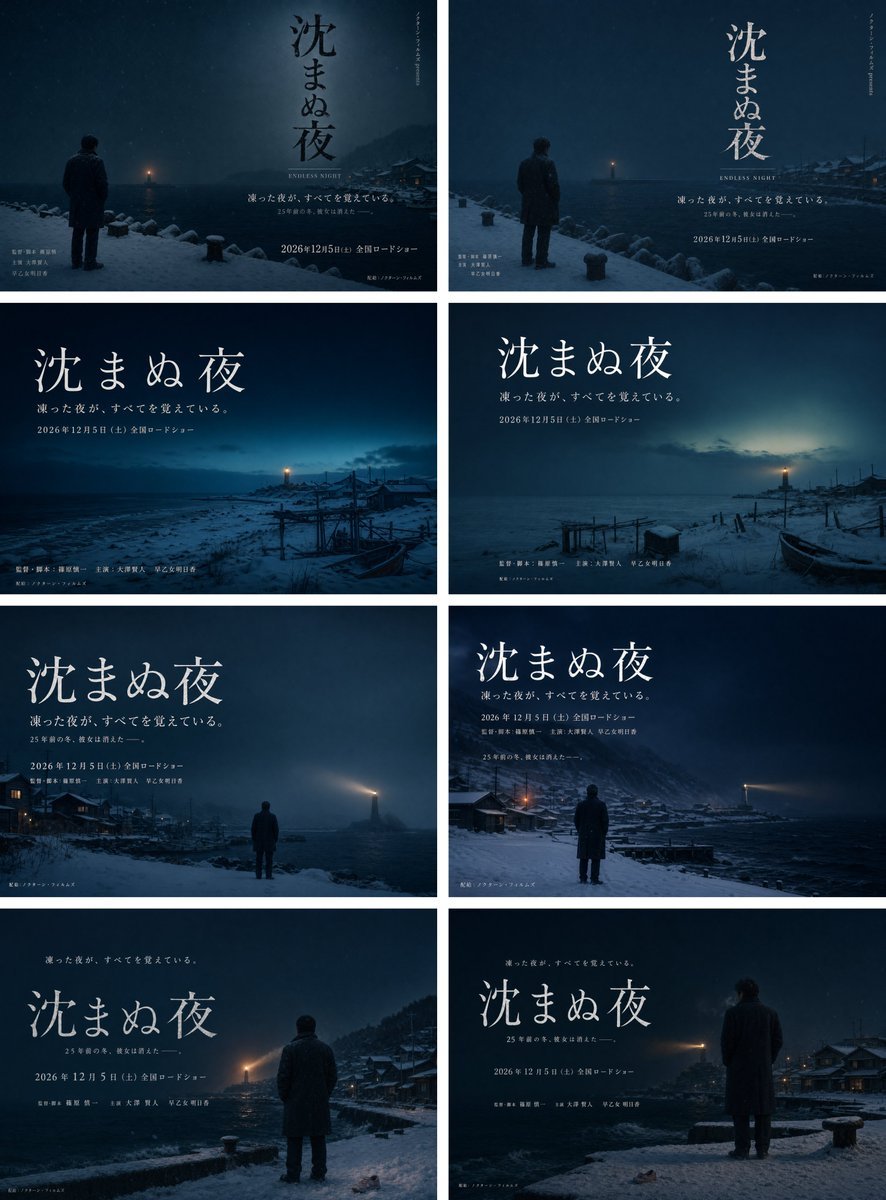
Snowy Japanese Film Poster Grid

Snack Kingdom Potato Fries Ad
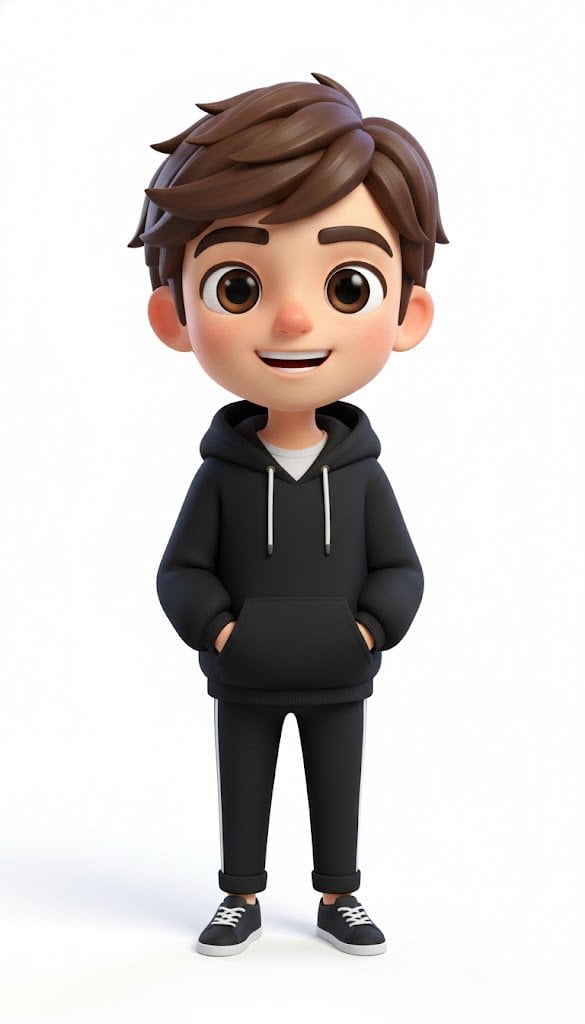
Pixar-Style American Passerby Prompt
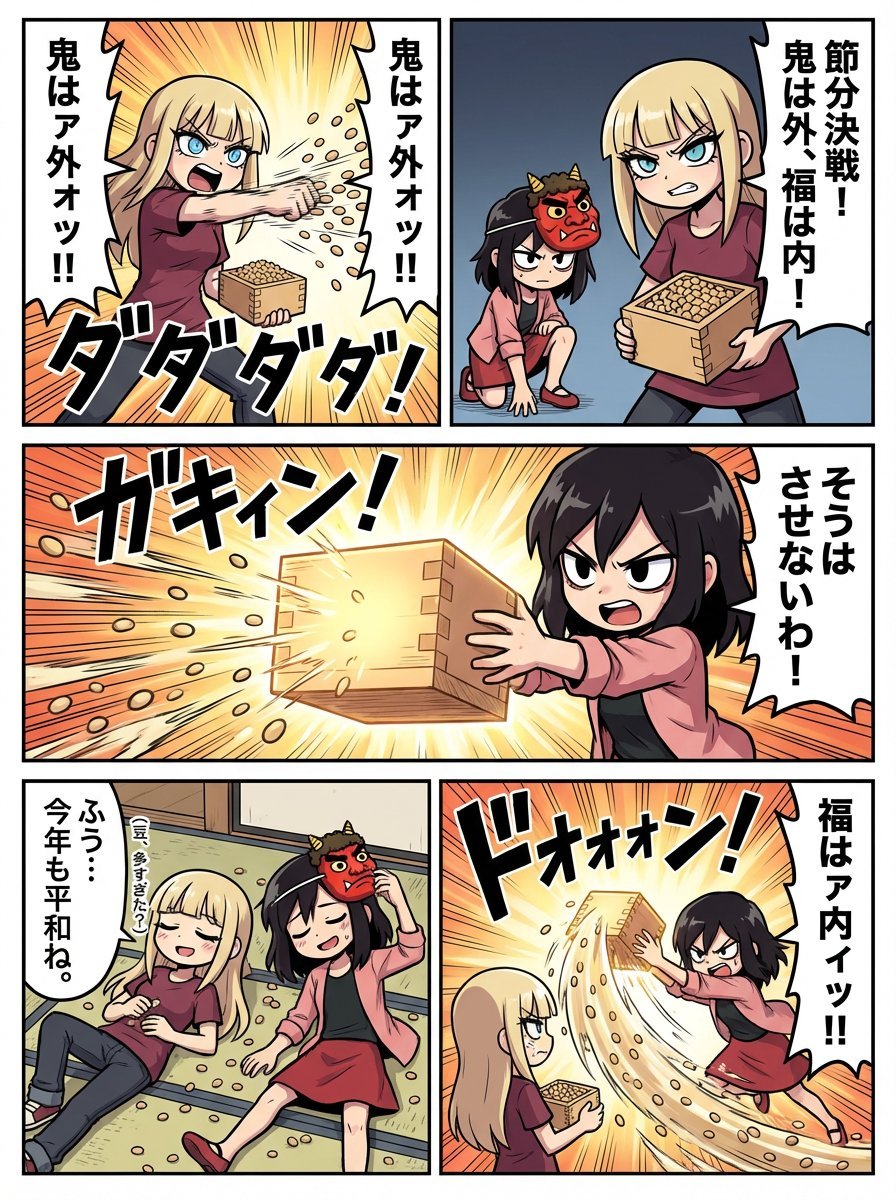
Minute Challenge: Setsubun Manga
Browse template categories
Retro-Futurist Chrome Humanoid Poster questions
How do I use the Retro-Futurist Chrome Humanoid Poster template?
Add your photo if the template asks for one, edit the prompt if you like — the template's model and format are already selected — and press Generate. Your version opens in PicX Studio.
Can I customize the Retro-Futurist Chrome Humanoid Poster template?
Yes. You can change the subject, setting, lighting, mood, format, and available model controls before creating your image.
Is the Retro-Futurist Chrome Humanoid Poster template free?
Opening and editing this template is free. Generating uses credits, shown on the Generate button when you are signed in.
Which AI model should I use?
Start with GPT Image 2, which is the model associated with this template. You can compare another compatible model for a different finish.
Looking for something else? Browse all templates.

Your photo, any look
Thousands of ready templates for every top image and video model, from one credit balance.