
AI Manga Deadline War Room
A dense anime diorama scene showing two exhausted manga-making characters inside a chaotic AI image generation workspace.
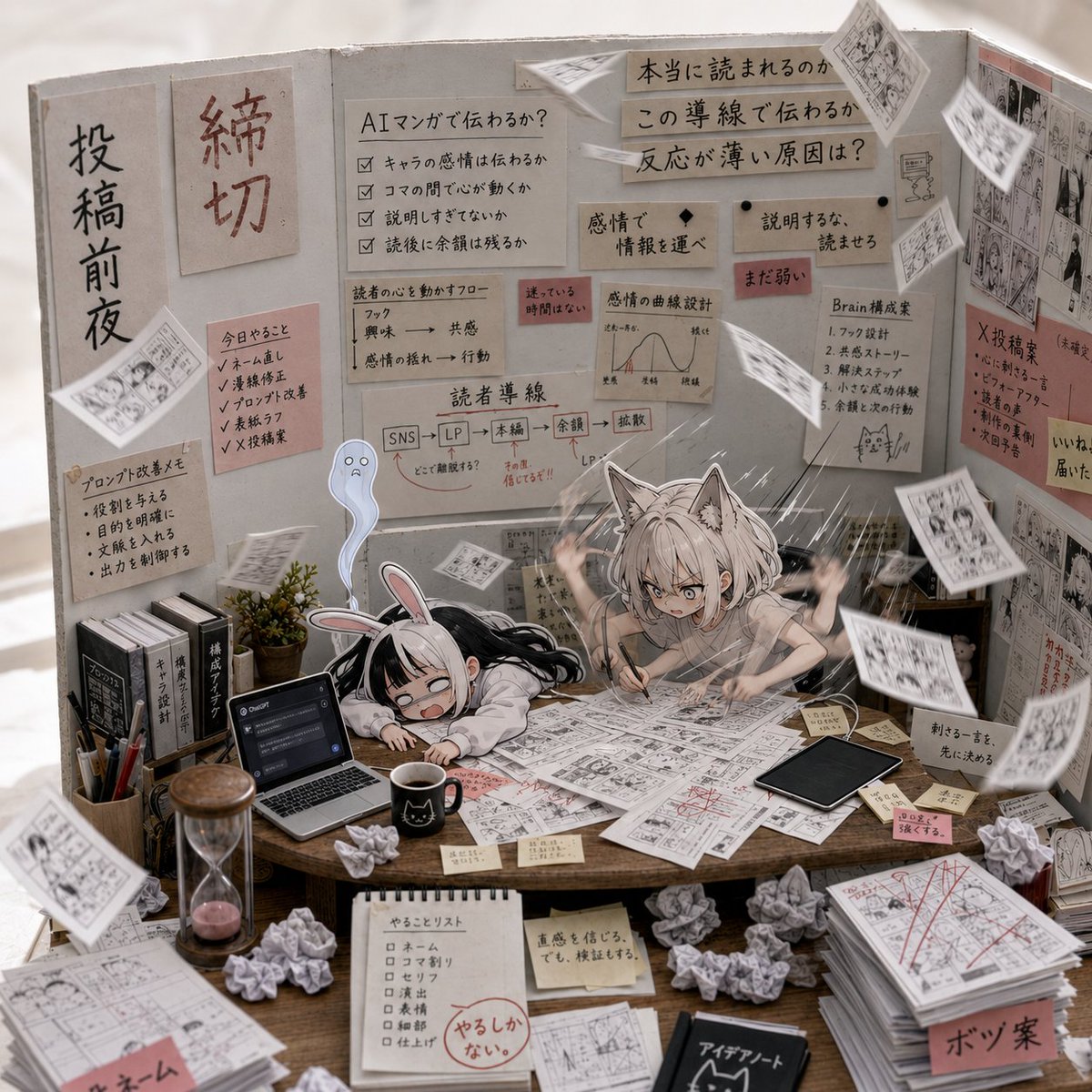
- Prompt included
- Model and format preset
- Premium template
The prompt behind this image
Copy the exact prompt behind AI Manga Deadline War Room, or open it in the studio and make it yours.
Goal: Create a highly detailed square anime illustration of the chaotic “inside of GPT image generation” as a manga production war room, halfway between rough imagination and realistic execution. The scene should feel like a frantic deadline night for AI-generated manga art. Canvas: Square 1:1 composition, dense three-wall diorama perspective, warm indoor lighting, shallow depth of field but with many readable sticky notes and diagrams. The left side should feel more sketchy and conceptual, the right side more polished and realistic. Main subjects: Show exactly 2 exhausted chibi anime girls at the center table: 1 black-haired bunny-ear girl slumped face-down on the desk, crying and overwhelmed, and 1 silver-haired cat-ear girl frantically drawing manga panels with both hands raised in panic. Add exactly 1 small translucent blue ghost mascot floating behind them, looking worried. Environment and layout: A wooden worktable fills the foreground and center, covered with manga manuscripts, storyboard sheets, red correction marks, sticky notes, crumpled paper balls, coffee, pens, a laptop, a tablet, books, and a small plant. Behind the desk are three upright gray cardboard partitions covered in planning notes, workflow diagrams, manga references, and pinned sheets. The overall room should look handcrafted, like a miniature cardboard studio set photographed realistically. Visible repeated elements to include: exactly 2 main anime characters, exactly 1 ghost mascot, exactly 3 vertical backdrop panels, exactly 1 open laptop on the left side of the desk, exactly 1 black tablet on the right side of the desk, exactly 1 black coffee mug near the front center, exactly 1 hourglass at the front left, exactly 1 potted plant near the left wall, exactly 1 tall stack of finished manuscript pages at the front right, exactly 9 crumpled paper balls scattered across the table and floor area, and many loose manga pages flying through the air. Text and board details: Use Japanese handwritten labels and sticky notes as decorative worldbuilding. Include a large vertical sign on the left panel with {argument name="left wall headline" default="投稿前夜"}, a red deadline sign with {argument name="deadline sign" default="締切"}, central notes about whether AI manga can communicate emotion, reader guidance lines, emotion selection, and a pipeline diagram from SNS to landing page to final manuscript to review to diffusion. On the right wall, include signs about whether the work is truly readable, why reactions feel weak, and how to make the brain generate emotion. Add small red warning sticky notes, checklist boxes, and manga-panel thumbnails. Style: Ultra-detailed anime diorama illustration, realistic tabletop materials, paper texture, pencil and ink manga pages, soft beige-gray cardboard walls, warm desk lighting, subtle motion blur on flying papers, expressive chibi faces, high-density visual storytelling, cozy but frantic deadline atmosphere. Use a mix of clean anime character rendering and realistic product-photography lighting. Constraints: Keep the composition crowded but coherent, with the two characters clearly centered. Do not add extra main characters. Make the Japanese writing look handwritten on paper notes, not digital UI text. Avoid logos, watermarks, or modern interface overlays except for the single open laptop.
How to use AI Manga Deadline War Room in 3 steps
- 1Upload ImagePNG, JPG or paste
Add your photo
Upload the photo the template builds on. The prompt, model and format are already set.
- 2…a portrait of your subject in softgolden-hour light, 85mm…
Personalize
Edit the subject and creative details for your destination.
- 3Generate
Generate
Press Generate — your image is created in PicX Studio, so you can compare it with the original and refine one variable at a time.
More like this
Templates with the same subject, style or setup. Open one to see its prompt.
Mesoamerican Warrior Character Sheet
Giant Monster in Ruined War City

White Wing Nurse Break Room Portrait
Warring States Period Princess Portrait Photography

Tribal Fantasy Warrior with Guardian Owl
Dark Fantasy Battlefield Warrior
Classroom Balloon Photo Upscale
Tactical Duo in Burning War Zone
Roman Warrior Eagle Battlefield Portrait
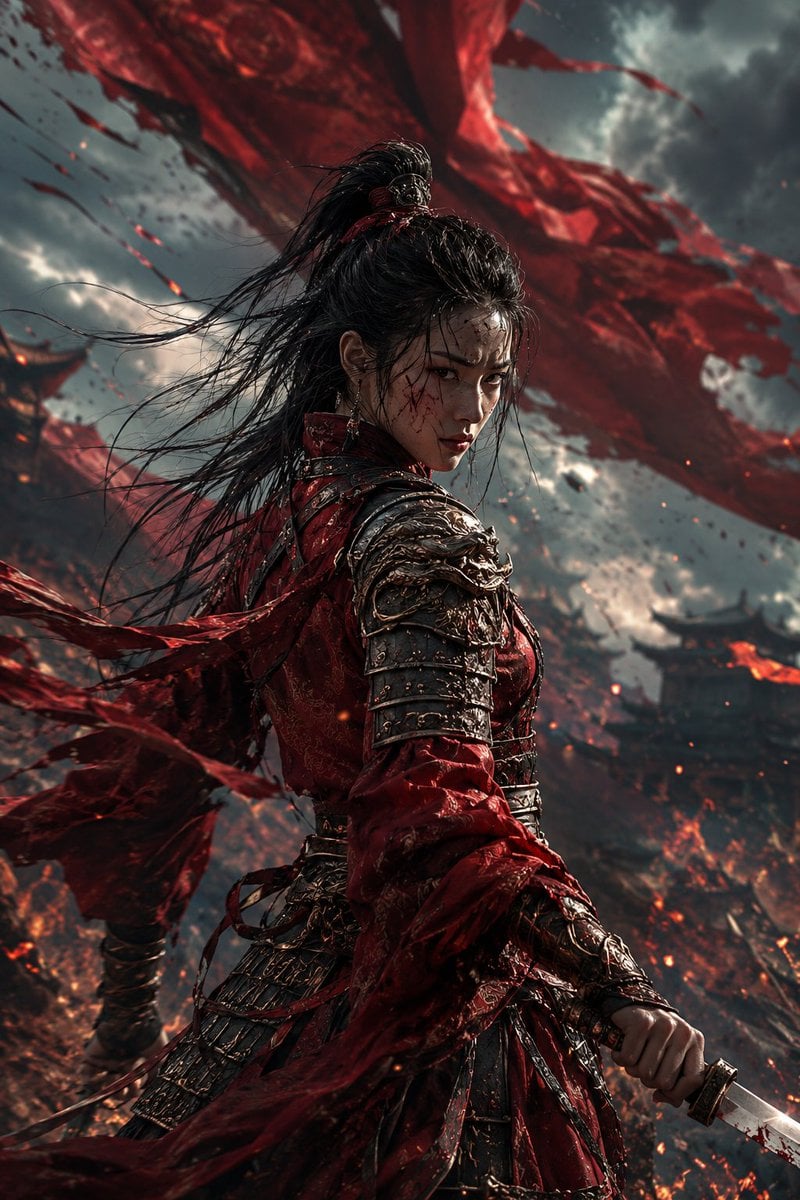
Crimson Battlefield Warrior
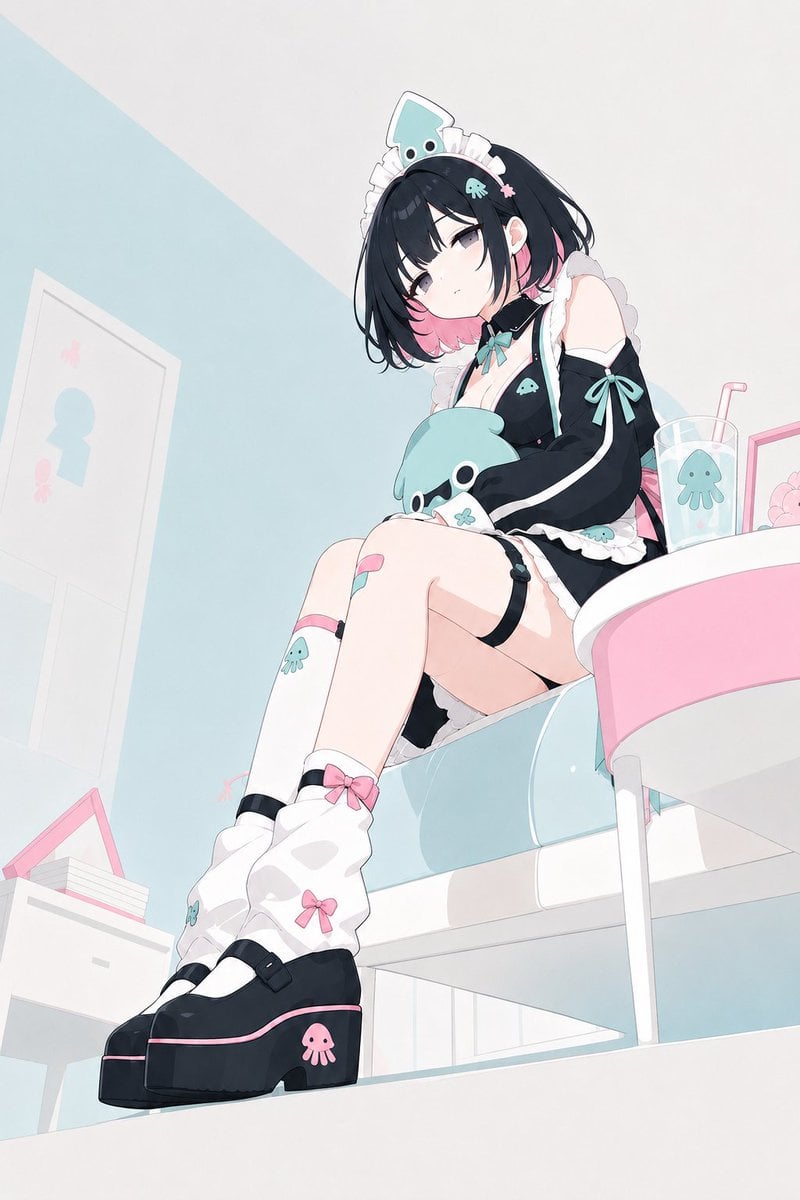
Pastel Squid Maid Bedroom Illustration
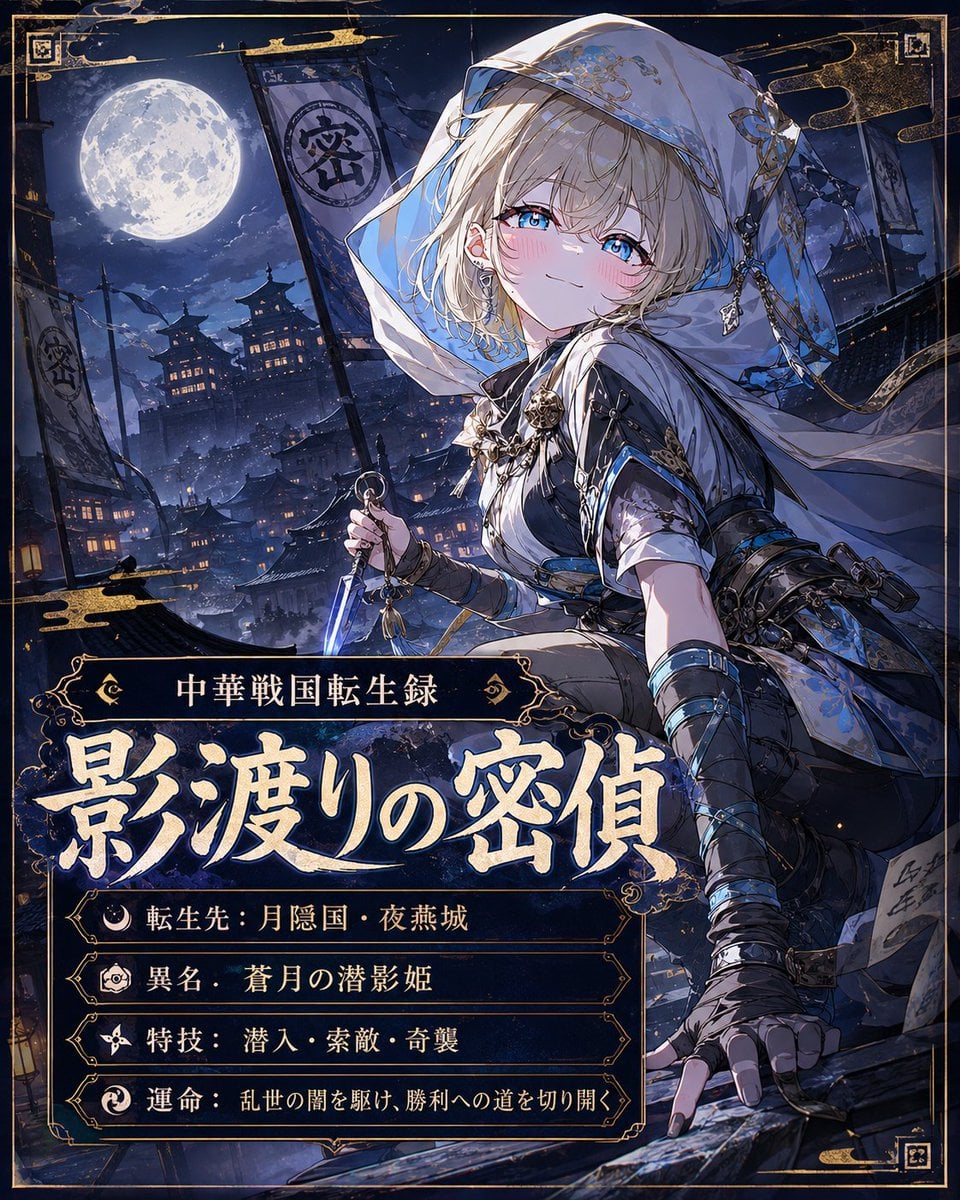
Moonlit Warring States Spy Poster
Make it yours
AI Manga Deadline War Room works as-is. These are the safest ways to change it without losing the look.
Change one field
Copy a single group, rewrite it, and generate again so you can see what that field is doing.
Keep the frame, change the subject
Hold the composition and light of AI Manga Deadline War Room, then swap wardrobe, props or the person for a new take.
| If the result… | Why | Fix |
|---|---|---|
| The result drifts from the preview | Too many fields changed at once. | Reuse AI Manga Deadline War Room as-is first, then change one group — subject, light, or setting. |
| The model over-stylizes the scene | The prose prompt leaves finish and camera underspecified. | Add one camera or lighting sentence and stay on GPT Image 2. |
More GPT Image 2 templates
Other prompts made for GPT Image 2.

Six VTuber Japanese Logo Sheet

Realistic Portrait of Woman and Deer

The Vista Modular Condo Poster

AI Model Routing Comparison Infographic

2.5D Anime Art Board

Isometric Productivity Desk Scene

New York Double Exposure Poster

Four-Panel AI Landscape Comparison

Japanese Tatami Lifestyle Magazine Cover

NESCAFÉ Coffee Map Poster
More image prompts
Fresh picks from across the catalog.
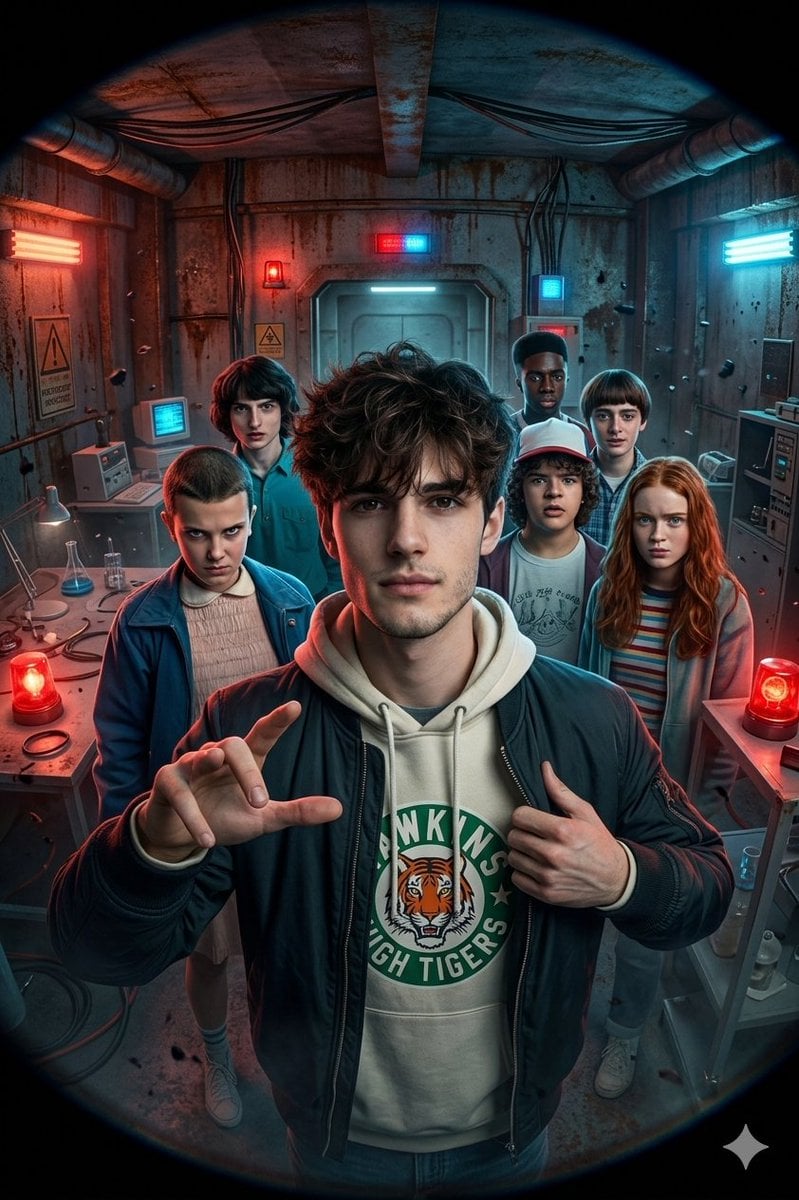
Stranger Things Action Selfie with Fish-Eye Distortion

Chinese Live-Streaming App UI Mockup
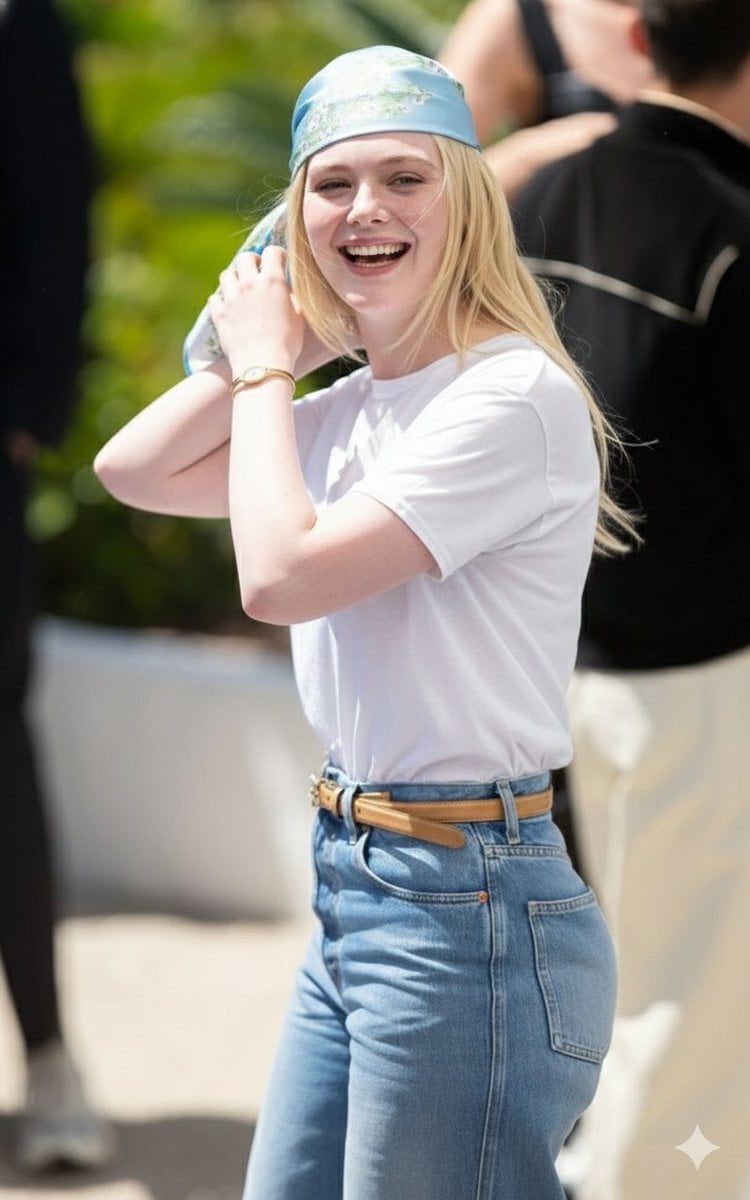
Candid Paparazzi-Style Street Photograph
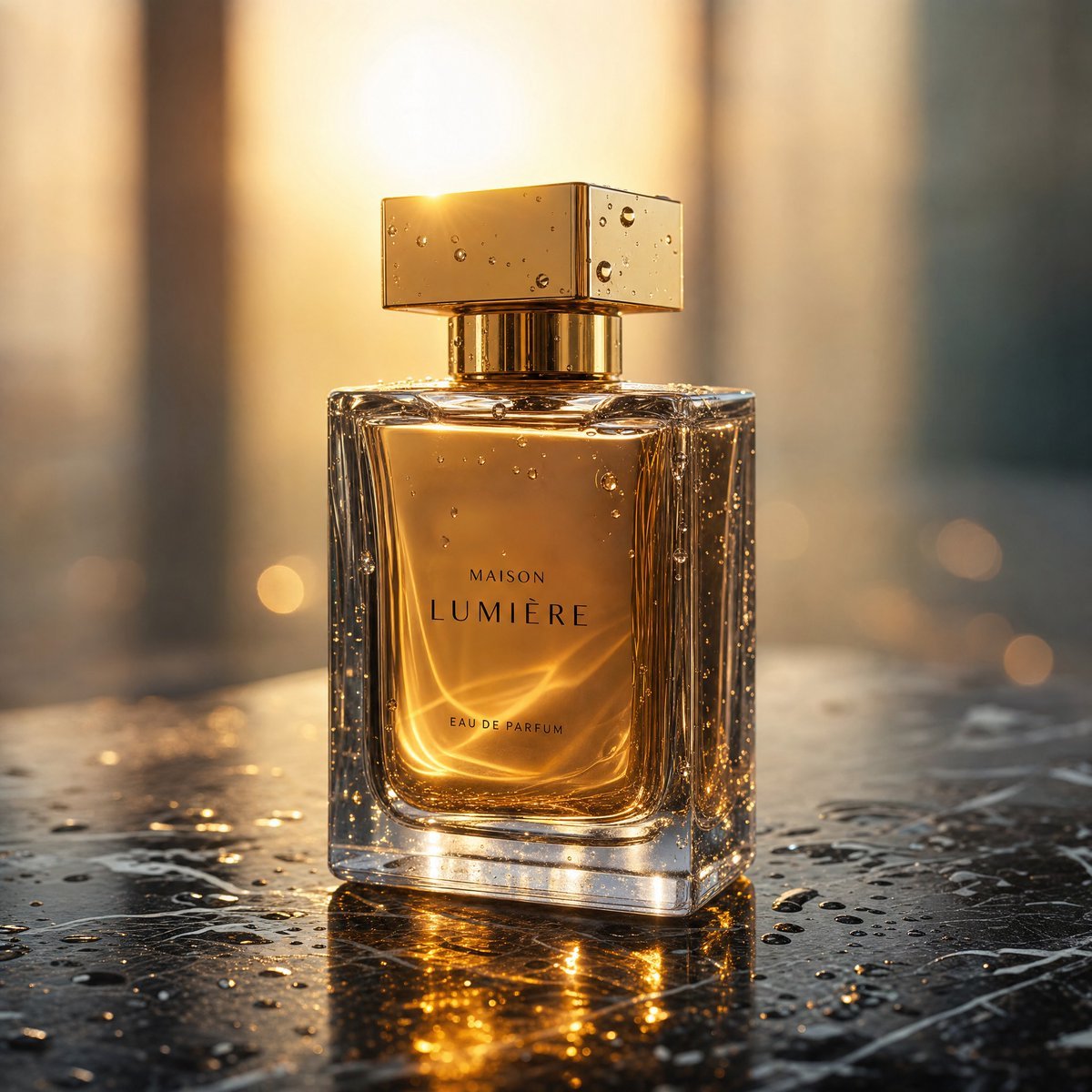
Golden Hour Luxury Perfume

Panel Product Storyboard Mockup Prompt
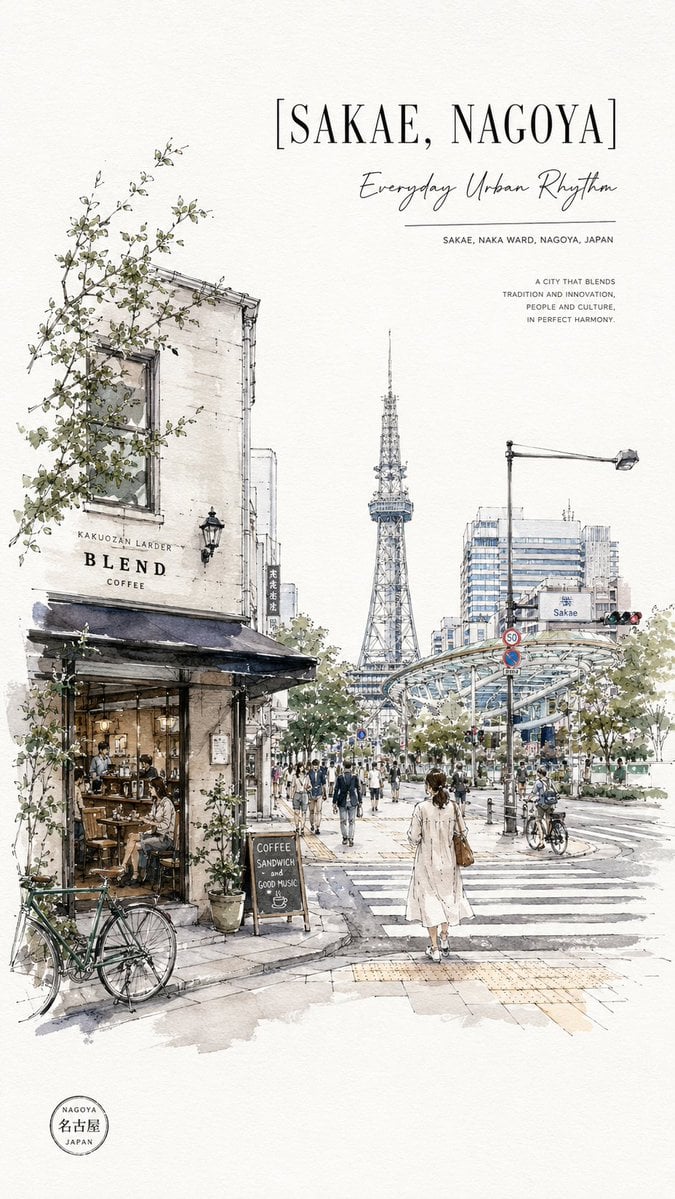
Sakae Nagoya Watercolor Travel Poster
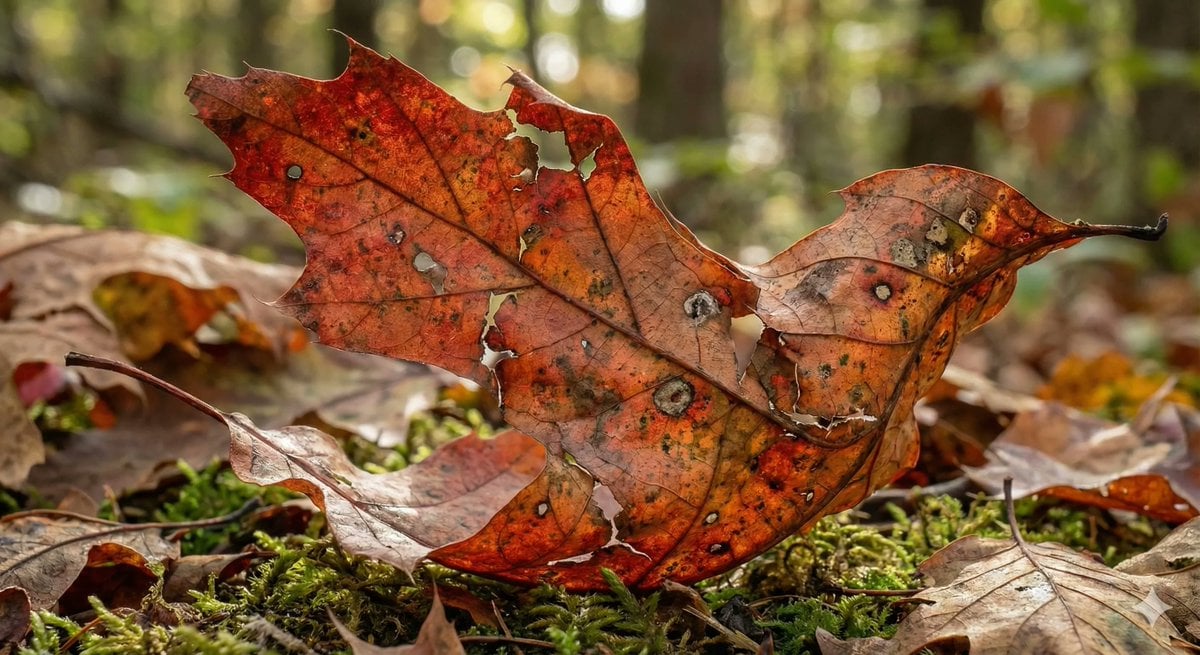
Photorealistic Leaf Shaped Like a Bird
AI Photo Restoration and Upscale

Modern Webinar Promotional Banner
YouTube Dark Mode Desktop UI Mockup
Browse template categories
AI Manga Deadline War Room questions
How do I use the AI Manga Deadline War Room template?
Add your photo if the template asks for one, edit the prompt if you like — the template's model and format are already selected — and press Generate. Your version opens in PicX Studio.
Can I customize the AI Manga Deadline War Room template?
Yes. You can change the subject, setting, lighting, mood, format, and available model controls before creating your image.
Is the AI Manga Deadline War Room template free?
Opening and editing this template is free. Generating uses credits, shown on the Generate button when you are signed in.
Which AI model should I use?
Start with GPT Image 2, which is the model associated with this template. You can compare another compatible model for a different finish.
Looking for something else? Browse all templates.

Your photo, any look
Thousands of ready templates for every top image and video model, from one credit balance.