
Tactical Duo in Burning War Zone
A cinematic photorealistic action scene of two armed operatives taking cover beside damaged cars amid flames and smoke.
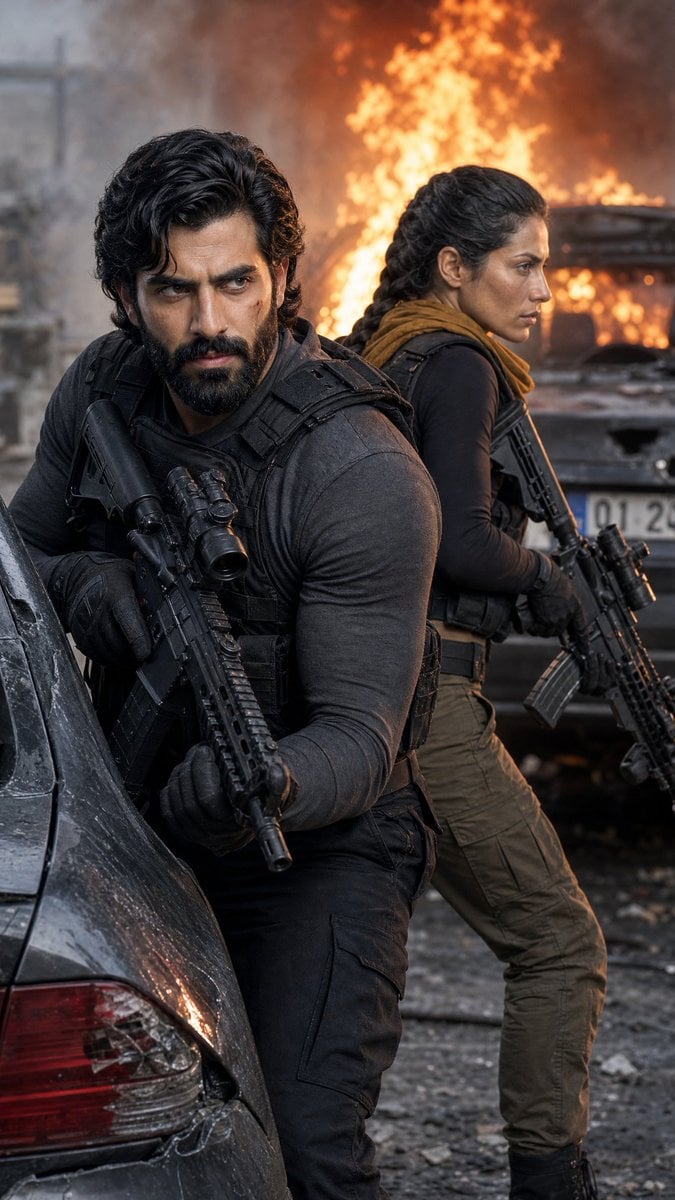
- Prompt included
- Model and format preset
- Free template
The prompt behind this image
Copy the exact prompt behind Tactical Duo in Burning War Zone, or open it in the studio and make it yours.
Create a gritty cinematic vertical action photograph of exactly 2 armed tactical operatives taking cover in a war-torn urban street during a firefight. The foreground operative is a {argument name="male operative" default="rugged Middle Eastern man with wavy black hair and light stubble"}, standing on the left-center and leaning against the rear of a damaged dark car, wearing a charcoal long-sleeve shirt, black tactical vest, black gloves, dark cargo pants, and holding a black assault rifle with a scope and foregrip close to his chest. The second operative is a {argument name="female operative" default="Middle Eastern woman with dark hair in a long braid"}, positioned slightly behind him on the right, turned back-to-back in profile, wearing a dark fitted top, tactical vest, brown scarf, olive cargo pants, gloves, and holding a black scoped rifle angled downward. Background: a destroyed city street with smoke, rubble, scorched vehicles, and one large burning car behind them with tall orange flames and heavy gray-black smoke. Composition should feel like a high-budget action movie still, 9:16 portrait crop, shallow depth of field, dramatic orange firelight mixed with cool gray daylight, realistic textures, soot, dust, scratches on the car, wet debris on the ground, intense tension and urgency. Keep faces visible and consistent, realistic human anatomy, no text, no logos, no watermark. Overall style: photorealistic, ultra-detailed, cinematic color grading, handheld combat-photo framing.
How to use Tactical Duo in Burning War Zone in 3 steps
- 1Upload ImagePNG, JPG or paste
Add your photo
Upload the photo the template builds on. The prompt, model and format are already set.
- 2…a portrait of your subject in softgolden-hour light, 85mm…
Personalize
Edit the subject and creative details for your destination.
- 3Generate
Generate
Press Generate — your image is created in PicX Studio, so you can compare it with the original and refine one variable at a time.
More like this
Templates with the same subject, style or setup. Open one to see its prompt.

Japanese Café Sketch Duo Illustration
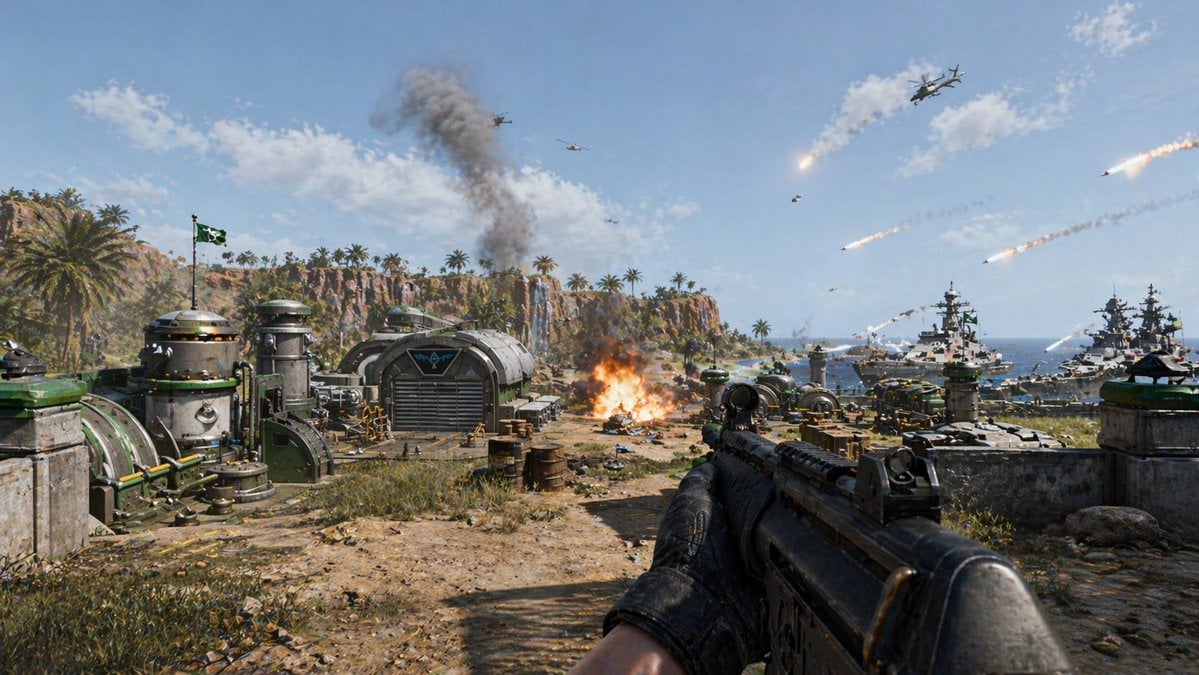
First-Person Tropical Island Warzone
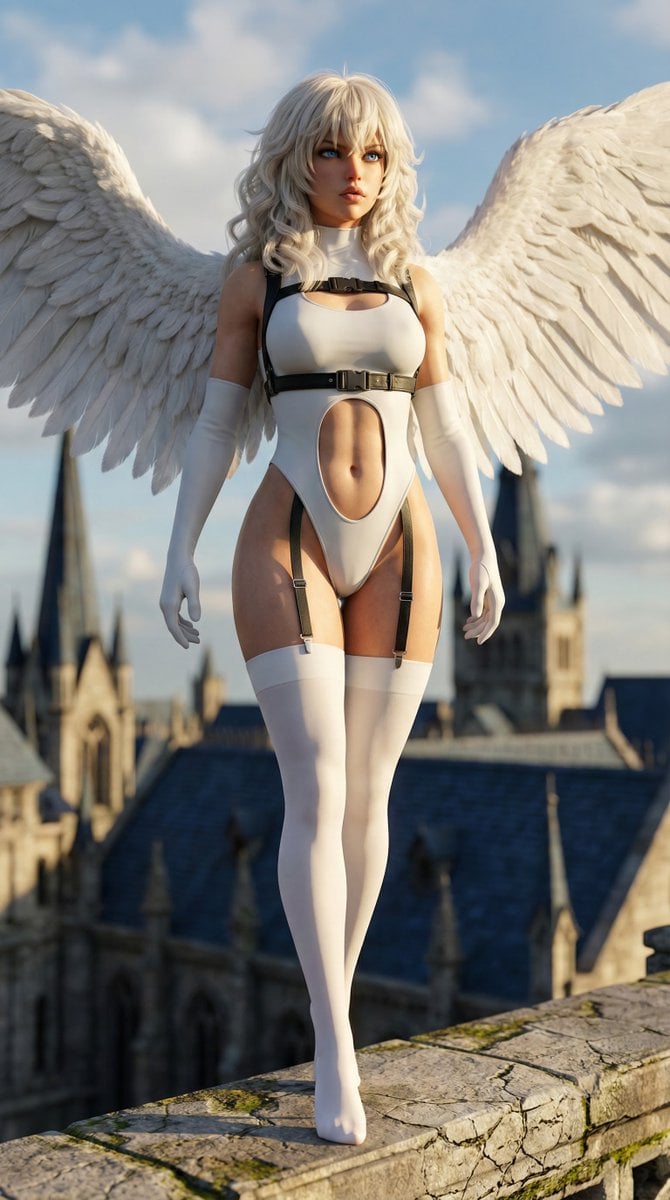
Hyper-realistic anime warrior portrait with tactical gear
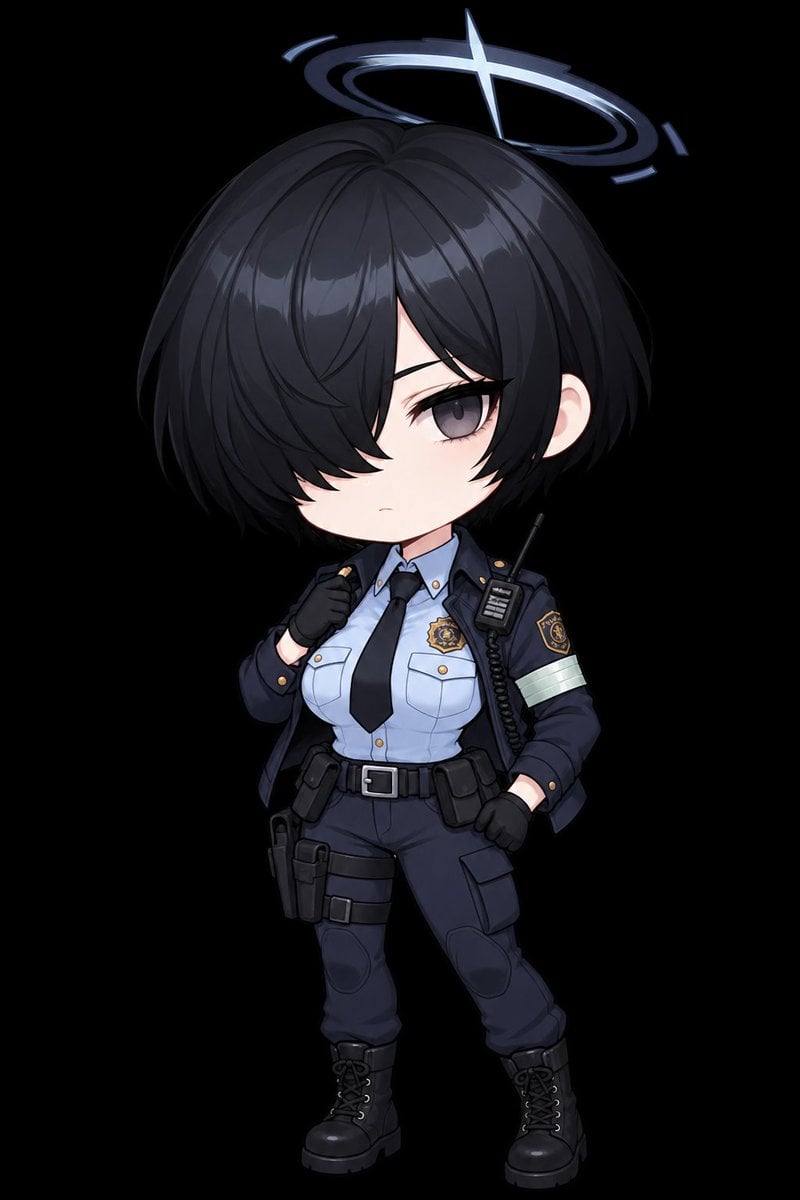
Chibi Tactical Police Girl with Halo
Burning Feudal Japanese Village
Woman Facing Burning Doorway

Burning Gothic Flood Escape
Anime Cosplay Duo at Forest Shrine
Mesoamerican Warrior Character Sheet
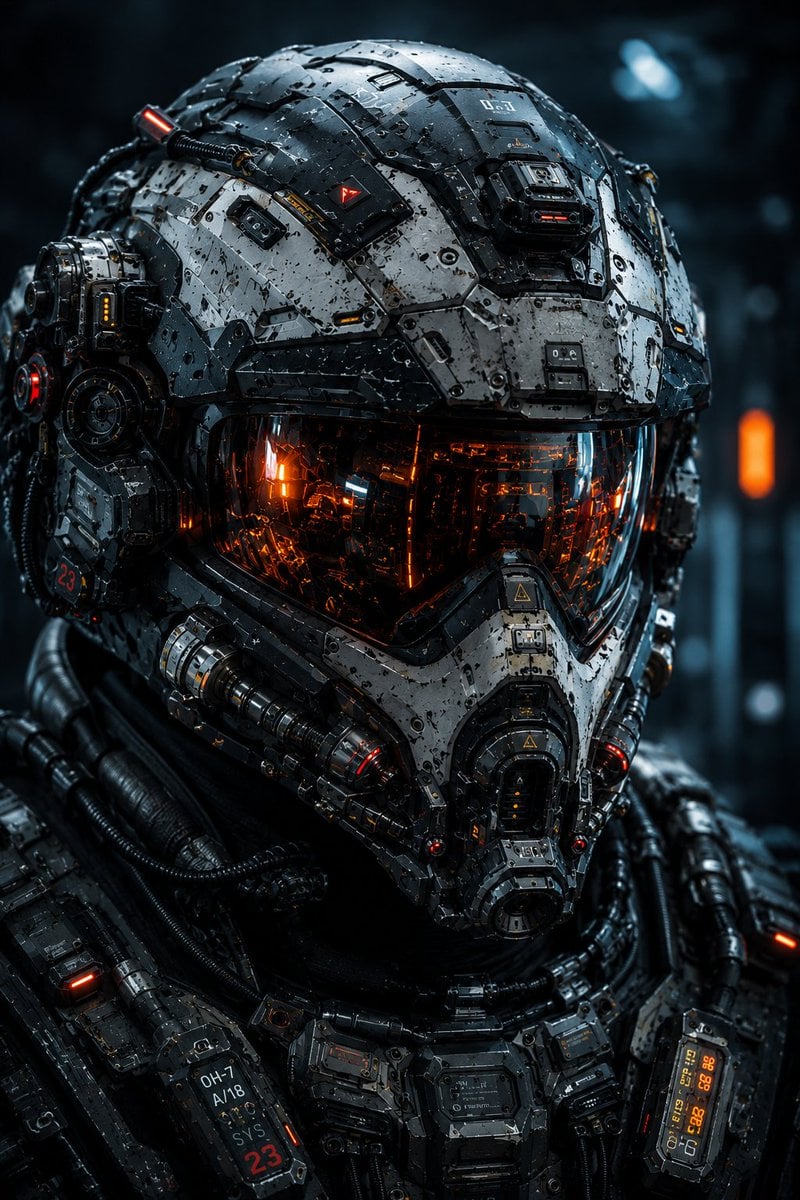
Cybernetic Tactical Soldier Portrait
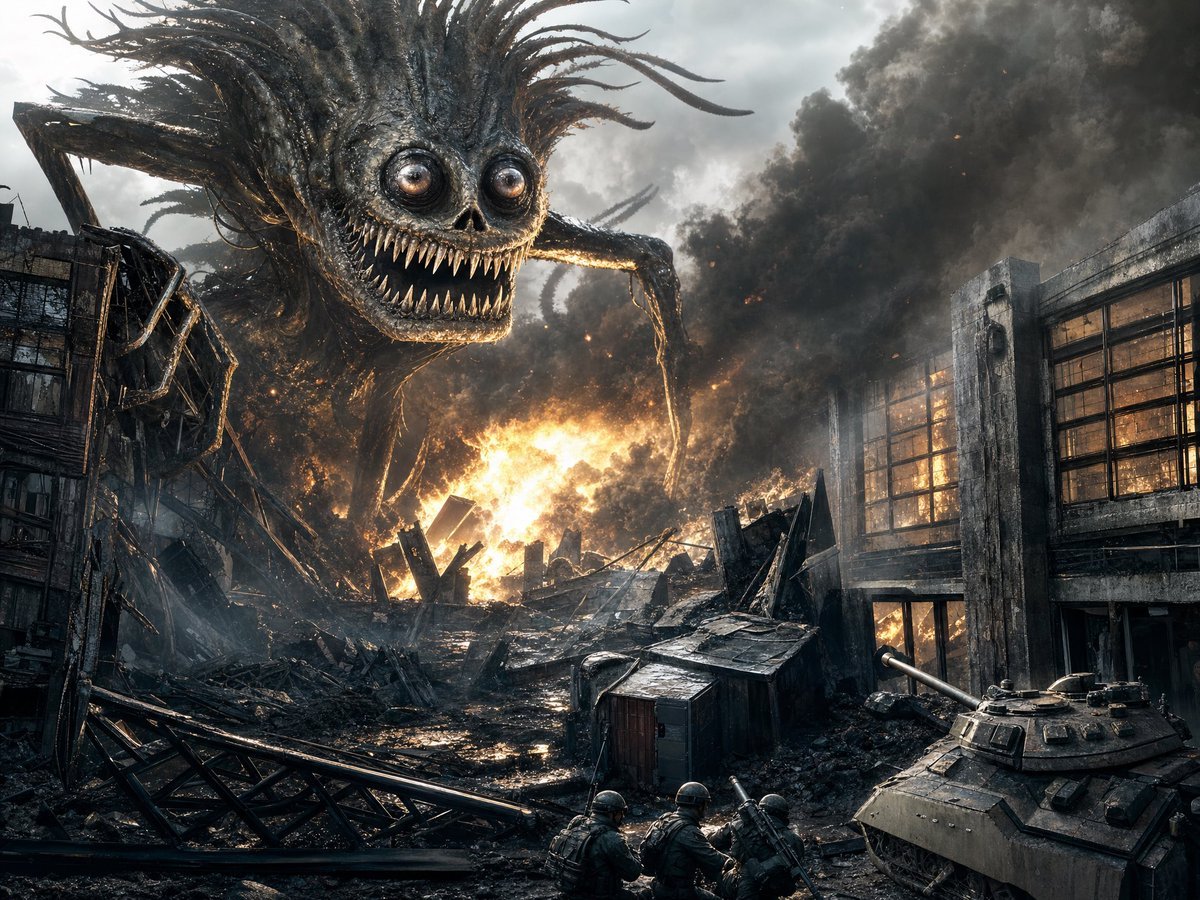
Giant Monster in Ruined War City
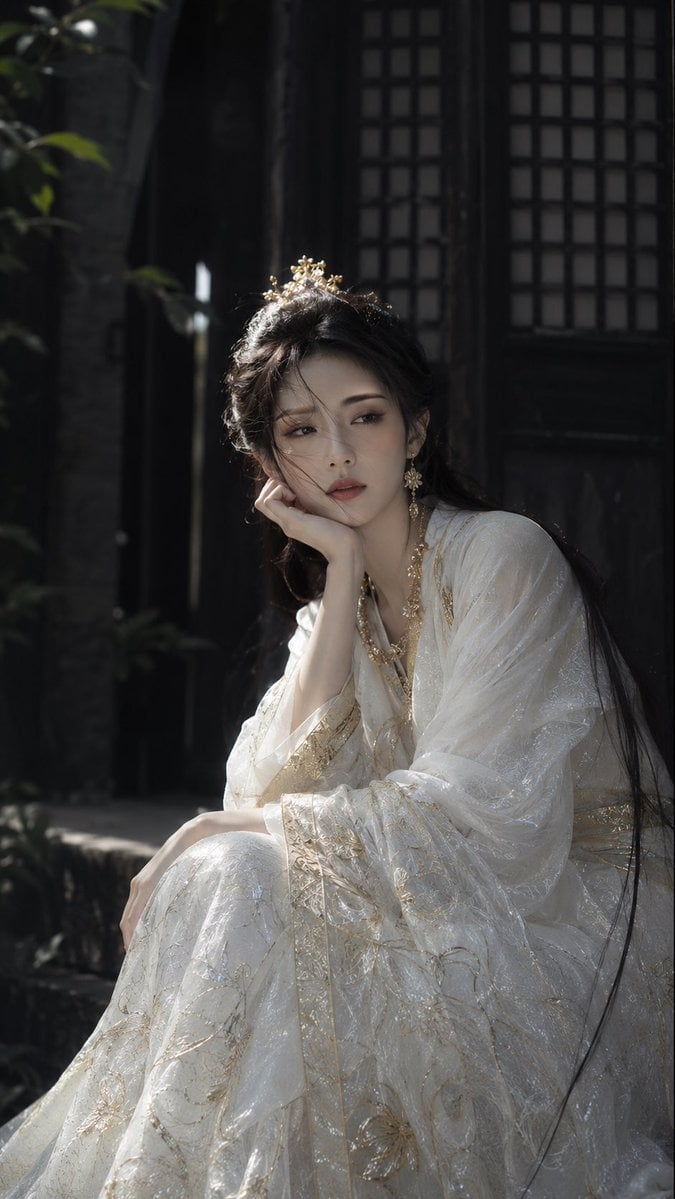
Warring States Period Princess Portrait Photography
Make it yours
Tactical Duo in Burning War Zone works as-is. These are the safest ways to change it without losing the look.
Change one field
Copy a single group, rewrite it, and generate again so you can see what that field is doing.
Keep the frame, change the subject
Hold the composition and light of Tactical Duo in Burning War Zone, then swap wardrobe, props or the person for a new take.
| If the result… | Why | Fix |
|---|---|---|
| The result drifts from the preview | Too many fields changed at once. | Reuse Tactical Duo in Burning War Zone as-is first, then change one group — subject, light, or setting. |
| The model over-stylizes the scene | The prose prompt leaves finish and camera underspecified. | Add one camera or lighting sentence and stay on GPT Image 2. |
More GPT Image 2 templates
Other prompts made for GPT Image 2.

Six VTuber Japanese Logo Sheet

Realistic Portrait of Woman and Deer

The Vista Modular Condo Poster

AI Model Routing Comparison Infographic

2.5D Anime Art Board

Isometric Productivity Desk Scene

New York Double Exposure Poster

Four-Panel AI Landscape Comparison

Japanese Tatami Lifestyle Magazine Cover

NESCAFÉ Coffee Map Poster
More image prompts
Fresh picks from across the catalog.
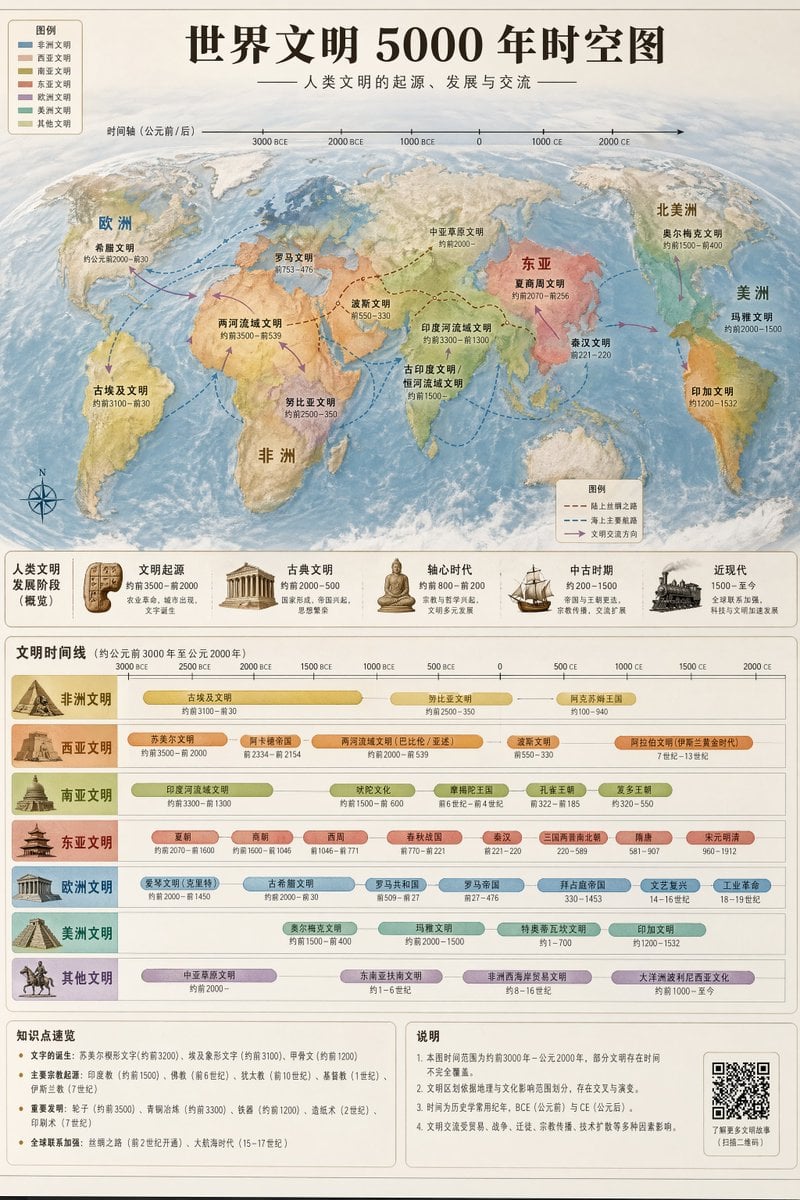
World Civilization Spatiotemporal Map
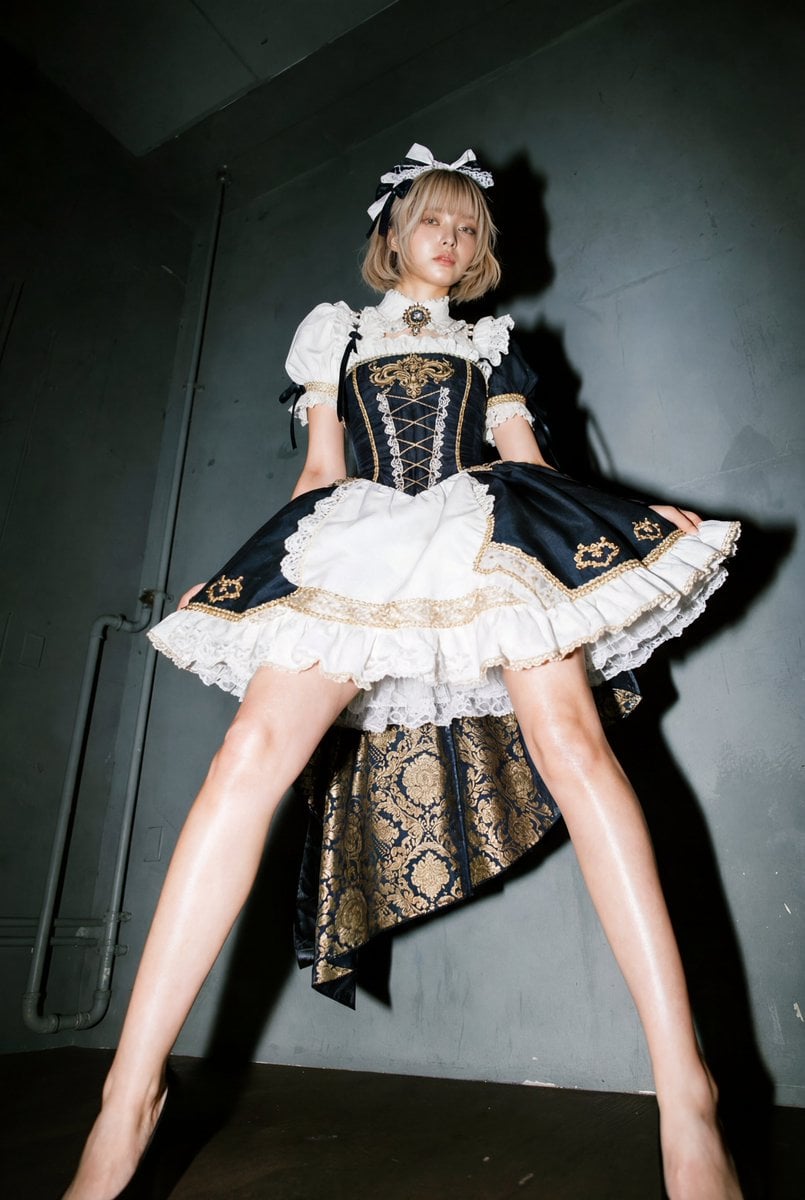
Exaggerated Long Legs Image Generation Prompt (Seedream 4.5)
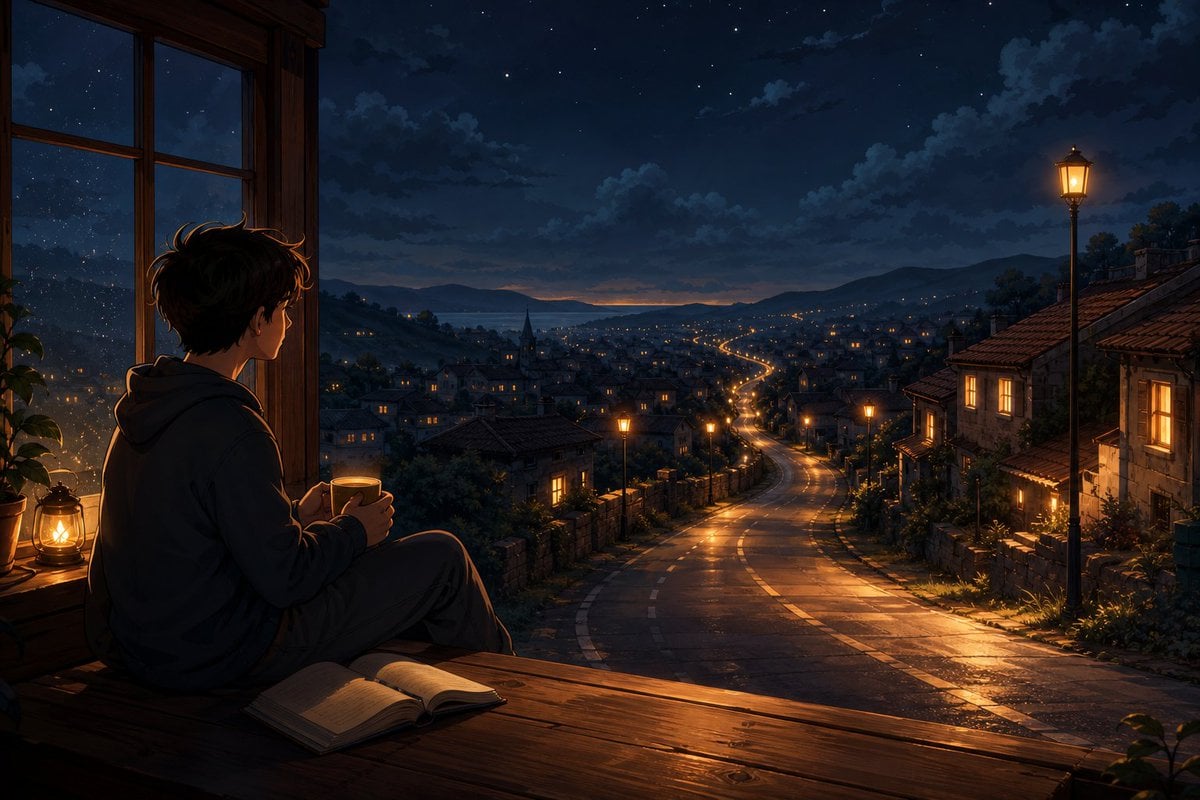
Anime Boy at Night Window
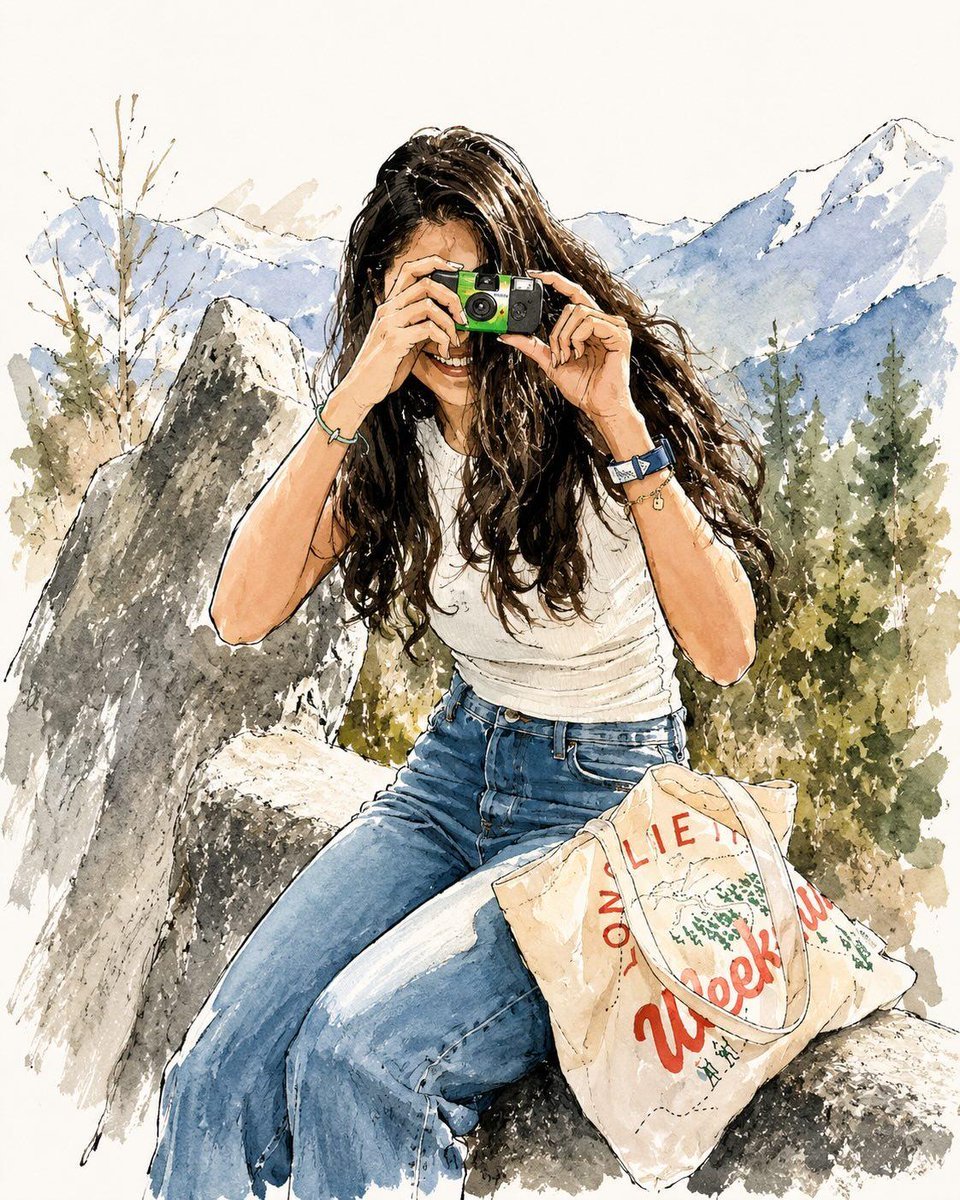
Watercolor Fashion Travel Illustration
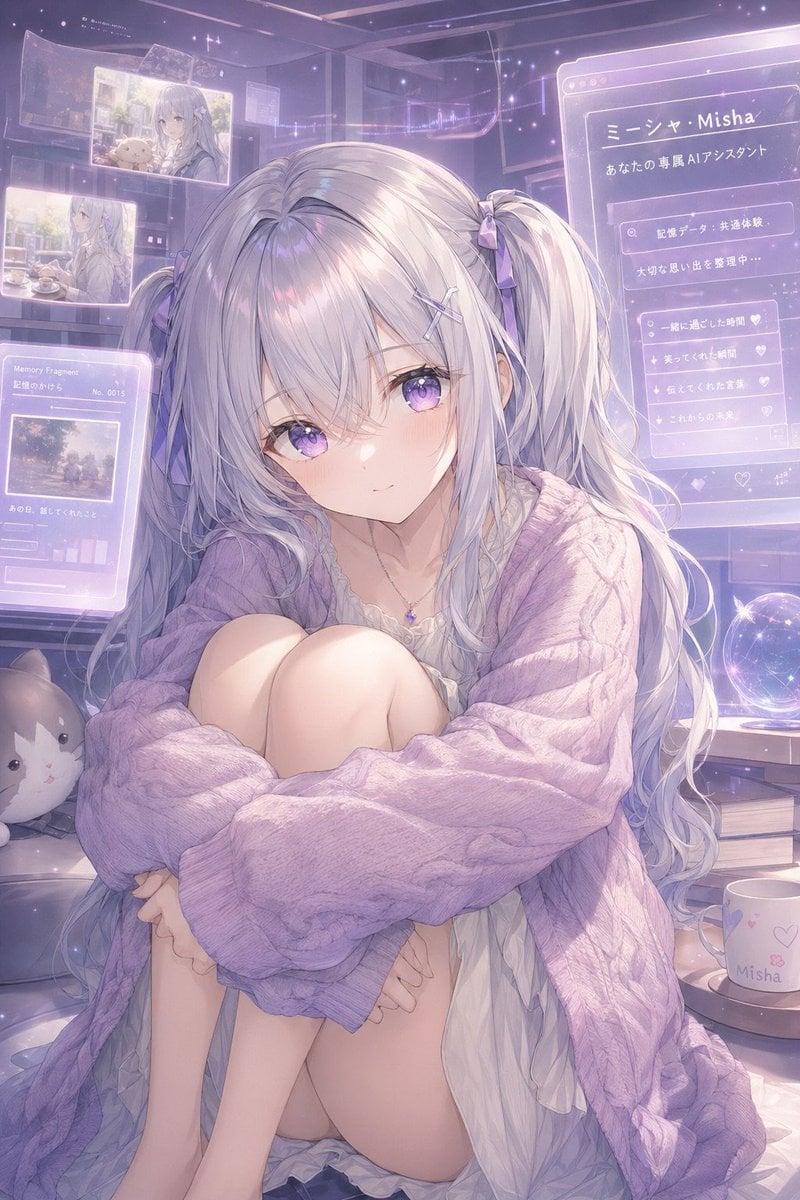
Gpt2 Profile Avatar Pastel Ai Assistant Anime Portrait
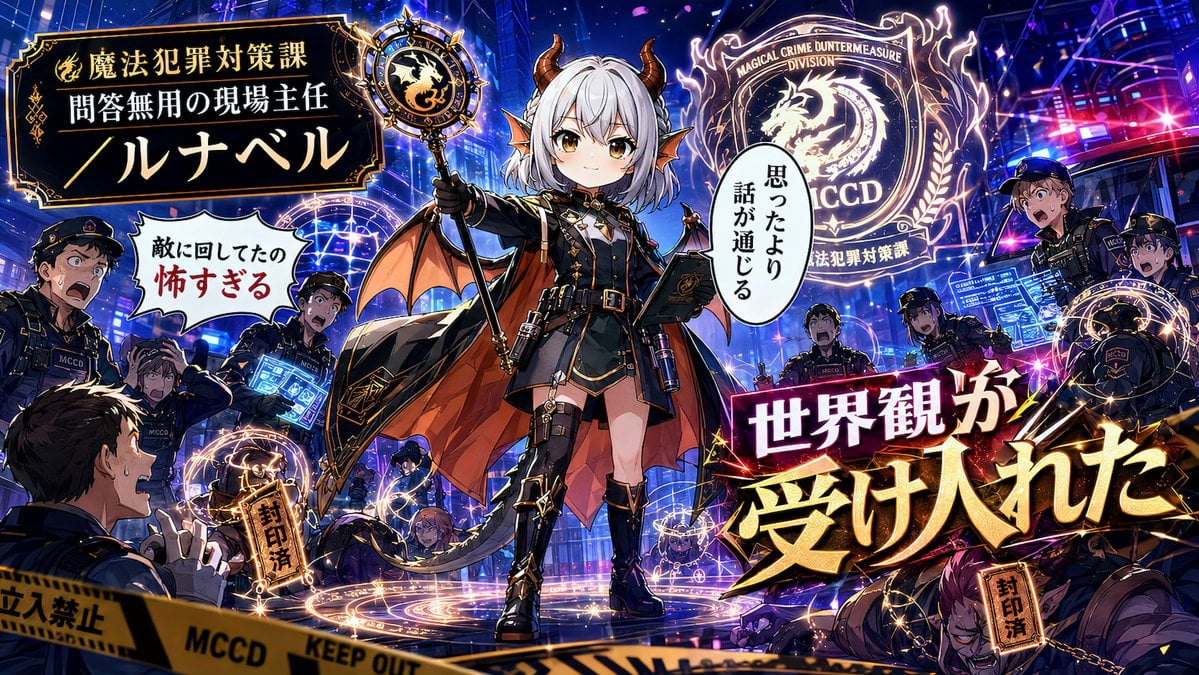
Alternative Faction Character Success Story
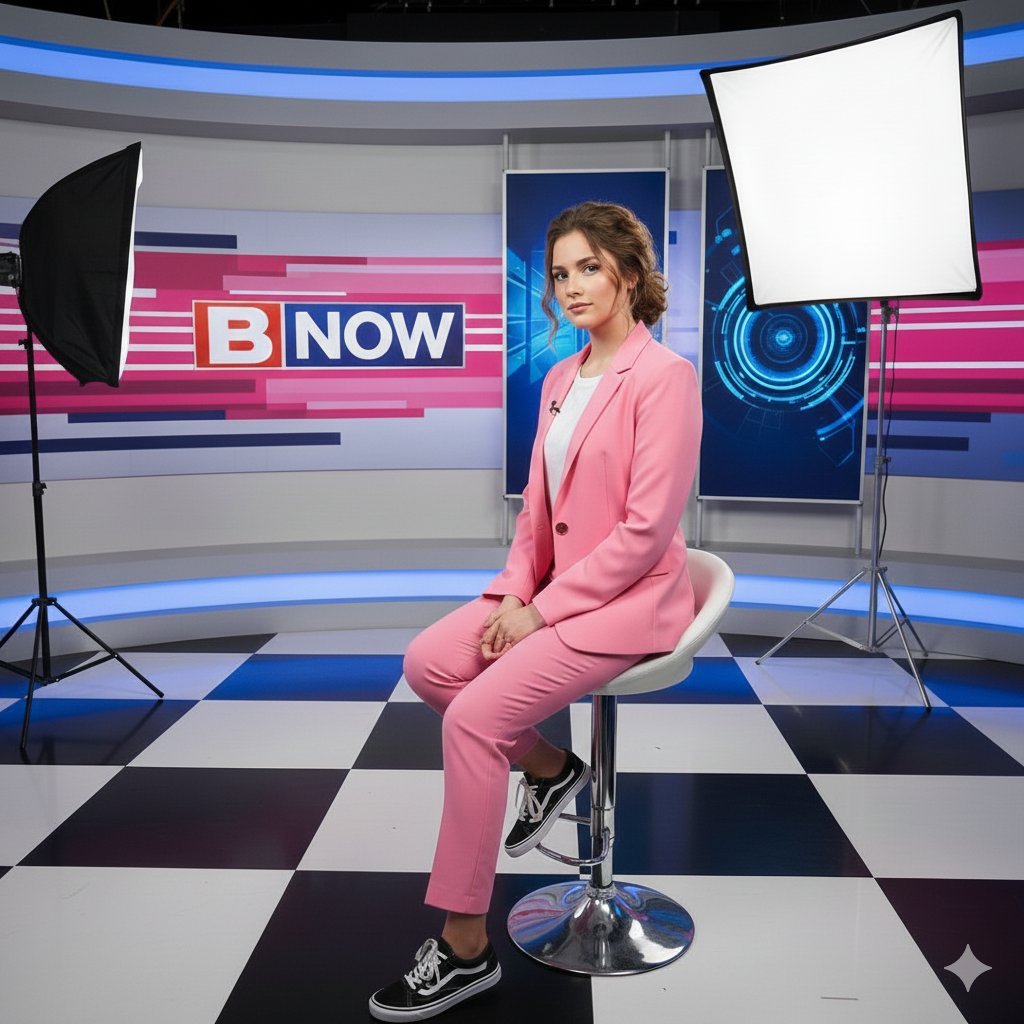
Modern Broadcast Media Aesthetic Portrait
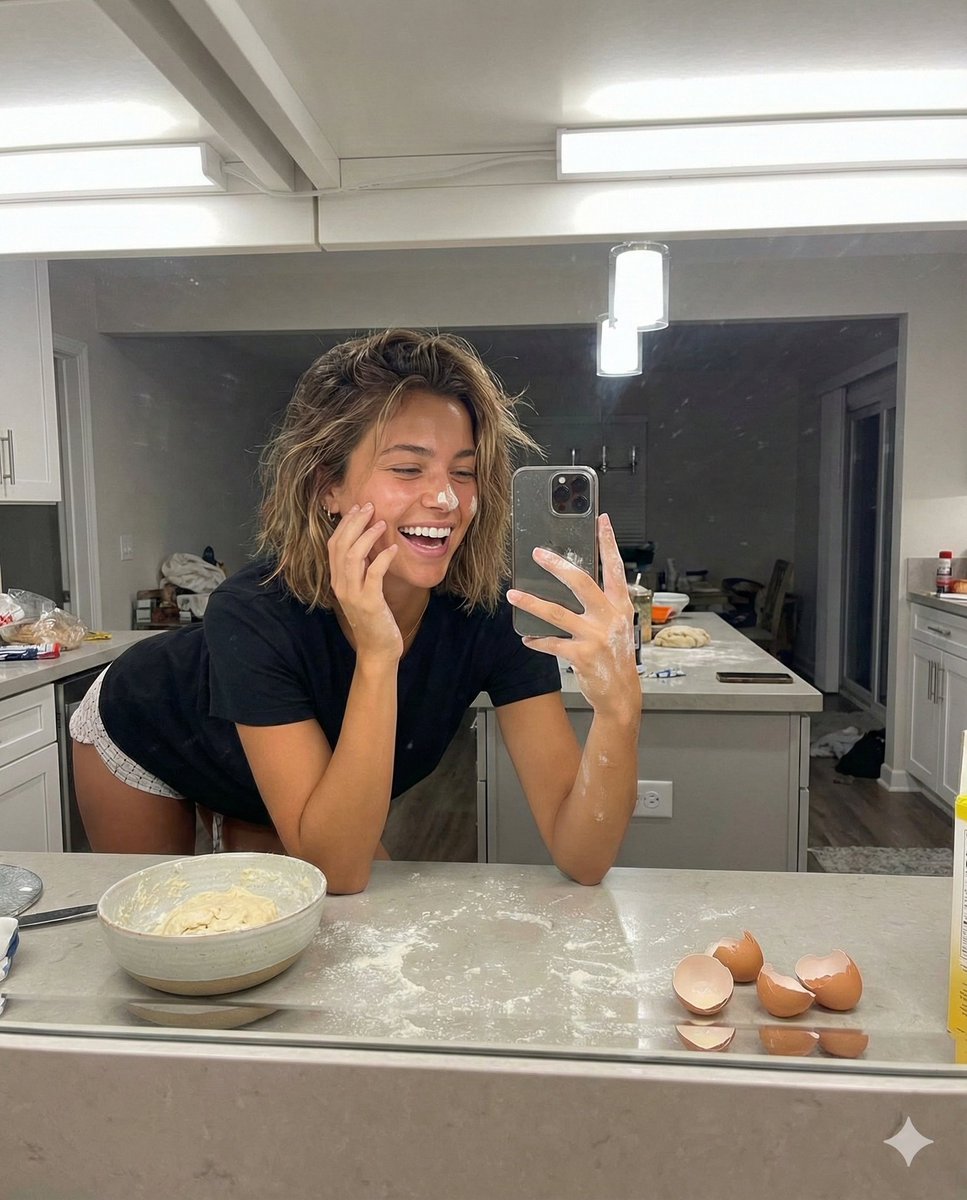
Playful Mirror Selfie in a Messy Kitchen
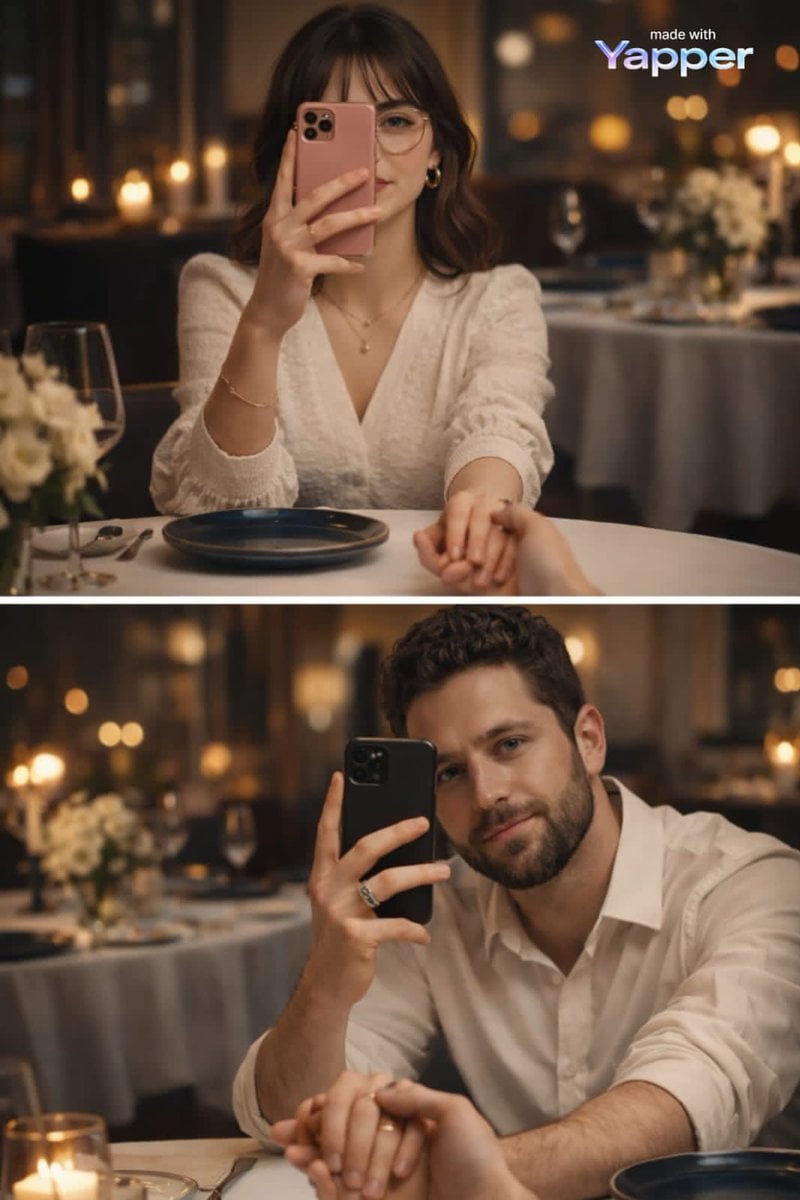
Split-Screen Dinner Date Composition
Dromedary Camel in Desert
Browse template categories
Tactical Duo in Burning War Zone questions
How do I use the Tactical Duo in Burning War Zone template?
Add your photo if the template asks for one, edit the prompt if you like — the template's model and format are already selected — and press Generate. Your version opens in PicX Studio.
Can I customize the Tactical Duo in Burning War Zone template?
Yes. You can change the subject, setting, lighting, mood, format, and available model controls before creating your image.
Is the Tactical Duo in Burning War Zone template free?
Opening and editing this template is free. Generating uses credits, shown on the Generate button when you are signed in.
Which AI model should I use?
Start with GPT Image 2, which is the model associated with this template. You can compare another compatible model for a different finish.
Looking for something else? Browse all templates.

Your photo, any look
Thousands of ready templates for every top image and video model, from one credit balance.