
Cybernetic Tactical Soldier Portrait
A detailed prompt for generating cinematic, high-tech portraits of futuristic cybernetic soldiers with intricate armor textures and dramatic orange visor lighting.
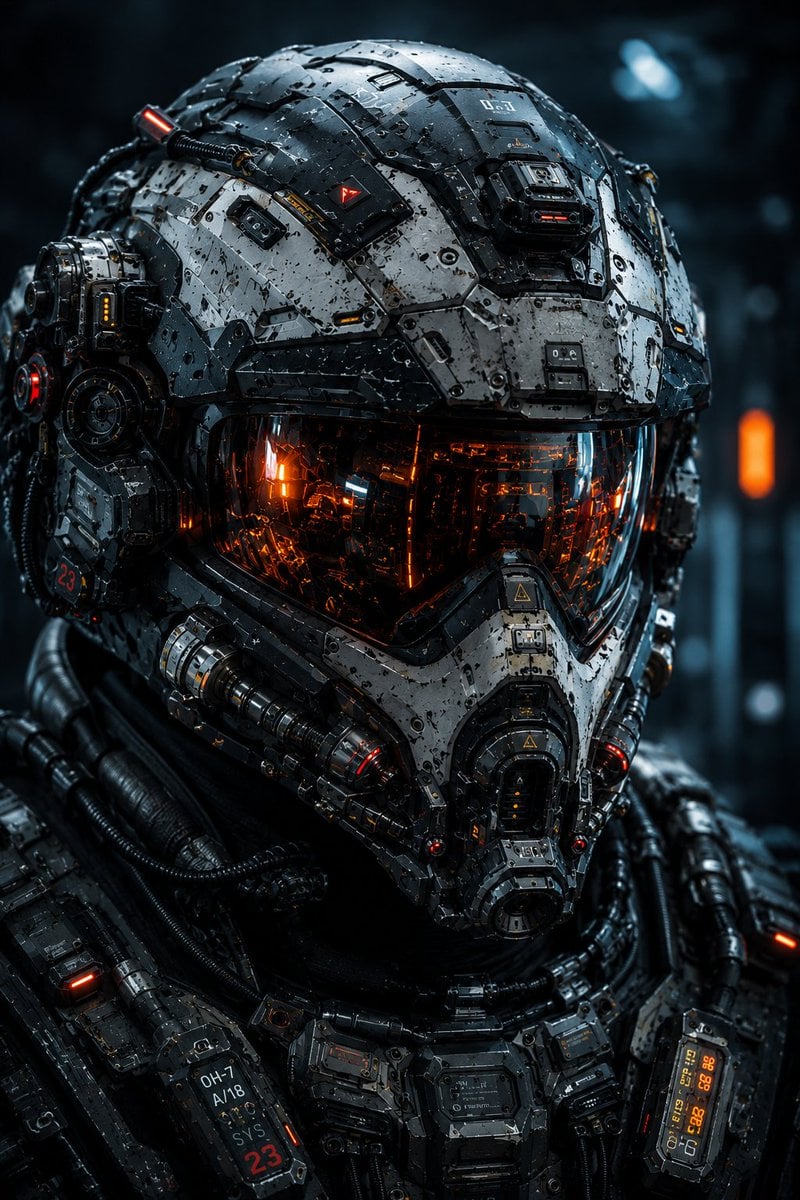
- Prompt included
- Model and format preset
- Free template
The prompt behind this image
Copy the exact prompt behind Cybernetic Tactical Soldier Portrait, or open it in the studio and make it yours.
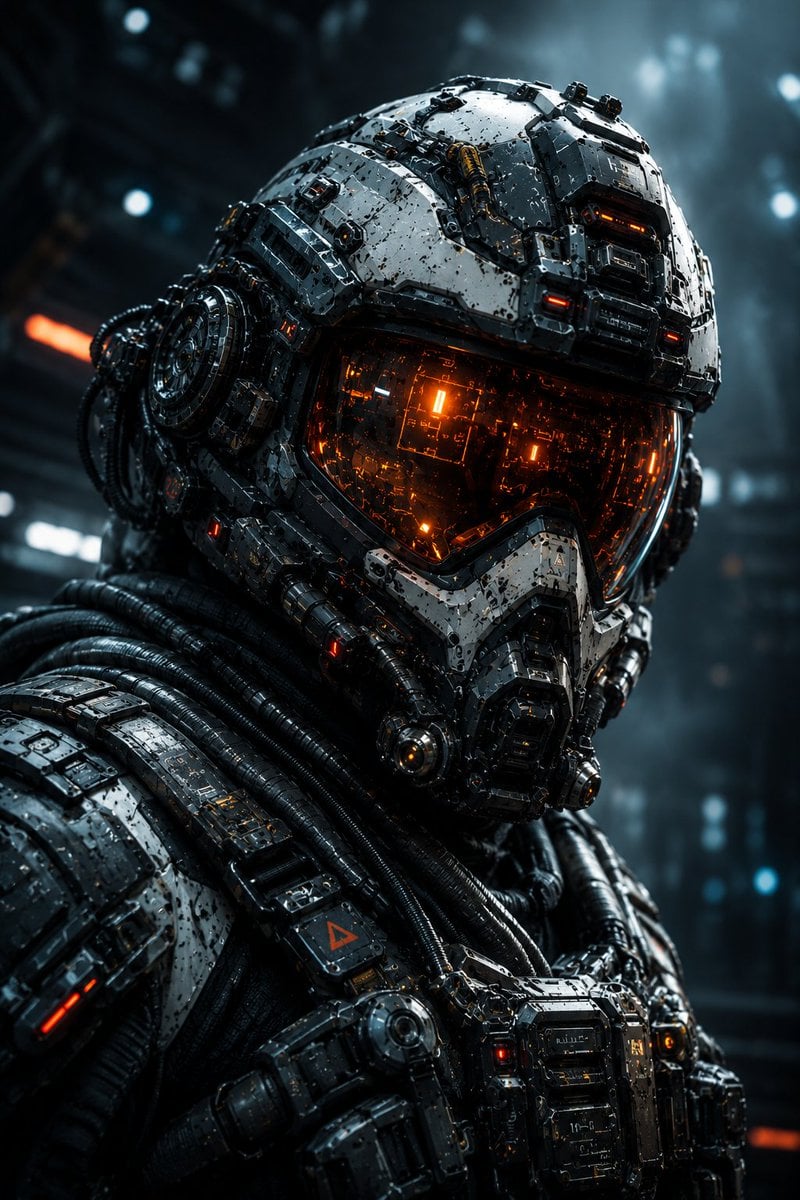
Create an ultra-detailed vertical 2:3 cinematic portrait of a futuristic tactical cybernetic soldier, closely matching the reference image’s composition, framing, perspective, lighting, color palette, and overall visual impact. The subject is shown in an extreme close-up, perfectly centered and facing directly toward the camera. The character wears an advanced futuristic combat helmet made from layered matte and semi-gloss armored plates, mechanical modules, exposed cables, vents, screws, pistons, reinforced joints, micro-panels, warning markings, illuminated indicators, and intricate industrial detailing. The helmet should feel heavily engineered, functional, rugged, and battle-worn rather than smooth or generic. The upper helmet is predominantly dark gunmetal, charcoal, silver, and weathered white, with subtle scratches, dust, chipped paint, tiny surface imperfections, and realistic metallic wear. Add small red and orange illuminated accents throughout the armor. Include numerous asymmetrical mechanical components and recessed panels to create a dense high-tech military aesthetic. The face is completely concealed behind a large futuristic reflective tactical visor. The visor is dark smoked glass with a strong transparent orange and amber glow underneath. Inside the visor, reveal subtle reflections of complex circuitry, vertical mechanical structures, glowing orange energy lines, tiny sparks, and warm internal lights. The visor should have realistic glass reflections and convincing depth. The lower face is covered by an advanced mechanical respirator and armored mask connected directly to the helmet. Include layered metal plates, compact filters, circular mechanisms, bolts, vents, flexible ribbed cables, small illuminated indicators, and mechanical locking components. The respirator should look extremely detailed and physically functional. Extend the design into a heavily armored futuristic tactical suit around the neck and shoulders. Add a complex chest and collar control system containing small digital displays, rotary knobs, switches, orange status lights, blue indicators, warning labels, cables, tubes, connectors, and modular armor components. Every surface should contain believable mechanical engineering details. Use a cinematic sci-fi military color palette: gunmetal gray, black, silver, cold blue-gray highlights, glowing orange/amber visor illumination, and subtle red accents. Strong contrast between the cool environment and warm orange lights. Lighting: dramatic cinematic studio lighting with a cool blue-gray ambient light from the background and intense warm orange light emitted from the visor and internal mechanisms. Add subtle rim lighting around the helmet edges. Highly realistic metallic reflections, glass reflections, soft volumetric haze, and atmospheric depth. Background: futuristic military laboratory or spacecraft interior, heavily blurred with shallow depth of field. Abstract cool blu
Reference images included
Cybernetic Tactical Soldier Portrait needs input media to work. They load alongside the prompt when you open it in the studio.
How to use Cybernetic Tactical Soldier Portrait in 3 steps
- 1Upload ImagePNG, JPG or paste
Add your photo
Upload the photo the template builds on. The prompt, model and format are already set.
- 2…a portrait of your subject in softgolden-hour light, 85mm…
Personalize
Edit the subject and creative details for your destination.
- 3Generate
Generate
Press Generate — your image is created in PicX Studio, so you can compare it with the original and refine one variable at a time.
More like this
Templates with the same subject, style or setup. Open one to see its prompt.
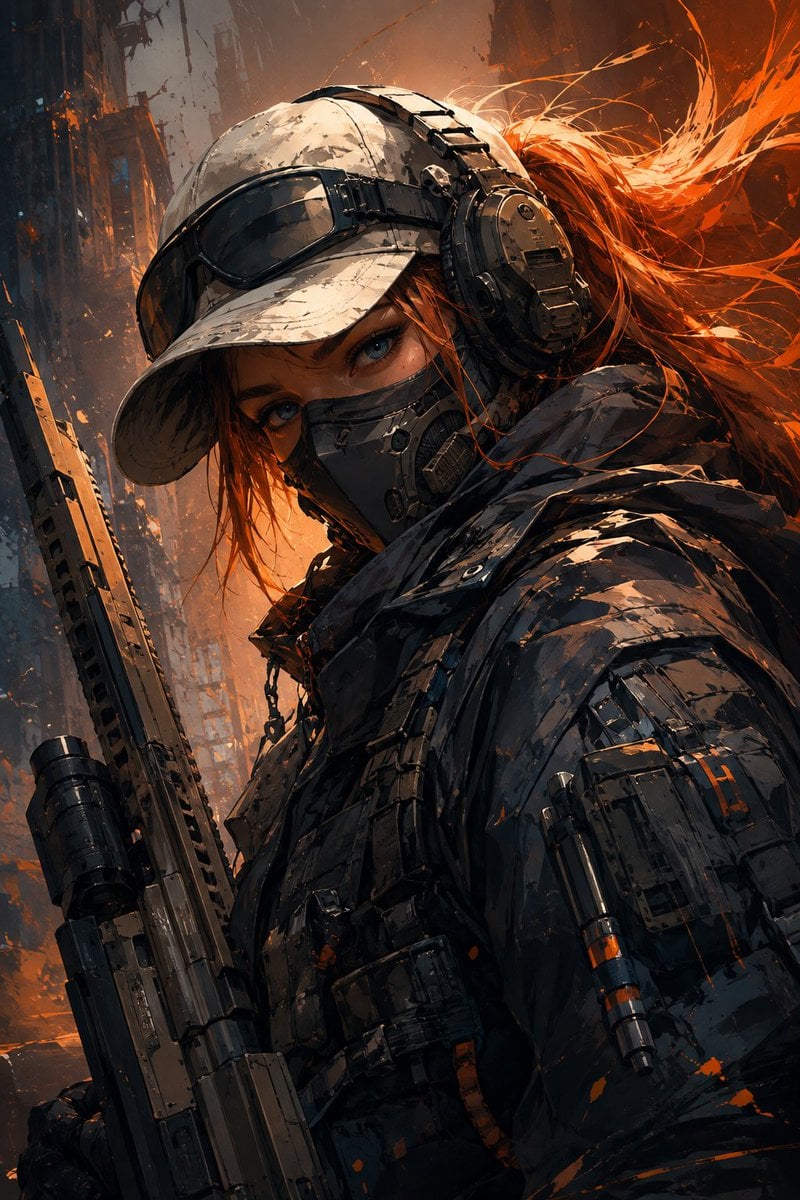
Futuristic Female Tactical Soldier Portrait

Found Photograph: Us, 1970

80s Couple Studio Portrait

80s Bollywood Star

80s Golden Hour Cinema

Me in 1985

1985 Studio Portrait

Hyper-Realistic Minecraft POV Portrait
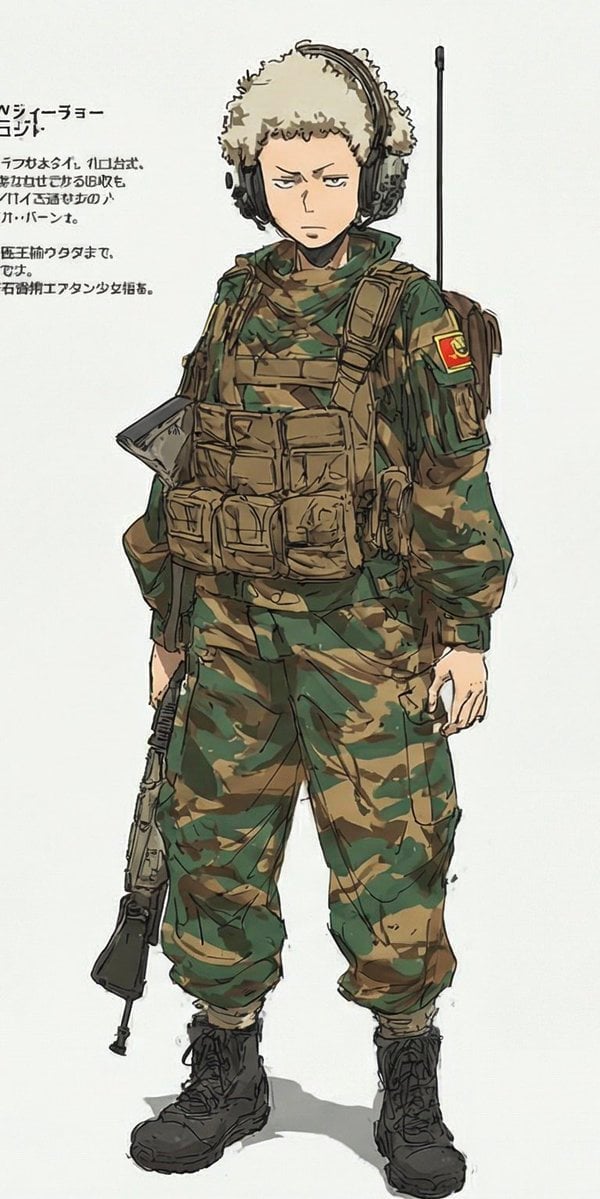
Anime Tactical Soldier Outfit Design

Rooftop Fisheye — Cat-Ear Balaclava at Golden Hour
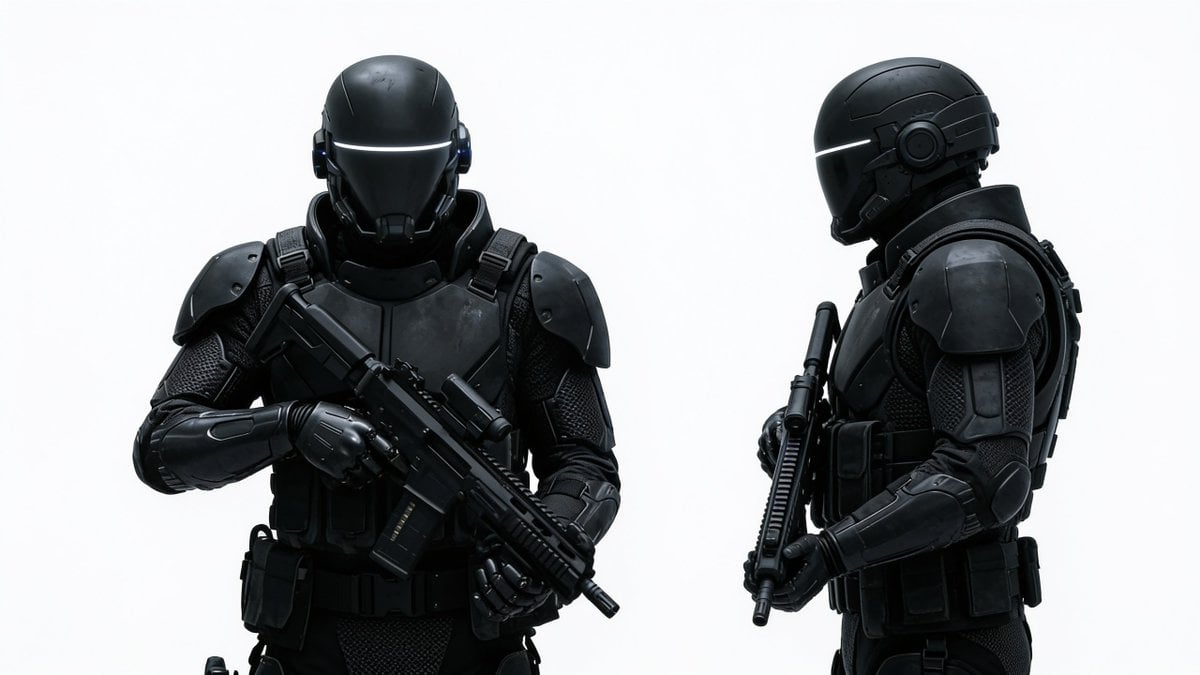
Sci-Fi Tactical Soldier Character Sheet

Rainy Café Window Moody Portrait
Make it yours
Cybernetic Tactical Soldier Portrait works as-is. These are the safest ways to change it without losing the look.
Change one field
Copy a single group, rewrite it, and generate again so you can see what that field is doing.
Keep the frame, change the subject
Hold the composition and light of Cybernetic Tactical Soldier Portrait, then swap wardrobe, props or the person for a new take.
| If the result… | Why | Fix |
|---|---|---|
| The result drifts from the preview | Too many fields changed at once. | Reuse Cybernetic Tactical Soldier Portrait as-is first, then change one group — subject, light, or setting. |
| The model over-stylizes the scene | The prose prompt leaves finish and camera underspecified. | Add one camera or lighting sentence and stay on GPT Image 2. |
More GPT Image 2 templates
Other prompts made for GPT Image 2.

Six VTuber Japanese Logo Sheet

Realistic Portrait of Woman and Deer

The Vista Modular Condo Poster

AI Model Routing Comparison Infographic

2.5D Anime Art Board

Isometric Productivity Desk Scene

New York Double Exposure Poster

Four-Panel AI Landscape Comparison

Japanese Tatami Lifestyle Magazine Cover

NESCAFÉ Coffee Map Poster
More image prompts
Fresh picks from across the catalog.
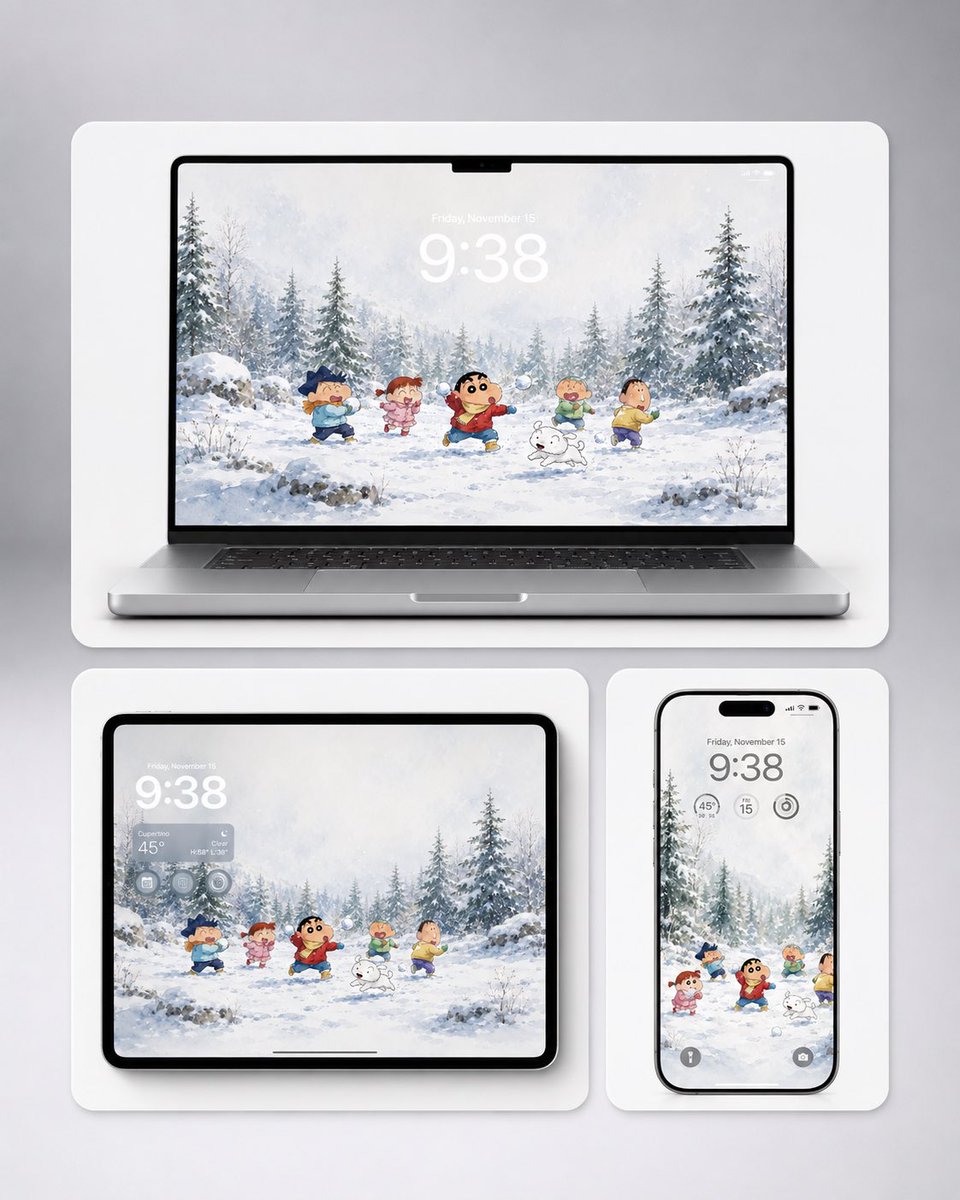
Shin-chan Winter Device Wallpaper Mockup
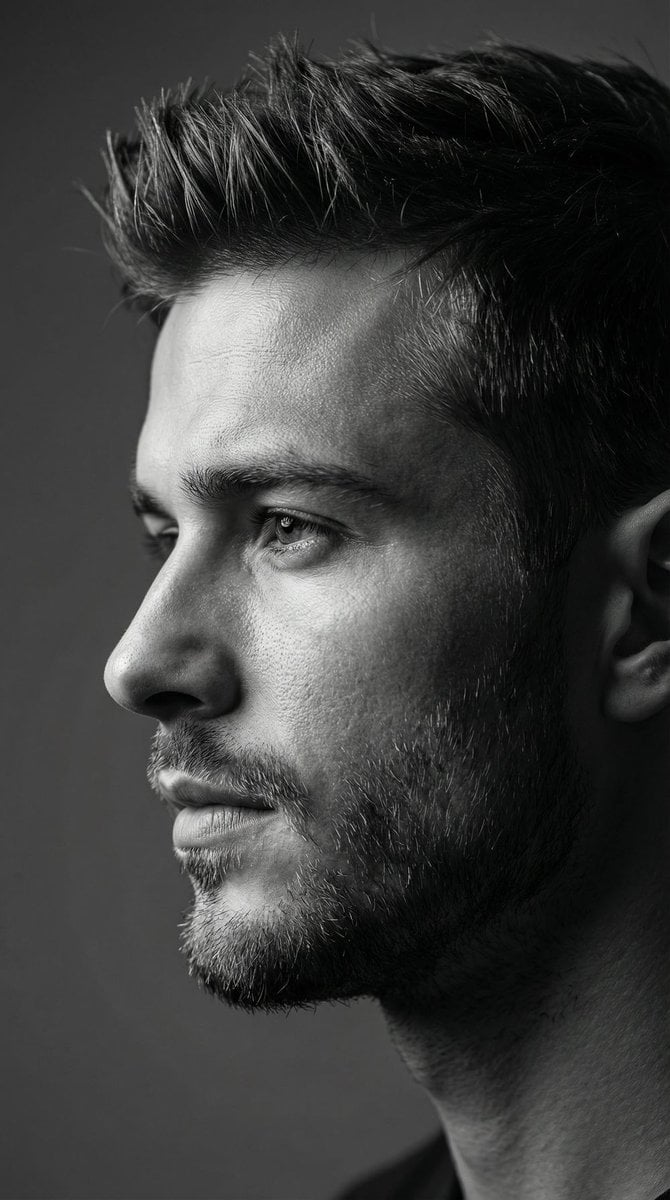
Dramatic Black and White Male Portrait
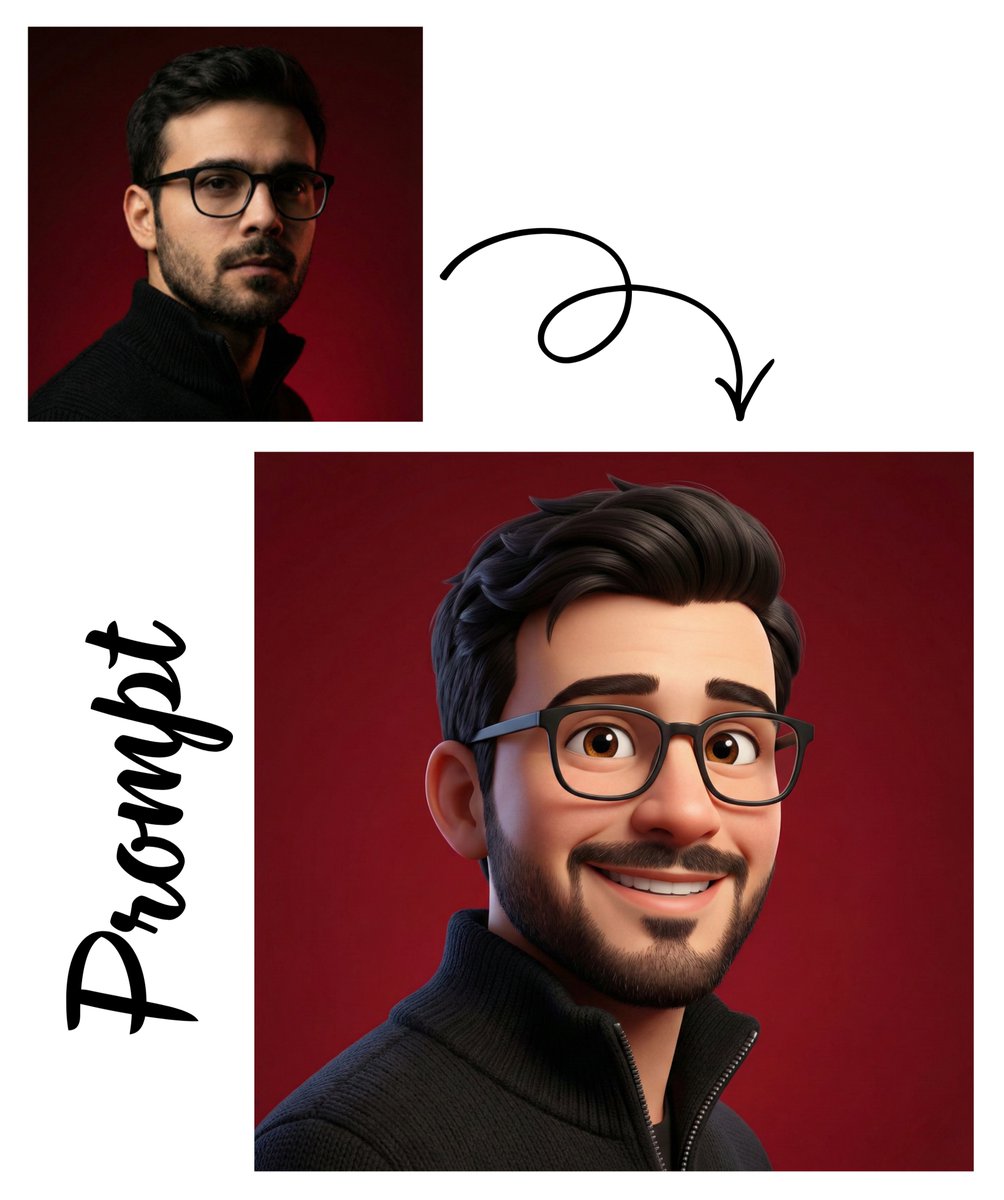
Pixar Style 3D Avatar
Gritty Evangelion Poster

Fanta Orange Beverage Ad
Surreal Moth-Winged Female Portrait
High-Contrast Geisha Irezumi Portrait Prompt
JSON Prompt for High-Fashion Orange Portrait with Reference Image
Cinematic Sunset Water Splash Portrait
Image-to-Image Style Transfer: Collage to Cézanne Painting
Browse template categories
Cybernetic Tactical Soldier Portrait questions
How do I use the Cybernetic Tactical Soldier Portrait template?
Add your photo if the template asks for one, edit the prompt if you like — the template's model and format are already selected — and press Generate. Your version opens in PicX Studio.
Can I customize the Cybernetic Tactical Soldier Portrait template?
Yes. You can change the subject, setting, lighting, mood, format, and available model controls before creating your image.
Is the Cybernetic Tactical Soldier Portrait template free?
Opening and editing this template is free. Generating uses credits, shown on the Generate button when you are signed in.
Which AI model should I use?
Start with GPT Image 2, which is the model associated with this template. You can compare another compatible model for a different finish.
Looking for something else? Browse all templates.

Your photo, any look
Thousands of ready templates for every top image and video model, from one credit balance.