
High-Contrast Geisha Irezumi Portrait Prompt
A highly detailed prompt for generating a high-contrast studio portrait of a Japanese woman presented as a traditional geisha, showcasing a full-body irezumi (tattoo) bodysuit.
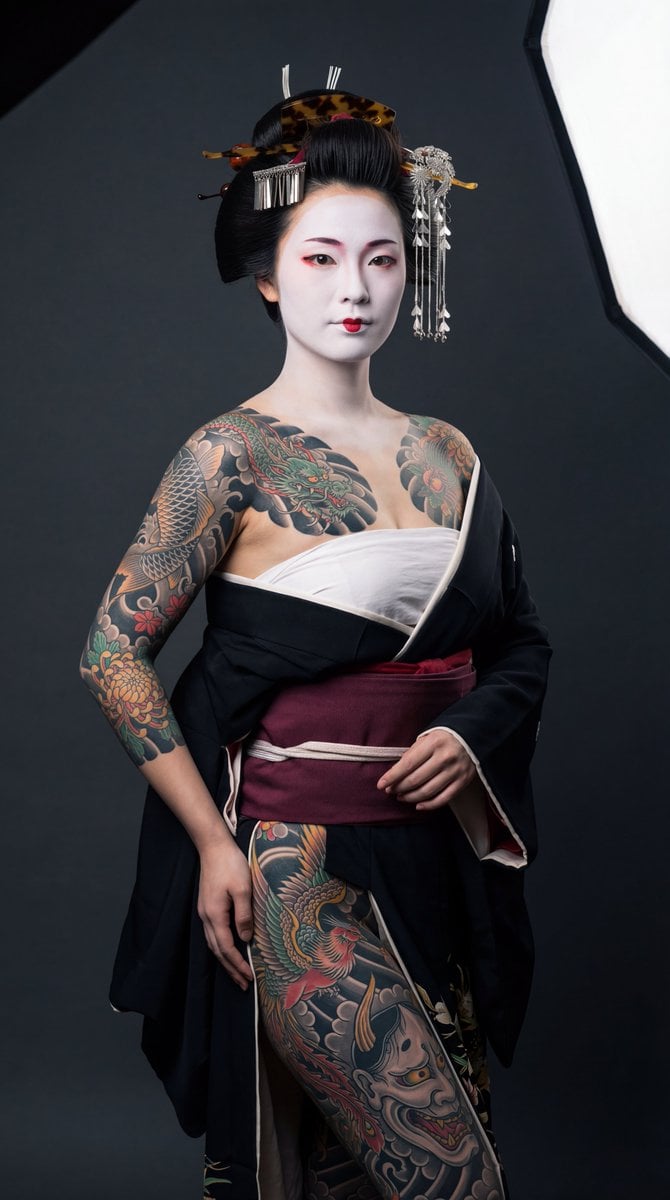
- Prompt included
- Model and format preset
- Free template
The prompt behind this image
Copy the exact prompt behind High-Contrast Geisha Irezumi Portrait Prompt, or open it in the studio and make it yours.
{ "prompt_type": "generate", "scene": { "effect_type": "high-contrast studio portrait with editorial precision", "camera": { "position": "medium full shot at subject chest height", "direction": "straight-on with subject facing three-quarter toward camera", "lens_mm": "85-105mm", "aperture": "f/8", "angle": "eye-level straight classical portrait", "psychological_intent": "classical portrait authority — clean, confident, respectful documentation allowing full tattoo coverage and geisha presentation to read with clarity and intention" } }, "subject": { "description": "Japanese woman, mid 20s, traditional geisha presentation — face covered in flawless white oshiroi makeup with immaculate application, eyebrows shaved and redrawn higher in soft charcoal smudges, eyes lined precisely with crimson and black in traditional style with subtle wing, lips painted red only on inner portion creating classic smaller mouth illusion, elaborate shimada updo lacquered jet black with multiple kanzashi hairpins including tortoiseshell comb, silver floral pins, and dangling bira-bira ornaments — full traditional Japanese irezumi bodysuit in sharp focus: both arm sleeves in continuous coverage from wrists to shoulders featuring {argument name="right arm tattoo" default="koi fish swimming upstream through crashing waves"} on right arm with water spray detailing, {argument name="left arm tattoo" default="coiling dragon wrapped in wind bars and peonies"} on left arm with individual scales visible, massive chest piece spanning from collarbone to sternum depicting battling phoenixes rising through chrysanthemum blooms with feather detail in crimson and gold, stomach piece showing upper portion of hannya mask emerging from flames with gradient horns, back piece of roaring tiger descending through bamboo and maple leaves wrapping around ribcage and creeping up onto nape behind ears, bold tebori-style outlines throughout with masterful bokashi gradient shading in blacks, grays, crimson, gold and jade green", "action": "static posed", "body_position": "standing with weight on one hip creating subtle S-curve, arms relaxed at sides with hands slightly forward to display hand tattoos, shoulders back and chest open to present full front coverage, head tilted slightly with chin raised", "clothing": "black silk kimono slipped off both shoulders and pooled dramatically at waist, held by wide burgundy obi sash tied below ribs, traditional white sarashi chest wrap binding bust in clean horizontal bands leaving shoulders, sternum, stomach, and full arms exposed", "accessories": "multiple kanzashi hairpins including tortoiseshell comb, silver floral pins, dangling bira-bira ornaments catching light, delicate jade drop earrings", "movement": "none, composed stillness", "expression": "commanding serenity — direct gaze into lens with quiet confidence, painted lips in subtle closed-mouth suggestion of smile, the calm power of someone who knows exactly what they are" } }
How to use High-Contrast Geisha Irezumi Portrait Prompt in 3 steps
- 1
Open
The prompt is already in the box next to the preview, with the template's model and format selected.
- 2…a portrait of your subject in softgolden-hour light, 85mm…
Personalize
Edit the subject and creative details for your destination.
- 3Generate
Generate
Press Generate — your image is created in PicX Studio, so you can compare it with the original and refine one variable at a time.
More like this
Templates with the same subject, style or setup. Open one to see its prompt.

Found Photograph: Us, 1970

80s Couple Studio Portrait

80s Bollywood Star

80s Golden Hour Cinema

Me in 1985

1985 Studio Portrait

Hyper-Realistic Minecraft POV Portrait

Rooftop Fisheye — Cat-Ear Balaclava at Golden Hour

Rainy Café Window Moody Portrait

untitled

2025 Aesthetic Photography

Nano Banana Is So Addictive
Make it yours
High-Contrast Geisha Irezumi Portrait Prompt works as-is. These are the safest ways to change it without losing the look.
Change one field
Copy a single group, rewrite it, and generate again so you can see what that field is doing.
Keep the frame, change the subject
Hold the composition and light of High-Contrast Geisha Irezumi Portrait Prompt, then swap wardrobe, props or the person for a new take.
| If the result… | Why | Fix |
|---|---|---|
| The result drifts from the preview | Too many fields changed at once. | Reuse High-Contrast Geisha Irezumi Portrait Prompt as-is first, then change one group — subject, light, or setting. |
| The model over-stylizes the scene | The prose prompt leaves finish and camera underspecified. | Add one camera or lighting sentence and stay on Nano Banana 2. |
More Nano Banana 2 templates
Other prompts made for Nano Banana 2.

Photorealistic Leaf Shaped Like a Dragon

K-Pop Idol Portrait Grid for Rapid Selection

Poetic Rain Forest Portrait During Golden Hour

Urban Street Portrait with Cartoon Inner Self Duo

Candid Nighttime Photo with Cat Prompt

High-Concept 3D Diorama Generation Prompt

Cinematic Futuristic Studio Portrait Template

Skincare Editorial Photography Collage Prompt

Hyper-Realistic Commercial Product Photography (Splash Effect)

Hyper-Realistic Nightclub Portrait Prompt
More image prompts
Fresh picks from across the catalog.
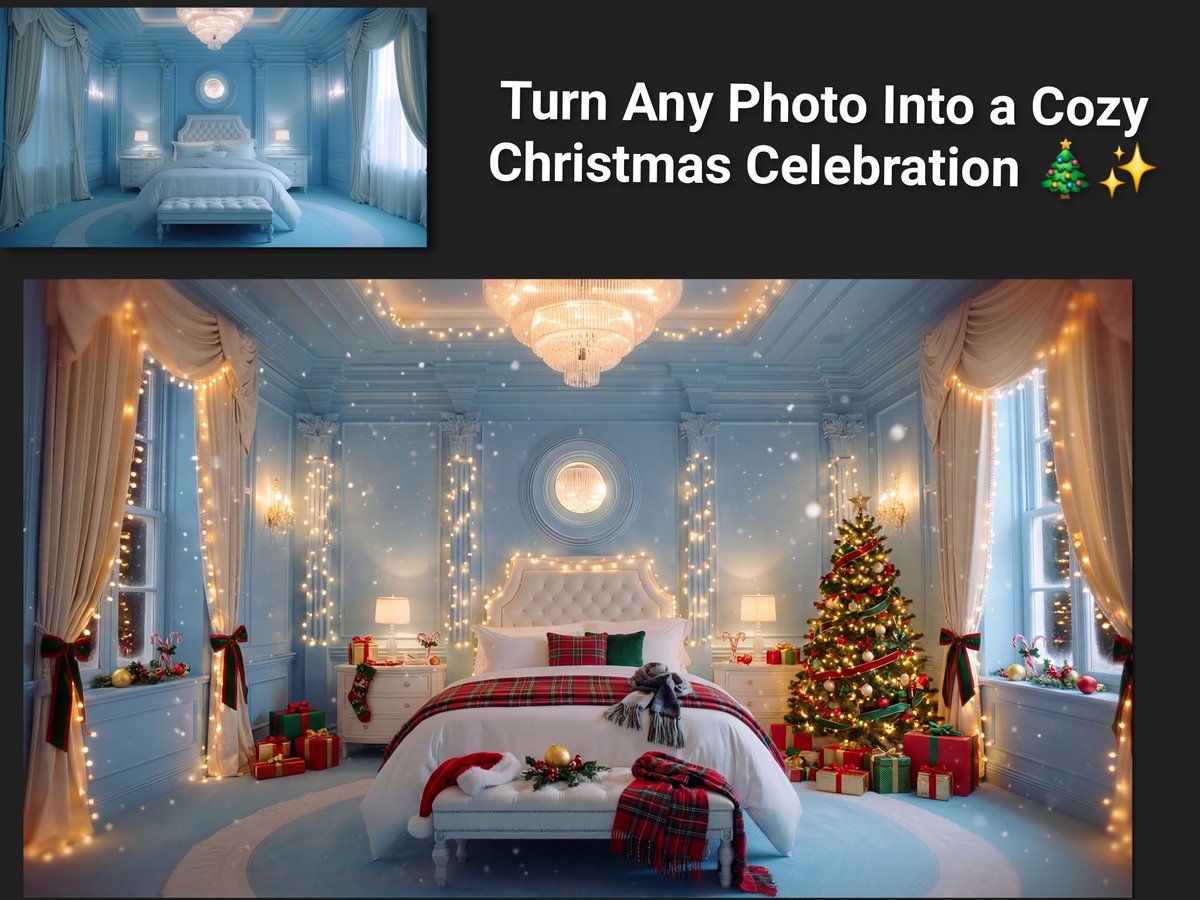
Image Transformation to Cozy Christmas Scene
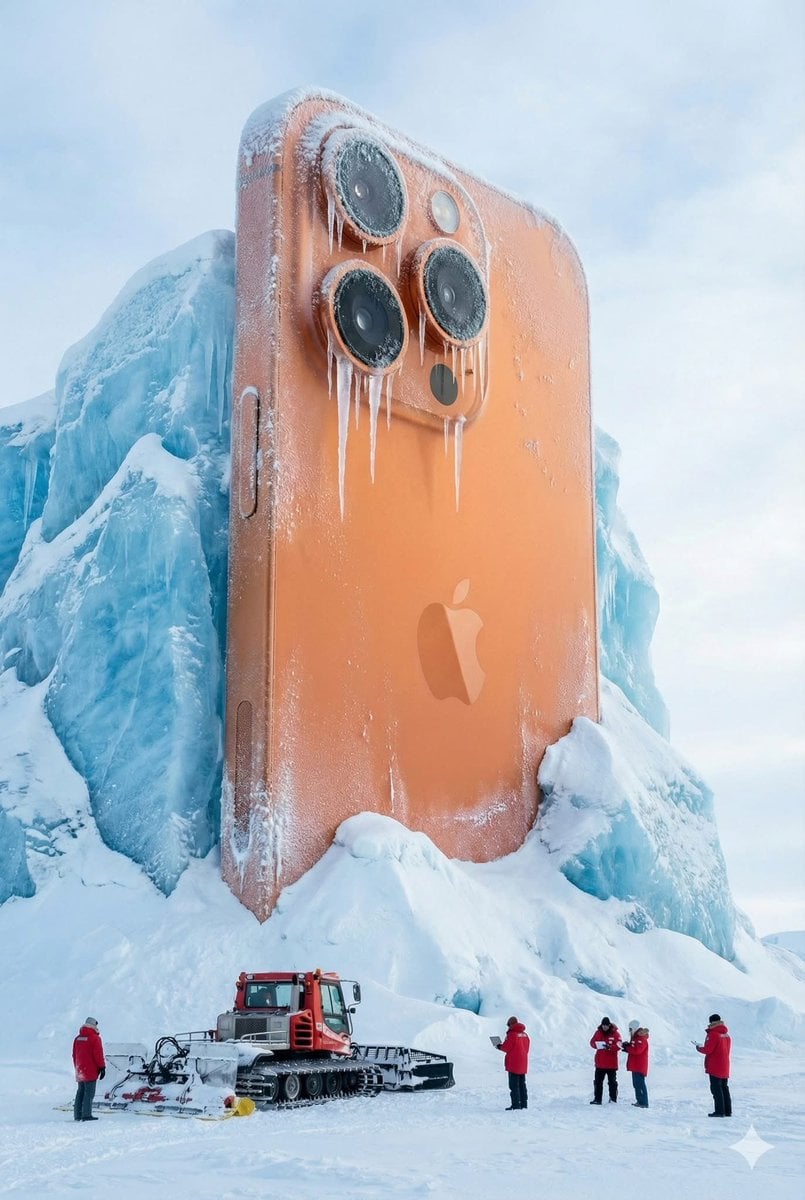
Giant Coca-Cola Can Monument in Arctic Ice
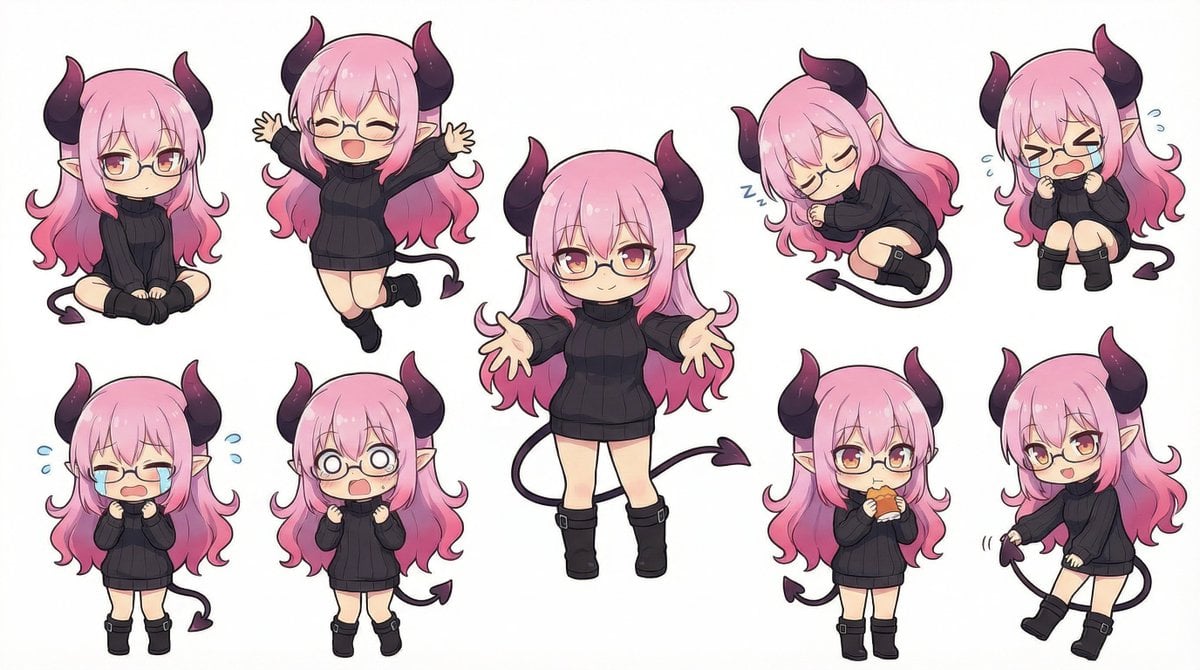
Nanobanana Pro Deformed Character Generation
Anime Rooftop Cheerleaders at Night
Urban Night Portrait with 100% Facial Accuracy
AI Video Workspace Screenshot
Cinematic Noir Night Street Walk
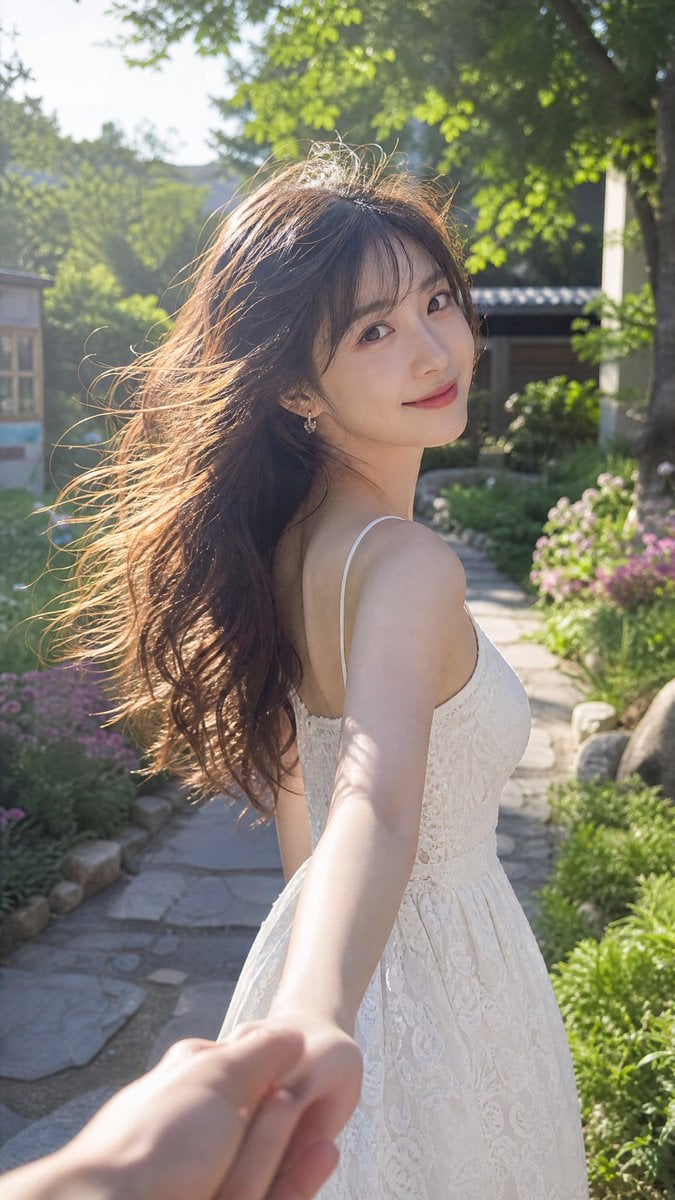
Cinematic Summer Portrait of an East Asian Woman
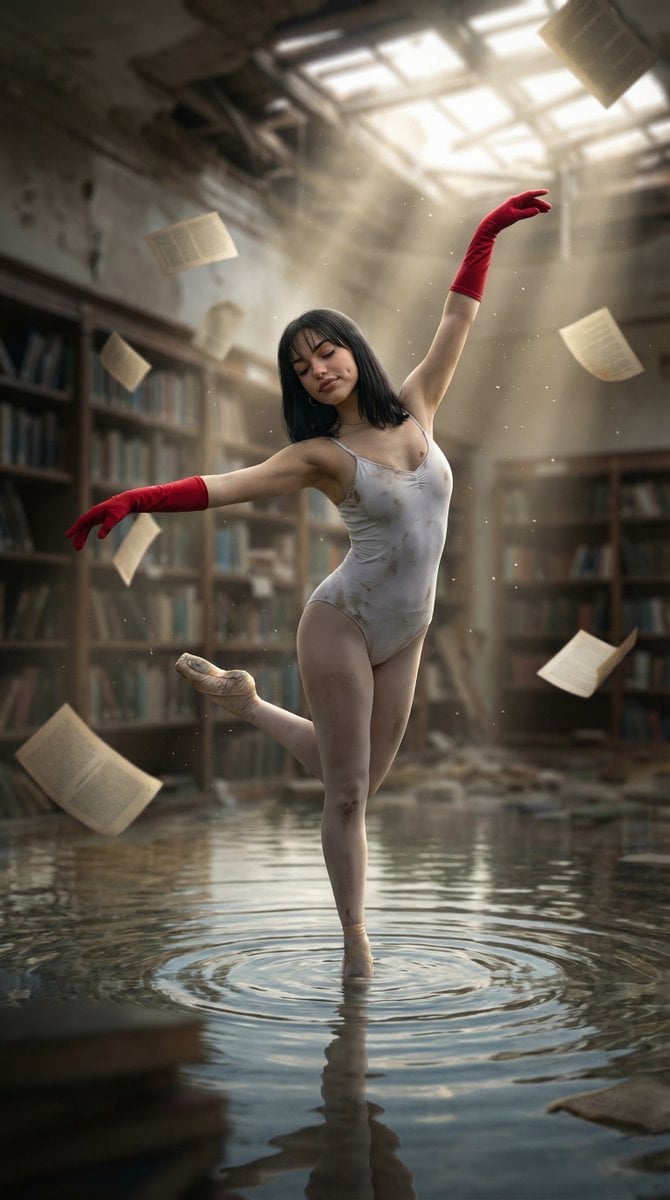
Haunting Ballerina in a Flooded Library (Flow Prompt)

Adidas Originals Fashion Ad
Browse template categories
High-Contrast Geisha Irezumi Portrait Prompt questions
How do I use the High-Contrast Geisha Irezumi Portrait Prompt template?
Add your photo if the template asks for one, edit the prompt if you like — the template's model and format are already selected — and press Generate. Your version opens in PicX Studio.
Can I customize the High-Contrast Geisha Irezumi Portrait Prompt template?
Yes. You can change the subject, setting, lighting, mood, format, and available model controls before creating your image.
Is the High-Contrast Geisha Irezumi Portrait Prompt template free?
Opening and editing this template is free. Generating uses credits, shown on the Generate button when you are signed in.
Which AI model should I use?
Start with Nano Banana 2, which is the model associated with this template. You can compare another compatible model for a different finish.
Looking for something else? Browse all templates.

Your photo, any look
Thousands of ready templates for every top image and video model, from one credit balance.