
Futuristic Female Tactical Soldier Portrait
A detailed prompt for creating a futuristic female tactical soldier in a close-up portrait, focusing on high-tech gear, cinematic lighting, and a painterly anime-inspired art style.
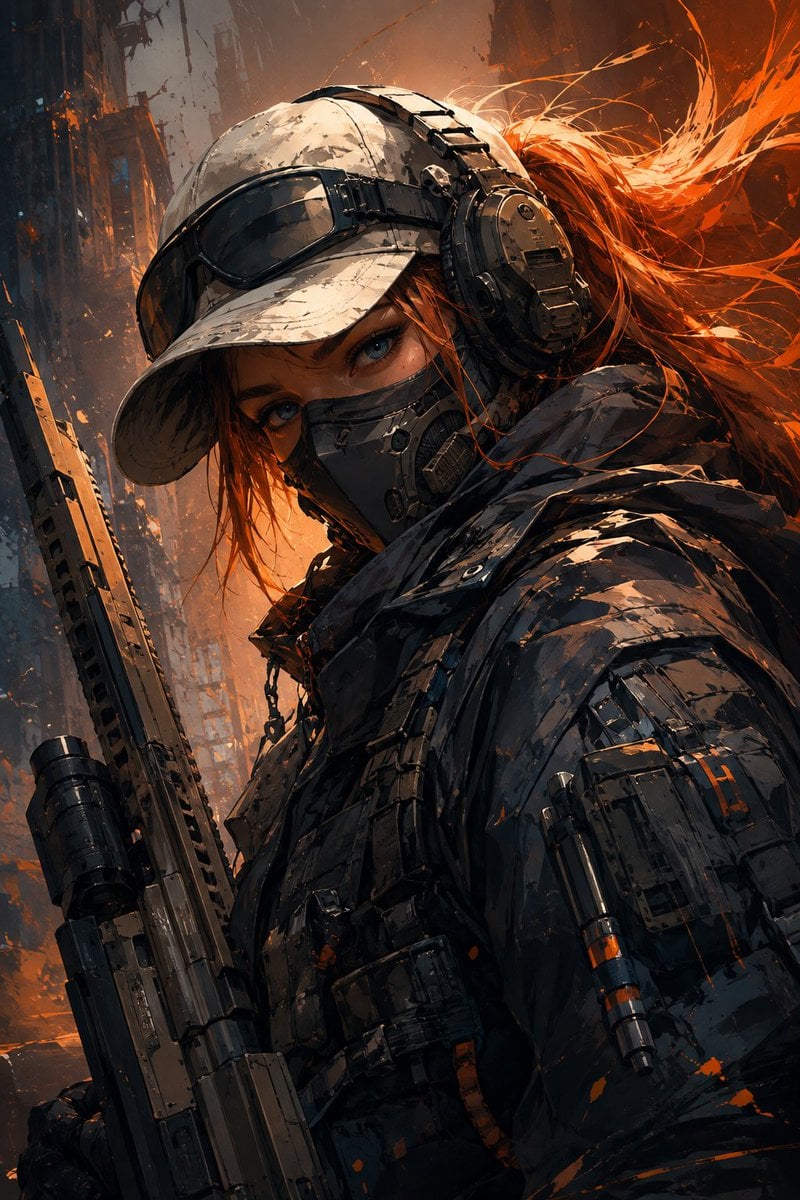
- Prompt included
- Model and format preset
- Free template
The prompt behind this image
Copy the exact prompt behind Futuristic Female Tactical Soldier Portrait, or open it in the studio and make it yours.
Create a highly detailed vertical 2:3 digital illustration of a {argument name="subject" default="futuristic female tactical soldier"} in an intense close-up three-quarter portrait, matching the reference image’s composition, framing, pose, color palette, lighting, and overall visual impact. The character wears a weathered white tactical baseball cap with dark goggles resting across the brim, large black tactical headphones, and a dark respirator-style face mask covering her nose and mouth. Only her expressive blue eyes and a small portion of her face are visible. She has reddish-orange hair flowing dramatically behind her, with individual strands and painterly motion. Her outfit is a heavy futuristic dark tactical jacket with layered armor panels, straps, seams, pouches, reinforced fabric, subtle metallic components, and realistic wear. A futuristic rifle is held vertically along the left side of her body, partially visible in the foreground. Use a dynamic low-angle close-up composition. Her head is slightly tilted downward while her eyes look directly toward the viewer, creating a mysterious, intimidating and confident presence. The character should dominate the frame, with the upper body extending toward the bottom edge. Art direction: premium anime-inspired concept art blended with semi-realistic digital painting, highly refined brushwork, sharp facial details, cinematic character design, painterly textures, controlled linework, detailed tactical equipment, dramatic silhouette. Color palette: {argument name="colors" default="charcoal black, deep navy, muted gray, off-white, warm beige, and vivid burnt orange accents"}. Use strong warm orange rim lighting from behind the character contrasting against cool dark shadows on the clothing and equipment. Background: abstract urban or industrial environment rendered with loose painterly strokes, soft architectural shapes, atmospheric haze, orange light streaks, scattered paint-like particles and subtle motion effects. Keep the background less detailed than the character to maintain strong subject separation. Lighting: cinematic backlight, warm orange glow, soft ambient illumination, subtle highlights on goggles and metal components, deep shadows, volumetric atmospheric light, high contrast but preserved details. Composition must closely resemble the reference: character centered slightly right, face occupying the upper-middle area, rifle running vertically along the left side, flowing orange hair sweeping toward the upper-right, large dark tactical clothing filling the lower half. Ultra-detailed, polished concept art, dynamic brush strokes, sophisticated color grading, dramatic atmosphere, crisp focal details, high resolution, no text, no watermark, no logo, vertical 2:3 aspect ratio.
How to use Futuristic Female Tactical Soldier Portrait in 3 steps
- 1Upload ImagePNG, JPG or paste
Add your photo
Upload the photo the template builds on. The prompt, model and format are already set.
- 2…a portrait of your subject in softgolden-hour light, 85mm…
Personalize
Edit the subject and creative details for your destination.
- 3Generate
Generate
Press Generate — your image is created in PicX Studio, so you can compare it with the original and refine one variable at a time.
More like this
Templates with the same subject, style or setup. Open one to see its prompt.
Cybernetic Tactical Soldier Portrait

Found Photograph: Us, 1970

80s Couple Studio Portrait

80s Bollywood Star

80s Golden Hour Cinema

Me in 1985

1985 Studio Portrait

Hyper-Realistic Minecraft POV Portrait
Modern Pop-Art Female Portrait

Futuristic Anime Tactical Concept Sheet
Anime Tactical Soldier Outfit Design

Rooftop Fisheye — Cat-Ear Balaclava at Golden Hour
Make it yours
Futuristic Female Tactical Soldier Portrait works as-is. These are the safest ways to change it without losing the look.
Change one field
Copy a single group, rewrite it, and generate again so you can see what that field is doing.
Keep the frame, change the subject
Hold the composition and light of Futuristic Female Tactical Soldier Portrait, then swap wardrobe, props or the person for a new take.
| If the result… | Why | Fix |
|---|---|---|
| The result drifts from the preview | Too many fields changed at once. | Reuse Futuristic Female Tactical Soldier Portrait as-is first, then change one group — subject, light, or setting. |
| The model over-stylizes the scene | The prose prompt leaves finish and camera underspecified. | Add one camera or lighting sentence and stay on GPT Image 2. |
More GPT Image 2 templates
Other prompts made for GPT Image 2.

Six VTuber Japanese Logo Sheet

Realistic Portrait of Woman and Deer

The Vista Modular Condo Poster

AI Model Routing Comparison Infographic

2.5D Anime Art Board

Isometric Productivity Desk Scene

New York Double Exposure Poster

Four-Panel AI Landscape Comparison

Japanese Tatami Lifestyle Magazine Cover

NESCAFÉ Coffee Map Poster
More image prompts
Fresh picks from across the catalog.
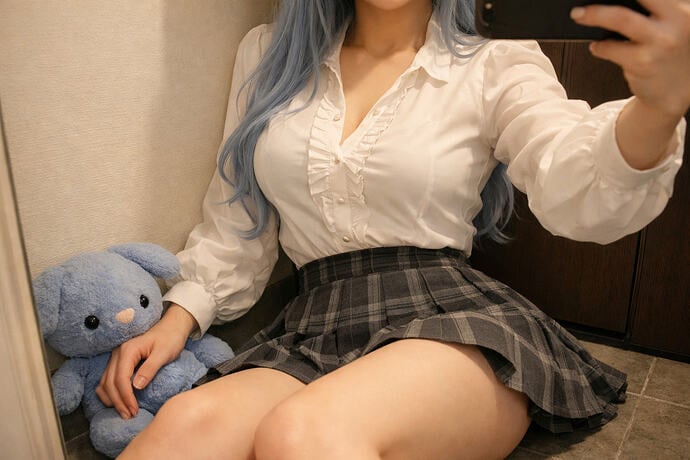
Interior Selfie Perspective Layout
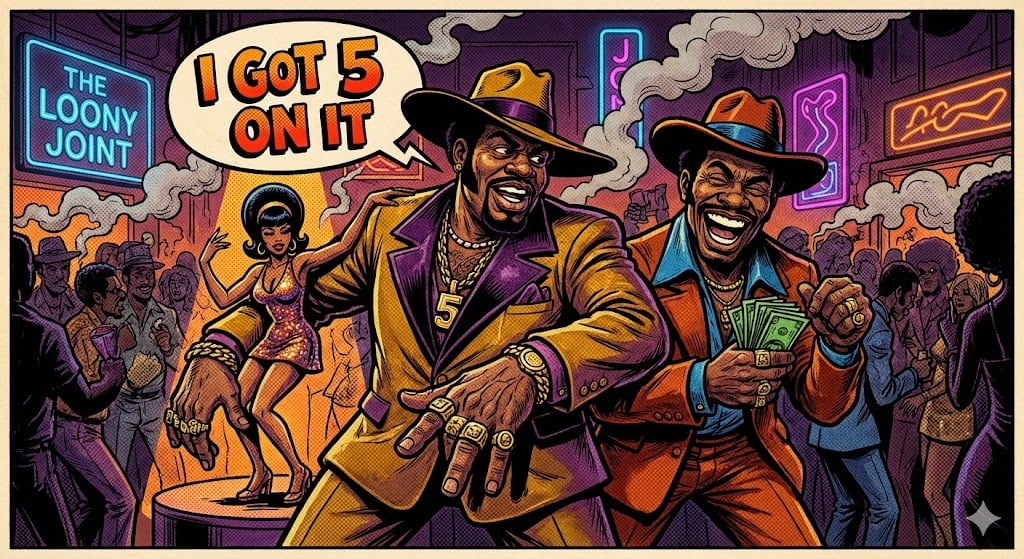
Blaxploitation Comic Art 'I Got 5 On It' Prompt

Nano Banana 2 Eastern Dragon Prompt
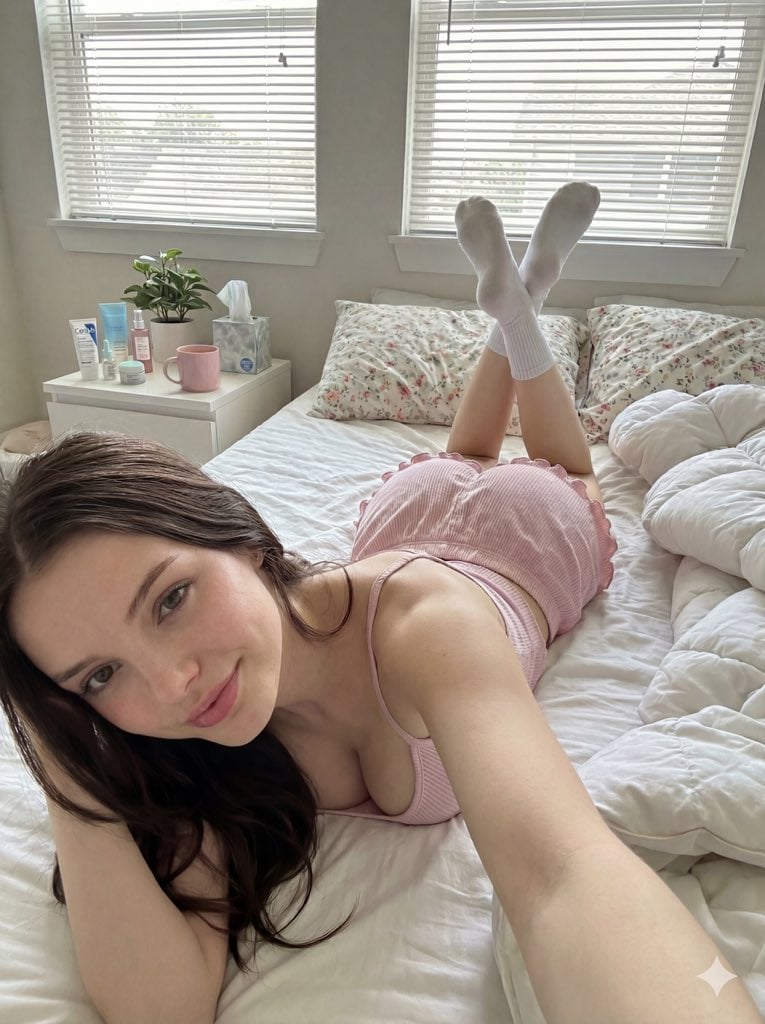
Cozy Bedroom Selfie Prompt (Lying Prone)
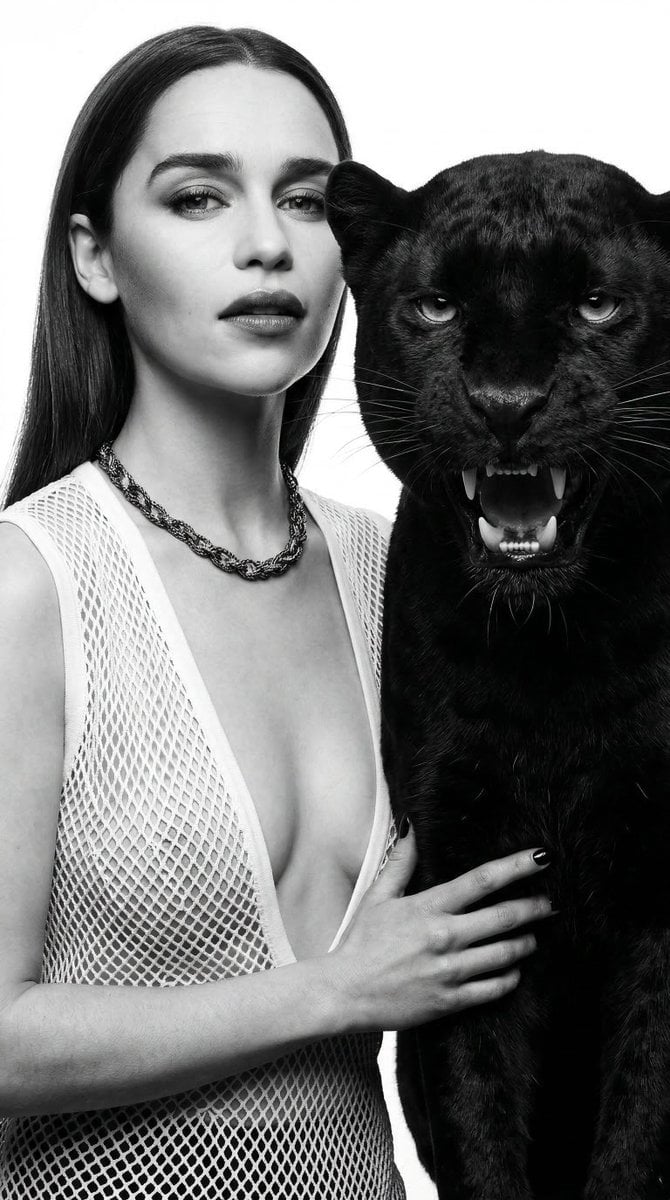
Black and White Panther and Woman Editorial Portrait
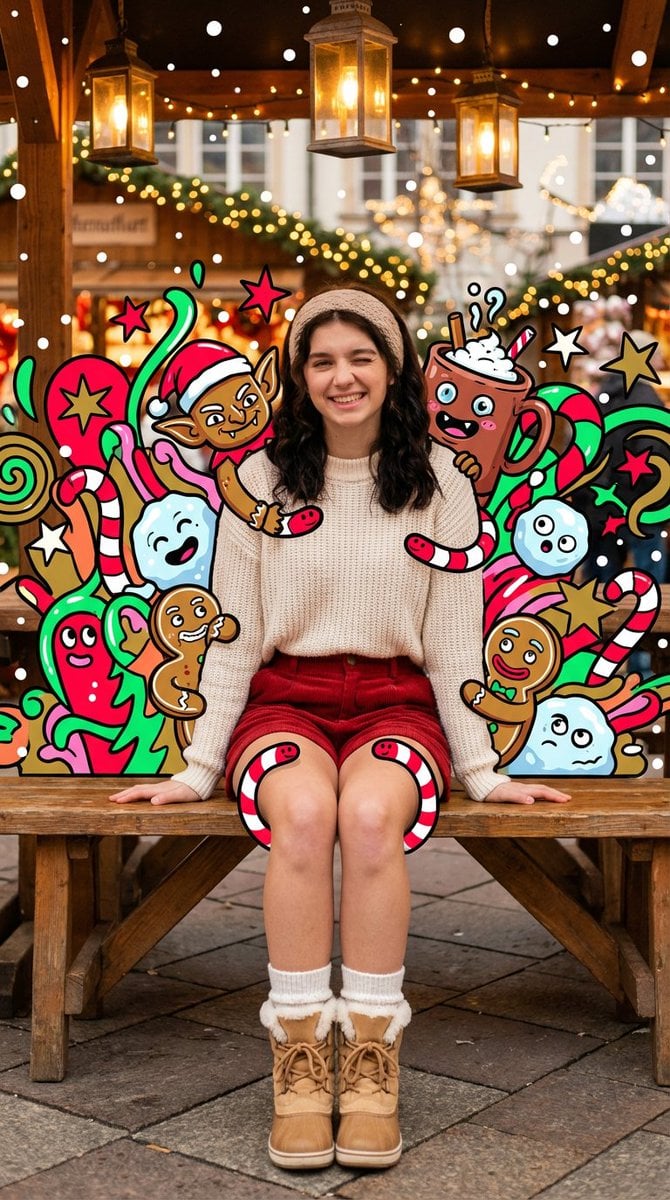
Maximalist Christmas Sweets-Monster Pop-Art Portrait
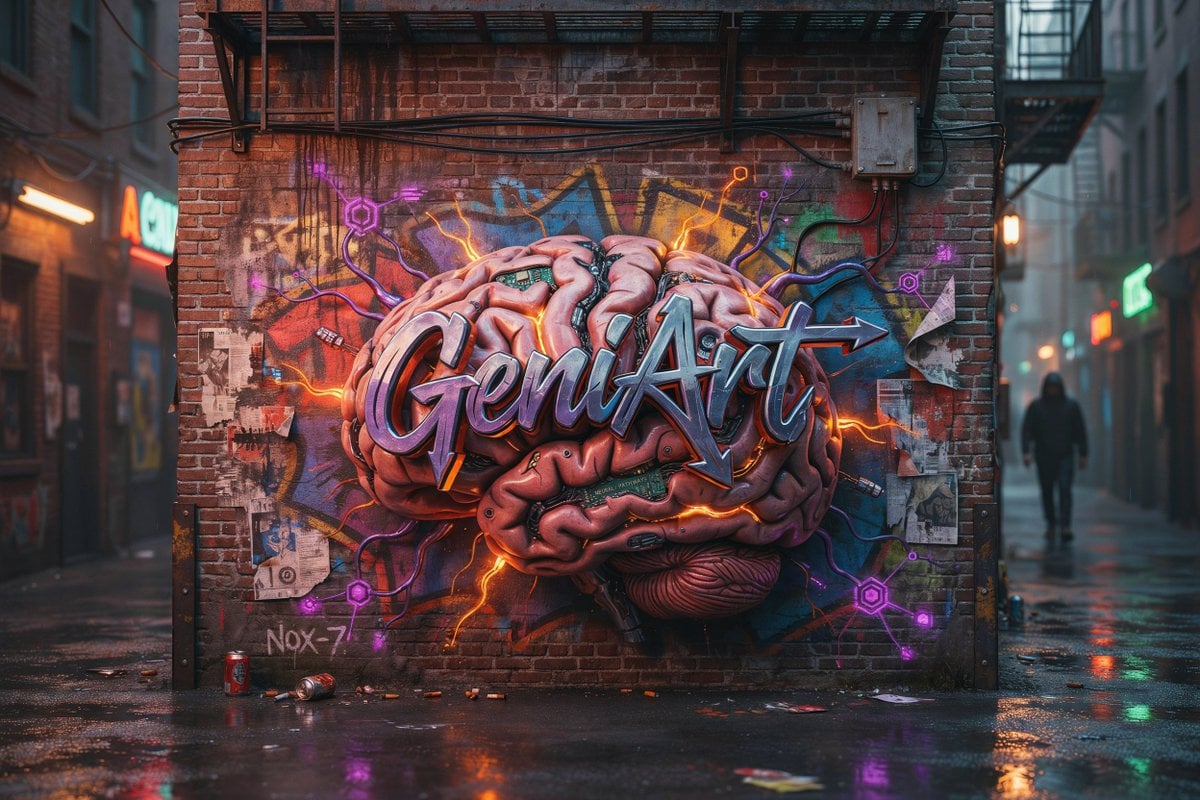
Cyberpunk Brain Graffiti Alley
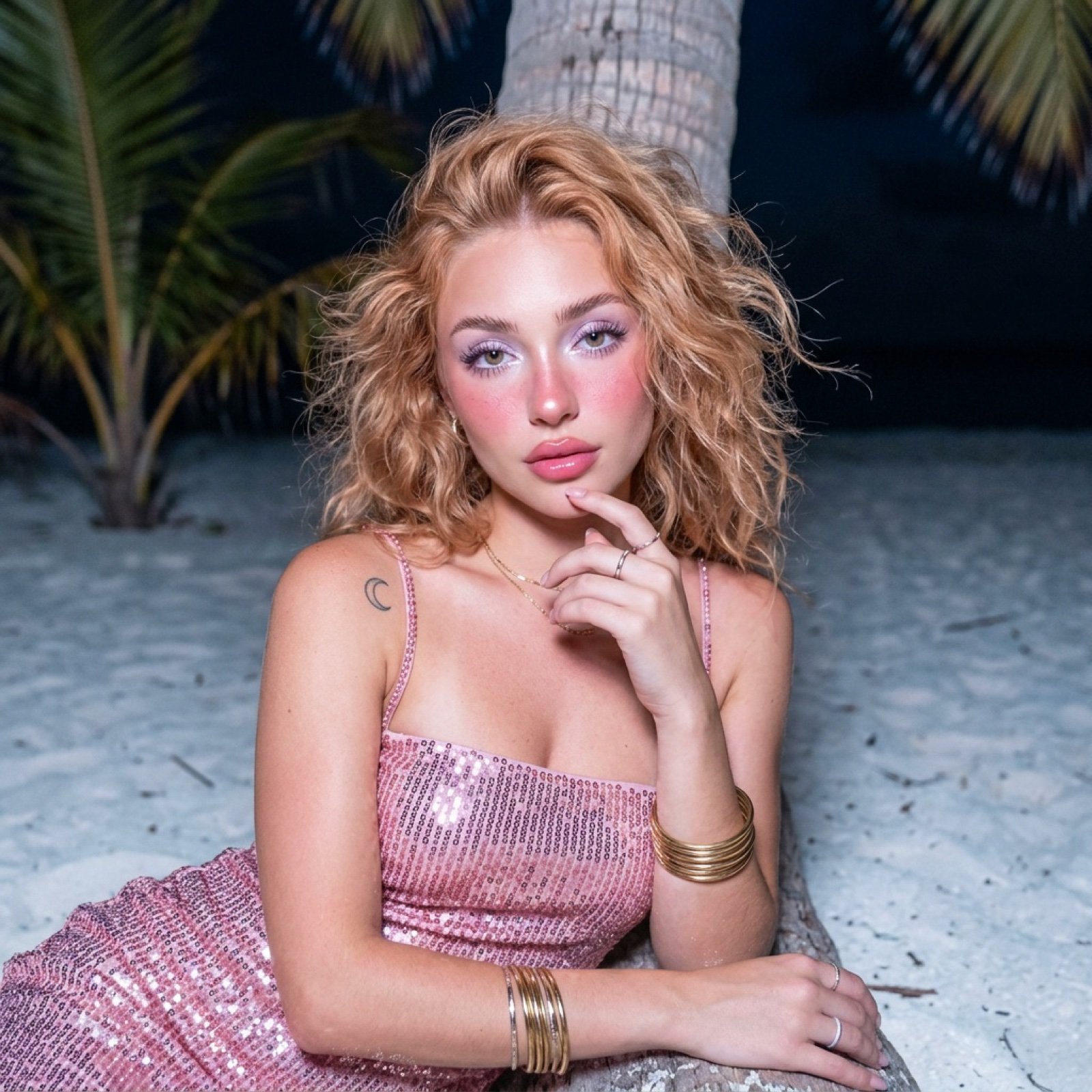
Tropical Beach Night Glamour Shot Prompt
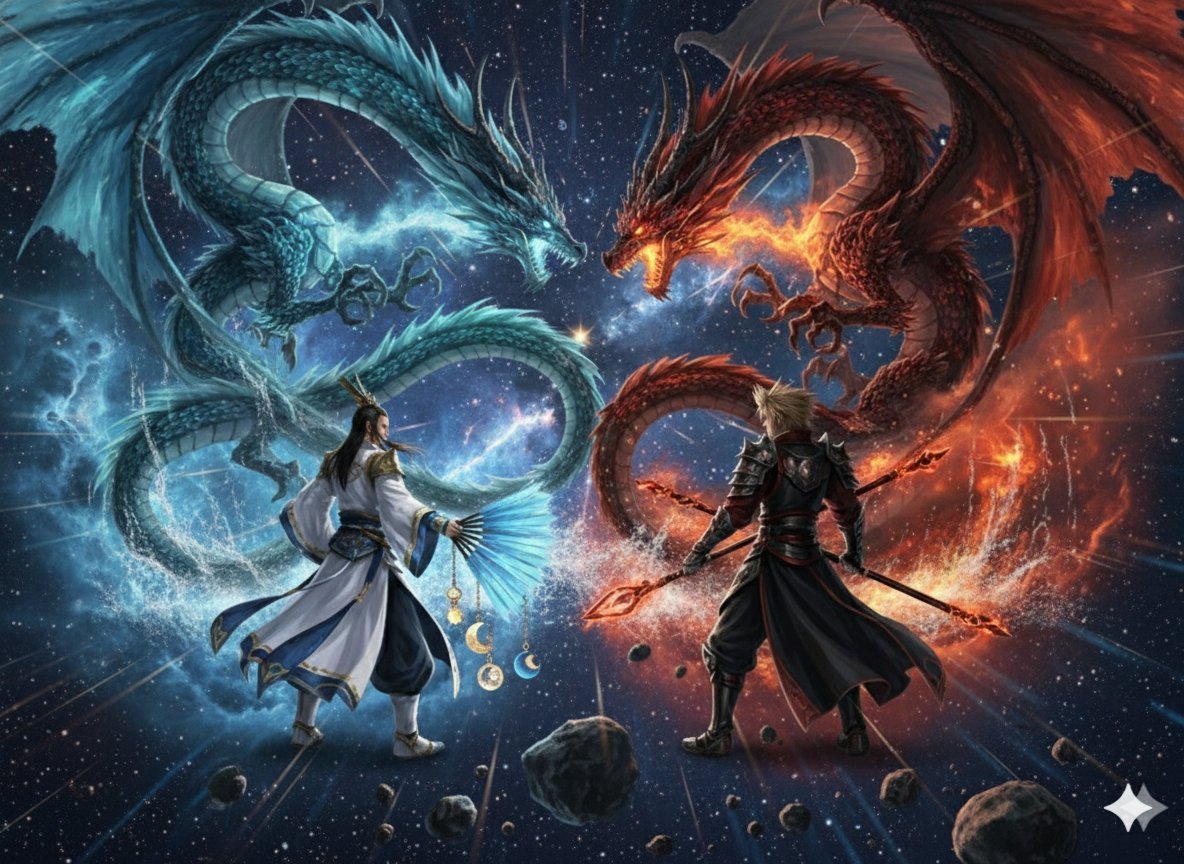
Image generation prompt for Nano Banana Pro: Zhuge Liang vs. Sima Yi in a Final Fantasy X style cosm
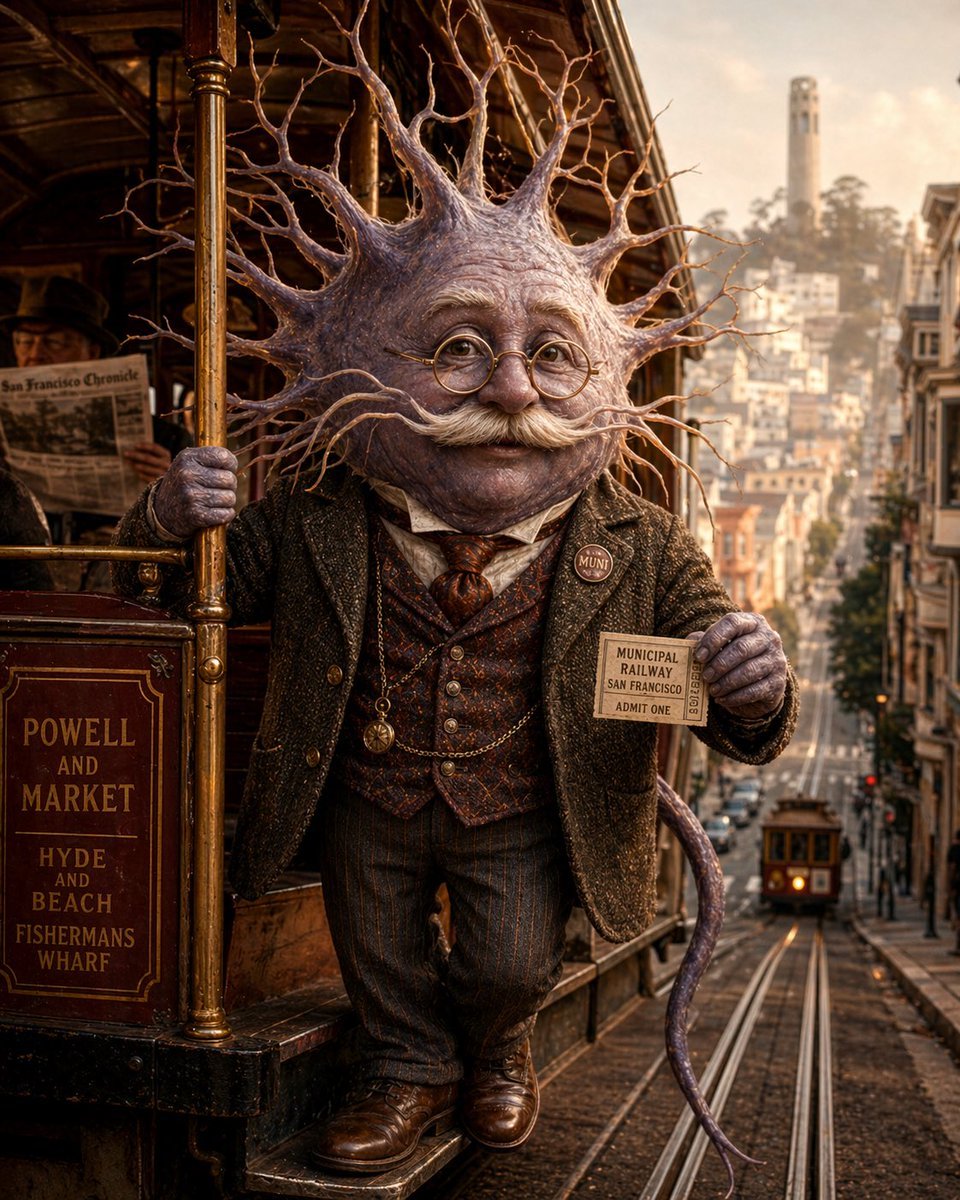
Neuron on a San Francisco Cable Car
Browse template categories
Futuristic Female Tactical Soldier Portrait questions
How do I use the Futuristic Female Tactical Soldier Portrait template?
Add your photo if the template asks for one, edit the prompt if you like — the template's model and format are already selected — and press Generate. Your version opens in PicX Studio.
Can I customize the Futuristic Female Tactical Soldier Portrait template?
Yes. You can change the subject, setting, lighting, mood, format, and available model controls before creating your image.
Is the Futuristic Female Tactical Soldier Portrait template free?
Opening and editing this template is free. Generating uses credits, shown on the Generate button when you are signed in.
Which AI model should I use?
Start with GPT Image 2, which is the model associated with this template. You can compare another compatible model for a different finish.
Looking for something else? Browse all templates.

Your photo, any look
Thousands of ready templates for every top image and video model, from one credit balance.