
Interior Selfie Perspective Layout
A realistic indoor mobile selfie prompt focusing on specific perspective, clothing textures, and lighting balance.
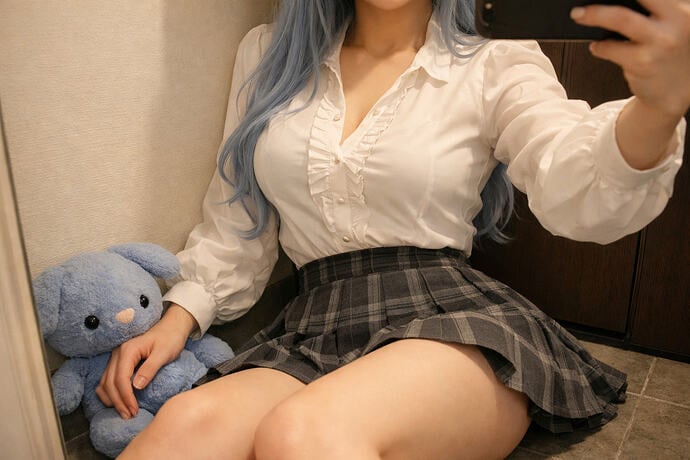
- Prompt included
- Model and format preset
- Free template
The prompt behind this image
Copy the exact prompt behind Interior Selfie Perspective Layout, or open it in the studio and make it yours.
A realistic single-person indoor phone selfie in landscape orientation, set in a narrow corner space, cropped close from the chin down to the upper-middle thigh, with a simple background. The focus of the image is on the upper-body curves, the seated pose in a short skirt, leg perspective, and warm-toned lighting. Subject's physical features: a youthful female feel, with the face essentially out of frame — only a small portion of the chin and neck visible; long, light-blue wavy curly hair falls from both sides down over the chest. Her figure shows a slender upper body, a fuller bust, a clearly cinched waistline, a narrow pelvis, and pale, slender, straight legs — overall a light cosplay feel, soft yet with clearly defined curves. Clothing and materials: the top is a white long-sleeved shirt with vertical pleat details and small buttons at the chest, the fabric smooth and slightly glossy, with sleeves that have a slight puff; the bottom is a gray-and-black plaid high-waisted short pleated skirt, cinched at the waist with a black band, in a relatively thin fabric that naturally flares and pleats outward once seated. The legs are bare, with no information about shoes or socks. Pose, camera, and composition template: the subject sits on a gray tiled floor, with her back and left shoulder near the corner of the wall, torso tilted slightly forward, right arm extended forward holding up the phone for the selfie, left hand naturally holding a plush toy at her side. Both knees face forward, legs extending toward the camera, creating a continuous downward-pressing perspective from chest to waist to skirt to thighs. The camera is positioned slightly above and to the front-right, shooting downward, cropping out the top of the head and most of the face, making the chest, waistline, skirt, and thighs the main subject; the white wall and mirror frame on the left and the dark door panel on the right together create a sense of enclosed space, with a blue plush toy in the lower left corner serving as a supporting anchor point. Style and control notes: Style: realistic everyday phone selfie, warm yellow indoor overhead/side-upper lighting, brighter on the left, darker on the right, overall low contrast, clean pale skin tone, soft shadows. Key anchor points: long light-blue wavy hair falling over the chest, a slightly glossy white shirt, a gray-and-black plaid short skirt, a seated forward-leaning selfie, pronounced chest-waist-leg perspective, warm light bright on the left and dark on the right. Negative constraints: do not show the full face, no standing or kneeling pose, no cold white light, no harsh flash, do not stretch the legs to be overly long, do not turn it into an exaggerated wide-angle distortion, no complex background, do not omit the plush toy on the left or the sense of enclosure from the corner.
How to use Interior Selfie Perspective Layout in 3 steps
- 1
Open
The prompt is already in the box next to the preview, with the template's model and format selected.
- 2…a portrait of your subject in softgolden-hour light, 85mm…
Personalize
Edit the subject and creative details for your destination.
- 3Generate
Generate
Press Generate — your image is created in PicX Studio, so you can compare it with the original and refine one variable at a time.
More like this
Templates with the same subject, style or setup. Open one to see its prompt.

Giant Forced Perspective Street Product Selfie

Rooftop Fisheye — Cat-Ear Balaclava at Golden Hour

Felt & Knit 3D Character — Photo-Exact Face, Pixar-Quality Plush Figurine

Eid al-Adha Cute Chaos — Fisheye Selfie with Farm Selfie, Mosque & Animals

Cat Photobomb Selfie — 0.5x Wide Angle Café Chaos

Gen Z Triple Selfie Collage — Y2K Flash Photography

Surreal Cat Astronaut — Humanoid Face Freefall
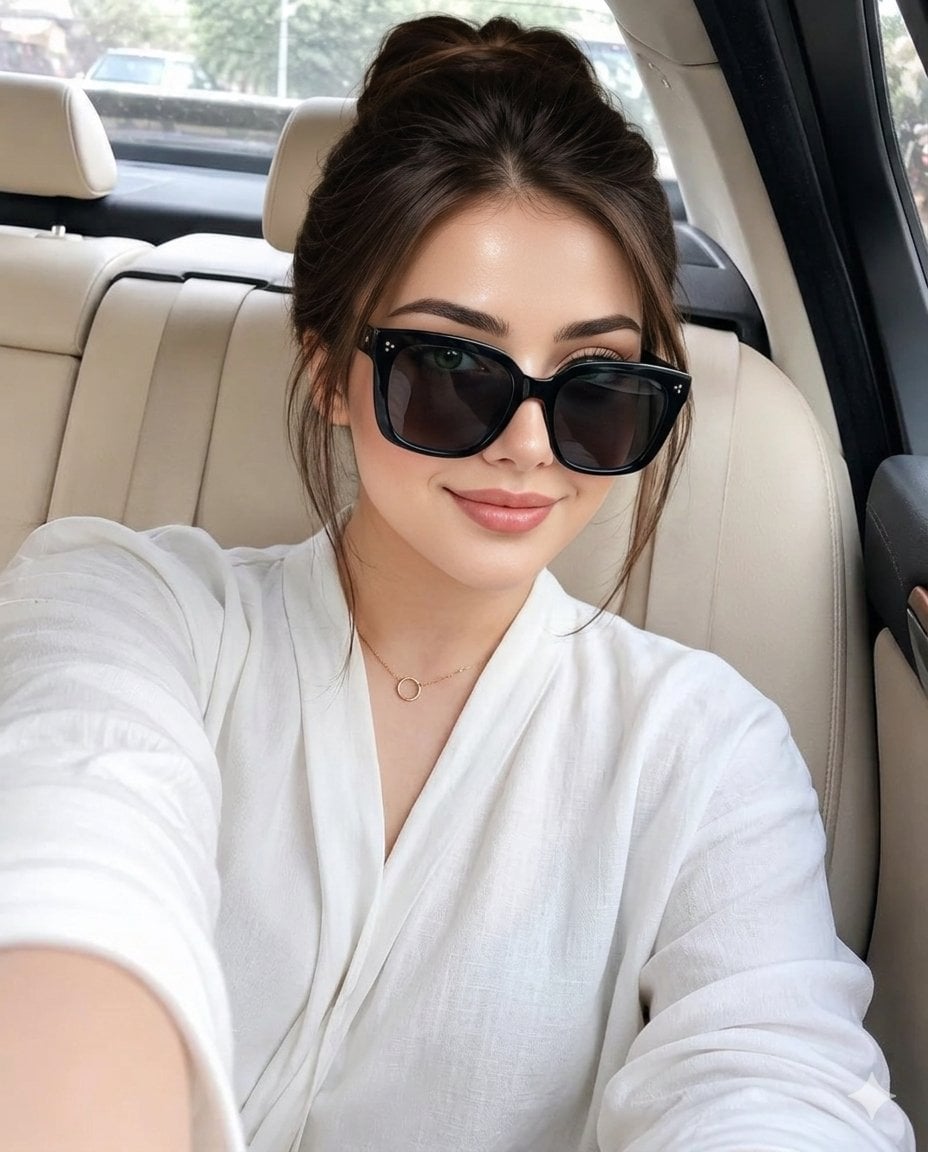
Luxury Car Interior Selfie

Open Magazine Luxury Fashion Editorial Layout

Premium Fashion Editorial Cover Layout System

Photoreal Village Lanterns Minecraft Scene

Photoreal Snow Biome Name Tag UI
Make it yours
Interior Selfie Perspective Layout works as-is. These are the safest ways to change it without losing the look.
Change one field
Copy a single group, rewrite it, and generate again so you can see what that field is doing.
Keep the frame, change the subject
Hold the composition and light of Interior Selfie Perspective Layout, then swap wardrobe, props or the person for a new take.
| If the result… | Why | Fix |
|---|---|---|
| The result drifts from the preview | Too many fields changed at once. | Reuse Interior Selfie Perspective Layout as-is first, then change one group — subject, light, or setting. |
| The model over-stylizes the scene | The prose prompt leaves finish and camera underspecified. | Add one camera or lighting sentence and stay on GPT Image 2. |
More GPT Image 2 templates
Other prompts made for GPT Image 2.

Six VTuber Japanese Logo Sheet

Realistic Portrait of Woman and Deer

The Vista Modular Condo Poster

AI Model Routing Comparison Infographic

2.5D Anime Art Board

Isometric Productivity Desk Scene

New York Double Exposure Poster

Four-Panel AI Landscape Comparison

Japanese Tatami Lifestyle Magazine Cover

NESCAFÉ Coffee Map Poster
More image prompts
Fresh picks from across the catalog.

3D Papercraft Cosmic Library Diorama
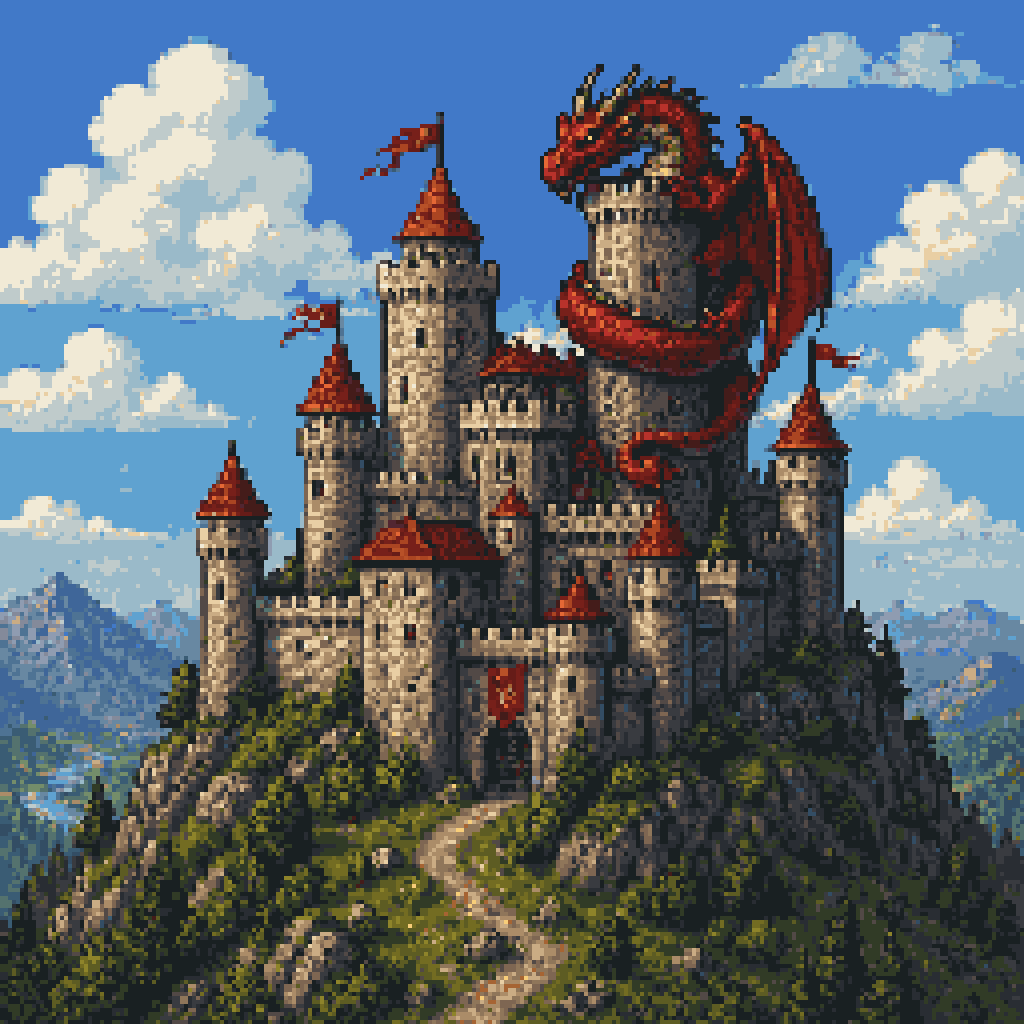
Pixel Art Dragon Castle
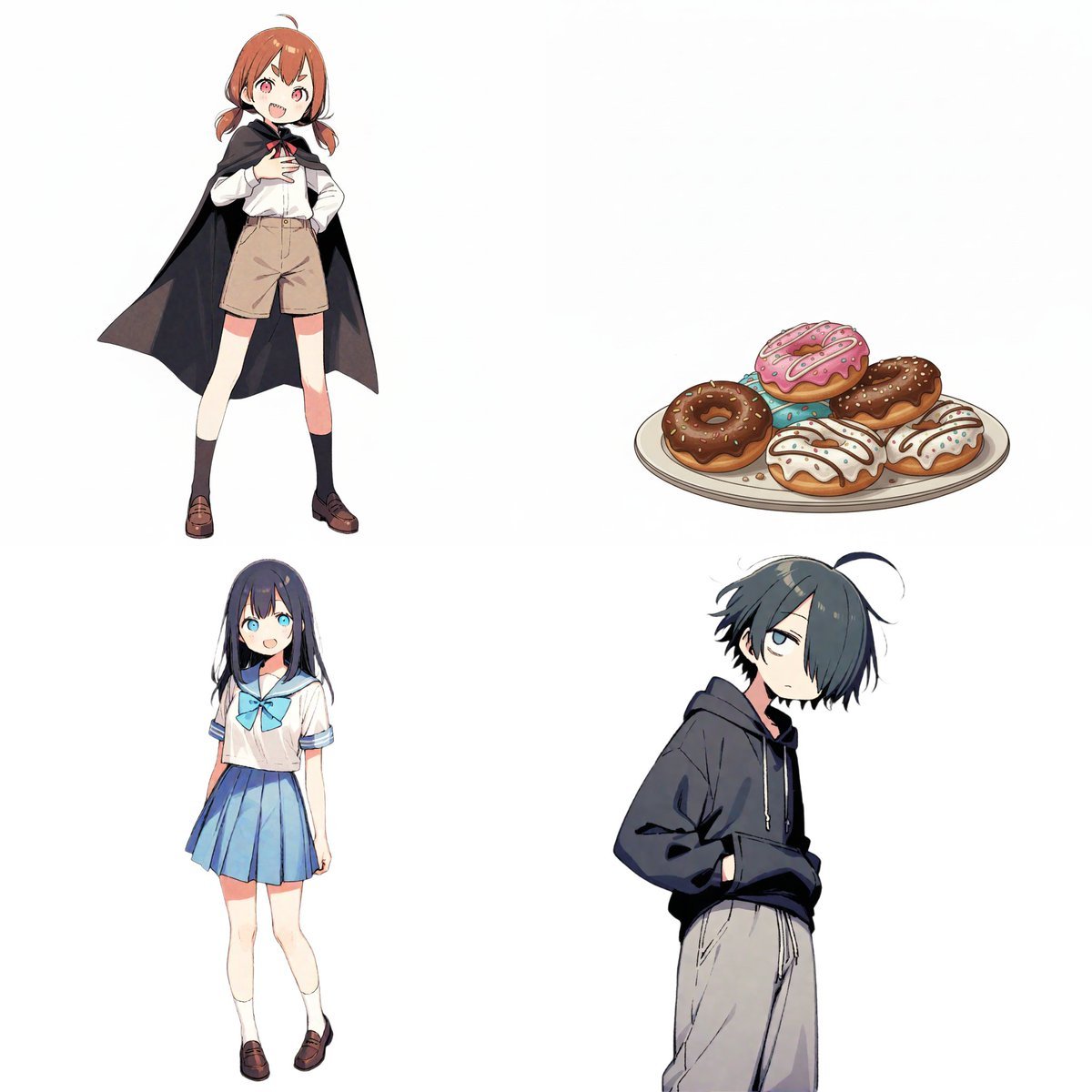
Character Relationship Chart Infographic
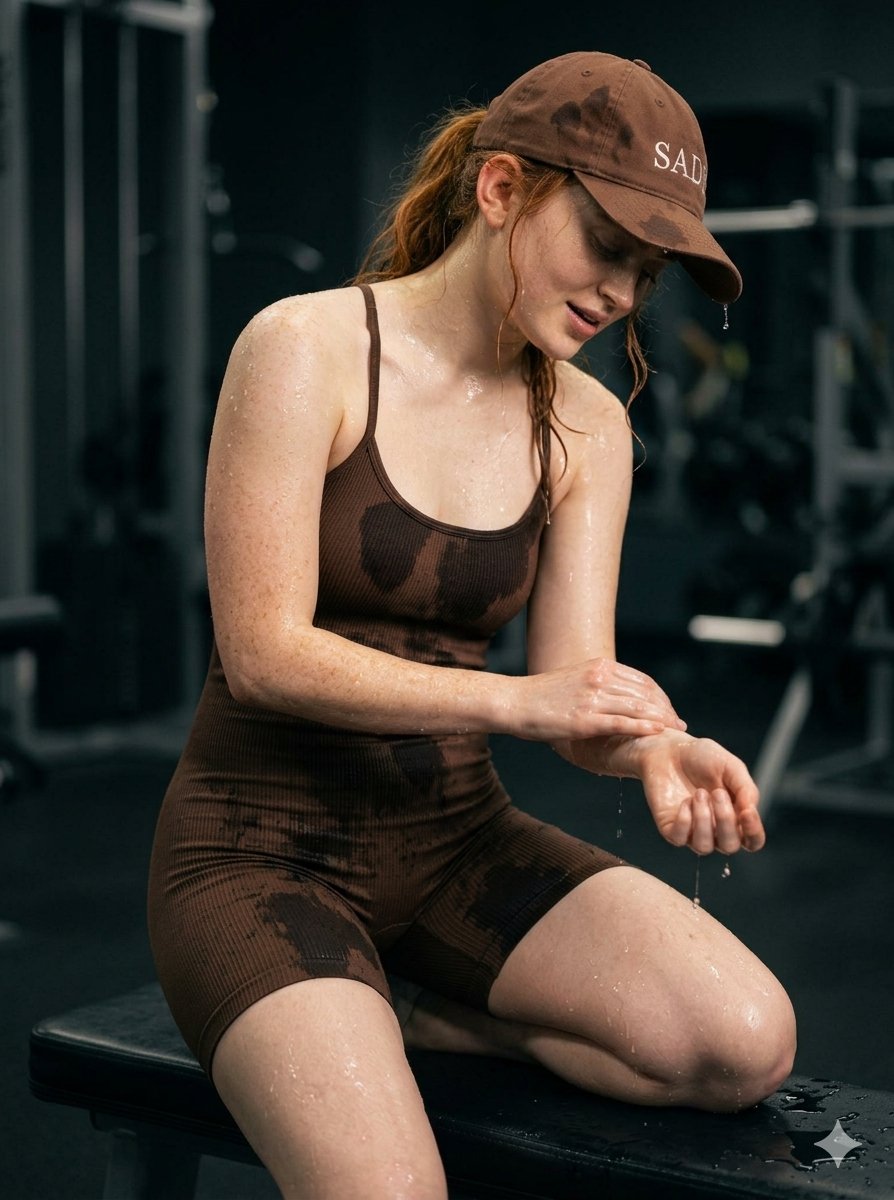
Structured Prompt for Woman Posing in a Gym
ASCII Art Face with Korean Text
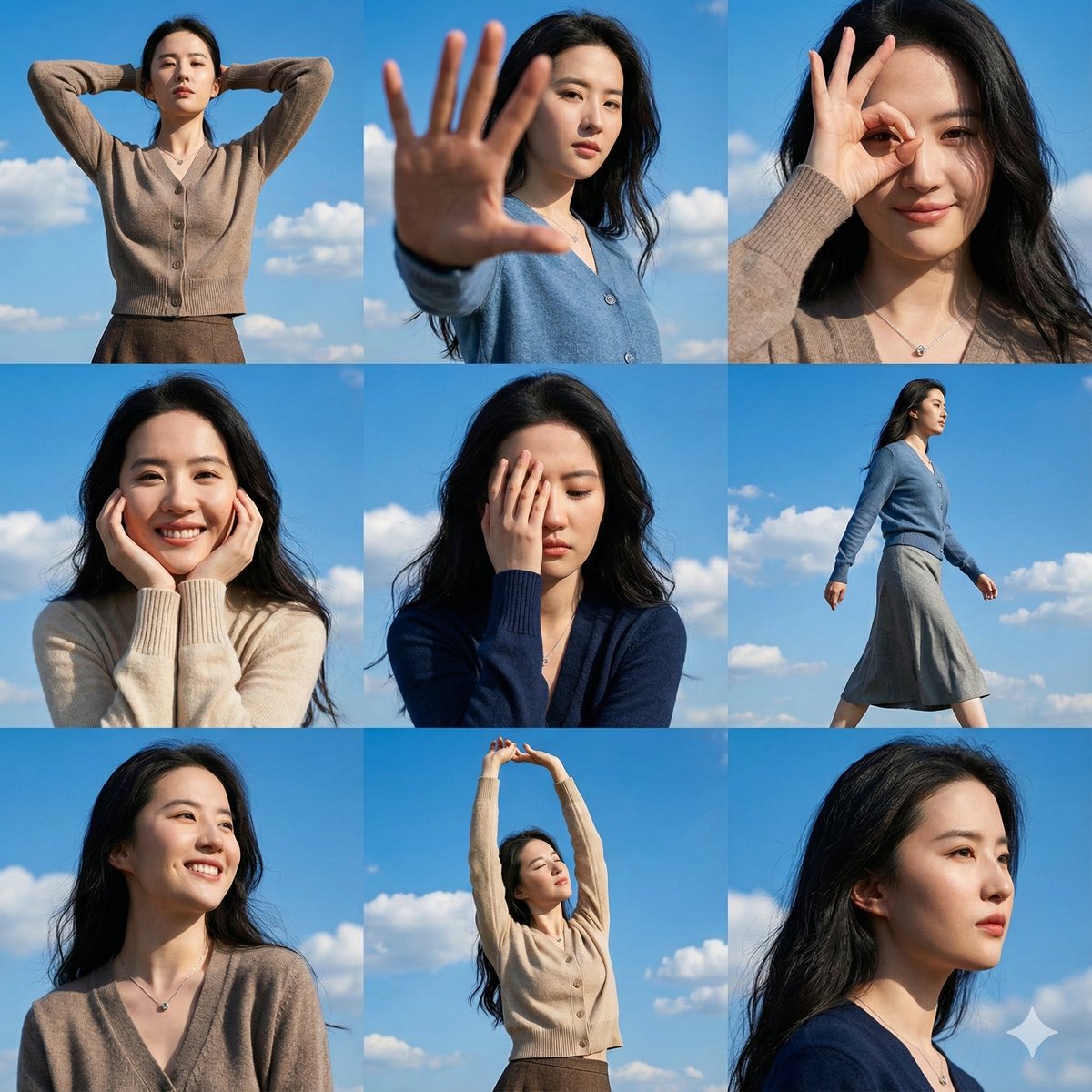
High-Resolution 3x3 Grid Photo Collage for Female Travel Photography
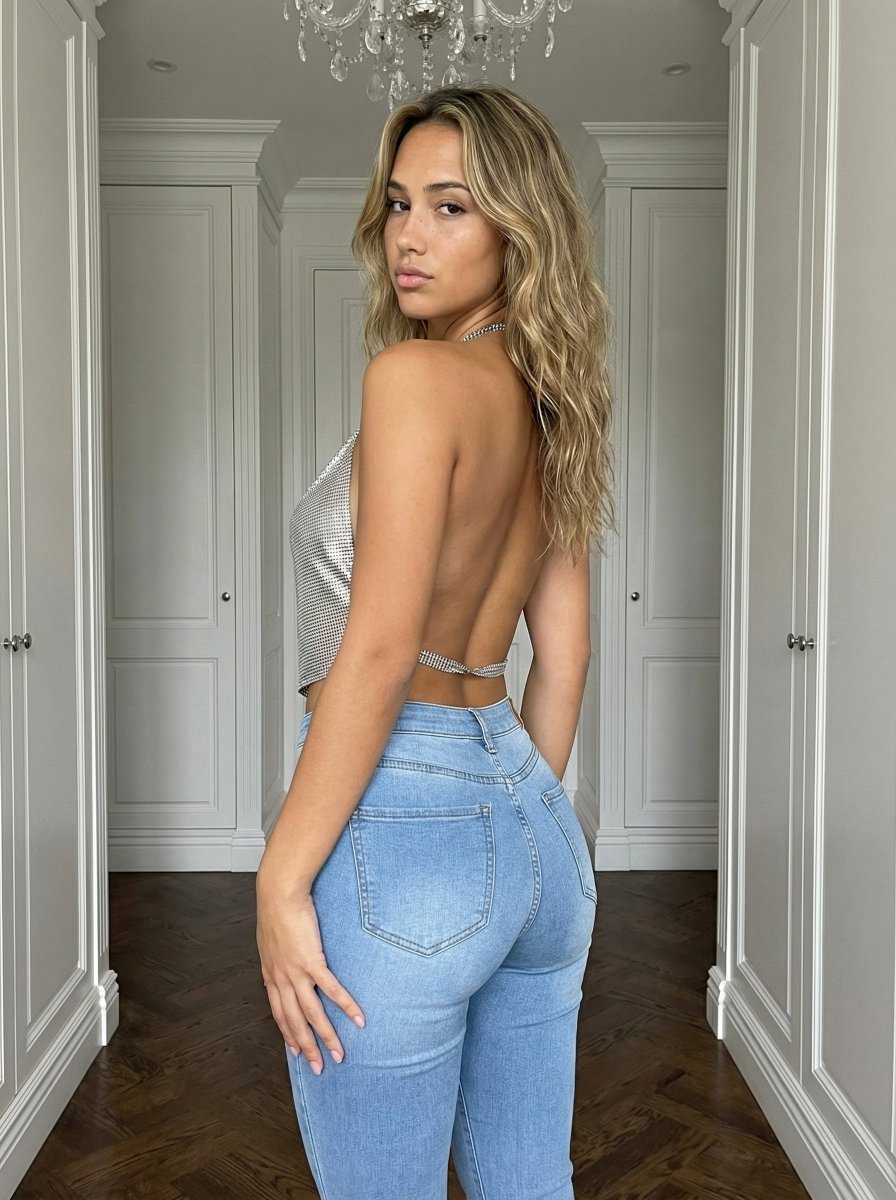
Curvy Influencer Aesthetic Back-View Portrait
Nano Banana Pro prompt for a photorealistic image of a woman in a cafe
European Urban Menswear Style Portrait
Skincare Commercial Storyboard
Browse template categories
Interior Selfie Perspective Layout questions
How do I use the Interior Selfie Perspective Layout template?
Add your photo if the template asks for one, edit the prompt if you like — the template's model and format are already selected — and press Generate. Your version opens in PicX Studio.
Can I customize the Interior Selfie Perspective Layout template?
Yes. You can change the subject, setting, lighting, mood, format, and available model controls before creating your image.
Is the Interior Selfie Perspective Layout template free?
Opening and editing this template is free. Generating uses credits, shown on the Generate button when you are signed in.
Which AI model should I use?
Start with GPT Image 2, which is the model associated with this template. You can compare another compatible model for a different finish.
Looking for something else? Browse all templates.

Your photo, any look
Thousands of ready templates for every top image and video model, from one credit balance.