
Curvy Influencer Aesthetic Back-View Portrait
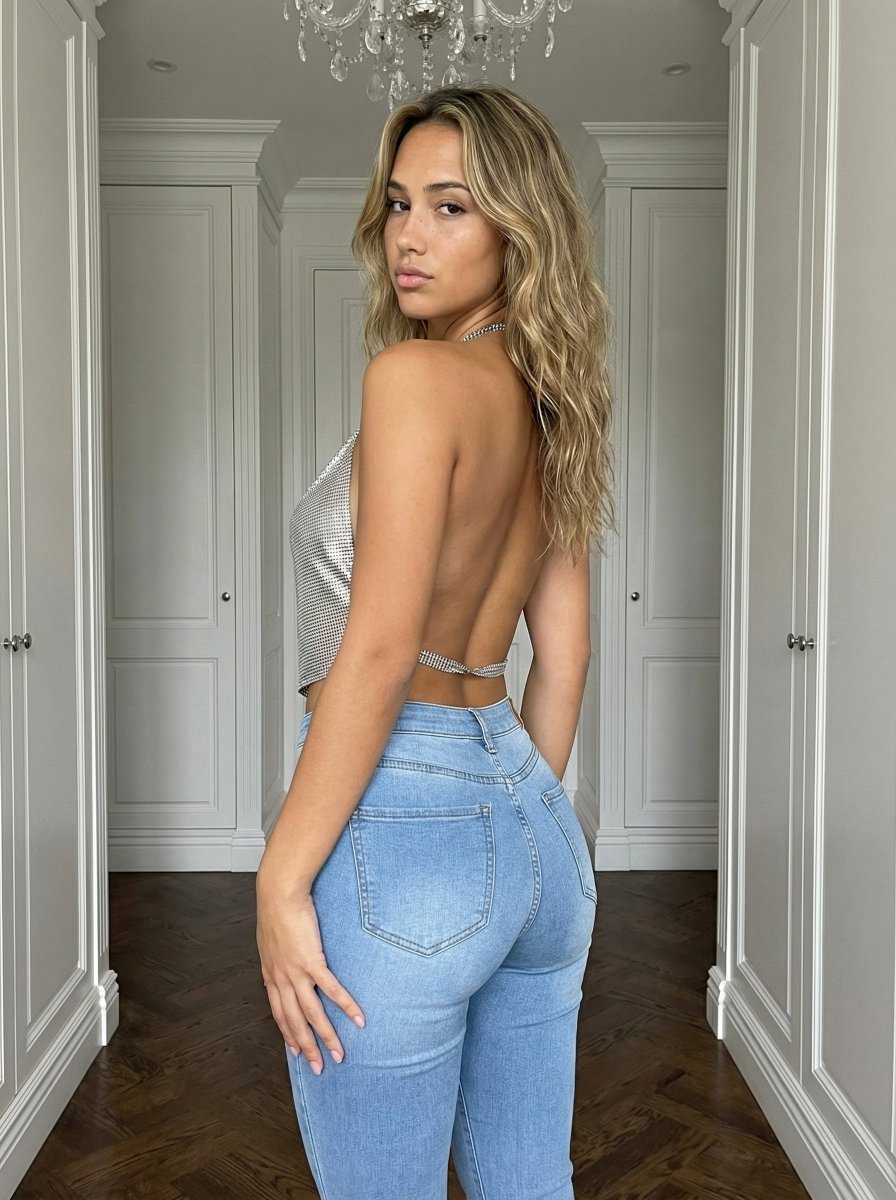
A highly detailed prompt for generating a photorealistic portrait of a curvy young woman viewed from the back and side, looking back over her shoulder.
- Prompt included
- Model and format preset
- Free template
The prompt behind this image
Copy the exact prompt behind Curvy Influencer Aesthetic Back-View Portrait, or open it in the studio and make it yours.
- Subject › Description
- Young woman with a fit, curvy physique standing indoors, viewed from the back and side.
- Subject › Hair
- Long, wavy, dirty blonde hair with brighter balayage highlights, falling loosely down the back.
- Subject › Face
- Looking back over the left shoulder directly at the viewer, lips slightly parted, neutral to soft expression.
- Subject › Skin
- Light olive/tan complexion, realistic texture with natural sheen, no airbrushing.
- Subject › Body Type
- Curvy silhouette with defined waist and rounded hips. Bust volume is significant and visible in side profile, showing natural weight and gravity (not defying physics).
- Subject › Outfit › Top
- Silver rhinestone chainmail halter top, backless design, draped to reveal side torso and back skin.
- Subject › Outfit › Bottom
- Light blue high-waisted denim jeans, tight fit, emphasizing gluteal shape and waist-to-hip ratio.
- Subject › Outfit › Accessories
- Subtle silver necklace visible.
- Pose › Orientation
- Standing, body angled 3/4 away from the camera.
- Pose › Head Tilt
- Turned sharply over the left shoulder to face the lens.
- Pose › Arms
- Relaxed, hands resting naturally on the upper thighs/hips.
- Pose › Spine
- Natural curve, upright posture.
- Environment › Location
- Luxury hallway or walk-in closet area.
- Environment › Architecture
- White floor-to-ceiling cabinetry/wardrobes with molding details on both sides.
- Environment › Flooring
- Dark herringbone wood floor.
- Environment › Ceiling
- Crystal chandelier visible at the top center.
- Camera › Shot Type
- Medium shot, captured from mid-thigh up.
- Camera › Angle
- Eye-level or slightly lower, creating a flattering perspective of the stature.
- Camera › Depth Of Field
- Subject in sharp focus, background slightly softened but distinguishable.
- Lighting › Source
- Soft indoor ambient lighting, likely from the chandelier and recessed lights.
- Lighting › Direction
- Overhead and diffuse.
- Lighting › Effect
- Creates natural highlights on the metallic top and skin, soft shadows on the floor.
- Mood And Expression › Tone
- Confident, allure, 'influencer' aesthetic.
- Mood And Expression › Expression
- Calm, engaging eye contact.
Raw JSON
{
"subject": {
"description": "Young woman with a fit, curvy physique standing indoors, viewed from the back and side.",
"hair": "Long, wavy, dirty blonde hair with brighter balayage highlights, falling loosely down the back.",
"face": "Looking back over the left shoulder directly at the viewer, lips slightly parted, neutral to soft expression.",
"skin": "Light olive/tan complexion, realistic texture with natural sheen, no airbrushing.",
"body_type": "Curvy silhouette with defined waist and rounded hips. Bust volume is significant and visible in side profile, showing natural weight and gravity (not defying physics).",
"outfit": {
"top": "Silver rhinestone chainmail halter top, backless design, draped to reveal side torso and back skin.",
"bottom": "Light blue high-waisted denim jeans, tight fit, emphasizing gluteal shape and waist-to-hip ratio.",
"accessories": "Subtle silver necklace visible."
}
},
"pose": {
"orientation": "Standing, body angled 3/4 away from the camera.",
"head_tilt": "Turned sharply over the left shoulder to face the lens.",
"arms": "Relaxed, hands resting naturally on the upper thighs/hips.",
"spine": "Natural curve, upright posture."
},
"environment": {
"location": "Luxury hallway or walk-in closet area.",
"architecture": "White floor-to-ceiling cabinetry/wardrobes with molding details on both sides.",
"flooring": "Dark herringbone wood floor.",
"ceiling": "Crystal chandelier visible at the top center."
},
"camera": {
"shot_type": "Medium shot, captured from mid-thigh up.",
"angle": "Eye-level or slightly lower, creating a flattering perspective of the stature.",
"depth_of_field": "Subject in sharp focus, background slightly softened but distinguishable."
},
"lighting": {
"source": "Soft indoor ambient lighting, likely from the chandelier and recessed lights.",
"direction": "Overhead and diffuse.",
"effect": "Creates natural highlights on the metallic top and skin, soft shadows on the floor."
},
"mood_and_expression": {
"tone": "Confident, allure, 'influencer' aesthetic.",
"expression": "Calm, engaging eye contact."
},
"style_and_realism": {
"style": "Photorealistic, high-fidelity.",
"texture": "Visible denim weave, metallic sparkle of the top, individual hair strands.",
"authenticity": "Raw photo aesthetic, avoiding plastic or 3D-model look."
},
"colors_and_tone": {
"palette": "Cool silver, denim blue, warm skin tones, neutral white background.",
"contrast": "Natural contrast, preserving details in shadows and highlights."
},
"quality_and_technical_details": {
"resolution": "8k",
"sharpness": "High",
"noise": "Subtle, realistic ISO noise."
},
"aspect_ratio_and_output": {
"ratio": "3:4",
"framing": "Vertical composition."
},
"controlnet": {
"pose_control": "OpenPose or DW_Pose for accurate head-turn and arm placement.",
"depth_control": "Depth_Midas to maintain the hallway perspective and body volume."
}
}How to use Curvy Influencer Aesthetic Back-View Portrait in 3 steps
- 1
Open
The prompt is already in the box next to the preview, with the template's model and format selected.
- 2…a portrait of your subject in softgolden-hour light, 85mm…
Personalize
Edit the subject and creative details for your destination.
- 3Generate
Generate
Press Generate — your image is created in PicX Studio, so you can compare it with the original and refine one variable at a time.
More like this
Templates with the same subject, style or setup. Open one to see its prompt.
Ultra Realistic Ai Influencer Generator
Snowy Locations Views Winter Special

Found Photograph: Us, 1970

80s Couple Studio Portrait

80s Bollywood Star

80s Golden Hour Cinema

Me in 1985

1985 Studio Portrait

Hyper-Realistic Minecraft POV Portrait
Cyber-Kawaii Influencer Portrait Grid

Rooftop Fisheye — Cat-Ear Balaclava at Golden Hour
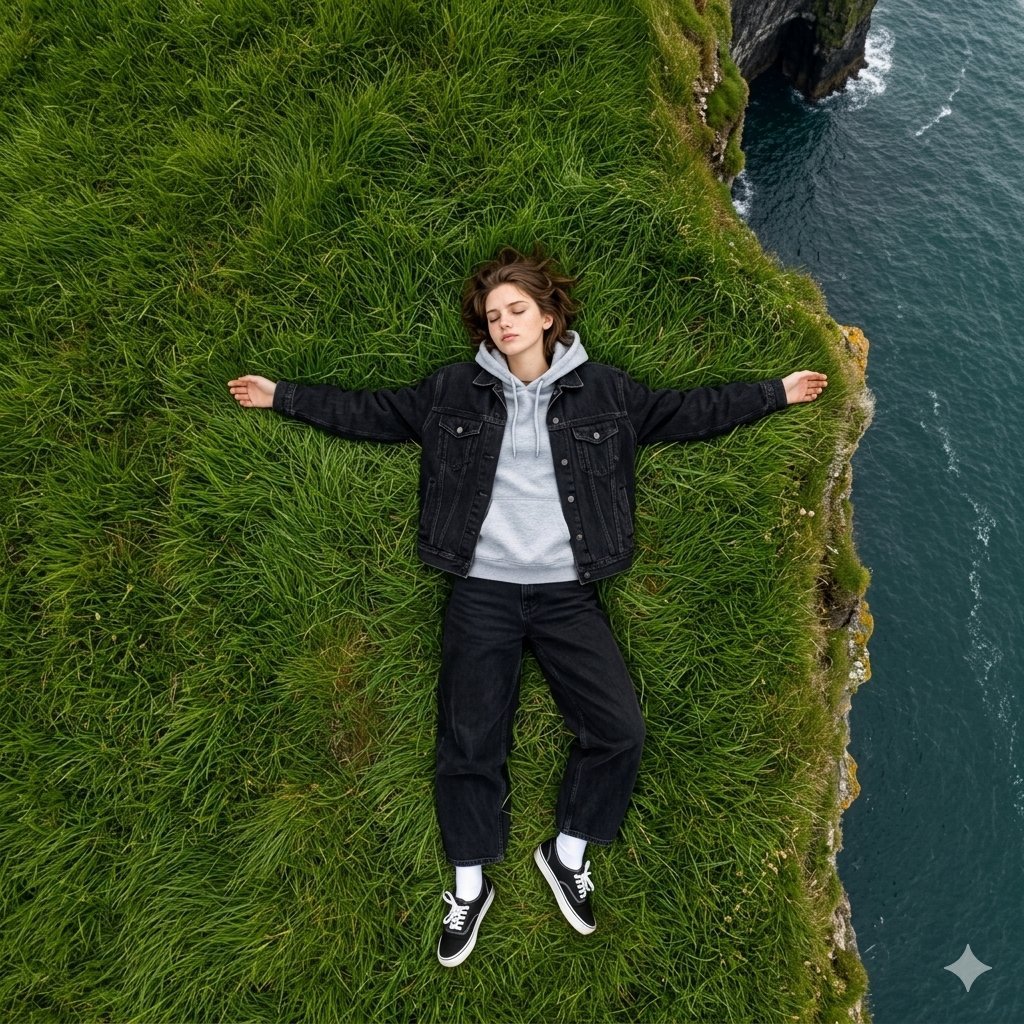
Bird's Eye View Coastal Portrait
Make it yours
Curvy Influencer Aesthetic Back-View Portrait works as-is. These are the safest ways to change it without losing the look.
Swap the setting
Keep the rest of the prompt and replace the location block. The current setting is “Luxury hallway or walk-in closet area.”.
Swap the light
One lighting change is enough to compare takes. Current light: “Soft indoor ambient lighting, likely from the chandelier and recessed lights.”.
Change one field
Copy a single group, rewrite it, and generate again so you can see what that field is doing.
| If the result… | Why | Fix |
|---|---|---|
| The result drifts from the preview | Too many fields changed at once. | Reuse Curvy Influencer Aesthetic Back-View Portrait as-is first, then change one group — subject, light, or setting. |
| Nano Banana 2 ignores part of the JSON | Some models flatten or skip nested keys. | Keep the same values and paste them as a short paragraph instead. |
More Nano Banana 2 templates
Other prompts made for Nano Banana 2.

Photorealistic Leaf Shaped Like a Dragon

K-Pop Idol Portrait Grid for Rapid Selection

Poetic Rain Forest Portrait During Golden Hour

Urban Street Portrait with Cartoon Inner Self Duo

Candid Nighttime Photo with Cat Prompt

High-Concept 3D Diorama Generation Prompt

Cinematic Futuristic Studio Portrait Template

Skincare Editorial Photography Collage Prompt

Hyper-Realistic Commercial Product Photography (Splash Effect)

Hyper-Realistic Nightclub Portrait Prompt
More image prompts
Fresh picks from across the catalog.
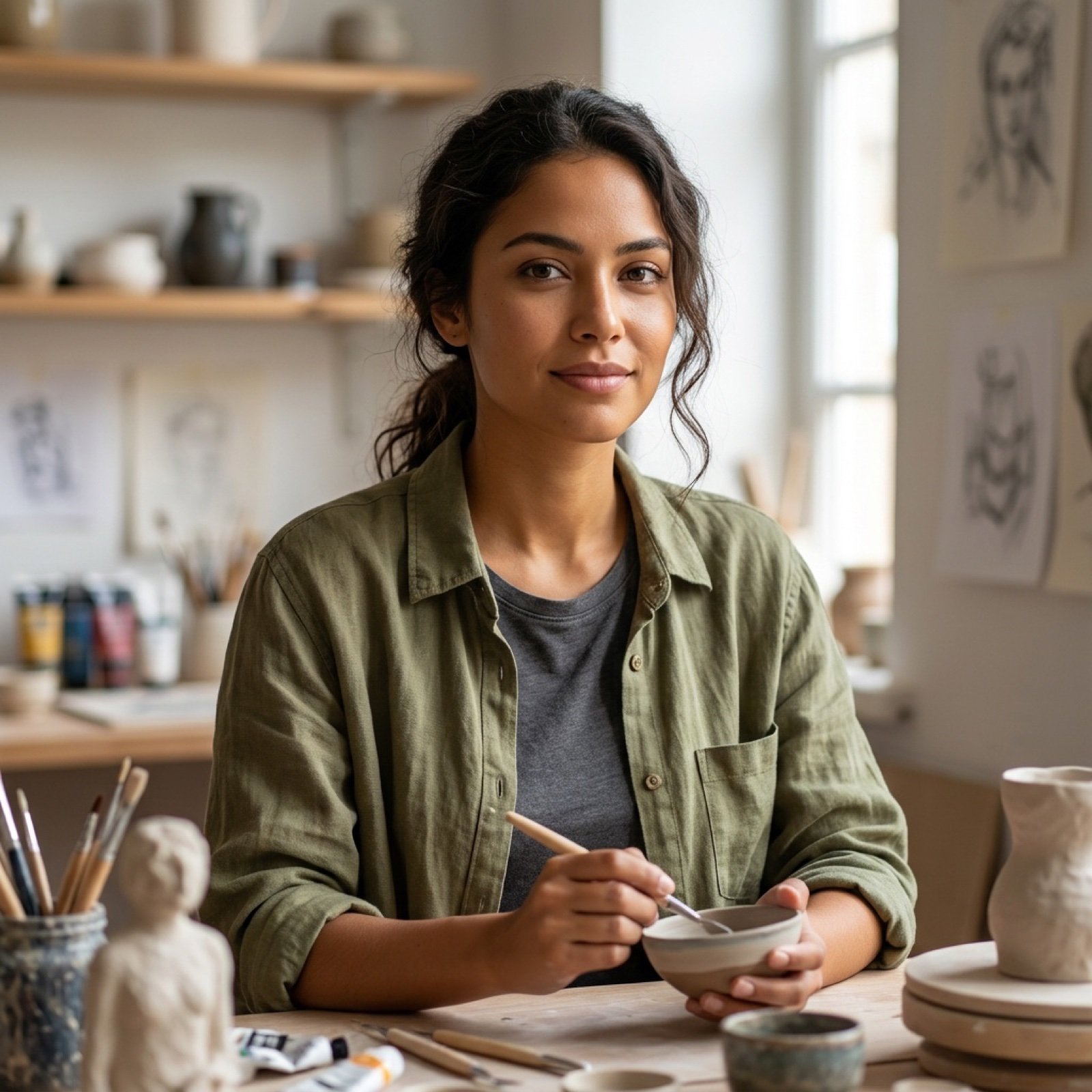
High Fidelity Face Swap Task Definition
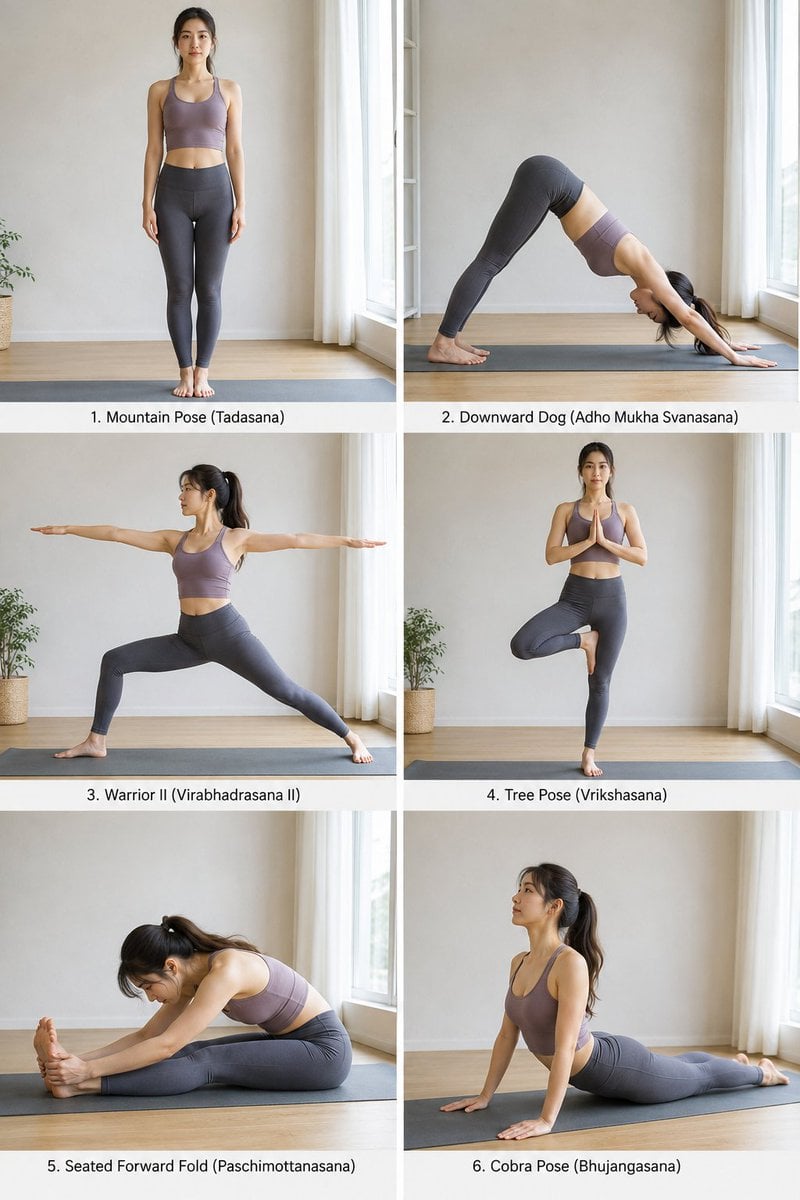
Yoga Pose Instructional Grid
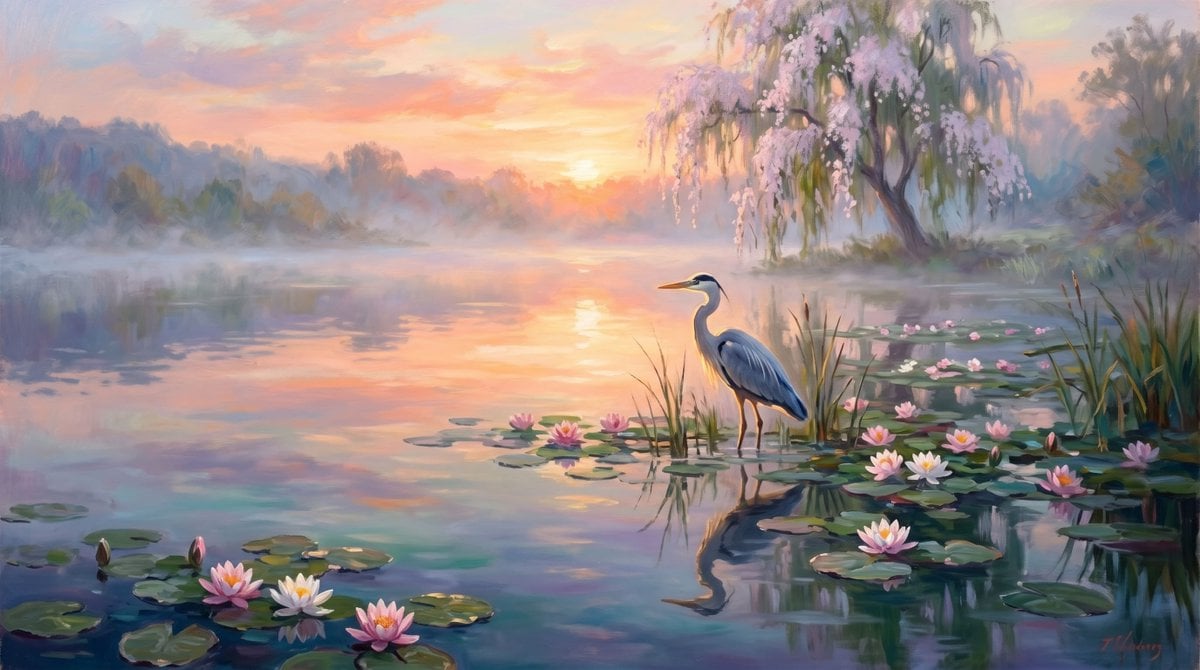
Misty Sunrise Heron Lake

Dark Samurai Ink Wash Poster
AI UGC Prompt for Upscale Lifestyle Portrait
Chinese poetic and crossover character prompts
Fantasy Auto-Battler Spritesheet
Vintage 80s Laser Portrait of Man with Cat in Santa Hats
Outdoor Summer Watermelon Selfie (Detailed JSON)
Propaganda Poster Style: Nose Hair Horror
Browse template categories
Curvy Influencer Aesthetic Back-View Portrait questions
How do I use the Curvy Influencer Aesthetic Back-View Portrait template?
Add your photo if the template asks for one, edit the prompt if you like — the template's model and format are already selected — and press Generate. Your version opens in PicX Studio.
Can I customize the Curvy Influencer Aesthetic Back-View Portrait template?
Yes. You can change the subject, setting, lighting, mood, format, and available model controls before creating your image.
Is the Curvy Influencer Aesthetic Back-View Portrait template free?
Opening and editing this template is free. Generating uses credits, shown on the Generate button when you are signed in.
Which AI model should I use?
Start with Nano Banana 2, which is the model associated with this template. You can compare another compatible model for a different finish.
Looking for something else? Browse all templates.

Your photo, any look
Thousands of ready templates for every top image and video model, from one credit balance.