How do I use the Bird's Eye View Coastal Portrait template?
Choose the primary action to open PicX Studio with the available template settings. Review the model and format, personalize the creative direction, and generate when ready.
A cinematic aerial perspective prompt creating a sharp contrast between land and sea, featuring a subject in streetwear.
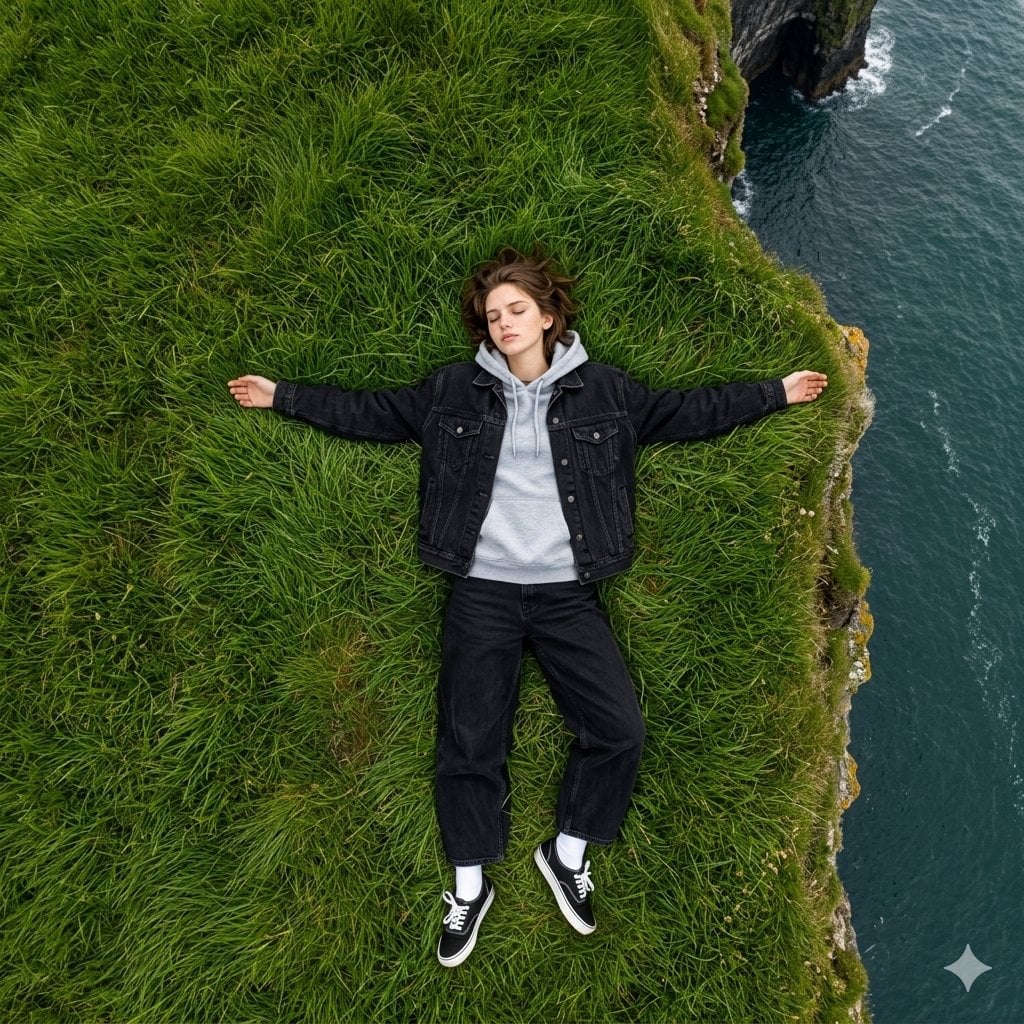
Make a photo of a young man showing a dramatic composition of natural scenery from an aerial point of view (bird’s eye view), showing a sharp contrast between land and sea. Subject and Composition Focal Point: A young man is lying asleep in the middle of a wide expanse of {argument name="ground cover" default="green grass"}. He poses with both hands open to the side while lying on his back, facing the camera above. His hair is slightly messy from the wind. Clothes: {argument name="jacket" default="Dark black denim trucker jacket"} with a built in light gray cotton hoodie, creating a layered streetwear look. Black denim pants with a very wide baggy fit from hips to ankles, giving a loose and relaxed silhouette. Classic low top Vans Authentic sneakers. Color: Black canvas with white shoelaces and white metal eyelets, paired with slightly visible white socks. Perspective: The photo is taken perfectly perpendicular from above at a 90 degree angle, creating a cinematic sense of scale between the young man and the surrounding nature. The contrast between the vibrant green grass and the deep blue ocean creates a dramatic and peaceful atmosphere.
Choose the primary action to open PicX Studio with the available template settings. Review the model and format, personalize the creative direction, and generate when ready.
Yes. You can change the subject, setting, lighting, mood, format, and available model controls before creating your image.
This template is free to open and customize. Generation usage is shown in PicX Studio before you create.
Start with Nano Banana 2, which is the model associated with this template. You can compare another compatible model for a different finish.
Follow a topic to a crawlable collection of related PicX Studio templates.