
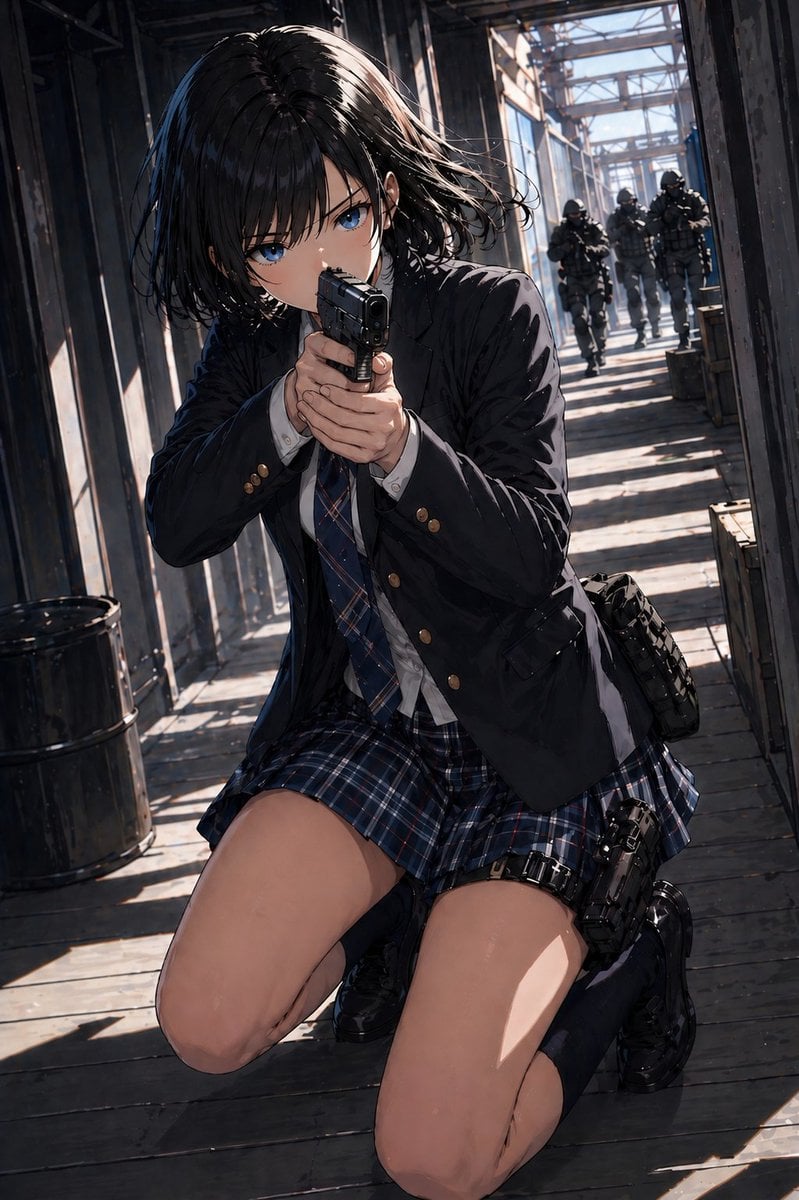
Anime Schoolgirl Gunfight on Industrial Walkway
This prompt generates a cinematic anime action scene of an armed schoolgirl in an industrial corridor, useful for dramatic character art or cover-style illustrations.
- Prompt included
- Model and format preset
- Free template
The prompt behind this image
Copy the exact prompt behind Anime Schoolgirl Gunfight on Industrial Walkway, or open it in the studio and make it yours.
A cinematic anime-style action illustration of a {argument name="character age/style" default="high-school girl"} in a dark navy school uniform kneeling on a sunlit industrial catwalk and aiming a compact black handgun straight toward the viewer with a two-handed grip. She has a short messy bob with {argument name="hair color" default="black"}, loose strands blown sideways, and a tense forward-leaning posture as if taking cover while returning fire. Her outfit consists of 5 clearly visible clothing pieces: a black school blazer with brass buttons, a white dress shirt, a blue plaid necktie, a matching blue plaid pleated skirt, and black knee-high socks with glossy black loafers. She also carries 2 tactical accessories: a black thigh holster strapped to her right leg with a pistol inserted, and a dark side pouch on her hip. Place her low in the frame in a dramatic foreshortened perspective, with her bent knees dominating the foreground and the gun centered. The setting is a narrow elevated walkway inside an industrial steel structure with beams, railings, weathered wooden floorboards, crates, and 1 black metal barrel on the left. In the deep background, show exactly 4 heavily armed tactical soldiers in dark gear and helmets advancing down the corridor toward her. Use strong diagonal shadows and bright afternoon sunlight streaming through the metal framework, creating alternating bands of light and shade across the floor and figures. Render with detailed linework, semi-realistic anime proportions, glossy hair highlights, crisp fabric folds, subtle grit, and a dramatic blue-gray action palette with realistic depth, tension, and motion.
How to use Anime Schoolgirl Gunfight on Industrial Walkway in 3 steps
- 1Upload ImagePNG, JPG or paste
Add your photo
Upload the photo the template builds on. The prompt, model and format are already set.
- 2…a portrait of your subject in softgolden-hour light, 85mm…
Personalize
Edit the subject and creative details for your destination.
- 3Generate
Generate
Press Generate — your image is created in PicX Studio, so you can compare it with the original and refine one variable at a time.
More like this
Templates with the same subject, style or setup. Open one to see its prompt.












Make it yours
Anime Schoolgirl Gunfight on Industrial Walkway works as-is. These are the safest ways to change it without losing the look.
Change one field
Copy a single group, rewrite it, and generate again so you can see what that field is doing.
Keep the frame, change the subject
Hold the composition and light of Anime Schoolgirl Gunfight on Industrial Walkway, then swap wardrobe, props or the person for a new take.
| If the result… | Why | Fix |
|---|---|---|
| The result drifts from the preview | Too many fields changed at once. | Reuse Anime Schoolgirl Gunfight on Industrial Walkway as-is first, then change one group — subject, light, or setting. |
| The model over-stylizes the scene | The prose prompt leaves finish and camera underspecified. | Add one camera or lighting sentence and stay on GPT Image 2. |
More GPT Image 2 templates
Other prompts made for GPT Image 2.

Six VTuber Japanese Logo Sheet

Realistic Portrait of Woman and Deer

The Vista Modular Condo Poster

AI Model Routing Comparison Infographic

2.5D Anime Art Board

Isometric Productivity Desk Scene

New York Double Exposure Poster

Four-Panel AI Landscape Comparison

Japanese Tatami Lifestyle Magazine Cover

NESCAFÉ Coffee Map Poster
More image prompts
Fresh picks from across the catalog.
Cosmic Gravity Glass UI System
Crocheted Miniature Airport Diorama Prompt
Catgirl Idol Concert Stage

Korean Model and Luxury Car Advertisement
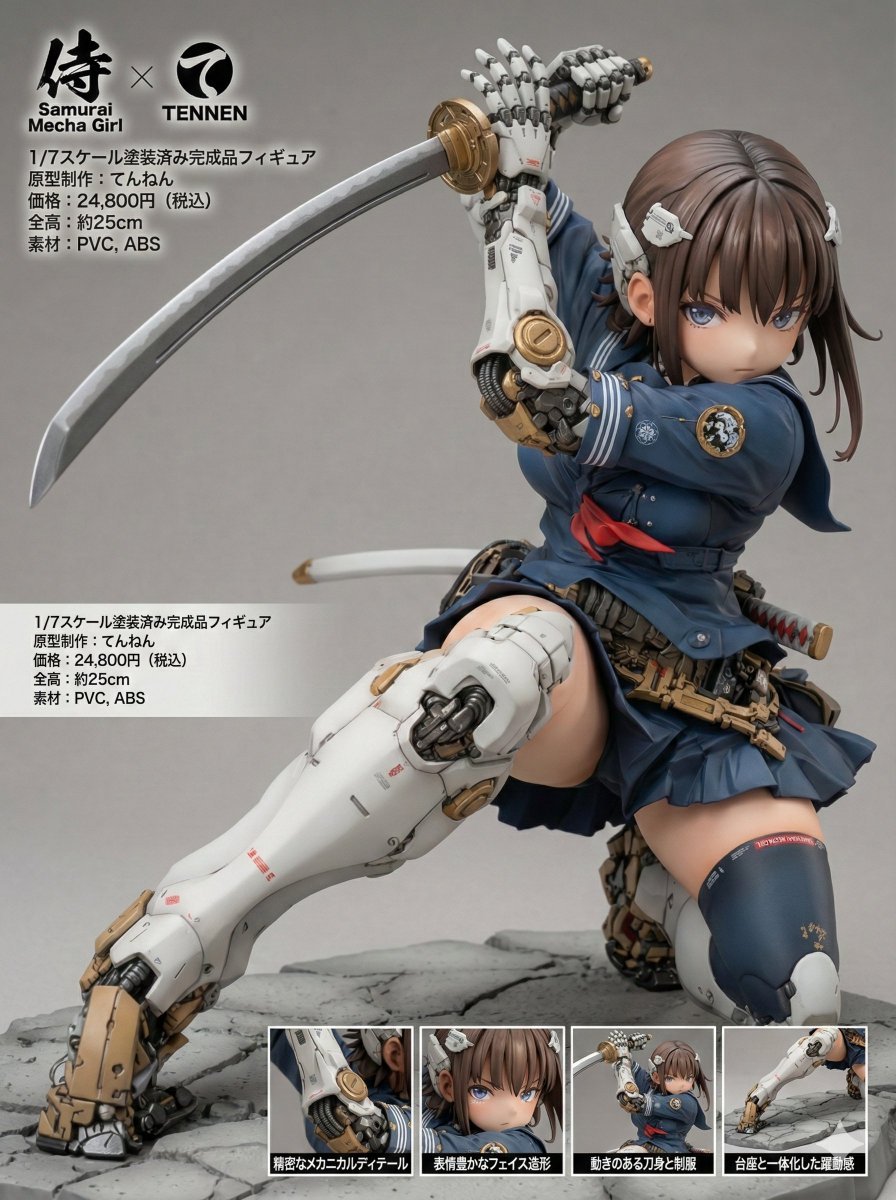
Multi-Language Figure Product Introduction Layout Prompt for Nano Banana Pro
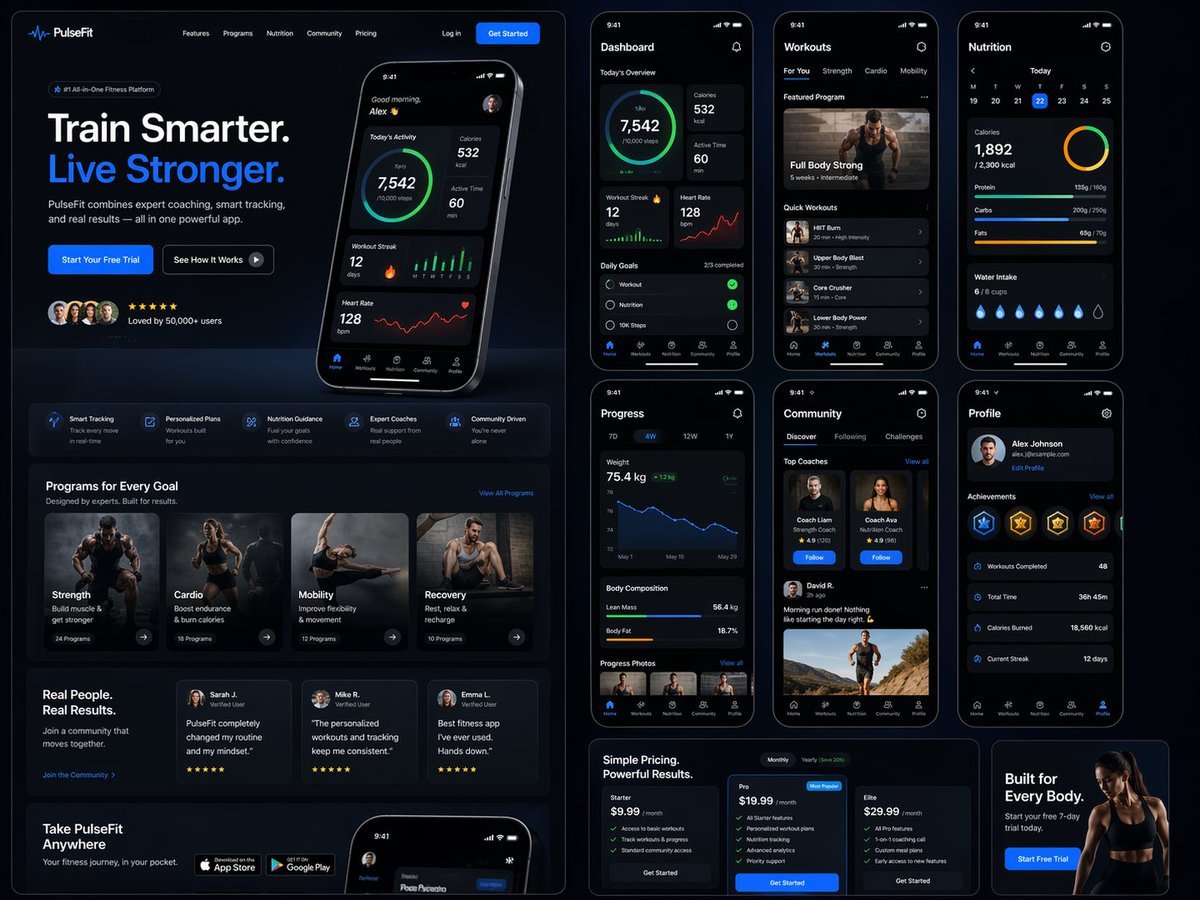
Fitness SaaS Landing Page UI
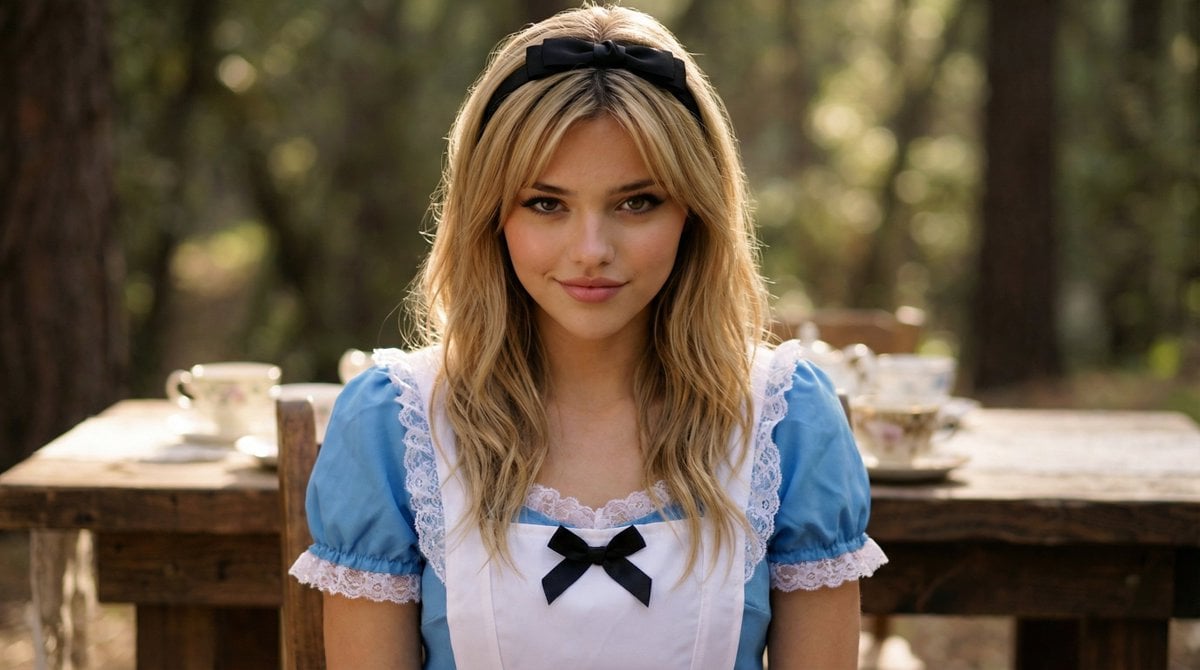
Cinematic Close-Up Portrait of Alice in Wonderland
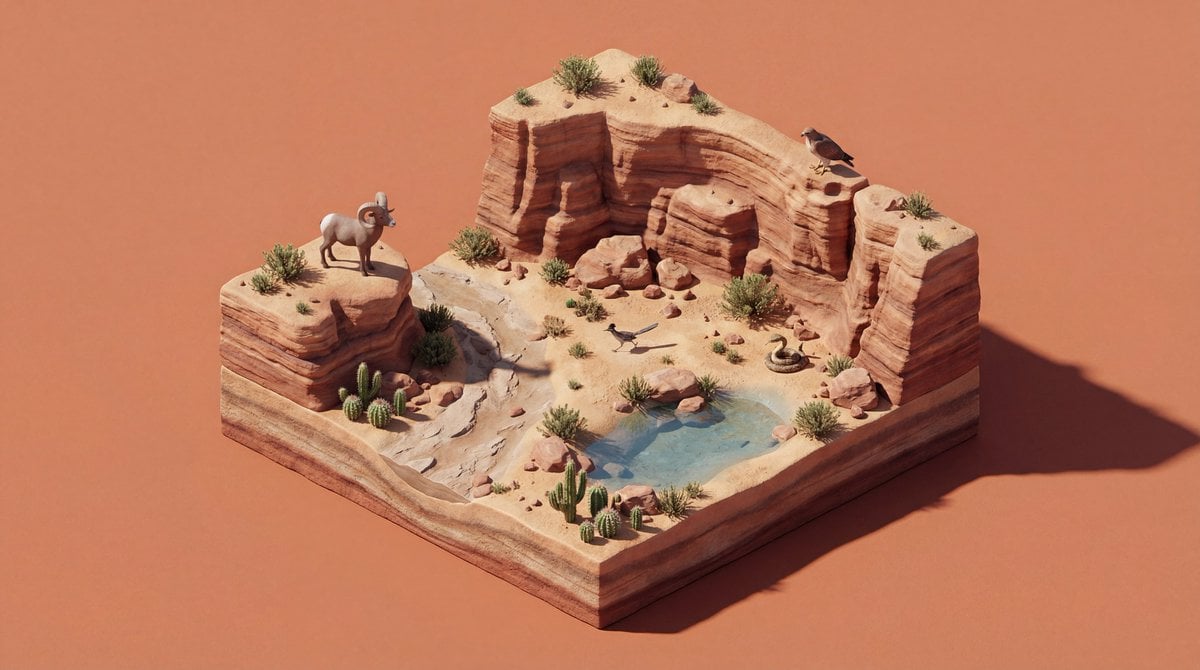
4K Wildlife Habitat Diorama Prompt
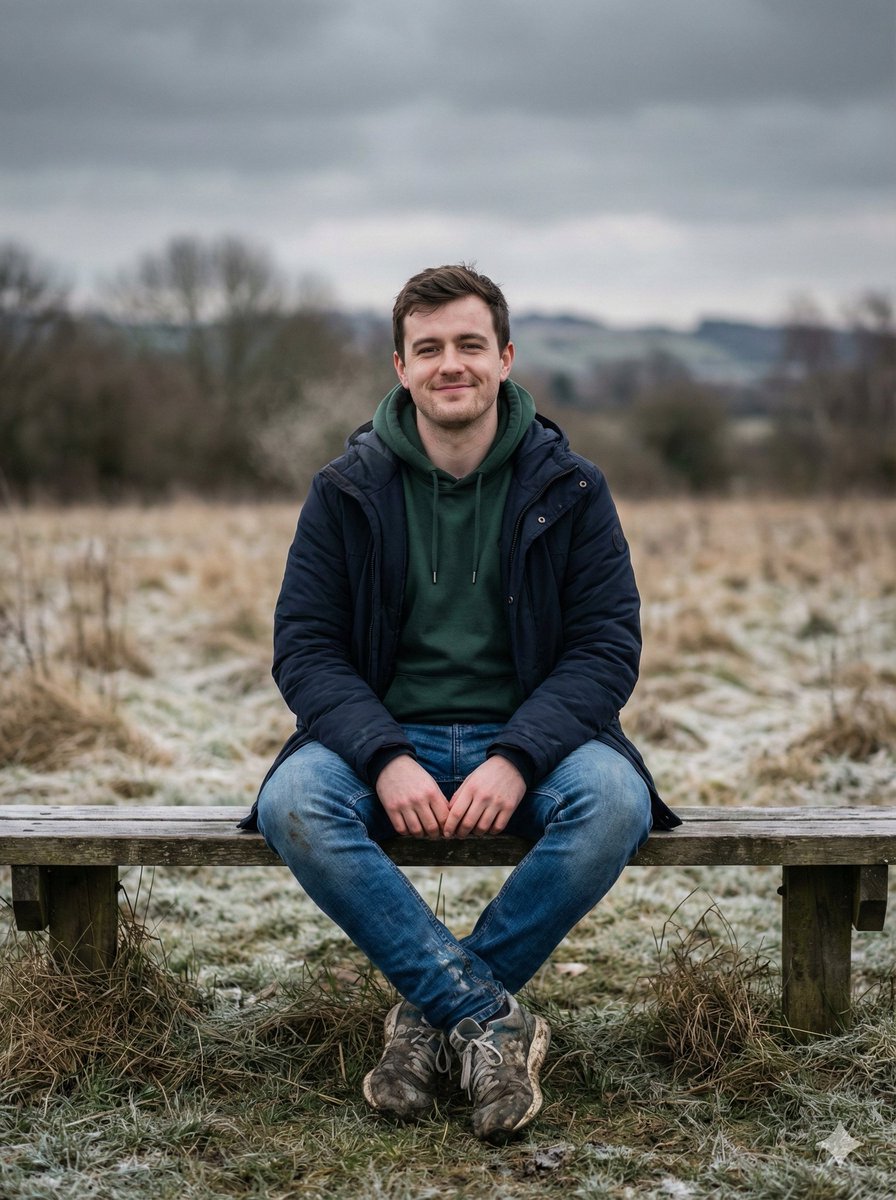
Cinematic Winter Portrait Prompt
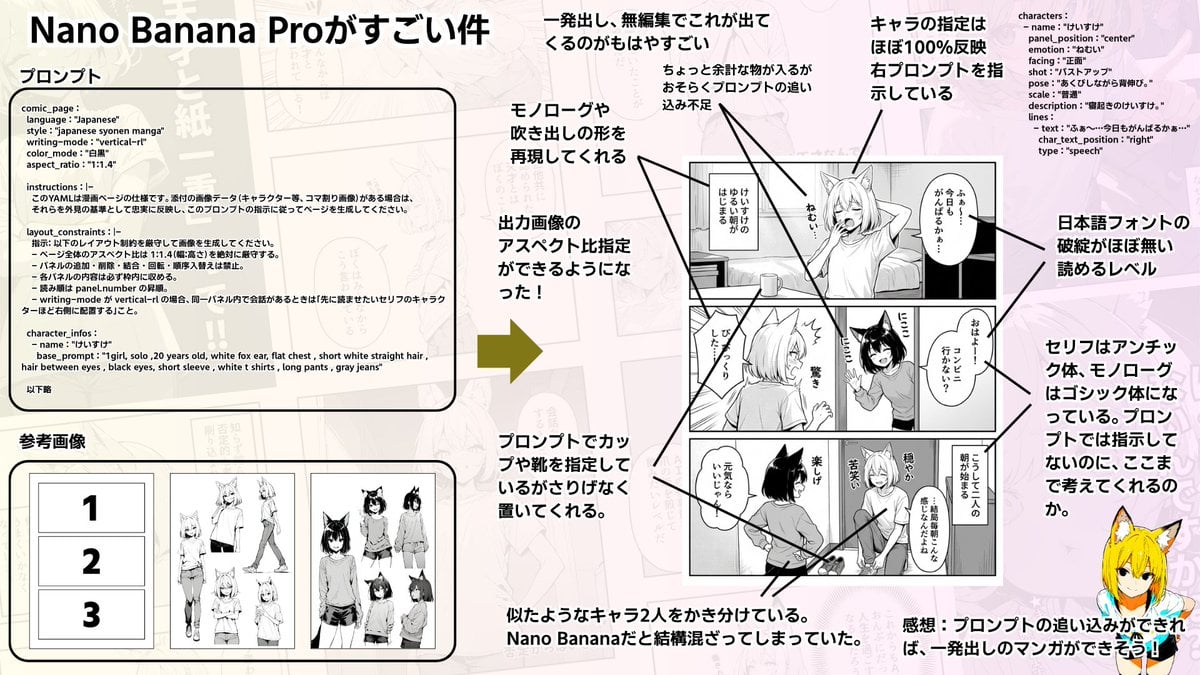
Config-style Japanese shonen manga page settings
Browse template categories
Anime Schoolgirl Gunfight on Industrial Walkway questions
How do I use the Anime Schoolgirl Gunfight on Industrial Walkway template?
Add your photo if the template asks for one, edit the prompt if you like — the template's model and format are already selected — and press Generate. Your version opens in PicX Studio.
Can I customize the Anime Schoolgirl Gunfight on Industrial Walkway template?
Yes. You can change the subject, setting, lighting, mood, format, and available model controls before creating your image.
Is the Anime Schoolgirl Gunfight on Industrial Walkway template free?
Opening and editing this template is free. Generating uses credits, shown on the Generate button when you are signed in.
Which AI model should I use?
Start with GPT Image 2, which is the model associated with this template. You can compare another compatible model for a different finish.
Looking for something else? Browse all templates.

Your photo, any look
Thousands of ready templates for every top image and video model, from one credit balance.