
Cosmic Gravity Glass UI System
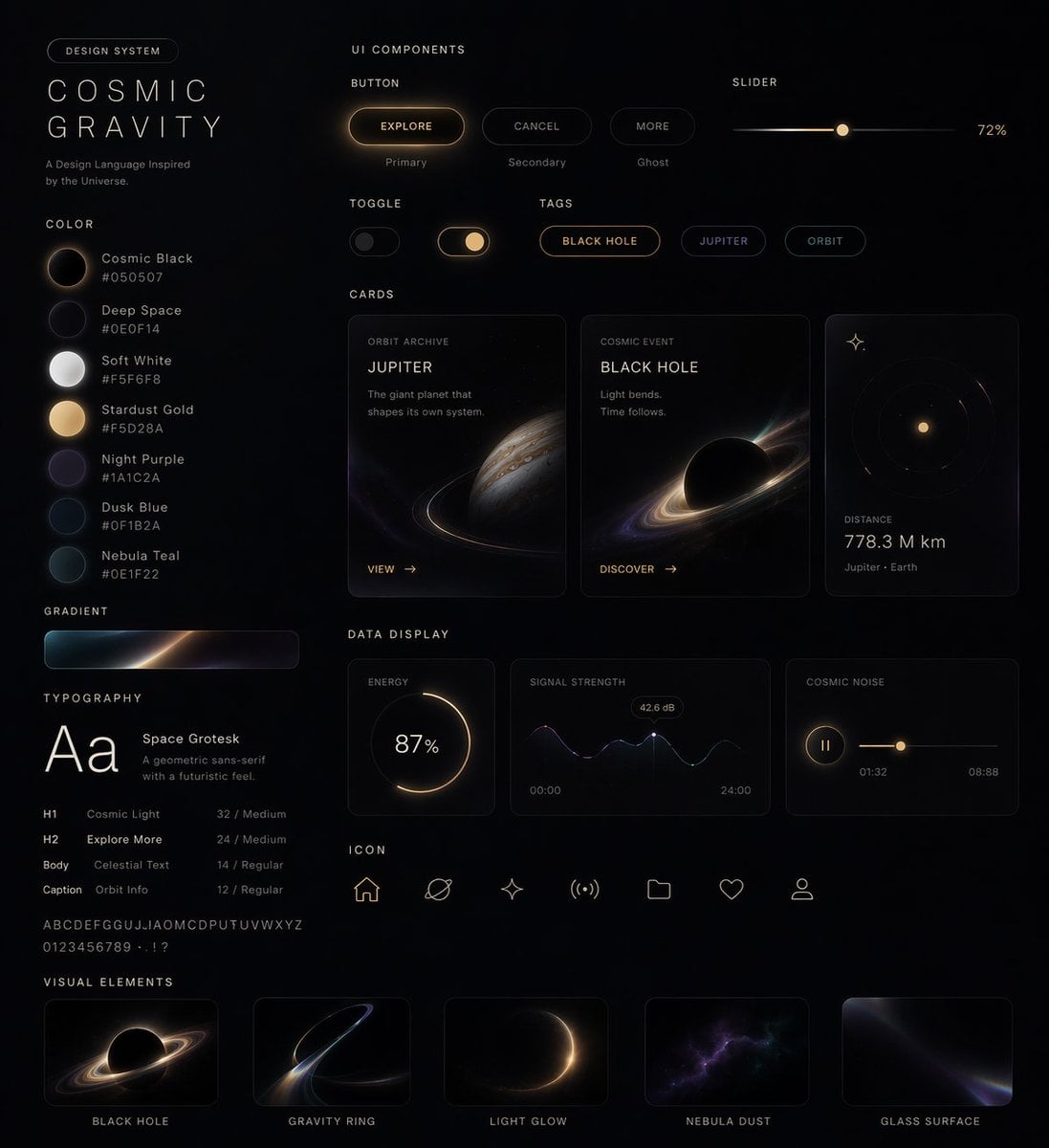
A premium glassmorphism design-system board for a space-themed app or dashboard, useful for showcasing futuristic UI components, cards, controls, and visual style.
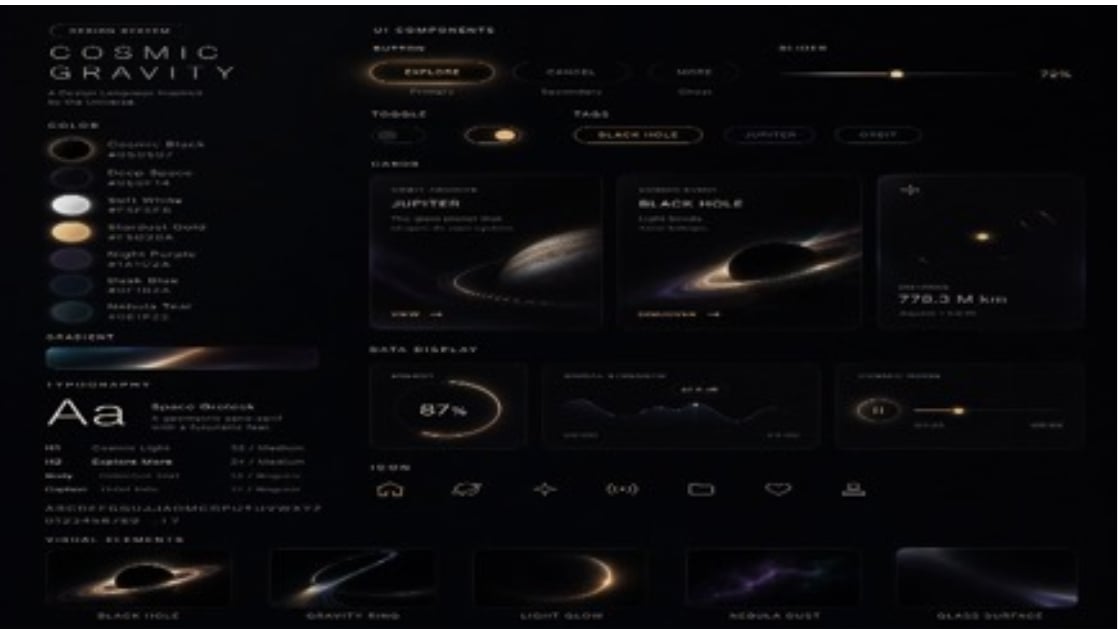
- Prompt included
- Model and format preset
- Free template
The prompt behind this image
Copy the exact prompt behind Cosmic Gravity Glass UI System, or open it in the studio and make it yours.
- Type
- futuristic glassmorphism UI design system board
- Theme
- deep-space planetary exploration dashboard with premium Apple-like industrial design
- Style › Background
- near-black matte canvas with subtle starfield haze
- Style › Lighting
- soft shadows, faint bloom, warm amber highlights, cool blue-violet accents, translucent glass panels
- Style › Material
- frosted glass, glossy dark surfaces, thin luminous strokes, soft refractions
- Style › Mood
- luxury sci-fi, minimal, cinematic, highly polished
- Layout › Format
- single wide presentation board
- Layout › Sections › 0 › Title
- COSMIC GRAVITY
- Layout › Sections › 0 › Position
- left column
- Layout › Sections › 0 › Count
- 5
- Layout › Sections › 0 › Labels
- header branding block, color palette swatches, gradient bar, typography specimen, text scale list
- Layout › Sections › 1 › Title
- UI ELEMENTS
- Layout › Sections › 1 › Position
- upper center-right
- Layout › Sections › 1 › Count
- 7
- Layout › Sections › 1 › Labels
- EXPLORE button, rounded tab 1, rounded tab 2, horizontal slider, toggle switch, BLACK HOLE pill button, JUPITER pill button
- Layout › Sections › 2 › Title
- CARDS
- Layout › Sections › 2 › Position
- middle center-right
- Layout › Sections › 2 › Count
- 3
- Layout › Sections › 2 › Labels
- JUPITER card, BLACK HOLE card, small metric card
- Layout › Sections › 3 › Title
- DATA DISPLAY
- Layout › Sections › 3 › Position
- lower middle-right
- Layout › Sections › 3 › Count
- 3
- Layout › Sections › 3 › Labels
- 87% circular progress card, line graph card, horizontal control card
- Layout › Sections › 4 › Title
- bottom navigation
Raw JSON
{"type":"futuristic glassmorphism UI design system board","theme":"deep-space planetary exploration dashboard with premium Apple-like industrial design","style":{"background":"near-black matte canvas with subtle starfield haze","lighting":"soft shadows, faint bloom, warm amber highlights, cool blue-violet accents, translucent glass panels","material":"frosted glass, glossy dark surfaces, thin luminous strokes, soft refractions","mood":"luxury sci-fi, minimal, cinematic, highly polished"},"layout":{"format":"single wide presentation board","sections":[{"title":"COSMIC GRAVITY","position":"left column","count":5,"labels":["header branding block","color palette swatches","gradient bar","typography specimen","text scale list"]},{"title":"UI ELEMENTS","position":"upper center-right","count":7,"labels":["EXPLORE button","rounded tab 1","rounded tab 2","horizontal slider","toggle switch","BLACK HOLE pill button","JUPITER pill button"]},{"title":"CARDS","position":"middle center-right","count":3,"labels":["JUPITER card","BLACK HOLE card","small metric card"]},{"title":"DATA DISPLAY","position":"lower middle-right","count":3,"labels":["87% circular progress card","line graph card","horizontal control card"]},{"title":"bottom navigation","position":"lower center","count":7,"labels":["home icon","cloud icon","spark icon","signal icon","rounded rectangle icon","heart icon","tray icon"]},{"title":"VISUAL EXAMPLES","position":"bottom row","count":5,"labels":["BLACK HOLE","GRAVITY RING","LIGHT GLOW","NEBULA DUST","GLASS SURFACE"]}],"centerpiece":"a dense arrangement of translucent dark cards and controls floating on a black canvas, organized like a premium design system poster"},"text":{"branding":"{argument name=\"headline text\" default=\"COSMIC GRAVITY\"}","small labels":"tiny uppercase sans-serif microcopy throughout, mostly illegible but styled as technical UI annotations","percentage":"87%","distance":"779.3 M km","right slider value":"79%"},"visuals":{"palette":[{"name":"bright white","appearance":"soft glowing white swatch"},{"name":"warm sand","appearance":"creamy beige swatch"},{"name":"muted plum","appearance":"dusky violet swatch"},{"name":"deep navy","appearance":"blue-black swatch"},{"name":"teal black","appearance":"dark teal swatch"}],"planets":[{"name":"Jupiter-like planet","appearance":"banded gas giant with a thin glowing orbit ring"},{"name":"black hole / ringed void","appearance":"dark circular center with bright accretion-like ring"},{"name":"distant star","appearance":"small bright golden point with faint halo"}],"chart motifs":["glowing circular progress ring","minimal mountain-like line graph","horizontal value slider"]},"typography":{"primary":"sleek geometric sans-serif in uppercase with wide tracking","specimen":"large Aa sample in white","secondary":"small clean sans-serif for labels and data"},"colorScheme":{"primary":"{argument name=\"accent color\" default=\"warm amber gold\"}","secondary":"{argument name=\"secondary glow color\" default=\"deep blue-violet\"}","surface":"charcoal black translucent glass","text":"soft white and muted gray"},"camera":{"view":"straight-on flat lay poster view","composition":"balanced grid with generous negative space and thin panel borders"},"rendering":"ultra-detailed modern product design mockup, high contrast, elegant glassmorphism, crisp UI kit presentation, subtle blur and glow, premium concept sheet for a sci-fi app or dashboard","customization":{"product name":"{argument name=\"product name\" default=\"UI ELEMENTS\"}","theme name":"{argument name=\"theme name\" default=\"deep-space exploration\"}"}}How to use Cosmic Gravity Glass UI System in 3 steps
- 1Upload ImagePNG, JPG or paste
Add your photo
Upload the photo the template builds on. The prompt, model and format are already set.
- 2…a portrait of your subject in softgolden-hour light, 85mm…
Personalize
Edit the subject and creative details for your destination.
- 3Generate
Generate
Press Generate — your image is created in PicX Studio, so you can compare it with the original and refine one variable at a time.
More like this
Templates with the same subject, style or setup. Open one to see its prompt.

Cinematic Glass Brand Logo Volcanic Landscape
Glass Reality Weaver in Cosmic Hall
Cosmic Dark Mode UI Design System

Christmas Ornament Portrait Glossy Glass Resin Finish with Hand Painted Details Holiday Lighting
The Gravity Lane Megacity
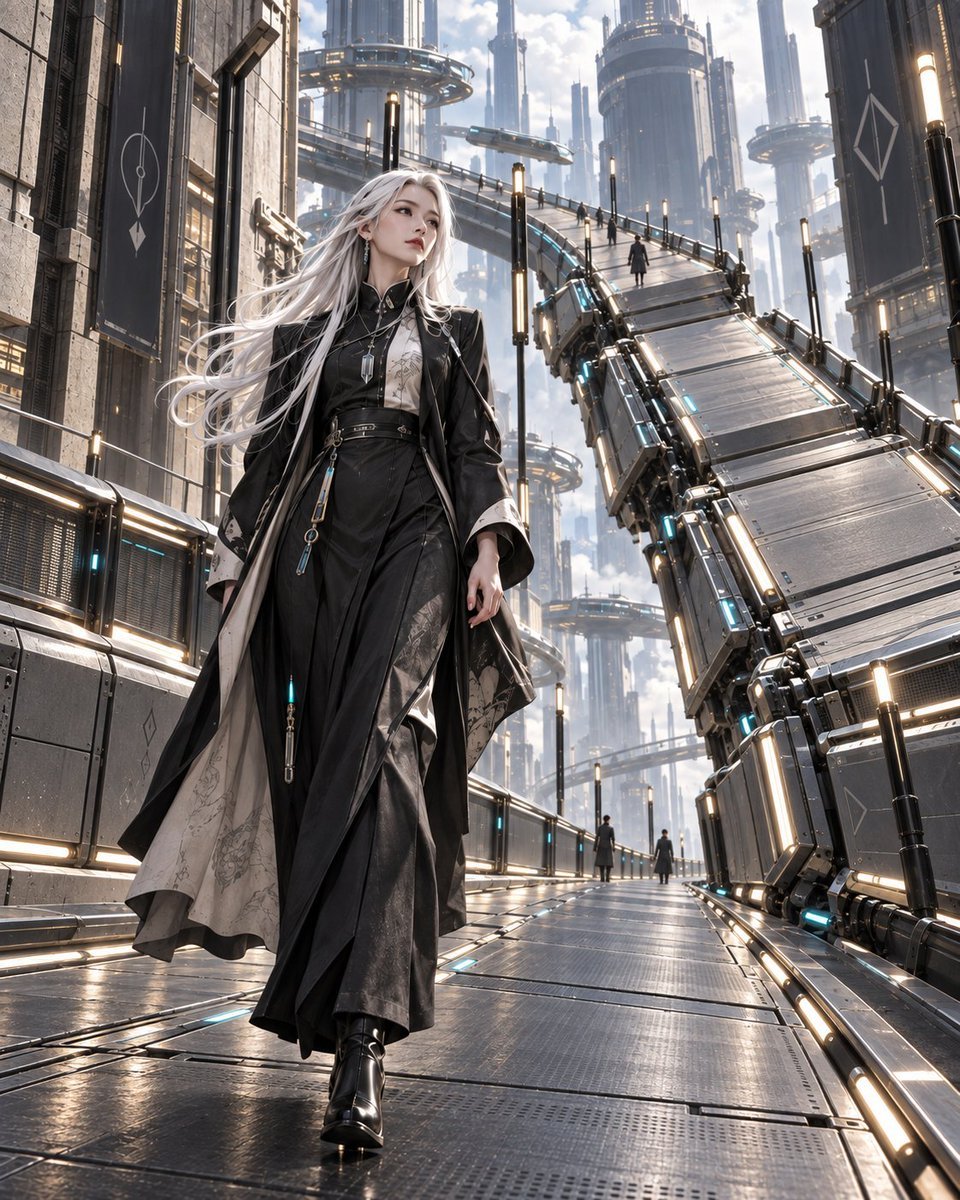
Gravity Lane Futuristic Fashion Walk
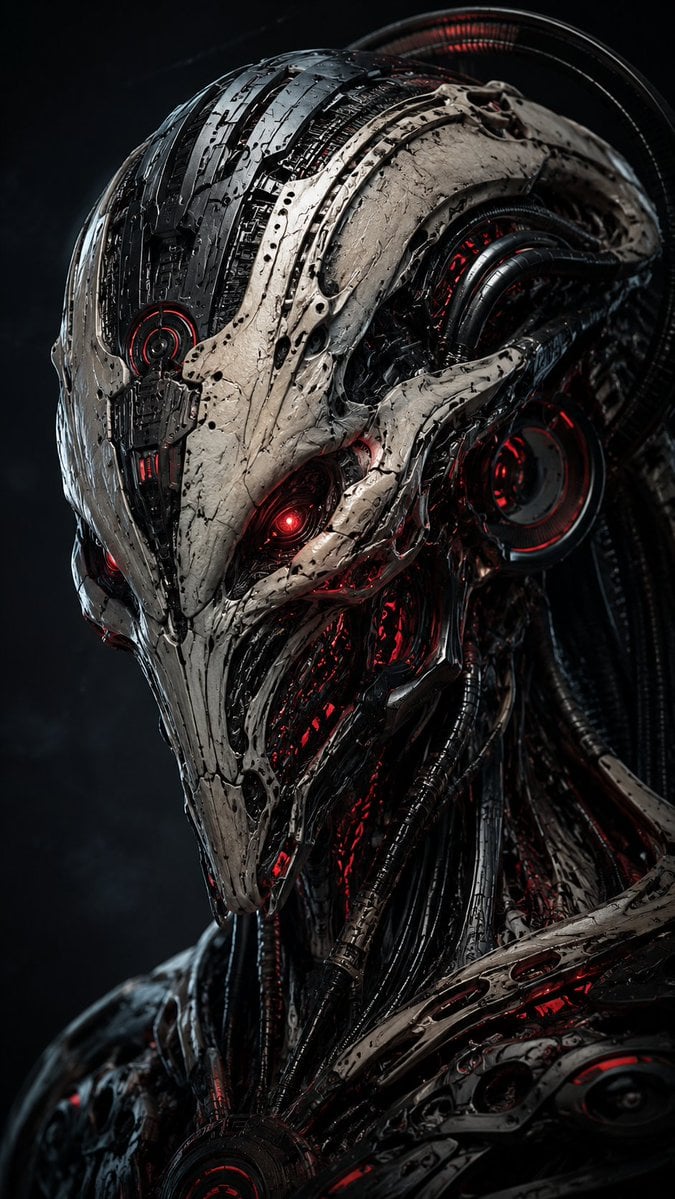
Mecha Alien at Gravity Edge
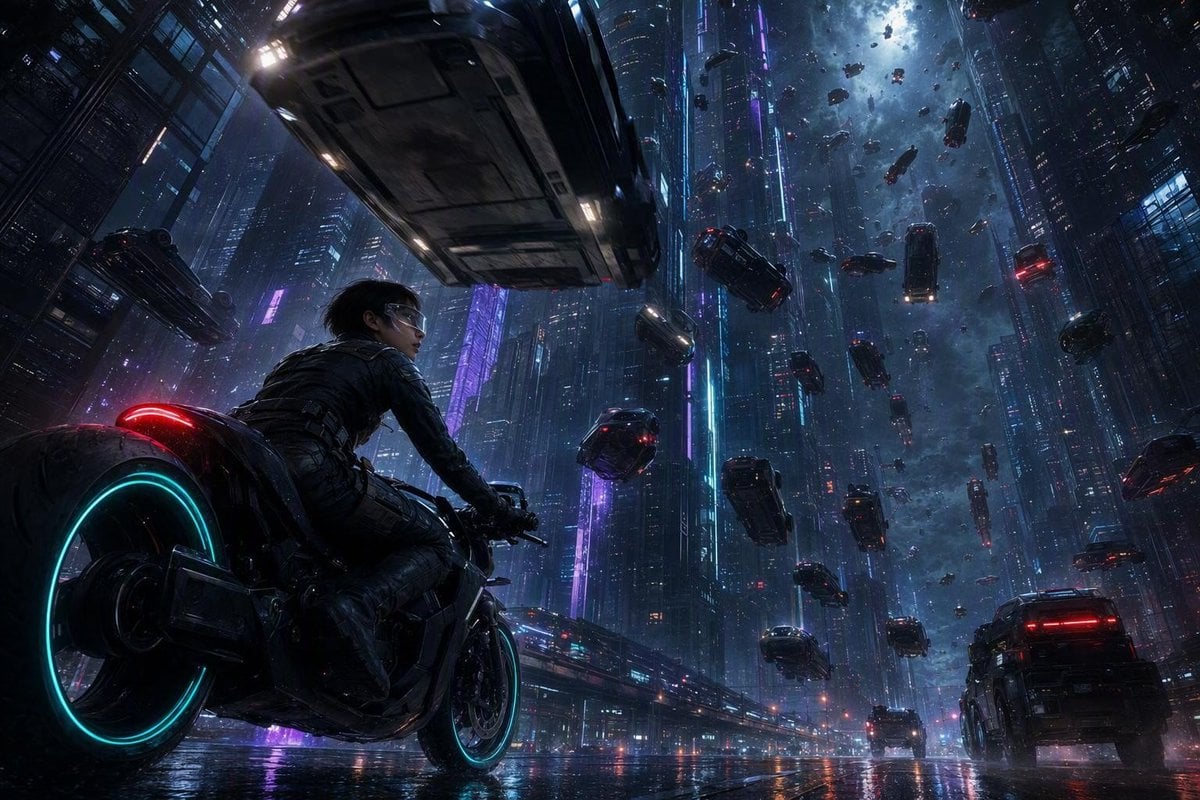
Futuristic Sci-Fi Gravity Reversal Keyframe

Mini Sick Woman in Water Glass

Zero Gravity Morning Scene
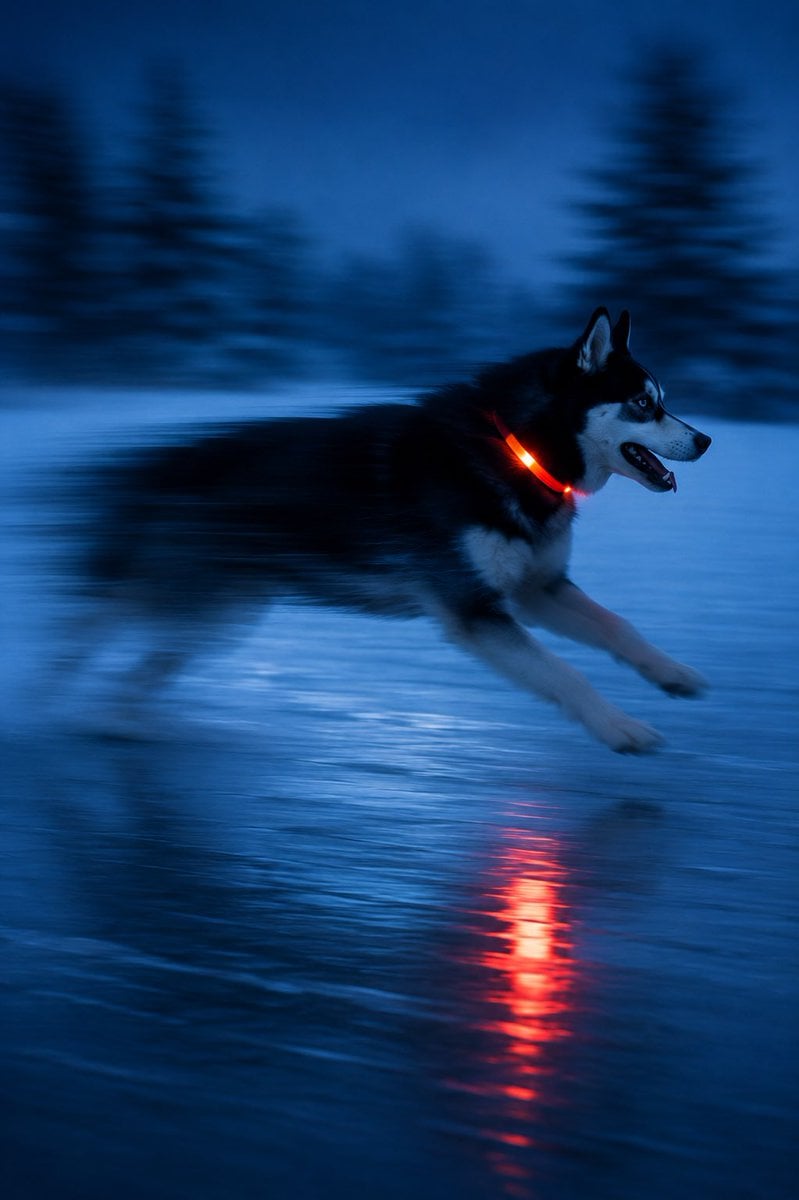
Driftplane Exposure System Prompt
Product Gravity Advertising Poster
Make it yours
Cosmic Gravity Glass UI System works as-is. These are the safest ways to change it without losing the look.
Swap the setting
Keep the rest of the prompt and replace the location block. The current setting is “near-black matte canvas with subtle starfield haze”.
Swap the light
One lighting change is enough to compare takes. Current light: “soft shadows, faint bloom, warm amber highlights, cool blue-violet accents, tran”.
Change one field
Copy a single group, rewrite it, and generate again so you can see what that field is doing.
| If the result… | Why | Fix |
|---|---|---|
| The result drifts from the preview | Too many fields changed at once. | Reuse Cosmic Gravity Glass UI System as-is first, then change one group — subject, light, or setting. |
| GPT Image 2 ignores part of the JSON | Some models flatten or skip nested keys. | Keep the same values and paste them as a short paragraph instead. |
More GPT Image 2 templates
Other prompts made for GPT Image 2.

Six VTuber Japanese Logo Sheet

Realistic Portrait of Woman and Deer

The Vista Modular Condo Poster

AI Model Routing Comparison Infographic

2.5D Anime Art Board

Isometric Productivity Desk Scene

New York Double Exposure Poster

Four-Panel AI Landscape Comparison

Japanese Tatami Lifestyle Magazine Cover

NESCAFÉ Coffee Map Poster
More image prompts
Fresh picks from across the catalog.

Dynamic Wide-Angle Action Pose Prompt (Gatotsu Style)

Ultra-realistic Cinematic Portrait with Shattered Glass and Luxury Accessories
Hand-Drawn Isometric Schematic Diagram Prompt

Character Background and Lighting Adjustment
Neon Japanese AI Canvas Ad
Hyper-Realistic Wet Look Close-Up Portrait
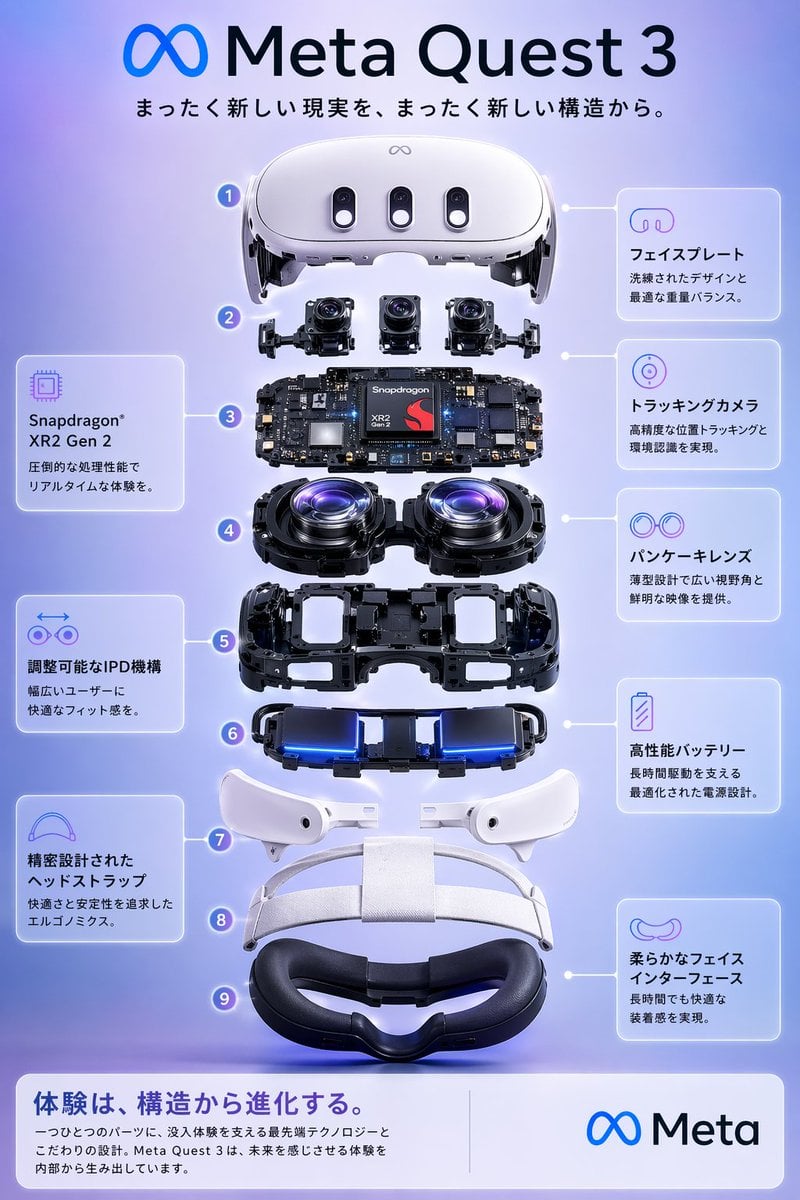
Meta Quest 3 Exploded View Poster

Structured Bedroom Selfie Prompt

Rubber duck adventure movie poster prompt
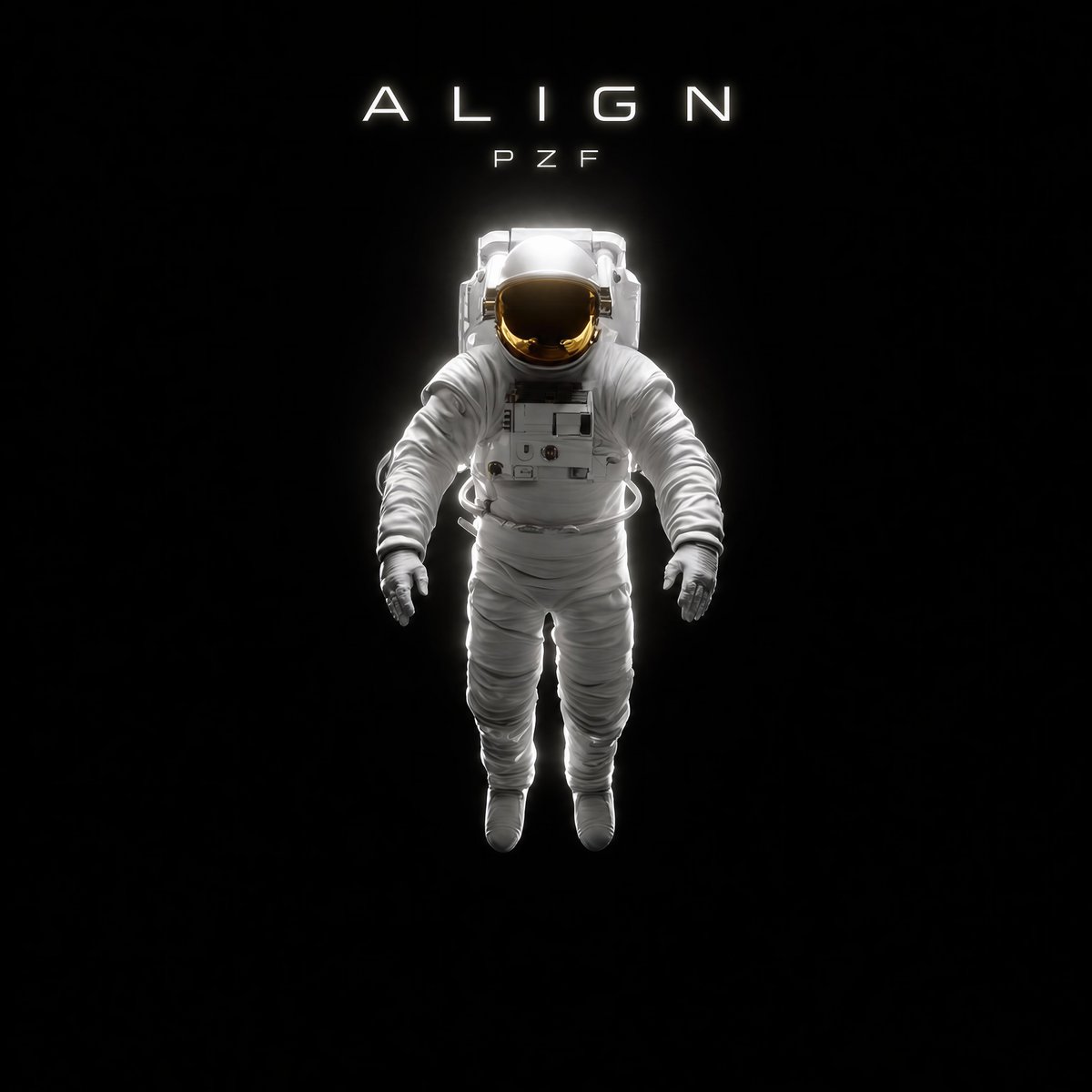
Minimal Astronaut Album Cover
Browse template categories
Cosmic Gravity Glass UI System questions
How do I use the Cosmic Gravity Glass UI System template?
Add your photo if the template asks for one, edit the prompt if you like — the template's model and format are already selected — and press Generate. Your version opens in PicX Studio.
Can I customize the Cosmic Gravity Glass UI System template?
Yes. You can change the subject, setting, lighting, mood, format, and available model controls before creating your image.
Is the Cosmic Gravity Glass UI System template free?
Opening and editing this template is free. Generating uses credits, shown on the Generate button when you are signed in.
Which AI model should I use?
Start with GPT Image 2, which is the model associated with this template. You can compare another compatible model for a different finish.
Looking for something else? Browse all templates.

Your photo, any look
Thousands of ready templates for every top image and video model, from one credit balance.