
3D Papercraft Cosmic Library Diorama
A complex 3D layered papercraft illustration of a cosmic library with floating books and a young explorer in a mystical steampunk style.
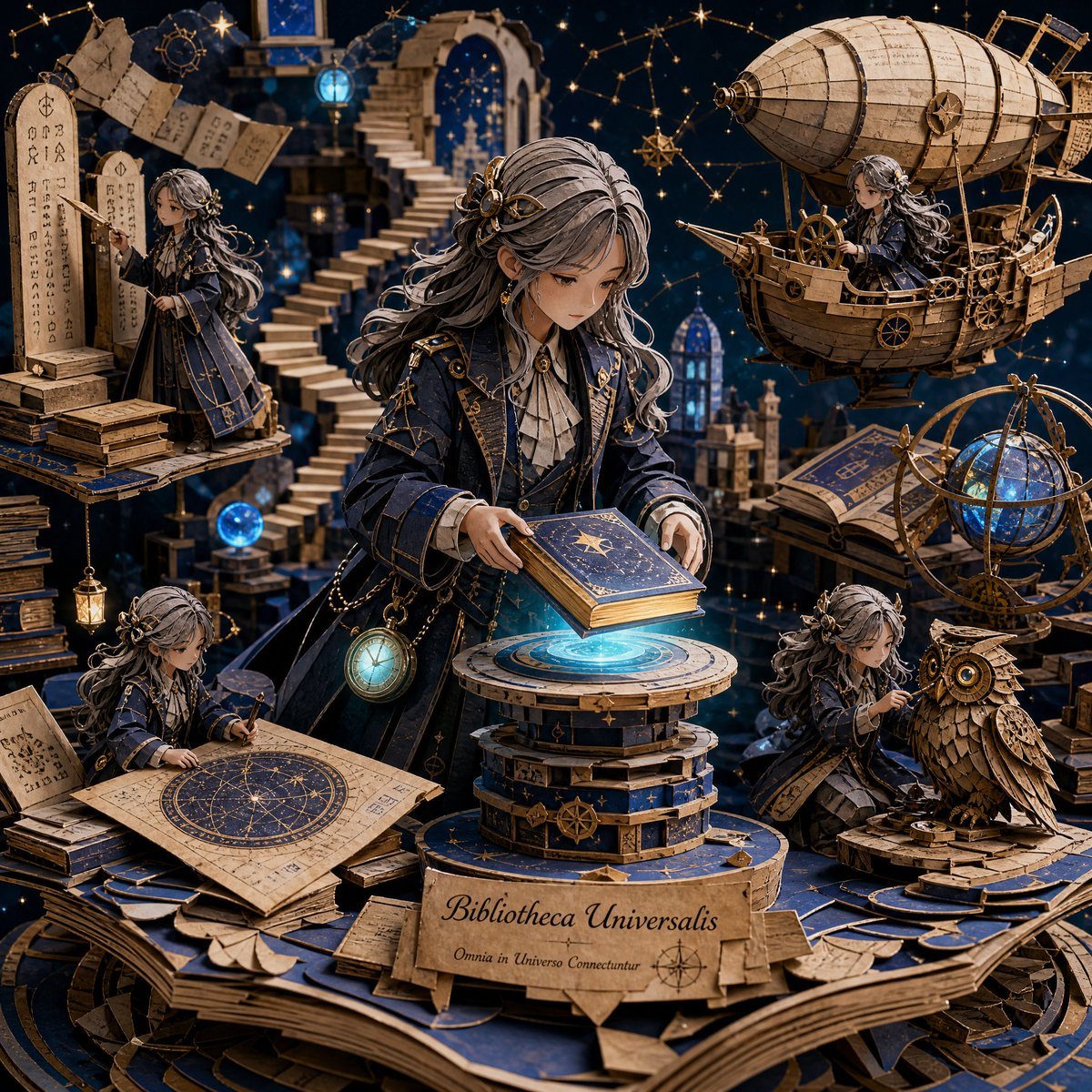
- Prompt included
- Model and format preset
- Premium template
The prompt behind this image
Copy the exact prompt behind 3D Papercraft Cosmic Library Diorama, or open it in the studio and make it yours.
A highly detailed 3D layered papercraft diorama set inside a floating cosmic library, blending fantasy and steampunk aesthetics. The composition centers on a {argument name="character" default="thoughtful young explorer with long silver-streaked hair tied in a loose braid"}, wearing an {argument name="outfit" default="elegant deep navy coat with brass accents"} and a glowing pocket watch suspended on a chain. She is gently placing a glowing book onto a levitating pedestal, as if unlocking a hidden story of the universe.Surrounding her are miniature handcrafted versions of herself in different roles: one deciphering ancient runes on floating stone tablets, another navigating a tiny airship made of parchment and gears, one sketching constellations on a rolled-out star map, and another repairing a mechanical owl made of layered paper and copper textures.The environment is a vast, dreamlike library made of stacked floating books, spiral staircases that dissolve into starlight, and glowing orbs of knowledge hovering in mid-air. The background fades into deep indigo space filled with subtle nebula clouds and golden constellations forming abstract maps.The entire artwork has a premium handcrafted papercraft aesthetic with visible layered paper edges, soft cinematic rim lighting, intricate shadow depth, and a {argument name="color palette" default="rich color palette of midnight blue, antique gold, glowing cyan, and parchment beige"}. The mood feels mystical, intellectual, and epic — like a secret archive of the universe.
How to use 3D Papercraft Cosmic Library Diorama in 3 steps
- 1
Open
The prompt is already in the box next to the preview, with the template's model and format selected.
- 2…a portrait of your subject in softgolden-hour light, 85mm…
Personalize
Edit the subject and creative details for your destination.
- 3Generate
Generate
Press Generate — your image is created in PicX Studio, so you can compare it with the original and refine one variable at a time.
More like this
Templates with the same subject, style or setup. Open one to see its prompt.

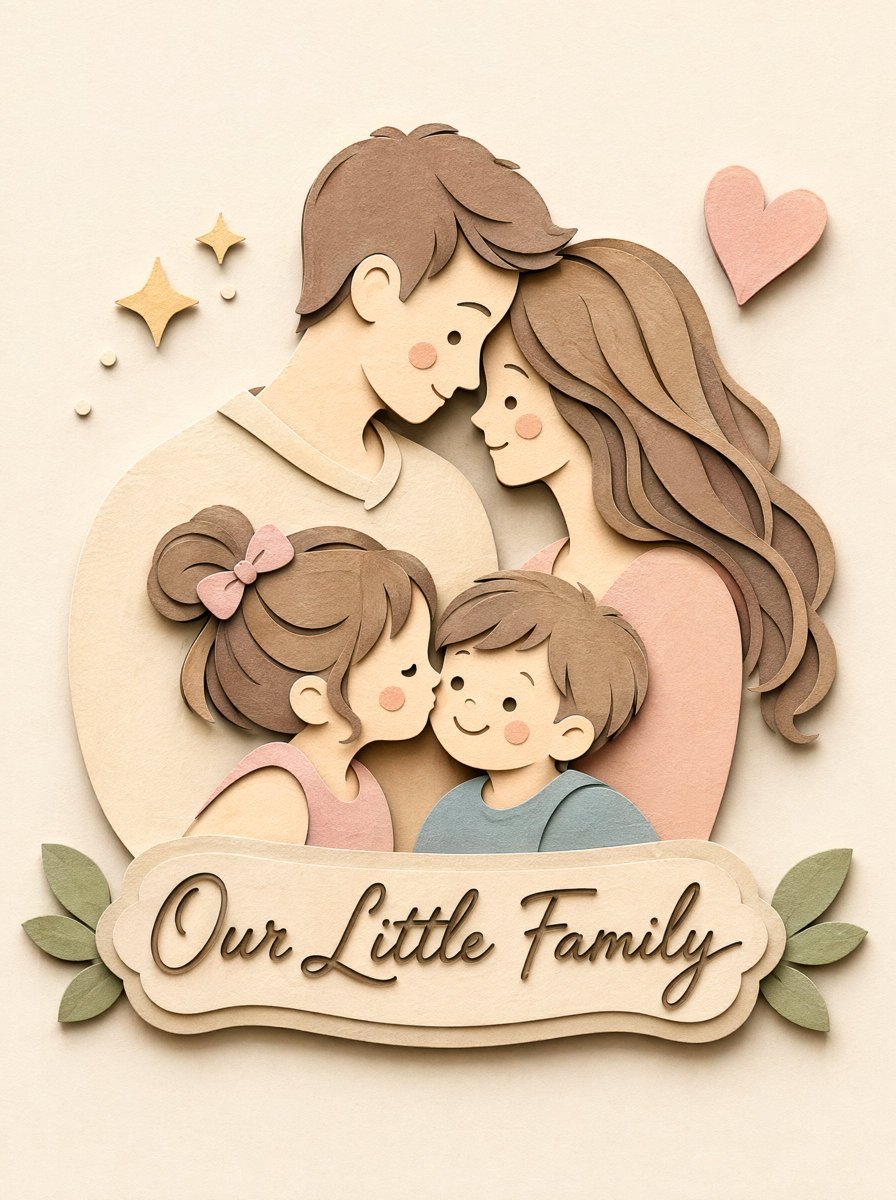
Soft Handcrafted Paper-Cut Layered Illustration
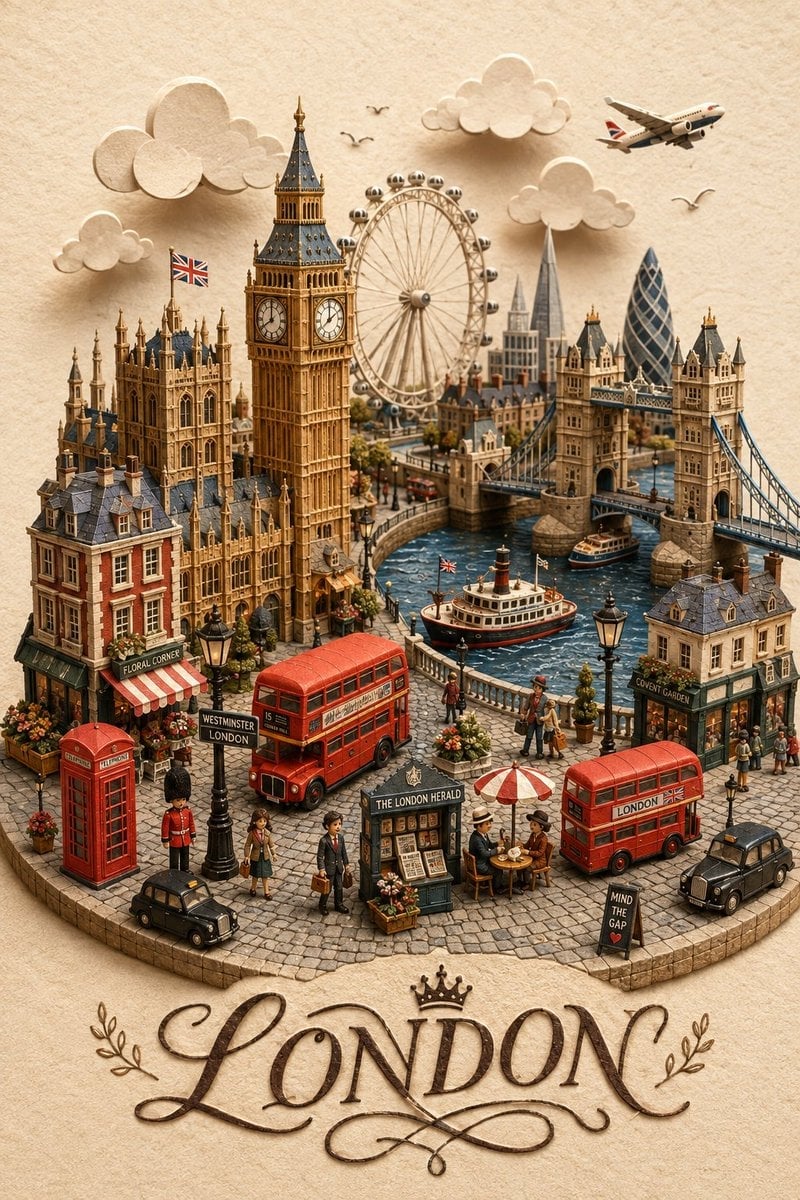
London Papercraft and Clay Diorama
Papercraft Diorama Style Portrait

Layered Paper Cut Forest Diorama
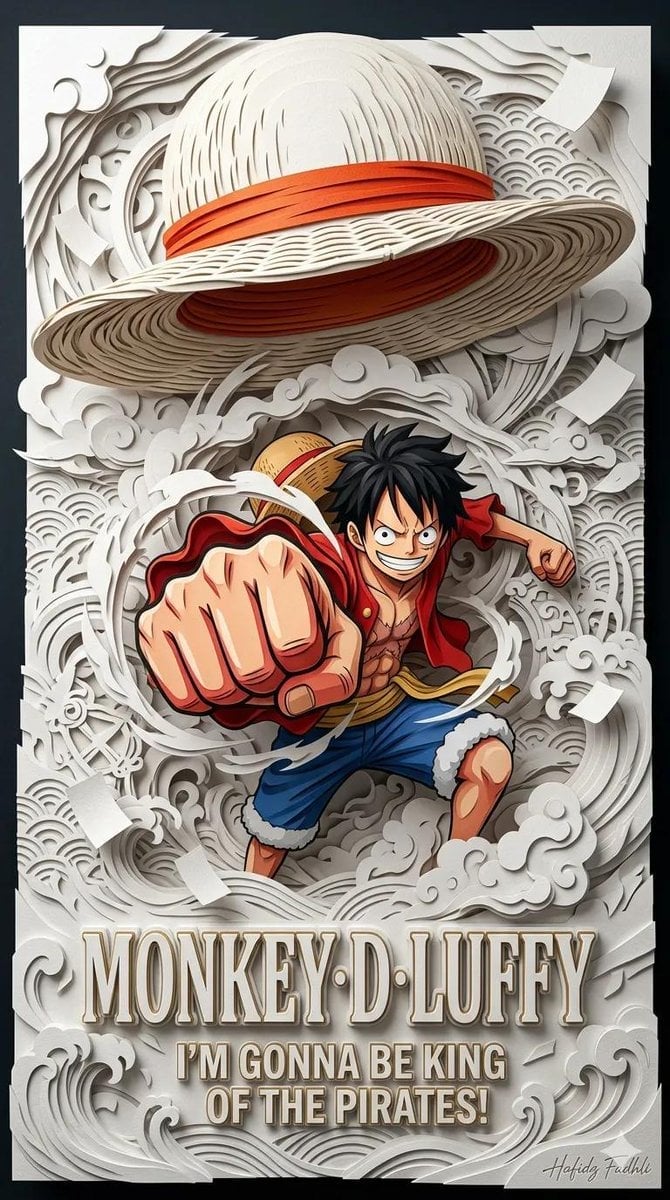
Master Papercraft Shadow Box — Anime Hero Emerging from Paper Waves
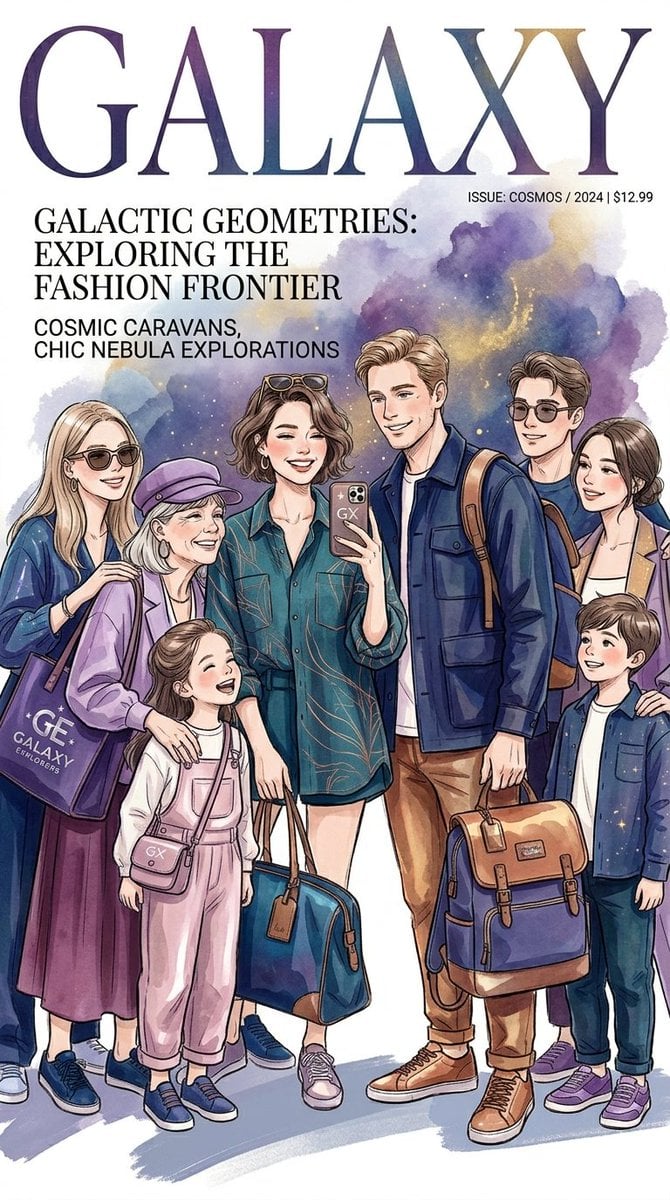
Cosmic Fashion Magazine and Library
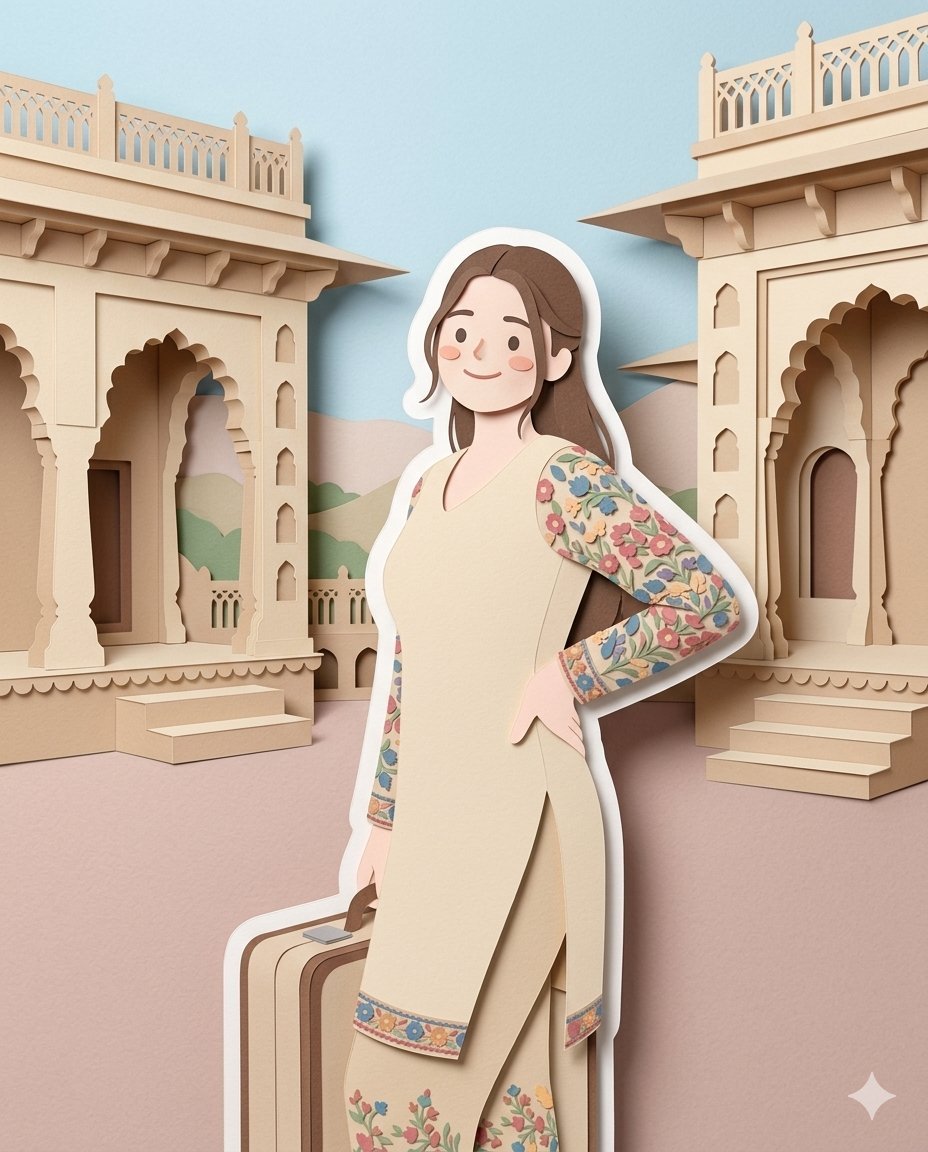
Layered Papercraft Diorama Prompt

Isometric Process Educational Diorama

Isometric Brand Store Diorama

FIFA World Cup — Brazil National Pass Diorama
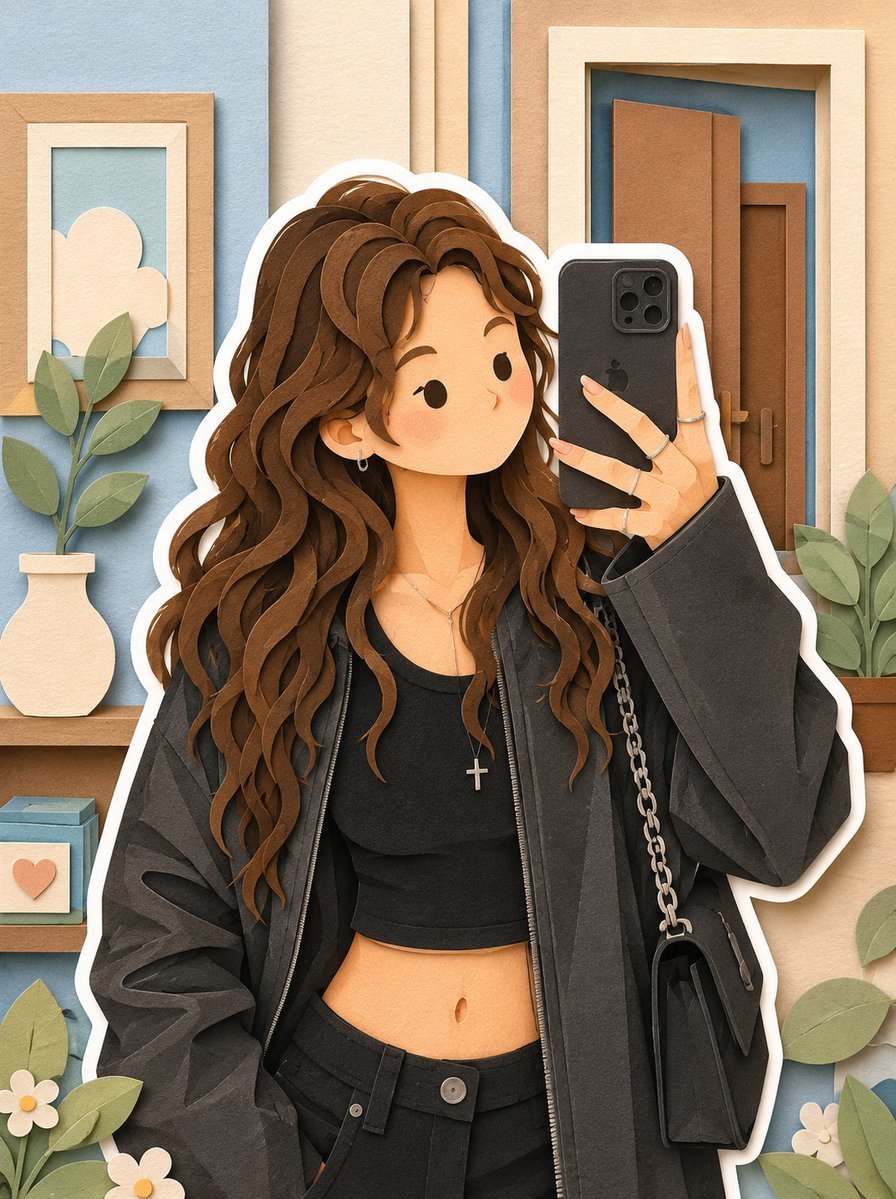
Soft Layered Papercraft Diorama
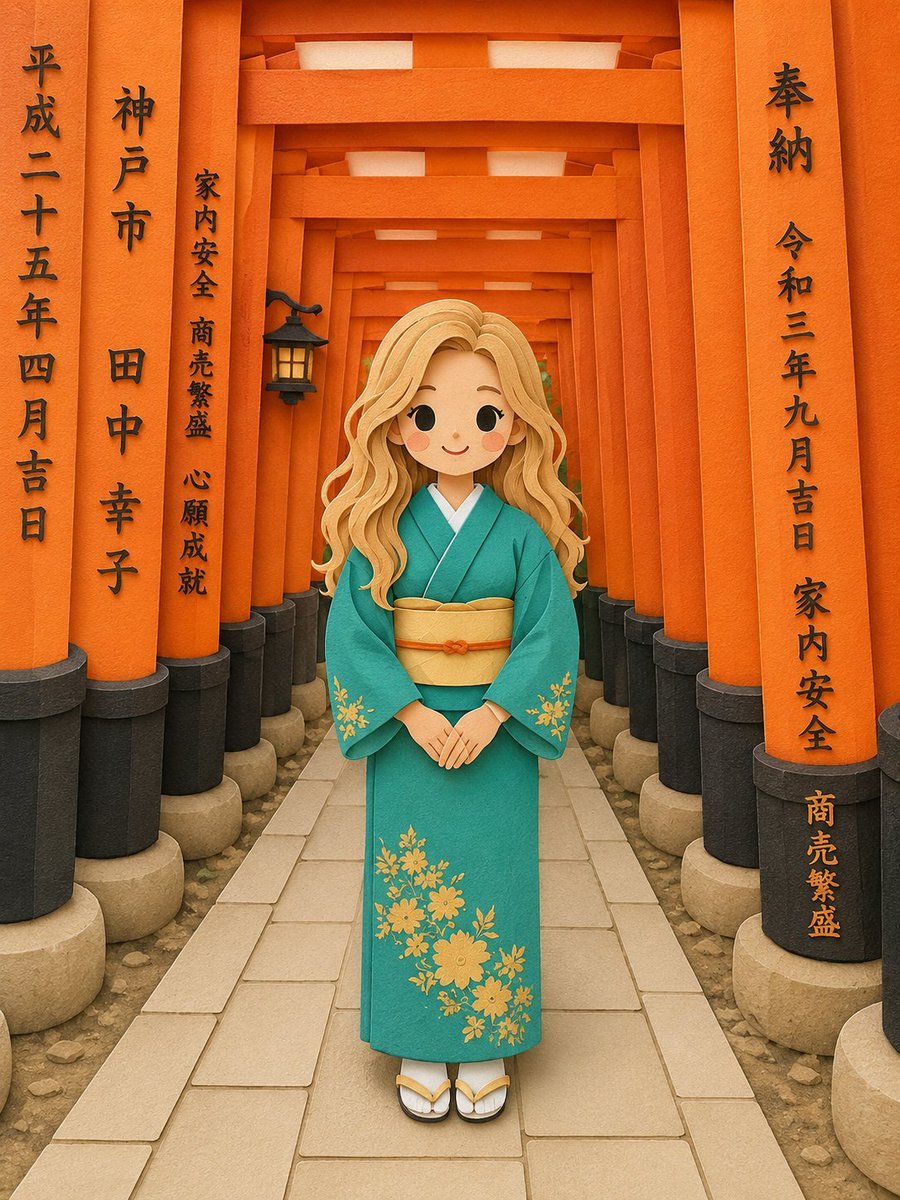
Papercraft Diorama Style Illustration
Make it yours
3D Papercraft Cosmic Library Diorama works as-is. These are the safest ways to change it without losing the look.
Change one field
Copy a single group, rewrite it, and generate again so you can see what that field is doing.
Keep the frame, change the subject
Hold the composition and light of 3D Papercraft Cosmic Library Diorama, then swap wardrobe, props or the person for a new take.
| If the result… | Why | Fix |
|---|---|---|
| The result drifts from the preview | Too many fields changed at once. | Reuse 3D Papercraft Cosmic Library Diorama as-is first, then change one group — subject, light, or setting. |
| The model over-stylizes the scene | The prose prompt leaves finish and camera underspecified. | Add one camera or lighting sentence and stay on GPT Image 2. |
More GPT Image 2 templates
Other prompts made for GPT Image 2.

Six VTuber Japanese Logo Sheet

Realistic Portrait of Woman and Deer

The Vista Modular Condo Poster

AI Model Routing Comparison Infographic

2.5D Anime Art Board

Isometric Productivity Desk Scene

New York Double Exposure Poster

Four-Panel AI Landscape Comparison

Japanese Tatami Lifestyle Magazine Cover

NESCAFÉ Coffee Map Poster
More image prompts
Fresh picks from across the catalog.
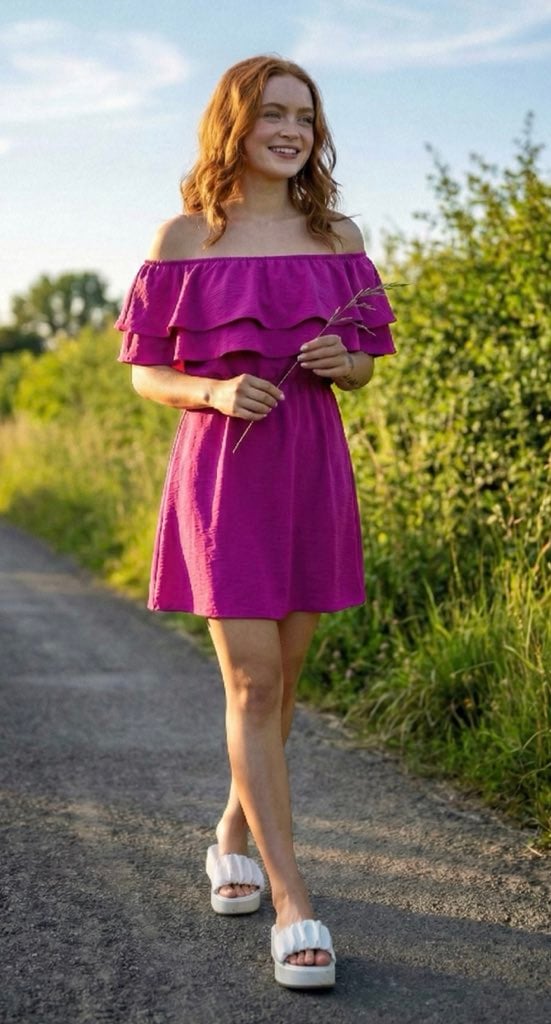
Ultra-Photorealistic Full-Body Shot on a Rural Road at Golden Hour
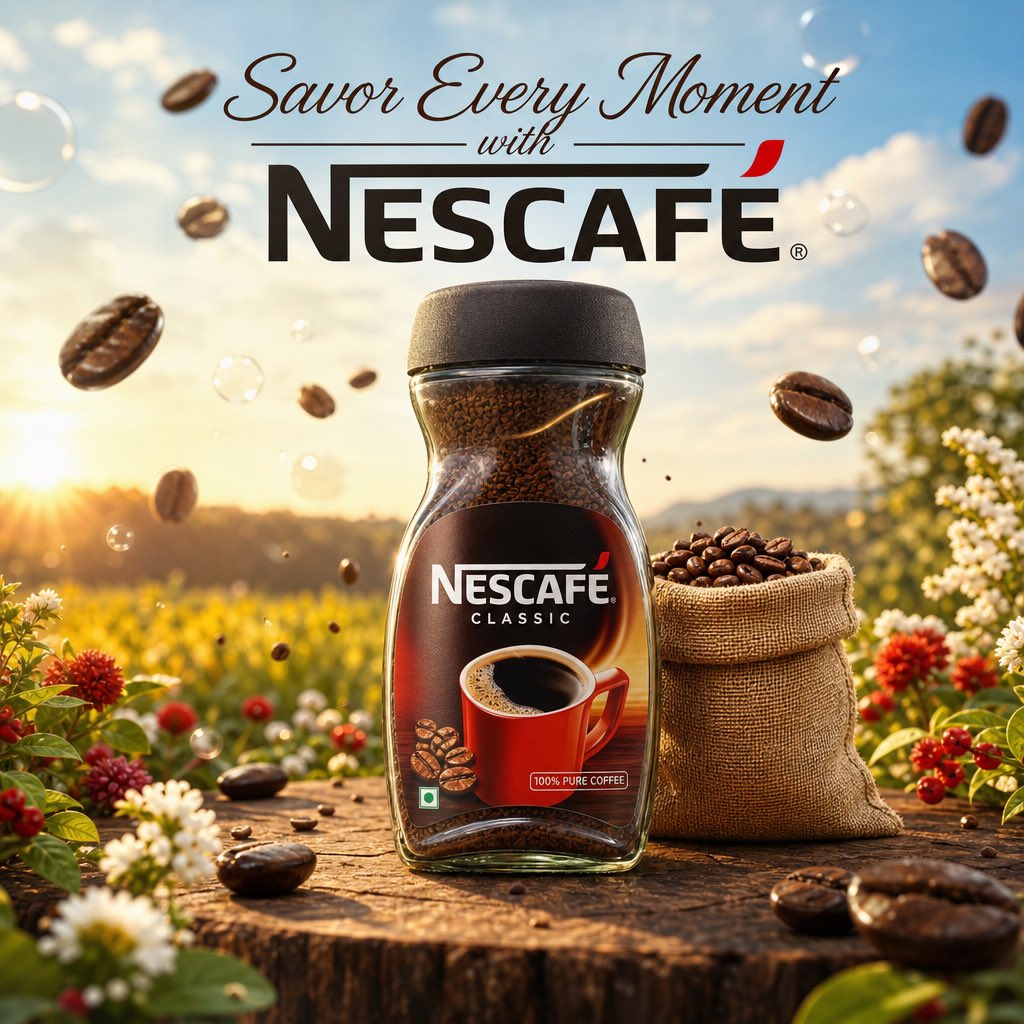
Cinematic Nescafé Product Advertisement
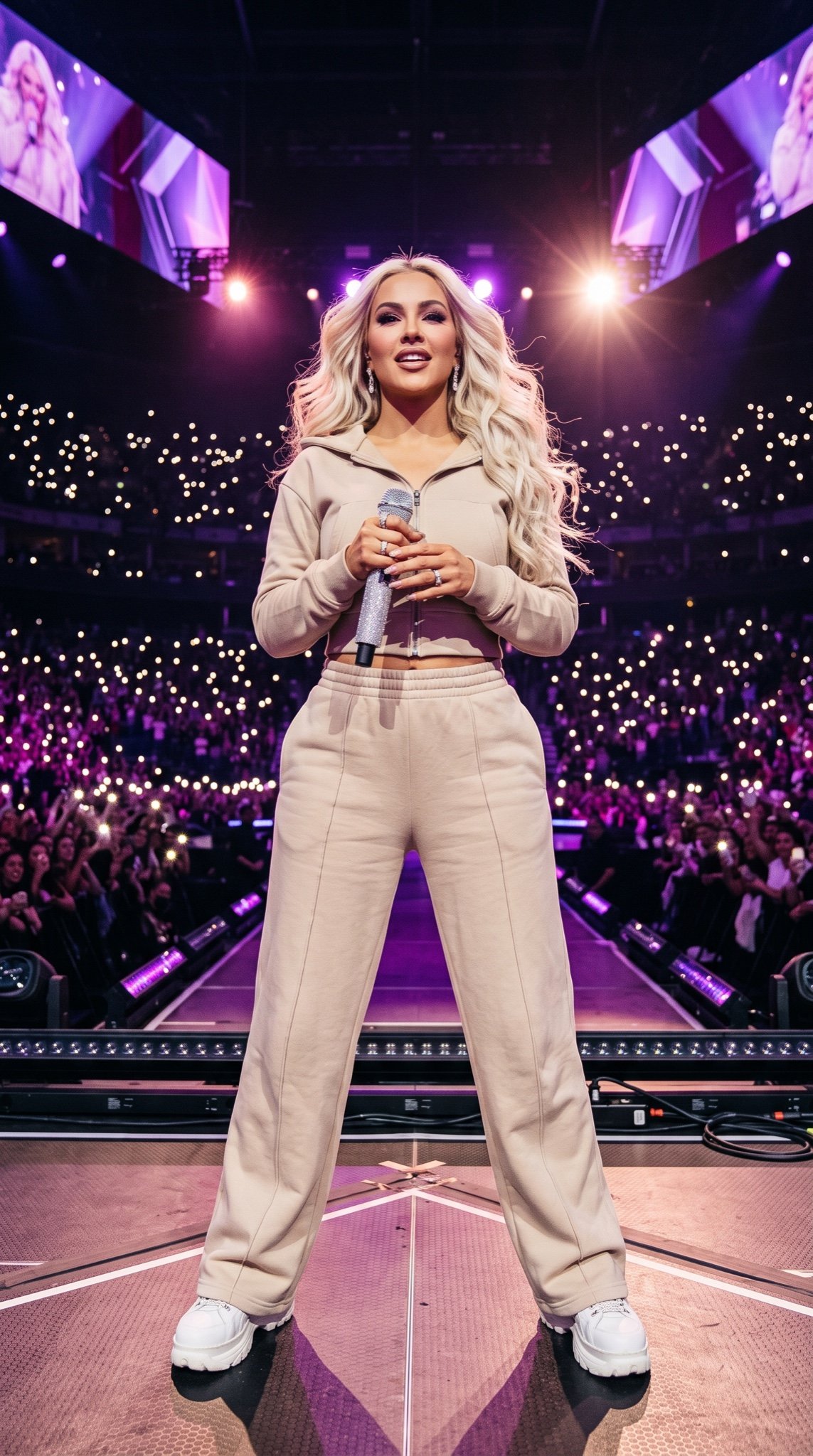
Pop Star Concert Photography
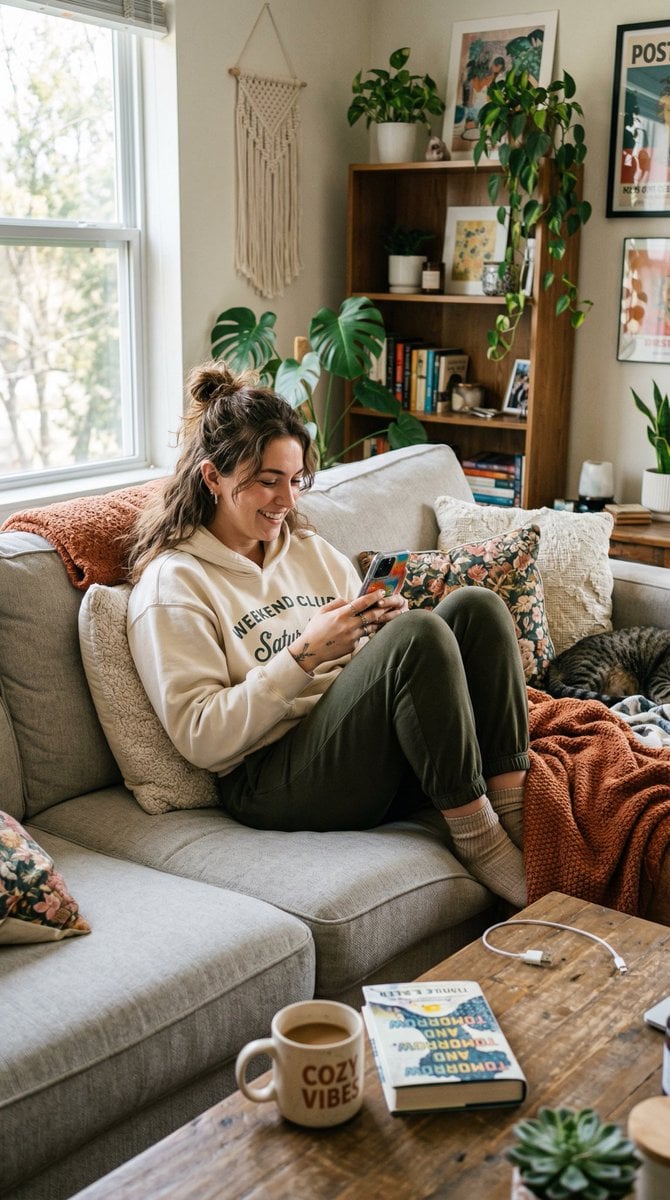
Entry-Level Gen Z Woman Generation
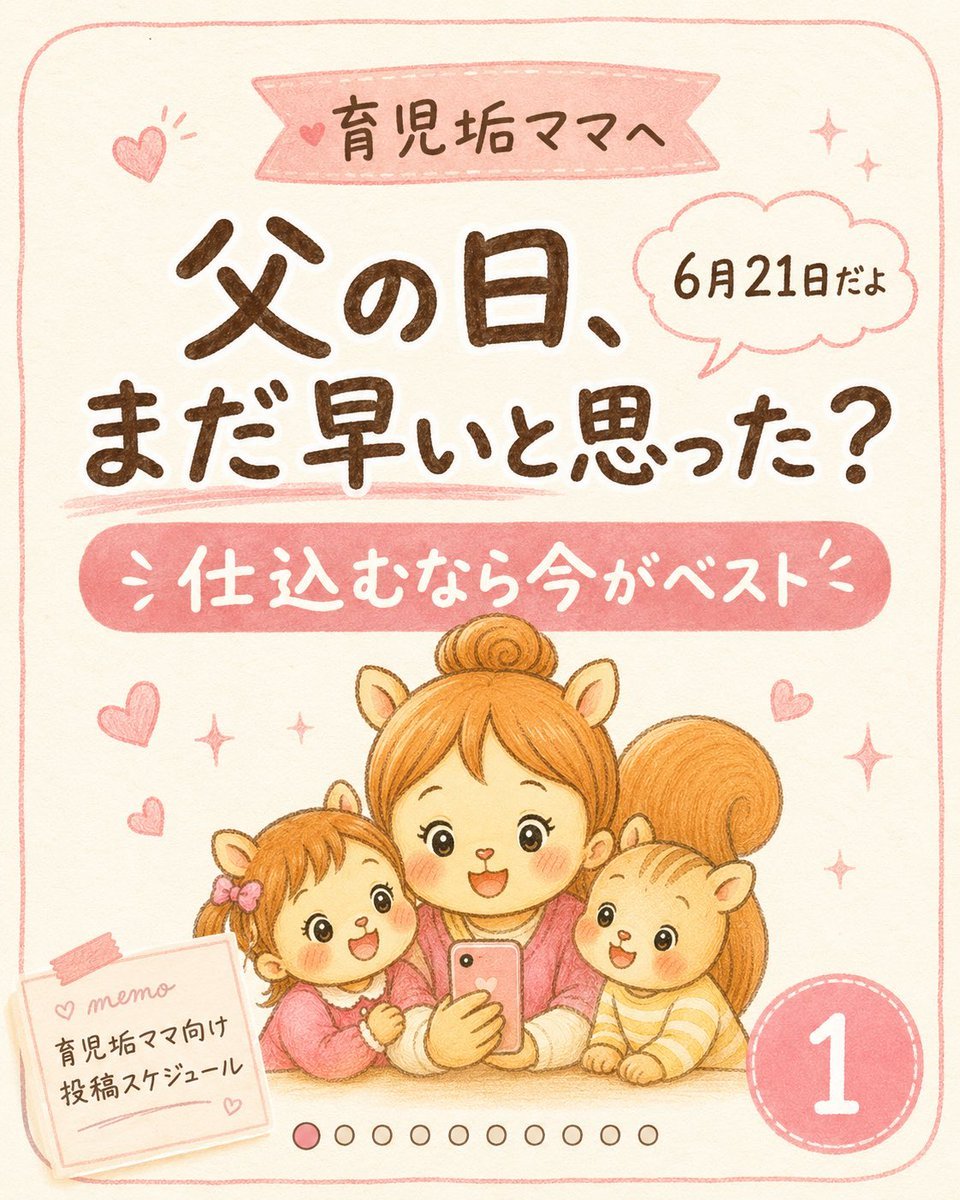
Cute Father’s Day Instagram Cover
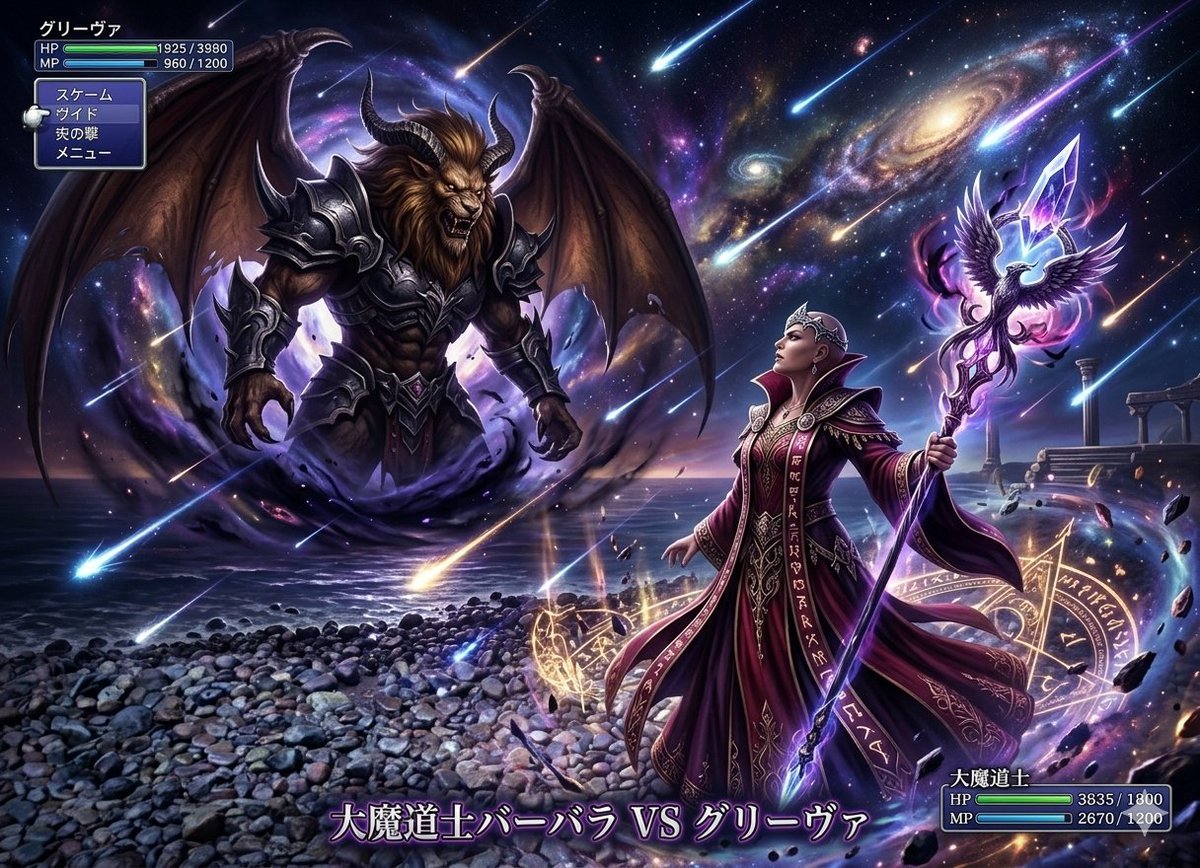
Final Fantasy transformation prompt (Nano Banana Pro)
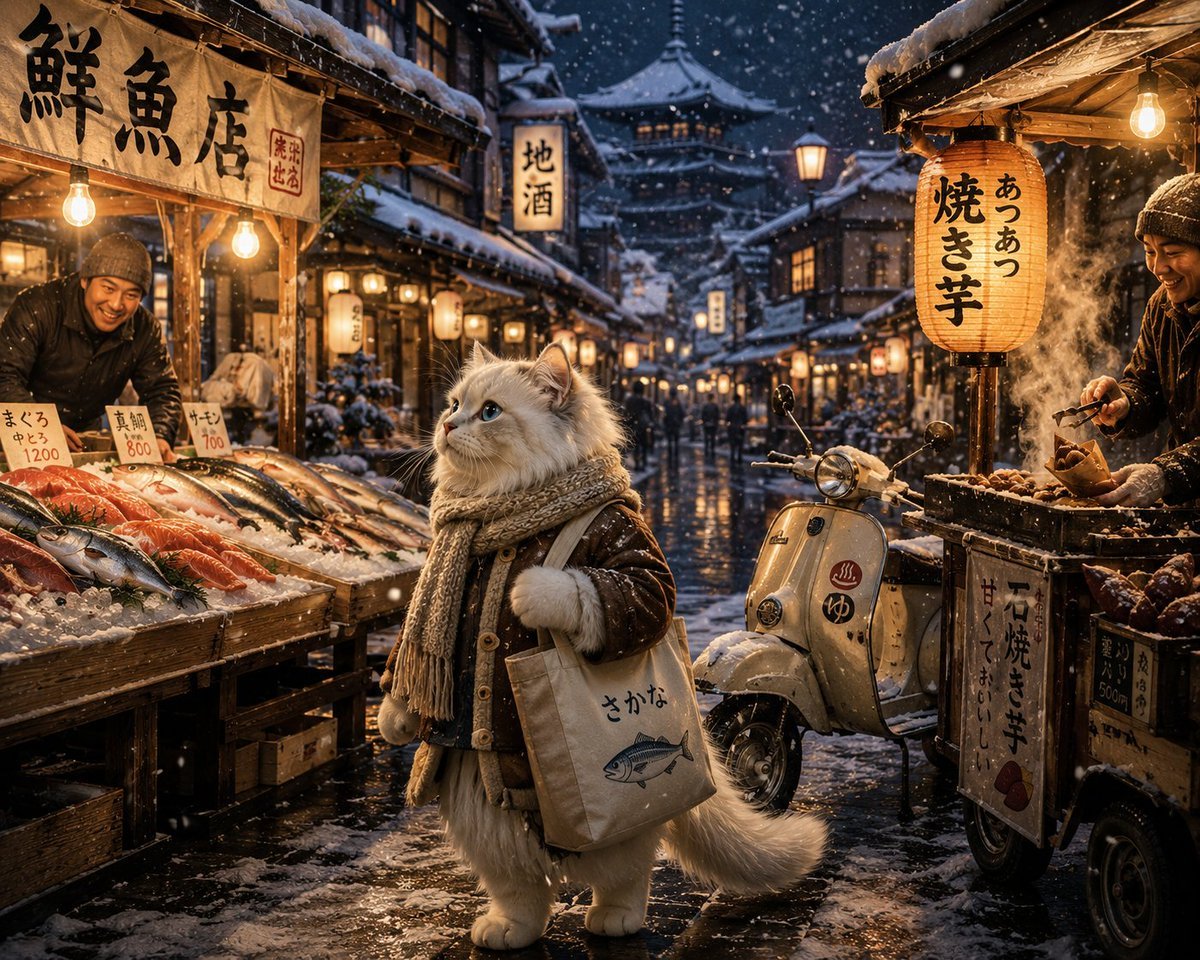
Winter Anime Realism Sequence
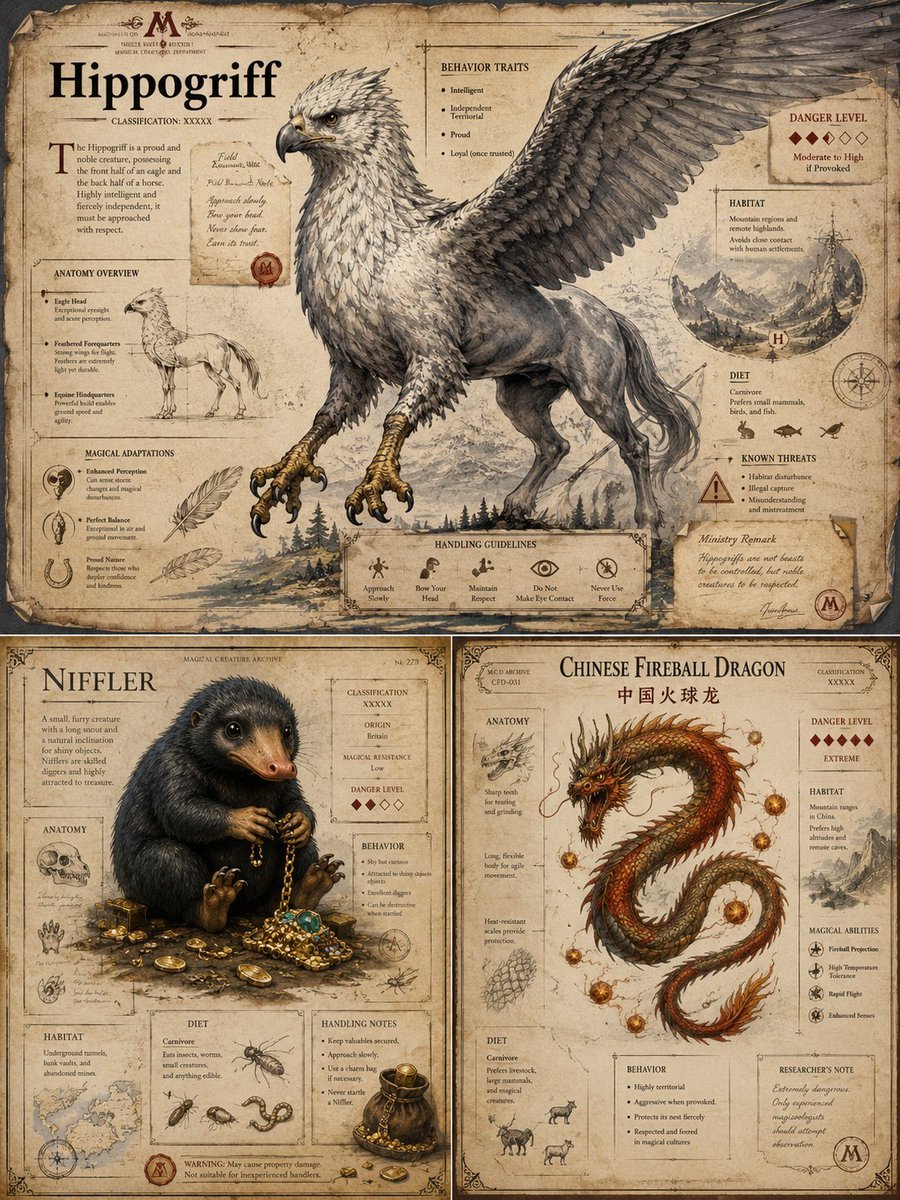
Magical Creature Bestiary Plates
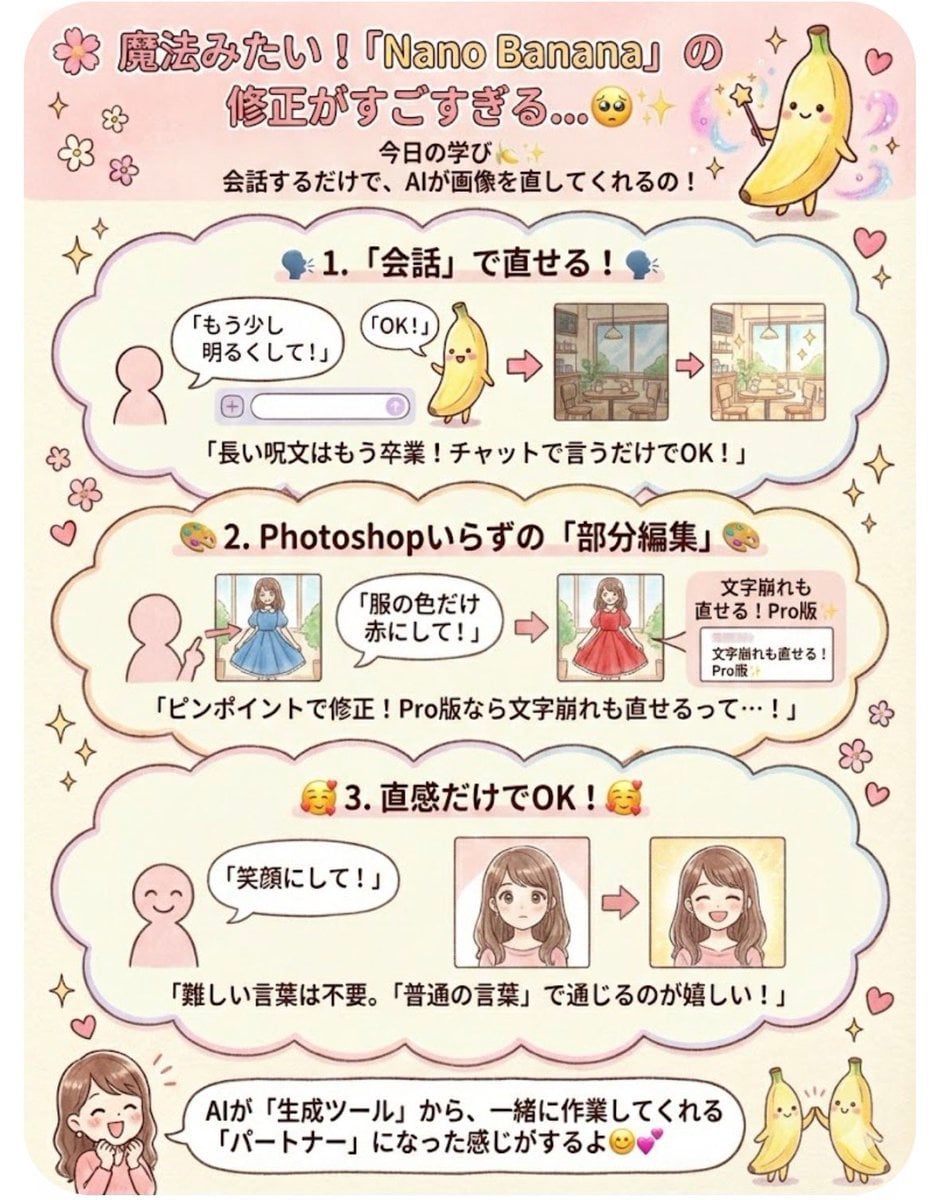
Instruction for conversational image editing in Nano Banana
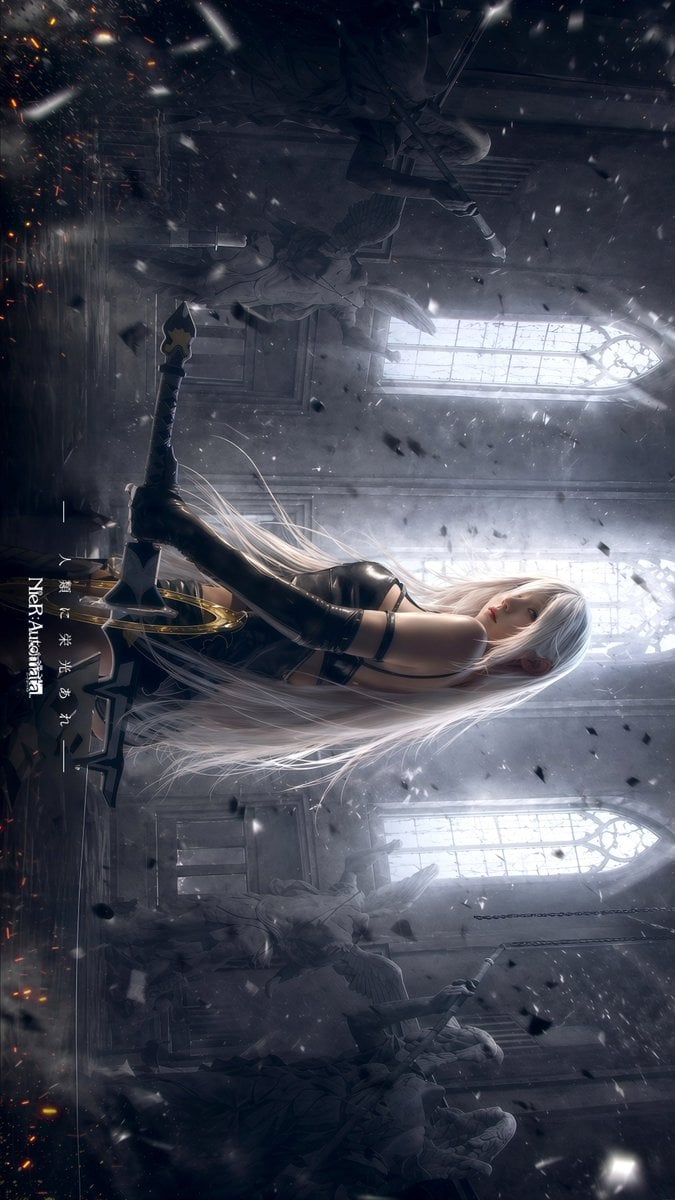
Gpt2 Social Media Post Gothic Android Warrior Cathedral Key Art
Browse template categories
3D Papercraft Cosmic Library Diorama questions
How do I use the 3D Papercraft Cosmic Library Diorama template?
Add your photo if the template asks for one, edit the prompt if you like — the template's model and format are already selected — and press Generate. Your version opens in PicX Studio.
Can I customize the 3D Papercraft Cosmic Library Diorama template?
Yes. You can change the subject, setting, lighting, mood, format, and available model controls before creating your image.
Is the 3D Papercraft Cosmic Library Diorama template free?
Opening and editing this template is free. Generating uses credits, shown on the Generate button when you are signed in.
Which AI model should I use?
Start with GPT Image 2, which is the model associated with this template. You can compare another compatible model for a different finish.
Looking for something else? Browse all templates.

Your photo, any look
Thousands of ready templates for every top image and video model, from one credit balance.