How do I use the Cosmic Fashion Magazine and Library template?
Choose the primary action to open PicX Studio with the available template settings. Review the model and format, personalize the creative direction, and generate when ready.
Detailed prompts for watercolor-style anime illustrations featuring a fashion group and a cozy library with a celestial view.
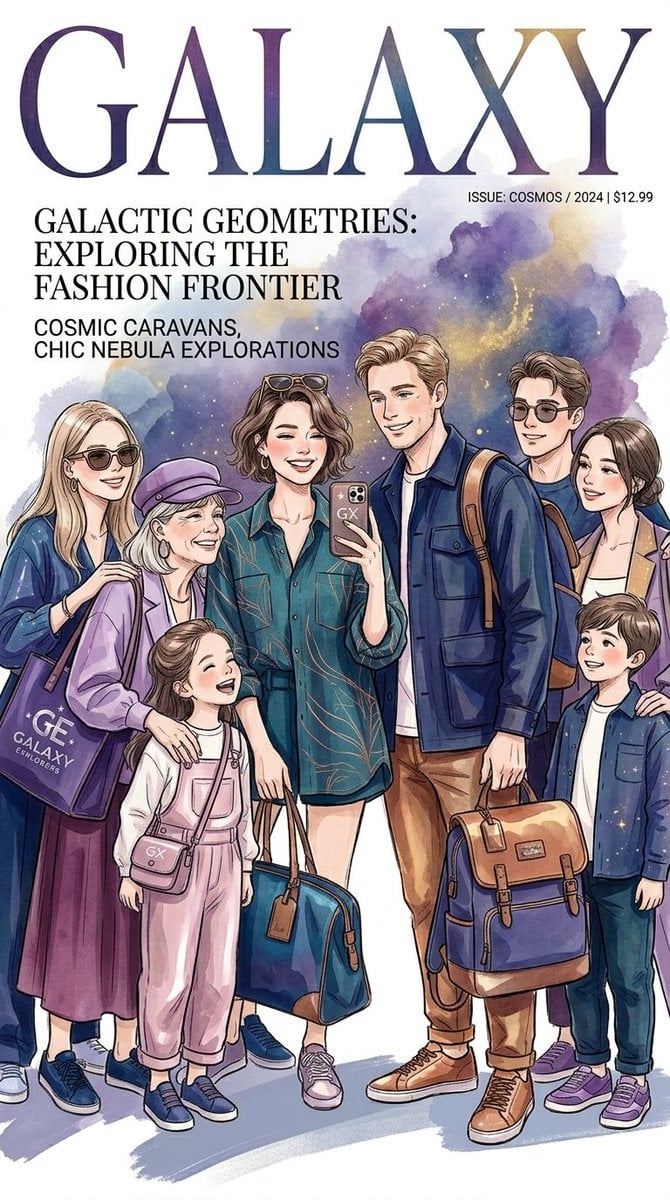
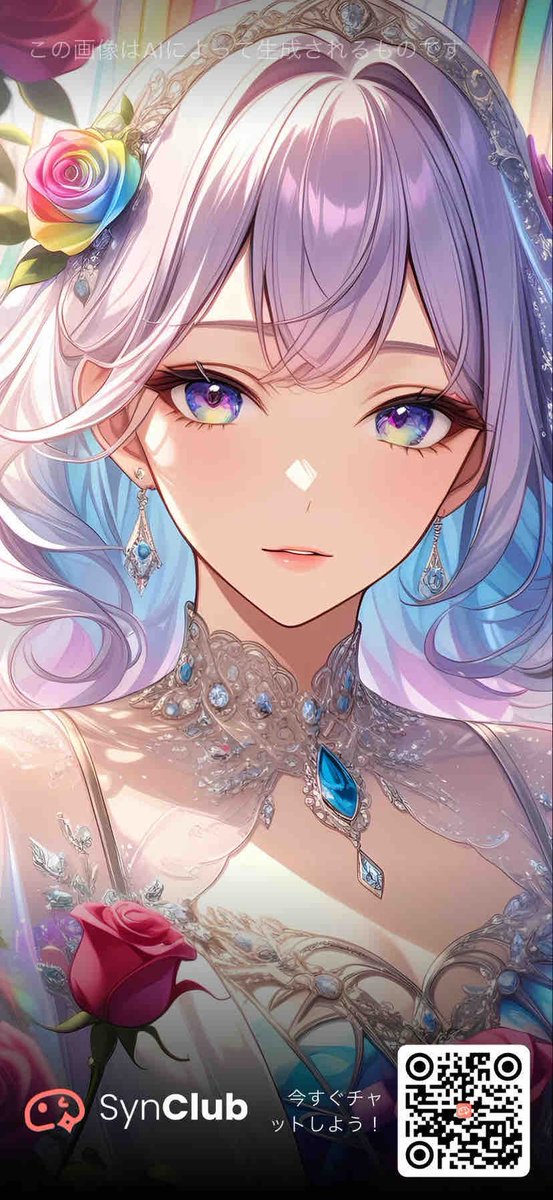
For the First Image (Magazine Cover) A watercolor-style anime illustration of a multi-generational group of {argument name="group size" default="eight people"} posing together for a fashion magazine cover titled "{argument name="magazine title" default="GALAXY"}". The group consists of men, women, and two children dressed in stylish, modern casual wear with cosmic blue, purple, and teal tones. A woman in the center holds up a smartphone to take a selfie, while others hold chic travel bags and backpacks. The background features a soft watercolor wash of a purple and blue cosmic nebula, complete with magazine text overlays about galactic fashion. For the Second Image (Library Scene) A cozy watercolor-style anime illustration of a family exploring a grand, classic library with floor-to-ceiling wooden bookshelves and a large Gothic arched window revealing a starry purple galaxy night sky. In the foreground, a couple sits on a leather sofa reading a book together, while a young boy reads on the floor nearby. In the background, other family members are engaged in cosmic discovery: a girl stands on a step ladder reaching for a book, a woman looks at a map, an elderly woman examines a celestial globe at a desk, and a man looks through a handheld telescope alongside a woman holding a star chart.
Choose the primary action to open PicX Studio with the available template settings. Review the model and format, personalize the creative direction, and generate when ready.
Yes. You can change the subject, setting, lighting, mood, format, and available model controls before creating your image.
This template is free to open and customize. Generation usage is shown in PicX Studio before you create.
Start with Nano Banana 2, which is the model associated with this template. You can compare another compatible model for a different finish.
Follow a topic to a crawlable collection of related PicX Studio templates.