
Magical Girl Character Sheet
A polished anime-style magical girl reference sheet with two full-body views, five labeled detail callouts, and a special ability diagram, ideal for character design presentation.
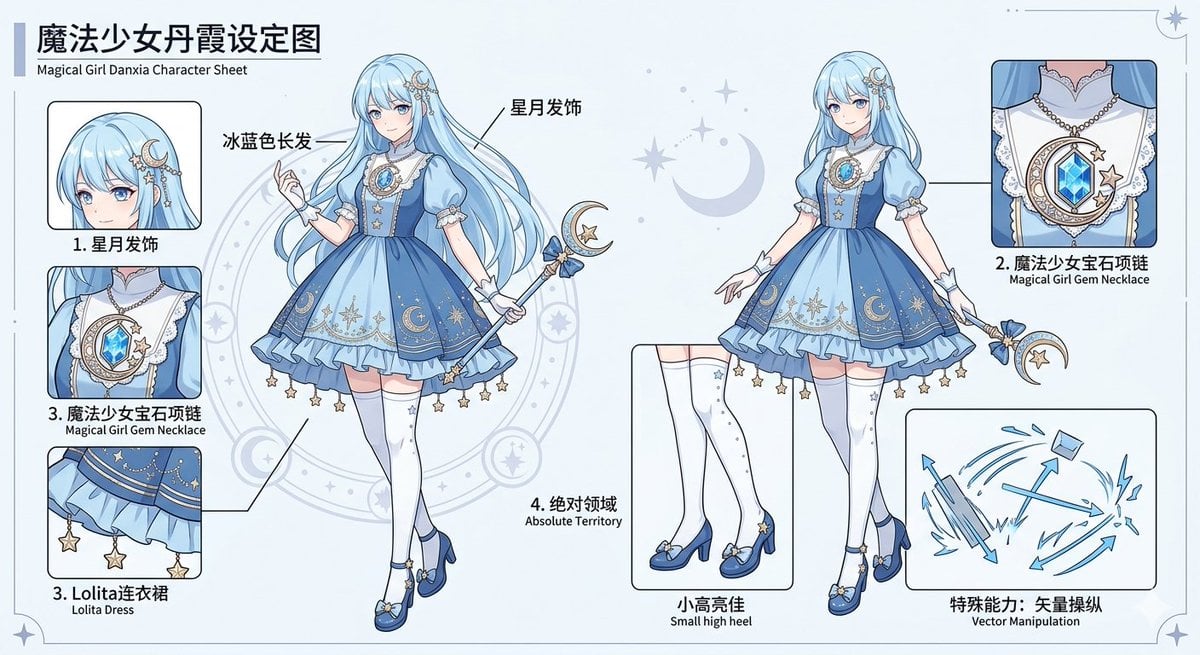
- Prompt included
- Model and format preset
- Free template
The prompt behind this image
Copy the exact prompt behind Magical Girl Character Sheet, or open it in the studio and make it yours.
{"type":"magical girl character reference sheet","style":"clean anime concept art, polished cel-shaded illustration, soft pastel palette, crisp linework, light gray background with subtle star and moon motifs, professional model sheet layout","character":{"theme":"moon and stars magical girl","gender_presentation":"young female","hair":{"color":"{argument name=\"hair color\" default=\"ice blue\"}","style":"very long flowing wavy hair with soft bangs, glossy highlights"},"face":"face intentionally obscured by a soft blur block on both full-body views and the hair close-up","outfit":{"dress":"blue and pale blue lolita-style magical girl dress with puff sleeves, white lace collar, fitted bodice, layered ruffled skirt, celestial embroidery, crescent moon and star motifs, dangling gold star charms along the hem","necklace":"large ornate gem necklace with a blue faceted crystal pendant framed by crescent moon and star decorations","headpiece":"crescent moon and star hair ornament on the side of the head","gloves":"short white wrist ruffles","stockings":"white thigh-high stockings with small star details","shoes":"blue small high heels with bows and star accents","wand":"slender staff topped with a crescent moon, star charm, and bow"},"poses":{"count":2,"views":["front three-quarter full-body pose with one hand raised and wand held diagonally","second full-body view in a slightly different elegant stance holding the wand downward"]},"callouts":{"count":5,"items":[{"label":"1. 星月发饰","english":"star and moon hair accessory","position":"upper left","detail":"close-up of the ice-blue hair and crescent moon hair ornament with dangling stars"},{"label":"2. 魔法少女宝石项链","english":"Magical Girl Gem Necklace","position":"upper right","detail":"close-up of the ornate necklace and chest lace with large blue gem"},{"label":"3. 魔法少女宝石项链","english":"Magical Girl Gem Necklace","position":"left middle","detail":"another framed close-up of the necklace and bodice area"},{"label":"3. Lolita连衣裙","english":"Lolita Dress","position":"lower left","detail":"close-up of the skirt hem showing ruffles, celestial trim, and dangling star charms"},{"label":"4. 绝对领域","english":"Absolute Territory","position":"lower center-left","detail":"close-up of the thigh-high stockings and visible upper thigh area above the stockings"}]},"ability_panel":{"count":1,"label":"特殊能力:矢量操纵","english":"Special Ability: Vector Manipulation","position":"lower right","visual":"schematic blue line-art diagram with multiple arrows, directional force vectors, shattered fragments, and a small floating cube"},"additional_inset":{"count":1,"label":"小高高佳","english":"small high heel","position":"bottom center","detail":"close-up of the shoes and lower legs"},"layout":{"title_main":"{argument name=\"headline text\" default=\"魔法少女丹霞设定图\"}","title_sub":"{argument name=\"subtitle text\" default=\"Magical Girl Danxia Character Sheet\"}","centerpiece":"two large full-body character renderings","background_graphics":"faint magic circle behind the left figure, scattered stars, crescent moons, thin decorative border with tiny celestial corner ornaments"},"color_palette":{"count":5,"colors":["ice blue","navy blue","white","pale gold","soft gray"]},"rendering_notes":"high-resolution character design sheet, balanced white space, manga-style annotations and arrows connecting close-up panels to outfit parts, elegant cute fantasy aesthetic"}
How to use Magical Girl Character Sheet in 3 steps
- 1Upload ImagePNG, JPG or paste
Add your photo
Upload the photo the template builds on. The prompt, model and format are already set.
- 2…a portrait of your subject in softgolden-hour light, 85mm…
Personalize
Edit the subject and creative details for your destination.
- 3Generate
Generate
Press Generate — your image is created in PicX Studio, so you can compare it with the original and refine one variable at a time.
More like this
Templates with the same subject, style or setup. Open one to see its prompt.
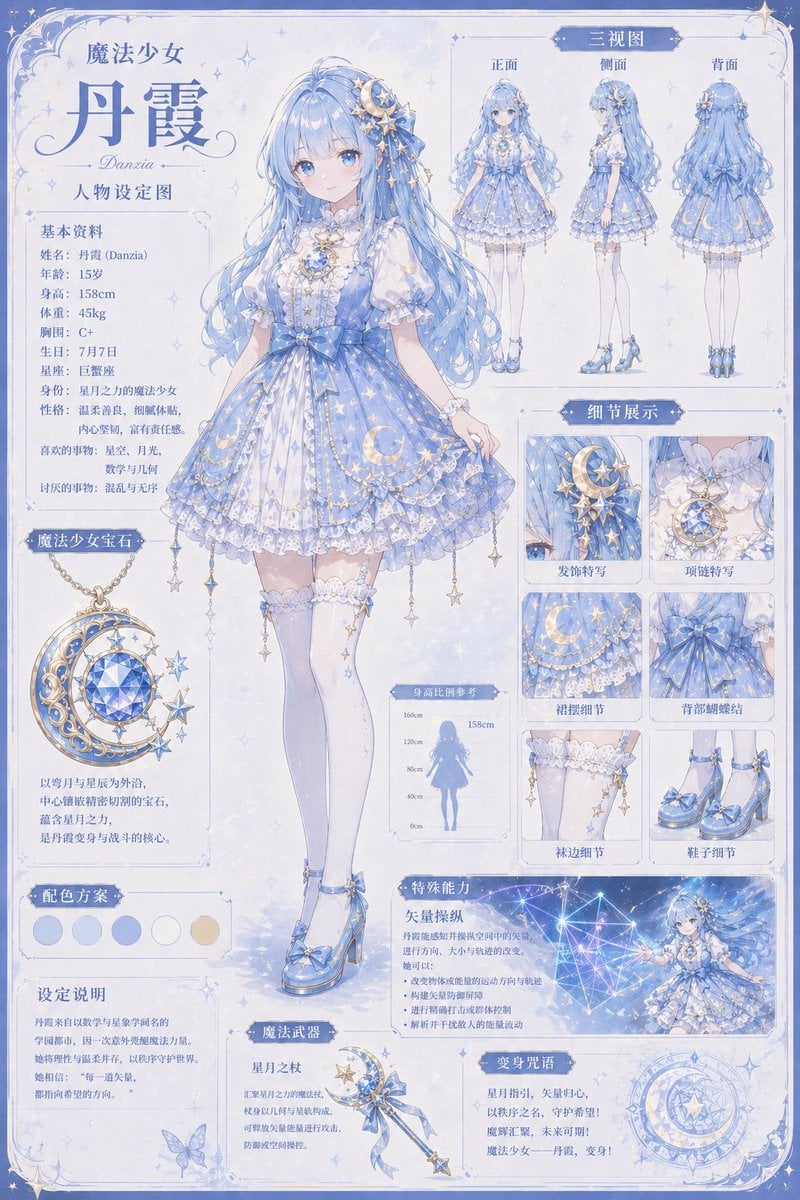
Celestial Magical Girl Reference Sheet
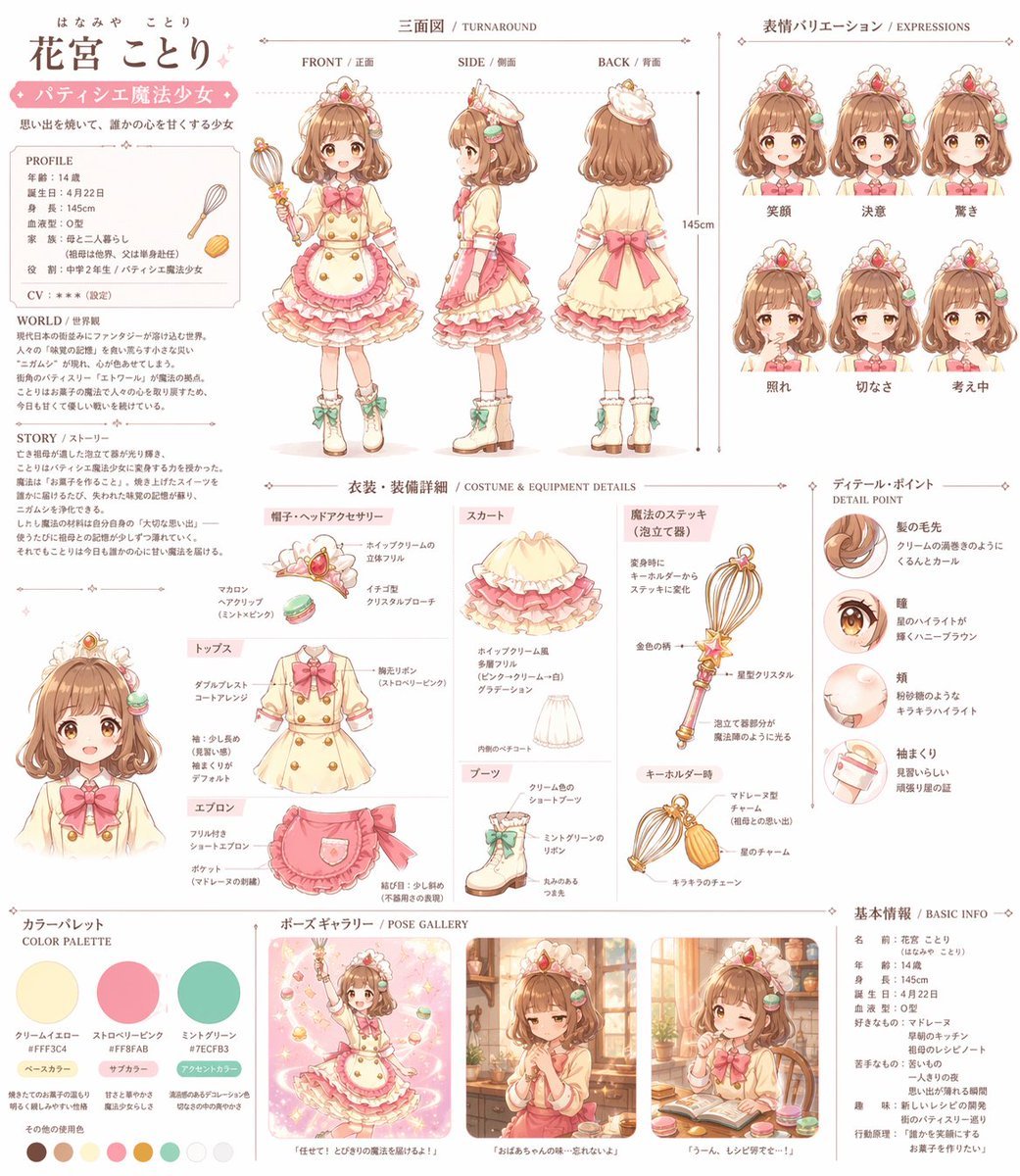
Anime Magical Girl Character Reference Sheet

Teen Girl Alpine Lake Mountain View
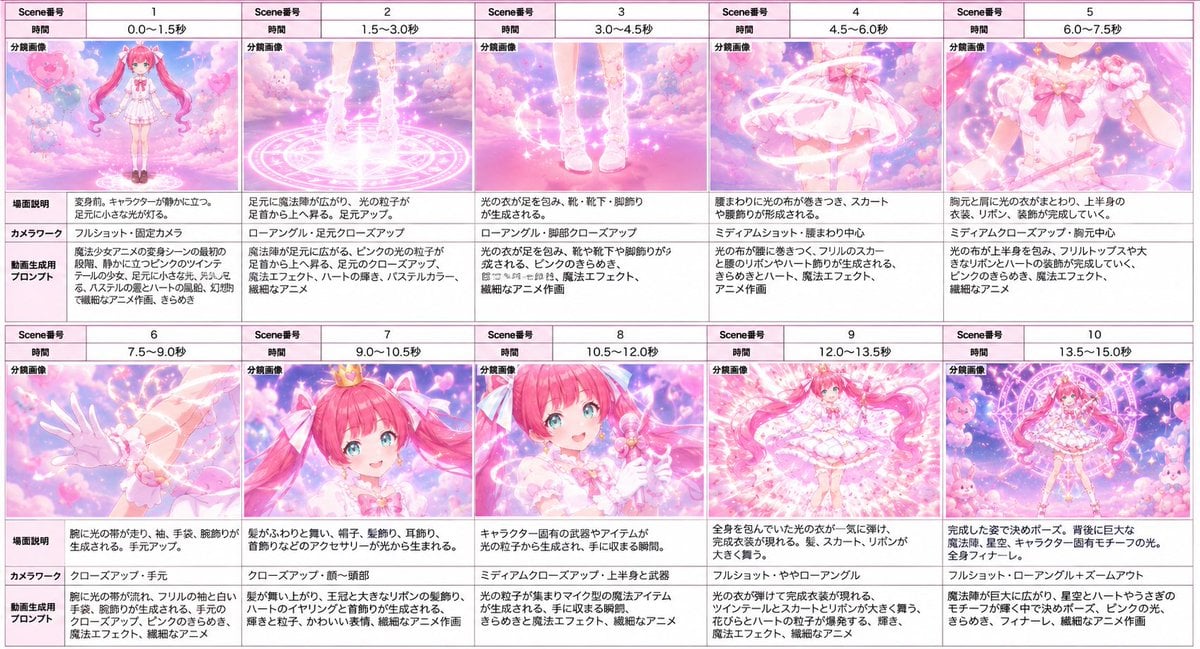
Magical Girl Transformation Storyboard

Anime Lantern Girl Character Sheet
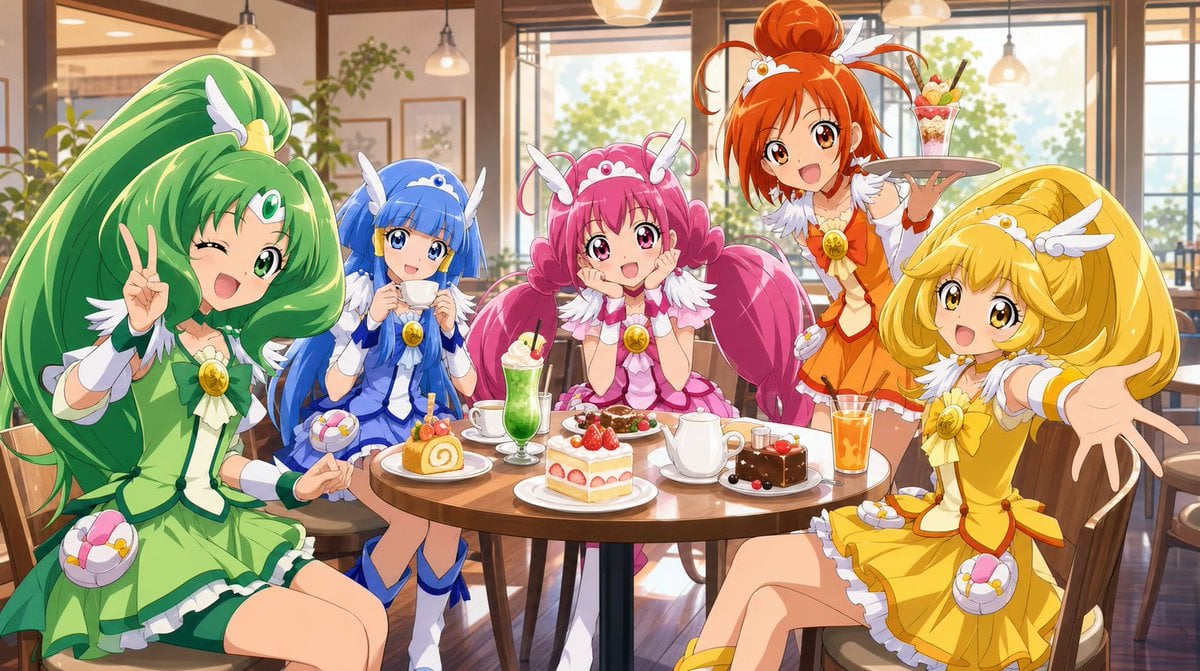
Magical Girls Dessert Café Scene

Gothic Girl Character Turnaround Sheet

Pixar-Style Chibi Café Morning Scene

Pastel Fantasy Pagoda Mountain Landscape
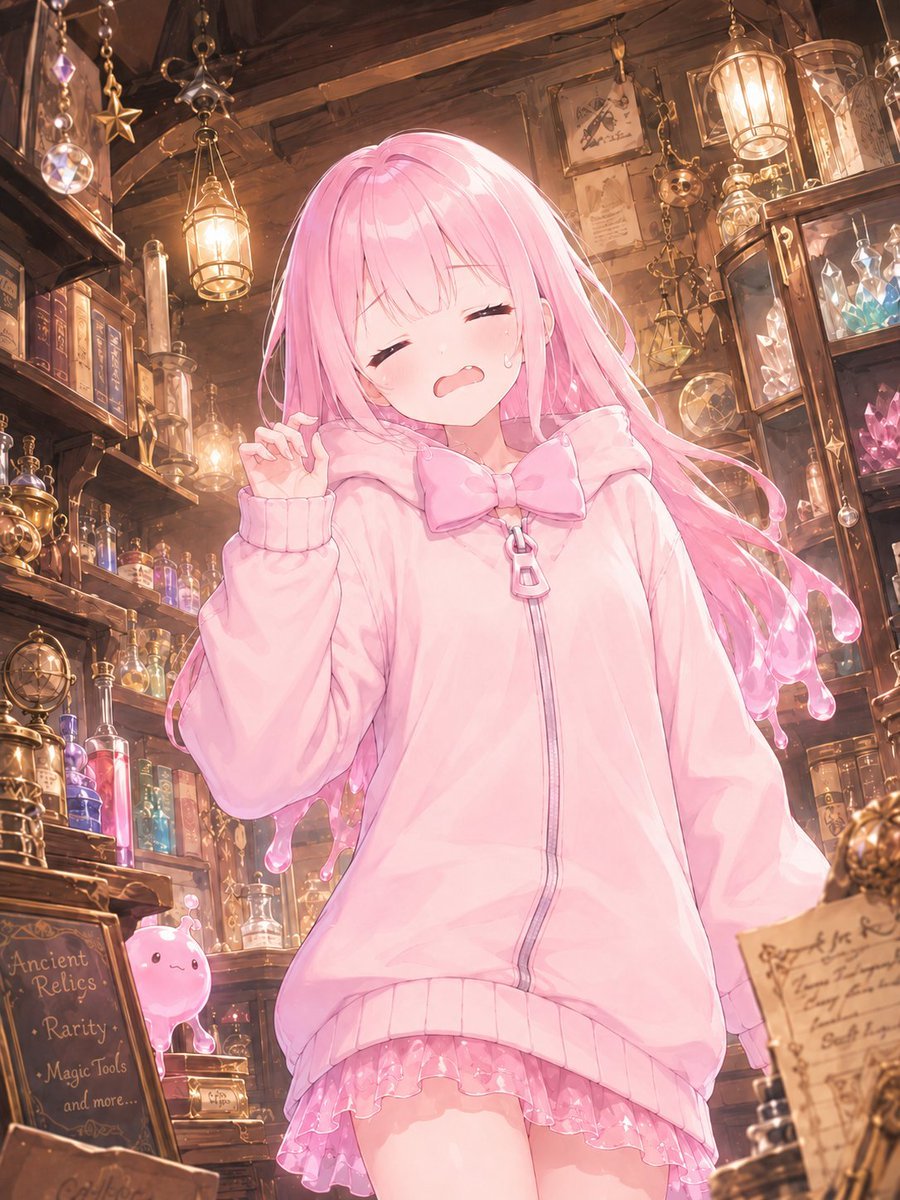
Pink Magical Girl in Antique Magic Shop
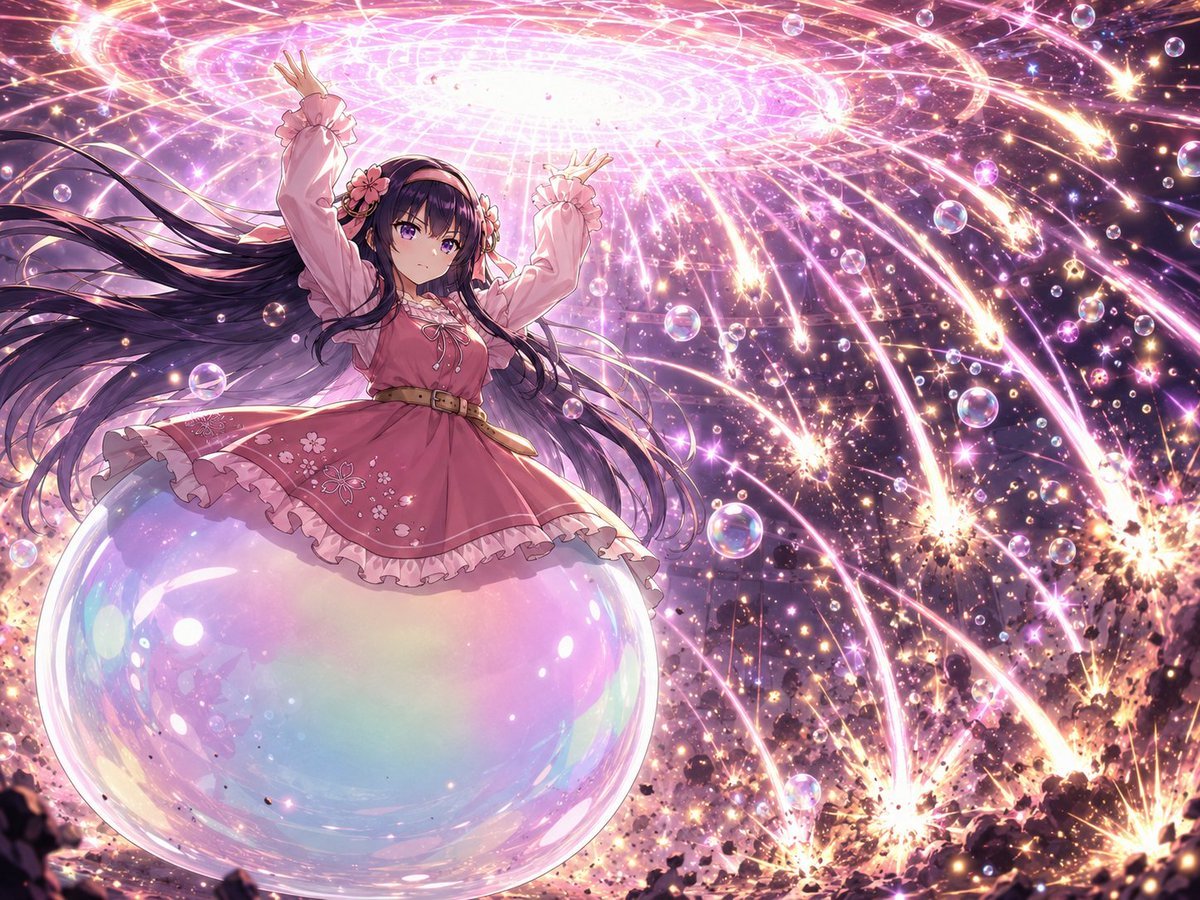
Magical Girl Starstorm on Bubble
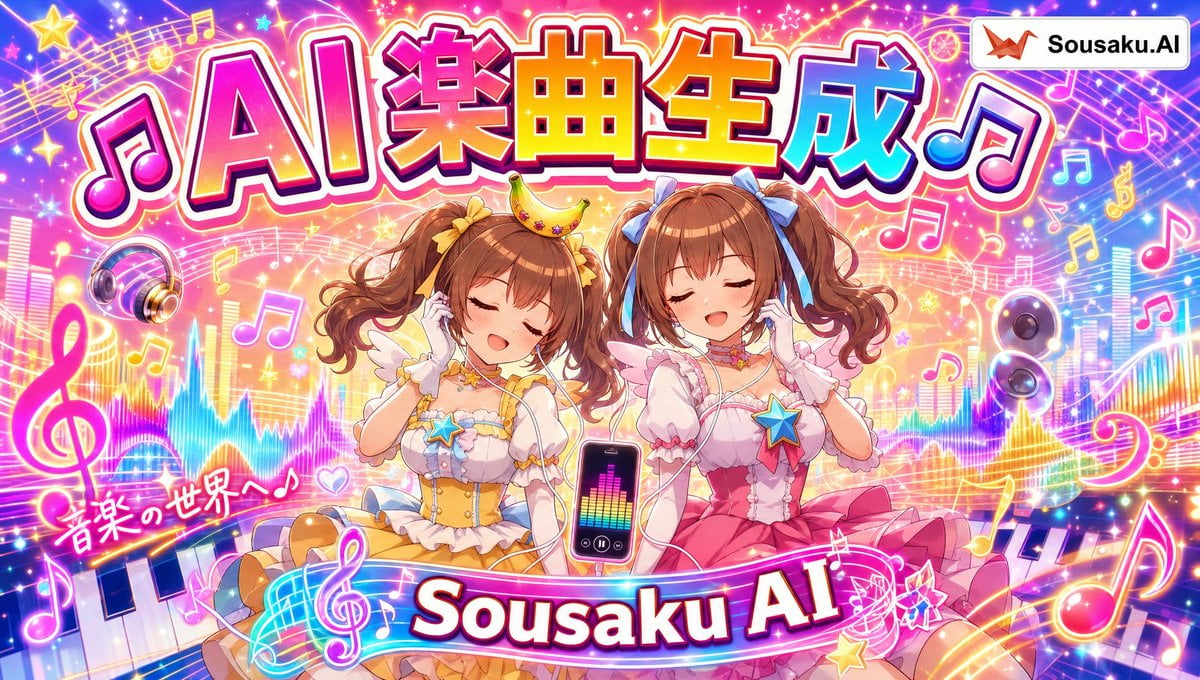
Magical Girl AI Music Thumbnail
Make it yours
Magical Girl Character Sheet works as-is. These are the safest ways to change it without losing the look.
Change one field
Copy a single group, rewrite it, and generate again so you can see what that field is doing.
Keep the frame, change the subject
Hold the composition and light of Magical Girl Character Sheet, then swap wardrobe, props or the person for a new take.
| If the result… | Why | Fix |
|---|---|---|
| The result drifts from the preview | Too many fields changed at once. | Reuse Magical Girl Character Sheet as-is first, then change one group — subject, light, or setting. |
| The model over-stylizes the scene | The prose prompt leaves finish and camera underspecified. | Add one camera or lighting sentence and stay on GPT Image 2. |
More GPT Image 2 templates
Other prompts made for GPT Image 2.

Realistic Portrait of Woman and Deer

The Vista Modular Condo Poster

AI Model Routing Comparison Infographic

2.5D Anime Art Board

Isometric Productivity Desk Scene

New York Double Exposure Poster

Four-Panel AI Landscape Comparison

Japanese Tatami Lifestyle Magazine Cover

NESCAFÉ Coffee Map Poster

Brutalist Cogito Chinese Typography Poster
More image prompts
Fresh picks from across the catalog.

Red Studio Fashion Editorial with Motion Echo Effect
Dark Fantasy Oriental Mythic Portrait
Cinematic Holiday Lifestyle Portrait Prompt
Hyper-realistic Nighttime Rooftop Portrait with Digital Camera Flash Effect
High-End Fashion Magazine Cover
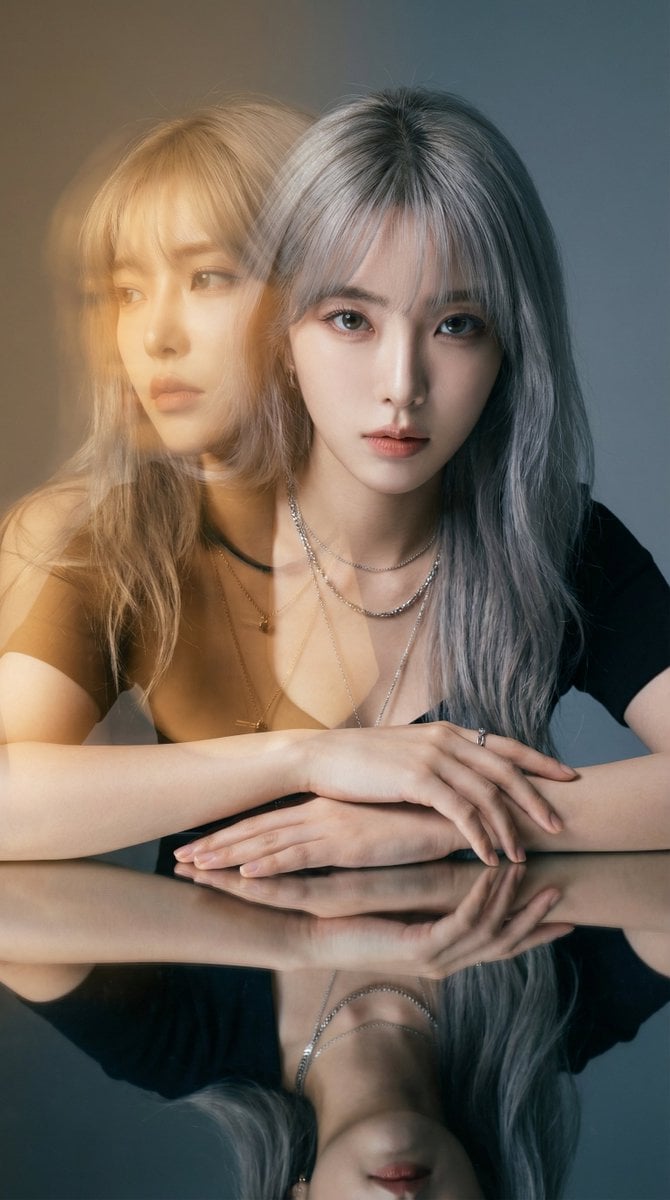
High-Fashion Double Exposure Portrait with Reflection
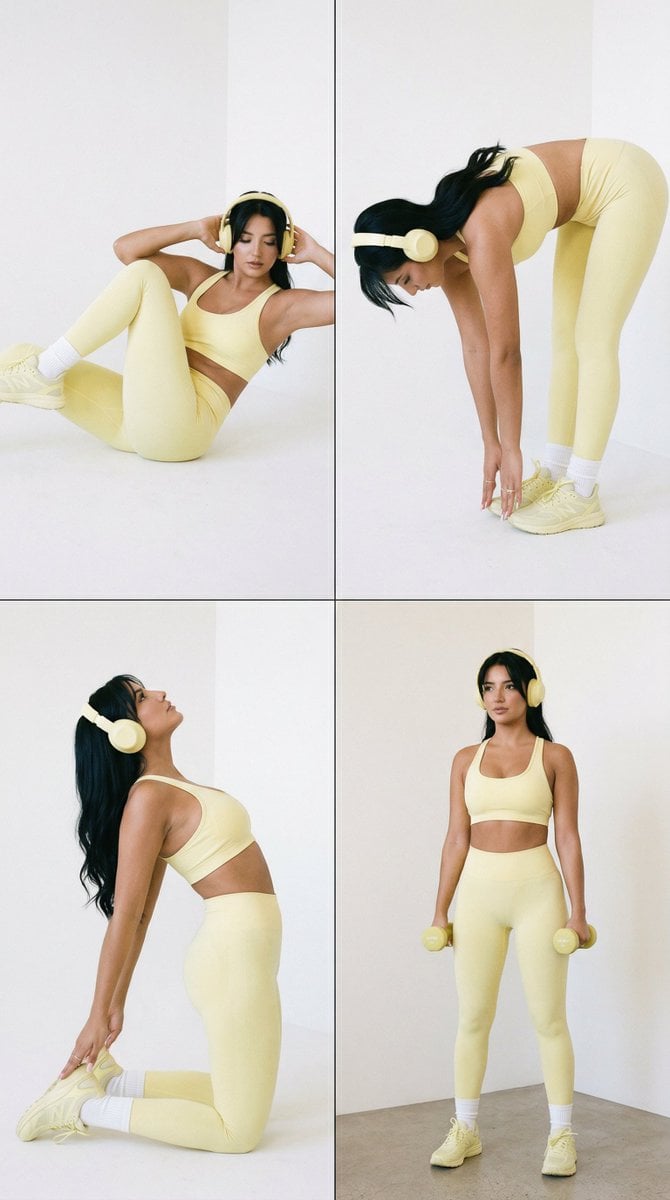
Nano Banana Pro Fitness Editorial Grid Prompt (Yellow Activewear, Identity Locked)
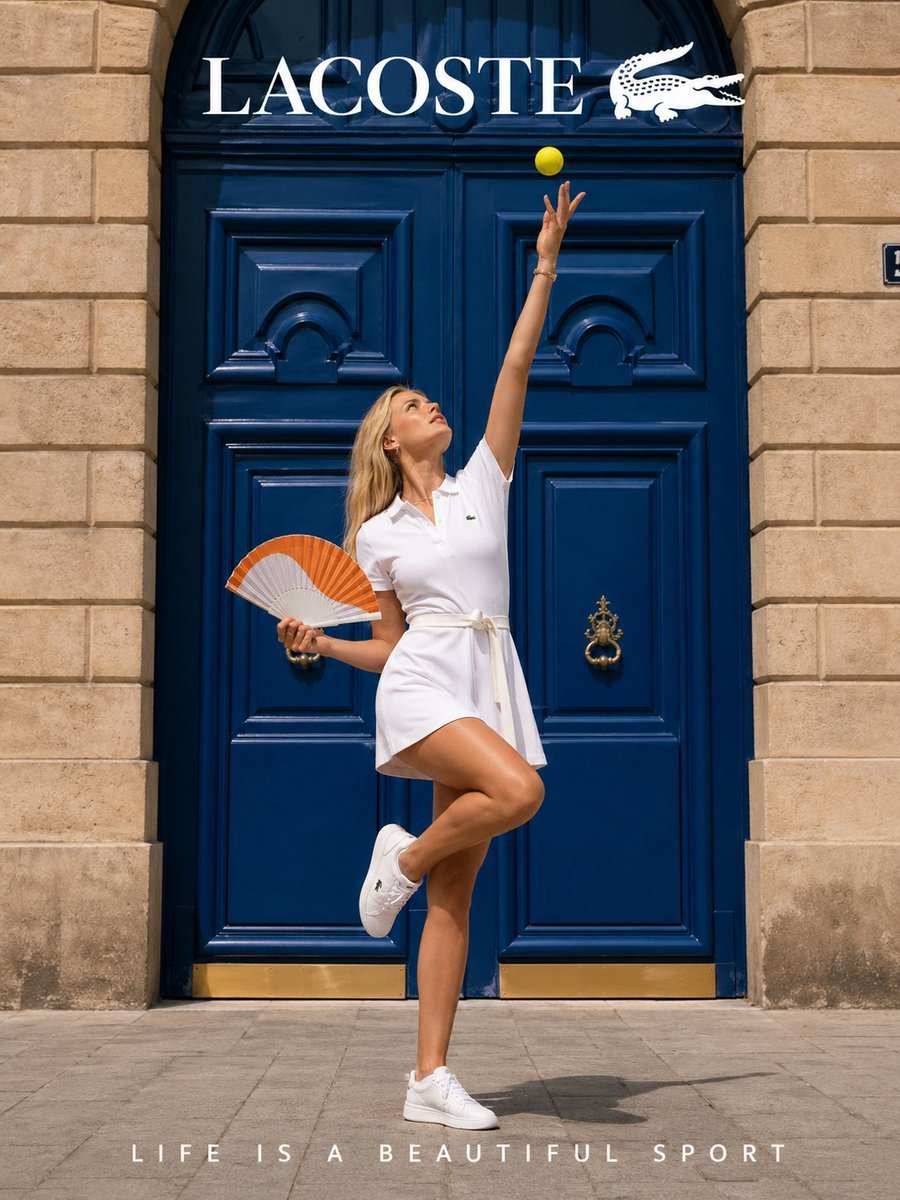
Lacoste High-Fashion Advertisement
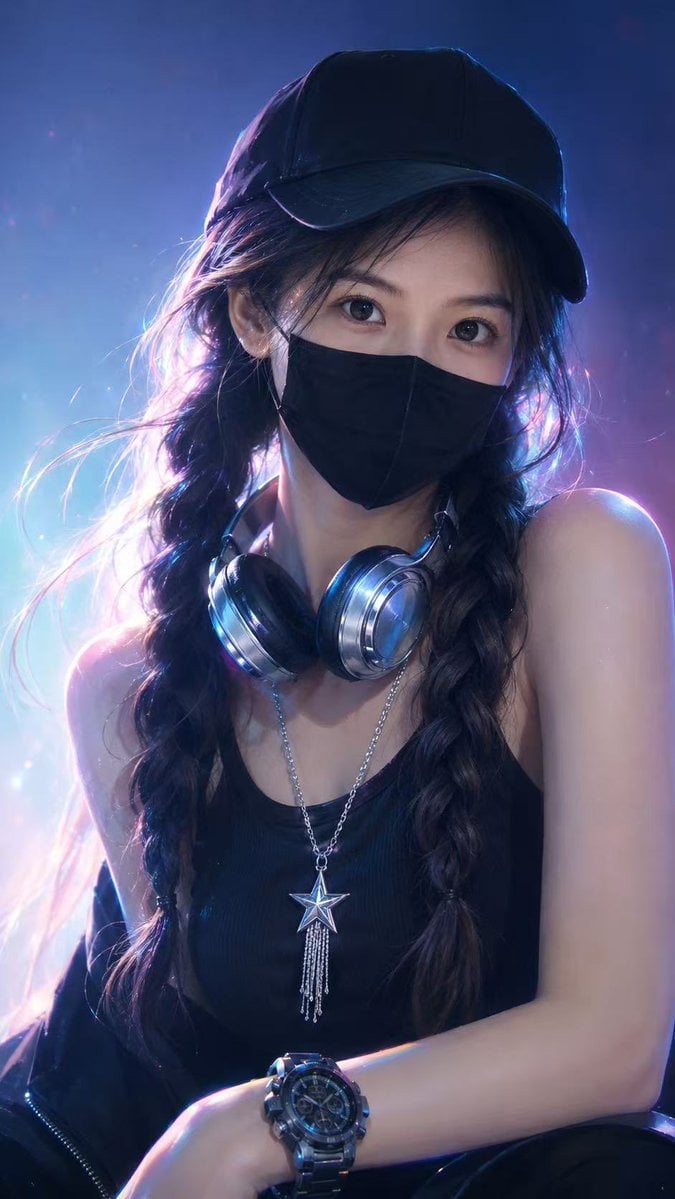
Neon Cyber Streetwear Portrait
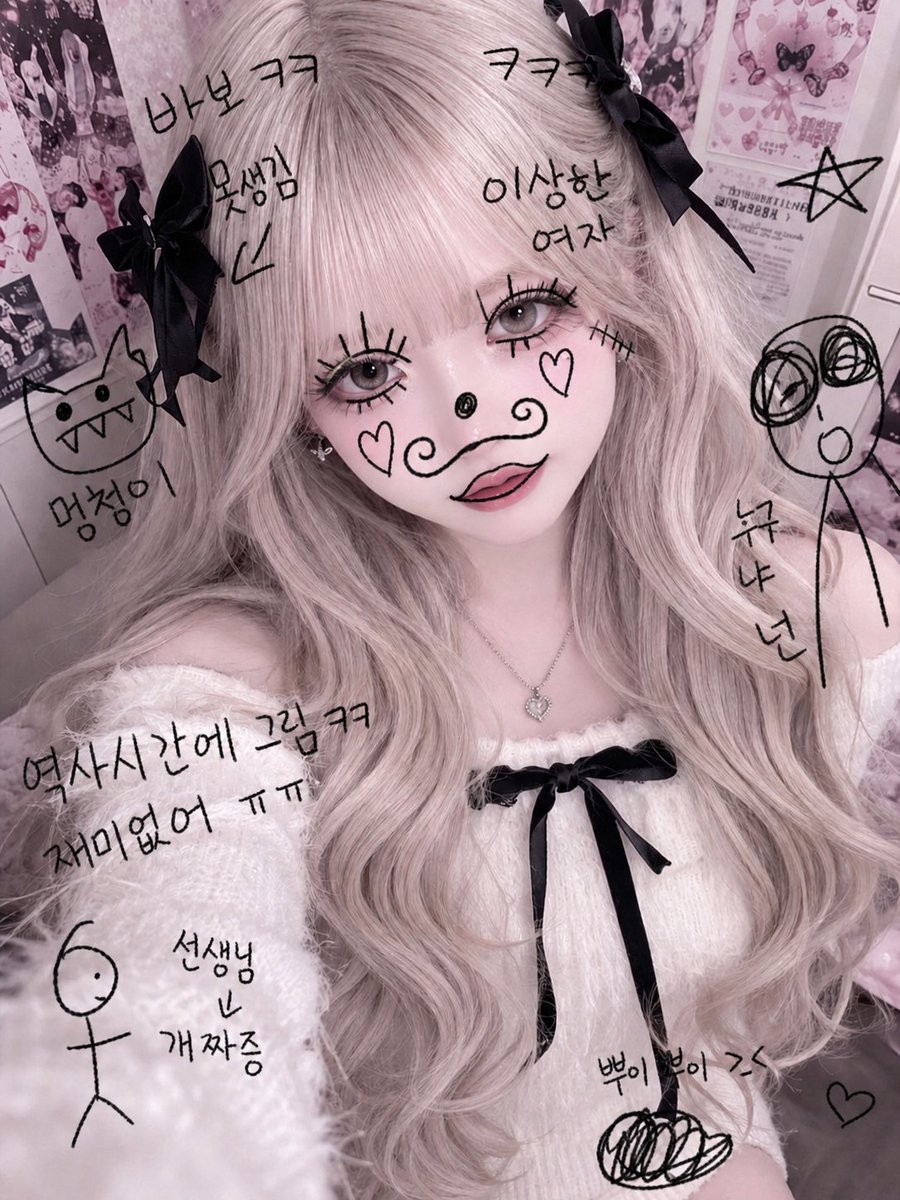
Textbook Doodle Drawing Effect
Browse template categories
Magical Girl Character Sheet questions
How do I use the Magical Girl Character Sheet template?
Add your photo if the template asks for one, edit the prompt if you like — the template's model and format are already selected — and press Generate. Your version opens in PicX Studio.
Can I customize the Magical Girl Character Sheet template?
Yes. You can change the subject, setting, lighting, mood, format, and available model controls before creating your image.
Is the Magical Girl Character Sheet template free?
Opening and editing this template is free. Generating uses credits, shown on the Generate button when you are signed in.
Which AI model should I use?
Start with GPT Image 2, which is the model associated with this template. You can compare another compatible model for a different finish.
Looking for something else? Browse all templates.

Your photo, any look
Thousands of ready templates for every top image and video model, from one credit balance.