
Red Studio Fashion Editorial with Motion Echo Effect
A highly structured JSON prompt for generating a high-fashion studio portrait of a man in a black tuxedo.

- Prompt included
- Model and format preset
- Free template
The prompt behind this image
Copy the exact prompt behind Red Studio Fashion Editorial with Motion Echo Effect, or open it in the studio and make it yours.
{ "generation_request": { "meta_data": { "task_type": "studio_fashion_editorial_motion_echo_portrait", "language": "en", "priority": "highest", "version": "v1.0_RED_STUDIO_TUX_MOTION_ECHO" }, "input": { "mode": "text_to_image", "notes": "Create a high-fashion studio portrait of a stylish adult man in a classic black tuxedo with a bow tie and white pleated shirt. Solid deep-red seamless backdrop and red floor, monochrome red environment. Subject is leaning/sitting in a relaxed pose with one hand slightly raised near the face (fingers softly bent), the other hand resting lower near the waist. Add a strong multi-exposure / motion-echo effect: 2–3 translucent offset duplicates trailing to the right, like a long-exposure movement smear. Keep the main face sharp and dominant, with the echoes softer and semi-transparent. Lux editorial retouching, crisp fabric texture, subtle skin texture, cinematic contrast. Clean image: no text, no logos, no watermark." }, "output": { "aspect_ratio": "4:5", "resolution": "ultra_high", "num_images": 1, "sharpness": "editorial_crisp", "grain": "subtle_analog" }, "scene": { "environment": "studio cyclorama seamless backdrop, fully red, minimal set", "lighting": { "style": "hard studio key + subtle fill", "key_light": "beauty dish or small softbox slightly above eye level, forward-left", "fill": "very light fill to keep shadows readable", "rim": "faint rim to separate tux from red background", "look": "high contrast, glossy editorial finish" }, "camera": { "shot_type": "3/4 portrait", "angle": "slightly above eye level", "lens_look": "85mm portrait compression", "depth_of_field": "medium shallow, face tack sharp" }, "color_grade": { "palette": "dominant deep reds, true blacks, clean whites", "contrast": "high", "highlights": "controlled", "skin_tone": "natural but slightly warm under red bounce" } }, "subject": { "person": "adult man", "appearance": { "hair": "short, styled, slightly tousled", "facial_hair": "short beard/stubble, well-groomed", "expression": "serious, confident gaze to camera" }, "wardrobe": { "tuxedo": "black tuxedo jacket, sharp lapels", "shirt": "white pleated dress shirt", "bow_tie": "black bow tie", "pocket_square": "white pocket square", "accessories": "watch on wrist, subtle ring if desired" }, "pose": { "body": "leaning/sitting with torso angled slightly", "hands": "one hand lifted near face, other hand lower near waist", "motion": "capture implied movement for multi-exposure echo" } }, "effects": { "motion_echo": { "enabled": true, "echo_count": 3, }
How to use Red Studio Fashion Editorial with Motion Echo Effect in 3 steps
- 1
Open
The prompt is already in the box next to the preview, with the template's model and format selected.
- 2…a portrait of your subject in softgolden-hour light, 85mm…
Personalize
Edit the subject and creative details for your destination.
- 3Generate
Generate
Press Generate — your image is created in PicX Studio, so you can compare it with the original and refine one variable at a time.
More like this
Templates with the same subject, style or setup. Open one to see its prompt.

Luxury Black-and-White Fashion Contact Sheet

Gpt Image 2 Fashion Portrait

Dancer Character - Four View Reference Sheet

untitled

Google Gemini Nano Banana Pro

Conceptual Fashion Portrait in Spider We

01 Skincare Split Portrait — Nano Banana 2

24 The Getty Center — California Series

21 Glass Floor Skyscraper — California Series

19 Luxury Helicopter Travel — California Series

08 Rodeo Drive Luxury Exit — California Series

03 Beverly Hills Convertible — California Series
Make it yours
Red Studio Fashion Editorial with Motion Echo Effect works as-is. These are the safest ways to change it without losing the look.
Change one field
Copy a single group, rewrite it, and generate again so you can see what that field is doing.
Keep the frame, change the subject
Hold the composition and light of Red Studio Fashion Editorial with Motion Echo Effect, then swap wardrobe, props or the person for a new take.
| If the result… | Why | Fix |
|---|---|---|
| The result drifts from the preview | Too many fields changed at once. | Reuse Red Studio Fashion Editorial with Motion Echo Effect as-is first, then change one group — subject, light, or setting. |
| The model over-stylizes the scene | The prose prompt leaves finish and camera underspecified. | Add one camera or lighting sentence and stay on Nano Banana 2. |
More Nano Banana 2 templates
Other prompts made for Nano Banana 2.

Photorealistic Leaf Shaped Like a Dragon

K-Pop Idol Portrait Grid for Rapid Selection

Poetic Rain Forest Portrait During Golden Hour

Urban Street Portrait with Cartoon Inner Self Duo

Candid Nighttime Photo with Cat Prompt

High-Concept 3D Diorama Generation Prompt

Cinematic Futuristic Studio Portrait Template

Skincare Editorial Photography Collage Prompt

Hyper-Realistic Commercial Product Photography (Splash Effect)

Hyper-Realistic Nightclub Portrait Prompt
More image prompts
Fresh picks from across the catalog.

Dark Comedy Insect Spray Ad
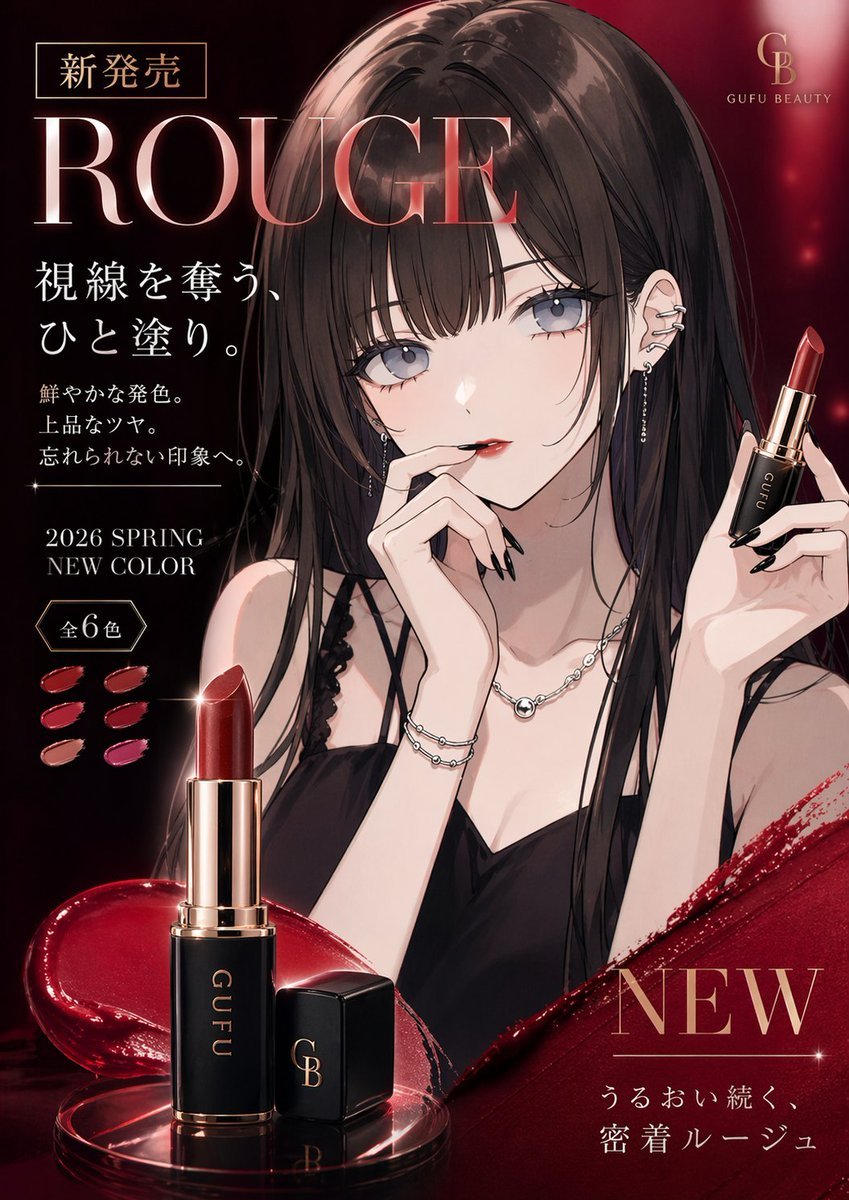
Luxury Lipstick Ad Transformation
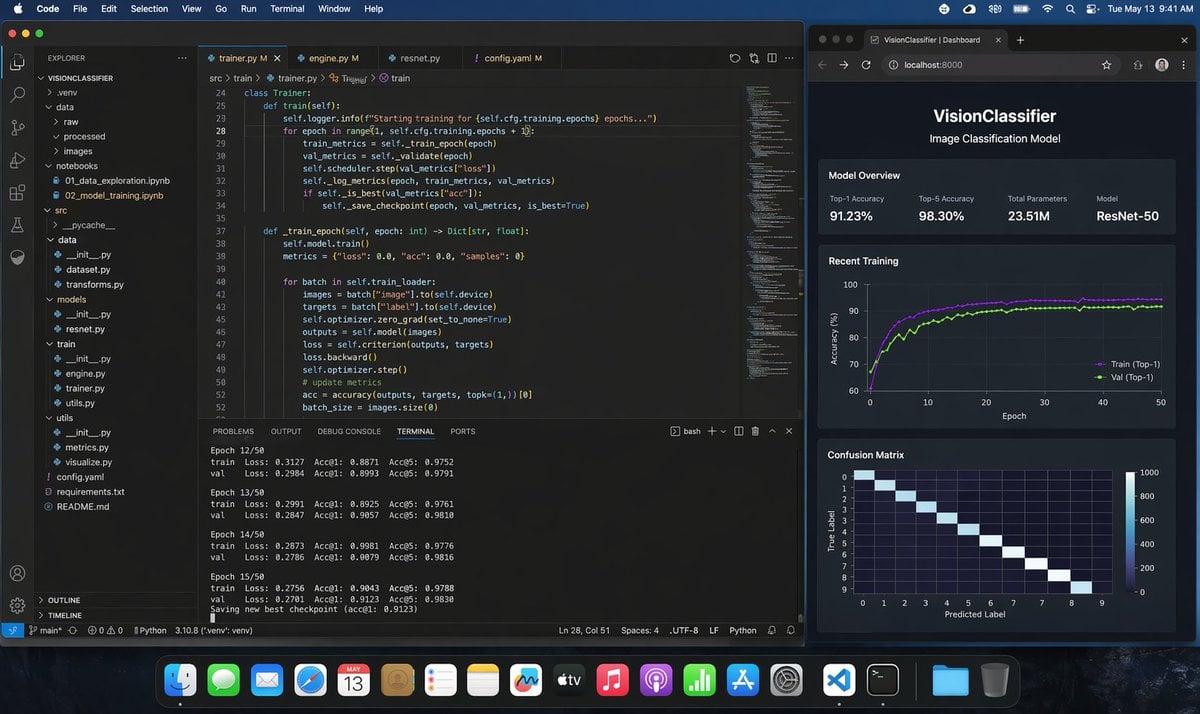
Photoreal ML Developer Desktop
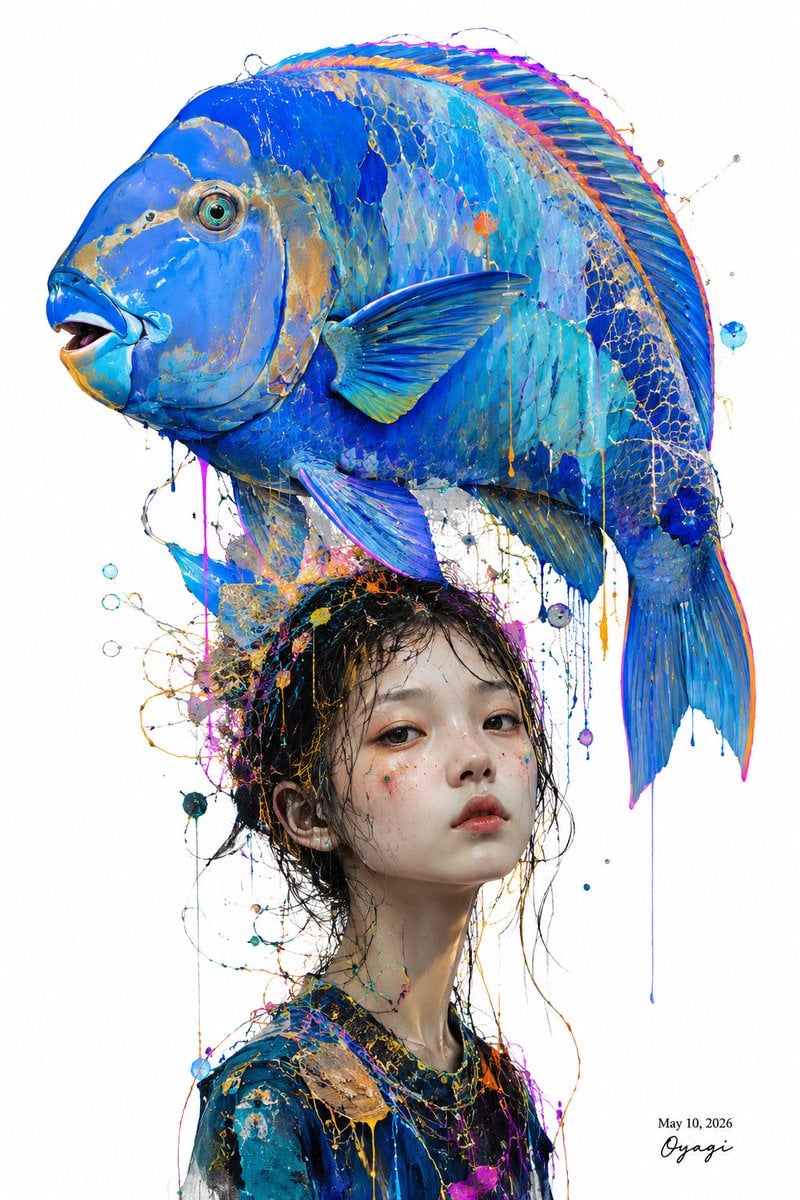
Surreal Blue Fish Hat Portrait
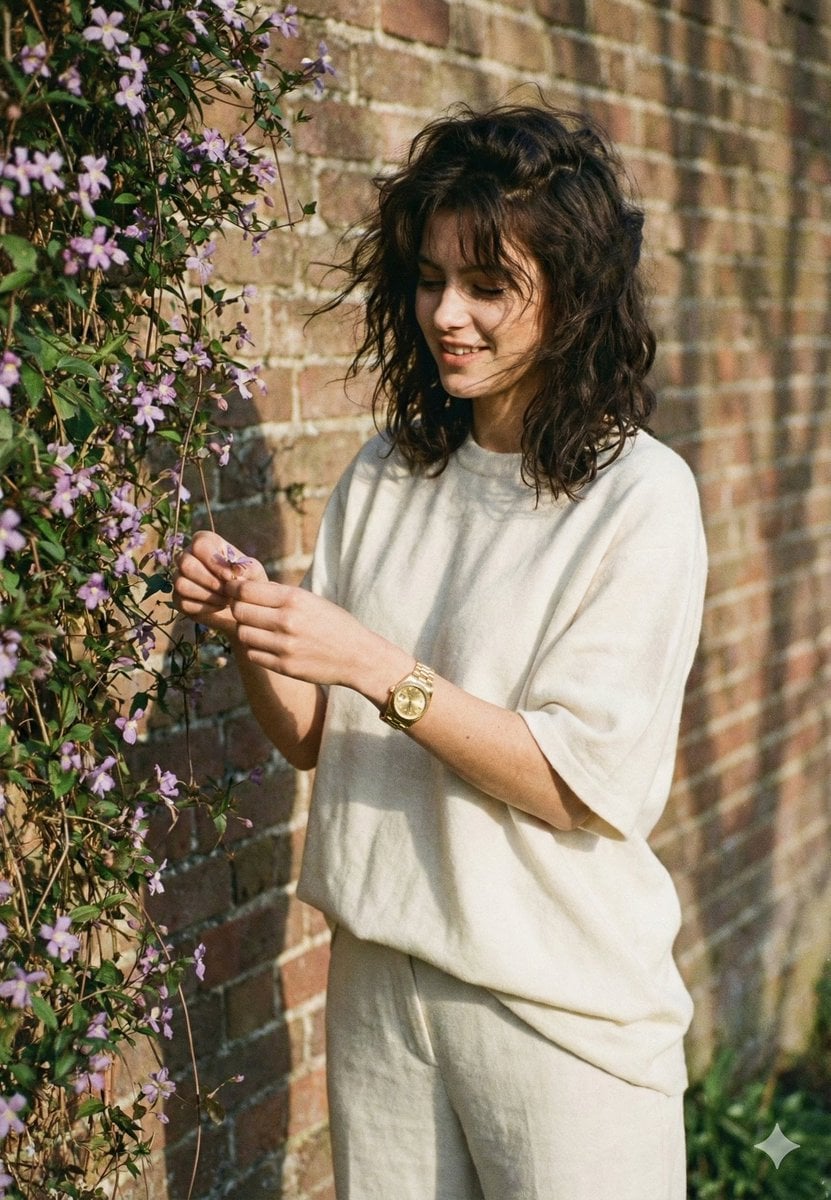
Intimate Film Aesthetic Garden Portrait
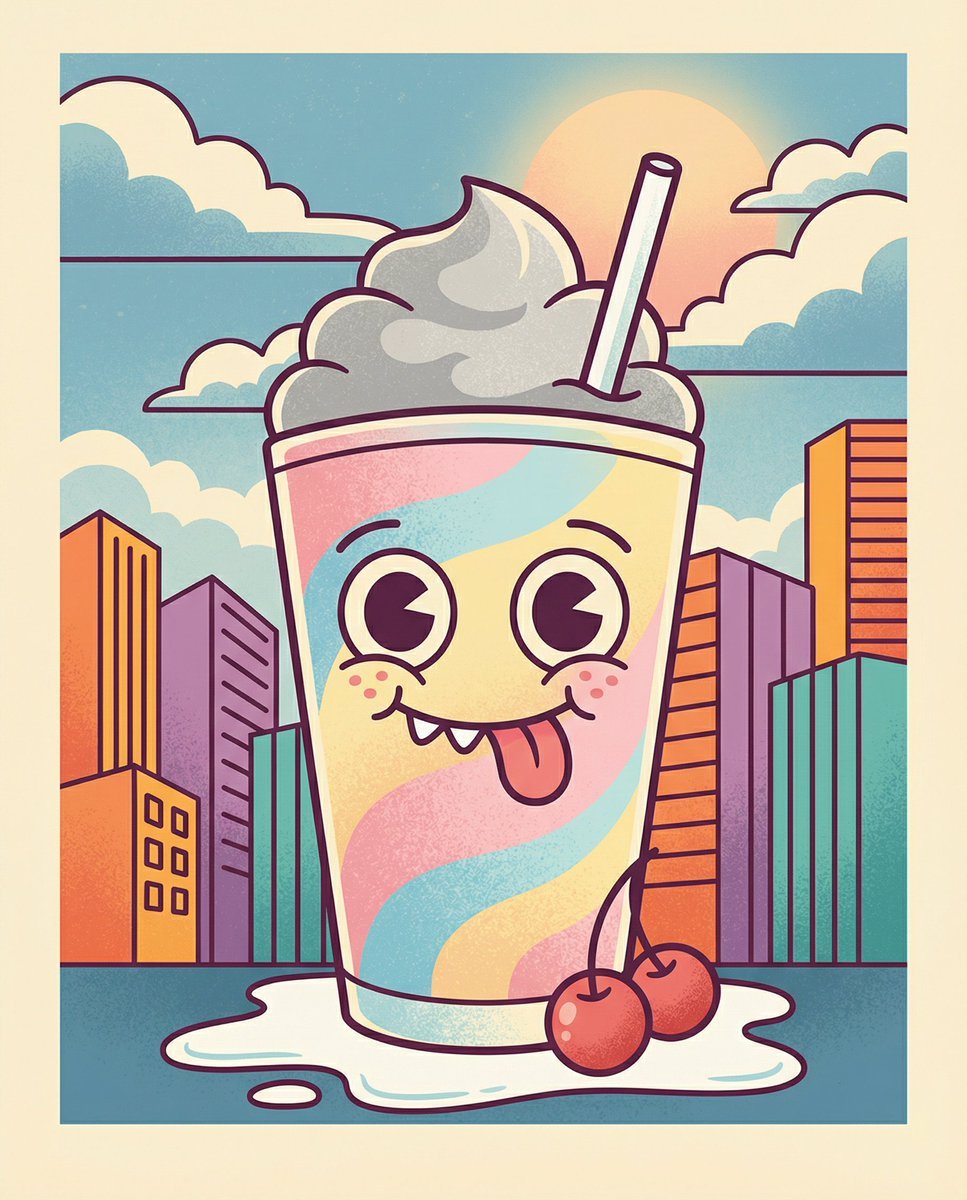
Whimsical Cartoon Milkshake with City Skyline Background
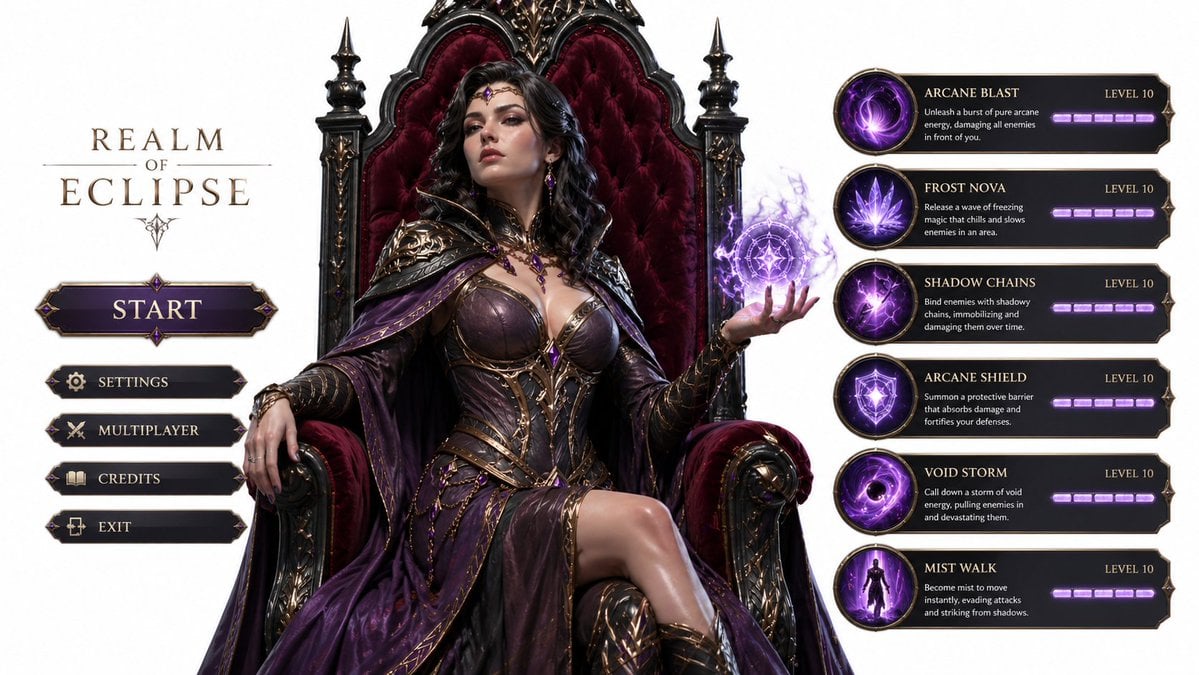
3D Gaming Sorceress Character
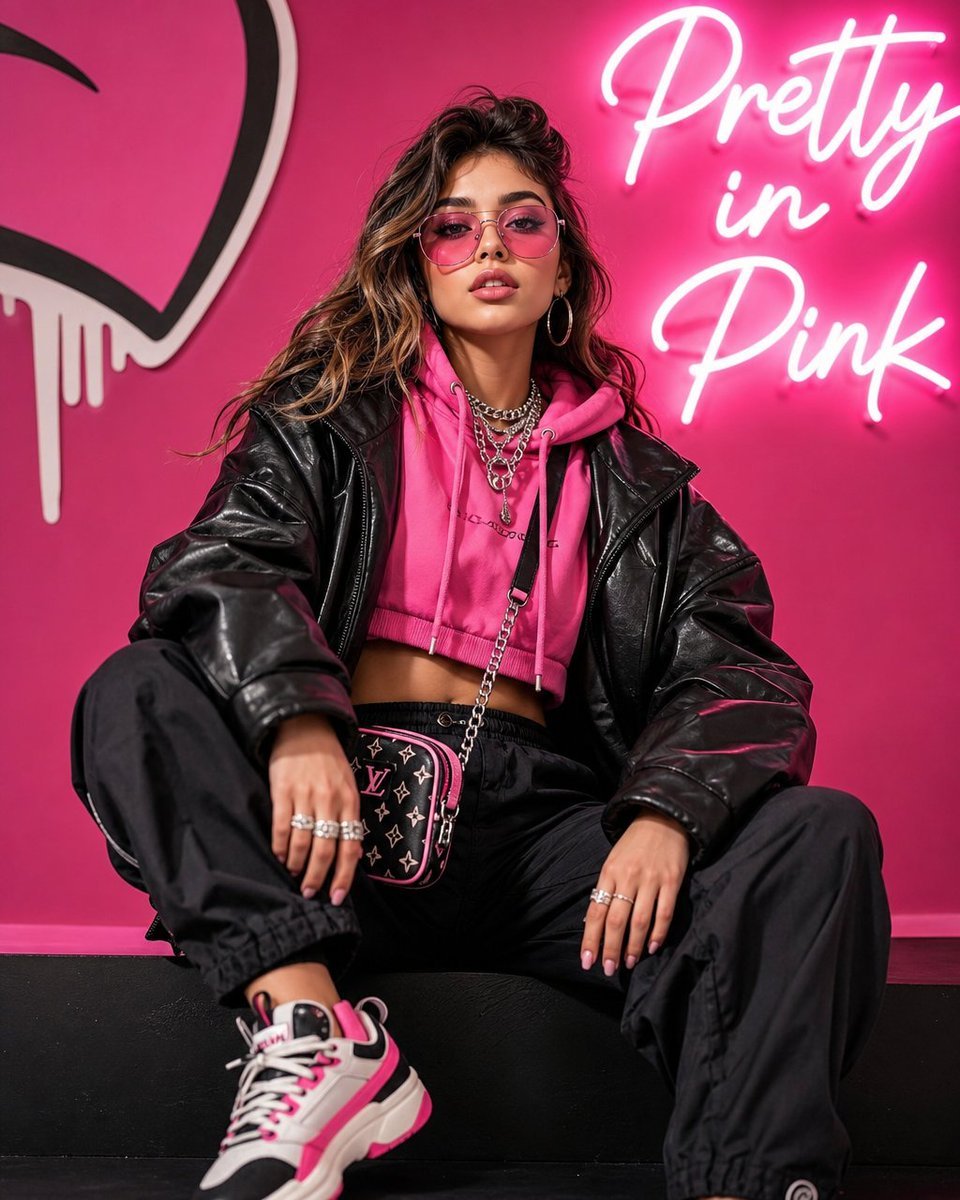
Streetwear Pop Portrait
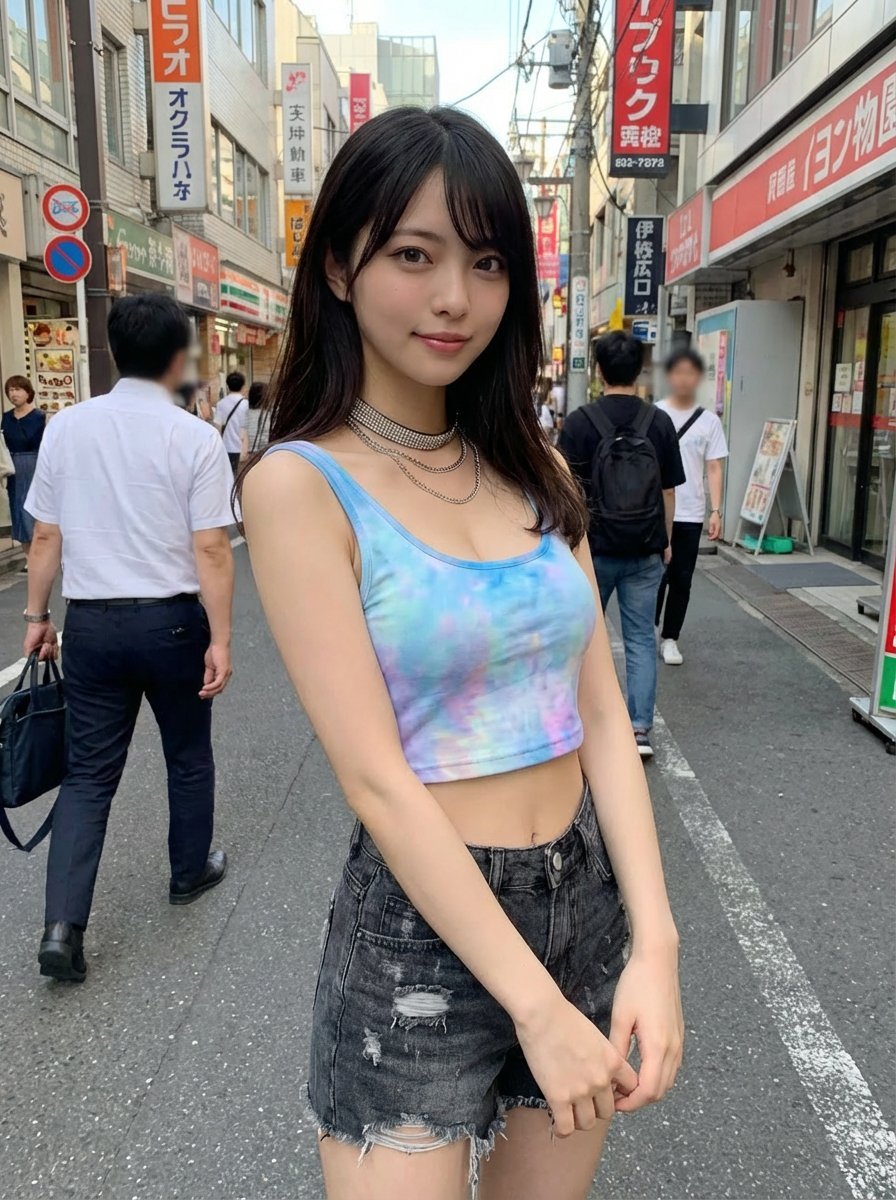
Virtual outfit try-on with Tokyo street option
Soft Blue Anime Girl Portrait
Browse template categories
Red Studio Fashion Editorial with Motion Echo Effect questions
How do I use the Red Studio Fashion Editorial with Motion Echo Effect template?
Add your photo if the template asks for one, edit the prompt if you like — the template's model and format are already selected — and press Generate. Your version opens in PicX Studio.
Can I customize the Red Studio Fashion Editorial with Motion Echo Effect template?
Yes. You can change the subject, setting, lighting, mood, format, and available model controls before creating your image.
Is the Red Studio Fashion Editorial with Motion Echo Effect template free?
Opening and editing this template is free. Generating uses credits, shown on the Generate button when you are signed in.
Which AI model should I use?
Start with Nano Banana 2, which is the model associated with this template. You can compare another compatible model for a different finish.
Looking for something else? Browse all templates.

Your photo, any look
Thousands of ready templates for every top image and video model, from one credit balance.