
Dark Comedy Insect Spray Ad
This prompt generates a cinematic product advertisement featuring a dominant bug spray can and a fallen superhero parody in a messy living room, ideal for bold ecommerce or campaign creatives.
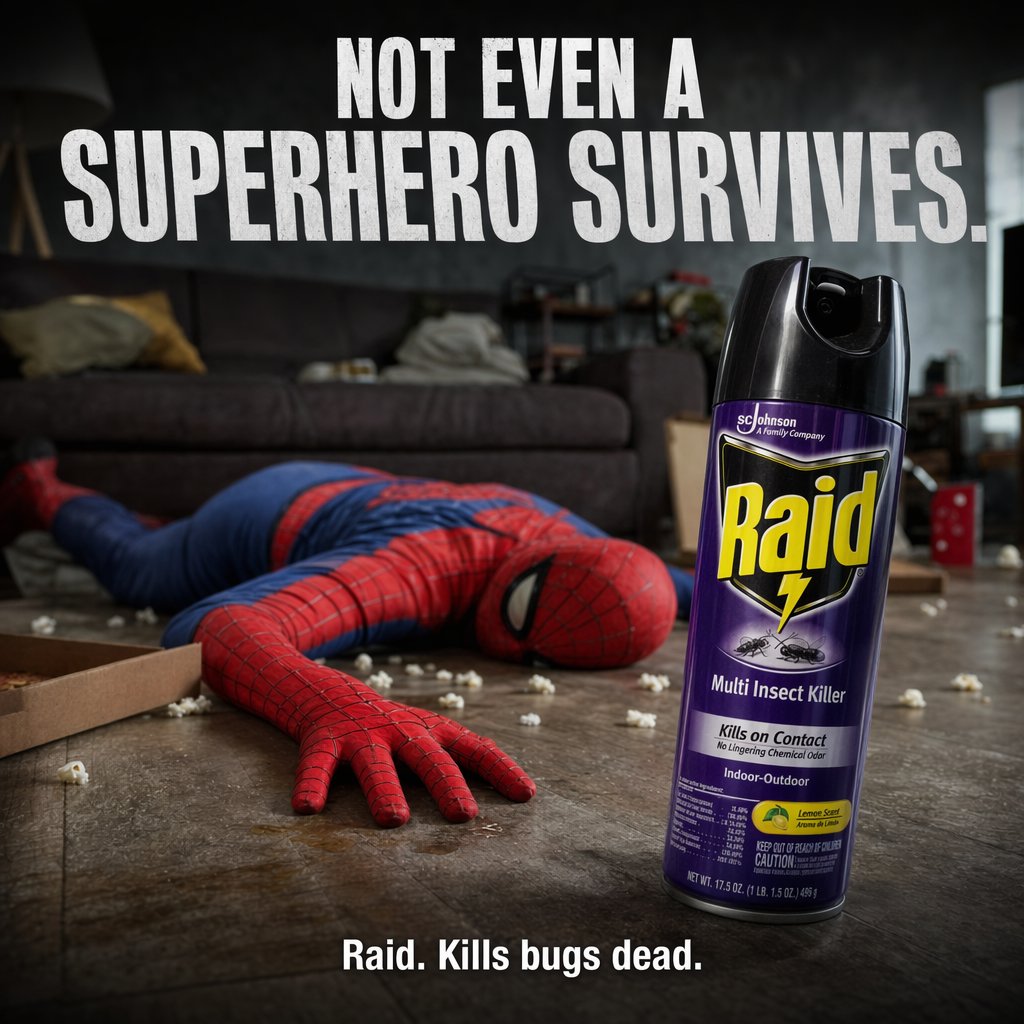
- Prompt included
- Model and format preset
- Free template
The prompt behind this image
Copy the exact prompt behind Dark Comedy Insect Spray Ad, or open it in the studio and make it yours.
A darkly comedic, cinematic product advertisement staged in a messy modern living room at night. In the background, a person in a full {argument name="superhero costume" default="Spider-Man-inspired red and blue suit"} lies face-down and motionless on a wooden floor, one arm stretched toward the camera, posed like a defeated superhero after a battle. The room is dim and moody with a gray couch in soft focus, pillows and blankets tossed around, and scattered white popcorn across the floor. In the left foreground, show 1 open pizza box cropped into frame. In the right foreground, place 1 large upright can of {argument name="product name" default="Raid"} insect spray as the hero object, sharply focused, oversized in perspective, with a black cap and a purple label facing camera. Make the product feel dominant, clean, and commercial, with dramatic rim lighting and glossy reflections. Add 2 lines of bold white uppercase ad copy: at the top, very large condensed sans-serif text reading {argument name="headline text" default="NOT EVEN A SUPERHERO SURVIVES."}; at the bottom center, smaller bold text reading {argument name="tagline text" default="Raid. Kills bugs dead."}. Include 2 visible insect illustrations on the can label, and keep the overall tone like a high-end shock-value commercial campaign: realistic photography, shallow depth of field, strong contrast, gritty floor texture, subdued gray-blue interior lighting, and a composition that makes the spray can the clear focal point while the fallen hero tells the joke in the background.
How to use Dark Comedy Insect Spray Ad in 3 steps
- 1Upload ImagePNG, JPG or paste
Add your photo
Upload the photo the template builds on. The prompt, model and format are already set.
- 2…a portrait of your subject in softgolden-hour light, 85mm…
Personalize
Edit the subject and creative details for your destination.
- 3Generate
Generate
Press Generate — your image is created in PicX Studio, so you can compare it with the original and refine one variable at a time.
More like this
Templates with the same subject, style or setup. Open one to see its prompt.

Toon Cartoon Finale Fireworks

Toon Cartoon Garden Maze

Toon Cartoon Rooftop Concert

Toon Cartoon Kitchen Chaos

Toon Cartoon Carnival Ride
Toon Cartoon Rainy Bus Stop

Toon Cartoon Space Dock

Toon Cartoon Cafe Morning

Toon Cartoon Street Festival

Toon Cartoon Ballroom Dance

Toon Cartoon Robot Workshop

Toon Cartoon Winter Cabin
Make it yours
Dark Comedy Insect Spray Ad works as-is. These are the safest ways to change it without losing the look.
Change one field
Copy a single group, rewrite it, and generate again so you can see what that field is doing.
Keep the frame, change the subject
Hold the composition and light of Dark Comedy Insect Spray Ad, then swap wardrobe, props or the person for a new take.
| If the result… | Why | Fix |
|---|---|---|
| The result drifts from the preview | Too many fields changed at once. | Reuse Dark Comedy Insect Spray Ad as-is first, then change one group — subject, light, or setting. |
| The model over-stylizes the scene | The prose prompt leaves finish and camera underspecified. | Add one camera or lighting sentence and stay on GPT Image 2. |
More GPT Image 2 templates
Other prompts made for GPT Image 2.

Six VTuber Japanese Logo Sheet

Realistic Portrait of Woman and Deer

The Vista Modular Condo Poster

AI Model Routing Comparison Infographic

2.5D Anime Art Board

Isometric Productivity Desk Scene

New York Double Exposure Poster

Four-Panel AI Landscape Comparison

Japanese Tatami Lifestyle Magazine Cover

NESCAFÉ Coffee Map Poster
More image prompts
Fresh picks from across the catalog.

Generate a 9-way split image at 2K resolution
Chibi Travel Vlog Poster Design

Nano Banana 2 Gourmet Ice Cream Commerci
Visual Telephone Game Image Grid
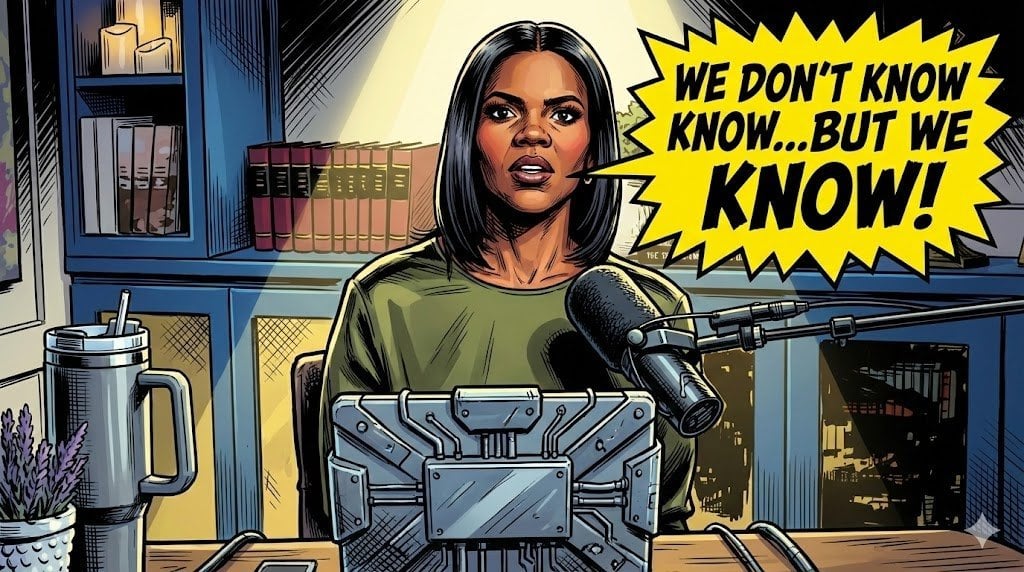
Comic Art Style Prompt
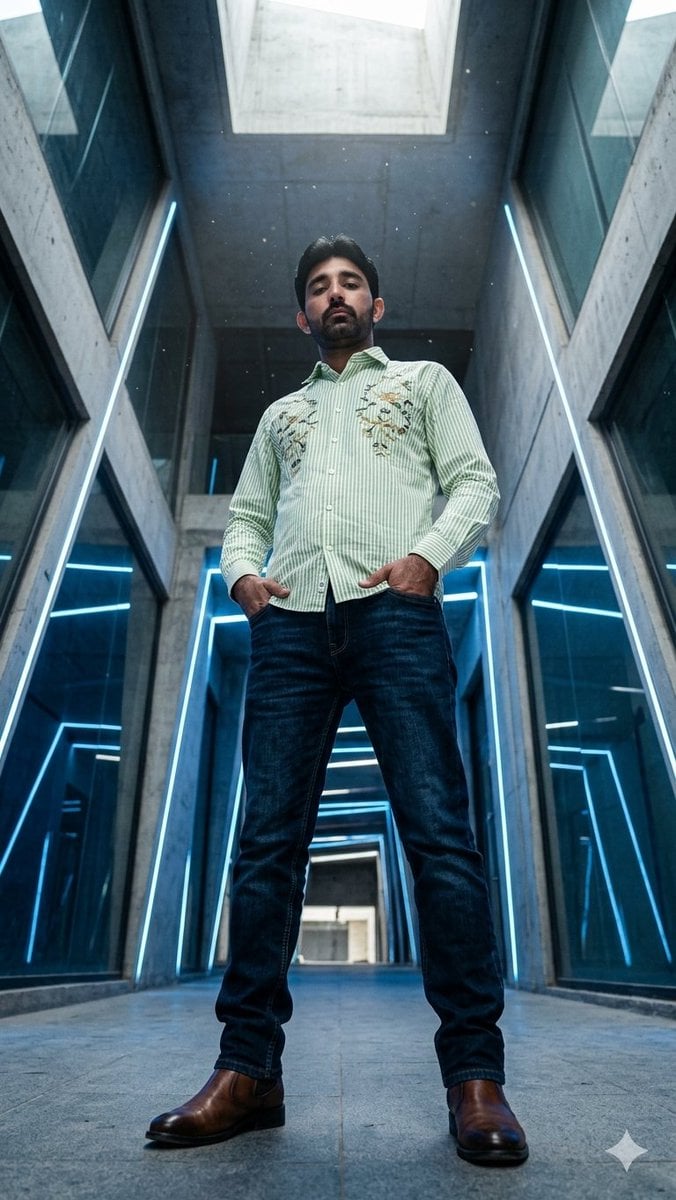
Low-Angle Futuristic Fashion Editorial
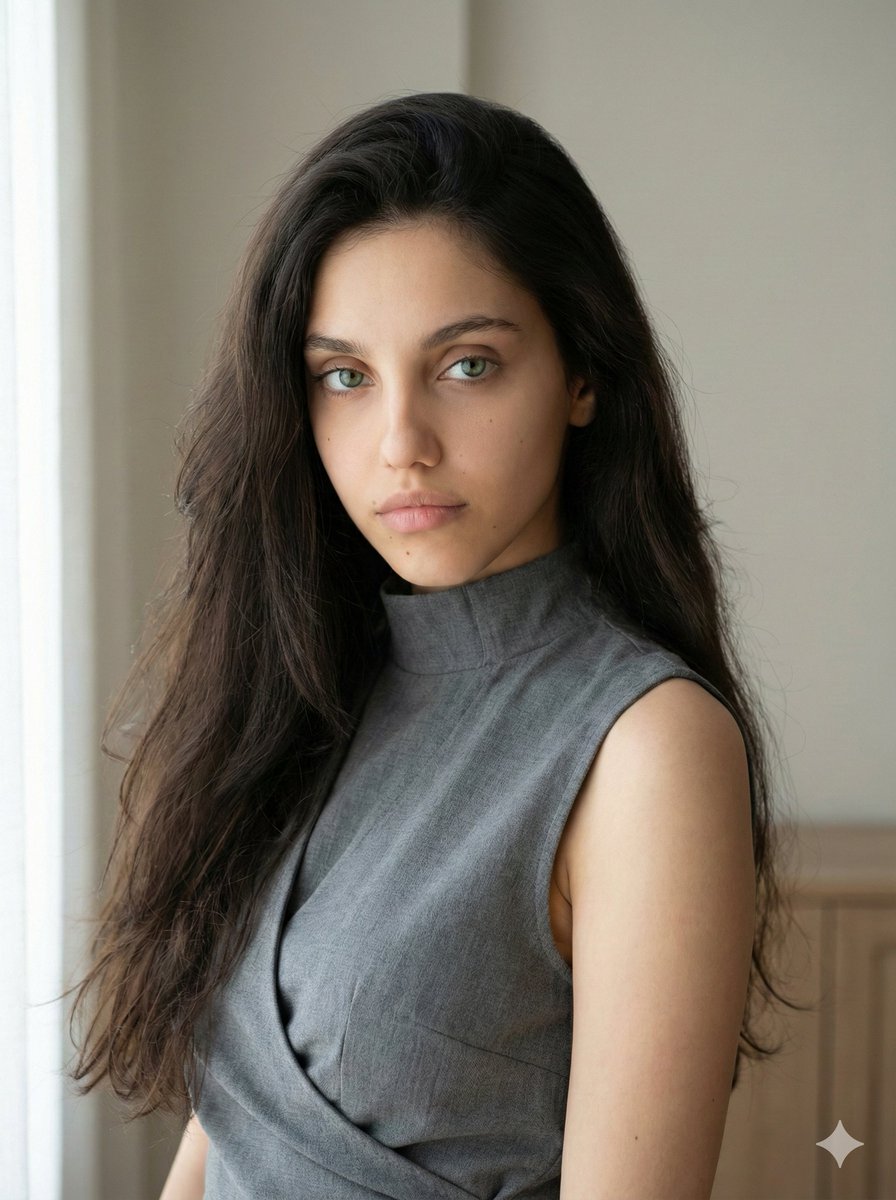
Minimalist Fashion Portrait with Sculptural Bodice
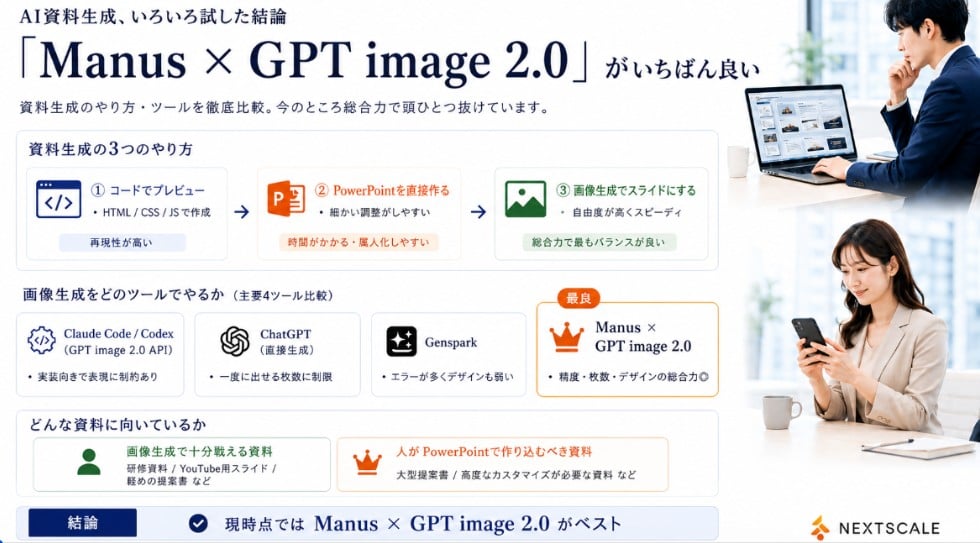
Manus GPT Image 2.0 Comparison Slide
Inventor Portrait Memory Map
Yin-yang koi ink illustration
Browse template categories
Dark Comedy Insect Spray Ad questions
How do I use the Dark Comedy Insect Spray Ad template?
Add your photo if the template asks for one, edit the prompt if you like — the template's model and format are already selected — and press Generate. Your version opens in PicX Studio.
Can I customize the Dark Comedy Insect Spray Ad template?
Yes. You can change the subject, setting, lighting, mood, format, and available model controls before creating your image.
Is the Dark Comedy Insect Spray Ad template free?
Opening and editing this template is free. Generating uses credits, shown on the Generate button when you are signed in.
Which AI model should I use?
Start with GPT Image 2, which is the model associated with this template. You can compare another compatible model for a different finish.
Looking for something else? Browse all templates.

Your photo, any look
Thousands of ready templates for every top image and video model, from one credit balance.