
Winter Anime Realism Sequence
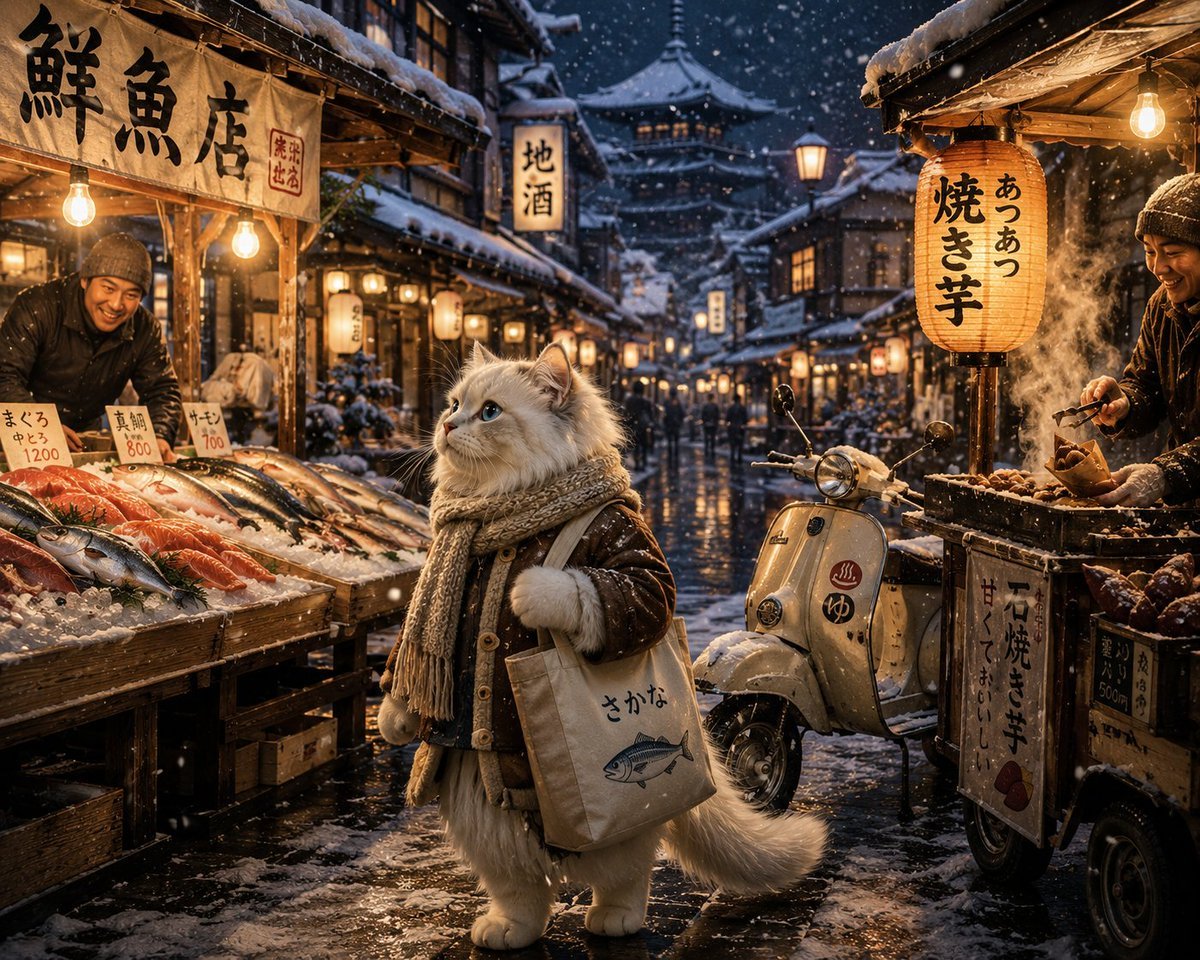
A complex cinematic sequence prompt featuring a cat in a snowy Japanese town, though formatted for video generation rather than a static image.
- Prompt included
- Model and format preset
- Free template
The prompt behind this image
Copy the exact prompt behind Winter Anime Realism Sequence, or open it in the studio and make it yours.
Cinematic cozy winter anime realism sequence of a fluffy white ragdoll cat wandering through a snowy Japanese town at night, wearing a knitted scarf and warm winter coat. Snow gently falls under glowing red lanterns while icy streets reflect warm shop lights. The cat slowly walks past tiny ramen shops, steaming food stalls, and snow-covered bicycles parked beside wooden buildings. Soft ambient snowfall and cold winter wind create a peaceful emotional atmosphere. The cat enters a cozy fish market tucked beneath glowing lanterns and snowy rooftops. Cinematic close-up shots of fresh salmon and tuna resting on crushed ice, warm steam rising from nearby soup stalls, snowflakes melting on wooden counters. Friendly seafood vendors wrap fresh fish while the cat carefully chooses dinner ingredients. Cozy winter ambience with soft chatter and distant train sounds. Next, the cat stops at a small roadside sweet potato and roasted chestnut stand beside a snowy alley. Slow-motion shots of steam rising from hot roasted snacks, glowing charcoal fire, warm hands exchanging food. The cat places roasted chestnuts into a small canvas tote bag while snow continues falling softly around lantern-lit streets. The cat walks home through quiet snow-covered Japanese backstreets at blue hour dusk. Cinematic wide shots of snowy rooftops, glowing vending machines, distant temple bells, and warm apartment windows. Footprints form behind the cat in fresh snow while soft wind carries snowflakes through narrow alleyways. Inside a tiny wooden apartment, the cat relaxes beside a heater and takes a warm bubble bath with steam filling the room. Cozy close-ups of fluffy fur drying beside glowing lamps and knitted blankets. Snow continues falling outside the frosted window. Final cooking sequence shows cinematic close-ups of fish frying in a pan with sizzling butter and steam, warm golden lighting filling the kitchen. The cat prepares hot soup and roasted chestnuts while snowfall glows softly outside the window. Final emotional scene of the cat sitting beside the snowy window eating dinner peacefully while warm lantern lights reflect across the icy night streets, ultra detailed winter atmosphere, Studio Ghibli inspired realism, cinematic camera movement, shallow depth of field, realistic snow and steam physics, emotional cozy storytelling, 4K animated film quality.”
How to use Winter Anime Realism Sequence in 3 steps
- 1
Open
The prompt is already in the box next to the preview, with the template's model and format selected.
- 2…a portrait of your subject in softgolden-hour light, 85mm…
Personalize
Edit the subject and creative details for your destination.
- 3Generate
Generate
Press Generate — your image is created in PicX Studio, so you can compare it with the original and refine one variable at a time.
More like this
Templates with the same subject, style or setup. Open one to see its prompt.











Make it yours
Winter Anime Realism Sequence works as-is. These are the safest ways to change it without losing the look.
Change one field
Copy a single group, rewrite it, and generate again so you can see what that field is doing.
Keep the frame, change the subject
Hold the composition and light of Winter Anime Realism Sequence, then swap wardrobe, props or the person for a new take.
| If the result… | Why | Fix |
|---|---|---|
| The result drifts from the preview | Too many fields changed at once. | Reuse Winter Anime Realism Sequence as-is first, then change one group — subject, light, or setting. |
| The model over-stylizes the scene | The prose prompt leaves finish and camera underspecified. | Add one camera or lighting sentence and stay on GPT Image 2. |
More GPT Image 2 templates
Other prompts made for GPT Image 2.

Six VTuber Japanese Logo Sheet

Realistic Portrait of Woman and Deer

The Vista Modular Condo Poster

AI Model Routing Comparison Infographic

2.5D Anime Art Board

Isometric Productivity Desk Scene

New York Double Exposure Poster

Four-Panel AI Landscape Comparison

Japanese Tatami Lifestyle Magazine Cover

NESCAFÉ Coffee Map Poster
More image prompts
Fresh picks from across the catalog.
Night Party Portrait with Identity Lock Prompt
Street Fashion Photo Prompt for Nano Banana Pro
Shattered Phone Screen Doodle Portal
Twelve Gold Saints Card Grid
Nano Banana Prompt for Sport Jersey Design
Silhouette High Fashion Editorial Poster
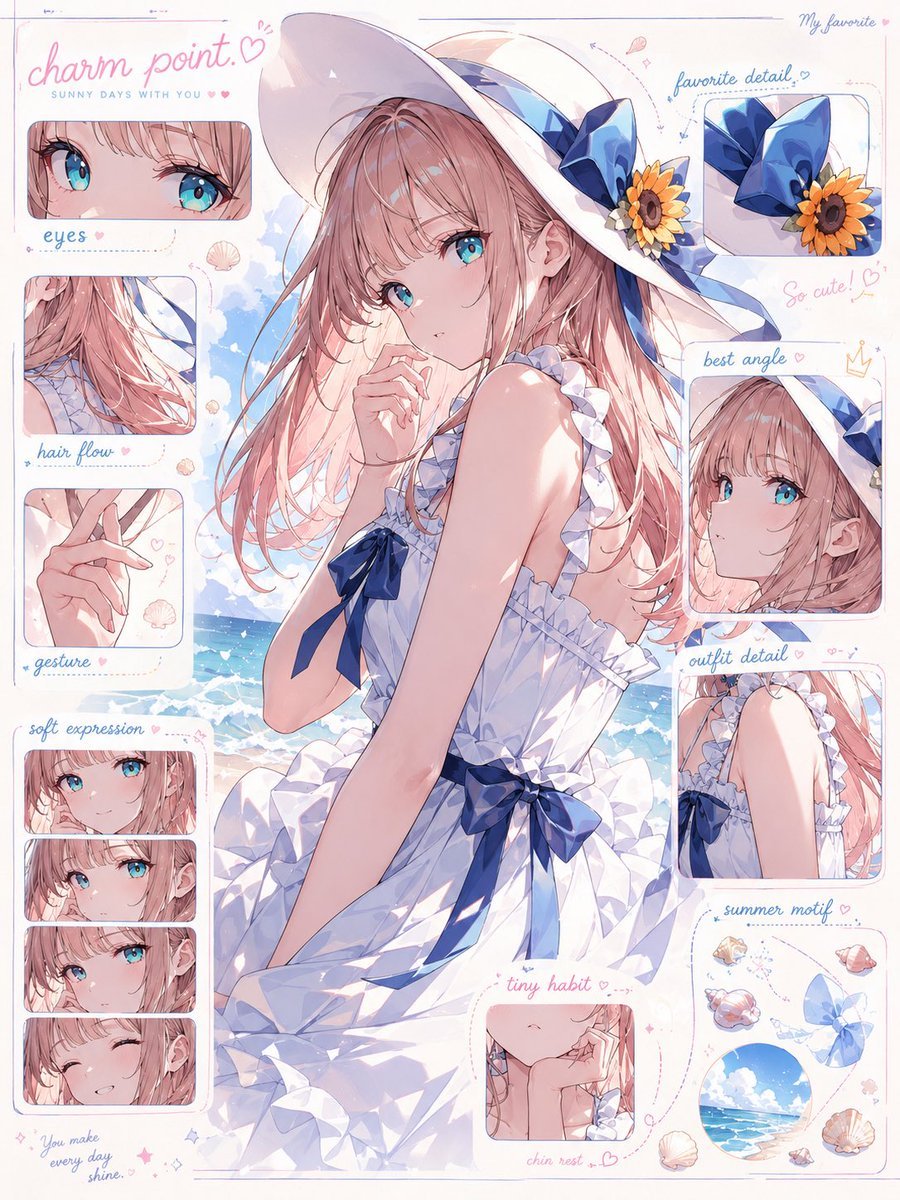
Anime Charm Point Analysis Sheet
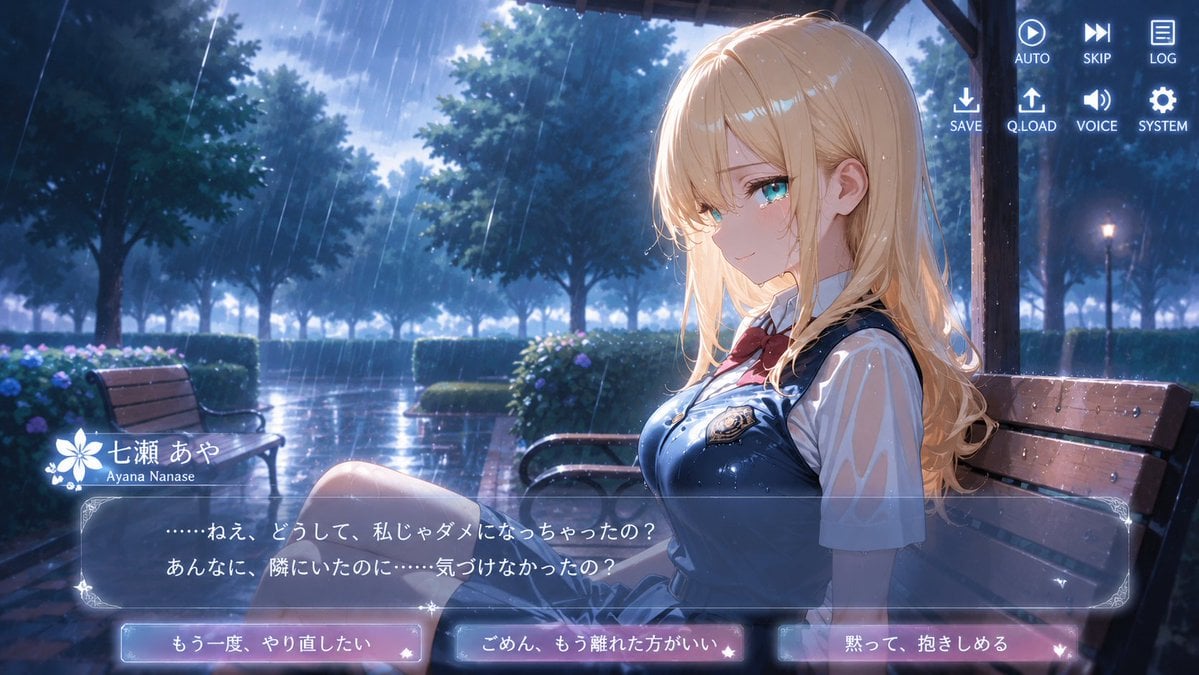
Rainy Park Visual Novel CG
Soft Glow Indoor Mirror Selfie Portrait
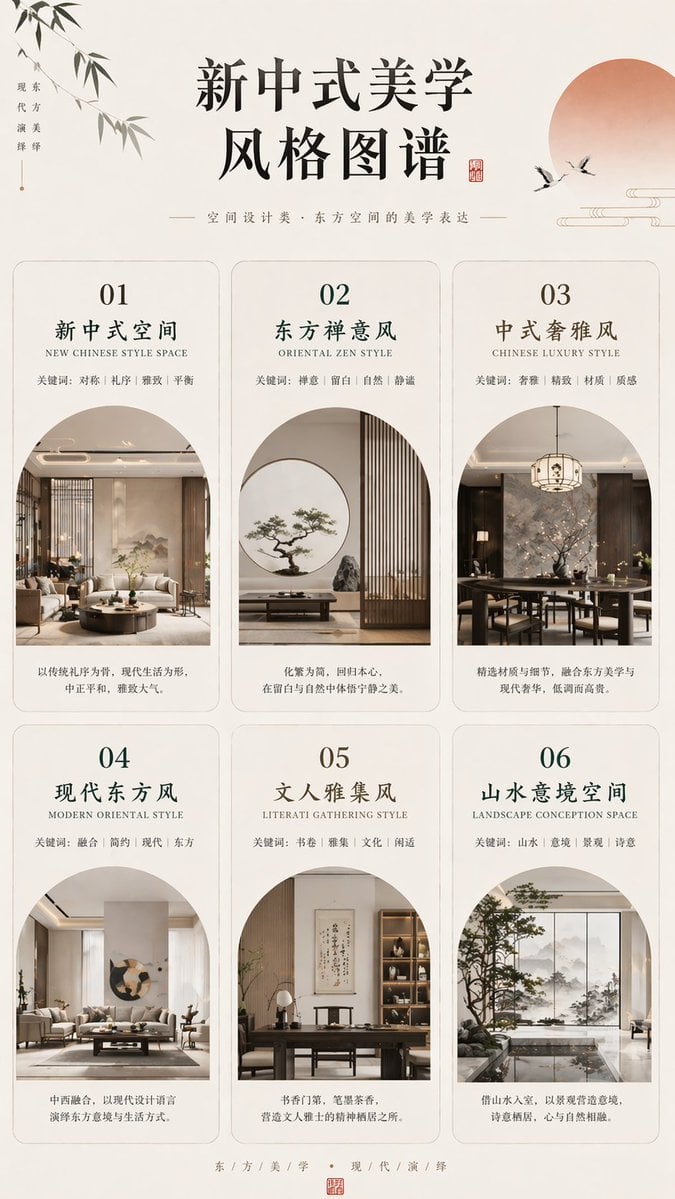
New Chinese Aesthetics Style Chart
Browse template categories
Winter Anime Realism Sequence questions
How do I use the Winter Anime Realism Sequence template?
Add your photo if the template asks for one, edit the prompt if you like — the template's model and format are already selected — and press Generate. Your version opens in PicX Studio.
Can I customize the Winter Anime Realism Sequence template?
Yes. You can change the subject, setting, lighting, mood, format, and available model controls before creating your image.
Is the Winter Anime Realism Sequence template free?
Opening and editing this template is free. Generating uses credits, shown on the Generate button when you are signed in.
Which AI model should I use?
Start with GPT Image 2, which is the model associated with this template. You can compare another compatible model for a different finish.
Looking for something else? Browse all templates.

Your photo, any look
Thousands of ready templates for every top image and video model, from one credit balance.