
Rainy Park Visual Novel CG
Generates a cinematic anime visual novel scene with a schoolgirl on a rainy park bench, Japanese dialogue UI, menu icons, and three player choices.
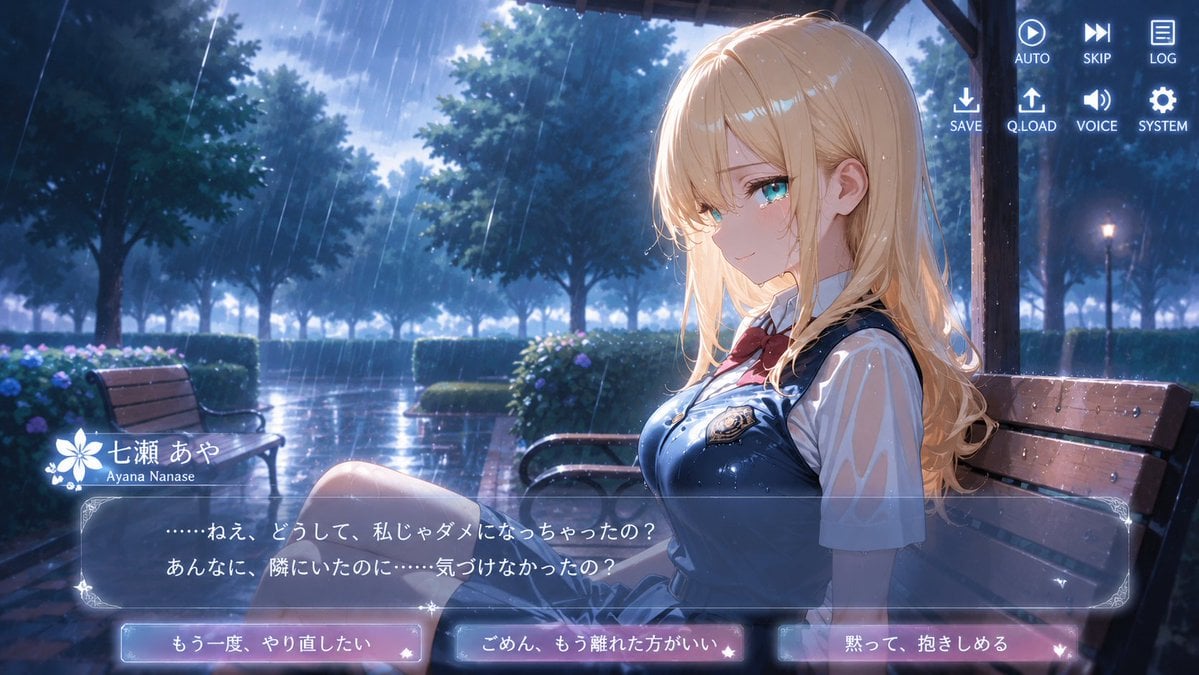
- Prompt included
- Model and format preset
- Free template
The prompt behind this image
Copy the exact prompt behind Rainy Park Visual Novel CG, or open it in the studio and make it yours.
- Type
- anime visual novel screenshot
- Format
- 16:9 widescreen game CG
- Scene
- rainy evening in a park pavilion, cinematic romantic-drama atmosphere, glossy wet surfaces and blue twilight lighting
- Subject › Character Name
- {argument name="character name" default="七瀬 あや"}
- Subject › Romanized Name
- {argument name="romanized name" default="Ayana Nanase"}
- Subject › Appearance
- teenage anime schoolgirl seated sideways on a wooden bench under a shelter, long wavy blonde hair with soft bangs, visible ear, delicate build, face intentionally covered by a plain skin-tone square censor block with no facial features
- Subject › Outfit
- white short-sleeve blouse, navy school vest or jumper dress with glossy rain droplets, red ribbon bow at collar, small crest badge on chest, pleated skirt, bare legs partly visible
- Subject › Pose
- sitting on the right side of the composition, body turned left, knees angled toward the viewer, melancholic quiet posture
- Environment › Location
- tree-lined public park with benches, hedges, hydrangea-like flowers, wet brick walkway, distant street lamps, dark wooden shelter posts and roof framing the character
- Environment › Weather
- heavy rain with many diagonal streaks, water droplets on character and bench, puddle reflections
- Environment › Lighting
- cool blue night rain ambience with bright backlight from cloudy sky, soft rim highlights on blonde hair, high-detail anime background painting
- Visual Novel Interface › Top Right Menu › Count
- 8
- Visual Novel Interface › Top Right Menu › Items
- AUTO with play icon, SKIP with fast-forward icon, LOG with document icon, SAVE with download arrow icon, Q.LOAD with upload arrow icon, VOICE with speaker icon, SYSTEM with gear icon, one additional spacing/row alignment as part of the 2-by-4 menu cluster
- Visual Novel Interface › Nameplate › Position
- lower left above dialogue box
- Visual Novel Interface › Nameplate › Style
- white flower emblem and decorative sparkles
- Visual Novel Interface › Nameplate › Visible Text
- 七瀬 あや, Ayana Nanase
- Visual Novel Interface › Dialogue Box › Position
- bottom third
- Visual Novel Interface › Dialogue Box › Style
- translucent dark blue glass panel with ornate pale corners and thin border
- Visual Novel Interface › Dialogue Box › Speaker
- 七瀬 あや
- Visual Novel Interface › Dialogue Box › Text
- {argument name="dialogue text" default="……ねえ、どうして、私じゃダメになっちゃったの?\nあんなに、隣にいたのに……気づけなかったの?"}
- Visual Novel Interface › Choice Buttons › Count
- 3
- Visual Novel Interface › Choice Buttons › Position
- very bottom in a horizontal row
- Visual Novel Interface › Choice Buttons › Style
- glowing rounded rectangular buttons, blue-to-pink translucent gradients, small heart/star ornaments
- Visual Novel Interface › Choice Buttons › Labels
- {argument name="left choice" default="もう一度、やり直したい"}, {argument name="middle choice" default="ごめん、もう離れた方がいい"}, {argument name="right choice" default="黙って、抱きしめる"}
Raw JSON
{"type":"anime visual novel screenshot","format":"16:9 widescreen game CG","scene":"rainy evening in a park pavilion, cinematic romantic-drama atmosphere, glossy wet surfaces and blue twilight lighting","subject":{"character name":"{argument name=\"character name\" default=\"七瀬 あや\"}","romanized name":"{argument name=\"romanized name\" default=\"Ayana Nanase\"}","appearance":"teenage anime schoolgirl seated sideways on a wooden bench under a shelter, long wavy blonde hair with soft bangs, visible ear, delicate build, face intentionally covered by a plain skin-tone square censor block with no facial features","outfit":"white short-sleeve blouse, navy school vest or jumper dress with glossy rain droplets, red ribbon bow at collar, small crest badge on chest, pleated skirt, bare legs partly visible","pose":"sitting on the right side of the composition, body turned left, knees angled toward the viewer, melancholic quiet posture"},"environment":{"location":"tree-lined public park with benches, hedges, hydrangea-like flowers, wet brick walkway, distant street lamps, dark wooden shelter posts and roof framing the character","weather":"heavy rain with many diagonal streaks, water droplets on character and bench, puddle reflections","lighting":"cool blue night rain ambience with bright backlight from cloudy sky, soft rim highlights on blonde hair, high-detail anime background painting"},"visual novel interface":{"top right menu":{"count":8,"items":["AUTO with play icon","SKIP with fast-forward icon","LOG with document icon","SAVE with download arrow icon","Q.LOAD with upload arrow icon","VOICE with speaker icon","SYSTEM with gear icon","one additional spacing/row alignment as part of the 2-by-4 menu cluster"]},"nameplate":{"position":"lower left above dialogue box","style":"white flower emblem and decorative sparkles","visible text":["七瀬 あや","Ayana Nanase"]},"dialogue box":{"position":"bottom third","style":"translucent dark blue glass panel with ornate pale corners and thin border","speaker":"七瀬 あや","text":"{argument name=\"dialogue text\" default=\"……ねえ、どうして、私じゃダメになっちゃったの?\\nあんなに、隣にいたのに……気づけなかったの?\"}"},"choice buttons":{"count":3,"position":"very bottom in a horizontal row","style":"glowing rounded rectangular buttons, blue-to-pink translucent gradients, small heart/star ornaments","labels":["{argument name=\"left choice\" default=\"もう一度、やり直したい\"}","{argument name=\"middle choice\" default=\"ごめん、もう離れた方がいい\"}","{argument name=\"right choice\" default=\"黙って、抱きしめる\"}"]}},"composition":"character dominates right half, empty rainy park depth on left, bench and shelter create perspective lines, UI overlays remain crisp and readable, polished gpt-image-2 anime game CG quality, no extra characters"}How to use Rainy Park Visual Novel CG in 3 steps
- 1Upload ImagePNG, JPG or paste
Add your photo
Upload the photo the template builds on. The prompt, model and format are already set.
- 2…a portrait of your subject in softgolden-hour light, 85mm…
Personalize
Edit the subject and creative details for your destination.
- 3Generate
Generate
Press Generate — your image is created in PicX Studio, so you can compare it with the original and refine one variable at a time.
More like this
Templates with the same subject, style or setup. Open one to see its prompt.
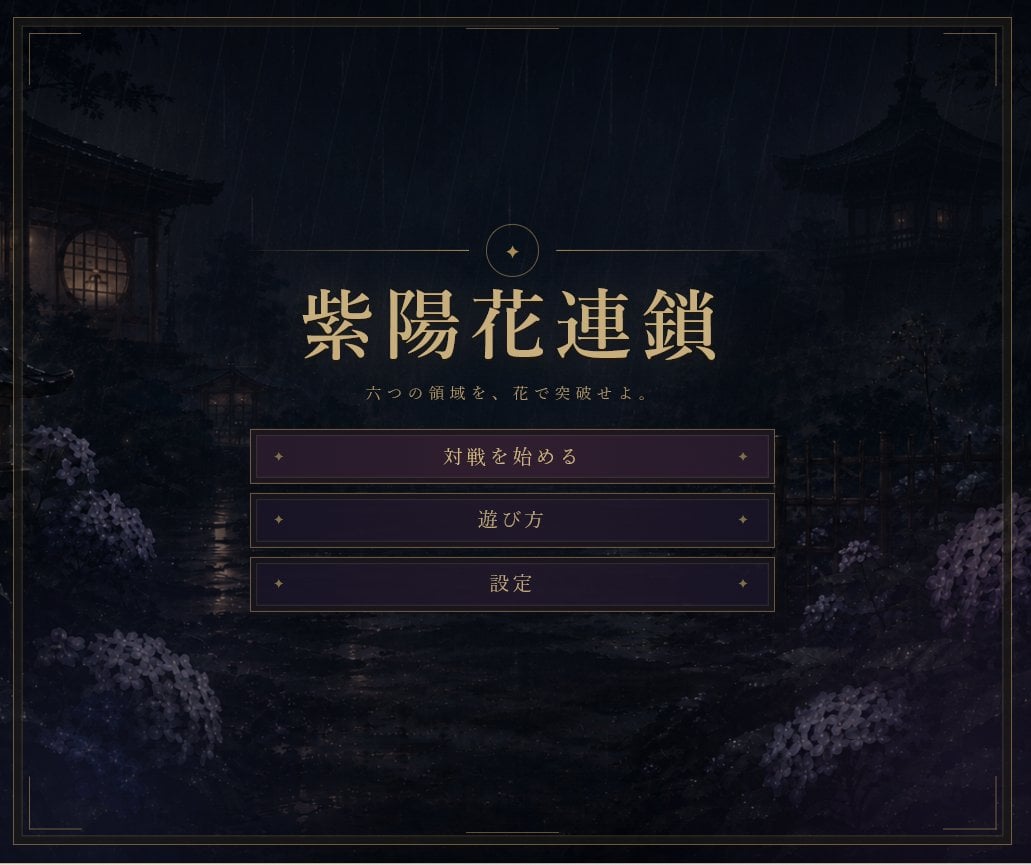
Rainy Japanese Visual Novel Title Screen
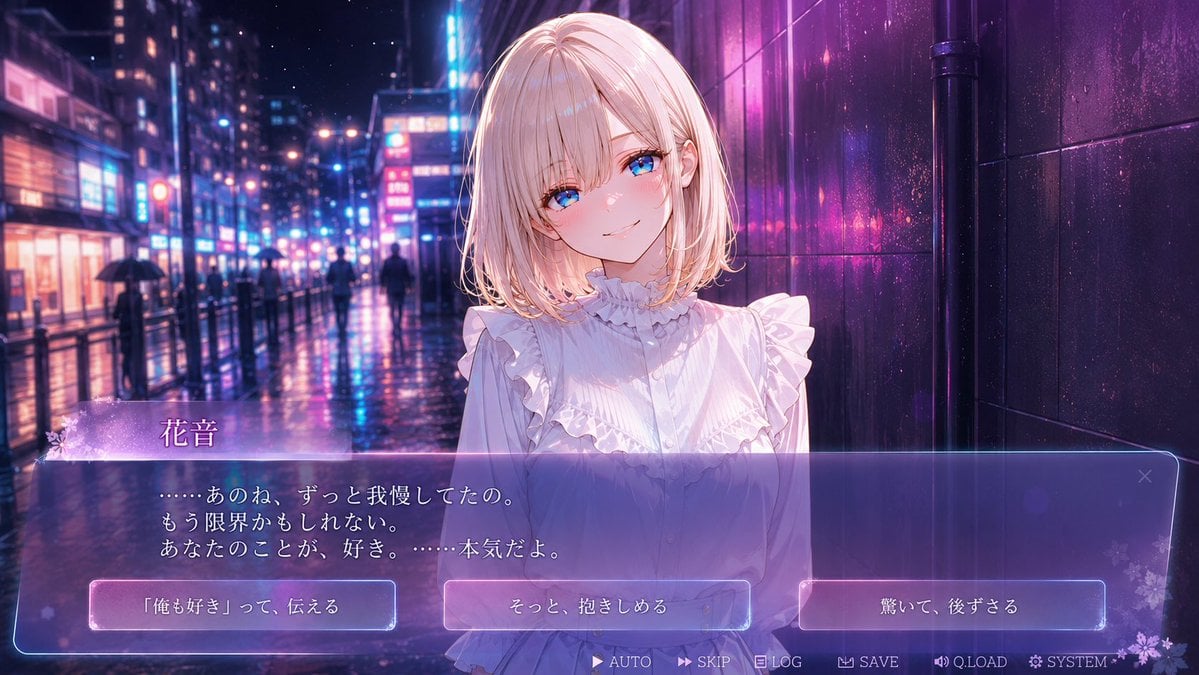
Rainy Neon Visual Novel Confession
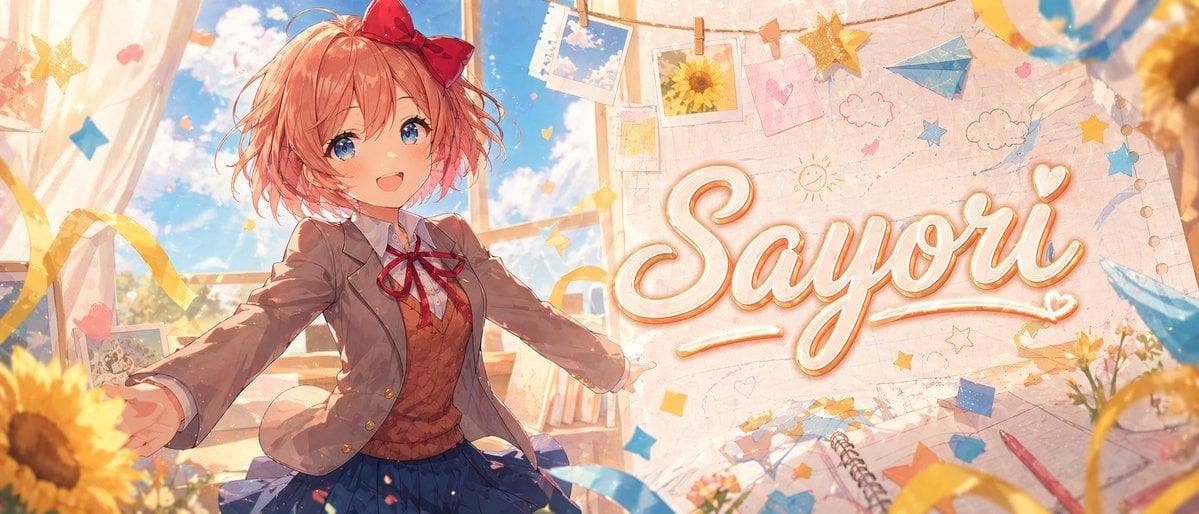
Anime Visual Novel Classroom Banner
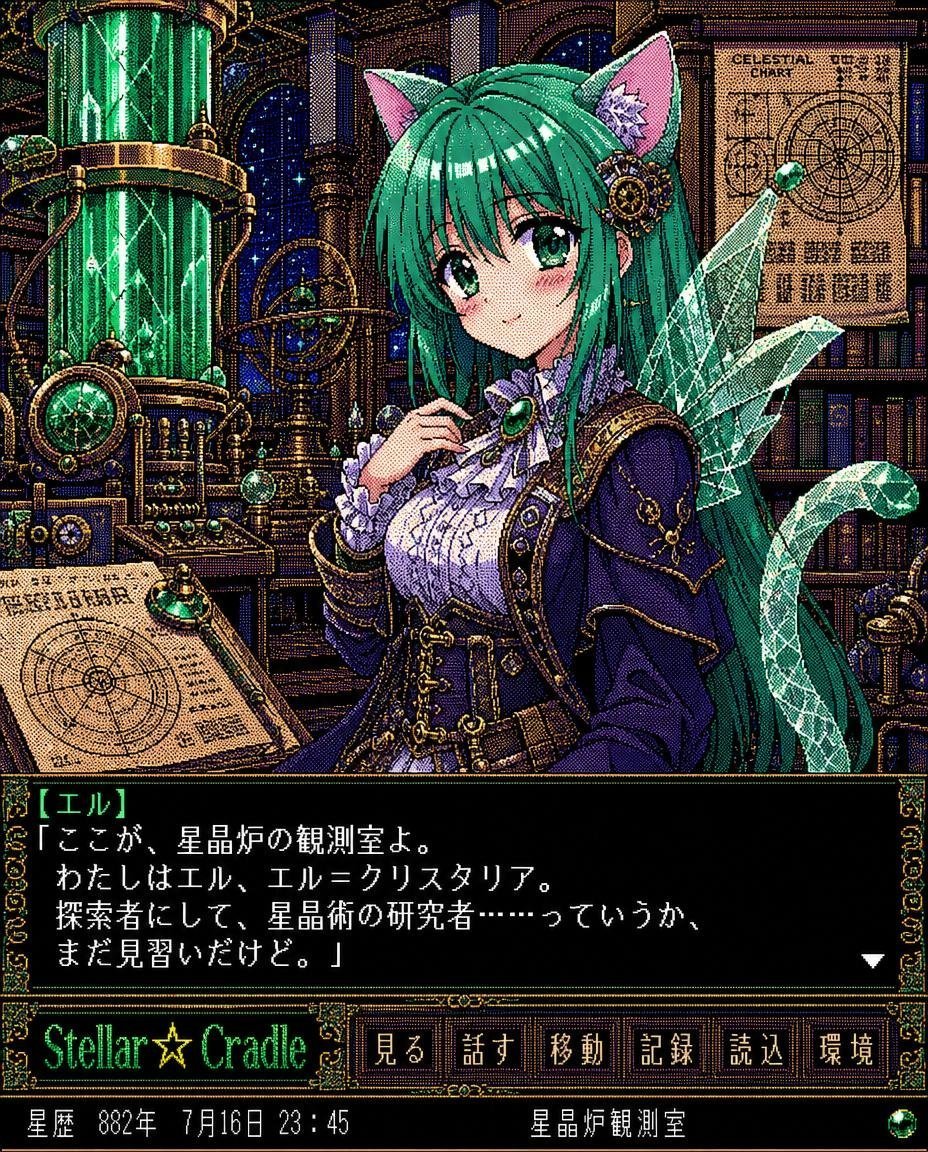
Retro Crystal Observatory Visual Novel
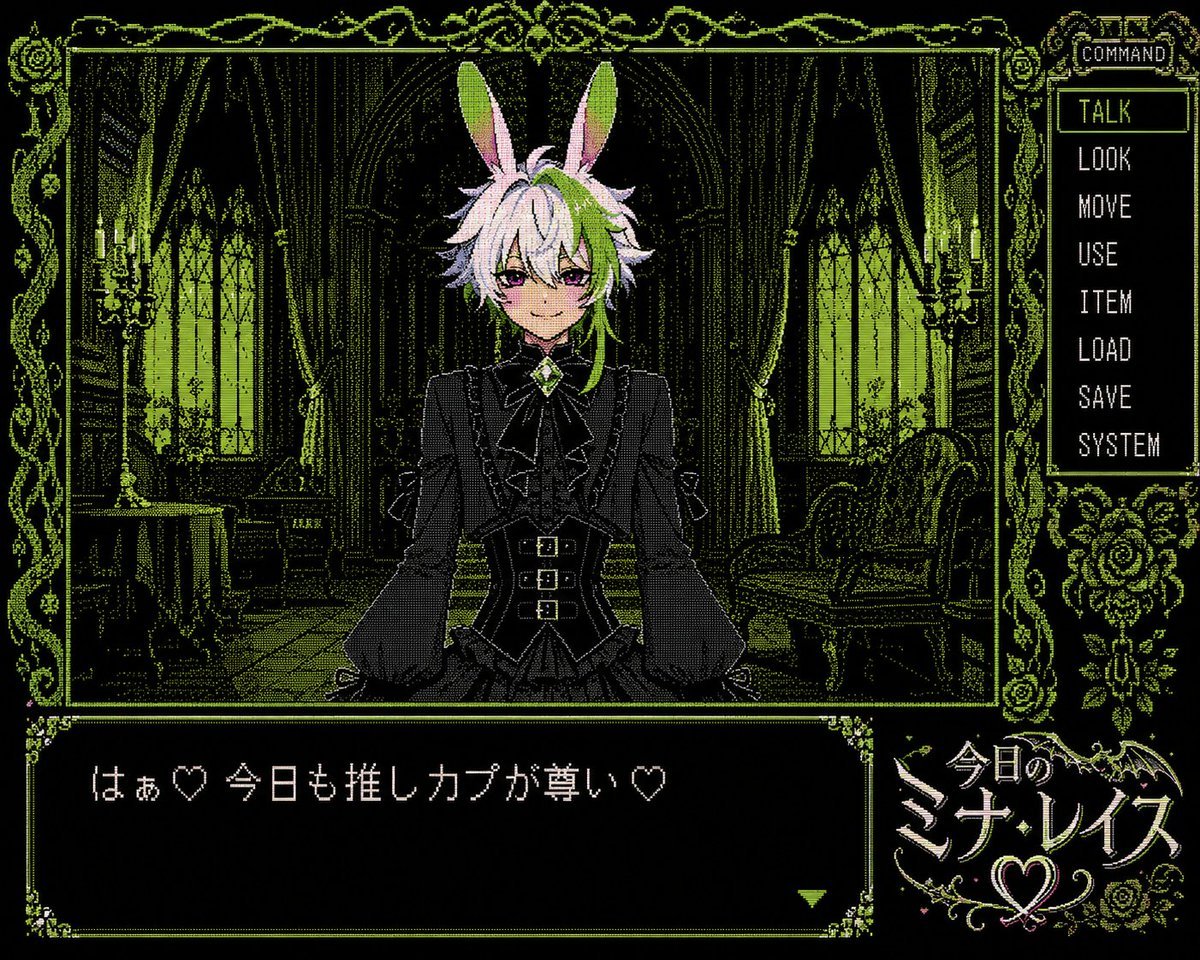
PC-98 Gothic Visual Novel UI
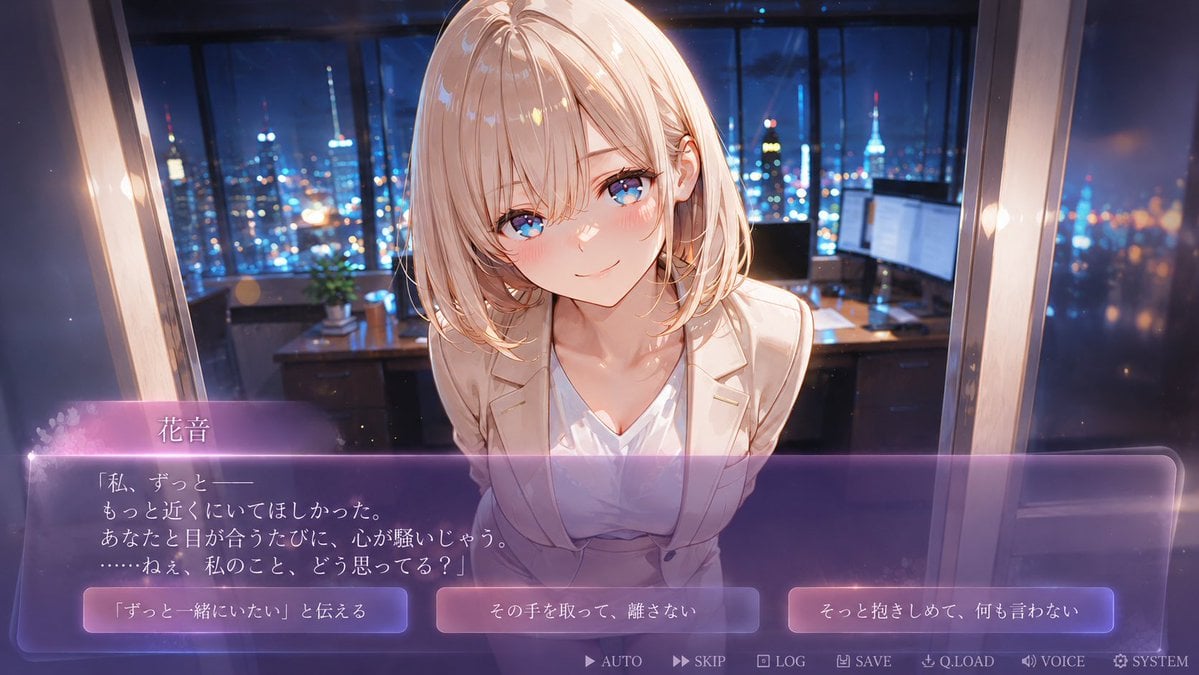
Faceless Romance Visual Novel CG
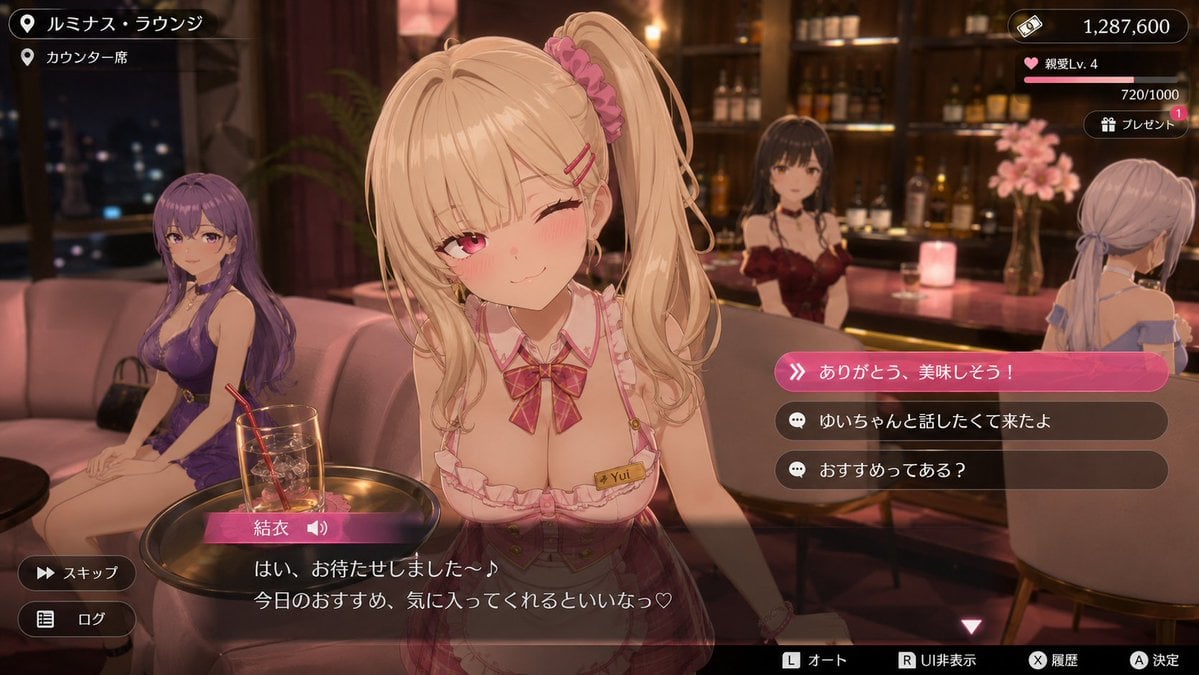
Anime Visual Novel Confession Scene
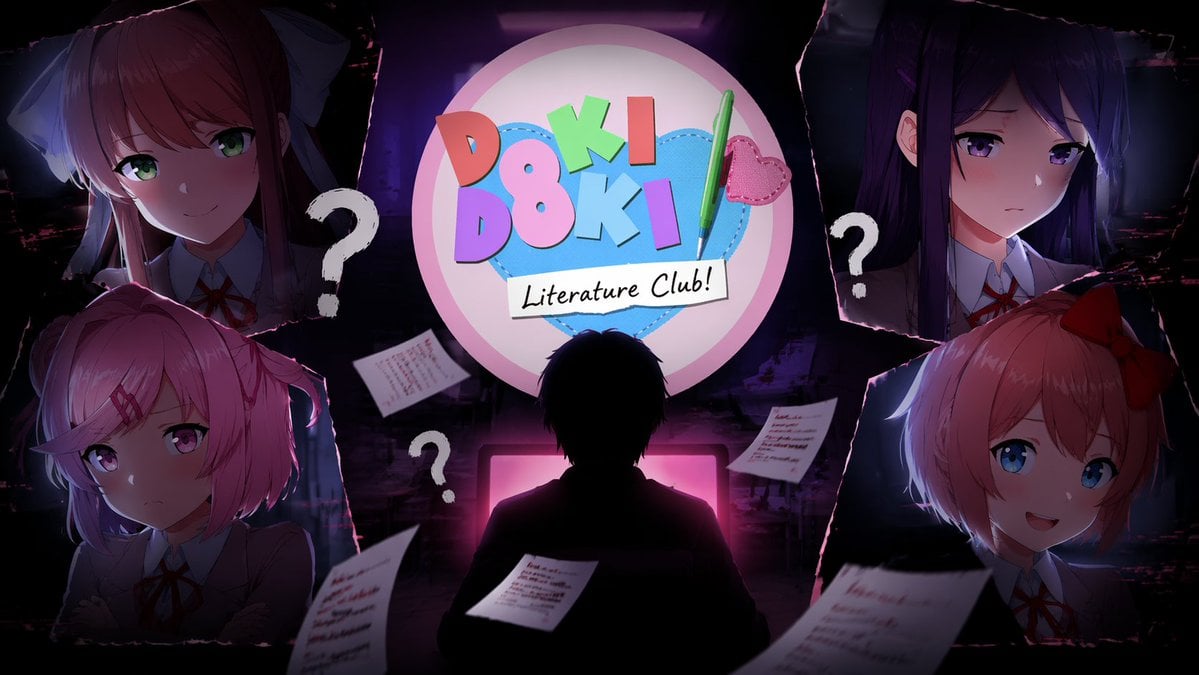
Visual Novel Composite Layout
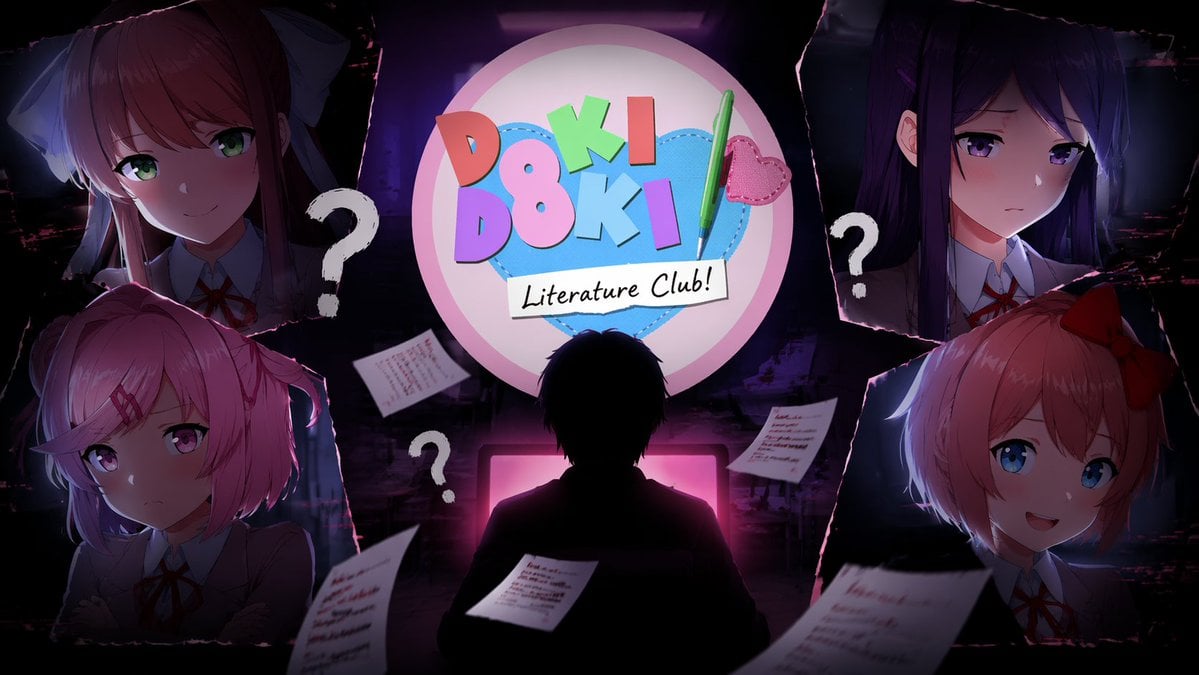
Visual Novel Psychological Horror Concept Art
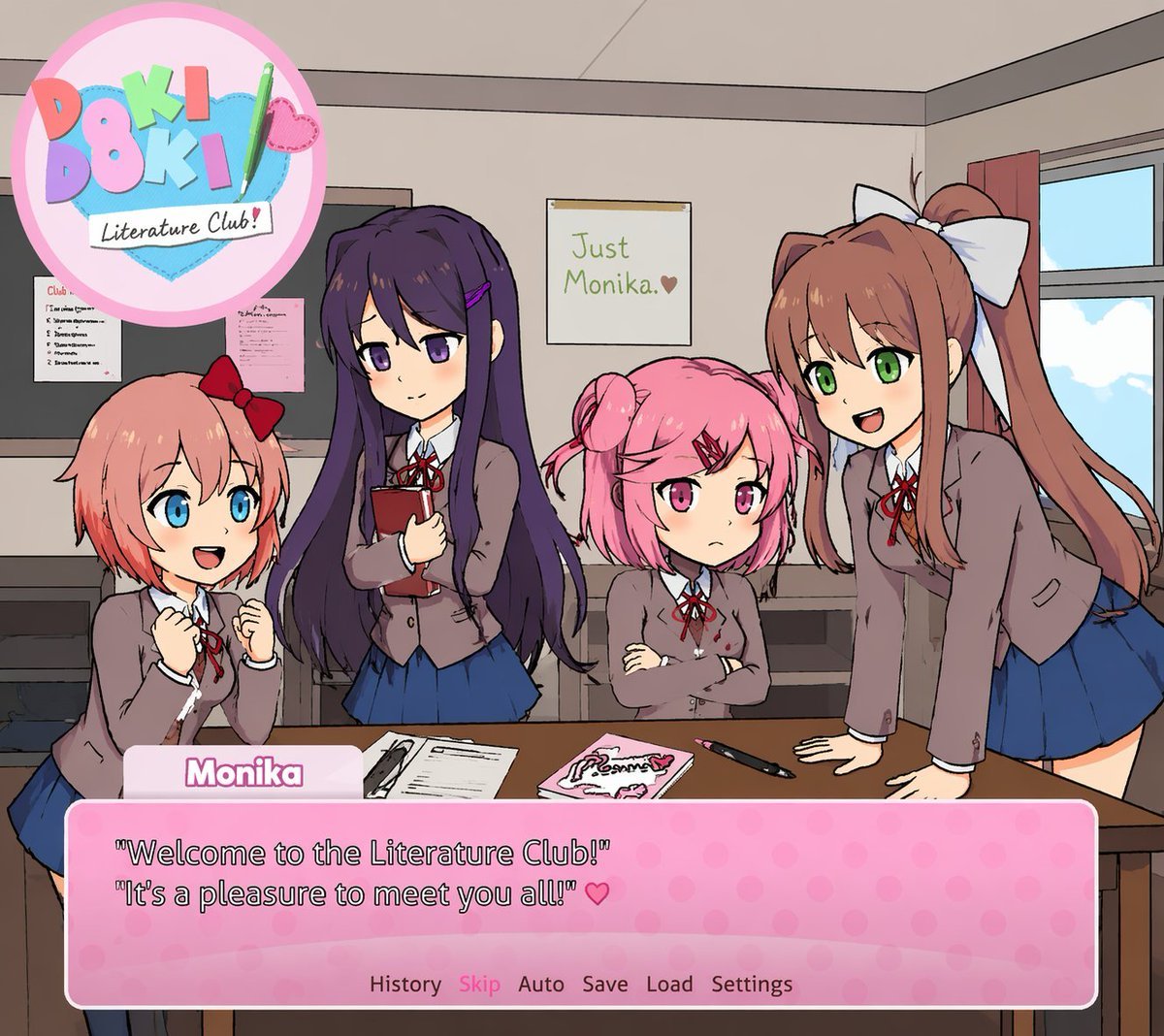
Visual Novel Screenshot Mockup
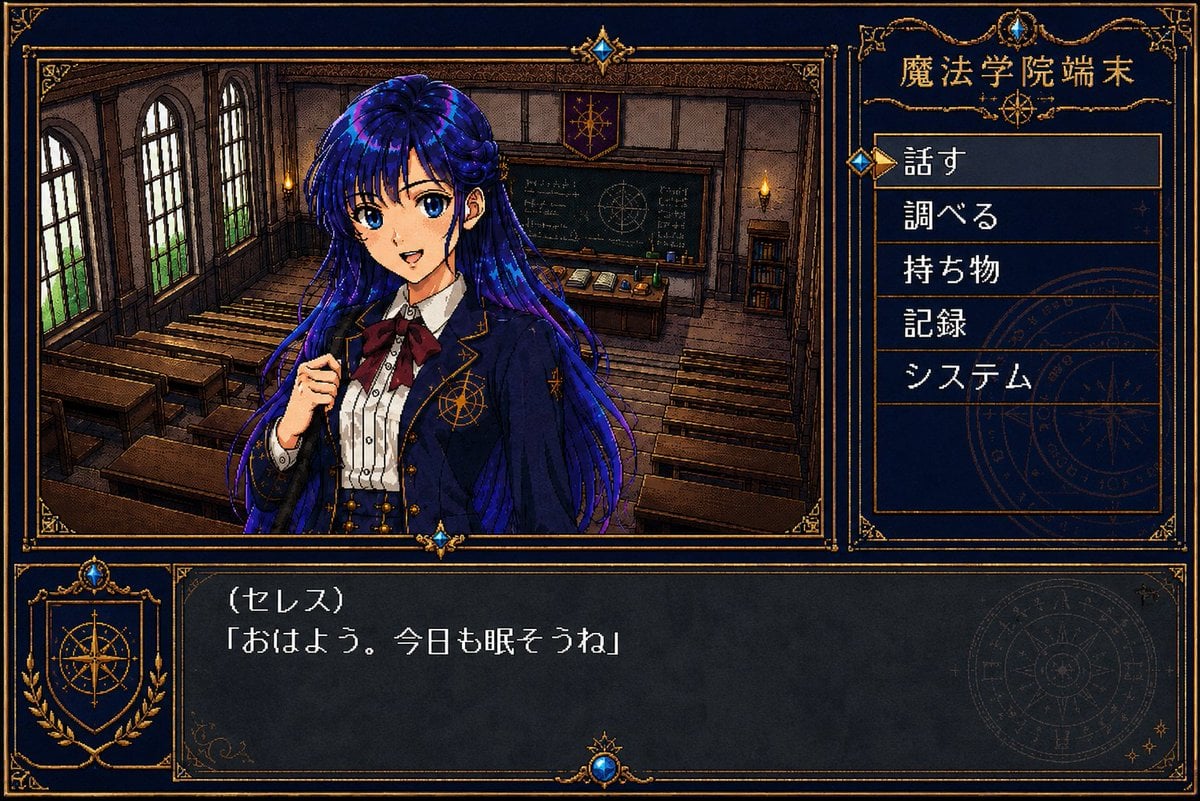
Retro Magic Academy Visual Novel UI
Japanese Jungle Theme Park Parody Poster
Make it yours
Rainy Park Visual Novel CG works as-is. These are the safest ways to change it without losing the look.
Swap the setting
Keep the rest of the prompt and replace the location block. The current setting is “tree-lined public park with benches, hedges, hydrangea-like flowers, wet brick w”.
Swap the light
One lighting change is enough to compare takes. Current light: “cool blue night rain ambience with bright backlight from cloudy sky, soft rim hi”.
Change one field
Copy a single group, rewrite it, and generate again so you can see what that field is doing.
| If the result… | Why | Fix |
|---|---|---|
| The result drifts from the preview | Too many fields changed at once. | Reuse Rainy Park Visual Novel CG as-is first, then change one group — subject, light, or setting. |
| GPT Image 2 ignores part of the JSON | Some models flatten or skip nested keys. | Keep the same values and paste them as a short paragraph instead. |
More GPT Image 2 templates
Other prompts made for GPT Image 2.

Six VTuber Japanese Logo Sheet

Realistic Portrait of Woman and Deer

The Vista Modular Condo Poster

AI Model Routing Comparison Infographic

2.5D Anime Art Board

Isometric Productivity Desk Scene

New York Double Exposure Poster

Four-Panel AI Landscape Comparison

Japanese Tatami Lifestyle Magazine Cover

NESCAFÉ Coffee Map Poster
More image prompts
Fresh picks from across the catalog.
1980s RPG manual illustration (variant)
Pastel Anime Character Sketch
Kratos in Three Blended Styles
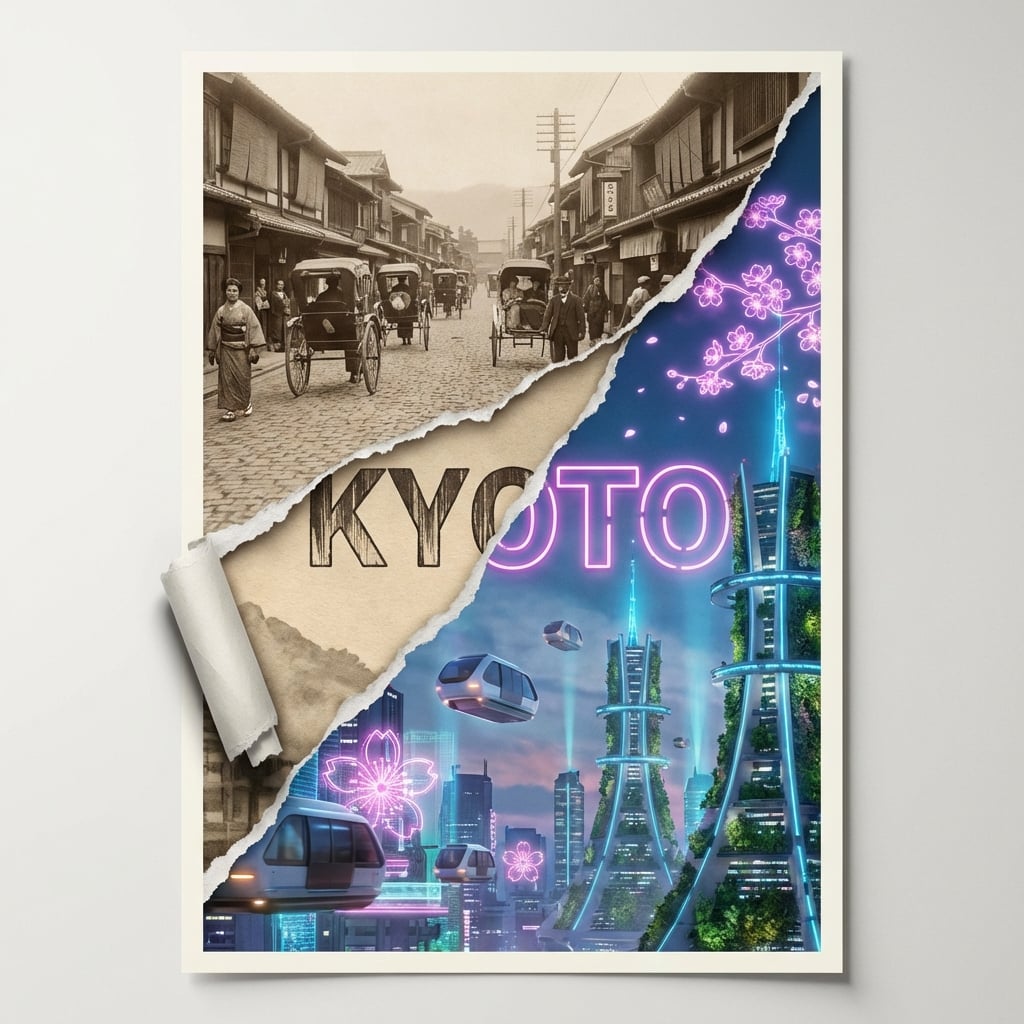
Torn Poster of Contrasting Kyoto Eras
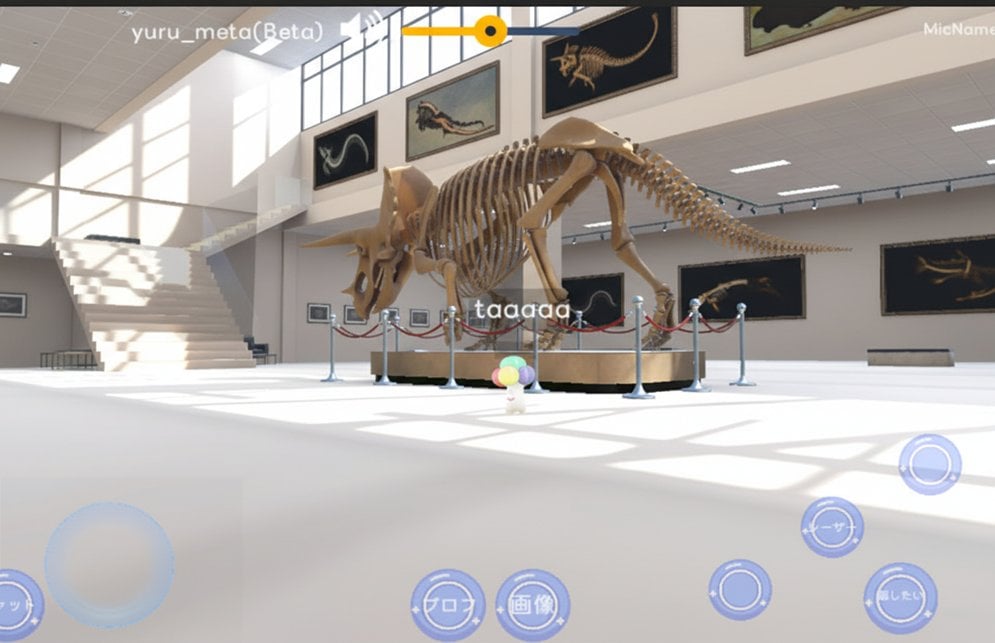
Reframe dinosaur scene to show full body with tilt
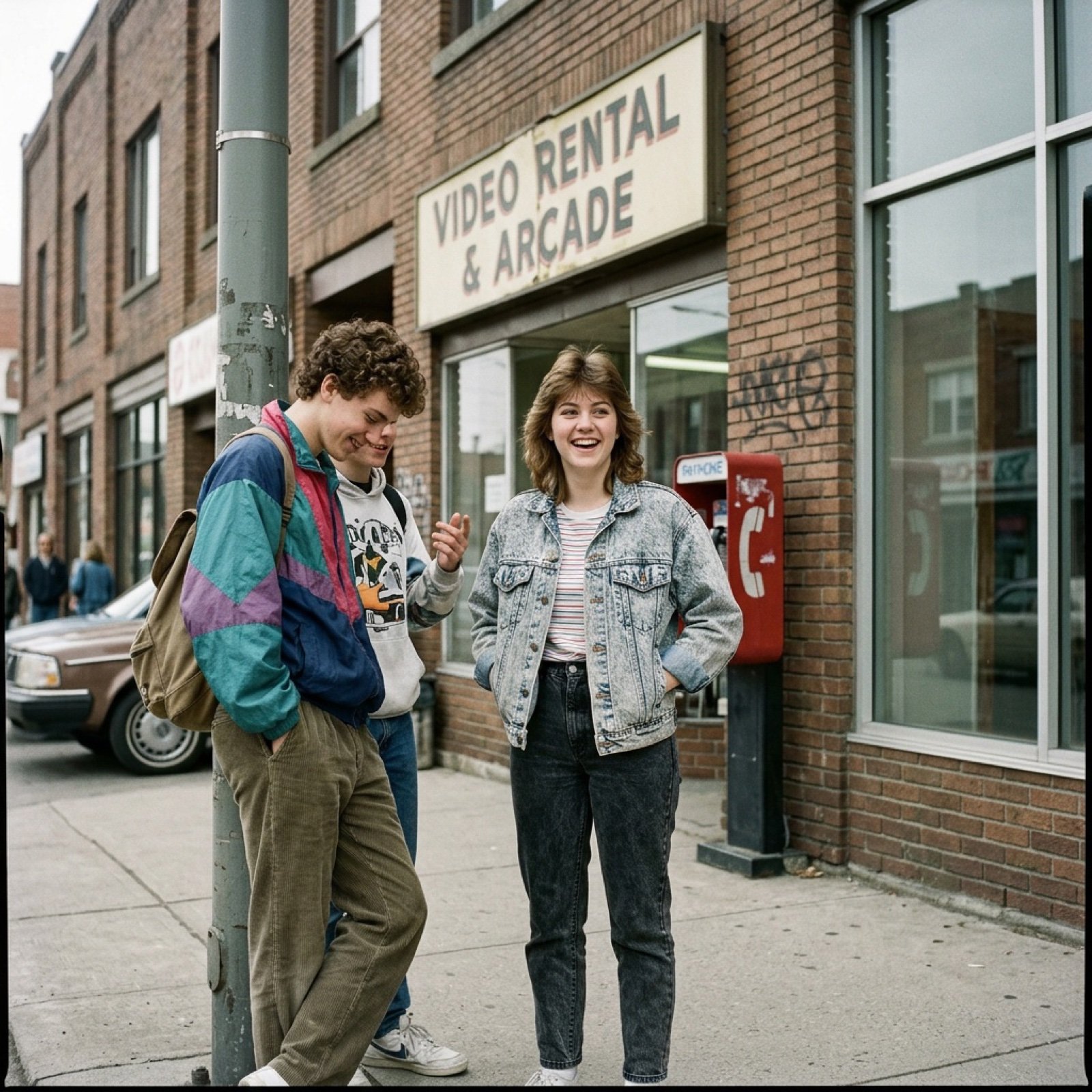
80s Low-Fidelity Snapshot Prompt
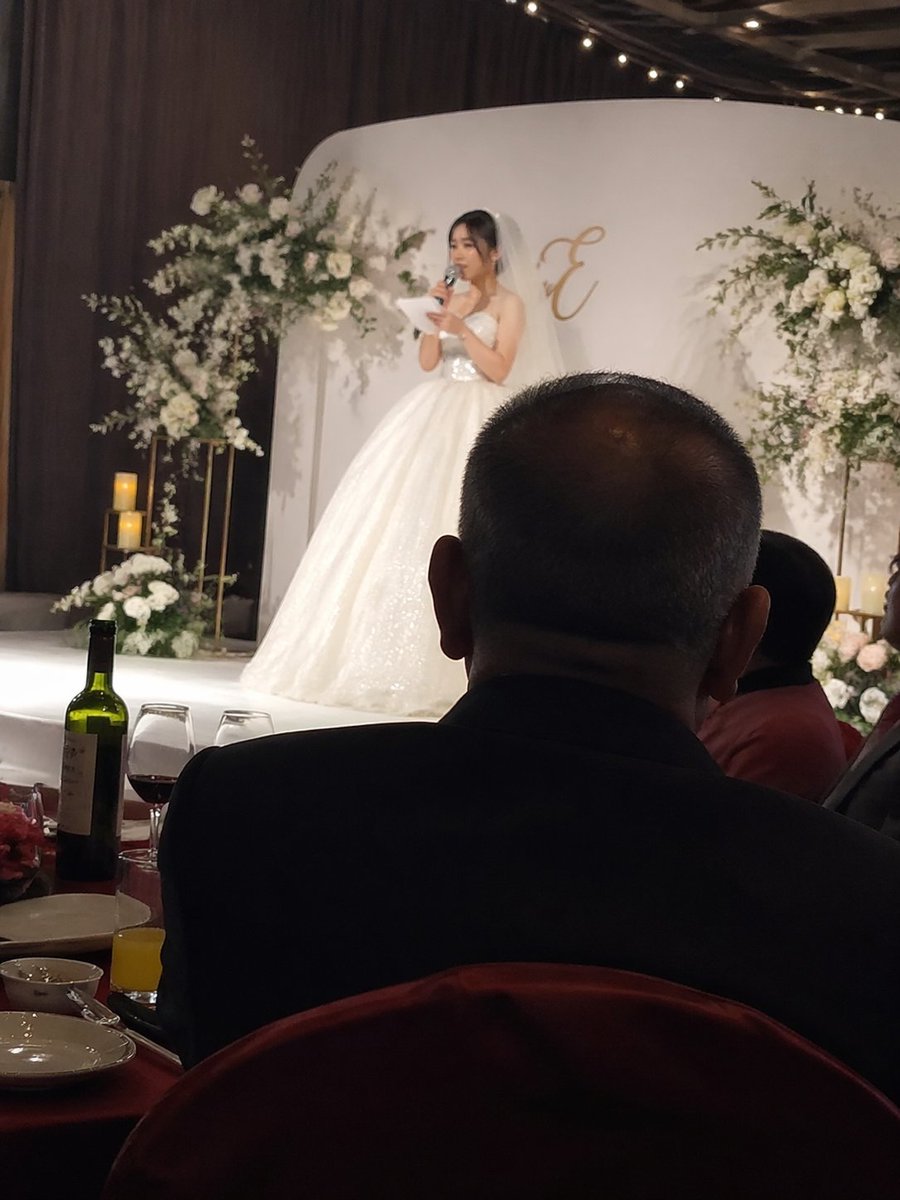
Candid wedding speech photo

Meme Generation Prompt for Caffeine and Exhaustion
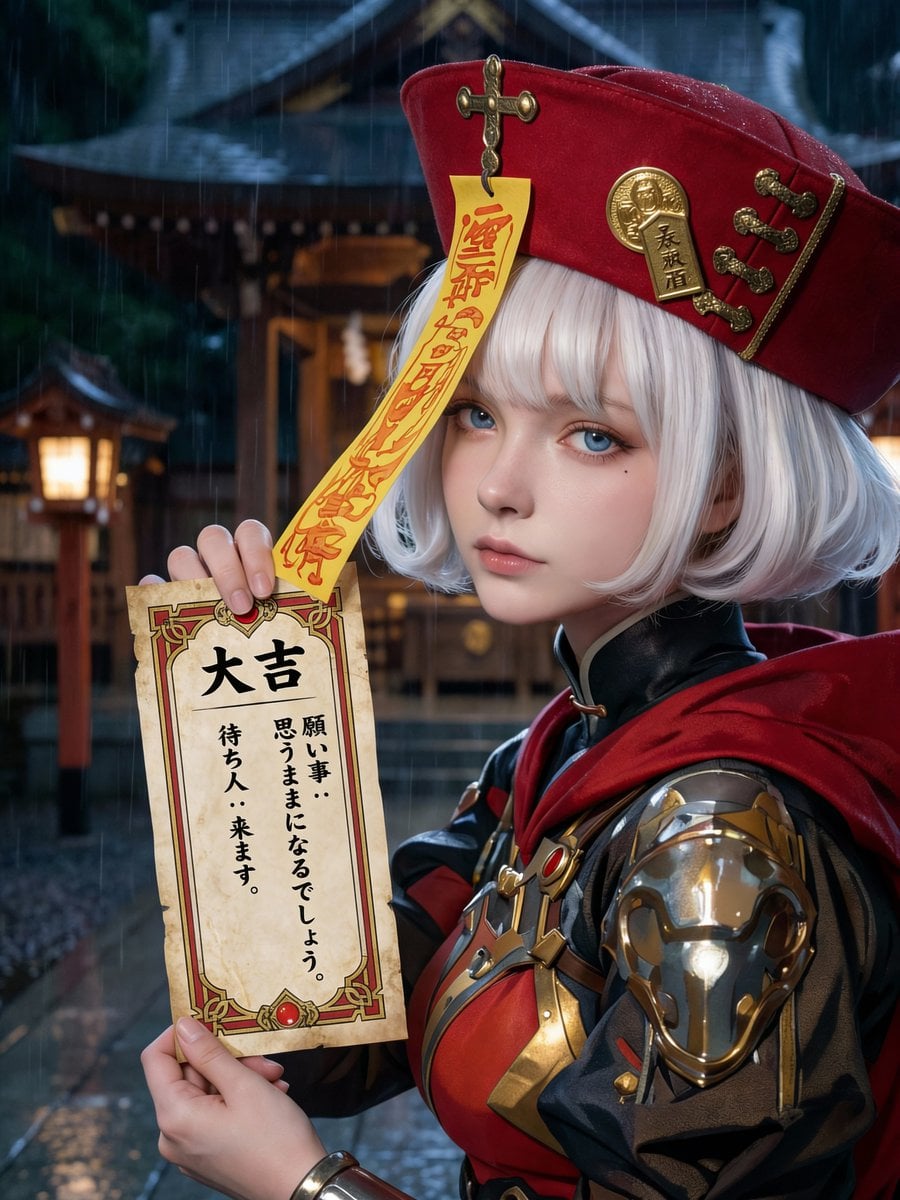
Photorealistic Omikuji (Fortune Slip) Design
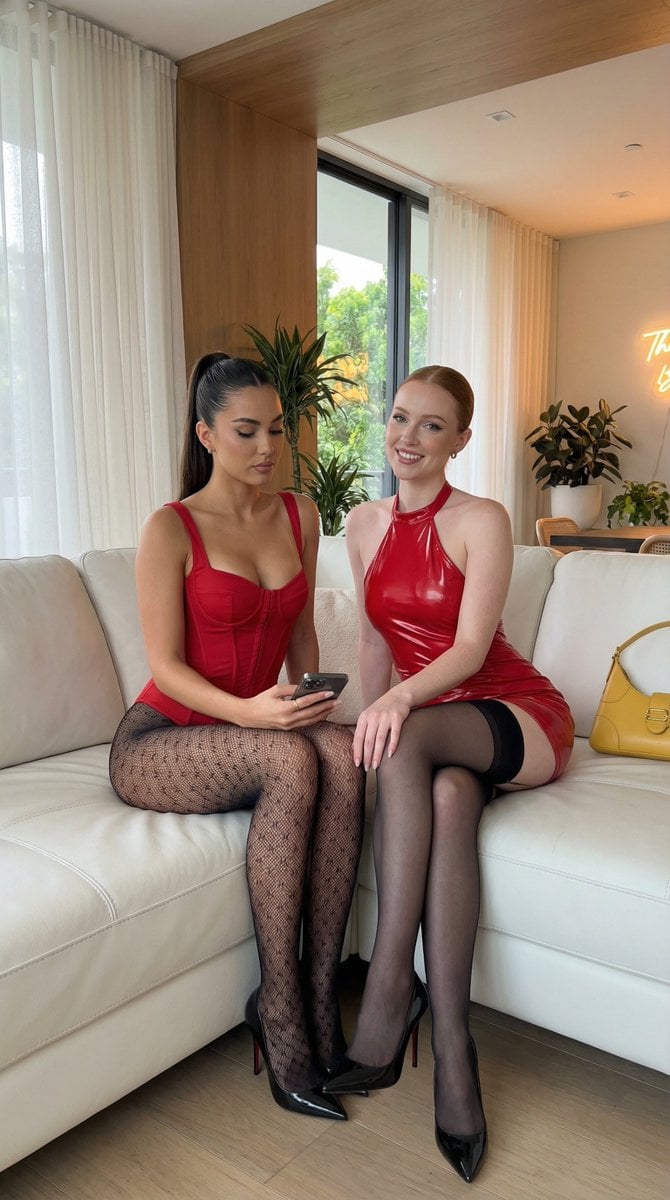
Ultra-Realistic Smartphone Portrait of Two Women in Red
Browse template categories
Rainy Park Visual Novel CG questions
How do I use the Rainy Park Visual Novel CG template?
Add your photo if the template asks for one, edit the prompt if you like — the template's model and format are already selected — and press Generate. Your version opens in PicX Studio.
Can I customize the Rainy Park Visual Novel CG template?
Yes. You can change the subject, setting, lighting, mood, format, and available model controls before creating your image.
Is the Rainy Park Visual Novel CG template free?
Opening and editing this template is free. Generating uses credits, shown on the Generate button when you are signed in.
Which AI model should I use?
Start with GPT Image 2, which is the model associated with this template. You can compare another compatible model for a different finish.
Looking for something else? Browse all templates.

Your photo, any look
Thousands of ready templates for every top image and video model, from one credit balance.