
Visual Novel Screenshot Mockup
Generates a fake visual novel screenshot featuring anime characters, a custom logo, and a dialogue box.
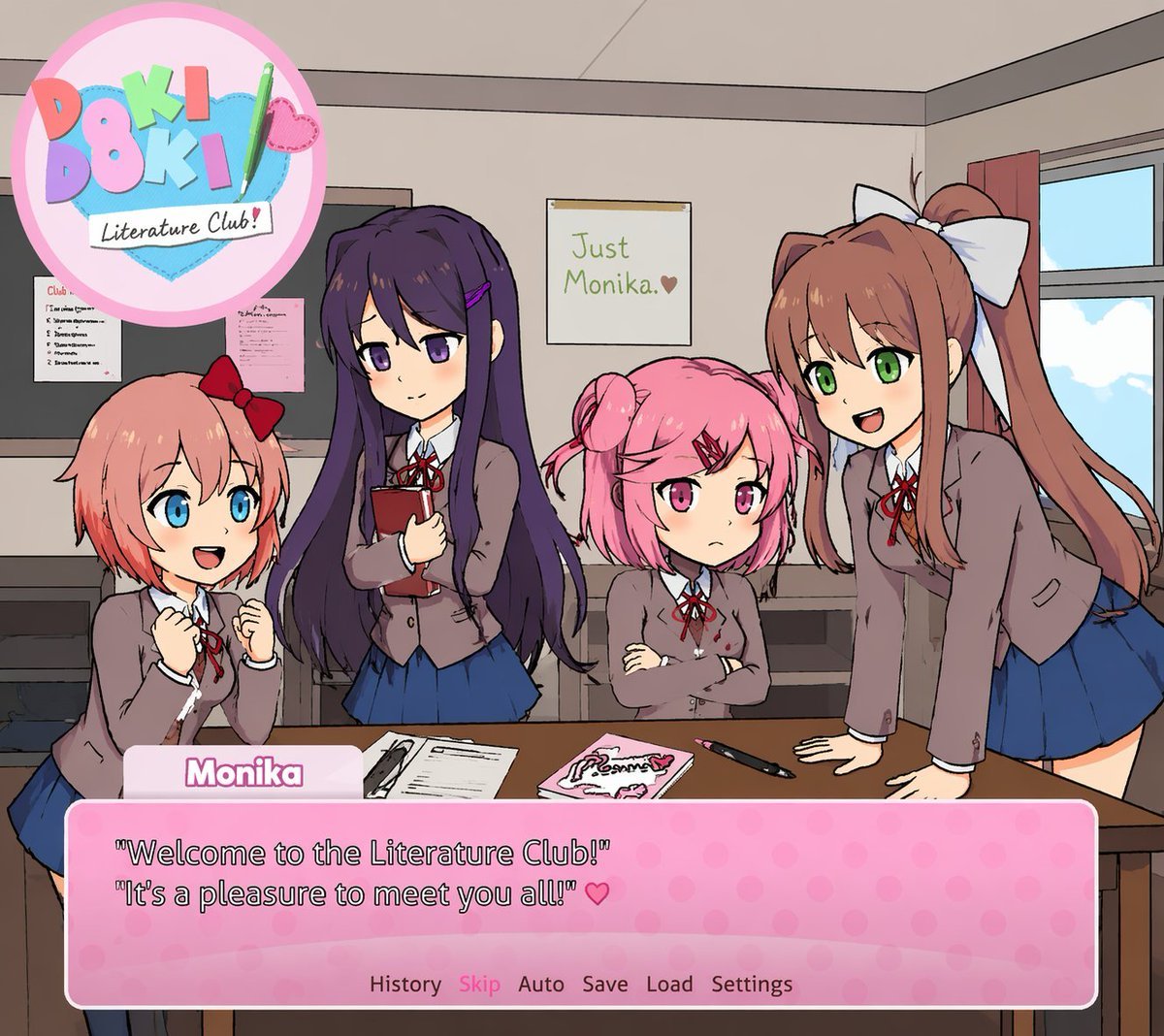
- Prompt included
- Model and format preset
- Free template
The prompt behind this image
Copy the exact prompt behind Visual Novel Screenshot Mockup, or open it in the studio and make it yours.
A visual novel screenshot of an anime-style classroom scene featuring exactly four high school girls in matching uniforms consisting of grey blazers, white shirts, red ribbons, and blue skirts. On the far left, a girl with short coral hair and a red bow looks excited with clenched fists. Next to her, a girl with long dark purple hair holds a red book with a gentle smile. Beside her, a girl with short pink pigtails and a red hairclip stands with crossed arms looking slightly grumpy. On the far right, a girl with long brown hair in a ponytail and a large white bow leans forward on a desk, smiling and talking. The classroom features a window on the right, a bulletin board on the left, and a foreground desk holding exactly three items: a notebook, a pink book, and a pen. On the back wall is a single poster reading {argument name="poster text" default="Just Monika. ♥"}. In the top left corner is a circular pastel logo reading {argument name="game title" default="Doki Doki Literature Club!"} decorated with a green pencil and a pink heart. At the bottom of the screen is a pink polka-dot visual novel dialogue box. The name tag reads {argument name="speaker name" default="Monika"} and the main dialogue text reads {argument name="dialogue text" default="'Welcome to the Literature Club!' 'It's a pleasure to meet you all!' ♥"}. Below the dialogue is a menu row reading 'History Skip Auto Save Load Settings'.
Reference images included
Visual Novel Screenshot Mockup needs input media to work. They load alongside the prompt when you open it in the studio.
How to use Visual Novel Screenshot Mockup in 3 steps
- 1Upload ImagePNG, JPG or paste
Add your photo
Upload the photo the template builds on. The prompt, model and format are already set.
- 2…a portrait of your subject in softgolden-hour light, 85mm…
Personalize
Edit the subject and creative details for your destination.
- 3Generate
Generate
Press Generate — your image is created in PicX Studio, so you can compare it with the original and refine one variable at a time.
More like this
Templates with the same subject, style or setup. Open one to see its prompt.

Minecraft Next-Gen Voxel World Screenshot
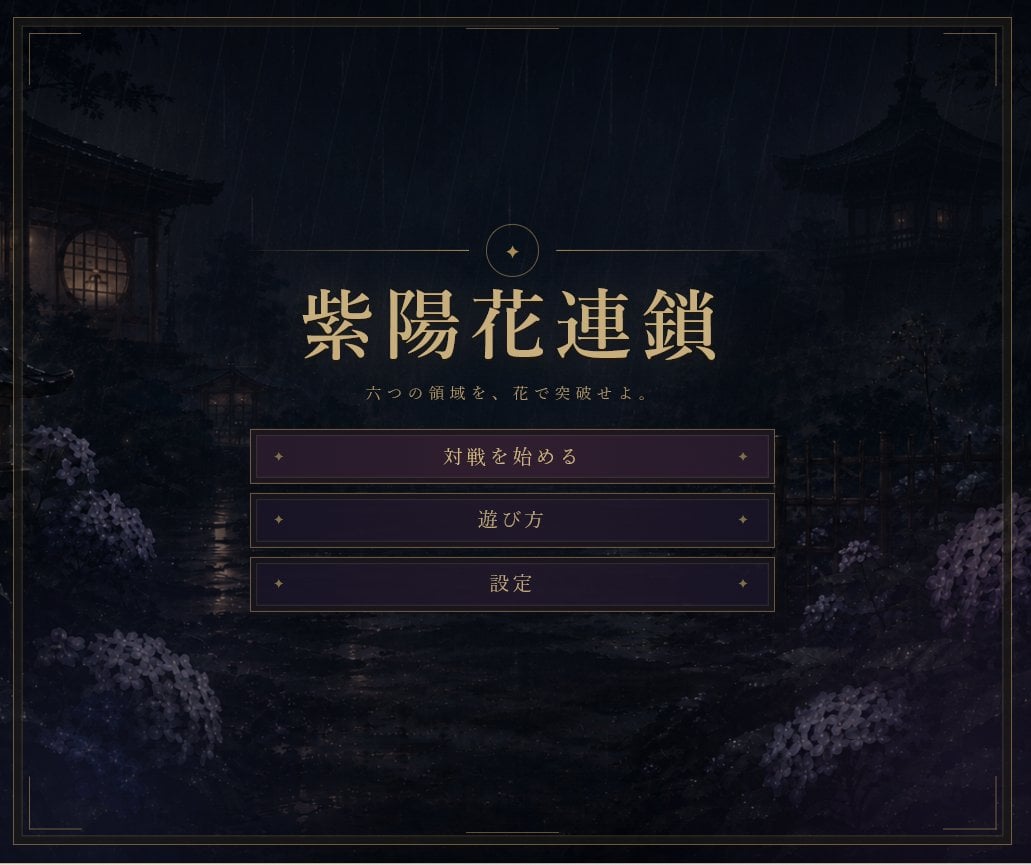
Rainy Japanese Visual Novel Title Screen
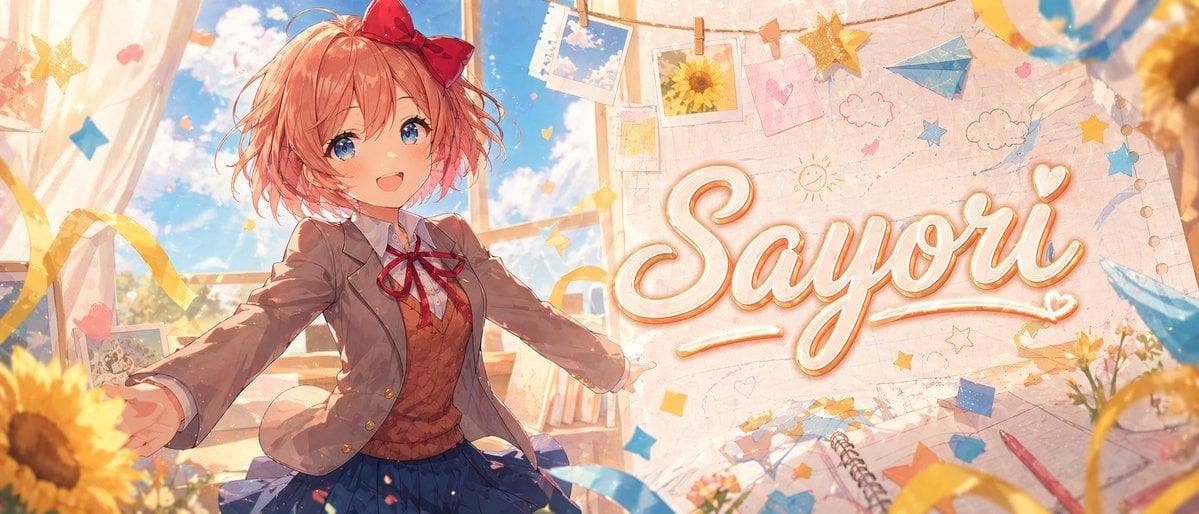
Anime Visual Novel Classroom Banner
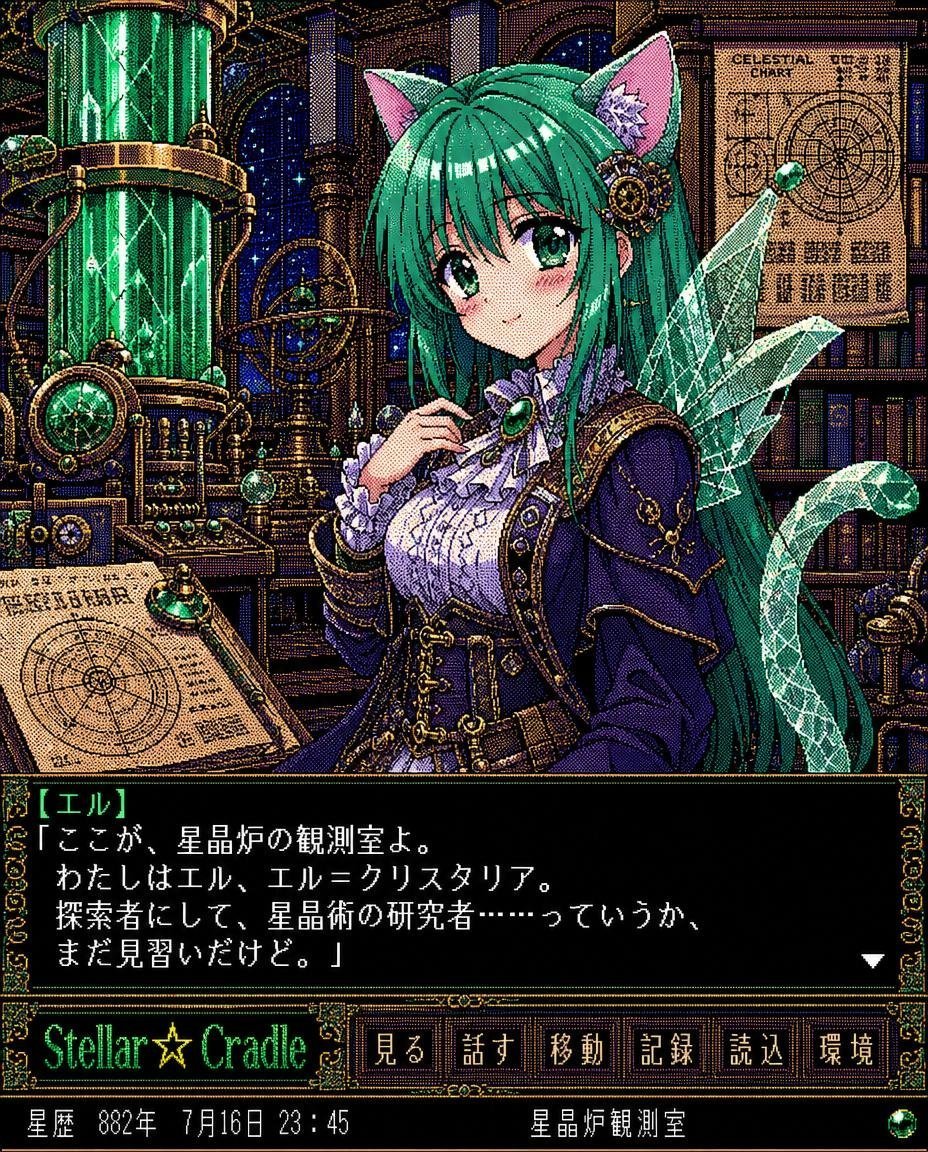
Retro Crystal Observatory Visual Novel
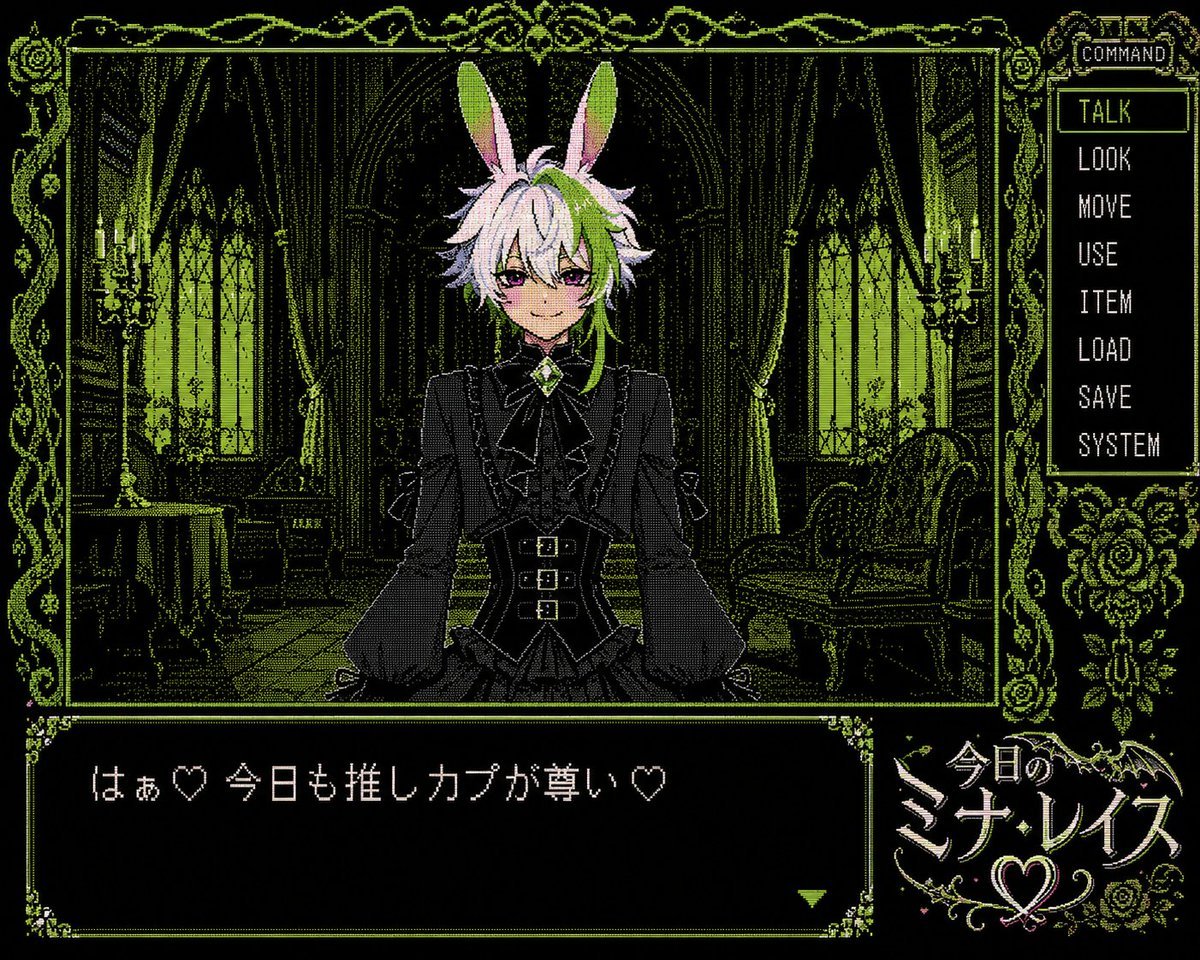
PC-98 Gothic Visual Novel UI
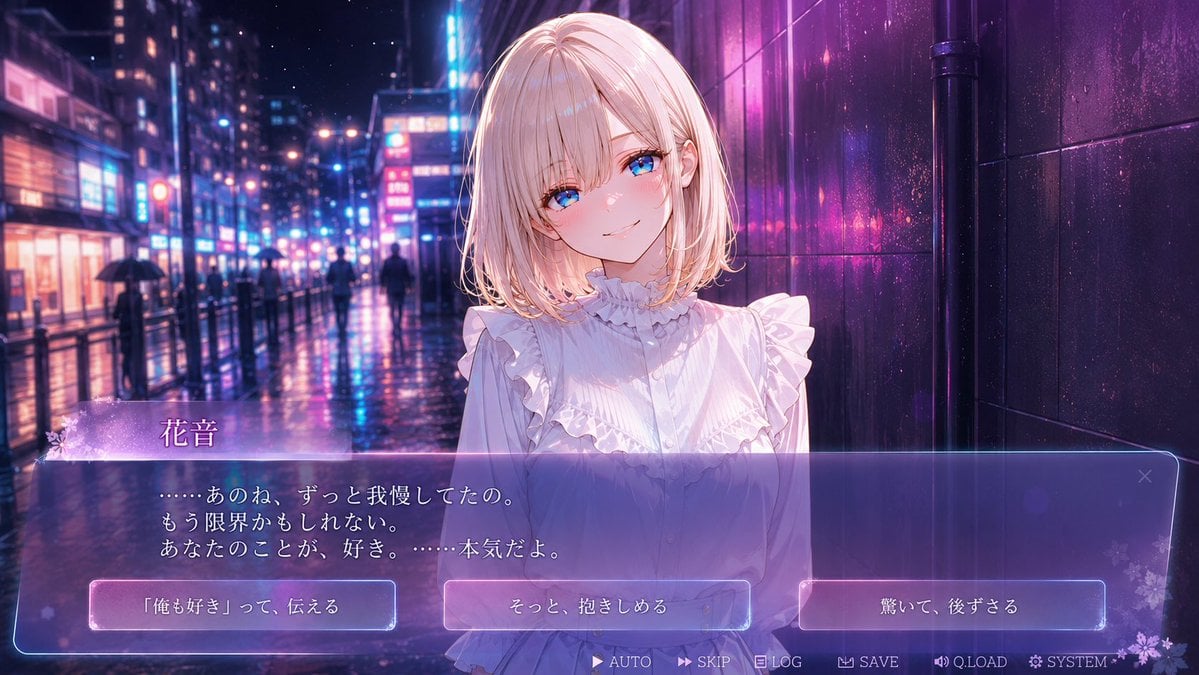
Rainy Neon Visual Novel Confession
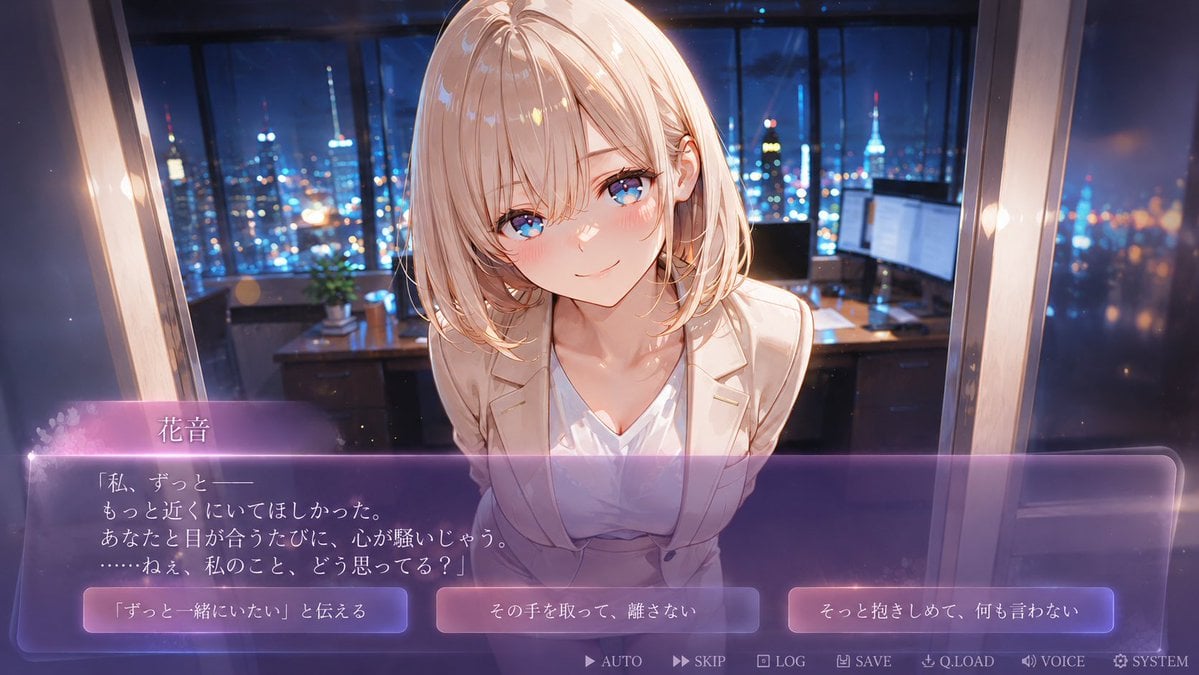
Faceless Romance Visual Novel CG
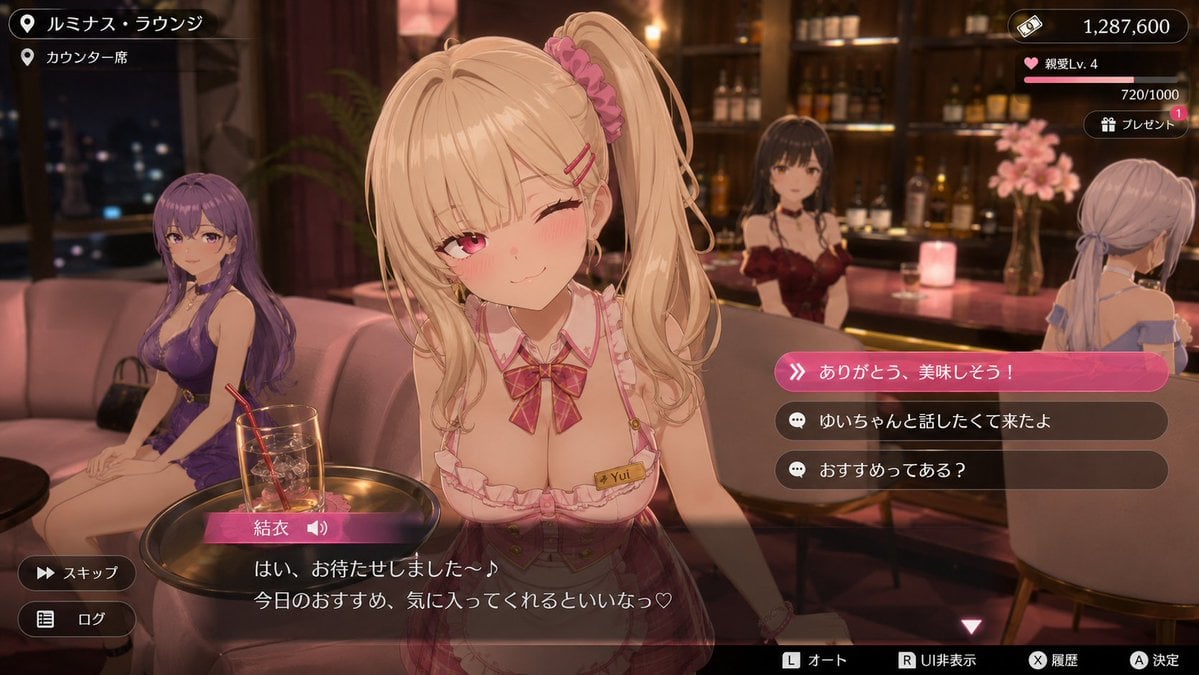
Anime Visual Novel Confession Scene
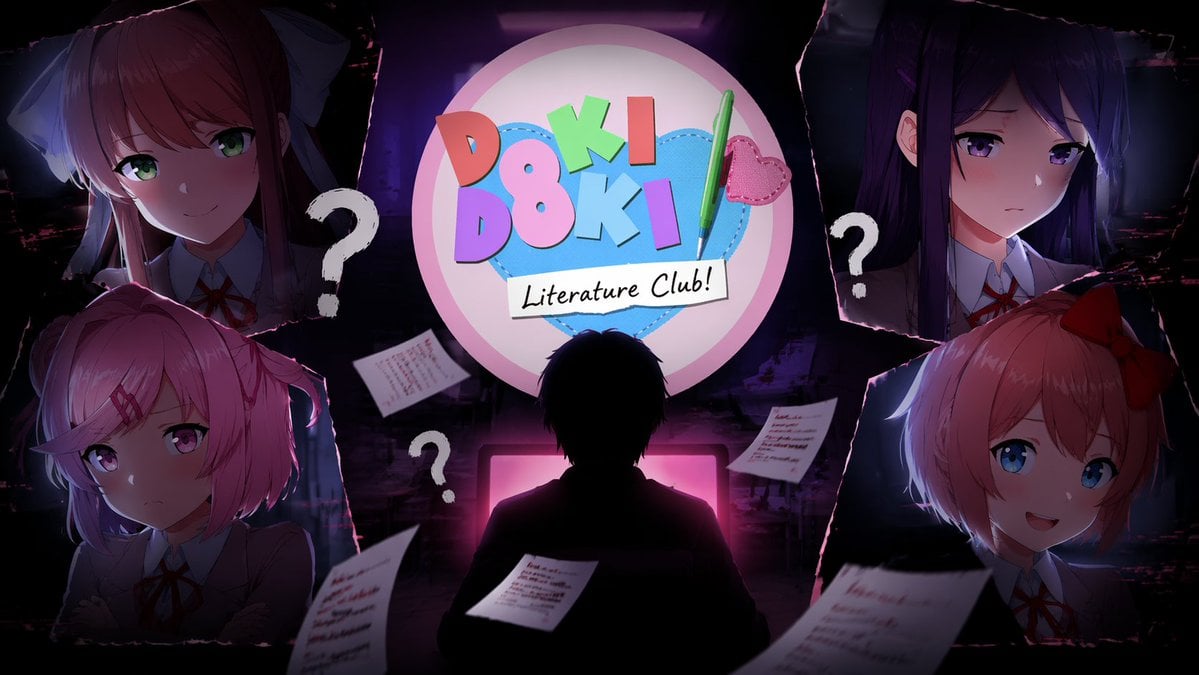
Visual Novel Composite Layout
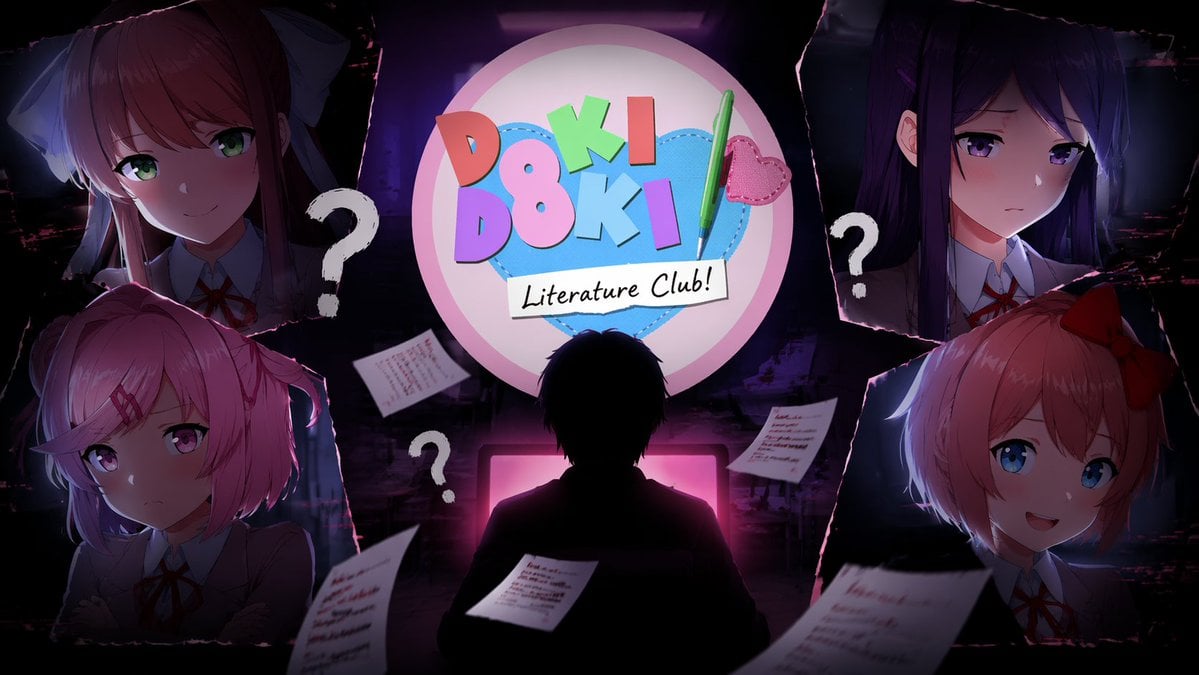
Visual Novel Psychological Horror Concept Art
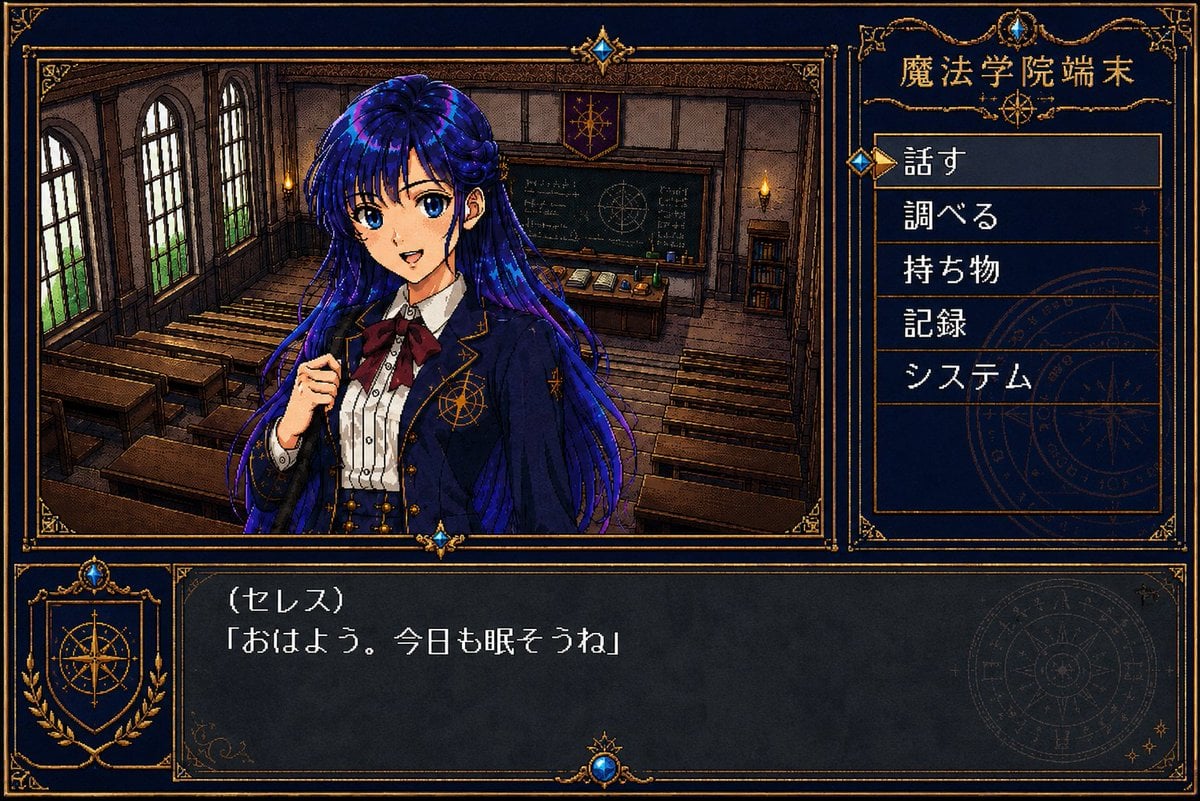
Retro Magic Academy Visual Novel UI

Product Shot - T-Shirt Mockup
Make it yours
Visual Novel Screenshot Mockup works as-is. These are the safest ways to change it without losing the look.
Change one field
Copy a single group, rewrite it, and generate again so you can see what that field is doing.
Keep the frame, change the subject
Hold the composition and light of Visual Novel Screenshot Mockup, then swap wardrobe, props or the person for a new take.
| If the result… | Why | Fix |
|---|---|---|
| The result drifts from the preview | Too many fields changed at once. | Reuse Visual Novel Screenshot Mockup as-is first, then change one group — subject, light, or setting. |
| The model over-stylizes the scene | The prose prompt leaves finish and camera underspecified. | Add one camera or lighting sentence and stay on GPT Image 2. |
More GPT Image 2 templates
Other prompts made for GPT Image 2.

Six VTuber Japanese Logo Sheet

Realistic Portrait of Woman and Deer

The Vista Modular Condo Poster

AI Model Routing Comparison Infographic

2.5D Anime Art Board

Isometric Productivity Desk Scene

New York Double Exposure Poster

Four-Panel AI Landscape Comparison

Japanese Tatami Lifestyle Magazine Cover

NESCAFÉ Coffee Map Poster
More image prompts
Fresh picks from across the catalog.
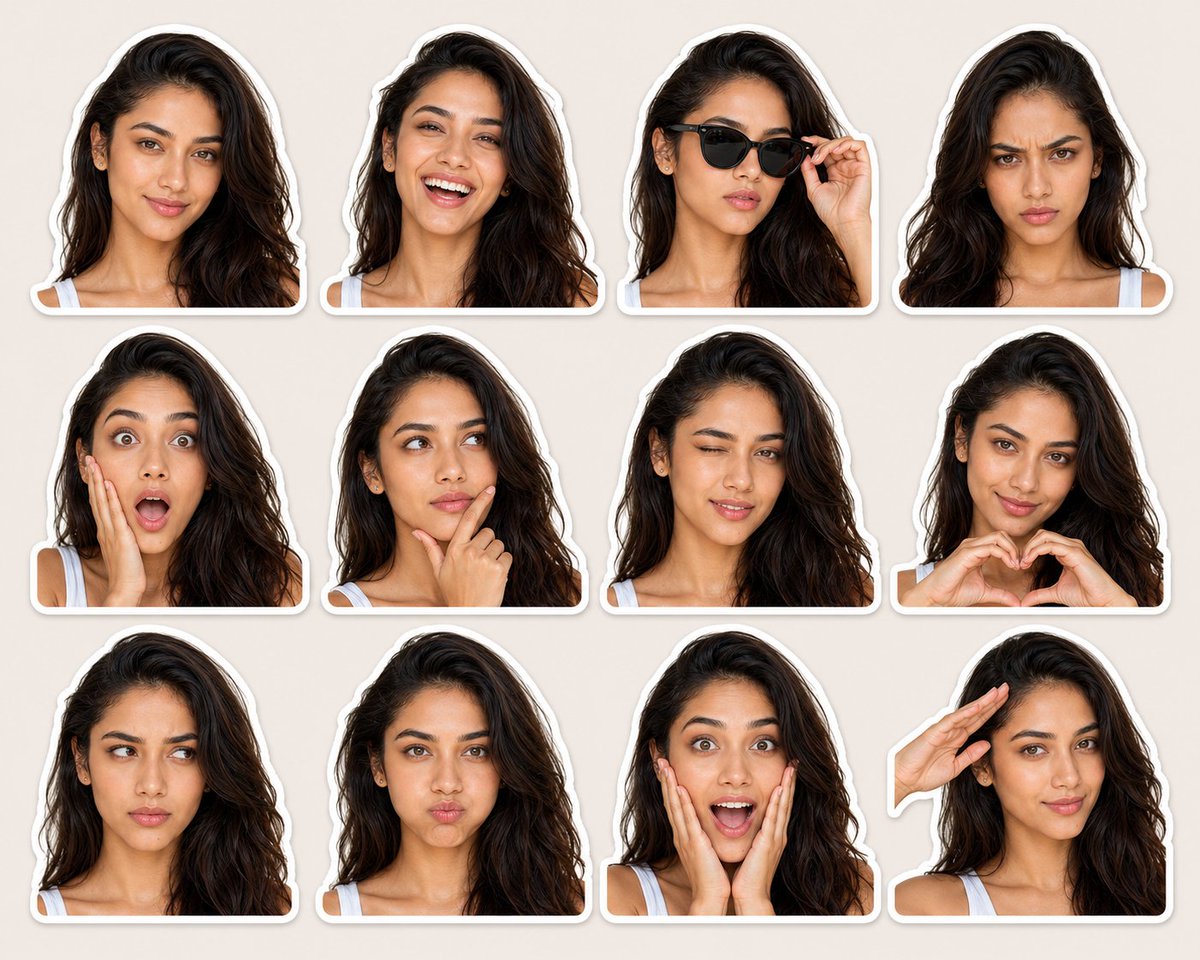
Expression-Rich Sticker Pack Grid
Surreal Cafe Mural Painting Portrait
Surreal Underwater Macro Portrait
Golden Hour Park Bench Portrait
Moody Paris Street Editorial Portrait
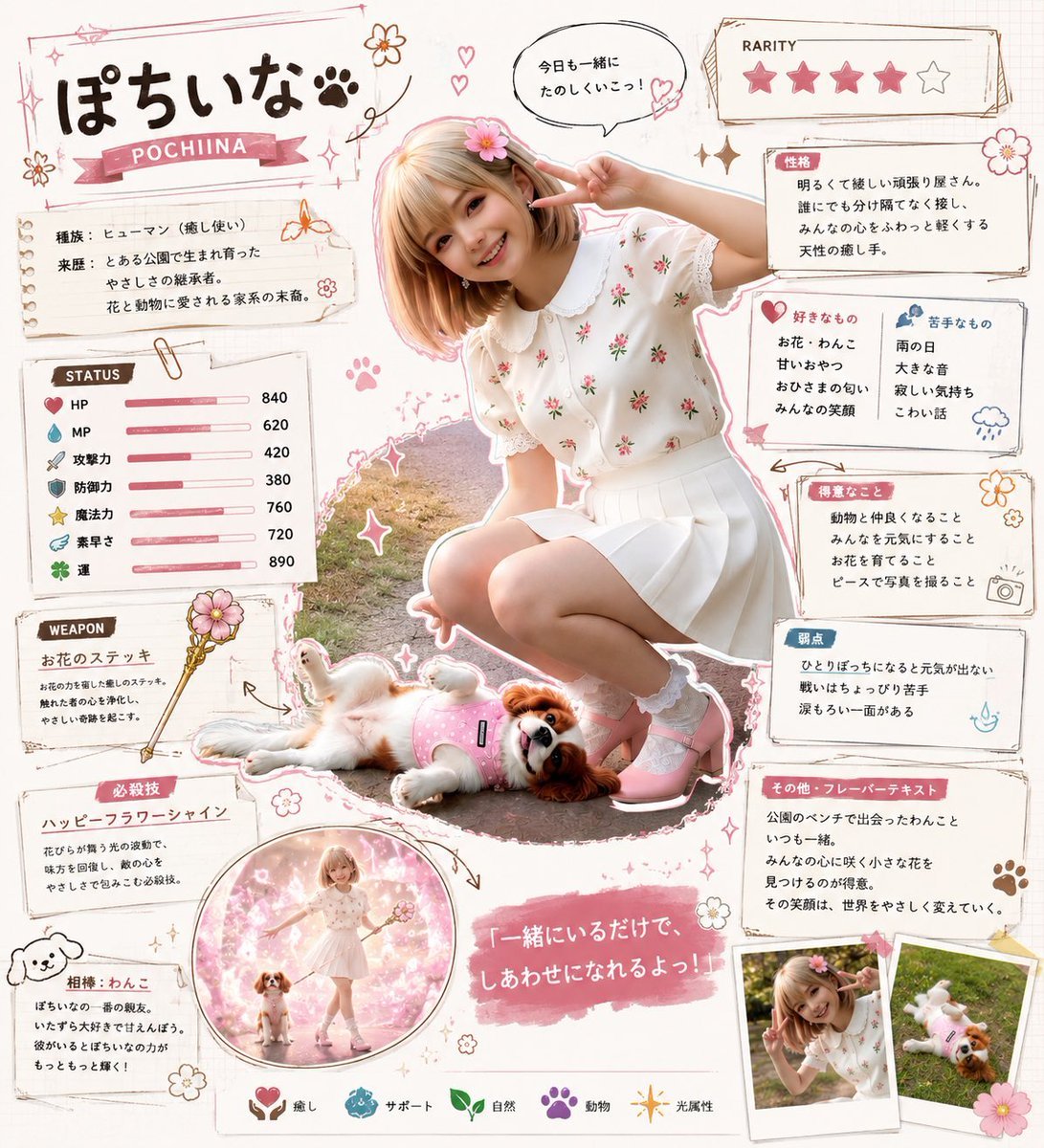
Kawaii RPG Character Profile Sheet
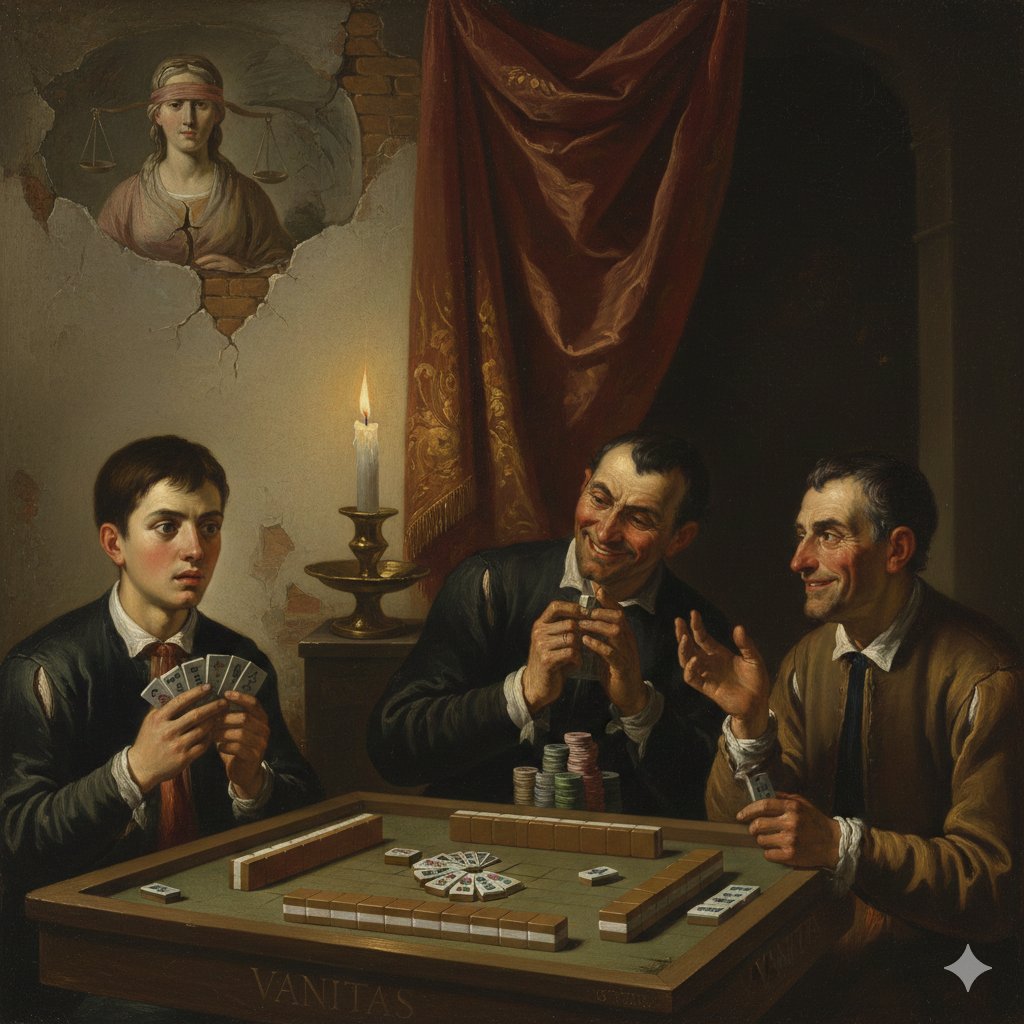
Caravaggio-style Moral Painting of Cheating at Mahjong

Tropical Hammock Latte — Nano Banana iPhone Style
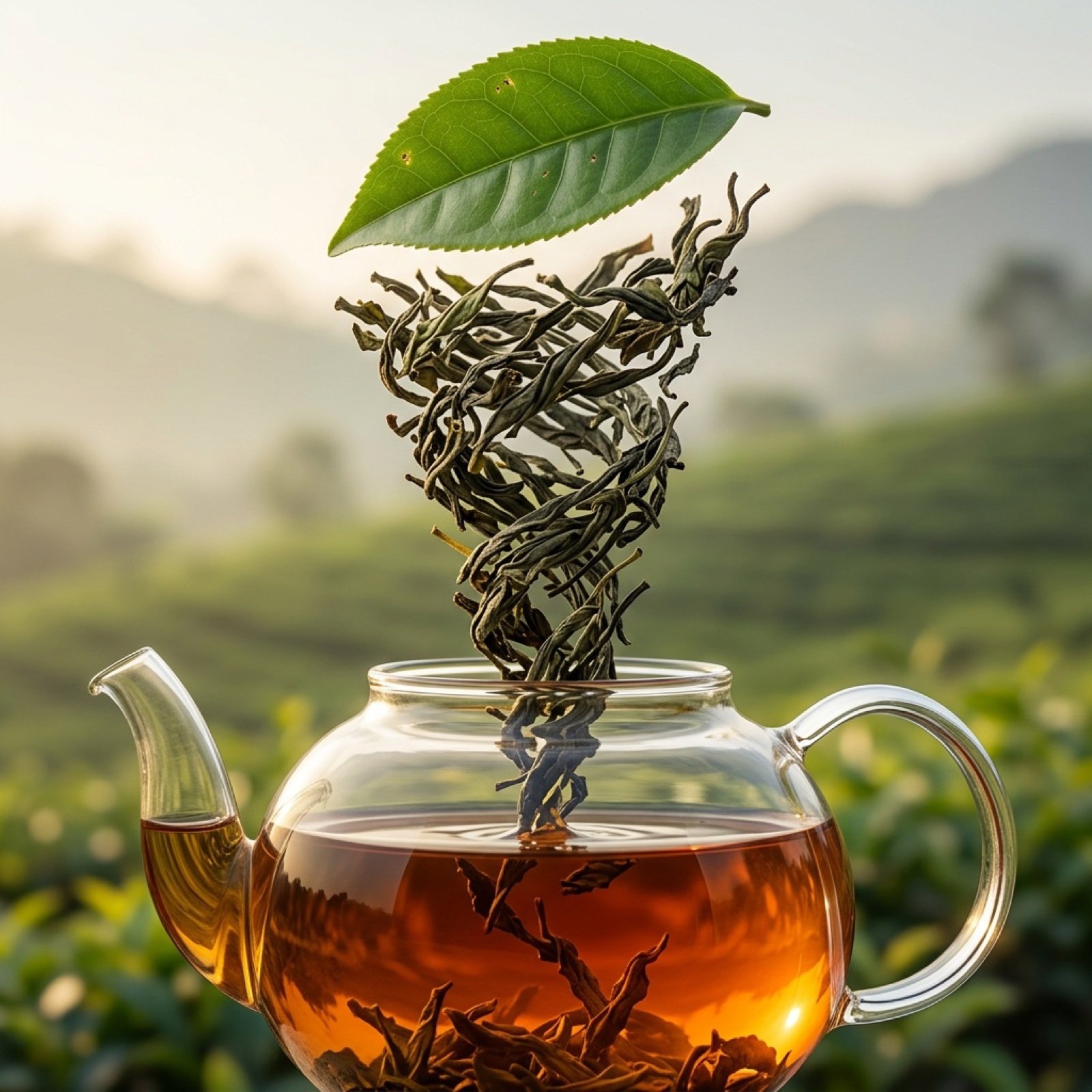
Three-Part Tea Transformation Commercial Workflow
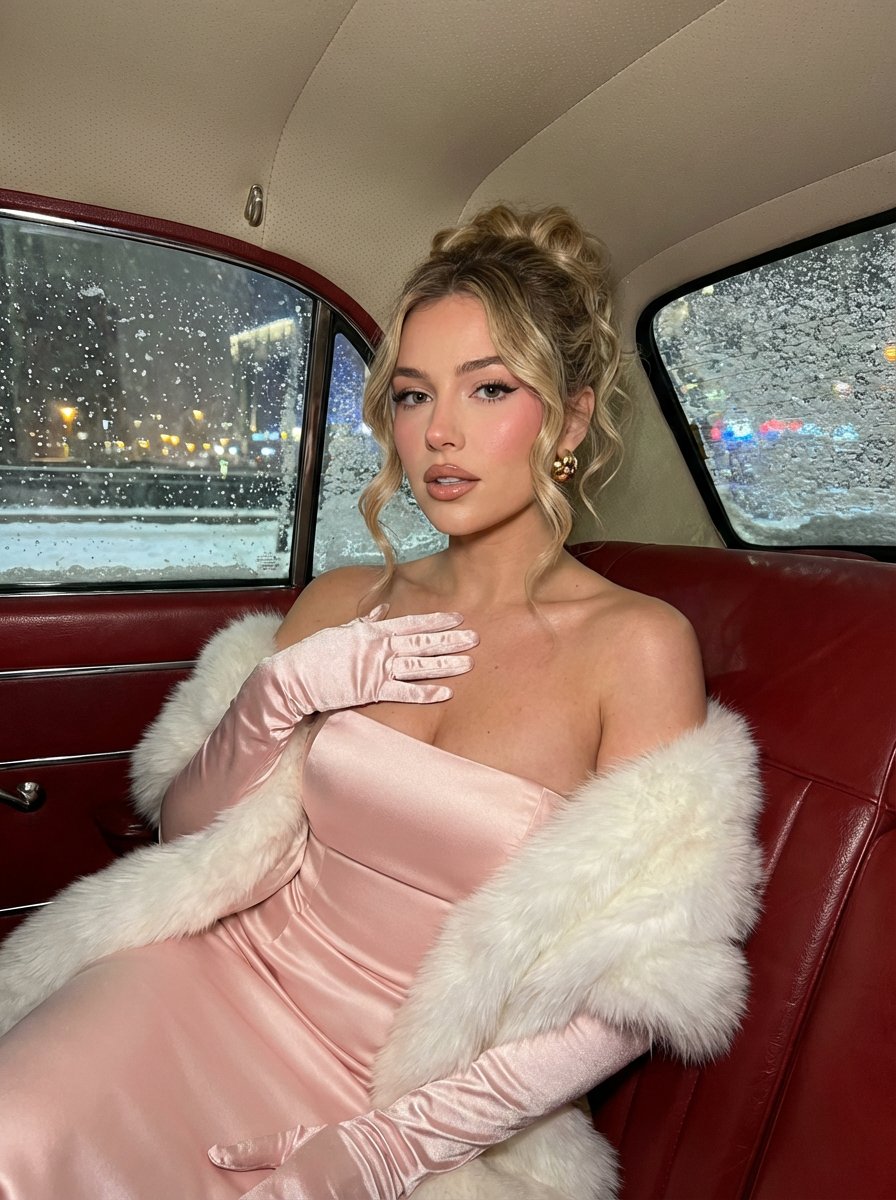
Glamorous Vintage Car Portrait Prompt (Identity Locked)
Browse template categories
Visual Novel Screenshot Mockup questions
How do I use the Visual Novel Screenshot Mockup template?
Add your photo if the template asks for one, edit the prompt if you like — the template's model and format are already selected — and press Generate. Your version opens in PicX Studio.
Can I customize the Visual Novel Screenshot Mockup template?
Yes. You can change the subject, setting, lighting, mood, format, and available model controls before creating your image.
Is the Visual Novel Screenshot Mockup template free?
Opening and editing this template is free. Generating uses credits, shown on the Generate button when you are signed in.
Which AI model should I use?
Start with GPT Image 2, which is the model associated with this template. You can compare another compatible model for a different finish.
Looking for something else? Browse all templates.

Your photo, any look
Thousands of ready templates for every top image and video model, from one credit balance.