
Rainy Neon Visual Novel Confession
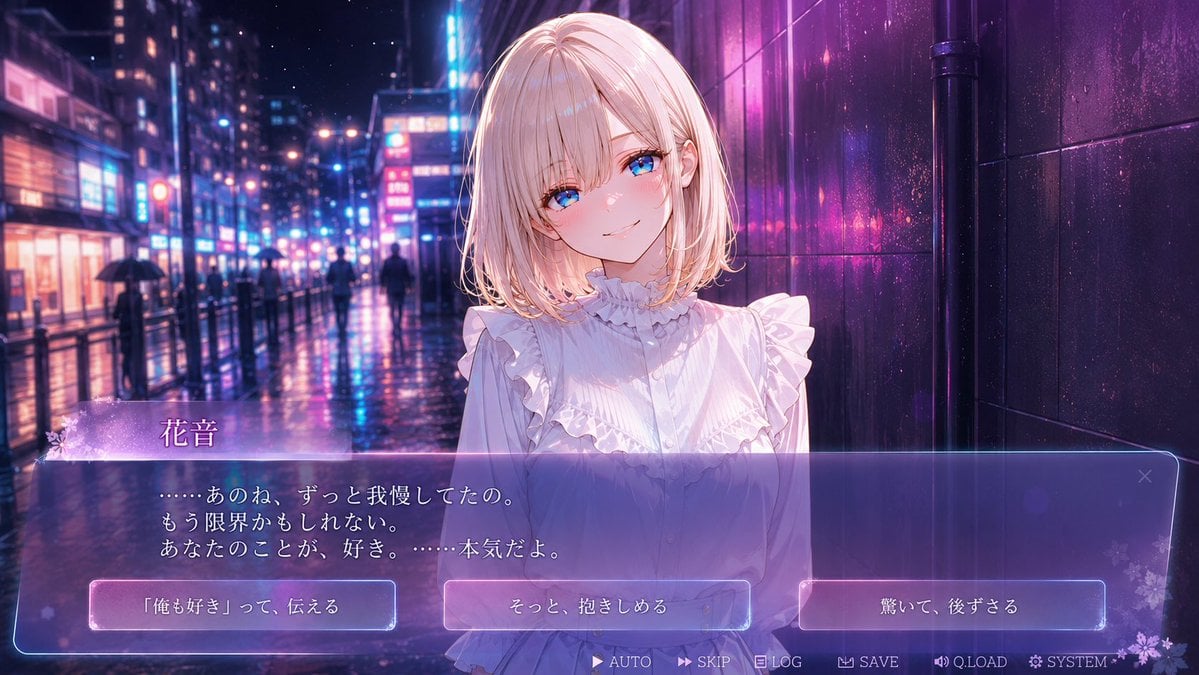
Generates a cinematic anime dating-sim screenshot with a heroine, Japanese dialogue UI, and three romantic choice options.
- Prompt included
- Model and format preset
- Free template
The prompt behind this image
Copy the exact prompt behind Rainy Neon Visual Novel Confession, or open it in the studio and make it yours.
- Type
- anime visual novel game screenshot
- Genre
- romantic drama dating sim
- Aspect Ratio
- 16:9 widescreen
- Style
- high-detail Japanese anime illustration, cinematic visual novel UI, glossy neon lighting, soft bloom, shallow depth of field, rain-soaked atmosphere
- Character › Name
- {argument name="character name" default="花音"}
- Character › Position
- center foreground, waist-up portrait
- Character › Appearance
- young woman with pale skin and a gentle delicate presence; face intentionally covered by a flat opaque square censor block in dusty pink, centered over the facial features
- Character › Hair
- {argument name="hair color" default="pale blonde"}, shoulder-length bob with soft inward curls, side strands, luminous rim highlights
- Character › Outfit
- white frilled blouse with high ruffled collar, vertical pleats, front buttons, layered ruffles over the shoulders and chest, romantic feminine styling
- Character › Pose
- standing close to the viewer, shoulders slightly forward, intimate confession scene
- Background › Setting
- rainy neon city street at night, resembling a modern Japanese entertainment district
- Background › Details
- wet reflective pavement, tall buildings with glowing signs, blurred pedestrians with umbrellas, blue and magenta neon reflections, dark glossy tiled wall on the right side, cinematic bokeh lights receding into the distance
- Background › Mood
- bittersweet, romantic, emotional, late-night confession after rain
- Visual Novel Ui › Overall
- semi-transparent glassmorphism interface overlay with violet-blue gradient, glowing borders, faint floral decorations and sparkles
- Visual Novel Ui › Components Count
- 12
- Visual Novel Ui › Components › 0 › Type
- nameplate
- Visual Novel Ui › Components › 0 › Count
- 1
- Visual Novel Ui › Components › 0 › Position
- lower left above dialogue box
- Visual Novel Ui › Components › 0 › Visible Text
- 花音
- Visual Novel Ui › Components › 0 › Style
- lavender translucent tab with small white flower ornament on the left
- Visual Novel Ui › Components › 1 › Type
- dialogue box
- Visual Novel Ui › Components › 1 › Count
- 1
- Visual Novel Ui › Components › 1 › Position
- bottom third spanning nearly full width
- Visual Novel Ui › Components › 1 › Visible Text
- ……あのね、ずっと我慢してたの。 もう限界かもしれない。 あなたのことが、好き。……本気だよ。
Raw JSON
{"type":"anime visual novel game screenshot","genre":"romantic drama dating sim","aspect_ratio":"16:9 widescreen","style":"high-detail Japanese anime illustration, cinematic visual novel UI, glossy neon lighting, soft bloom, shallow depth of field, rain-soaked atmosphere","character":{"name":"{argument name=\"character name\" default=\"花音\"}","position":"center foreground, waist-up portrait","appearance":"young woman with pale skin and a gentle delicate presence; face intentionally covered by a flat opaque square censor block in dusty pink, centered over the facial features","hair":"{argument name=\"hair color\" default=\"pale blonde\"}, shoulder-length bob with soft inward curls, side strands, luminous rim highlights","outfit":"white frilled blouse with high ruffled collar, vertical pleats, front buttons, layered ruffles over the shoulders and chest, romantic feminine styling","pose":"standing close to the viewer, shoulders slightly forward, intimate confession scene"},"background":{"setting":"rainy neon city street at night, resembling a modern Japanese entertainment district","details":"wet reflective pavement, tall buildings with glowing signs, blurred pedestrians with umbrellas, blue and magenta neon reflections, dark glossy tiled wall on the right side, cinematic bokeh lights receding into the distance","mood":"bittersweet, romantic, emotional, late-night confession after rain"},"visual_novel_ui":{"overall":"semi-transparent glassmorphism interface overlay with violet-blue gradient, glowing borders, faint floral decorations and sparkles","components_count":12,"components":[{"type":"nameplate","count":1,"position":"lower left above dialogue box","visible_text":"花音","style":"lavender translucent tab with small white flower ornament on the left"},{"type":"dialogue box","count":1,"position":"bottom third spanning nearly full width","visible_text":"……あのね、ずっと我慢してたの。\nもう限界かもしれない。\nあなたのことが、好き。……本気だよ。","style":"large translucent purple-blue rectangular box with rounded corners, thin glowing outline, soft internal gradient"},{"type":"choice buttons","count":3,"position":"inside the bottom dialogue area, aligned horizontally","labels":["「俺も好き」って、伝える","そっと、抱きしめる","驚いて、後ずさる"],"style":"rectangular translucent buttons with pale pink-blue glow and white Japanese text"},{"type":"bottom menu buttons","count":6,"position":"very bottom edge, right of center","labels":["AUTO","SKIP","LOG","SAVE","Q.LOAD","SYSTEM"],"style":"small white text with tiny icons, minimal visual novel control bar"},{"type":"close icon","count":1,"position":"upper right corner of dialogue box","label":"×","style":"subtle translucent icon"}]},"composition":"character centered slightly right, neon street depth on the left, dark wall on the right, UI occupying the lower third, strong pink and blue color contrast, polished commercial game CG quality","rendering_instructions":"create a believable screenshot of a playable visual novel scene, not a poster; keep all UI text sharp and readable, include the exact 3 choice buttons and 6 bottom menu labels, use luminous rain reflections and romantic emotional lighting","dialogue_customization":"{argument name=\"dialogue text\" default=\"……あのね、ずっと我慢してたの。\\nもう限界かもしれない。\\nあなたのことが、好き。……本気だよ。\"}","choice_customization":"{argument name=\"choice options\" default=\"「俺も好き」って、伝える / そっと、抱きしめる / 驚いて、後ずさる\"}"}How to use Rainy Neon Visual Novel Confession in 3 steps
- 1Upload ImagePNG, JPG or paste
Add your photo
Upload the photo the template builds on. The prompt, model and format are already set.
- 2…a portrait of your subject in softgolden-hour light, 85mm…
Personalize
Edit the subject and creative details for your destination.
- 3Generate
Generate
Press Generate — your image is created in PicX Studio, so you can compare it with the original and refine one variable at a time.
More like this
Templates with the same subject, style or setup. Open one to see its prompt.
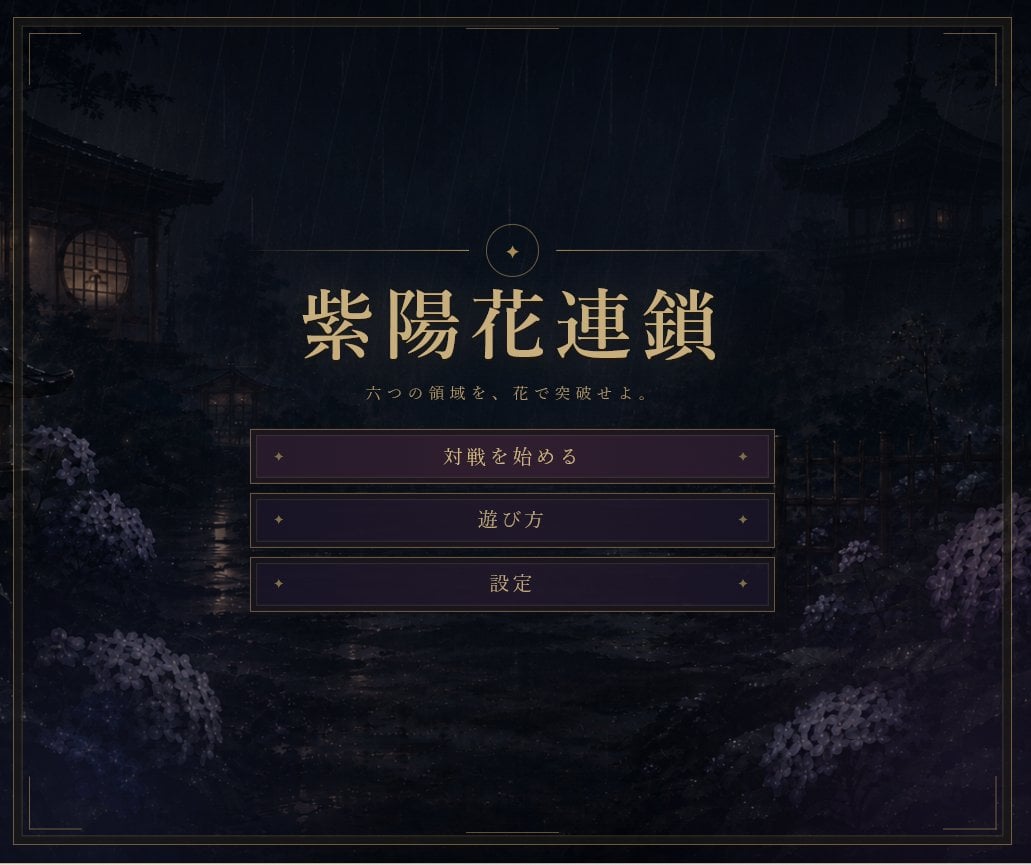
Rainy Japanese Visual Novel Title Screen

Rainy Night Android Cyberpunk Portrait
Rainy Night Android Cyberpunk Portrait
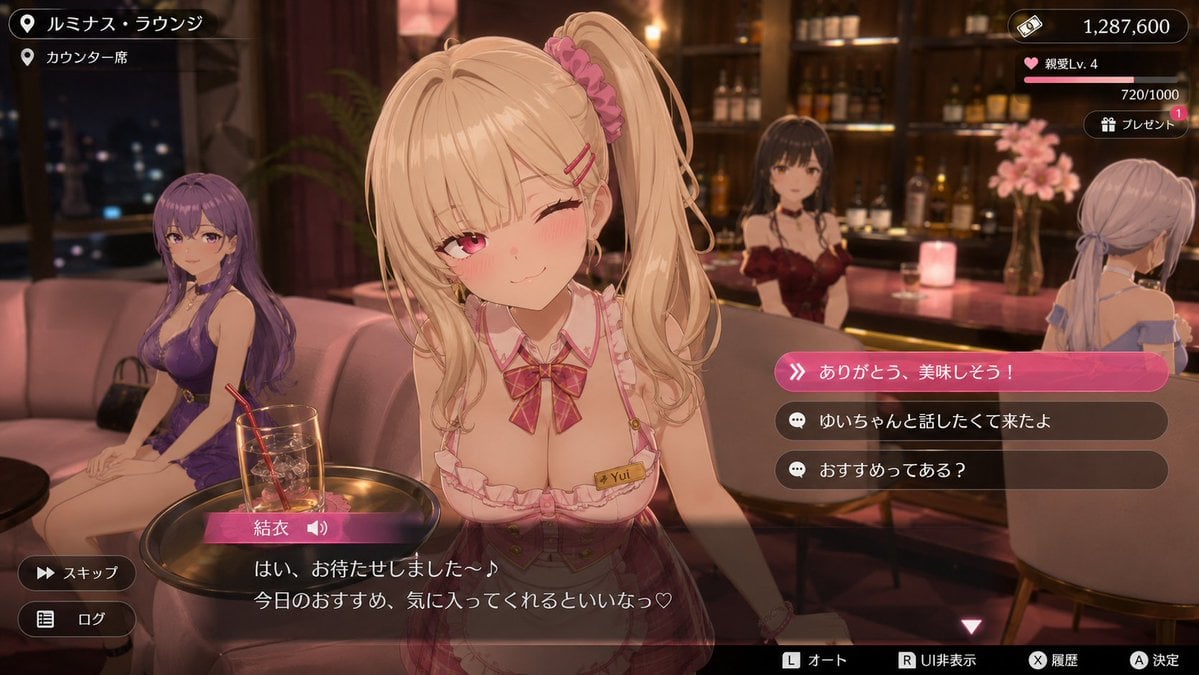
Anime Visual Novel Confession Scene

80s Neon Disco Night

Cartoon TV Show Poster Pack

Korean Idol Partial Shadow Editorial Portrait

Cyberpunk Neon Profile Fashion Portrait

Neon Night Crosswalk Candid Portrait

Subway Platform Quiet Introspective Portrait

Cinematic Sci-Fi Commander Side Profile Portrait
Low-Angle Cyberpunk Neon Profile Portrait
Make it yours
Rainy Neon Visual Novel Confession works as-is. These are the safest ways to change it without losing the look.
Swap the setting
Keep the rest of the prompt and replace the location block. The current setting is “rainy neon city street at night, resembling a modern Japanese entertainment dist”.
Change one field
Copy a single group, rewrite it, and generate again so you can see what that field is doing.
Keep the frame, change the subject
Hold the composition and light of Rainy Neon Visual Novel Confession, then swap wardrobe, props or the person for a new take.
| If the result… | Why | Fix |
|---|---|---|
| The result drifts from the preview | Too many fields changed at once. | Reuse Rainy Neon Visual Novel Confession as-is first, then change one group — subject, light, or setting. |
| GPT Image 2 ignores part of the JSON | Some models flatten or skip nested keys. | Keep the same values and paste them as a short paragraph instead. |
More GPT Image 2 templates
Other prompts made for GPT Image 2.

Six VTuber Japanese Logo Sheet

Realistic Portrait of Woman and Deer

The Vista Modular Condo Poster

AI Model Routing Comparison Infographic

2.5D Anime Art Board

Isometric Productivity Desk Scene

New York Double Exposure Poster

Four-Panel AI Landscape Comparison

Japanese Tatami Lifestyle Magazine Cover

NESCAFÉ Coffee Map Poster
More image prompts
Fresh picks from across the catalog.

Ultra-Realistic Chocolate Bar Commercial Prompt
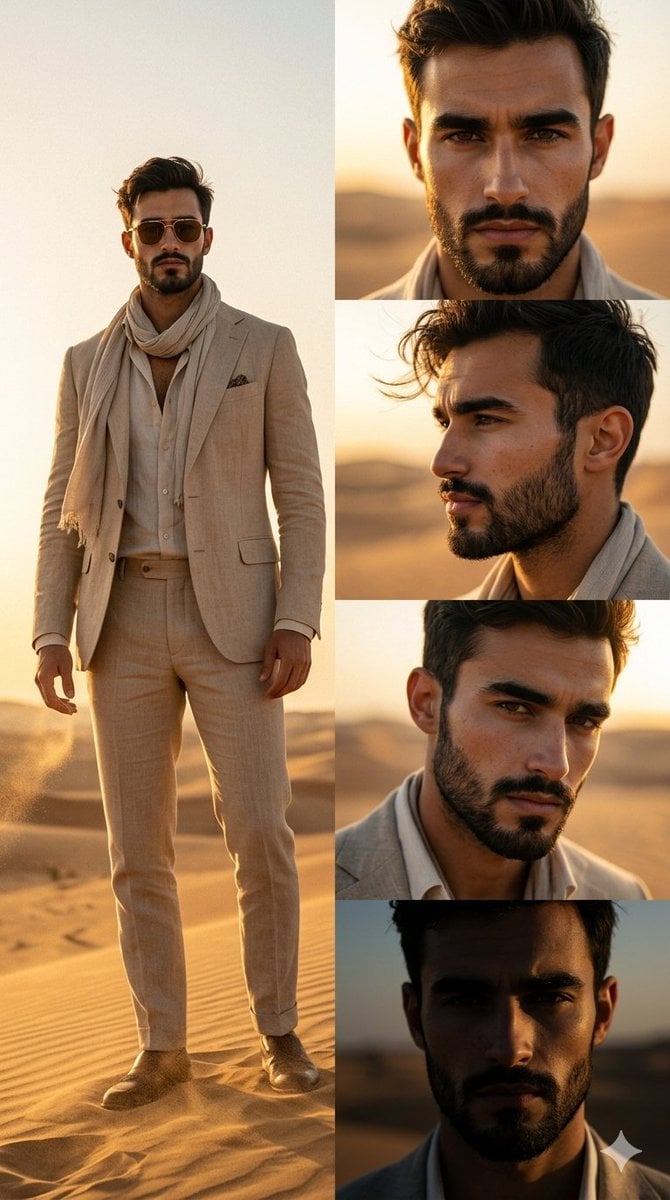
Desert Fashion Magazine Layout
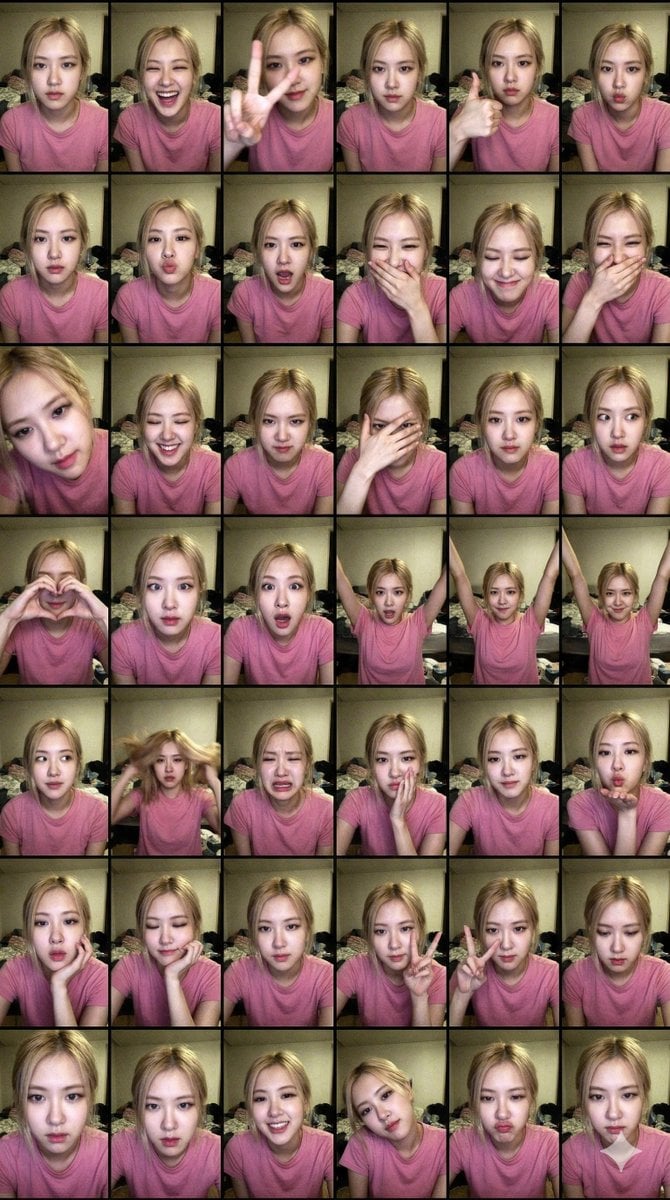
Extreme Lo-Fi Webcam Contact Sheet (Rosé Blackpink)

Cinematic Close-up Portrait Replacement Prompt
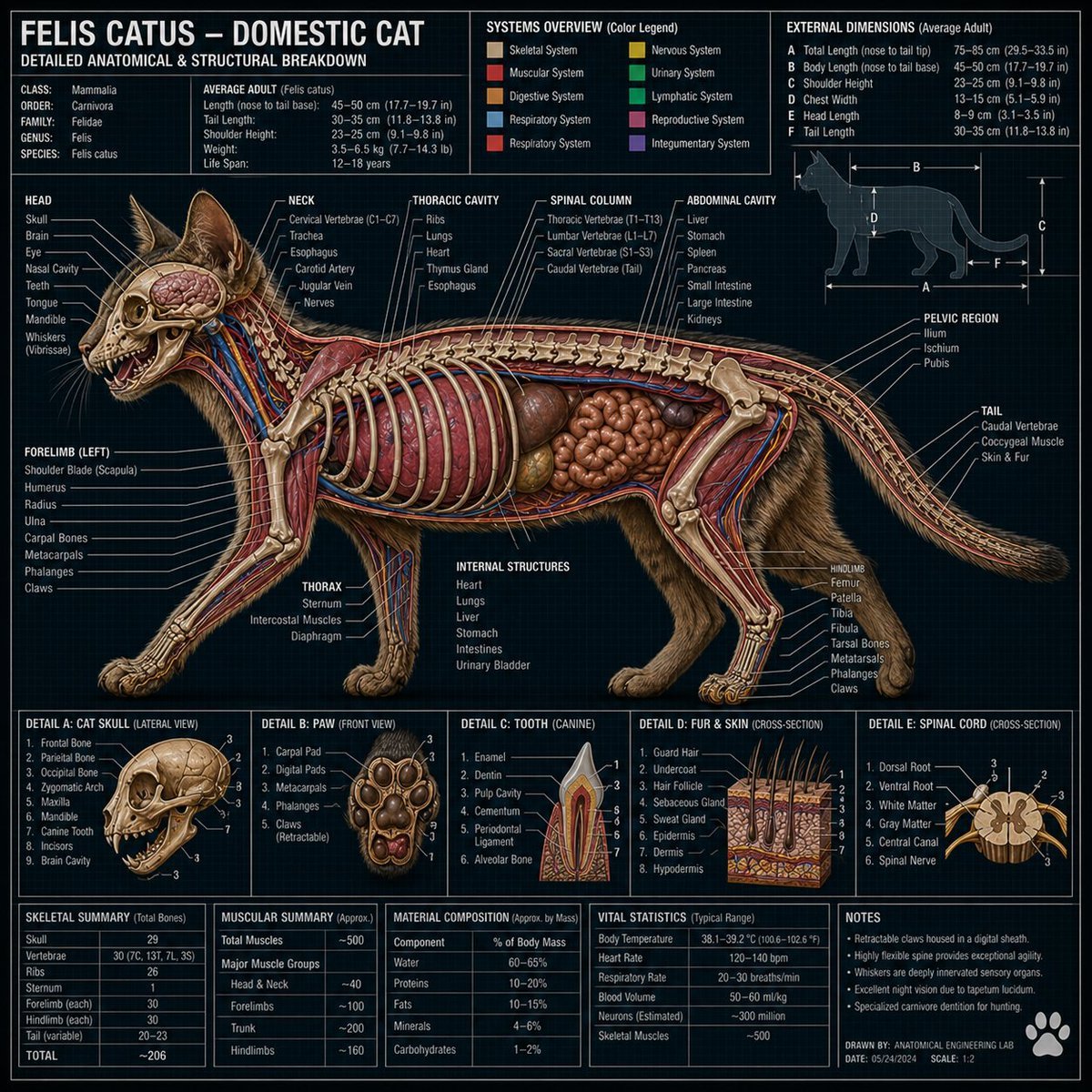
Technical Cross-Section Diagram
Cinematic Starry Night Portrait
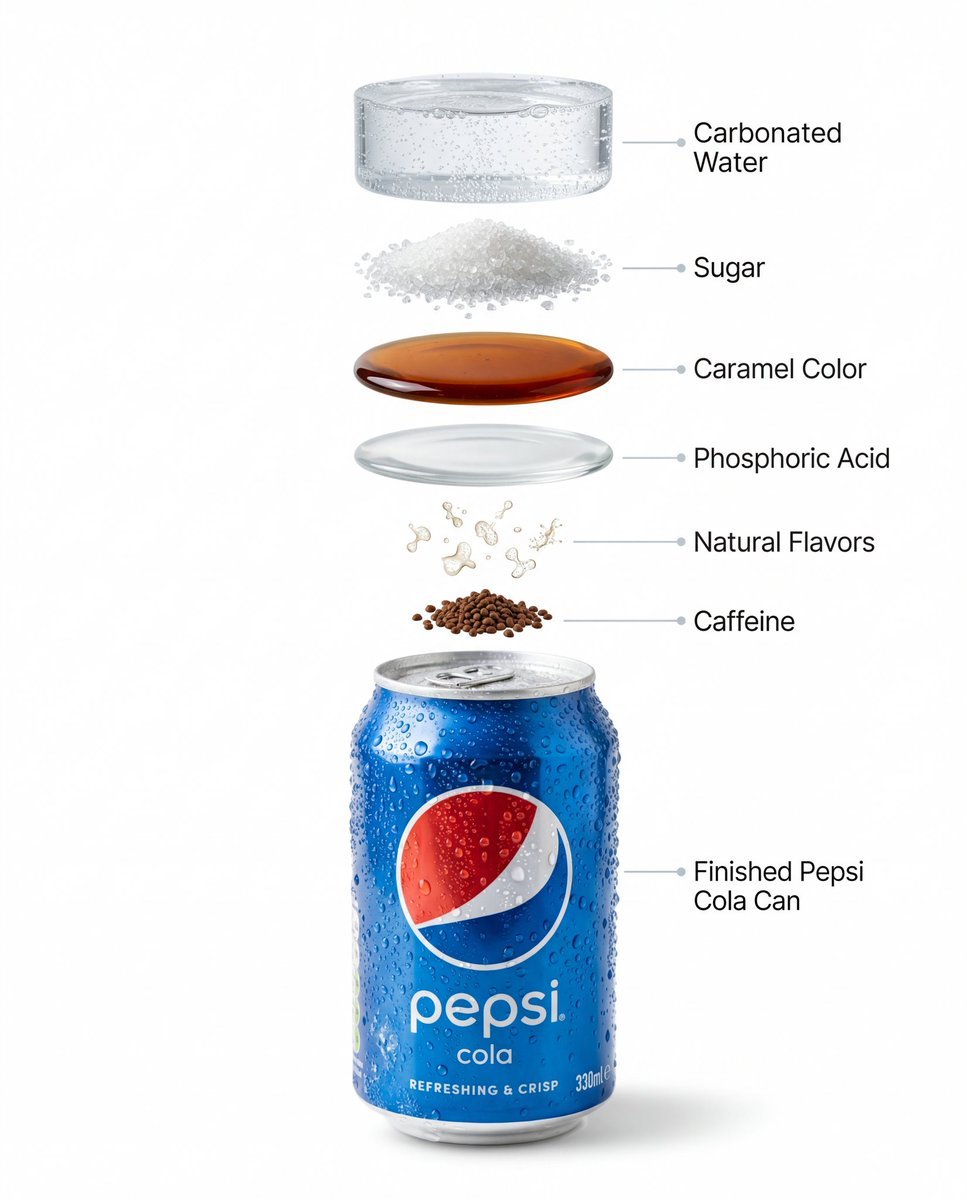
Hyper-Realistic Product Photography and Infographic Prompts for Pepsi
3x3 Character Emotional Expression Grid Prompt
High-contrast editorial portrait of a man leaning on a rail
Magazine Cover Generation Prompt
Browse template categories
Rainy Neon Visual Novel Confession questions
How do I use the Rainy Neon Visual Novel Confession template?
Add your photo if the template asks for one, edit the prompt if you like — the template's model and format are already selected — and press Generate. Your version opens in PicX Studio.
Can I customize the Rainy Neon Visual Novel Confession template?
Yes. You can change the subject, setting, lighting, mood, format, and available model controls before creating your image.
Is the Rainy Neon Visual Novel Confession template free?
Opening and editing this template is free. Generating uses credits, shown on the Generate button when you are signed in.
Which AI model should I use?
Start with GPT Image 2, which is the model associated with this template. You can compare another compatible model for a different finish.
Looking for something else? Browse all templates.

Your photo, any look
Thousands of ready templates for every top image and video model, from one credit balance.