
Anime Visual Novel Confession Scene
Generates a polished 3D anime visual novel event screen with a hostess character, lounge background, dialogue box, status bars, and selectable choices.
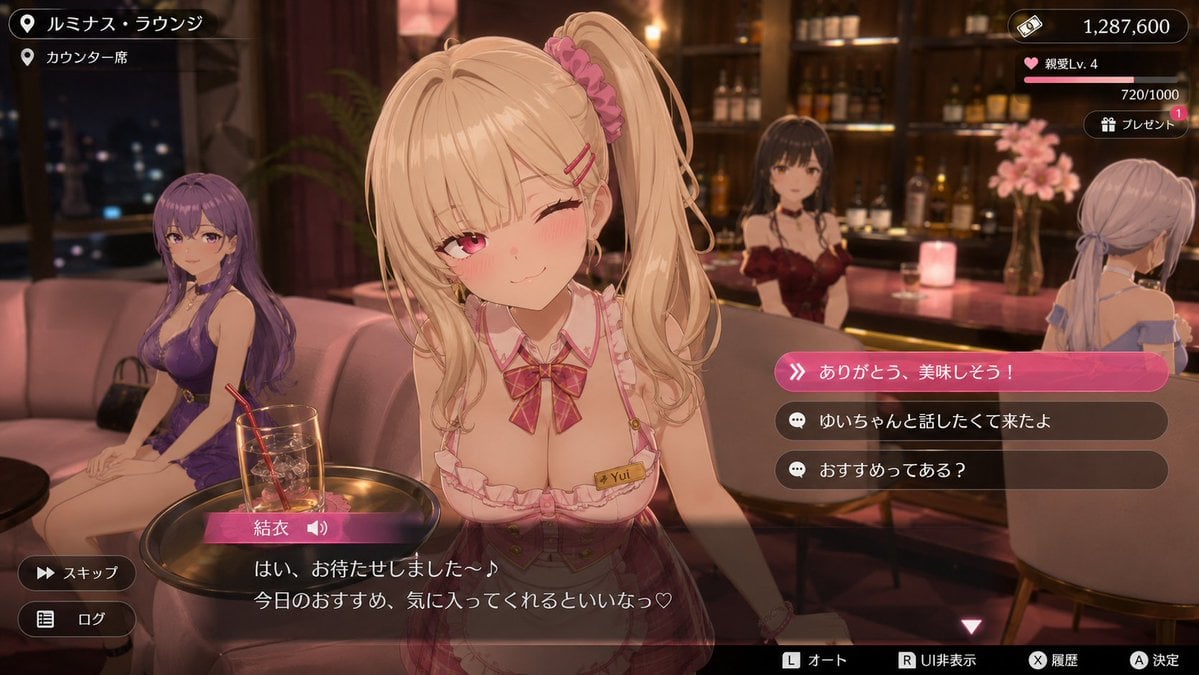
- Prompt included
- Model and format preset
- Free template
The prompt behind this image
Copy the exact prompt behind Anime Visual Novel Confession Scene, or open it in the studio and make it yours.
- Type
- 3D anime dating-sim visual novel event scene screenshot
- Aspect Ratio
- 16:9 widescreen game UI
- Style
- high-quality 3D anime render with soft depth of field, warm cinematic lounge lighting, glossy game interface overlays, romantic hostess club atmosphere, polished mobile/console game screenshot
- Setting › Location Name
- {argument name="location name" default="ルミナス・ラウンジ"}
- Setting › Sub Location
- {argument name="sub location" default="カウンター席"}
- Setting › Environment
- luxury lounge bar at night with pink sofas, round black tables, backlit liquor shelves, warm candles, city lights through dark windows, burgundy curtains, decorative flowers, amber and rose lighting
- Main Character › Name
- {argument name="character name" default="結衣"}
- Main Character › Position
- large foreground center, leaning toward the viewer across a small table
- Main Character › Appearance
- cute blonde anime hostess with long twin ponytails, pink scrunchie, side-swept bangs, pink hairpins, pink eyes, blushing cheeks, one eye winking, gentle teasing smile
- Main Character › Outfit
- pink-and-white frilled hostess uniform with deep neckline, plaid bow at collar, fitted bodice, name tag reading Yui, delicate bracelet, feminine idol-hostess styling
- Main Character › Pose
- friendly service pose, slightly tilted head, shoulders forward, intimate eye contact
- Background Characters › Count
- 3
- Background Characters › Descriptions
- left background: seated woman with long purple hair wearing a purple dress on a pink sofa beside a handbag, center rear: dark-haired bartender or hostess behind the bar wearing a burgundy outfit, right background: pale lavender-haired woman seated at the counter in an off-shoulder dress, seen from behind
- Foreground Props › Count
- 2
- Foreground Props › Items
- small round side table with a gold-rimmed tray, clear cocktail glass with ice, red straw, and pink drink garnish
- Ui Layout › Top Left Location Panel › Count
- 2
- Ui Layout › Top Left Location Panel › Items
- pin icon with location text: ルミナス・ラウンジ, pin icon with sub-location text: カウンター席
- Ui Layout › Top Right Status Panel › Count
- 3
- Ui Layout › Top Right Status Panel › Items
- money counter with ticket icon reading 1,287,600, affection level bar with heart icon reading 親愛Lv. 4 and progress 720/1000, gift button with present icon reading プレゼント and a pink notification badge +1
- Ui Layout › Dialogue Area › Bottom Dialogue Box
- semi-transparent black dialogue window spanning the bottom, character nameplate in pink gradient labeled 結衣 with a speaker icon
- Ui Layout › Dialogue Area › Dialogue Text
- {argument name="dialogue text" default="はい、お待たせしました~♪ 今日のおすすめ、気に入ってくれるといいなっ♡"}
- Ui Layout › Dialogue Area › Controls Count
- 2
- Ui Layout › Dialogue Area › Left Controls
- スキップ button with fast-forward icon, ログ button with list icon
- Ui Layout › Choice Menu › Position
- right center
Raw JSON
{"type":"3D anime dating-sim visual novel event scene screenshot","aspect_ratio":"16:9 widescreen game UI","style":"high-quality 3D anime render with soft depth of field, warm cinematic lounge lighting, glossy game interface overlays, romantic hostess club atmosphere, polished mobile/console game screenshot","setting":{"location_name":"{argument name=\"location name\" default=\"ルミナス・ラウンジ\"}","sub_location":"{argument name=\"sub location\" default=\"カウンター席\"}","environment":"luxury lounge bar at night with pink sofas, round black tables, backlit liquor shelves, warm candles, city lights through dark windows, burgundy curtains, decorative flowers, amber and rose lighting"},"main_character":{"name":"{argument name=\"character name\" default=\"結衣\"}","position":"large foreground center, leaning toward the viewer across a small table","appearance":"cute blonde anime hostess with long twin ponytails, pink scrunchie, side-swept bangs, pink hairpins, pink eyes, blushing cheeks, one eye winking, gentle teasing smile","outfit":"pink-and-white frilled hostess uniform with deep neckline, plaid bow at collar, fitted bodice, name tag reading Yui, delicate bracelet, feminine idol-hostess styling","pose":"friendly service pose, slightly tilted head, shoulders forward, intimate eye contact"},"background_characters":{"count":3,"descriptions":["left background: seated woman with long purple hair wearing a purple dress on a pink sofa beside a handbag","center rear: dark-haired bartender or hostess behind the bar wearing a burgundy outfit","right background: pale lavender-haired woman seated at the counter in an off-shoulder dress, seen from behind"]},"foreground_props":{"count":2,"items":["small round side table with a gold-rimmed tray","clear cocktail glass with ice, red straw, and pink drink garnish"]},"ui_layout":{"top_left_location_panel":{"count":2,"items":["pin icon with location text: ルミナス・ラウンジ","pin icon with sub-location text: カウンター席"]},"top_right_status_panel":{"count":3,"items":["money counter with ticket icon reading 1,287,600","affection level bar with heart icon reading 親愛Lv. 4 and progress 720/1000","gift button with present icon reading プレゼント and a pink notification badge +1"]},"dialogue_area":{"bottom_dialogue_box":"semi-transparent black dialogue window spanning the bottom, character nameplate in pink gradient labeled 結衣 with a speaker icon","dialogue_text":"{argument name=\"dialogue text\" default=\"はい、お待たせしました~♪ 今日のおすすめ、気に入ってくれるといいなっ♡\"}","controls_count":2,"left_controls":["スキップ button with fast-forward icon","ログ button with list icon"]},"choice_menu":{"position":"right center","count":3,"style":"rounded horizontal choice buttons, first option highlighted in bright pink gradient with double-chevron icon, remaining options dark translucent with chat-bubble icons","choices":["{argument name=\"highlighted choice\" default=\"ありがとう、美味しそう!\"}","ゆいちゃんと話したくて来たよ","おすすめってある?"]},"bottom_button_hints":{"count":4,"items":["L オート","R UI非表示","X 履歴","A 決定"]}},"composition":"Place the main character sharply in focus and oversized in the center foreground, with background patrons softly blurred. Keep the UI readable and layered over the scene like an actual playable game event screen. Use a warm pink, gold, and dark brown color palette, realistic bar reflections, shallow depth of field, and a romantic premium hostess lounge mood."}How to use Anime Visual Novel Confession Scene in 3 steps
- 1Upload ImagePNG, JPG or paste
Add your photo
Upload the photo the template builds on. The prompt, model and format are already set.
- 2…a portrait of your subject in softgolden-hour light, 85mm…
Personalize
Edit the subject and creative details for your destination.
- 3Generate
Generate
Press Generate — your image is created in PicX Studio, so you can compare it with the original and refine one variable at a time.
More like this
Templates with the same subject, style or setup. Open one to see its prompt.









Make it yours
Anime Visual Novel Confession Scene works as-is. These are the safest ways to change it without losing the look.
Swap the setting
Keep the rest of the prompt and replace the location block. The current setting is “{argument name="location name" default="ルミナス・ラウンジ"}”.
Change one field
Copy a single group, rewrite it, and generate again so you can see what that field is doing.
Keep the frame, change the subject
Hold the composition and light of Anime Visual Novel Confession Scene, then swap wardrobe, props or the person for a new take.
| If the result… | Why | Fix |
|---|---|---|
| The result drifts from the preview | Too many fields changed at once. | Reuse Anime Visual Novel Confession Scene as-is first, then change one group — subject, light, or setting. |
| GPT Image 2 ignores part of the JSON | Some models flatten or skip nested keys. | Keep the same values and paste them as a short paragraph instead. |
More GPT Image 2 templates
Other prompts made for GPT Image 2.

Six VTuber Japanese Logo Sheet

Realistic Portrait of Woman and Deer

The Vista Modular Condo Poster

AI Model Routing Comparison Infographic

2.5D Anime Art Board

Isometric Productivity Desk Scene

New York Double Exposure Poster

Four-Panel AI Landscape Comparison

Japanese Tatami Lifestyle Magazine Cover

NESCAFÉ Coffee Map Poster
More image prompts
Fresh picks from across the catalog.
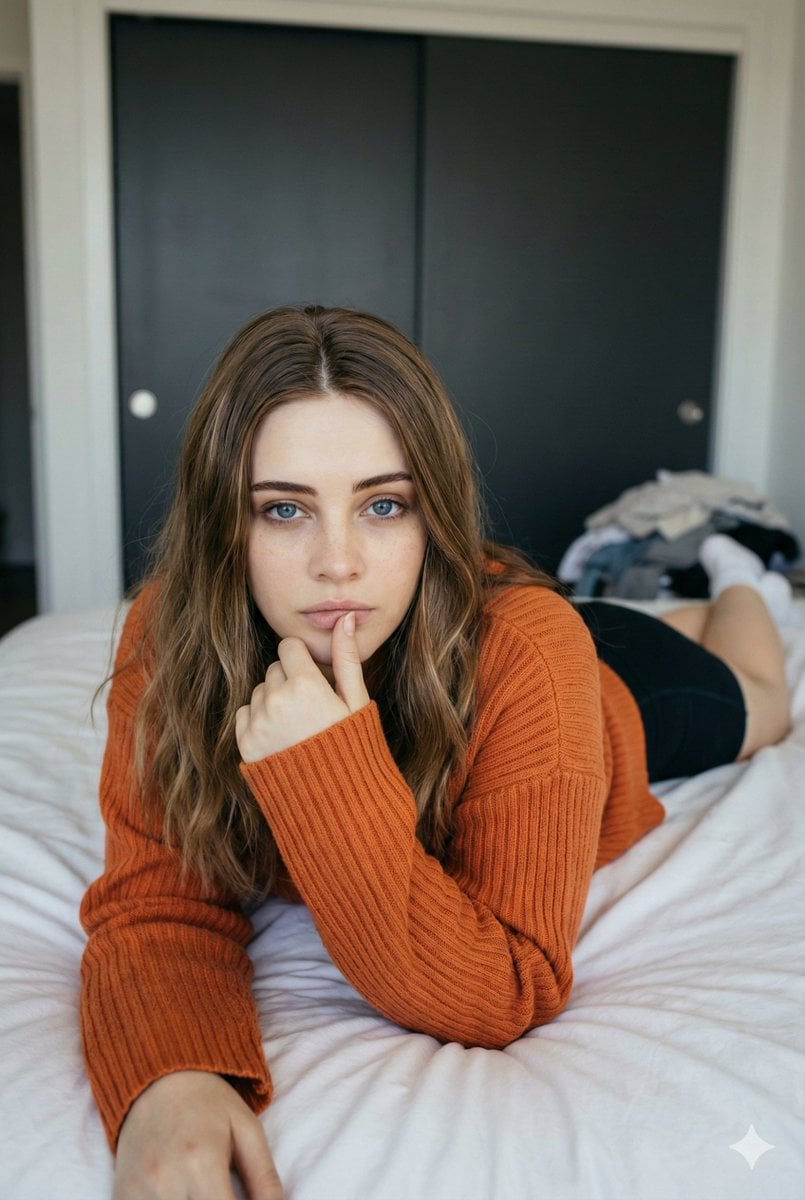
Josephine Langford Casual Bedroom Portrait
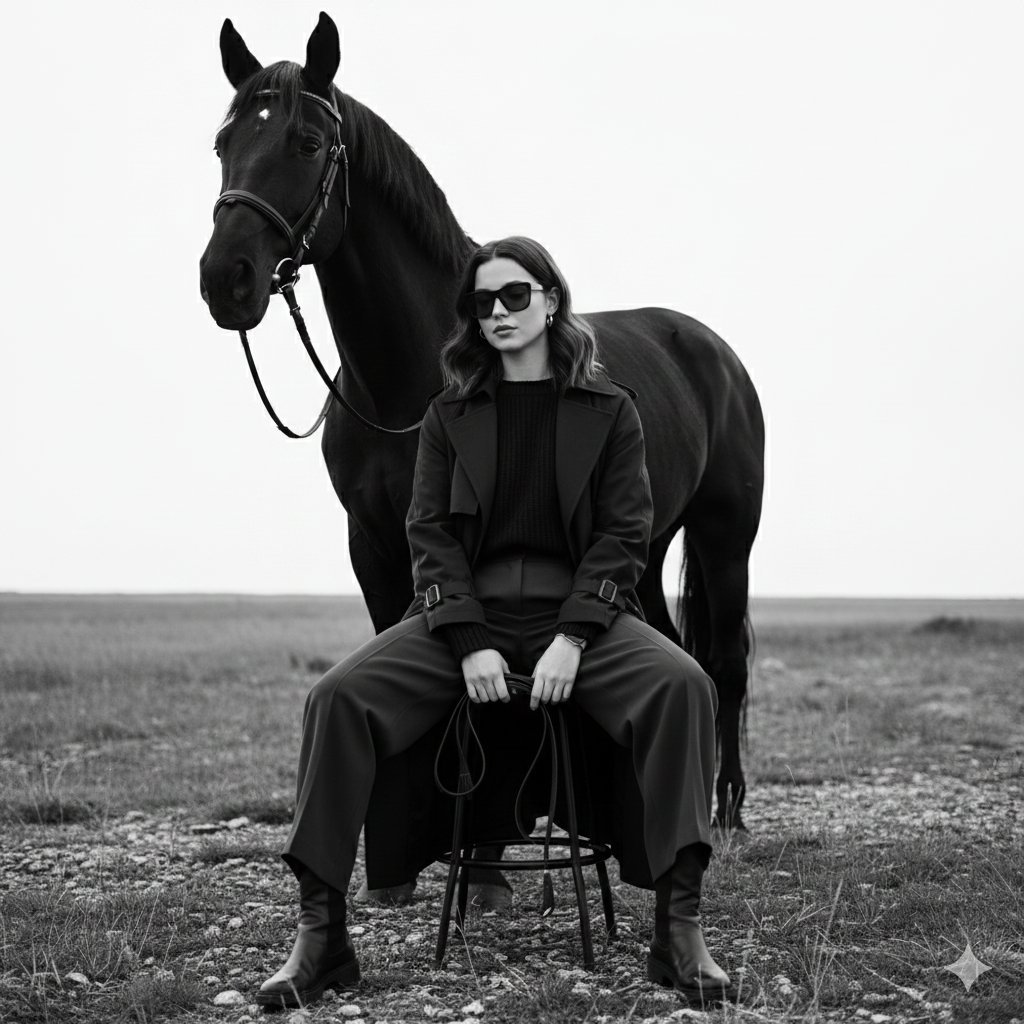
Monochrome Fine-Art Fashion Editorial with Horse
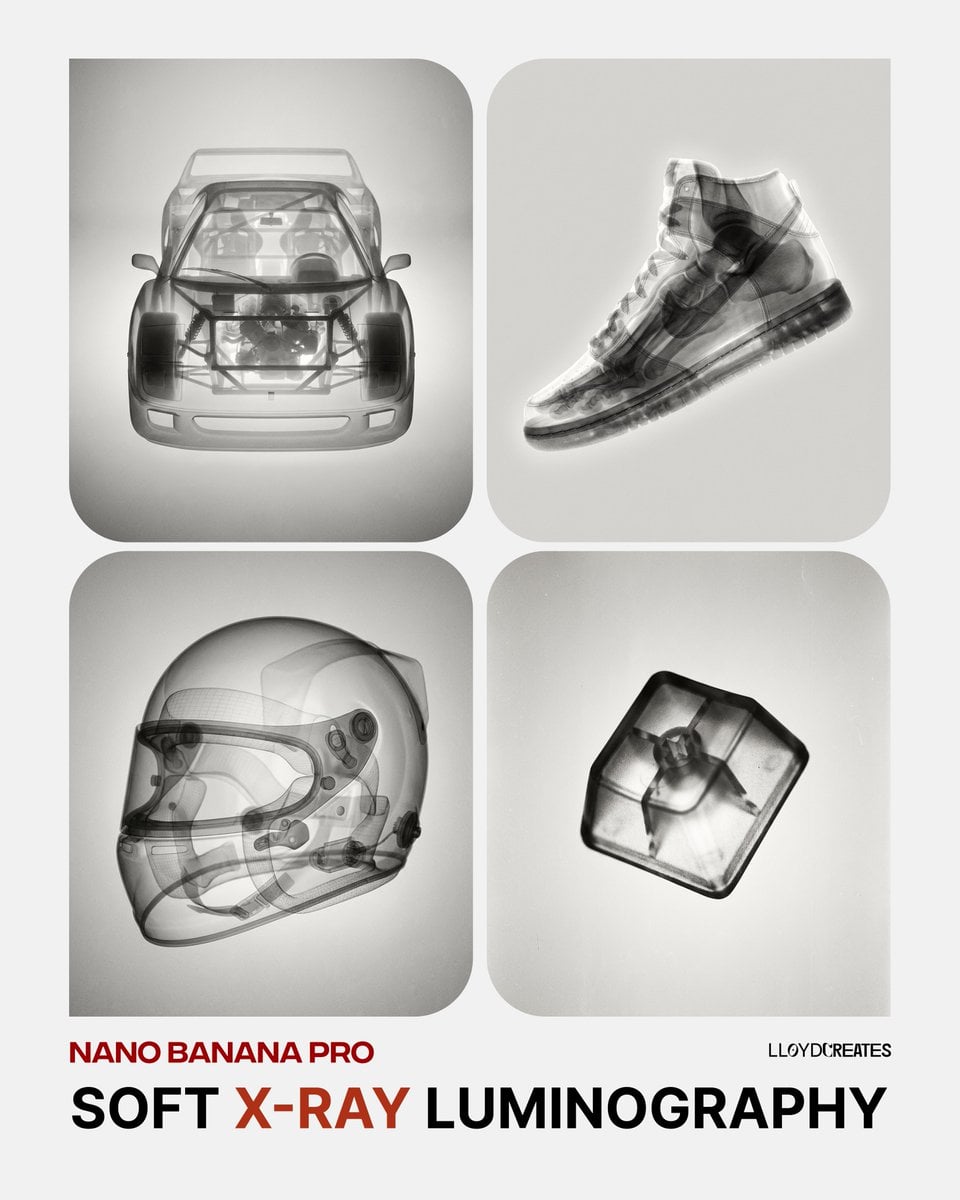
Soft X-Ray Luminography Style Template
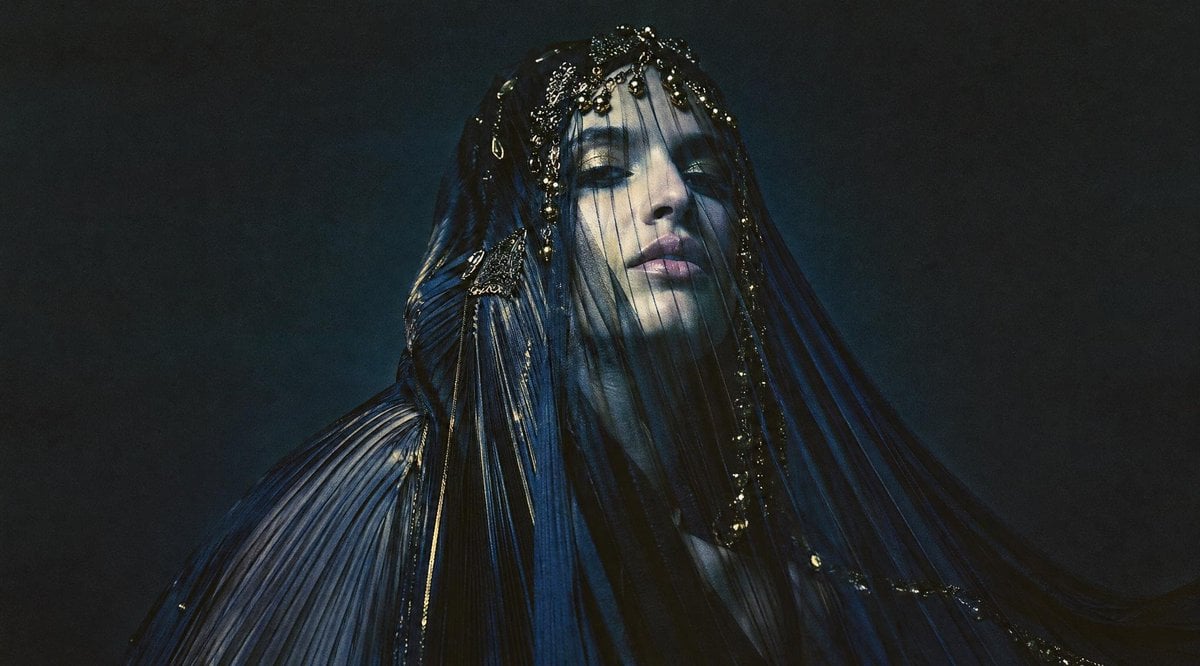
Dark Veiled Couture Portrait
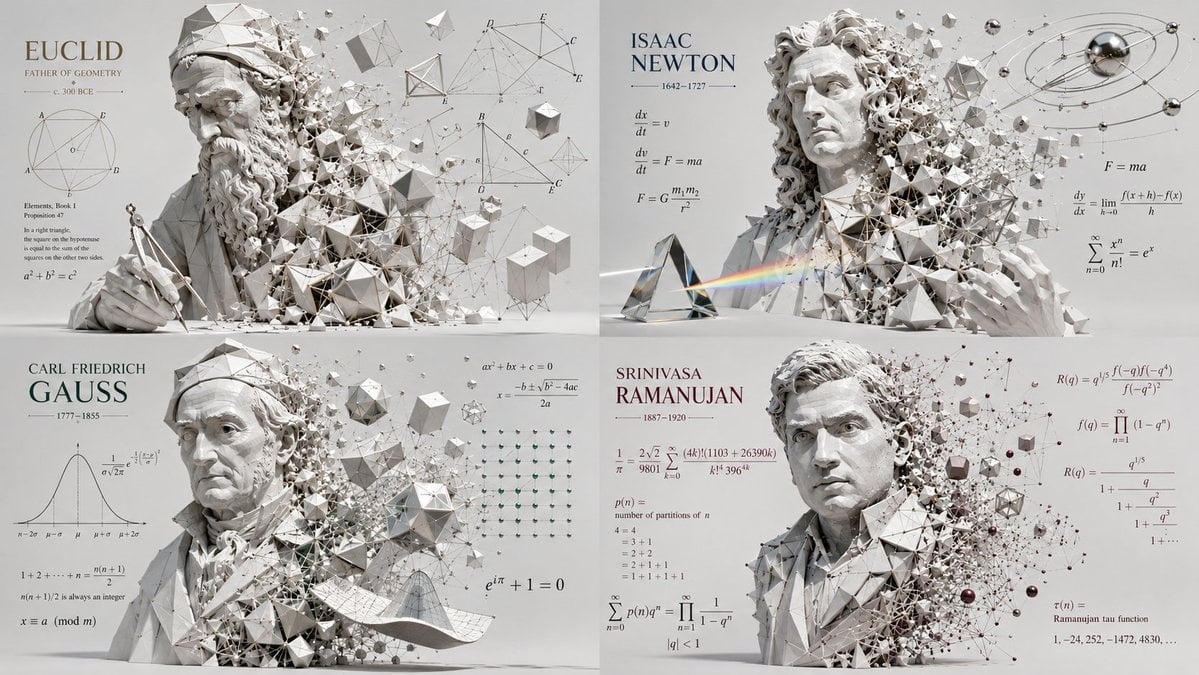
Geometric Mathematician Visualization
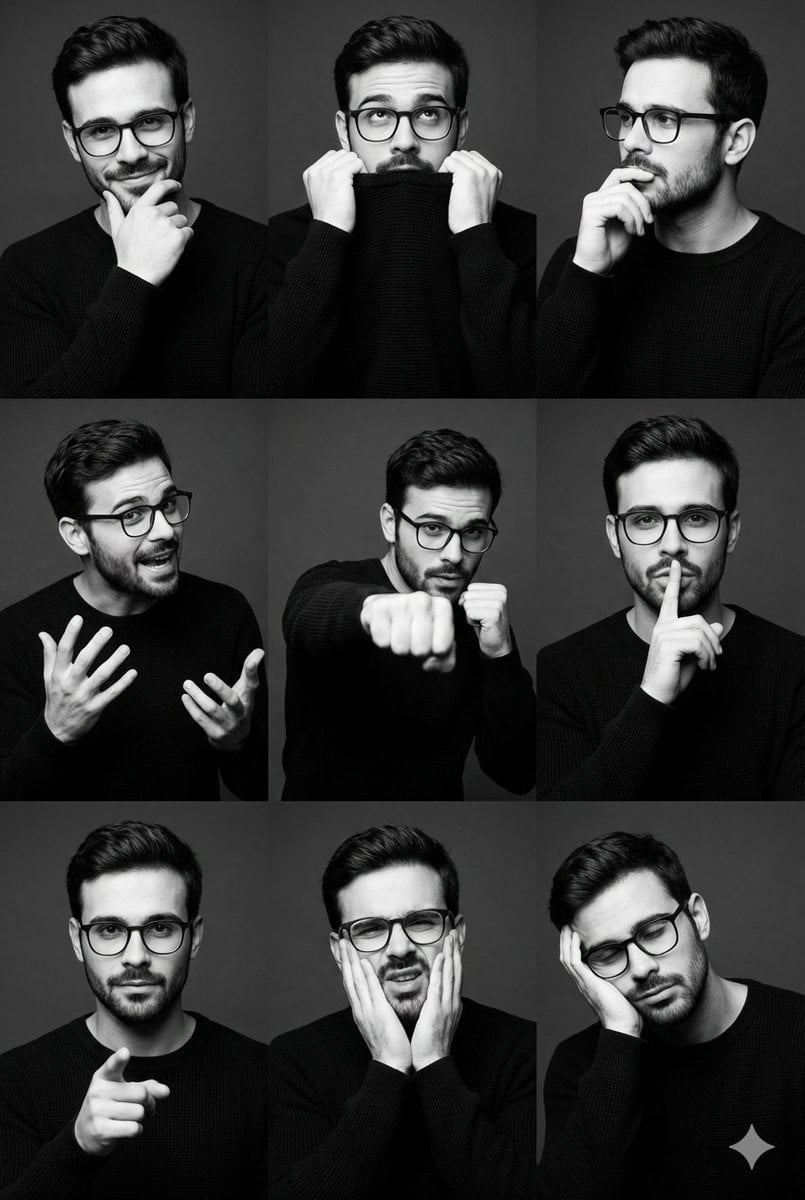
Black and White Male Editorial Portrait Collage JSON Prompt

Cinematic Storyboard of Woman and Bear in Forest
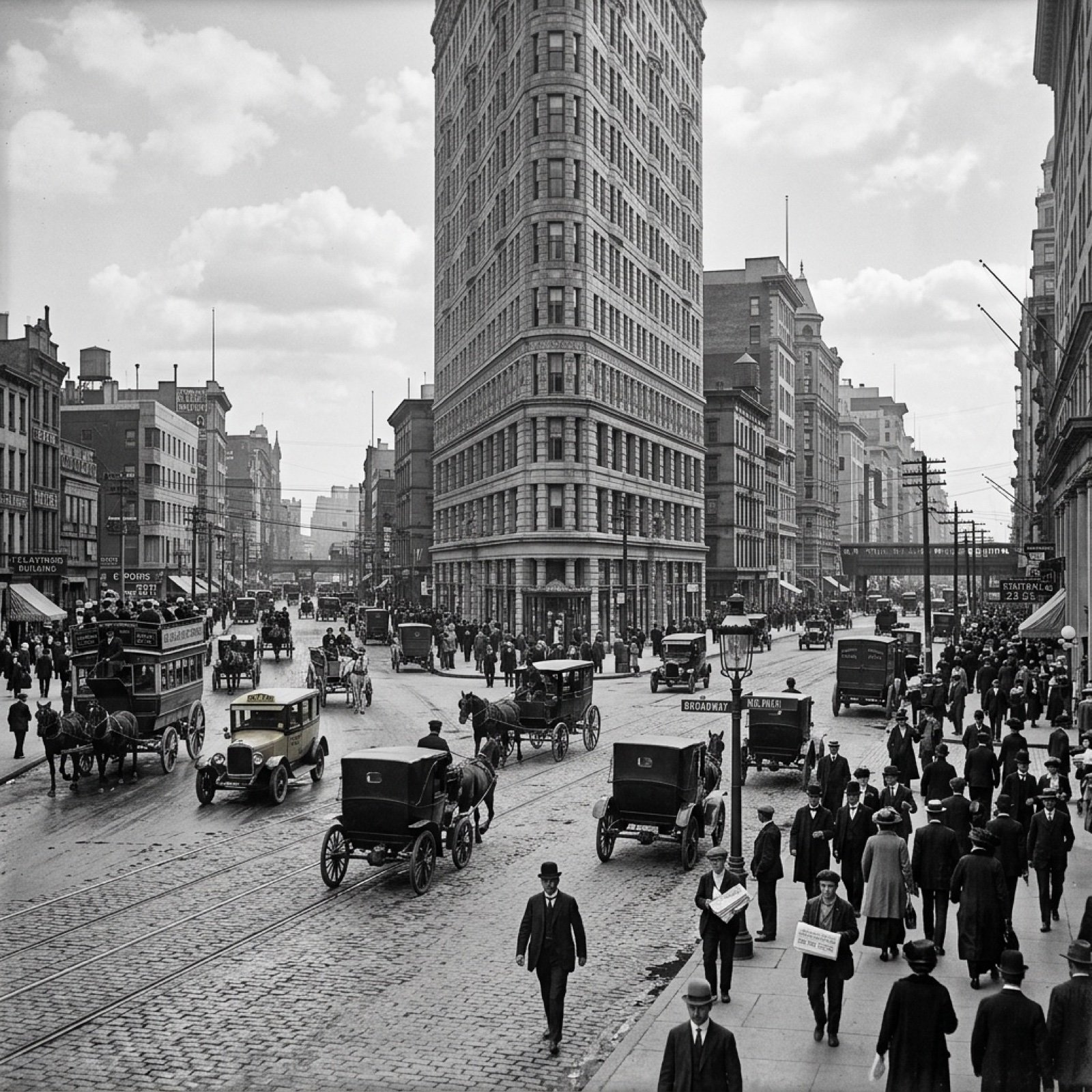
Visualize Coordinates in Historical Context Prompt

Minimalist Perfume Commercial
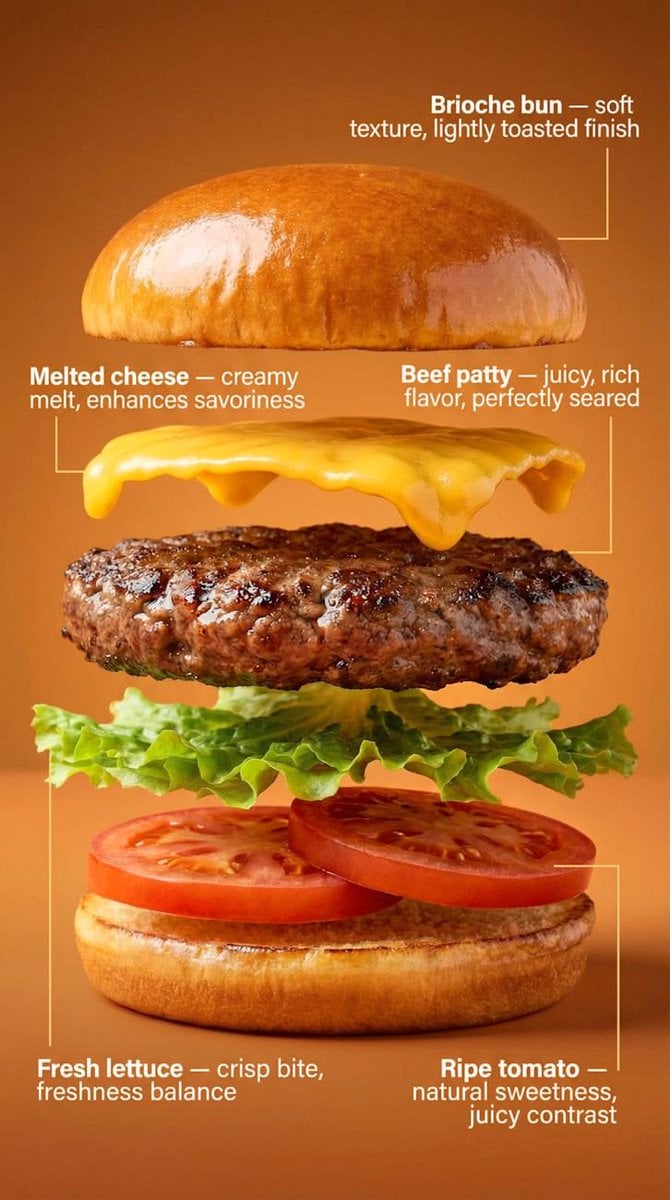
Exploded-View Burger Composition with Annotations
Browse template categories
Anime Visual Novel Confession Scene questions
How do I use the Anime Visual Novel Confession Scene template?
Add your photo if the template asks for one, edit the prompt if you like — the template's model and format are already selected — and press Generate. Your version opens in PicX Studio.
Can I customize the Anime Visual Novel Confession Scene template?
Yes. You can change the subject, setting, lighting, mood, format, and available model controls before creating your image.
Is the Anime Visual Novel Confession Scene template free?
Opening and editing this template is free. Generating uses credits, shown on the Generate button when you are signed in.
Which AI model should I use?
Start with GPT Image 2, which is the model associated with this template. You can compare another compatible model for a different finish.
Looking for something else? Browse all templates.

Your photo, any look
Thousands of ready templates for every top image and video model, from one credit balance.