
Rainy Japanese Visual Novel Title Screen
Generates a dark, elegant Japanese game title menu with rainy garden scenery, gold typography, and three centered menu buttons.
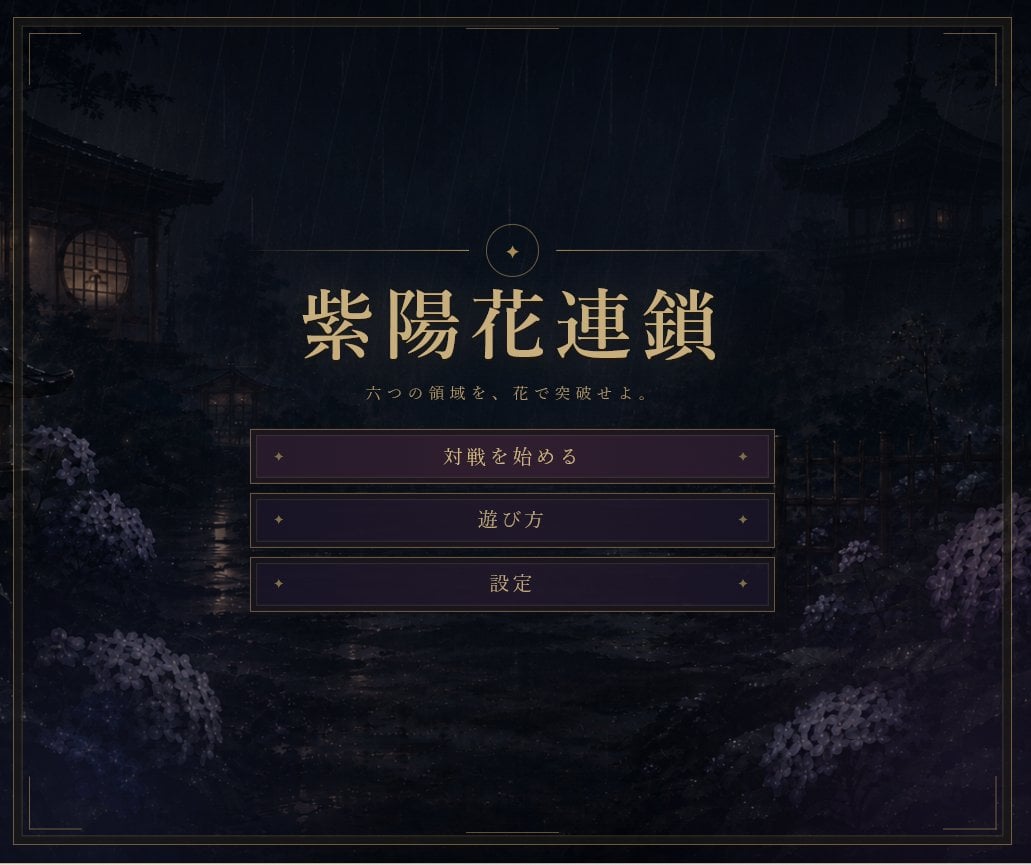
- Prompt included
- Model and format preset
- Premium template
The prompt behind this image
Copy the exact prompt behind Rainy Japanese Visual Novel Title Screen, or open it in the studio and make it yours.
Goal: Create a moody Japanese visual-novel title screen for a dark fantasy strategy game named {argument name="game title" default="紫陽花連鎖"}. Canvas: 4:3 landscape game menu screen, approximately 920×768, with a dark cinematic vignette and refined antique framing. Background: A rainy midnight Japanese garden scene. Show heavy diagonal rain streaks over a shadowy stone path and wet reflective ground. On the left, place a traditional wooden building with a warm glowing round window; on the right, a dark pagoda-like pavilion with faint warm window lights. Add silhouettes of trees, fences, shrubs, lantern-like structures, and clusters of pale purple hydrangeas in the lower left and lower right foreground. Keep the scenery atmospheric, low-contrast, and mostly obscured by darkness and mist. Layout: Center the title area in the upper-middle of the screen. Above the title, add a thin gold horizontal divider line split by a small circular emblem containing a simple four-point sparkle/star. Use elegant metallic gold typography for the large Japanese title. Beneath it, add the small subtitle text {argument name="subtitle text" default="六つの領域を、花で突破せよ。"}. Below the subtitle, place exactly 3 horizontal menu buttons stacked vertically and centered. Menu buttons: Use exactly 3 rectangular dark purple buttons with thin gold borders, subtle inner glow, and small gold diamond ornaments near both left and right edges. The visible button labels, from top to bottom, must be: {argument name="first button label" default="対戦を始める"}, {argument name="second button label" default="遊び方"}, {argument name="third button label" default="設定"}. The first button should be slightly lighter/brighter purple than the other two, as if selected. Frame and style: Add a thin double-line gold border around the entire screen with small decorative corner breaks and short accent line segments near the corners. Use a refined Japanese gothic aesthetic, muted indigo/black/purple palette, antique gold UI accents, painterly background art, and crisp game UI typography. Avoid modern icons, extra buttons, logos, watermarks, or characters.
How to use Rainy Japanese Visual Novel Title Screen in 3 steps
- 1Upload ImagePNG, JPG or paste
Add your photo
Upload the photo the template builds on. The prompt, model and format are already set.
- 2…a portrait of your subject in softgolden-hour light, 85mm…
Personalize
Edit the subject and creative details for your destination.
- 3Generate
Generate
Press Generate — your image is created in PicX Studio, so you can compare it with the original and refine one variable at a time.
More like this
Templates with the same subject, style or setup. Open one to see its prompt.
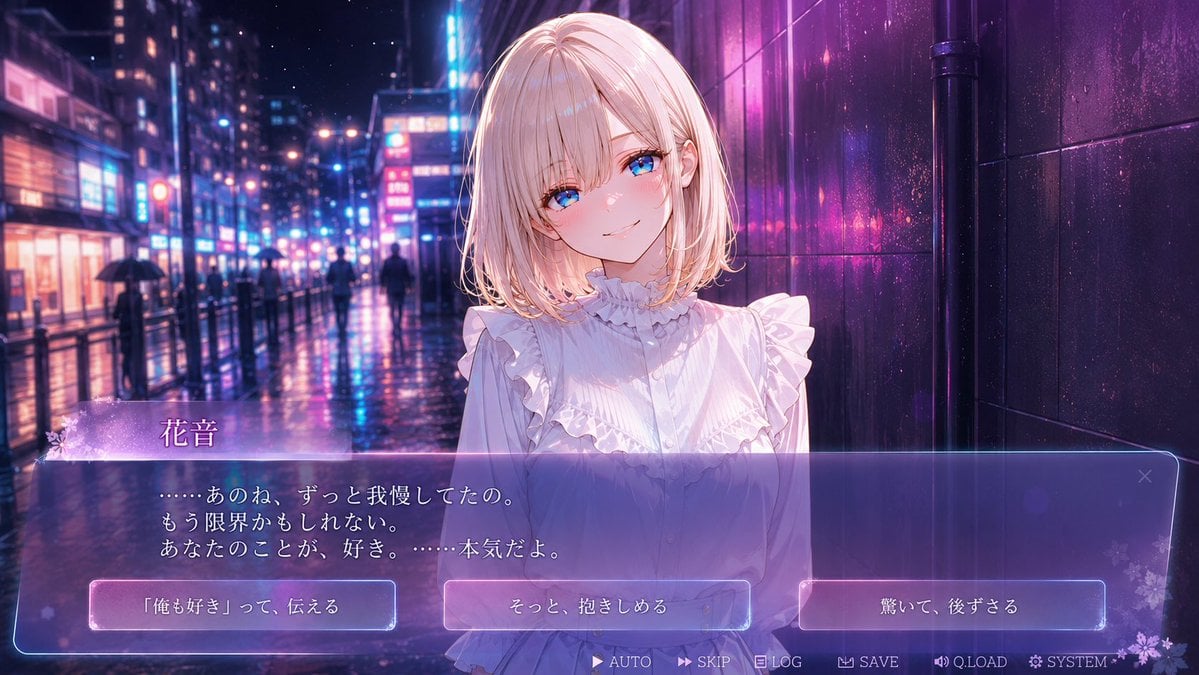
Rainy Neon Visual Novel Confession
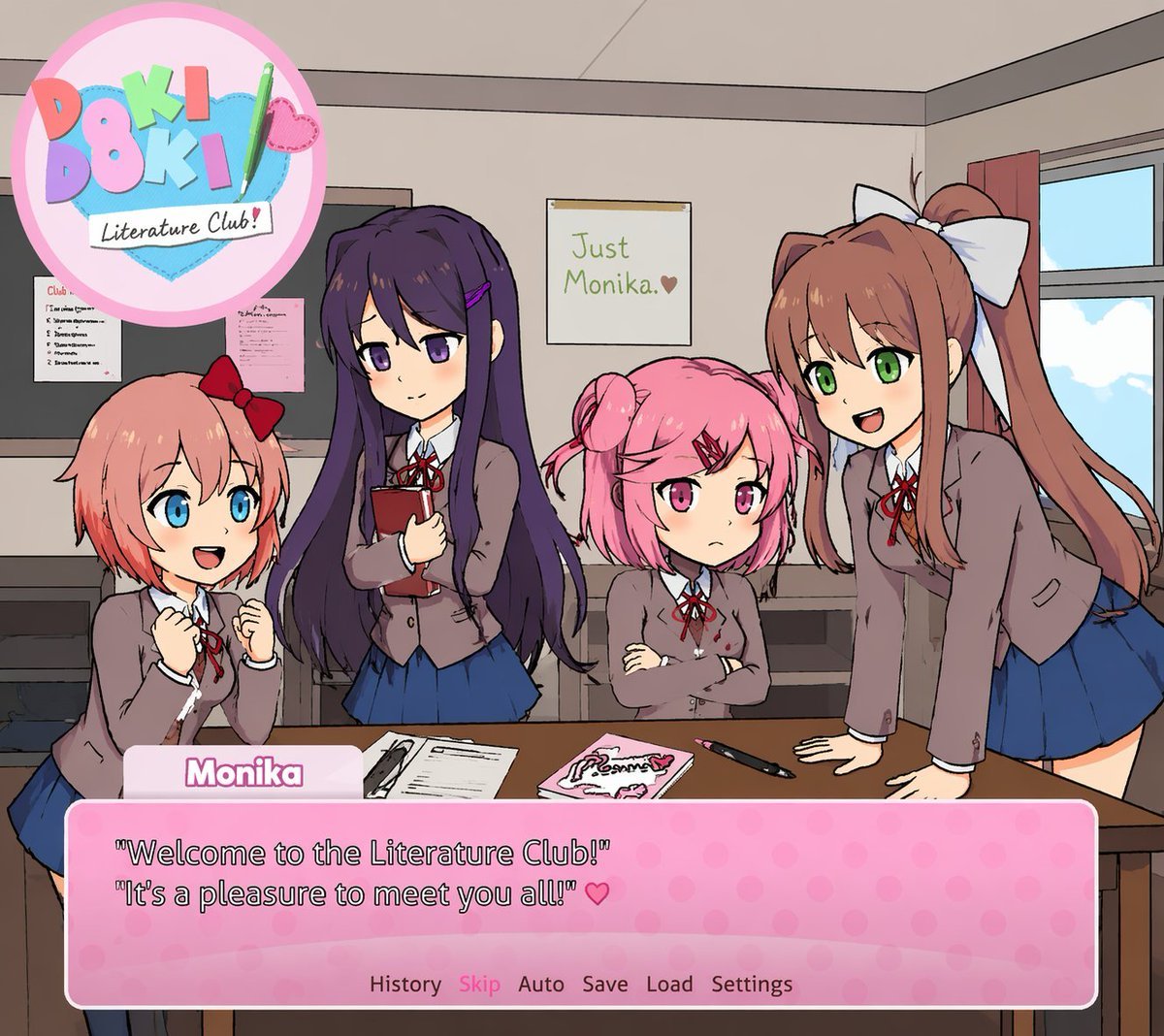
Visual Novel Screenshot Mockup

Minecraft Japanese Research Lab Exploration

Japanese Architectural Concrete Studio Fashion Campaign

Japanese Minimalist Concrete Studio Fashion Editorial

Blue Backdrop Luxury Fashion Portrait Campaign
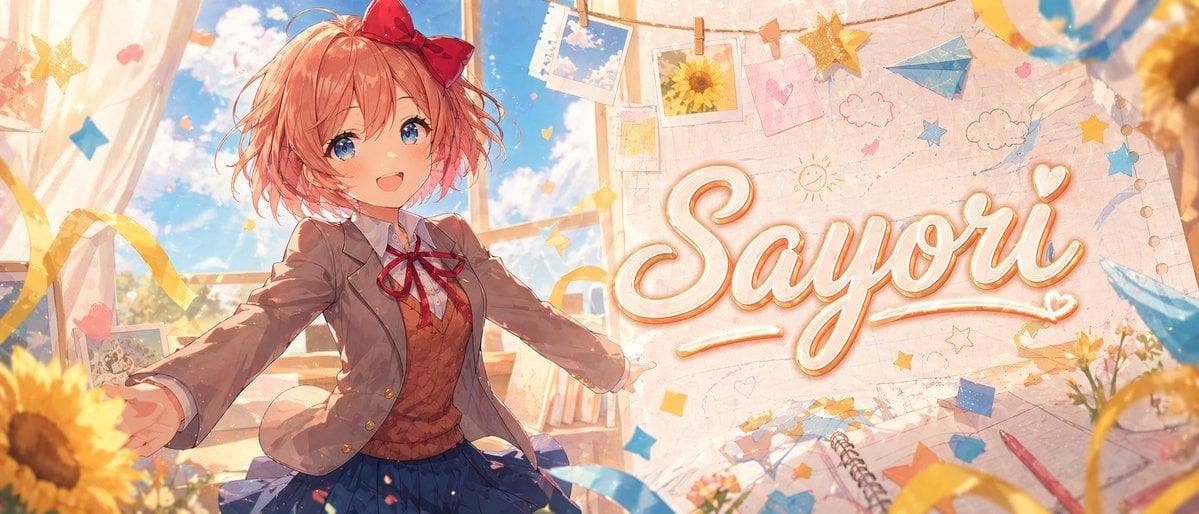
Anime Visual Novel Classroom Banner

JRPG Fantasy Title Logo Splash Screen
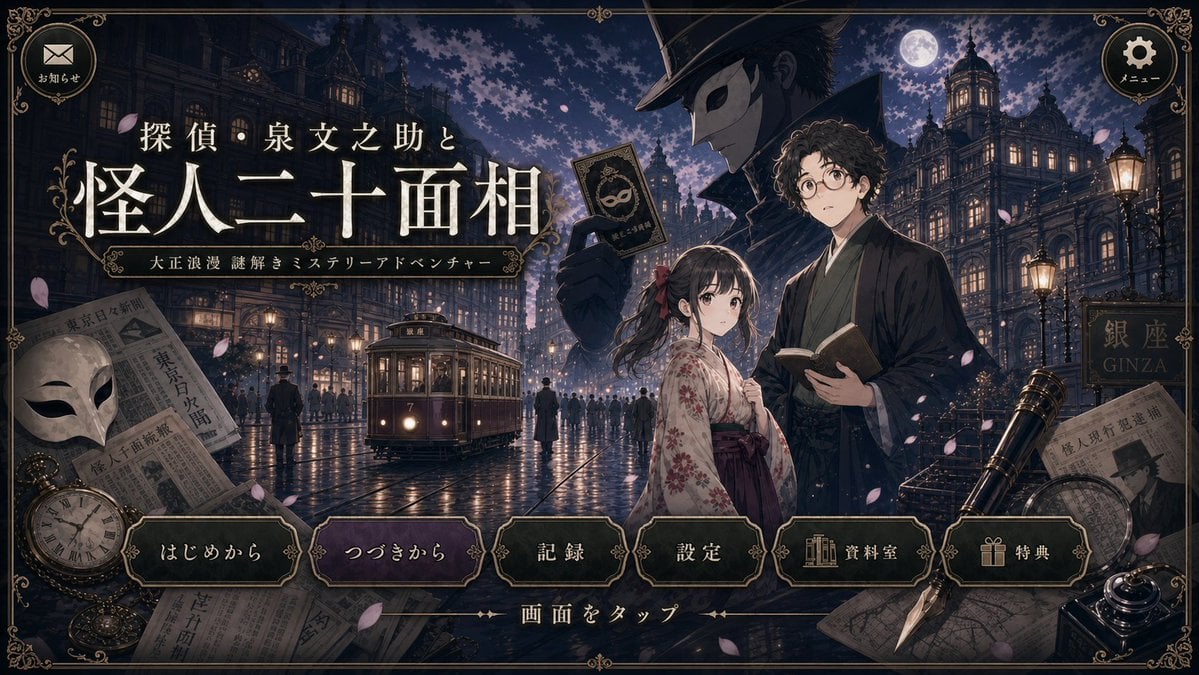
Cleaned Taisho Mystery Game Title Screen
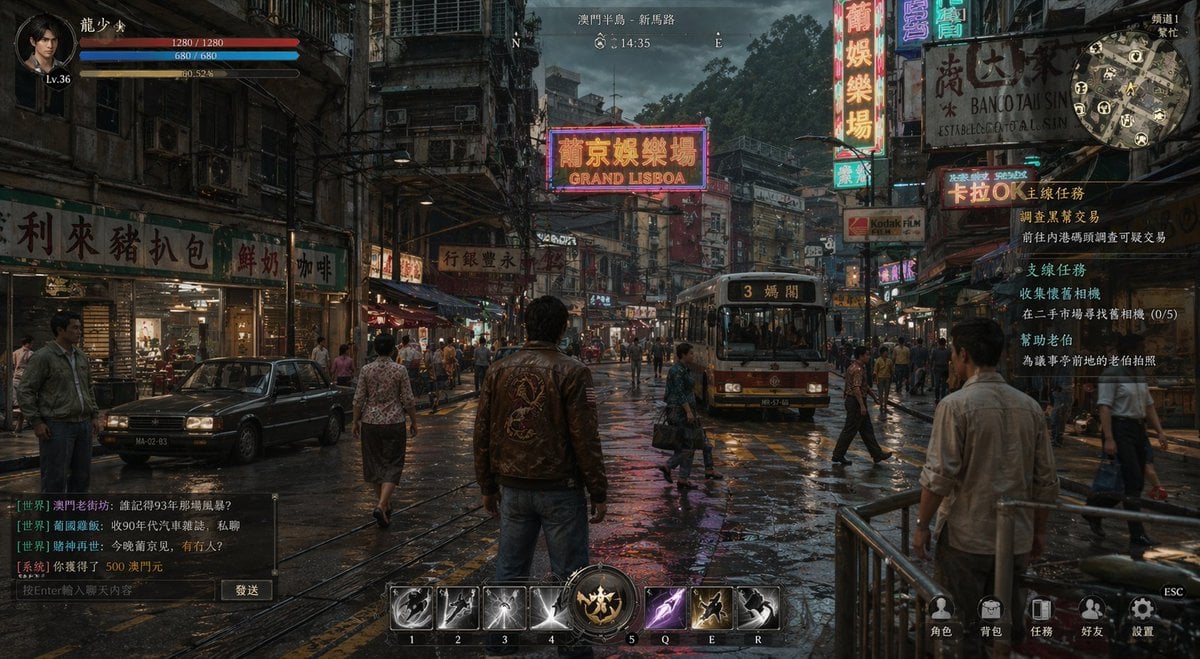
Rainy Neon Macau RPG Screenshot
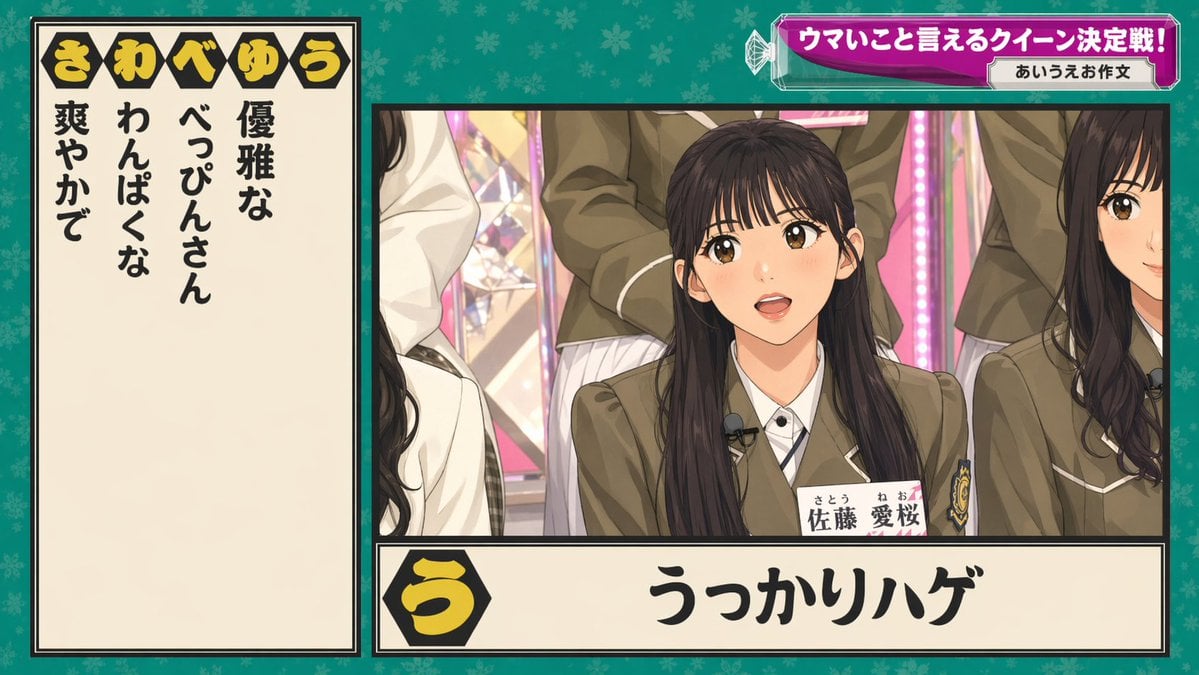
Japanese Variety Show Quiz Screen

Four Japanese Ad Visuals Collage
Make it yours
Rainy Japanese Visual Novel Title Screen works as-is. These are the safest ways to change it without losing the look.
Change one field
Copy a single group, rewrite it, and generate again so you can see what that field is doing.
Keep the frame, change the subject
Hold the composition and light of Rainy Japanese Visual Novel Title Screen, then swap wardrobe, props or the person for a new take.
| If the result… | Why | Fix |
|---|---|---|
| The result drifts from the preview | Too many fields changed at once. | Reuse Rainy Japanese Visual Novel Title Screen as-is first, then change one group — subject, light, or setting. |
| The model over-stylizes the scene | The prose prompt leaves finish and camera underspecified. | Add one camera or lighting sentence and stay on GPT Image 2. |
More GPT Image 2 templates
Other prompts made for GPT Image 2.

Six VTuber Japanese Logo Sheet

Realistic Portrait of Woman and Deer

The Vista Modular Condo Poster

AI Model Routing Comparison Infographic

2.5D Anime Art Board

Isometric Productivity Desk Scene

New York Double Exposure Poster

Four-Panel AI Landscape Comparison

Japanese Tatami Lifestyle Magazine Cover

NESCAFÉ Coffee Map Poster
More image prompts
Fresh picks from across the catalog.
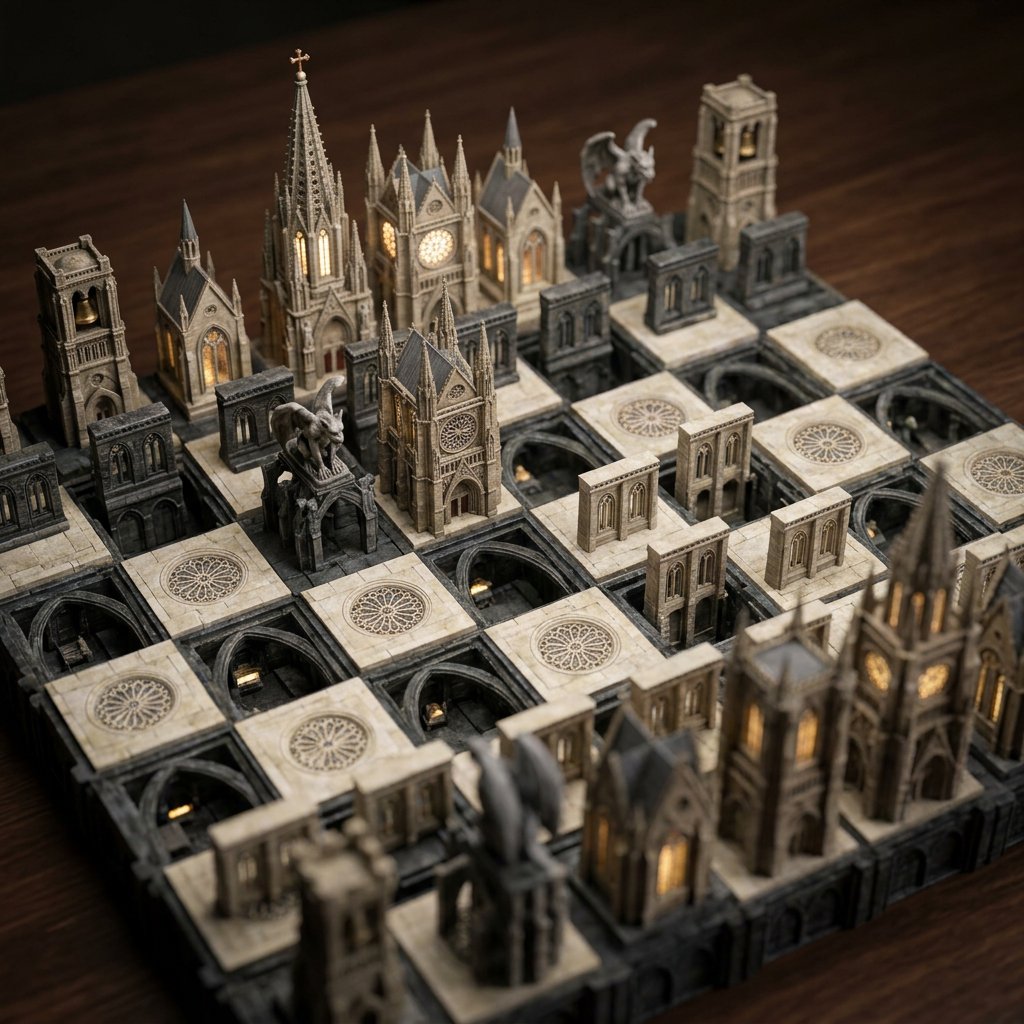
Custom Architectural Chessboard Diorama Prompt Template
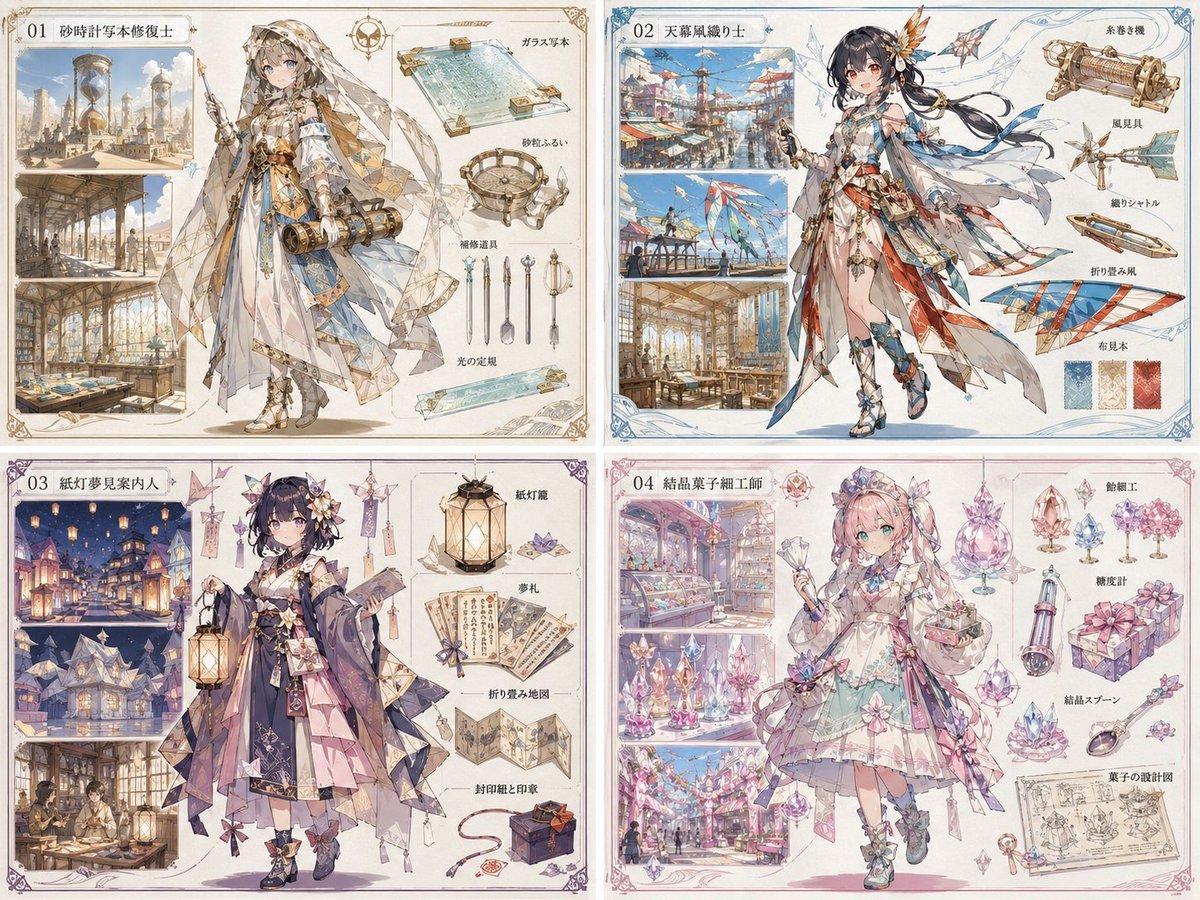
Anime World Building and Character Sheet

Premium Beverage Product Photography Prompt
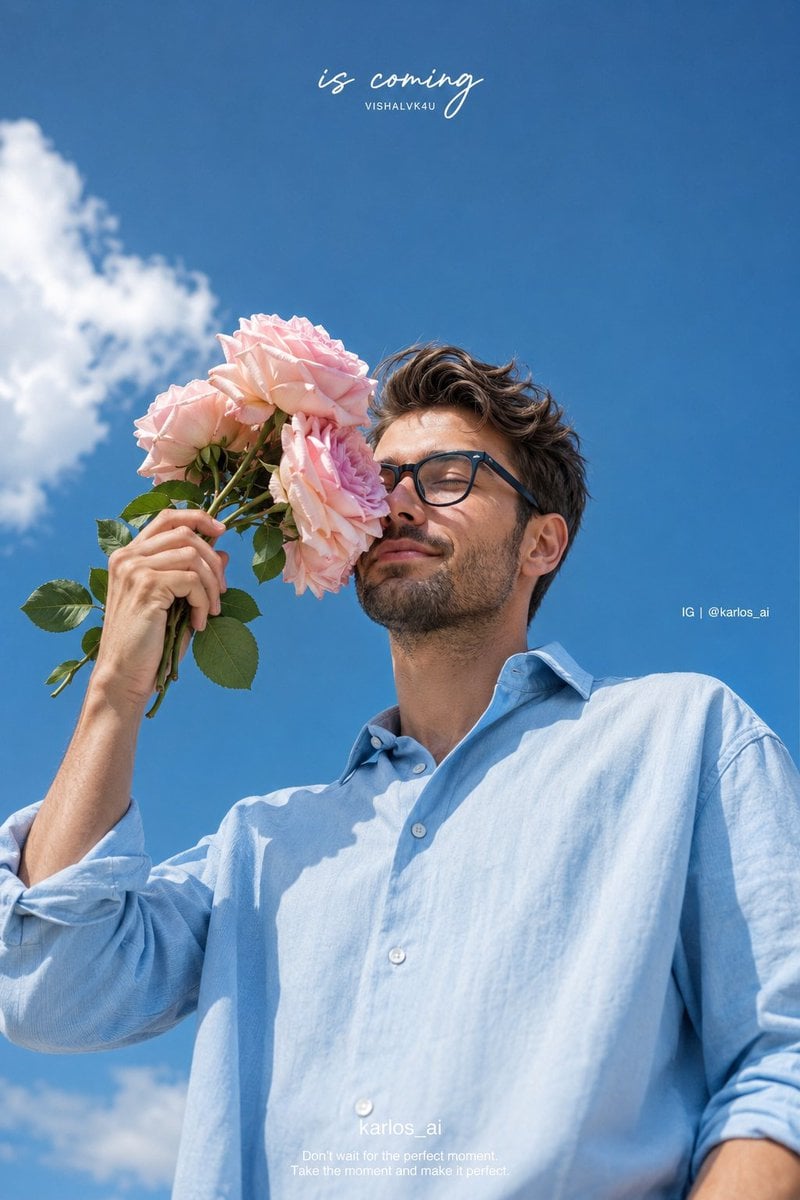
Romantic Korean Summer Portrait with Roses
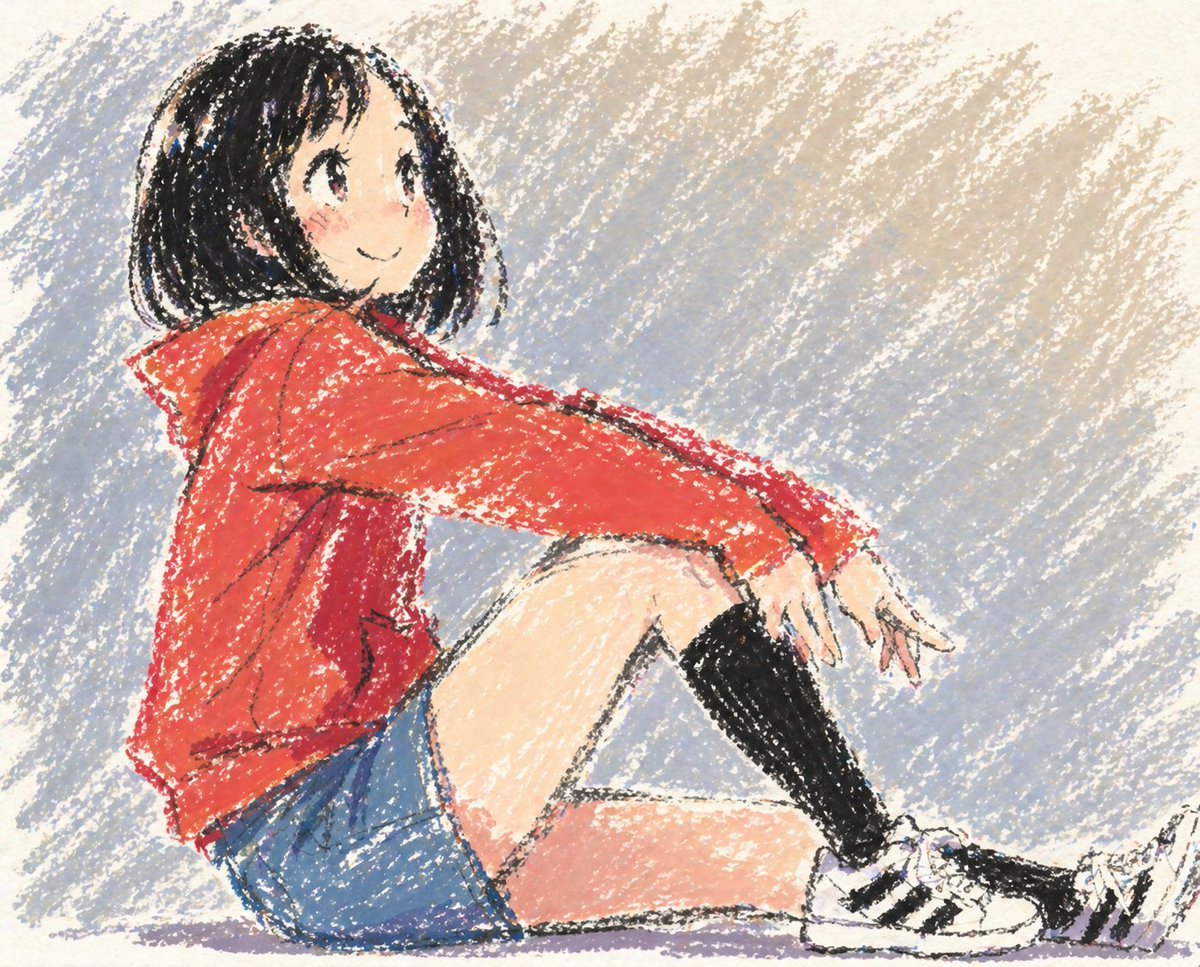
Cute Anime Girl in Oil Pastel
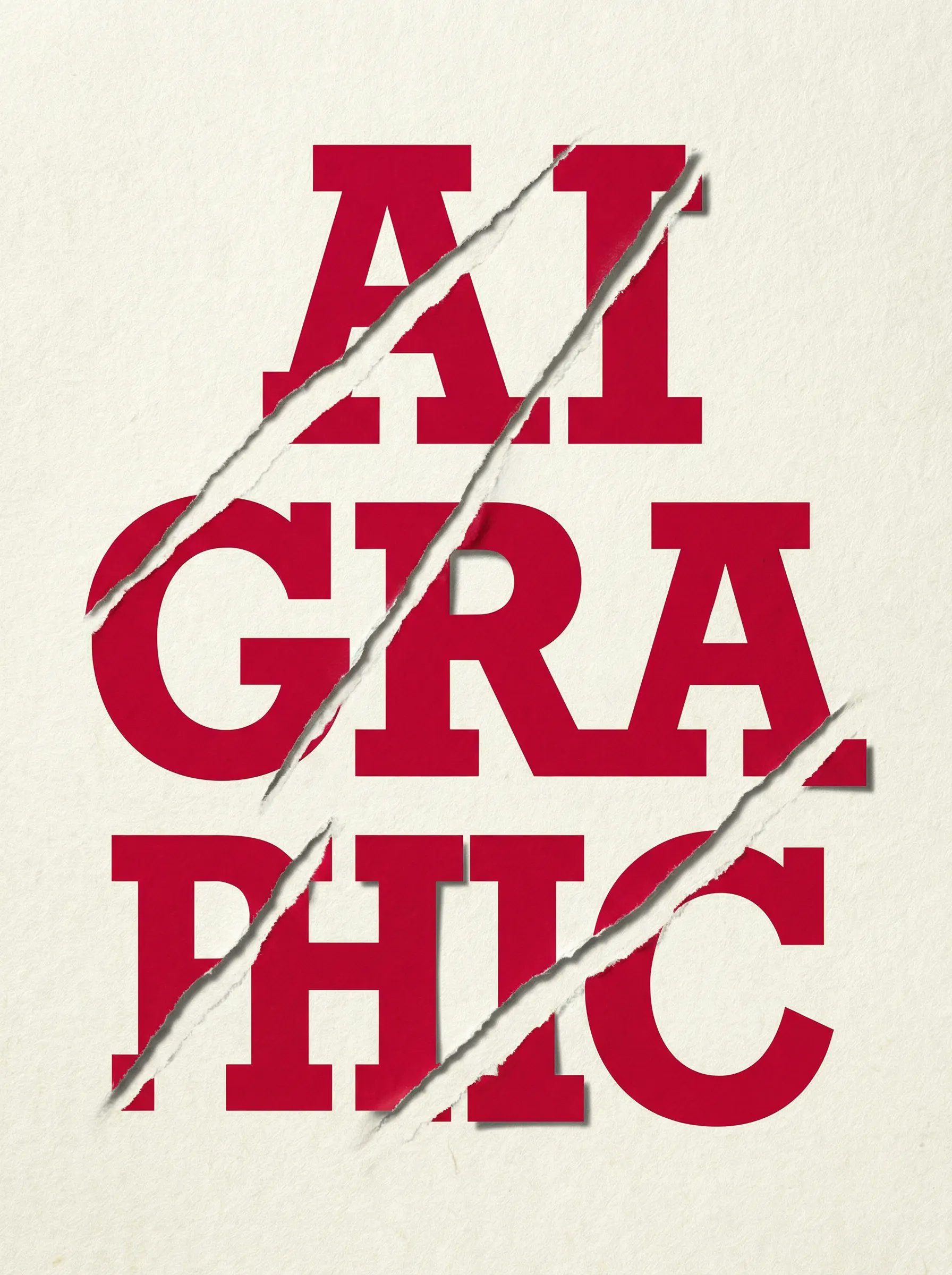
untitled

Mirror Selfie with Pose and Depth Controls
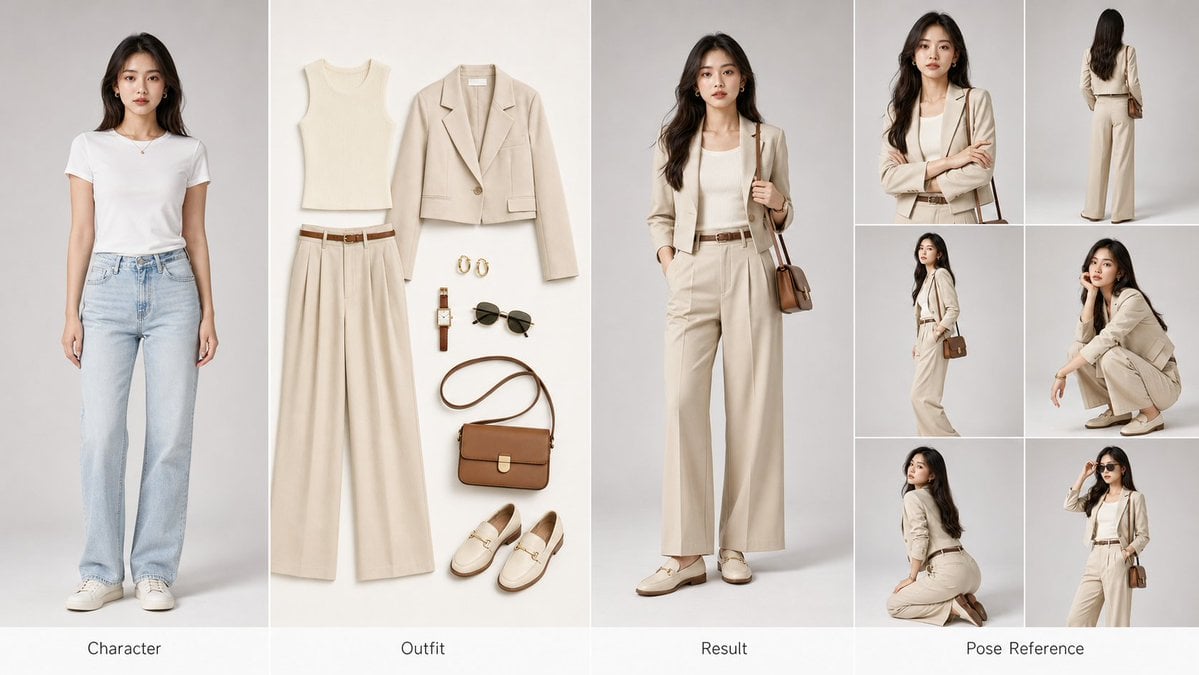
AI Fashion Comparison Poster

Floating Man Above Lantern City

ID verification character with visible passport
Browse template categories
Rainy Japanese Visual Novel Title Screen questions
How do I use the Rainy Japanese Visual Novel Title Screen template?
Add your photo if the template asks for one, edit the prompt if you like — the template's model and format are already selected — and press Generate. Your version opens in PicX Studio.
Can I customize the Rainy Japanese Visual Novel Title Screen template?
Yes. You can change the subject, setting, lighting, mood, format, and available model controls before creating your image.
Is the Rainy Japanese Visual Novel Title Screen template free?
Opening and editing this template is free. Generating uses credits, shown on the Generate button when you are signed in.
Which AI model should I use?
Start with GPT Image 2, which is the model associated with this template. You can compare another compatible model for a different finish.
Looking for something else? Browse all templates.

Your photo, any look
Thousands of ready templates for every top image and video model, from one credit balance.