
AI Fashion Comparison Poster
A comprehensive prompt for creating a professional four-panel fashion poster suitable for AI training and commercial display.
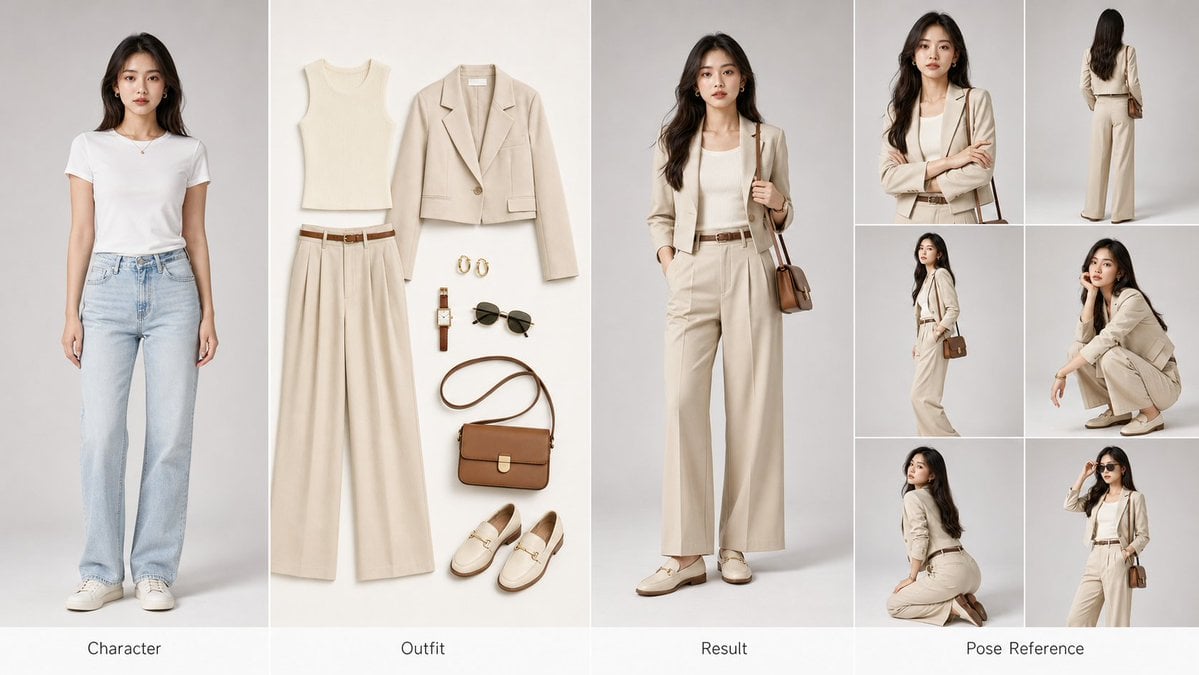
- Prompt included
- Model and format preset
- Free template
The prompt behind this image
Copy the exact prompt behind AI Fashion Comparison Poster, or open it in the studio and make it yours.
创建一张横版 {argument name="画幅" default="16:9"} {argument name="布局" default="四格式"}时尚换装完整参考海报,适用于 AI 换装训练与商业展示。📐 版面布局(从左至右):① 左格 —— Character(角色原型) 原始参考角色肖像,正面标准站姿,面部五官清晰可辨,发型与肤色真实自然,纯净浅灰色棚拍背景,专业人像摄影光效,半身至全身构图。② 中格 —— Outfit(穿搭平铺) 完整服装套组的精致平铺展示:上衣 / 外套 / 裤装或裙装 / 鞋履 / 包袋 / 配饰(腰带、帽子、首饰等),白色或浅米色无缝背景,商业产品级打光,每件单品边缘清晰,面料材质肌理清晰可见,按穿着逻辑从上至下有序排列。③ 右格 —— Result(换装效果) 同一角色穿着新服装的完整上身效果图,完美匹配原始角色的体型、肤色与面部特征,服装贴合身形自然,褶皱与垂感真实,光线与左格角色原图保持完全一致,姿态自然流畅,商业大片氛围。④ 右侧附加格 —— Pose Reference(姿势参考区) 六宫格小图排列,展示角色多角度姿态参考,具体包括:正面半身特写(强调表情与面部细节)、背面全身站立姿势(发型与服装背部细节)、侧面 45° 斜角站姿(轮廓线与侧颜)、蹲坐姿势(双手抱膝或其他自然动作)、跪姿或低角度回头姿态(动态感与戏剧张力)、特征性标志动作(角色专属的自然习惯姿势)🎨 整体视觉规格:画面比例:16:9 横版超宽构图、画质标准:4K Ultra HD,锐度极高,无噪点、背景风格:各格独立简洁棚拍背景,整体色调统一协调、光线处理:三段式专业影棚布光,四格之间光线方向与色温高度统一、摄影风格:{argument name="风格" default="高级时尚大片"}美学,Vogue / Elle 商业广告级质感、材质表现:面料纹理、皮革光泽、金属配件反光均须真实还原、字体标注:各格底部居中标注英文标签,细线无衬线字体,低调优雅🎯 核心生成要求: 角色面部一致性 ≥ 95%|服装上身贴合度真实自然|四格视觉风格高度统一|直出可用商业级图像
How to use AI Fashion Comparison Poster in 3 steps
- 1
Open
The prompt is already in the box next to the preview, with the template's model and format selected.
- 2…a portrait of your subject in softgolden-hour light, 85mm…
Personalize
Edit the subject and creative details for your destination.
- 3Generate
Generate
Press Generate — your image is created in PicX Studio, so you can compare it with the original and refine one variable at a time.
More like this
Templates with the same subject, style or setup. Open one to see its prompt.

80s College Gate

1988 Mall Style

80s Polka Dot Saree

Japan Travel Brochure Poster

Cartoon TV Show Poster Pack

Blue Backdrop Luxury Fashion Portrait Campaign

Luxury Black-and-White Fashion Contact Sheet

Futuristic Studio Neon Ring Minimalist Portrait

Neon Night Crosswalk Candid Portrait
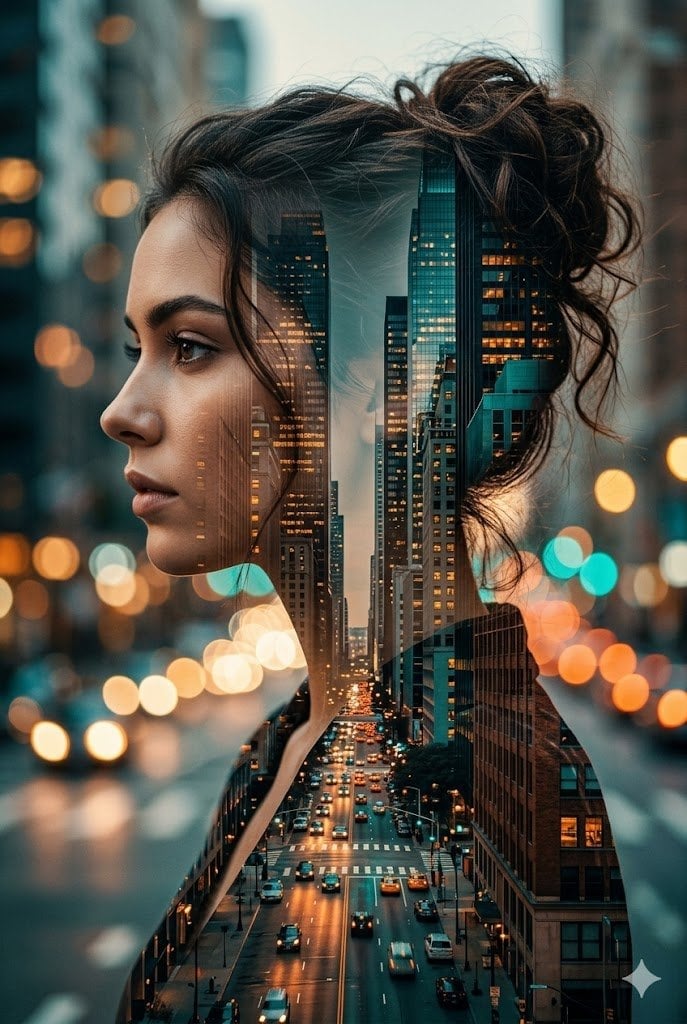
Double Exposure City Street Portrait
Neon Night Crosswalk Candid Portrait
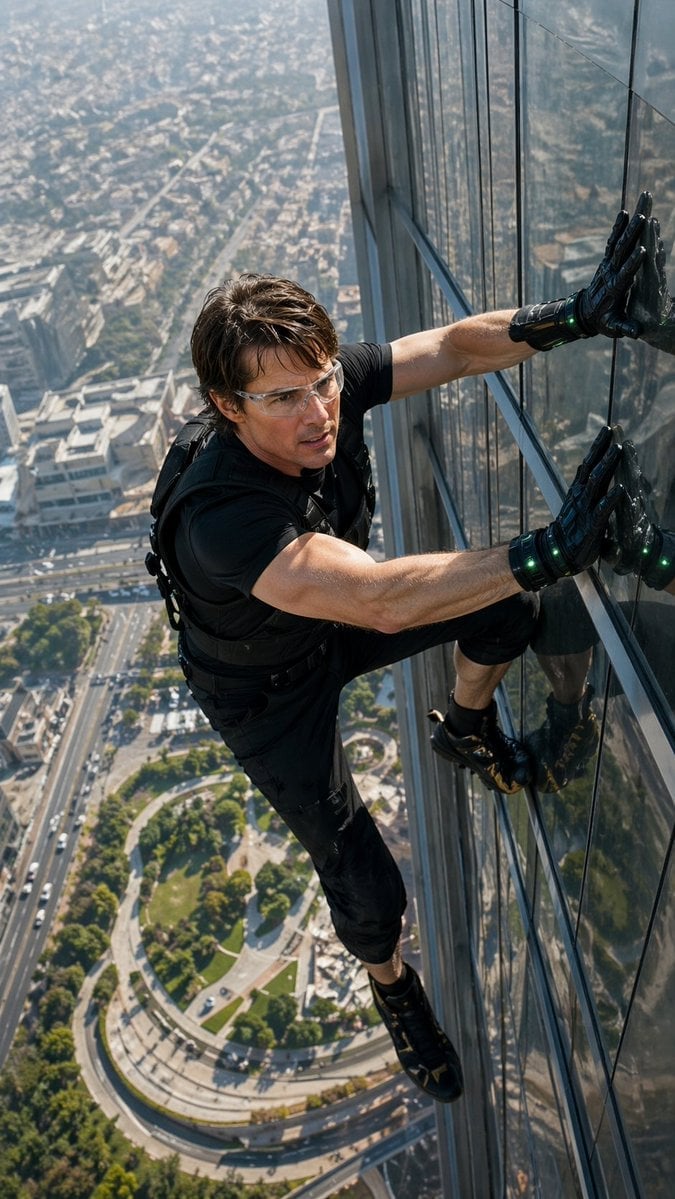
Skyscraper Symbiote Ascent Vertical Poster
Make it yours
AI Fashion Comparison Poster works as-is. These are the safest ways to change it without losing the look.
Change one field
Copy a single group, rewrite it, and generate again so you can see what that field is doing.
Keep the frame, change the subject
Hold the composition and light of AI Fashion Comparison Poster, then swap wardrobe, props or the person for a new take.
| If the result… | Why | Fix |
|---|---|---|
| The result drifts from the preview | Too many fields changed at once. | Reuse AI Fashion Comparison Poster as-is first, then change one group — subject, light, or setting. |
| The model over-stylizes the scene | The prose prompt leaves finish and camera underspecified. | Add one camera or lighting sentence and stay on GPT Image 2. |
More GPT Image 2 templates
Other prompts made for GPT Image 2.

Six VTuber Japanese Logo Sheet

Realistic Portrait of Woman and Deer

The Vista Modular Condo Poster

AI Model Routing Comparison Infographic

2.5D Anime Art Board

Isometric Productivity Desk Scene

New York Double Exposure Poster

Four-Panel AI Landscape Comparison

Japanese Tatami Lifestyle Magazine Cover

NESCAFÉ Coffee Map Poster
More image prompts
Fresh picks from across the catalog.
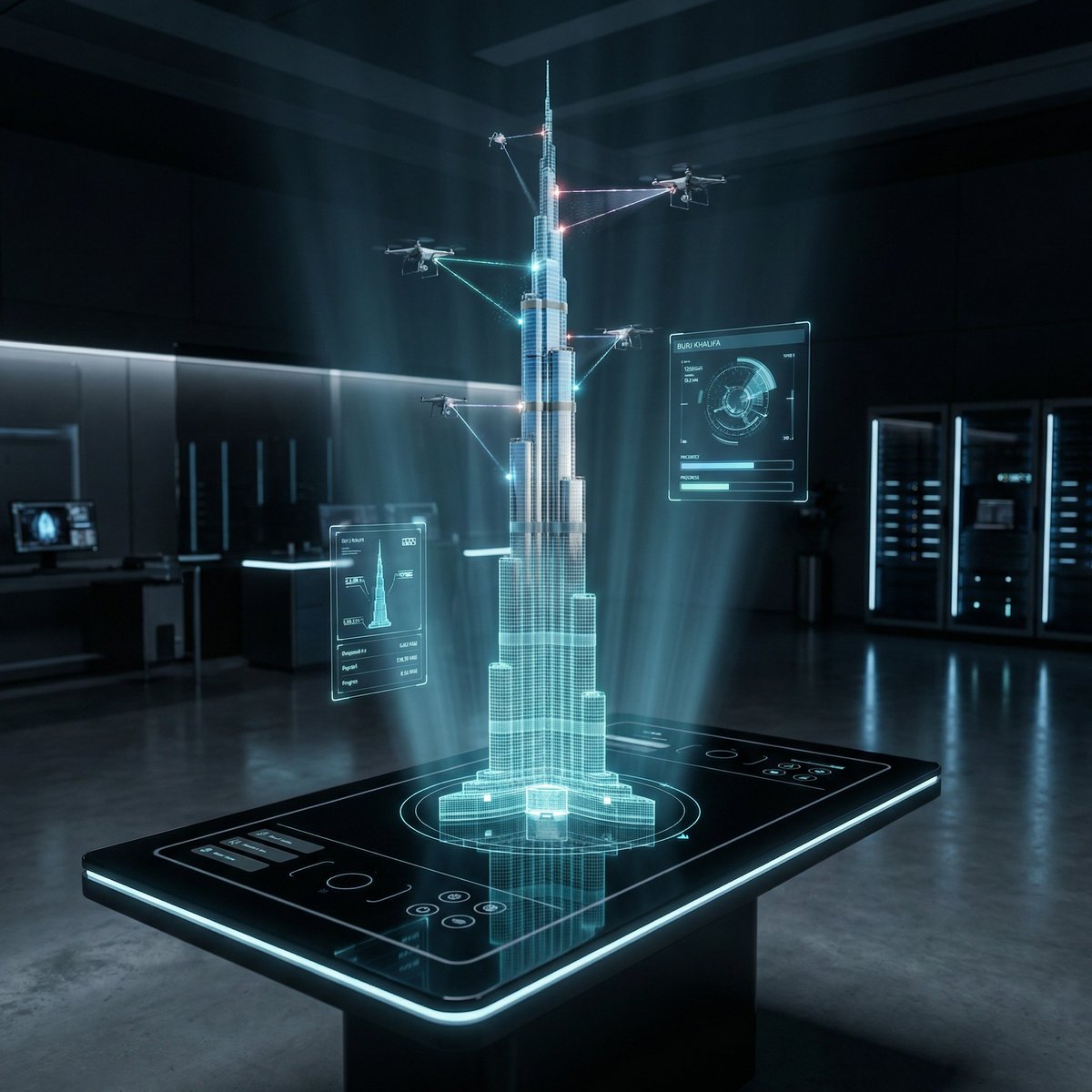
Futuristic Holographic Burj Khalifa Blueprint
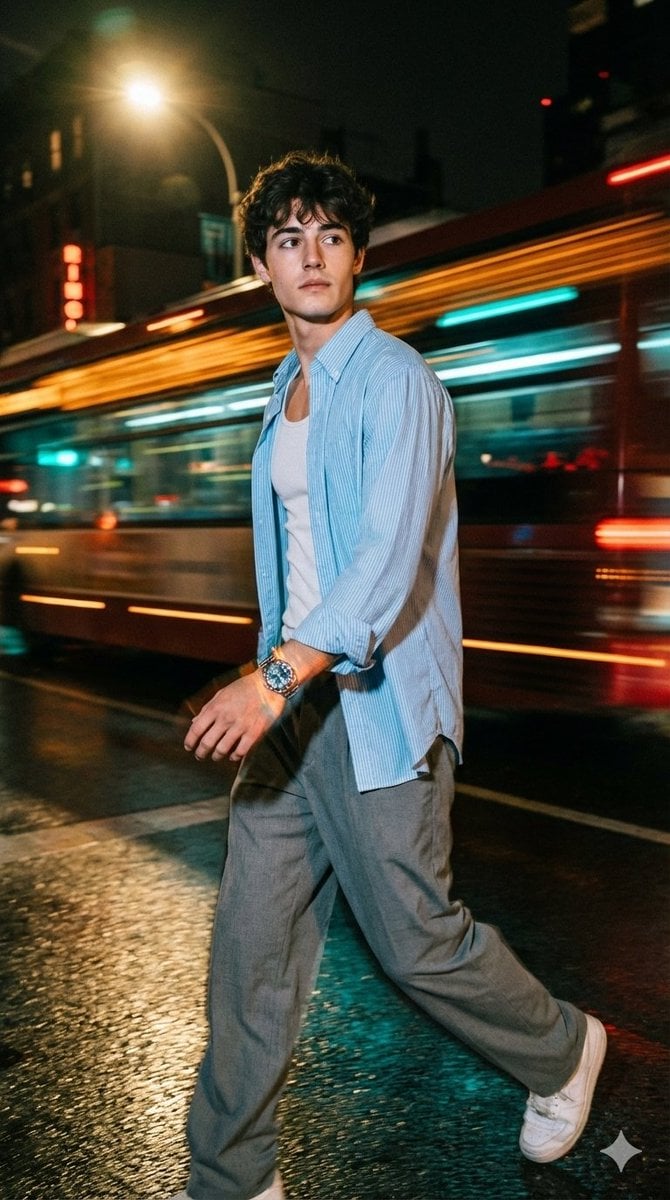
Cinematic Night Street Portrait of Indian Man
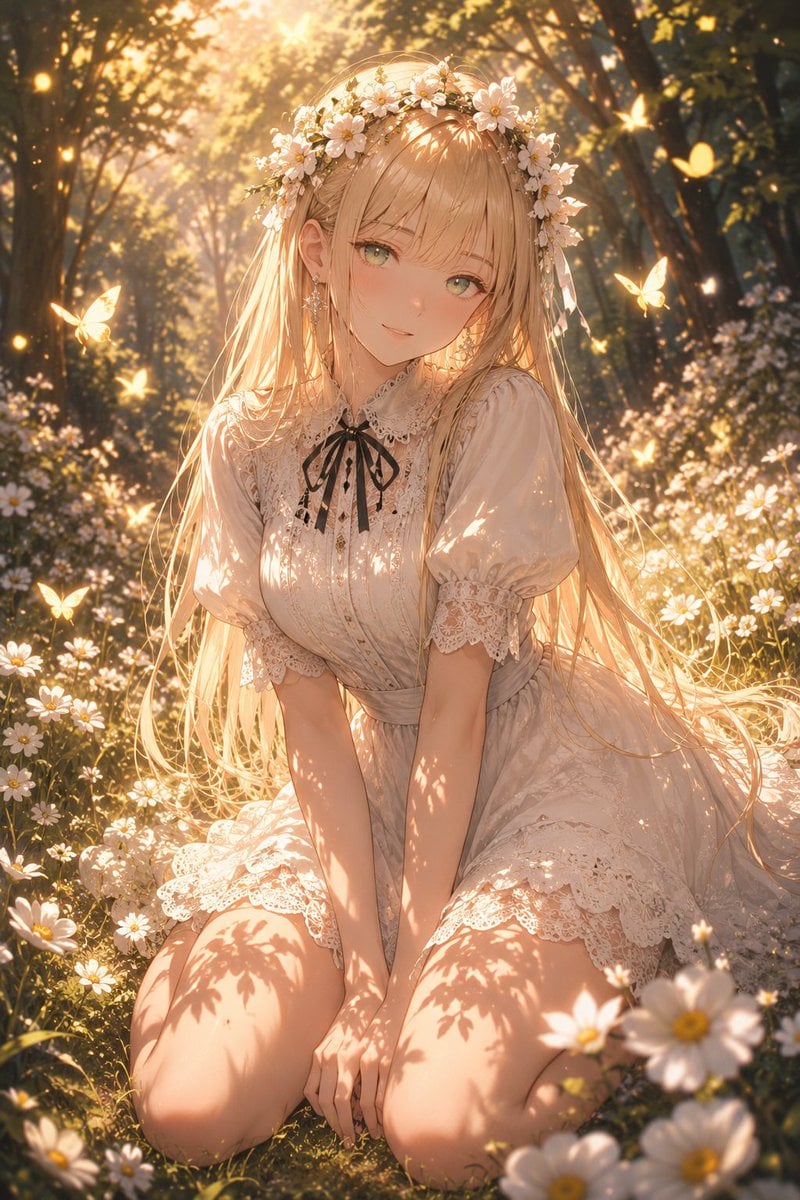
Enchanted Anime Style Meadow Girl
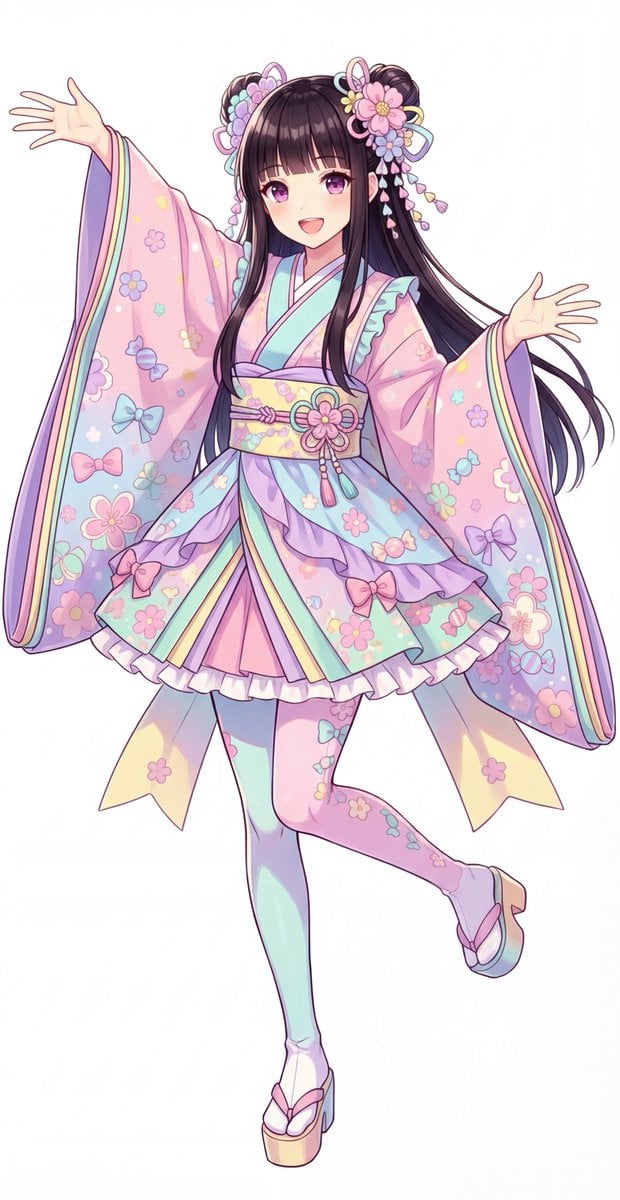
Kawaii Jūnihitoe Outfit Modification Prompt for NanoBananaPro
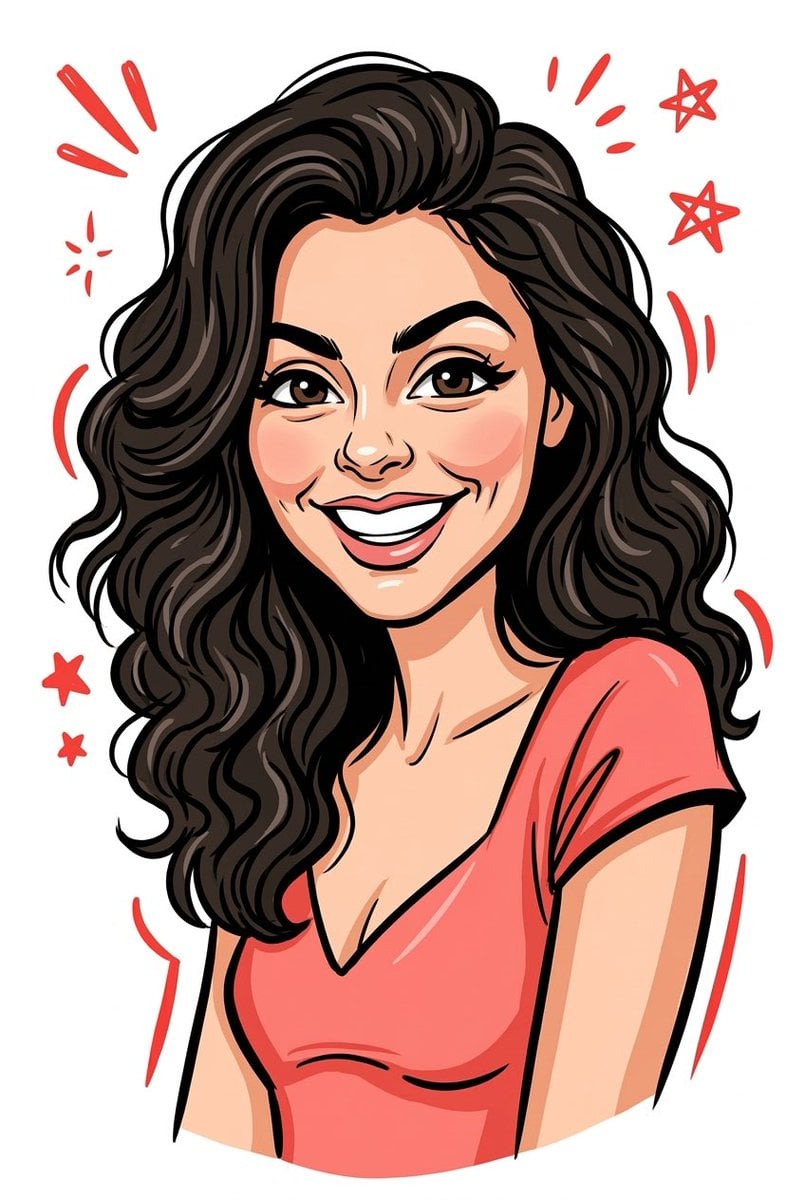
2D Vector Cartoon Illustration Prompt
Ultra-realistic Commercial Veg Burger Photography and Exploded View

Candid Nightclub Sidewalk Scene
BMW Cyberpunk Garage Wallpaper
Luxury Fashion Editorial Poster
São Paulo Avenida Paulista Painting Prompt (JSON reference)
Browse template categories
AI Fashion Comparison Poster questions
How do I use the AI Fashion Comparison Poster template?
Add your photo if the template asks for one, edit the prompt if you like — the template's model and format are already selected — and press Generate. Your version opens in PicX Studio.
Can I customize the AI Fashion Comparison Poster template?
Yes. You can change the subject, setting, lighting, mood, format, and available model controls before creating your image.
Is the AI Fashion Comparison Poster template free?
Opening and editing this template is free. Generating uses credits, shown on the Generate button when you are signed in.
Which AI model should I use?
Start with GPT Image 2, which is the model associated with this template. You can compare another compatible model for a different finish.
Looking for something else? Browse all templates.

Your photo, any look
Thousands of ready templates for every top image and video model, from one credit balance.