
Futuristic Holographic Burj Khalifa Blueprint
A detailed prompt for generating a futuristic, cinematic image of the Burj Khalifa architectural blueprint projected as a glowing, actively constructing hologram above a high-tech glass table.
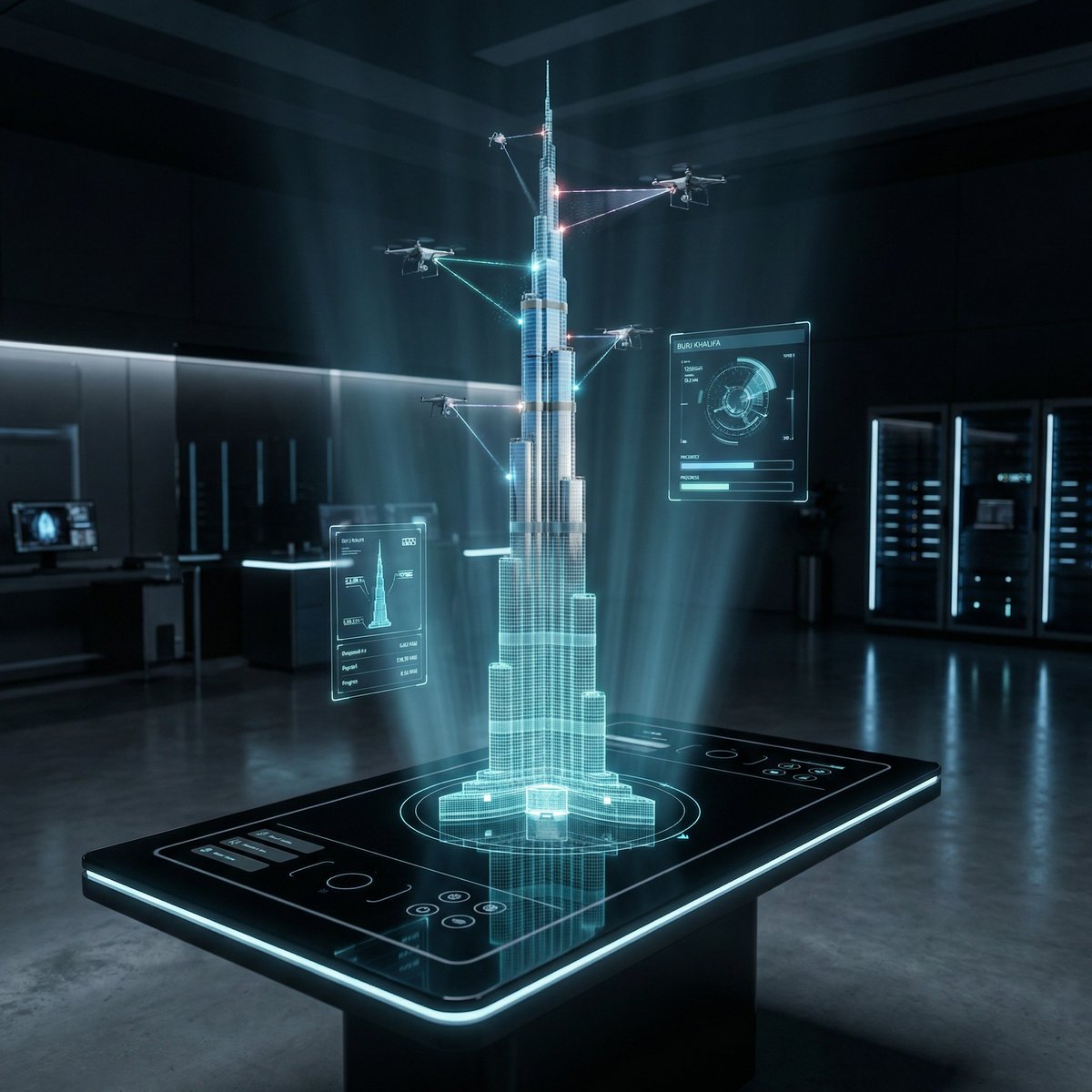
- Prompt included
- Model and format preset
- Premium template
The prompt behind this image
Copy the exact prompt behind Futuristic Holographic Burj Khalifa Blueprint, or open it in the studio and make it yours.
CONCEPT: A futuristic architectural blueprint of the Burj Khalifa projected as a glowing hologram, actively constructing itself in mid-air through robotic precision and digital intelligence. SUBJECT: A semi-transparent holographic version of the Burj Khalifa floating above a sleek glass smart table. The lower portion appears as a glowing blue wireframe blueprint, while the upper portion transitions into a fully photorealistic skyscraper with reflective glass panels and metallic structure as it builds itself in real-time. ENVIRONMENT: A high-tech architectural lab with a dark, minimal interior. The blueprint originates from a glossy black glass table embedded with touch controls, glowing UI panels, and soft neon edges. Subtle reflections of the hologram appear on the table surface. Background is clean, futuristic, and slightly blurred. STRUCTURAL DETAILS: The central spire rises as glowing gridlines before solidifying into steel and glass Tiered setbacks of the tower assemble through hovering robotic drones Glass facade panels lock into place with precise alignment and reflections Laser beams scan and map each level during construction Small AI drones orbit around the structure, actively building and welding components Materials transition from holographic light into real textures — polished glass, steel beams, and concrete core Floating UI overlays show measurements, grids, and rotating architectural schematics VISUAL MECHANIC: The blueprint exists in layered form — base is a glowing grid, mid-layer is a semi-transparent wireframe, and top layer is fully realistic. Certain sections flicker between hologram and solid material, emphasizing the transformation. LIGHTING: Dark environment with strong neon blue and cyan holographic glow. Subtle rim lighting created by reflections from the hologram. Volumetric light beams and soft particles enhance depth. CAMERA & LENS: Shot on a full-frame camera, 35mm lens. Slight low-angle perspective to emphasize scale and height. Sharp focus on the hologram core with slight background blur. COMPOSITION: Vertical 2:3 format. The Burj Khalifa hologram is centered, rising upward. UI elements orbit symmetrically around it. Clean negative space enhances the futuristic aesthetic. STYLE & MOOD: Futuristic, cinematic, high-tech, and minimal. Feels like advanced AI-driven architecture and innovation. Clean, premium, and visually striking. DETAILS: Ultra-sharp holographic lines, glowing particles, realistic glass reflections, smooth transitions between digital and physical materials, micro UI details, 8K resolution, HDR, cinematic color grading with blue/cyan tones and deep contrast. NEGATIVE PROMPT: cluttered environment, low detail, dull lighting, messy UI, cartoon style, distorted structure, blurry hologram, watermark
How to use Futuristic Holographic Burj Khalifa Blueprint in 3 steps
- 1
Open
The prompt is already in the box next to the preview, with the template's model and format selected.
- 2…a portrait of your subject in softgolden-hour light, 85mm…
Personalize
Edit the subject and creative details for your destination.
- 3Generate
Generate
Press Generate — your image is created in PicX Studio, so you can compare it with the original and refine one variable at a time.
More like this
Templates with the same subject, style or setup. Open one to see its prompt.
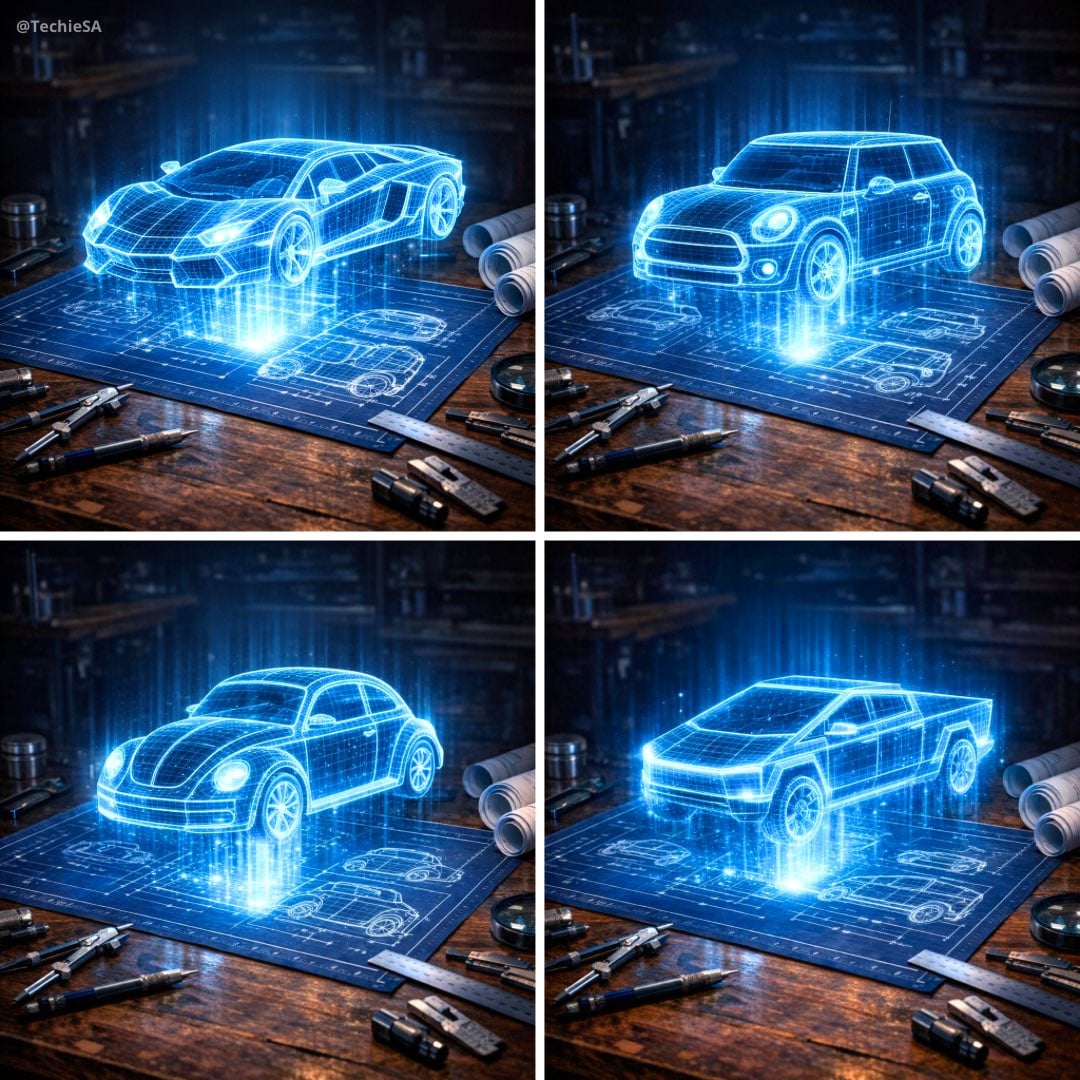
Holographic Car Blueprint Wireframe

Paper Tunnel Book Architecture

Korean Idol Partial Shadow Editorial Portrait

Cinematic Sci-Fi Interface Side Profile

Futuristic Chrome Helmet Fashion Portrait

Automotive Blueprint Split Composition

Futuristic Studio Neon Ring Minimalist Portrait

Blueprint Split Reality Archetype Prompt

Neon Violet Streetwear Fashion Portrait
Futuristic Chrome Helmet Fashion Portrait
Automotive Blueprint Split Composition
Futuristic Studio Neon Ring Minimalist Portrait
Make it yours
Futuristic Holographic Burj Khalifa Blueprint works as-is. These are the safest ways to change it without losing the look.
Change one field
Copy a single group, rewrite it, and generate again so you can see what that field is doing.
Keep the frame, change the subject
Hold the composition and light of Futuristic Holographic Burj Khalifa Blueprint, then swap wardrobe, props or the person for a new take.
| If the result… | Why | Fix |
|---|---|---|
| The result drifts from the preview | Too many fields changed at once. | Reuse Futuristic Holographic Burj Khalifa Blueprint as-is first, then change one group — subject, light, or setting. |
| The model over-stylizes the scene | The prose prompt leaves finish and camera underspecified. | Add one camera or lighting sentence and stay on Nano Banana 2. |
More Nano Banana 2 templates
Other prompts made for Nano Banana 2.

Photorealistic Leaf Shaped Like a Dragon

K-Pop Idol Portrait Grid for Rapid Selection

Poetic Rain Forest Portrait During Golden Hour

Urban Street Portrait with Cartoon Inner Self Duo

Candid Nighttime Photo with Cat Prompt

High-Concept 3D Diorama Generation Prompt

Cinematic Futuristic Studio Portrait Template

Skincare Editorial Photography Collage Prompt

Hyper-Realistic Commercial Product Photography (Splash Effect)

Hyper-Realistic Nightclub Portrait Prompt
More image prompts
Fresh picks from across the catalog.
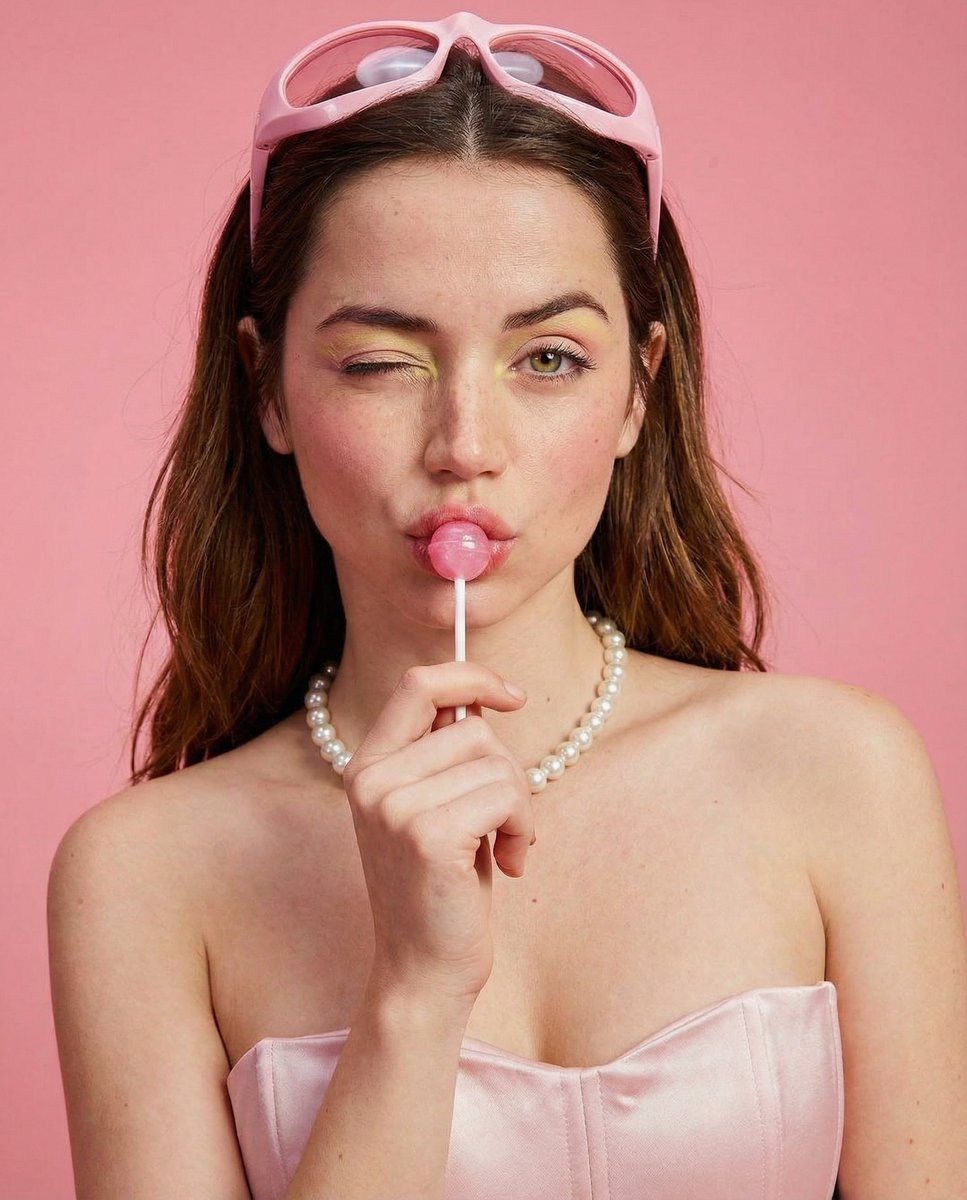
Soft Girl Editorial Fashion Portrait (JSON)

JSON selfie-on-bed prompt for Nano Banana Pro
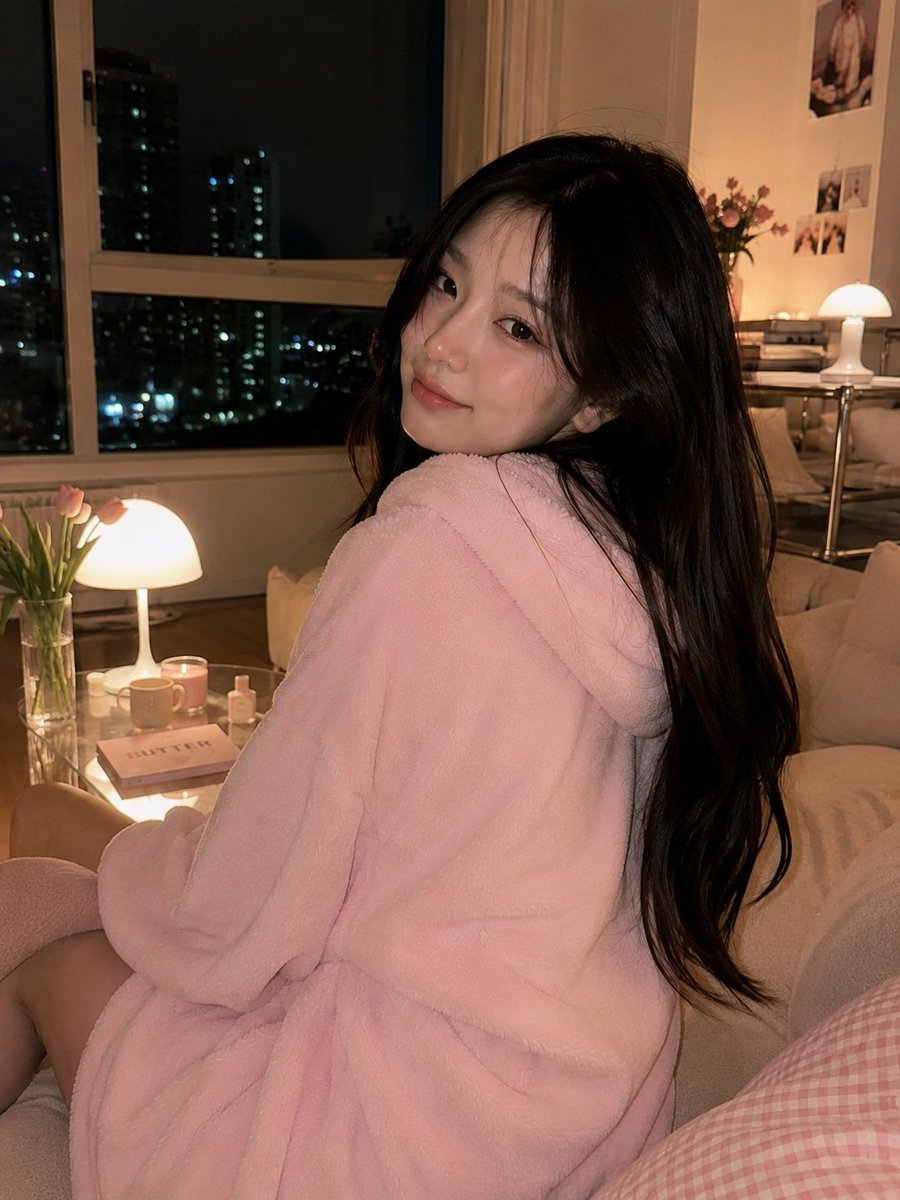
Cozy Korean Living Room Portrait
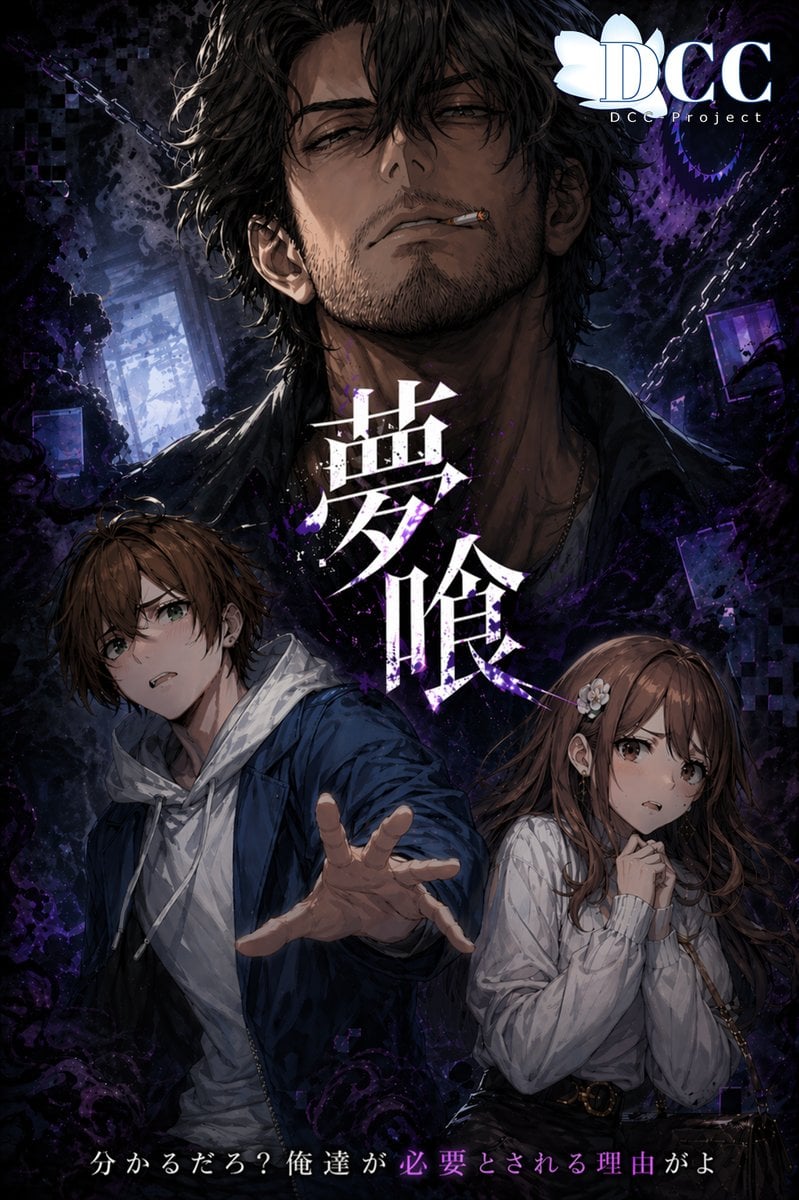
Dark Fantasy RPG Key Visual Poster
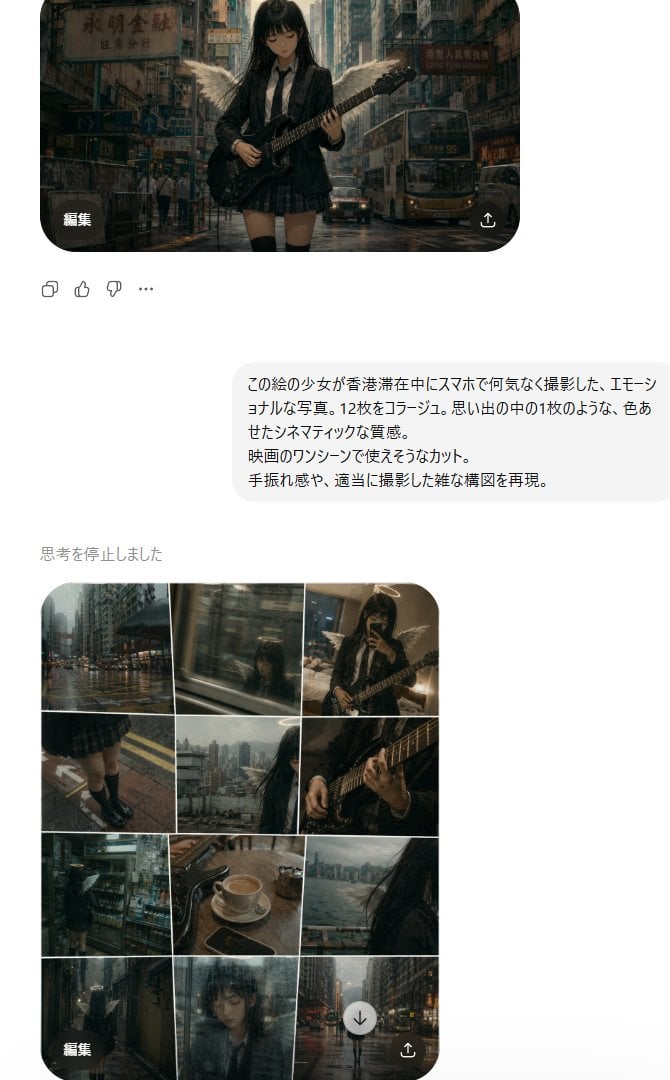
Rainy Hong Kong Schoolgirl Guitar Collage
X Doctorwasif Made with Chatpgpt Image 2
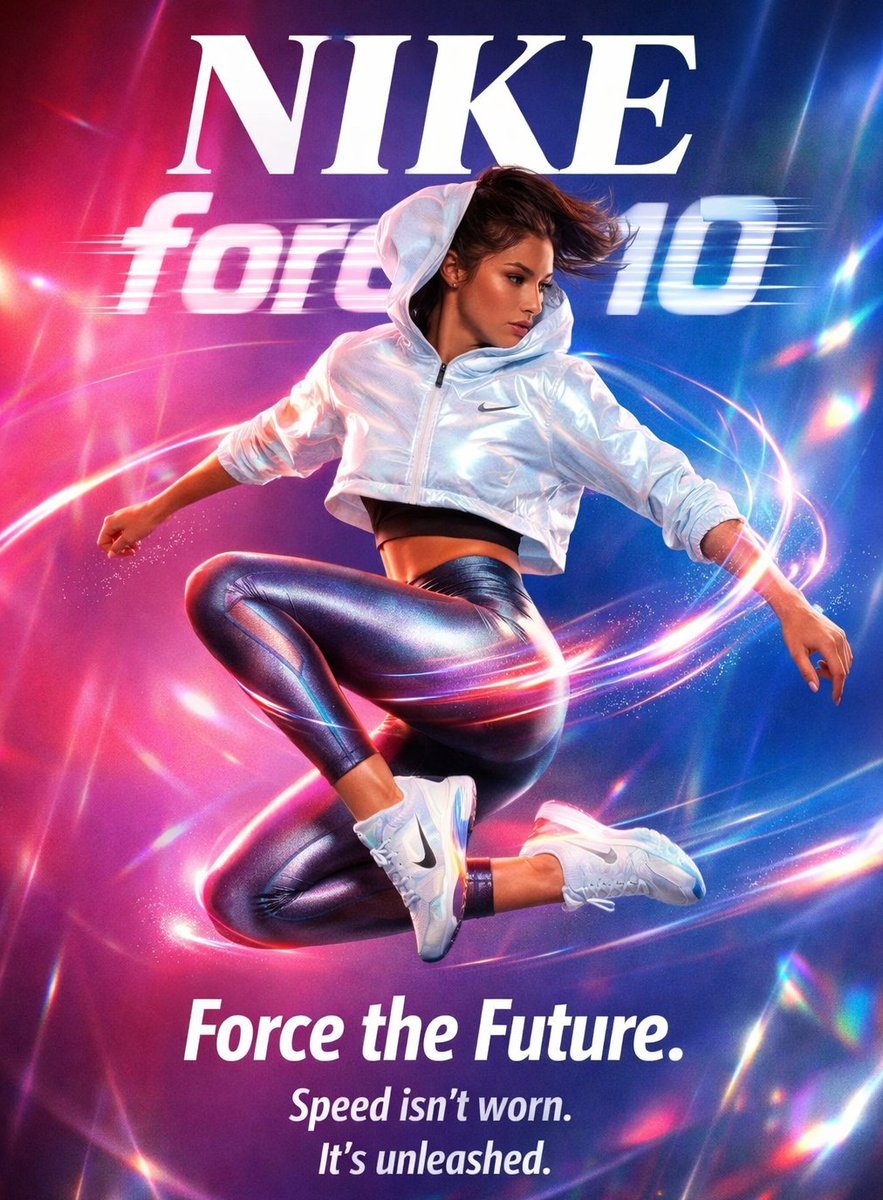
Futuristic Nike Fashion Ad with Light Trails
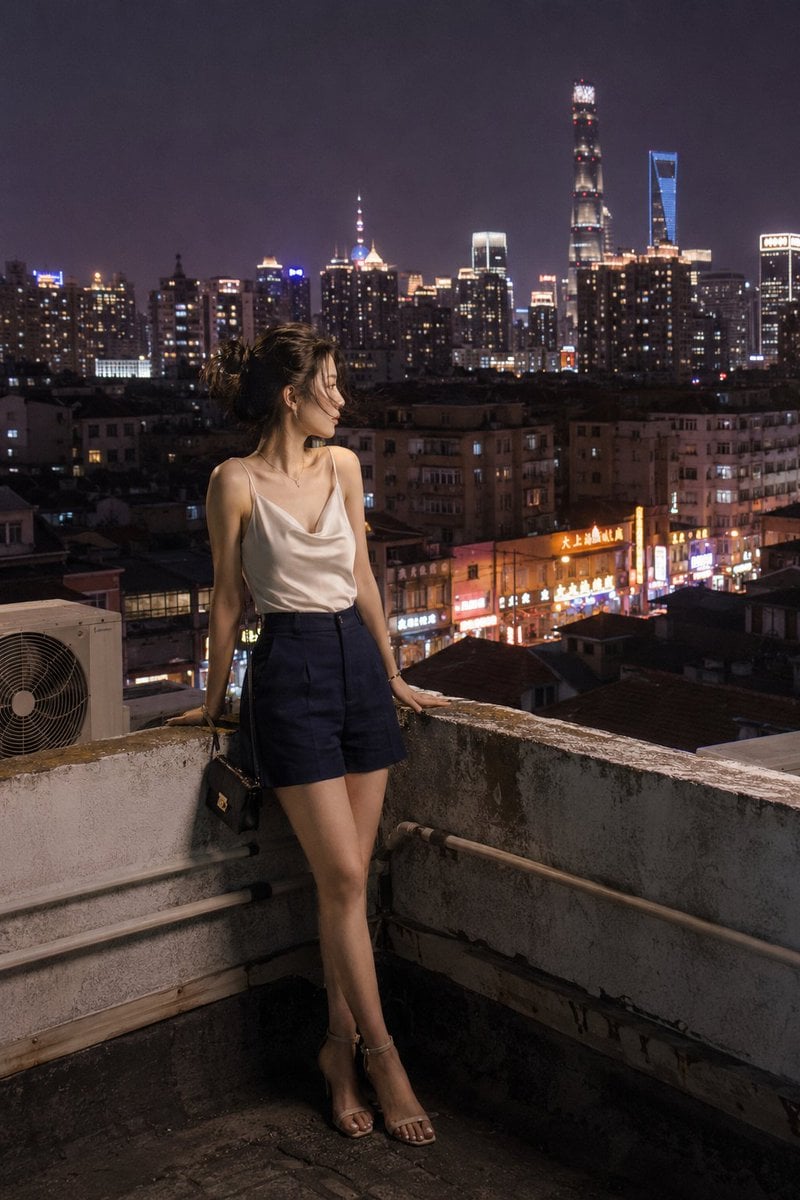
Shanghai Shikumen Rooftop Night Portrait
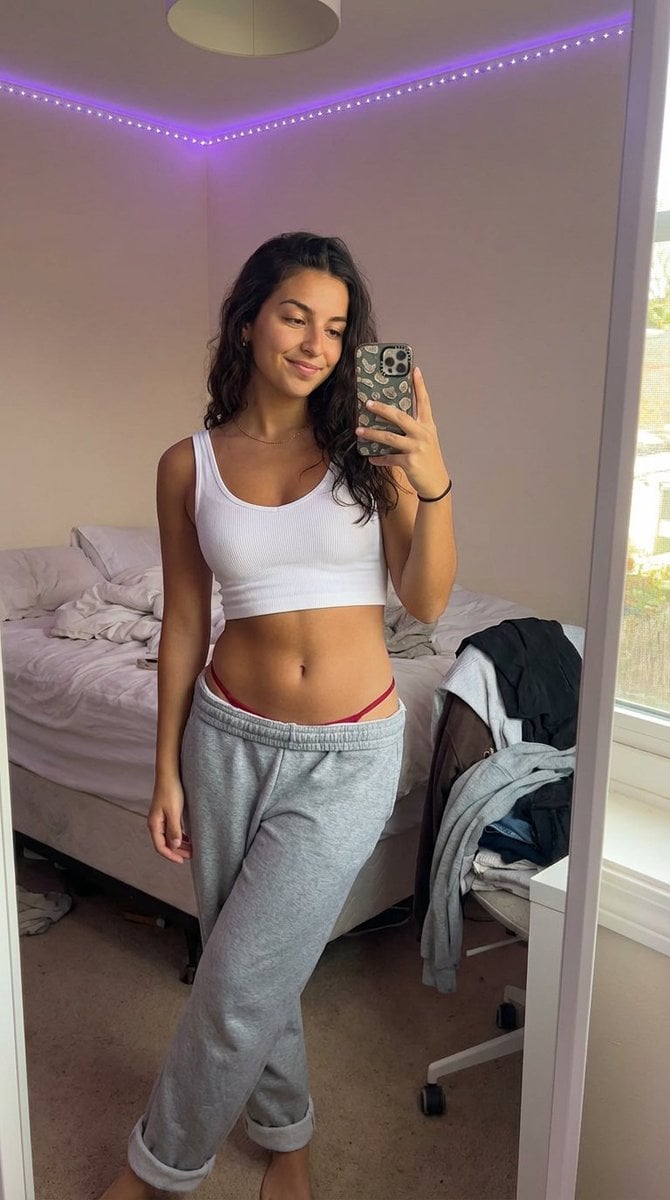
Realistic 'Lazy-Hot' Mirror Selfie in Dorm Room

Flower-Framed Anime Cover Portrait
Browse template categories
Futuristic Holographic Burj Khalifa Blueprint questions
How do I use the Futuristic Holographic Burj Khalifa Blueprint template?
Add your photo if the template asks for one, edit the prompt if you like — the template's model and format are already selected — and press Generate. Your version opens in PicX Studio.
Can I customize the Futuristic Holographic Burj Khalifa Blueprint template?
Yes. You can change the subject, setting, lighting, mood, format, and available model controls before creating your image.
Is the Futuristic Holographic Burj Khalifa Blueprint template free?
Opening and editing this template is free. Generating uses credits, shown on the Generate button when you are signed in.
Which AI model should I use?
Start with Nano Banana 2, which is the model associated with this template. You can compare another compatible model for a different finish.
Looking for something else? Browse all templates.

Your photo, any look
Thousands of ready templates for every top image and video model, from one credit balance.