
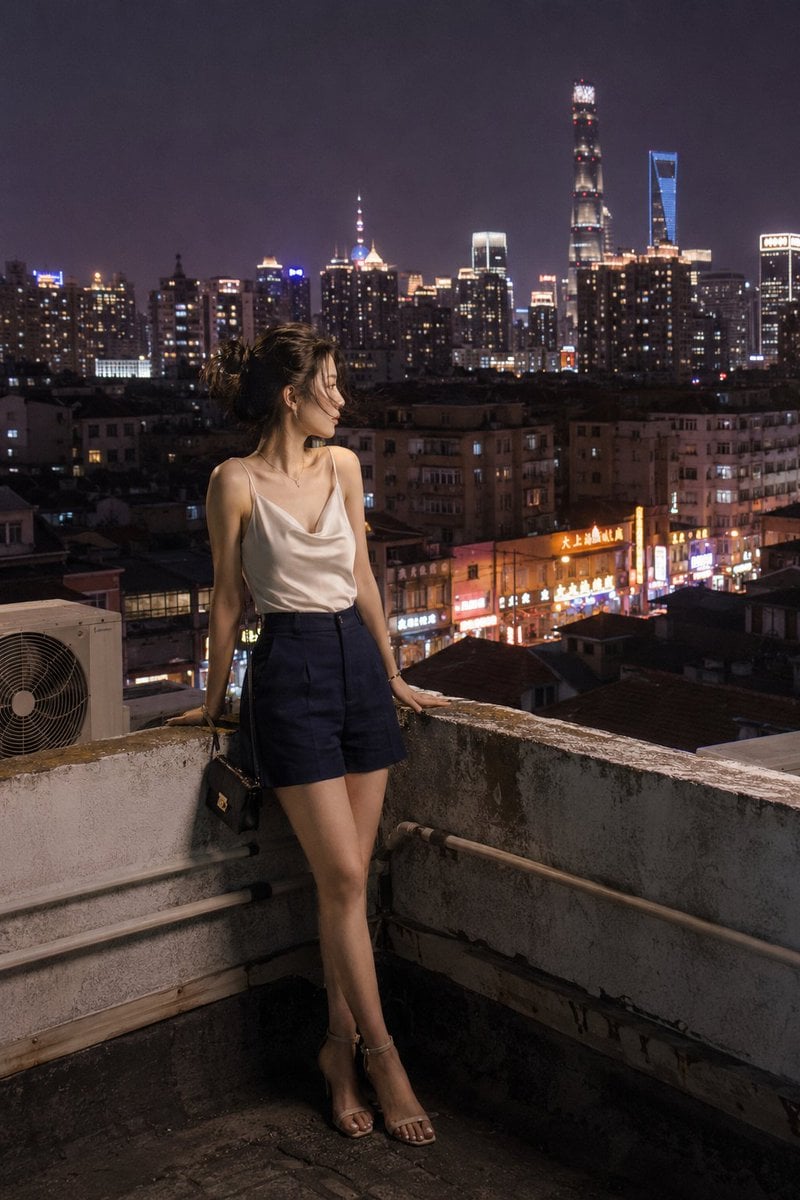
Shanghai Shikumen Rooftop Night Portrait
A detailed night photography prompt capturing a woman on a Shanghai rooftop with complex mixed artificial lighting and cinematic urban atmosphere.
- Prompt included
- Model and format preset
- Free template
The prompt behind this image
Copy the exact prompt behind Shanghai Shikumen Rooftop Night Portrait, or open it in the studio and make it yours.
A candid photograph of a young woman standing on a rooftop in a {argument name="location" default="Shanghai shikumen neighborhood"} at night, authentic daily life photography, natural candid moment. Full-body framing at a slight low angle — the illuminated city sprawl and warm residential tower windows blurring softly into the background behind her. East Asian young woman in her early 20s. Almond-shaped eyes with natural double eyelids, slightly elongated eye corners, lit from multiple mixed city sources. Straight refined nose with a delicate bridge. Skin tone fair to light beige — skin subsurface scattering visible under warm-cool mixed artificial light, specular micro-highlights on cheekbones and nose ridge catching the city glow, fine foundation powder grain perceptible. Soft matte lip, light summer evening makeup. She wears a {argument name="top" default="fitted silk cami top in warm ivory"}, {argument name="bottom" default="high-waist tailored wide-leg shorts in deep navy"}, and barely-there strappy heeled sandals. A miniature structured black bag hangs from her forearm. She stands at the low rooftop parapet, both hands resting on the edge, leaning slightly forward — gaze out over the nighttime city, posture easy and completely unguarded. Background: blurred glowing residential towers and neon shop signage below, the silhouette of industrial AC units as foreground texture, Pudong's distant tower lights painting a warm glow across the horizon. Two or three stray hairs displaced by the rooftop night breeze, natural unplanned imperfection, not geometrically symmetrical. Mixed artificial light sources — neon street signage from below casting warm amber and red color contrasts, a cooler blue-tinged LED source to one side, city horizon glow wrapping the scene in soft ambient warmth. Self-possessed and cool, gaze over the city, quiet urban freedom. Subtle ISO 400 film grain in shadow areas, photographic noise texture not CG render smoothness. Aspect ratio 2:3. No watermark, no text overlay, not cartoon, not digitally painted, not illustration, not anime.
How to use Shanghai Shikumen Rooftop Night Portrait in 3 steps
- 1
Open
The prompt is already in the box next to the preview, with the template's model and format selected.
- 2…a portrait of your subject in softgolden-hour light, 85mm…
Personalize
Edit the subject and creative details for your destination.
- 3Generate
Generate
Press Generate — your image is created in PicX Studio, so you can compare it with the original and refine one variable at a time.
More like this
Templates with the same subject, style or setup. Open one to see its prompt.

Rooftop Fisheye — Cat-Ear Balaclava at Golden Hour
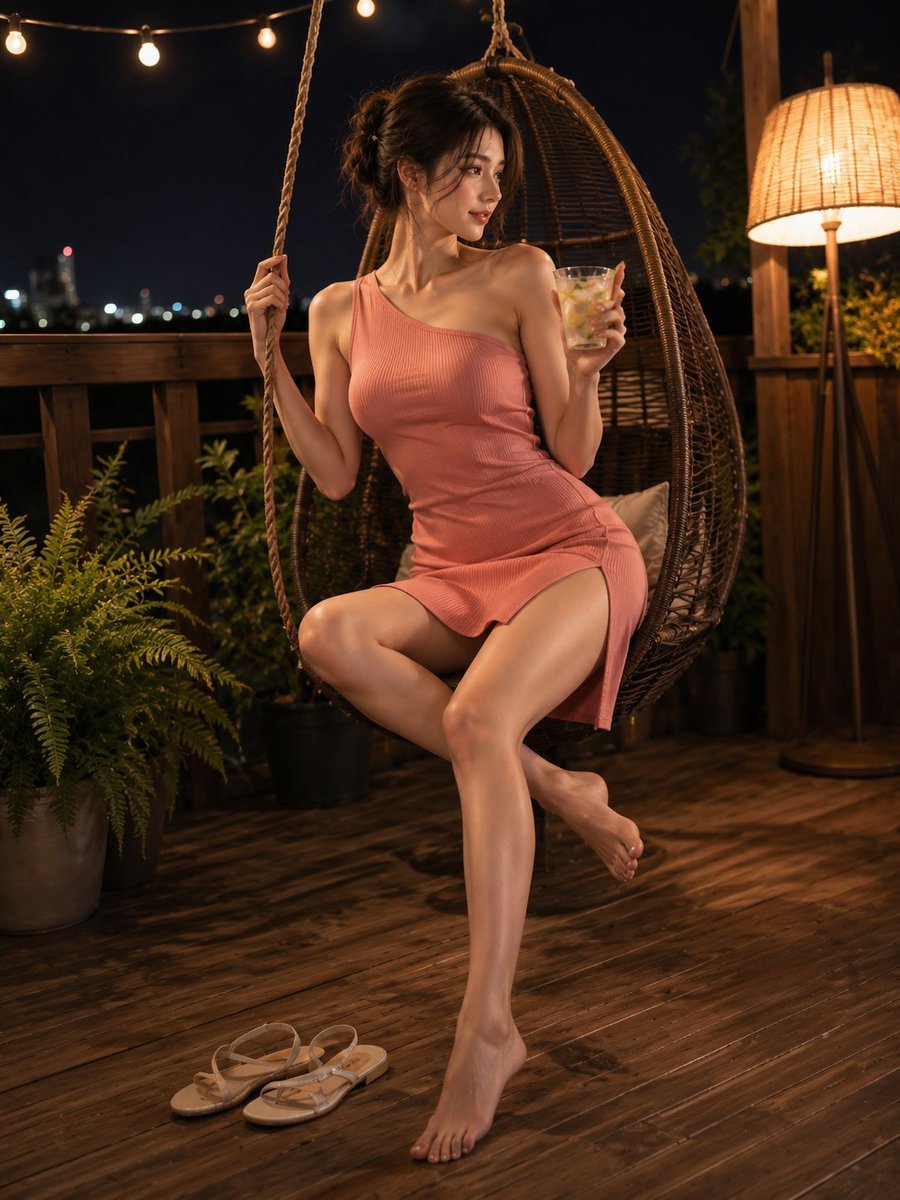
Summer Night Rooftop Terrace Portrait
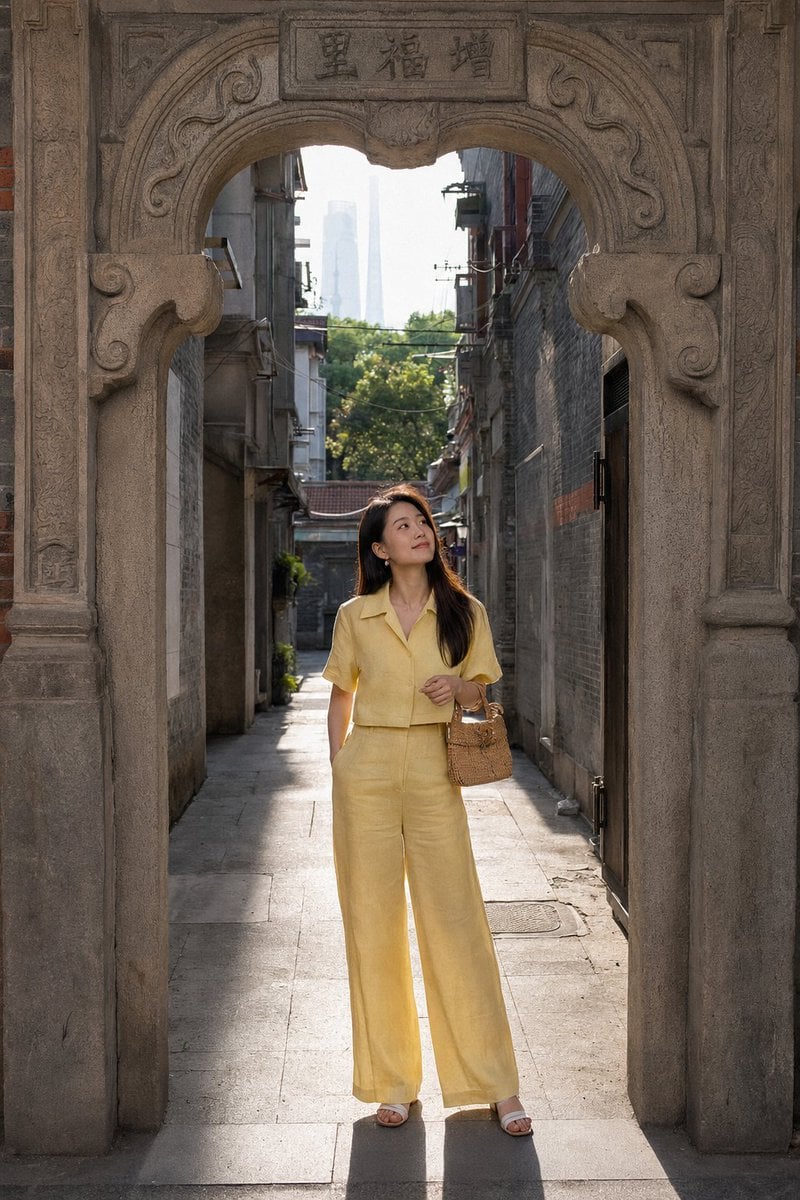
Shanghai Shikumen Street Portrait
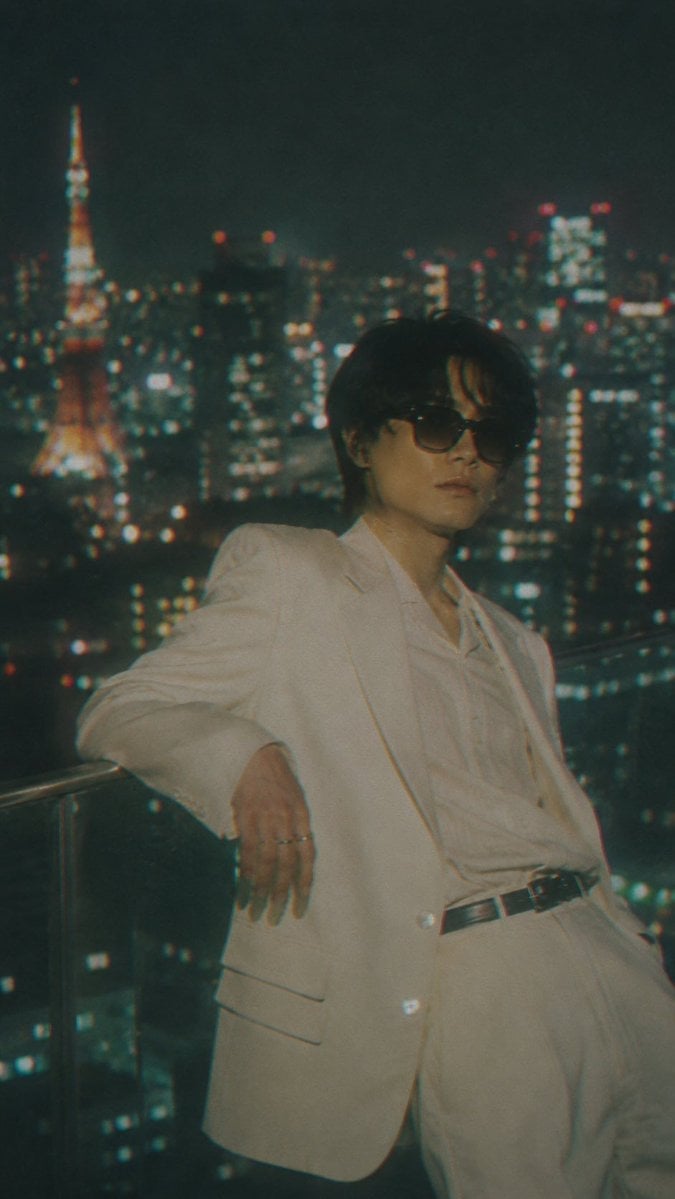
Censored Tokyo Rooftop Night Portrait
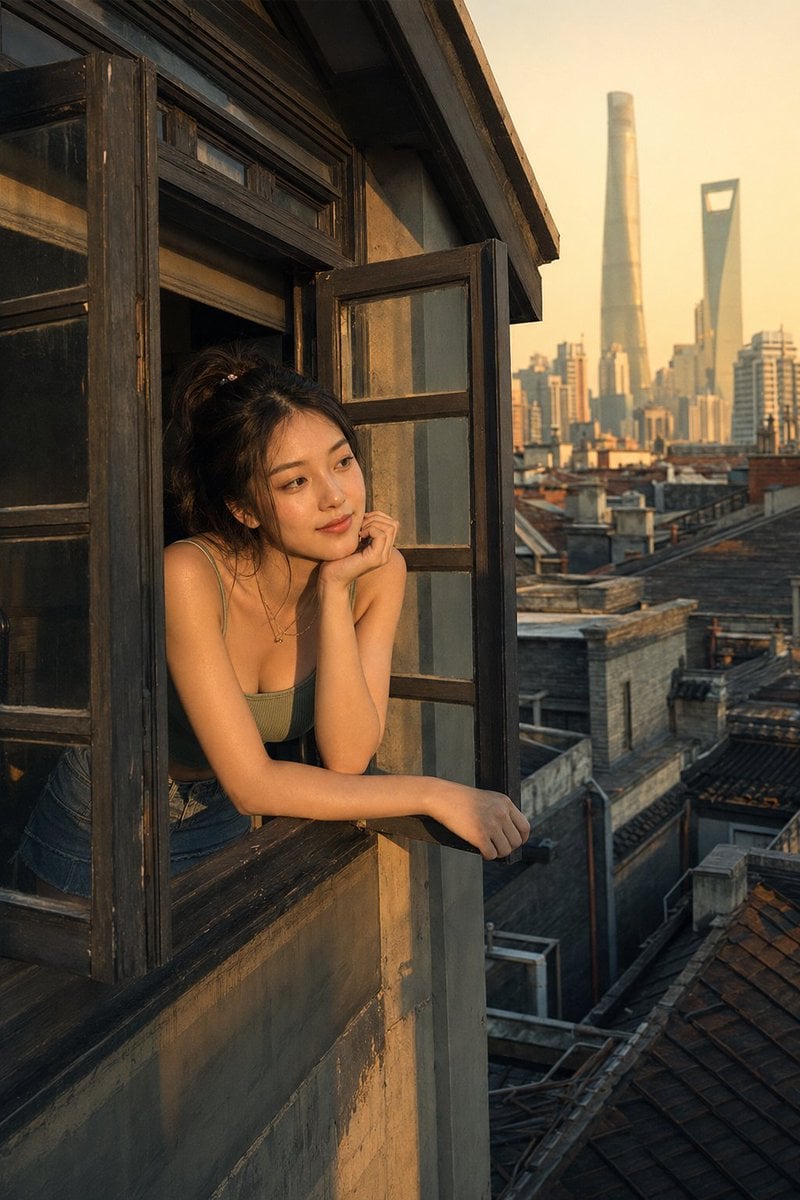
Shanghai Shikumen Window Portrait
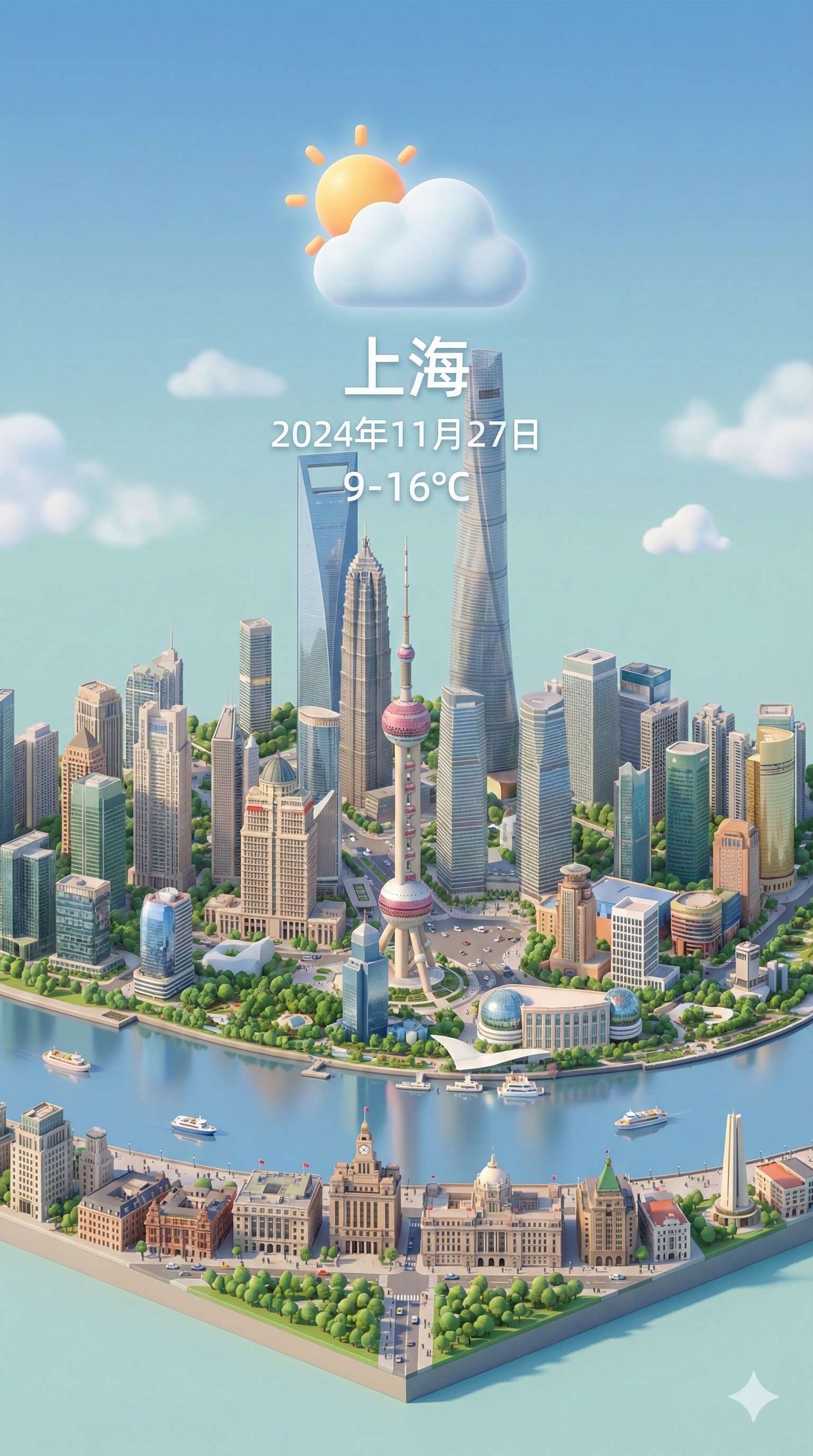
Isometric 3d Weather Card for Shanghai

If We Met in 1985

Found Photograph: Us, 1970

80s Couple Studio Portrait

80s Bollywood Star

80s Golden Hour Cinema

Me in 1985
Make it yours
Shanghai Shikumen Rooftop Night Portrait works as-is. These are the safest ways to change it without losing the look.
Change one field
Copy a single group, rewrite it, and generate again so you can see what that field is doing.
Keep the frame, change the subject
Hold the composition and light of Shanghai Shikumen Rooftop Night Portrait, then swap wardrobe, props or the person for a new take.
| If the result… | Why | Fix |
|---|---|---|
| The result drifts from the preview | Too many fields changed at once. | Reuse Shanghai Shikumen Rooftop Night Portrait as-is first, then change one group — subject, light, or setting. |
| The model over-stylizes the scene | The prose prompt leaves finish and camera underspecified. | Add one camera or lighting sentence and stay on GPT Image 2. |
More GPT Image 2 templates
Other prompts made for GPT Image 2.

Six VTuber Japanese Logo Sheet

Realistic Portrait of Woman and Deer

The Vista Modular Condo Poster

AI Model Routing Comparison Infographic

2.5D Anime Art Board

Isometric Productivity Desk Scene

New York Double Exposure Poster

Four-Panel AI Landscape Comparison

Japanese Tatami Lifestyle Magazine Cover

NESCAFÉ Coffee Map Poster
More image prompts
Fresh picks from across the catalog.
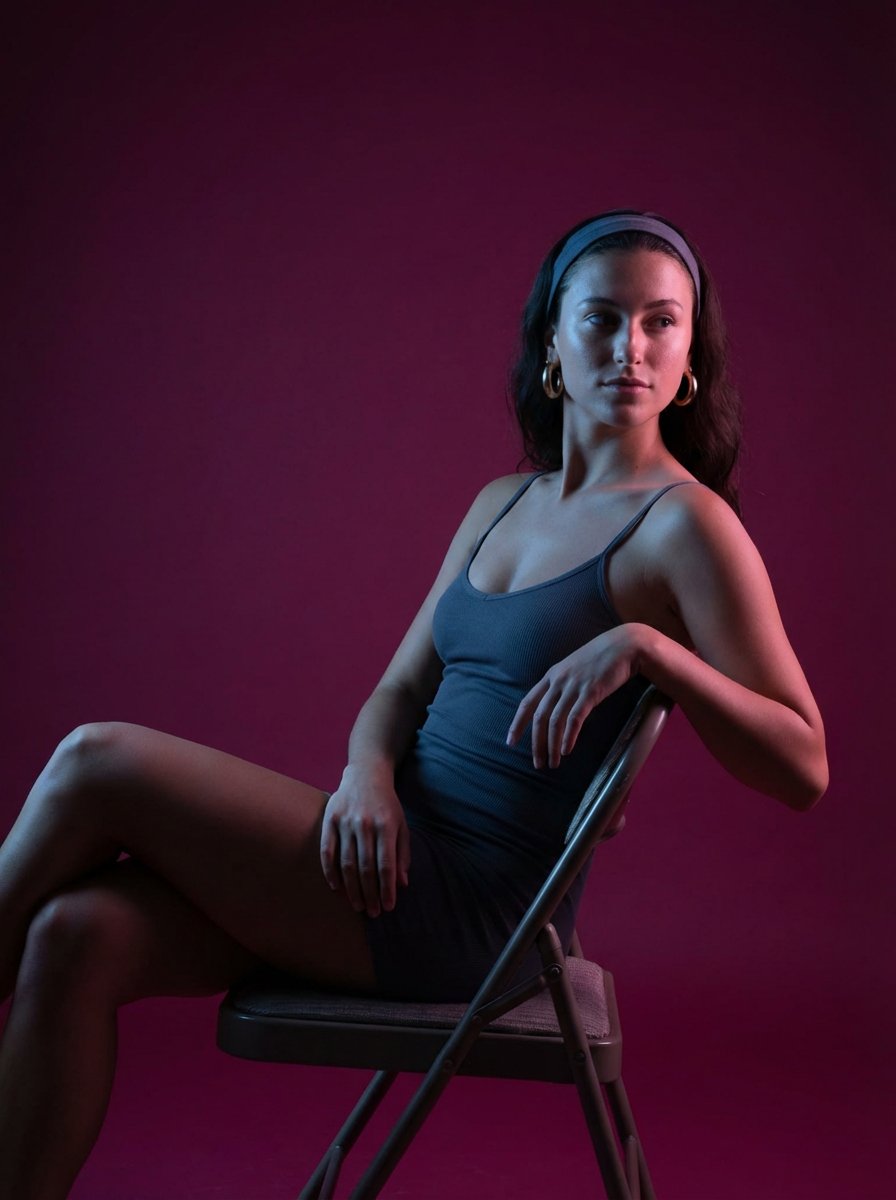
Looking Back Portrait
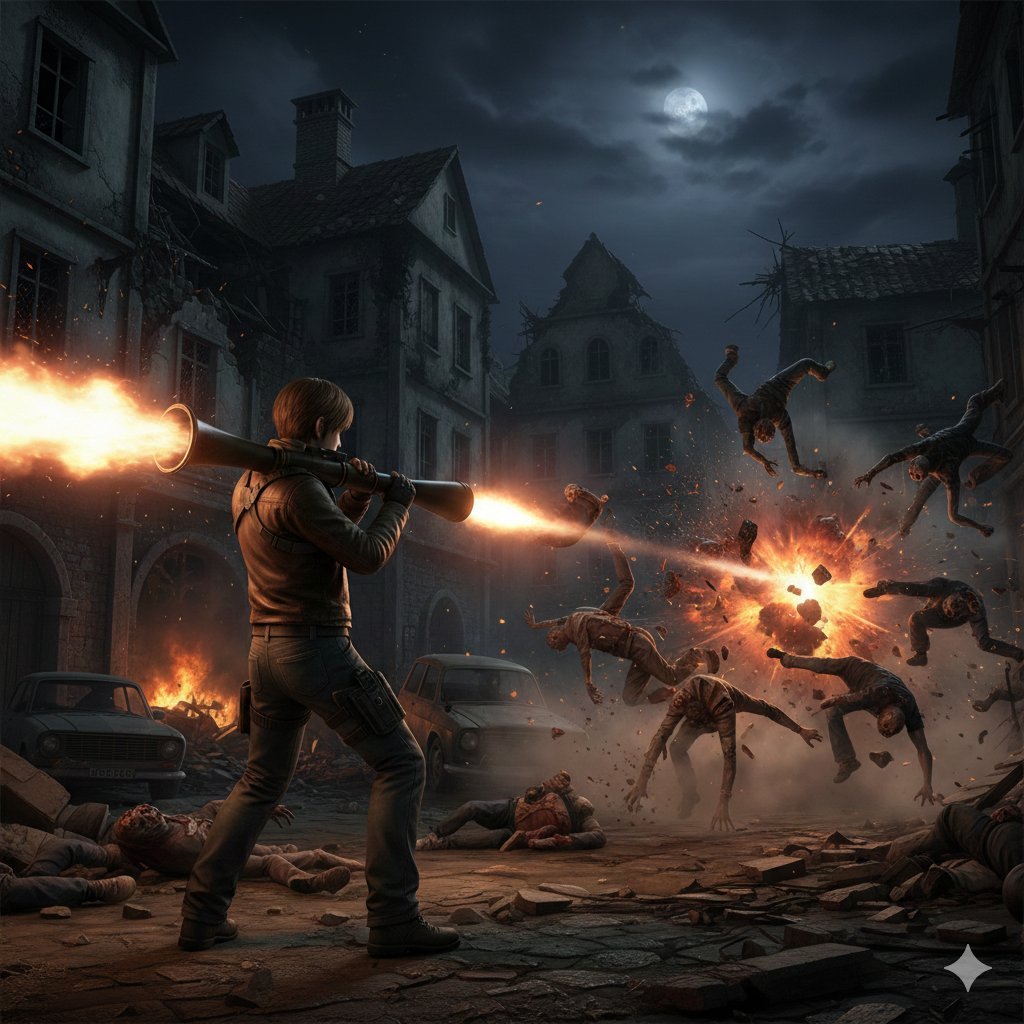
Resident Evil Rocket Launcher Action Scene
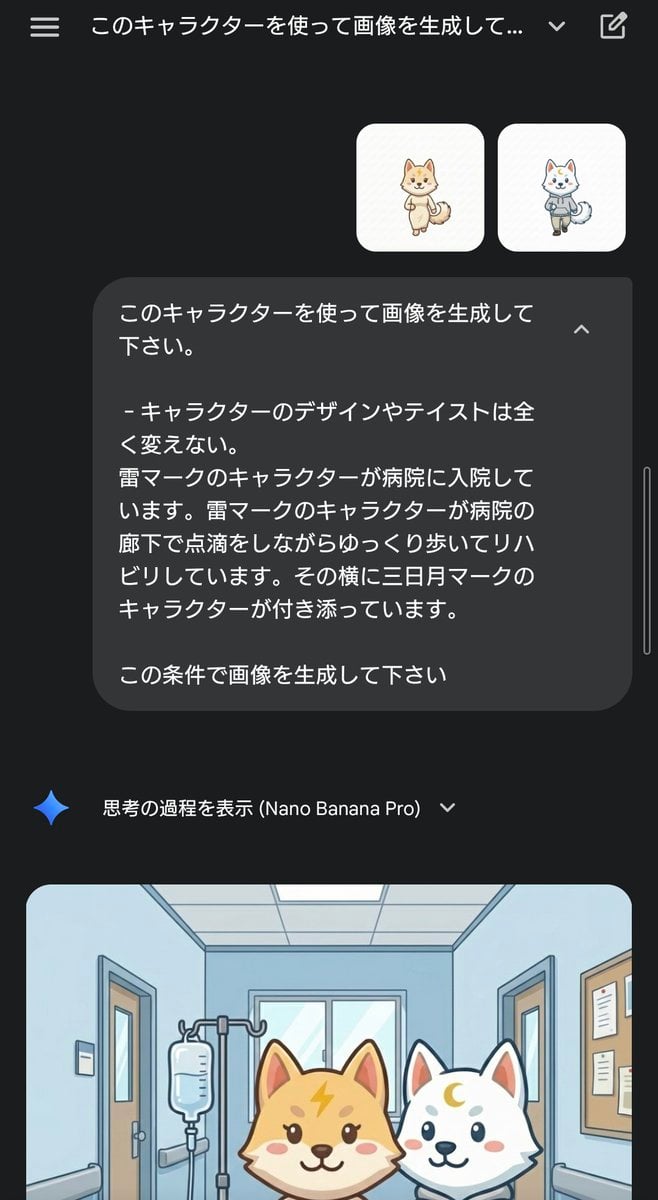
Character Rehabilitation Scene Generation Prompt
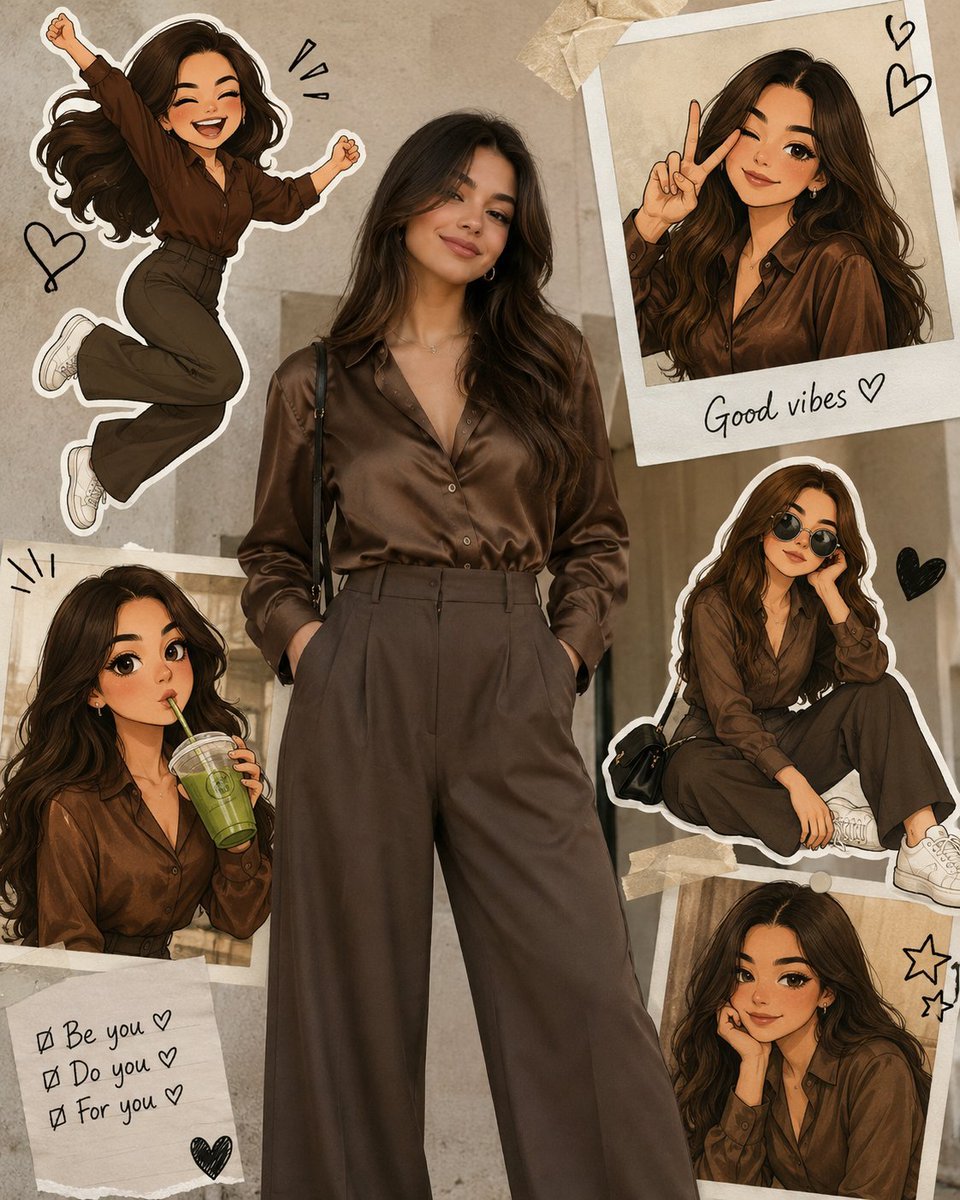
Collage Style Cartoon Portrait

Retro and Modern Name Poster Prompts
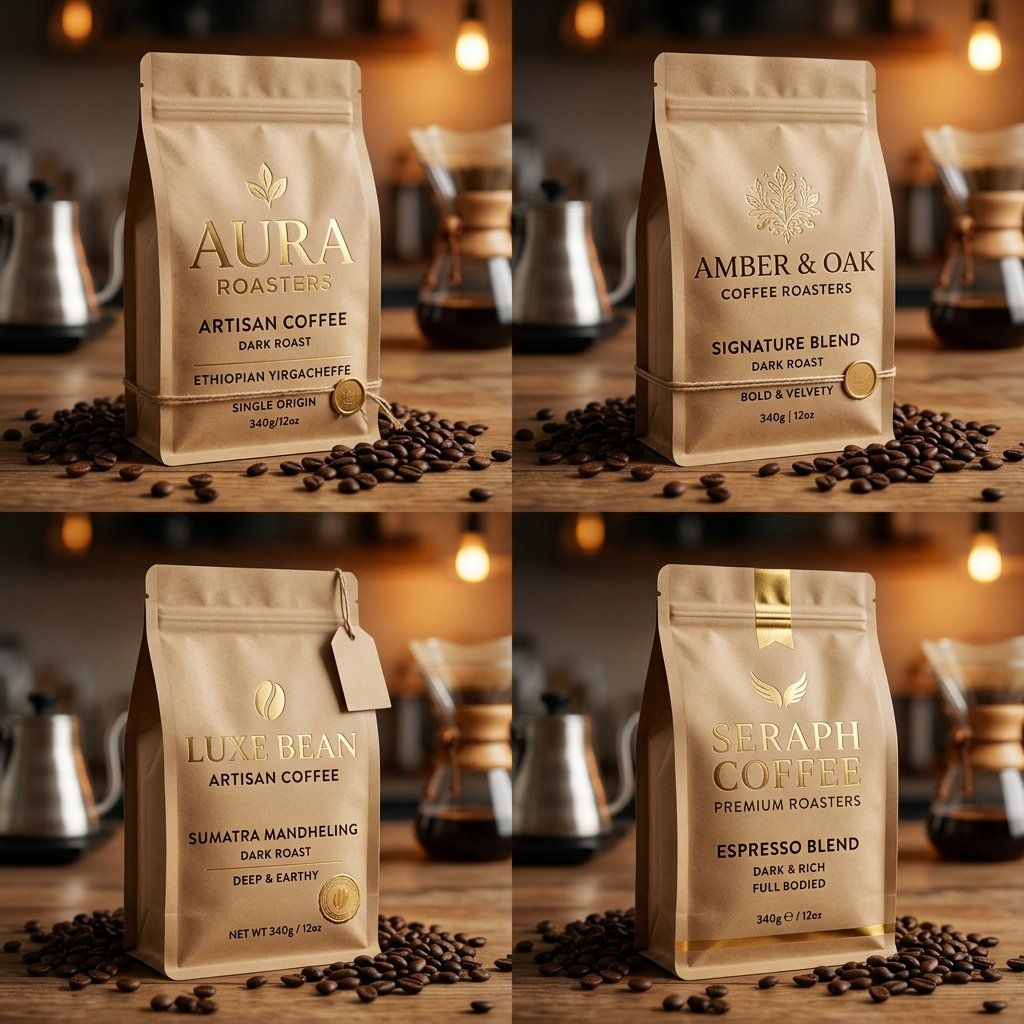
Luxury Coffee Branding Product Photography
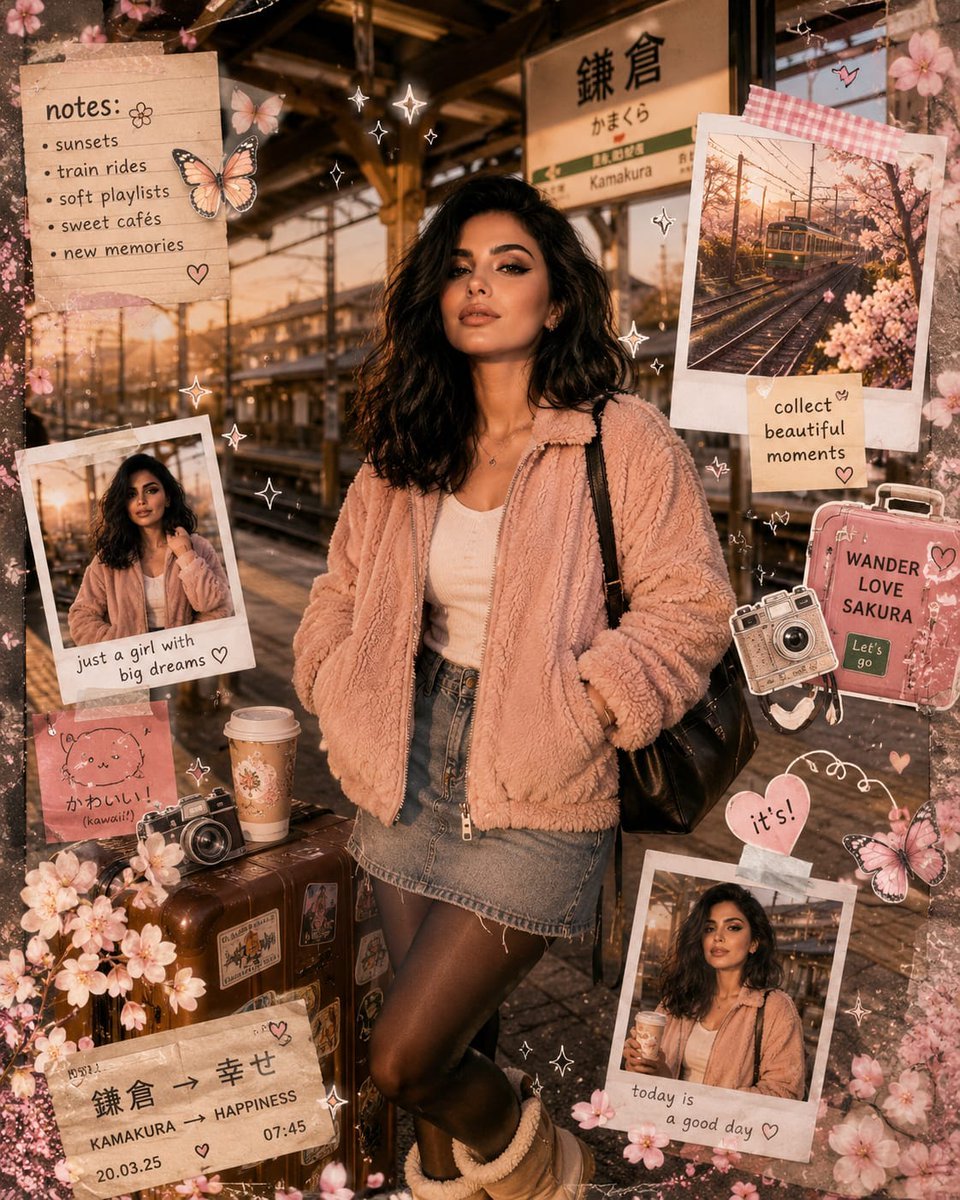
Kawaii Journal and Miniature Diorama Styles
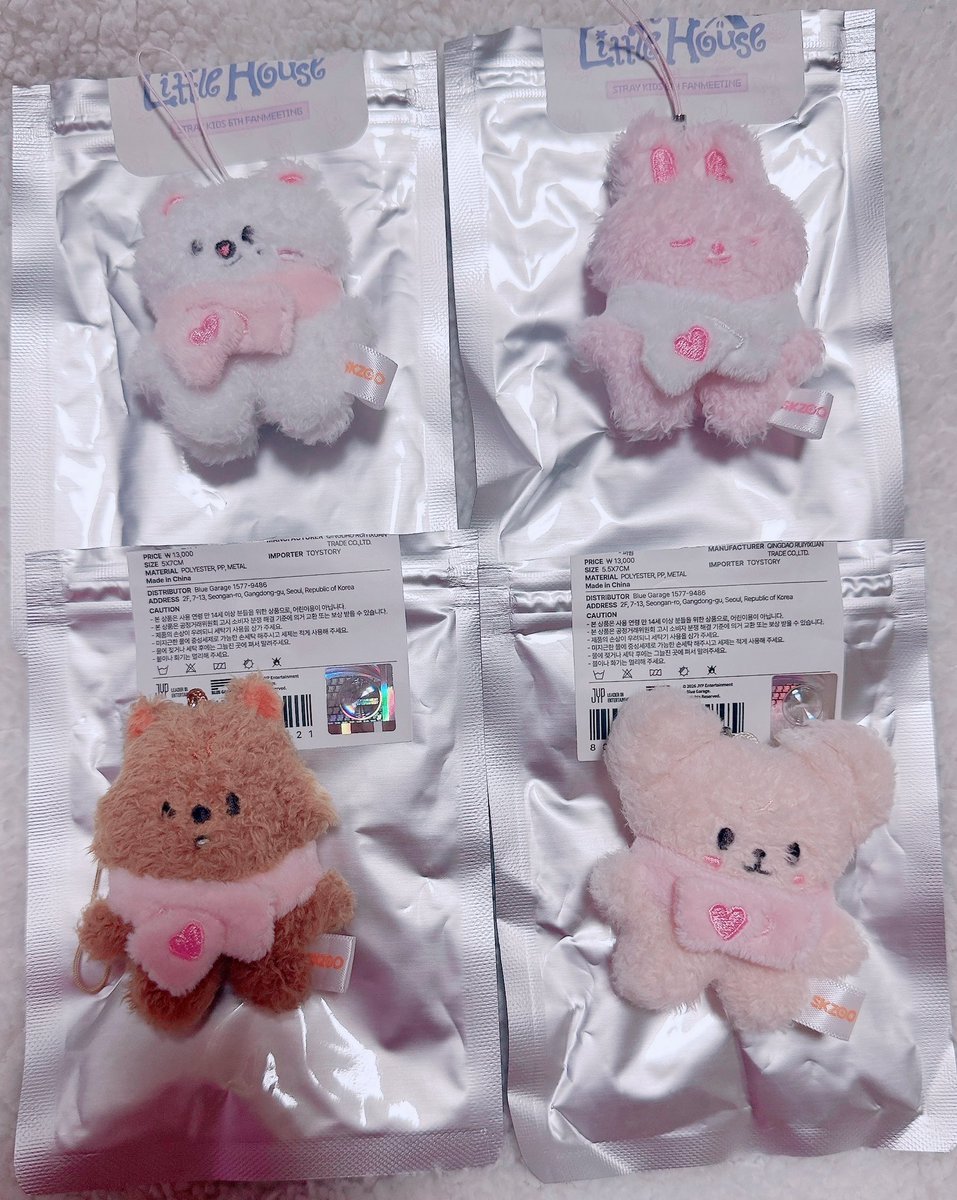
Micro Strawberry Rabbit
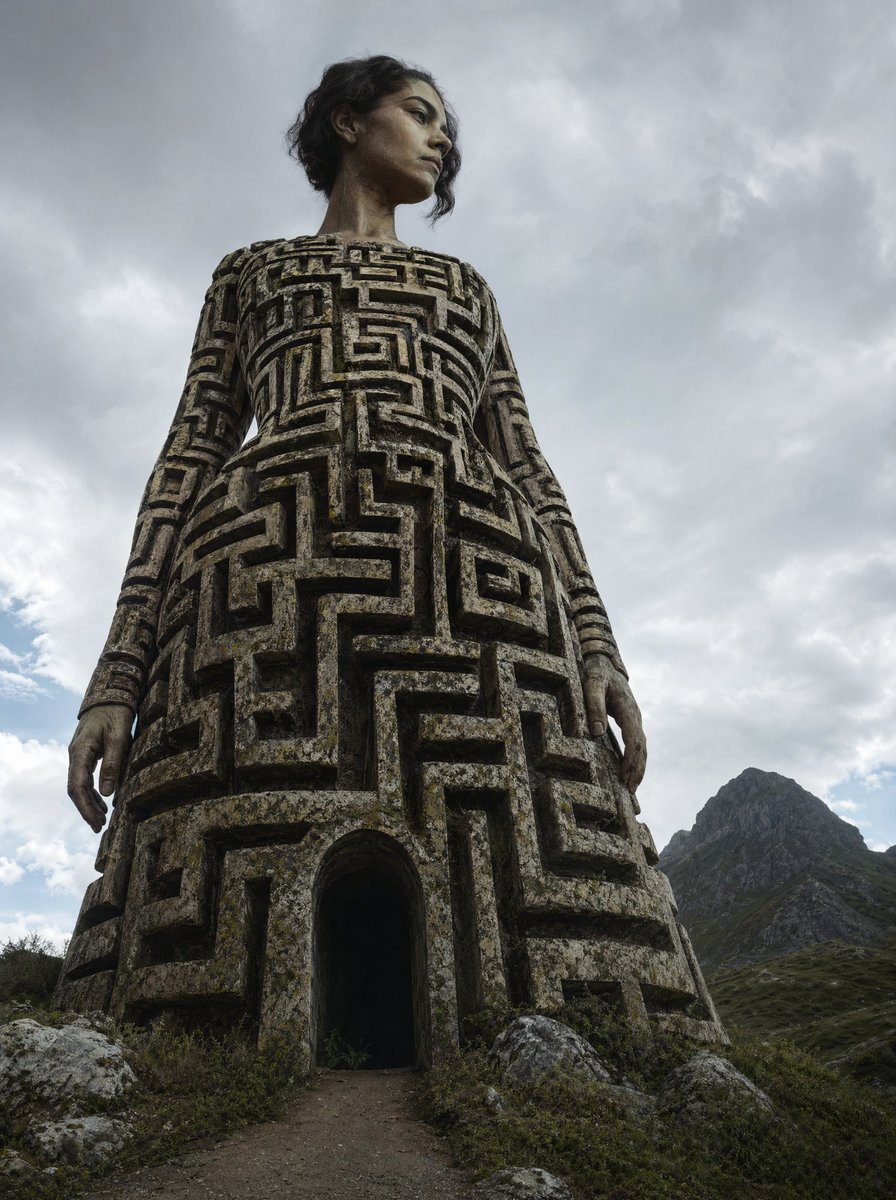
Colossal Labyrinth Woman Monument
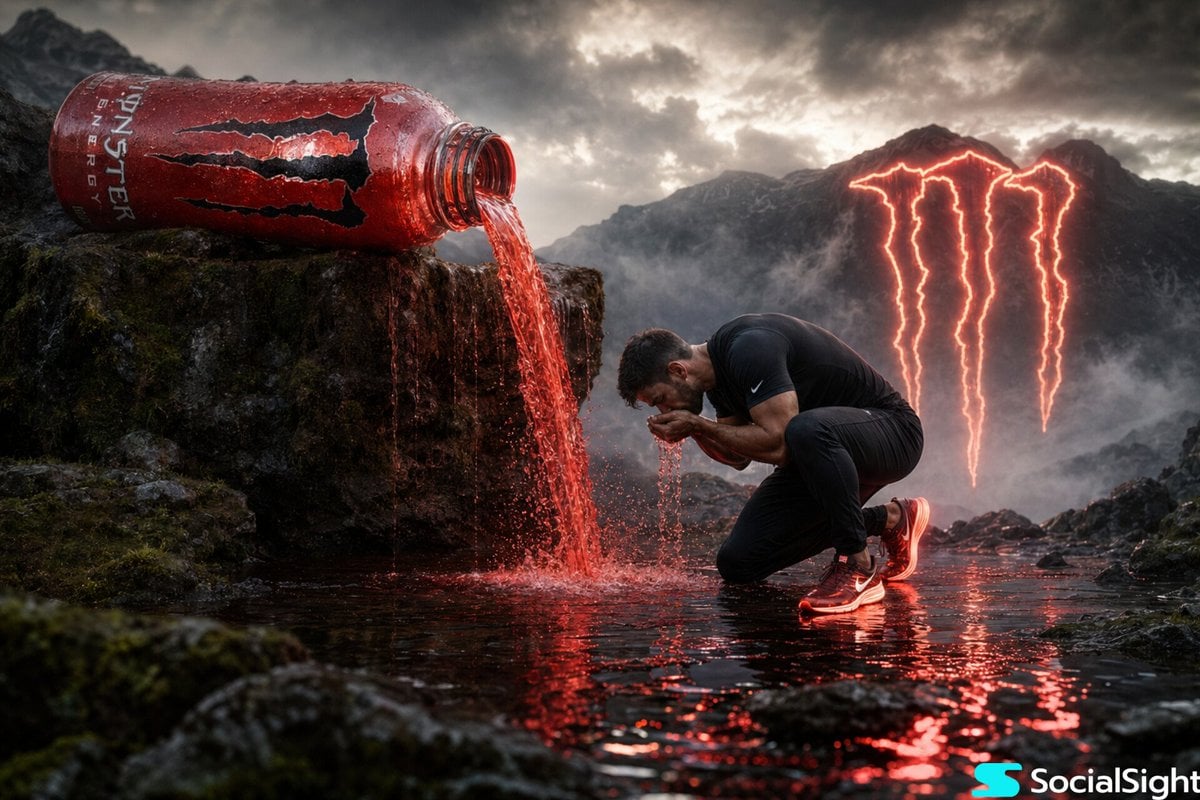
Cinematic Energy Drink Ad
Browse template categories
Shanghai Shikumen Rooftop Night Portrait questions
How do I use the Shanghai Shikumen Rooftop Night Portrait template?
Add your photo if the template asks for one, edit the prompt if you like — the template's model and format are already selected — and press Generate. Your version opens in PicX Studio.
Can I customize the Shanghai Shikumen Rooftop Night Portrait template?
Yes. You can change the subject, setting, lighting, mood, format, and available model controls before creating your image.
Is the Shanghai Shikumen Rooftop Night Portrait template free?
Opening and editing this template is free. Generating uses credits, shown on the Generate button when you are signed in.
Which AI model should I use?
Start with GPT Image 2, which is the model associated with this template. You can compare another compatible model for a different finish.
Looking for something else? Browse all templates.

Your photo, any look
Thousands of ready templates for every top image and video model, from one credit balance.