
Kawaii Journal and Miniature Diorama Styles
Two distinct artistic prompts: a dreamy travel scrapbook collage and a miniature handcrafted paper diorama of a Japanese train station.
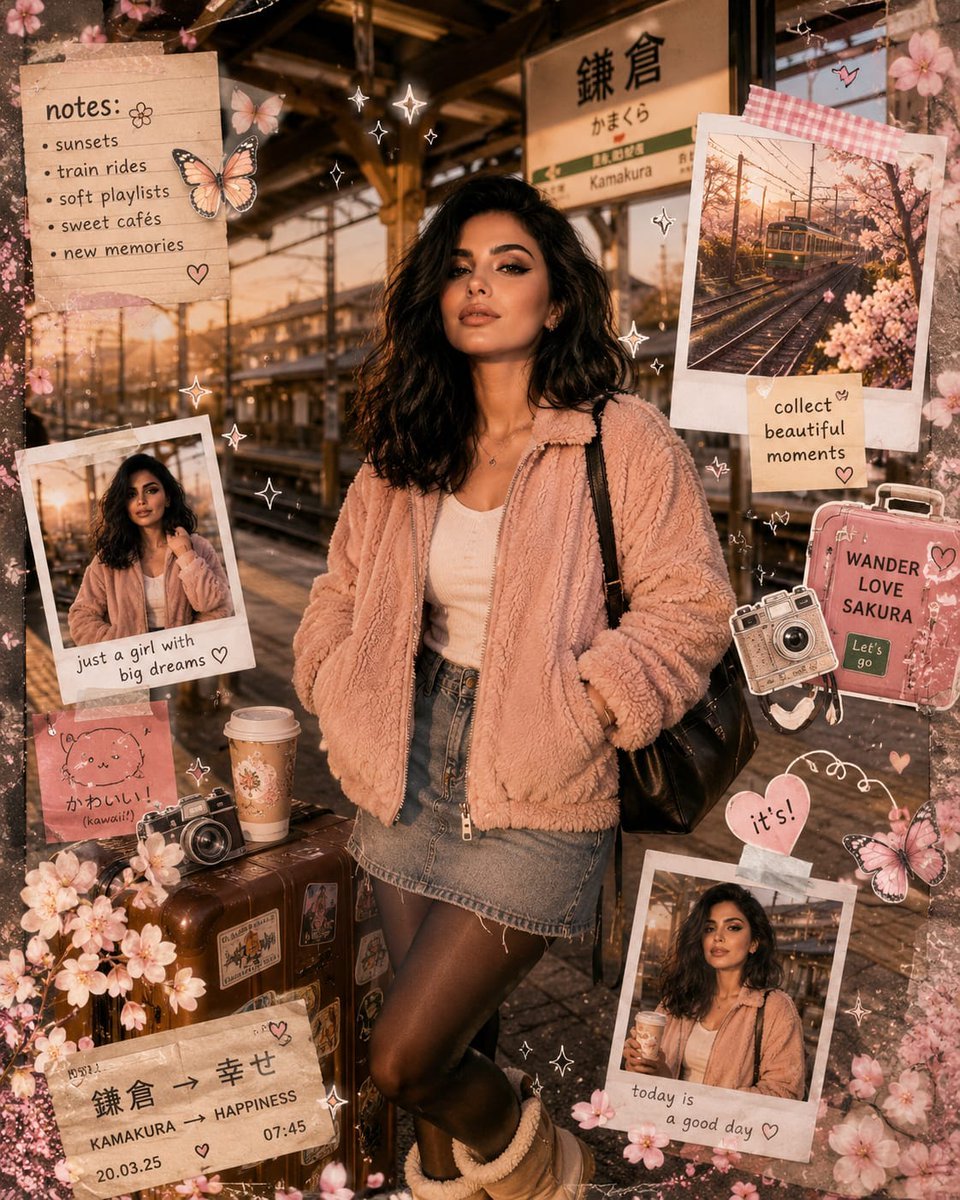
- Prompt included
- Model and format preset
- Free template
The prompt behind this image
Copy the exact prompt behind Kawaii Journal and Miniature Diorama Styles, or open it in the studio and make it yours.
Prompt 1, Dreamy Kawaii Travel Scrapbook Style A highly detailed kawaii-inspired travel journal scene featuring a trendy young woman waiting on a quiet Japanese railway platform at sunset. She wears a {argument name="jacket style" default="cozy blush-pink sherpa jacket"} layered over a crisp white blouse, a vintage denim skirt, sheer black tights, fluffy winter ankle boots, retro ivory oval sunglasses, and a sleek black shoulder crossbody bag. The composition is filled with decorative scrapbook elements including taped instant film photos, hand-drawn doodles, pastel sticky memos, tiny butterflies, sparkles, floral stickers, café cups, travel stamps, ribbon details, and soft cherry blossom petals floating through the air. Golden cinematic sunlight pours across the platform, creating dreamy highlights and delicate shadows. Mixed-media aesthetic combining realistic fashion photography with layered illustrated sticker art, textured paper overlays, and handmade collage details. Feminine Pinterest-inspired atmosphere, cozy Japanese travel mood, soft pastel color palette, ultra-realistic facial features and fabric textures, whimsical yet polished social-media editorial look, ultra high-resolution. Prompt 2, Handmade Miniature Paper Diorama Style An enchanting miniature paper-crafted diorama of a stylish girl standing at a nostalgic Japanese train station, built entirely from layered cardstock, felt fabric textures, clay-style props, and handcrafted cut-paper scenery. The girl is dressed in a {argument name="coat type" default="fluffy powder-pink fleece coat"}, white top, short denim skirt, dark tights, plush winter boots, vintage white sunglasses, and a compact black satchel bag. The station environment features tiny railway tracks, wooden beams, soft pastel storefronts, Japanese station signs, miniature flowers, lanterns, fluffy clouds, and decorative trees made from layered paper petals. Warm ambient evening lighting creates a cozy cinematic atmosphere with soft shadows and handcrafted depth. The entire scene feels like a stop-motion animation set mixed with a premium kawaii art installation. Rich tactile textures, visible paper-cut edges, whimsical handcrafted details, dreamy pastel tones, symmetrical composition, ultra-detailed studio-quality render, charming and nostalgic travel aesthetic.
How to use Kawaii Journal and Miniature Diorama Styles in 3 steps
- 1
Open
The prompt is already in the box next to the preview, with the template's model and format selected.
- 2…a portrait of your subject in softgolden-hour light, 85mm…
Personalize
Edit the subject and creative details for your destination.
- 3Generate
Generate
Press Generate — your image is created in PicX Studio, so you can compare it with the original and refine one variable at a time.
More like this
Templates with the same subject, style or setup. Open one to see its prompt.

Isometric Brand Store Diorama

Miniature Sick Day Diorama

Stylized Miniature 3D Diorama Craft

Cozy Isometric Bathroom Miniature Diorama
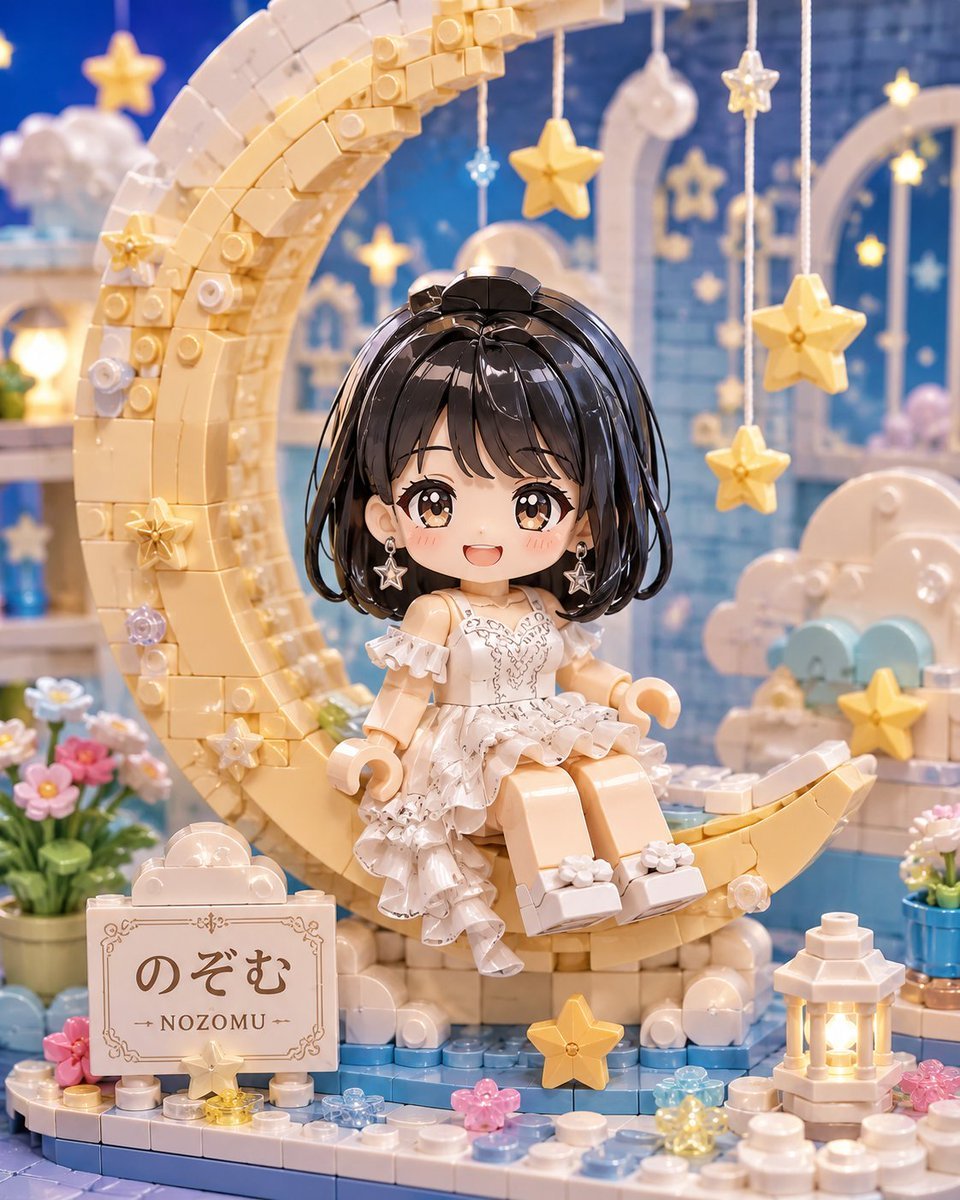
Kawaii Brick Moon Chibi Diorama

Paper Tunnel Book Architecture

Layered Paper Cut Forest Diorama

Cute Layered Paper Cut Chibi Girl

Soft Handcrafted Paper-Cut Layered Illustration
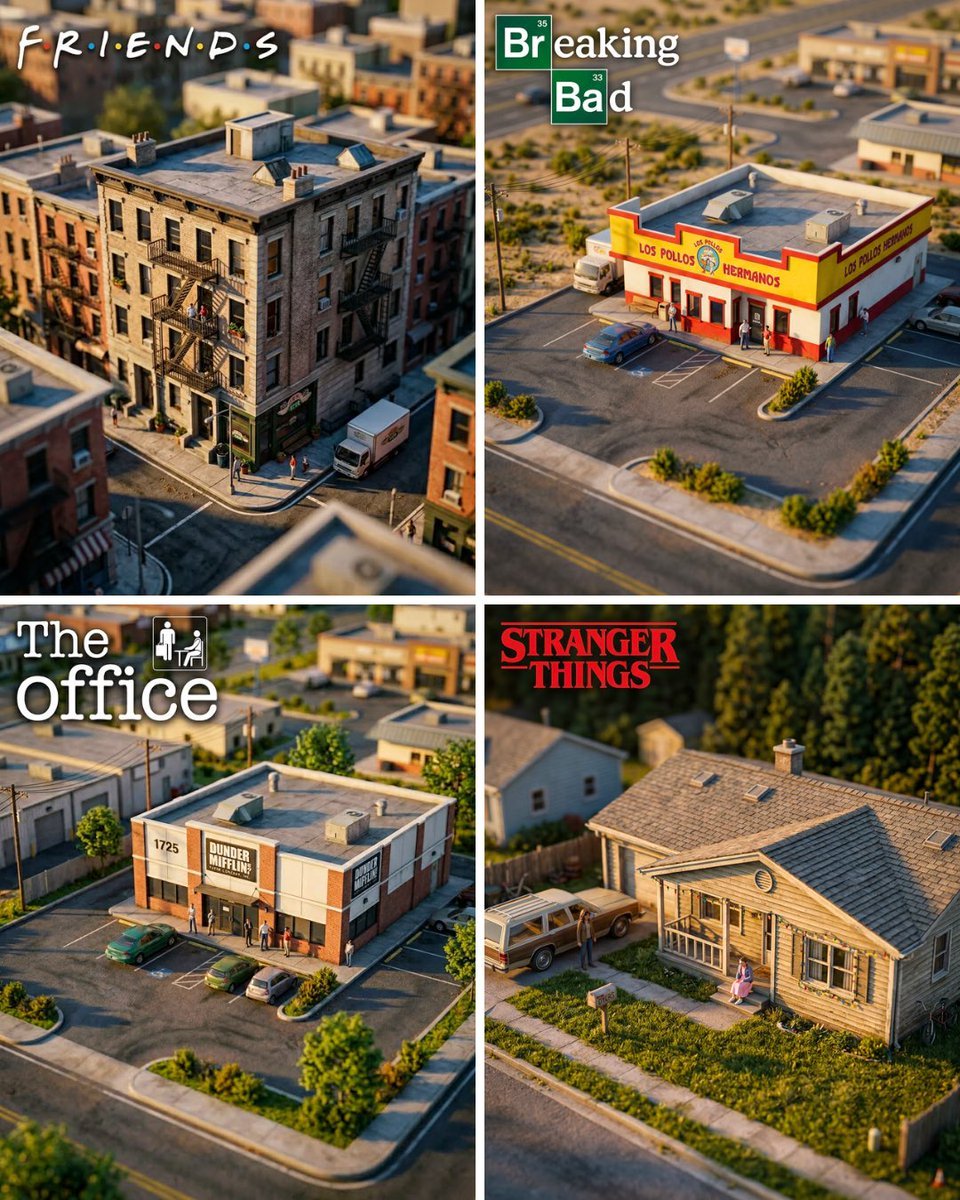
Hyper-Realistic Miniature Diorama Creator

Isometric Process Educational Diorama

FIFA World Cup — Brazil National Pass Diorama
Make it yours
Kawaii Journal and Miniature Diorama Styles works as-is. These are the safest ways to change it without losing the look.
Change one field
Copy a single group, rewrite it, and generate again so you can see what that field is doing.
Keep the frame, change the subject
Hold the composition and light of Kawaii Journal and Miniature Diorama Styles, then swap wardrobe, props or the person for a new take.
| If the result… | Why | Fix |
|---|---|---|
| The result drifts from the preview | Too many fields changed at once. | Reuse Kawaii Journal and Miniature Diorama Styles as-is first, then change one group — subject, light, or setting. |
| The model over-stylizes the scene | The prose prompt leaves finish and camera underspecified. | Add one camera or lighting sentence and stay on GPT Image 2. |
More GPT Image 2 templates
Other prompts made for GPT Image 2.

Six VTuber Japanese Logo Sheet

Realistic Portrait of Woman and Deer

The Vista Modular Condo Poster

AI Model Routing Comparison Infographic

2.5D Anime Art Board

Isometric Productivity Desk Scene

New York Double Exposure Poster

Four-Panel AI Landscape Comparison

Japanese Tatami Lifestyle Magazine Cover

NESCAFÉ Coffee Map Poster
More image prompts
Fresh picks from across the catalog.
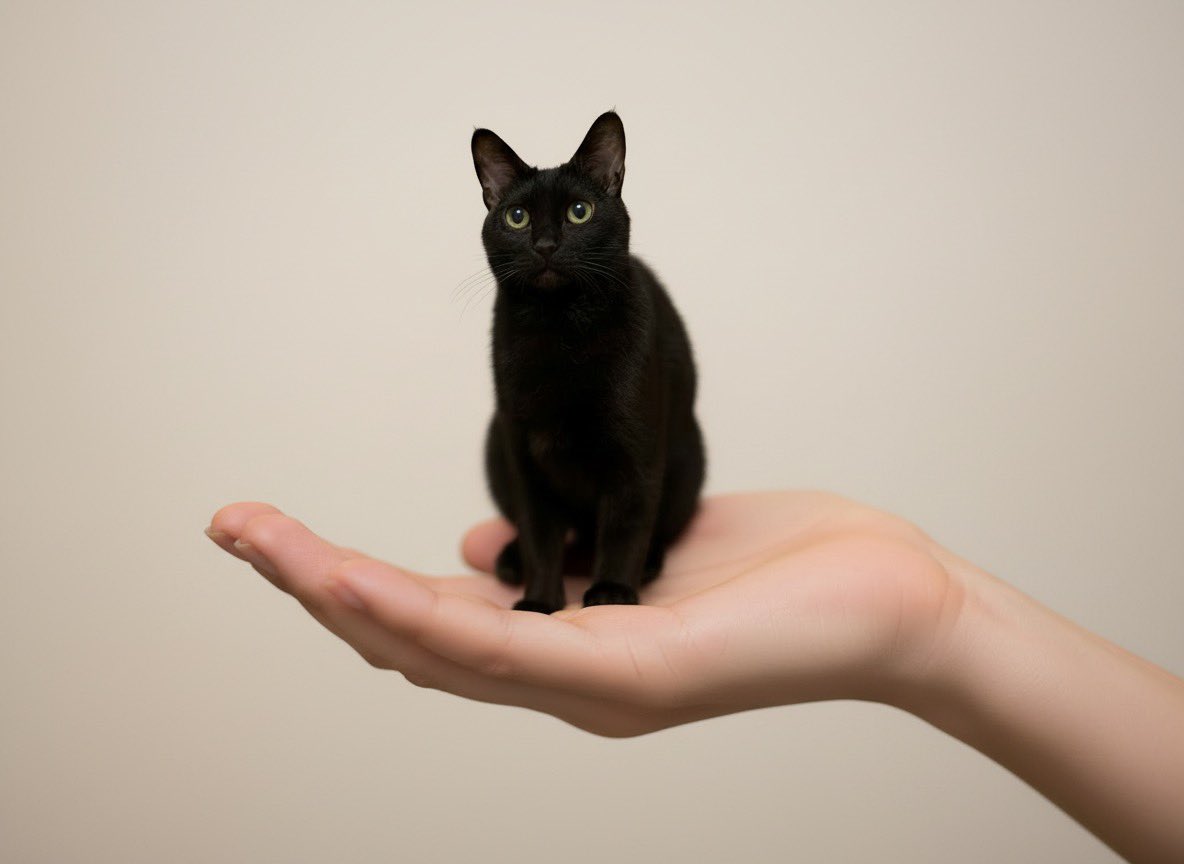
Miniature Pet on Palm Prompt for Image Generation
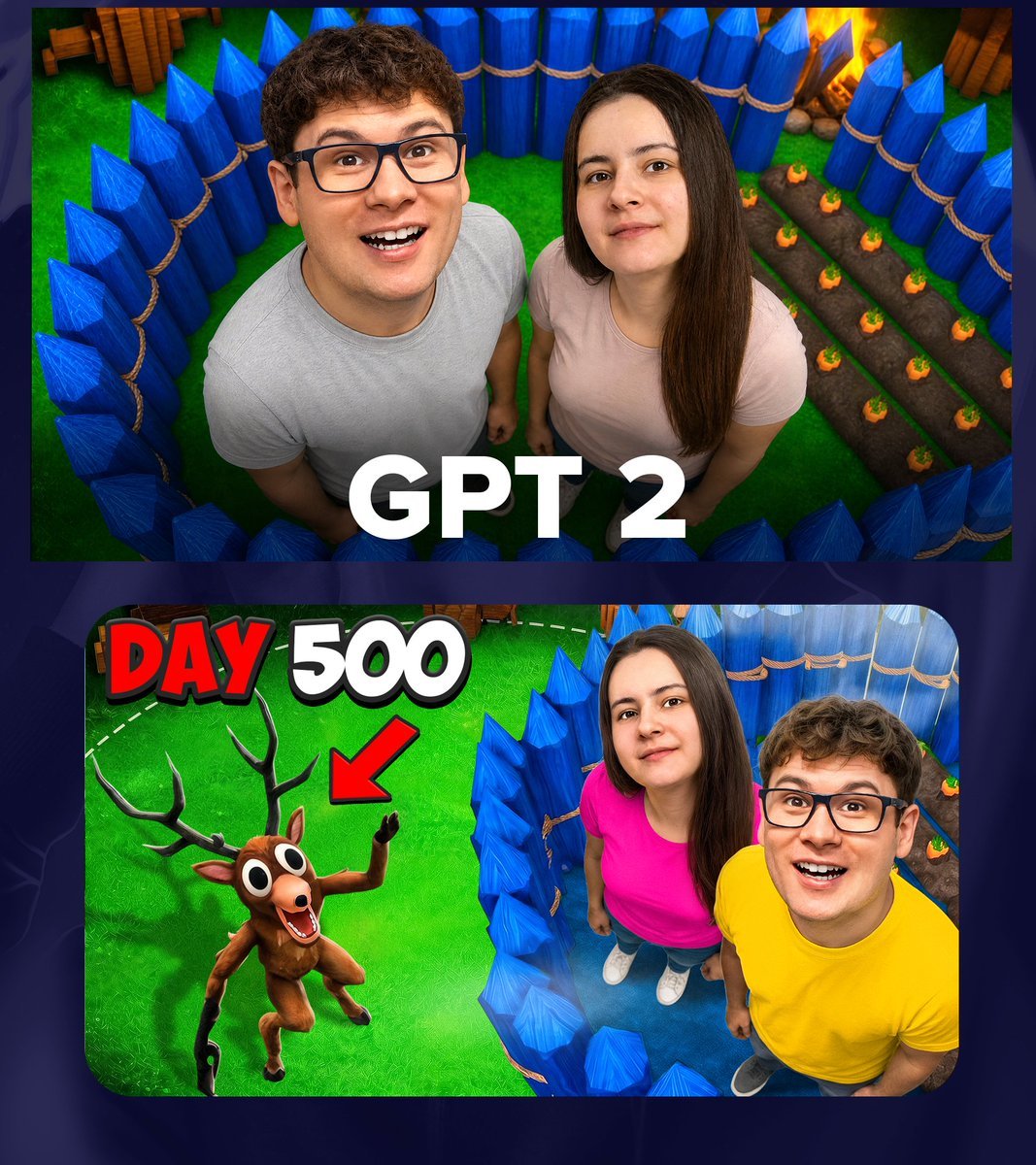
GPT 2 Day 500 Gaming Thumbnail
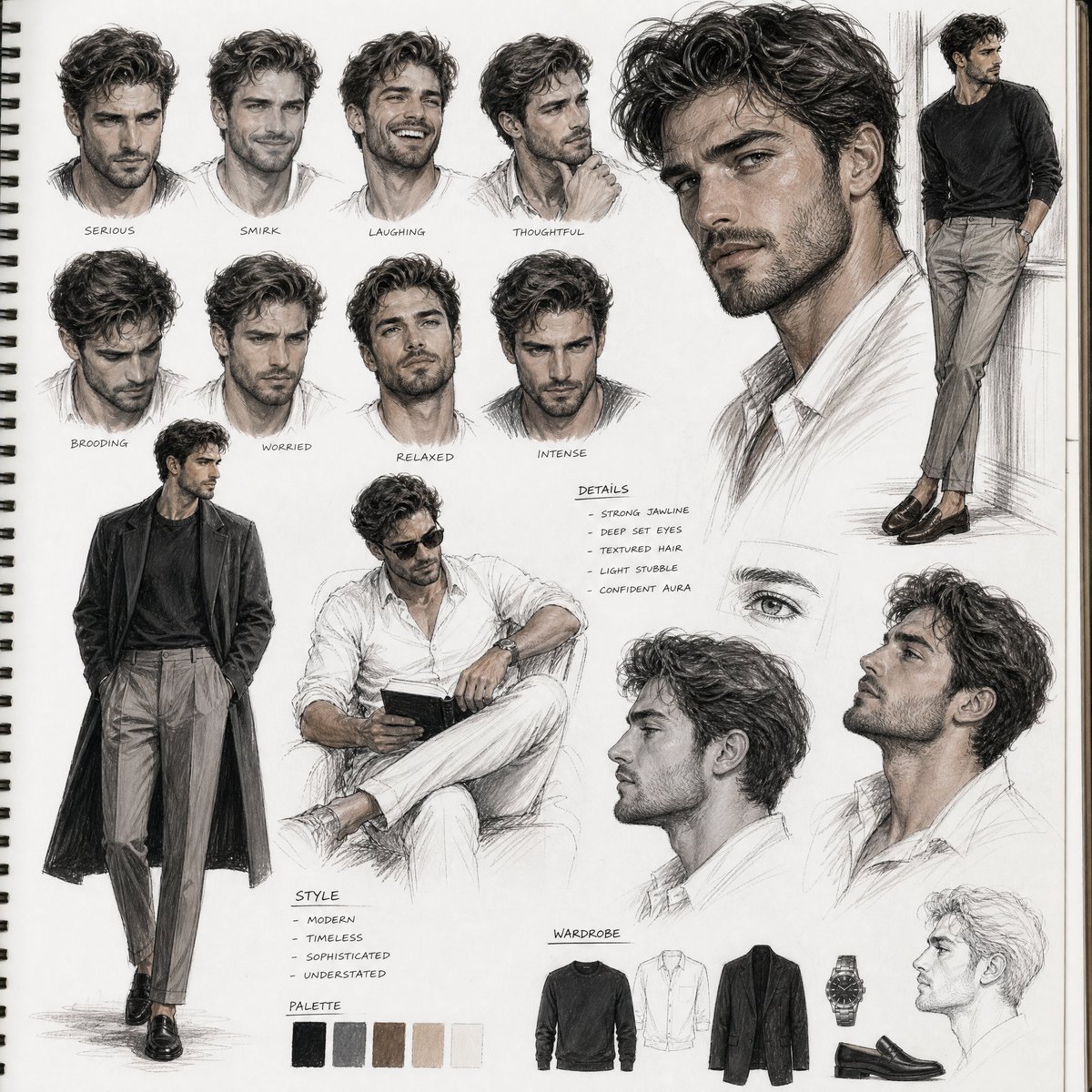
Sketchbook Character Study Board
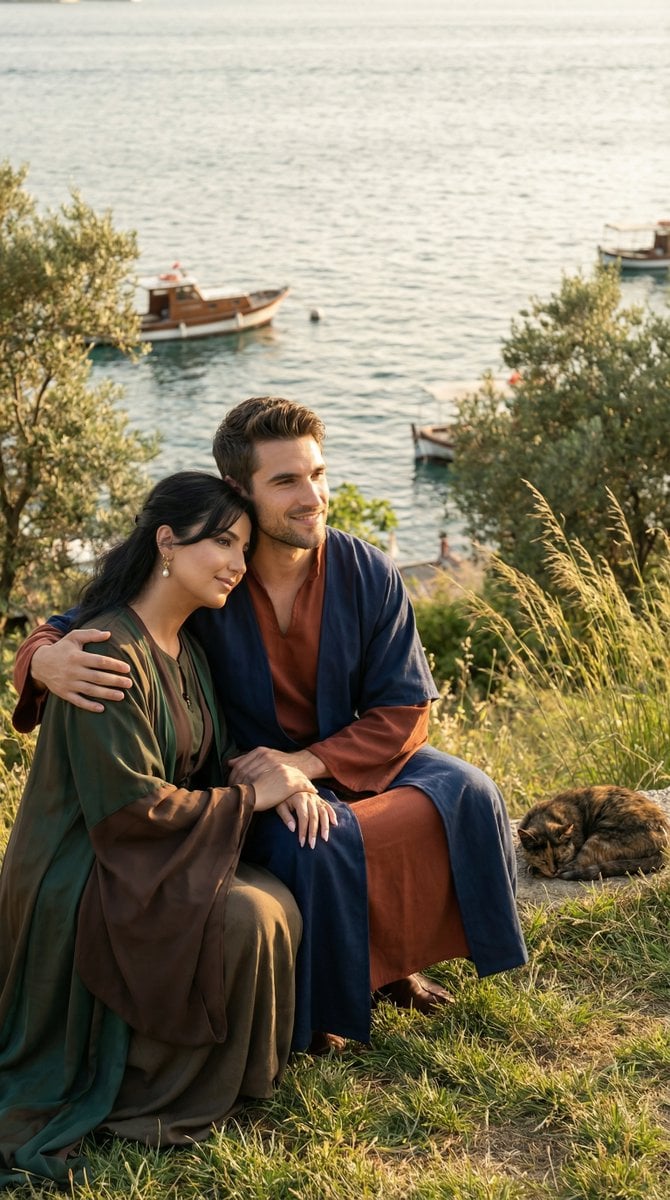
Cinematic Historical Romance: Ottoman Couple by the Bosphorus
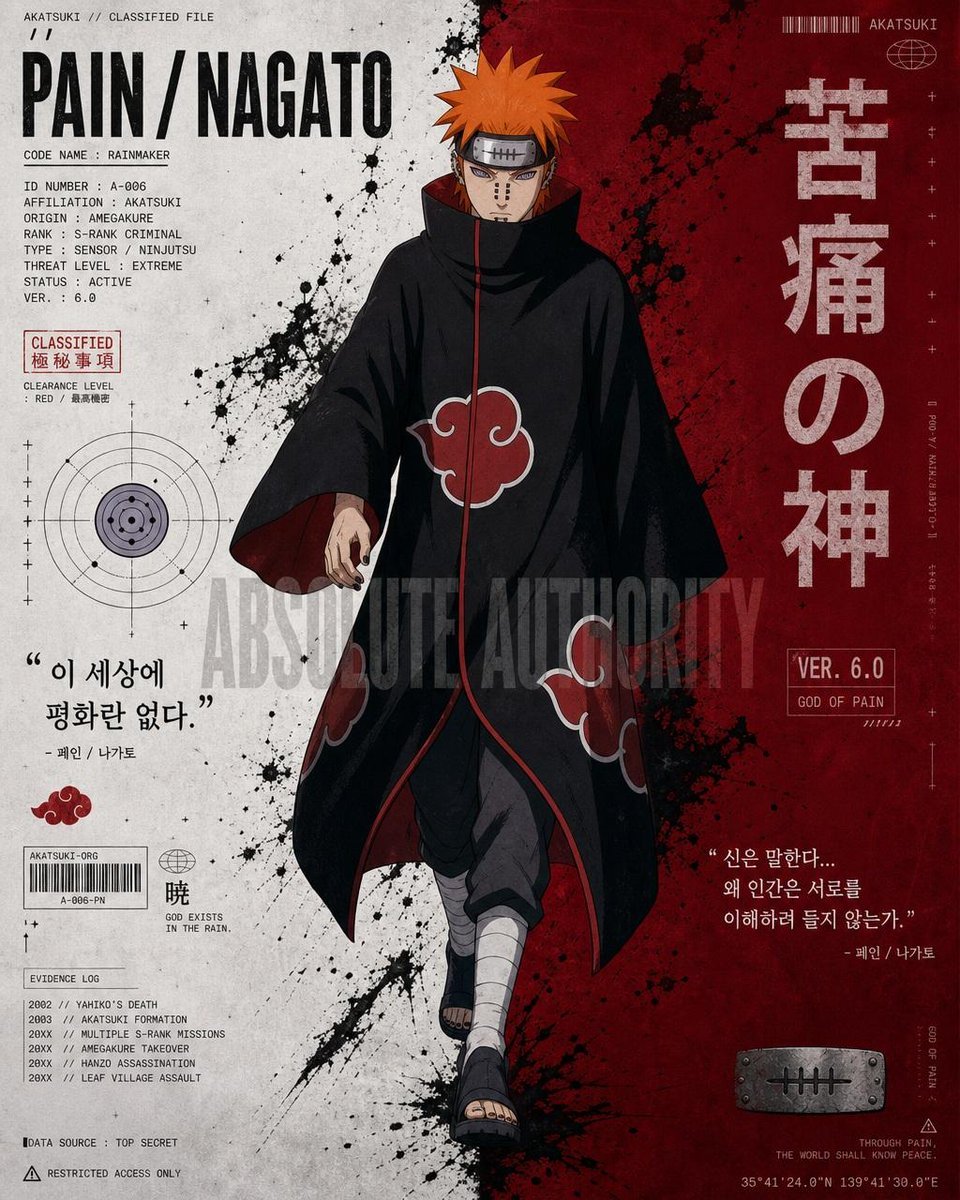
Anime Character Editorial Poster Prompt
Neon City Street Style Editorial Prompt
Detailed Ancient Martial Arts Movie Poster Prompt
Japanese Visual Novel Promo Poster
Surreal Studio Fashion Portrait
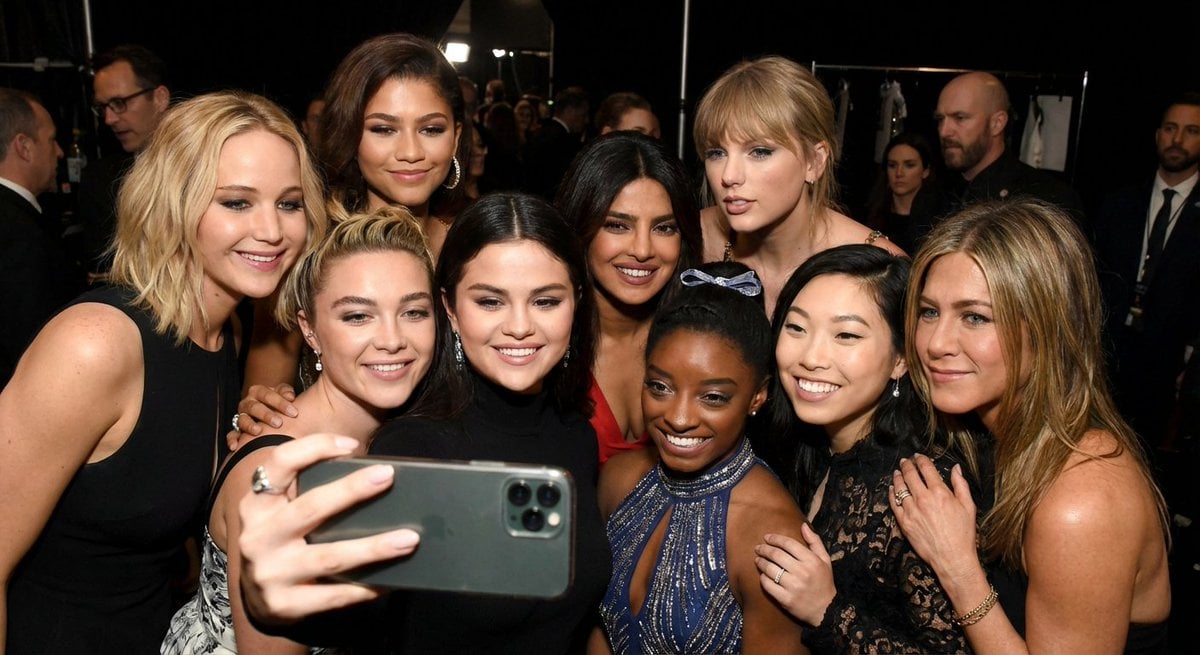
Selfie of 10 random female celebrities
Browse template categories
Kawaii Journal and Miniature Diorama Styles questions
How do I use the Kawaii Journal and Miniature Diorama Styles template?
Add your photo if the template asks for one, edit the prompt if you like — the template's model and format are already selected — and press Generate. Your version opens in PicX Studio.
Can I customize the Kawaii Journal and Miniature Diorama Styles template?
Yes. You can change the subject, setting, lighting, mood, format, and available model controls before creating your image.
Is the Kawaii Journal and Miniature Diorama Styles template free?
Opening and editing this template is free. Generating uses credits, shown on the Generate button when you are signed in.
Which AI model should I use?
Start with GPT Image 2, which is the model associated with this template. You can compare another compatible model for a different finish.
Looking for something else? Browse all templates.

Your photo, any look
Thousands of ready templates for every top image and video model, from one credit balance.