
Faceless Romance Visual Novel CG
Creates a cinematic anime dating-sim screenshot with a faceless heroine, nighttime office skyline, Japanese dialogue box, three choices, and game menu UI.
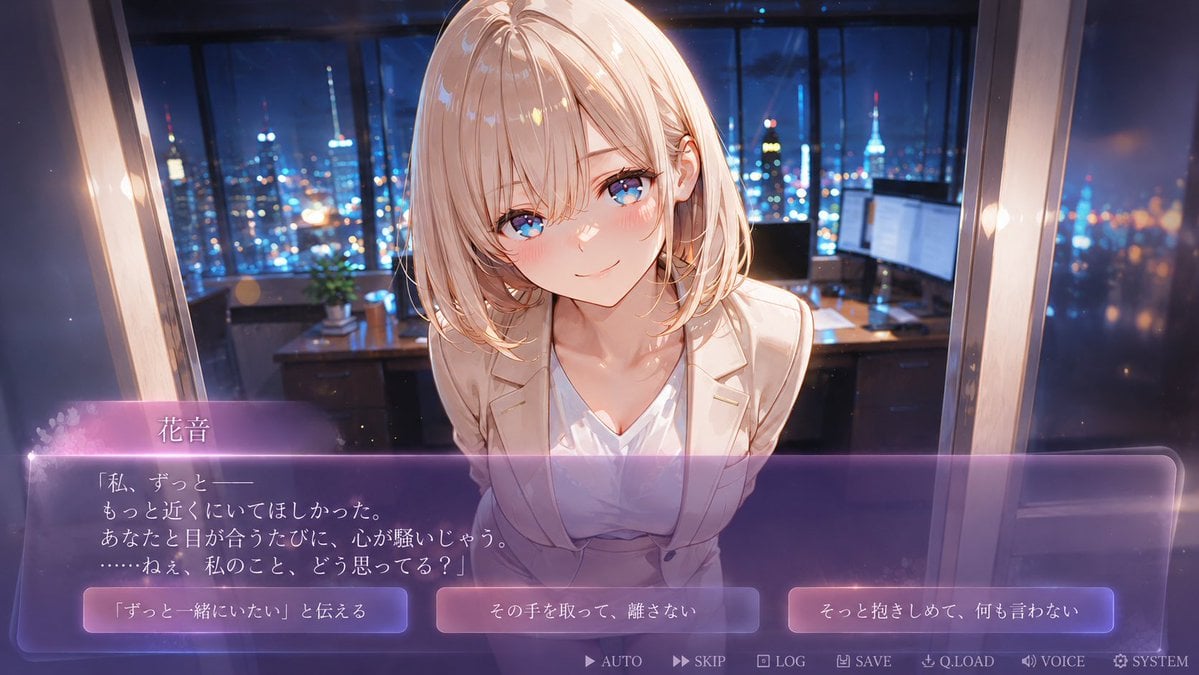
- Prompt included
- Model and format preset
- Premium template
The prompt behind this image
Copy the exact prompt behind Faceless Romance Visual Novel CG, or open it in the studio and make it yours.
- Type
- anime visual novel romance game screenshot
- Format
- 16:9 widescreen CG with interactive dialogue UI
- Scene › Setting
- luxury high-rise office at night, floor-to-ceiling windows, glowing city skyline and tower lights outside, desk with monitors and small plant in the background, soft bokeh, cinematic depth of field
- Scene › Mood
- intimate confession scene, emotional, dreamy, premium dating sim atmosphere
- Scene › Camera
- first-person player viewpoint, close-up medium shot, character leaning toward the viewer across the desk, slight wide-angle perspective
- Character › Name
- {argument name="character name" default="花音"}
- Character › Appearance
- young adult anime woman with shoulder-length pale blonde hair, soft layered bob, fair skin, elegant slim build, wearing a cream blazer over a white V-neck blouse, delicate office-lady styling
- Character › Pose
- leaning forward with shoulders slightly drawn in, face very close to the viewer, gentle vulnerable body language
- Character › Face
- faceless smooth skin-colored oval where facial features would be, intentionally blank and uncanny while preserving hair, ears, neck, and body details
- Lighting And Style › Style
- high-quality Japanese anime game CG, polished visual novel art, glossy highlights, soft bloom, romantic purple-blue night lighting, warm rim light on hair and blazer, detailed painterly background
- Lighting And Style › Color Palette
- deep navy and cobalt city lights contrasted with warm ivory clothing and translucent violet UI
- Ui › Dialogue Box › Position
- bottom third of the screen
- Ui › Dialogue Box › Style
- large translucent rounded rectangle, purple glassmorphism gradient, glowing pink-violet top edge, thin luminous border, soft sparkles and floral particles on the left
- Ui › Dialogue Box › Speaker Name
- {argument name="speaker name" default="花音"}
- Ui › Dialogue Box › Dialogue Text
- {argument name="dialogue text" default="「私、ずっと——\nもっと近くにいてほしかった。\nあなたと目が合うたびに、心が騒いじゃう。\n……ねぇ、私のこと、どう思ってる?」"}
- Ui › Choice Buttons › Count
- 3
- Ui › Choice Buttons › Position
- inside the dialogue area along the lower portion, evenly spaced left to right
- Ui › Choice Buttons › Style
- three glowing rounded rectangular buttons with purple-pink gradients and white Japanese text
- Ui › Choice Buttons › Labels
- {argument name="left choice text" default="「ずっと一緒にいたい」と伝える"}, その手を取って、離さない, そっと抱きしめて、何も言わない
- Ui › Bottom Menu › Count
- 7
- Ui › Bottom Menu › Position
- very bottom edge, small pale icons and labels
- Ui › Bottom Menu › Labels
- AUTO, SKIP, LOG, SAVE, Q.LOAD, VOICE, SYSTEM
- Composition
- Place the character centered and large, upper body filling the middle, dialogue UI overlaying the lower third, city office background visible through and above the interface. Make the image look like an actual playable romance visual novel screenshot, not a poster.
Raw JSON
{"type":"anime visual novel romance game screenshot","format":"16:9 widescreen CG with interactive dialogue UI","scene":{"setting":"luxury high-rise office at night, floor-to-ceiling windows, glowing city skyline and tower lights outside, desk with monitors and small plant in the background, soft bokeh, cinematic depth of field","mood":"intimate confession scene, emotional, dreamy, premium dating sim atmosphere","camera":"first-person player viewpoint, close-up medium shot, character leaning toward the viewer across the desk, slight wide-angle perspective"},"character":{"name":"{argument name=\"character name\" default=\"花音\"}","appearance":"young adult anime woman with shoulder-length pale blonde hair, soft layered bob, fair skin, elegant slim build, wearing a cream blazer over a white V-neck blouse, delicate office-lady styling","pose":"leaning forward with shoulders slightly drawn in, face very close to the viewer, gentle vulnerable body language","face":"faceless smooth skin-colored oval where facial features would be, intentionally blank and uncanny while preserving hair, ears, neck, and body details"},"lighting_and_style":{"style":"high-quality Japanese anime game CG, polished visual novel art, glossy highlights, soft bloom, romantic purple-blue night lighting, warm rim light on hair and blazer, detailed painterly background","color_palette":"deep navy and cobalt city lights contrasted with warm ivory clothing and translucent violet UI"},"ui":{"dialogue_box":{"position":"bottom third of the screen","style":"large translucent rounded rectangle, purple glassmorphism gradient, glowing pink-violet top edge, thin luminous border, soft sparkles and floral particles on the left","speaker_name":"{argument name=\"speaker name\" default=\"花音\"}","dialogue_text":"{argument name=\"dialogue text\" default=\"「私、ずっと——\\nもっと近くにいてほしかった。\\nあなたと目が合うたびに、心が騒いじゃう。\\n……ねぇ、私のこと、どう思ってる?」\"}"},"choice_buttons":{"count":3,"position":"inside the dialogue area along the lower portion, evenly spaced left to right","style":"three glowing rounded rectangular buttons with purple-pink gradients and white Japanese text","labels":["{argument name=\"left choice text\" default=\"「ずっと一緒にいたい」と伝える\"}","その手を取って、離さない","そっと抱きしめて、何も言わない"]},"bottom_menu":{"count":7,"position":"very bottom edge, small pale icons and labels","labels":["AUTO","SKIP","LOG","SAVE","Q.LOAD","VOICE","SYSTEM"]}},"composition":"Place the character centered and large, upper body filling the middle, dialogue UI overlaying the lower third, city office background visible through and above the interface. Make the image look like an actual playable romance visual novel screenshot, not a poster."}How to use Faceless Romance Visual Novel CG in 3 steps
- 1Upload ImagePNG, JPG or paste
Add your photo
Upload the photo the template builds on. The prompt, model and format are already set.
- 2…a portrait of your subject in softgolden-hour light, 85mm…
Personalize
Edit the subject and creative details for your destination.
- 3Generate
Generate
Press Generate — your image is created in PicX Studio, so you can compare it with the original and refine one variable at a time.
More like this
Templates with the same subject, style or setup. Open one to see its prompt.

Two Tickets, One Night

If We Met in 1985

Before We said Goodbye

Our Song was on a Cassette

Meet Me When It Rains

The Date After College

Two Hearts. One Scooter.

80s Rooftop Couple

1986 Street Couple
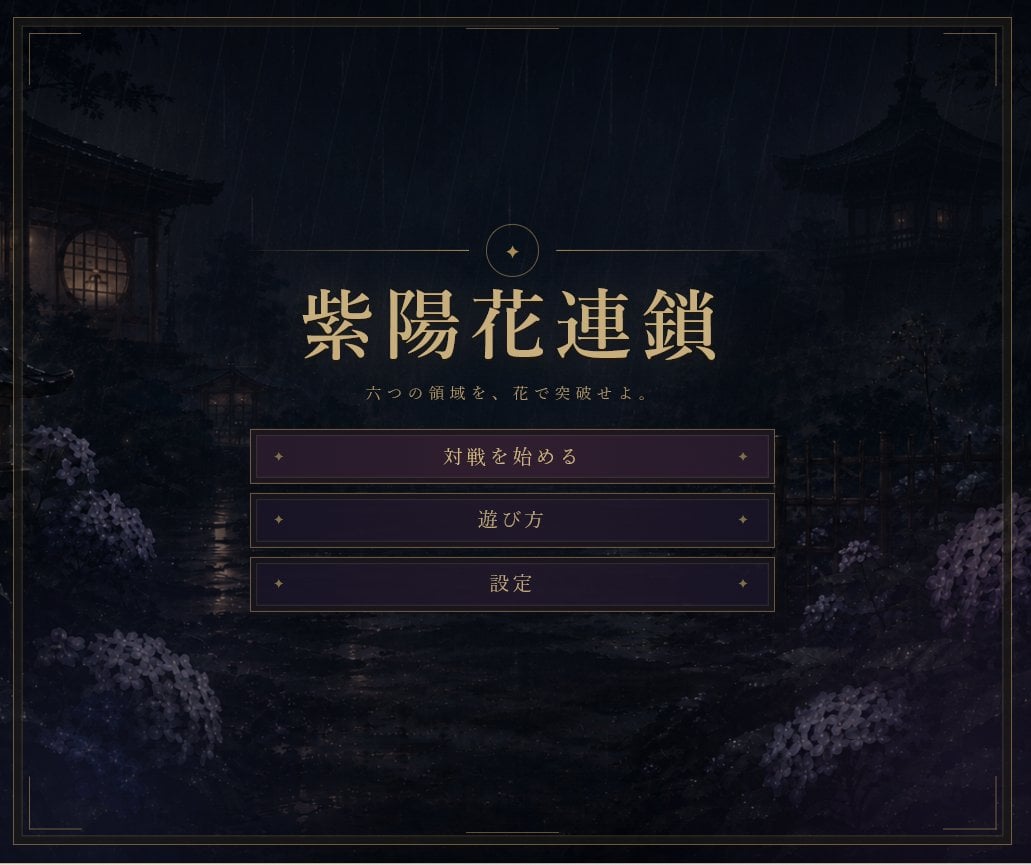
Rainy Japanese Visual Novel Title Screen
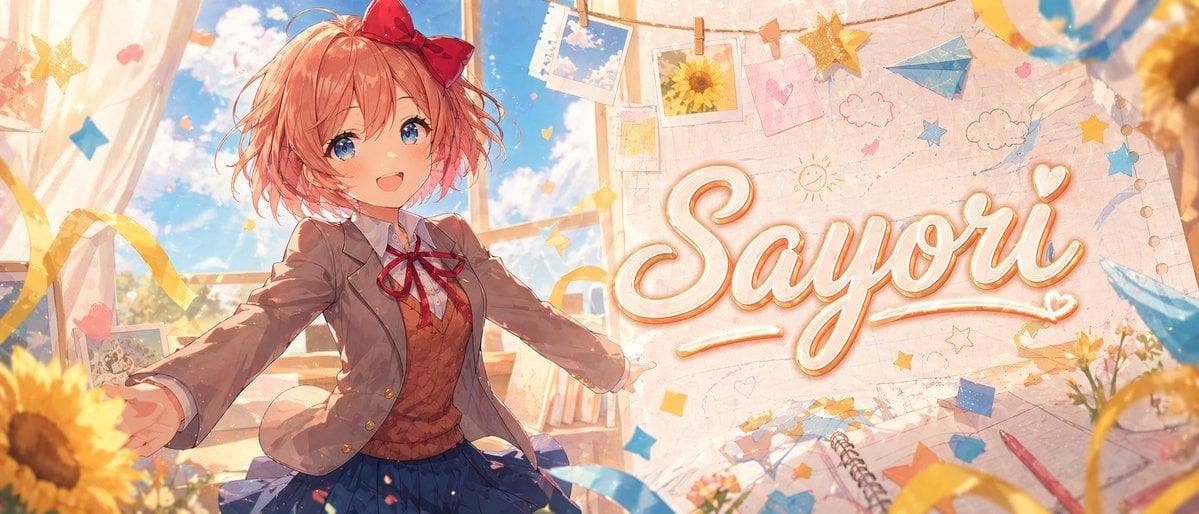
Anime Visual Novel Classroom Banner
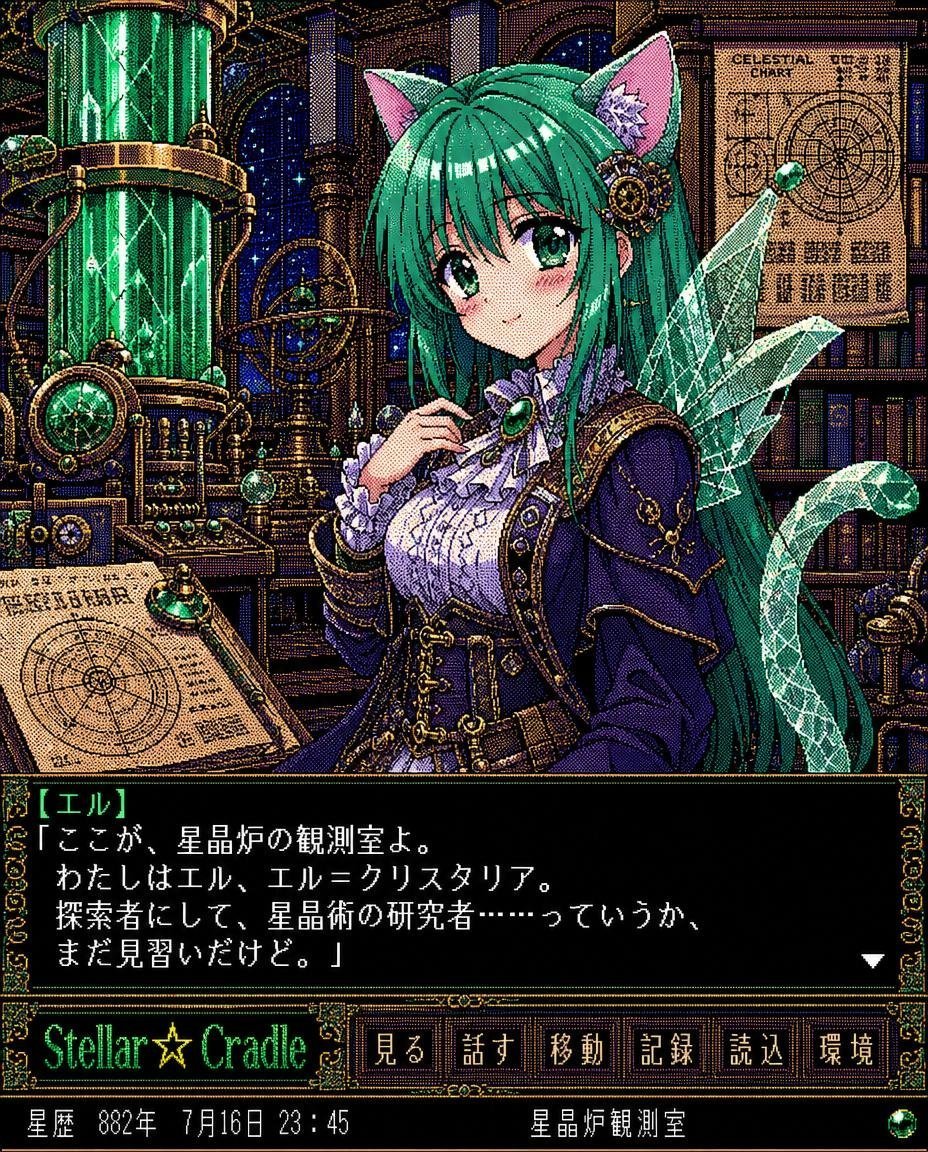
Retro Crystal Observatory Visual Novel
Make it yours
Faceless Romance Visual Novel CG works as-is. These are the safest ways to change it without losing the look.
Swap the setting
Keep the rest of the prompt and replace the location block. The current setting is “luxury high-rise office at night, floor-to-ceiling windows, glowing city skyline”.
Swap the light
One lighting change is enough to compare takes. Current light: “high-quality Japanese anime game CG, polished visual novel art, glossy highlight”.
Change one field
Copy a single group, rewrite it, and generate again so you can see what that field is doing.
| If the result… | Why | Fix |
|---|---|---|
| The result drifts from the preview | Too many fields changed at once. | Reuse Faceless Romance Visual Novel CG as-is first, then change one group — subject, light, or setting. |
| GPT Image 2 ignores part of the JSON | Some models flatten or skip nested keys. | Keep the same values and paste them as a short paragraph instead. |
More GPT Image 2 templates
Other prompts made for GPT Image 2.

Six VTuber Japanese Logo Sheet

Realistic Portrait of Woman and Deer

The Vista Modular Condo Poster

AI Model Routing Comparison Infographic

2.5D Anime Art Board

Isometric Productivity Desk Scene

New York Double Exposure Poster

Four-Panel AI Landscape Comparison

Japanese Tatami Lifestyle Magazine Cover

NESCAFÉ Coffee Map Poster
More image prompts
Fresh picks from across the catalog.
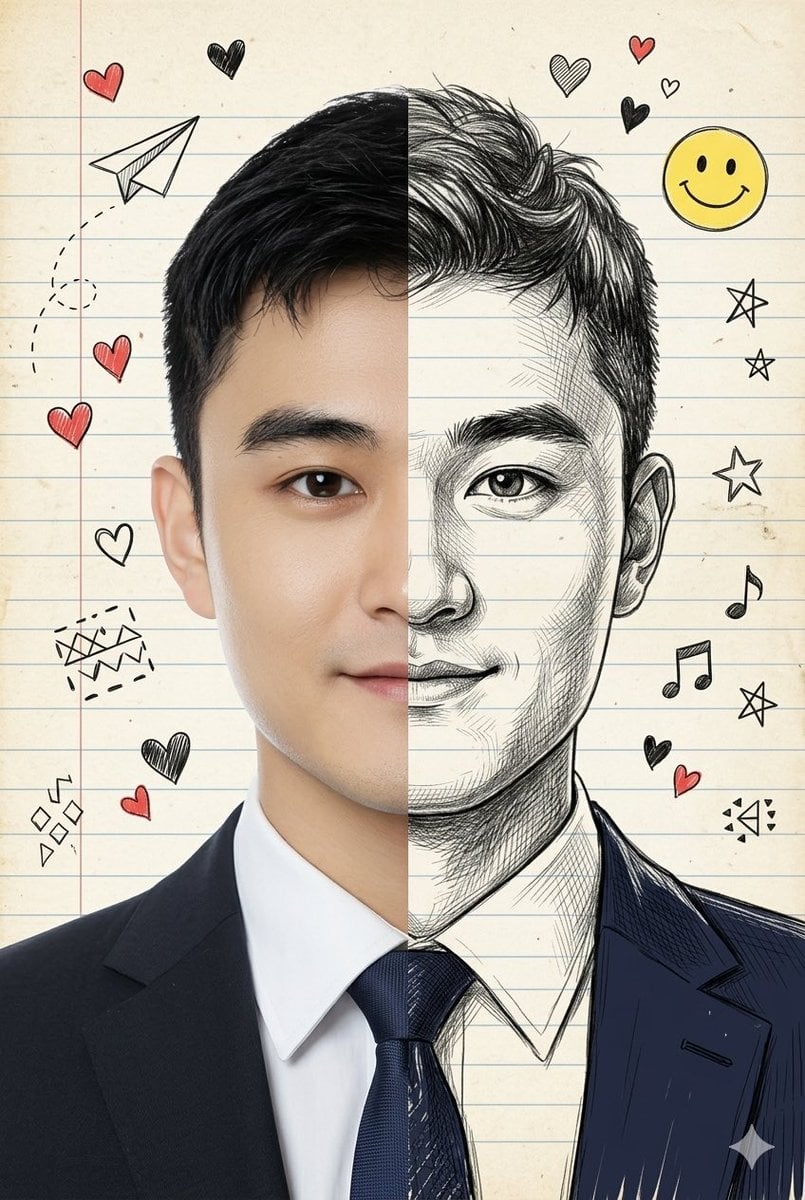
Split-View Mixed-Media Portrait (Photo and Illustration)
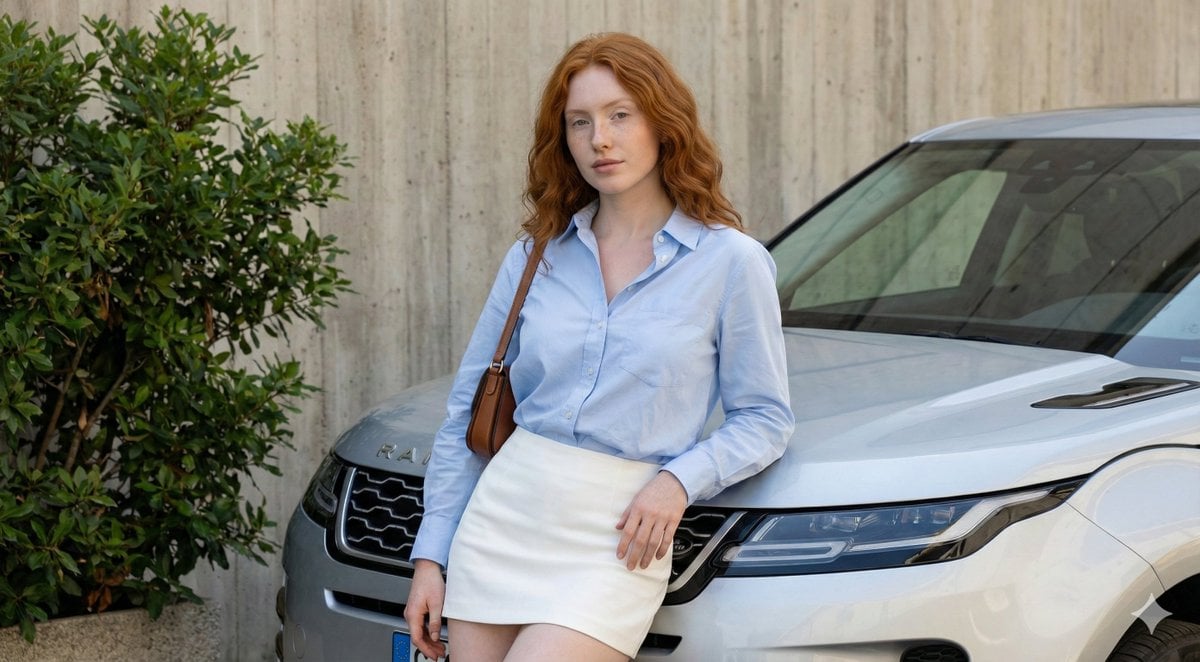
Urban Fashion Portrait with Range Rover Prompt
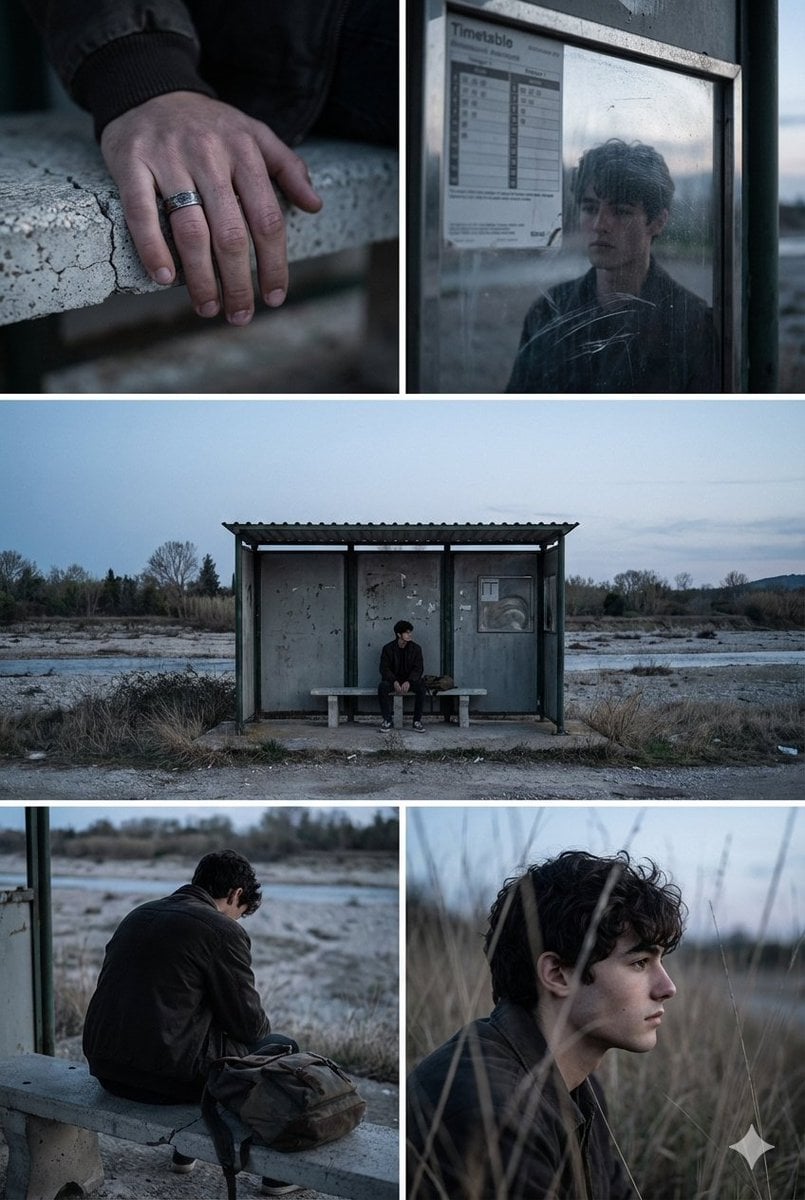
Indie Film Aesthetic Narrative Grid Prompt
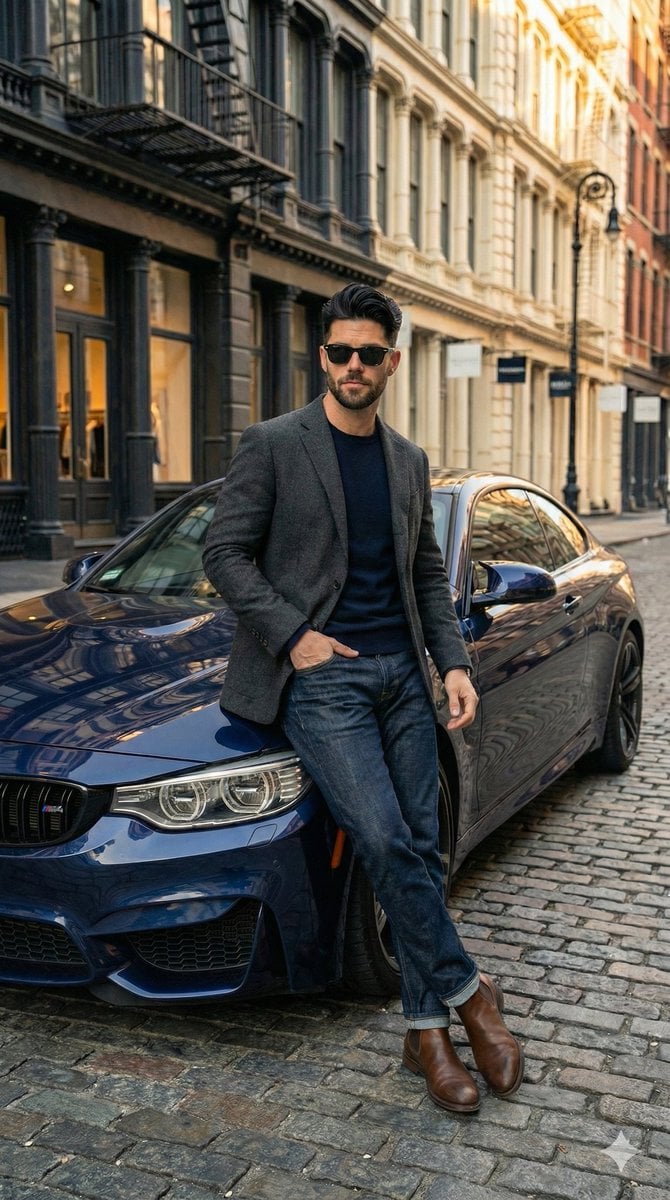
Hyper-Realistic Street View of Man Leaning on BMW
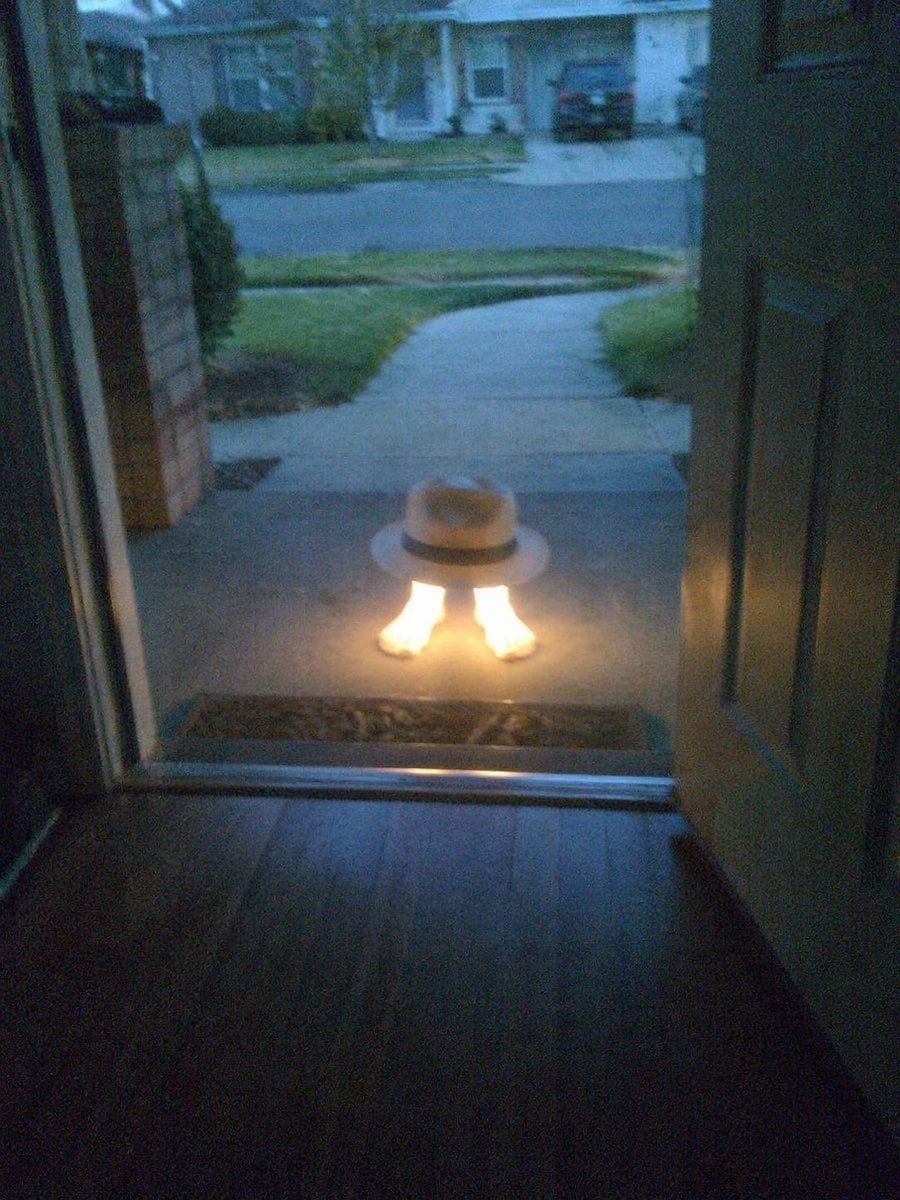
Subject Erasure and Hat Replacement
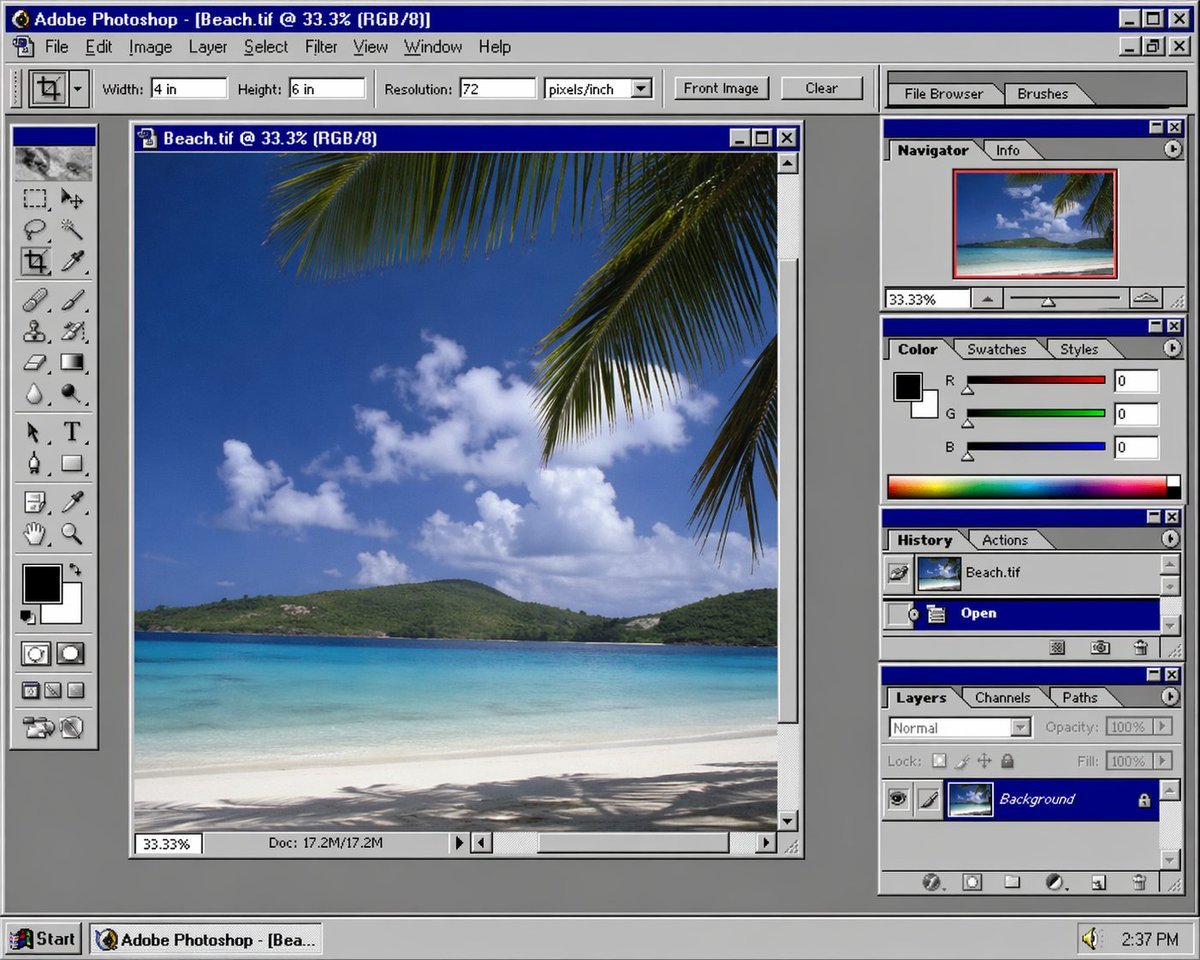
Nostalgic Software Interface
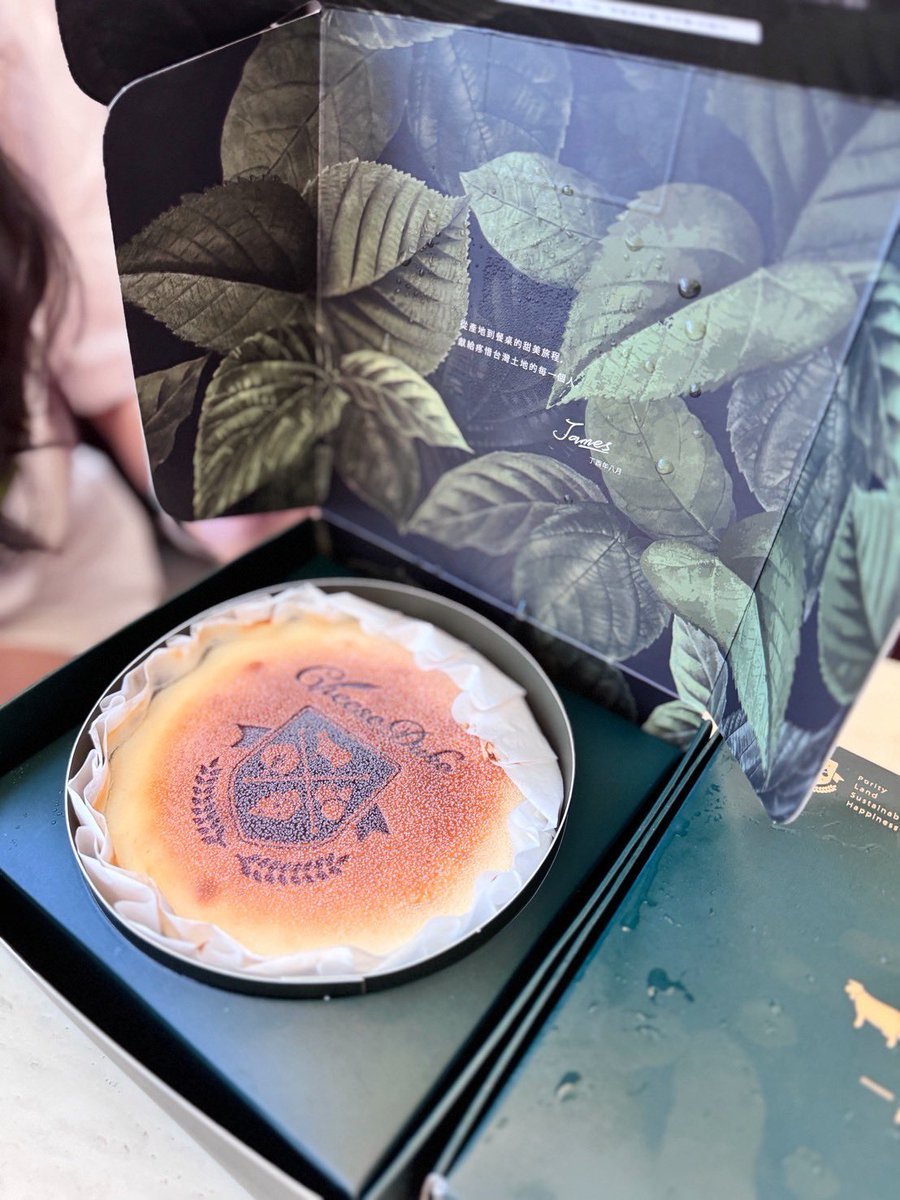
Professional cake advertising photo
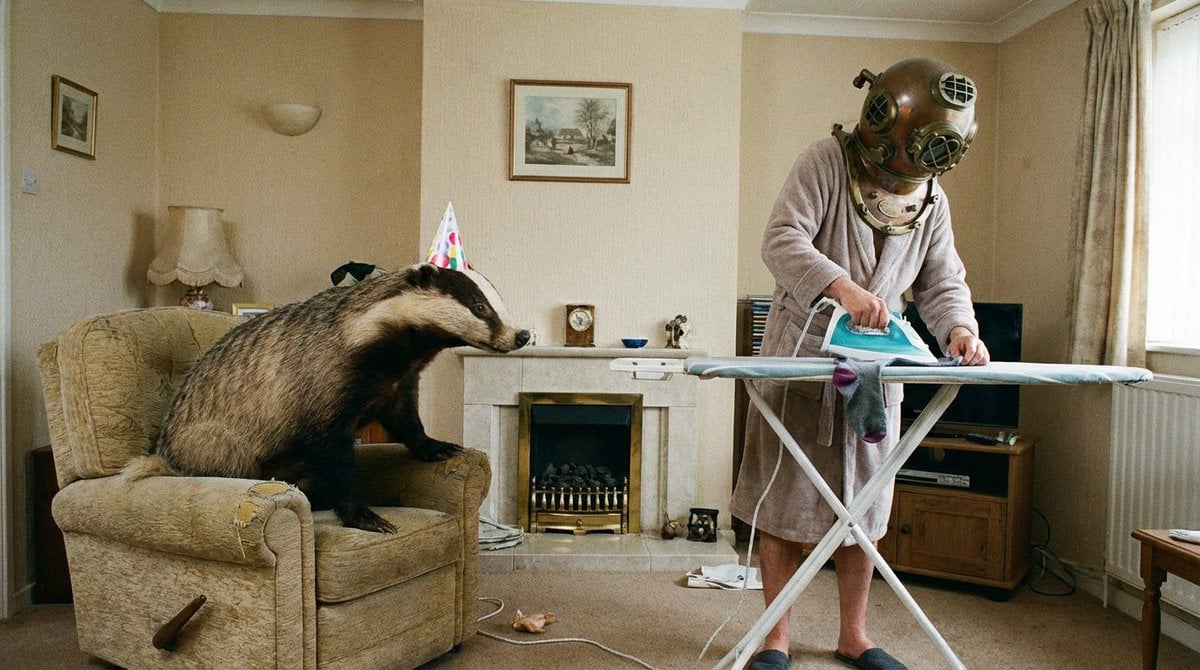
Weird mundane photo concept
Hairstyle Photo Collage Prompt
Adventure Motorcyclist with Holographic HUD
Browse template categories
Faceless Romance Visual Novel CG questions
How do I use the Faceless Romance Visual Novel CG template?
Add your photo if the template asks for one, edit the prompt if you like — the template's model and format are already selected — and press Generate. Your version opens in PicX Studio.
Can I customize the Faceless Romance Visual Novel CG template?
Yes. You can change the subject, setting, lighting, mood, format, and available model controls before creating your image.
Is the Faceless Romance Visual Novel CG template free?
Opening and editing this template is free. Generating uses credits, shown on the Generate button when you are signed in.
Which AI model should I use?
Start with GPT Image 2, which is the model associated with this template. You can compare another compatible model for a different finish.
Looking for something else? Browse all templates.

Your photo, any look
Thousands of ready templates for every top image and video model, from one credit balance.