
Retro Crystal Observatory Visual Novel
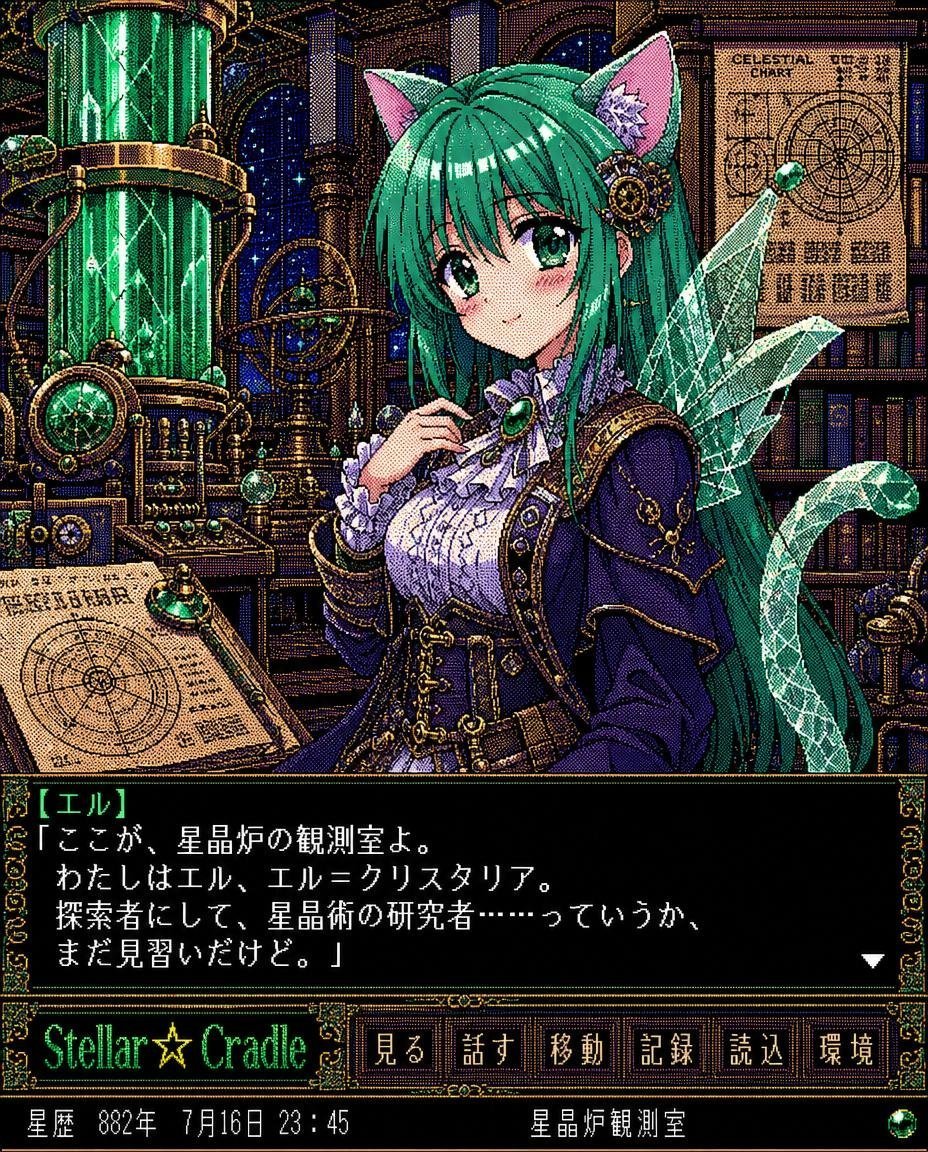
Generates a pixel-art Japanese fantasy visual novel screenshot featuring a green-haired cat-eared crystal researcher in an ornate observatory UI.
- Prompt included
- Model and format preset
- Free template
The prompt behind this image
Copy the exact prompt behind Retro Crystal Observatory Visual Novel, or open it in the studio and make it yours.
Goal: Create a retro 16-bit / 32-bit Japanese visual novel RPG screenshot in ornate pixel art, using a dense limited-color dithering style where the whole image resolves into tiny colored dots when zoomed in. Canvas: Square 768x768 game screen, pixel-perfect, no modern antialiasing, high-detail fantasy steampunk anime aesthetic. Main subject: Center-right portrait of {argument name="character name" default="El"}, a young anime cat-eared crystal dragon lancer girl. She has long emerald-green hair, green eyes, soft blush, pink inner cat ears, a small mechanical hair ornament with a pale flower, and a translucent crystalline dragon tail/wing shape behind her on the right. Outfit: dark navy-violet Victorian explorer jacket with gold trim, white ruffled blouse, corseted bodice, leather belts, brass buckles, chains, and a large green gemstone brooch at the throat. Pose: gentle smile, one hand lifted near the brooch, facing the viewer. Background: A magical observatory laboratory/library packed with brass instruments and books. Include exactly 5 major background features: 1 tall glowing green crystal containment cylinder on the left, 1 brass astrolabe/orrery behind the character, 1 large parchment celestial chart on the upper right labeled “CELESTIAL CHART”, 1 slanted desk chart/map in the lower left, and 1 wall of dark bookshelves. Add starry arched windows, copper pipes, gears, gauges, and green gem accents throughout. UI layout: Full game interface with ornate gold-and-green borders. Bottom third contains a large black dialogue box with decorative corners and white Japanese pixel text. Speaker name appears in green brackets as {argument name="speaker label" default="【エル】"}. Dialogue text default: {argument name="dialogue text" default="「ここが、星晶炉の観測室よ。\nわたしはエル、エル=クリスタリア。\n探索者にして、星晶術の研究者……っていうか、\nまだ見習いだけど。」"}. Include a small white triangular next-page cursor at the lower right of the dialogue box. Bottom menu and status: Under the dialogue box, show the title logo {argument name="game title" default="Stellar☆Cradle"} in glowing green pixel lettering. To its right include exactly 6 rectangular command buttons labeled, from left to right: 見る, 話す, 移動, 記録, 読込, 環境. At the very bottom status strip, show exactly 2 status fields: left field “星暦 882年 7月16日 23:45”, right field “星晶炉観測室”, plus a small green orb icon at the far right. Visual style: Extremely intricate old Japanese PC-98 / Sega Saturn visual novel look, rich jewel tones, black outlines, ornate filigree borders, heavy pixel dithering, limited palette illusion, crisp readable UI text, nostalgic fantasy science atmosphere. Constraints: Keep all text as pixel-art UI text, preserve the exact 6 button labels and 2 bottom status fields, do not add extra characters, do not use photorealism, no watermark.
How to use Retro Crystal Observatory Visual Novel in 3 steps
- 1Upload ImagePNG, JPG or paste
Add your photo
Upload the photo the template builds on. The prompt, model and format are already set.
- 2…a portrait of your subject in softgolden-hour light, 85mm…
Personalize
Edit the subject and creative details for your destination.
- 3Generate
Generate
Press Generate — your image is created in PicX Studio, so you can compare it with the original and refine one variable at a time.
More like this
Templates with the same subject, style or setup. Open one to see its prompt.











Make it yours
Retro Crystal Observatory Visual Novel works as-is. These are the safest ways to change it without losing the look.
Change one field
Copy a single group, rewrite it, and generate again so you can see what that field is doing.
Keep the frame, change the subject
Hold the composition and light of Retro Crystal Observatory Visual Novel, then swap wardrobe, props or the person for a new take.
| If the result… | Why | Fix |
|---|---|---|
| The result drifts from the preview | Too many fields changed at once. | Reuse Retro Crystal Observatory Visual Novel as-is first, then change one group — subject, light, or setting. |
| The model over-stylizes the scene | The prose prompt leaves finish and camera underspecified. | Add one camera or lighting sentence and stay on GPT Image 2. |
More GPT Image 2 templates
Other prompts made for GPT Image 2.

Six VTuber Japanese Logo Sheet

Realistic Portrait of Woman and Deer

The Vista Modular Condo Poster

AI Model Routing Comparison Infographic

2.5D Anime Art Board

Isometric Productivity Desk Scene

New York Double Exposure Poster

Four-Panel AI Landscape Comparison

Japanese Tatami Lifestyle Magazine Cover

NESCAFÉ Coffee Map Poster
More image prompts
Fresh picks from across the catalog.
High Contrast Night Portrait with Flash and City Lights
New Year's Card Generation with Character Synchronization and Typography
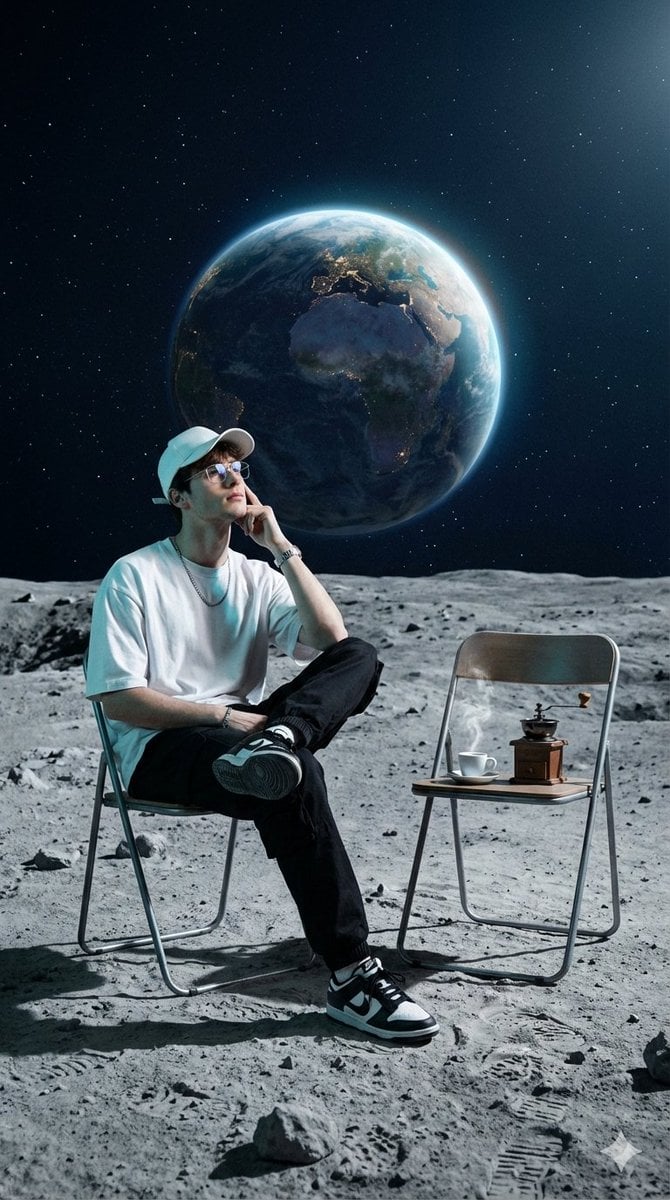
Surreal Cinematic Fashion Editorial on a Lunar Plain
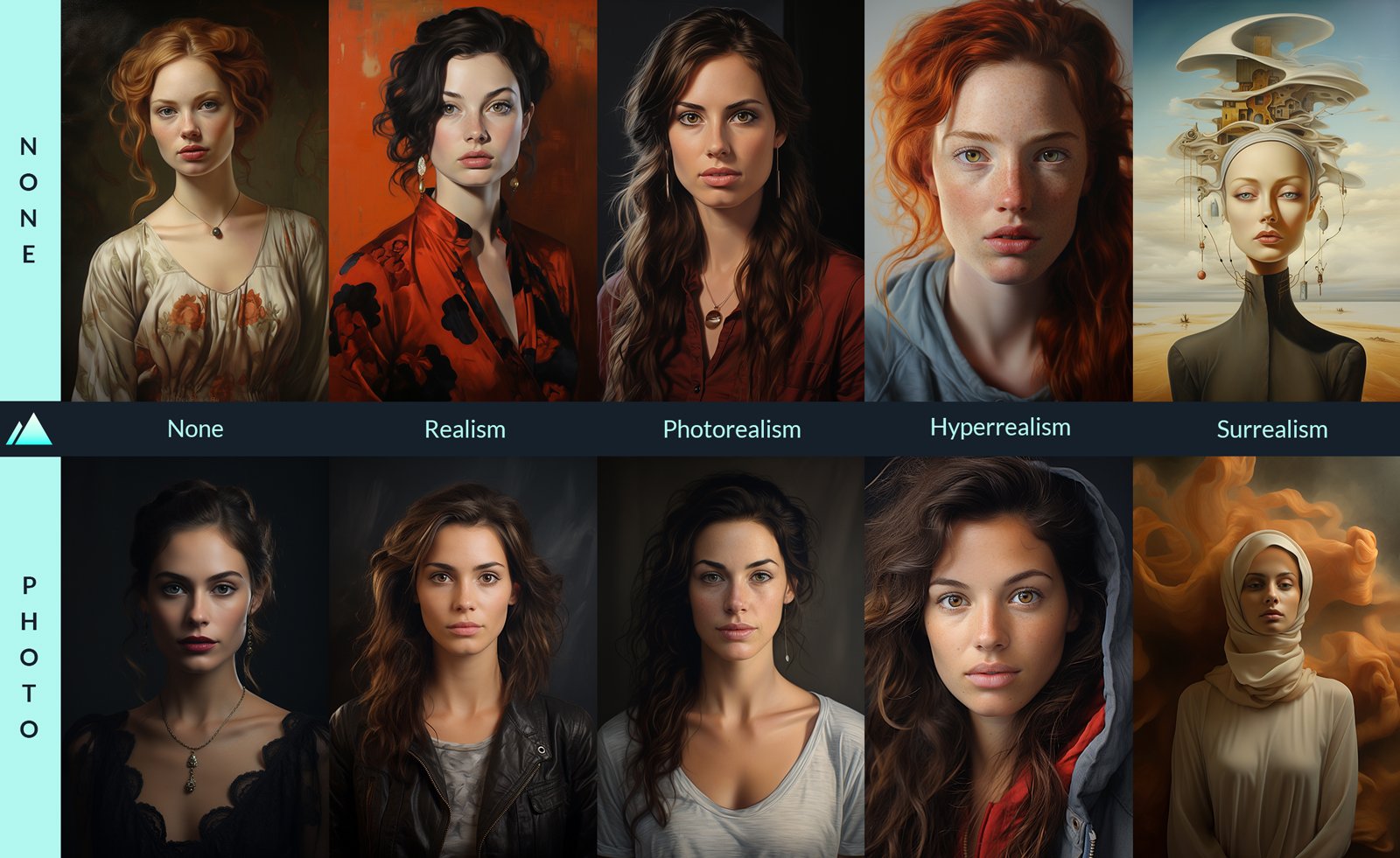
How to Generate Ai Humans That Look 100
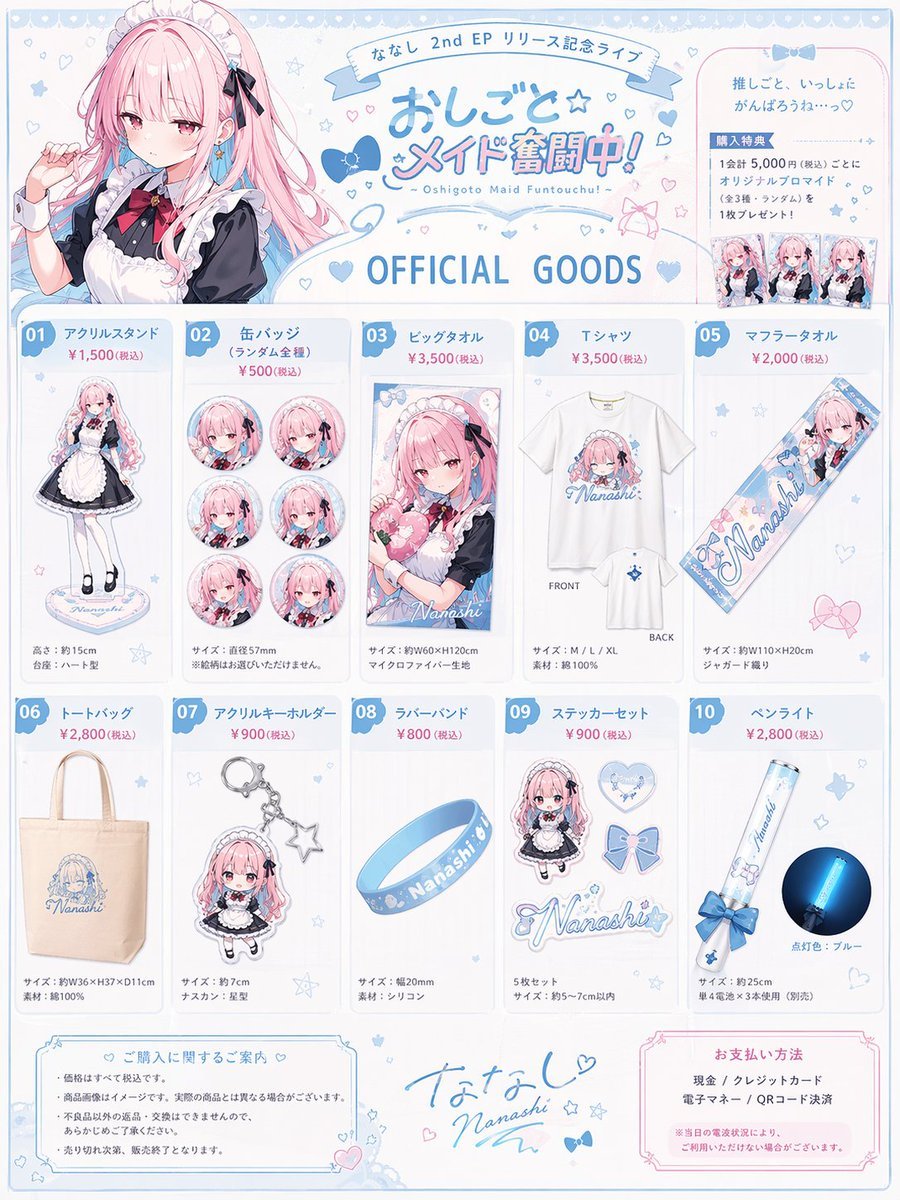
Anime Idol Merchandise Catalog
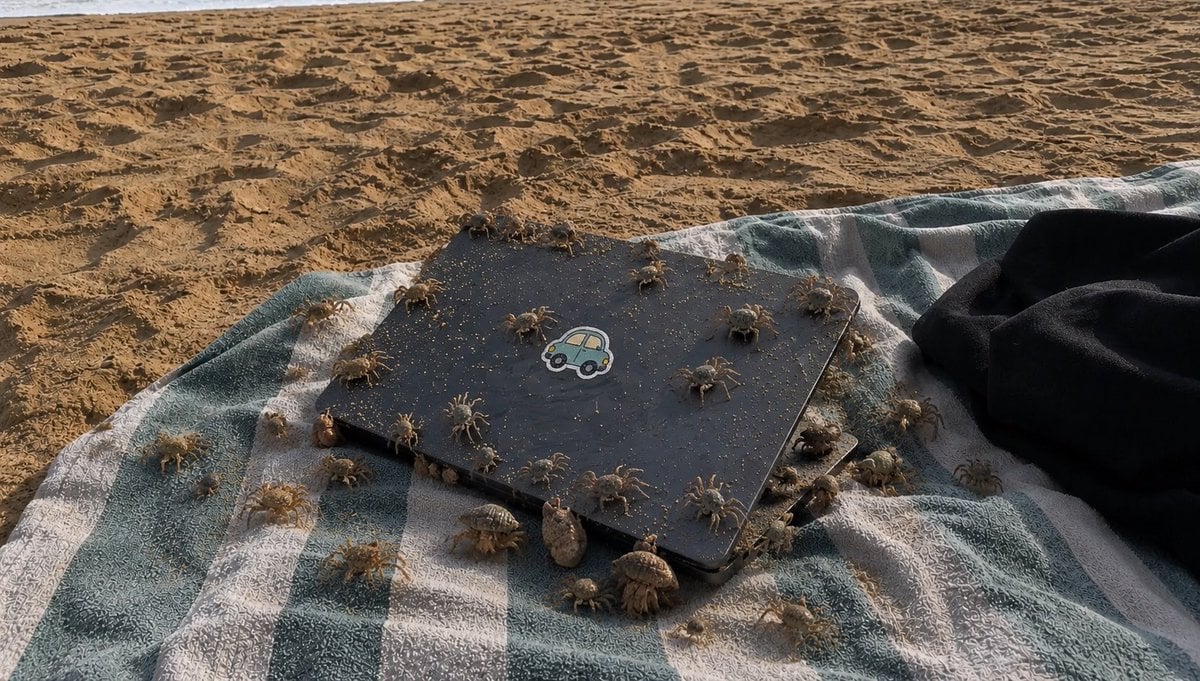
Crowded Crab Beach Laptop Scene
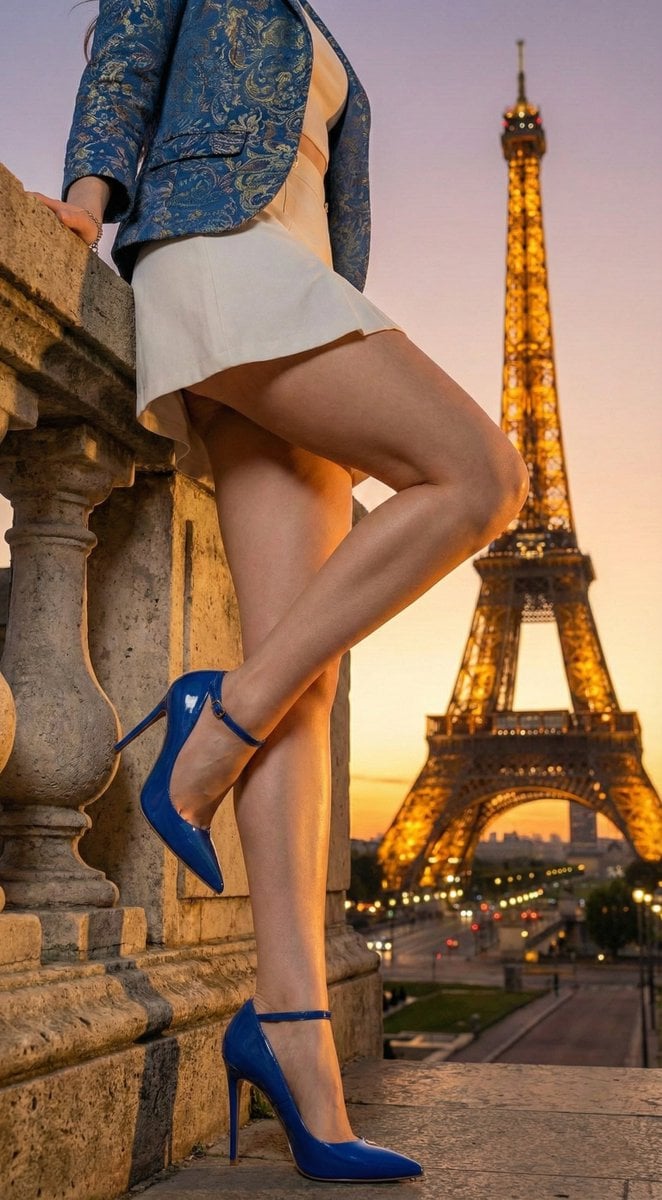
Eiffel Tower Golden Hour Miniskirt Legs
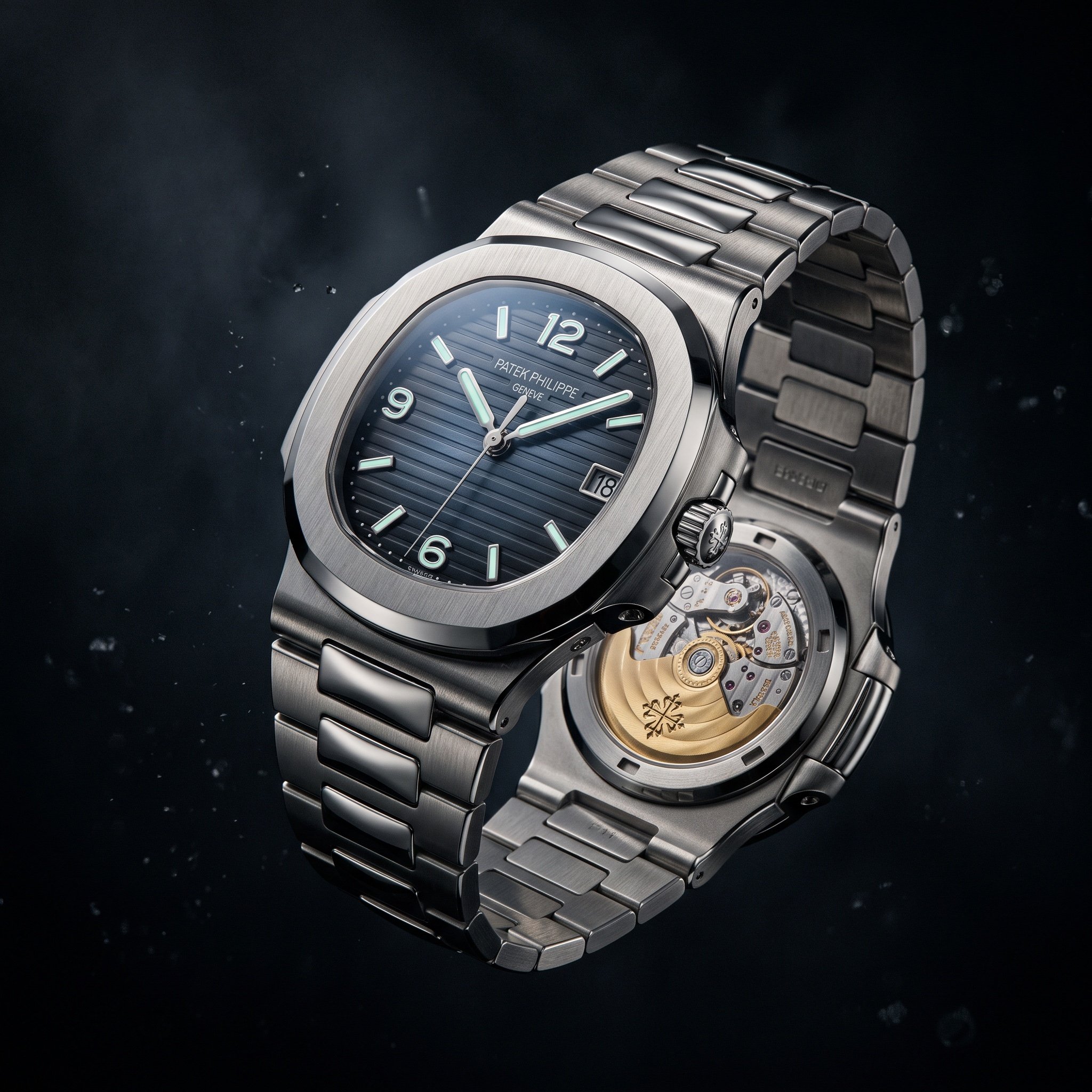
Cinematic Luxury Watch Advertisement
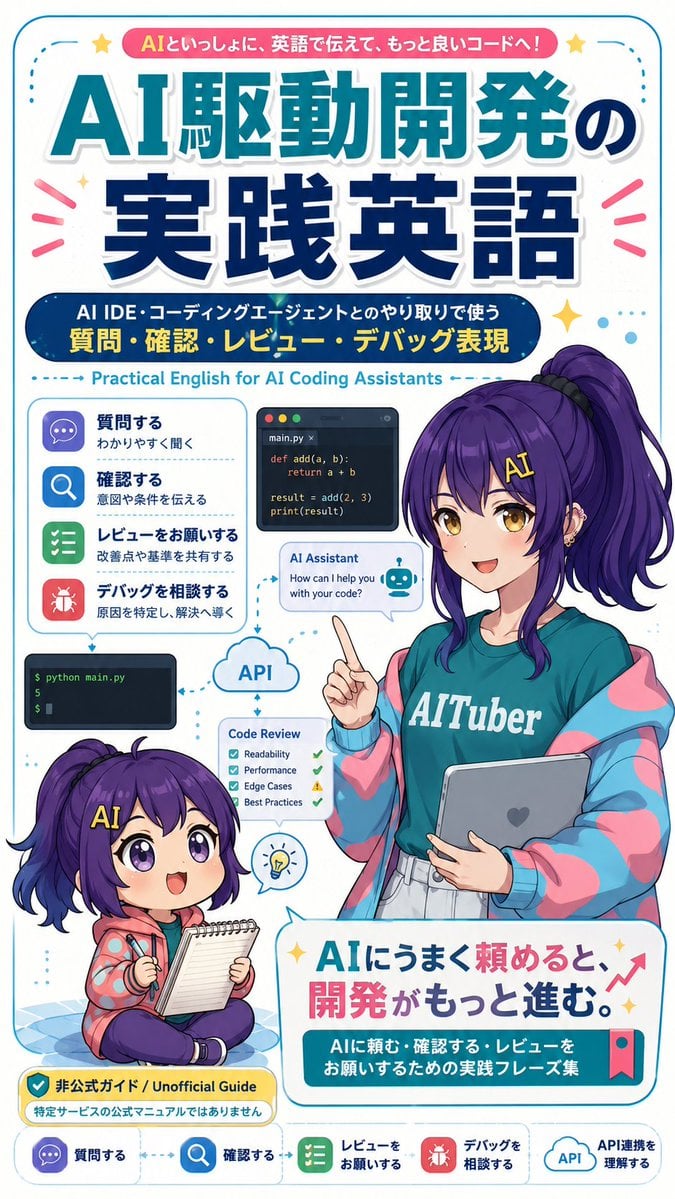
AI Coding English Learning Poster
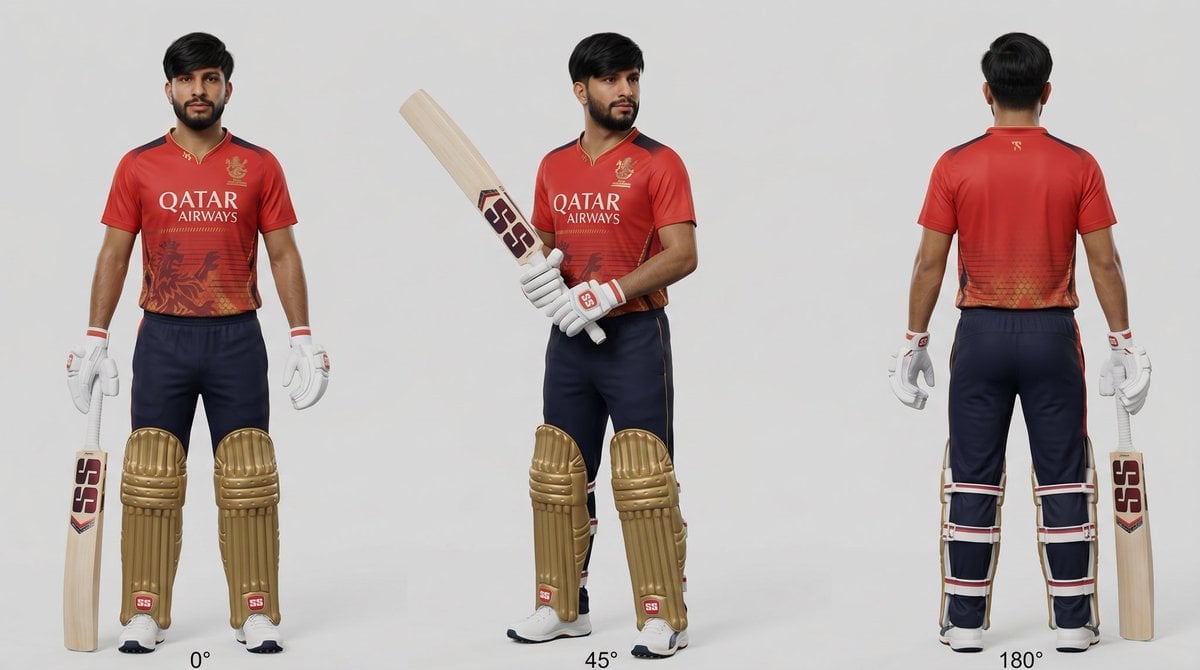
Cricket Player Three-Angle Character Sheet
Browse template categories
Retro Crystal Observatory Visual Novel questions
How do I use the Retro Crystal Observatory Visual Novel template?
Add your photo if the template asks for one, edit the prompt if you like — the template's model and format are already selected — and press Generate. Your version opens in PicX Studio.
Can I customize the Retro Crystal Observatory Visual Novel template?
Yes. You can change the subject, setting, lighting, mood, format, and available model controls before creating your image.
Is the Retro Crystal Observatory Visual Novel template free?
Opening and editing this template is free. Generating uses credits, shown on the Generate button when you are signed in.
Which AI model should I use?
Start with GPT Image 2, which is the model associated with this template. You can compare another compatible model for a different finish.
Looking for something else? Browse all templates.

Your photo, any look
Thousands of ready templates for every top image and video model, from one credit balance.