
Crowded Crab Beach Laptop Scene
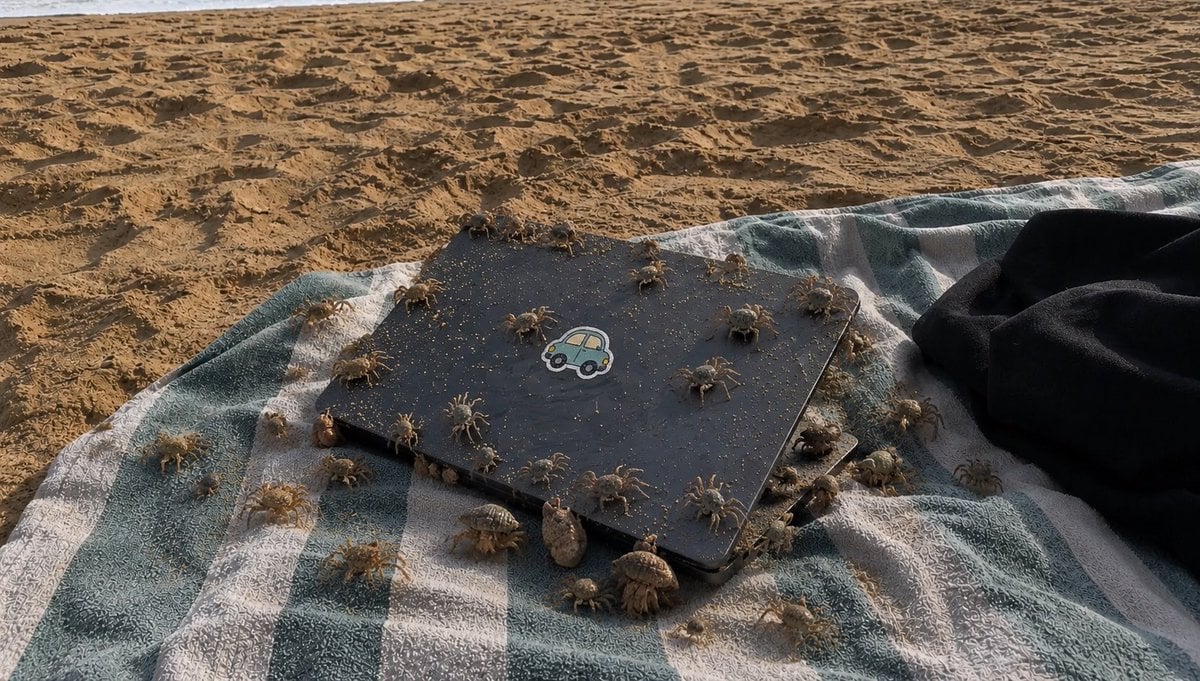
A realistic beach snapshot of a sand-dusted laptop on a striped towel swarming with crabs and hermit crabs, useful for unsettling nature-photo generation.
- Prompt included
- Model and format preset
- Premium template
The prompt behind this image
Copy the exact prompt behind Crowded Crab Beach Laptop Scene, or open it in the studio and make it yours.
Create a realistic, slightly unsettling beach photograph in late-afternoon natural light: a blue-green and white striped towel lies on rippled golden sand, with a closed matte black laptop or tablet centered on the towel at a slight diagonal angle. The device has rounded corners, is dusted with sand grains, and has a small cute car sticker in the center of the lid. A dark black garment or towel is bunched on the right edge. Populate the scene with exactly 38 tiny beach creatures crawling over and around the device and towel: 24 pale sand crabs with long thin legs scattered across the towel, laptop lid, and nearby sand, and 14 hermit crabs with varied spiral shells clustered mostly along the lower and right edges of the device. Make the creatures numerous and busy, with some on top of the laptop, some partially under its edges, and some crossing the striped fabric. Use {argument name="creature count" default="38"} visible animals, {argument name="main object" default="closed matte black laptop with a cute car sticker"}, {argument name="beach textile" default="blue-green and white striped towel"}, {argument name="lighting" default="warm low-angle late-afternoon sunlight"}, and {argument name="mood" default="realistic, crowded, slightly creepy but natural beach snapshot"}. Shoot from a low oblique overhead angle, wide horizontal composition, shallow but not extreme depth of field, high detail in sand texture, fabric weave, shadows, crab legs, and shells. No humans, no text overlay, no watermark.
How to use Crowded Crab Beach Laptop Scene in 3 steps
- 1Upload ImagePNG, JPG or paste
Add your photo
Upload the photo the template builds on. The prompt, model and format are already set.
- 2…a portrait of your subject in softgolden-hour light, 85mm…
Personalize
Edit the subject and creative details for your destination.
- 3Generate
Generate
Press Generate — your image is created in PicX Studio, so you can compare it with the original and refine one variable at a time.
More like this
Templates with the same subject, style or setup. Open one to see its prompt.

Coastal Bench Portrait — Navy Floral Sundress
Cozy Laptop Portrait by Window

Cozy Night Laptop Portrait

Local Edit: Rotate Laptop and Add Logo
Hermit Crabs Carrying Storm Clouds
Pastel Rainbow Crab
Moody Thriller Bedroom Laptop Scene
Technical Laptop Infographic Illustration
Rainbow Clay Crab Illustration
High-End Laptop Packaging Concept Board
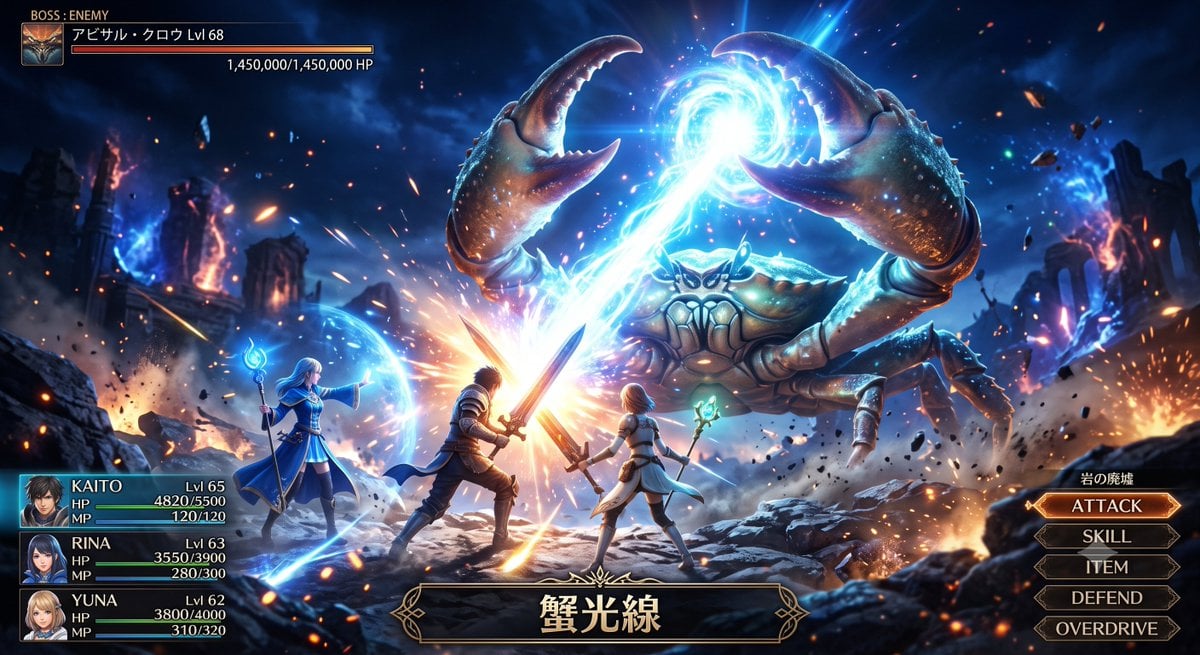
Fantasy Crab Boss Battle UI
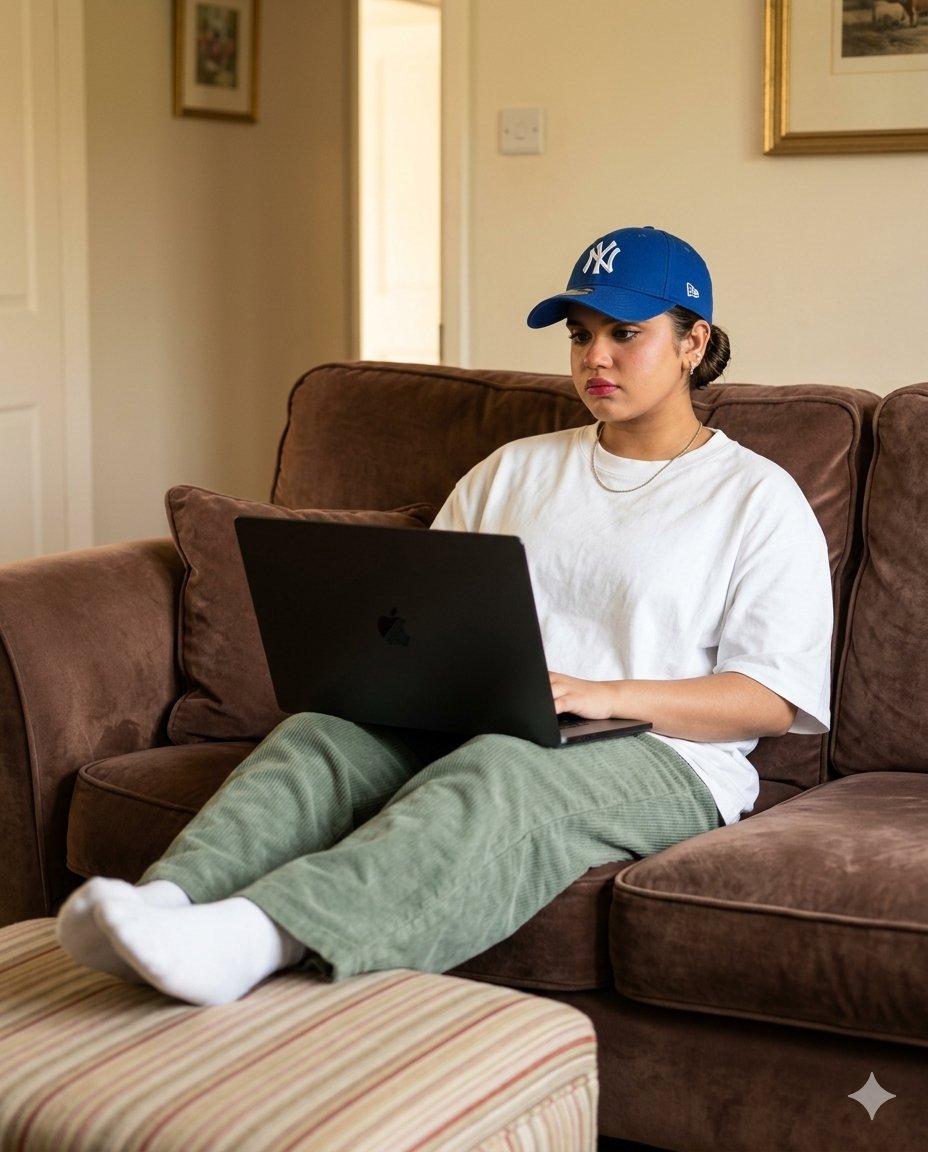
Cozy English Cottage Interior with Laptop
Make it yours
Crowded Crab Beach Laptop Scene works as-is. These are the safest ways to change it without losing the look.
Change one field
Copy a single group, rewrite it, and generate again so you can see what that field is doing.
Keep the frame, change the subject
Hold the composition and light of Crowded Crab Beach Laptop Scene, then swap wardrobe, props or the person for a new take.
| If the result… | Why | Fix |
|---|---|---|
| The result drifts from the preview | Too many fields changed at once. | Reuse Crowded Crab Beach Laptop Scene as-is first, then change one group — subject, light, or setting. |
| The model over-stylizes the scene | The prose prompt leaves finish and camera underspecified. | Add one camera or lighting sentence and stay on GPT Image 2. |
More GPT Image 2 templates
Other prompts made for GPT Image 2.

Six VTuber Japanese Logo Sheet

Realistic Portrait of Woman and Deer

The Vista Modular Condo Poster

AI Model Routing Comparison Infographic

2.5D Anime Art Board

Isometric Productivity Desk Scene

New York Double Exposure Poster

Four-Panel AI Landscape Comparison

Japanese Tatami Lifestyle Magazine Cover

NESCAFÉ Coffee Map Poster
More image prompts
Fresh picks from across the catalog.
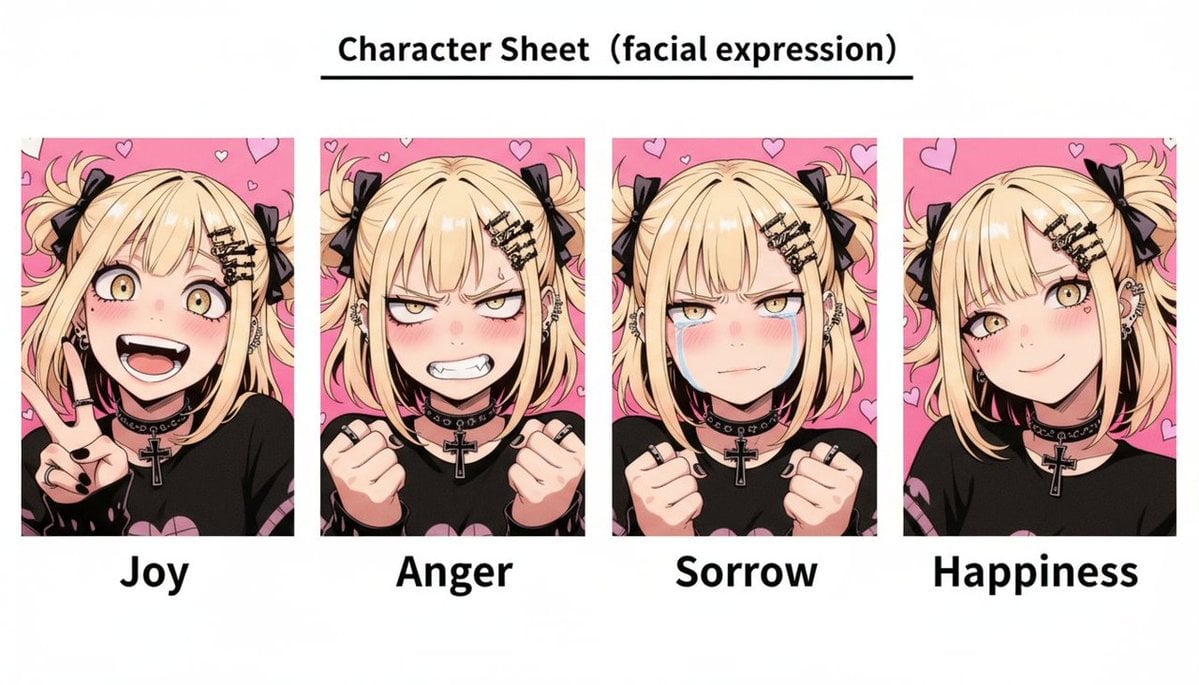
Gothic Anime Facial Expression Sheet
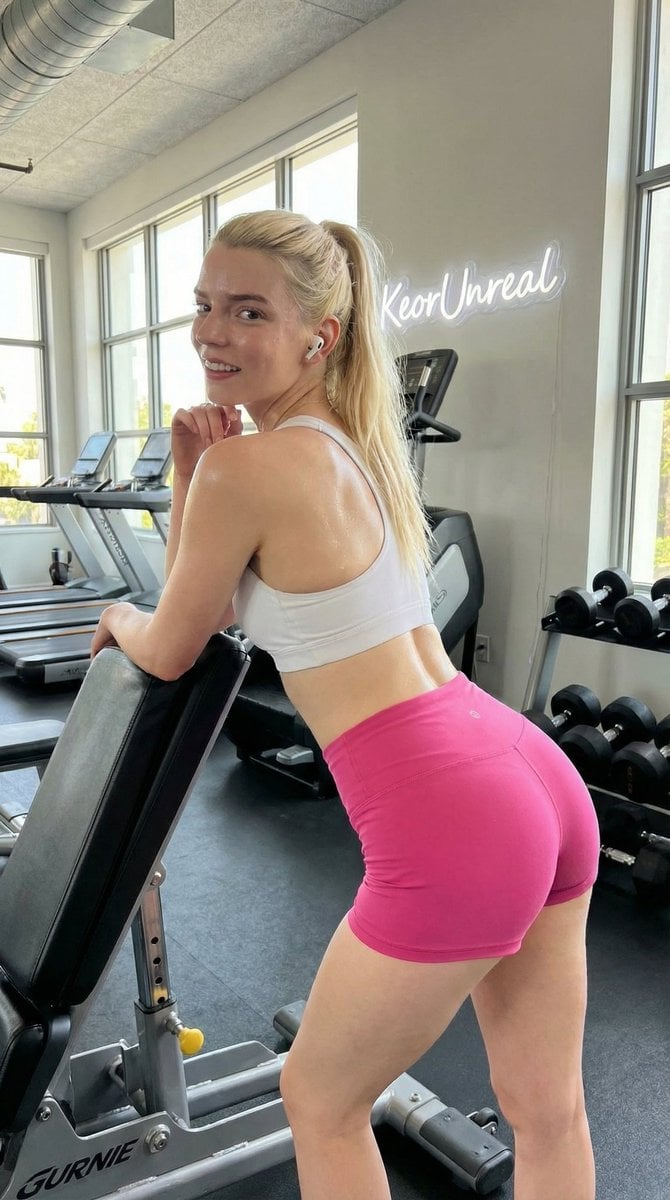
High-Resolution Fitness Lifestyle Portrait in a Modern Gym

Minimalist Corporate Portrait Sprite Sheet
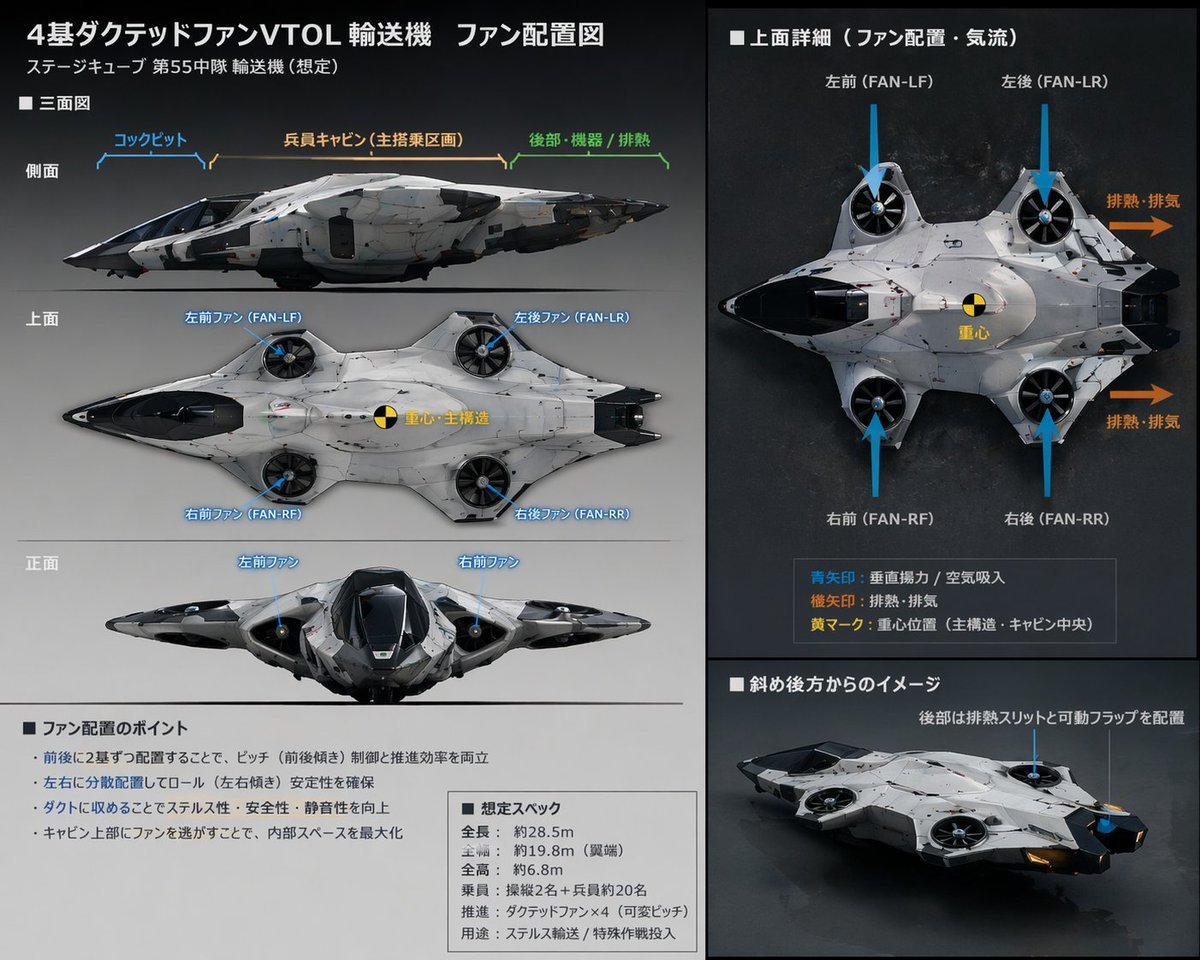
Sci-Fi VTOL Aircraft Technical Spec Sheet
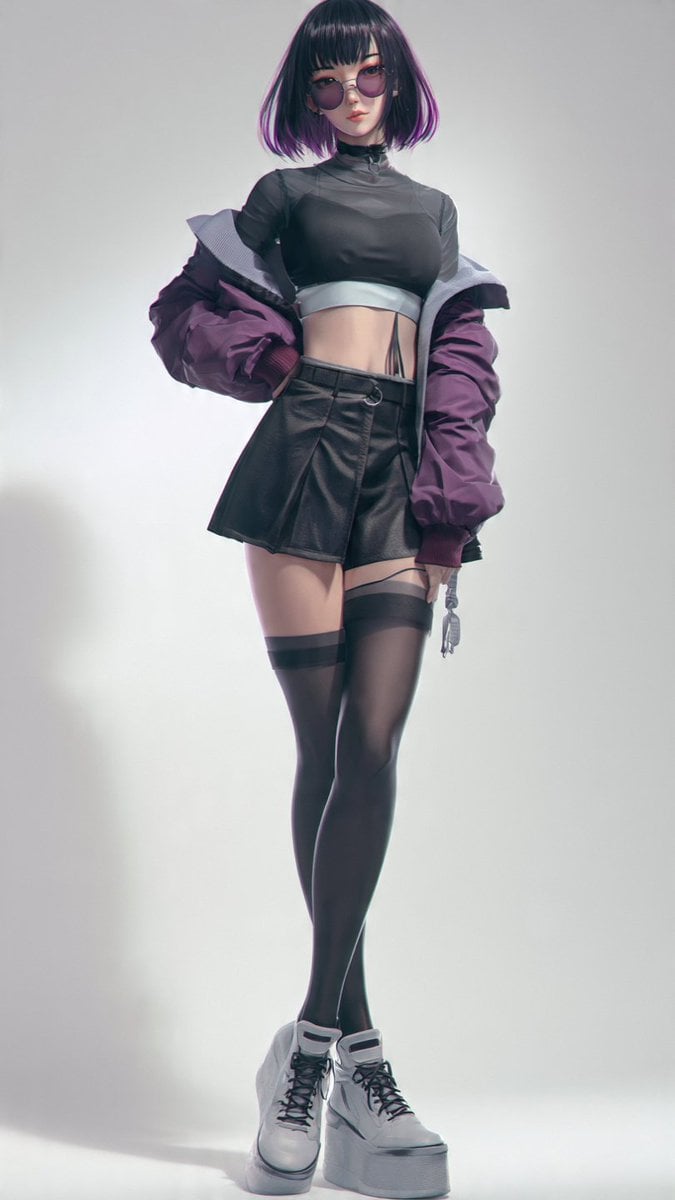
Anime Cyber Streetwear Full-Body Portrait
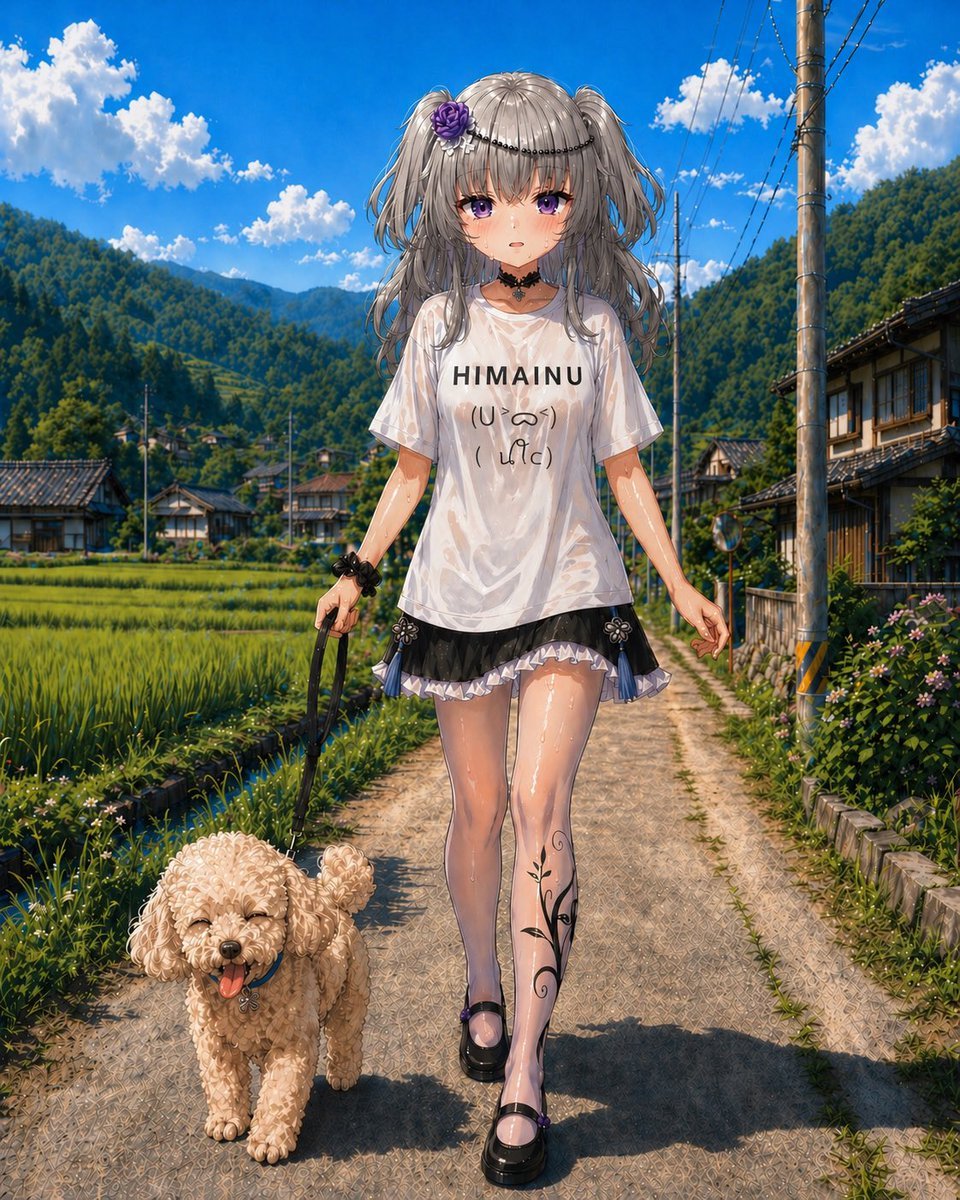
Anime Countryside Dog Walk T-Shirt Scene
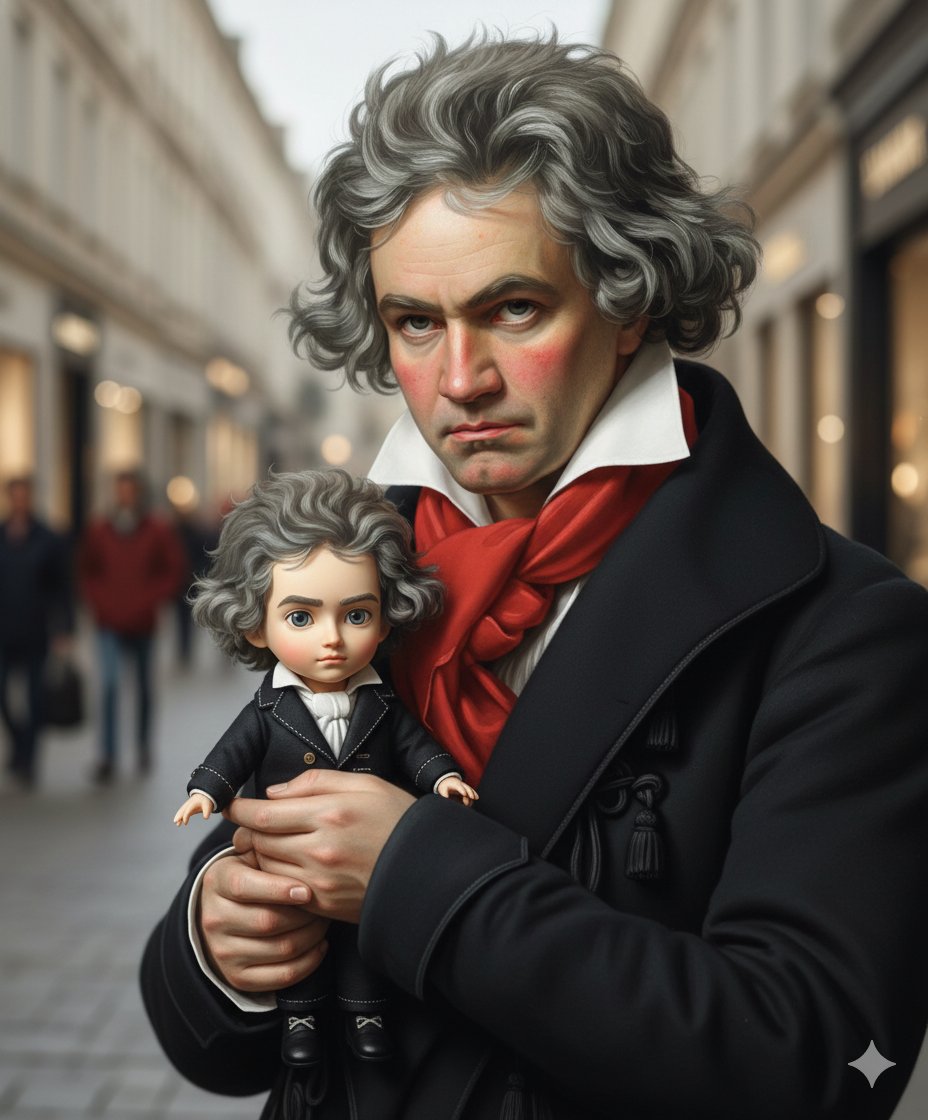
Mini-Me Q-Version Avatar Generation Prompt
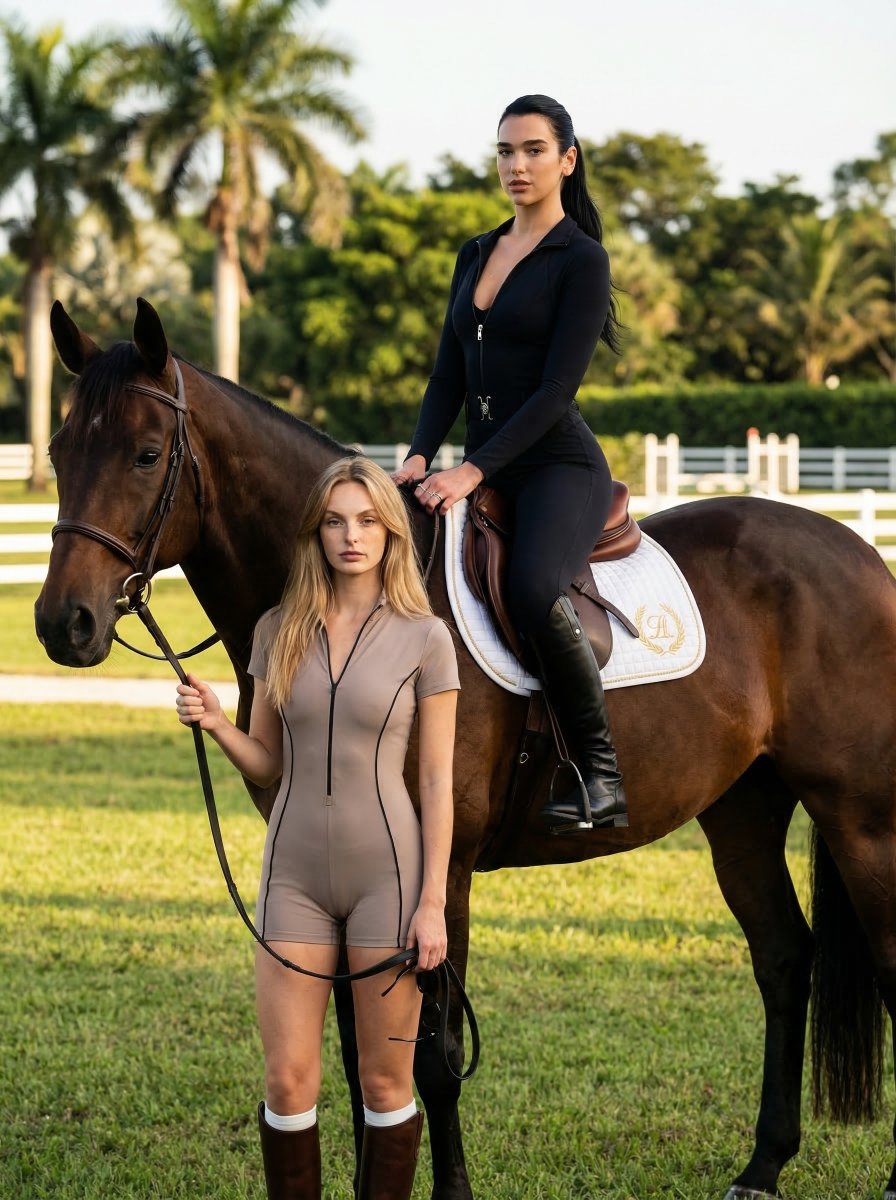
Luxury Equestrian Editorial with Dua Lipa
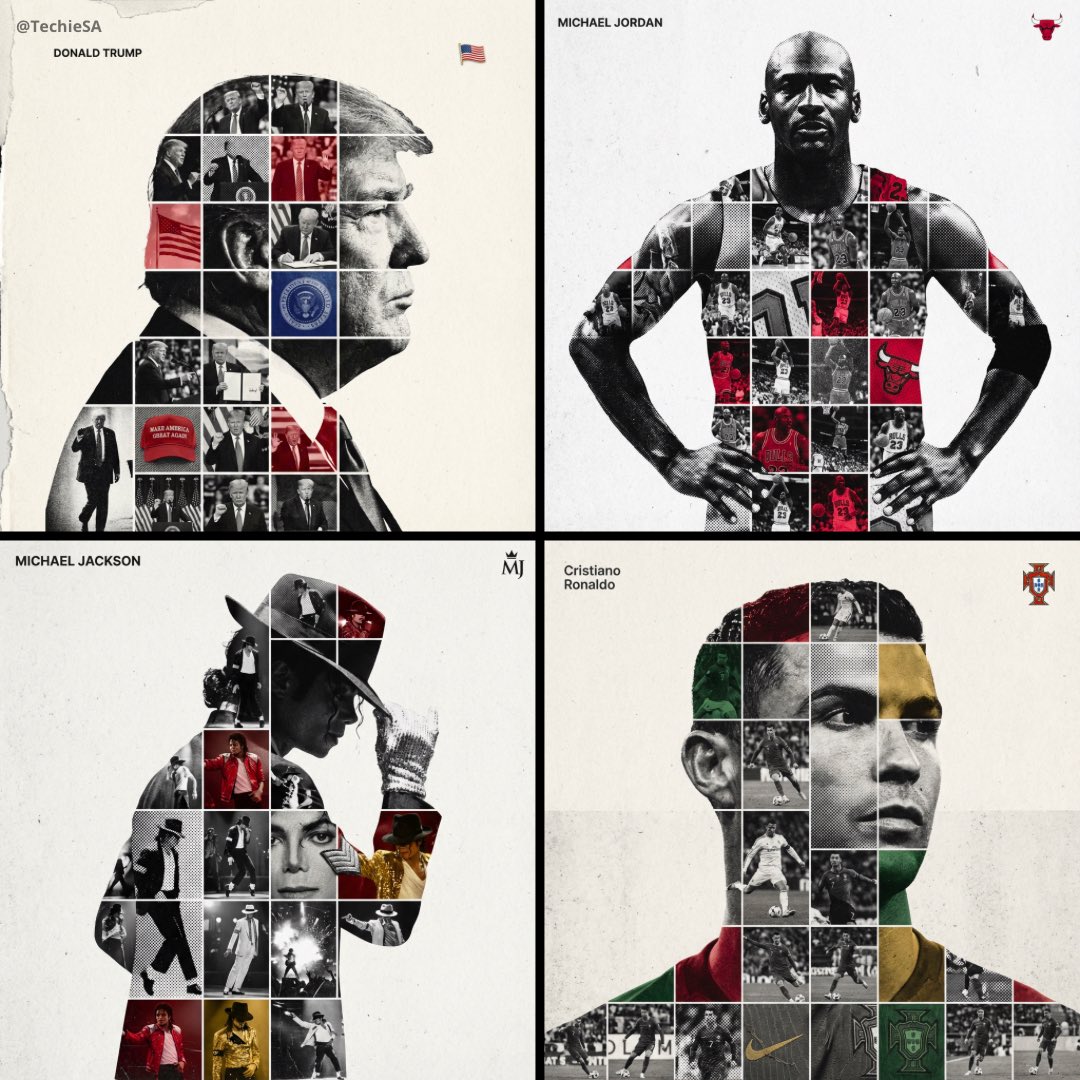
Mixed Media Sports Tribute
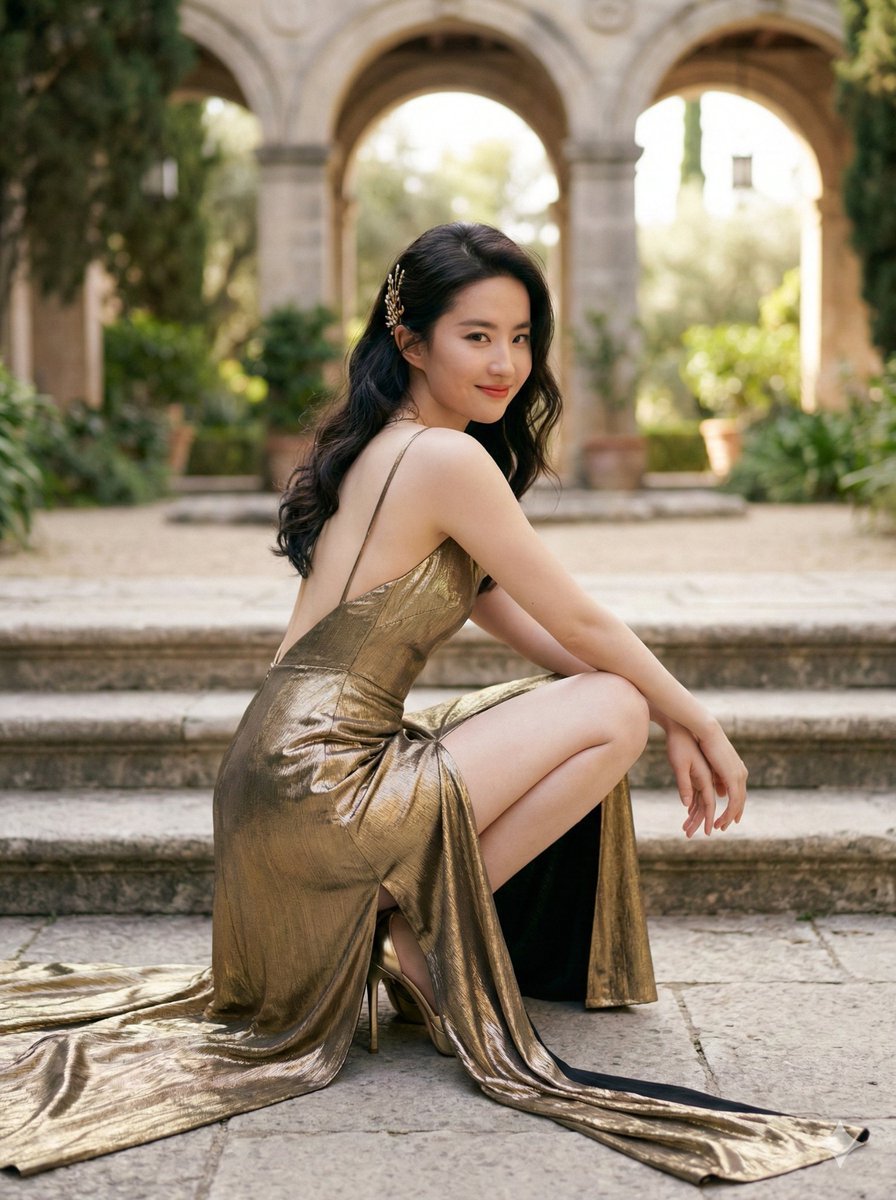
Elegant Outdoor Portrait in Gold Evening Gown
Browse template categories
Crowded Crab Beach Laptop Scene questions
How do I use the Crowded Crab Beach Laptop Scene template?
Add your photo if the template asks for one, edit the prompt if you like — the template's model and format are already selected — and press Generate. Your version opens in PicX Studio.
Can I customize the Crowded Crab Beach Laptop Scene template?
Yes. You can change the subject, setting, lighting, mood, format, and available model controls before creating your image.
Is the Crowded Crab Beach Laptop Scene template free?
Opening and editing this template is free. Generating uses credits, shown on the Generate button when you are signed in.
Which AI model should I use?
Start with GPT Image 2, which is the model associated with this template. You can compare another compatible model for a different finish.
Looking for something else? Browse all templates.

Your photo, any look
Thousands of ready templates for every top image and video model, from one credit balance.