
Rainbow Clay Crab Illustration
Generates a cute fantastical rainbow crab as a soft 3D clay-style illustration for AI art or character creature design.
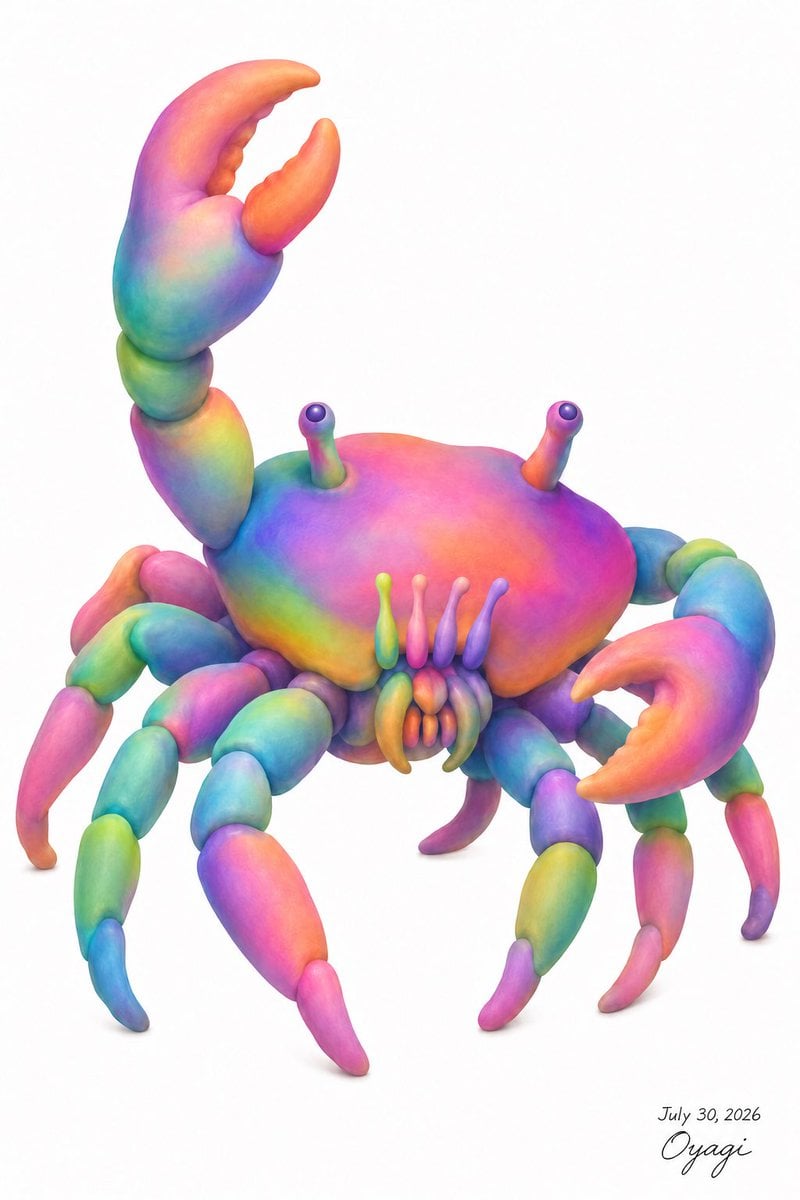
- Prompt included
- Model and format preset
- Free template
The prompt behind this image
Copy the exact prompt behind Rainbow Clay Crab Illustration, or open it in the studio and make it yours.
Create a whimsical full-body 3D clay-like illustration of a crab on a clean white background, centered with lots of negative space. The crab should have a rounded smooth carapace, soft sculpted anatomy, and a vivid rainbow gradient surface with blended colors: hot pink, magenta, orange, yellow, lime green, turquoise, cyan, blue, and violet. Use a plush polymer-clay / soft airbrushed digital sculpture style with gentle subsurface shading, rounded forms, no hard outlines, and realistic contact shadows beneath the legs. The creature must include exactly 2 large raised claws: the left claw lifted high above the body with an open crescent pincer, and the right claw extended forward-right with an open pincer. Include exactly 8 segmented walking legs, 4 on each side, each made of rounded bead-like sections tapering into curved pointed tips, with alternating rainbow colors. Include exactly 2 eye stalks rising from the top of the shell, each ending in a small glossy dark purple spherical eye highlight. Include exactly 4 narrow vertical mouth feelers in front of the shell, plus 6 small clustered mouth appendages below them. The crab’s body should face slightly toward the viewer, angled three-quarters, with the shell broad and domed and the legs splayed naturally. Add a small handwritten signature and date in the lower right reading {argument name="signature text" default="July 30, 2026 Oyagi"}. Overall mood: cute, strange, biologically inspired but fantastical, like a detailed text-described crab transformed into a colorful toy sculpture. Use {argument name="main subject" default="rainbow crab"}, {argument name="background color" default="white"}, {argument name="art style" default="soft 3D clay illustration"}, and {argument name="color palette" default="saturated rainbow gradient"}. No extra objects, no frame, no watermark beyond the small signature.
How to use Rainbow Clay Crab Illustration in 3 steps
- 1Upload ImagePNG, JPG or paste
Add your photo
Upload the photo the template builds on. The prompt, model and format are already set.
- 2…a portrait of your subject in softgolden-hour light, 85mm…
Personalize
Edit the subject and creative details for your destination.
- 3Generate
Generate
Press Generate — your image is created in PicX Studio, so you can compare it with the original and refine one variable at a time.
More like this
Templates with the same subject, style or setup. Open one to see its prompt.

Sticker Art Style - Rainbow Girl

Sticker Art Style - Rainbow Girl v2
Sticker Art Style - Rainbow Girl
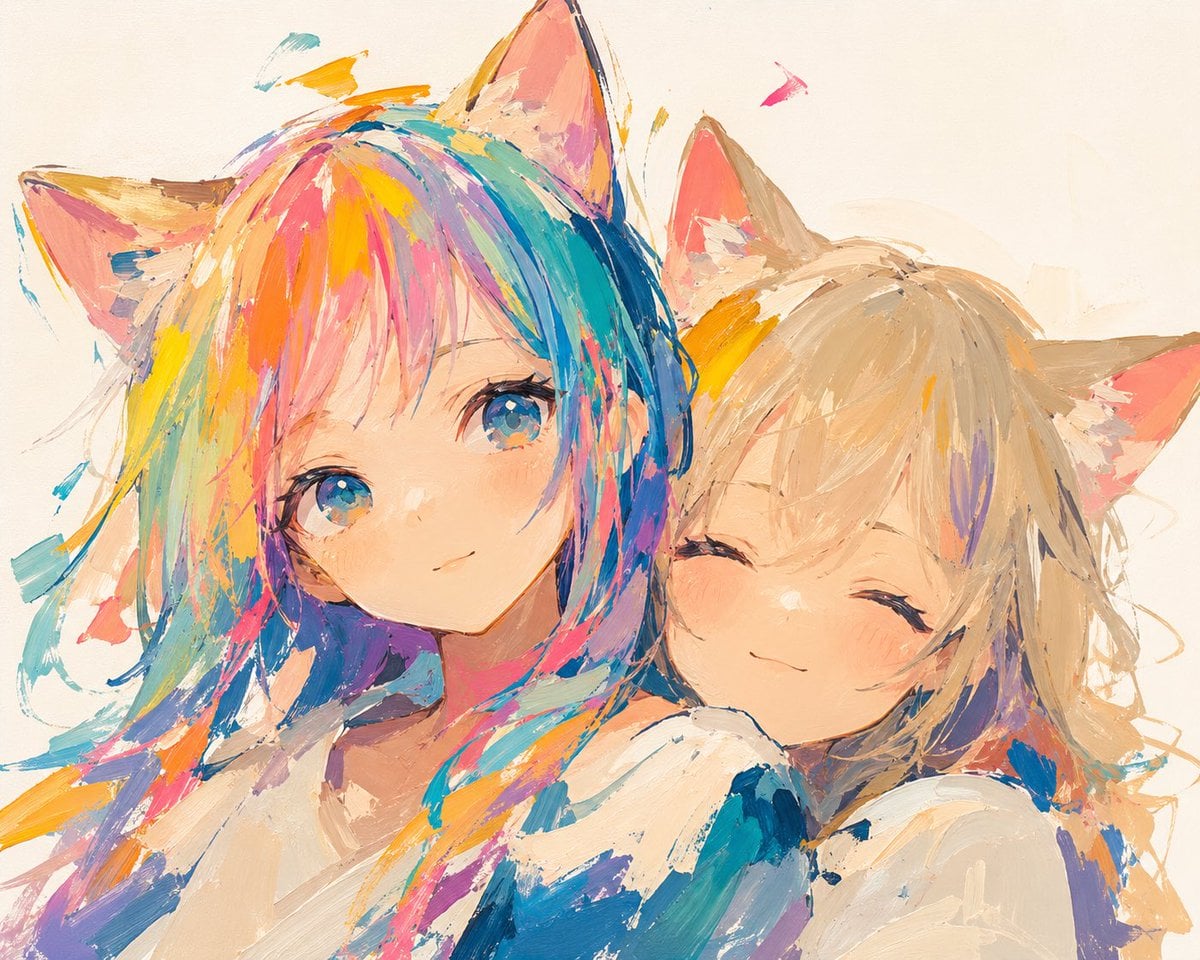
Rainbow Haired Cat Girl Illustration
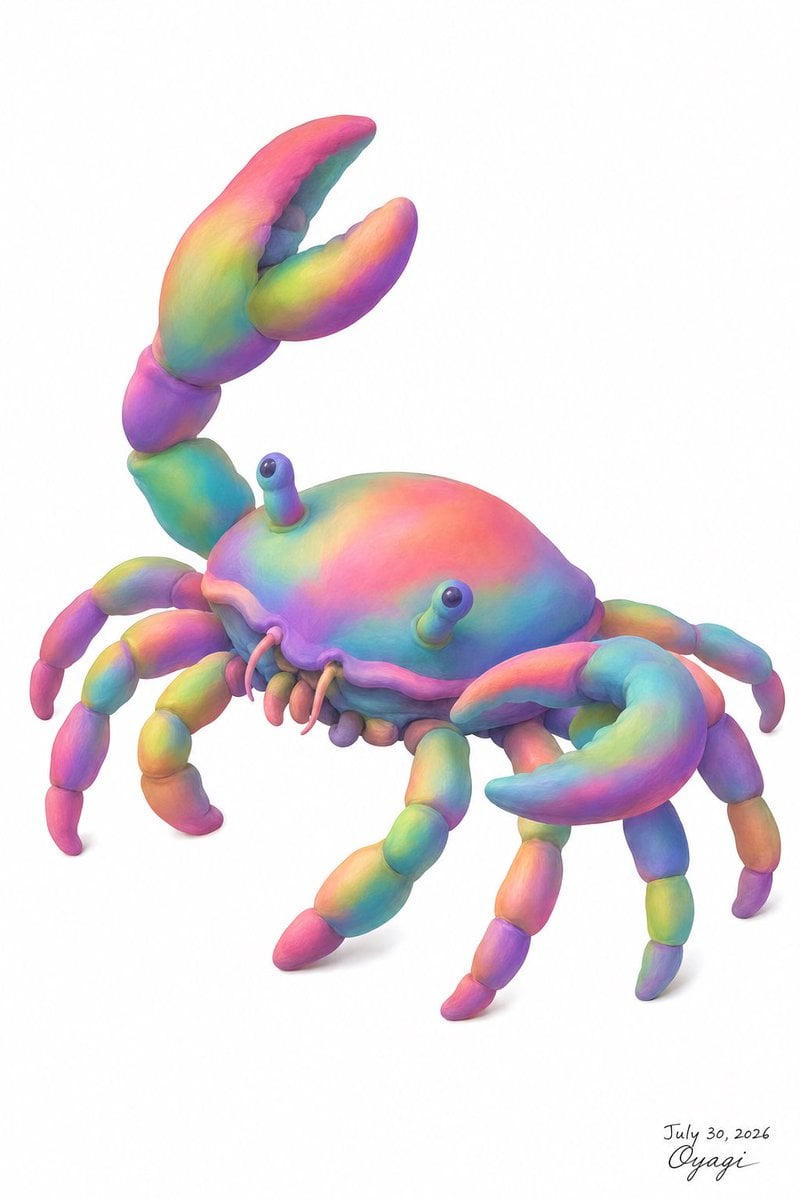
Pastel Rainbow Crab
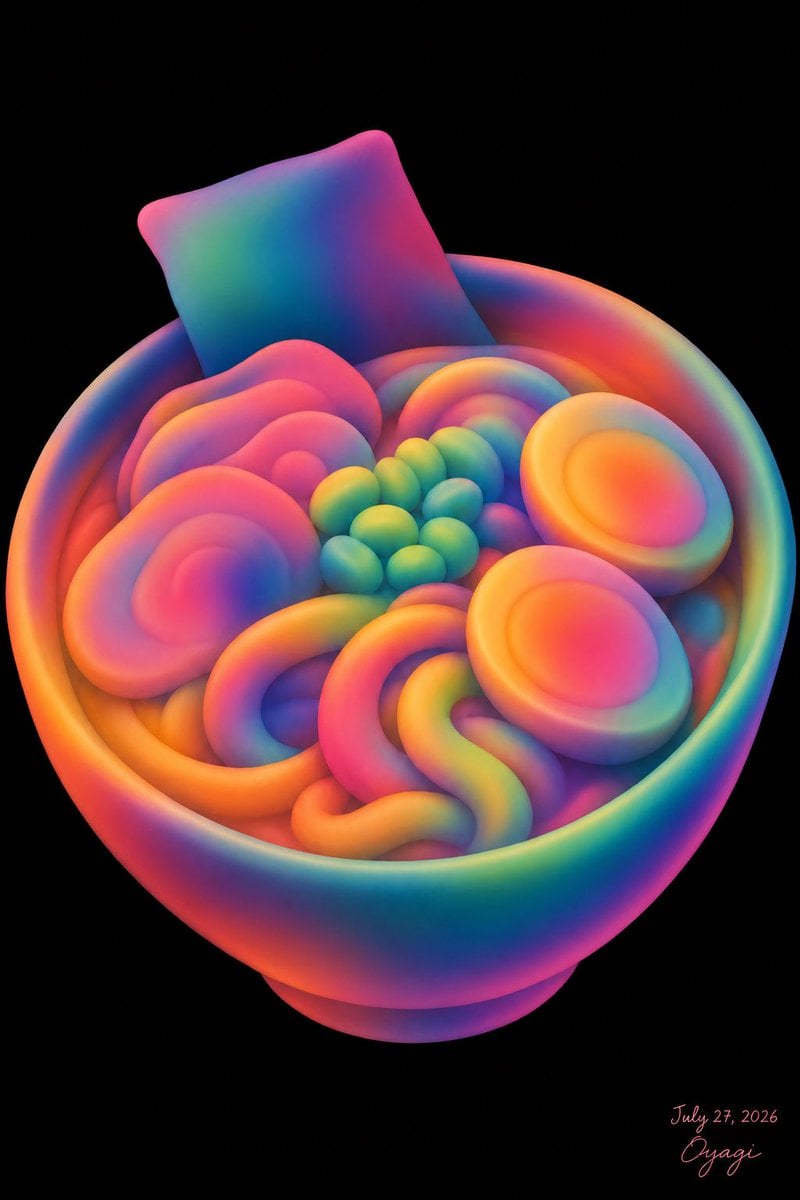
Neon Clay Rainbow Ramen Bowl

Quiet Minimalist Anime Style Guide

Real Illustration Split Portrait Transition
Quiet Minimalist Anime Style Guide

Watercolor Café Cheesecake Editorial Illustration
Real Illustration Split Portrait Transition

Bold Side Profile Superhero Poster
Make it yours
Rainbow Clay Crab Illustration works as-is. These are the safest ways to change it without losing the look.
Change one field
Copy a single group, rewrite it, and generate again so you can see what that field is doing.
Keep the frame, change the subject
Hold the composition and light of Rainbow Clay Crab Illustration, then swap wardrobe, props or the person for a new take.
| If the result… | Why | Fix |
|---|---|---|
| The result drifts from the preview | Too many fields changed at once. | Reuse Rainbow Clay Crab Illustration as-is first, then change one group — subject, light, or setting. |
| The model over-stylizes the scene | The prose prompt leaves finish and camera underspecified. | Add one camera or lighting sentence and stay on GPT Image 2. |
More GPT Image 2 templates
Other prompts made for GPT Image 2.

Six VTuber Japanese Logo Sheet

Realistic Portrait of Woman and Deer

The Vista Modular Condo Poster

AI Model Routing Comparison Infographic

2.5D Anime Art Board

Isometric Productivity Desk Scene

New York Double Exposure Poster

Four-Panel AI Landscape Comparison

Japanese Tatami Lifestyle Magazine Cover

NESCAFÉ Coffee Map Poster
More image prompts
Fresh picks from across the catalog.
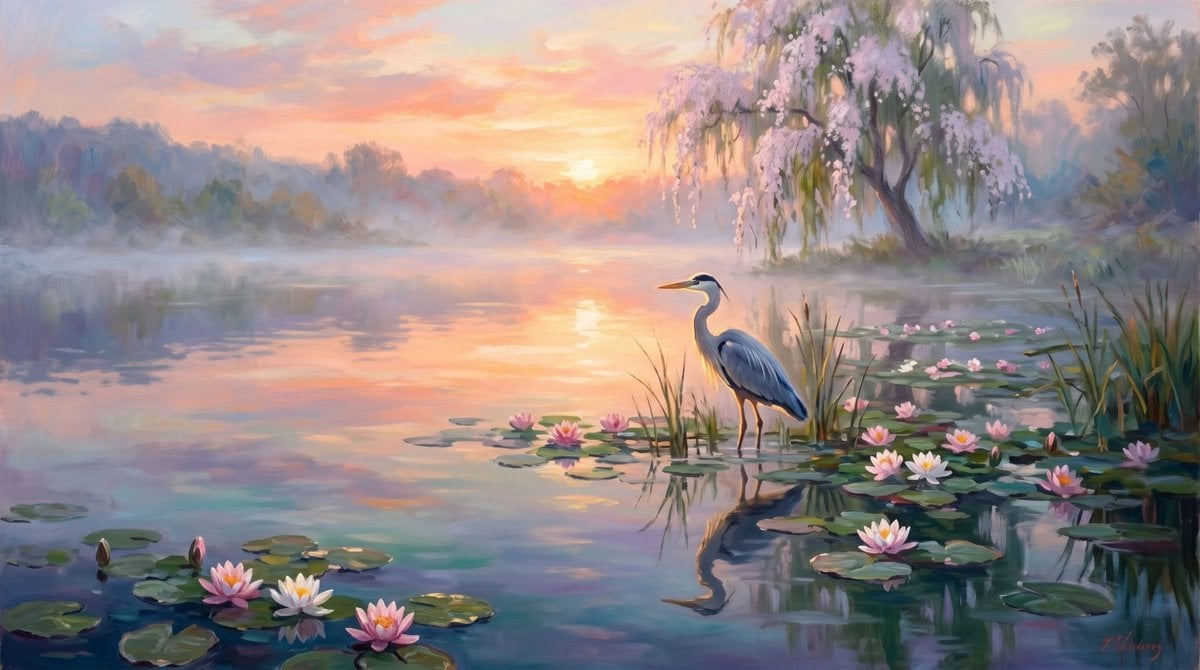
Misty Lotus Pond Heron Sunrise

Gpt2 Social Media Post 4 Panel Japanese Digital Ad Banner Grid
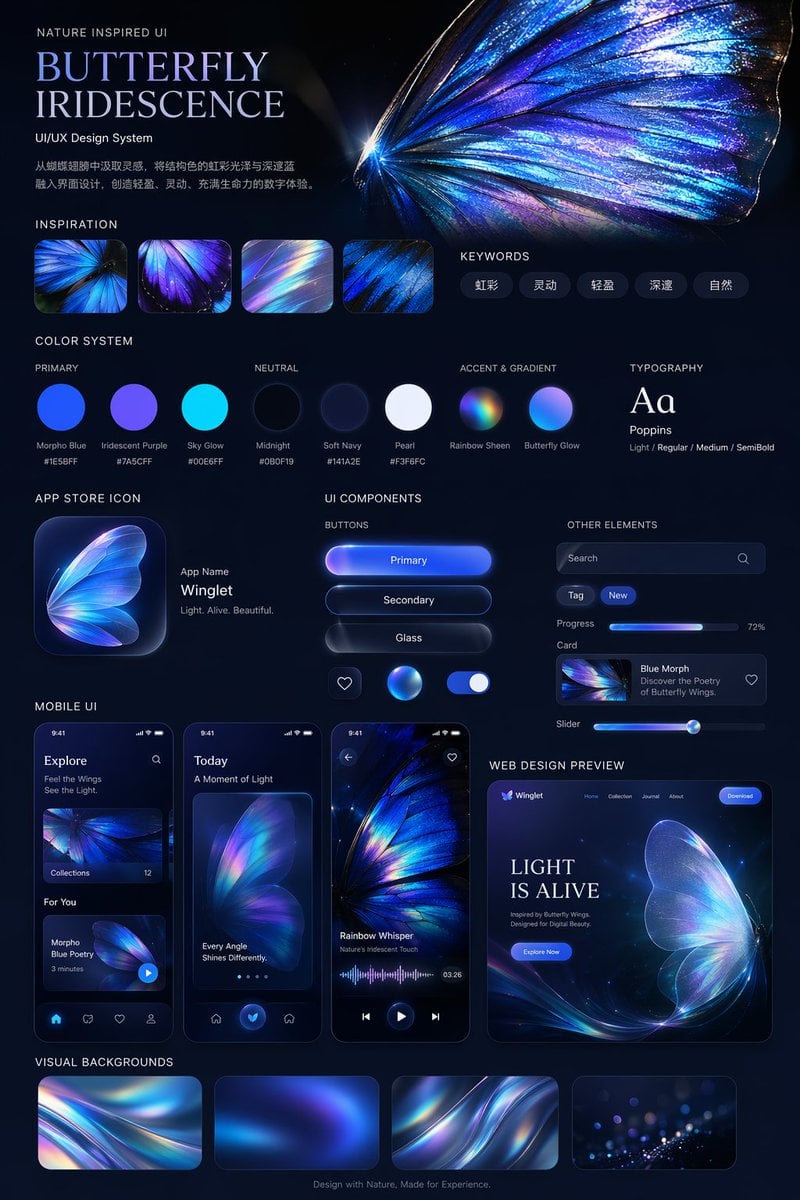
Iridescent Butterfly UI/UX Design System
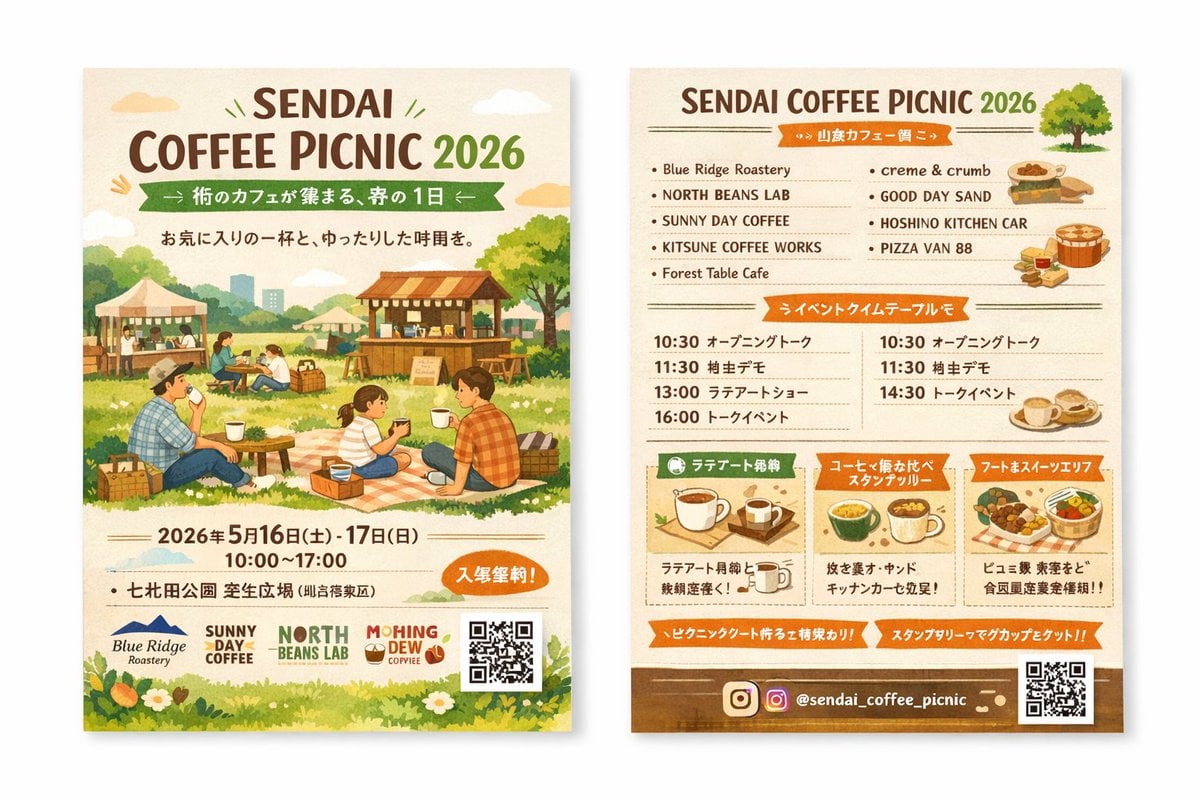
Two-Sided Watercolor Event Flyer Mockup
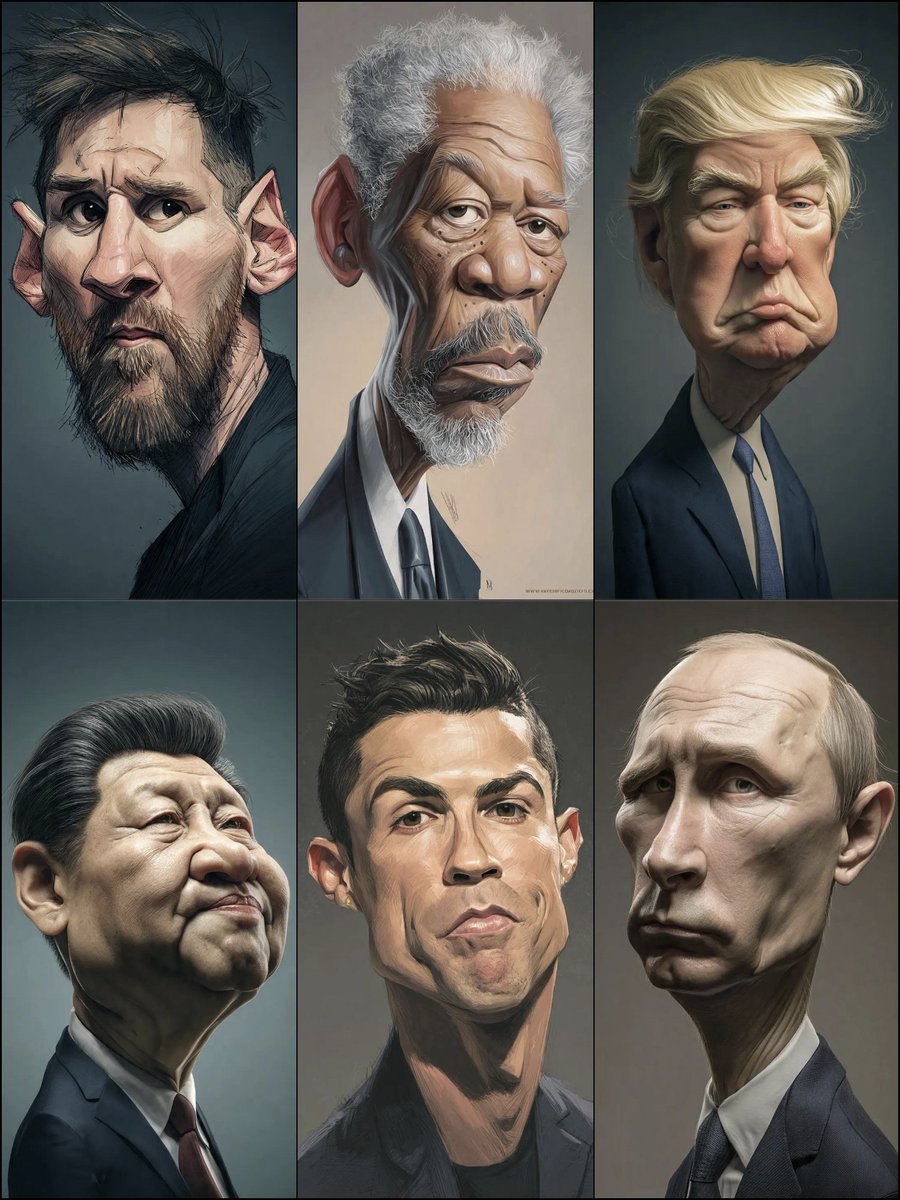
Hyperrealistic Caricature Portrait
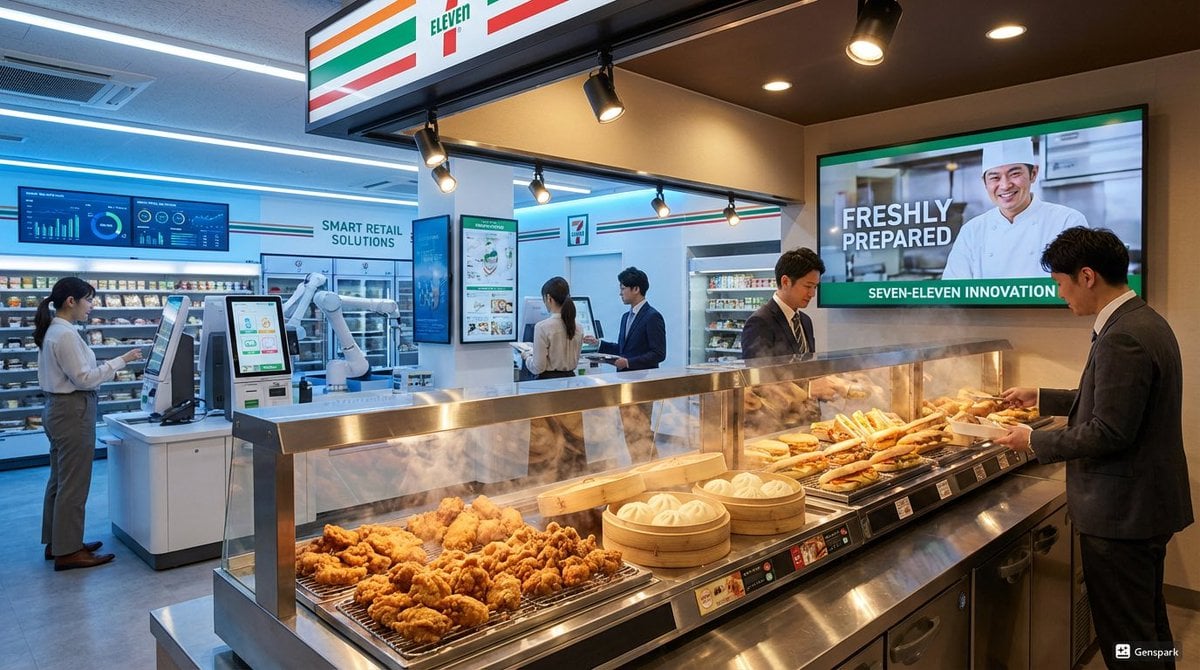
Futuristic store visualization
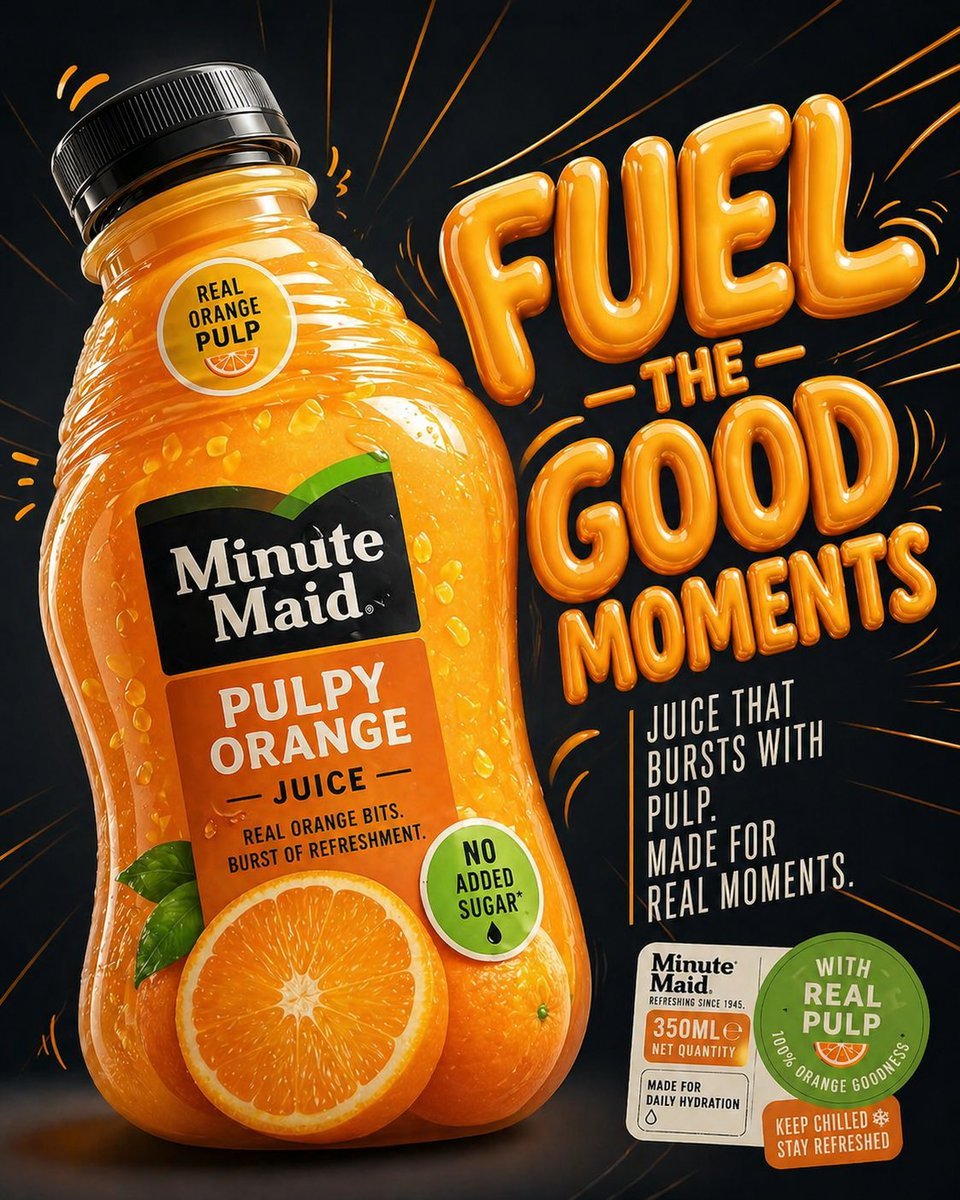
Minute Maid commercial product ad
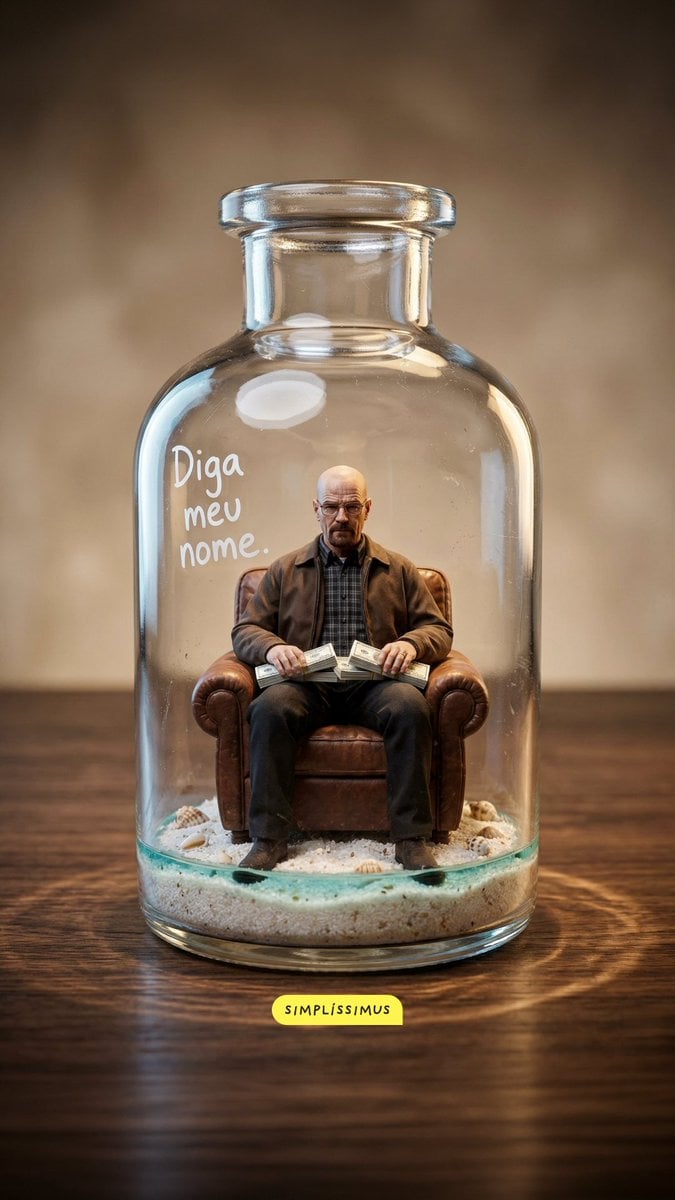
Hyper-real Miniature Diorama Pop Culture Prompt for Nano Banana 2

Pixar-style 3D avatar generation prompt
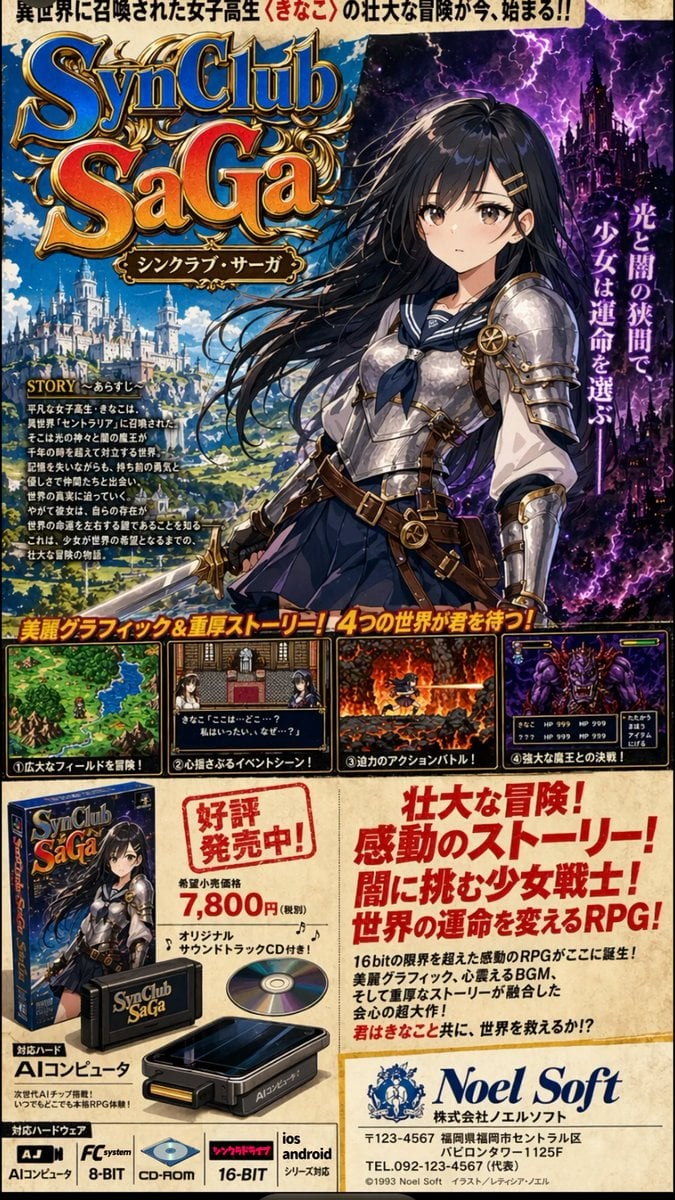
Retro JRPG Magazine Ad
Browse template categories
Rainbow Clay Crab Illustration questions
How do I use the Rainbow Clay Crab Illustration template?
Add your photo if the template asks for one, edit the prompt if you like — the template's model and format are already selected — and press Generate. Your version opens in PicX Studio.
Can I customize the Rainbow Clay Crab Illustration template?
Yes. You can change the subject, setting, lighting, mood, format, and available model controls before creating your image.
Is the Rainbow Clay Crab Illustration template free?
Opening and editing this template is free. Generating uses credits, shown on the Generate button when you are signed in.
Which AI model should I use?
Start with GPT Image 2, which is the model associated with this template. You can compare another compatible model for a different finish.
Looking for something else? Browse all templates.

Your photo, any look
Thousands of ready templates for every top image and video model, from one credit balance.