
Minute Maid commercial product ad
A highly structured JSON prompt for a premium commercial advertisement of orange juice, specifying detailed bottle design and typography.
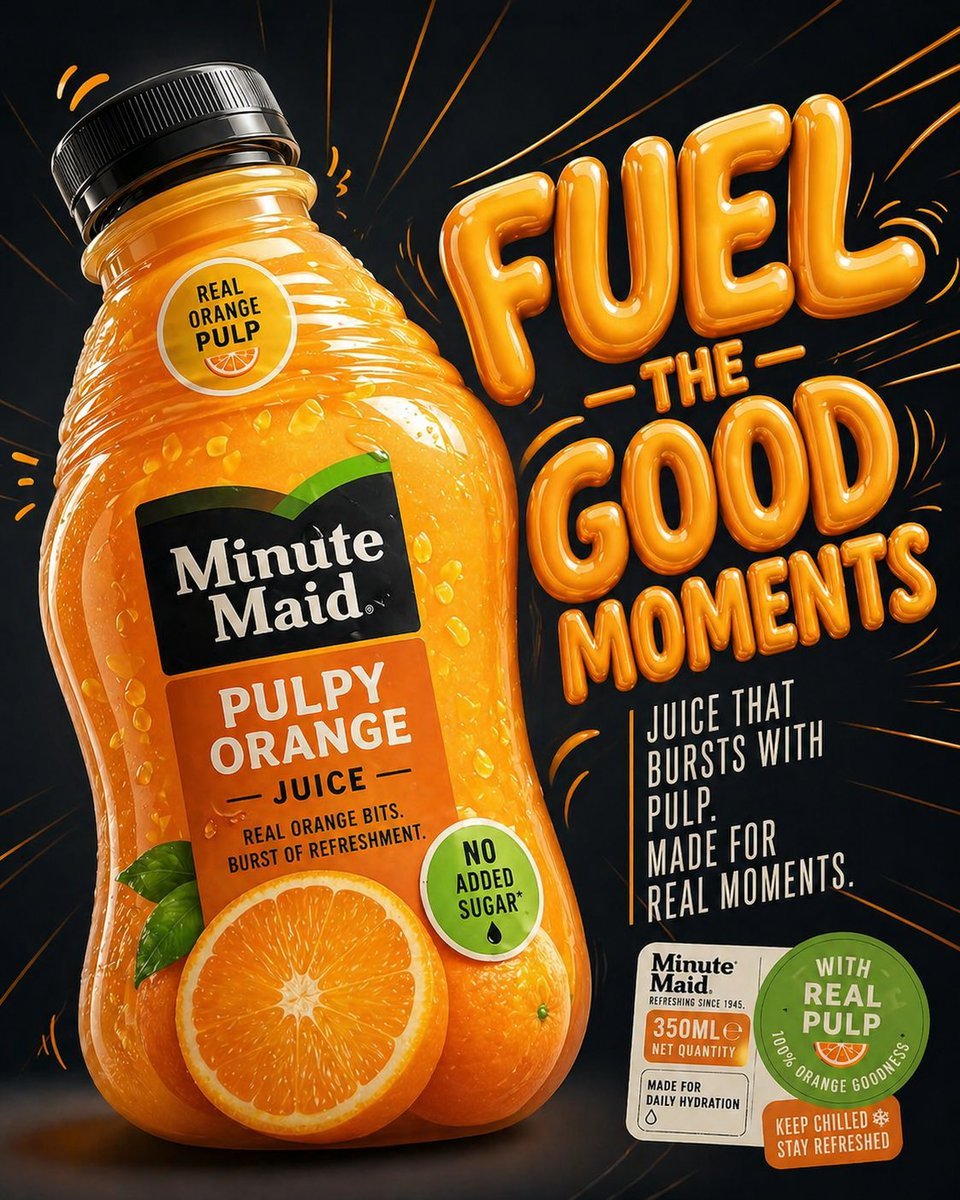
- Prompt included
- Model and format preset
- Free template
The prompt behind this image
Copy the exact prompt behind Minute Maid commercial product ad, or open it in the studio and make it yours.
- Scene › Type
- premium commercial product ad
- Scene › Setting
- dark studio background with subtle gradient (deep navy to black), high contrast
- Scene › Surface
- matte reflective surface with soft orange reflections and faint glow accents
- Main Subject › Product
- Minute Maid Pulpy Orange Juice bottle
- Main Subject › Brand Style
- recognizable Minute Maid label with black rectangular logo and white typography, orange pulp visual identity
- Main Subject › Bottle Design › Shape
- rounded, slightly exaggerated, soft bulging curves for a juicy, pressurized look
- Main Subject › Bottle Design › Material
- semi-transparent glossy plastic
- Main Subject › Bottle Design › Liquid
- rich saturated orange juice with visible pulp particles suspended inside
- Main Subject › Bottle Design › Cap
- black ribbed plastic cap with subtle highlights
- Main Subject › Bottle Design › Label › Primary Text
- Minute Maid
- Main Subject › Bottle Design › Label › Secondary Text
- PULPY ORANGE
- Main Subject › Bottle Design › Label › Subtext
- JUICE — REAL ORANGE BITS. BURST OF REFRESHMENT.
- Main Subject › Bottle Design › Label › Badge
- NO ADDED SUGAR
- Main Subject › Bottle Design › Label › Color Palette
- black, white, orange, green accent
- Main Subject › Orientation
- tilted slightly left, dynamic angle as if under pressure
- Main Subject › Position
- left side of frame occupying ~60% of composition
- Typography › Headline › Text
- SQUEEZE THE GOODNESS
- Typography › Headline › Style
- bold inflated 3D lettering, glossy, liquid-like surface
- Typography › Headline › Color
- vibrant orange with highlights and reflections
- Typography › Headline › Placement
- right side, large scale, partially overlapping background space
- Typography › Headline › Effects
- soft glow, subtle reflections, depth shadows, gel-like translucency
- Typography › Support Text › Text
- JUICE THAT BURSTS WITH PULP. MADE FOR REAL MOMENTS.
- Typography › Support Text › Style
- clean sans-serif, uppercase, minimal spacing
- Typography › Support Text › Color
- white with slight orange tint
Raw JSON
{
    "scene": {
      "type": "premium commercial product ad",
      "setting": "dark studio background with subtle gradient (deep navy to black), high contrast",
      "surface": "matte reflective surface with soft orange reflections and faint glow accents"
    },
    "main_subject": {
      "product": "Minute Maid Pulpy Orange Juice bottle",
      "brand_style": "recognizable Minute Maid label with black rectangular logo and white typography, orange pulp visual identity",
      "bottle_design": {
        "shape": "rounded, slightly exaggerated, soft bulging curves for a juicy, pressurized look",
        "material": "semi-transparent glossy plastic",
        "liquid": "rich saturated orange juice with visible pulp particles suspended inside",
        "cap": "black ribbed plastic cap with subtle highlights",
        "label": {
          "primary_text": "Minute Maid",
          "secondary_text": "PULPY ORANGE",
          "subtext": "JUICE — REAL ORANGE BITS. BURST OF REFRESHMENT.",
          "badge": "NO ADDED SUGAR",
          "color_palette": ["black", "white", "orange", "green accent"]
        }
      },
      "orientation": "tilted slightly left, dynamic angle as if under pressure",
      "position": "left side of frame occupying ~60% of composition"
    },
    "typography": {
      "headline": {
        "text": "SQUEEZE THE GOODNESS",
        "style": "bold inflated 3D lettering, glossy, liquid-like surface",
        "color": "vibrant orange with highlights and reflections",
        "placement": "right side, large scale, partially overlapping background space",
        "effects": [
          "soft glow",
          "subtle reflections",
          "depth shadows",
          "gel-like translucency"
        ]
      },
      "support_text": {
        "text": "JUICE THAT BURSTS WITH PULP. MADE FOR REAL MOMENTS.",
        "style": "clean sans-serif, uppercase, minimal spacing",
        "color": "white with slight orange tint",
        "placement": "lower right quadrant"
      }
    },
    "dynamic_elements": {
      "splashes": {
        "type": "orange juice splashes and droplets",
        "behavior": "emanating from behind and around bottle, subtle motion arcs",
        "style": "semi-realistic, glossy, slightly stylized for advertising appeal"
      },
      "pulp_particles": {
        "visibility": "floating within liquid and slightly outside bottle",
        "lighting": "catching highlights for texture realism"
      },
      "energy_lines": {
        "type": "curved motion streaks",
        "color": "orange/yellow",
        "intensity": "subtle, supporting motion without clutter"
      }
    },
    "badges_and_labels": {
      "bottom_right_cluster": {
        "elements": [
          "350ML NET QUANTITY badge",
          "WITH REAL PULP circular seal",
          "KEEP CHILLED STAY REFRESHED tag"
        ],
        "style": "clean, flat design with slight drop shadows"
      }
    }
}How to use Minute Maid commercial product ad in 3 steps
- 1
Open
The prompt is already in the box next to the preview, with the template's model and format selected.
- 2…a portrait of your subject in softgolden-hour light, 85mm…
Personalize
Edit the subject and creative details for your destination.
- 3Generate
Generate
Press Generate — your image is created in PicX Studio, so you can compare it with the original and refine one variable at a time.
More like this
Templates with the same subject, style or setup. Open one to see its prompt.

Cappuccino Bottle Splash Product Ad

Product Shot - T-Shirt Mockup
Seedance - Brand Commercial

Soft Shadow Studio Minimalist Product Shot

Luxury Toothpaste Commercial Storyboard
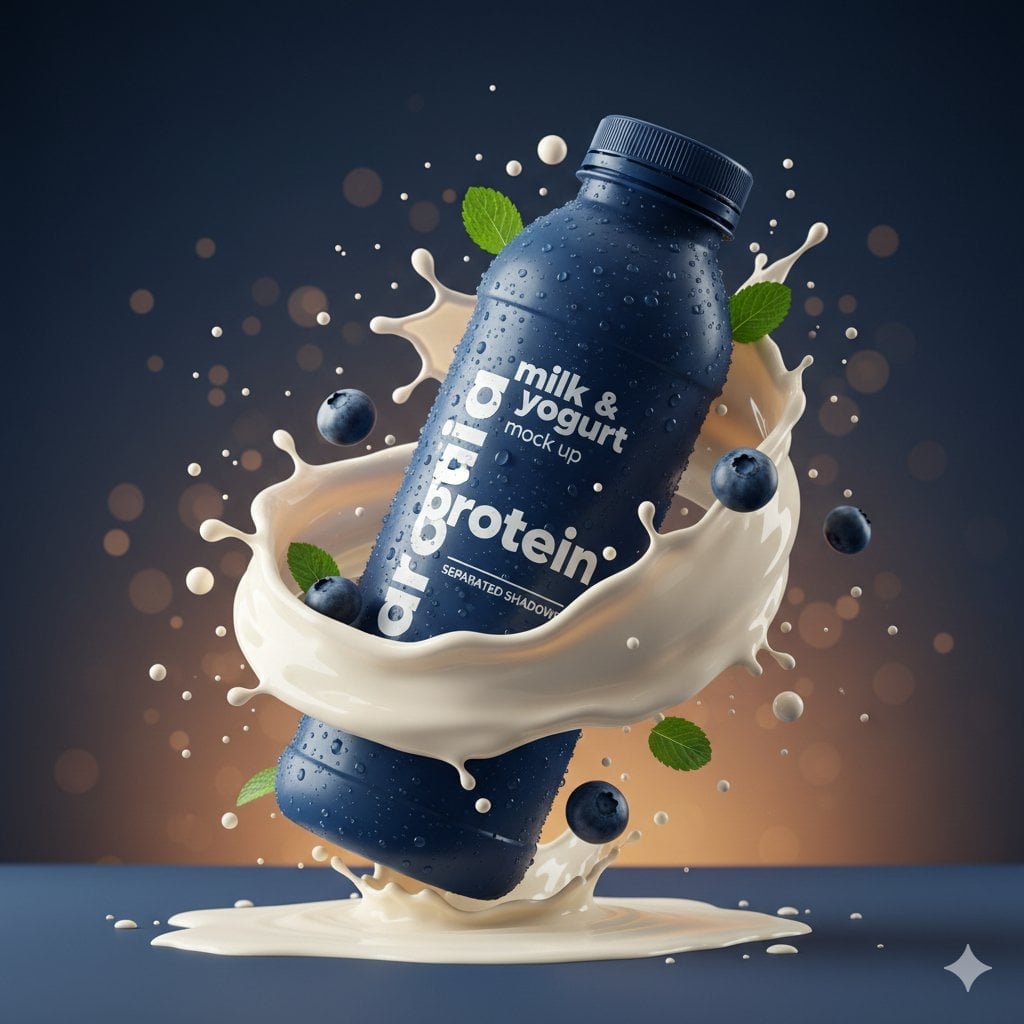
Commercial Product Splash Photography
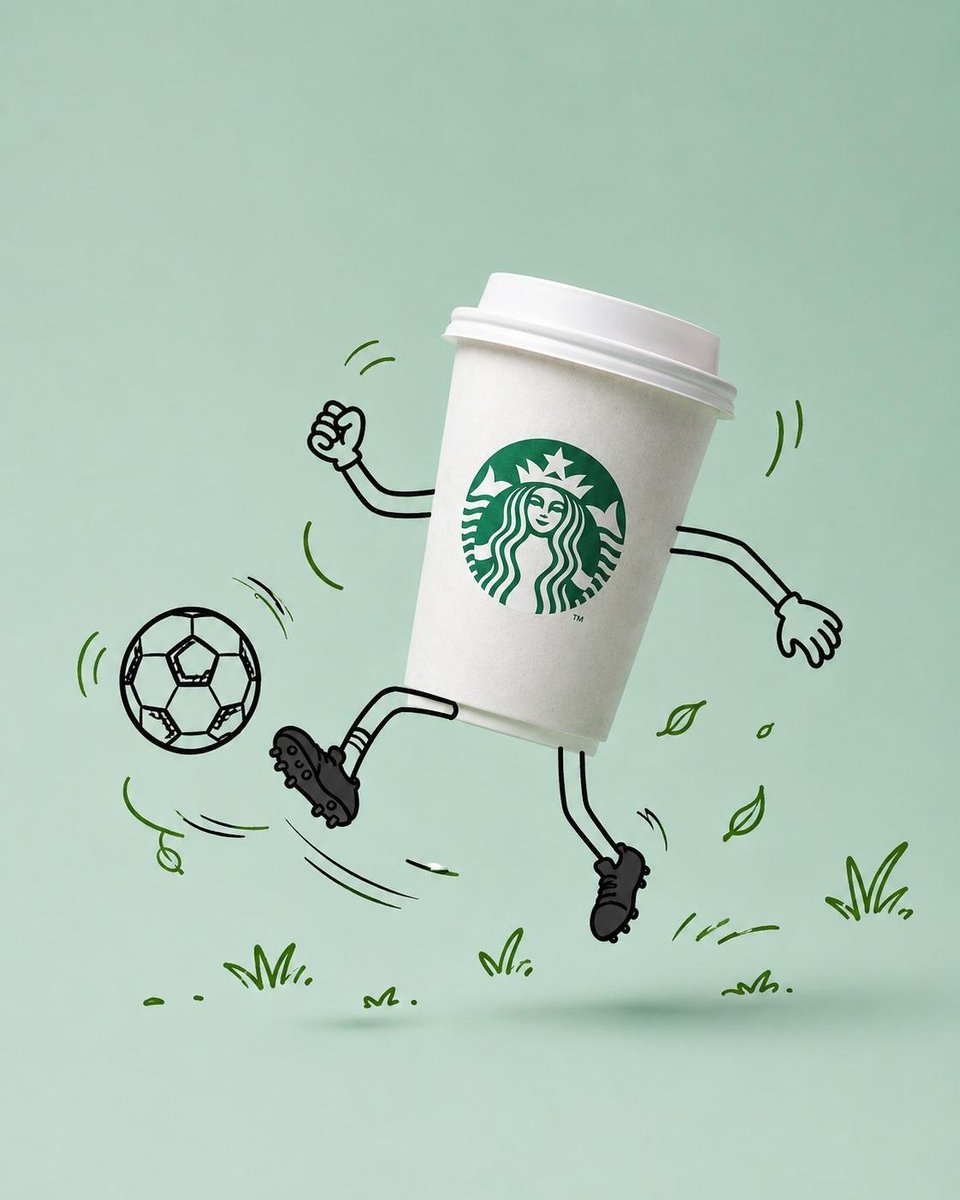
Commercial Product Advertising with Doodles

A k.pop idol on the stage with mic

Trendy Cafe Drink Promo Poster

Minimalist Skincare Product Water Stone Still

Goalmaster Youth Sports Poster

Giant Forced Perspective Street Product Selfie
Make it yours
Minute Maid commercial product ad works as-is. These are the safest ways to change it without losing the look.
Swap the setting
Keep the rest of the prompt and replace the location block. The current setting is “dark studio background with subtle gradient (deep navy to black), high contrast”.
Swap the light
One lighting change is enough to compare takes. Current light: “catching highlights for texture realism”.
Change one field
Copy a single group, rewrite it, and generate again so you can see what that field is doing.
| If the result… | Why | Fix |
|---|---|---|
| The result drifts from the preview | Too many fields changed at once. | Reuse Minute Maid commercial product ad as-is first, then change one group — subject, light, or setting. |
| GPT Image 2 ignores part of the JSON | Some models flatten or skip nested keys. | Keep the same values and paste them as a short paragraph instead. |
More GPT Image 2 templates
Other prompts made for GPT Image 2.

Six VTuber Japanese Logo Sheet

Realistic Portrait of Woman and Deer

The Vista Modular Condo Poster

AI Model Routing Comparison Infographic

2.5D Anime Art Board

Isometric Productivity Desk Scene

New York Double Exposure Poster

Four-Panel AI Landscape Comparison

Japanese Tatami Lifestyle Magazine Cover

NESCAFÉ Coffee Map Poster
More image prompts
Fresh picks from across the catalog.

B&W Photobooth Expression Grid 4x4 — Nano Banana
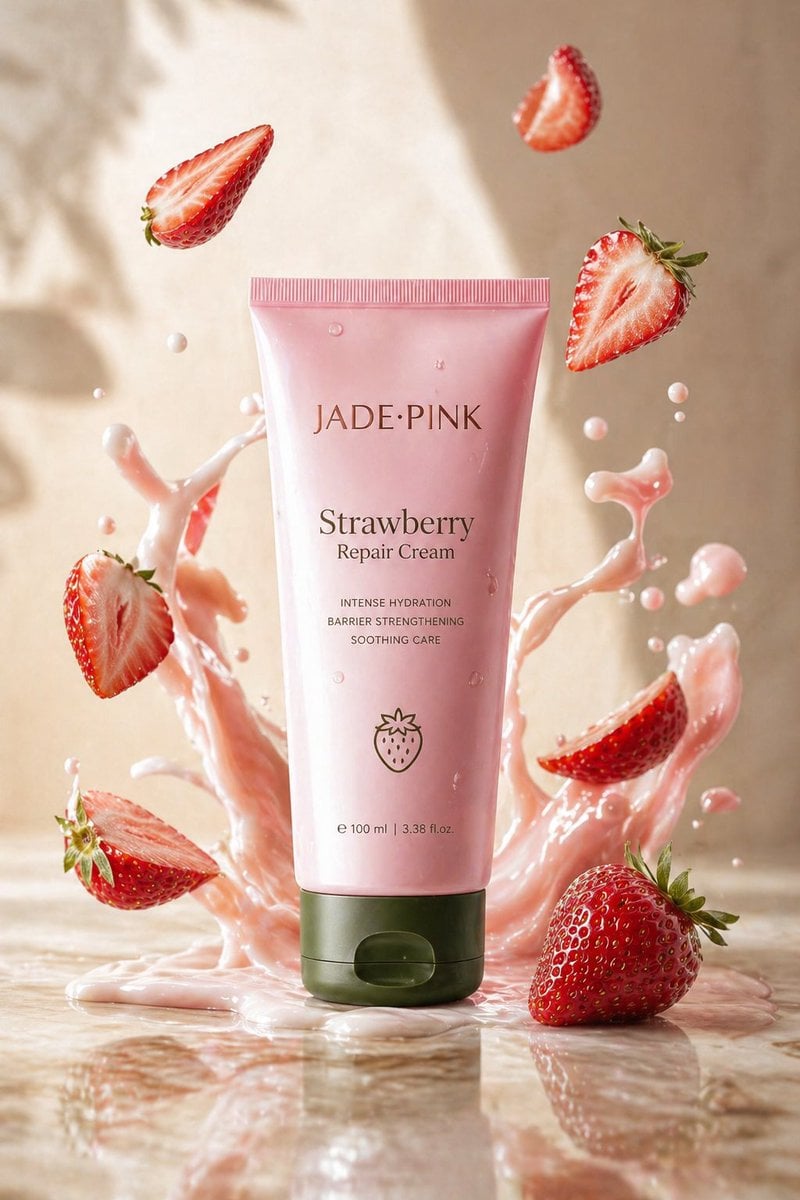
Strawberry Repair Cream Product Shot
Retro 8-Bit Game Aesthetic Prompt

Romantic Korean Summer Portrait with Roses
Cinematic Library Scene with Woman on Phone
Clock face time rendering test
Cinematic Portrait in Fine Dining Restaurant

prompt 👇 Exact Prompt: Create a premium cinemat

Cinematic Royal Double Exposure Portrait
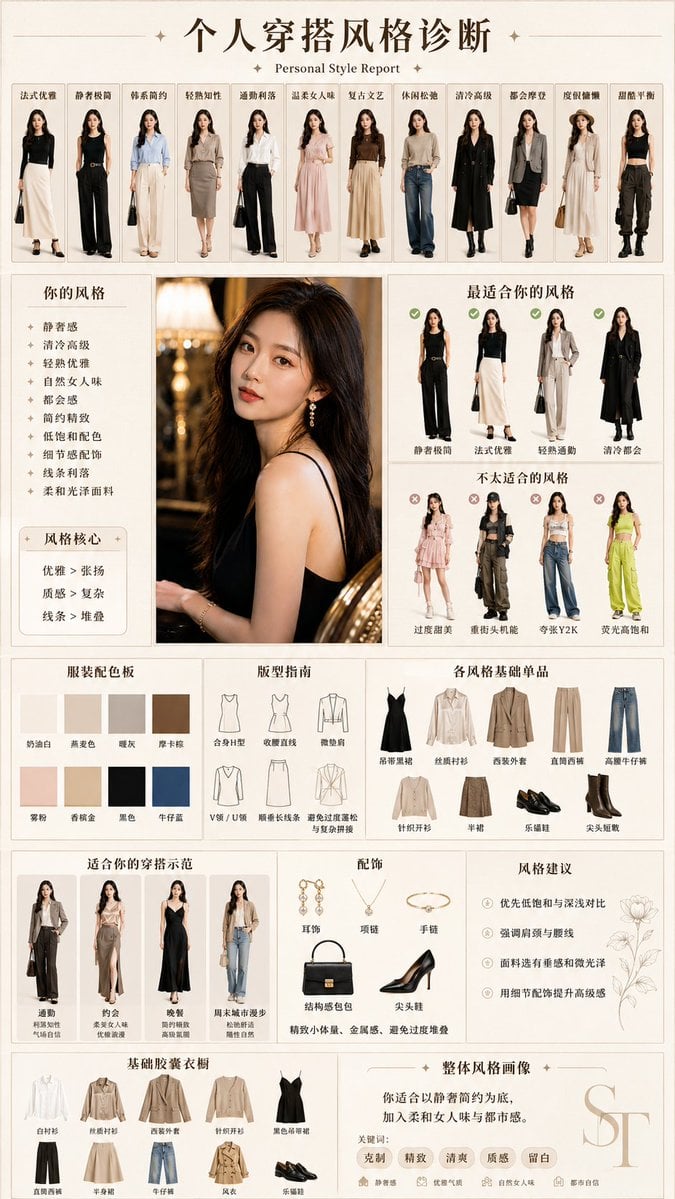
Personal Style Diagnosis Report
Browse template categories
Minute Maid commercial product ad questions
How do I use the Minute Maid commercial product ad template?
Add your photo if the template asks for one, edit the prompt if you like — the template's model and format are already selected — and press Generate. Your version opens in PicX Studio.
Can I customize the Minute Maid commercial product ad template?
Yes. You can change the subject, setting, lighting, mood, format, and available model controls before creating your image.
Is the Minute Maid commercial product ad template free?
Opening and editing this template is free. Generating uses credits, shown on the Generate button when you are signed in.
Which AI model should I use?
Start with GPT Image 2, which is the model associated with this template. You can compare another compatible model for a different finish.
Looking for something else? Browse all templates.

Your photo, any look
Thousands of ready templates for every top image and video model, from one credit balance.