
Mixed Media Sports Tribute
A high-end sports poster utilizing dual exposure and photo-mosaic grids to create a stylized tribute silhouette.
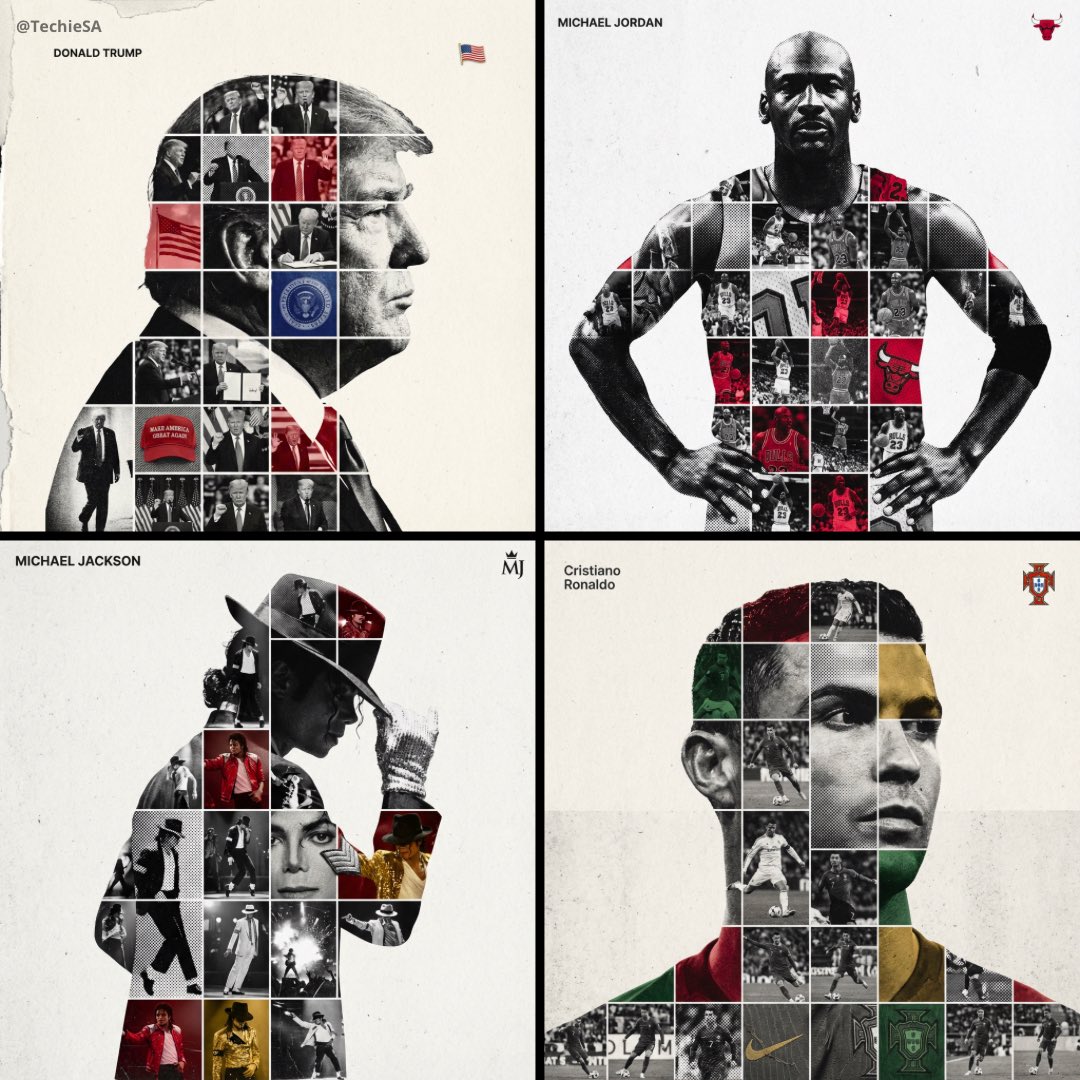
- Prompt included
- Model and format preset
- Free template
The prompt behind this image
Copy the exact prompt behind Mixed Media Sports Tribute, or open it in the studio and make it yours.
Create a high-end sports tribute poster using a dual exposure photo-grid composite style with mixed-media textures. Build a large-scale, high-contrast black and white portrait silhouette of {argument name="subject" default="[PERSON NAME]"} as the central vessel. Fill the interior with a dense photo mosaic grid of career action shots. Apply artistic textures to grid cells: halftone dots for comic-book raster, fabric or embroidery texture suggesting jersey material, and heavy film grain on select high-contrast shots. Use a monochrome base with selective {argument name="accent color" default="team or flag color"} overlays on specific cells. Typography: top left, write the name in {argument name="font" default="Inter Semibold"} with tight negative kerning (-4%), small enough to occupy max 20% canvas width. Top right: place the primary logo or flag symbol at max 10% canvas width. Background: off-white or light grey with visible paper or concrete texture, never flat digital white. Center the figure with wide negative space on all sides.
How to use Mixed Media Sports Tribute in 3 steps
- 1
Open
The prompt is already in the box next to the preview, with the template's model and format selected.
- 2…a portrait of your subject in softgolden-hour light, 85mm…
Personalize
Edit the subject and creative details for your destination.
- 3Generate
Generate
Press Generate — your image is created in PicX Studio, so you can compare it with the original and refine one variable at a time.
More like this
Templates with the same subject, style or setup. Open one to see its prompt.
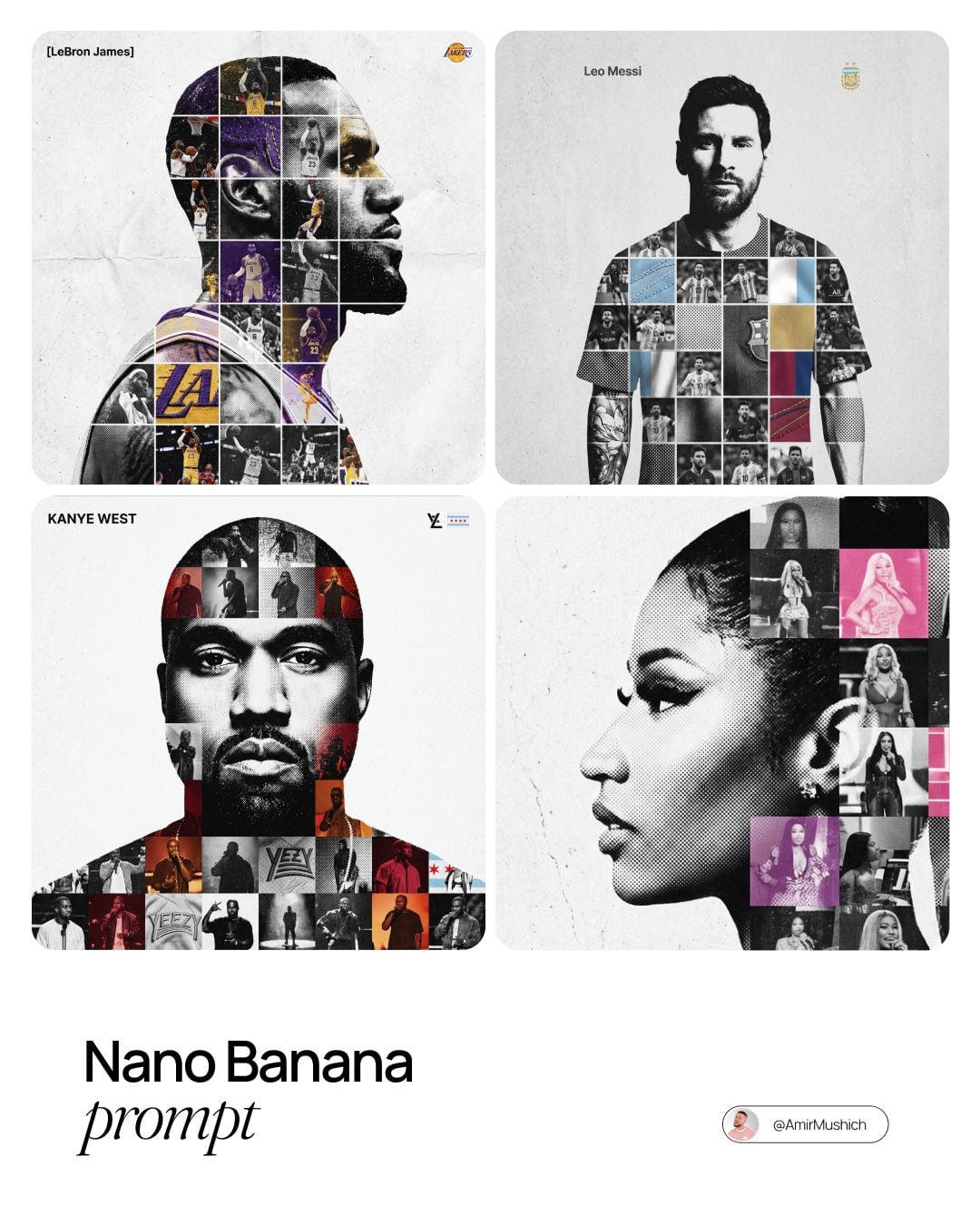
Sports Tribute Photo Mosaic Poster
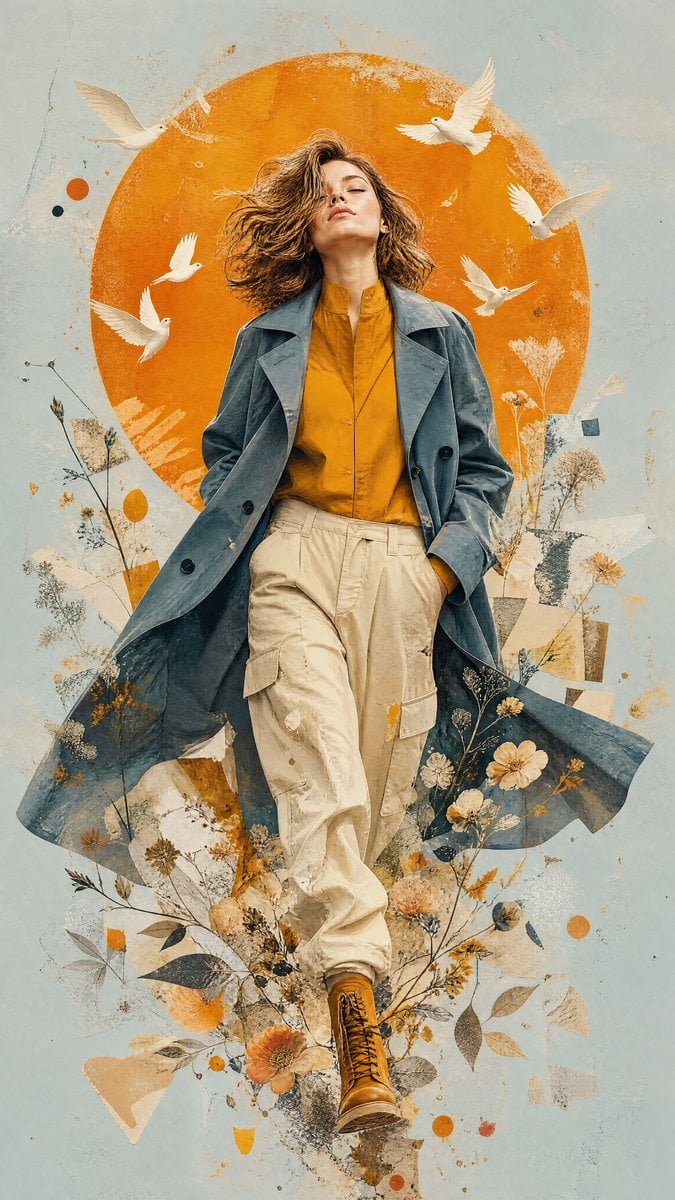
Mixed-Media Editorial Illustration
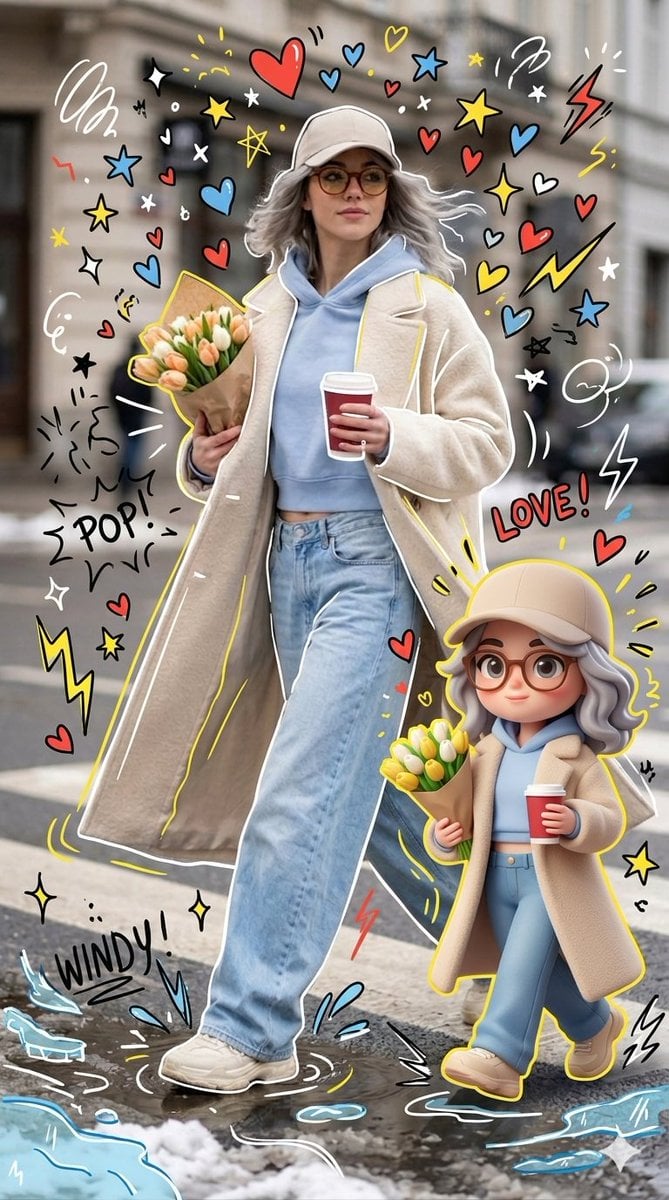
Mixed-media Chibi portrait
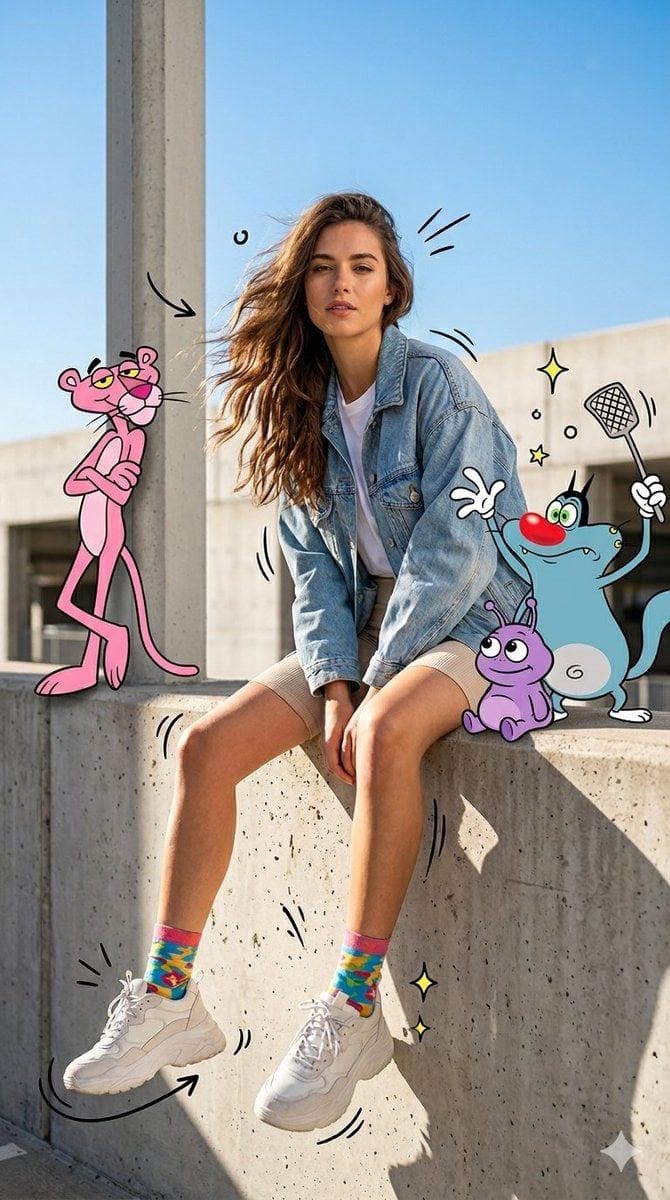
Mixed Media Urban Fashion Editorial
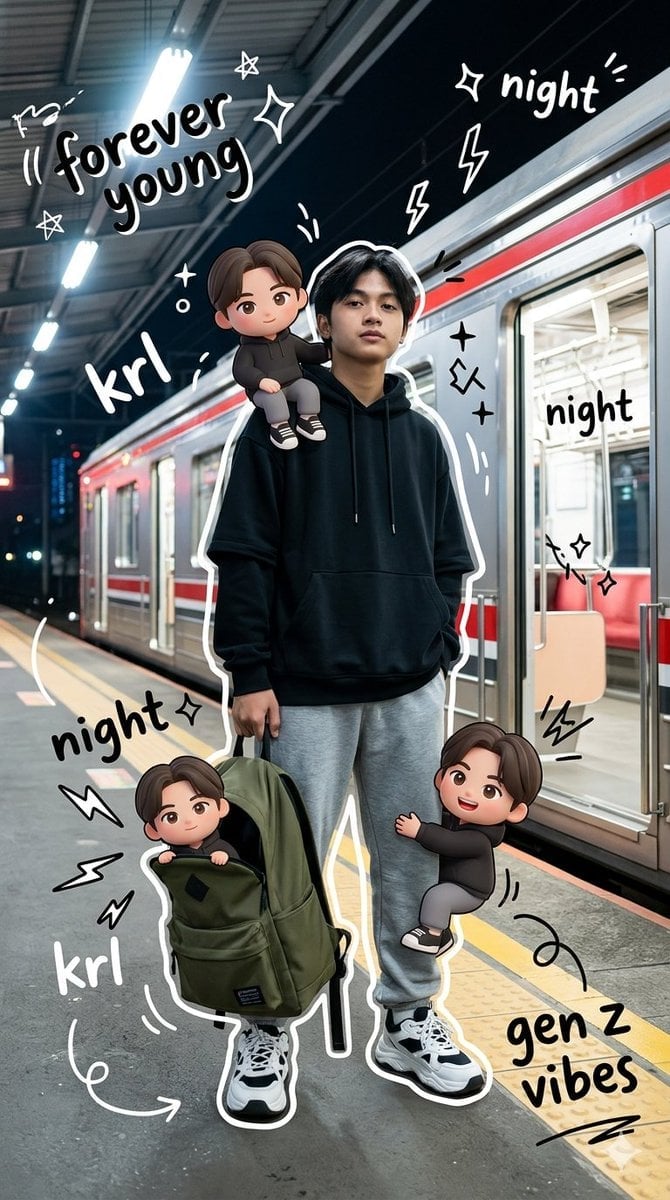
Gen Z Mixed-Media Portrait with Chibi Effects
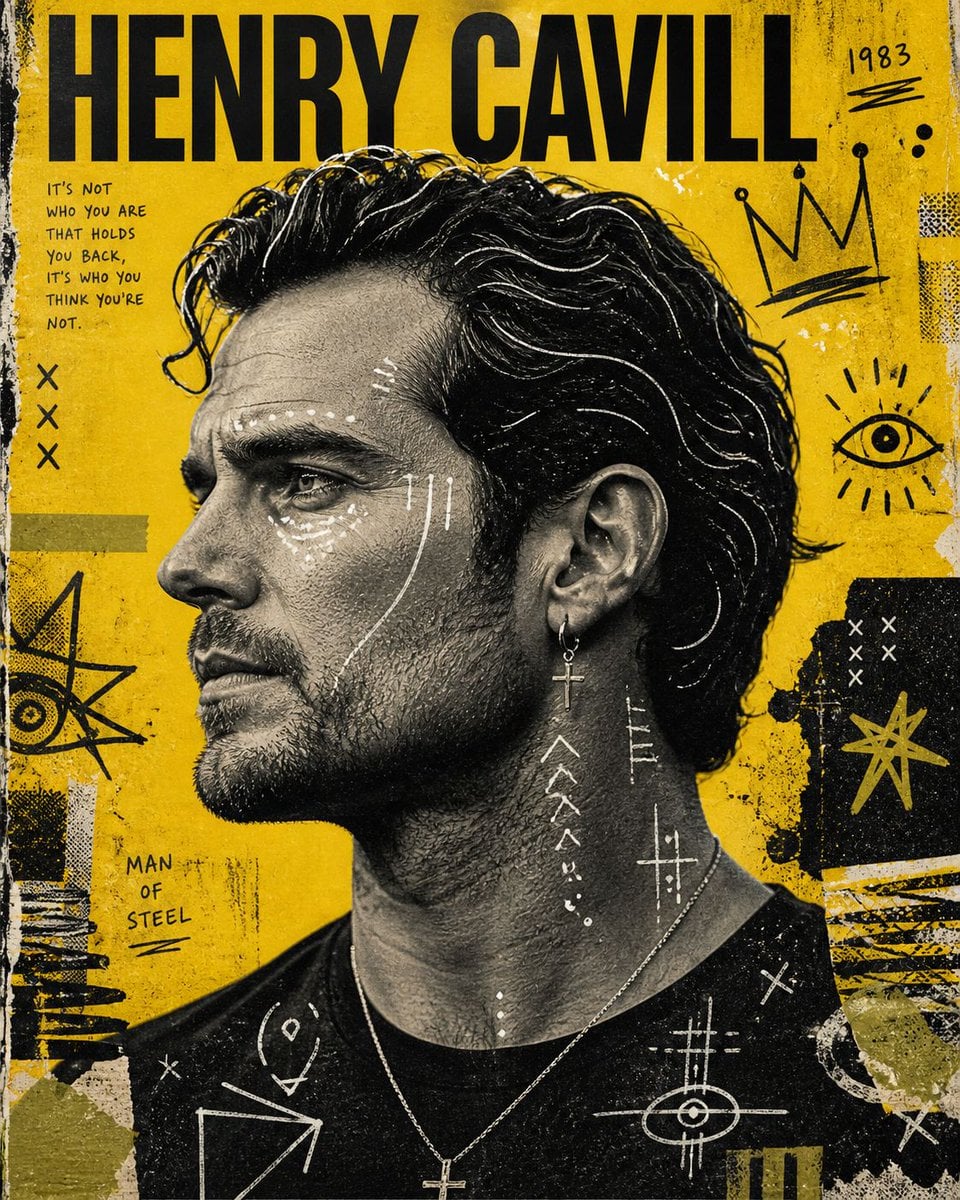
Raw Mixed-Media Street Art Poster
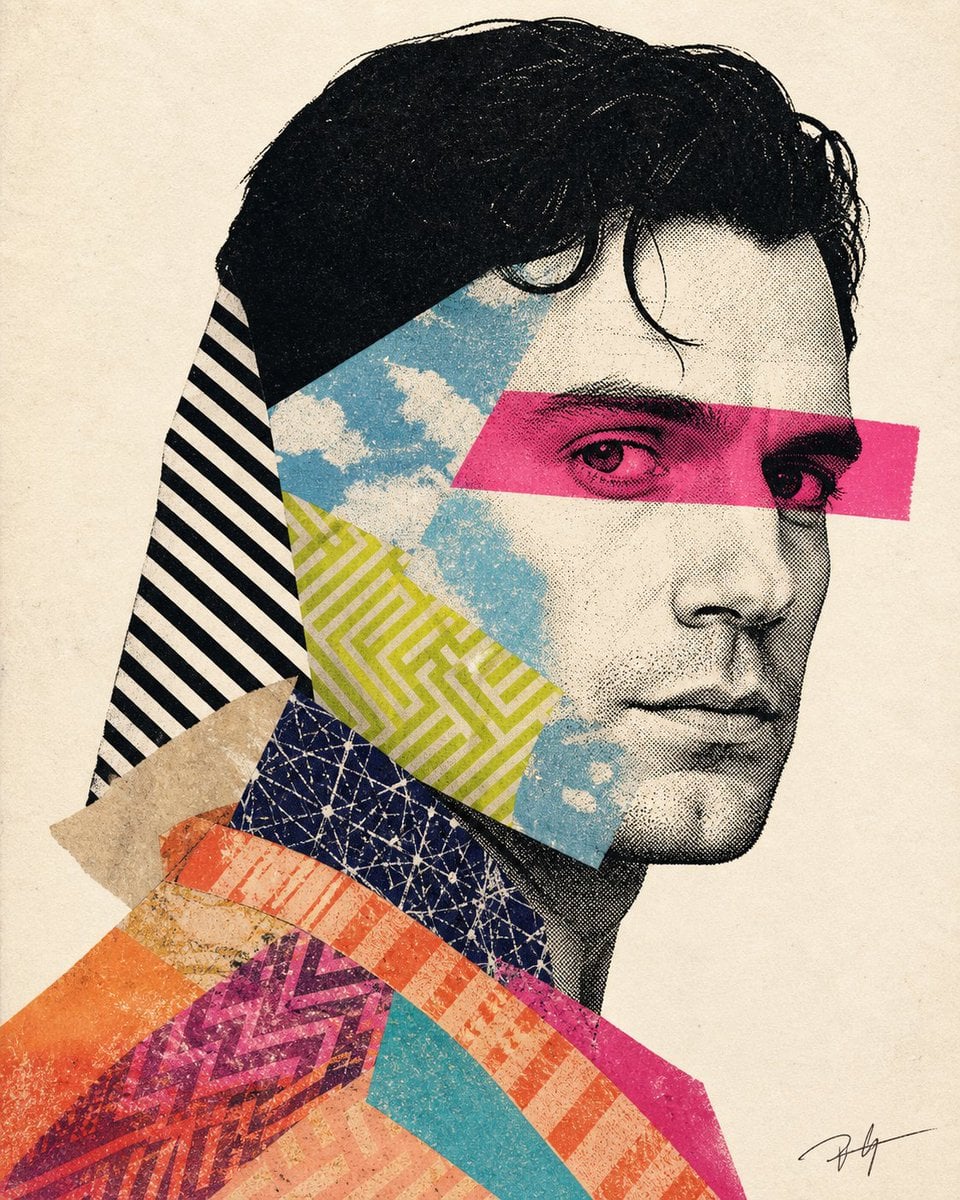
Mixed-media collage portrait illustration
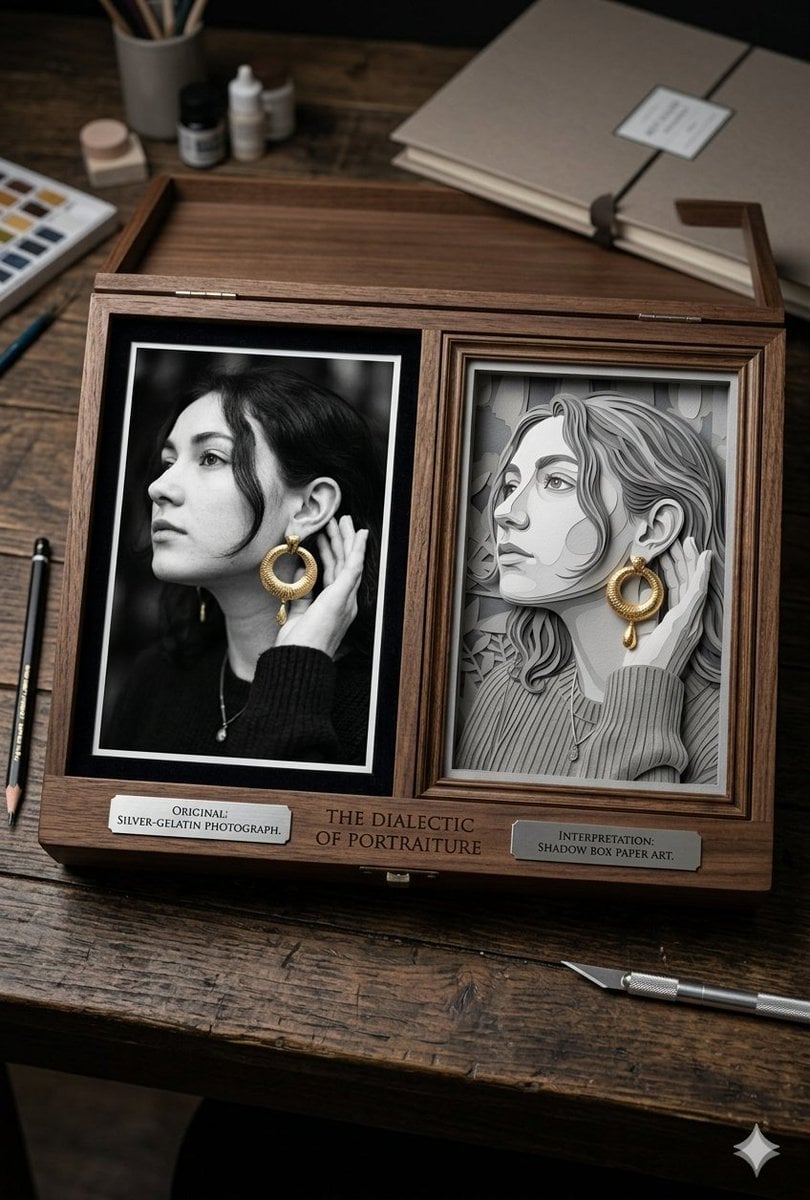
Mixed Media Artist Studio Display
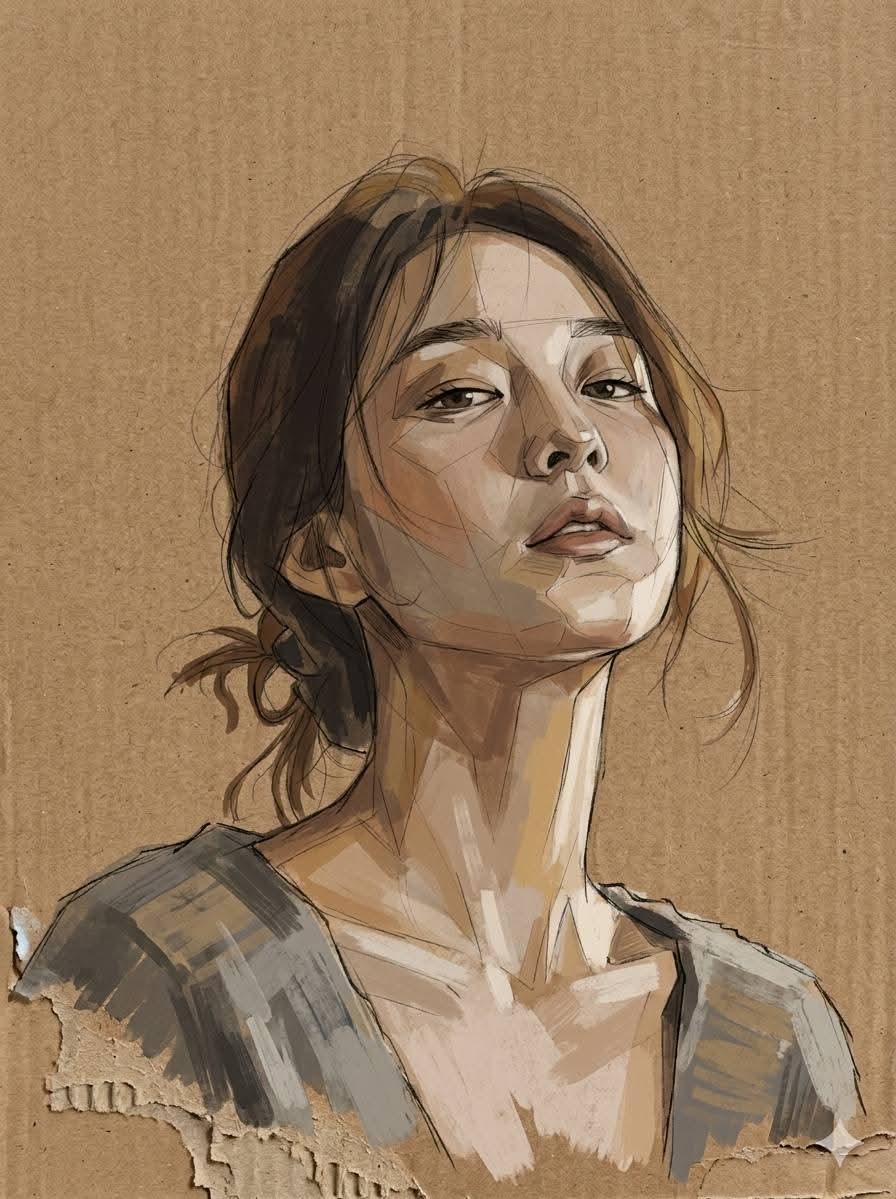
Cardboard Mixed Media Portrait
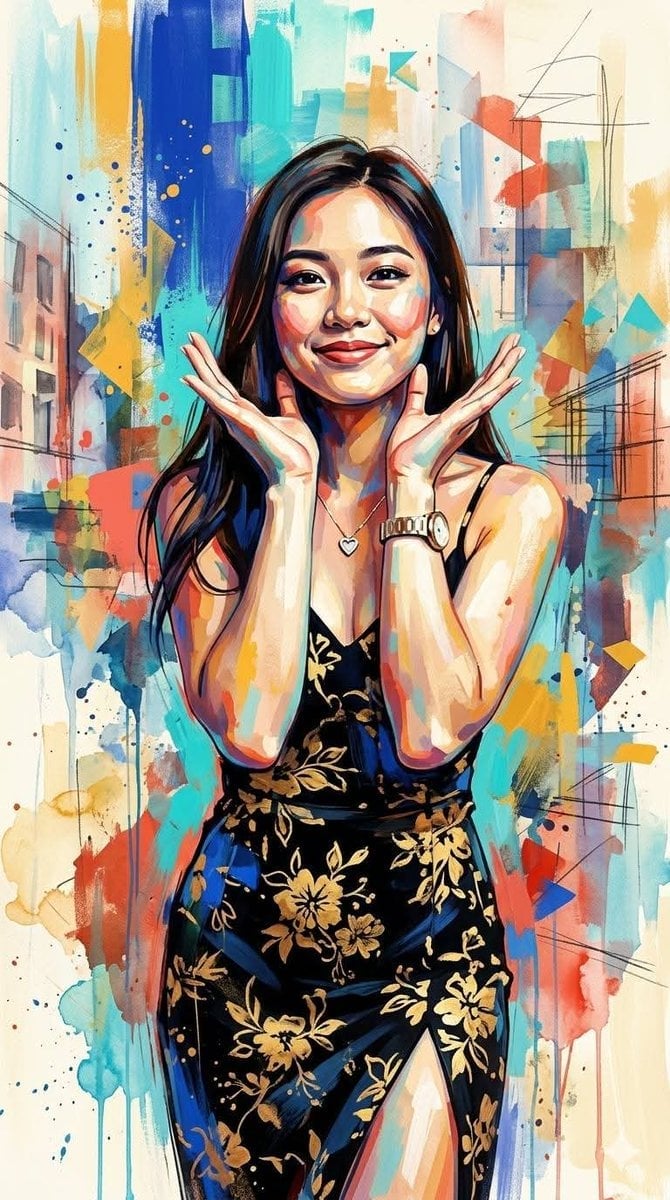
Contemporary Mixed-Media Abstract Portrait
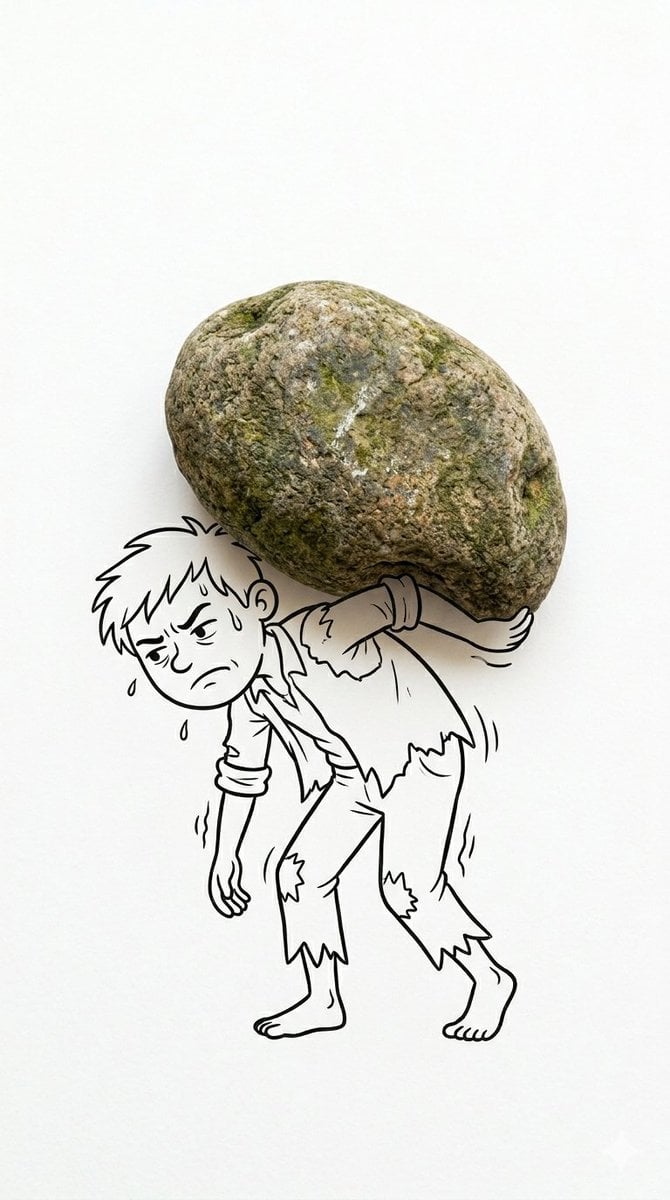
Creative Mixed Media Photo and Ink Illustration Fusion
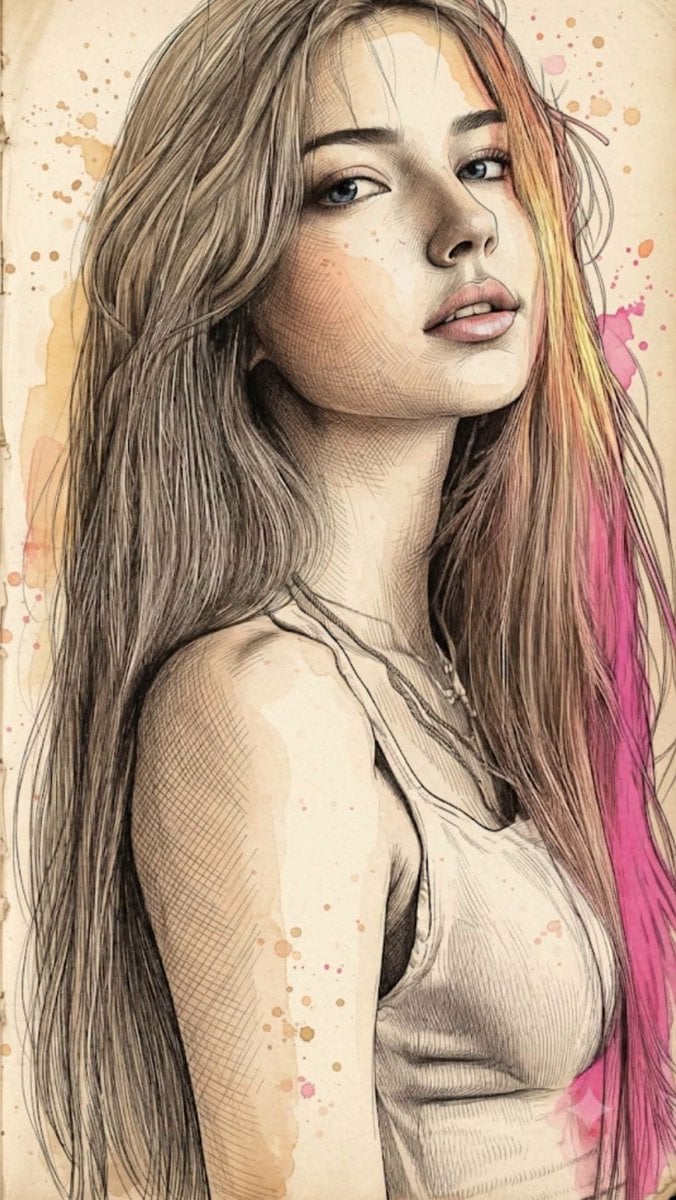
Fine Art Mixed-Media Portrait Illustration
Make it yours
Mixed Media Sports Tribute works as-is. These are the safest ways to change it without losing the look.
Change one field
Copy a single group, rewrite it, and generate again so you can see what that field is doing.
Keep the frame, change the subject
Hold the composition and light of Mixed Media Sports Tribute, then swap wardrobe, props or the person for a new take.
| If the result… | Why | Fix |
|---|---|---|
| The result drifts from the preview | Too many fields changed at once. | Reuse Mixed Media Sports Tribute as-is first, then change one group — subject, light, or setting. |
| The model over-stylizes the scene | The prose prompt leaves finish and camera underspecified. | Add one camera or lighting sentence and stay on GPT Image 2. |
More GPT Image 2 templates
Other prompts made for GPT Image 2.

Six VTuber Japanese Logo Sheet

Realistic Portrait of Woman and Deer

The Vista Modular Condo Poster

AI Model Routing Comparison Infographic

2.5D Anime Art Board

Isometric Productivity Desk Scene

New York Double Exposure Poster

Four-Panel AI Landscape Comparison

Japanese Tatami Lifestyle Magazine Cover

NESCAFÉ Coffee Map Poster
More image prompts
Fresh picks from across the catalog.
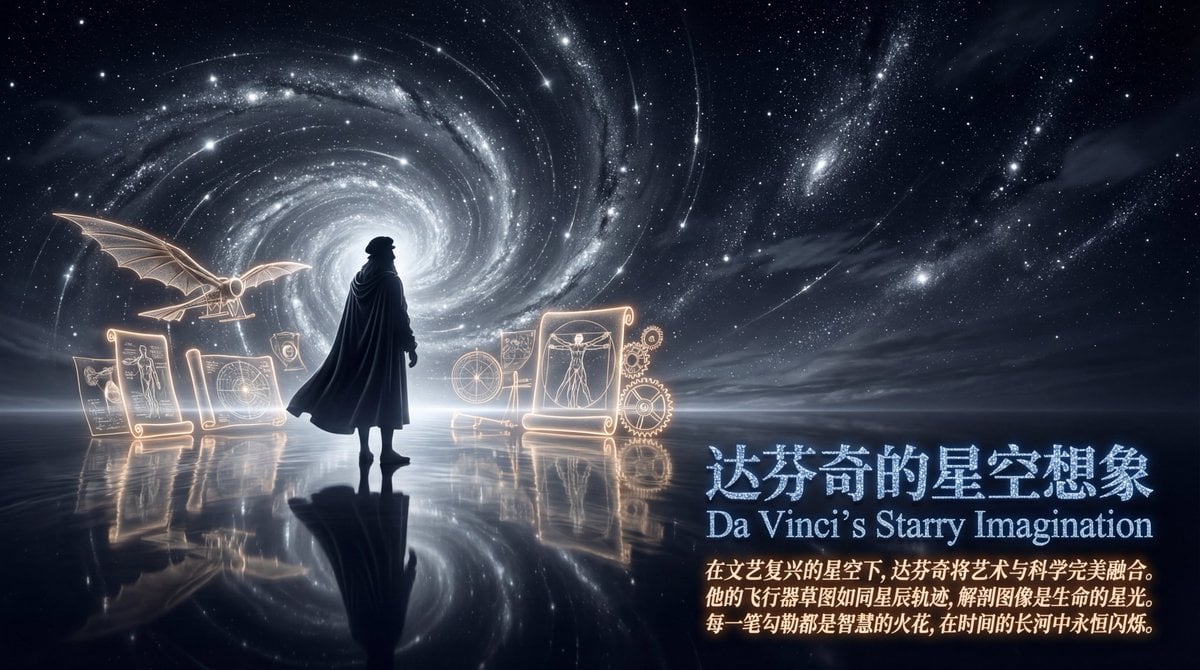
Style Transfer Prompt for Scientist Poster
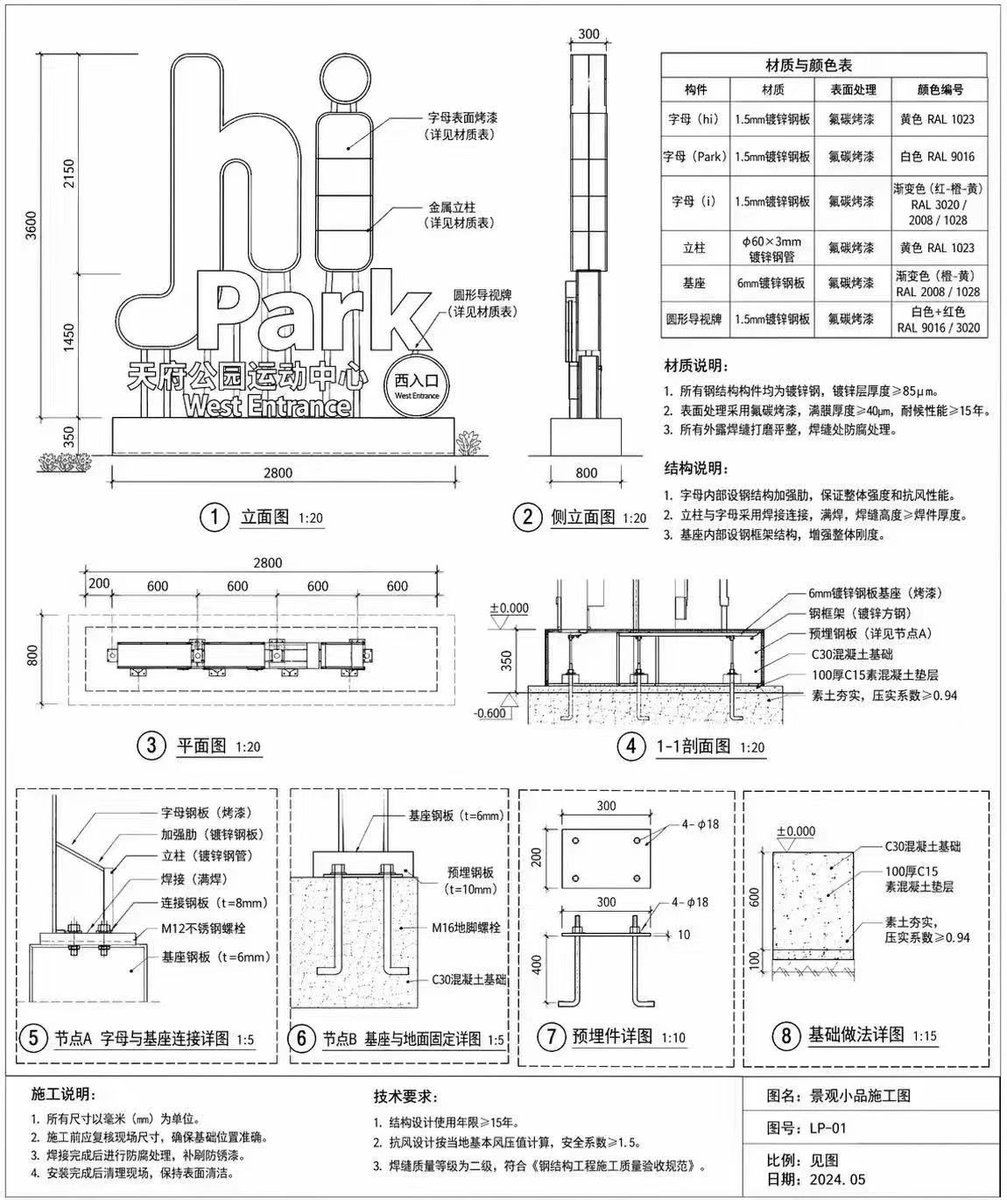
Architectural Signage Construction Drawing
Gpt2 Momotaro Explainer Slide in Hybrid Style

Herbal Chicken Soup Label Transformation
untitled
Ultra-Premium Cinematic 1900s Couple Portrait
Candid Street Photography with Documentary Realism
Ultra-Premium Luxury Perfume Advertisement
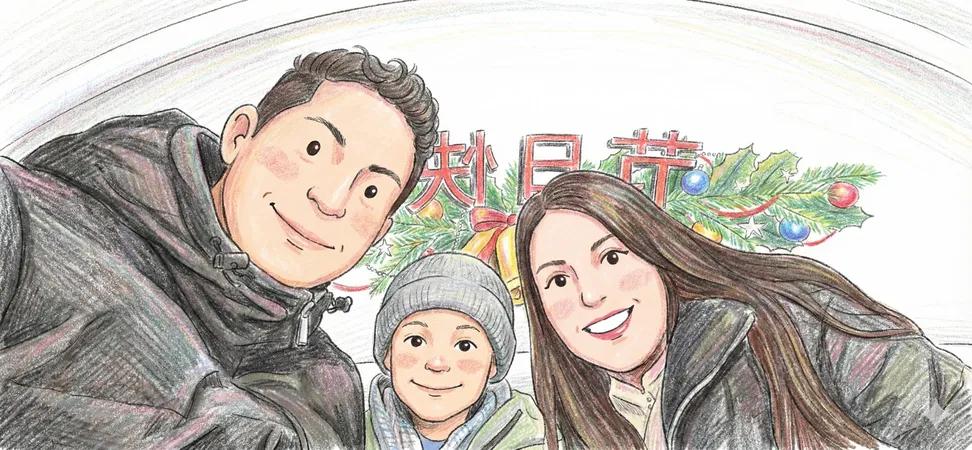
Image to Colored Pencil Sketch Prompt
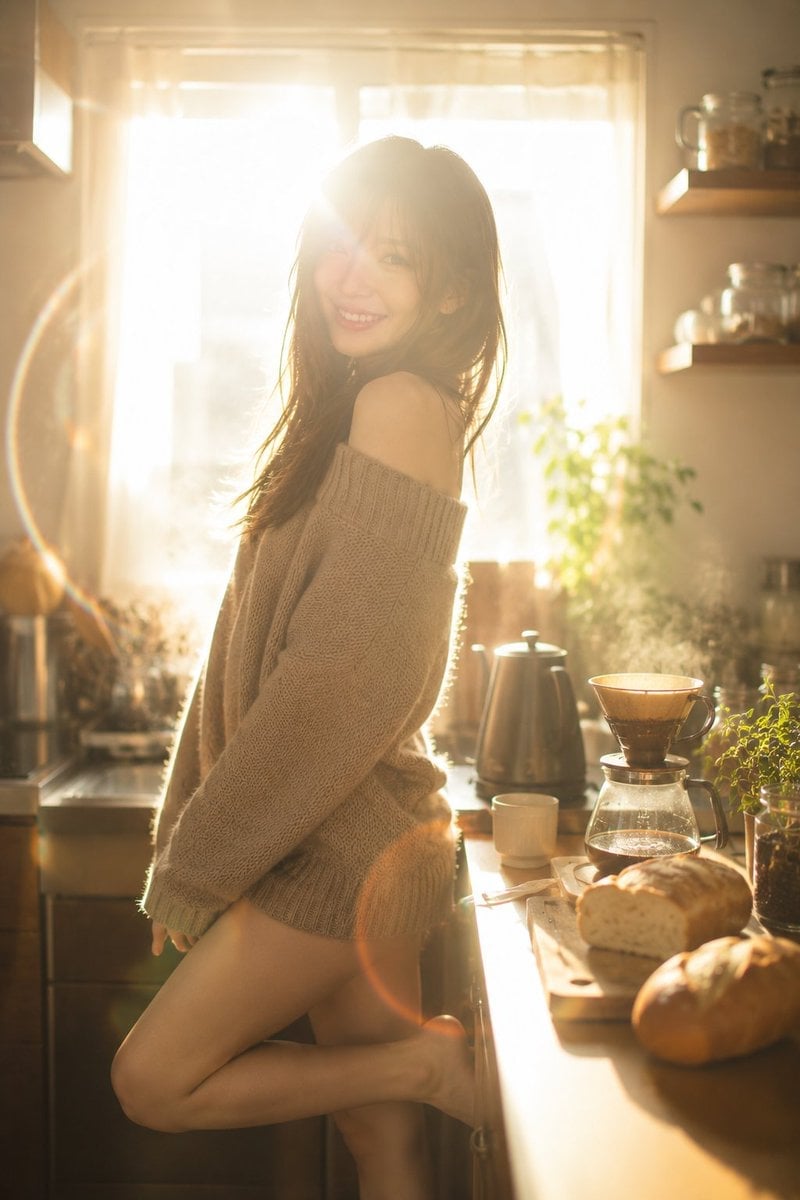
Golden Morning Kitchen Portrait
Browse template categories
Mixed Media Sports Tribute questions
How do I use the Mixed Media Sports Tribute template?
Add your photo if the template asks for one, edit the prompt if you like — the template's model and format are already selected — and press Generate. Your version opens in PicX Studio.
Can I customize the Mixed Media Sports Tribute template?
Yes. You can change the subject, setting, lighting, mood, format, and available model controls before creating your image.
Is the Mixed Media Sports Tribute template free?
Opening and editing this template is free. Generating uses credits, shown on the Generate button when you are signed in.
Which AI model should I use?
Start with GPT Image 2, which is the model associated with this template. You can compare another compatible model for a different finish.
Looking for something else? Browse all templates.

Your photo, any look
Thousands of ready templates for every top image and video model, from one credit balance.