
Candid Street Photography with Documentary Realism
A detailed prompt for Nano Banana Pro on Gemini, aiming to create a realistic, candid street photograph with a cinematic documentary aesthetic.
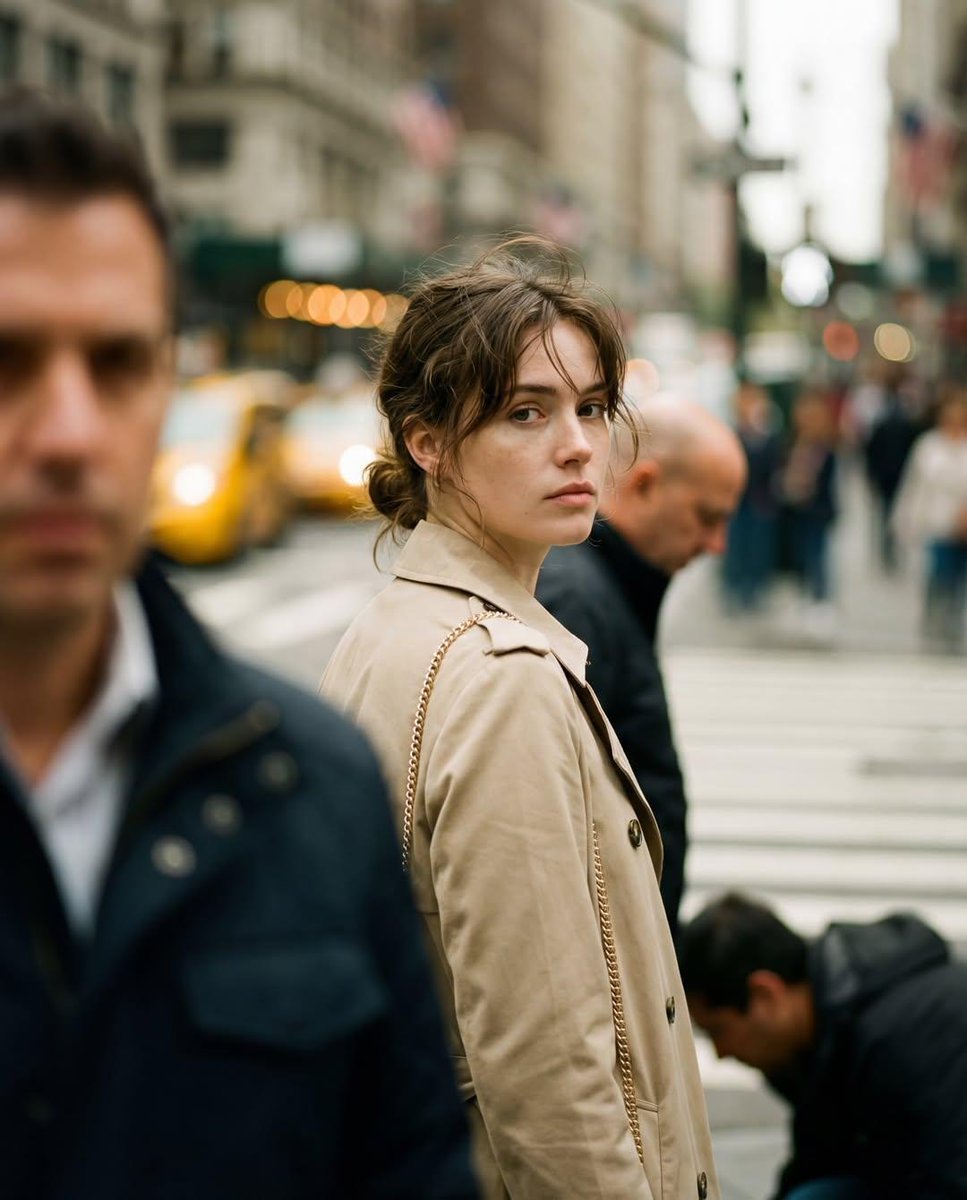
- Prompt included
- Model and format preset
- Free template
The prompt behind this image
Copy the exact prompt behind Candid Street Photography with Documentary Realism, or open it in the studio and make it yours.
- Objective
- Create a realistic candid street photograph with cinematic documentary realism
- PersonaDetails › Subject › Type
- Young woman
- PersonaDetails › Subject › Pose
- Standing at a city crosswalk, captured mid-turn
- PersonaDetails › Subject › Gaze
- Looking directly toward the camera
- PersonaDetails › Subject › Expression
- Calm, introspective, slightly distant
- PersonaDetails › Subject › Hair
- Loosely tied back with soft strands framing the face
- PersonaDetails › Subject › Wardrobe › Outerwear
- Beige trench coat
- PersonaDetails › Subject › Wardrobe › Accessories
- Thin gold chain shoulder bag
- SceneDescription › Location
- Busy urban crosswalk
- SceneDescription › BackgroundElements
- Pedestrians in motion, Yellow taxis, Tall city buildings
- SceneDescription › Motion
- Subtle background movement suggesting city life
- Composition › Framing
- Waist-up candid framing
- Composition › Moment
- Unposed, spontaneous mid-turn capture
- Composition › DepthOfField
- Shallow depth of field
- Composition › Focus
- Ultra-sharp subject with background motion blur
- LightingAndColor › Lighting
- Natural overcast daylight
- LightingAndColor › ColorPalette
- Muted neutral tones
- LightingAndColor › Bokeh
- Soft cinematic bokeh
- PhotographyStyle › Genre
- Street photography
- PhotographyStyle › Aesthetic
- Documentary-style realism
- PhotographyStyle › LensLook
- 85mm lens perspective
- PhotographyStyle › DetailLevel
- High detail, photorealistic textures
- Mood › Tone
- Quiet, reflective, urban
- Mood › Atmosphere
- Authentic, lived-in city moment
Raw JSON
{
  "Objective": "Create a realistic candid street photograph with cinematic documentary realism",
  "PersonaDetails": {
    "Subject": {
      "Type": "Young woman",
      "Pose": "Standing at a city crosswalk, captured mid-turn",
      "Gaze": "Looking directly toward the camera",
      "Expression": "Calm, introspective, slightly distant",
      "Hair": "Loosely tied back with soft strands framing the face",
      "Wardrobe": {
        "Outerwear": "Beige trench coat",
        "Accessories": "Thin gold chain shoulder bag"
      }
    }
  },
  "SceneDescription": {
    "Location": "Busy urban crosswalk",
    "BackgroundElements": [
      "Pedestrians in motion",
      "Yellow taxis",
      "Tall city buildings"
    ],
    "Motion": "Subtle background movement suggesting city life"
  },
  "Composition": {
    "Framing": "Waist-up candid framing",
    "Moment": "Unposed, spontaneous mid-turn capture",
    "DepthOfField": "Shallow depth of field",
    "Focus": "Ultra-sharp subject with background motion blur"
  },
  "LightingAndColor": {
    "Lighting": "Natural overcast daylight",
    "ColorPalette": "Muted neutral tones",
    "Bokeh": "Soft cinematic bokeh"
  },
  "PhotographyStyle": {
    "Genre": "Street photography",
    "Aesthetic": "Documentary-style realism",
    "LensLook": "85mm lens perspective",
    "DetailLevel": "High detail, photorealistic textures"
  },
  "Mood": {
    "Tone": "Quiet, reflective, urban",
    "Atmosphere": "Authentic, lived-in city moment"
  },
  "ArtDirection": {
    "Style": "Photorealistic",
    "RealismLevel": "True-to-life, candid capture",
    "Processing": "Minimal, natural post-processing"
  },
  "NegativePrompt": [
    "posed look",
    "fashion editorial",
    "studio lighting",
    "oversaturated colors",
    "heavy retouching",
    "cartoon",
    "anime",
    "blurry subject"
  ],
  "ResponseFormat": {
    "Type": "Single image",
    "Orientation": "Portrait",
    "AspectRatio": "2:3"
  }
}How to use Candid Street Photography with Documentary Realism in 3 steps
- 1
Open
The prompt is already in the box next to the preview, with the template's model and format selected.
- 2…a portrait of your subject in softgolden-hour light, 85mm…
Personalize
Edit the subject and creative details for your destination.
- 3Generate
Generate
Press Generate — your image is created in PicX Studio, so you can compare it with the original and refine one variable at a time.
More like this
Templates with the same subject, style or setup. Open one to see its prompt.
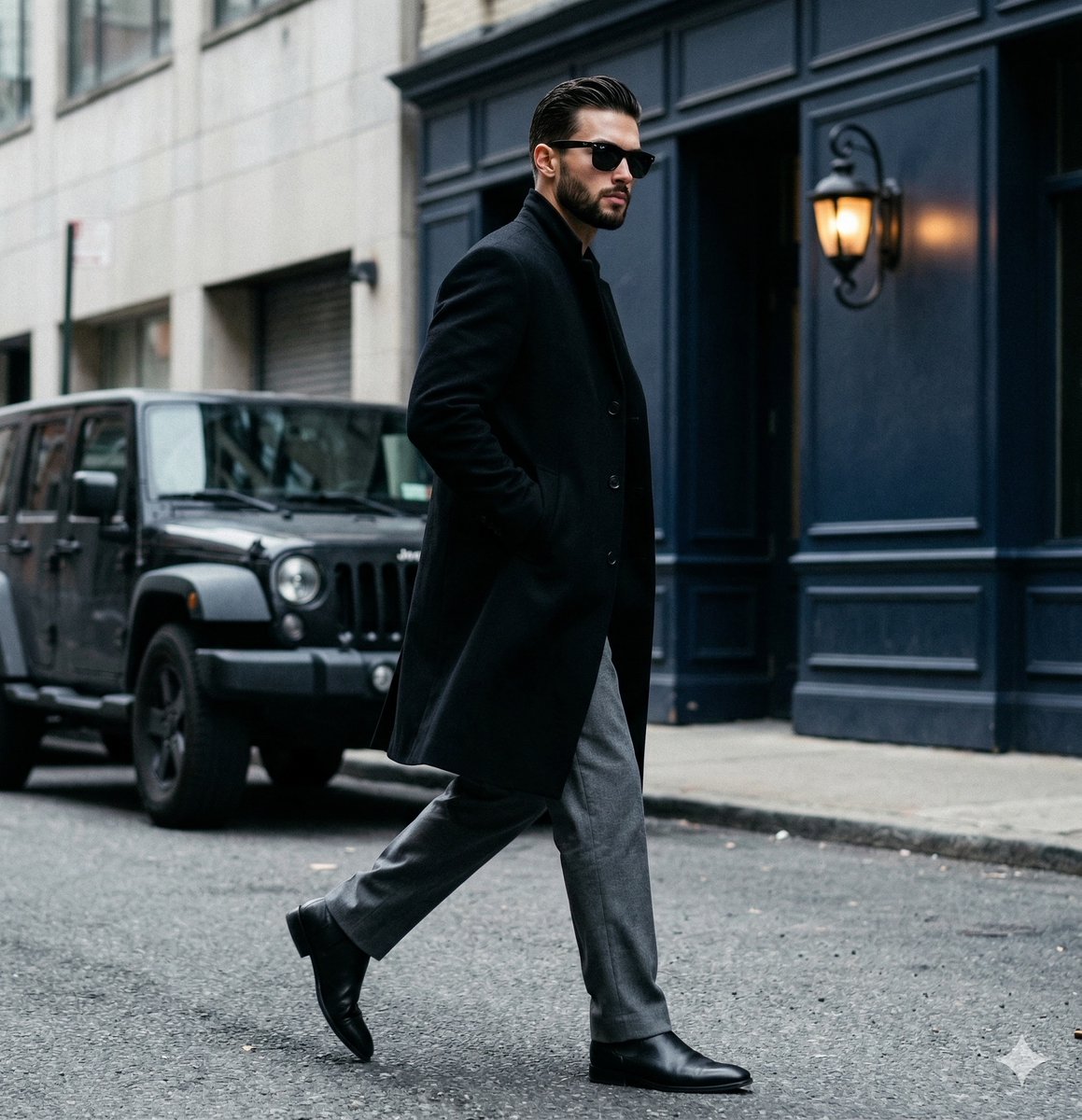
A candid paparazzi-style street photography shot of a handsome man

Cinematic Street Fashion Portrait Motion Blur Crowd

Nano Banana - Street Paris T-Shirt

A 3x3 grid storyboard contact sheet comprised of nine candid, cinematic
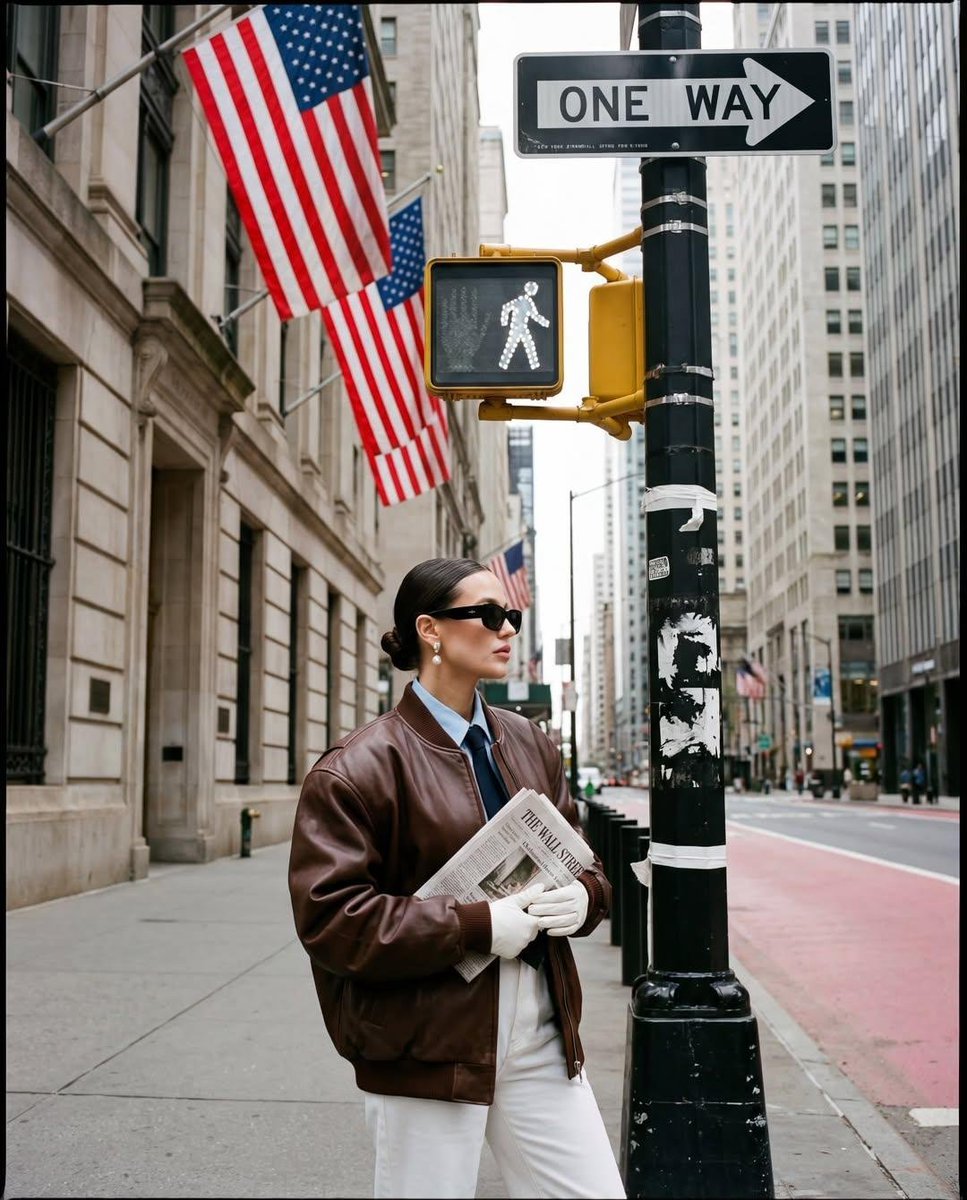
Ultra-realistic street fashion editorial photograph in New York City
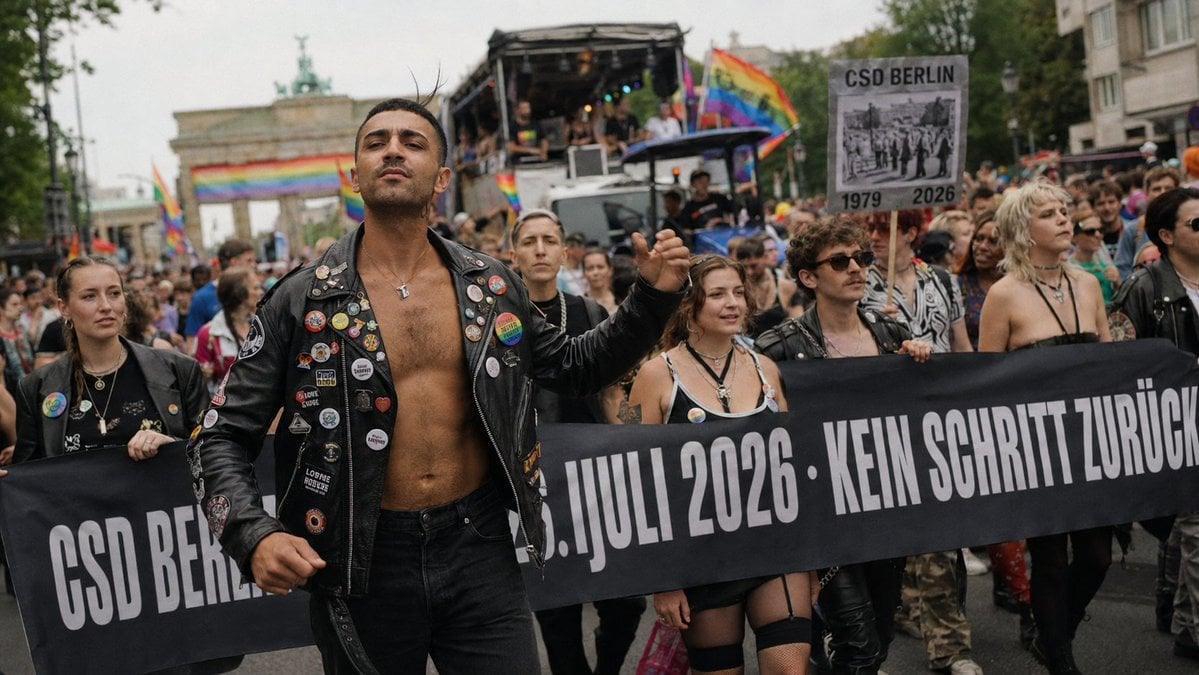
Berlin Pride Documentary Street Photography

Cinematic Street Fashion Photographer Portrait

Sunday Afternoon, 1988

Two Tickets, One Night

Our Song was on a Cassette

Meet Me When It Rains

The Date After College
Make it yours
Candid Street Photography with Documentary Realism works as-is. These are the safest ways to change it without losing the look.
Change one field
Copy a single group, rewrite it, and generate again so you can see what that field is doing.
Keep the frame, change the subject
Hold the composition and light of Candid Street Photography with Documentary Realism, then swap wardrobe, props or the person for a new take.
| If the result… | Why | Fix |
|---|---|---|
| The result drifts from the preview | Too many fields changed at once. | Reuse Candid Street Photography with Documentary Realism as-is first, then change one group — subject, light, or setting. |
| Nano Banana 2 ignores part of the JSON | Some models flatten or skip nested keys. | Keep the same values and paste them as a short paragraph instead. |
More Nano Banana 2 templates
Other prompts made for Nano Banana 2.

Photorealistic Leaf Shaped Like a Dragon

K-Pop Idol Portrait Grid for Rapid Selection

Poetic Rain Forest Portrait During Golden Hour

Urban Street Portrait with Cartoon Inner Self Duo

Candid Nighttime Photo with Cat Prompt

High-Concept 3D Diorama Generation Prompt

Cinematic Futuristic Studio Portrait Template

Skincare Editorial Photography Collage Prompt

Hyper-Realistic Commercial Product Photography (Splash Effect)

Hyper-Realistic Nightclub Portrait Prompt
More image prompts
Fresh picks from across the catalog.
Authentic Japanese Kimono Selfie Portrait

Japanese Ink Illustration Style

Ultra-Realistic Top-Down Flat Lay Photo of a Custom Conference Table
Nano Banana - Window Wine Red Dress
Triptych Collage of Vintage American Cars
Embroidered Empress Tarot Cockatoo

Rubberhose 3D Character Prompt
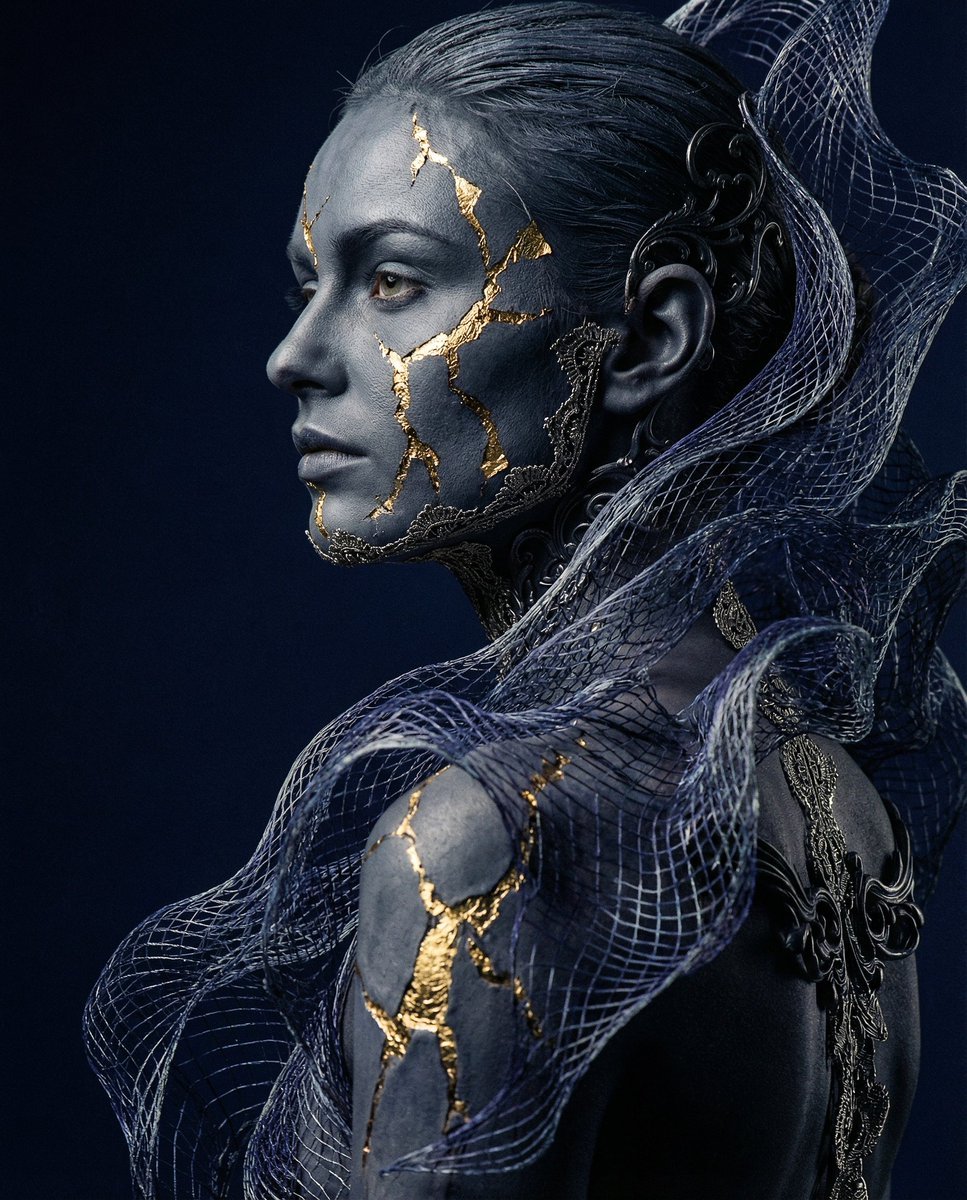
Avant-garde Conceptual Photography: Bio-Digital Kintsugi Portrait

SynClub Chat Sound Effects Guide
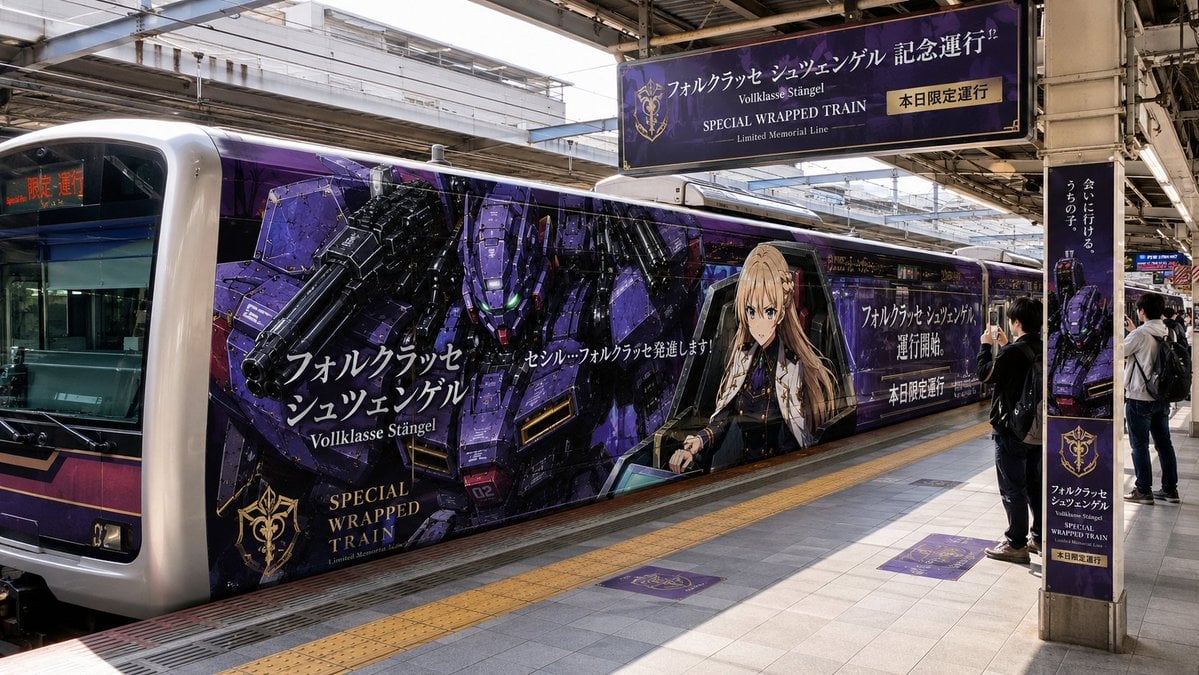
Anime Mecha Wrapped Train at Station
Browse template categories
Candid Street Photography with Documentary Realism questions
How do I use the Candid Street Photography with Documentary Realism template?
Add your photo if the template asks for one, edit the prompt if you like — the template's model and format are already selected — and press Generate. Your version opens in PicX Studio.
Can I customize the Candid Street Photography with Documentary Realism template?
Yes. You can change the subject, setting, lighting, mood, format, and available model controls before creating your image.
Is the Candid Street Photography with Documentary Realism template free?
Opening and editing this template is free. Generating uses credits, shown on the Generate button when you are signed in.
Which AI model should I use?
Start with Nano Banana 2, which is the model associated with this template. You can compare another compatible model for a different finish.
Looking for something else? Browse all templates.

Your photo, any look
Thousands of ready templates for every top image and video model, from one credit balance.