
Embroidered Empress Tarot Cockatoo
A photorealistic craft-table scene featuring an ornate embroidered tarot card portrait, useful for generating whimsical textile art concepts.
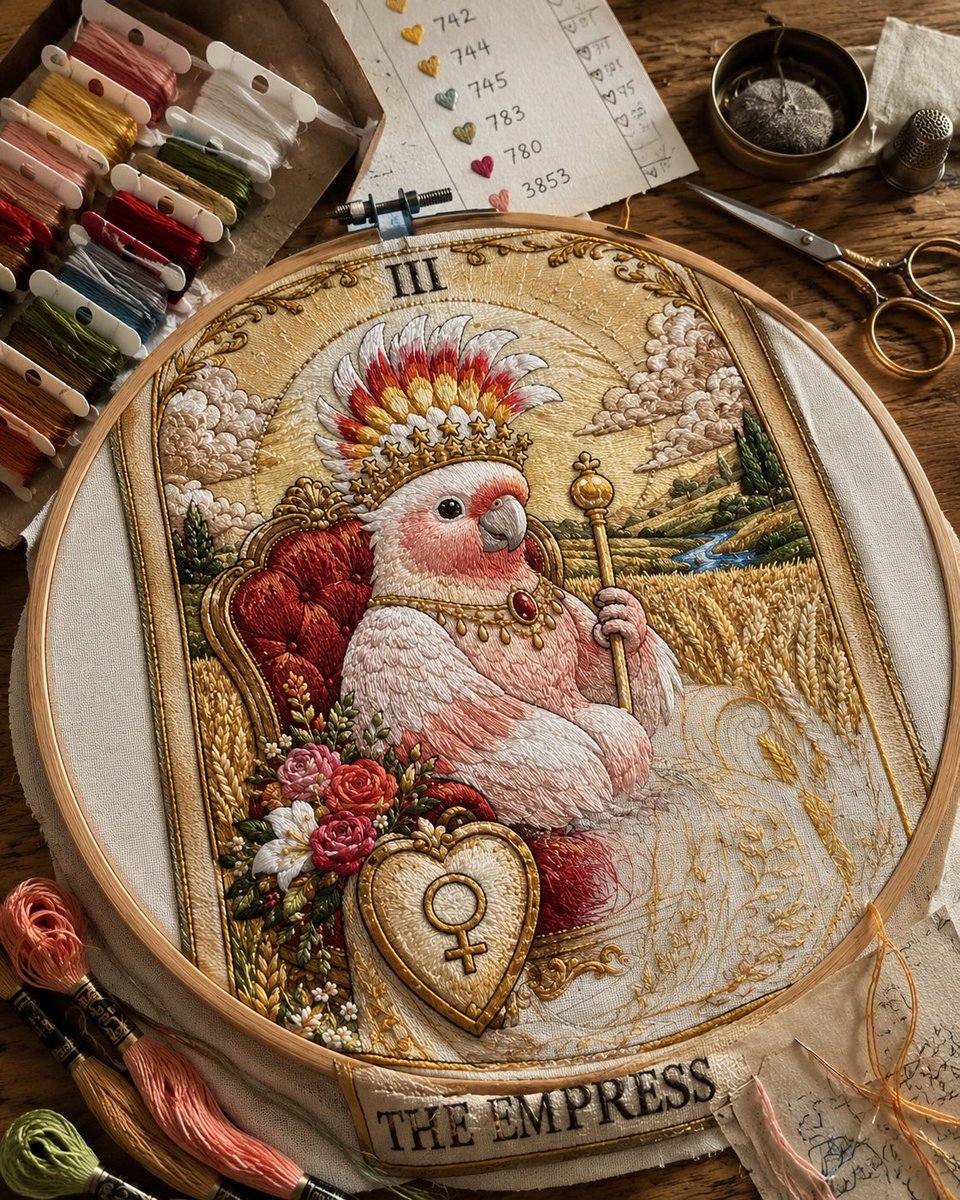
- Prompt included
- Model and format preset
- Free template
The prompt behind this image
Copy the exact prompt behind Embroidered Empress Tarot Cockatoo, or open it in the studio and make it yours.
Create a highly detailed photorealistic macro photograph of an ornate hand embroidery artwork in a round wooden embroidery hoop lying on a rustic wooden craft table. The embroidered design is a tarot-card-inspired portrait of {argument name="animal subject" default="a pink galah cockatoo"} as {argument name="tarot title" default="THE EMPRESS"}: the bird sits regally on a plush red-and-gold throne, wearing a jeweled gold crown topped with red, yellow, and white feathers, a delicate necklace with a red gemstone, and holding a golden scepter. The tapestry has a warm antique-gold background with stitched clouds, rolling fields of wheat, distant green hills, a small blue river, floral bouquets beside the throne, ornate filigree borders, the Roman numeral {argument name="roman numeral" default="III"} at the top, and a bottom banner reading {argument name="banner text" default="THE EMPRESS"}. Include one heart-shaped shield at the lower front of the throne with a Venus symbol embroidered in gold. The embroidery should look tangible and dimensional, with visible satin stitch, chain stitch, French knots, metallic gold thread, raised thread texture, and tiny variations in fiber direction. Surround the hoop with real craft supplies: a cardboard tray at upper left holding 12 visible embroidery floss bobbins in red, pink, yellow, white, olive green, dark green, gray, black, brown, rust, tan, and cream; 3 loose skeins of floss at lower left in peach, coral pink, and green; 1 paper color chart at the top with 6 heart-shaped stitched swatches labeled 742, 744, 745, 783, 780, and 3853; 1 pair of vintage gold scissors at upper right; 1 metal thimble; 1 small round brass bowl containing a pincushion; and a few stray golden and peach threads near the lower right edge. Use warm natural window light, shallow depth of field, crisp focus on the hoop, cozy artisan workspace mood, muted earthy colors, ultra-realistic textile detail, no digital illustration look.
How to use Embroidered Empress Tarot Cockatoo in 3 steps
- 1Upload ImagePNG, JPG or paste
Add your photo
Upload the photo the template builds on. The prompt, model and format are already set.
- 2…a portrait of your subject in softgolden-hour light, 85mm…
Personalize
Edit the subject and creative details for your destination.
- 3Generate
Generate
Press Generate — your image is created in PicX Studio, so you can compare it with the original and refine one variable at a time.
More like this
Templates with the same subject, style or setup. Open one to see its prompt.
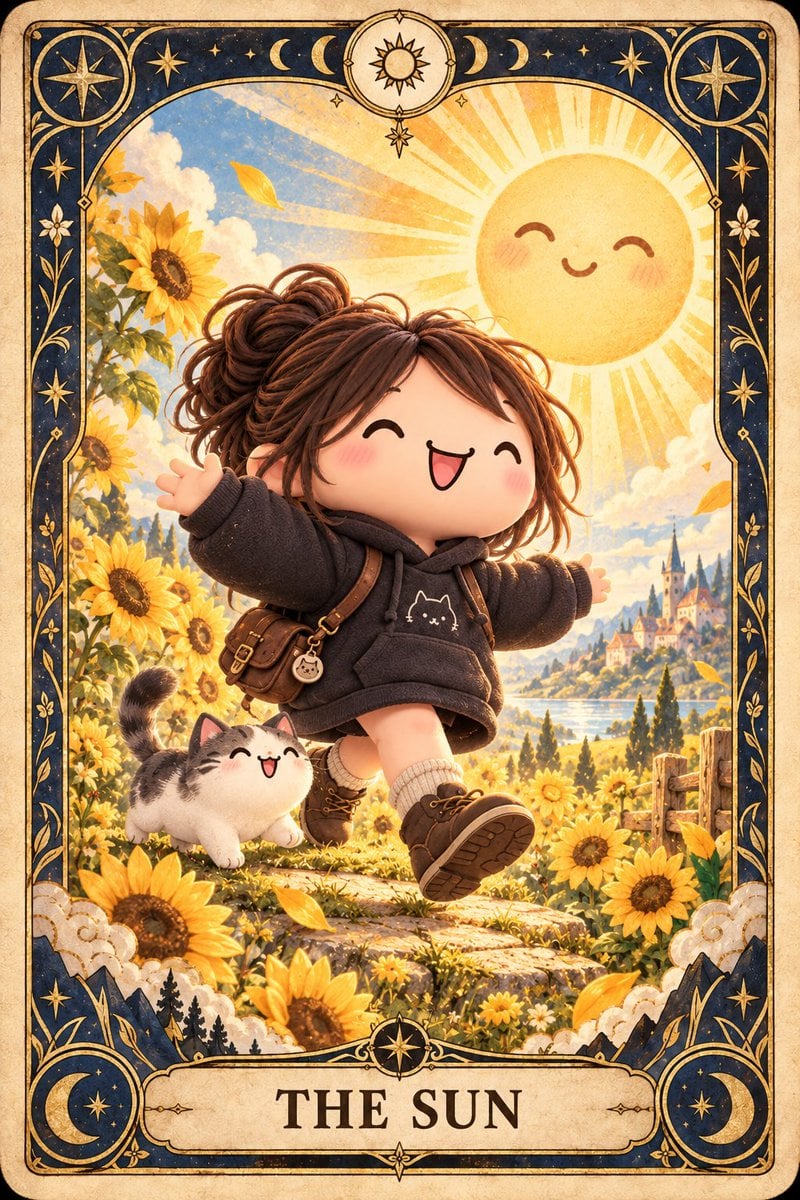
Chibi The Sun Tarot Card
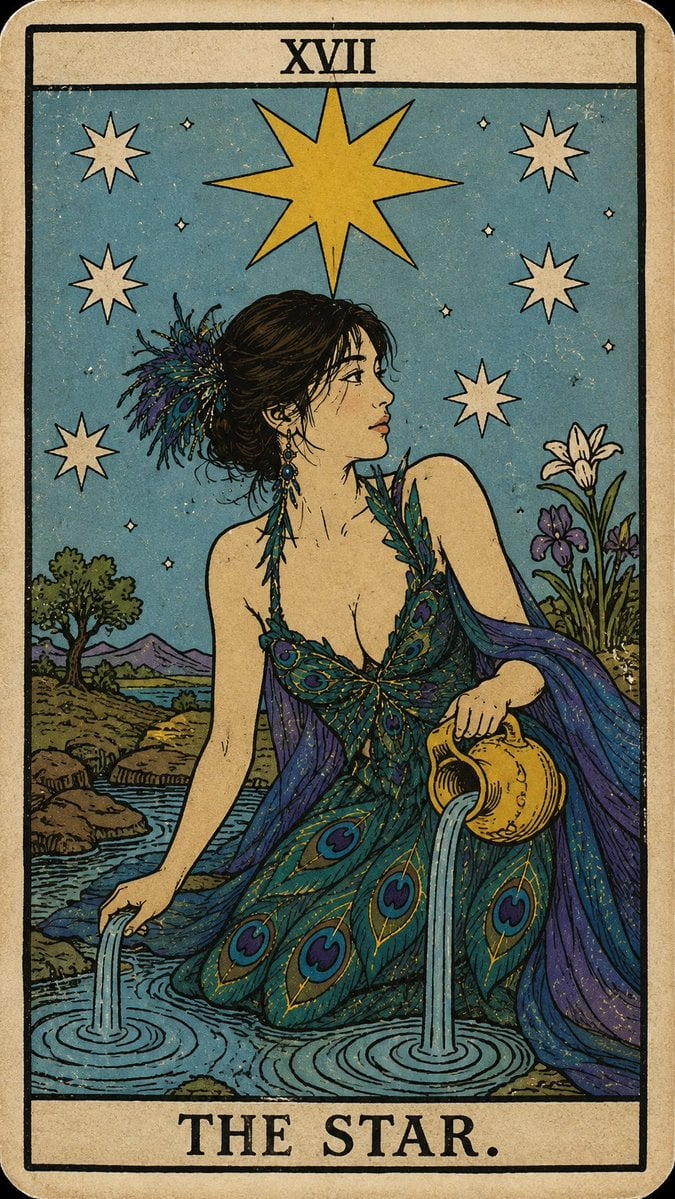
Personalized Rider-Waite Tarot Card
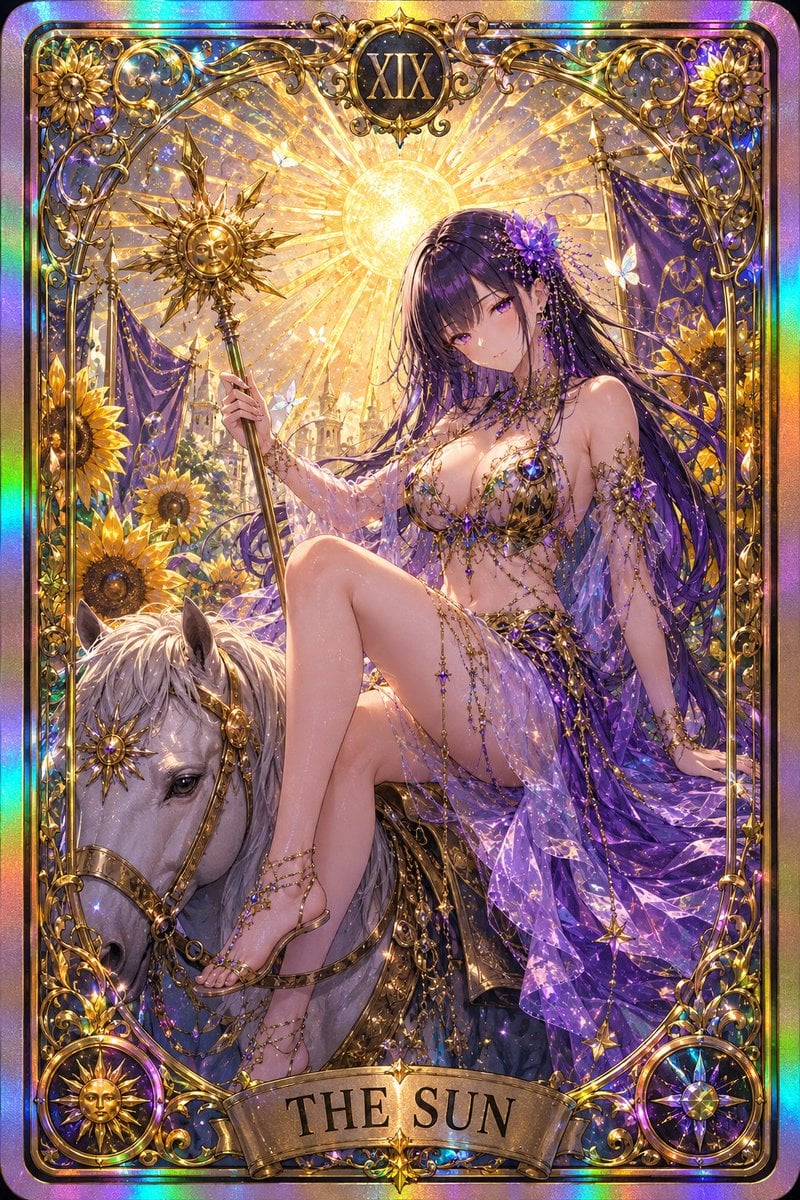
Gothic Art Nouveau Tarot Card
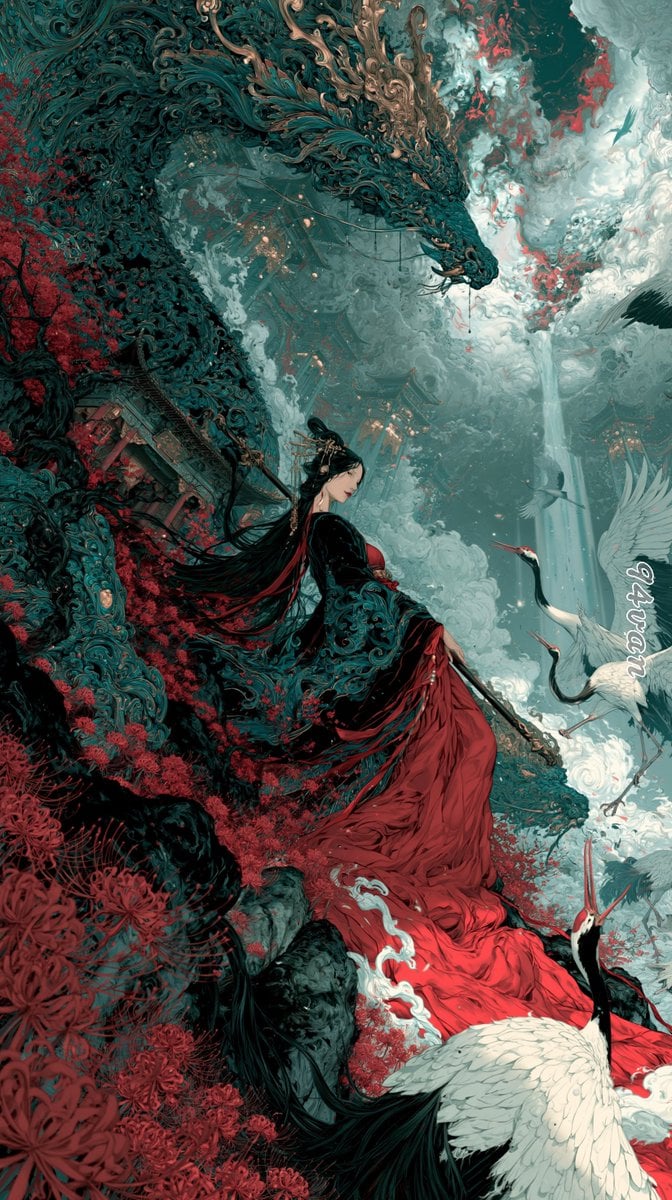
Dragon Empress in Crimson Robes
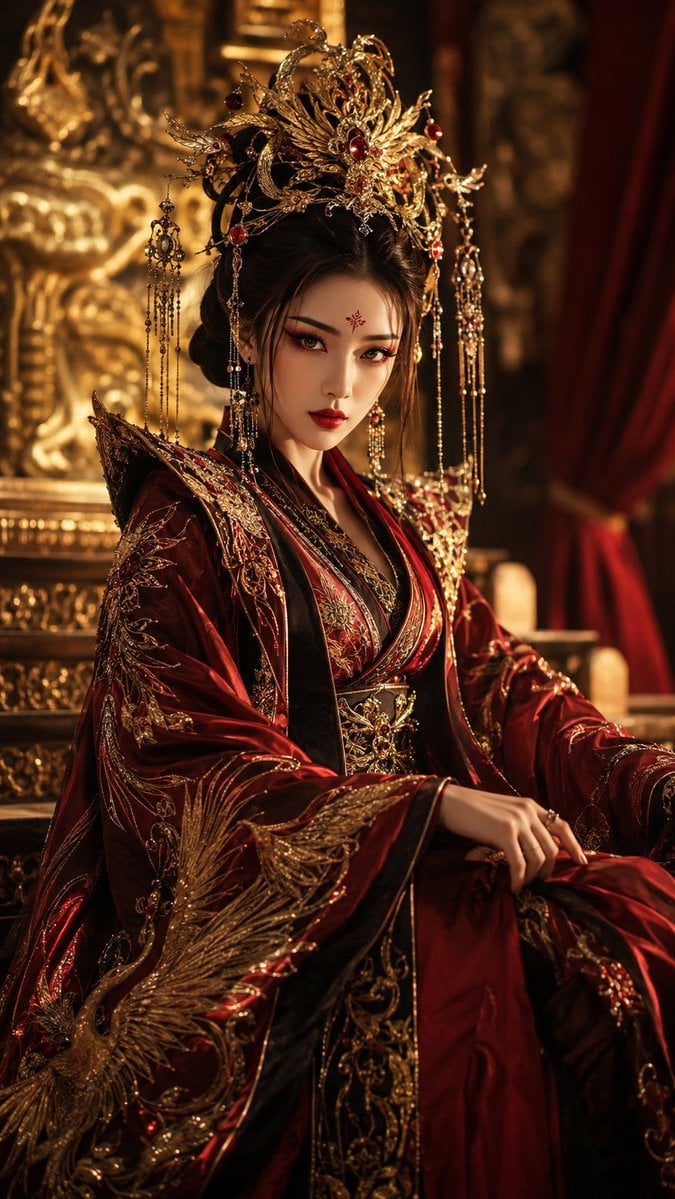
Regal Tang-Style Empress Portrait
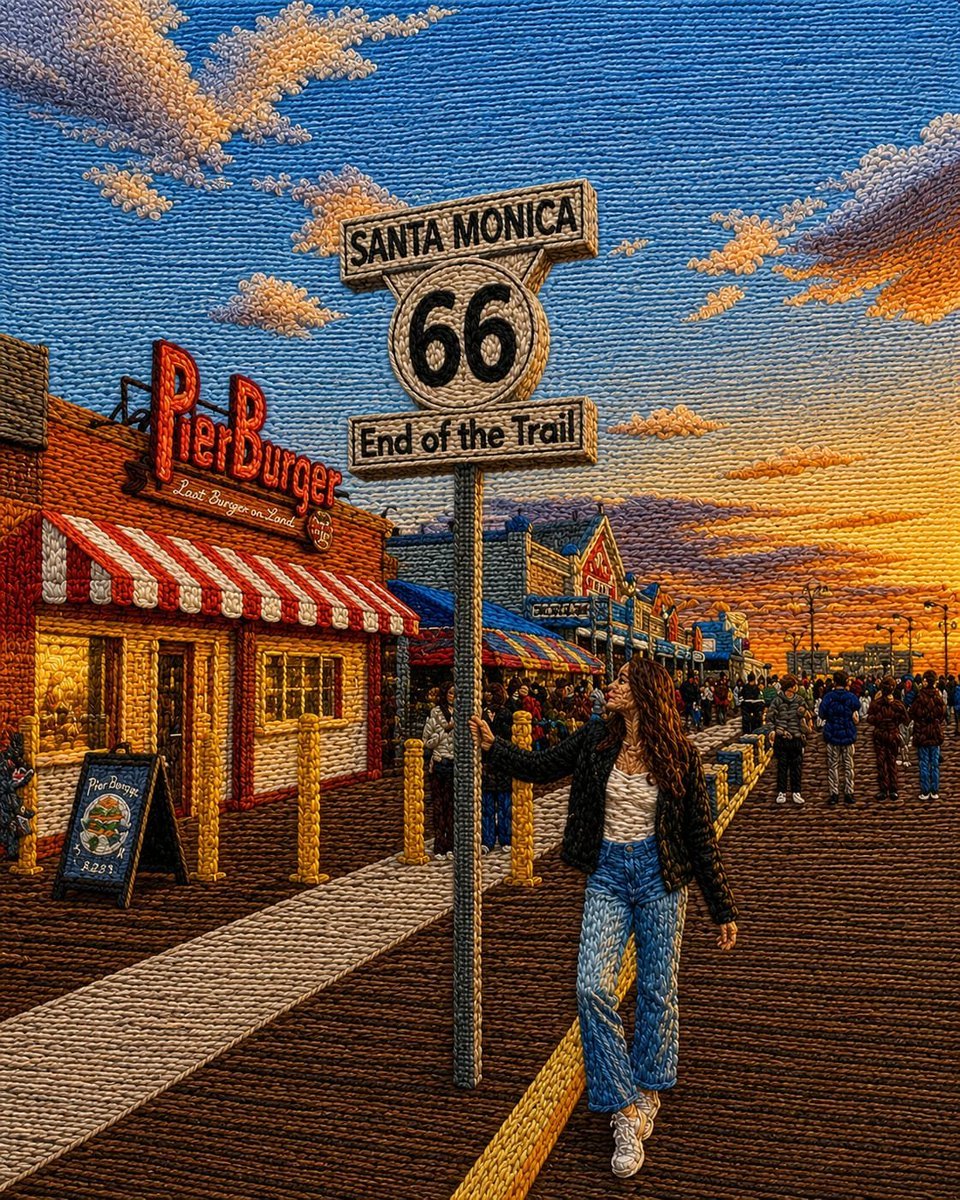
Embroidered Santa Monica Pier Photo
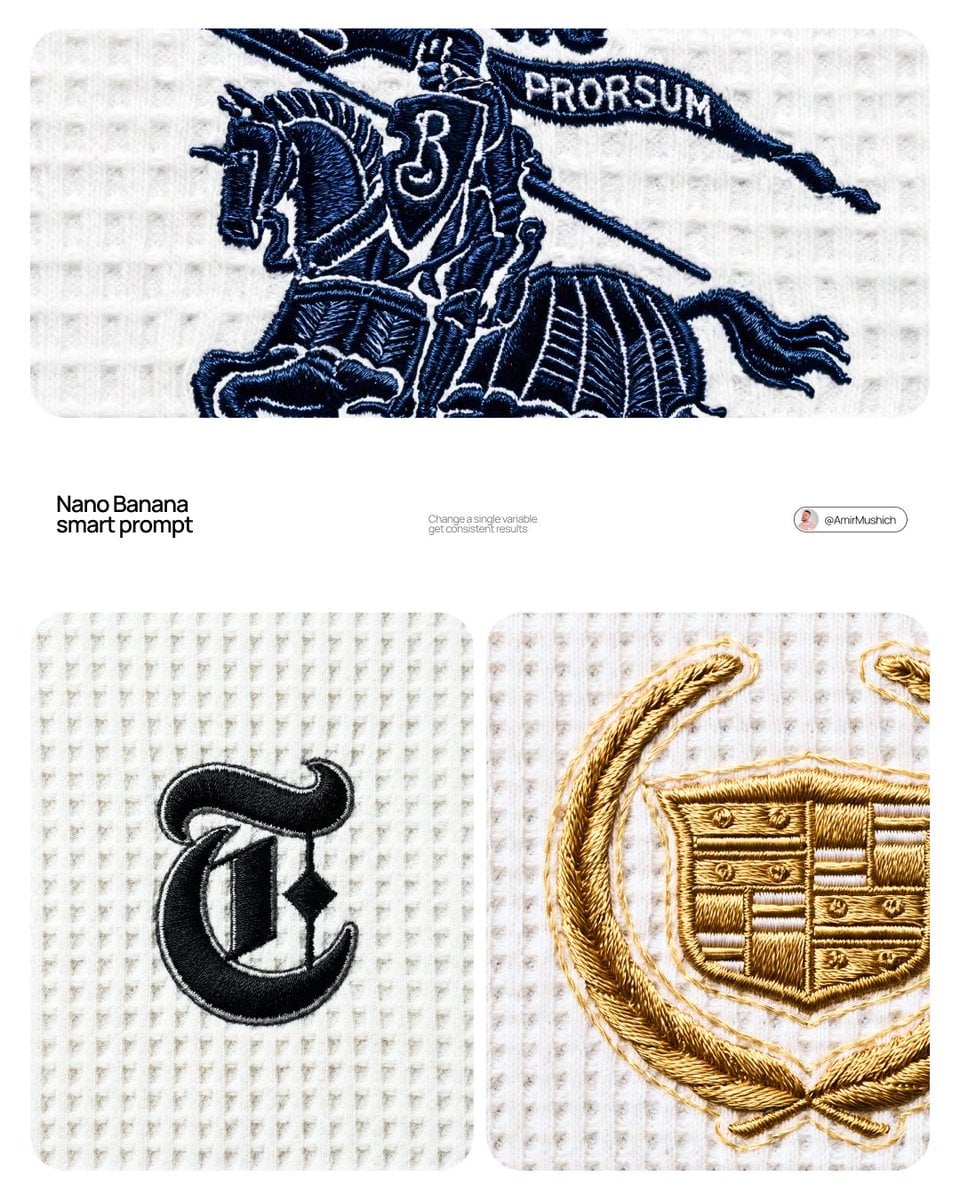
A close-up editorial campaign of a premium embroidered garment

Cyber Samurai Empress Portrait
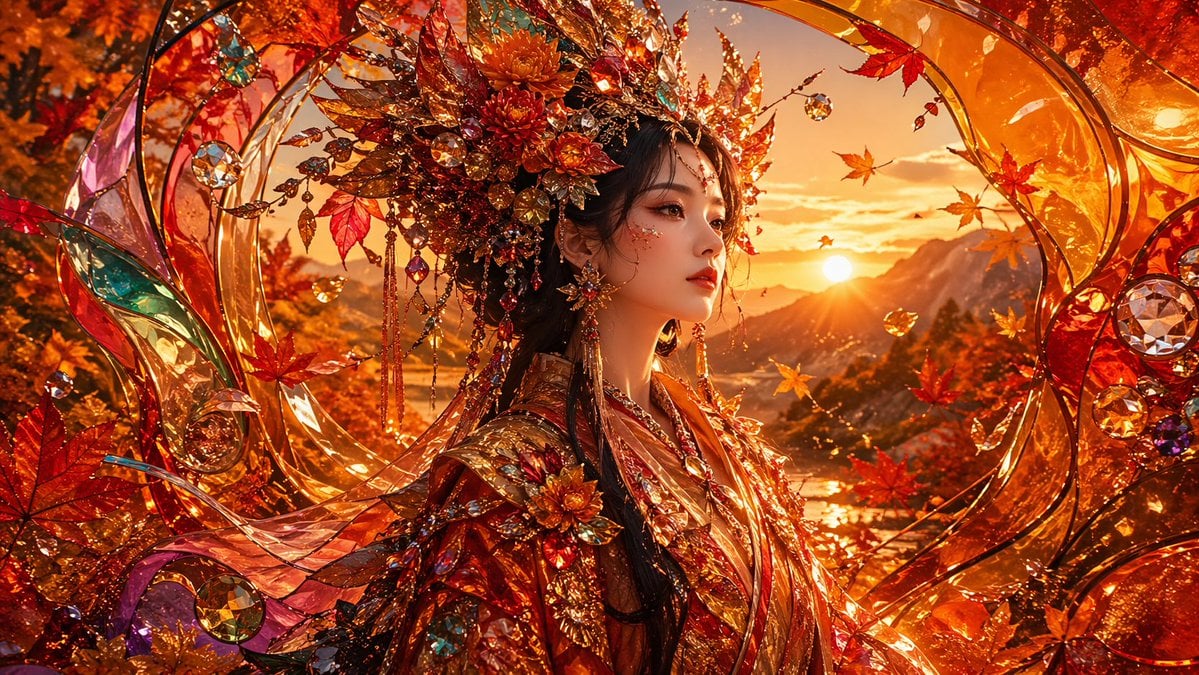
Opulent Autumn Empress at Sunset
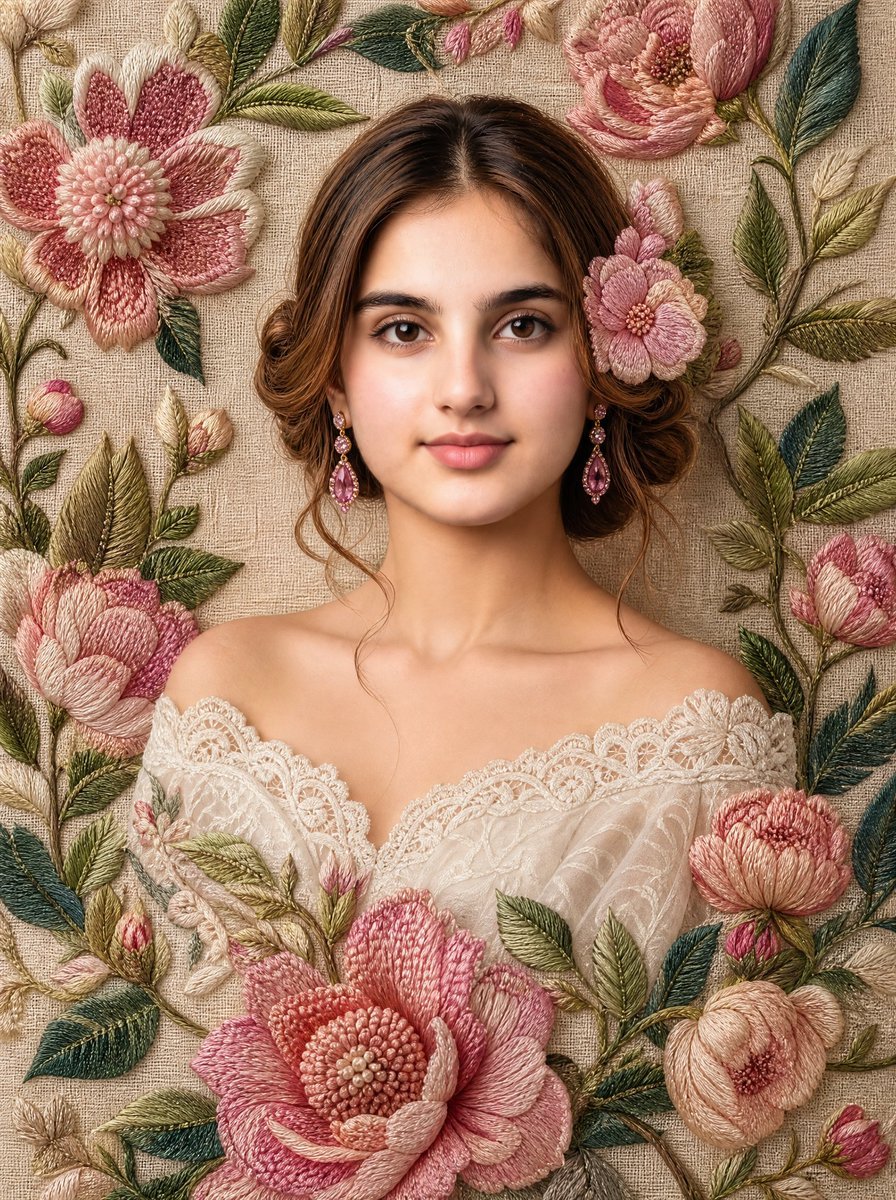
Embroidered Floral Fine-Art Portrait
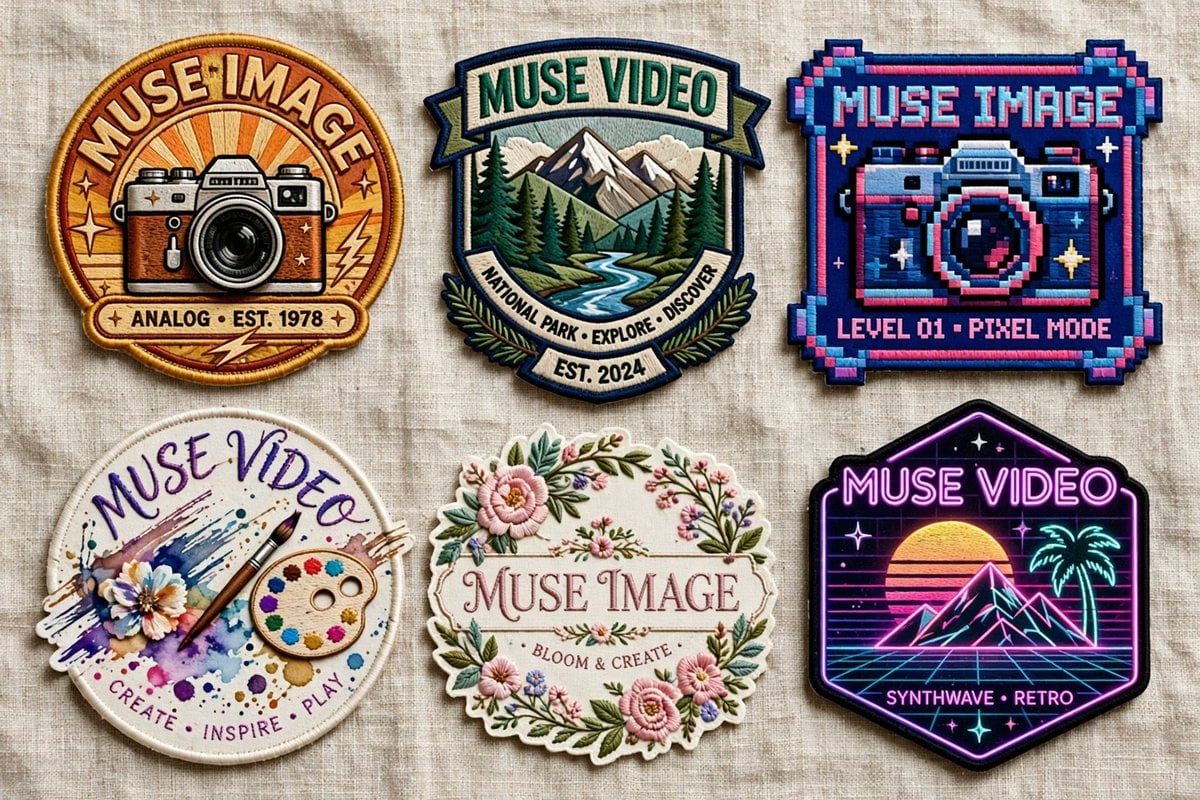
Six Embroidered Muse Patches
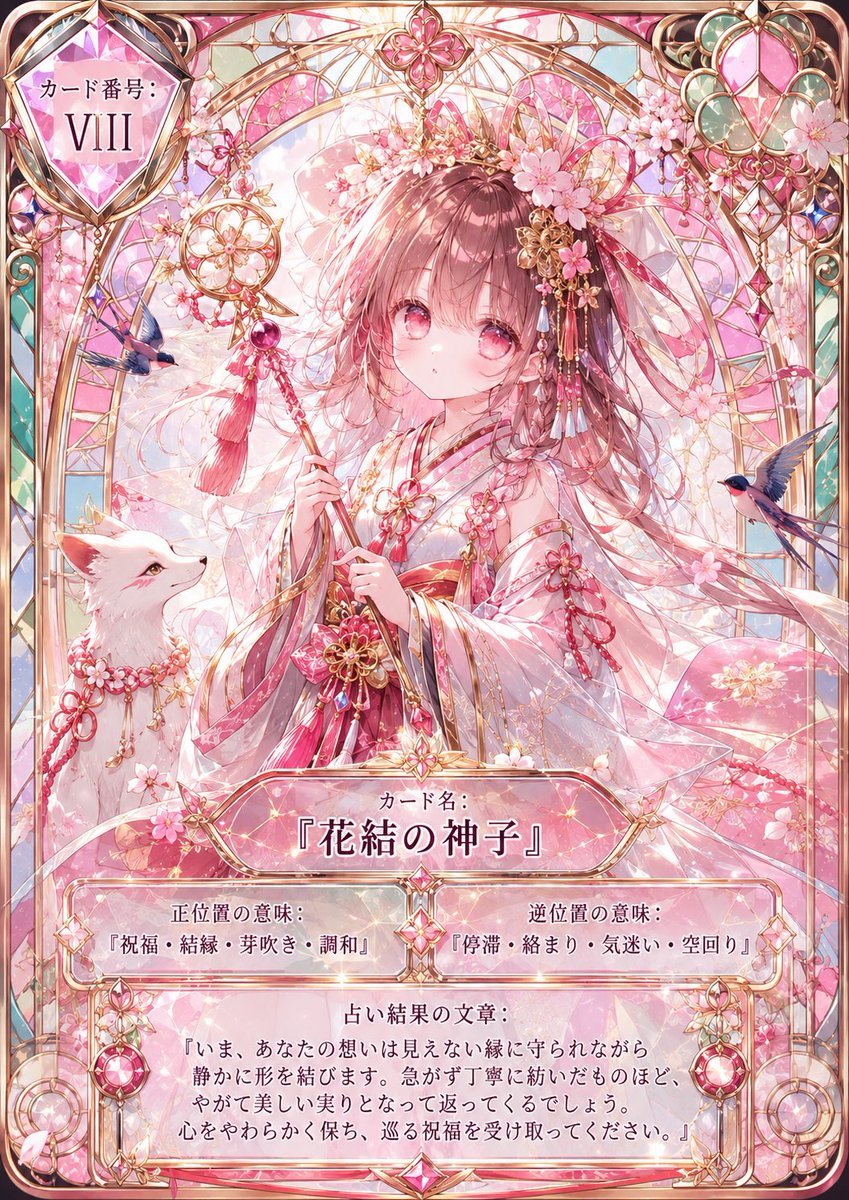
Sakura Divinity Tarot Card
Make it yours
Embroidered Empress Tarot Cockatoo works as-is. These are the safest ways to change it without losing the look.
Change one field
Copy a single group, rewrite it, and generate again so you can see what that field is doing.
Keep the frame, change the subject
Hold the composition and light of Embroidered Empress Tarot Cockatoo, then swap wardrobe, props or the person for a new take.
| If the result… | Why | Fix |
|---|---|---|
| The result drifts from the preview | Too many fields changed at once. | Reuse Embroidered Empress Tarot Cockatoo as-is first, then change one group — subject, light, or setting. |
| The model over-stylizes the scene | The prose prompt leaves finish and camera underspecified. | Add one camera or lighting sentence and stay on GPT Image 2. |
More GPT Image 2 templates
Other prompts made for GPT Image 2.

Six VTuber Japanese Logo Sheet

Realistic Portrait of Woman and Deer

The Vista Modular Condo Poster

AI Model Routing Comparison Infographic

2.5D Anime Art Board

Isometric Productivity Desk Scene

New York Double Exposure Poster

Four-Panel AI Landscape Comparison

Japanese Tatami Lifestyle Magazine Cover

NESCAFÉ Coffee Map Poster
More image prompts
Fresh picks from across the catalog.
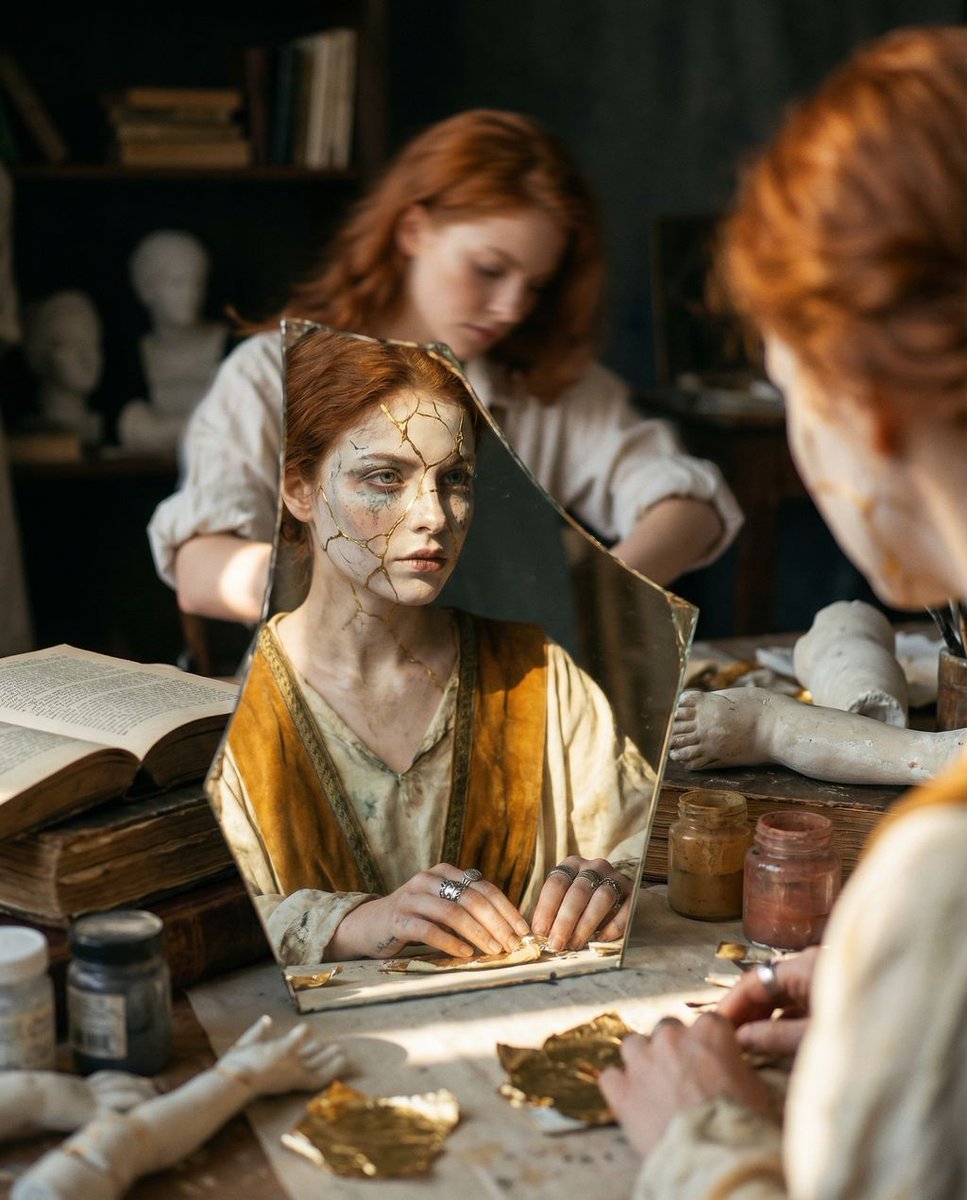
Reflected Relic: Surreal Artisan Portrait
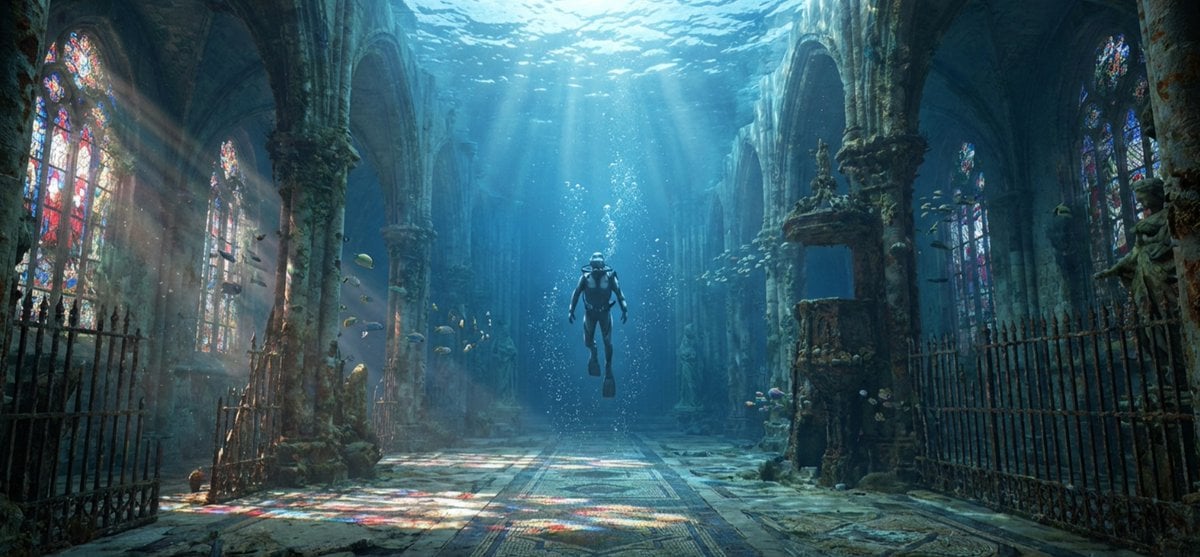
Cinematic rainy street, underwater cathedral, and design-to-photo
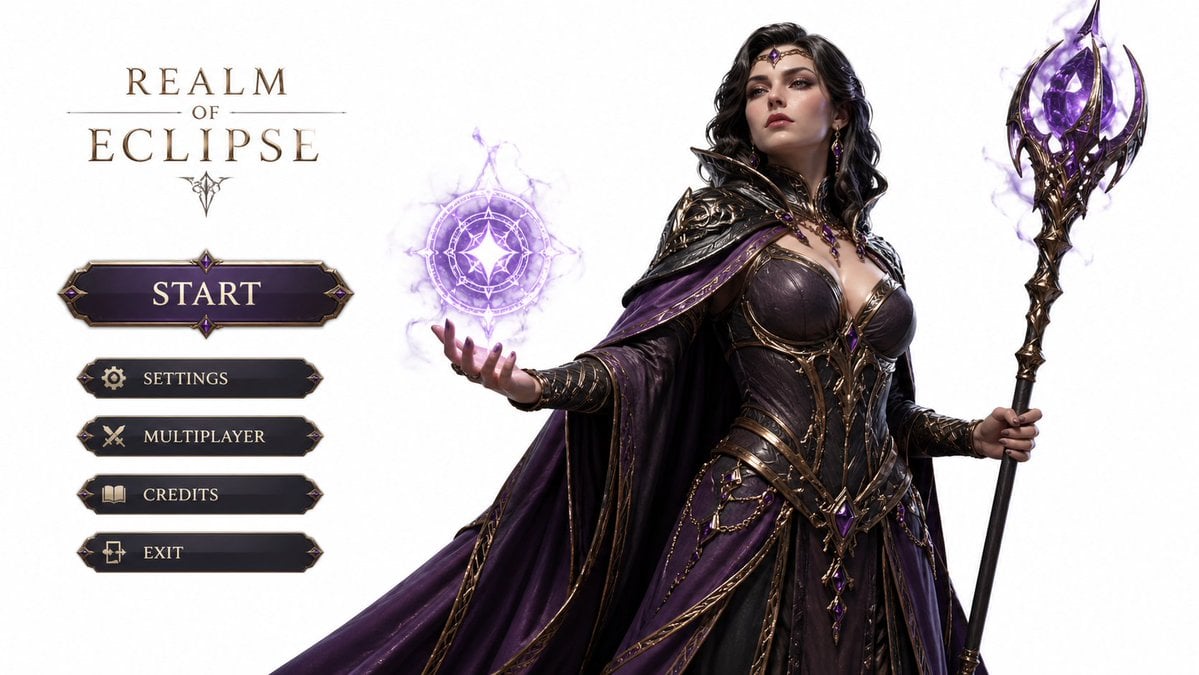
3D Gaming Character Sorceress
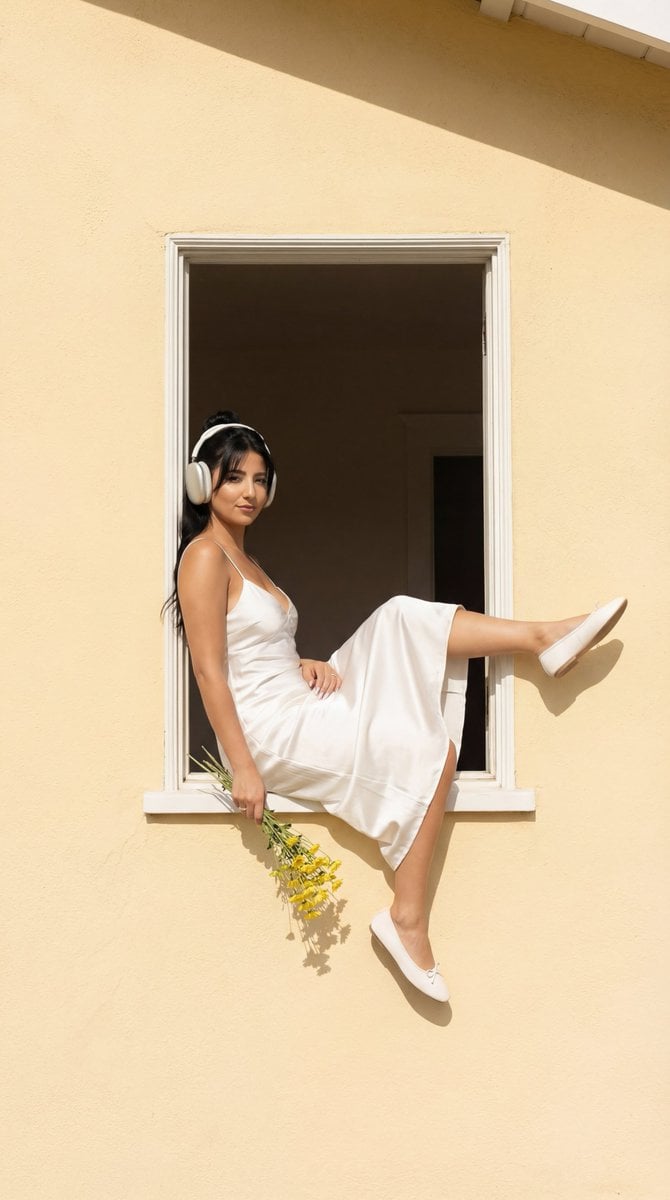
Fashion Editorial: Girl in Yellow House Window
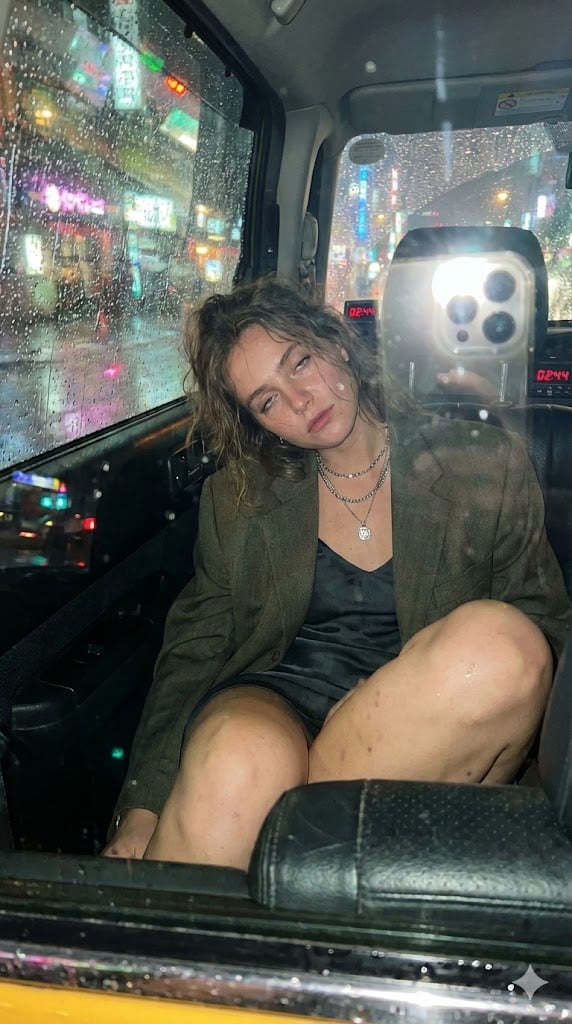
Candid Taxi-Ride Dump Photography
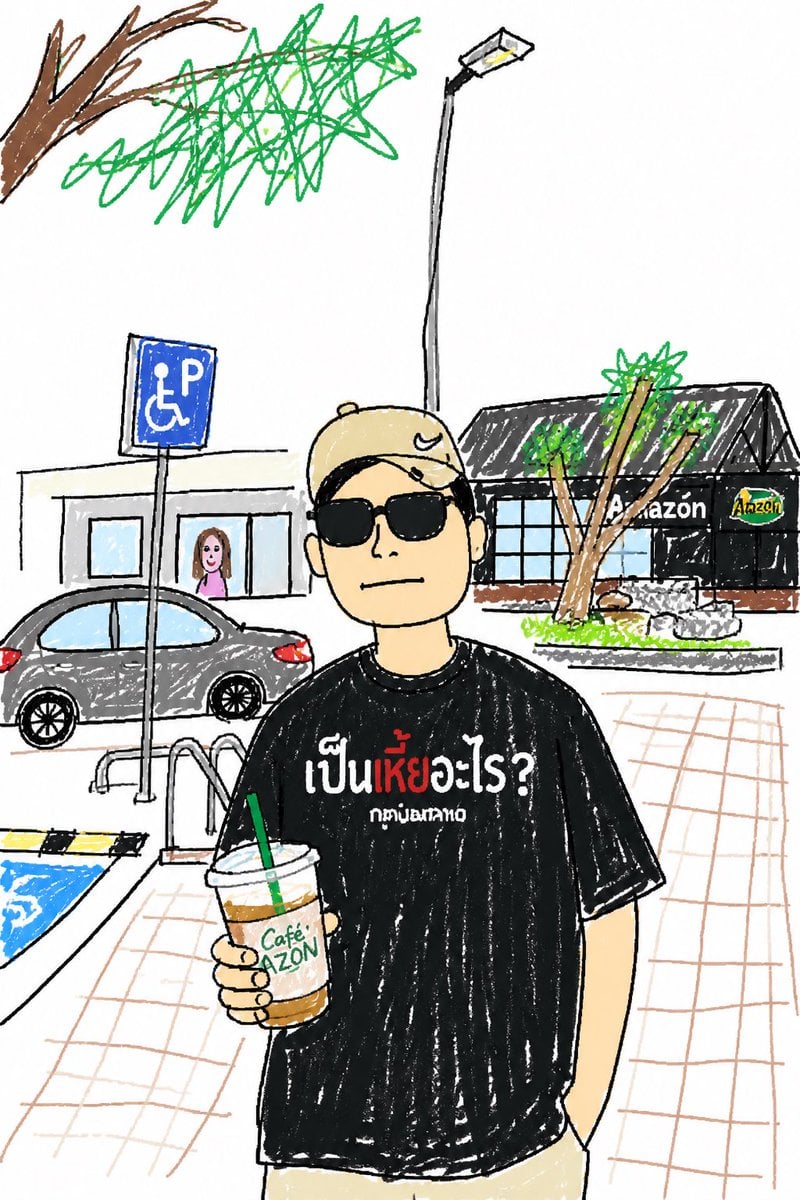
Childlike Sketch Photo Transform
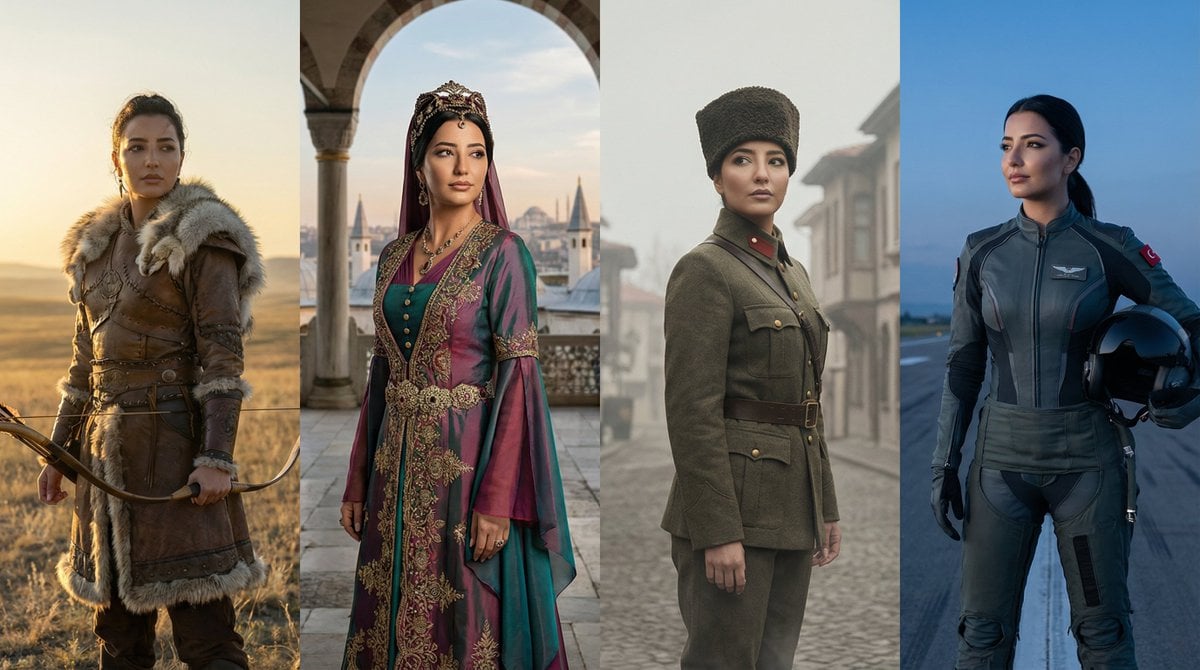
Turkish History Character Grid
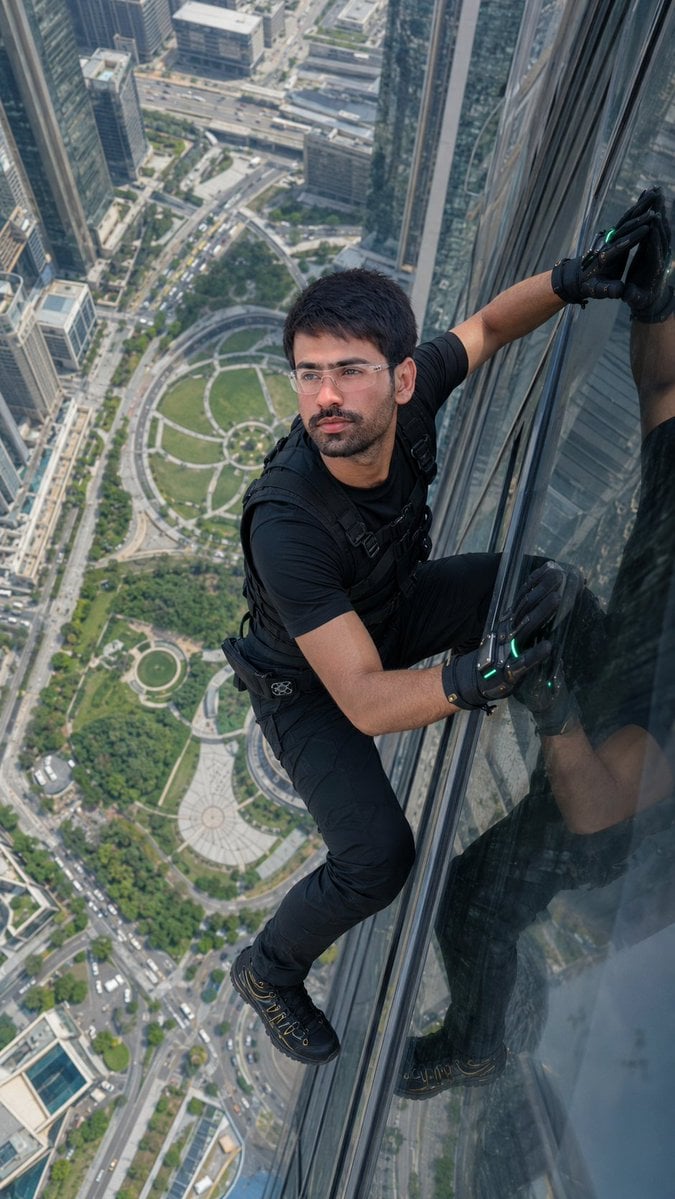
Skyscraper Climbing Action Shot
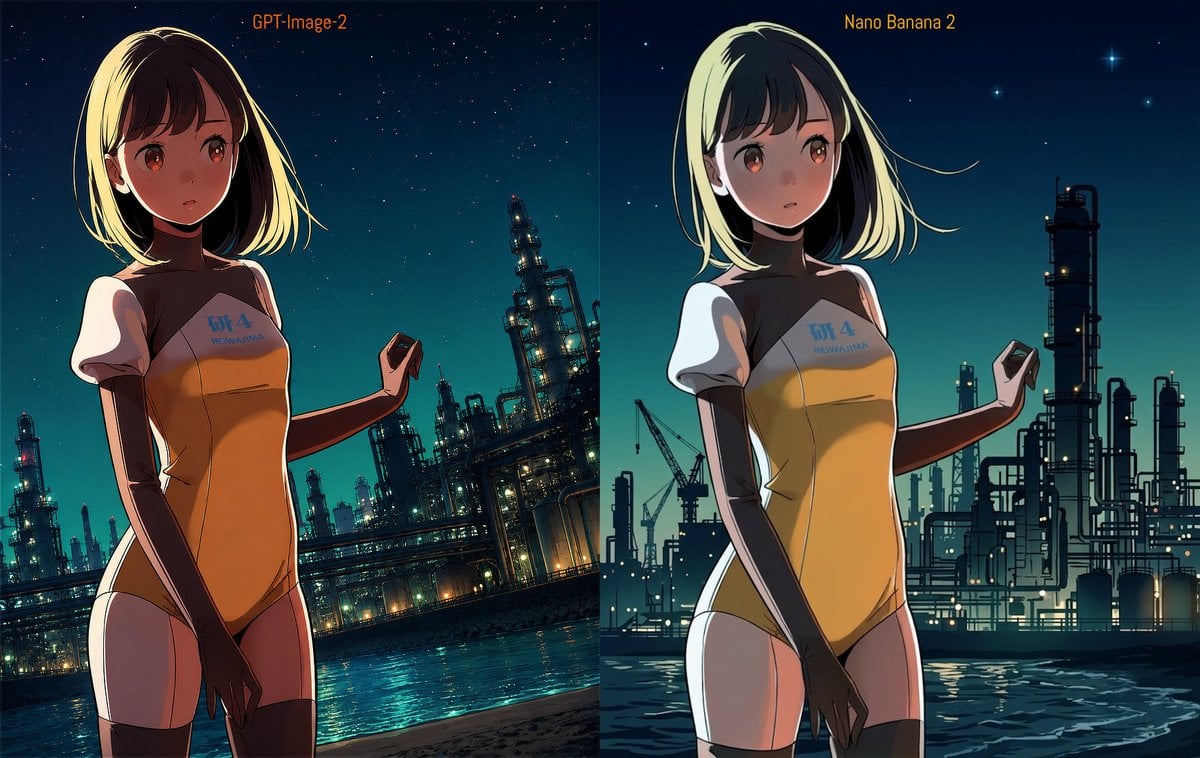
Industrial Night Background Replacement
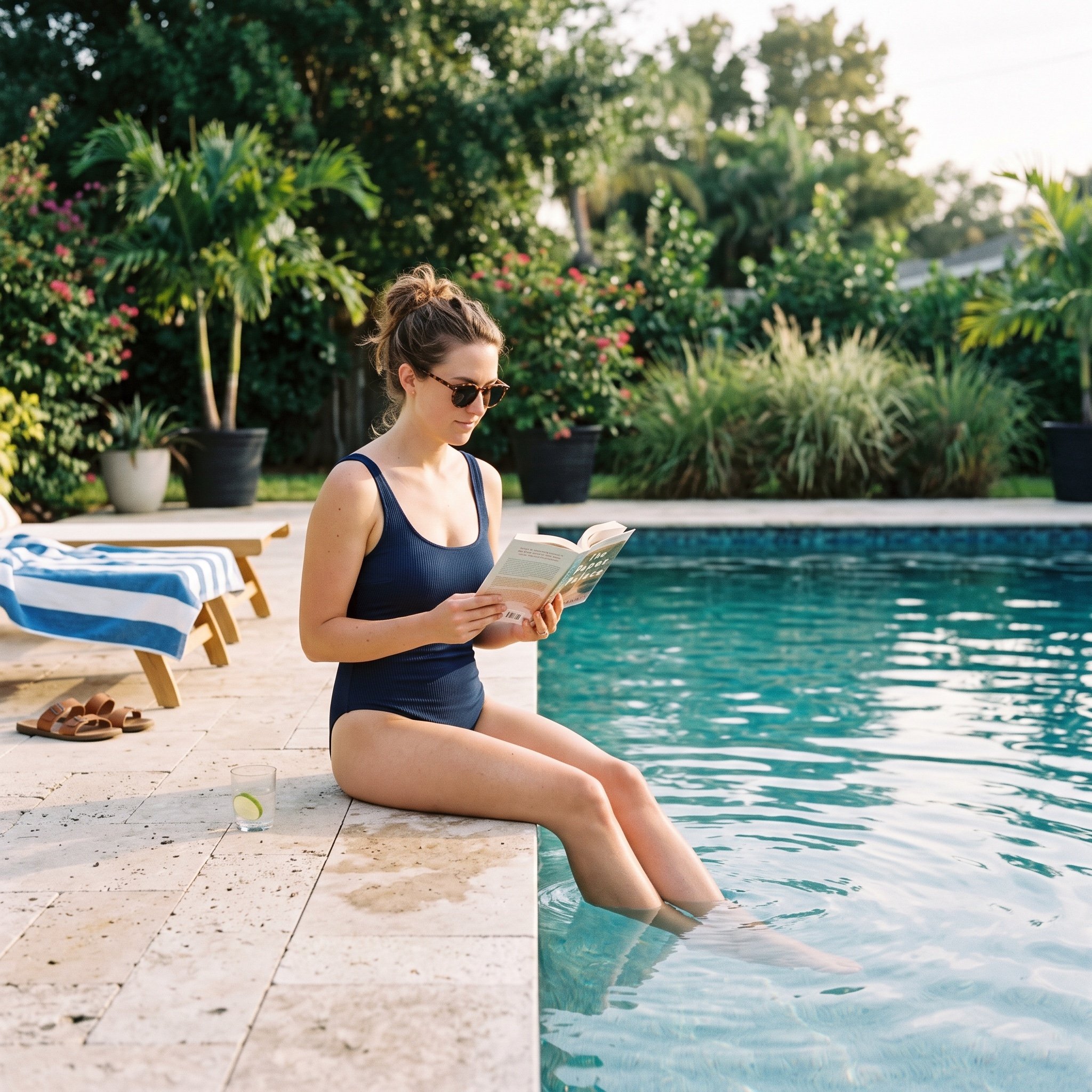
Pool Prompt for Realistic Image Generation
Browse template categories
Embroidered Empress Tarot Cockatoo questions
How do I use the Embroidered Empress Tarot Cockatoo template?
Add your photo if the template asks for one, edit the prompt if you like — the template's model and format are already selected — and press Generate. Your version opens in PicX Studio.
Can I customize the Embroidered Empress Tarot Cockatoo template?
Yes. You can change the subject, setting, lighting, mood, format, and available model controls before creating your image.
Is the Embroidered Empress Tarot Cockatoo template free?
Opening and editing this template is free. Generating uses credits, shown on the Generate button when you are signed in.
Which AI model should I use?
Start with GPT Image 2, which is the model associated with this template. You can compare another compatible model for a different finish.
Looking for something else? Browse all templates.

Your photo, any look
Thousands of ready templates for every top image and video model, from one credit balance.