
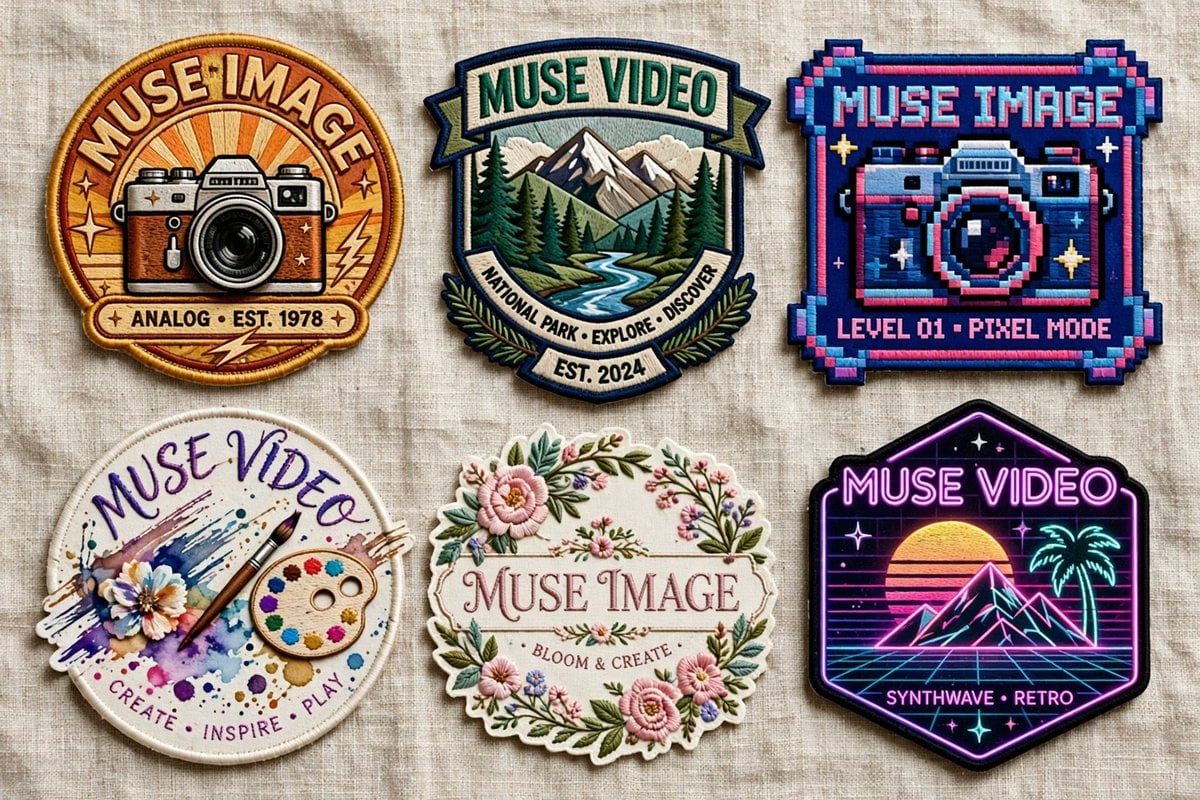
Six Embroidered Muse Patches
Creates a realistic flat lay of six themed embroidered brand patches on linen for badge, sticker, or merch concept visualization.
- Prompt included
- Model and format preset
- Premium template
The prompt behind this image
Copy the exact prompt behind Six Embroidered Muse Patches, or open it in the studio and make it yours.
Goal: Create a realistic product-style flat lay of exactly 6 embroidered patches on a neutral wrinkled linen fabric background, showcasing different badge designs for {argument name="brand name" default="Muse Image"} and {argument name="alternate brand name" default="Muse Video"}. The patches should look tactile and sewn, with raised thread, stitched borders, slight shadows, and varied shapes, arranged in a clean 3-column by 2-row grid. Canvas: Wide horizontal image, approximately 16:9, photographed from directly above. Use soft natural lighting, beige woven fabric texture, crisp embroidery detail, and no hands or packaging. Layout: Include exactly 6 discrete patches: 1. Top left: round vintage camera patch with warm orange sunburst background, thick golden embroidered border, retro camera illustration, large curved text “MUSE IMAGE” at the top, small text ribbon “ANALOG • EST. 1978” at the bottom, small star and lightning accents. 2. Top center: shield-shaped outdoor national park patch with mountains, pine forest, and winding river, teal and cream border, top banner text “MUSE VIDEO,” lower curved ribbon text “NATIONAL PARK • EXPLORE • DISCOVER,” and small bottom banner “EST. 2024.” 3. Top right: square pixel-art arcade patch with chunky pixel border in navy, cyan, pink, and purple, a pixelated camera in the center, top text “MUSE IMAGE,” and bottom text “LEVEL 01 • PIXEL MODE.” 4. Bottom left: circular watercolor art patch with white stitched edge, paint splashes, flower, brush, and painter palette, handwritten curved top text “MUSE VIDEO,” and bottom text “CREATE • INSPIRE • PLAY.” 5. Bottom center: ornate floral oval patch with scalloped cream border, pink flowers, green leaves, delicate garden embroidery, central serif text “MUSE IMAGE,” and small text “BLOOM & CREATE.” 6. Bottom right: black hexagonal neon synthwave patch with glowing purple border, retro sunset, wireframe grid, palm tree, mountain peaks, stars, top neon text “MUSE VIDEO,” and bottom text “SYNTHWAVE • RETRO.” Visual style: Hyper-realistic embroidered patch mockup, high-resolution thread texture, visible stitching, slightly raised edges, subtle fabric shadows, saturated but tasteful colors. Each patch should have a distinct theme: vintage analog photography, national park exploration, pixel arcade camera, creative watercolor art, floral craft, and neon retro synthwave. Text constraints: Render all visible text as clean embroidered lettering. Keep exactly 6 patches and no additional badges, labels, watermarks, or extra objects. Customize the main brand words using {argument name="primary patch text" default="MUSE IMAGE"}, {argument name="secondary patch text" default="MUSE VIDEO"}, and the vintage date using {argument name="vintage year" default="1978"}.
How to use Six Embroidered Muse Patches in 3 steps
- 1Upload ImagePNG, JPG or paste
Add your photo
Upload the photo the template builds on. The prompt, model and format are already set.
- 2…a portrait of your subject in softgolden-hour light, 85mm…
Personalize
Edit the subject and creative details for your destination.
- 3Generate
Generate
Press Generate — your image is created in PicX Studio, so you can compare it with the original and refine one variable at a time.
More like this
Templates with the same subject, style or setup. Open one to see its prompt.
Cinematic Watercolor Muse Portrait
Vintage Mixed-Media Muse Portrait
Embroidered Santa Monica Pier Photo
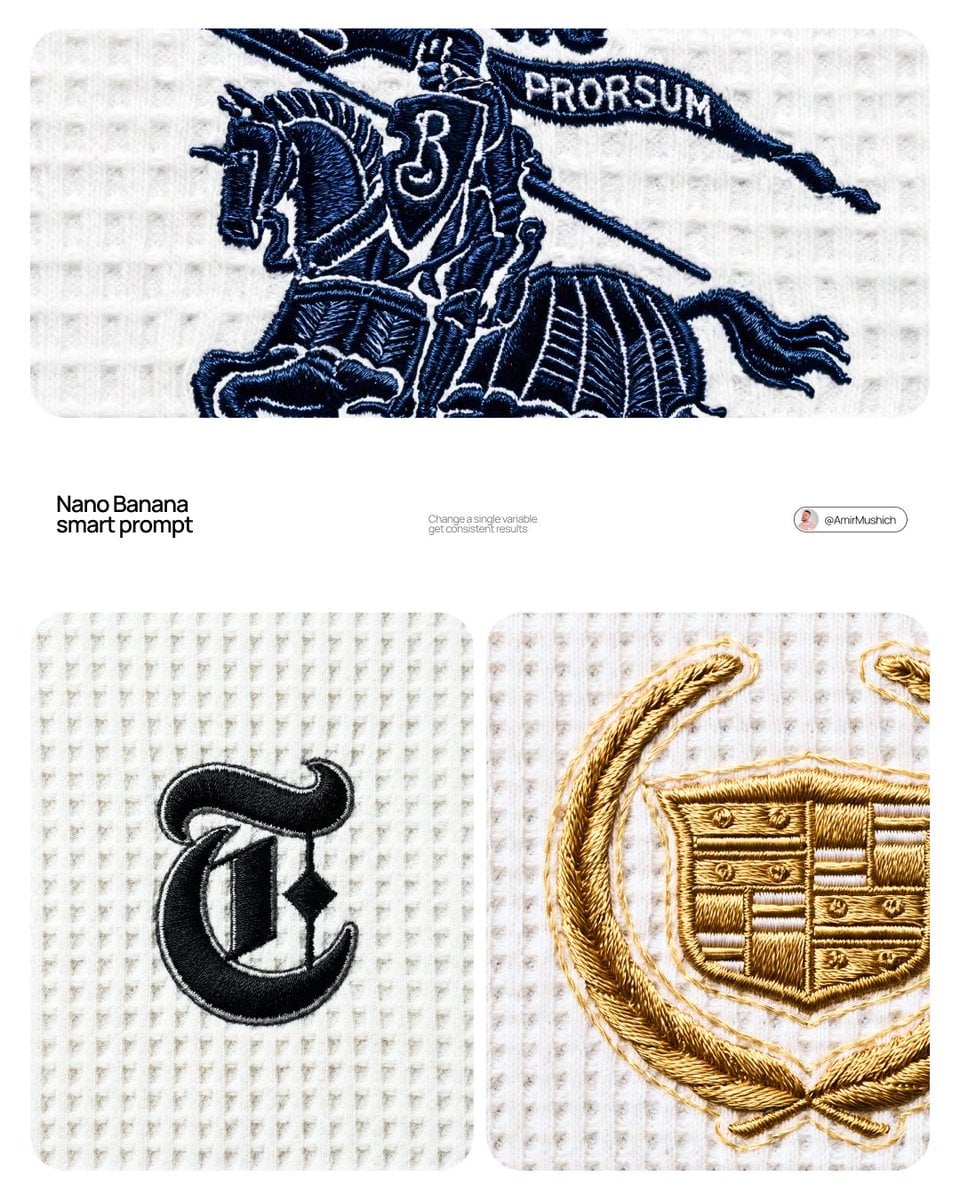
A close-up editorial campaign of a premium embroidered garment
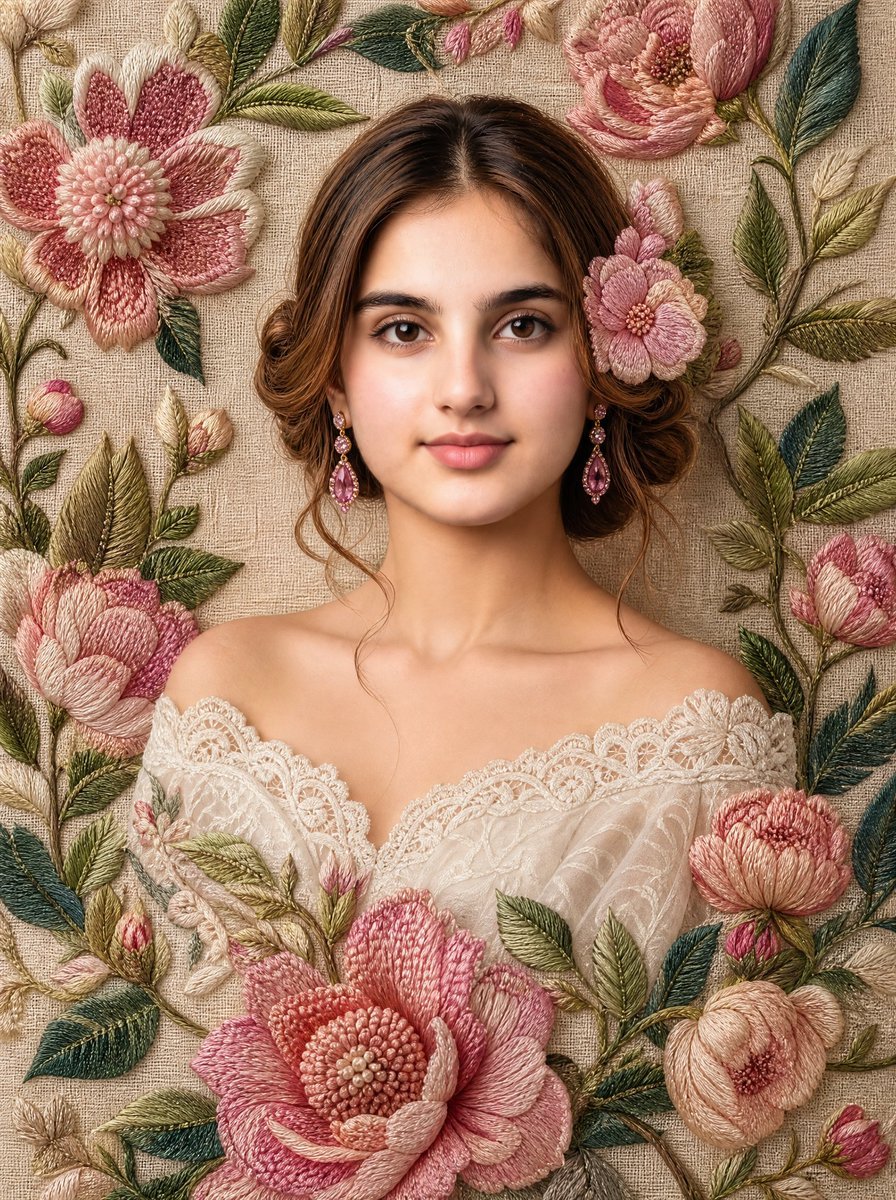
Embroidered Floral Fine-Art Portrait
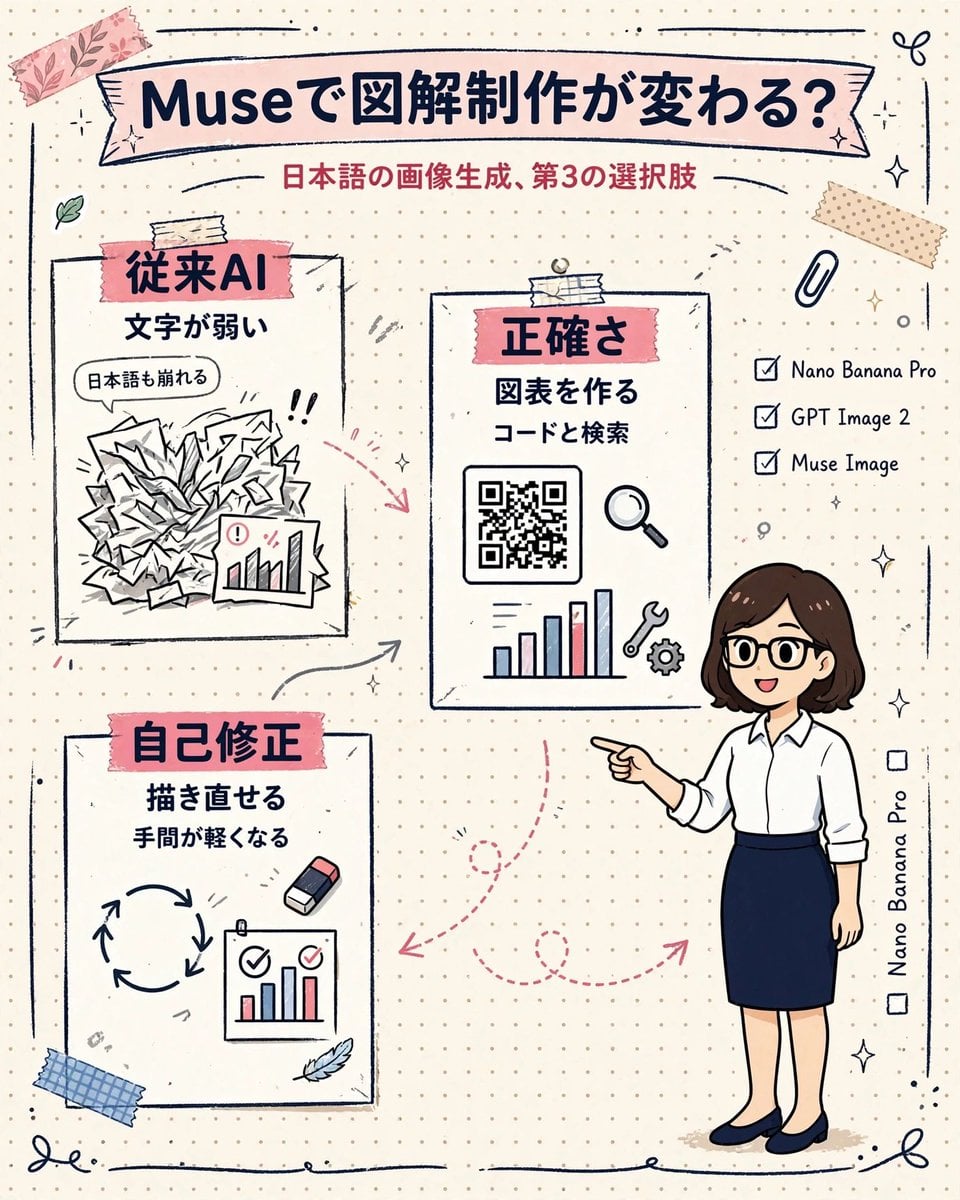
Muse Japanese Infographic
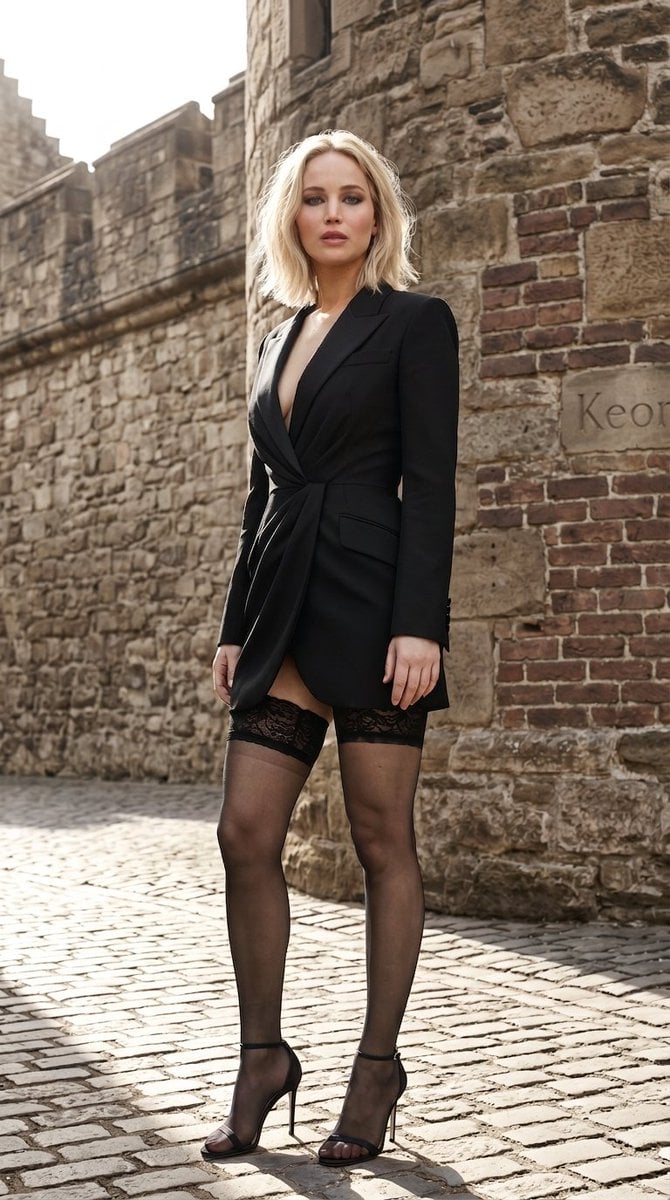
Coliseum Fashion Editorial Museum Quality Portrait
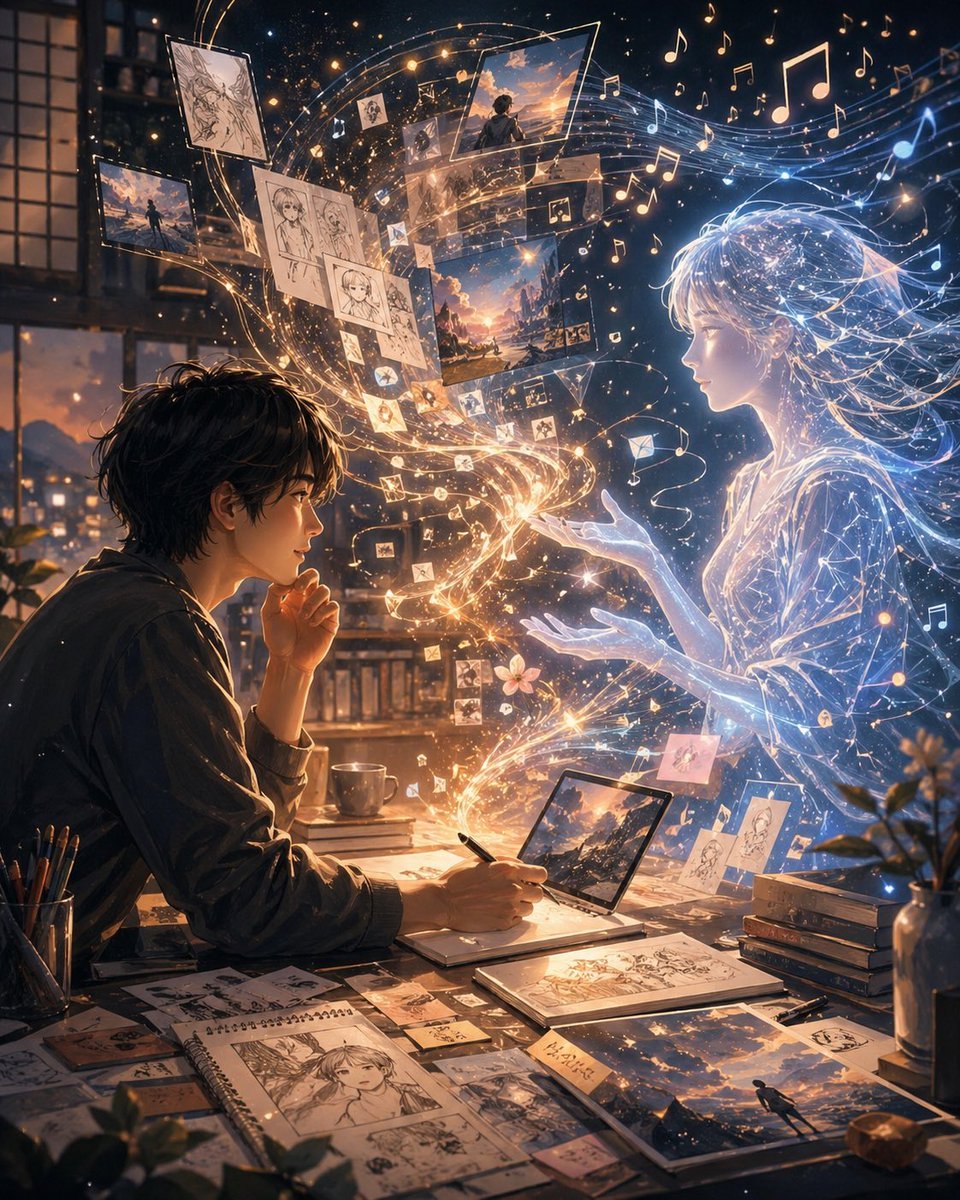
Artist and Ethereal Muse at Night
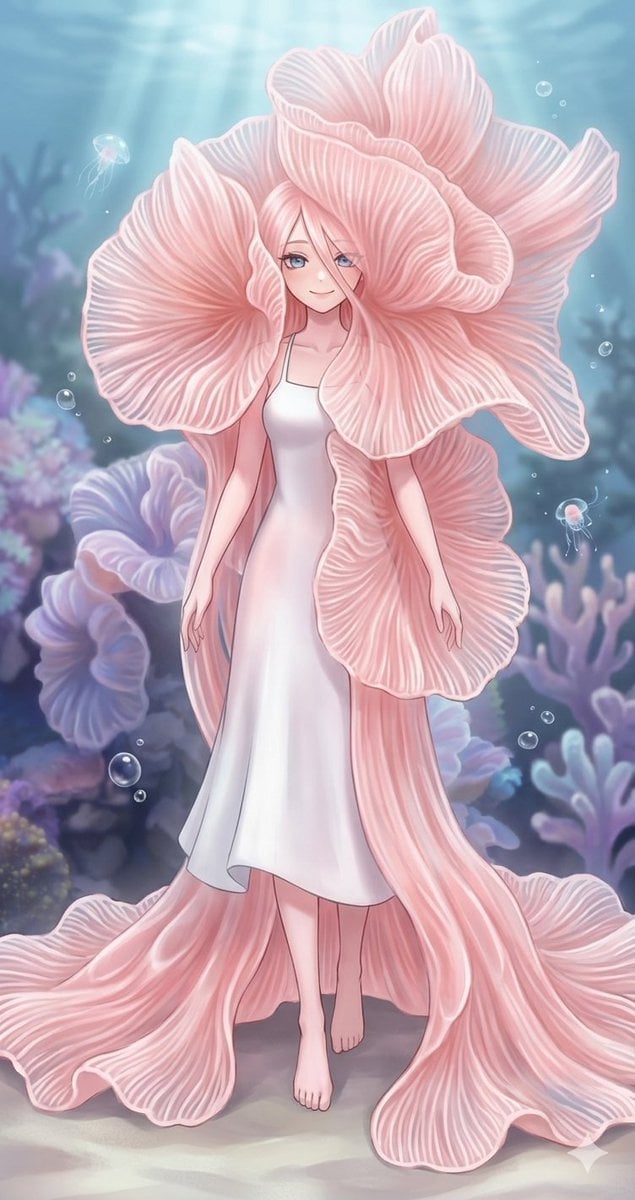
Underwater Pink Petal Muse
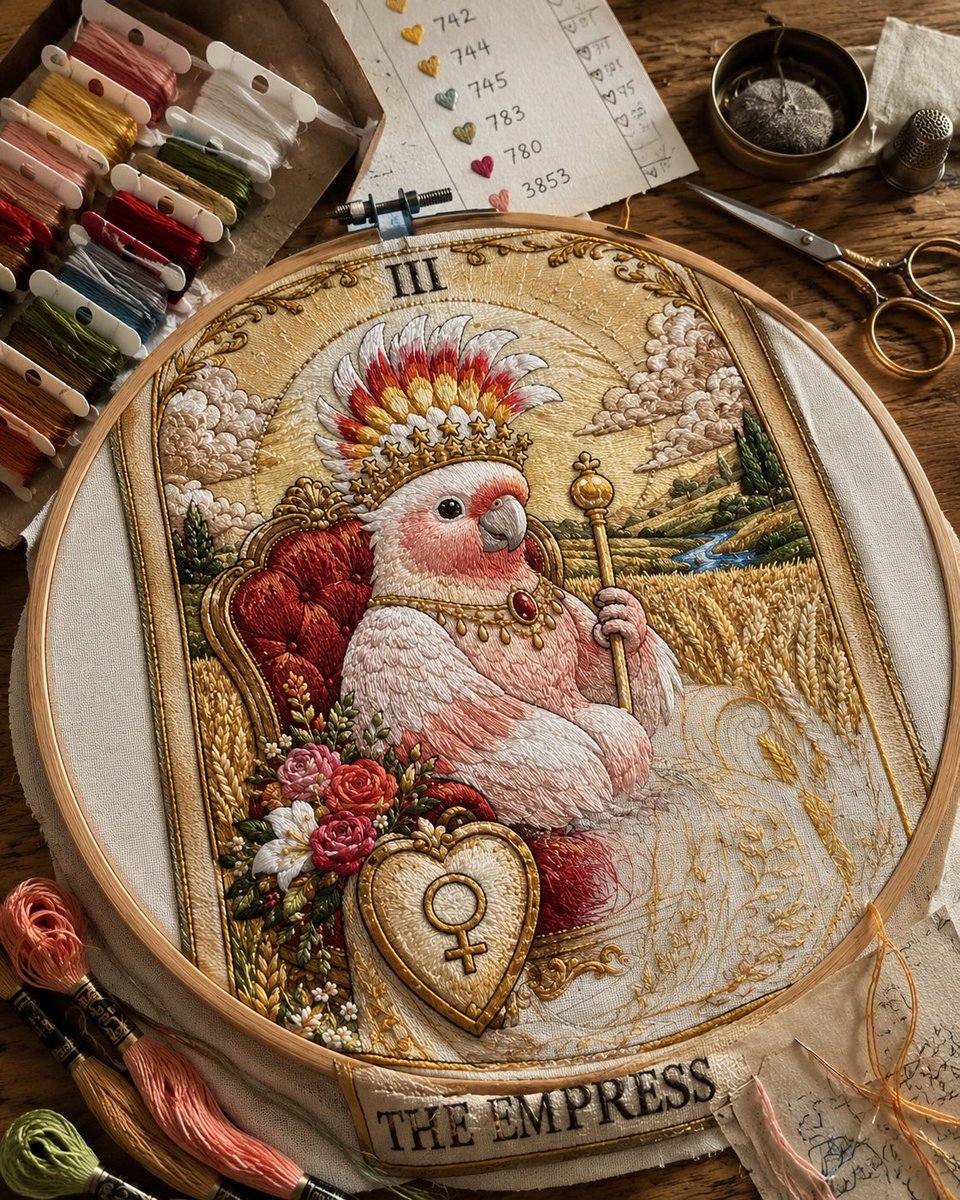
Embroidered Empress Tarot Cockatoo
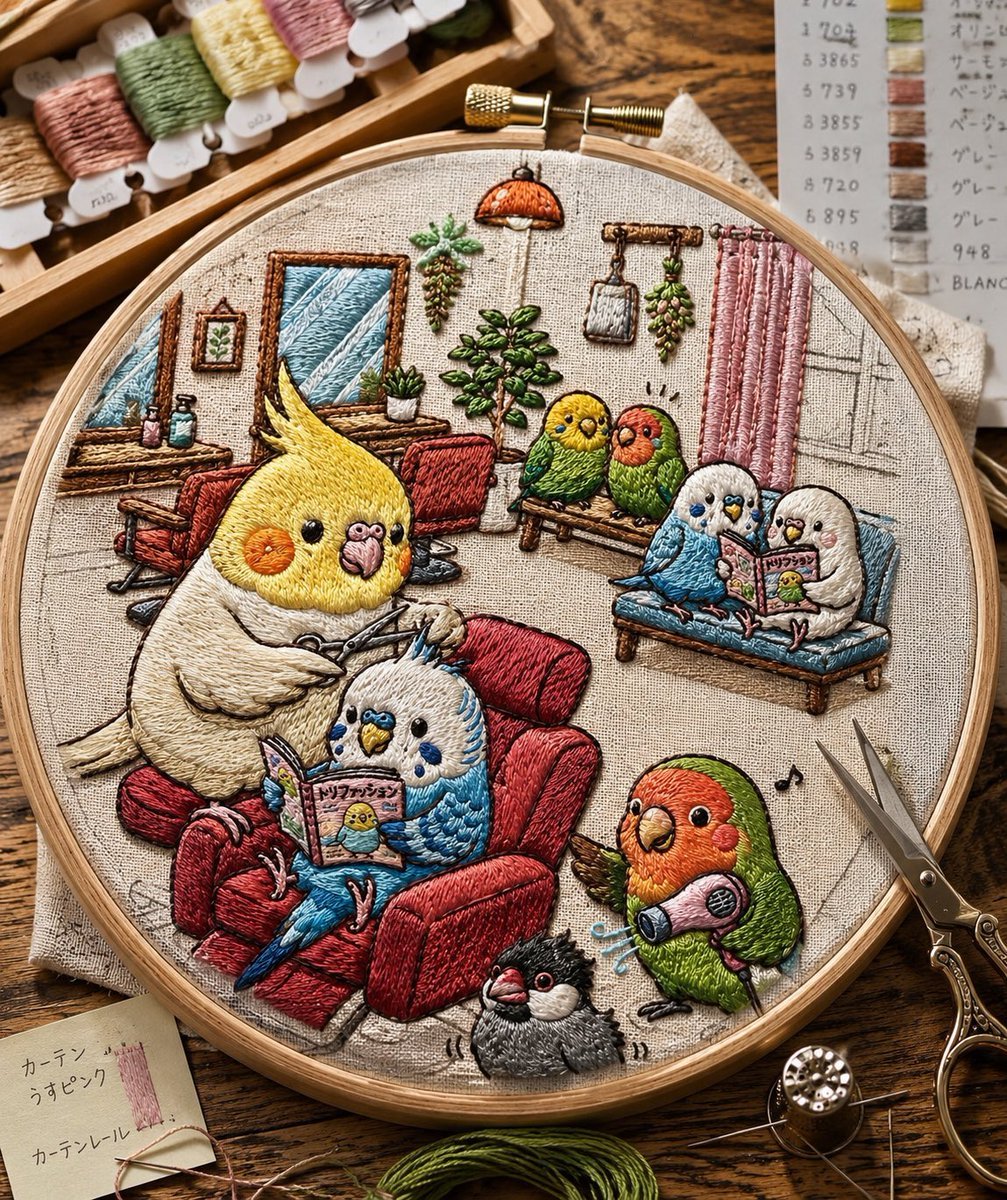
Embroidered Cozy Bird Living Room
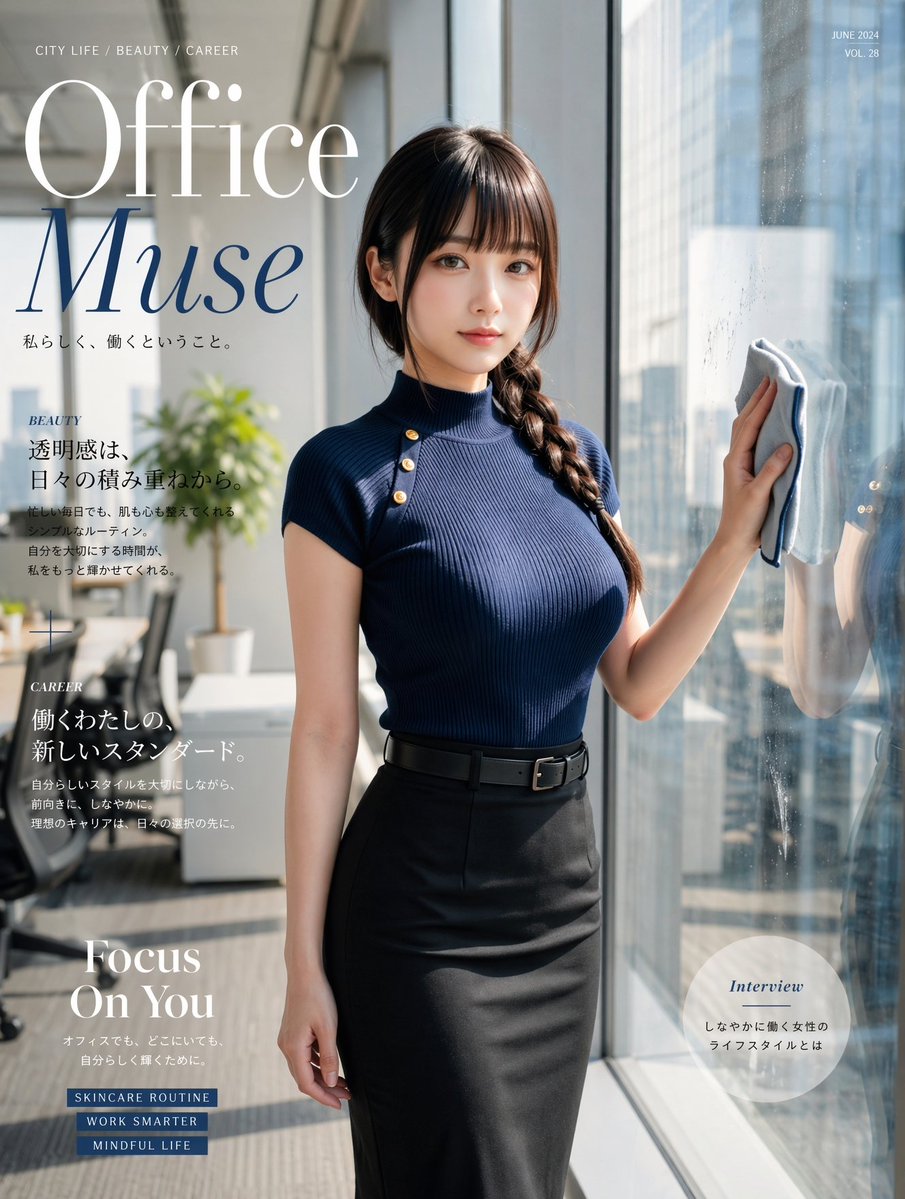
Office Muse Fashion Cover
Make it yours
Six Embroidered Muse Patches works as-is. These are the safest ways to change it without losing the look.
Change one field
Copy a single group, rewrite it, and generate again so you can see what that field is doing.
Keep the frame, change the subject
Hold the composition and light of Six Embroidered Muse Patches, then swap wardrobe, props or the person for a new take.
| If the result… | Why | Fix |
|---|---|---|
| The result drifts from the preview | Too many fields changed at once. | Reuse Six Embroidered Muse Patches as-is first, then change one group — subject, light, or setting. |
| The model over-stylizes the scene | The prose prompt leaves finish and camera underspecified. | Add one camera or lighting sentence and stay on GPT Image 2. |
More GPT Image 2 templates
Other prompts made for GPT Image 2.

Six VTuber Japanese Logo Sheet

Realistic Portrait of Woman and Deer

The Vista Modular Condo Poster

AI Model Routing Comparison Infographic

2.5D Anime Art Board

Isometric Productivity Desk Scene

New York Double Exposure Poster

Four-Panel AI Landscape Comparison

Japanese Tatami Lifestyle Magazine Cover

NESCAFÉ Coffee Map Poster
More image prompts
Fresh picks from across the catalog.
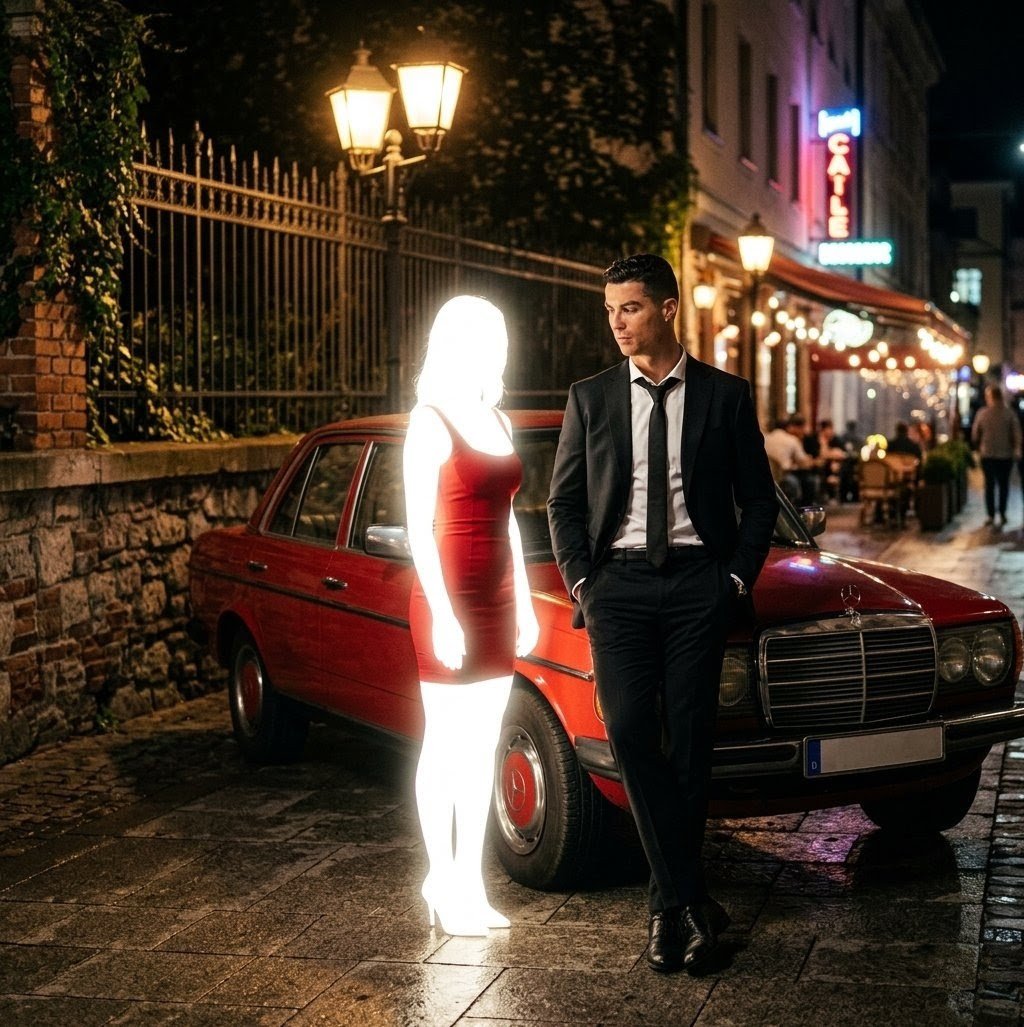
Cinematic Night Scene Prompt for Nano Banana
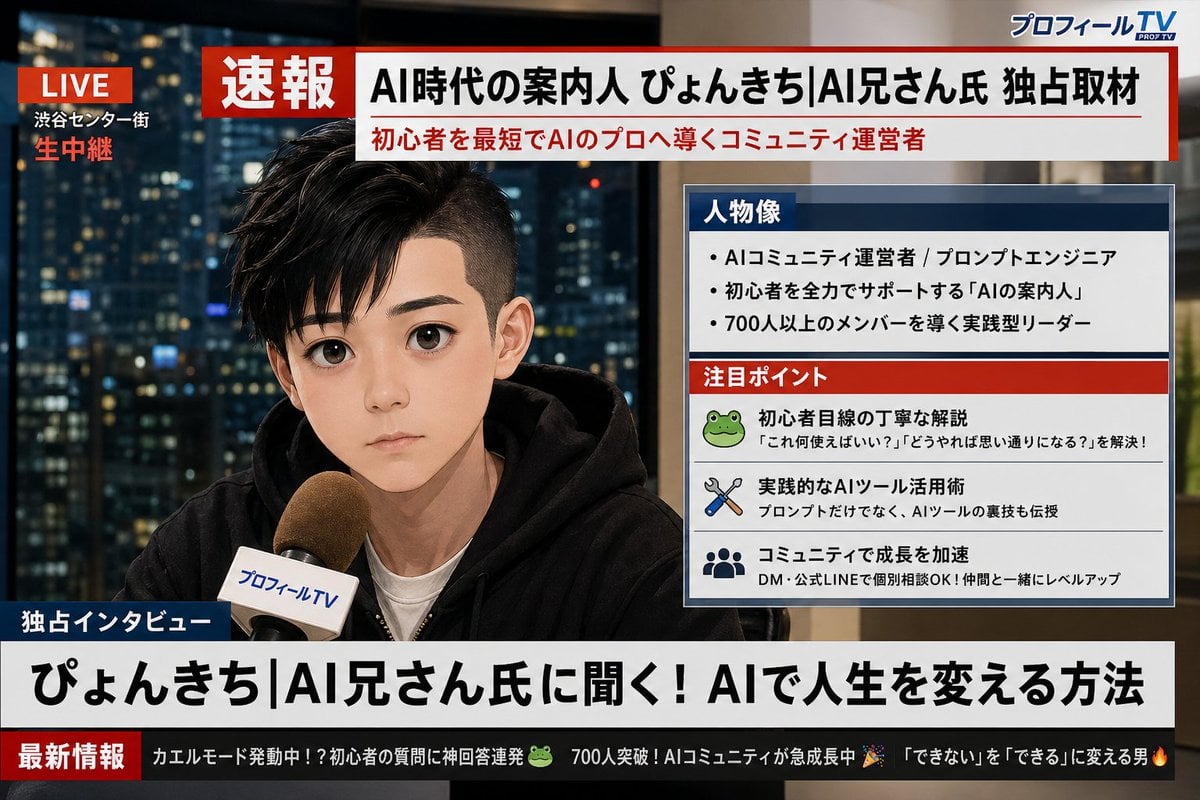
Social Media Profile News Broadcast Transformation
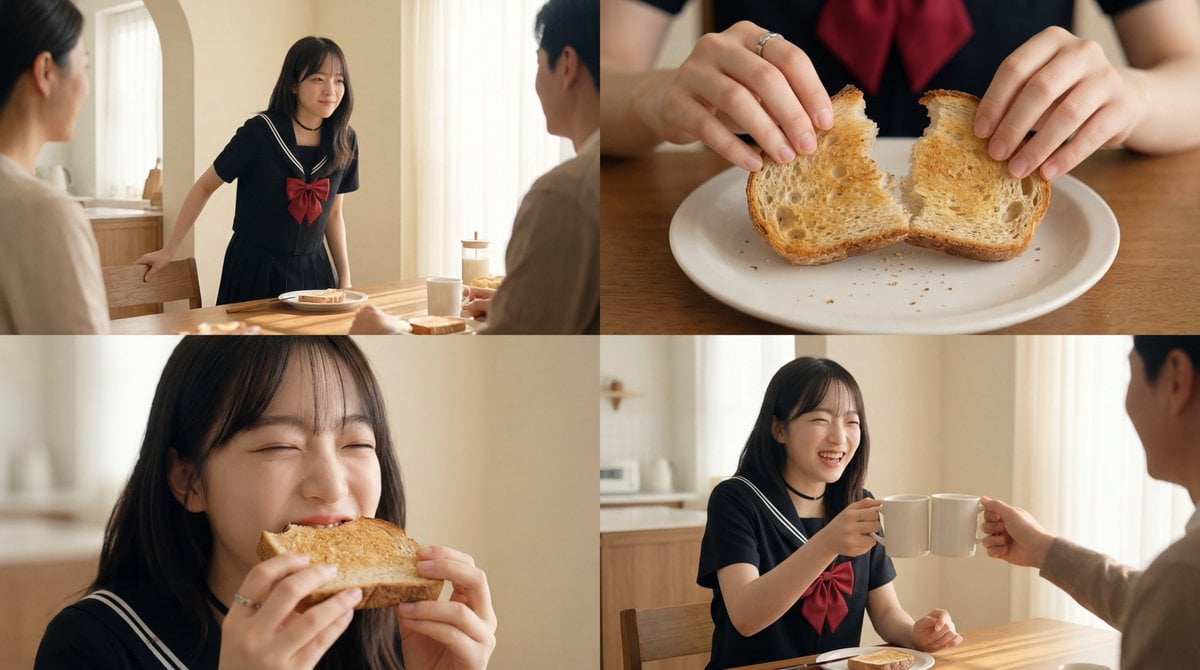
Cinematic Breakfast Scene
Korean Text Art with Emphasis Marks
Intimate Morning Selfie Portrait

Lifestyle Café Photography Portrait

Bored Club Chibi Kids Poster
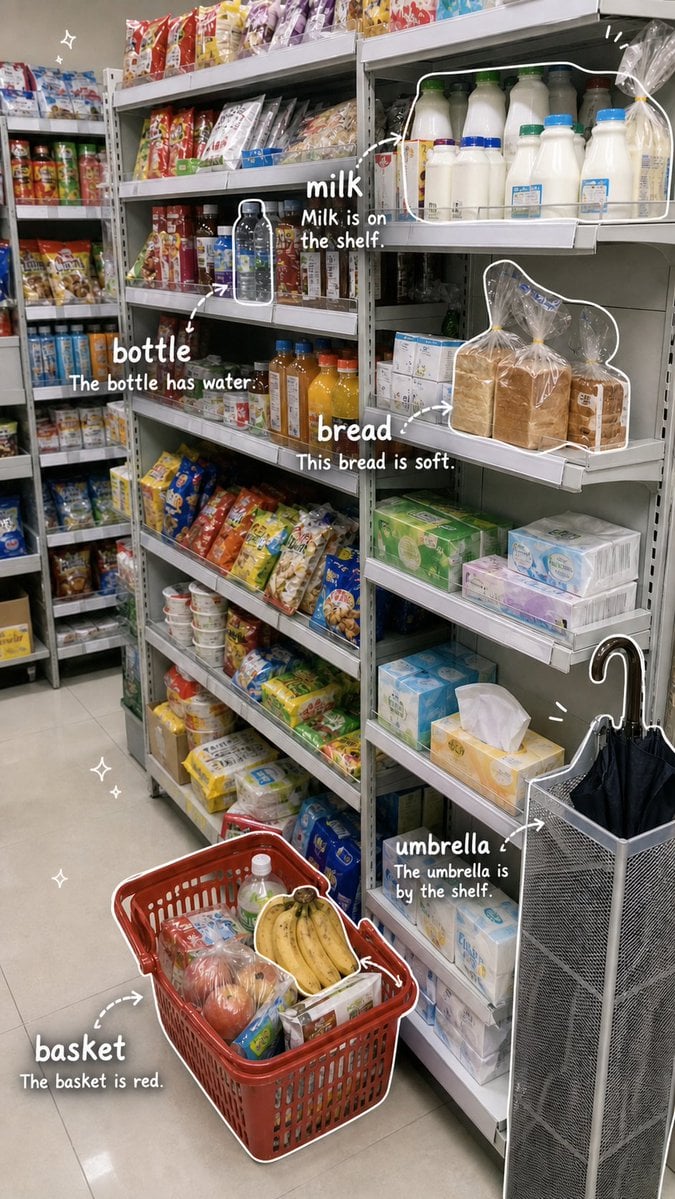
Grocery Vocabulary Notebook Photo

Japanese Legal Services LP Banner
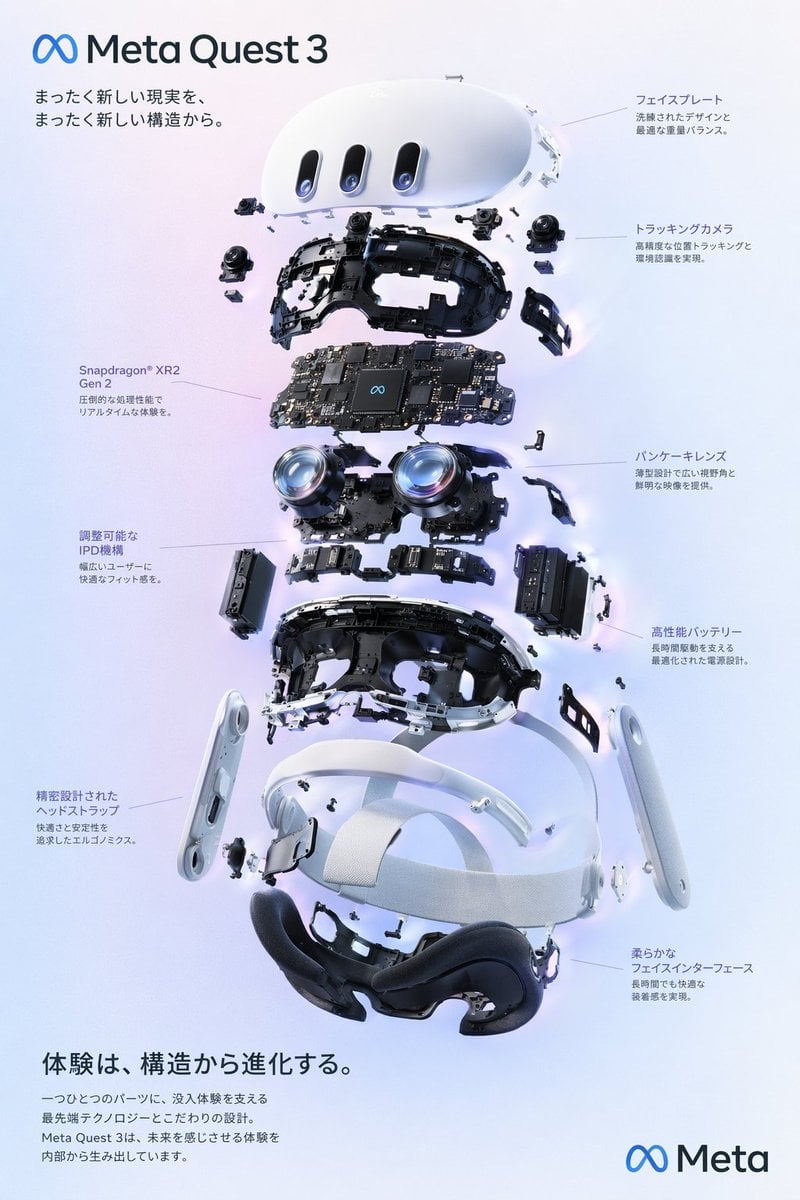
VR Headset Exploded View Poster
Browse template categories
Six Embroidered Muse Patches questions
How do I use the Six Embroidered Muse Patches template?
Add your photo if the template asks for one, edit the prompt if you like — the template's model and format are already selected — and press Generate. Your version opens in PicX Studio.
Can I customize the Six Embroidered Muse Patches template?
Yes. You can change the subject, setting, lighting, mood, format, and available model controls before creating your image.
Is the Six Embroidered Muse Patches template free?
Opening and editing this template is free. Generating uses credits, shown on the Generate button when you are signed in.
Which AI model should I use?
Start with GPT Image 2, which is the model associated with this template. You can compare another compatible model for a different finish.
Looking for something else? Browse all templates.

Your photo, any look
Thousands of ready templates for every top image and video model, from one credit balance.